

PRO

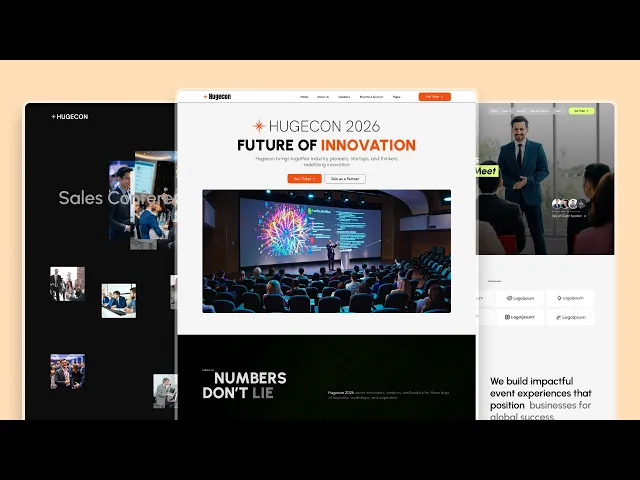
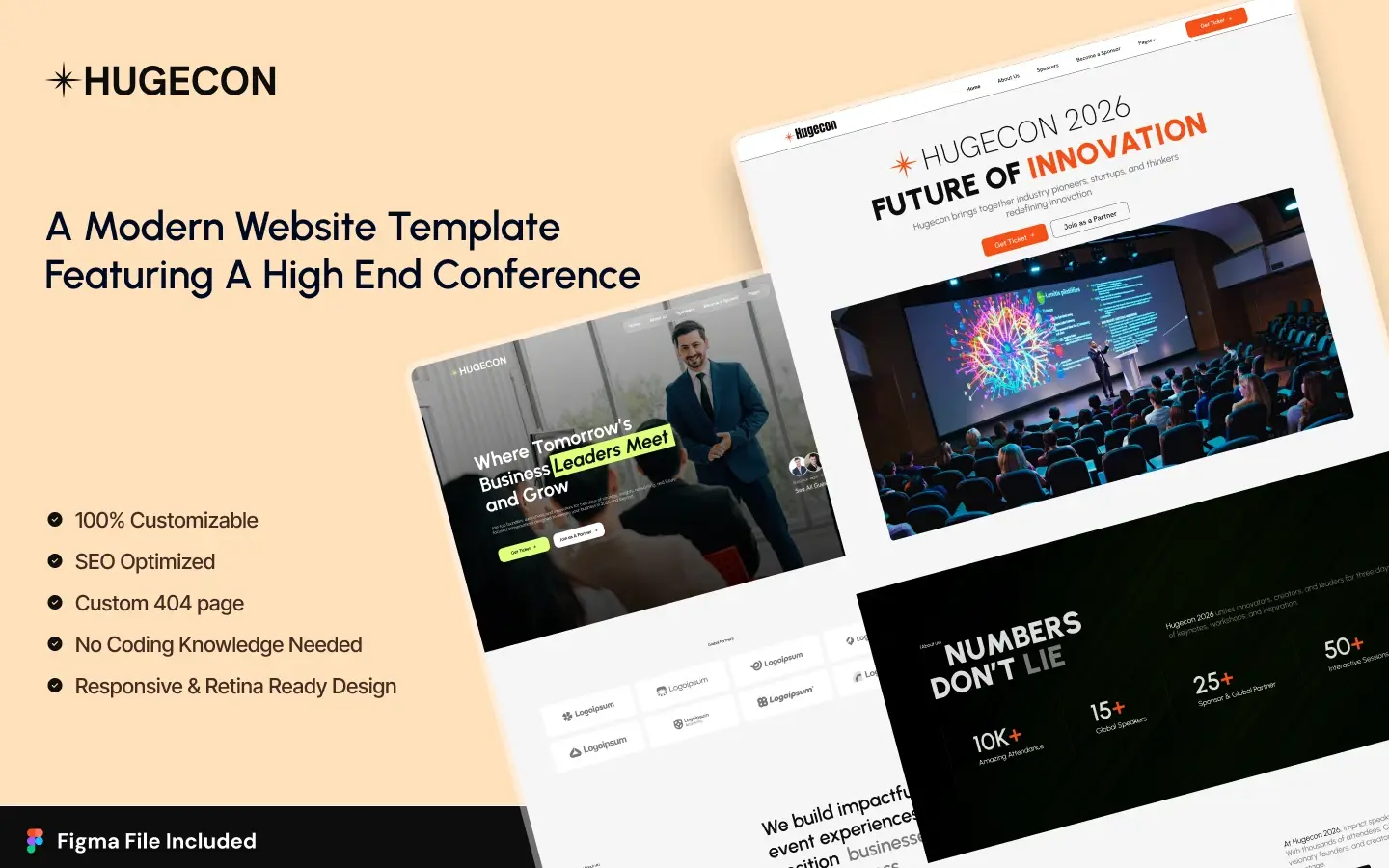
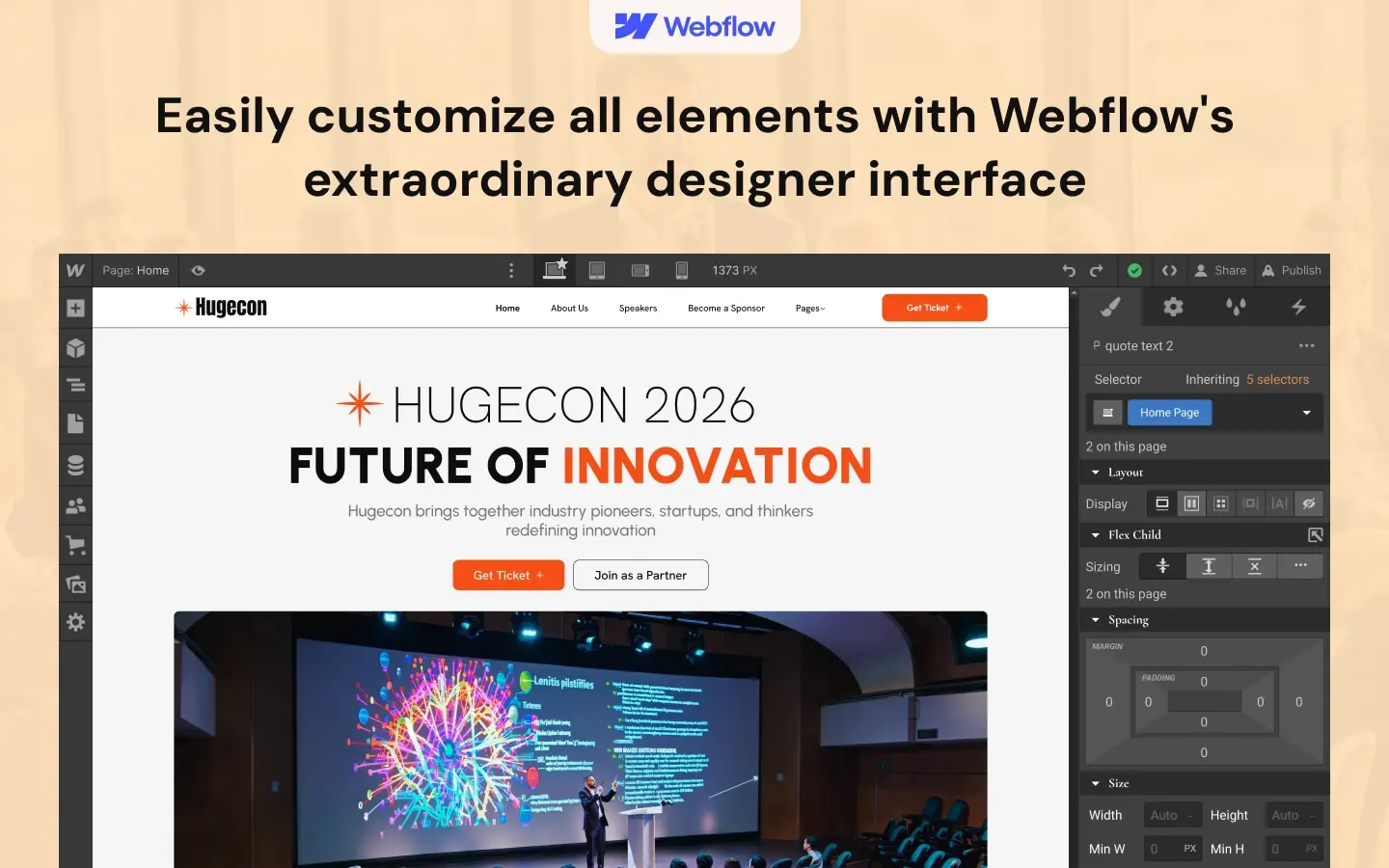
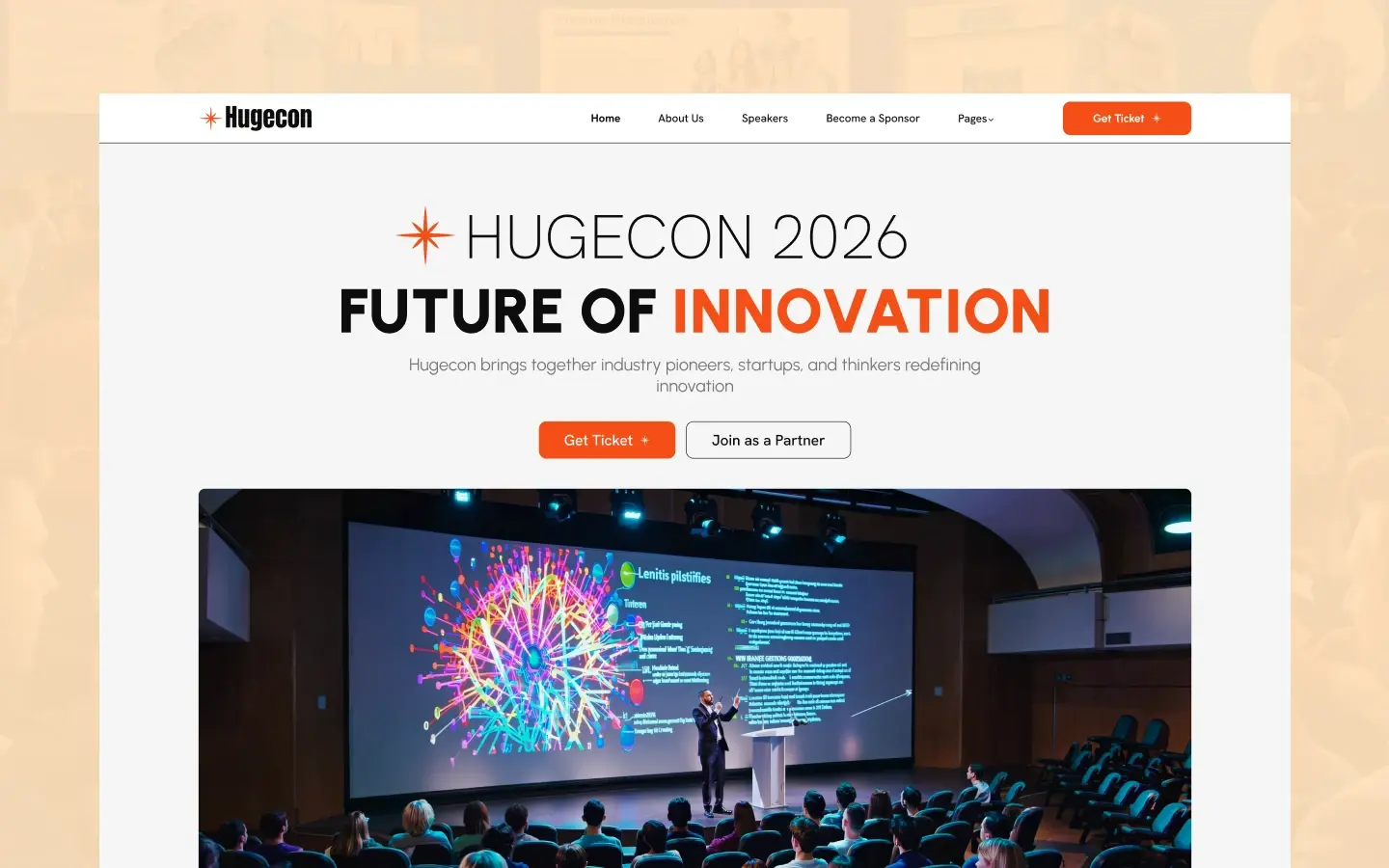
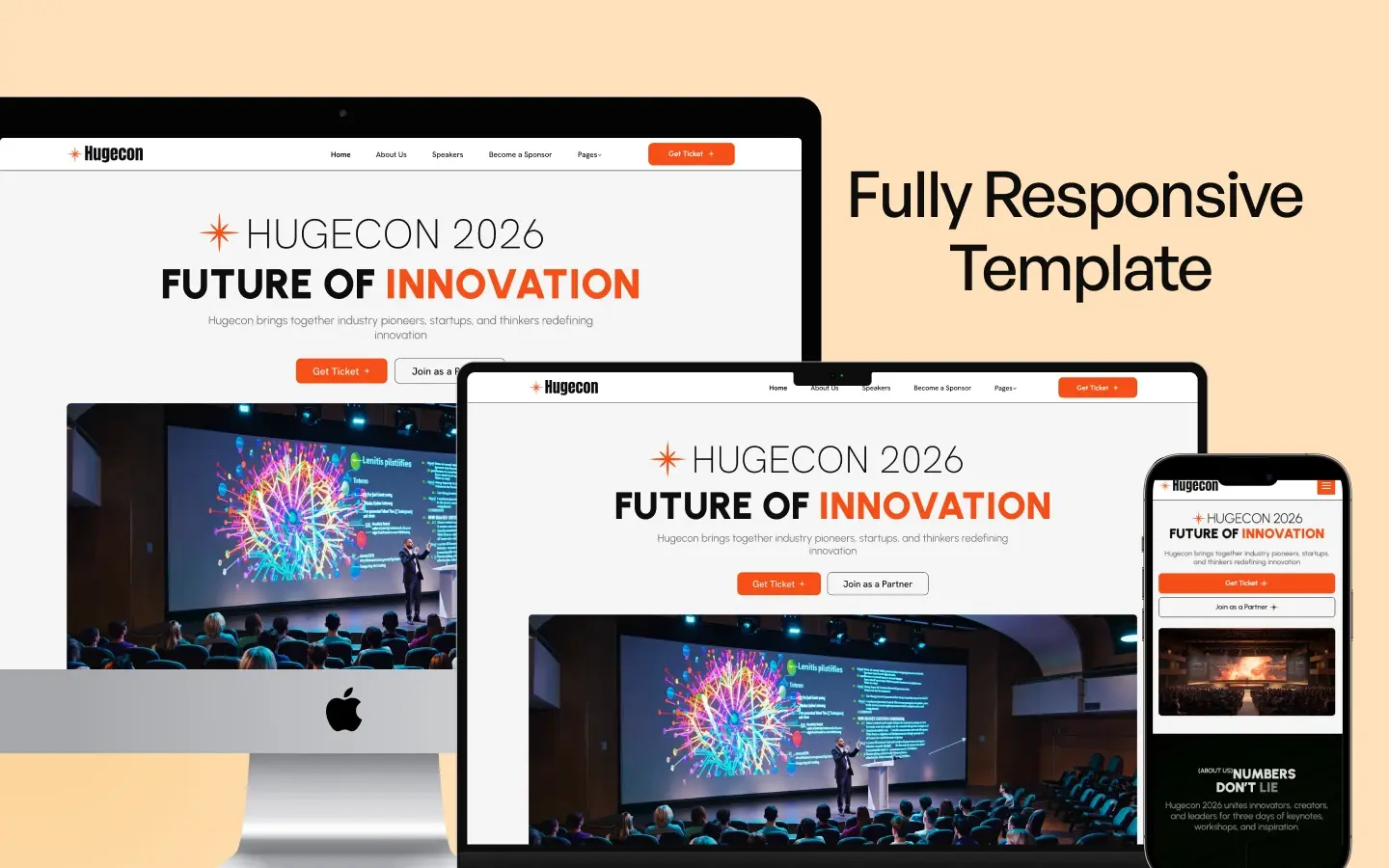

Hugecon is a conference website template for event organizers, summit hosts and workshop teams. It ships for Webflow, Framer, Figma and HTML.
The layout follows the way people actually register for an event. So a visitor lands on the hero, scans the agenda, then compares ticket tiers before committing. Each page carries one job. Because of that, the route from a first click to a completed registration stays remarkably short.
Three homepage layouts come in the box. Then you keep whichever one suits your conference size and delete the others. The Speakers, Blog and Blog Category collections run on the Webflow CMS. So an organizer adds a new speaker announcement without touching the design.
See the live preview before you buy.
Hugecon at a Glance
| Formats | Webflow, Framer, Figma and HTML |
| Best for | Conferences, summits, webinars and workshops |
| Homepages | Three |
| CMS collections | Speakers, Blog Posts, Blog Categories |
| Pages | 18 static pages plus 3 CMS templates |
| Animation | GSAP with ScrollTrigger |
| Responsive | Desktop, tablet and mobile breakpoints |
| Support | Direct help from TNCFlow, plus free updates |
Key Features of Hugecon
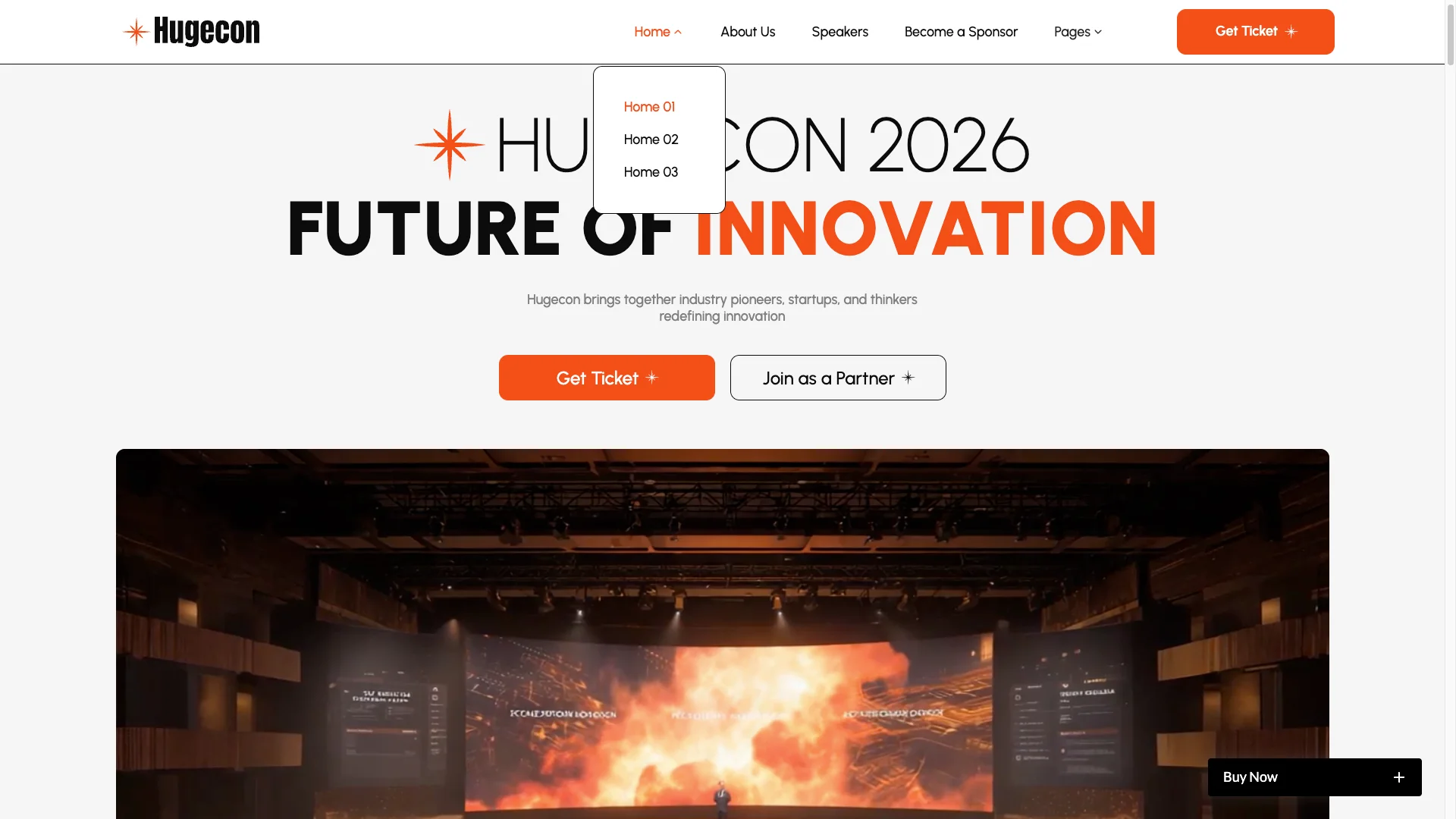
Three homepage layouts. Each one opens with a different hero. One leads with a background video, so a highlight reel from last year can carry the fold. Pick a layout, then delete the other two.
Webflow CMS collections. Three collections ship with the build. Speakers, Blog Posts and Blog Categories all have their own detail template. So your team can publish a new speaker or article from the Editor.

Speaker profiles. The Speakers page lists the lineup in a grid. Then each card opens a profile with a photo, a role and a company. That page is a CMS template, so the count grows with your collection.

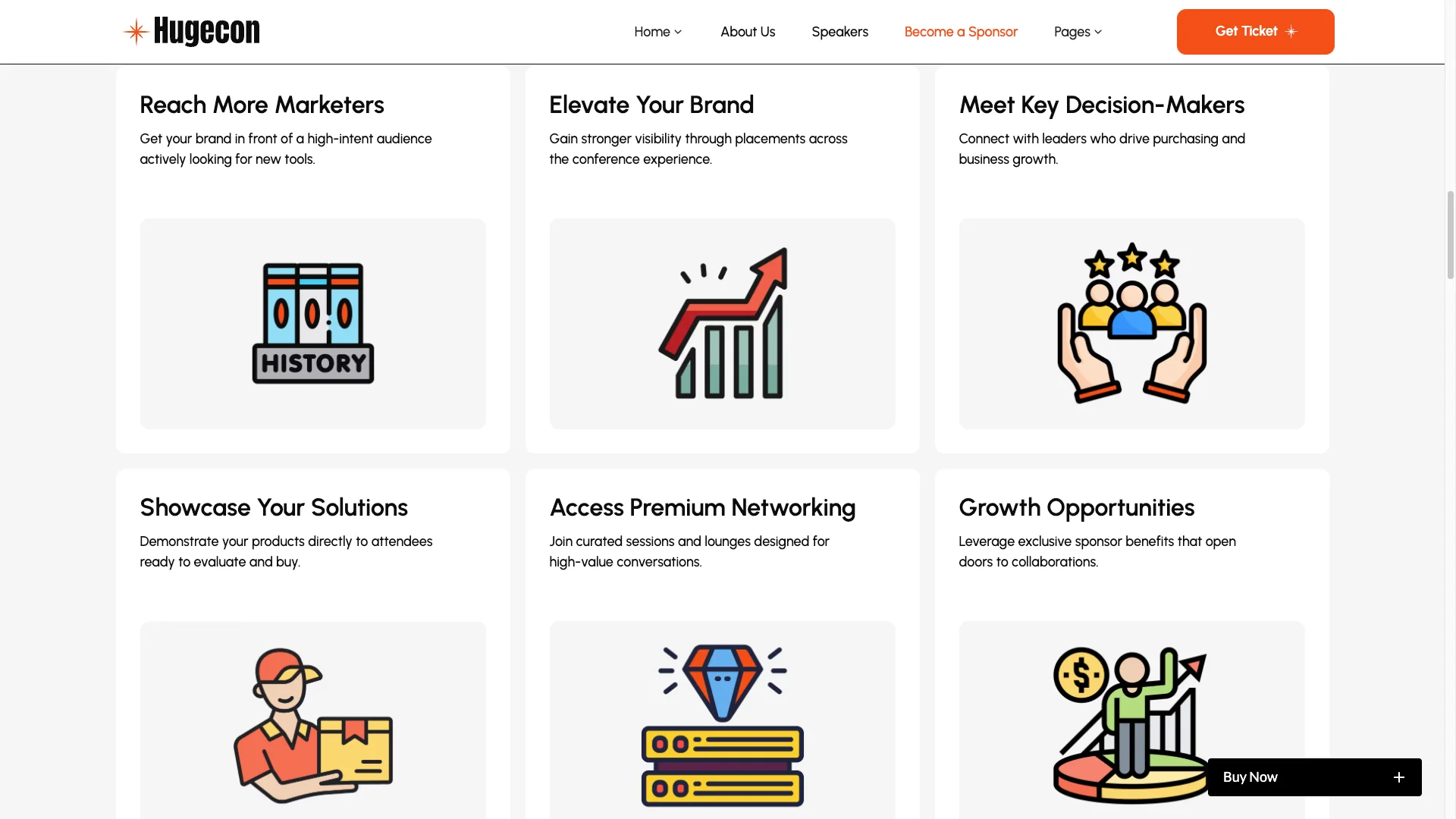
Sponsor page. A dedicated page sells the sponsorship pitch. It states the tiers, lists partner logos and closes with an inquiry form. The form captures a name, a budget band and a preferred tier.
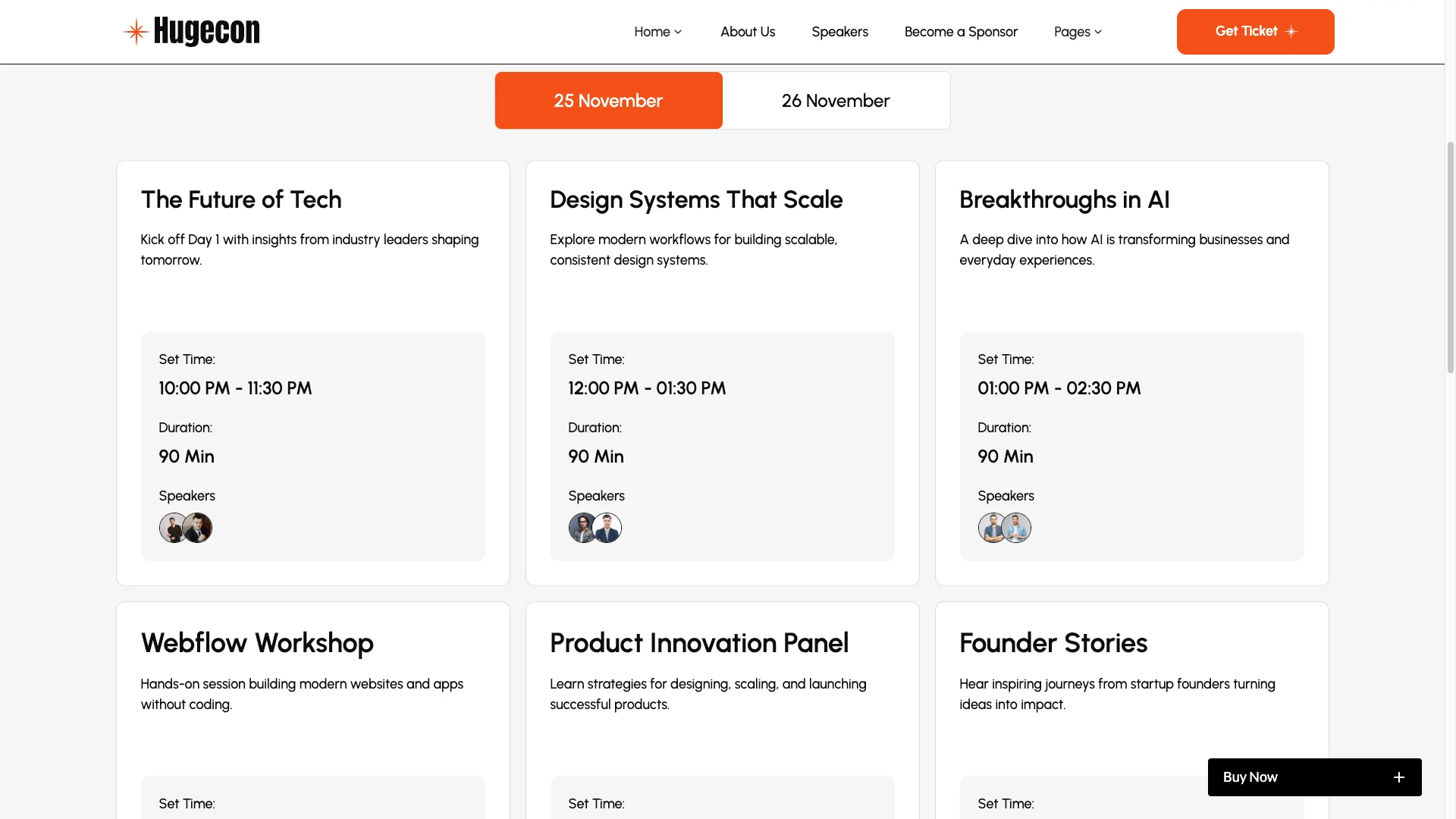
Schedule page. Sessions sit under one tab per day. Each row shows the title, the start time, the duration and the speaker. The page is built as static content, so you edit sessions in the Designer.
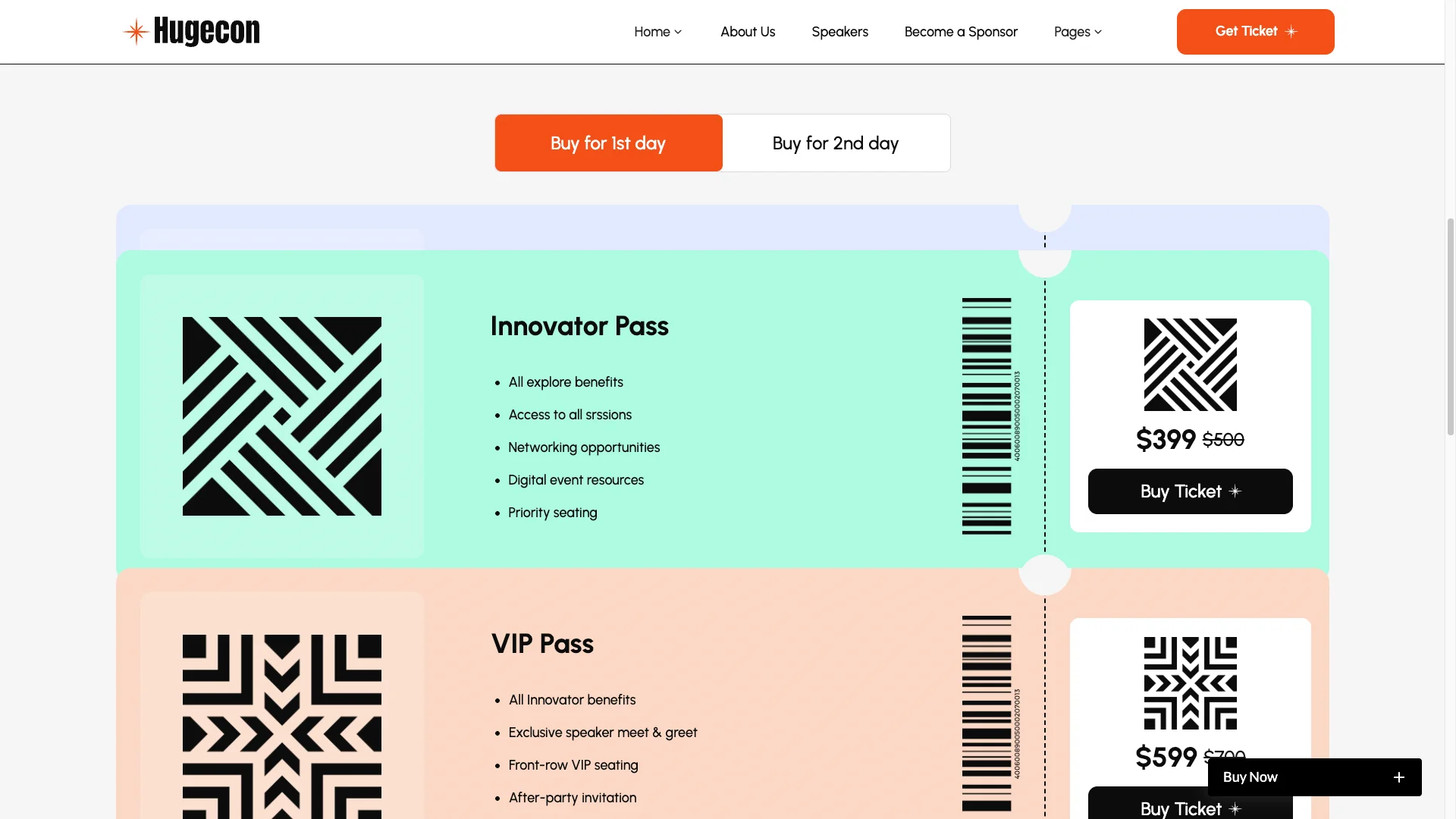
Ticket tiers. Three passes sit side by side with a per day price. Every row of benefits lines up, so buyers compare in one glance. The buy buttons are placeholders. Then you point them at Stripe, Eventbrite or whichever ticketing tool you already use.
GSAP animation. The build loads GSAP and ScrollTrigger. So sections reveal as the page moves, and the hero holds a parallax effect. Nothing here needs custom code from you.

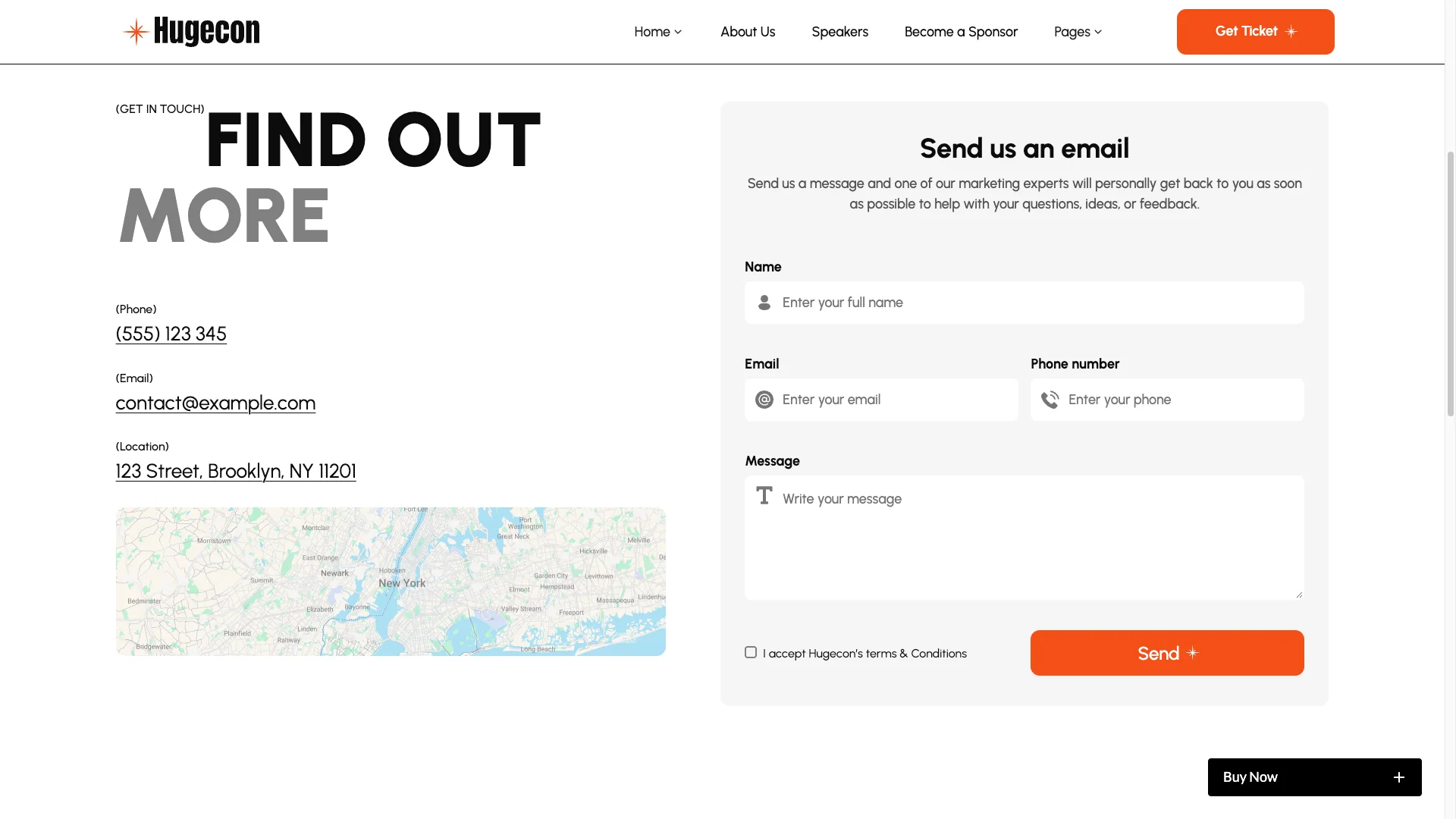
Three working forms. You get a contact form, a sponsor inquiry form and a newsletter signup. Each one posts through Webflow Forms. So submissions land in your project inbox on day one.
Style guide page. Colors, type scale and buttons live on one utility page. Change a swatch there and the change flows through the site. That way a rebrand takes minutes.

Watch on YouTube
Pages Included in Hugecon
The build carries 18 static pages. Those are three homepages, About Us, Speakers, Schedule, Tickets, Become a Sponsor, FAQ, Blog, Contact Us, Privacy Policy, Terms and Conditions, a 404 page, and four utility pages for the changelog, the license, the style guide and the setup instructions.
Three CMS templates sit on top. They cover the speaker profile, the blog post and the blog category archive.
How to Use Hugecon
- Use the purchase widget on the right side of this page to buy the Hugecon template
- Open the Webflow project and duplicate it into your own workspace
- Swap the demo speakers, sessions and logos for your own event data
- Point the ticket buttons at your ticketing provider
- Set the form notification email so inquiries reach the right inbox
- Check every breakpoint, then publish
What Makes a Conference Site Convert
A conference website sells a date, not a physical product. So the homepage has to answer three questions immediately. When is it happening? Who is speaking? What does a pass actually cost? Conference sites that bury any of those three questions lose registrations.
Speakers do the heavy lifting on a conference website. Because attendees judge an event primarily by its lineup, put recognizable faces and job titles above the fold. Photographs consistently outperform names presented on their own.
Publish the price early. Hiding ticket cost behind an inquiry form feels like a trap to experienced conference attendees. Show the tiers, show exactly what each one covers, then let people decide.
Finally, keep the agenda current. An outdated schedule signals a poorly organized event. A CMS or a clear editing path matters more here than on most websites, because conference content changes weekly until the doors open.
Frequently Asked Questions
Is Hugecon a Webflow template?
Yes. Hugecon ships as a Webflow project, and it also ships as Framer, Figma and HTML builds. Each format is sold separately, so pick the one your team works in.
Does Hugecon include a Figma file?
Yes, as a separate product. The Figma file is not bundled with the Webflow build. Buy the Figma version if your designers need the source layers.
Can Hugecon sell tickets?
Not on its own. The Tickets page presents three passes with prices and benefits, but the buy buttons are placeholders. So connect them to Stripe, Eventbrite or your own checkout.
What CMS collections does Hugecon include?
Three. Speakers, Blog Posts and Blog Categories each have a detail template. The schedule and the ticket tiers are static, so you edit those in the Designer.
How many pages does Hugecon have?
There are 18 static pages plus 3 CMS templates. That count includes three homepage variants, a 404 page and four utility pages.
Is Hugecon responsive?
Yes. Every page is styled for desktop, tablet, landscape mobile and portrait mobile. So the schedule and the ticket table stay readable on a phone.
Need help with Hugecon? Contact TNCFlow and a real person will answer. Every TNCFlow template ships with free updates.
Check out other Webflow templates by TNCFlow.




Select template
Choose one or more options for your build
All-Access Pass
$199
/ Yearly
$20,000+ in assets
130+ Webflow Templates
130+ Figma UI Templates
45+ Framer Templates
130+ HTML Templates
