
Free & Premium Figma Templates
Figma templates built by our in-house team. Each one is fully responsive, cleanly structured, and ready to customize, so you can go from idea to live site in days.

Done for you
Skip the build. We will customize it for you.
Pick any template, tell us what to change, get a launch-ready site back in a week.
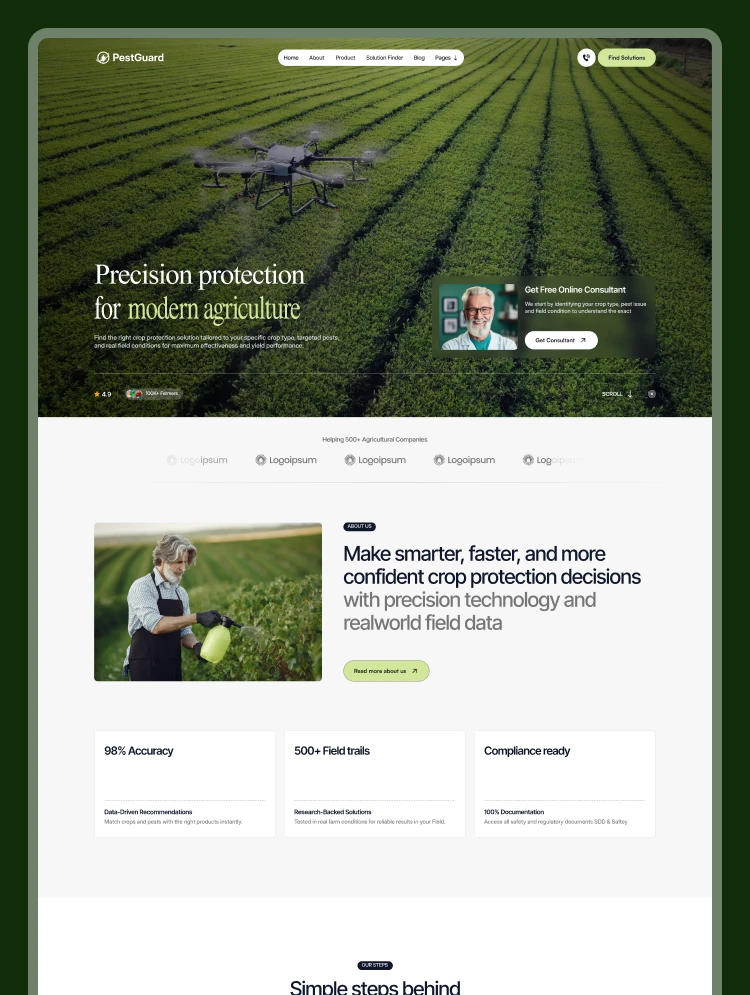
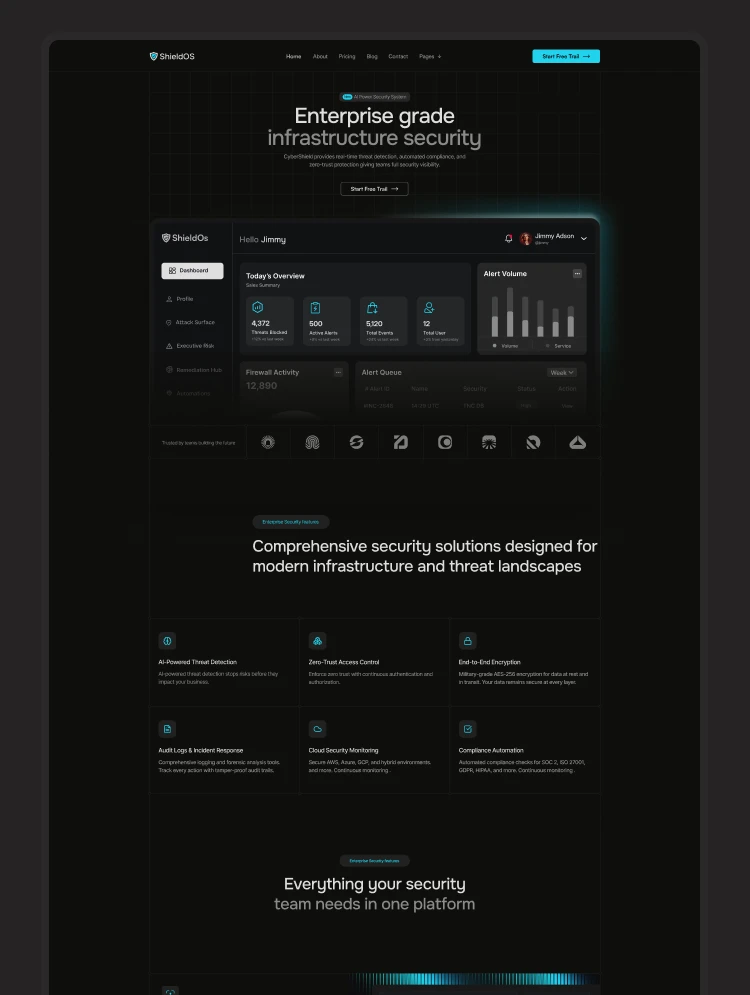
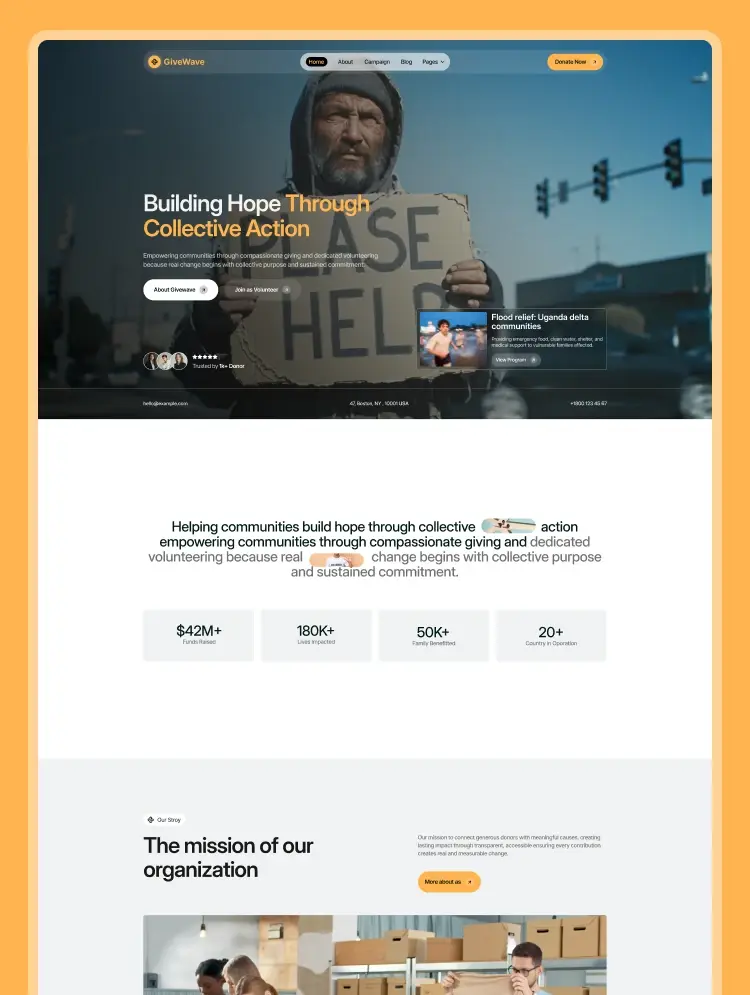

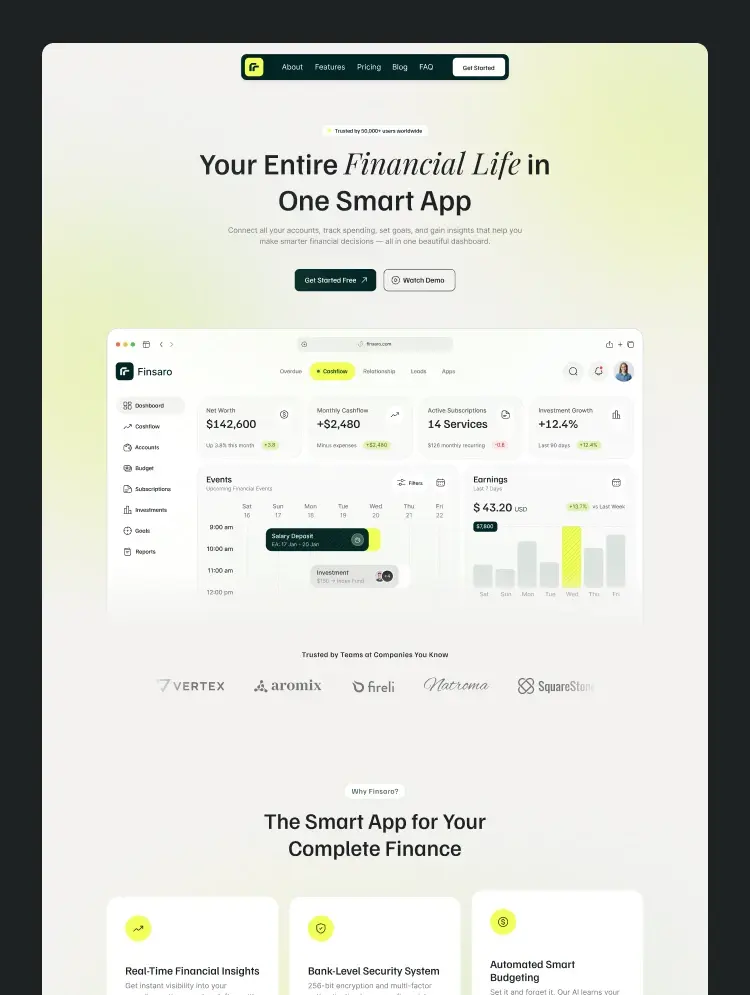
The Catalog
Figma Website Templates for Every Industry
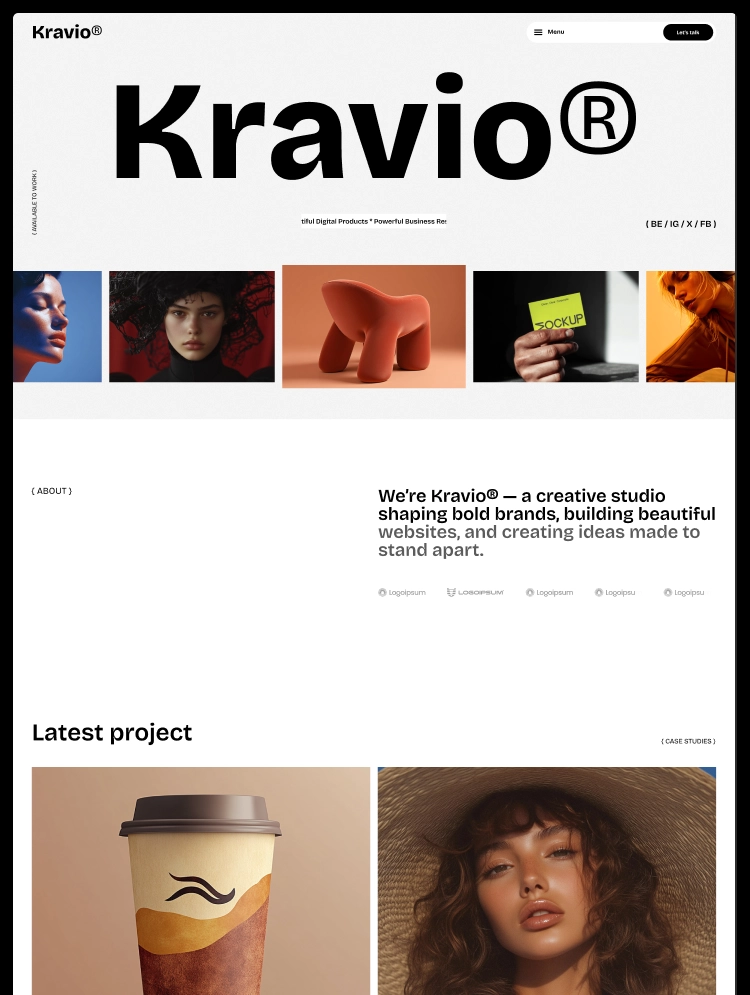
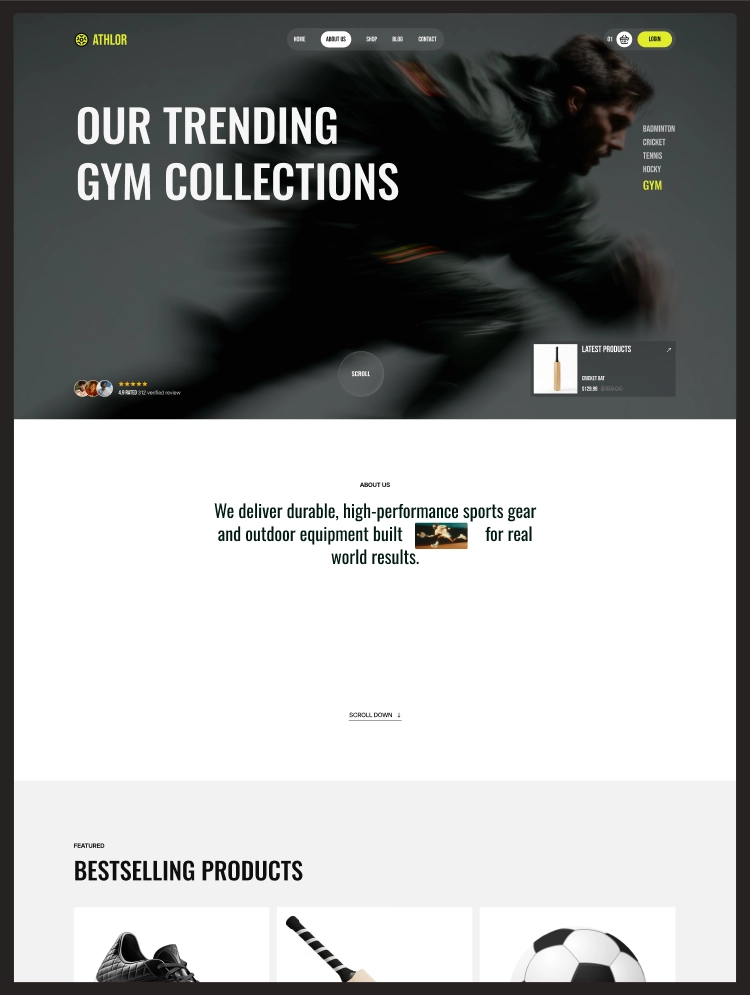
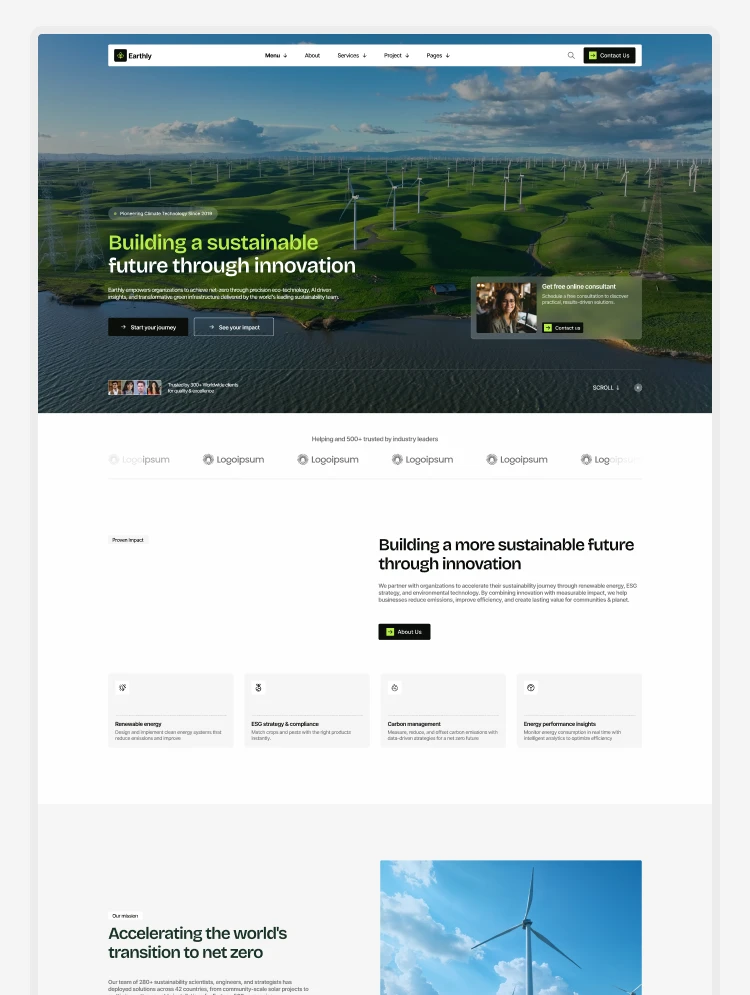
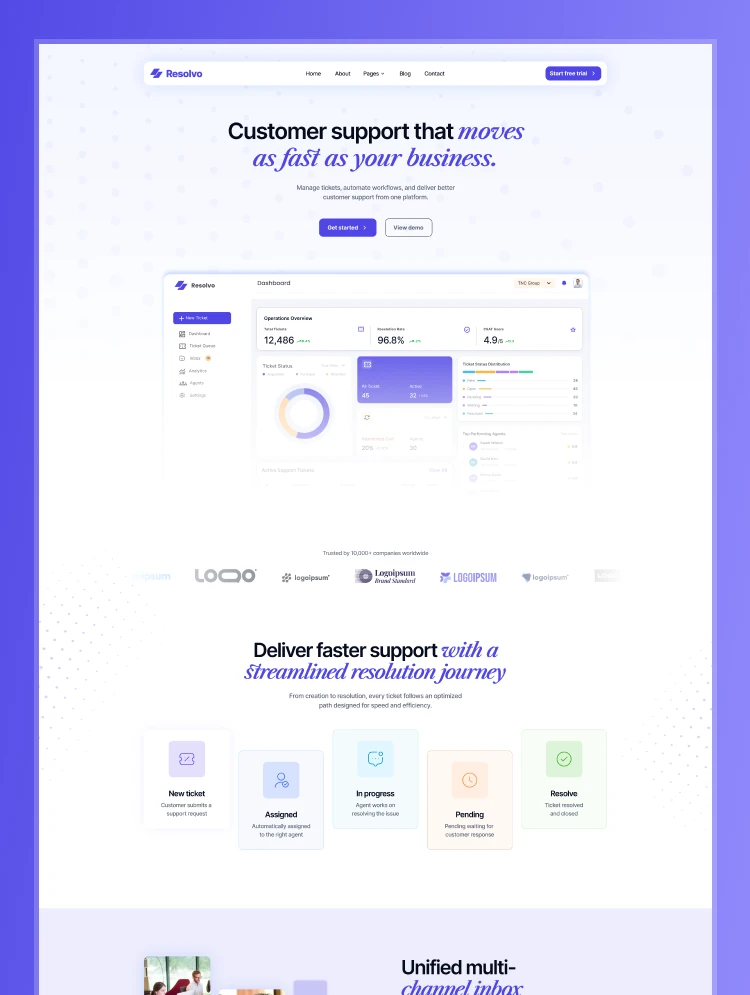
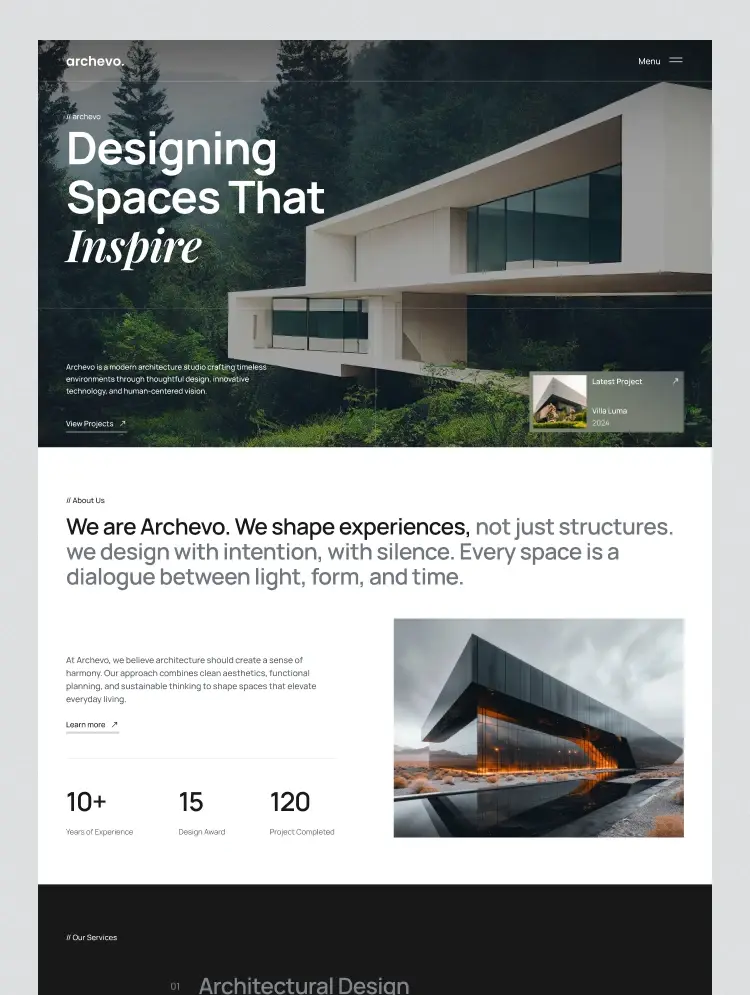
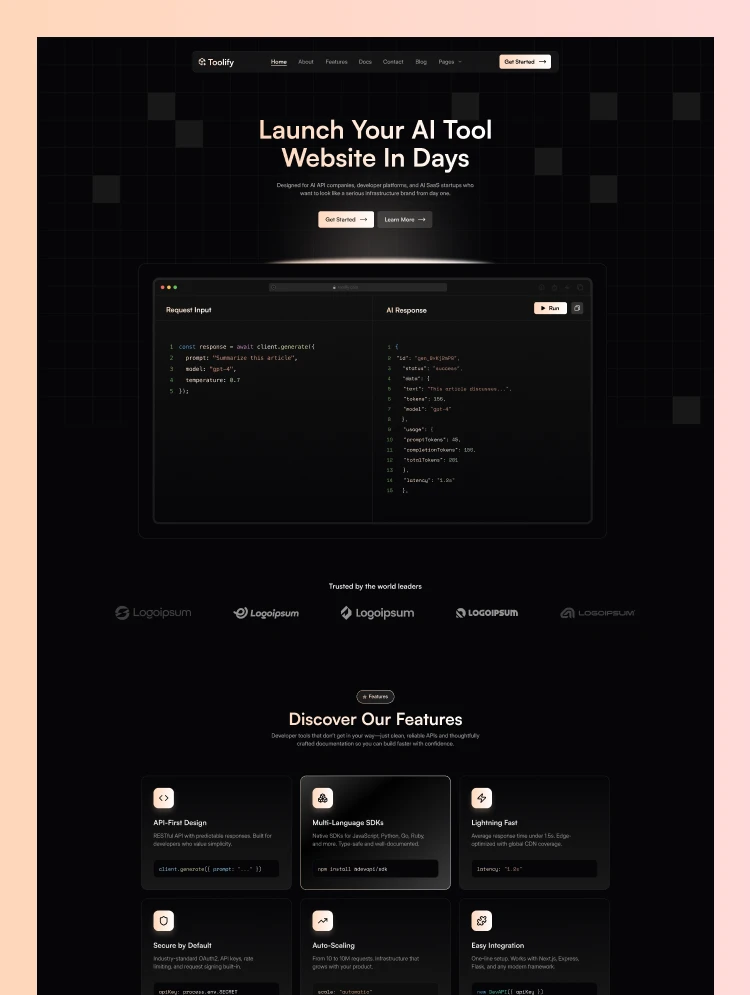
A complete website design, ready to customize in Figma – covering business, healthcare, trades, software, retail, hospitality and the nonprofit sector.
Every design here arrives as a structured, editable Figma file: full page layouts, a type scale, a color system, reusable components and responsive frames. You change the colors, swap the copy and drop in your own images, and the design is yours.
One thing to be clear about up front: a Figma template is a design, not a working website. It does not run in a browser on its own and it has no content management system attached. Getting from the file to a live site is a separate step, and the section below sets out the three usual ways to take it.
What is Figma
What a Figma Template Is — and What It Is Not
Start from your industry rather than the visuals. Every design is linked to its full preview.
/ 01
What you get
Editable page layouts, a defined type scale and color system, reusable components, and frames laid out for desktop and it is easy to implement responsive design.
/ 02
What you can do with it
Rebrand it, restructure pages, present it to a client or stakeholder, and hand it to a developer as a build-ready specification.
/ 03
What it is not
It is not a live website, it has no CMS or database, no hosting, and no production code. Those come from whatever you build the design in.
/ 04
Who it suits
Designers, agencies and product teams who will build the site themselves – or anyone who wants the design settled before development starts.
We already made it half-way for you and always ready to take care of the other half as well. If you’d like to hand over the job of replacing content or customizing to match your branding, Team TNCFlow is always waiting for you. Please Request a Quote or Schedule a Meeting to discuss your needs if you need a hand.
By Industry
Choose a Figma Template by What Your Business Does
Start from your industry rather than the visuals. Every design is linked to its full preview.
SaaS, AI and Software
Scalepro, Toolify, Nocomation, SalesAi TNC, ShieldOS for cybersecurity, and ProjManage TNC for productivity tools.
Agencies, Marketing and PR
DigiMark, PRCOM, Brandfluencer, Somers, GrowthFlow TNC and Animatory for motion and video studios.
Healthcare and Wellbeing
TNC MedFlow for hospitals, Surgeon TNC, Dentalist, OPTHA, Healers and SoulSpace for therapy practices.
Trades and Home Services
Property, Architecture and Interiors
Agentor, TNC Resida, Archivo, Structon, Interior TNC and Builder TNC for construction.
Finance, Legal and Professional
Auditry for accountants, FintechX TNC, Finsaro, Insurize, TNC Advocator for law firms, and MNC for corporate groups.
Retail and Product Brands
Hospitality, Food and Travel
Restaurant TNC, Burgers TNC, Bakers, Resort TNC, Travelo TNC and Yachtlux for charter operators.
Education, Events and Creative
Versity TNC, Multilingo, Tutoria, Hugecon for conferences, Photographer TNC and Axure for portfolios.
Nonprofit, Public and Community
TheNGO, GiveWave, Neighborly, Pawdopt, Politician TNC and Citypedia for councils.
Personal, Blogs and Media
Diary TNC, Dossier for CVs and resumes, PodTalk, SingerX TNC and BookAuthor TNC.
And the rest of the catalogue
The full set of Figma designs is in the grid above, searchable and filterable. If nothing fits, request a quote for a custom design.
A note for clinics, finance and legal practices: a design gives you the pages and the forms. It does not make your site compliant with medical advertising rules, financial-promotion rules, patient-data regulation or professional advertising standards in your territory. That still needs professional advice.
Ways to Build
Three Ways to Get From the Figma File to a Live Site
01: DIY
Build it yourself
02: Buy Template
Buy the same design as a working build
03: Custom Dev
Have us build it
Our Webflow development and design teams take a Figma file to a finished, launched website.
If you are not sure which route fits your budget and timeline, book a free consultation and we will tell you honestly – including when buying the ready-built version is cheaper than paying anyone to build the Figma one.
Pick Your Platform
Figma, Webflow, Framer or HTML?
01 · You are here
Figma
The design itself. Best when your team is building the site, or you want the design agreed before development starts. You are on that page now.
02
A working site with a relational CMS and a native store. Best when non-technical people must publish content.
03
A working site, fastest to launch, with motion built in. Best for speed and visual impact.
There are also free templates if you want to inspect the file structure before spending anything, and full details on the pricing page.
Reality Check
When a Figma Template Is Not the Right Buy
You need a site live this week
Buy the Webflow or Framer build instead. A Figma file still needs building, and that is the longest part of the job.
Nobody on your side builds websites
Without a developer, a Figma file cannot become a site on its own. Either take a working build or have us build it for you.
You need a store on day one
Design files do not process payments. Use the Webflow build for a focused catalog, or Shopify for real retail.
As long as its design, development, customization, maintenance of a Website or ecommerce store or web app. you can rely on team TNCFlow! Simply Request a Quote or Schedule a Meeting
FAQ
Frequently Asked Questions
The questions buyers ask most before choosing a static HTML build.
Further Reading
Guides Worth Reading Before You Choose
Best Figma website templates
A walk through the strongest designs in the catalog and who each one suits.
Framer vs Webflow
If you are deciding what to build the design in, start here.
Webflow, Framer, HTML and Figma compared
What each format actually gives you, and which to buy for your situation.