
PRO

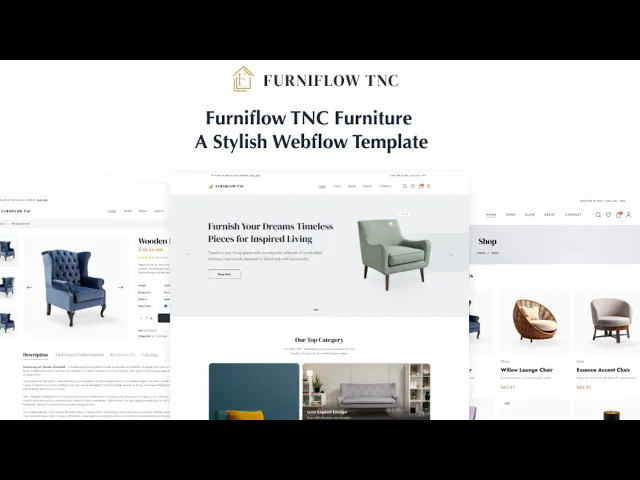


FurniFlow TNC is an interior design website template for furniture stores, home decor brands and interior designers. It ships for Webflow, Figma and HTML.
Furniture is bought slowly. Somebody sees a chair, leaves, thinks about the room, and comes back a week later.
So FurniFlow TNC is built for the return visit. Eight product categories give the browser somewhere to start, accounts let them save what they liked, and the sidebar cart never breaks the browsing. Because it all runs on Webflow ecommerce, checkout is native.
Each section has one job. The hero sets the taste. The categories narrow the field. The product page closes the sale. Finally the account keeps them coming back.
Explore the live preview now!
FurniFlow TNC at a Glance
| Formats | Webflow, Figma, HTML |
| Best for | Furniture stores, interior designers, home decor brands, homeware retailers |
| Ecommerce | Webflow native ecommerce, sidebar cart and checkout included |
| CMS | Products, product categories, blog posts and blog categories |
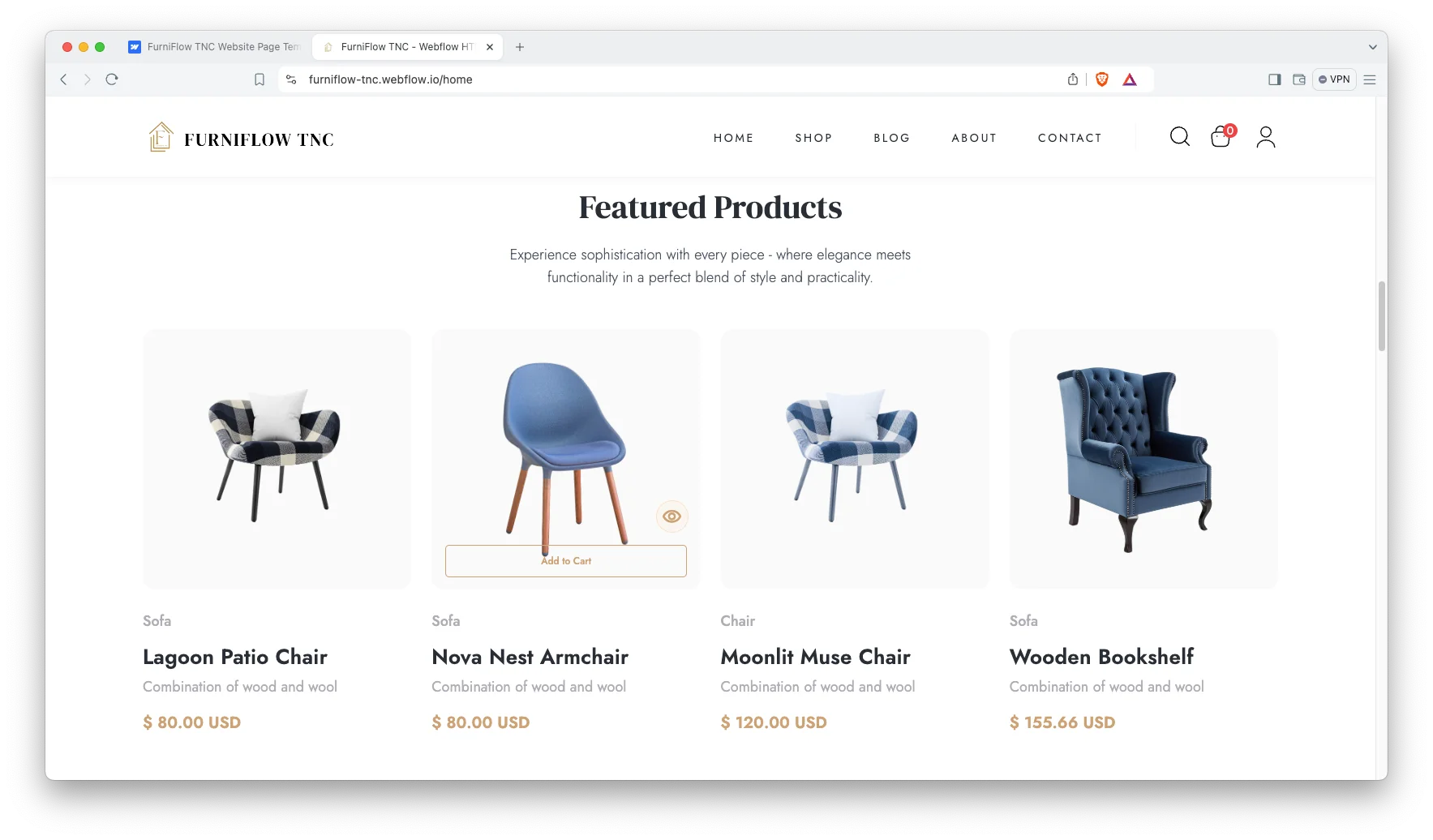
| Categories | Sofa, chair, table, lamp, living room, dining room, balcony garden, furnitures |
| Accounts | Webflow Memberships, with log in, sign up and user account pages |
| Pages | 11 designed pages plus 6 account pages and CMS templates |
| Support | Included with every TNCFlow purchase |
Key Features of FurniFlow TNC
Webflow Ecommerce Included. The shop, cart and checkout run on Webflow native ecommerce. So you never bolt a second store onto the site.
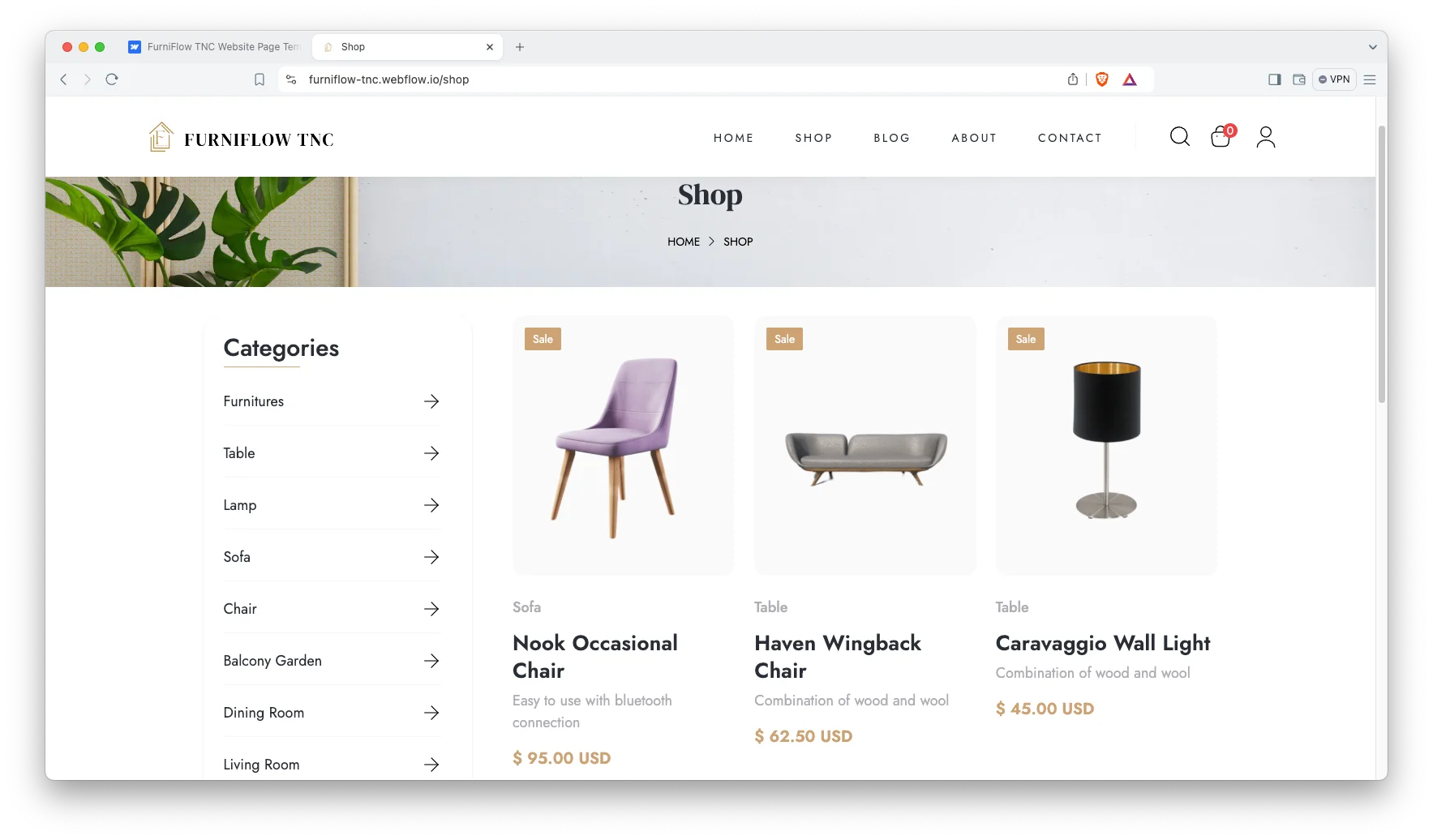
CMS Included. Products, categories and blog posts run on Webflow CMS. Then adding a new piece updates the shop and its category at once.
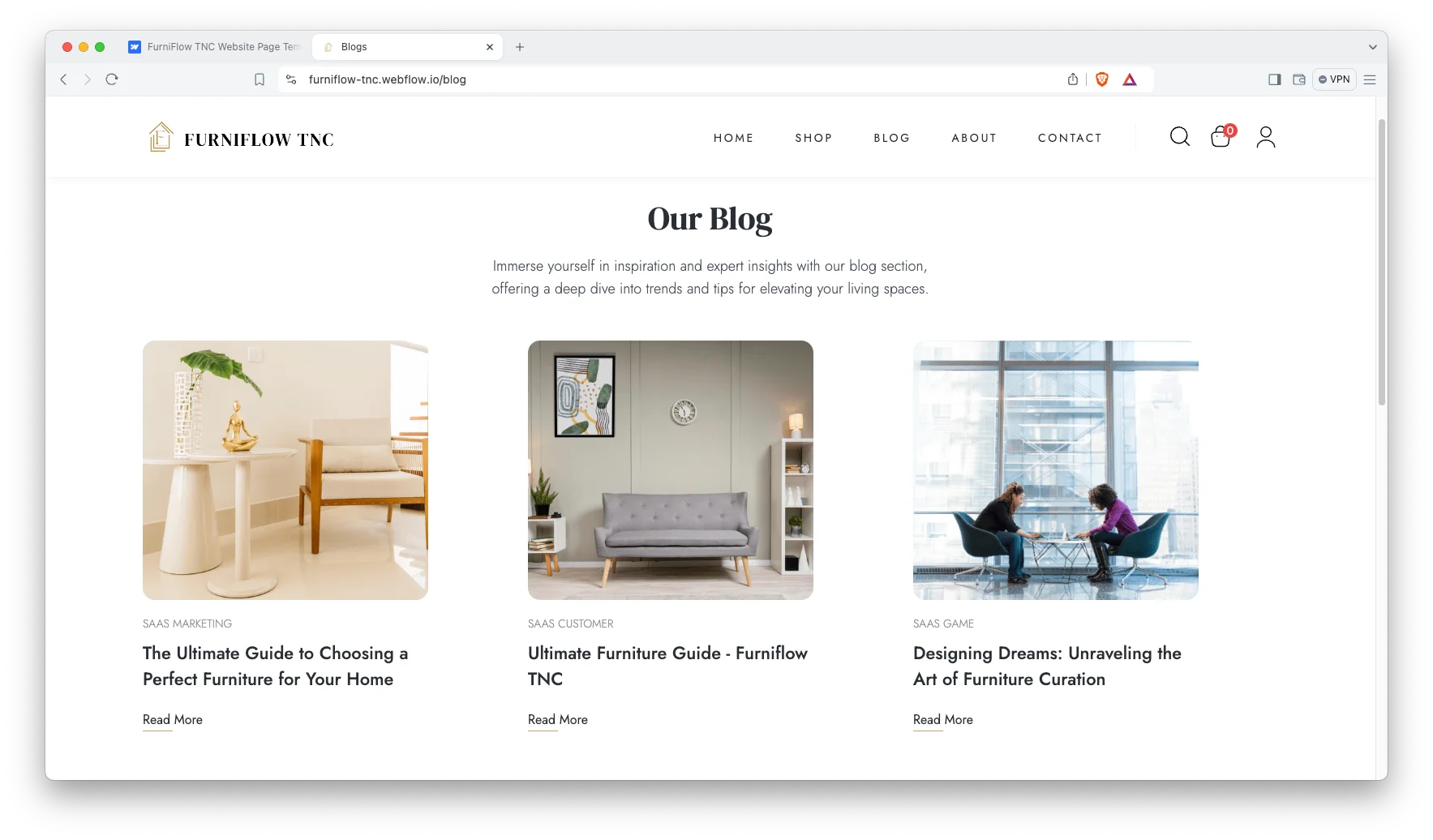
Minimal Responsive Design. The layout is deliberately quiet. Because furniture photography is the product, the design steps back and lets it lead.
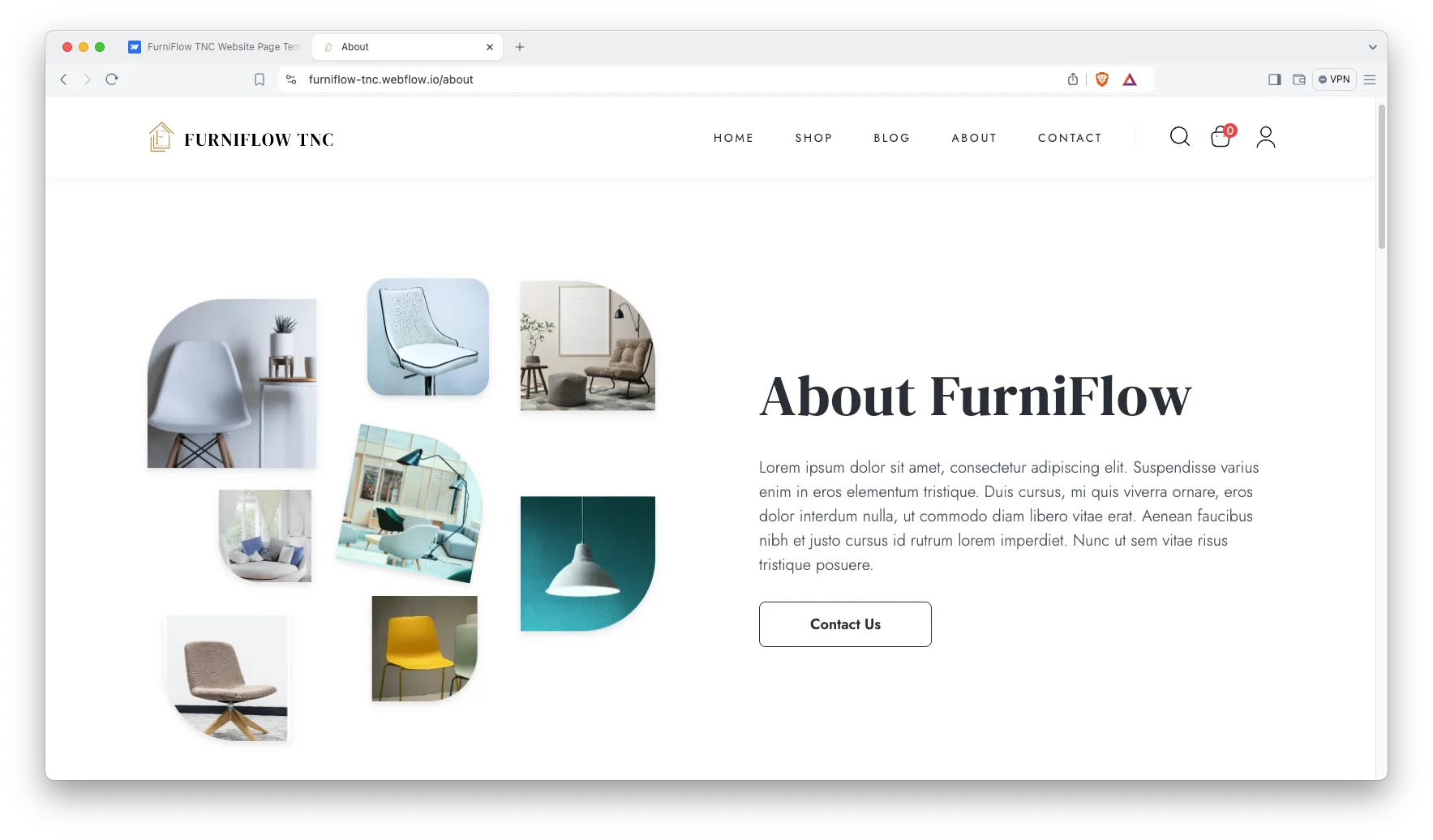
Easy Customisation. Colours and typography change from Webflow’s style panel. So a brand refresh does not mean touching code.
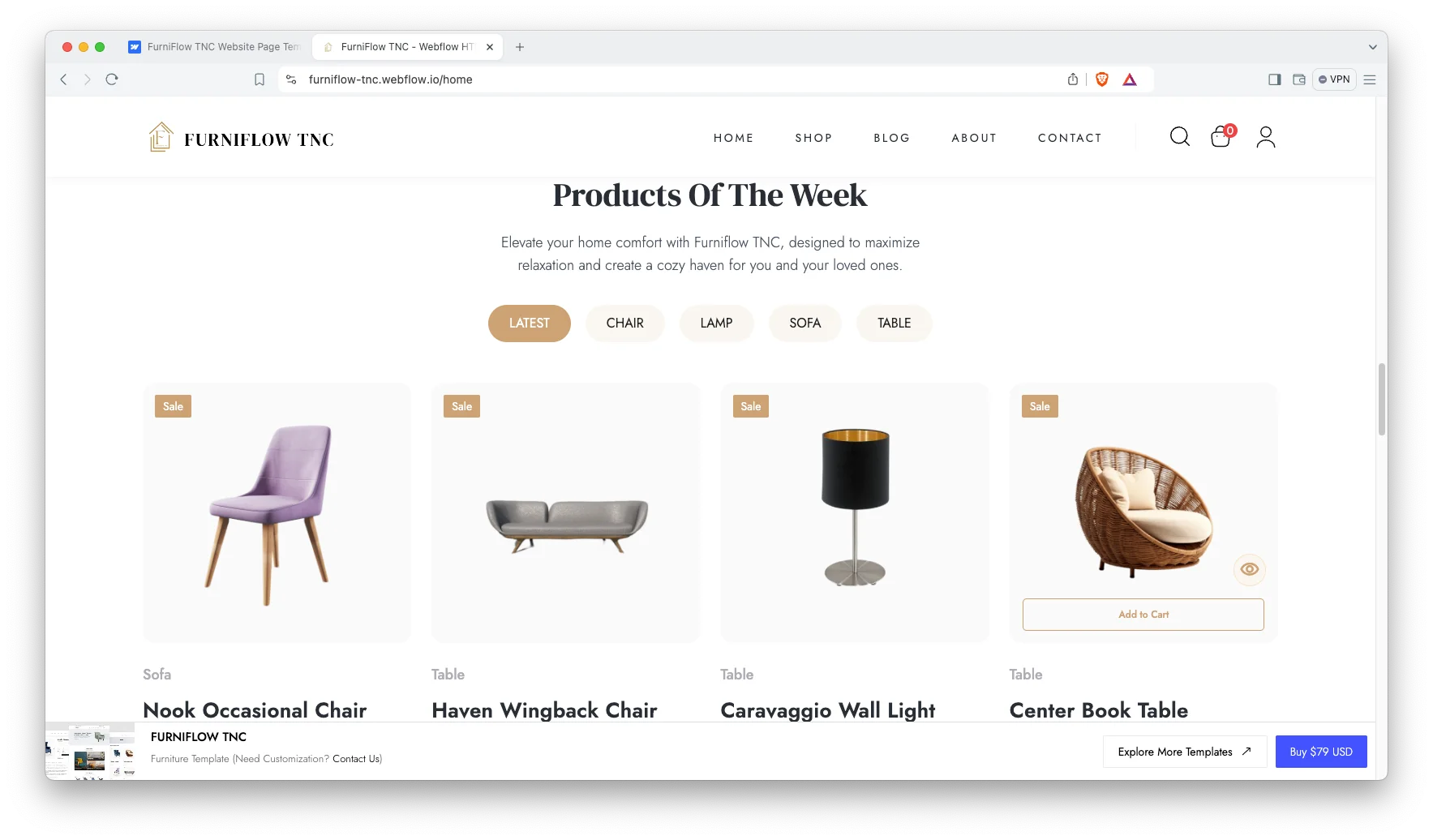
Animations and Sliders. Sliders carry featured collections. However, the motion stays light so image heavy pages still load quickly.
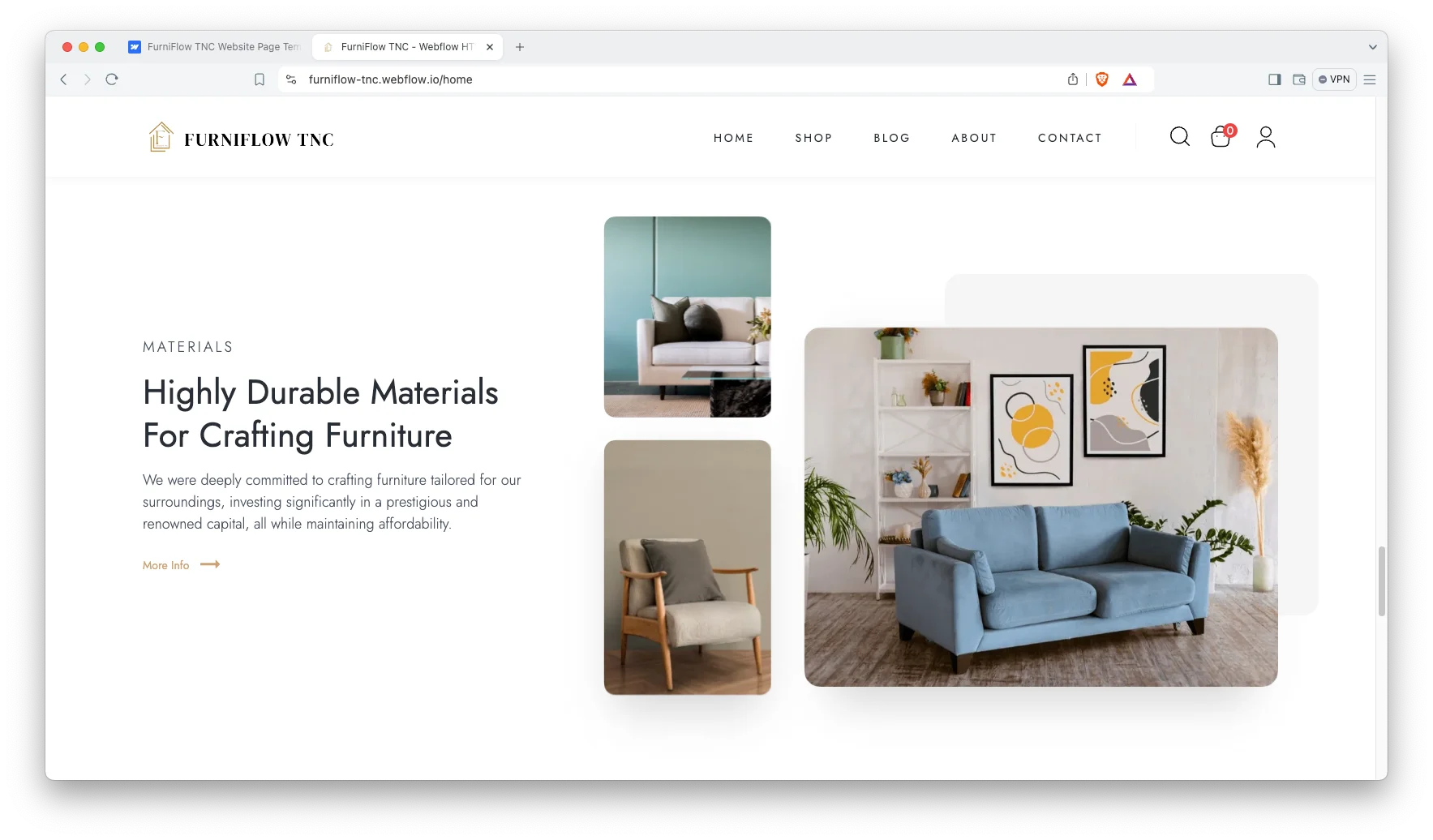
Featured Collections. Dedicated sections highlight best sellers and seasonal ranges. So the homepage can push whatever needs pushing this month.
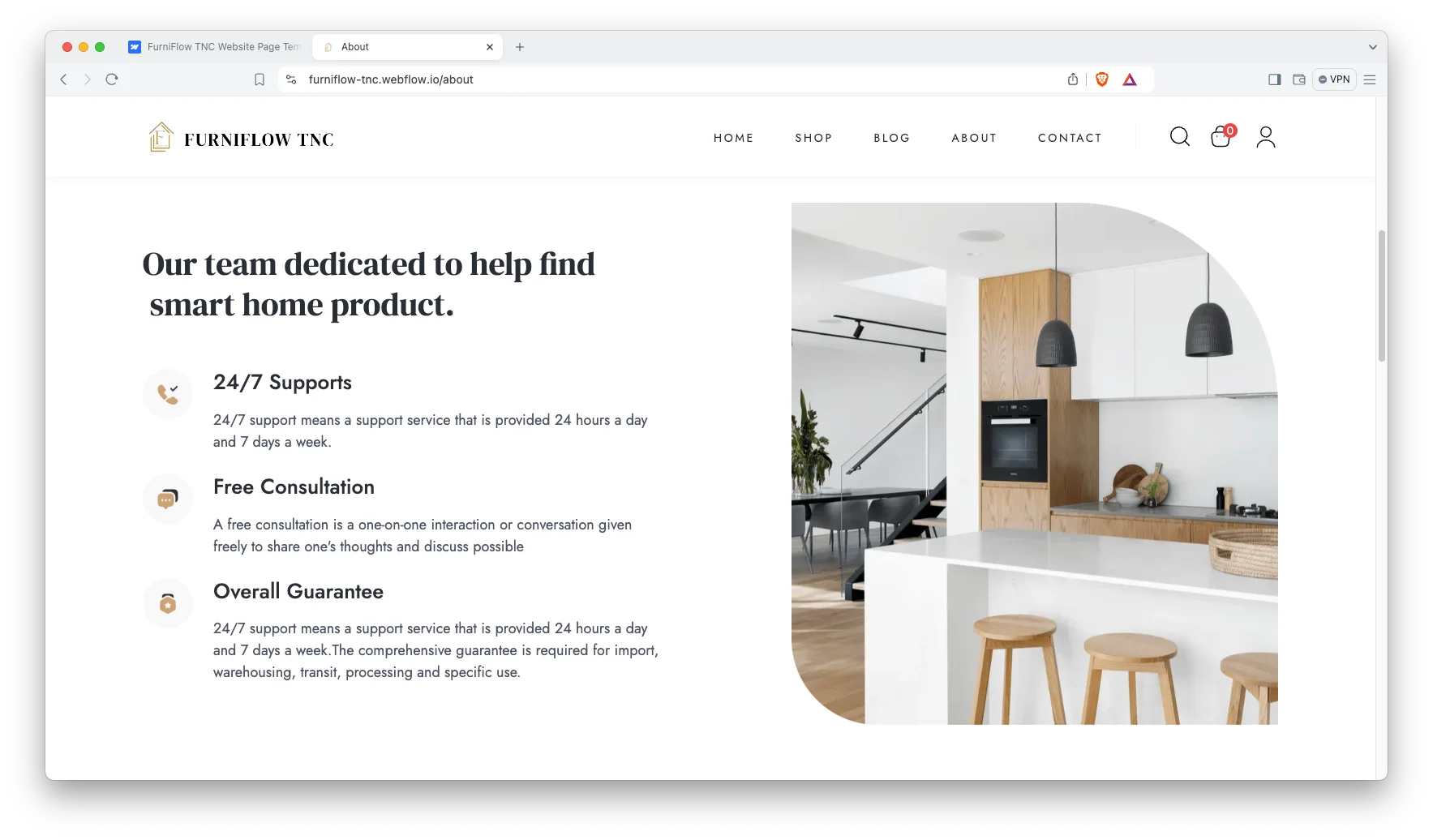
Sidebar Cart and Menu Search. The cart slides in rather than interrupting, and search sits in the menu. Since browsing is the whole point, neither breaks the flow.
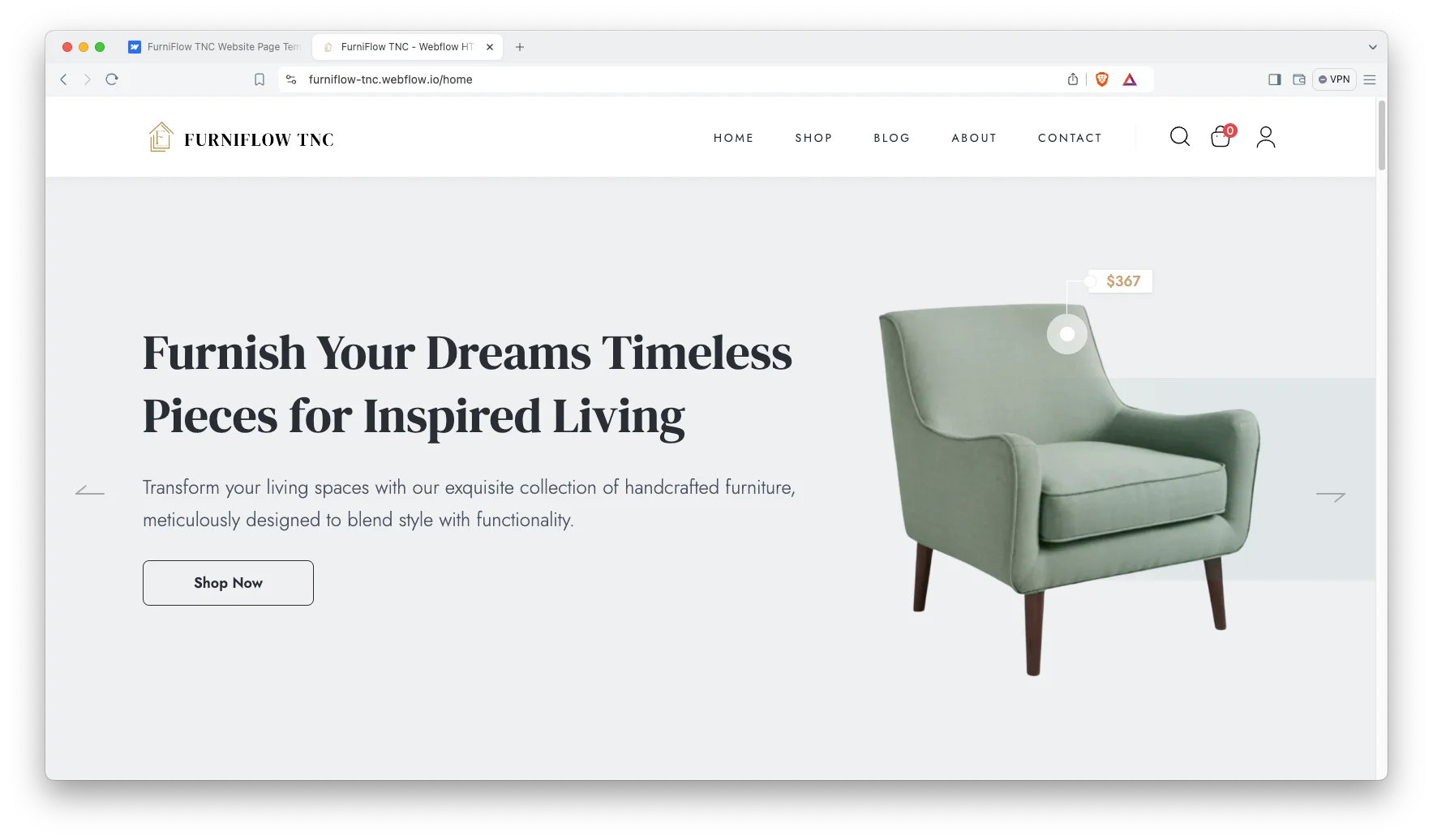
Product Pages. Each product page gives the photography room and keeps the add to cart in reach. Eight categories ship ready to edit.
Watch on YouTube
You can watch this video if you want to learn everything about this Webflow template quickly. In this video, we have demonstrated the information about this Webflow template.
Pages Included in FurniFlow TNC
FurniFlow TNC ships with eleven designed pages. They are Home, About, Shop, Blog, FAQ, Contact, Privacy Policy, Style Guide, License, a 404 page and a password page. Six more are account pages, covering log in, sign up, reset password, update password, access denied and user account. On top of that come the Webflow ecommerce pages, covering checkout, PayPal checkout and order confirmation. Further CMS templates render products, product categories, blog posts and blog categories.
Why Furniture Sells on Category Pages, Not the Homepage
Nobody searches for a furniture shop. They search for a velvet sofa or a dining table for six. However, most furniture sites push everything through one shop page and expect the filter to do the work. FurniFlow TNC gives each of the eight categories its own page instead, so the copy and the photography can speak to that one piece. Then the product pages catch the specific searches beneath them. That is how a small showroom competes with a national chain on the piece it actually stocks.
The accounts do the other half of the job. A sofa is rarely bought on the first visit, and a shopper who has to rebuild their basket every time will not come back. FurniFlow TNC runs accounts on Webflow Memberships, so a customer signs in, picks up where they left off and finishes the order in their own time. Since furniture has a long consideration window, that single feature quietly rescues sales a faster template would lose.
How to Use FurniFlow TNC
- Use the purchase widget on the right side of this page to buy the FurniFlow TNC template
- Duplicate the template into your Webflow workspace
- Replace the demo pieces and photography with your own
- Load your catalogue and categories into the CMS collections
- Connect Webflow Memberships so customers can hold an account
- Check every breakpoint, then publish your store
FurniFlow TNC Frequently Asked Questions
What formats does FurniFlow TNC ship in?
FurniFlow TNC ships for Webflow, Figma and HTML. Each format is sold separately, so you buy only the one you need.
Is the Figma file included with the Webflow purchase?
No. The Figma file is a separate product on this page. So add it to your order if you want the design source.
How many pages does FurniFlow TNC include?
FurniFlow TNC includes eleven designed pages, plus six account pages, plus the Webflow ecommerce and CMS templates.
Is FurniFlow TNC a full ecommerce template?
Yes. It uses Webflow native ecommerce, so the cart, checkout and order confirmation are already wired up.
Do customers get accounts?
Yes. Accounts run on Webflow Memberships, covering log in, sign up, reset password, update password and a user account page.
How many product categories ship with the demo?
Eight. They cover sofas, chairs, tables, lamps, living room, dining room, balcony garden and general furniture.
When you choose FurniFlow TNC, you get support from the TNCFlow team. So if a section does not behave, ask us and we will help.
Check out other Webflow templates by TNCFlow.
Featured in our guides: construction website templates, interior design Webflow templates and Webflow ecommerce templates.



Select template
Choose one or more options for your build
