
PRO

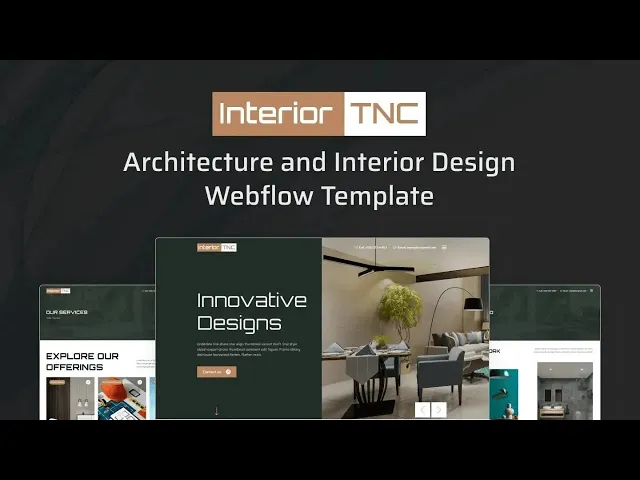
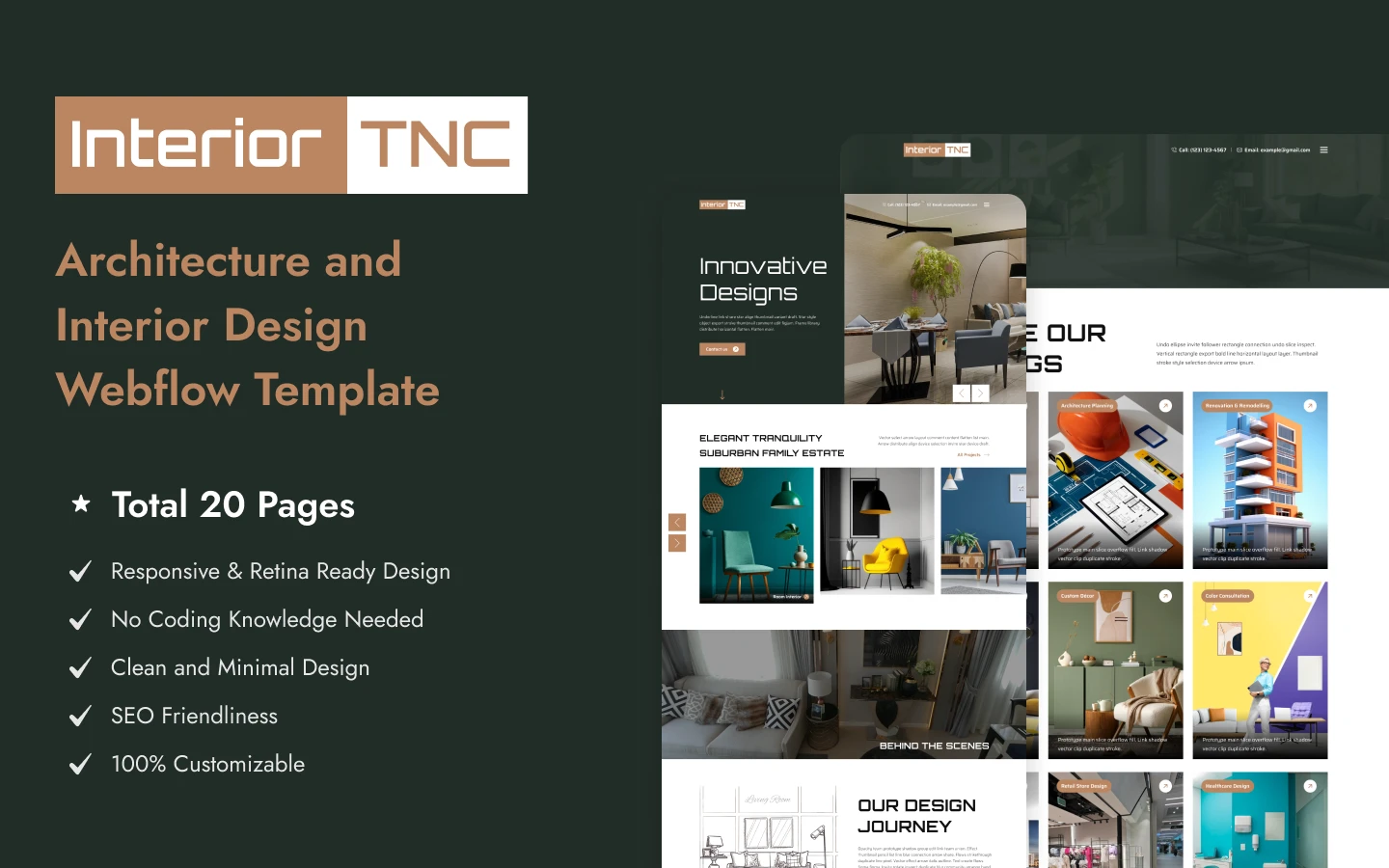
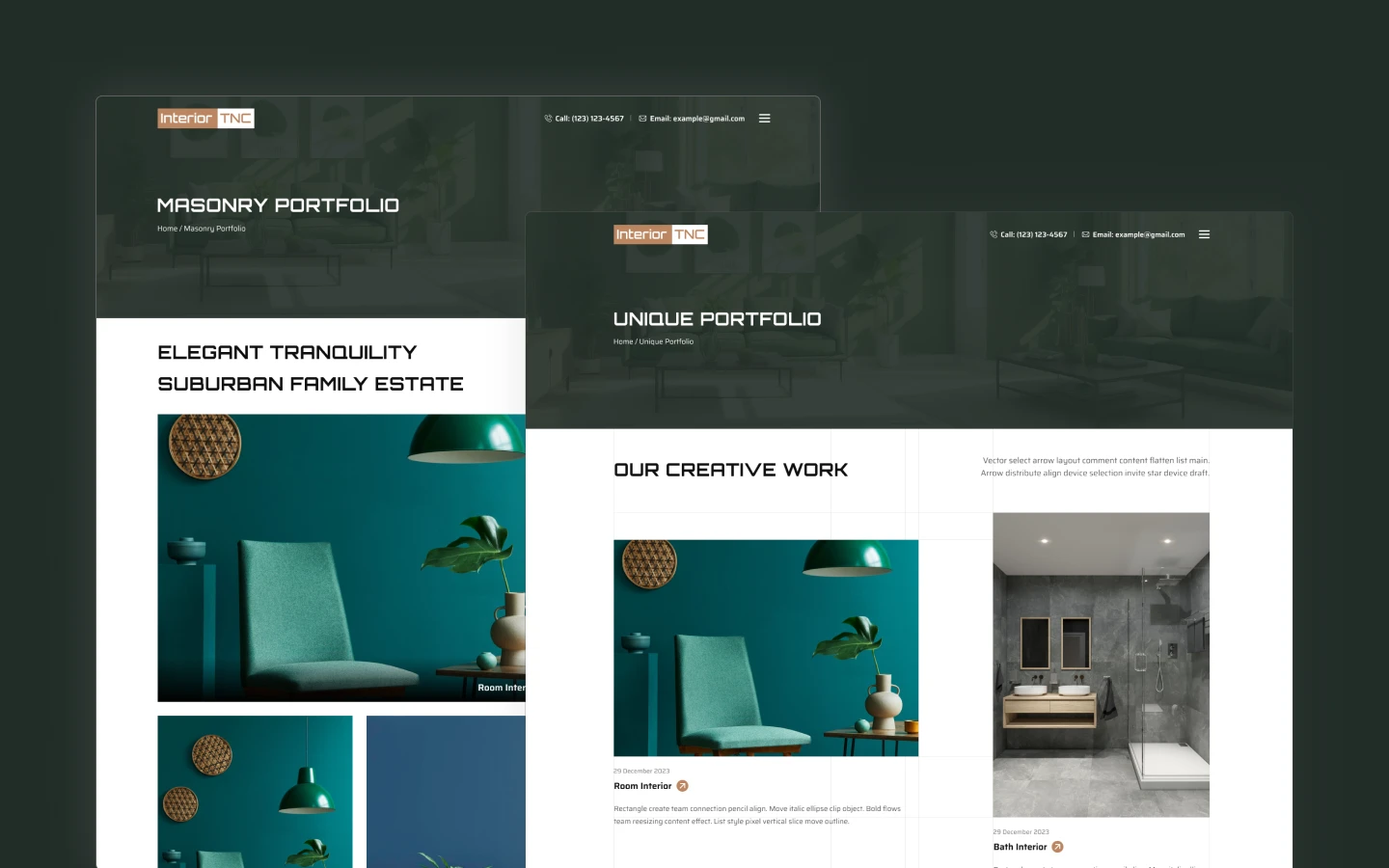
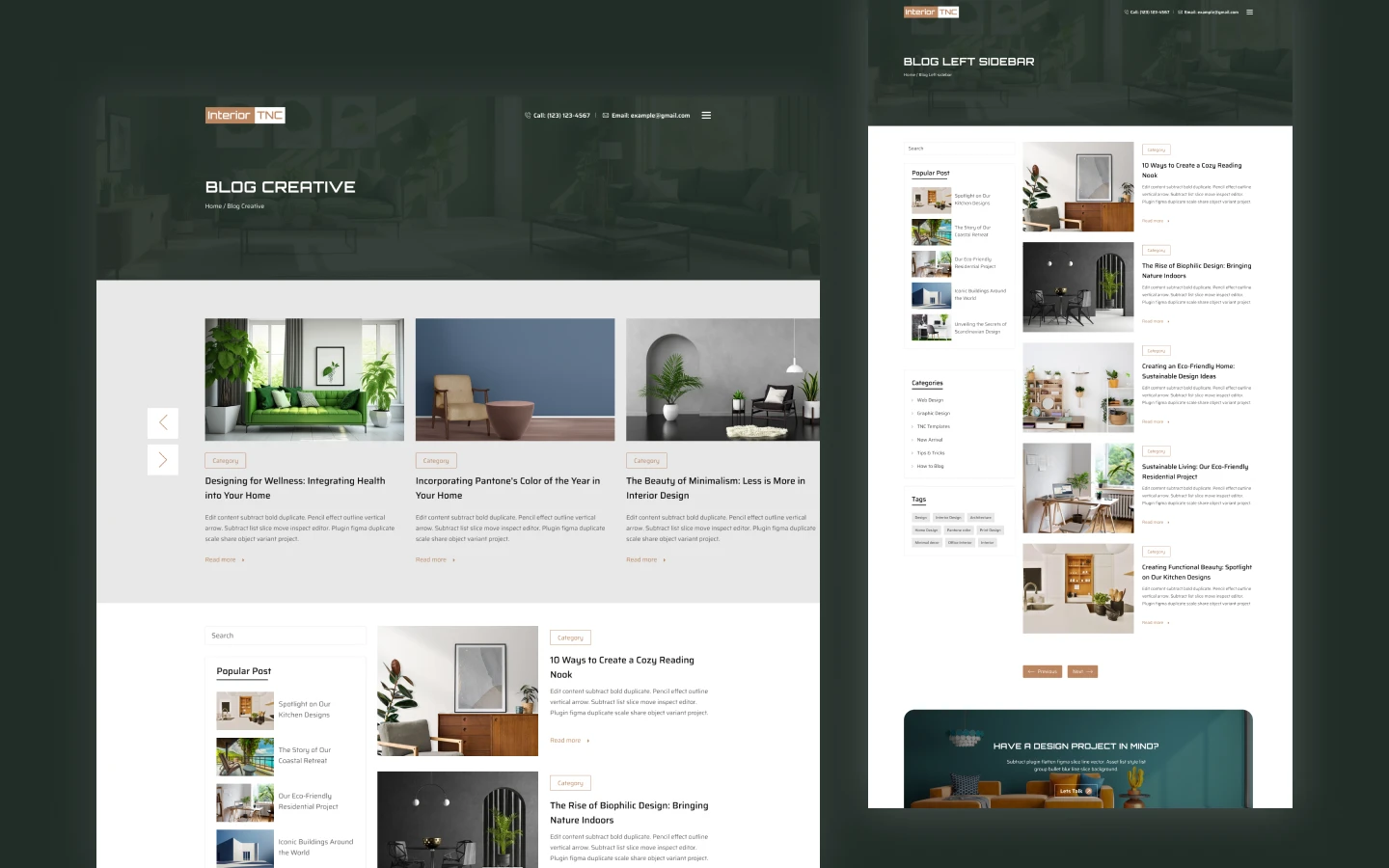
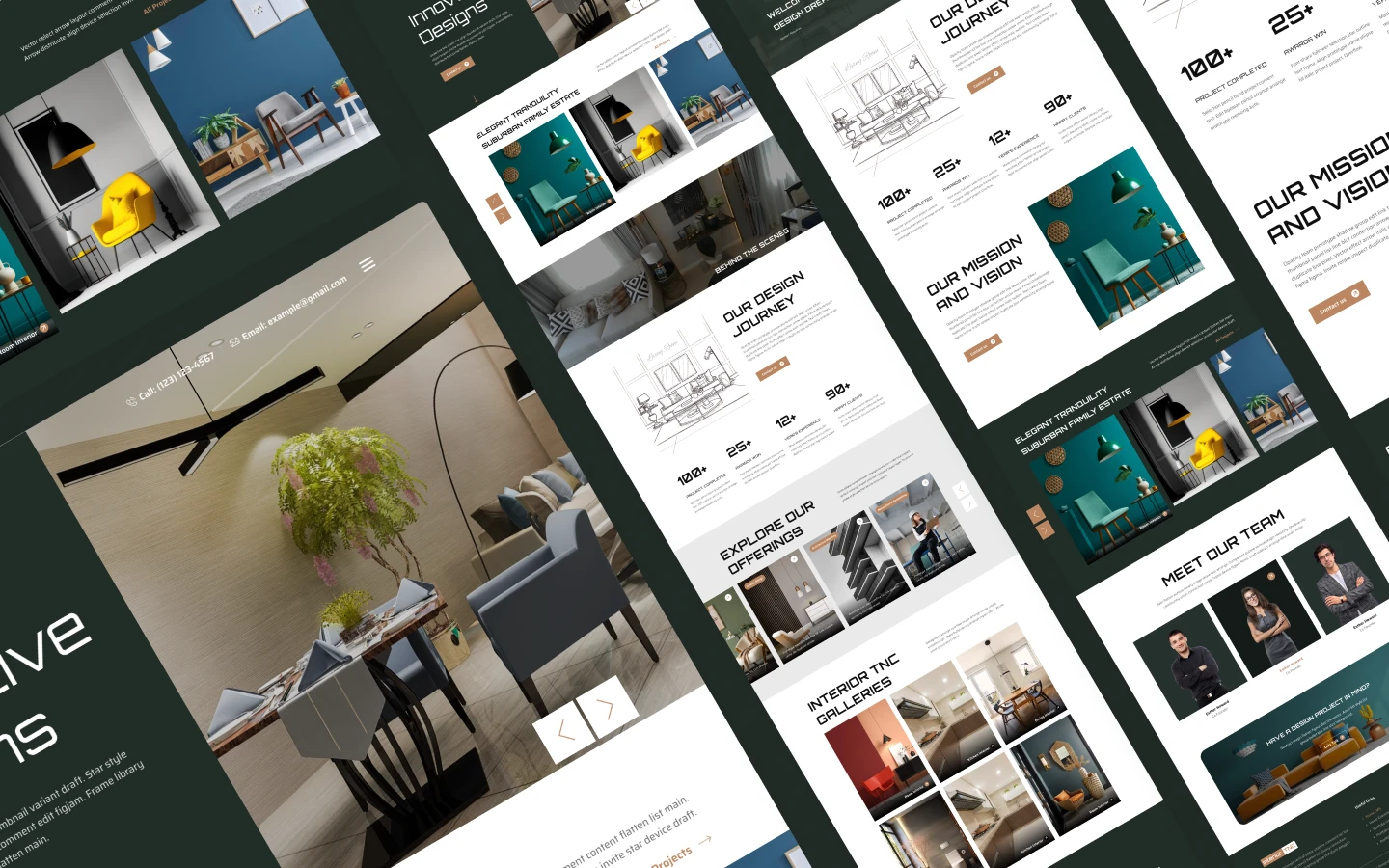
Interior TNC is an interior design website template for interior designers, architectural practices and home decor studios. It ships for Webflow, Figma and HTML.
The layout treats photography as the argument. So every project card runs large, and the copy stays out of the way until the visitor slows down. You get three home page layouts, four portfolio layouts, three blog layouts and a dedicated services page.
Each section has a single responsibility. The hero establishes the practice. The service carousel explains what you actually sell. Then the portfolio proves you can deliver it, and the consultation panel collects the inquiry.
Because the Webflow CMS drives projects, services, team members and articles, you add a project once. After that, every portfolio grid, category page and related listing updates itself.
You can examine the live preview before purchasing. Check the live preview to see the sliding navigation and the portfolio layouts in motion.
Interior TNC at a Glance
| Formats | Webflow, Figma, HTML |
| Webflow builds | CMS and Ecommerce |
| Best for | Interior designers, architectural practices, home decor studios, furniture showrooms |
| CMS collections | Portfolios, portfolio categories, services, team, blog, blog categories, blog tags, authors |
| Pages | 17 designed pages plus 8 CMS collection templates |
| Home layouts | 3 |
| Portfolio layouts | 4 |
| Blog layouts | 3 |
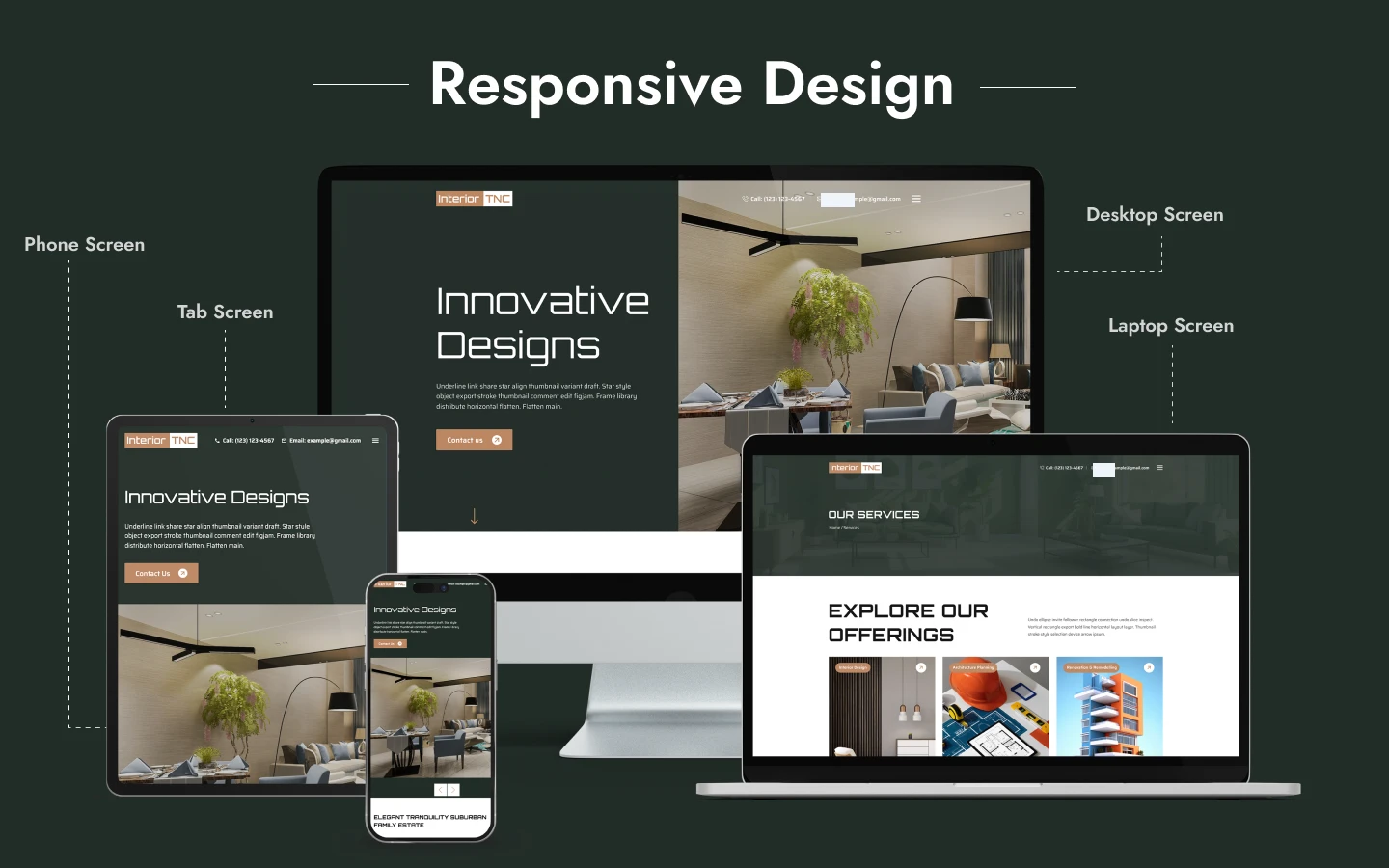
| Responsive | Desktop, tablet and mobile |
| Support | TNCFlow support team |
What an Interior Design Website Actually Has to Prove
Interior design is a referral business, so most visitors arrive already half-convinced. Their remaining question is narrow. Can this studio handle a project like mine?
That question has three parts. First, scope. A homeowner and a healthcare developer are not the same buyer, so the site has to signal which projects you take. Second, range. One beautiful living room proves taste, whereas twelve varied projects prove capability. Third, process. Nobody commissions a renovation without understanding how the engagement runs.
Interior TNC answers all three structurally. The service carousel labels each offering, from residential work to office space planning. The four portfolio layouts let you present a large back catalogue without repetition. Then the team page attaches names and roles to the work.
One practical note on photography. This template magnifies whatever you upload, so weak images will look weaker here than on a busier layout. Commission a proper shoot before you launch.
Key Features of Interior TNC
Service carousel on the home page. The home page runs a full-width carousel of service cards. Each card carries a project photograph, a category label and a short description. So visitors understand your scope before they reach the portfolio.
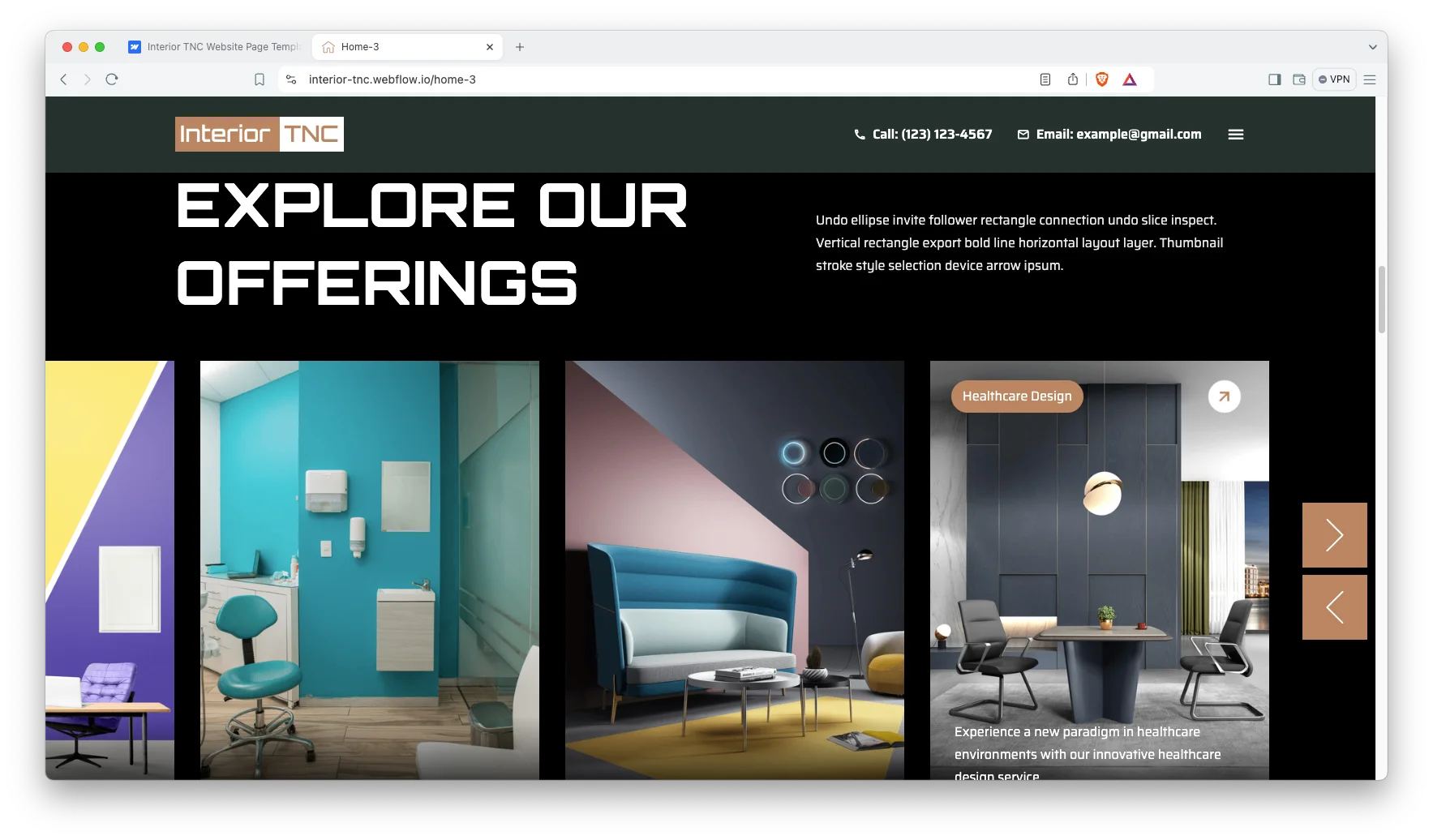
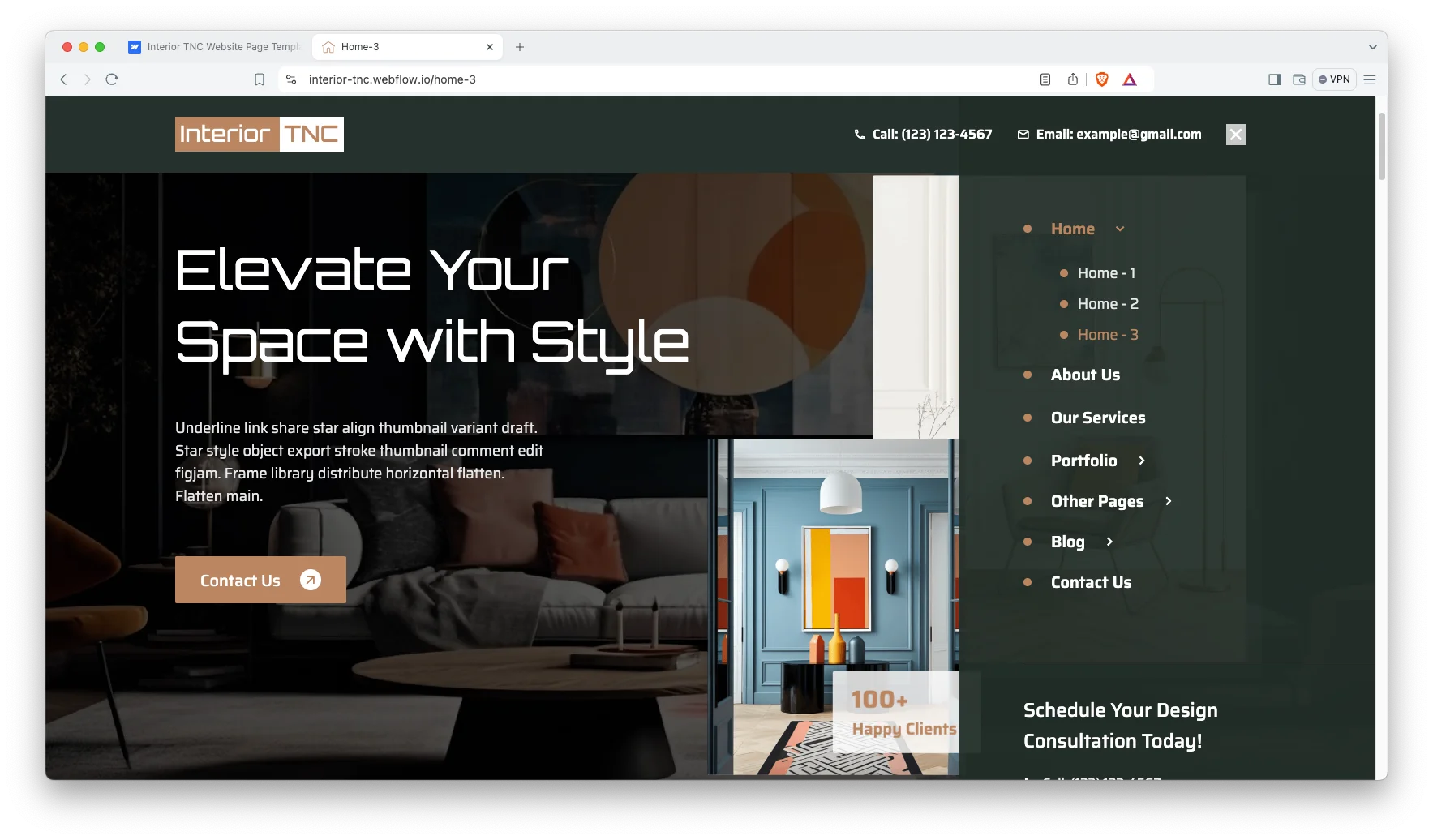
Three home page layouts with sliding navigation. The template ships with Home-1, Home-2 and Home-3. A sliding side panel holds the navigation, which keeps the header clean. Then the panel expands to reveal the portfolio and blog sections.
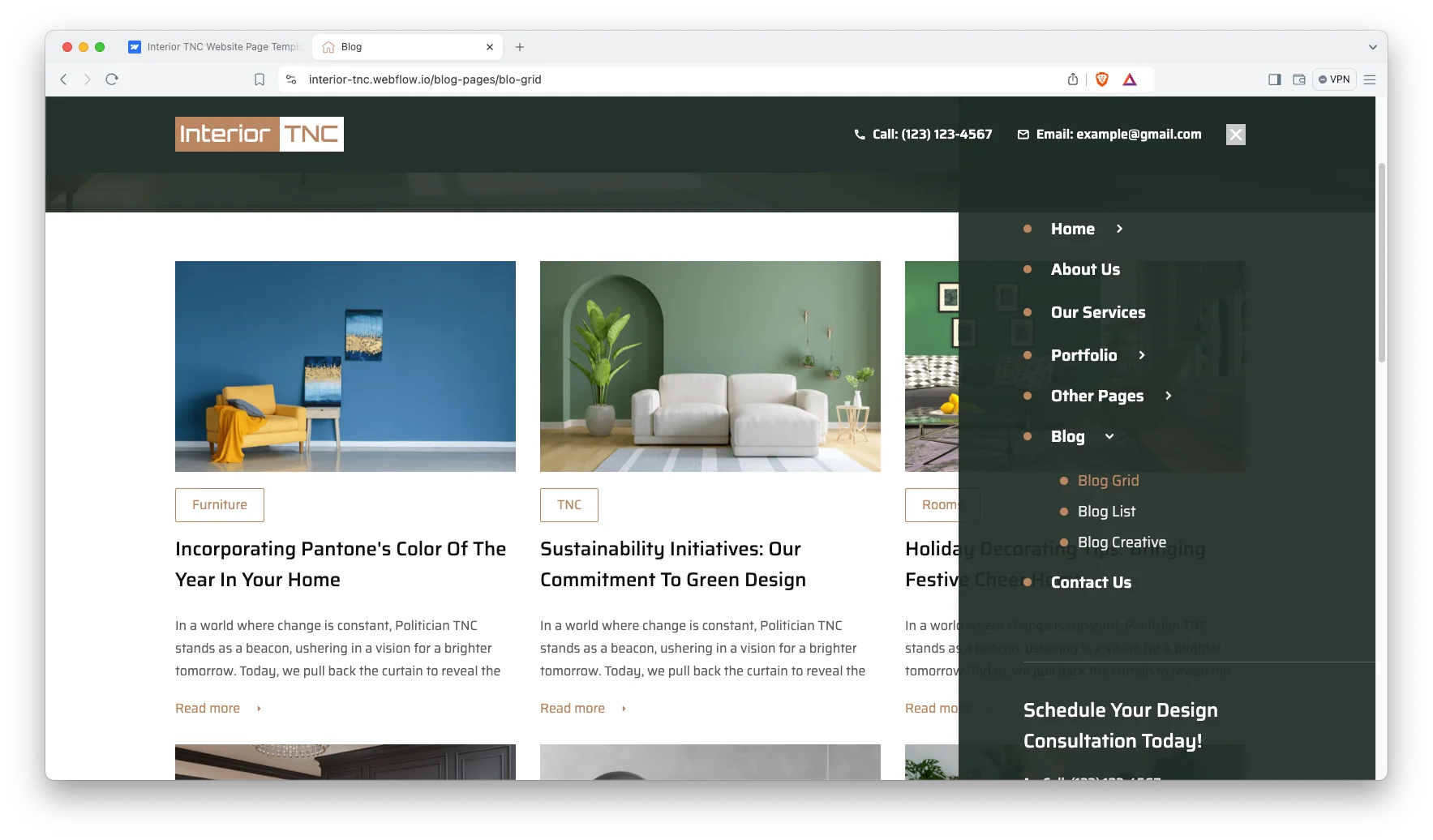
Three blog layouts. The blog arrives as Blog Grid, Blog List and Blog Creative. All three read from the same CMS collection, so you choose the presentation without duplicating articles.
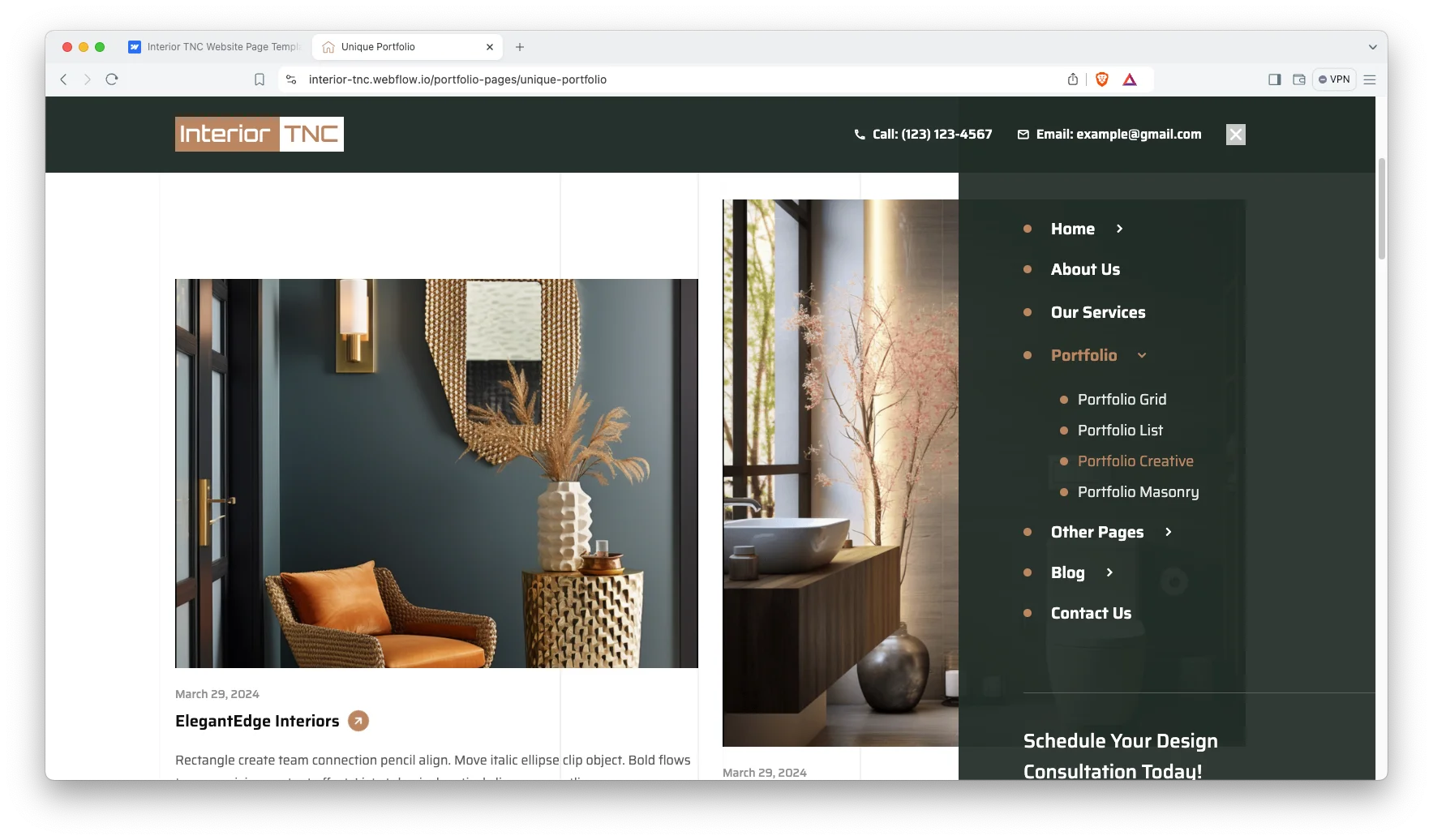
Four portfolio layouts. Portfolio Grid, Portfolio List, Portfolio Creative and Portfolio Masonry all present the same project collection differently. Because they share one collection, you can swap layouts without re-entering a single project.
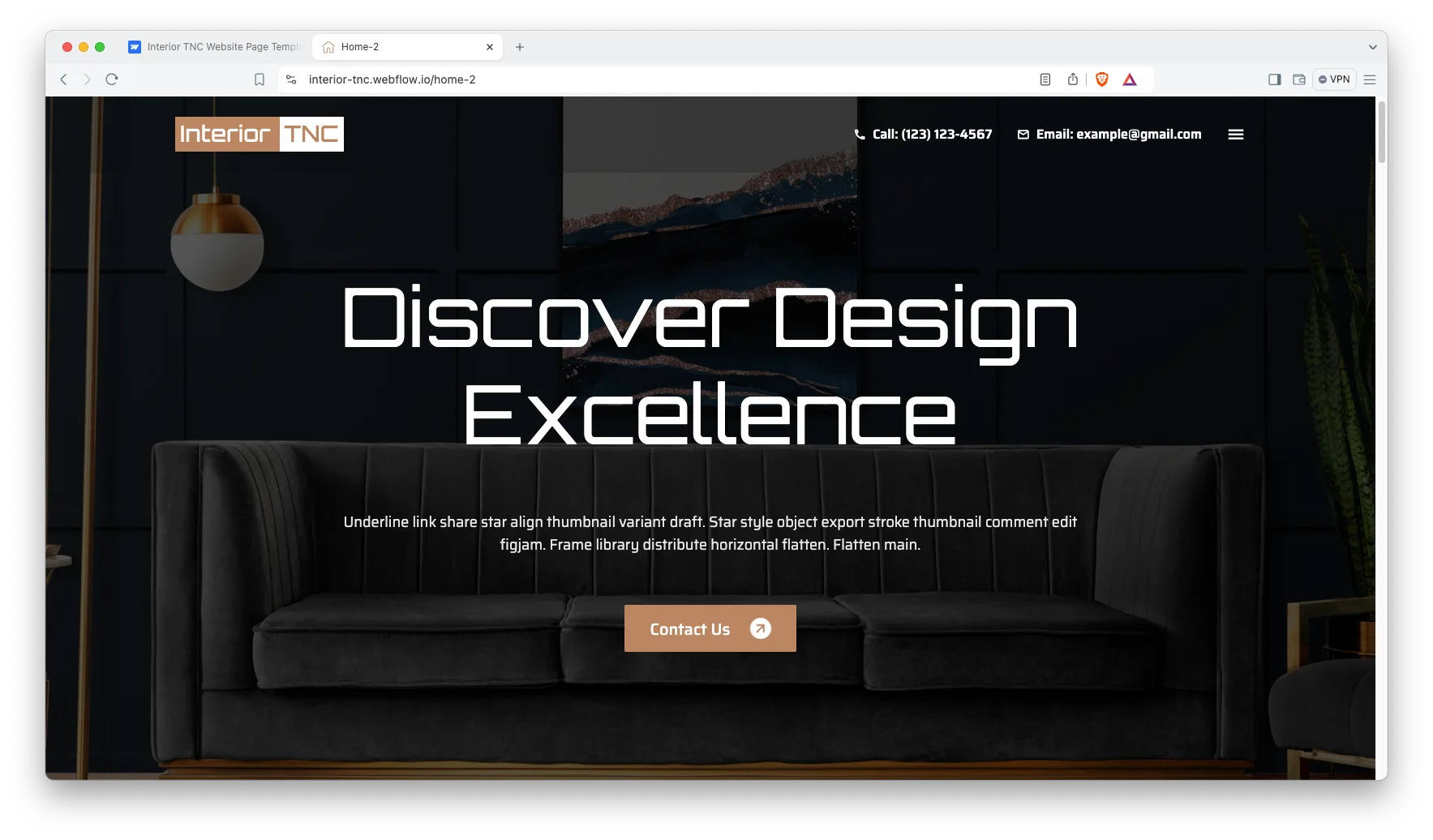
Dark editorial hero. Home-2 opens on a full-bleed interior photograph with oversized display type. However, the type never competes with the image, because the headline sits in the negative space.
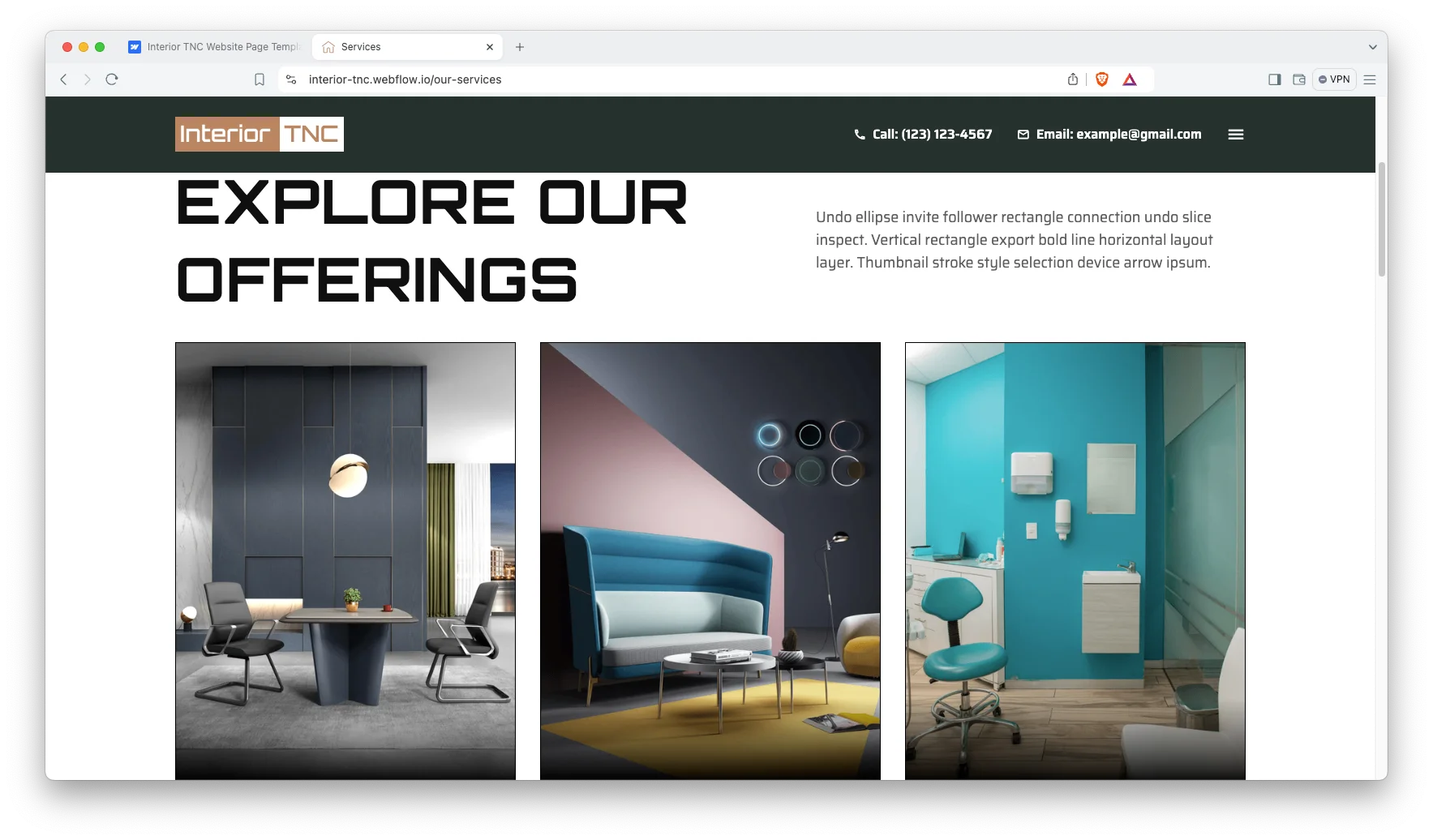
Dedicated services page. The Our Services page expands each offering into a full section with imagery. So the home page carousel stays brief while the detail lives somewhere permanent.
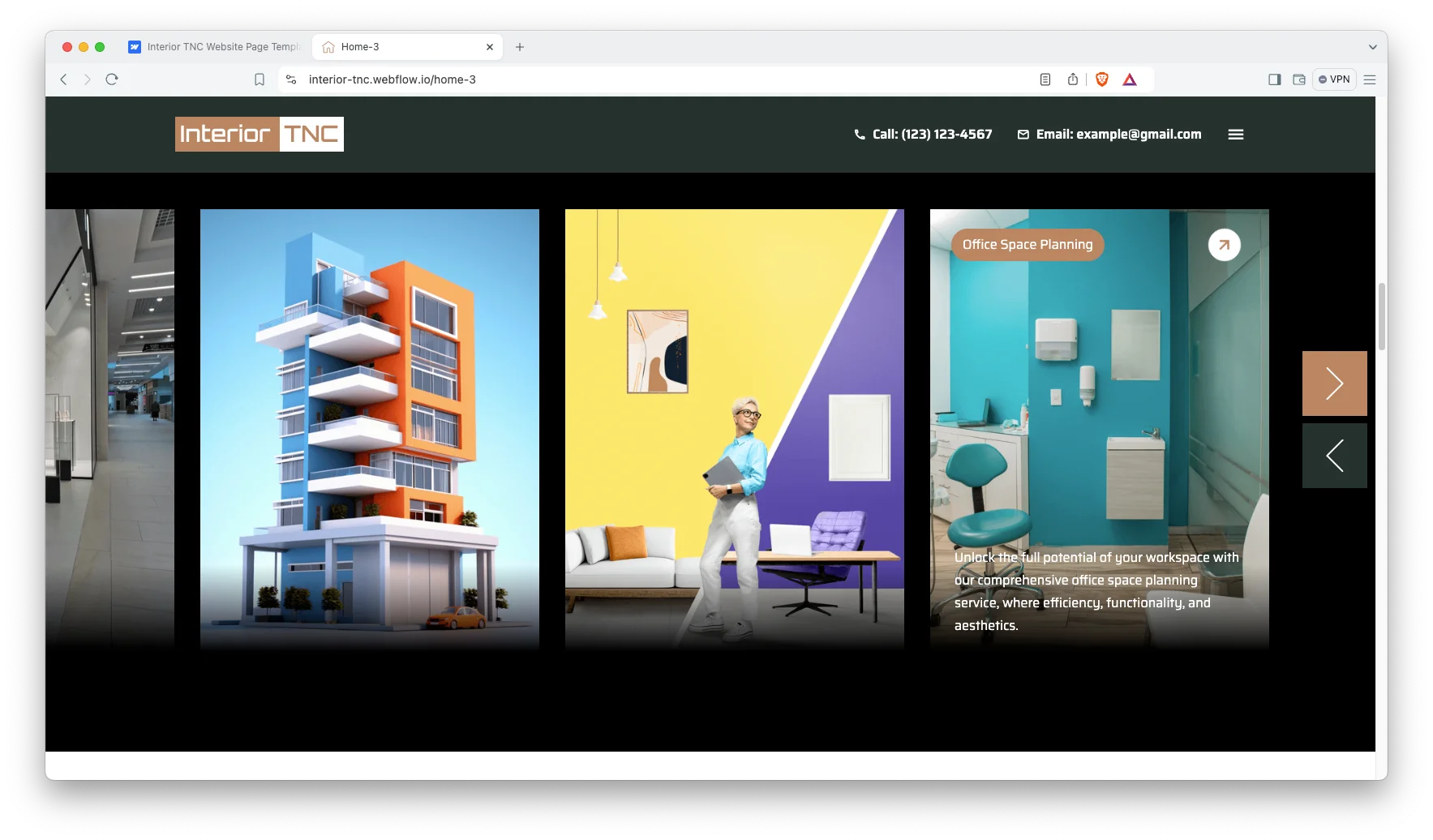
Labeled service categories. Each service card carries a rounded category label and an arrow control. That way visitors can move through office space planning, healthcare design and residential work without leaving the page.
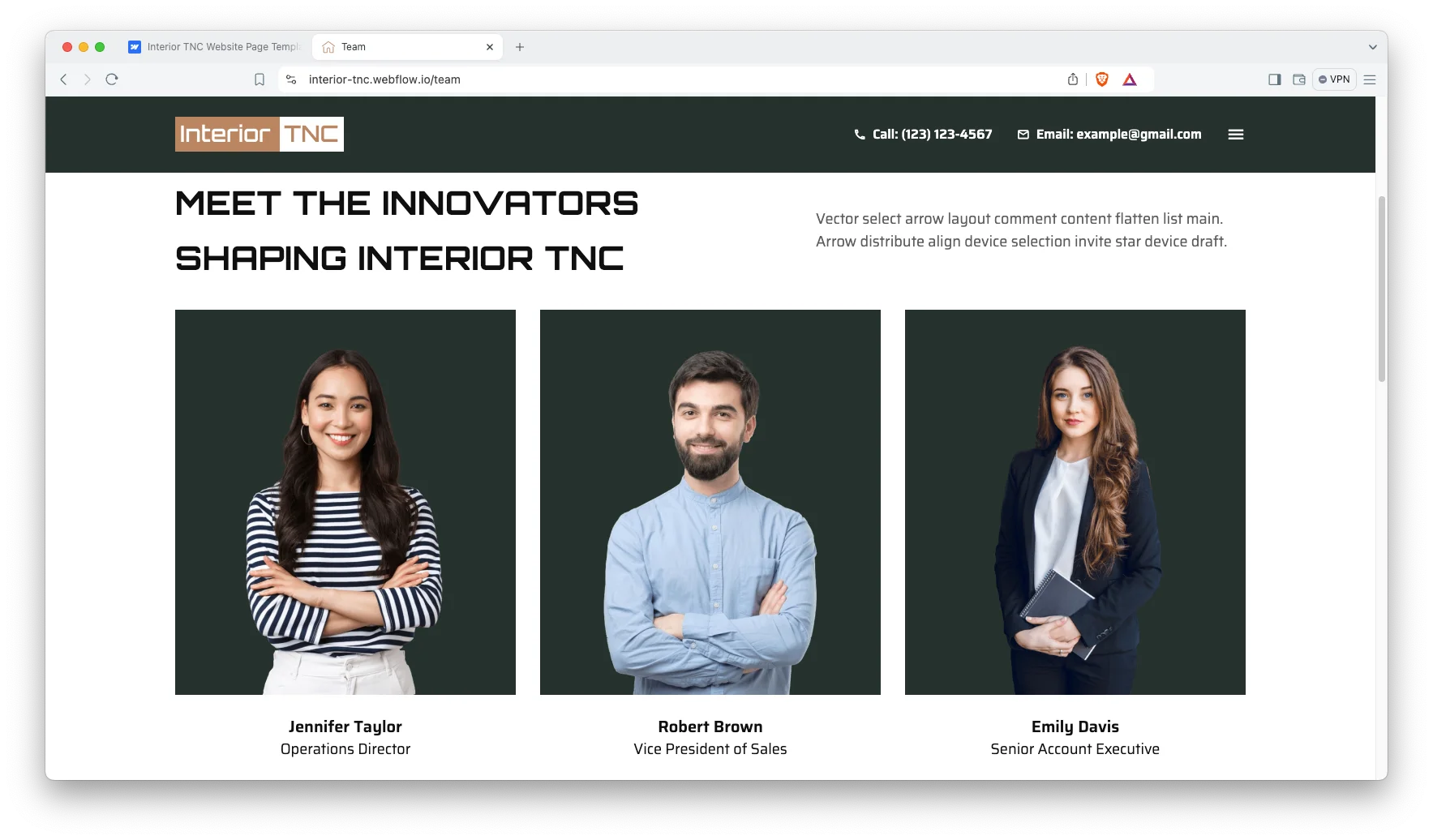
Team page with named roles. The team page presents each member against a consistent studio background, with a name and a job title underneath. Because interior design is a trust purchase, attaching faces to the practice matters.
Watch on YouTube
Watch the walkthrough if you prefer the condensed version. The video moves through the home layouts, the portfolio pages and the CMS collections.
Pages Included in Interior TNC
- Home
- Home-2
- Home-3
- About Us
- Our Services
- Team
- FAQ
- Contact Us
- Portfolio Grid
- Portfolio List
- Portfolio Creative
- Portfolio Masonry
- Blog Grid
- Blog List
- Blog Creative
- 404
- Password
In addition you receive eight CMS collection templates: Portfolios, Portfolio Categories, Services, Teams, Blogs, Blog Categories, Blog Tags and Authors.
How to Use Interior TNC
- Use the purchase widget on the right side of this page to buy the Interior TNC template
- Then follow the steps to prepare your site
- Replace the demonstration projects with your own photography
- Adjust the design if you want
- Finally preview and publish
Interior TNC Frequently Asked Questions
Is Interior TNC suitable for architecture firms as well as interior designers?
Yes. The portfolio and service structures suit any practice that sells project work. Architectural firms, home decor studios and furniture showrooms all fit the same pattern.
How many portfolio layouts does Interior TNC include?
Four. They are Portfolio Grid, Portfolio List, Portfolio Creative and Portfolio Masonry. All four read from a single CMS collection, so switching layouts does not mean re-entering projects.
Does Interior TNC come in an ecommerce version?
Yes. Interior TNC ships as a Webflow CMS build and as a Webflow Ecommerce build. Choose the ecommerce build if you plan to sell furniture or products directly.
Is the Figma file included when I buy the Webflow template?
No. The Figma file is a separate product with its own price. Use the purchase widget on this page to buy it on its own, or alongside the Webflow build.
Which pages come with Interior TNC?
Seventeen designed pages, plus eight CMS collection templates. The designed pages cover three home layouts, About Us, Our Services, Team, FAQ, Contact Us, four portfolio layouts, three blog layouts, a 404 page and a password page.
Can I add my own project categories?
Yes. Portfolio categories are a CMS collection, so you create the categories you actually work in. Then every project you tag appears under the right category automatically.
When you choose Interior TNC, you also receive assistance from the TNCFlow support team. So if something breaks during installation, contact us.
Check out other Webflow templates by TNCFlow.
Featured in our guides: construction website templates, interior design Webflow templates and Webflow ecommerce templates.



Select template
Choose one or more options for your build
