

PRO

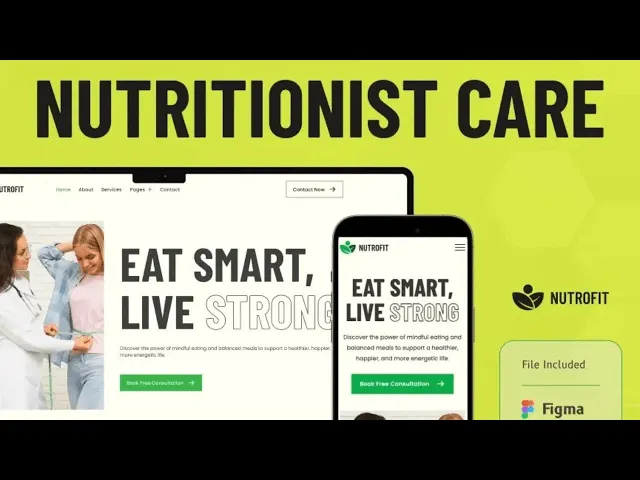
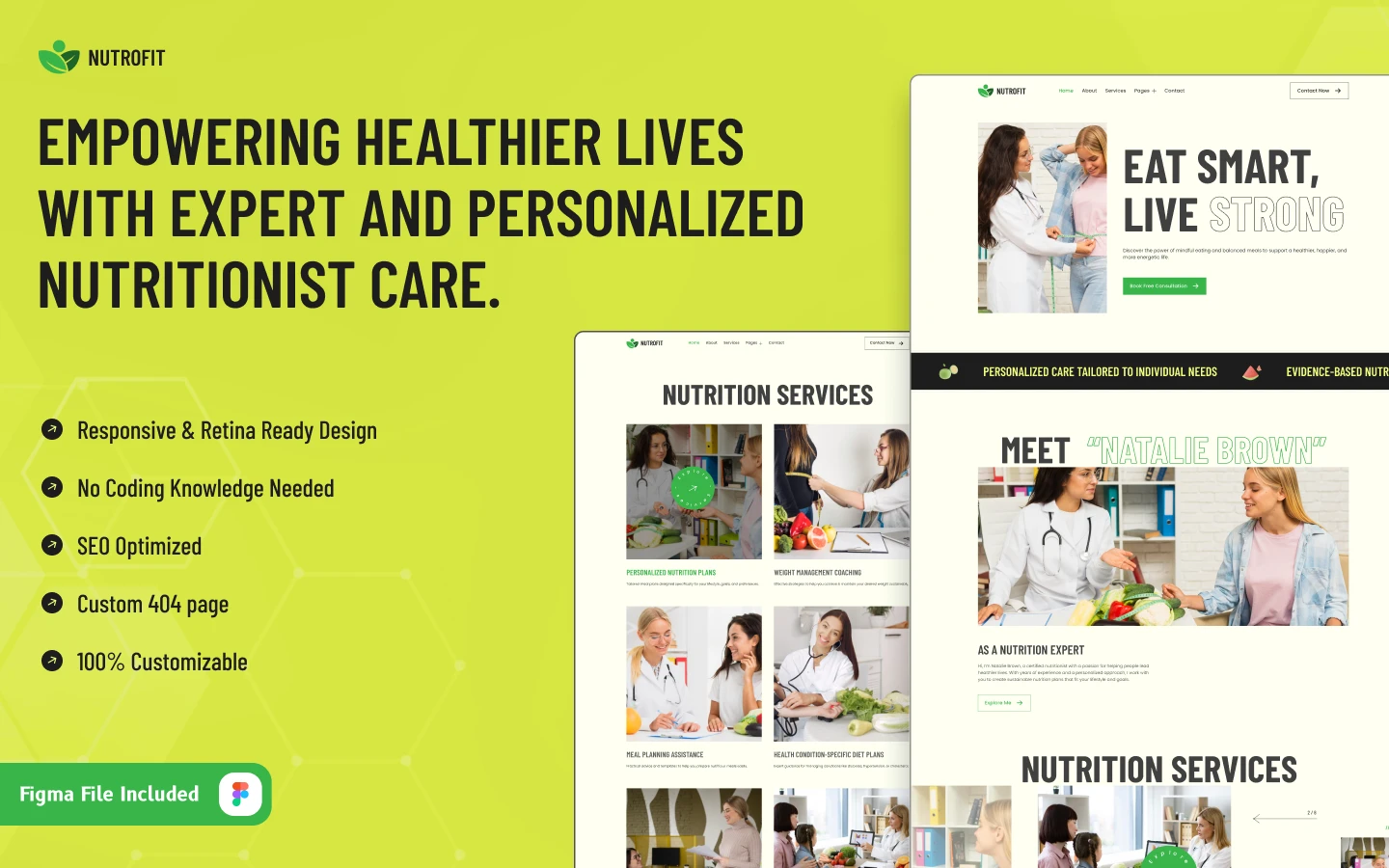
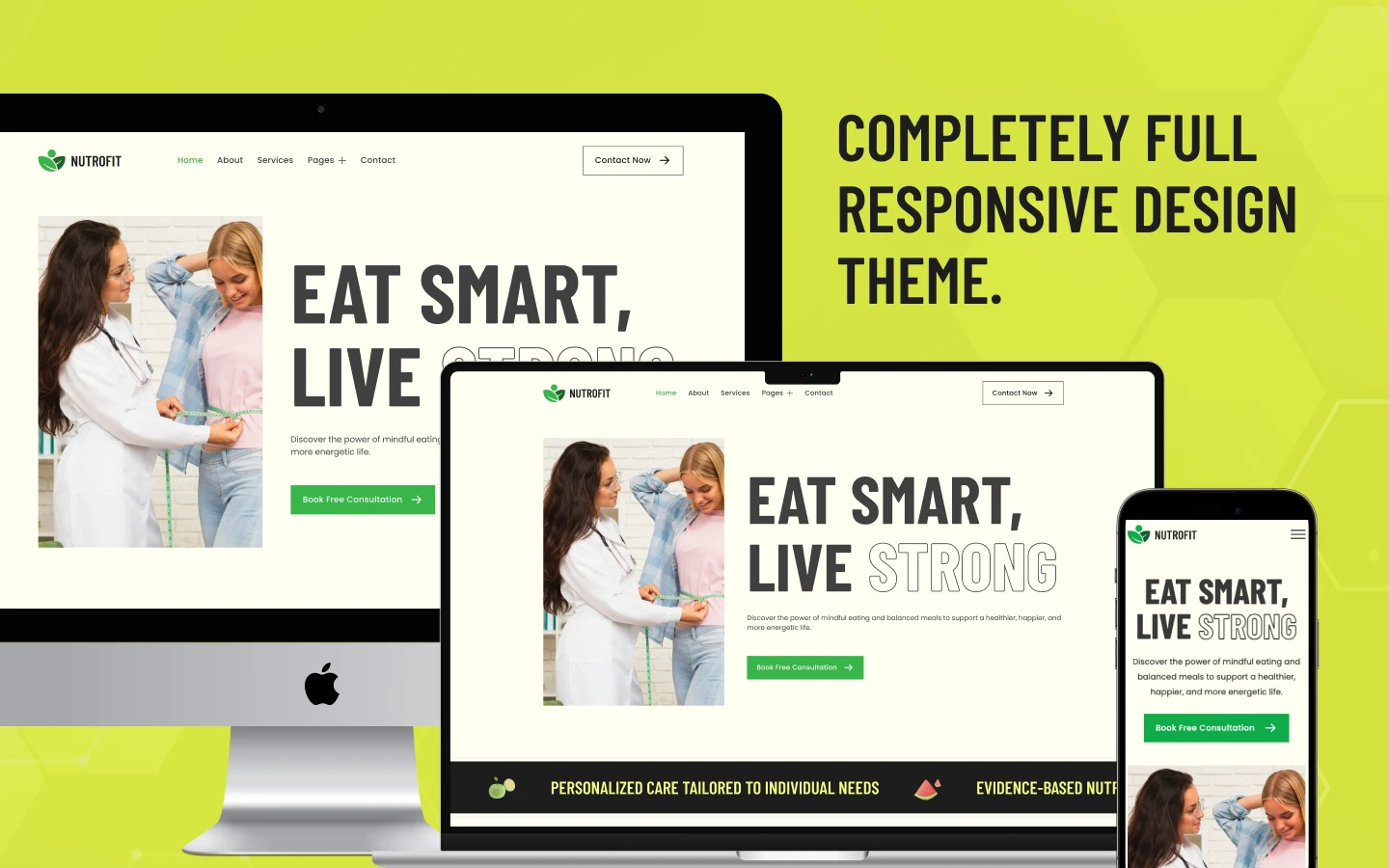
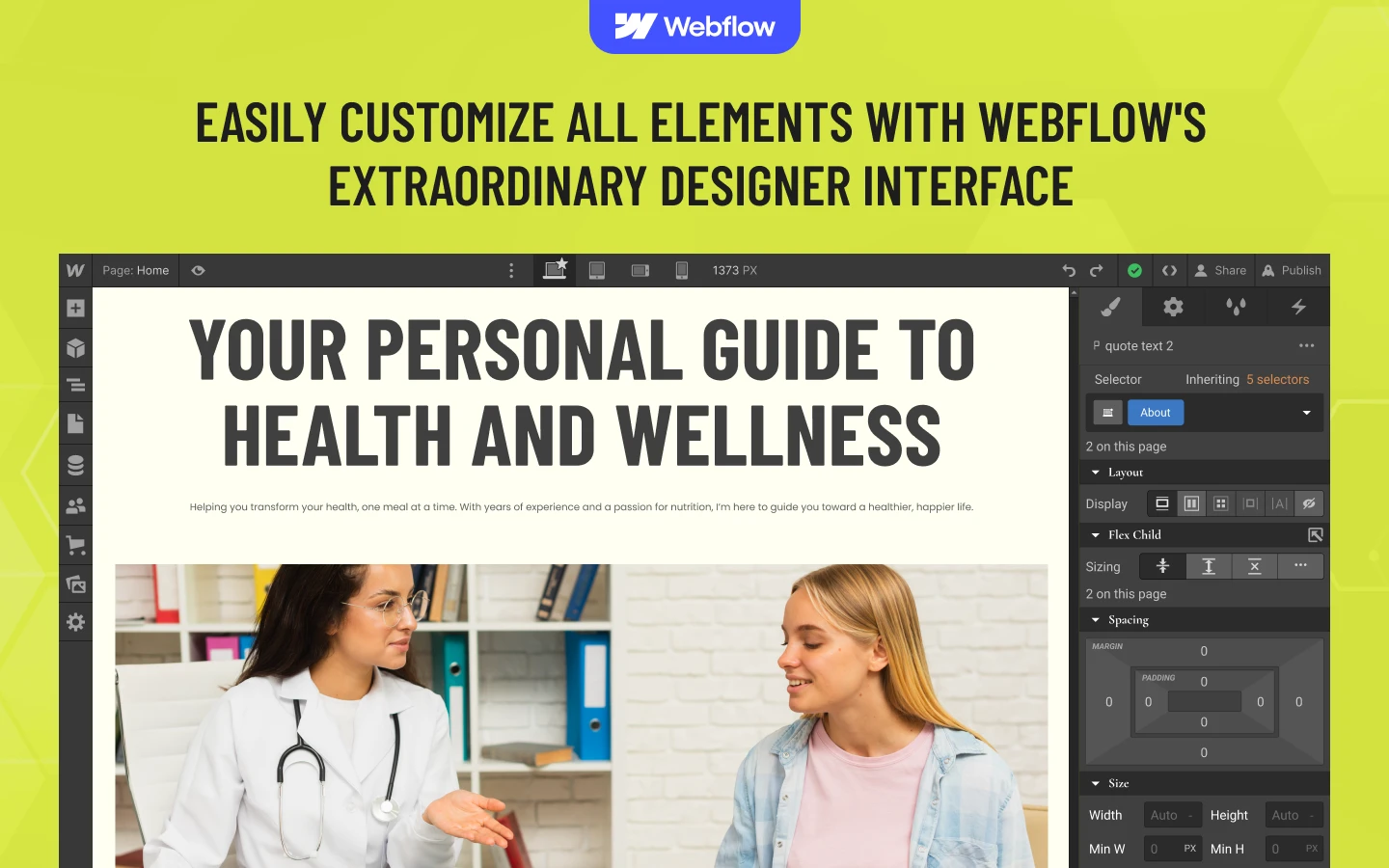
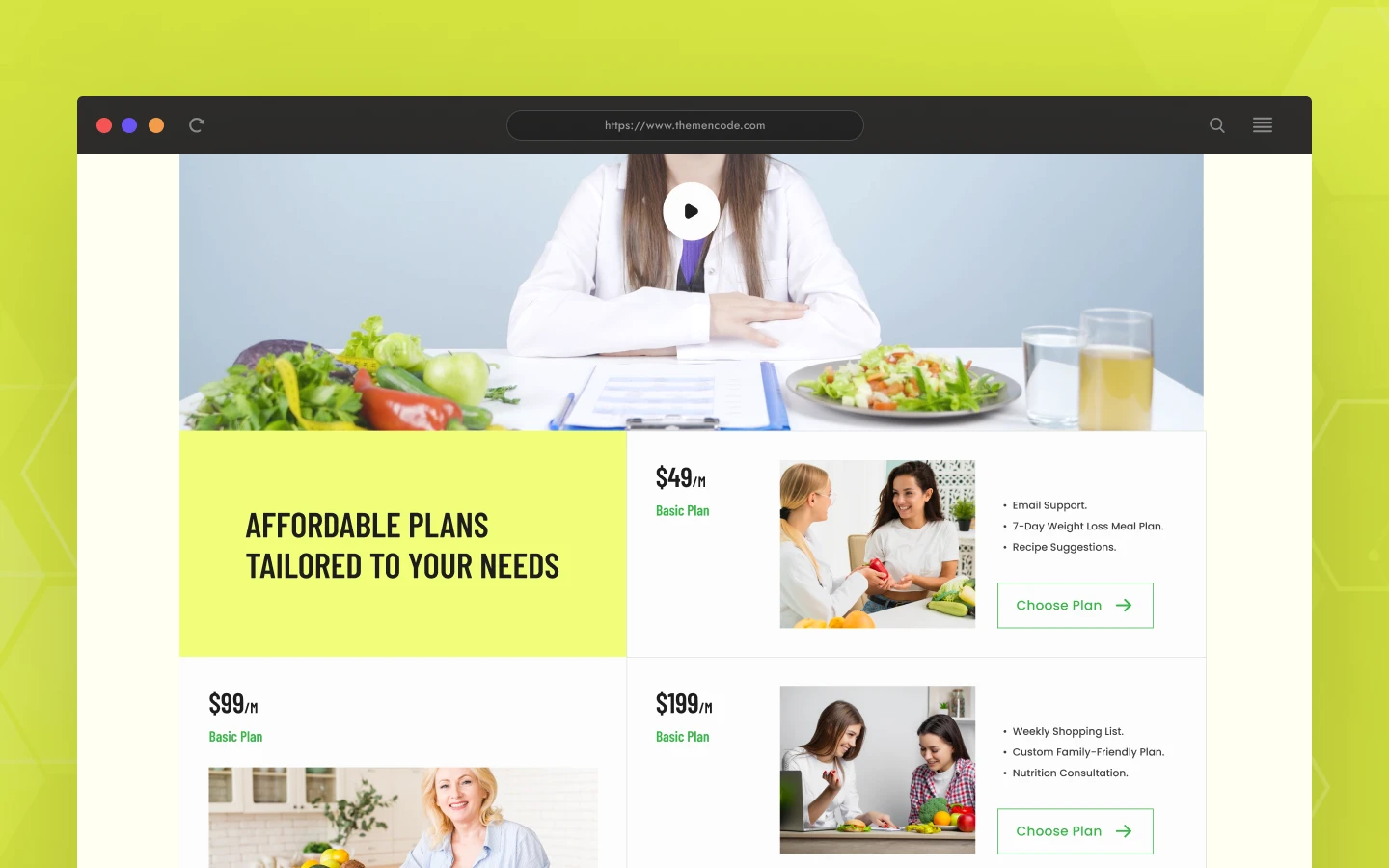
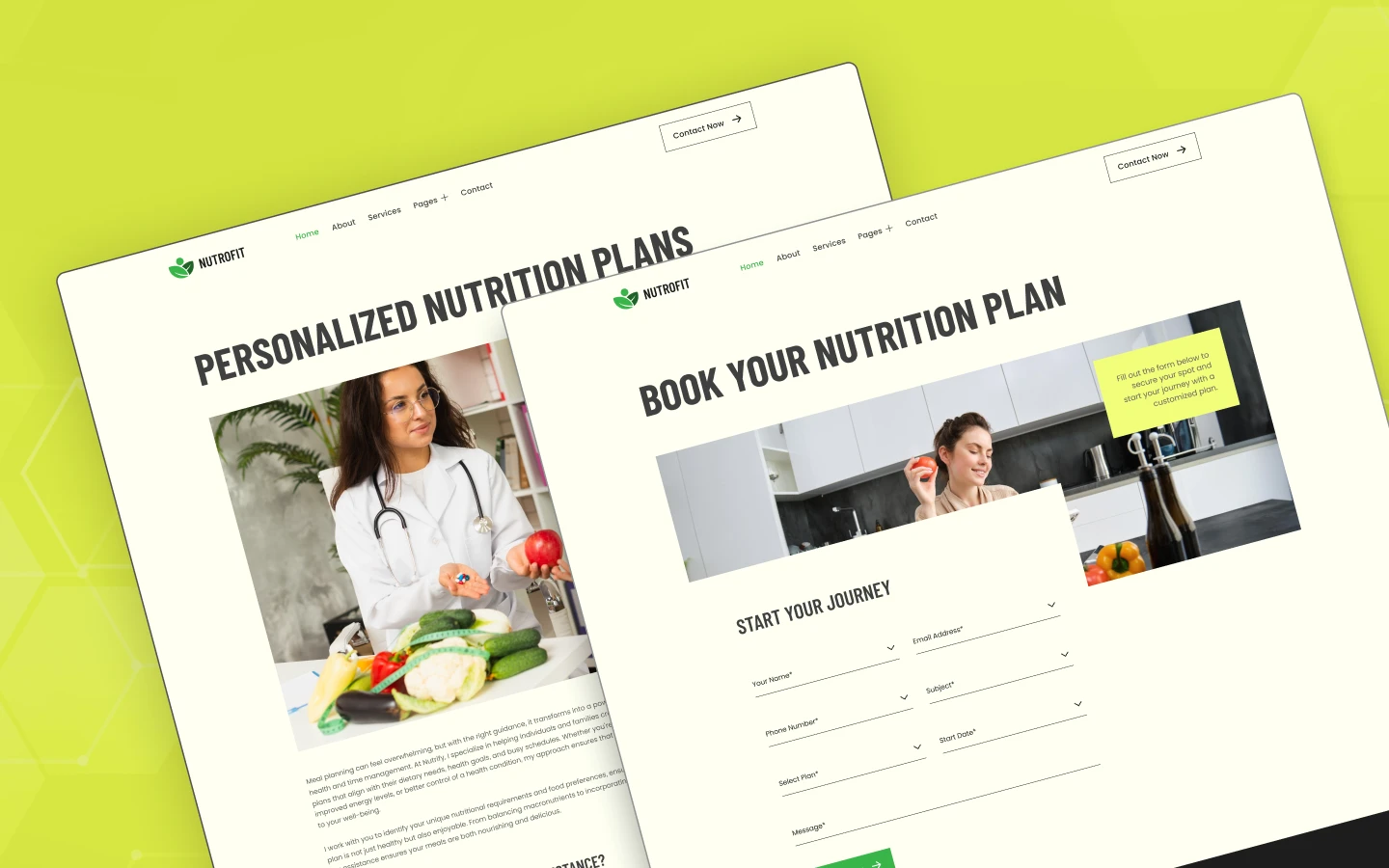
Nutrofit is a nutrition and fitness website template for dietitians, nutrition coaches and wellness practices. It ships for Webflow, Figma and HTML.
The template runs to 17 pages. So you get a services library, a pricing page and a consultation booking page. There is also an FAQ, a blog and a terms page. Services and articles both run on Webflow CMS. So one new record fills the slider, the listing and the detail page at once.
Each section has one job. The hero states the outcome the client wants. The practitioner introduction builds trust in a named expert. The services slider explains what you actually deliver. Then the booking page takes the consultation.
Explore the live preview now.
Nutrofit at a Glance
| Formats | Webflow, Figma and HTML |
| Figma file | Bundled with the Webflow purchase, also sold on its own |
| Best for | Dietitians, nutritionists, diet and weight coaches, wellness clinics, health practitioners |
| Pages | 17 |
| CMS collections | 3, covering services, blog posts and blog categories |
| Demo services | 6, covering personalised plans, weight management, condition specific diets, meal planning, pregnancy nutrition and child nutrition |
| Responsive | Yes, on every breakpoint |
| Support | Included, direct from the TNCFlow team |
Key Features of Nutrofit
Built for Nutrition Practices: Every page a nutrition practice needs is already built. So you are not bending a generic clinic layout into shape. The sections were drawn around coaching and diet planning.
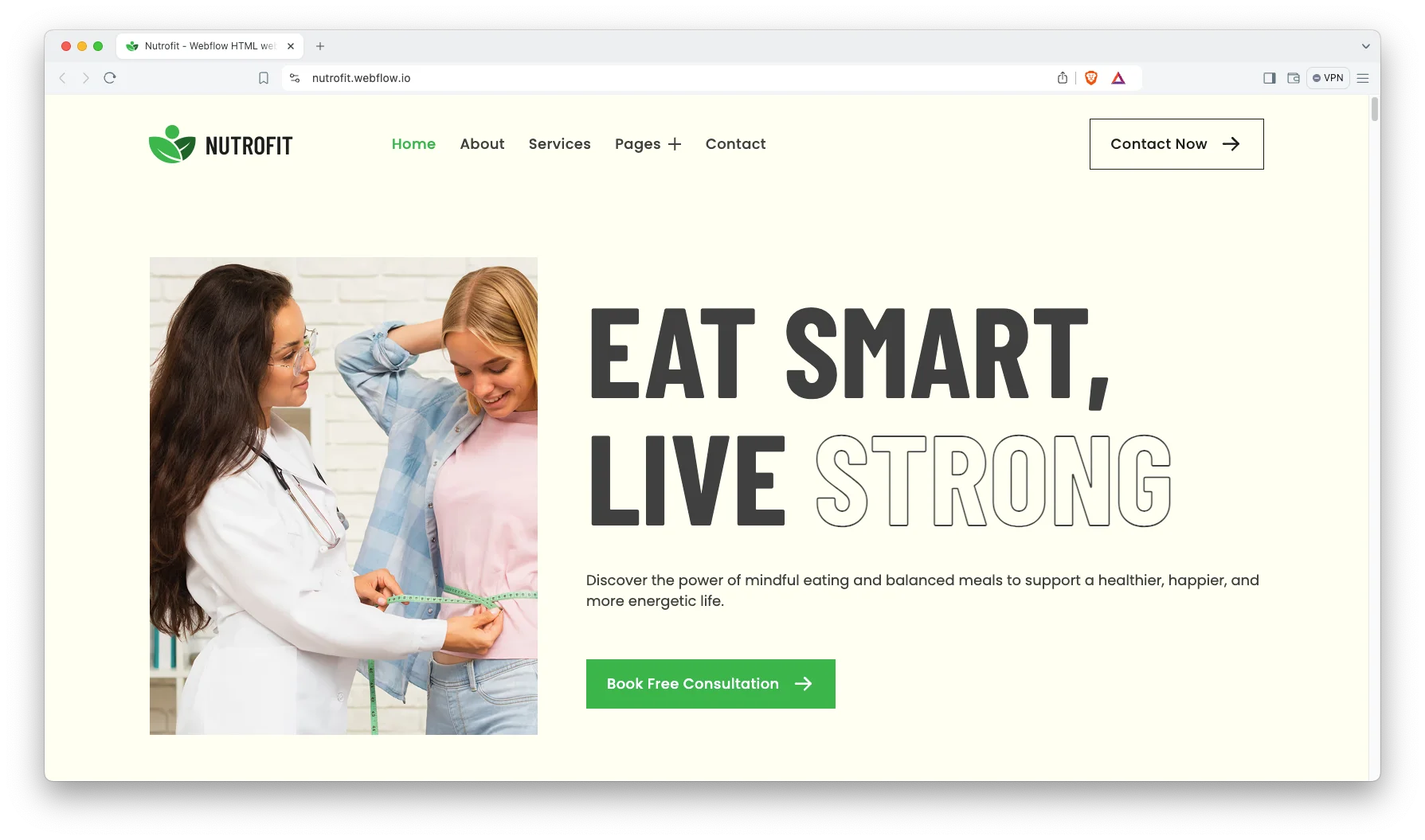
Clean Minimal Design: The design is quiet and uncluttered, which suits health advice. Loud layouts undermine the credibility a practitioner is trying to build. So the type does the work and the images stay calm.
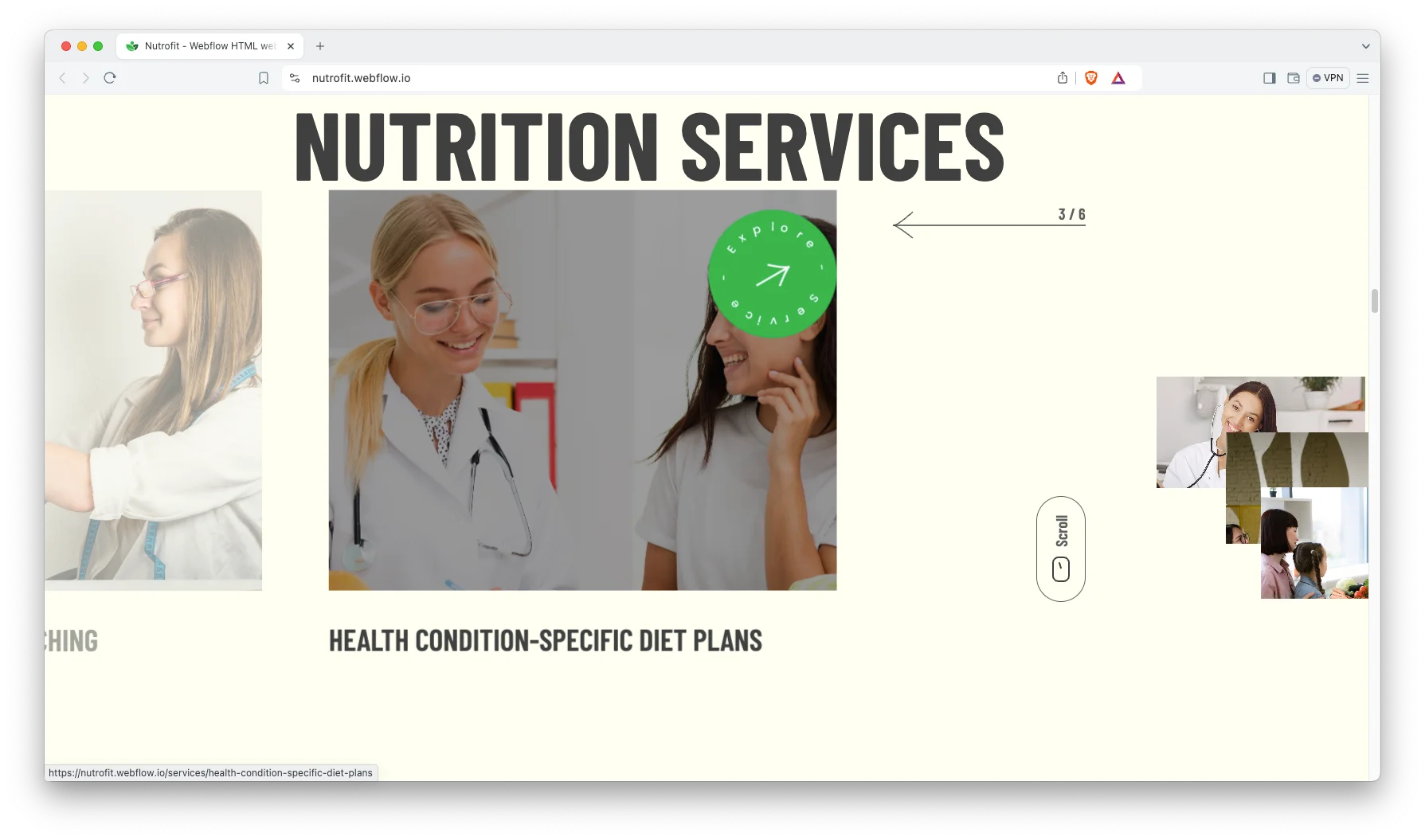
Webflow CMS Collections: Services, articles and article categories all run on Webflow CMS. So publishing a new service takes a minute. Because the fields are already mapped, you only supply the content.
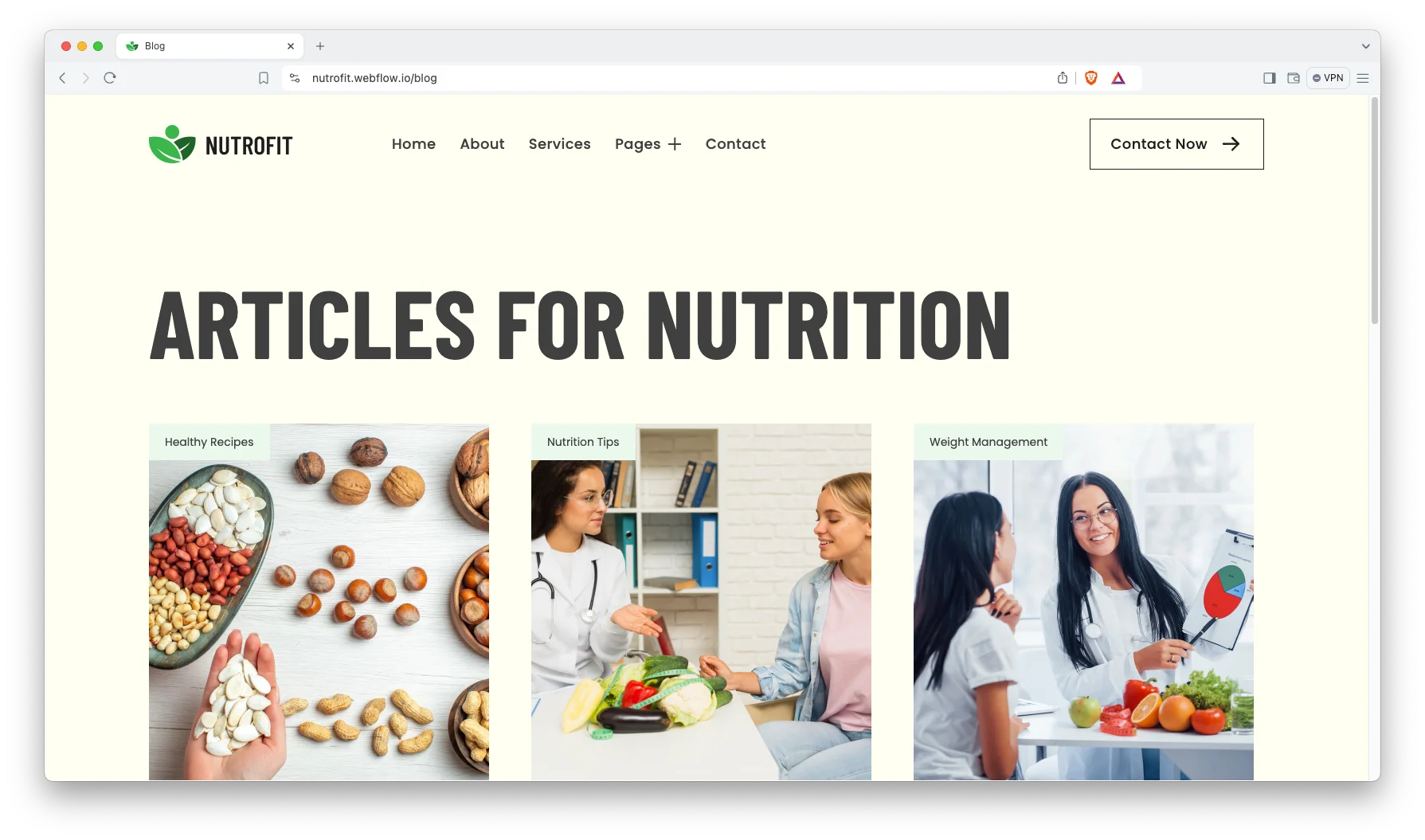
Services Pages: Every service gets its own page. So personalised meal planning and condition specific diet advice can be explained at different depths. Because clients search by problem, each page can earn its own visits.
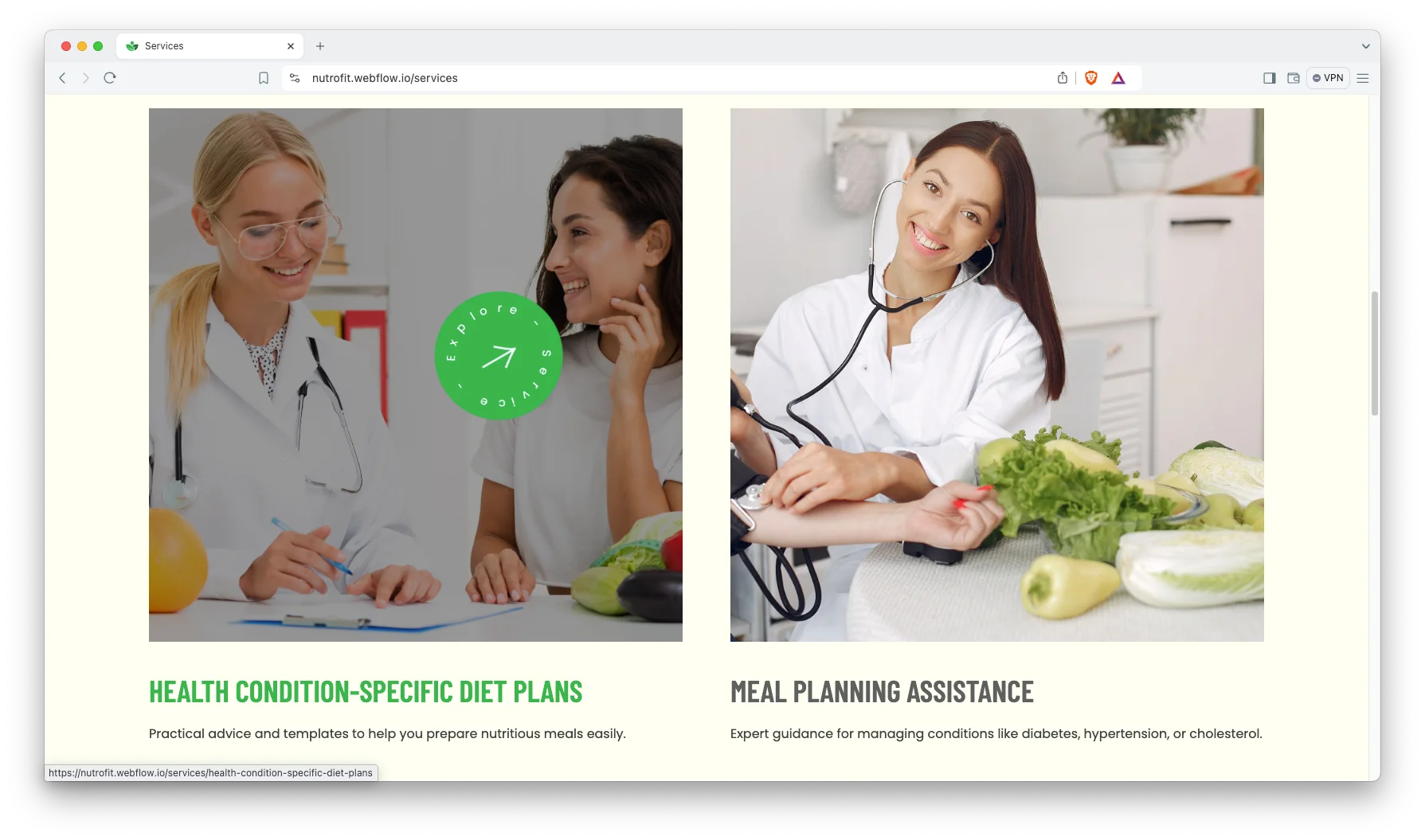
Animation, Video and Sliders: The services carousel and the scroll reveals keep long pages readable. Video blocks suit a practitioner introduction. However, motion stays light, so pages still load fast.
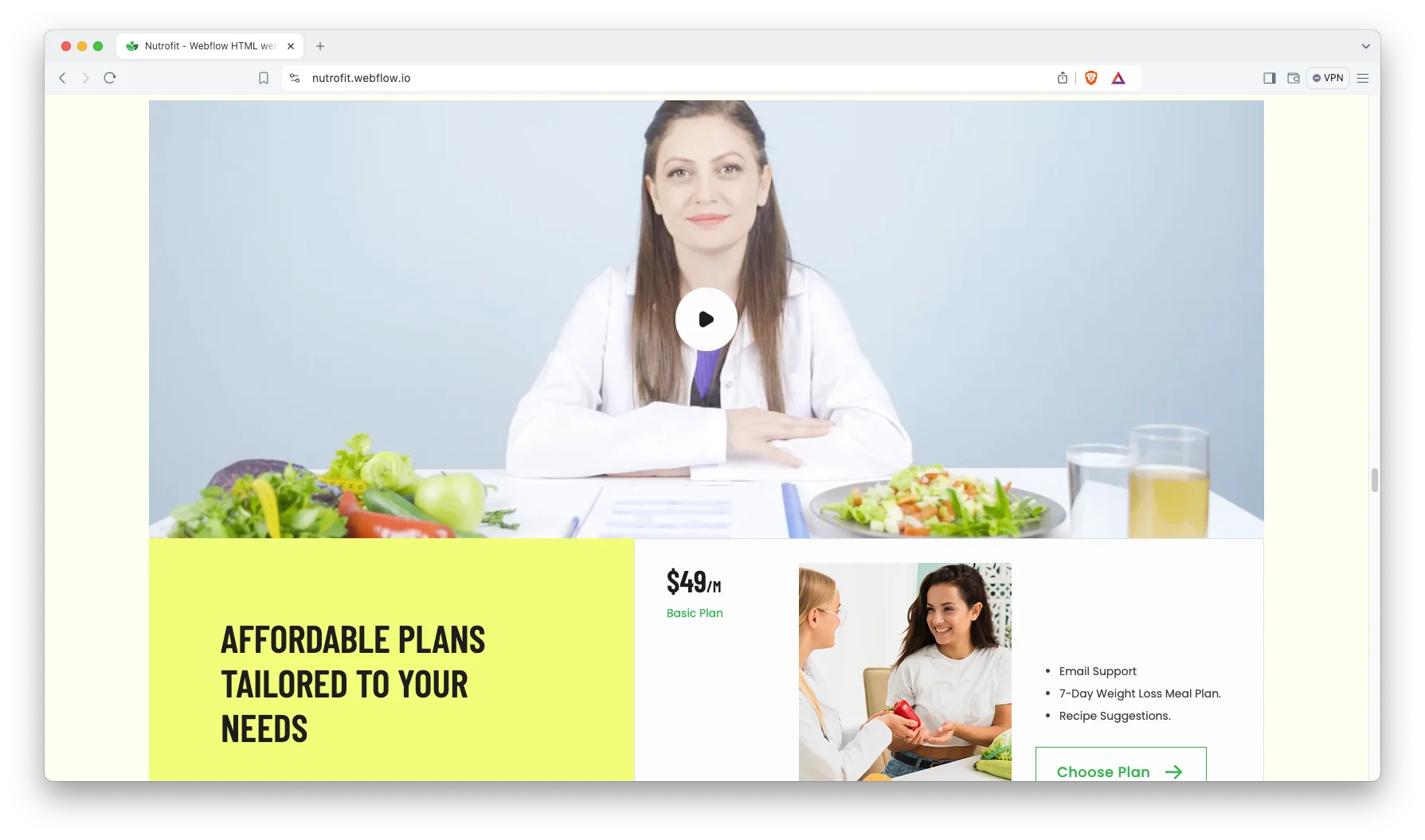
Consultation Booking Page: There is a dedicated booking page, and the prompt repeats across the site. So a visitor never hunts for it. The form is a Webflow form, so point it at your own scheduling tool or calendar.
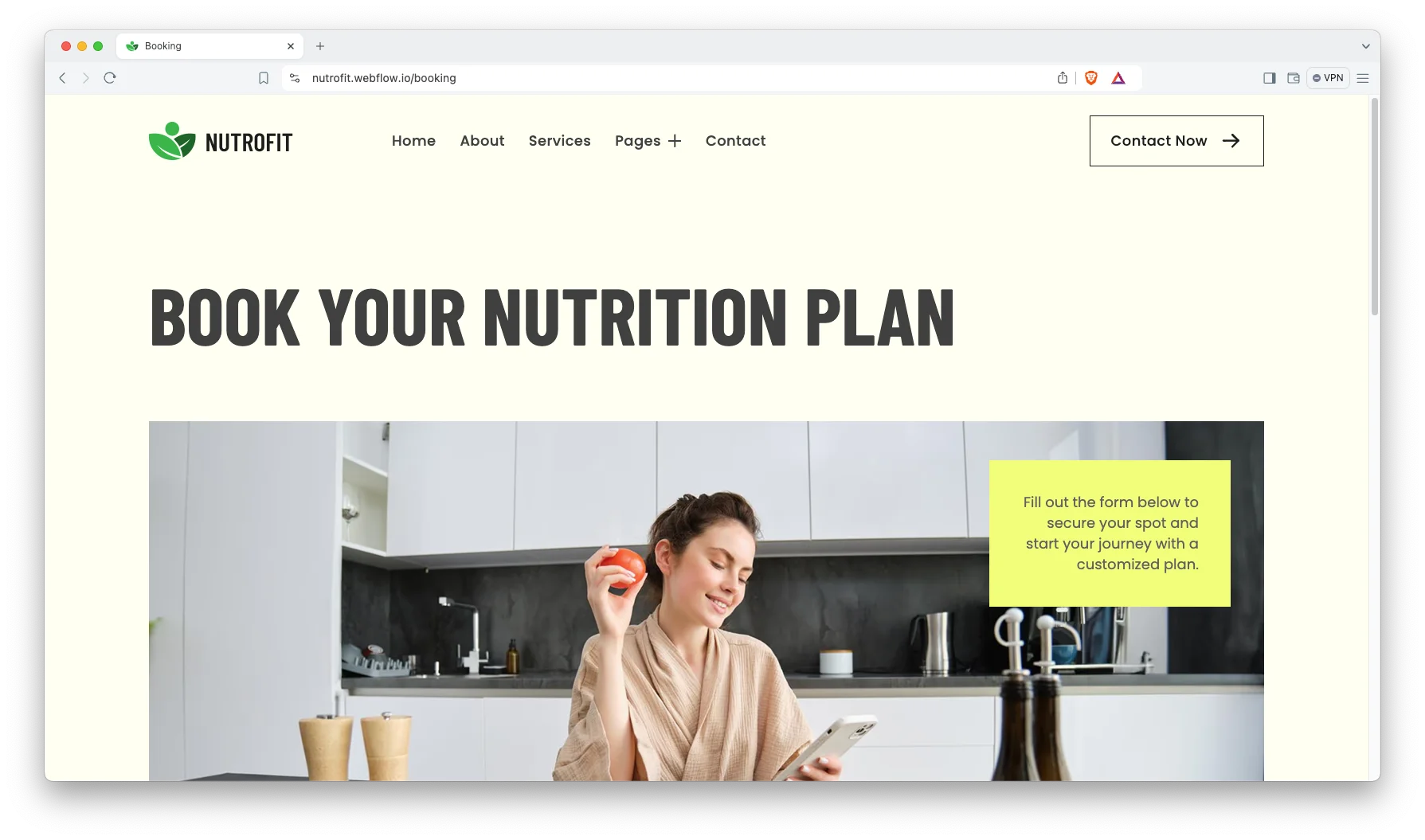
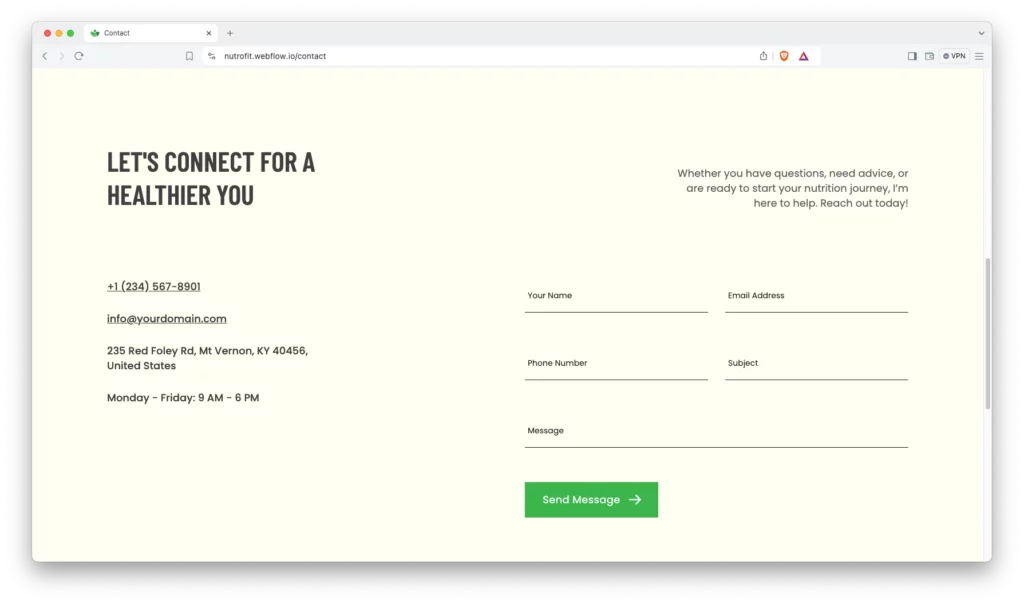
Contact Details: The contact page carries your address, telephone number and a map. So a client attending in person can find you. The form routes enquiries straight to your inbox.
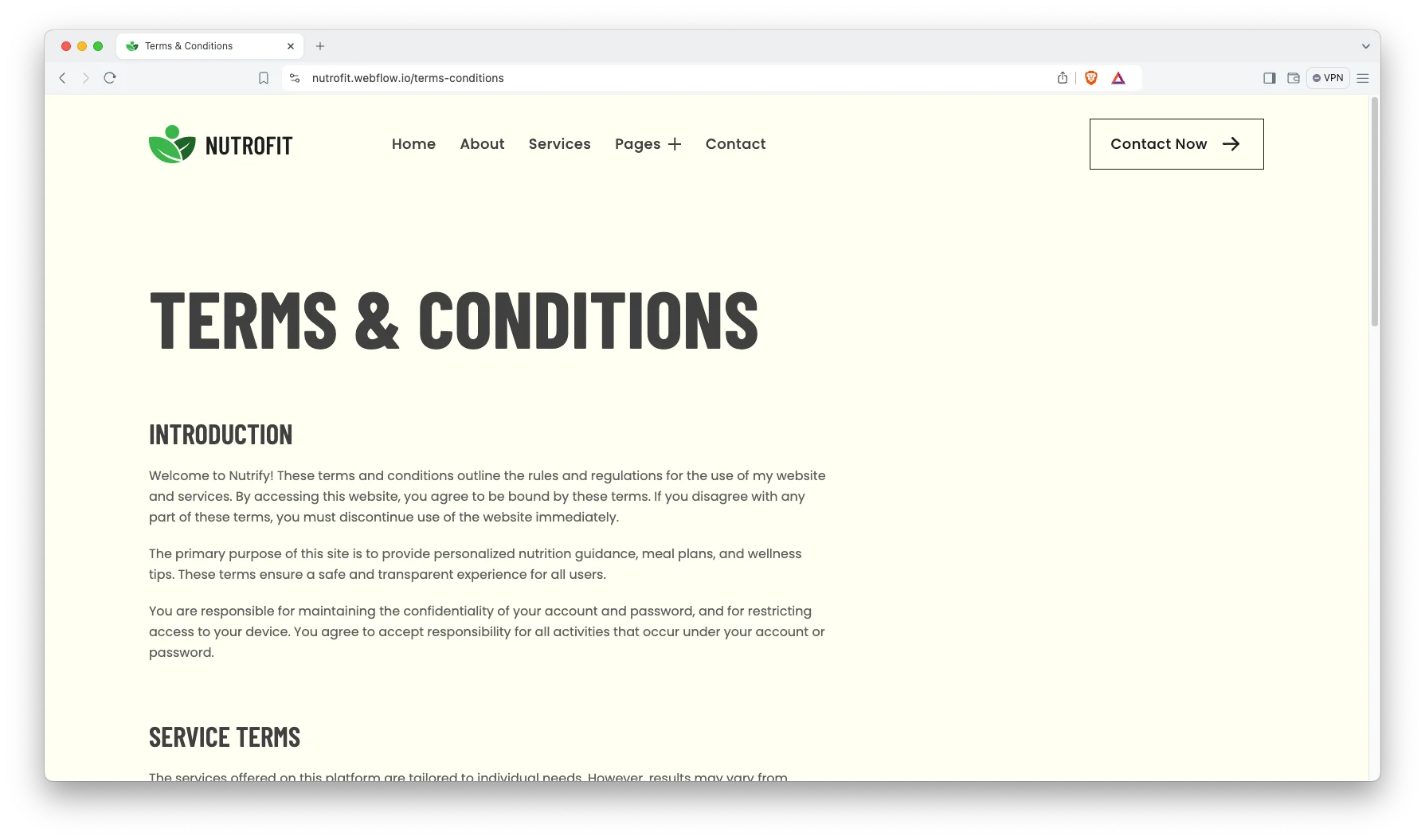
Terms and Conditions Page: A full terms page ships with the template. It covers use of services, payment and refunds, limitation of liability and confidentiality. Health advice carries real liability, so this page matters more here than elsewhere.
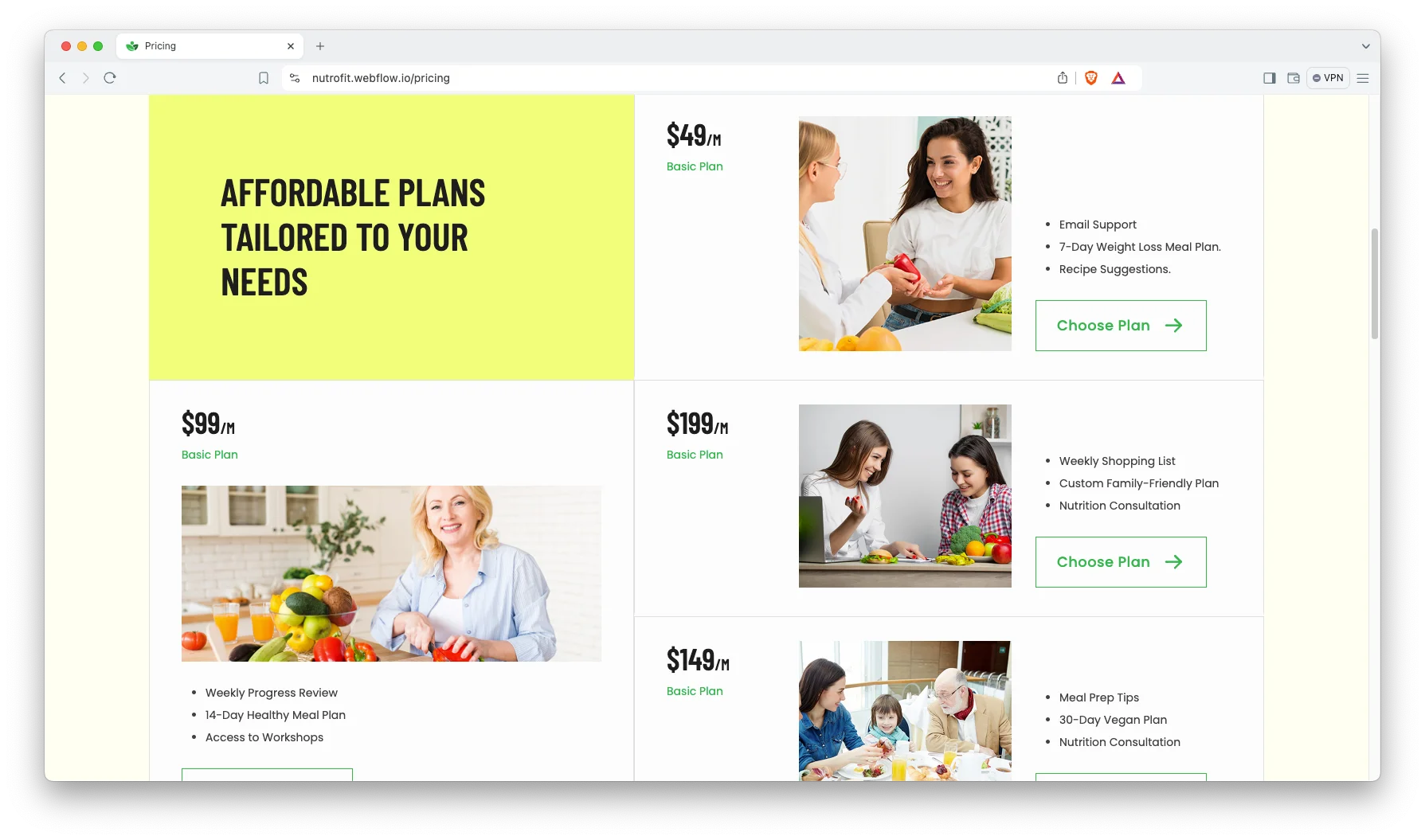
Pricing Page: The pricing page presents monthly coaching plans side by side. So a prospective client can compare packages without emailing first. Clear tiers reduce the wrong enquiries.
Watch on YouTube
The walkthrough below tours the template page by page. So you can judge the fit before you buy.
Pages Included in Nutrofit
There are 17 pages. Pages marked CMS are collection layouts, so they repeat for every record you add.
- Home
- About
- Services
- Pricing
- Booking
- Blog
- FAQ
- Contact
- Terms and Conditions
- Style Guide
- Licence
- Changelog
- Services Template (CMS)
- Blogs Template (CMS)
- Blog Categories Template (CMS)
- 404
- Password
How to Use Nutrofit
Setup is short. Here are the steps.
- Use the purchase widget on the right side of this page to buy the Nutrofit template
- Pick the build you need, then follow the steps to get your site ready
- Replace the demo services and articles with your own
- Add your real plans to the services collection
- Point the booking form at your own scheduling tool
- Preview, then publish
What a Nutrition Coaching Website Has to Do
A nutrition practice sells a person, not a product. The client is trusting someone with their health, so the practitioner has to appear early and by name. Nutrofit puts that introduction directly under the hero.
Then name the outcome, not the method. People search for weight management or gut health, never for nutritional consultancy. Because each service here has its own page, you can match that language exactly.
Publish your credentials in plain sight. Registration, qualification and years in practice all belong above the fold, not buried in an about page. Health buyers check this first.
Finally, keep the terms page honest. Diet advice sits close to medical advice, and a clear scope statement protects both sides. The template gives you a page built for it.
Frequently Asked Questions
What is Nutrofit?
Nutrofit is a nutrition and fitness website template for dietitians, nutrition coaches and wellness practices. It contains 17 pages, including a services library, pricing, a consultation booking page, an FAQ, a blog and a terms page.
Which formats does Nutrofit ship in?
Nutrofit ships for Webflow, Figma and HTML. The Webflow purchase bundles the Figma file as well. There is no Framer version and no WordPress version.
How many pages does Nutrofit include?
The template includes 17 pages. Three of them are CMS collection templates, covering services, blog posts and blog categories.
Is Nutrofit a gym template?
Not really. It is built around one to one nutrition and diet coaching. So there is no class timetable and no trainer roster. Personal trainers who coach individually will still fit it well.
Does the booking page manage my calendar?
No. It is a Webflow form, so it collects the request and emails it to you. Connect it to your own scheduling tool if you want automatic slots.
Is the Figma file included with the template?
Yes, the Figma file is bundled with the Webflow purchase. You can also buy Figma on its own from the purchase widget, at a lower price than the Webflow version.
When you choose Nutrofit, you get support direct from the TNCFlow team. So if a section will not behave, just ask us.
Check out other Webflow templates by TNCFlow.

Select template
Choose one or more options for your build
All-Access Pass
$199
/ Yearly
$20,000+ in assets
130+ Webflow Templates
130+ Figma UI Templates
45+ Framer Templates
130+ HTML Templates
