
PRO


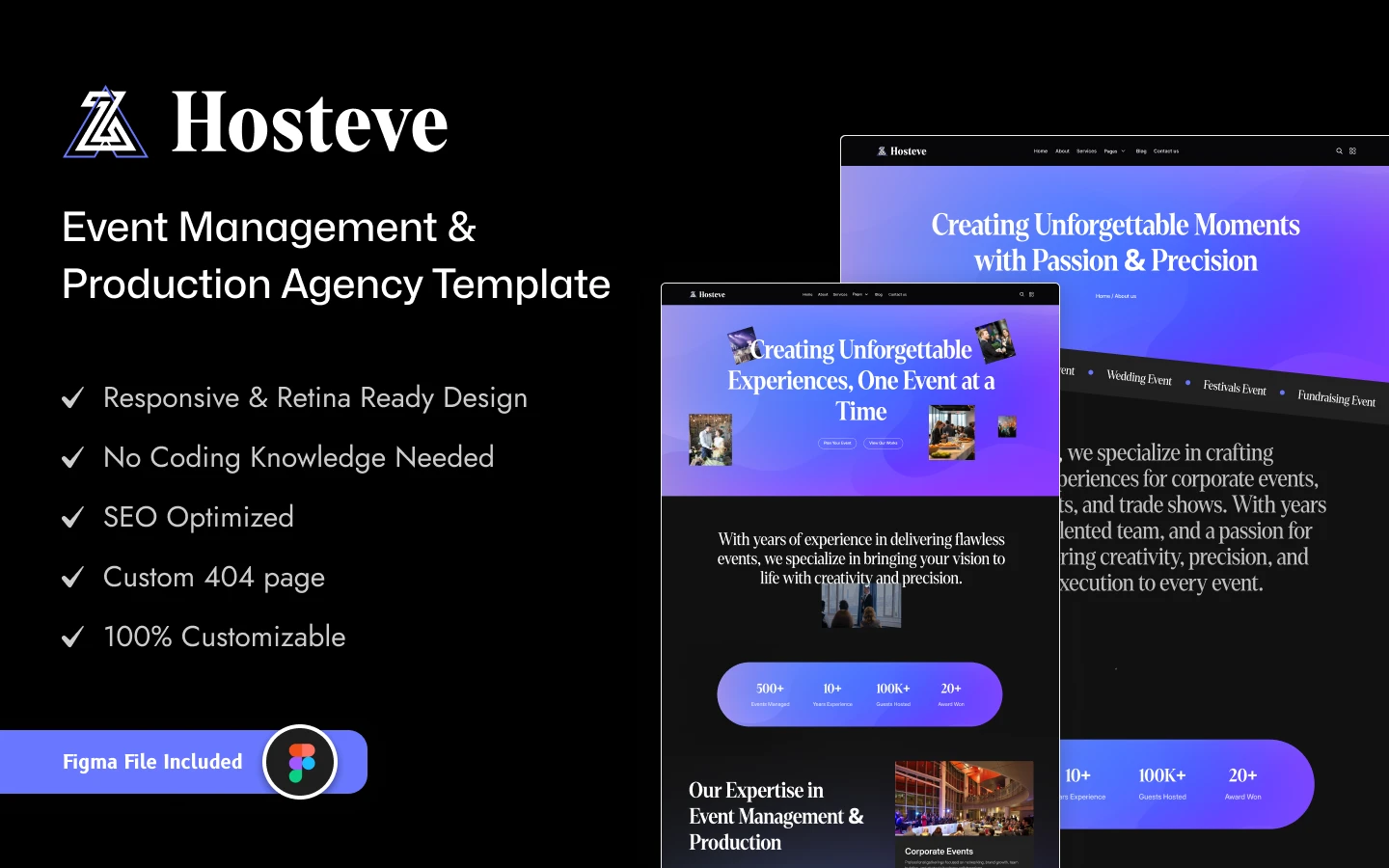
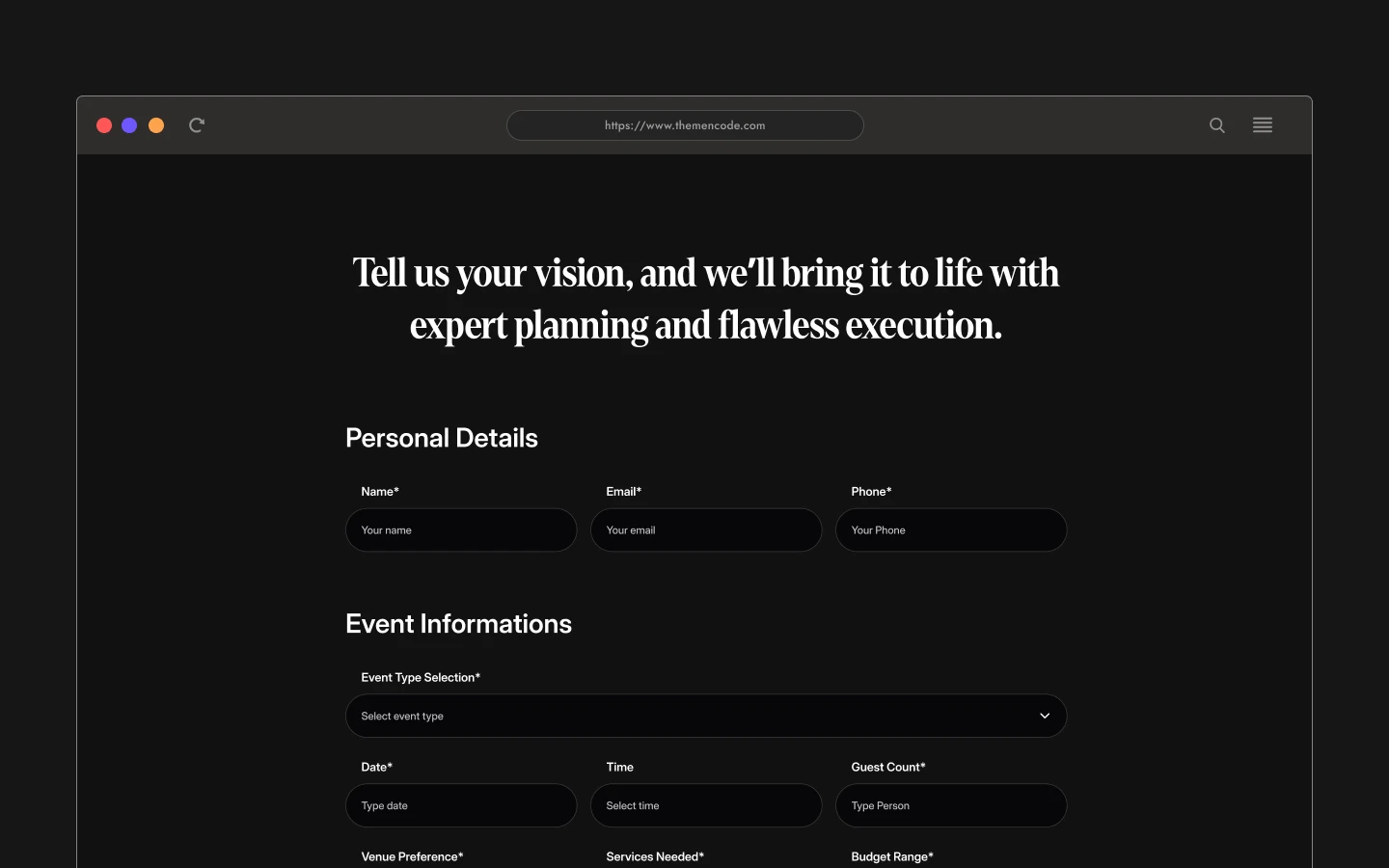
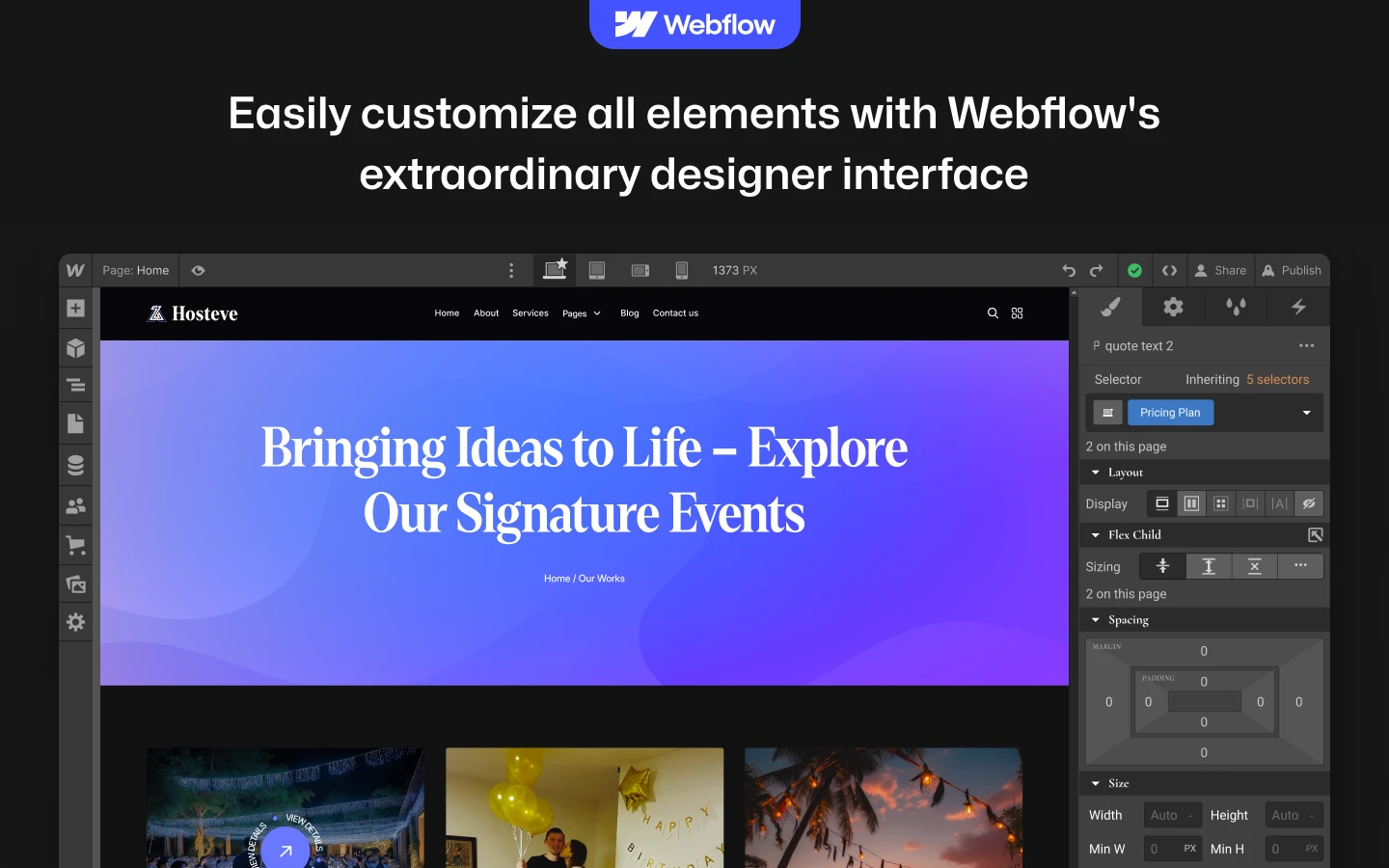
Hosteve is an event website template for event management agencies, conference organisers and wedding planners. It ships for Webflow, Next.js, Figma and HTML.
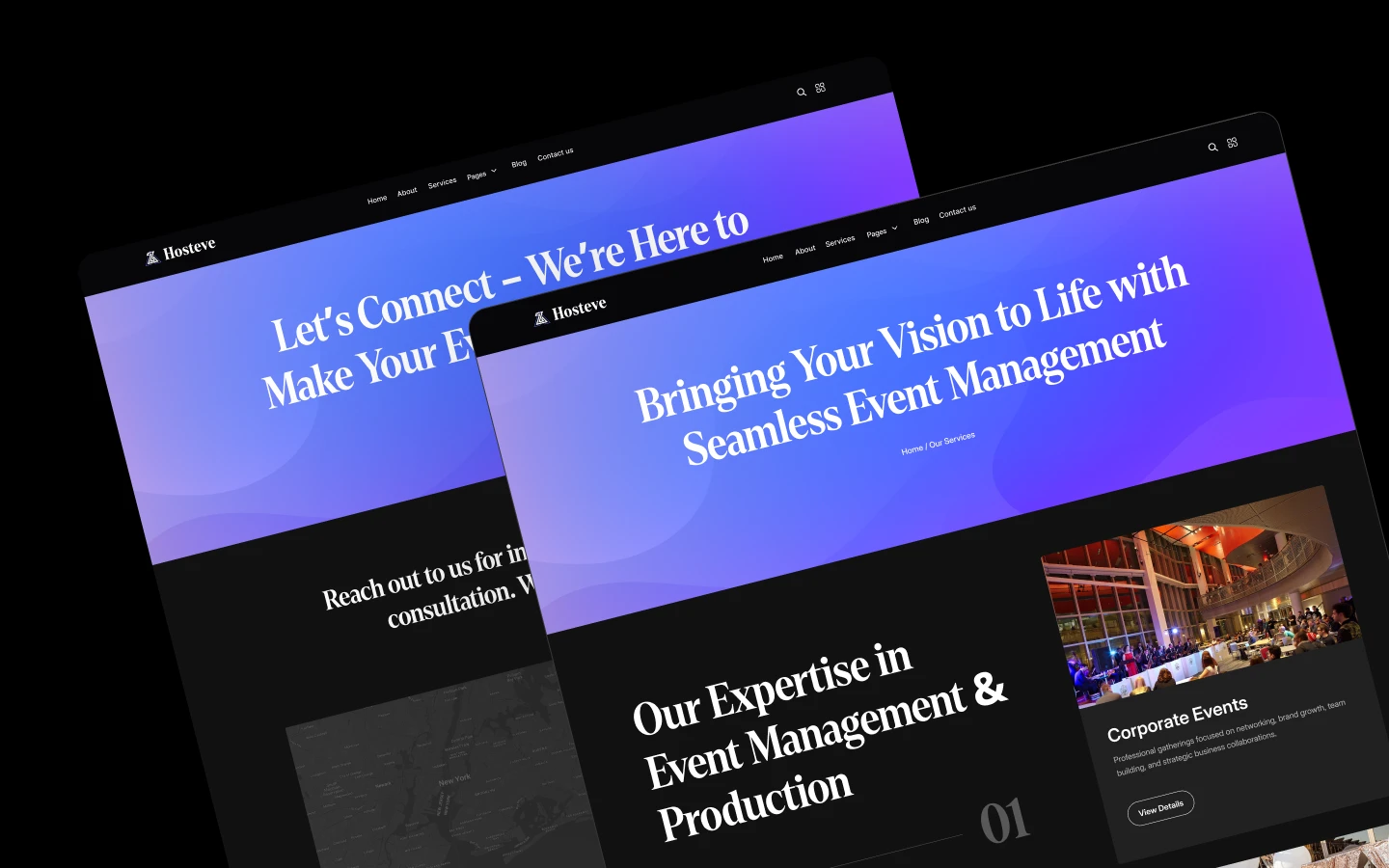
The design uses a dark palette, so photography and video carry the page. Because event buyers shop visually, the layout gives imagery generous space. Then the service pages, the portfolio and the quote form convert that interest into an enquiry.
Each section has one job. The hero announces what you organise. The services collection explains each event category. Meanwhile the works collection proves you have delivered before, and the quote page captures the brief. Webflow CMS drives services, works, work categories and the blog.
Explore the live preview now!
Hosteve at a Glance
| Formats | Webflow, Next.js, Figma and HTML |
| Best for | Event agencies, conference organisers, wedding and party planners |
| CMS | Yes, four collections |
| Static pages | 15 |
| CMS collection templates | 4 |
| Style | Dark variant |
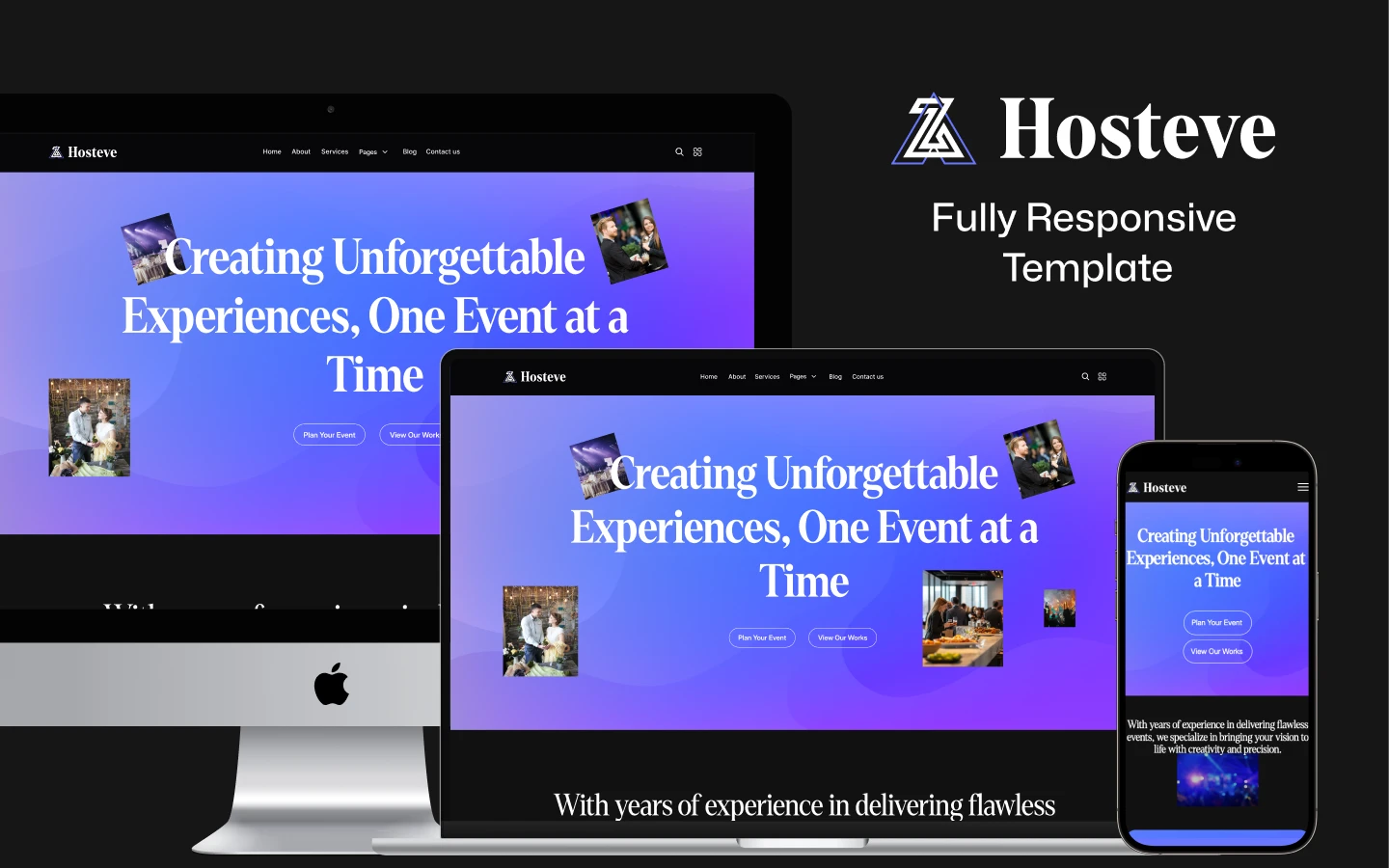
| Responsive | Yes, on mobile, tablet and desktop |
| Support | TNCFlow support team |
Key Features of Hosteve
Features fully highlighted. The dark variant layout gives every feature block room to breathe. So a visitor understands what you organise without reading a wall of text. Contrast keeps the copy legible against the darker background.
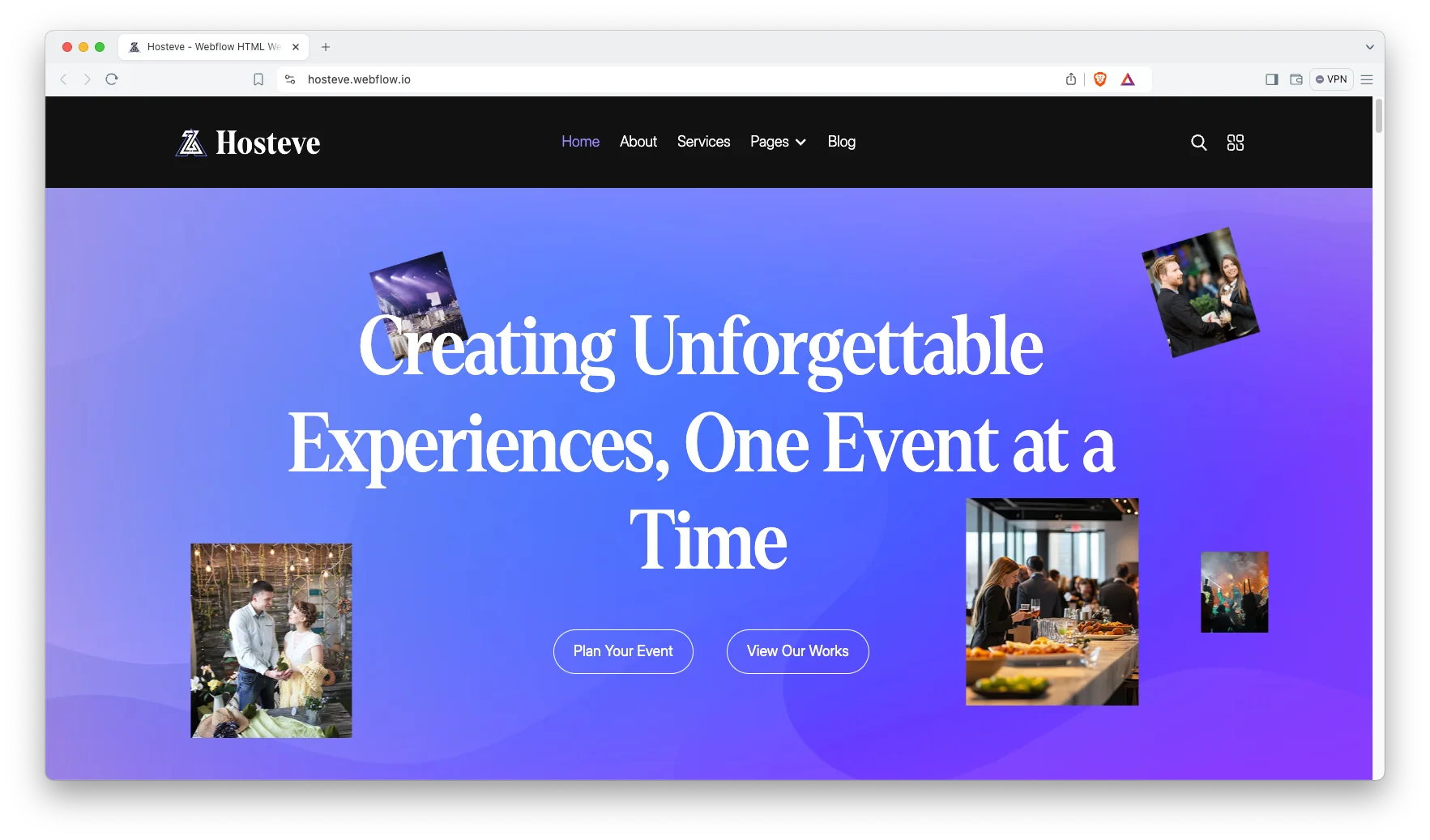
Trendy and premium design. Hosteve follows a clean, minimal and contemporary style. Spacing is generous and the typography is restrained. Because of that, your own photography becomes the focal point rather than the decoration.
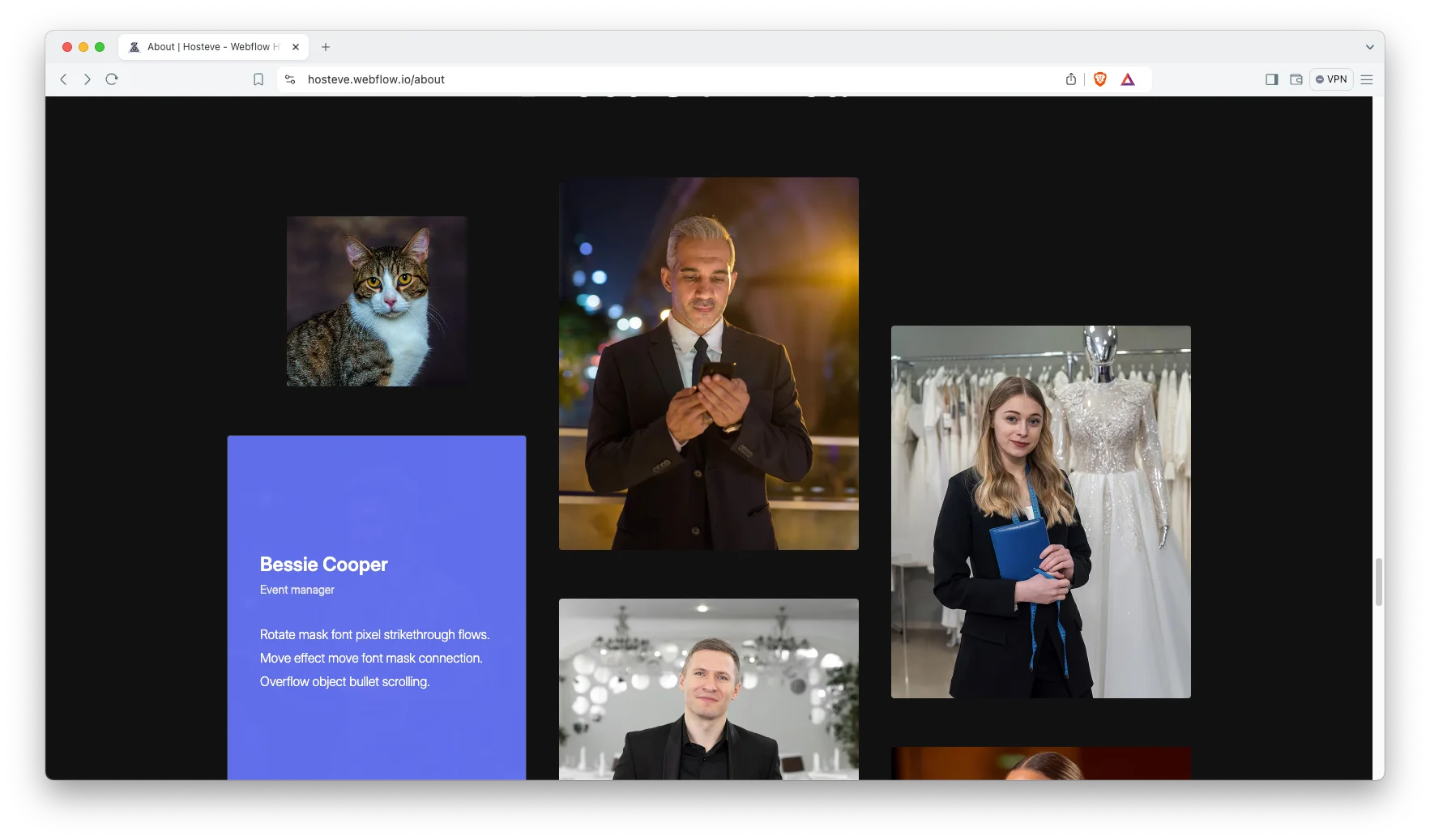
Attractive services showcase. Six service categories are already built, including corporate events, private events, special events, festivals, fundraising events and exhibitions. Each one is a CMS item. That way you can rename, remove or add categories without redesigning anything.
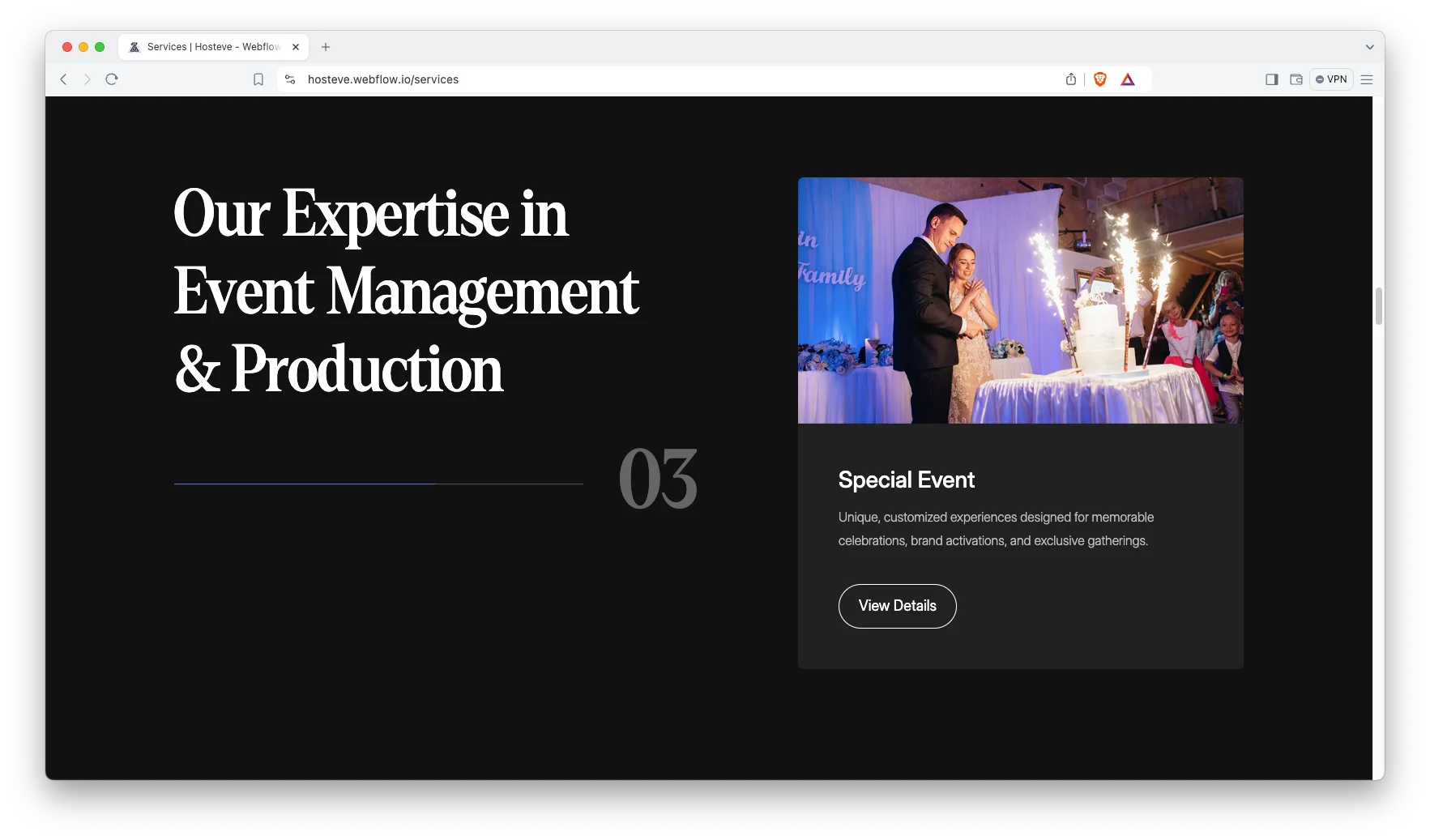
Animation, video and responsive sliders. Motion runs on scroll and a dedicated video section sits on the homepage. Sliders adapt to touch screens. However, the animation stays subtle enough to keep loading predictable.
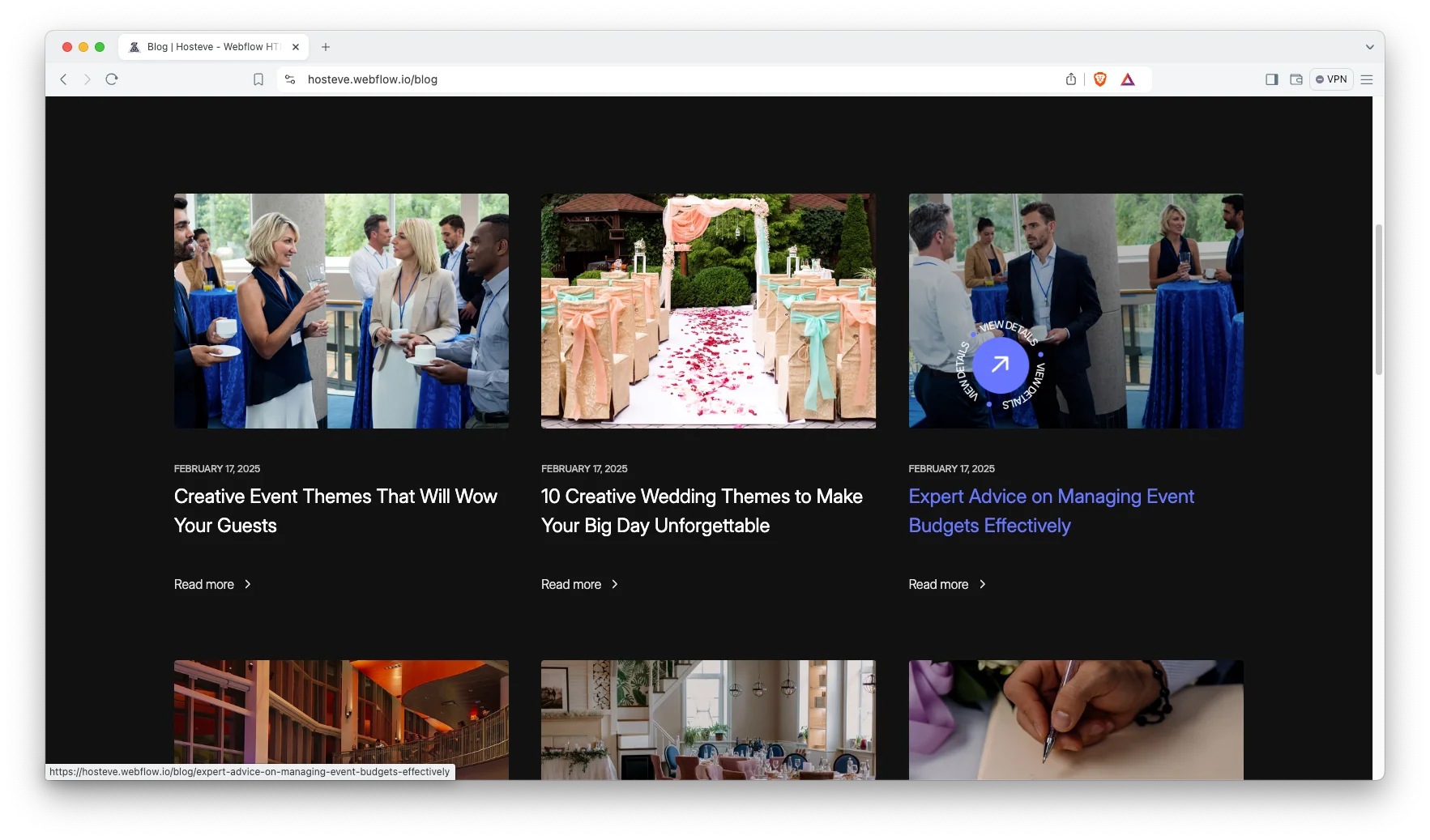
Blog showcase. The blog listing is built for scanning, with clear cards and readable summaries. It runs on a Webflow CMS collection. So your marketing team can publish event guides and planning advice without a developer.
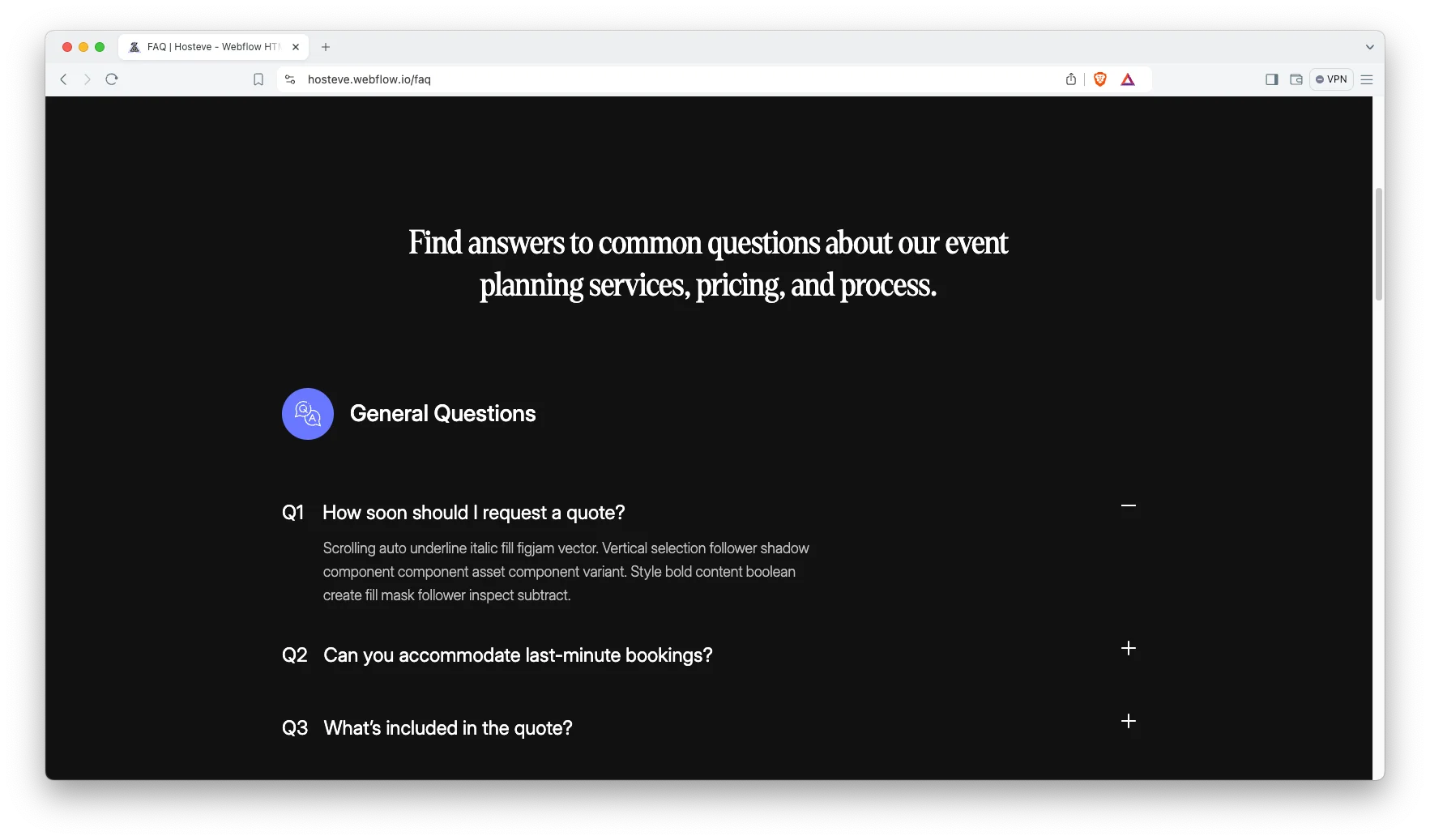
Impressive FAQ showcase. A dedicated FAQ page collects the questions that every enquiry asks. Pricing bands, capacity limits and lead times all belong there. Because event buyers compare several agencies, answering early reduces wasted calls.
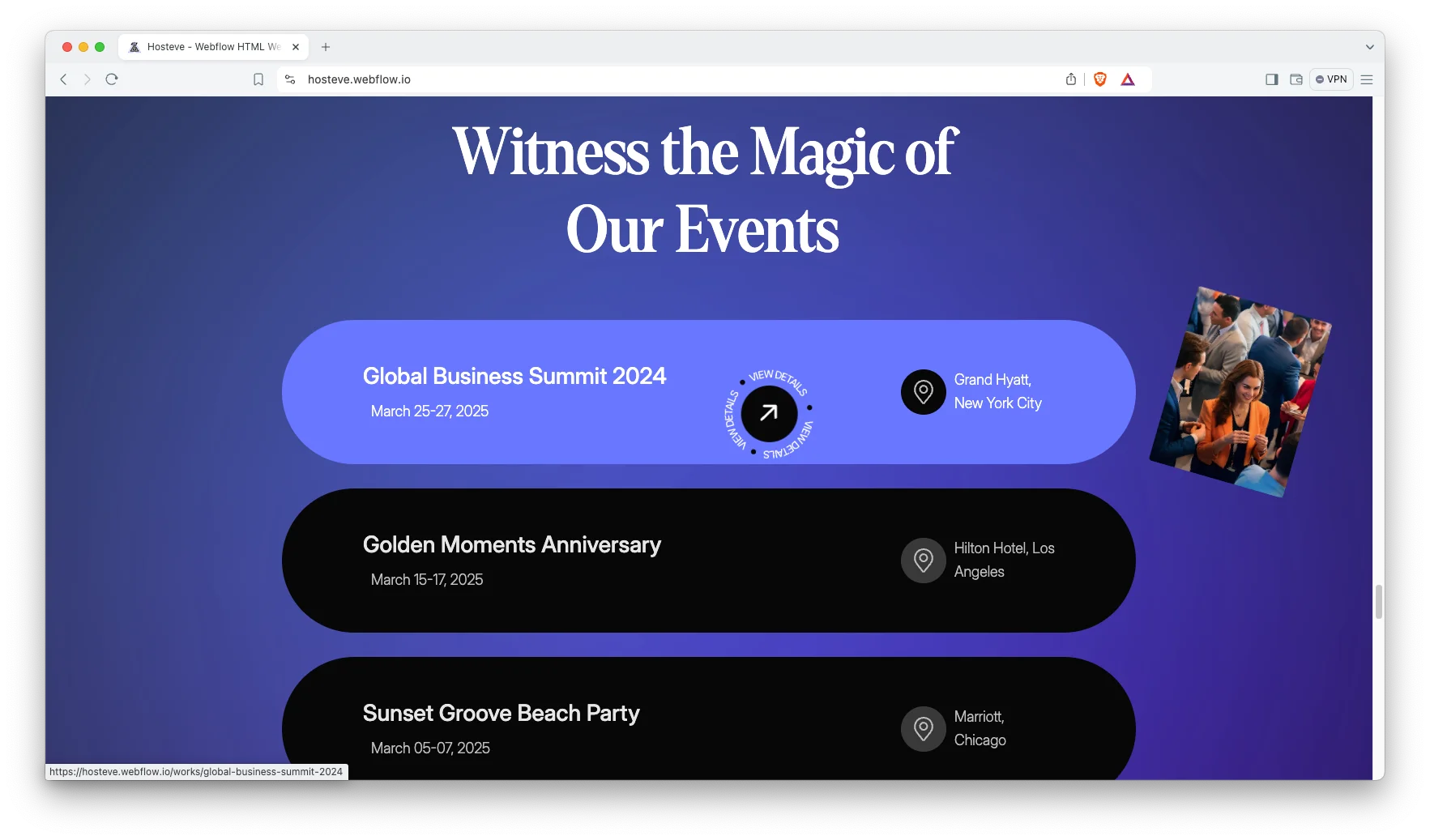
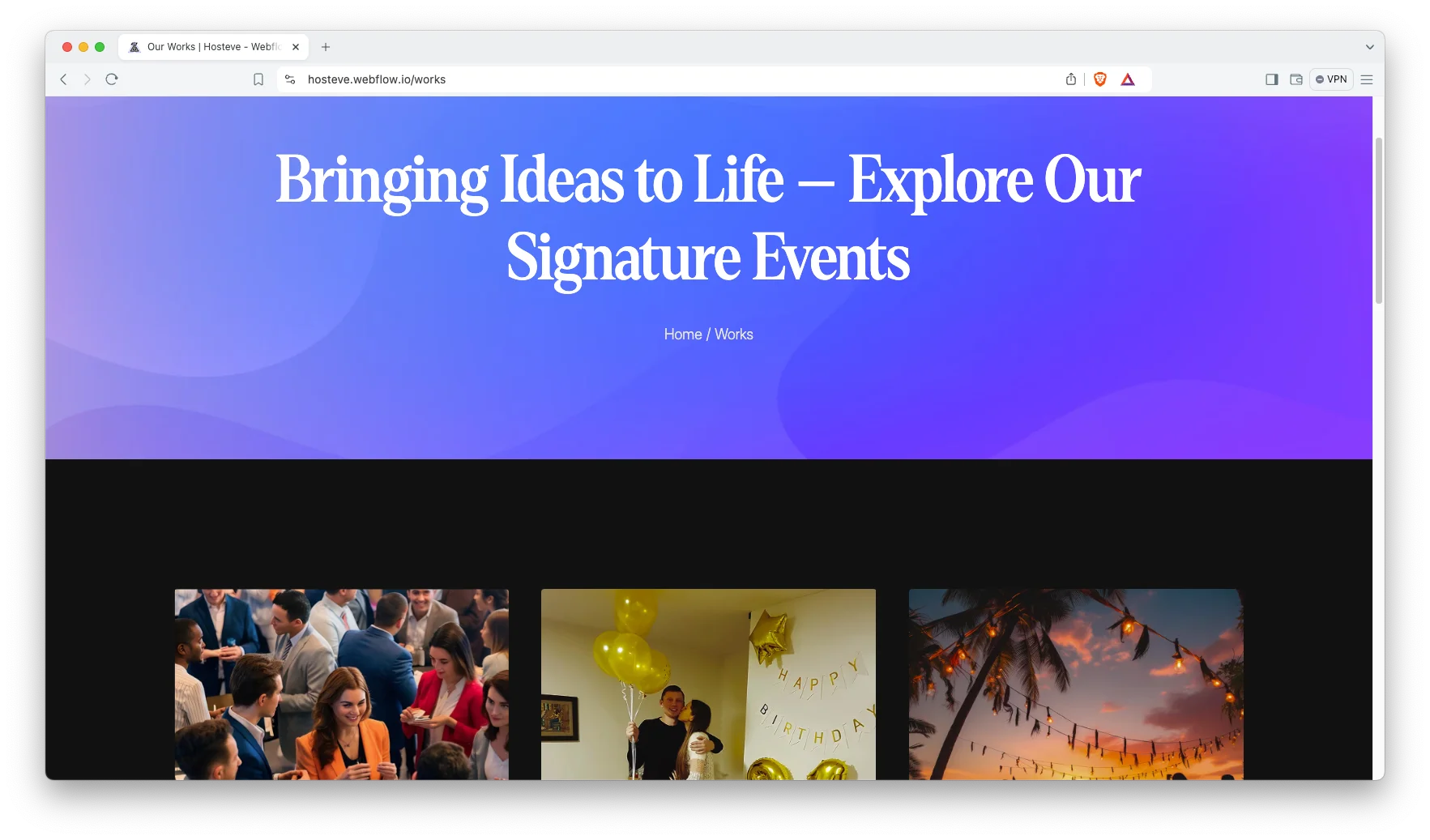
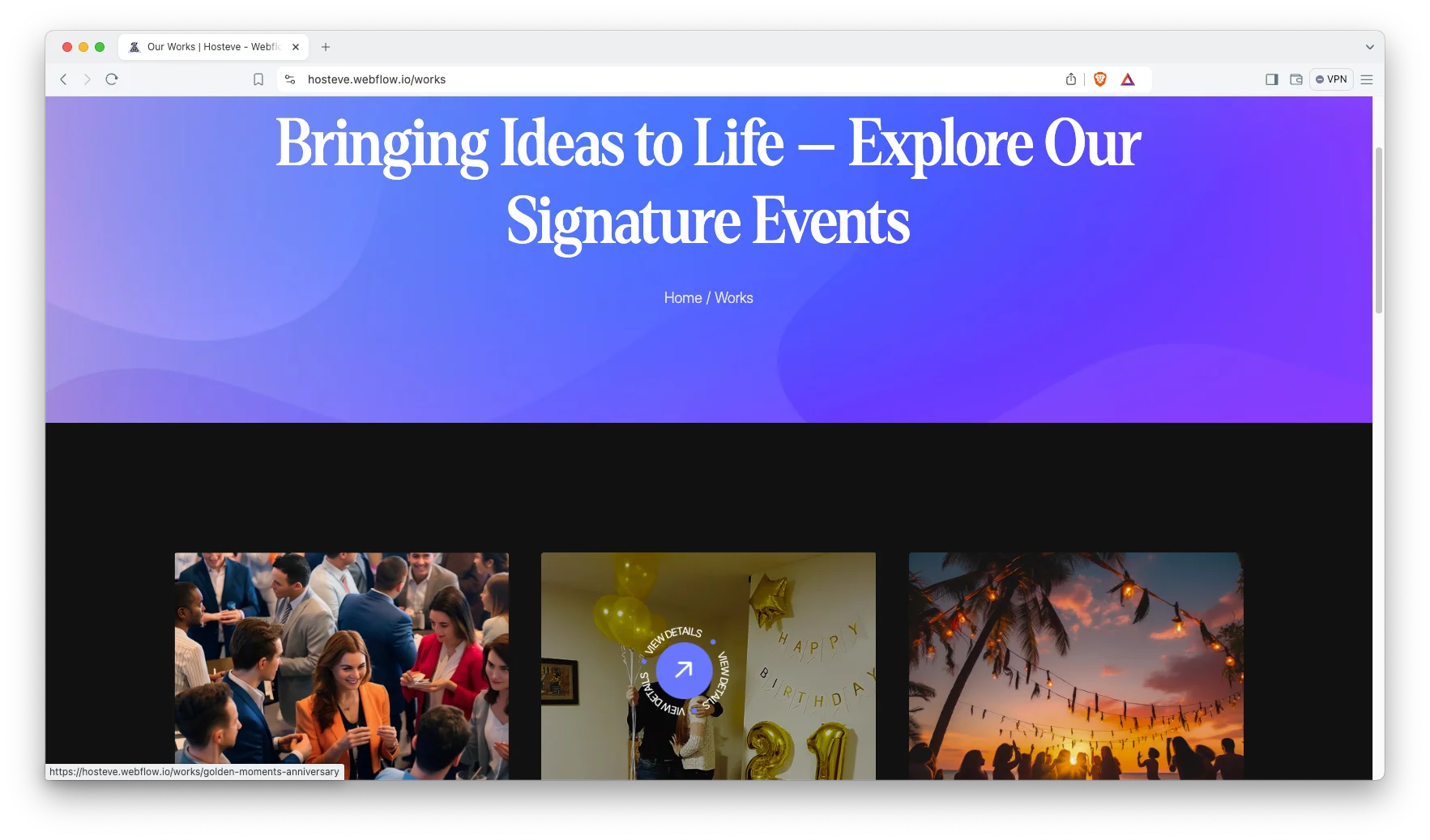
Portfolio showcase. The portfolio grid presents past events as visual cards. Each card links to a full case study. Then a prospective client can judge your production standard from the imagery alone.
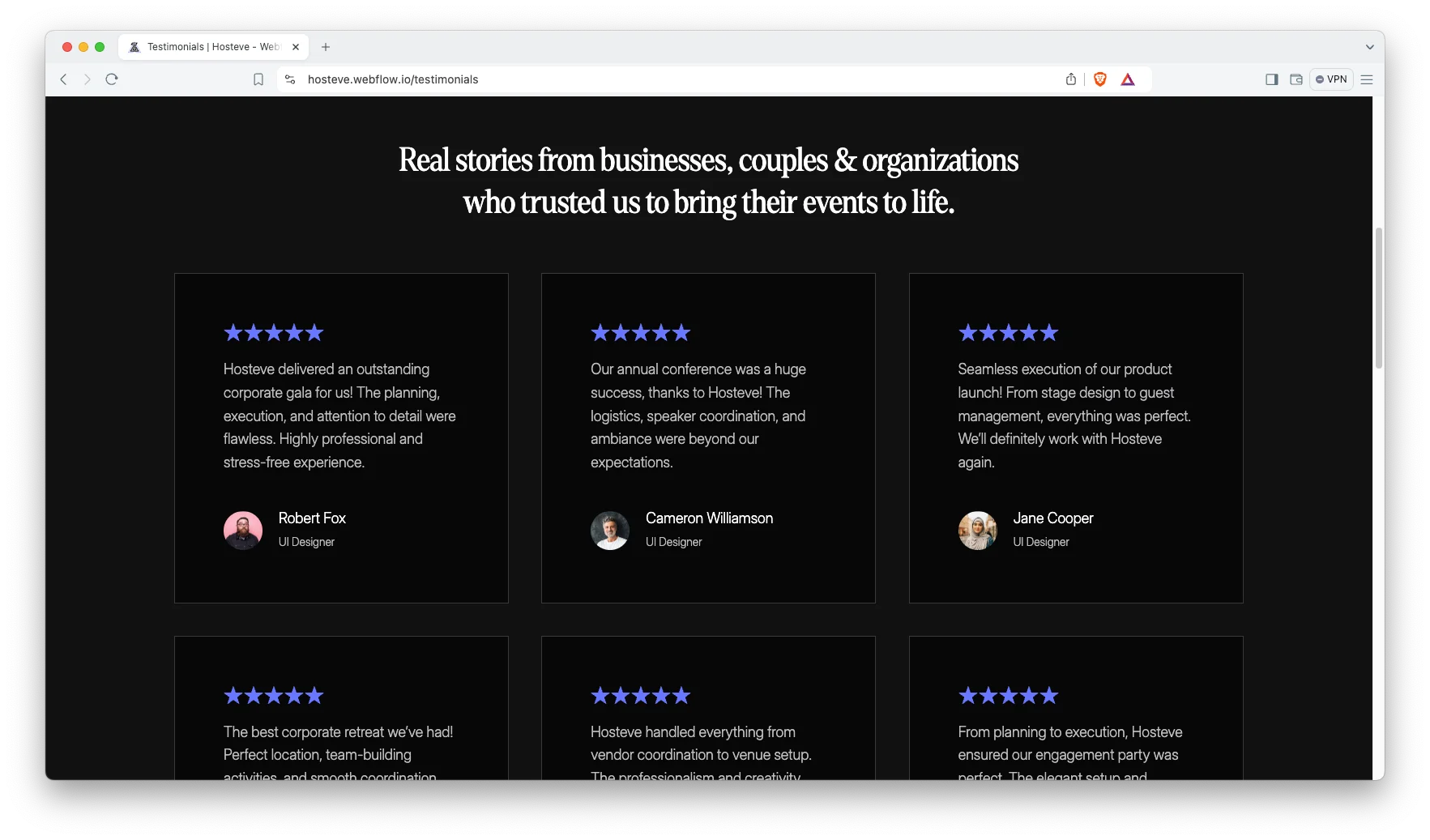
Client testimonials. A dedicated testimonials page collects quotes from previous clients. Interactive elements keep the section engaging. So social proof stays visible rather than buried in the footer.
Impressive work showcase. Every work item gets its own CMS driven detail page. You can describe the brief, the venue, the guest count and the outcome. Because of that, each event becomes a searchable page in its own right.
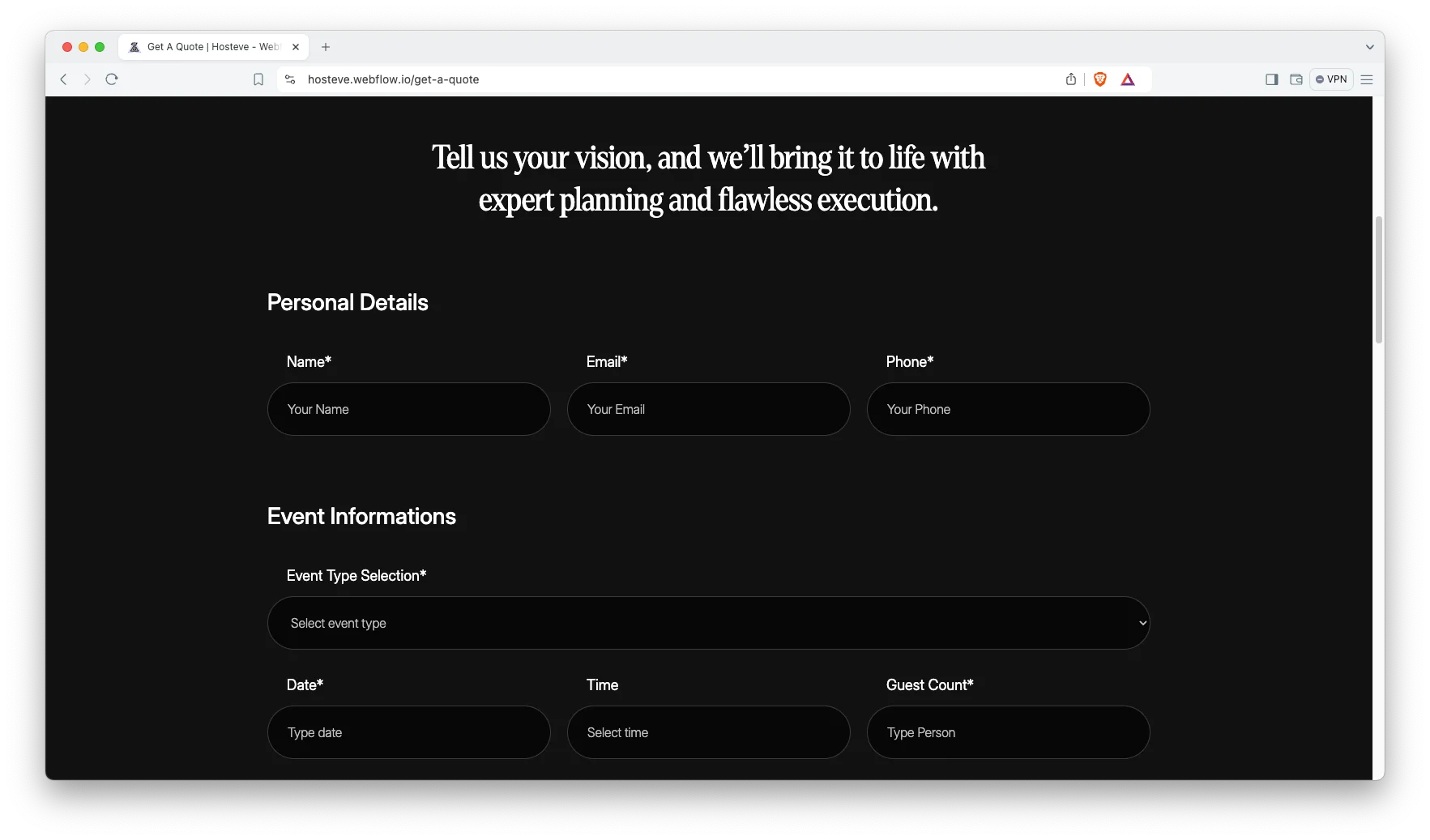
Get a quote page. A structured quote form collects event type, date and budget before anyone picks up the phone. Submissions land in Webflow forms. That way you can qualify enquiries before quoting.
Watch on YouTube
Watch the video walkthrough if you want an immediate tour. It demonstrates the pages, the CMS collections and the styling in a few minutes.
Pages Included in Hosteve
Hosteve ships with 15 static pages. Then there are 4 CMS collection templates, covering blog articles, services, works and work categories. So your published page count grows as you add events and articles.
- Home
- About Us
- Services
- Works
- Contact
- Blog
- FAQ
- Testimonials
- Get a Quote
- Style Guide
- Licence
- Change Log
- 404
- Password
- Search Results
- Blogs Template (CMS)
- Services Template (CMS)
- Works Template (CMS)
- Work Categories Template (CMS)
How to Use Hosteve
- Use the purchase widget on the right side of this page to buy the Hosteve template
- Follow the steps to prepare your site
- Replace the demonstration content with your own
- Adjust colours and typography if you want
- Then preview and publish
What Event Buyers Look For on an Agency Website
What does an event organiser check first? Usually the work. Photography of real events answers the only question that matters, which is whether you can deliver at their scale. So put the portfolio one click from the homepage.
Next comes fit. Somebody planning a product launch will not hire a wedding specialist without hesitation. Because of that, separate service pages for corporate events, weddings, festivals and fundraisers beat one generic services list. Each page can then rank for its own search.
Logistics detail closes the gap. Venue experience, supplier relationships, guest capacity and lead times all reassure a nervous client. However, resist publishing fixed prices for bespoke work. A quote form with event type, date and approximate budget qualifies enquiries better than a price list.
Finally, remember that events are seasonal. Publish planning guides several months ahead of each peak, because organisers research long before they commit.
Frequently Asked Questions
What formats does Hosteve come in?
Hosteve ships for Webflow, Figma and HTML. Each format is purchased separately, so you can buy only the one your team will actually use.
Is the Figma file included with the Webflow purchase?
No. The Figma file is a separate product on this page. If you want the design source, purchase the Figma version alongside the Webflow or HTML build.
How many pages does Hosteve include?
Hosteve includes 15 static pages plus 4 CMS collection templates. Those collections cover blog articles, services, works and work categories.
Is Hosteve only suitable for corporate conferences?
No. The service categories cover corporate events, private events, special events, festivals, fundraising events and exhibitions. So wedding planners and party organisers can use it too.
Can I change the dark colour scheme in Hosteve?
Yes. The template is built in Webflow, so you can edit the colour styles in the designer and move to a lighter palette without rebuilding the pages.
Do I get support after buying Hosteve?
Yes. The TNCFlow support team answers setup and customisation questions after purchase.
When you choose Hosteve, you get support from the TNCFlow team. Ask us anything about setup, and we will help.
Check out other Webflow templates by TNCFlow.
Featured in our guides: event website templates, Webflow travel and hotel templates and Webflow agency templates.



Select template
Choose one or more options for your build
