

PRO

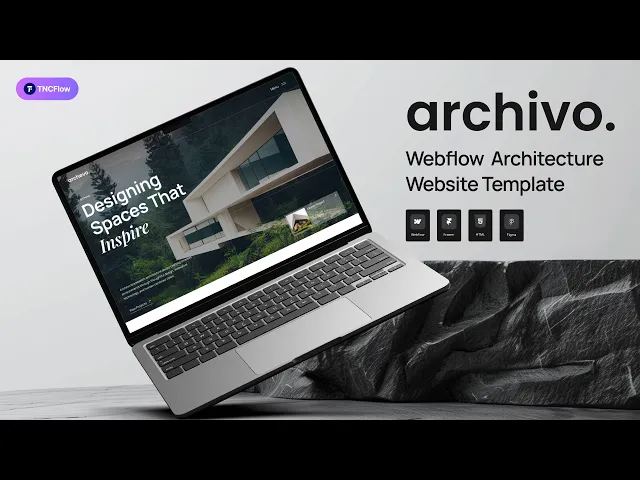
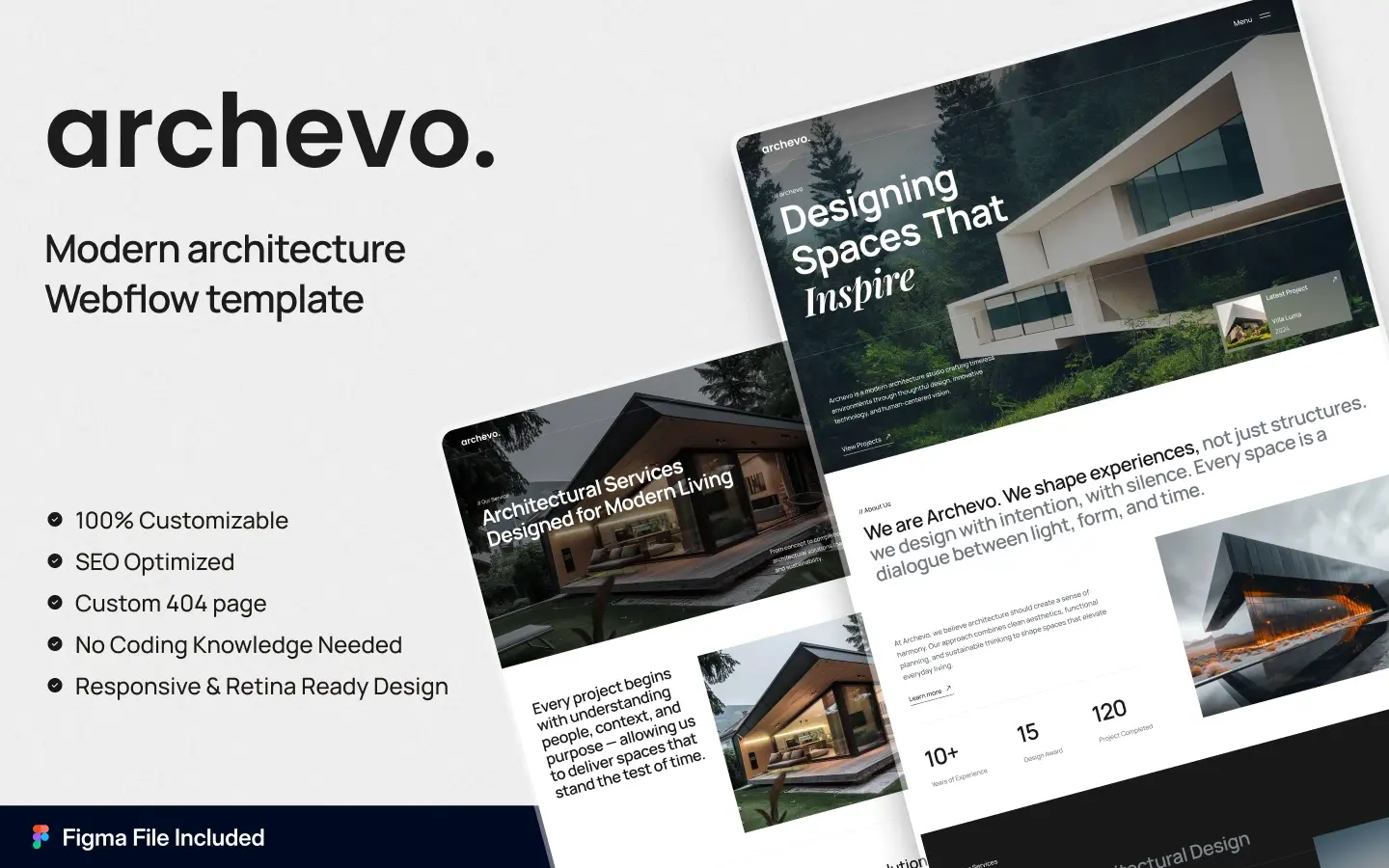
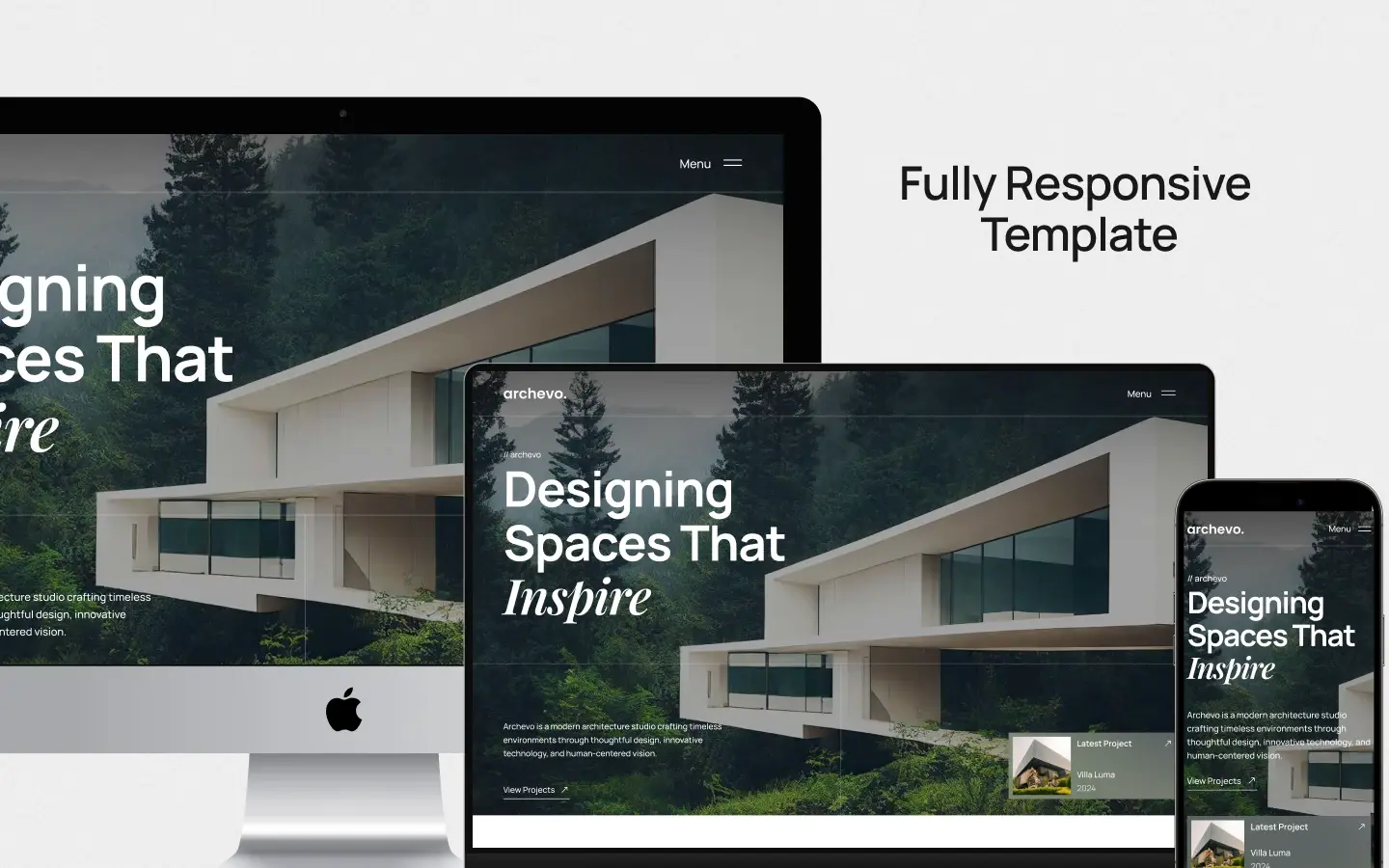
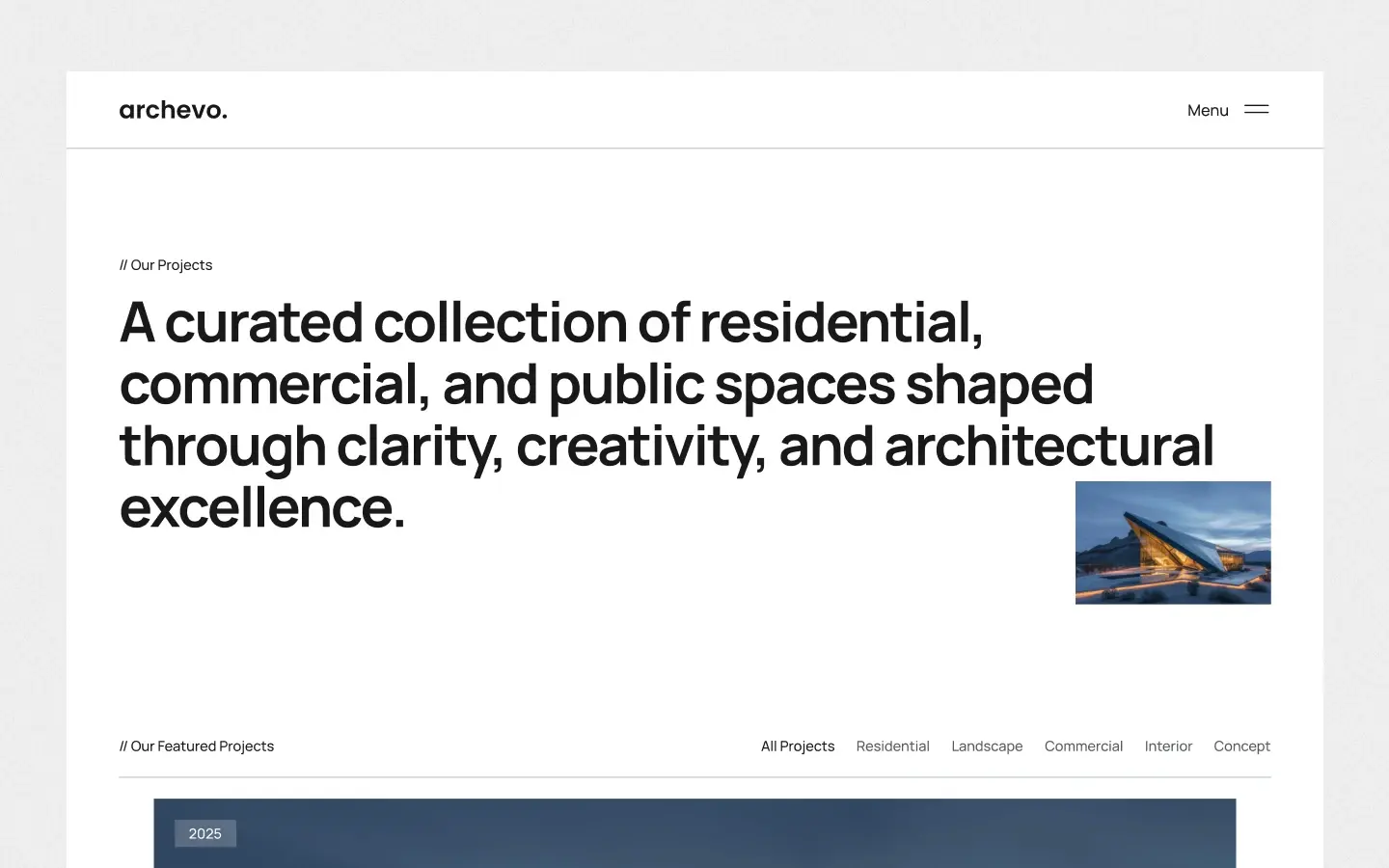
Archivo is an architect website template for architecture firms, interior design studios and property developers. It ships for Webflow, Figma and HTML.
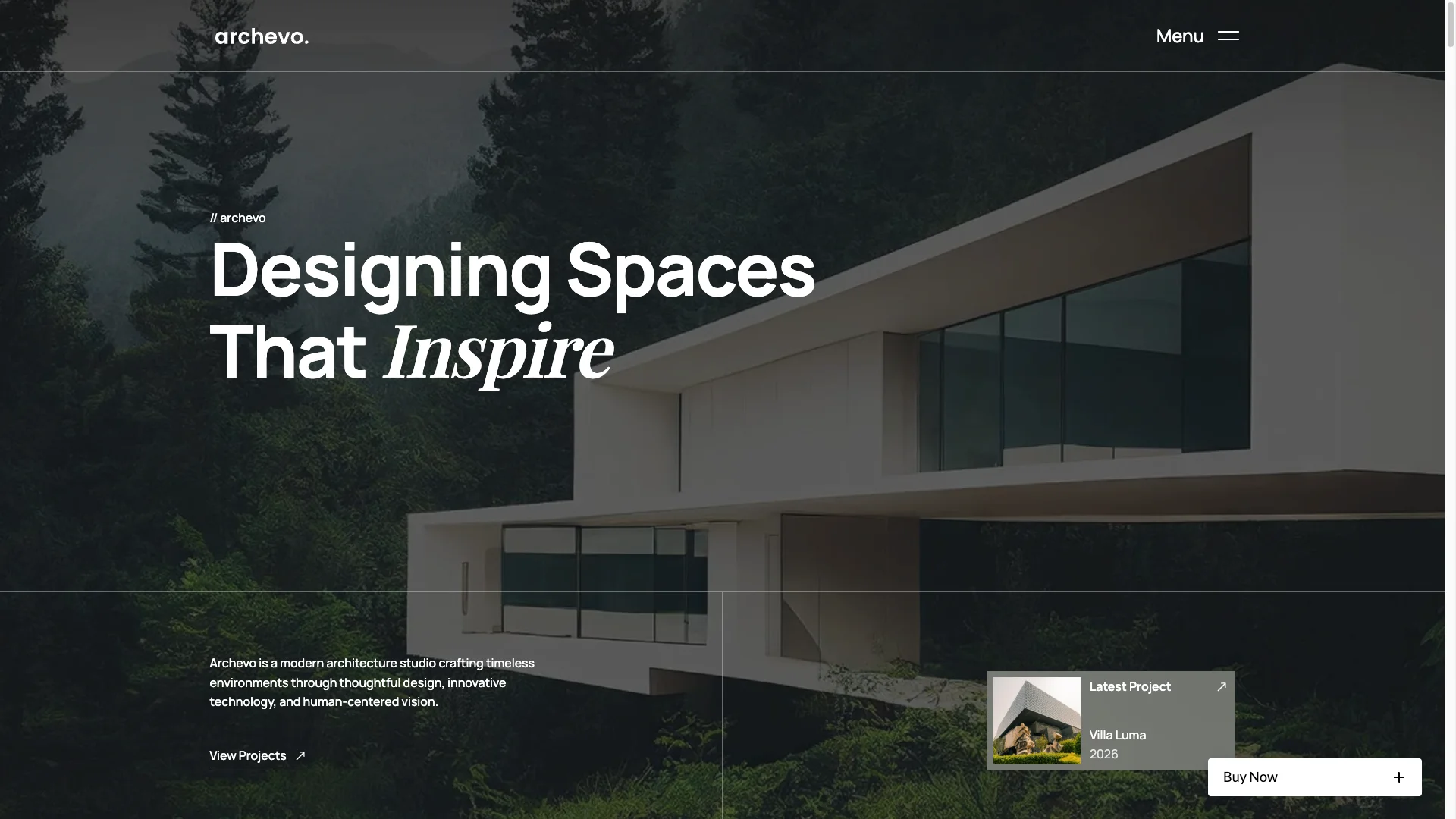
An architecture practice sells judgement before it sells drawings. So the site has to feel considered on the first scroll. Archivo uses wide negative space, sharp grid lines and a neutral, material-inspired palette. Because nothing shouts, the projects read as expensive.
Every section has one job. The hero sets the tone. The project grid shows the work. The services page explains the process. Then the team page puts names and faces behind it. Finally the contact page asks for the enquiry.
Explore the live preview now.
Archivo at a Glance
| Formats | Webflow, Figma and HTML |
| Best for | Architecture firms, interior designers, residential practices, property developers |
| CMS | Webflow CMS with Projects, Services, Blog and Blog Category collections |
| Pages | 7 main pages plus 4 CMS templates and 4 utility pages |
| Responsive | Yes, on desktop, tablet and mobile |
| Support | TNCFlow support plus free updates |
Archivo or Structon: Which Architecture Template Fits?
TNCFlow sells two architecture templates, so it is worth being direct about the difference.
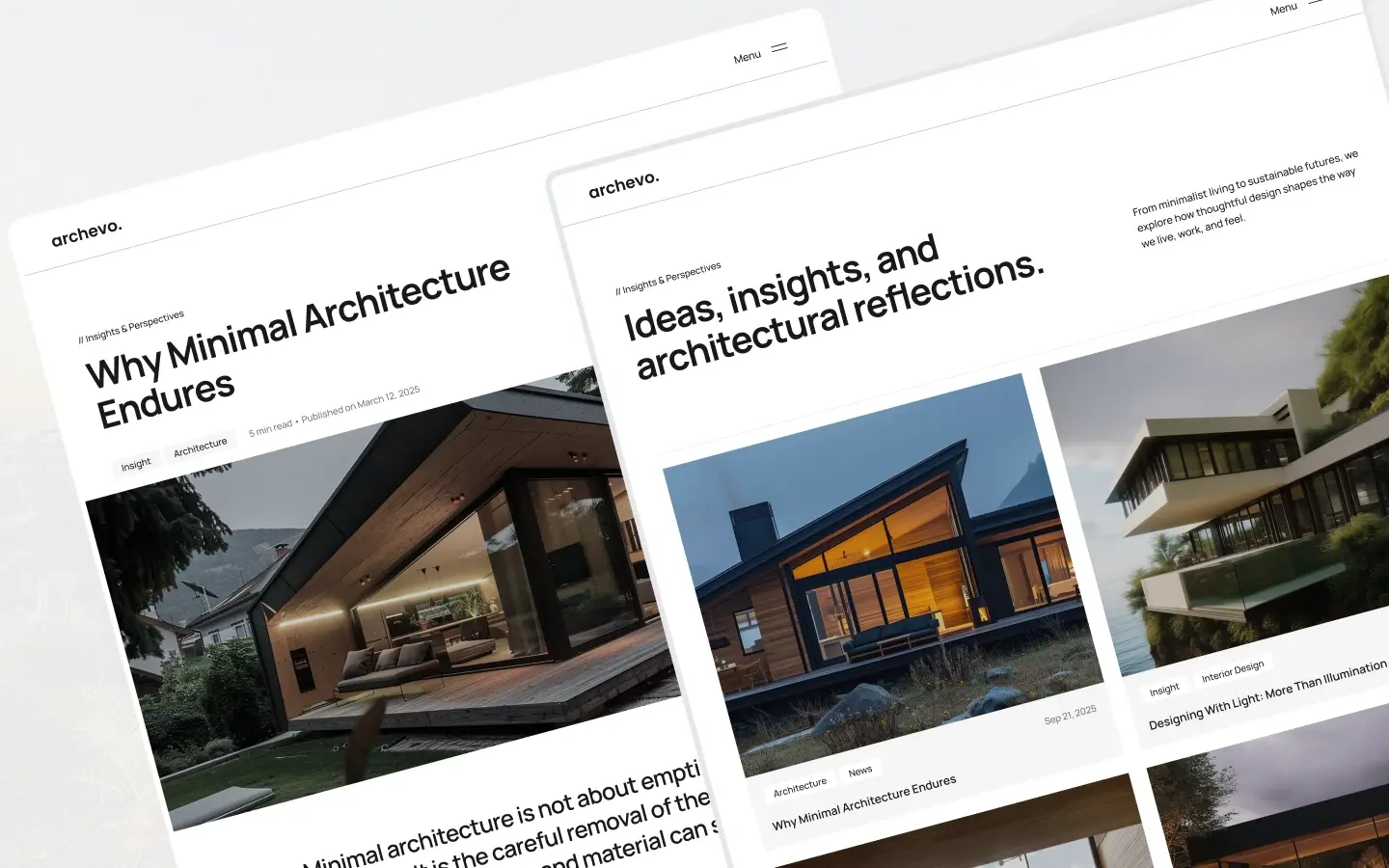
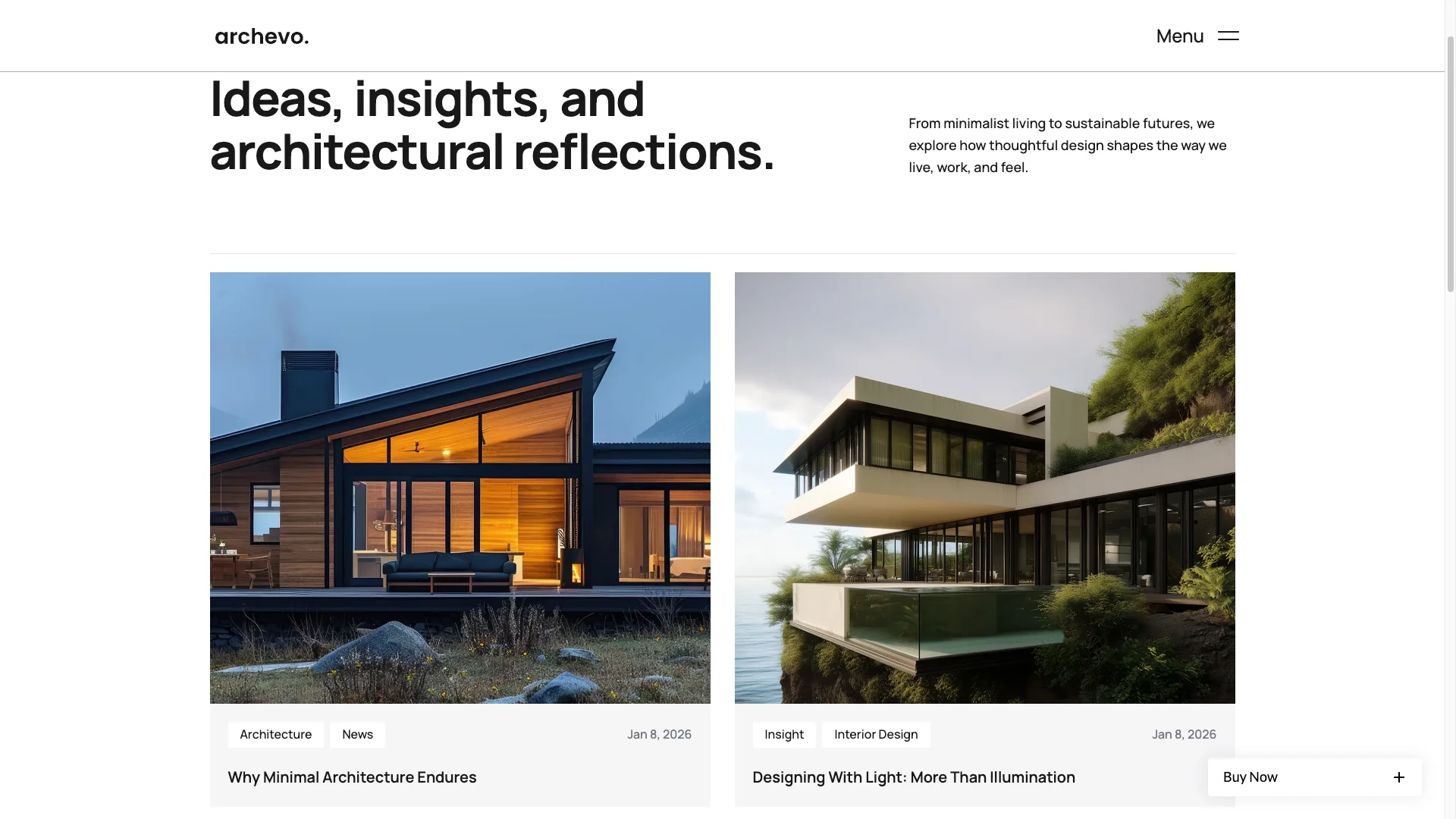
Archivo is the editorial one. It runs 7 main pages, gives the studio its own Team page, and sorts the blog into categories such as architecture, interior design and insight. Choose it if you publish writing, or if your practice sells taste and point of view.
Structon is the portfolio-heavy one. It runs 10 main pages, adds two separate gallery layouts, a second contact page and a Get a Quote page. Choose it if you have a deep back catalogue of built work, or if you want a quoting path on the site.
Both use Webflow CMS and both ship for Webflow, Figma and HTML. If you are still unsure, open the two live previews side by side and see which grid suits your photography.
Key Features of Archivo
A design that speaks architecture. Archivo keeps the frame calm and the grid strict. The visual flow carries a visitor from the hero to the contact form without a hard sell.
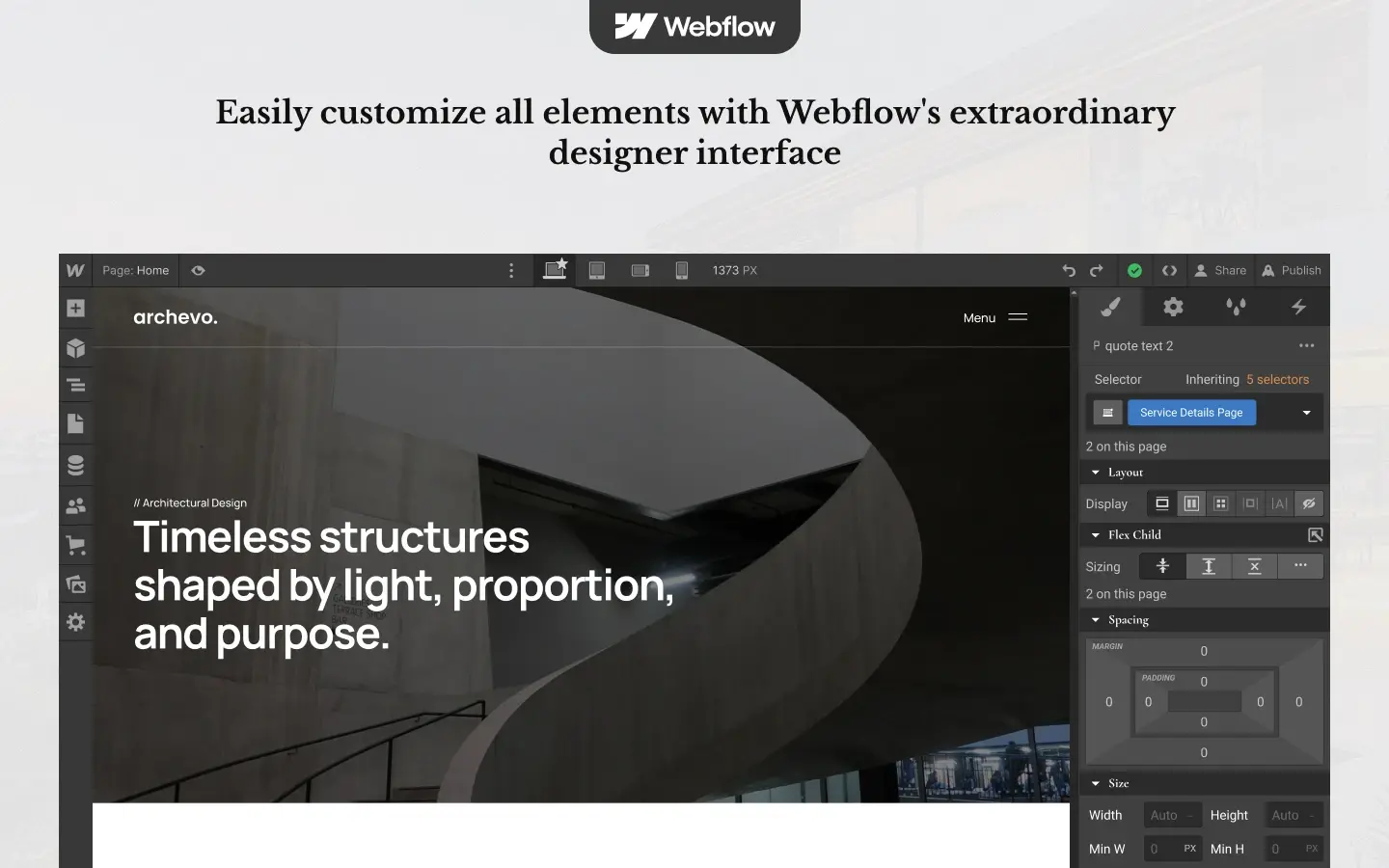
Full CMS control. Webflow CMS drives the Projects, Services, Blog and Blog Category collections. So you can add a project or a post from the Editor, without touching the Designer.
Homepage that tells your story. The home page opens with a bold hero, moves into featured projects, introduces the services, then shows the team and the client quotes.
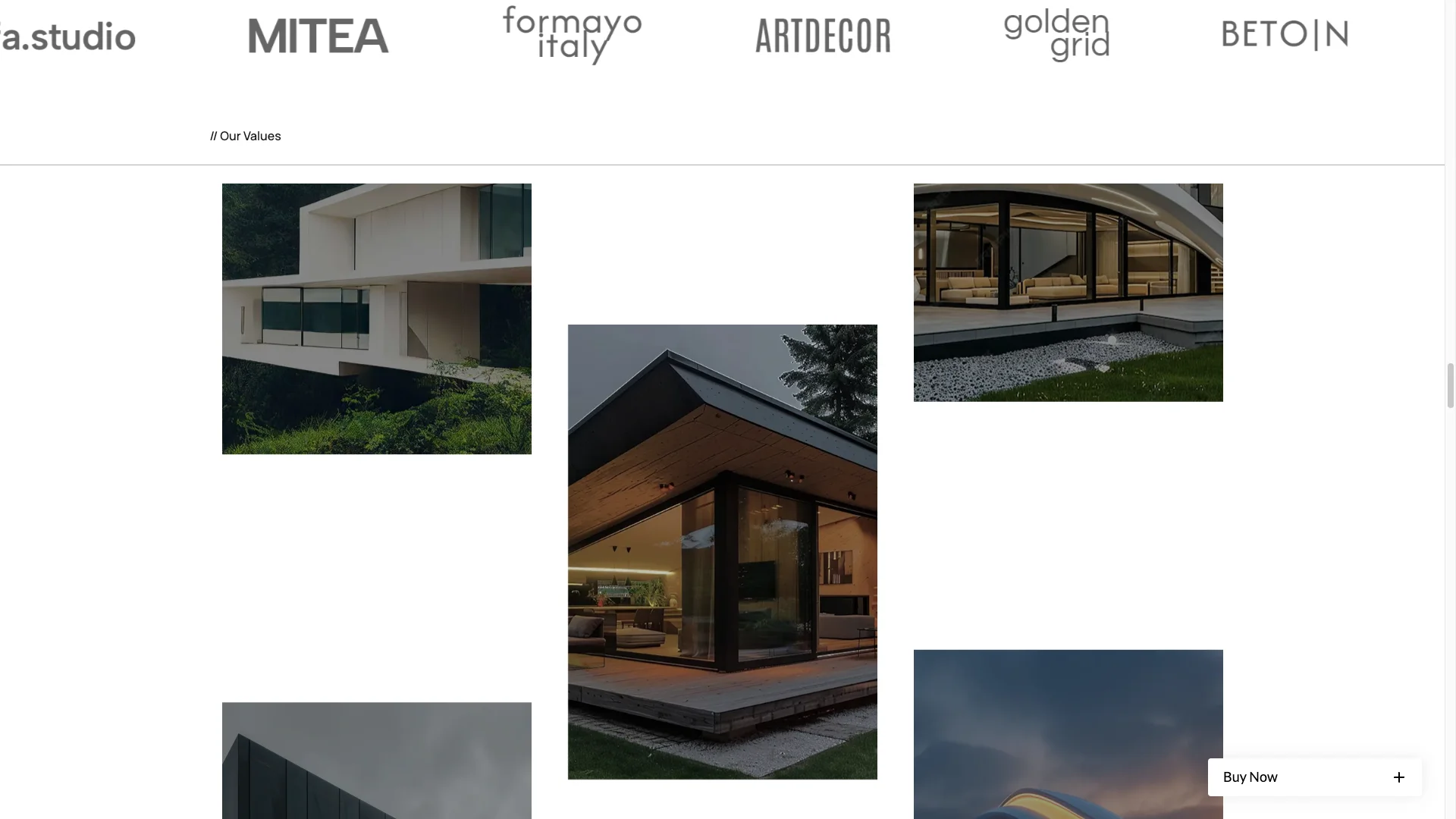
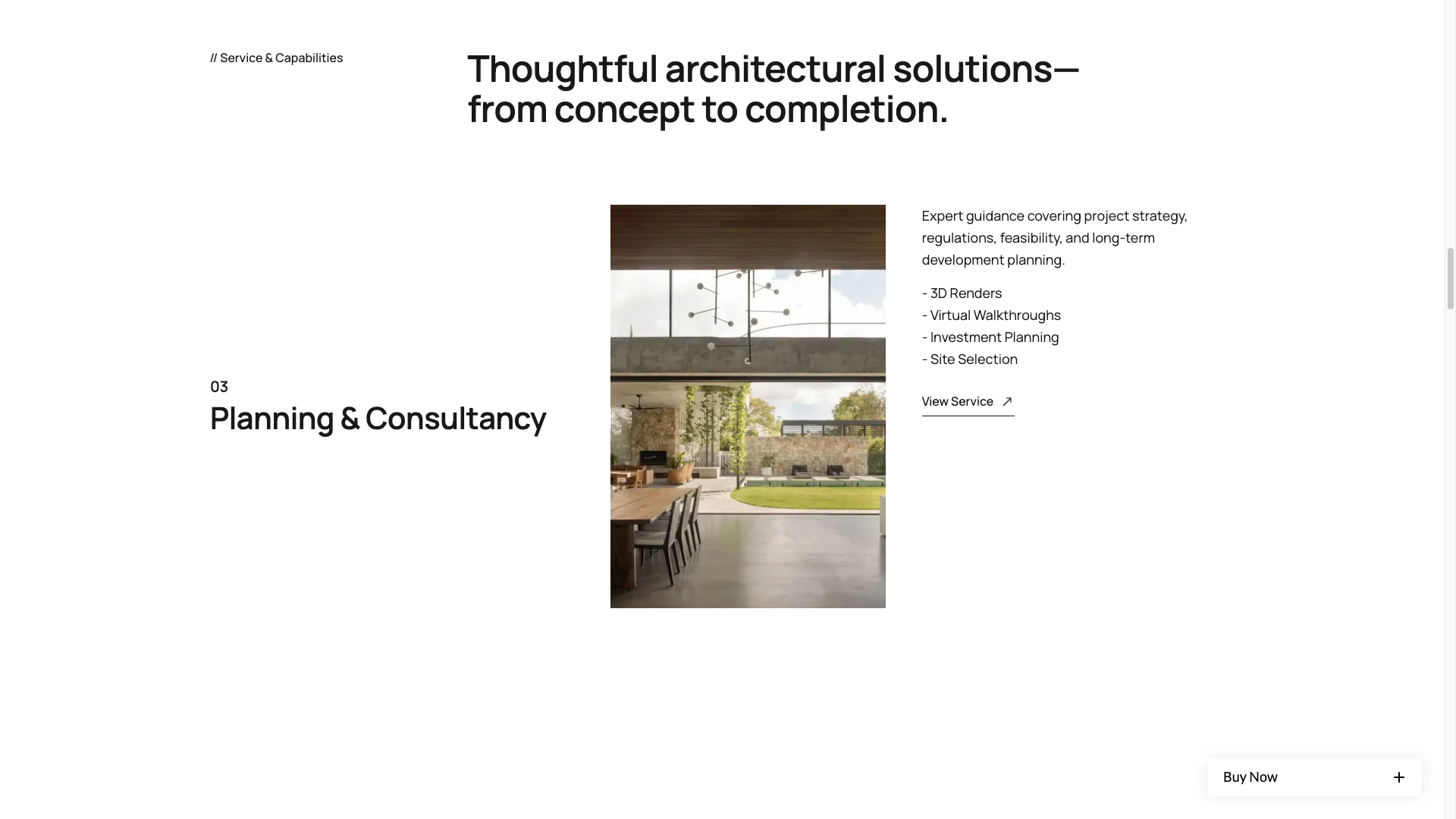
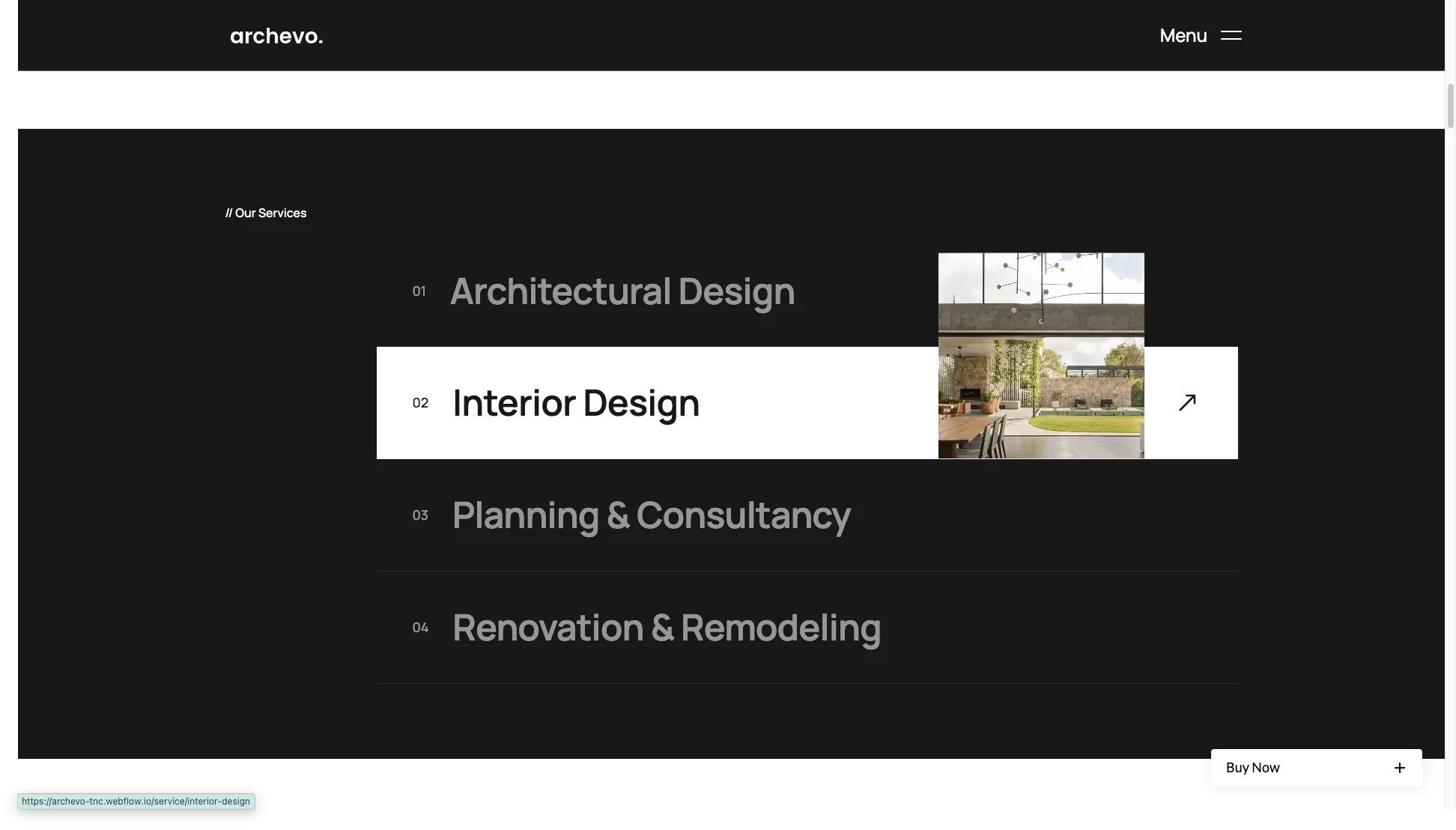
Services and process pages. There is a Services overview plus a Services detail template. The demo ships four services, which are architectural design, interior design, renovation and remodeling, and planning consultancy.
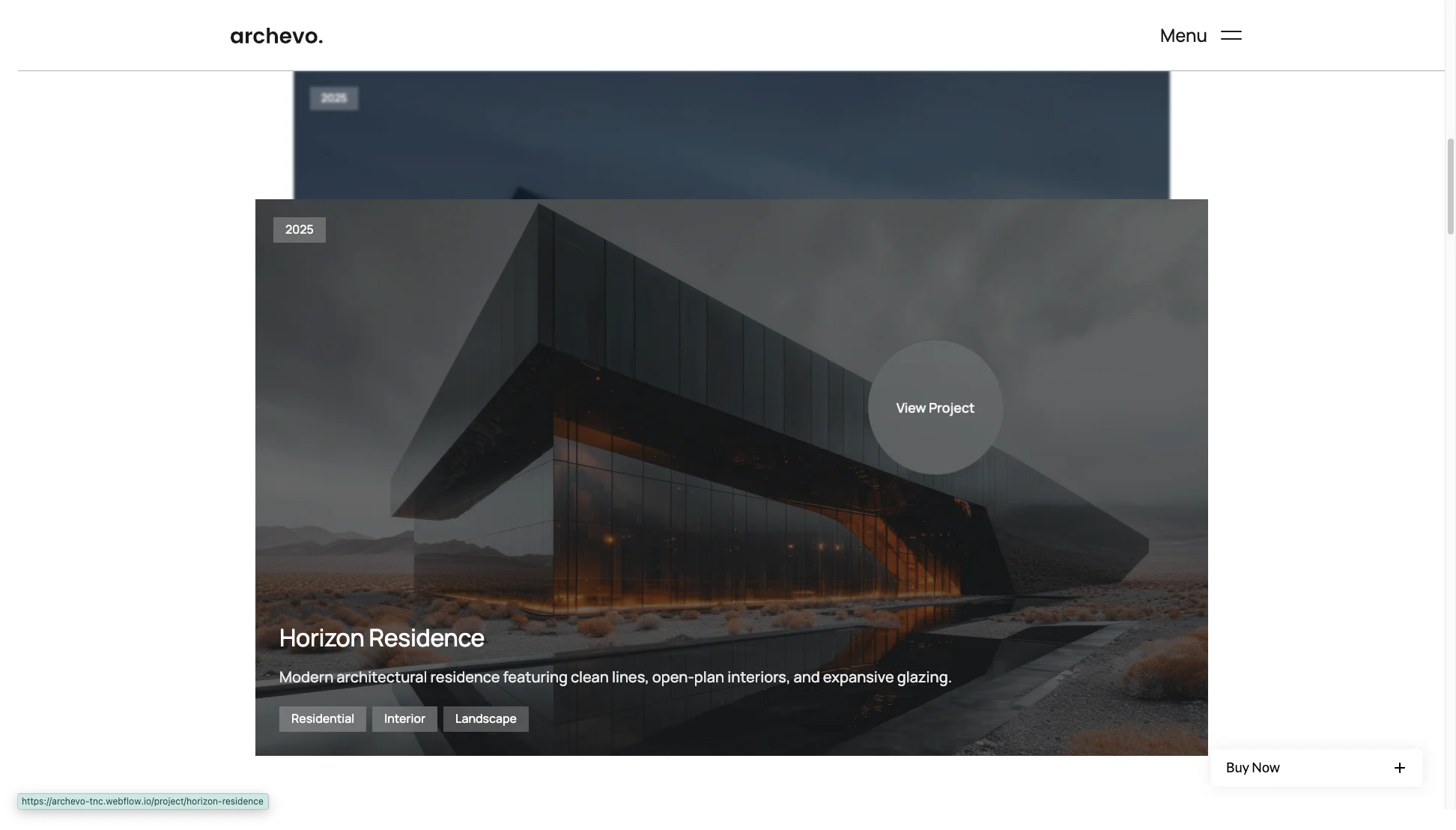
Project showcase pages. Projects sit in a clean, image-forward grid. Each one links to a full page with a gallery, the project details and the story behind the build.
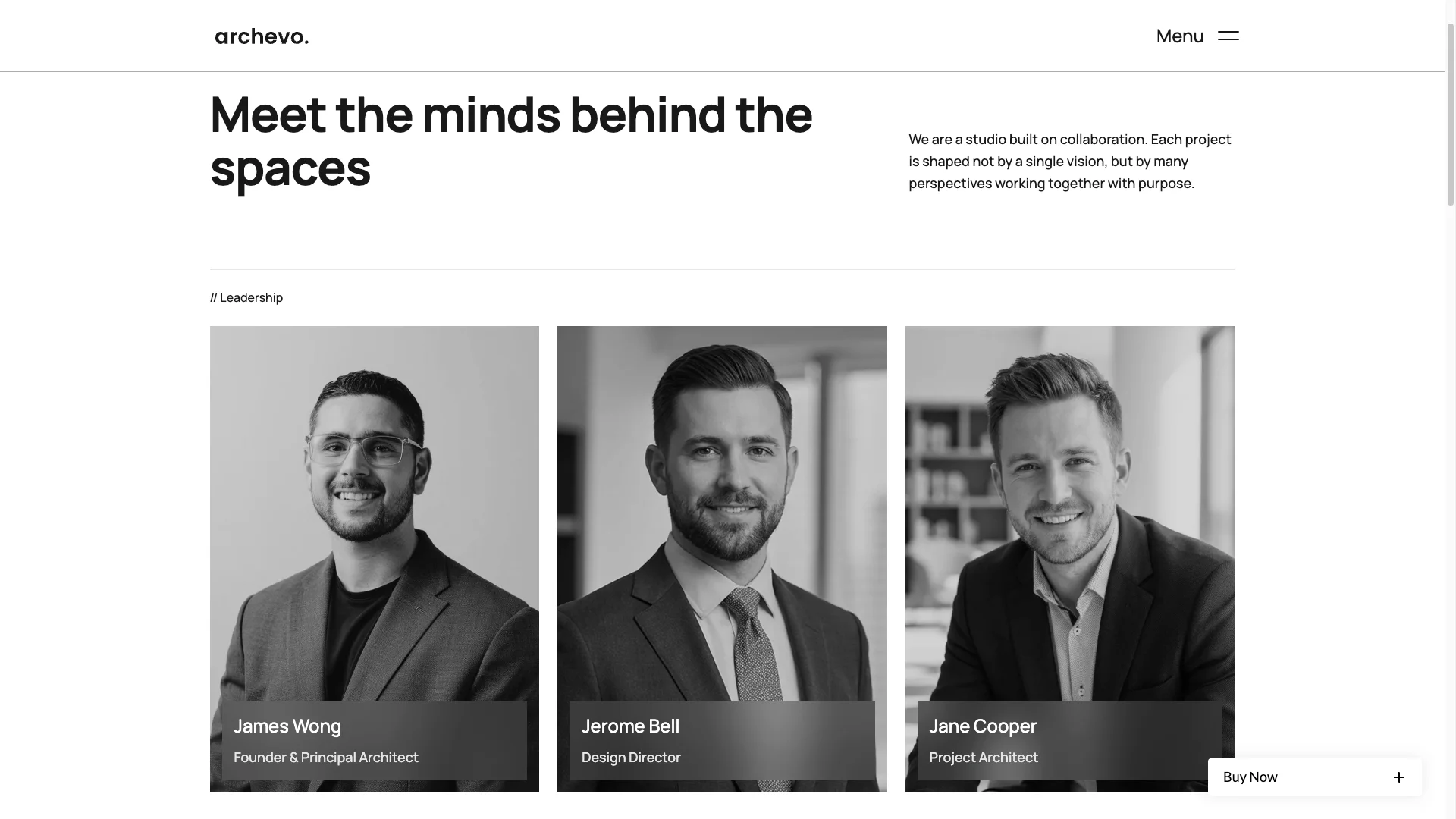
Team and studio section. Archivo has a dedicated Team page, not just a strip on the home page. Add photos, names, roles and short bios, because clients want to know who will run the job.
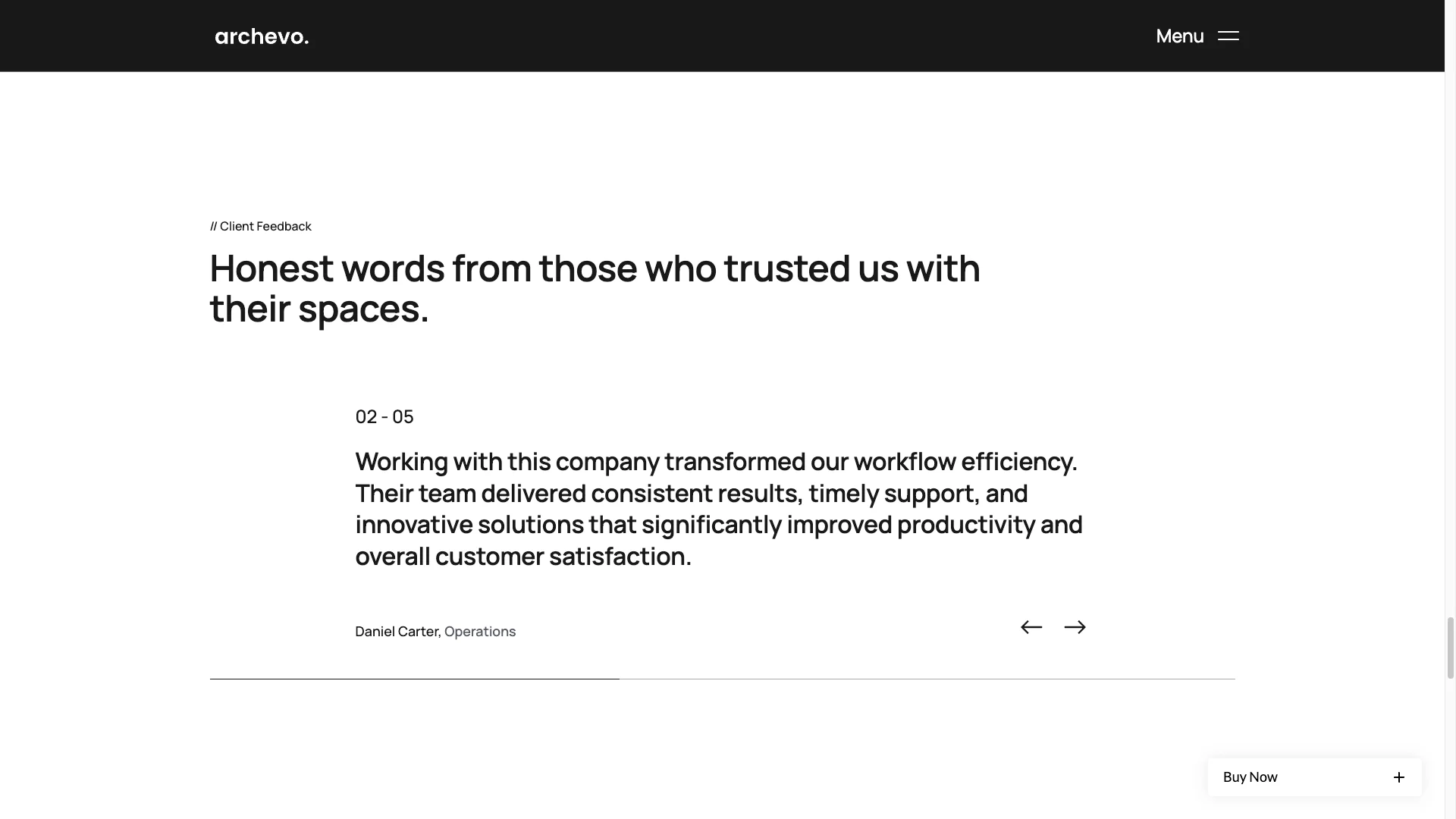
Client testimonials section. Testimonials are CMS editable, so you can add new ones as the practice grows. Short, specific quotes work better than long ones.
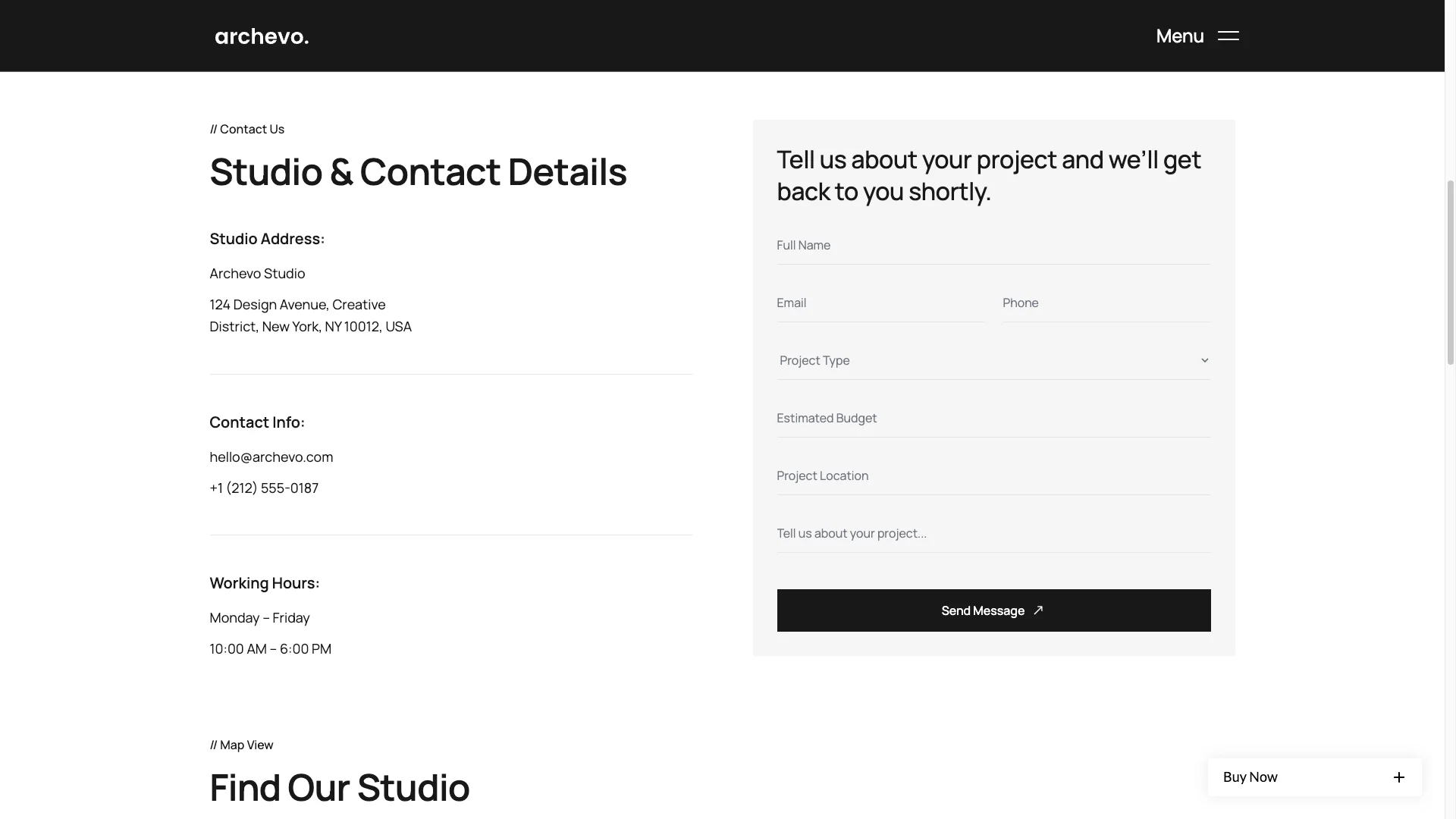
Contact and inquiry page. The contact page pairs an enquiry form with your email, phone and social links. There is also room for an office address or a map embed.
Works on every device. Spacing, type and image grids are tuned for phones, tablets and large monitors. Test the phone view first, since most first visits arrive there.
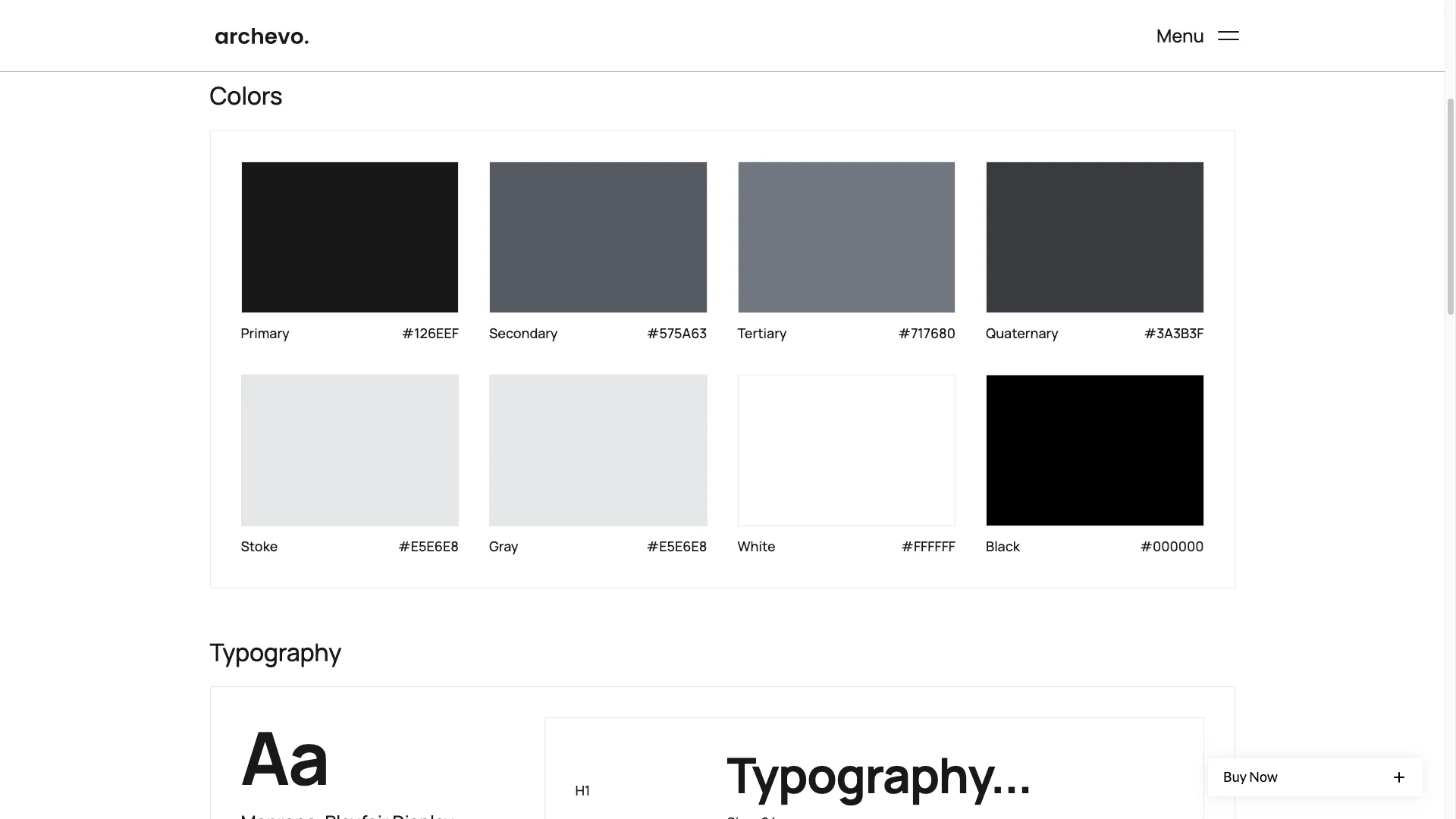
Complete utility pages. Archivo ships a style guide, an instructions page, a licenses page and a changelog. There is a custom 404 page as well.
Pages Included in Archivo
Archivo ships 7 main pages: Home, About, Services, Projects, Team, Blog and Contact.
On top of that you get 4 CMS collection templates, for a project, a service, a blog post and a blog category. There are also 4 utility pages, which are the style guide, instructions, licenses and changelog. A custom 404 page is included as well.
How to Use Archivo
- Use the purchase widget on the right side of this page to buy the Archivo template
- Follow the steps to get your site ready
- Replace content with your own
- Adjust the design slightly if you want
- Preview and publish
What to Check Before You Buy an Architecture Template
A practice website has one hard job. It has to make unbuilt work feel inevitable. That is mostly a photography problem, and the template either helps or gets in the way.
So look at three things. First, does the project grid tolerate mixed aspect ratios, since interiors are tall and site shots are wide? Second, is there a real place to explain process, not just a list of services? Third, can you publish without a developer once the site is live?
Archivo answers all three. The grid is image-forward and flexible. The Services detail template is built for a process narrative. Every content type sits in Webflow CMS, so the Editor handles updates.
One caution. Do not launch with stock photography. An architecture site with generic imagery reads as a firm with nothing built yet.
Frequently Asked Questions
Which formats does Archivo ship in?
Archivo is available as a Webflow template, a Figma file and a static HTML build. Each format is sold separately, so pick the one you need in the purchase widget.
How is Archivo different from Structon?
Archivo is the editorial option, with 7 main pages, a dedicated Team page and a categorised blog. Structon is the portfolio-heavy option, with 10 main pages, two gallery layouts and a Get a Quote page.
Does Archivo include a CMS?
Yes. The Webflow version uses Webflow CMS with four collections, which are Projects, Services, Blog and Blog Category. You edit them in the Webflow Editor.
How many pages does Archivo include?
There are 7 main pages, 4 CMS collection templates and 4 utility pages, plus a custom 404 page.
Can I use Archivo for an interior design studio?
Yes. Interior design is already one of the four demo services, and the blog carries an interior design category. Only the copy and photography need to change.
Do I get the Figma file with the Webflow purchase?
No. The Figma file is a separate product on this page. Buy it in the purchase widget if you want the design source.
Need help with setup or customization? The TNCFlow support team answers quickly, and updates are free.
Check out other Webflow templates by TNCFlow.



Select template
Choose one or more options for your build
All-Access Pass
$199
/ Yearly
$20,000+ in assets
130+ Webflow Templates
130+ Figma UI Templates
45+ Framer Templates
130+ HTML Templates
