

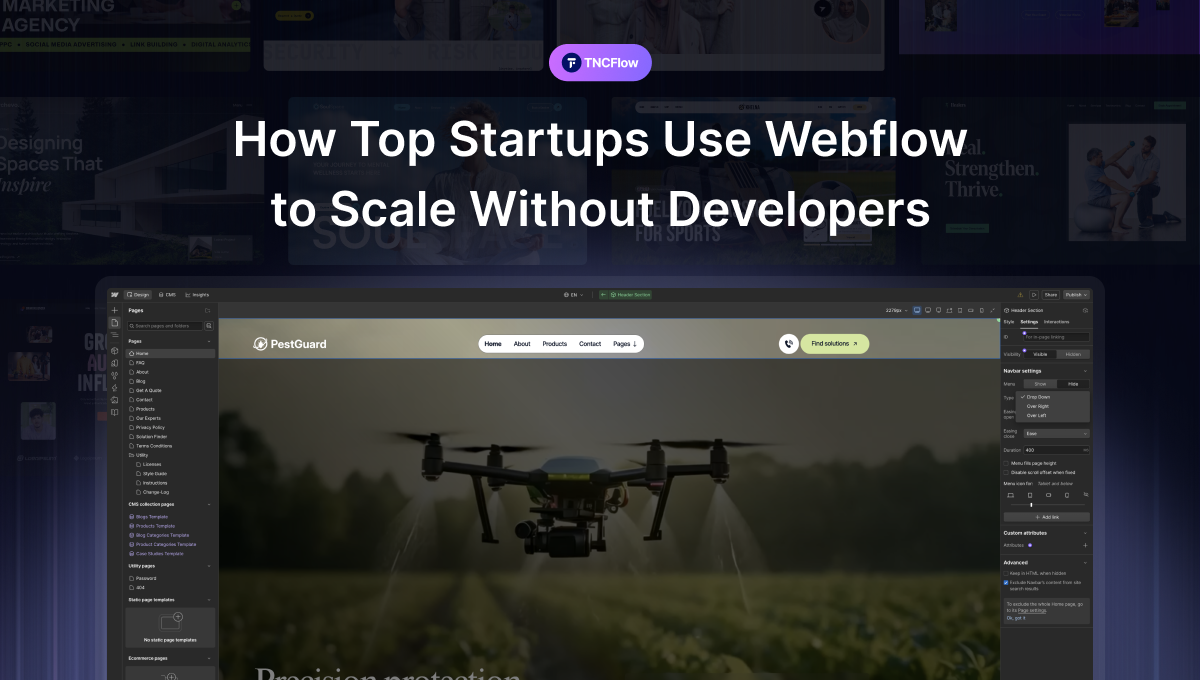
Every startup wants to move fast, yet most teams still wait on developers for simple website changes. Every small update becomes a ticket, a meeting and a delay that slows down growth. Webflow changes this situation by allowing teams to customize things to their own liking. No more waiting for developer time or sprint cycles. Founders and marketers gain the freedom to test ideas and run campaigns whenever they need.
Founders can validate a new offer in hours instead of weeks. Designers get full creative control inside a visual builder while developers stay focused on the core product instead of marketing requests. This mix helps startups move faster without increasing costs. That is why many fast-growing companies choose Webflow and stay with it as they scale. This guide shows how startups use Webflow to launch faster and grow with less developer dependency. We break down Webflow pricing in plain words, share real stories from startups, and give you easy steps to follow.
What Makes Webflow Different from Other Website Builders
Webflow is not just another drag-and-drop tool. It gives you the power of custom code with the ease of a visual editor. This is the main reason so many startups pick Webflow over other platforms.
Visual coding engine: Every element you place on the page generates clean HTML, CSS, and JavaScript behind the scenes. You get a real, production-ready website, not a template with limits.
Full design control: You can adjust spacing, animations, and layouts pixel by pixel. There is no need to depend on rigid themes.
Built-in CMS: Webflow comes with a content management system that helps non-technical team members update blog posts, case studies, or job listings without help.
Fast hosting: Sites load quickly because Webflow hosting runs on Amazon Web Services and Fastly, which are trusted by large companies worldwide.
| Feature | Webflow | Traditional Website Builders |
| Code Access | Clean, exportable code | Locked behind proprietary system |
| Design Flexibility | Full custom control | Limited by templates |
| CMS | Built-in and flexible | Often basic or missing |
| Learning Curve | Moderate, visual-based | Easy but restrictive |
| Best For | Startups, agencies, marketers | Small blogs, hobby sites |
Why Startups Choose Webflow Over Hiring Developers?
Hiring developers is expensive. A single developer in the United States can cost anywhere from $70,000 to $120,000 a year. For an early-stage startup, this is often money they simply do not have. Webflow removes that cost barrier.
Lower cost of operations: Instead of paying a salary, startups pay a monthly subscription that costs far less.
Faster turnaround: Marketing teams can launch new pages the same day an idea comes up, instead of waiting for a sprint cycle.
Less dependency on tech teams: Product and marketing teams do not need to file a ticket every time they want to change a headline or image.
Easier hiring: It is much easier to hire a freelancer or designer for Webflow design & customization and ongoing website updates than to find and hire a full-stack developer.
How Webflow Helps Startups Build and Launch Faster
Speed matters a lot for startups. The faster you launch, the faster you learn what works. Webflow speeds up nearly every part of the website building process.
Drag and drop editor: You place elements exactly where you want them, and you see results in real time.
Pre-built components: Startups can use ready-made sections like pricing tables, testimonials, and navigation bars, then customize them to match their brand.
Responsive design tools: Webflow automatically helps you design for mobile, tablet, and desktop without writing separate code for each device.
Instant publishing: One click and your site goes live. No waiting on deployment pipelines or server configurations.
This is where Webflow becomes a serious advantage. Startups do not have time to lose. Every day spent waiting on a developer is a day spent not testing, not learning, and not growing.
Webflow Pricing in 2026: What You Will Actually Pay
Webflow changed its pricing structure in May 2026 and it is now simpler than before. The old CMS and Business plans are gone. They have been combined into one Premium plan. Below is a quick breakdown of what startups can expect to pay, based on yearly billing.
| Plan | Monthly Cost (Billed Yearly) | Best For |
| Starter | Free | Testing ideas, no custom domain |
| Basic | $15/mo | Simple static sites, no CMS needed |
| Premium | $25/mo | Content-heavy sites, blogs, full CMS access |
| Team | $2,500/mo | Larger teams needing advanced tools |
| Enterprise | Custom pricing | Big companies with specific needs |
Most startups will find the Premium plan gives them everything they need. It includes a large CMS limit, decent bandwidth, and room to grow, all without a big jump in cost.
Using Webflow for Marketing Growth
Startups need a website that supports their marketing efforts. Webflow helps startups make updates quickly and launch campaigns with less effort.
Clean code output: Search engines can easily crawl and understand Webflow sites because the code is well-structured.
Custom meta tags: You can edit titles, descriptions, and alt text for every single page without developer help.
Fast loading speed: Google favors fast websites, and Webflow hosting is built for speed by default.
Built-in blog and CMS SEO tools: You can create SEO optimized blog posts and case studies directly inside Webflow, with clean URLs and proper heading structures.
Startups also use Webflow to run fast experiments. They can create new landing pages for different ad campaigns, test headlines, and measure which version converts better.
Startups That Scaled Fast Using Webflow
Many well-known startups and product teams have used Webflow to launch and scale their online platform. Here is what usually happens when a startup adopts Webflow.
- The design team creates a prototype directly inside Webflow instead of using a separate design tool.
- The marketing team adds real content, blog posts, and case studies using the CMS.
- The team launches the site, gathers feedback, and makes changes instantly.
- As the company grows, they integrate tools like HubSpot, Zapier, or Google Analytics without any custom development work.
This process usually takes days, not months. That speed is priceless for a startup trying to find its place in a competitive market.
Common Challenges Startups Face with Webflow
Webflow is powerful but not perfect for every situation. It is fair to talk about the challenges too.
Learning curve: Webflow does not require coding. Learning its layout system including Flexbox and Grid takes some practice.
Pricing at scale: Your hosting and CMS costs may increase as your startup grows. This is more common when your website receives high traffic or contains a large amount of content.
Complex web apps: Webflow is great for marketing websites and simple web apps. It is not designed to replace a fully custom-built product or advanced dashboard.
Team training: New team members need some time to learn how Webflow works. The visual editor is easier than traditional coding but still requires practice.
Best Practices for Startups Getting Started with Webflow
If you are a startup founder then Webflow can be a great choice for your business. These practical tips will help you get the most value from the platform.
Start with a template: Start with a Webflow template that matches your industry. Then customize the branding colors and content to fit your business.
Learn the basics of flexbox: Spending a few hours learning how Webflow handles layout will save you many headaches later.
Use the CMS from day one: Start using the CMS from day one. Setting up your blog and case studies in the CMS makes future updates much easier.
Connect your tools early: Add your email marketing analytics and CRM tools after launching your website. This helps you measure results and improve your marketing.
Test on real devices: Test your website on real phones and tablets before launching. Do not rely only on the Webflow preview.
Learning Webflow is a smart investment for startups. It saves time as your website grows and your business needs change.
Conclusion
Startups do not need a big team or a big budget to build a great website. Webflow makes it easy for founders and small teams to create and manage their own website. There is no need to wait on a developer for every small change. There is also no need to spend extra money just to fix a headline or add a new page. This kind of freedom helps small teams move at their own pace. They can make changes whenever they want.
Webflow delivers more than just faster launches and lower development costs. Startups that use Webflow can test new ideas quickly. They can learn what works without any delay. If your startup is still stuck waiting on developer time for simple updates, now is a good time to try Webflow. It might be the change your team needs to grow faster. Explore more Webflow tips, startup website insights, and expert guides. Visit here.
Related Reading
More guides: Webflow animations, Webflow ecommerce, Webflow vs Wix vs Shopify and Webflow customization cost.
Frequently Asked Questions
Is Webflow good for startups with no technical background?
Yes. Webflow is designed for people without coding skills. The visual editor lets you build full websites through drag-and-drop tools, while still producing clean code behind the scenes.
Can Webflow replace a developer completely?
For most marketing websites, landing pages, and simple web apps, yes. However, for complex products with custom logic and databases, startups may still need developers for the core product itself.
How much does Webflow cost for a startup?
Webflow offers different pricing plans based on hosting needs and CMS size. Many startups begin with a basic plan and upgrade as their traffic and content grow.
Do I need design skills to use Webflow well?
Basic design sense helps, but Webflow offers templates and pre-built sections that make it easy to create a professional-looking site even without formal design training.
Does Webflow support team collaboration?
Yes. All team members can work together on the same website. This makes updates and content management much more efficient.