
PRO

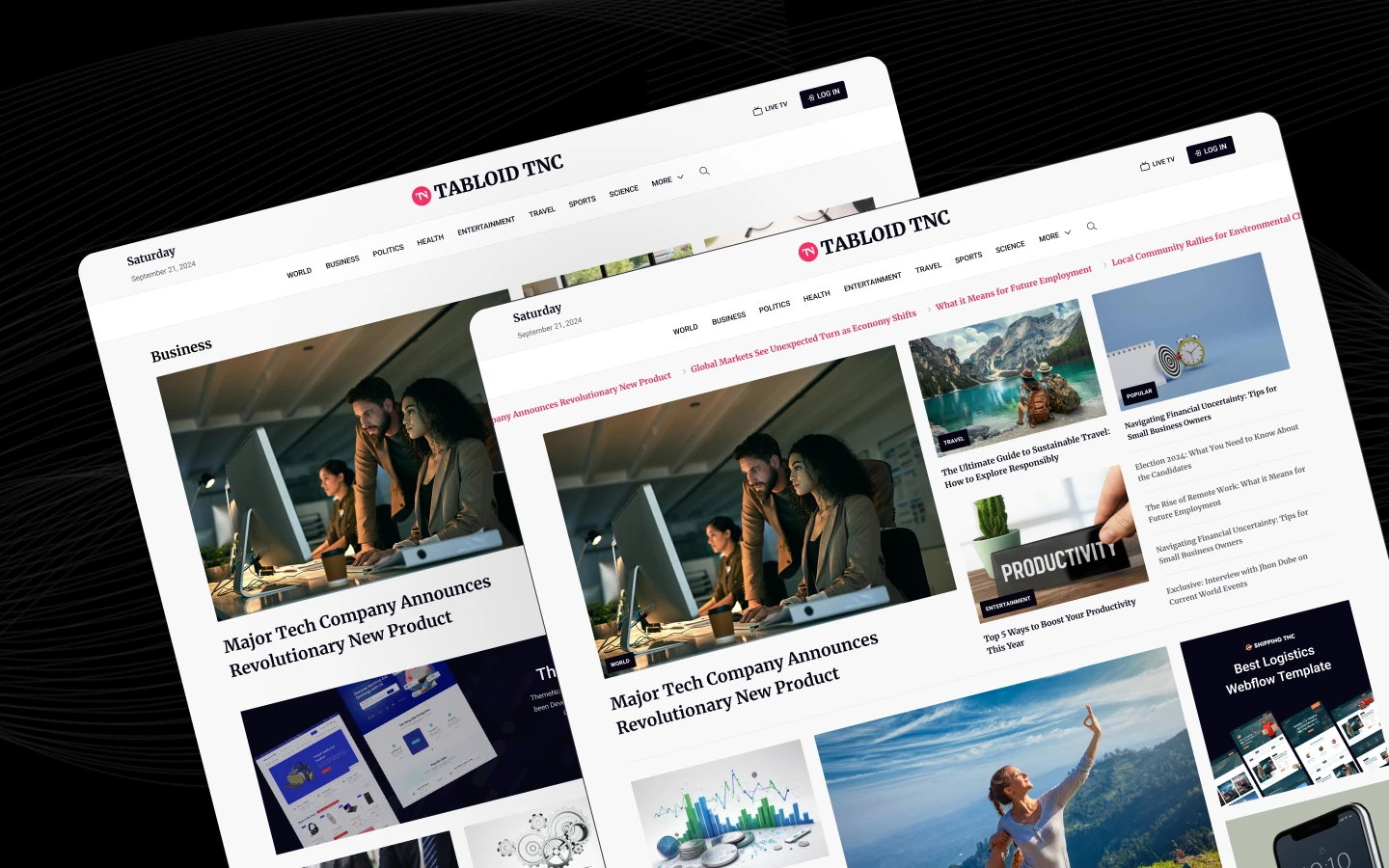
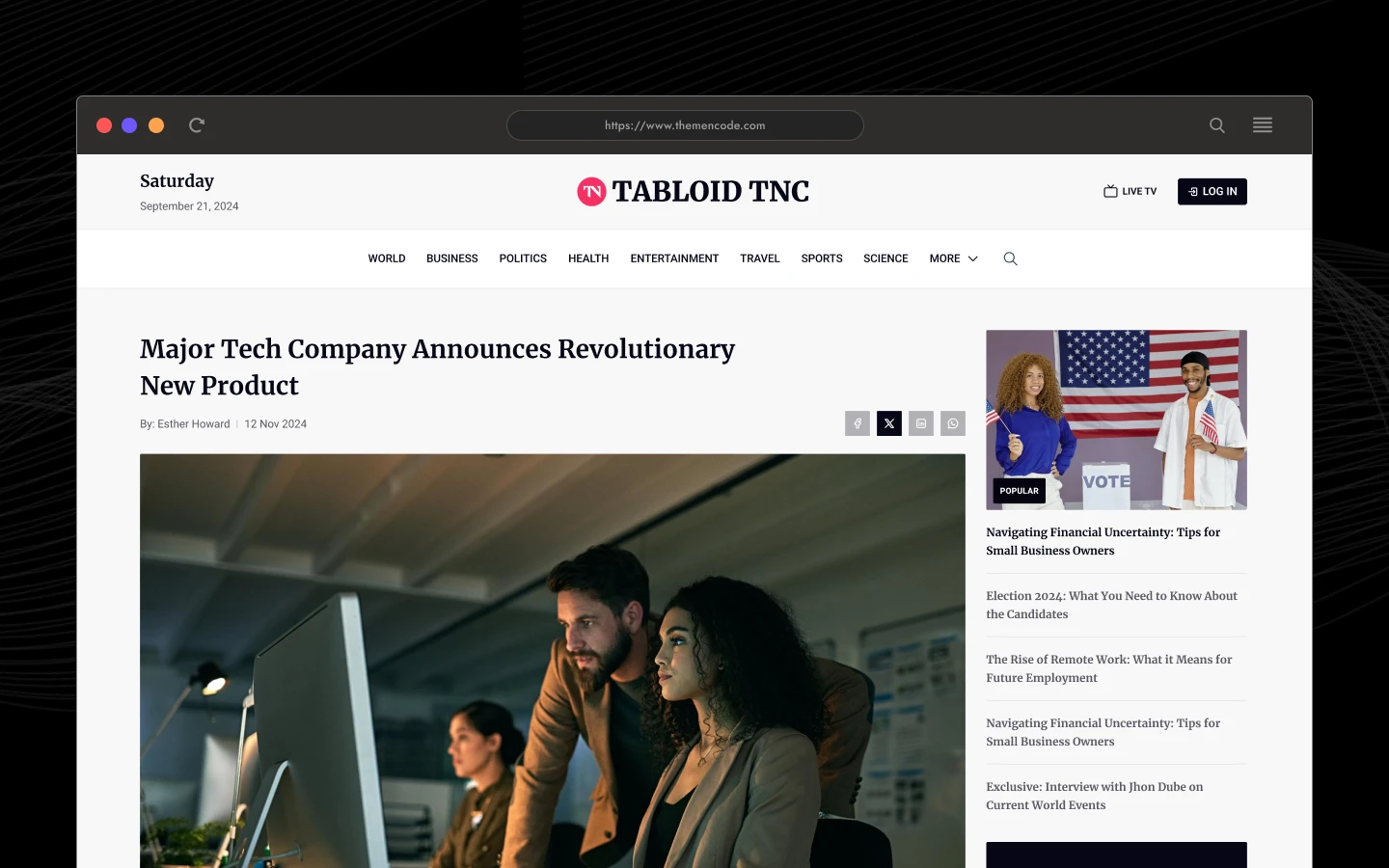
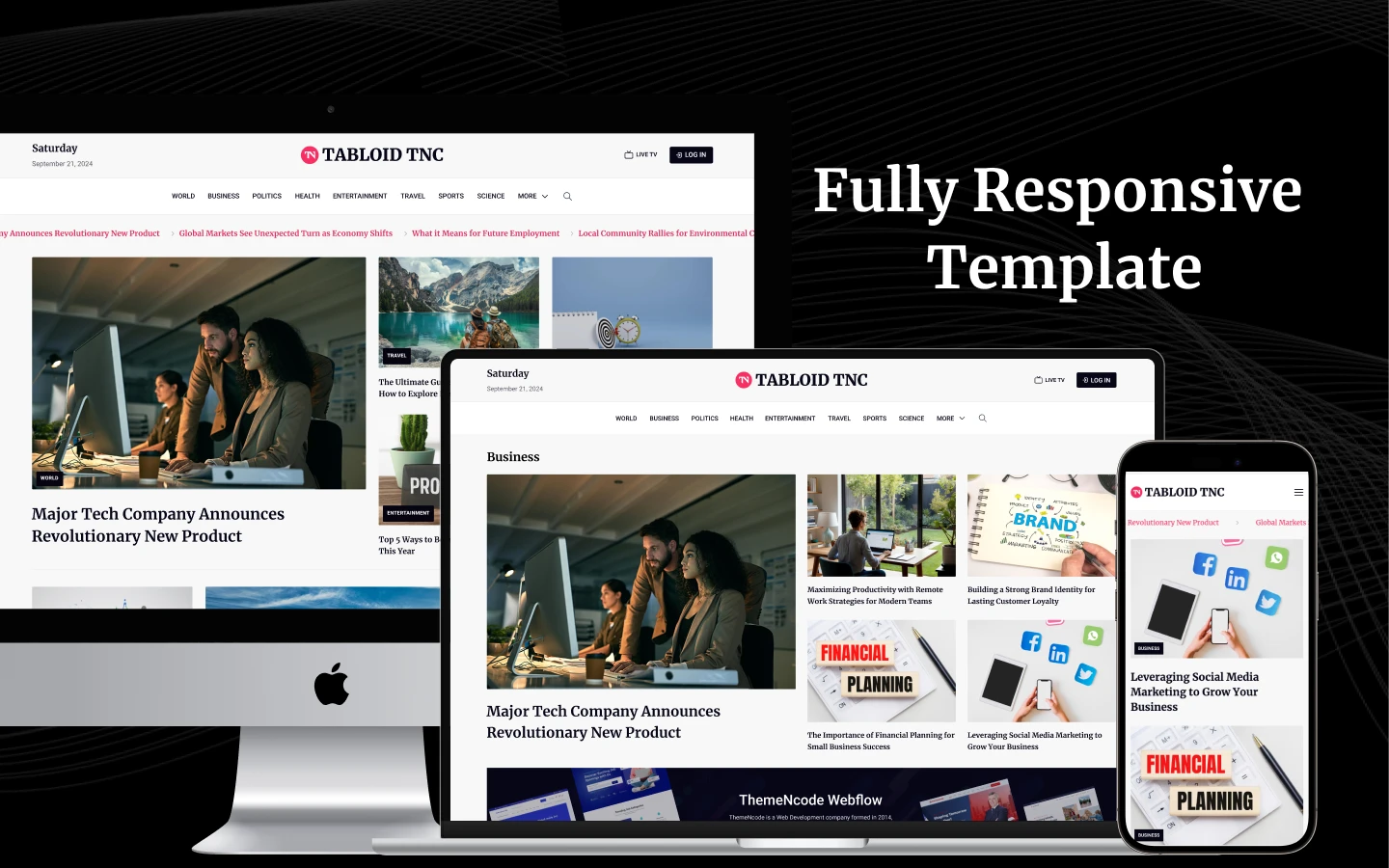
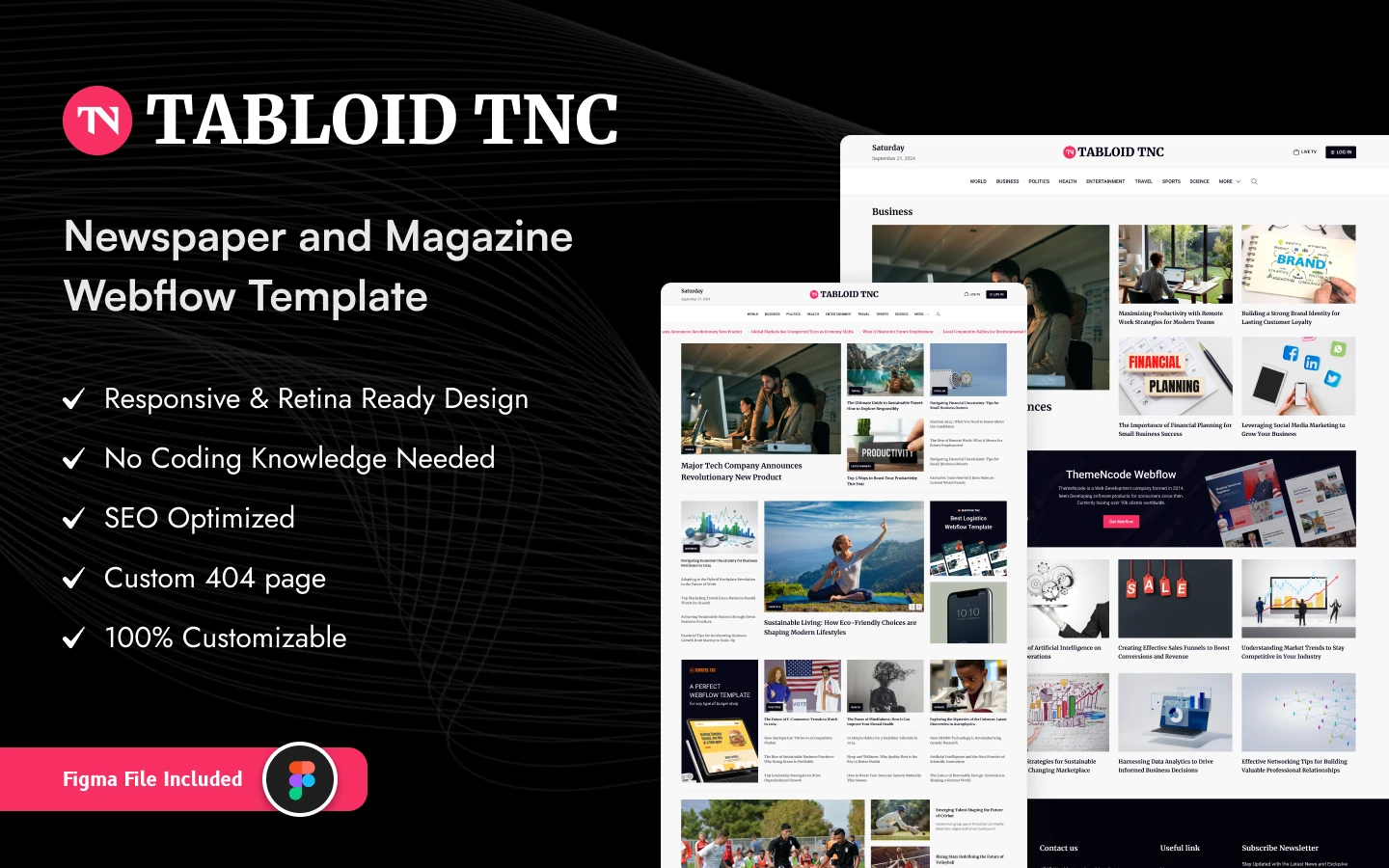
Tabloid is a modern Webflow news and magazine website template designed for digital publishers, online newspapers, editorial brands, media companies, bloggers, and content-driven businesses. It ships for Webflow, Figma, Framer, and HTML.
With a clean editorial layout, strong content hierarchy, category-based navigation, featured stories, popular articles, newsletter sections, and a complete blog experience, Tabloid gives you everything you need to build a professional online publication.
Whether you’re launching a news website, digital magazine, sports publication, business journal, technology blog, or lifestyle platform, Tabloid provides a flexible foundation that can be customized to match your brand.
Explore the live preview now.
Tabloid at a Glance
| Formats | Webflow, Figma, and HTML |
| Best for | Online newspapers, digital magazines, news publishers, editorial websites, blogs, media companies, sports publications, business news, technology websites, and lifestyle publications. |
| Pages | 15+ pages including a modern homepage, about, contact, blog, blog categories, blog details, user account, and full utility pages. |
| CMS | Webflow CMS, Blog Posts, Blog Categories |
| Layout | Modern editorial, content-focused, responsive |
| Responsive | Yes, on desktop, tablet, and mobile |
| Design | Clean typography, structured content grids, strong editorial hierarchy |
| Support | Included, directly from the TNCFlow team |
Who Should Choose Tabloid?
Tabloid is designed for businesses and creators who need to publish and organize large amounts of editorial content.
It works especially well for:
- Online newspapers
- Digital magazines
- News and media companies
- Technology publications
- Business and finance news
- Sports news websites
- Lifestyle magazines
- Health and wellness publications
- Travel blogs and magazines
- Personal and professional blogs
- Content-driven startups
- Editorial agencies
The flexible structure also makes it easy to adapt Tabloid to different industries simply by changing the categories, imagery, typography, and CMS content.
Key Features of Tabloid
CMS-Powered News & Blog System: Tabloid is built around Webflow CMS, allowing you to manage your articles dynamically instead of manually creating individual pages. Create a new article in the CMS, and it can automatically appear across the relevant blog listings, category pages, and content sections. This makes Tabloid suitable for publications that plan to grow their content library over time.

Category-Based Content Organization: Organize your content into multiple editorial categories, such as sports. Categories can be customized to match your publication, giving readers a clear way to discover content that interests them.

Newsletter Section: A dedicated newsletter subscription section gives publishers a simple way to encourage visitors to stay connected. Use it to build an email audience and promote new articles, weekly news, editorial updates, or exclusive content.
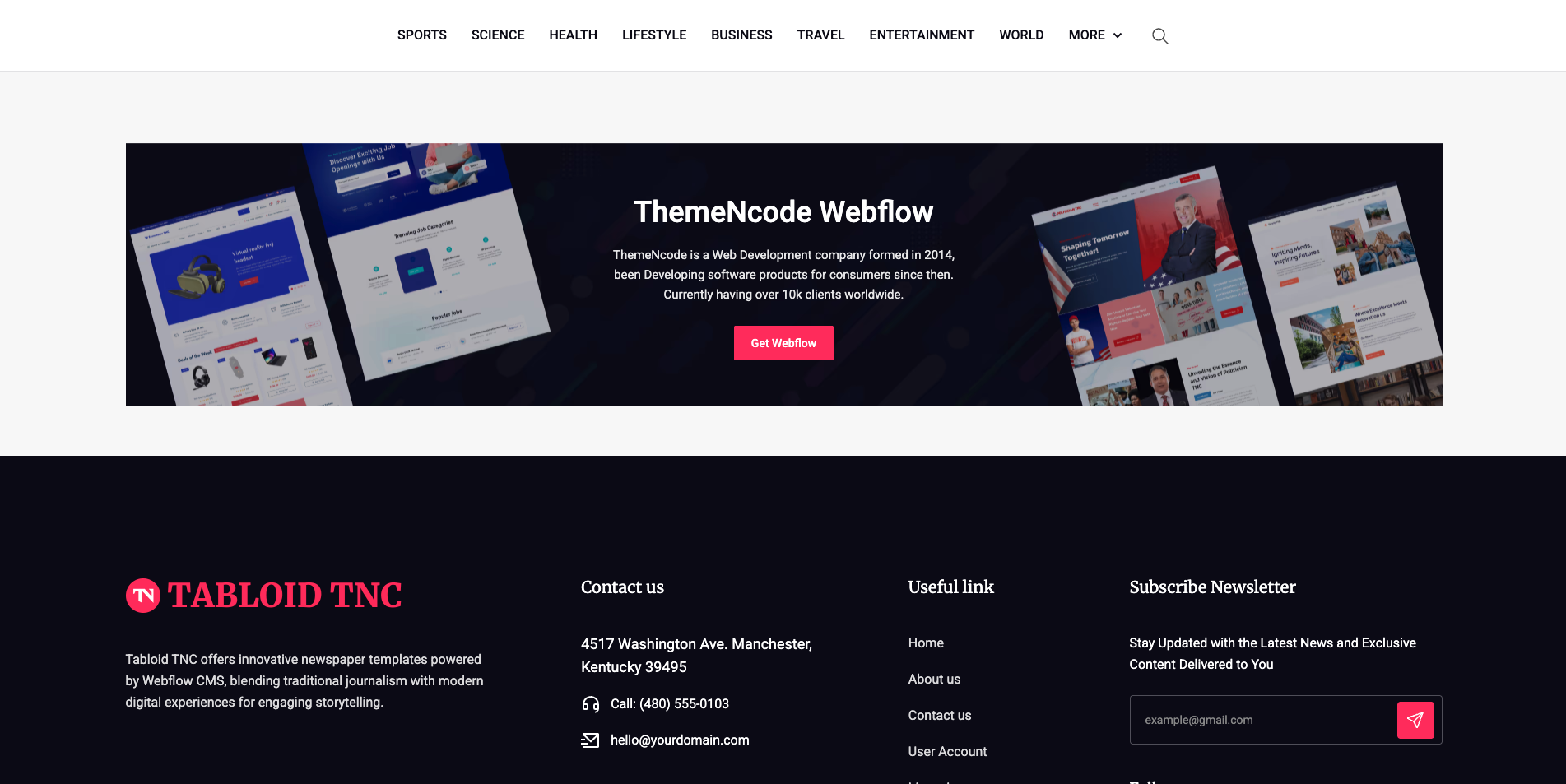
Reusable Webflow Components: The template is structured with reusable sections and components, making it easier to maintain consistency throughout the website. Common elements such as navigation, article cards, content sections, footer areas, and buttons can be reused and customized throughout the project.
Pages Included
Main Pages
- Home
- About Us
- Contact Us
CMS Pages
- Blog
- Blog Category
- Blog Post / Article Detail
Other Pages
- User Account
- Licensing
- Style Guide
- 404 Error
The CMS templates allow you to create and manage new articles and categories directly from Webflow CMS.
How to Use Tabloid
Getting started with Tabloid is straightforward.
- Duplicate the template into your Webflow workspace.
- Customize the global typography, colors, and brand elements.
- Update the navigation and footer with your own links.
- Add your blog categories to the CMS.
- Add your articles and featured images.
- Replace the demo content with your own editorial content.
- Configure your newsletter form.
- Review the website across desktop, tablet, and mobile.
- Publish your news or magazine website.
Built for Growing Publications
A news website is rarely finished after publishing a few articles. Content grows continuously, categories evolve, and new stories need to be published every day.
Tabloid is designed around that workflow.
Instead of manually rebuilding layouts for every article, Webflow CMS allows you to create a repeatable publishing system where new content can automatically populate the appropriate sections of your website.
This makes Tabloid a practical foundation for both small editorial websites and growing digital publications.
Why Tabloid?
Content-first structure: Designed around the way readers consume news, articles, and editorial content.
Scalable CMS: Publish new articles and organize them through Webflow CMS without rebuilding pages.
Flexible categories: Create categories that match your publication and content strategy.
Professional editorial layout: A clean, modern visual system helps headlines and imagery stand out.
Responsive experience: Optimized for desktop, tablet, and mobile devices.
Easy customization: Update colors, typography, imagery, content, and branding to make the template your own.
Frequently Asked Questions
Is Tabloid suitable for a news website?
Yes. Tabloid is specifically designed around news, magazine, newspaper, and editorial-style content.
Can I use Tabloid for a blog?
Yes. The CMS-powered structure works well for personal blogs, professional blogs, and content-focused websites.
Can I create my own categories?
Yes. The category structure can be customized through Webflow CMS to match your content strategy.
Can I publish unlimited articles?
The template provides the CMS structure for publishing articles. Your available CMS capacity depends on your Webflow site plan.
Can I use Tabloid for a sports website?
Yes. The editorial structure is suitable for sports publications, including categories such as football, cricket, basketball, tennis, and other sports.
Can I customize the design?
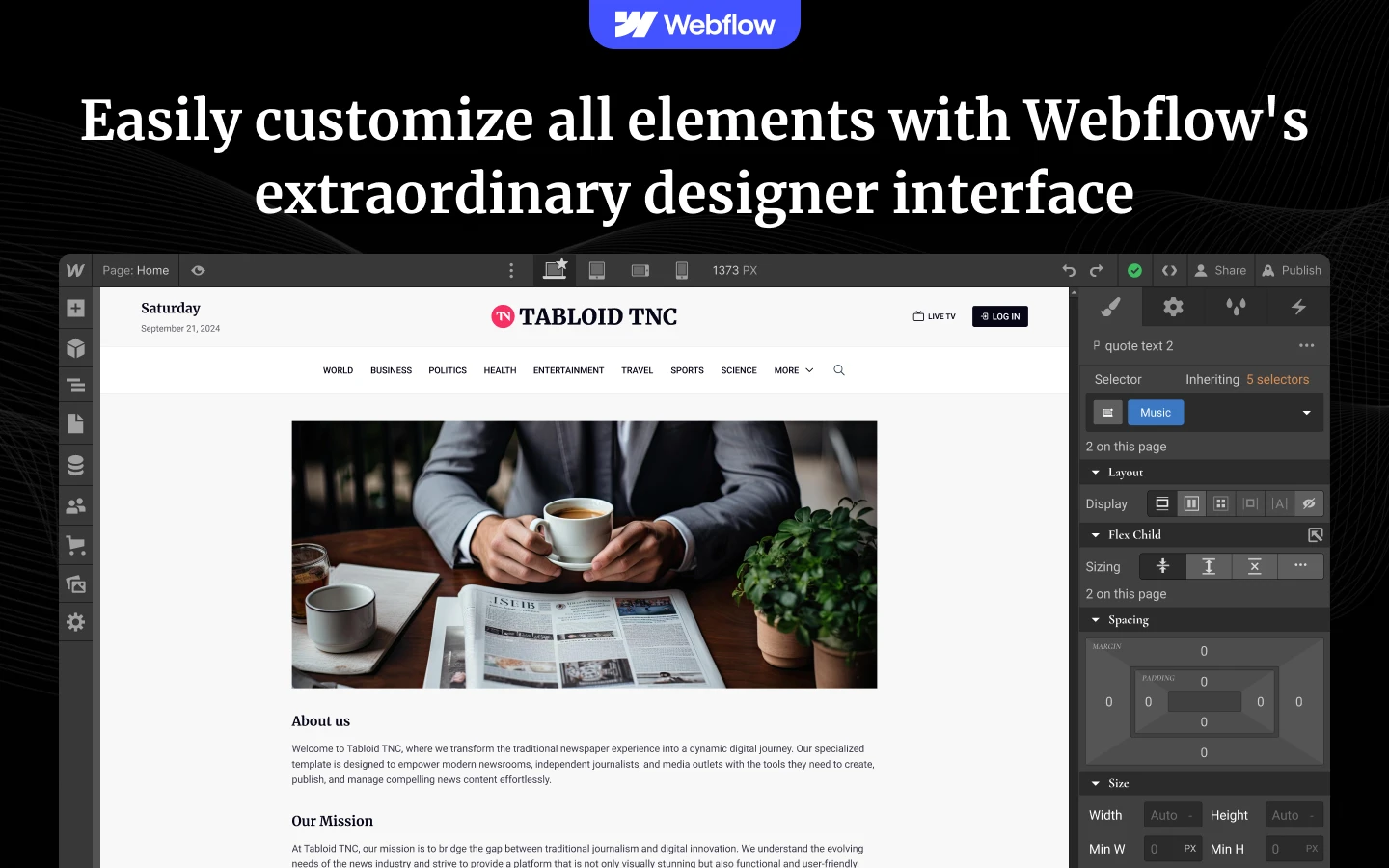
Yes. Colors, typography, images, content, layouts, navigation, and other visual elements can be customized directly in Webflow Designer.
Is Tabloid responsive?
Yes. The template is designed for desktop, tablet, and mobile devices.
Do I need Webflow CMS?
Webflow CMS is recommended if you want to use the full dynamic blog, article, and category functionality.
Is the Figma file included with the template?
No. The Figma file is a separate product, and you can buy it on its own from the purchase widget on this page. You do not need to message us for it after buying the Webflow or HTML build.
When you choose this template, you get support direct from the TNCFlow team. So if a section will not behave, just ask us.
Check out other Webflow templates by TNCFlow.


Select template
Choose one or more options for your build
