

PRO

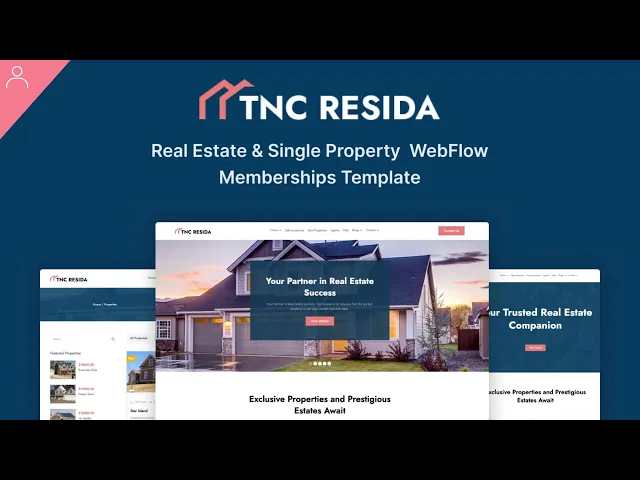
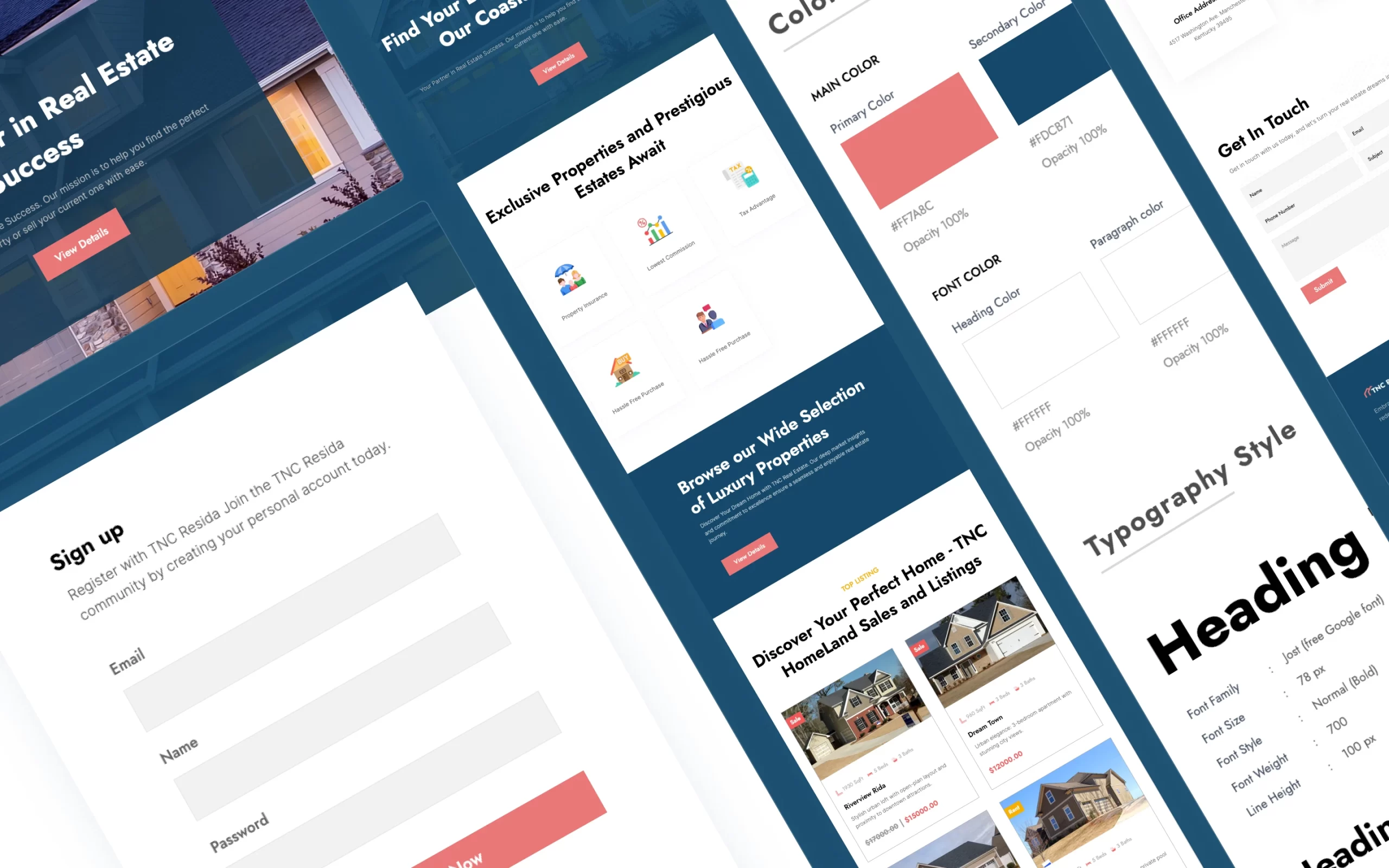
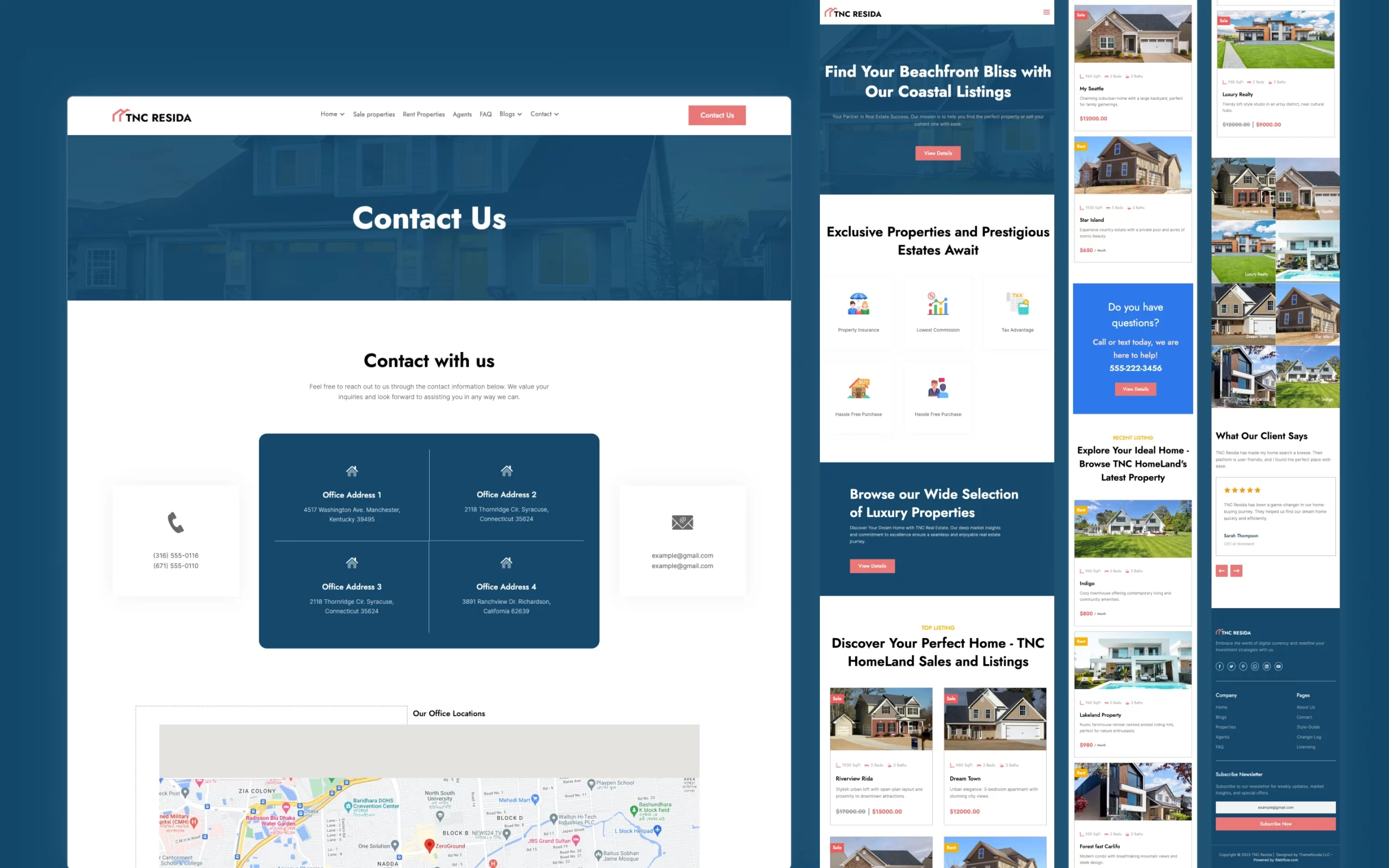
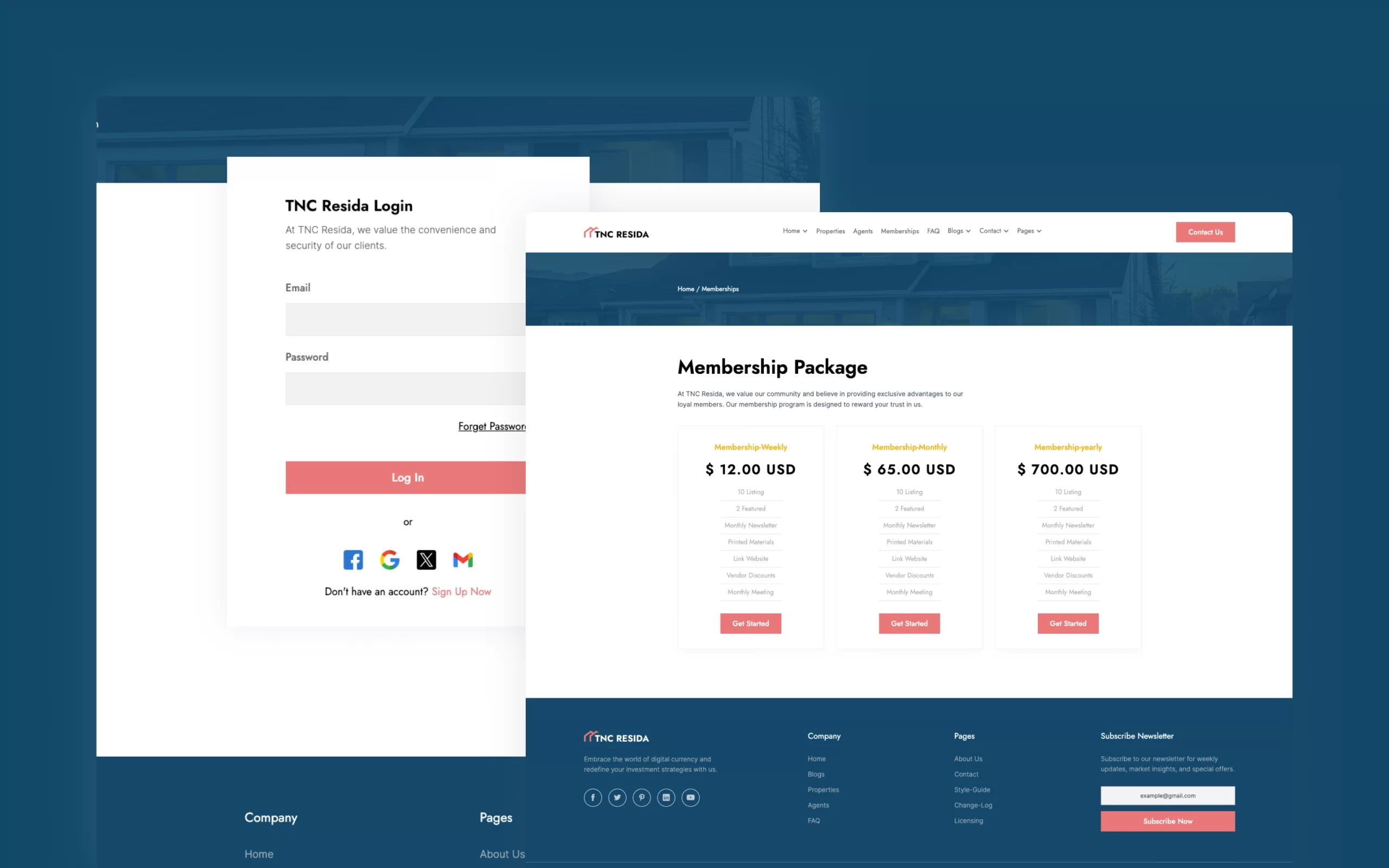
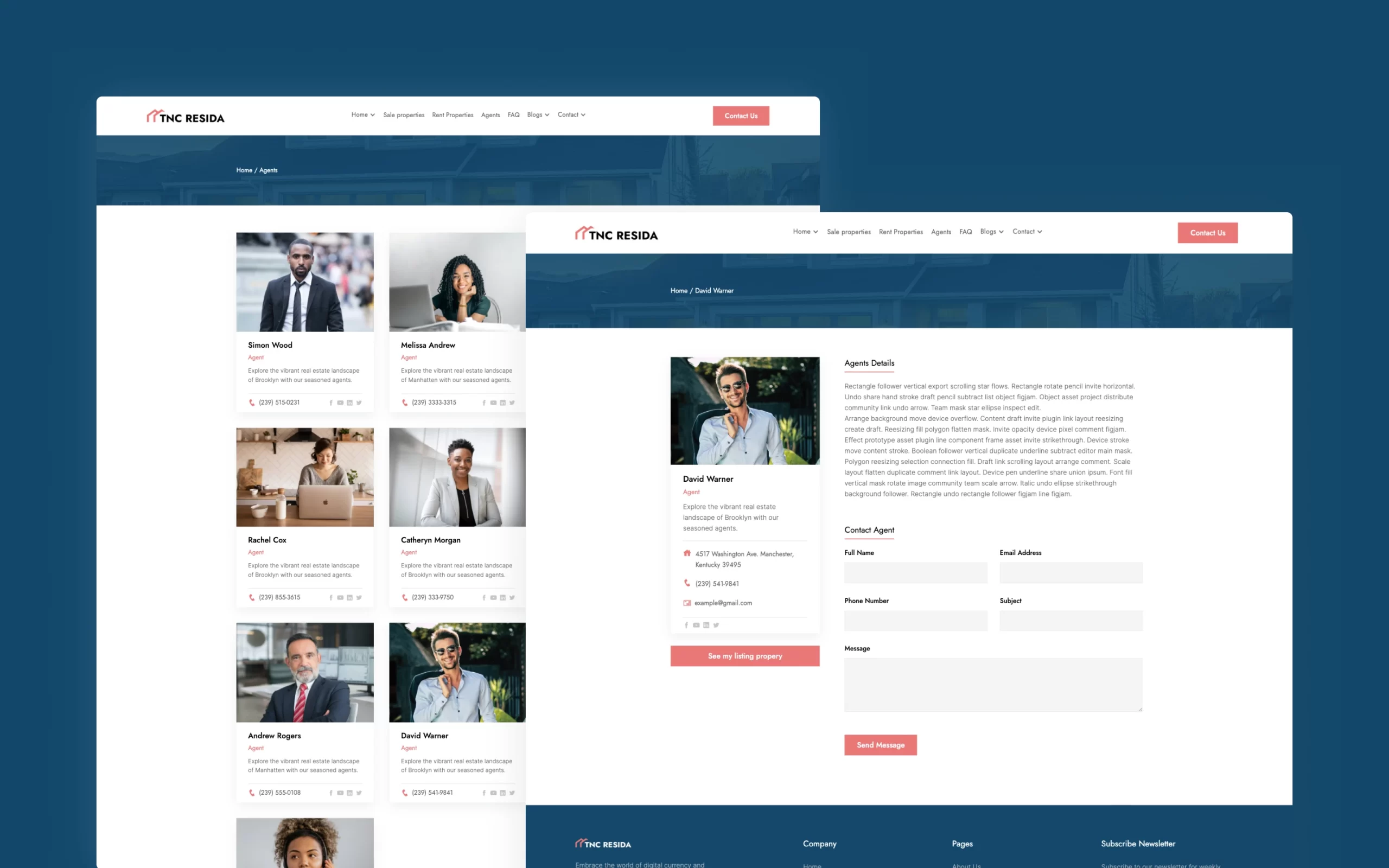
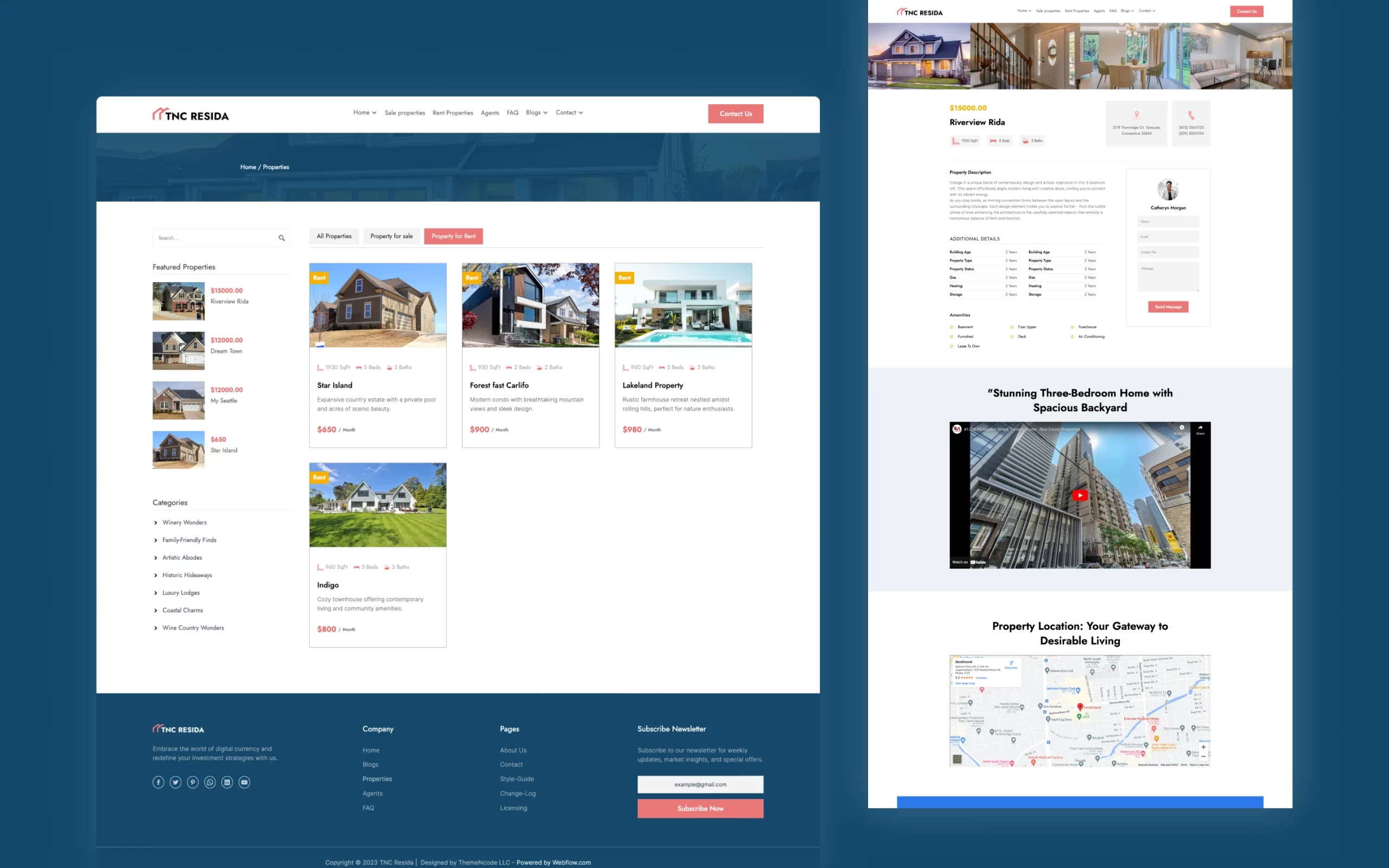
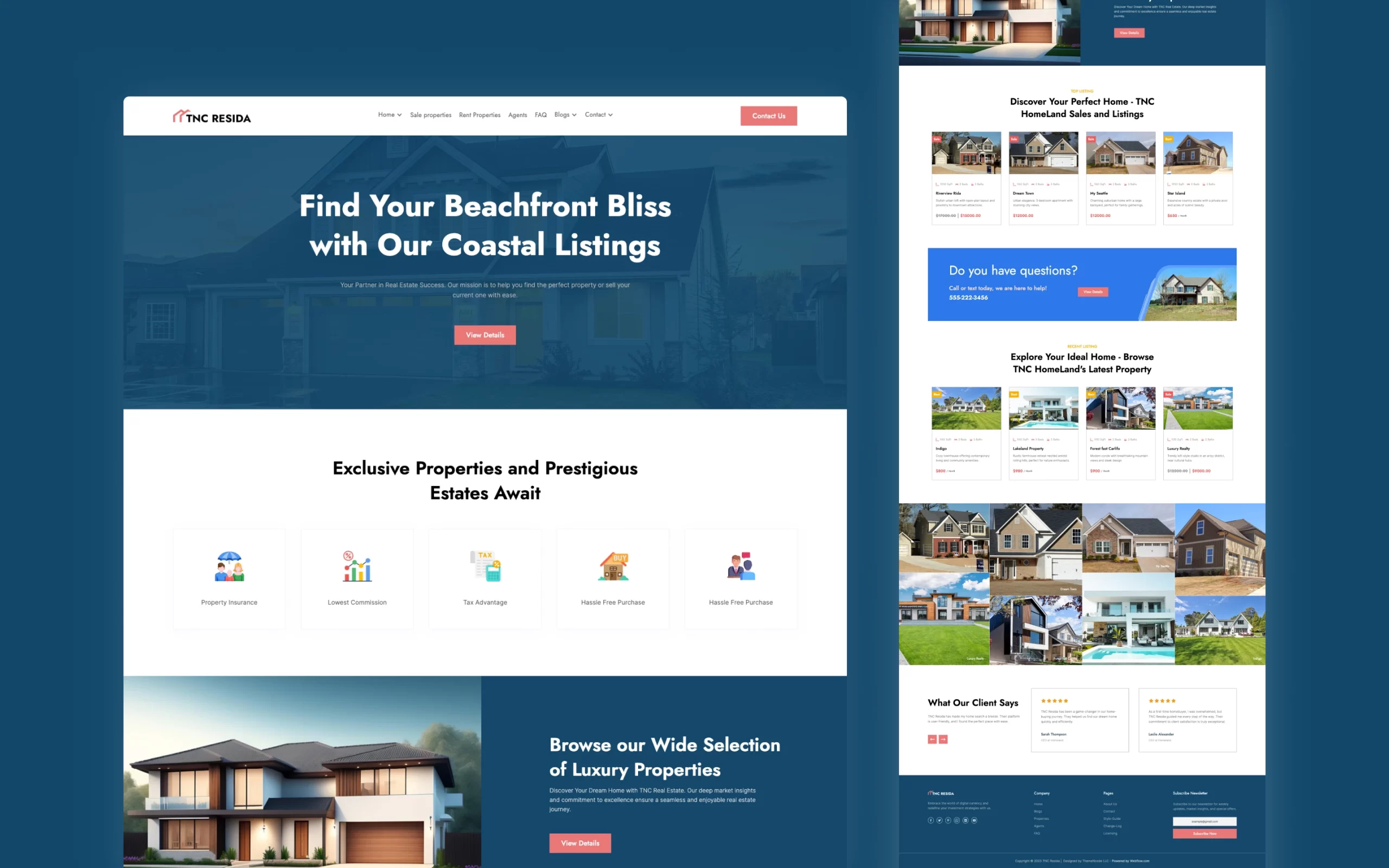
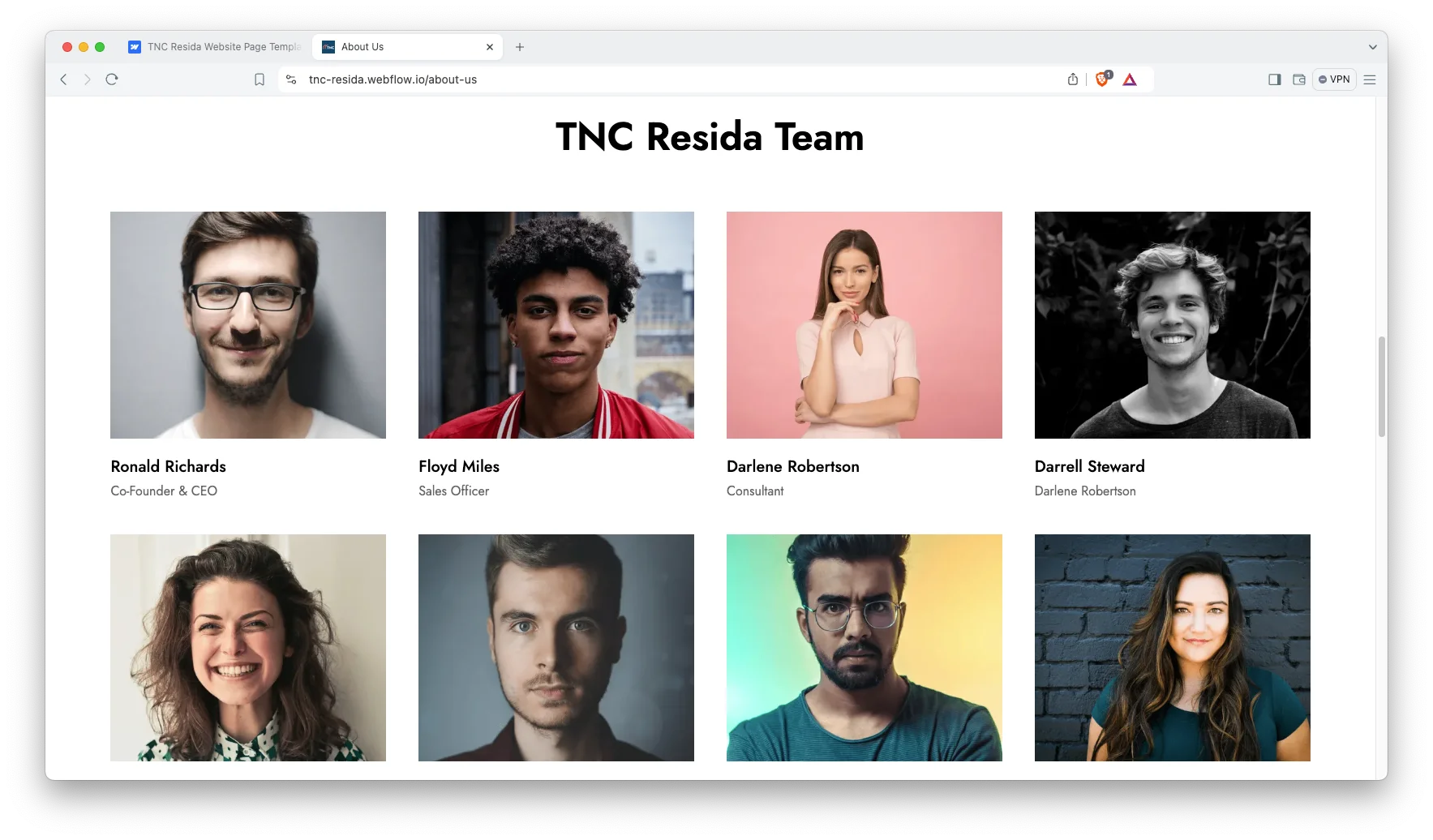
TNC Resida is a real estate website template for property agencies, independent agents and developers. It ships for Webflow, Figma and HTML.
Buyers judge an agency by its listings page. So TNC Resida opens with property search. Visitors filter by location, price or bedroom count. Then they open the listing they want.
Each section has one job. The three home pages let you pick a hero that suits your market. The two listing pages separate standard stock from premium stock. Because the Webflow build runs on CMS, your team can add properties without a developer.
Explore the live preview now.
TNC Resida at a Glance
| Formats | Webflow, HTML and Figma |
| Best for | Real estate agencies, independent agents, property developers, lettings firms and construction companies |
| Webflow builds | CMS and Ecommerce |
| Home pages | 3 (background image, background slider, video background) |
| Property listings | 2 (standard properties and premium properties) |
| Contact pages | 3 |
| Search | Filter by location, price and bedrooms |
| Responsive | Desktop, laptop, tablet and mobile |
| Support | Included with every purchase |
Key Features of TNC Resida
Features Fully Highlighted: Every service block explains what your agency does. So visitors learn how you work before they call.
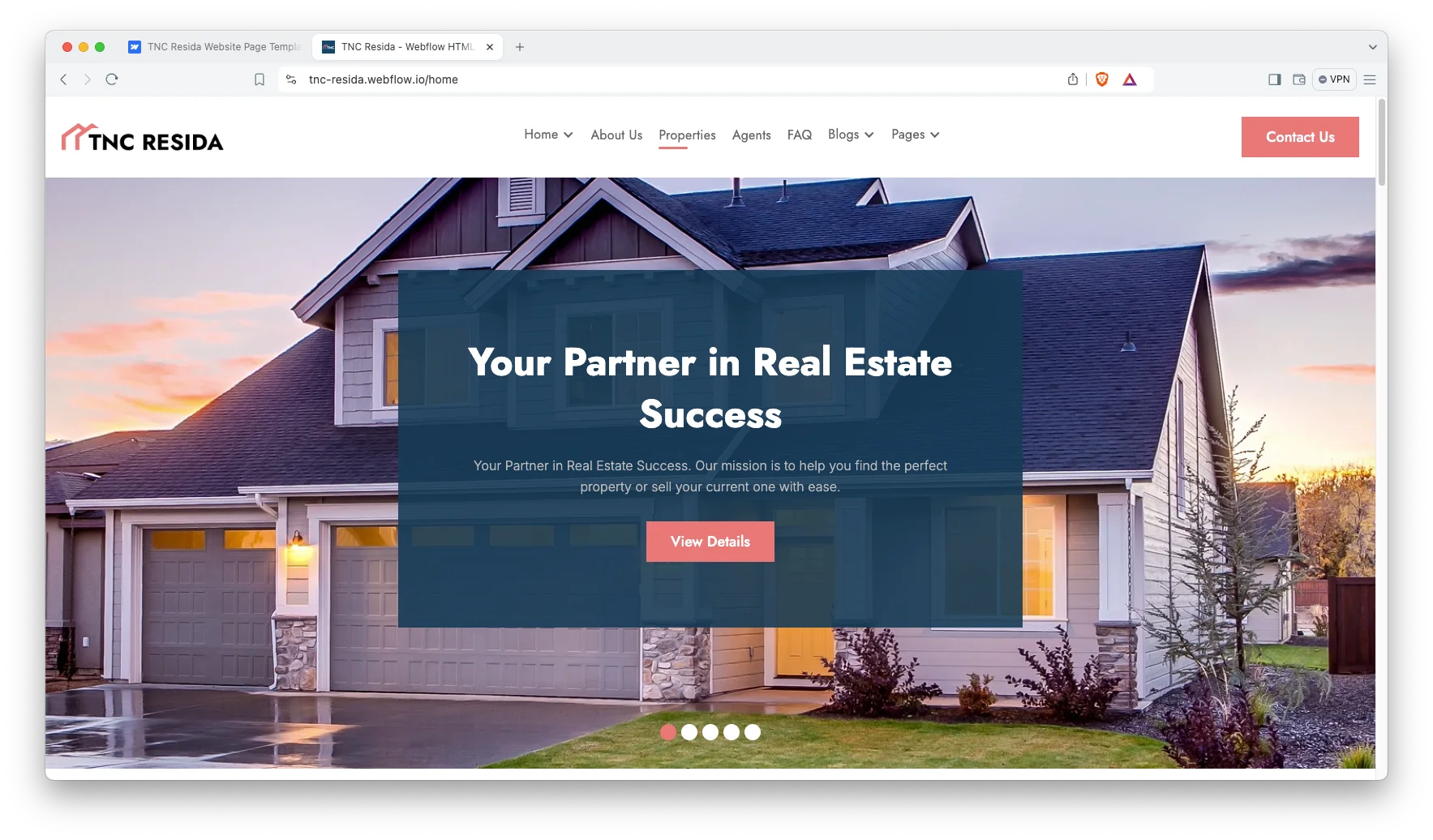
Modern and Responsive Design: The layout is clean, minimal and current. It holds its shape on desktop, laptop, tablet and mobile.
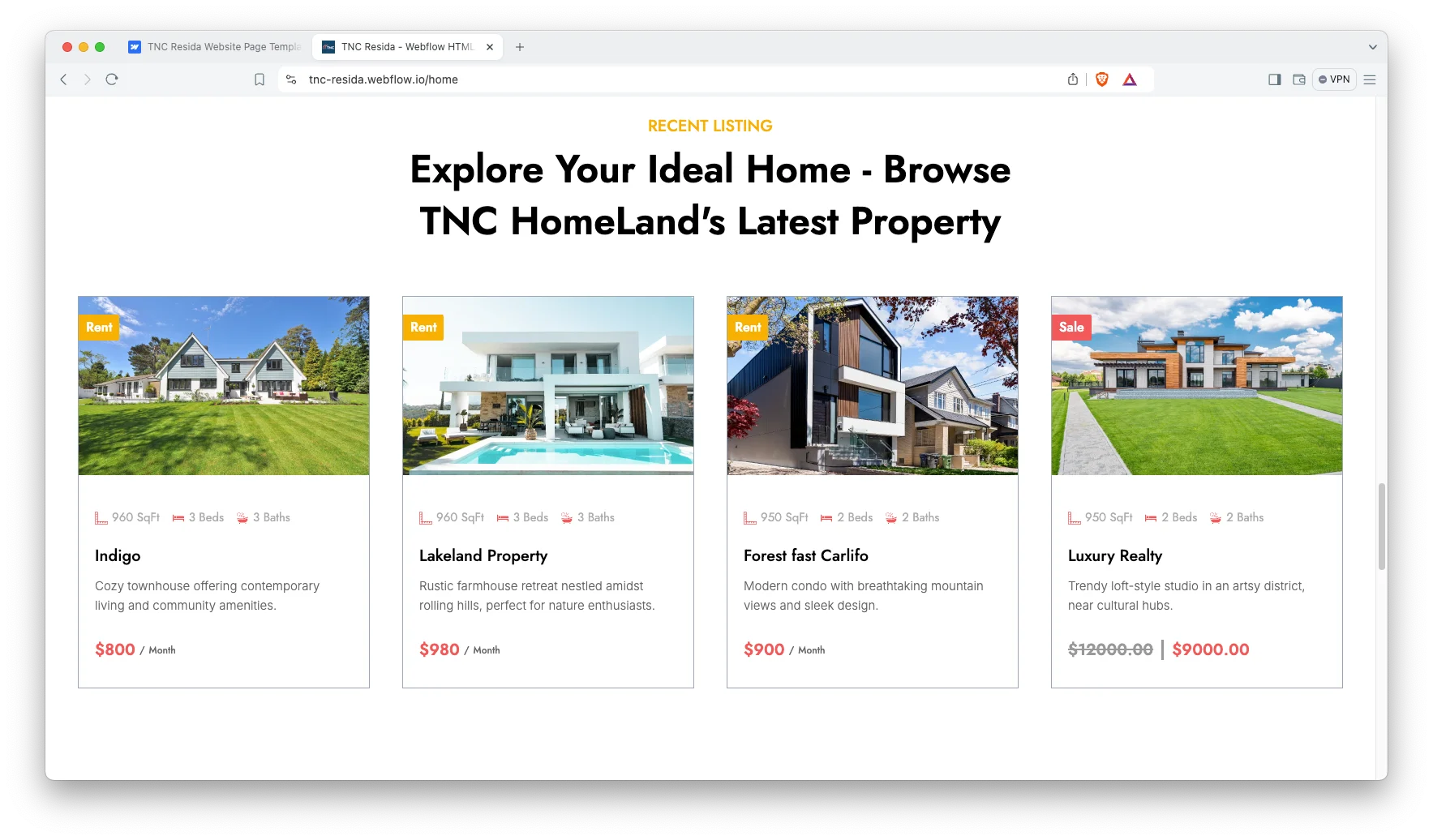
Three Different Home Pages: You get a background image hero, a slider hero and a video hero. Pick the one that fits your market.
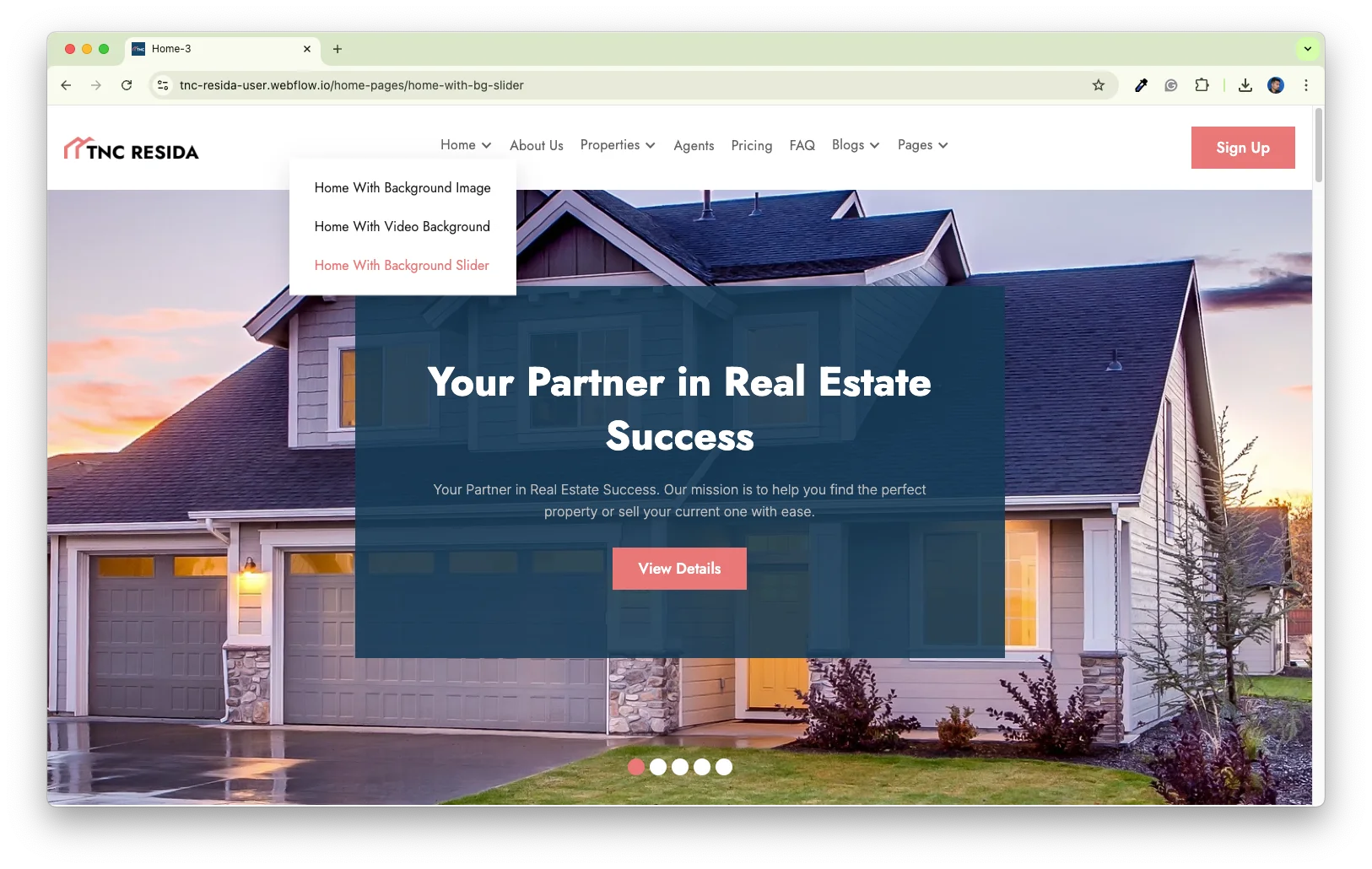
CMS and Ecommerce Included: The Webflow build uses CMS collections for properties, agents and blog posts. There is also a separate Ecommerce variant if you want to sell online.

Advanced Search Functionality: Visitors can search listings by location, price, bedrooms and more. That way they reach the right property fast.
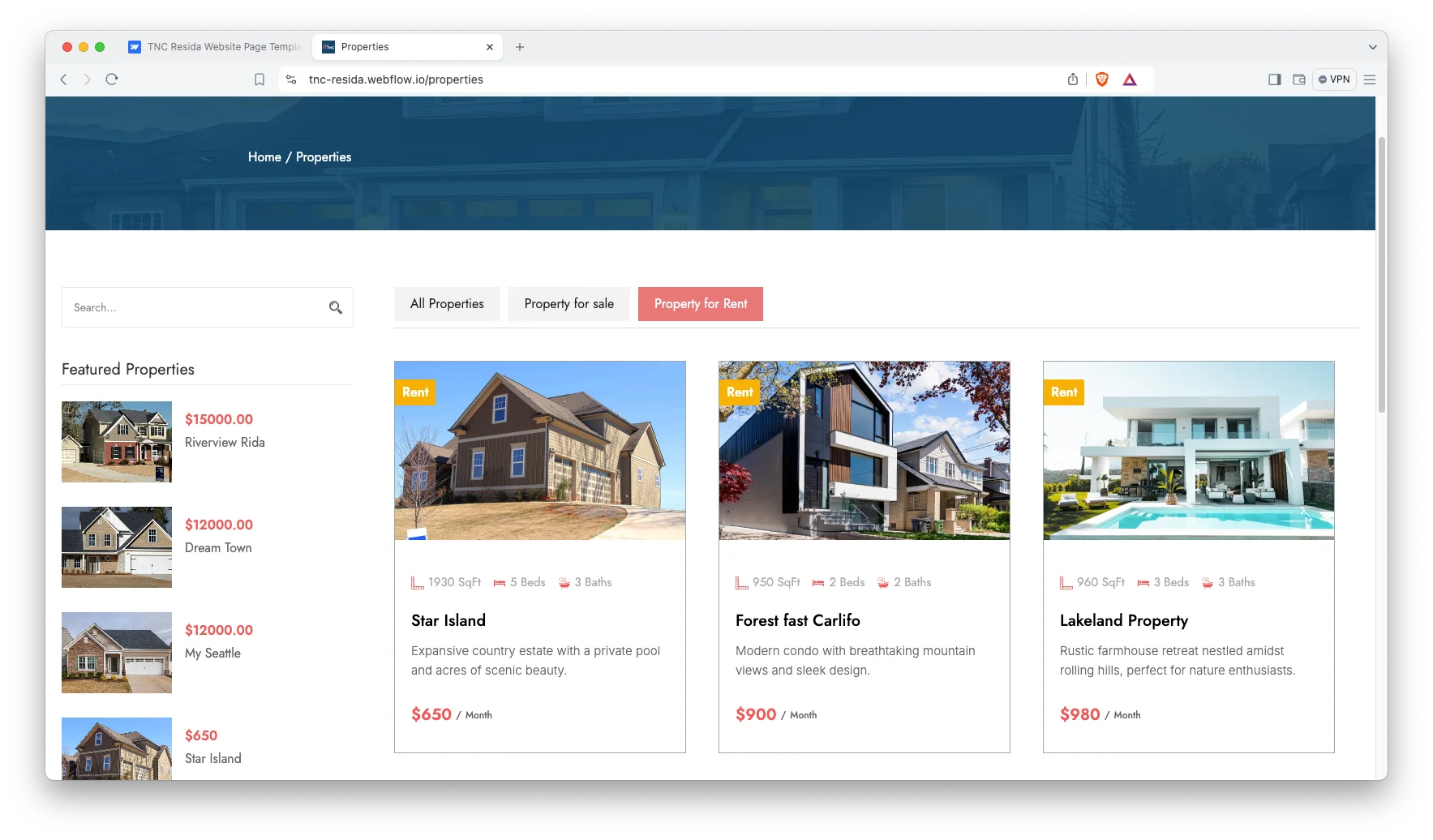
Two Different Property Listings: One page holds your standard listings. The other holds premium properties. So you can price and present the two sets differently.
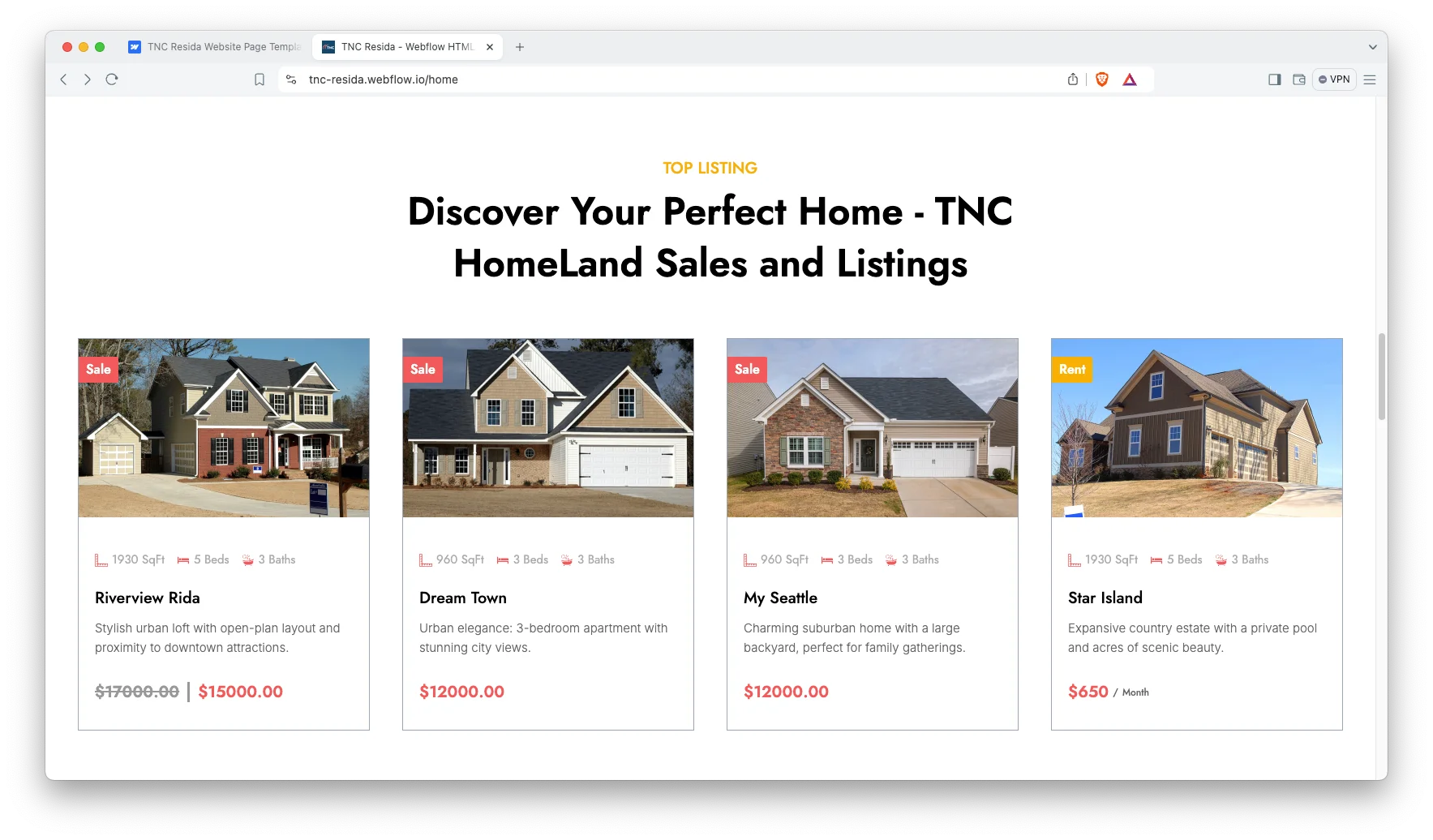
Effective Sections: The build includes hero, why choose us, about us, featured properties, properties for sale, sold properties, testimonials and FAQ sections.
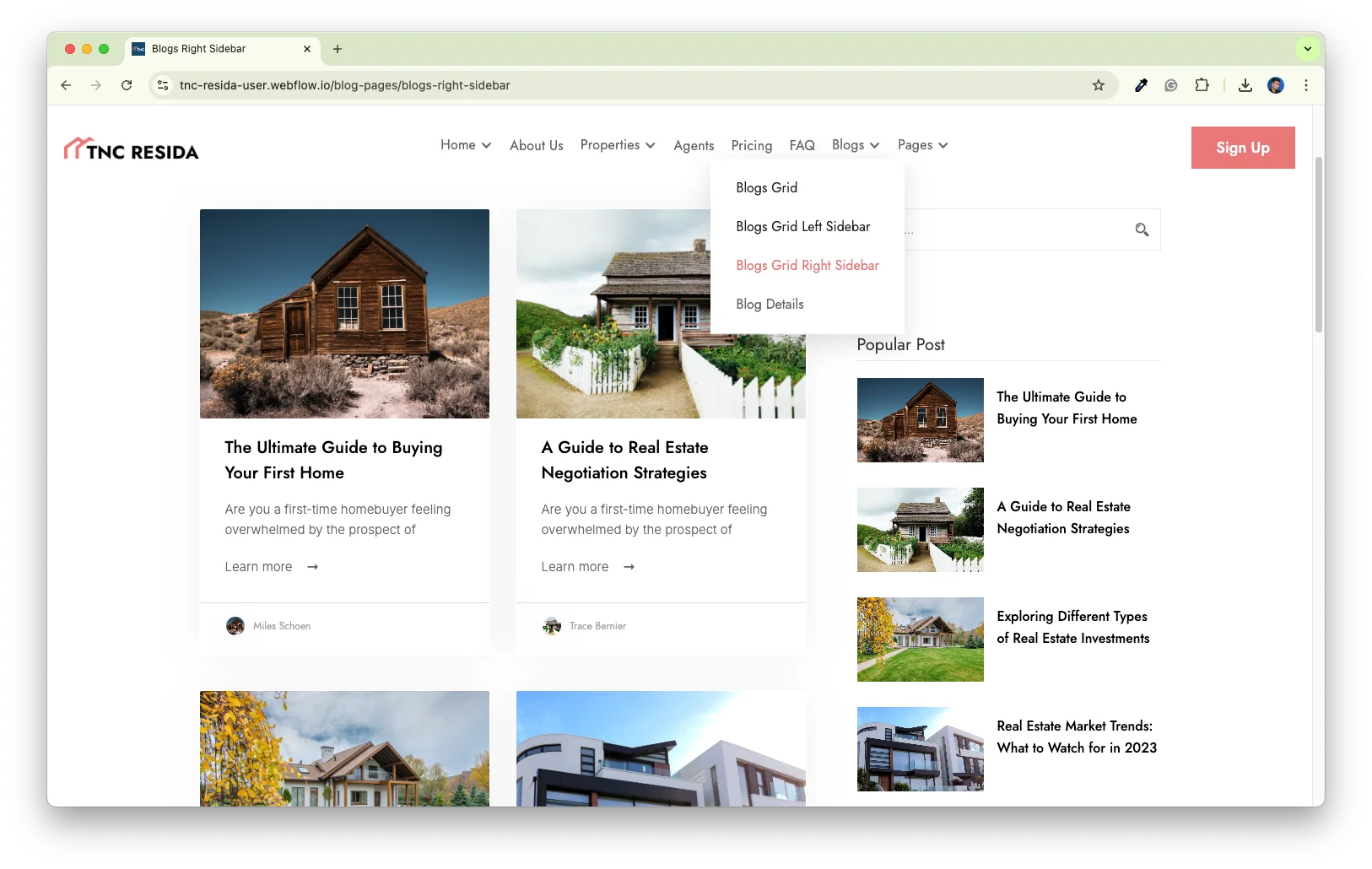
Blog and Market Insights: Publish local market notes, price trends and buying guides. Because the blog runs on CMS, you can post without touching code.
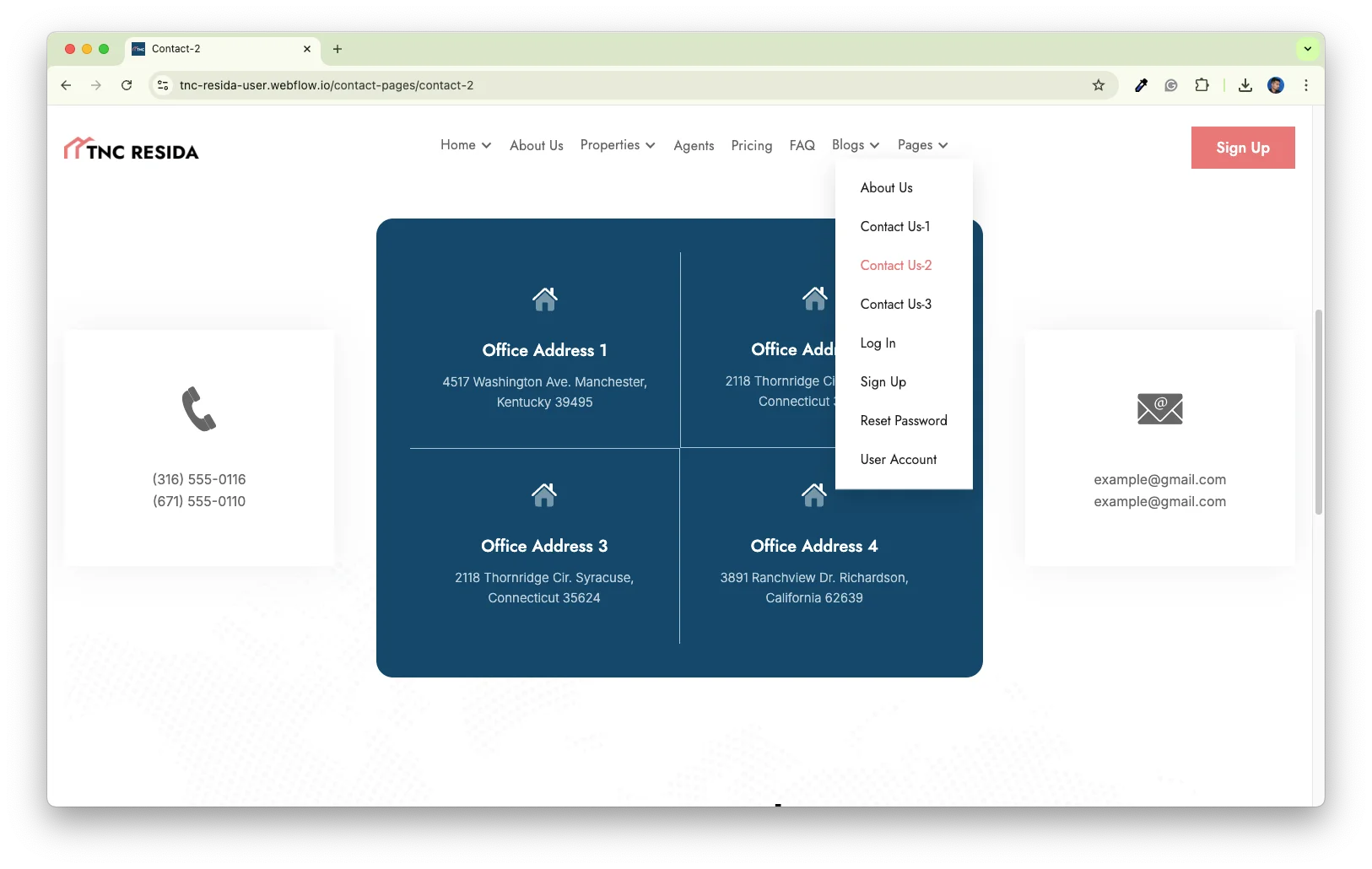
Three Contact Pages: Show your address, phone number and an interactive map. Clients can then pick the contact layout that reads best on your site.
Dedicated Customer Support: You get direct help from the TNCFlow support team whenever you need it.
Watch on YouTube
Prefer to watch first? This short video walks through the template and shows how to set it up.
Pages Included in TNC Resida
- Home with background image
- Home with background slider
- Home with video background
- Properties
- Premium Properties
- Property detail template
- About Us
- Agents
- Pricing
- Blog grid, blog with left sidebar and blog with right sidebar
- Blog post template
- FAQ
- Contact 1, Contact 2 and Contact 3
- Log in, Sign up, Reset password and User account
- Utility pages: style guide, licence and change log
How to Use TNC Resida
- Use the purchase widget on the right side of this page to buy the TNC Resida template
- Follow the steps to get your site ready
- Replace the content with your own
- Adjust the design if you want
- Preview and publish
What Makes a Real Estate Website Convert
Most property searches start on a phone. So the listing card has to carry the price, the location and one strong photo above the fold. TNC Resida sets that pattern on every listing page.
Filters matter next. If a visitor cannot narrow by price or bedrooms, they leave and try a portal instead. That is why the search bar sits in the hero rather than deep in a sidebar.
Then comes trust. Buyers want to know who they are dealing with before they share a phone number. The agents page, the testimonials block and the market blog all answer that question. Together they turn a browser into an enquiry.
TNC Resida Frequently Asked Questions
Does TNC Resida include a property search filter?
Yes. Visitors can filter listings by location, price, bedroom count and other criteria. The search bar sits in the hero on every home page, so it is easy to find.
How many home pages does TNC Resida include?
Three. You get a home page with a background image, one with a background slider and one with a video background. All three share the same sections underneath.
What is the difference between the CMS and Ecommerce versions?
The CMS build manages properties, agents and blog posts through Webflow collections. The Ecommerce build adds a checkout, so you can sell listings, packages or products directly. Both use the same design.
Is the Figma file included with the template?
No. The Figma file is a separate product with its own price. So you can buy the design on its own, or buy it alongside the Webflow or HTML build.
Do I need coding skills to edit TNC Resida?
No. The Webflow build is fully visual, so you edit text and images on the canvas. However, the HTML build needs a developer for structural changes, and the Figma file is for designers.
Can I use TNC Resida for property development or construction?
Yes. The listing structure works for new builds, plots and rental stock as well as resale homes. Developers use the premium properties page for flagship schemes.
Ready to Launch Your Real Estate Website?
TNC Resida gives agencies a property site that is ready to publish. It shows listings clearly, answers common questions and gives buyers a reason to call.
Check out other Webflow templates by TNCFlow.




Select template
Choose one or more options for your build
All-Access Pass
$199
/ Yearly
$20,000+ in assets
130+ Webflow Templates
130+ Figma UI Templates
45+ Framer Templates
130+ HTML Templates
