
PRO



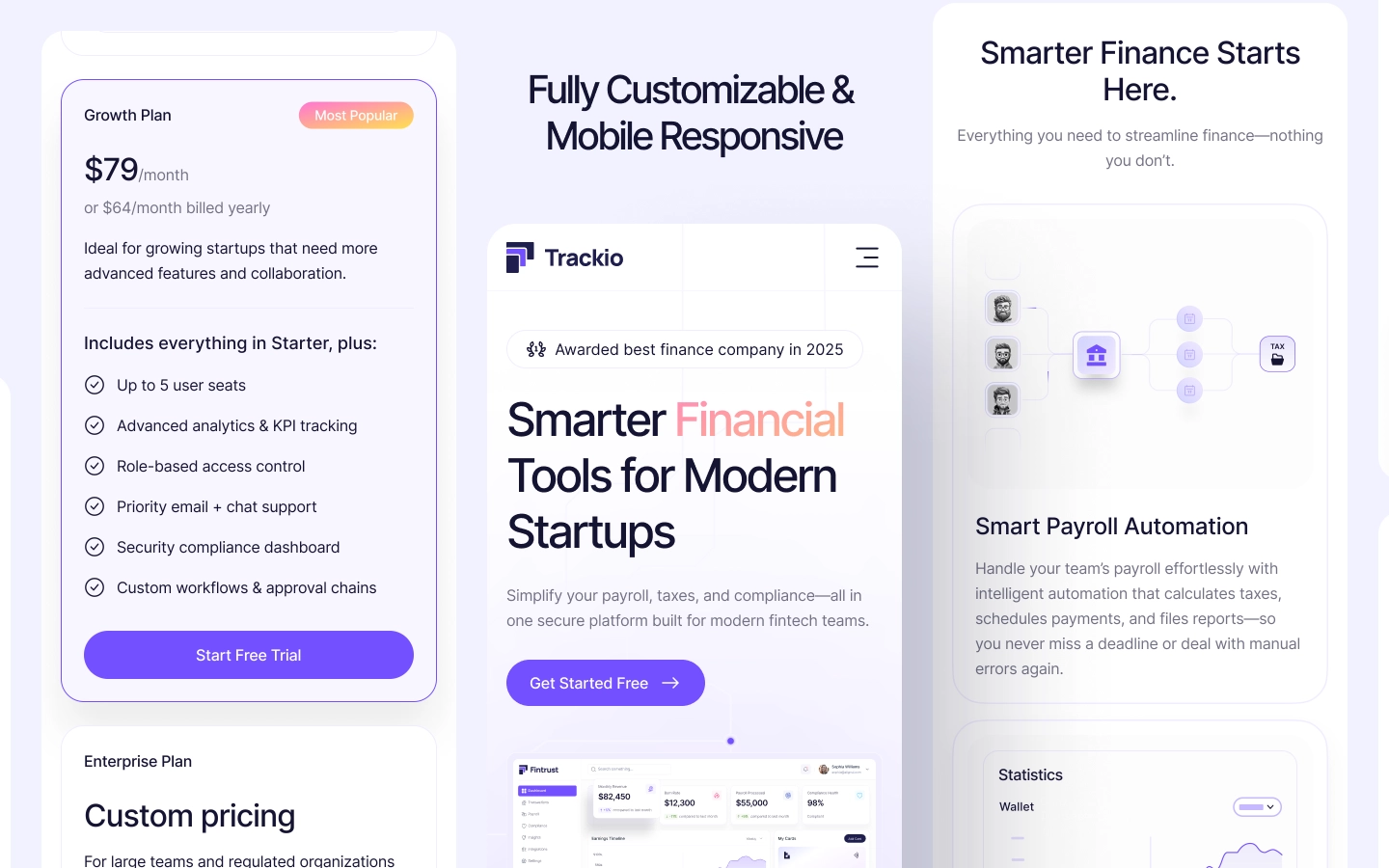
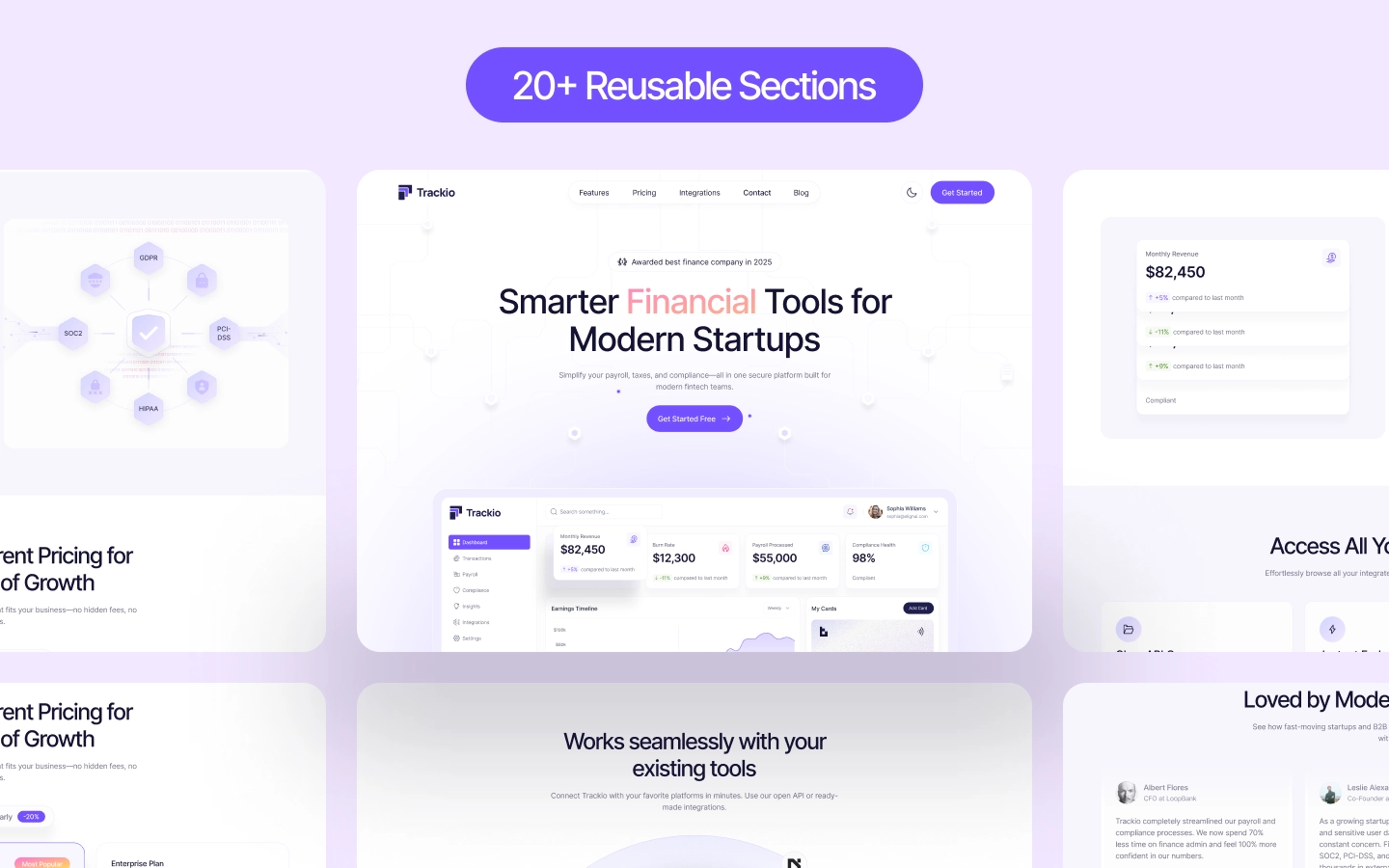
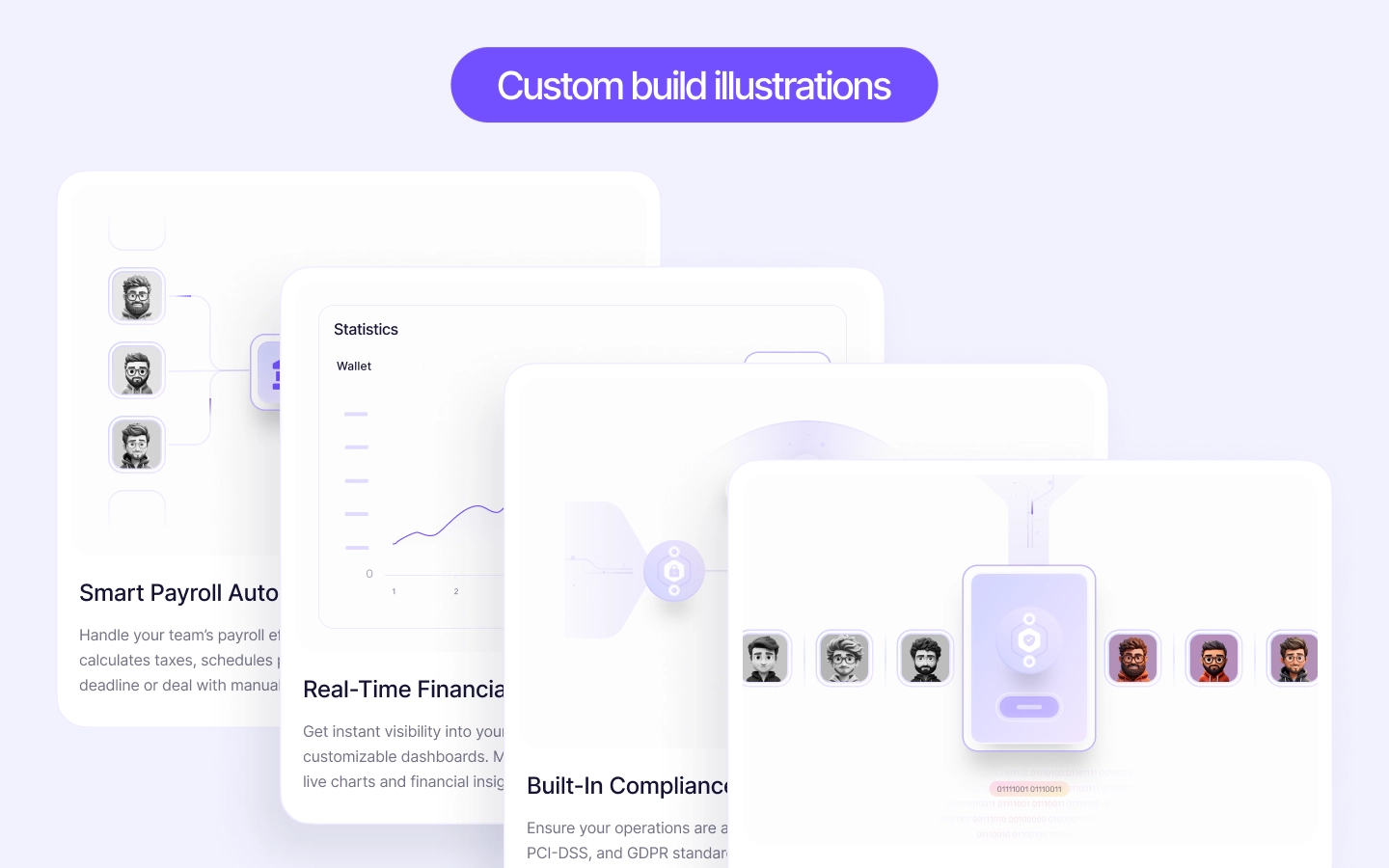
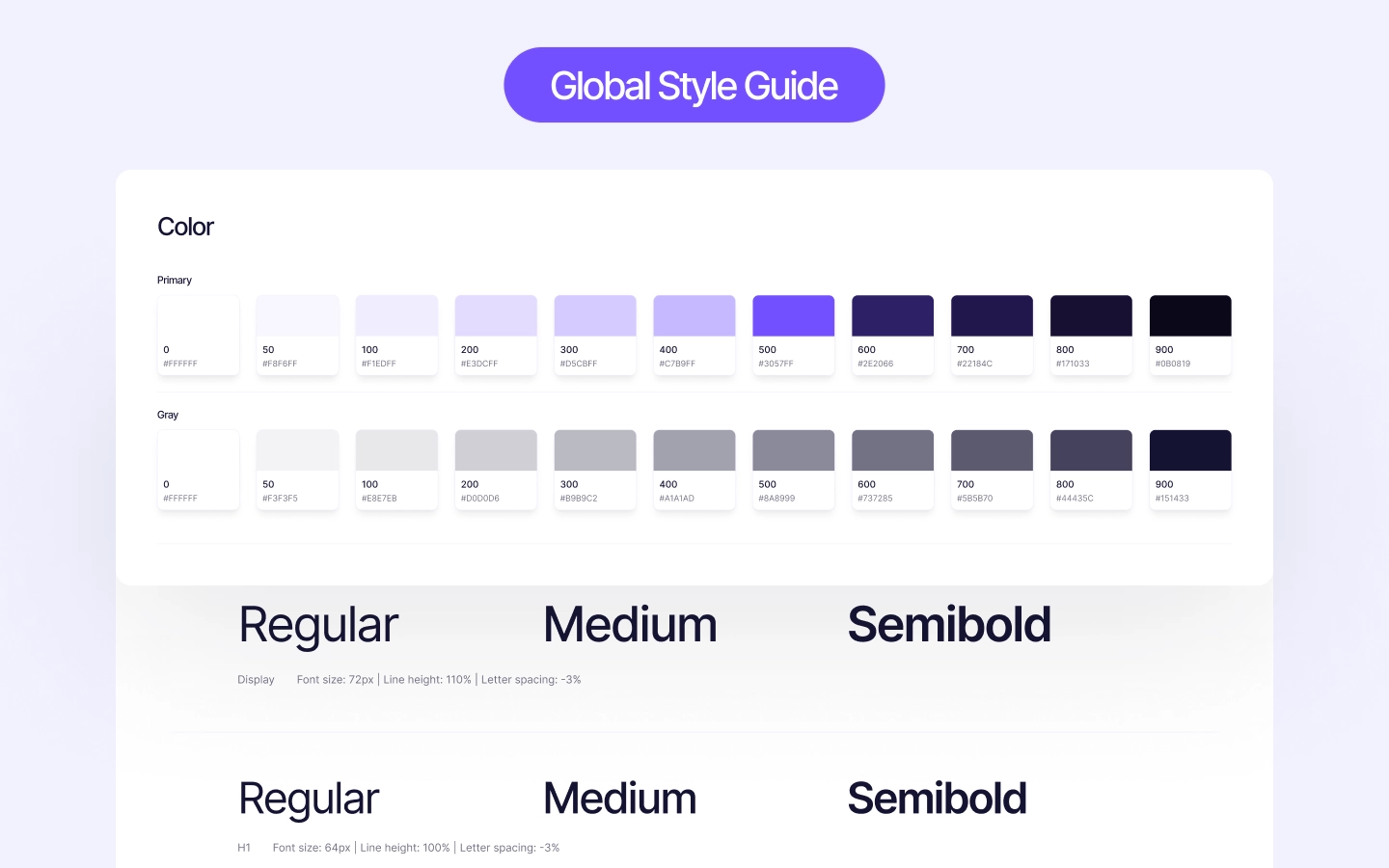
Trackio is an accounting website template for payroll platforms, bookkeeping firms and finance software teams. It ships for Webflow, Figma and HTML.
The demo sells accounting software, not a brochure. So the pages are organised around payroll, tax and compliance, and each one ends in a booked demo.
Accounting is a cautious purchase. Because of that, Trackio surfaces security, permissions and pricing early instead of burying them. Then the integrations page and the FAQ answer the questions a finance lead asks next.
Explore the live preview now.
Who is it for? Anyone selling accounting work or accounting software. So it fits a payroll product, a bookkeeping practice, a tax filing tool, an expense platform, or an accounting firm that wants a modern site rather than a directory listing.
Trackio at a Glance
| Formats | Webflow, Figma and HTML |
| Best for | Accounting software, payroll platforms, bookkeeping firms, tax and compliance tools |
| Layout | Multi page, with a product led home page |
| Pages | Home, About, Features, Integrations, Pricing, Blog, Contact, 404 and utility pages |
| CMS | Yes, for blog posts |
| Responsive | Yes, on desktop, tablet and mobile |
| Support | TNCFlow support plus free updates |
Key Features of Trackio
Clarity over decoration. Accounting products are complicated, so the layout stays deliberately plain. Generous spacing, one idea per block and a single accent color keep a dense subject readable.
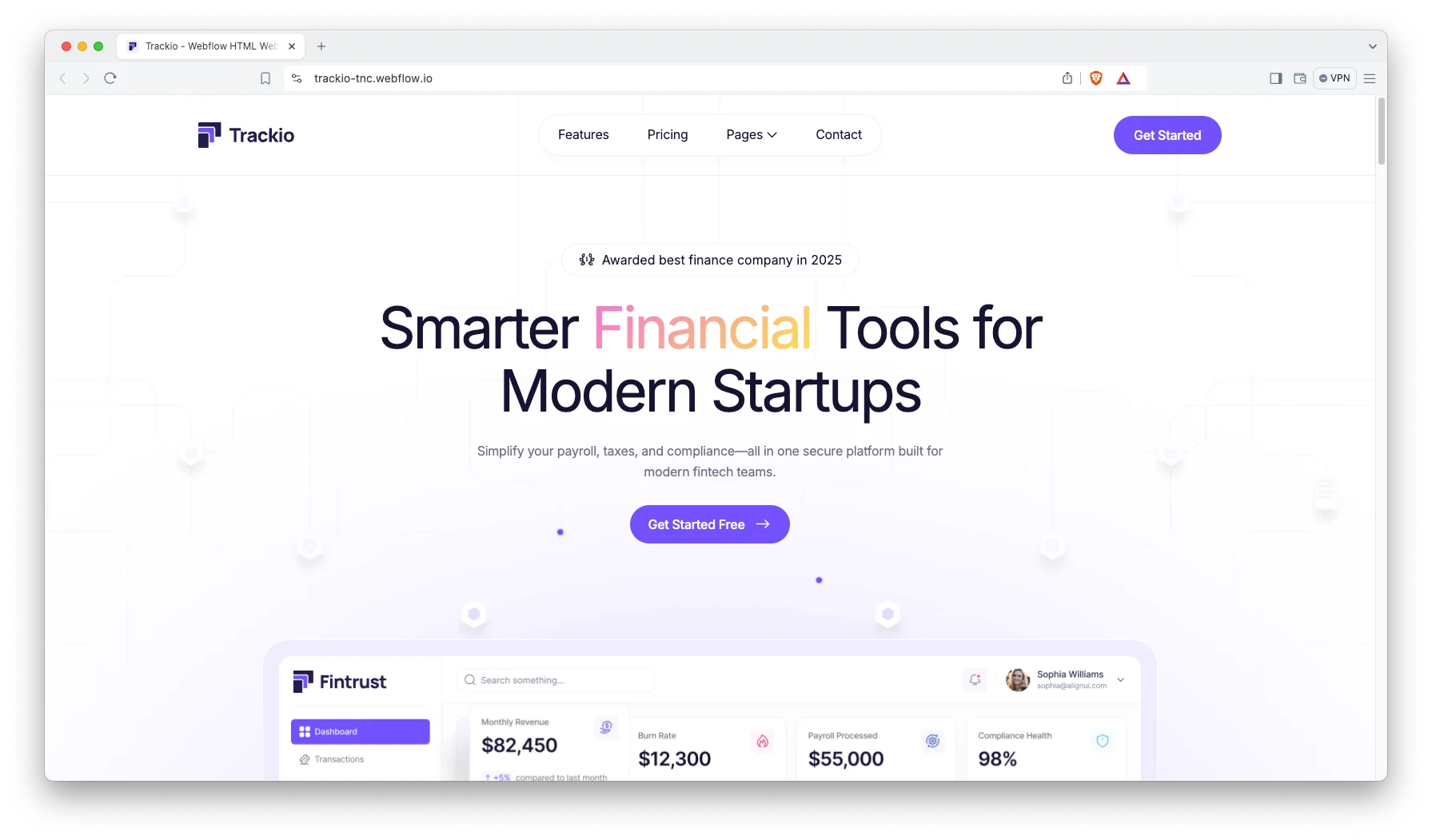
Built around accounting workflows. The demo content covers payroll automation, tax management and compliance rather than generic software copy. So you spend the first hour renaming features, not inventing them.
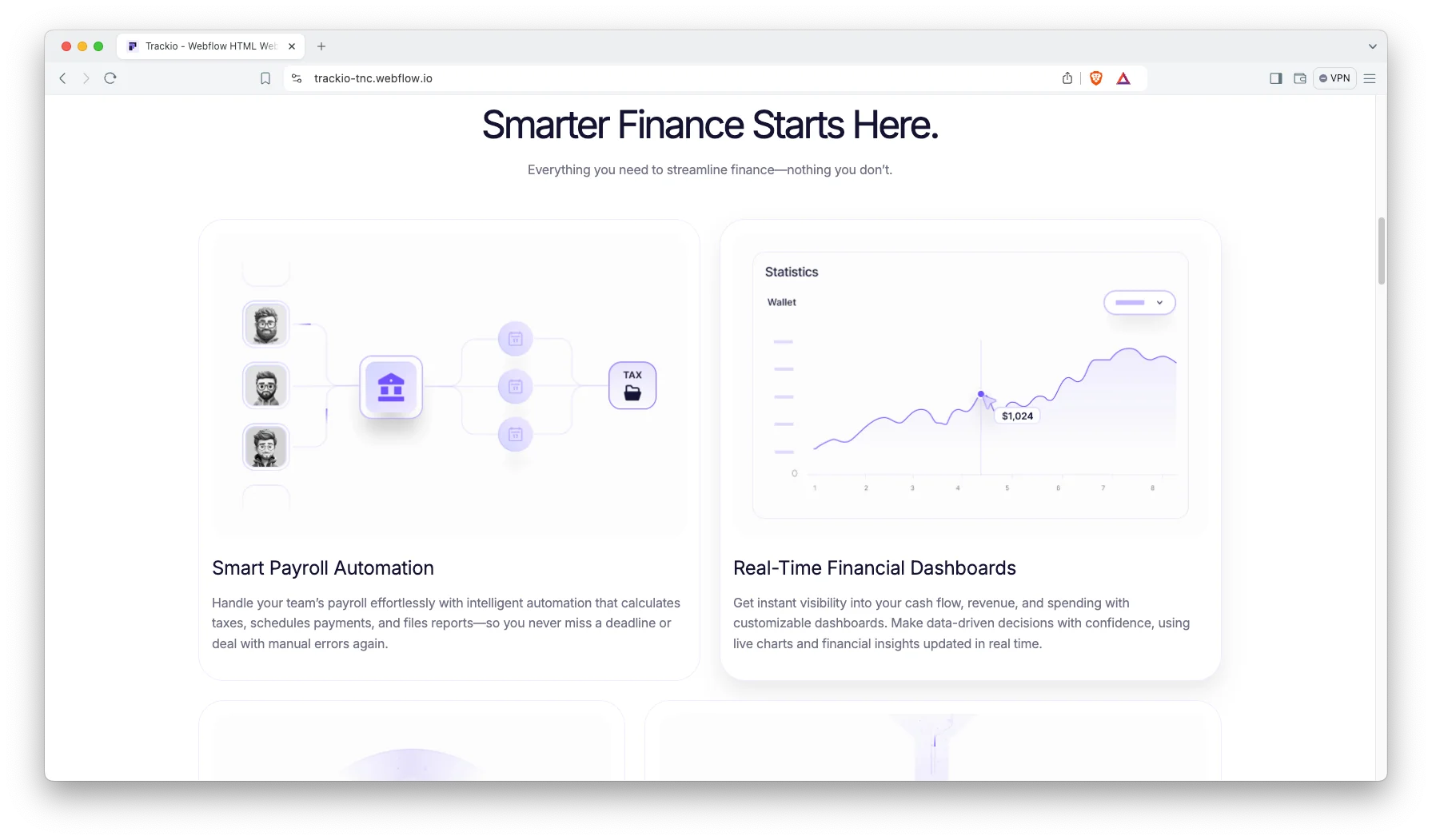
A route to one action. Navigation, section order and buttons all funnel toward a demo request. Because accounting is rarely bought on the first visit, the contact route stays visible on every page.
Light pages that load fast. The build avoids heavy imagery and stacked scripts. So the site stays quick on a phone, which matters when a finance manager is comparing three vendors in a row.
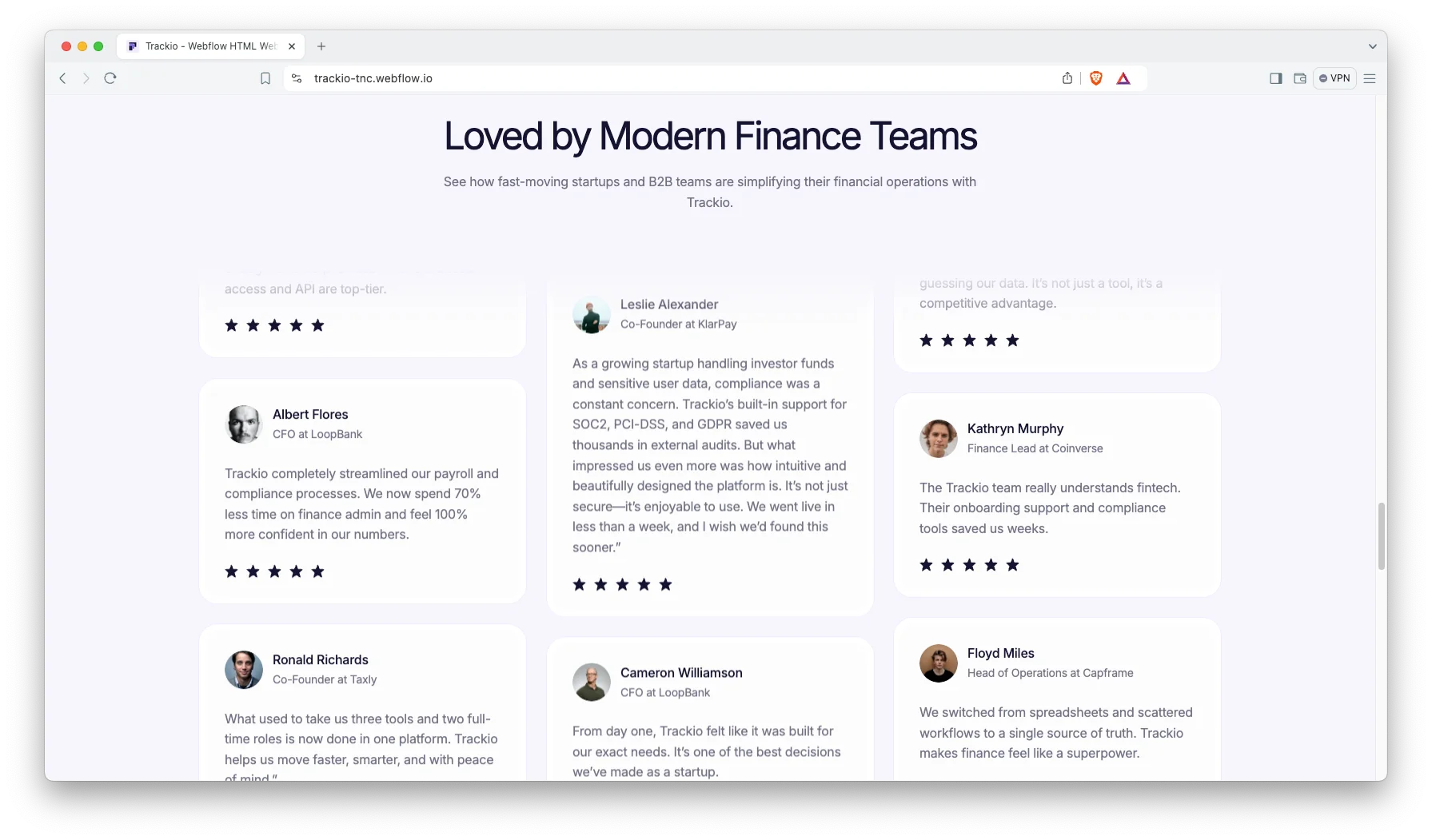
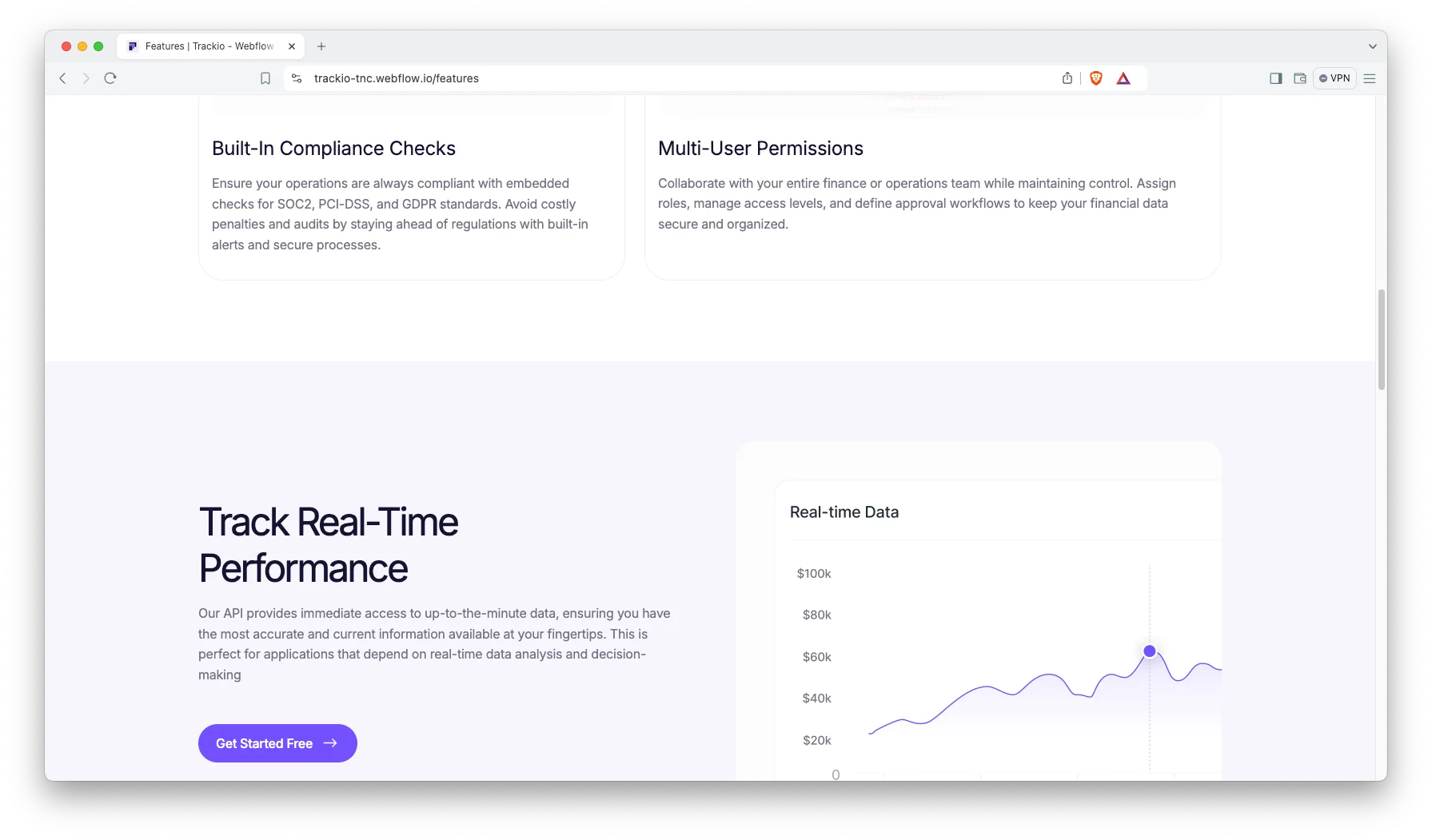
A features page that earns its length. The demo lists smart payroll automation, real time financial dashboards, built in compliance checks and multi user permissions. Each one gets its own block, so nothing gets lost in a bullet list.
Style guide driven design. Colors, fonts and spacing all come from one page. So a firm can apply its own brand in an afternoon, and the change carries across every page at once.
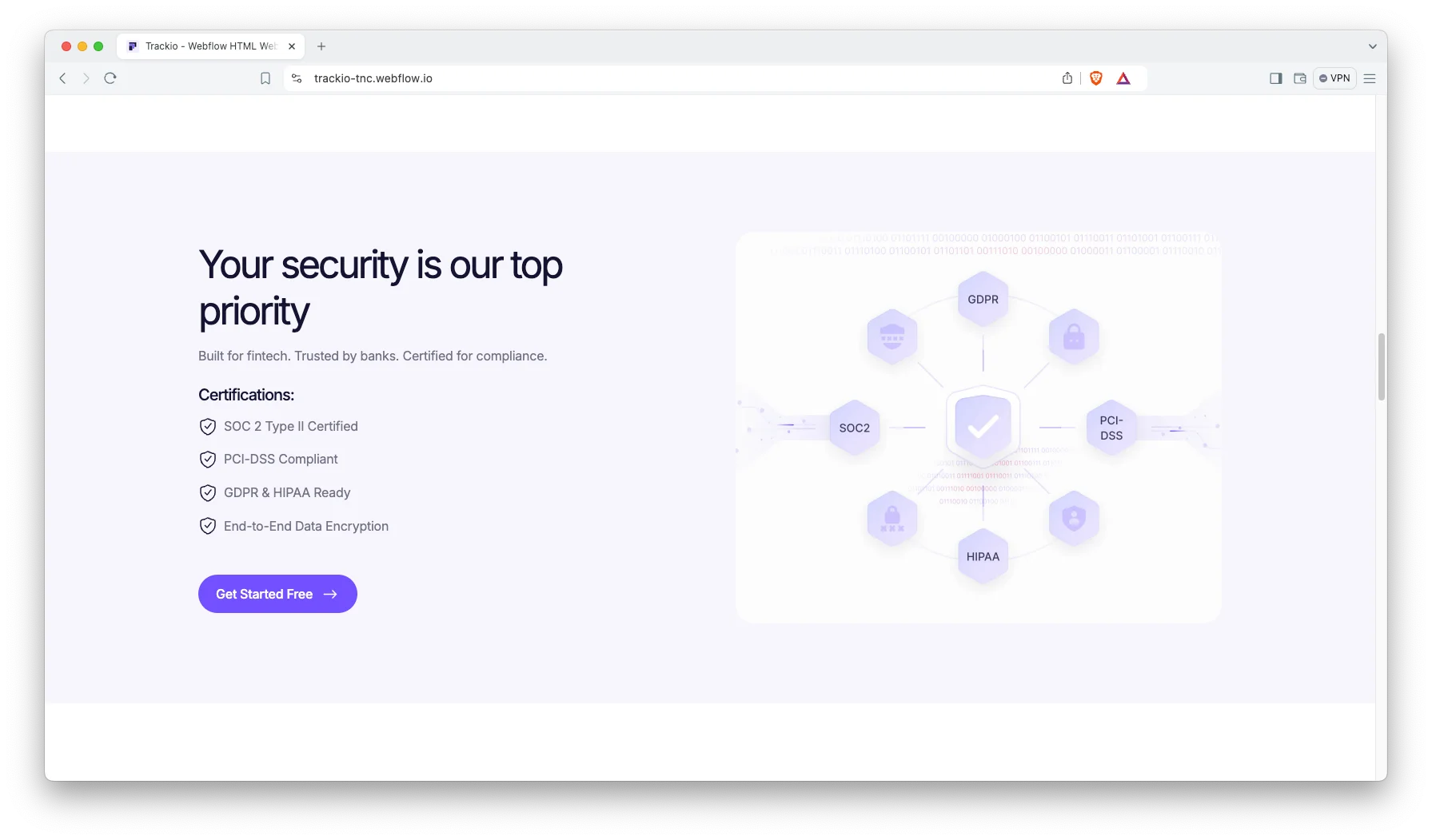
Room for the compliance story. Trackio reserves space for security claims, data handling and policy links. Because accounting touches payroll and tax records, those pages are usually the ones a buyer checks first.
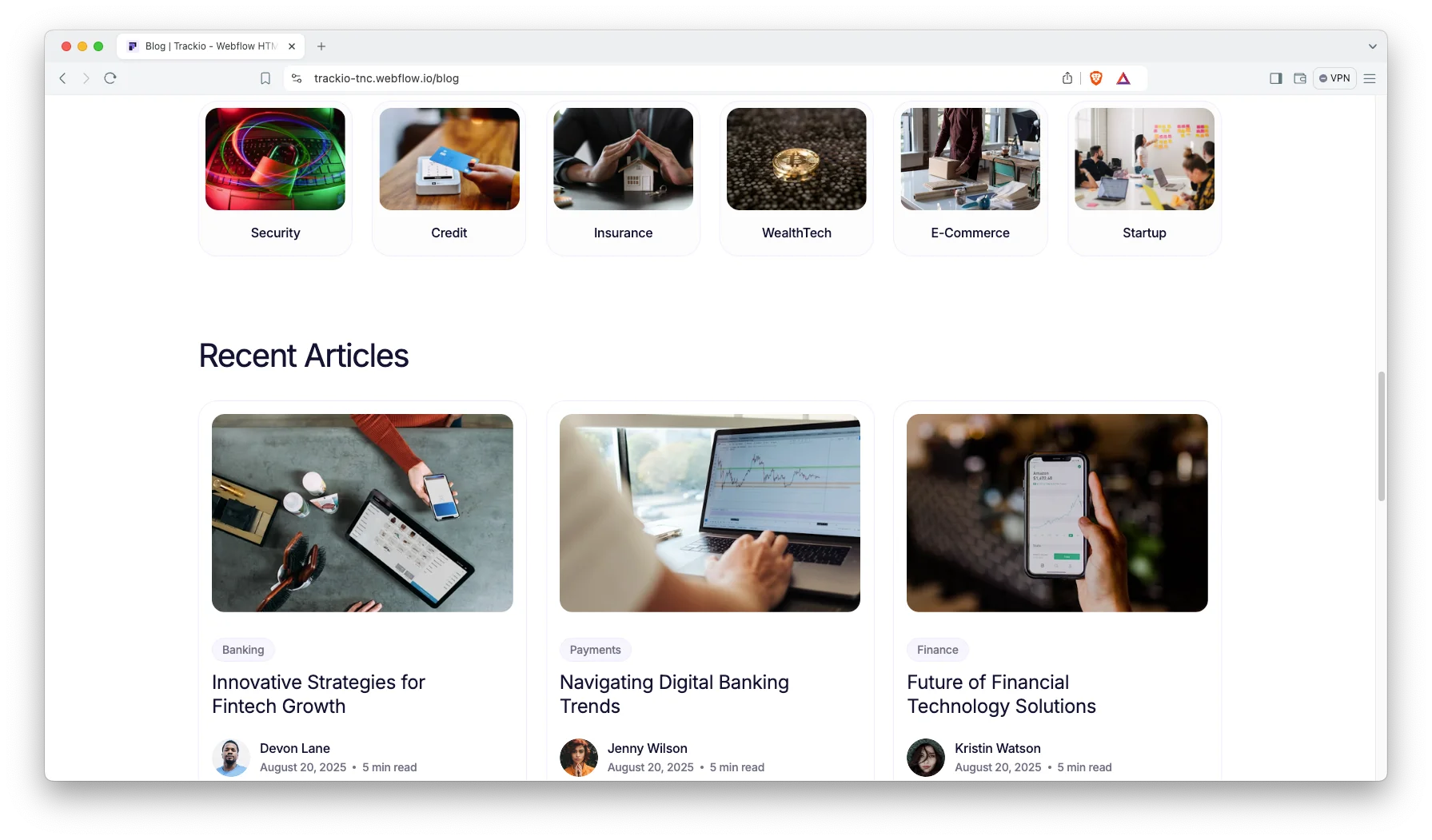
Blog on the Webflow CMS. Articles run as a CMS collection, so a new post appears in the listing without touching the layout. Useful, because most accounting search traffic arrives through explainer content.
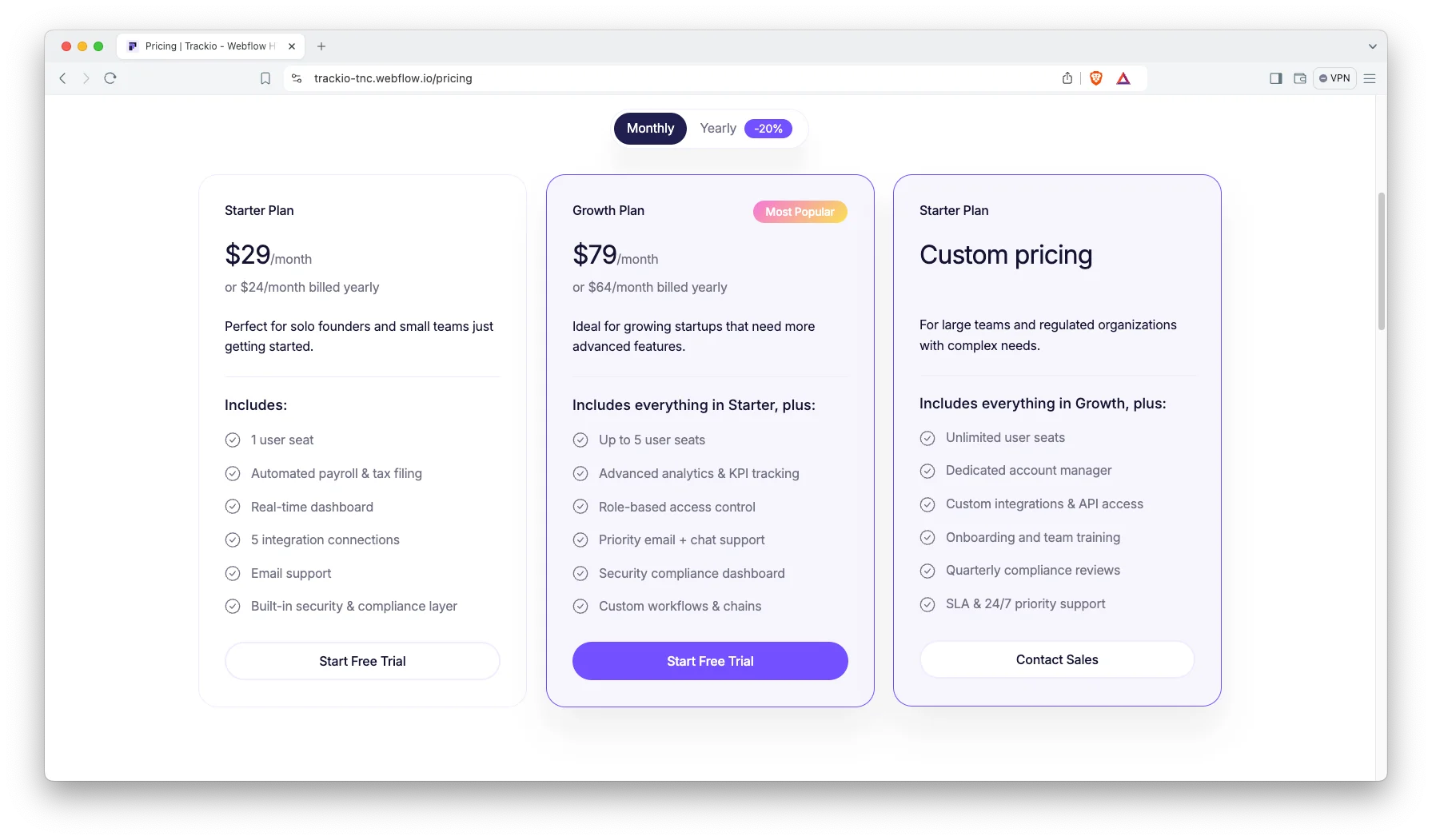
Pricing with a billing toggle. Plans sit side by side, and a monthly or yearly switch updates the figures. So a visitor can compare tiers without opening a sales conversation first.
Watch on YouTube
Prefer to see it move? The walkthrough below covers the pages, the CMS and the editing flow.
Pages Included in Trackio
- Home
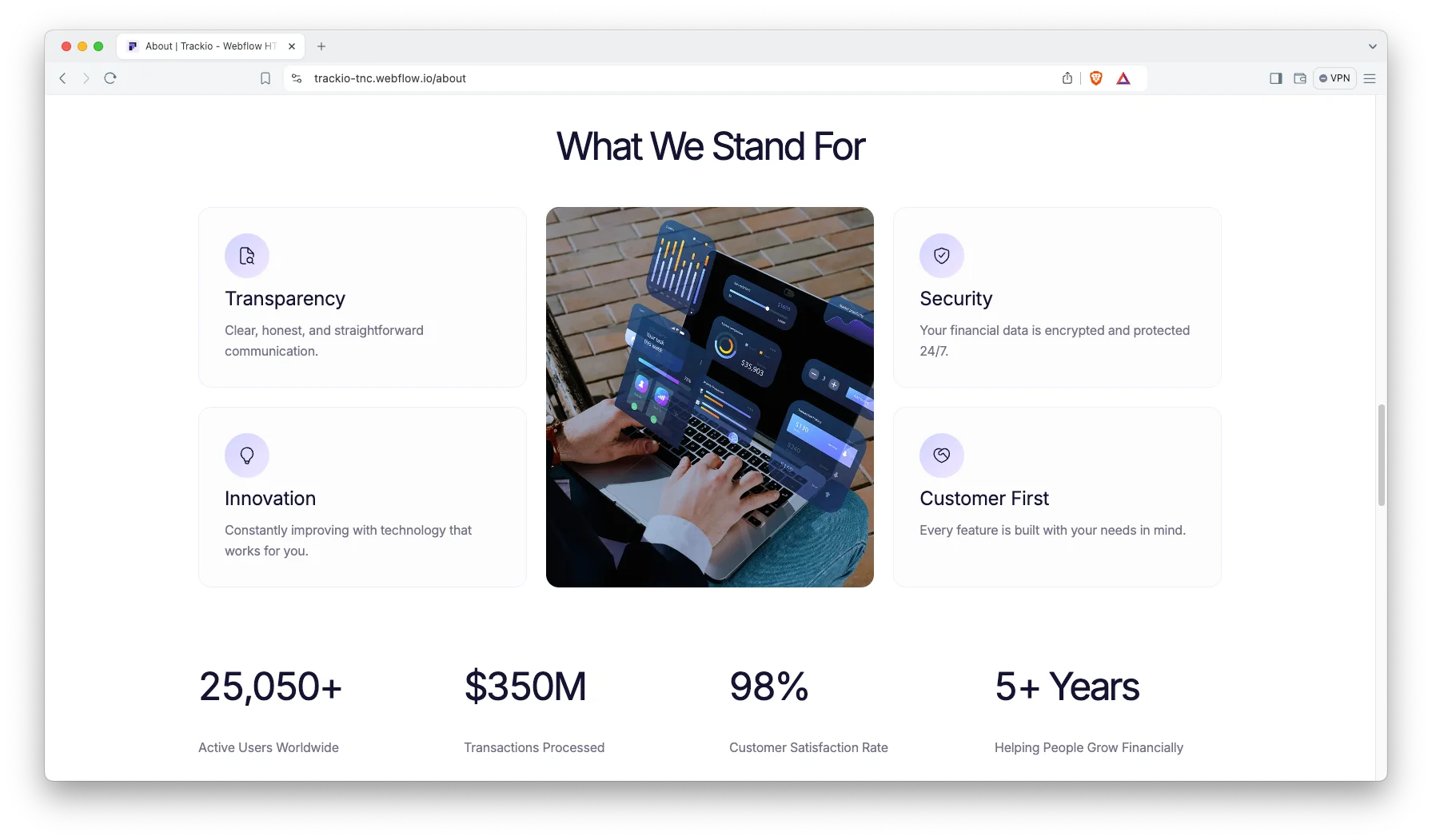
- About
- Features
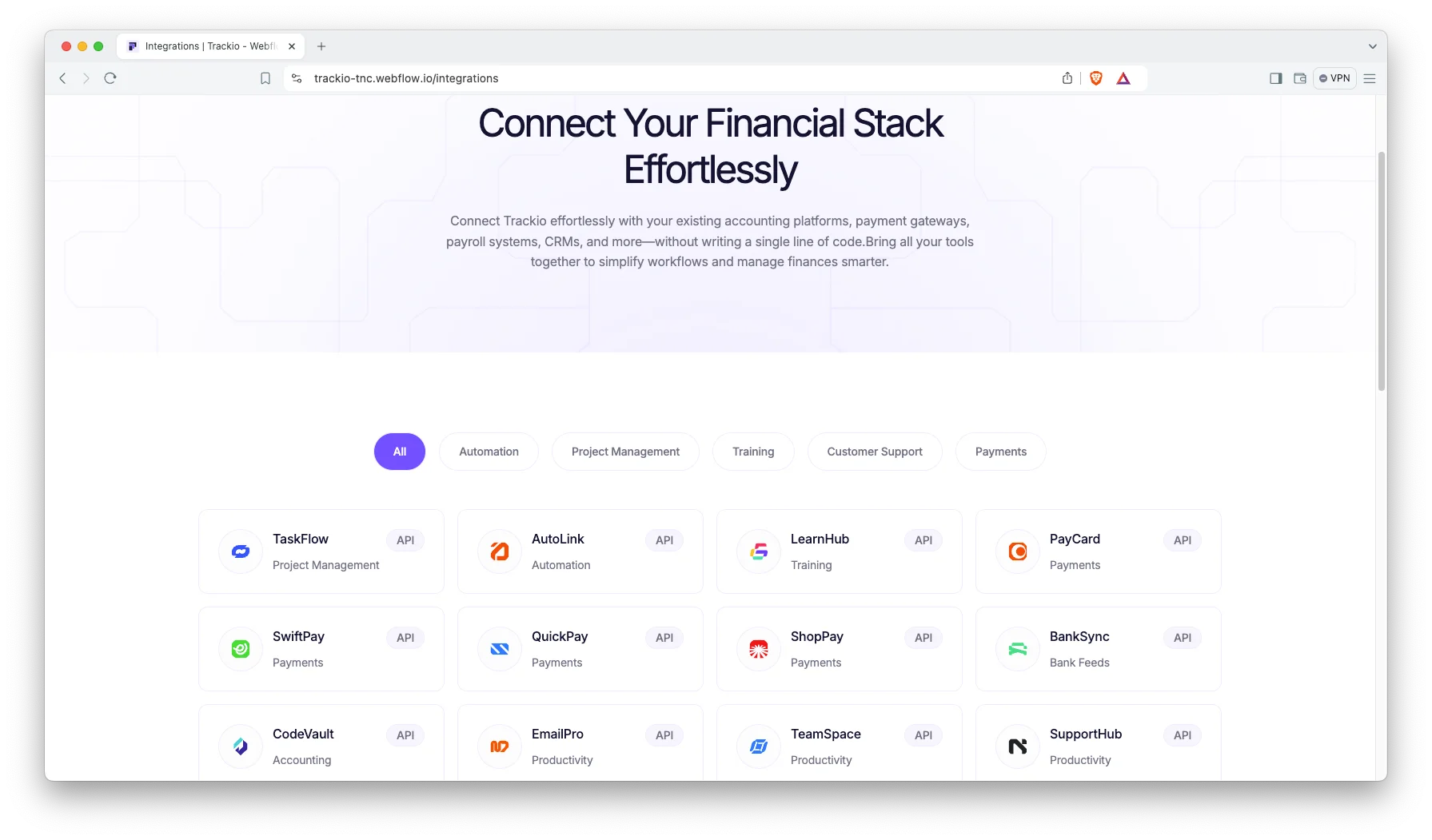
- Integrations
- Pricing
- Blog
- Blog post template (CMS)
- Contact
- Custom 404
- Style Guide, License and Change Log
How to Use Trackio
- Use the purchase widget on the right side of this page to buy the Trackio template
- Open the project in Webflow and rename the site to your firm or product
- Replace the demo copy with your real services and screenshots
- Set your own plans on the pricing page, or swap it for a quote request
- List the accounting tools you actually integrate with
- Write your first posts into the blog CMS collection
- Check every breakpoint, then publish
What an Accounting Website Has to Get Right
Accounting buyers are risk averse. So the site that wins is usually the one that removes uncertainty fastest, not the one with the boldest headline.
Four things carry most of the weight. First, name the integrations, because a tool that does not connect to the existing ledger is disqualified immediately. Second, publish indicative pricing, since a hidden price reads as expensive. Third, describe data handling in concrete terms, including where records are stored and who can see them. Finally, state which jurisdictions and tax regimes you actually support.
Content matters more here than in most categories. Accounting searches are dominated by explainer queries, so a working blog is a real acquisition channel rather than decoration.
One caution. If you are a licensed practice, your professional body probably regulates how you advertise. Trackio supplies the structure, however the claims and disclaimers remain yours to review.
Trackio Frequently Asked Questions
Which formats does Trackio ship in?
Trackio is available as a Webflow template, a Figma file and a static HTML build. Each format is sold separately, so pick the one you need in the purchase widget.
Do I get the Figma file with the Webflow purchase?
No. The Figma file is a separate product on this page. Buy it in the purchase widget if you want the design source.
Is Trackio suitable for an accounting firm rather than a software product?
Yes. The demo is written for a product, however the features page works just as well as a services page. Rename the plans as packages and the structure still holds.
Does Trackio include accounting functionality?
No. Trackio is the marketing website that sits in front of your service or app. The dashboards shown are imagery, so connect your real system separately.
Which parts of Trackio run on the CMS?
The blog runs as a Webflow CMS collection. The marketing pages, including features and pricing, are edited directly in the Designer.
Can I use Trackio without Webflow hosting?
Yes. Buy the HTML build if you want to host the files anywhere. Note that the CMS blog is a Webflow feature, so a static build needs its own publishing method.
Every Trackio purchase includes TNCFlow support and free updates. So if a section does not behave, ask us and we will help.
Check out other Webflow templates by TNCFlow.
Featured in our guides: Webflow SaaS templates and HTML5 website templates.


Select template
Choose one or more options for your build
