
PRO

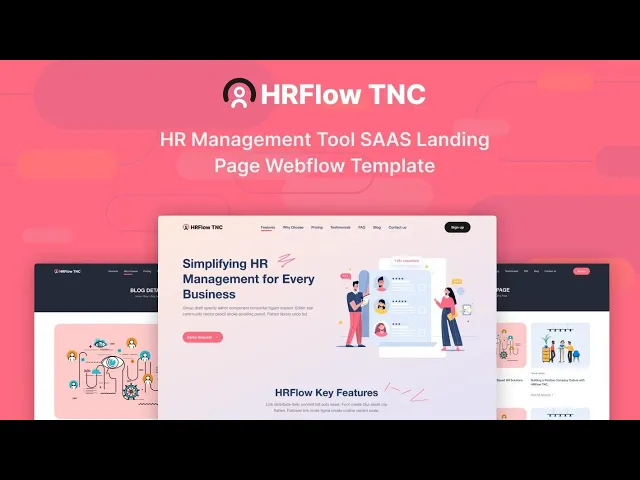



HRFlow TNC is an HR website template for HR software companies, people teams and recruitment agencies. It ships for Webflow, Figma and HTML.
The build runs to 11 pages, so you get a long form landing page, a complete blog and the utility pages a production site actually needs. Because four of those pages are CMS templates, your posts, authors, categories and tags all generate their own pages automatically.
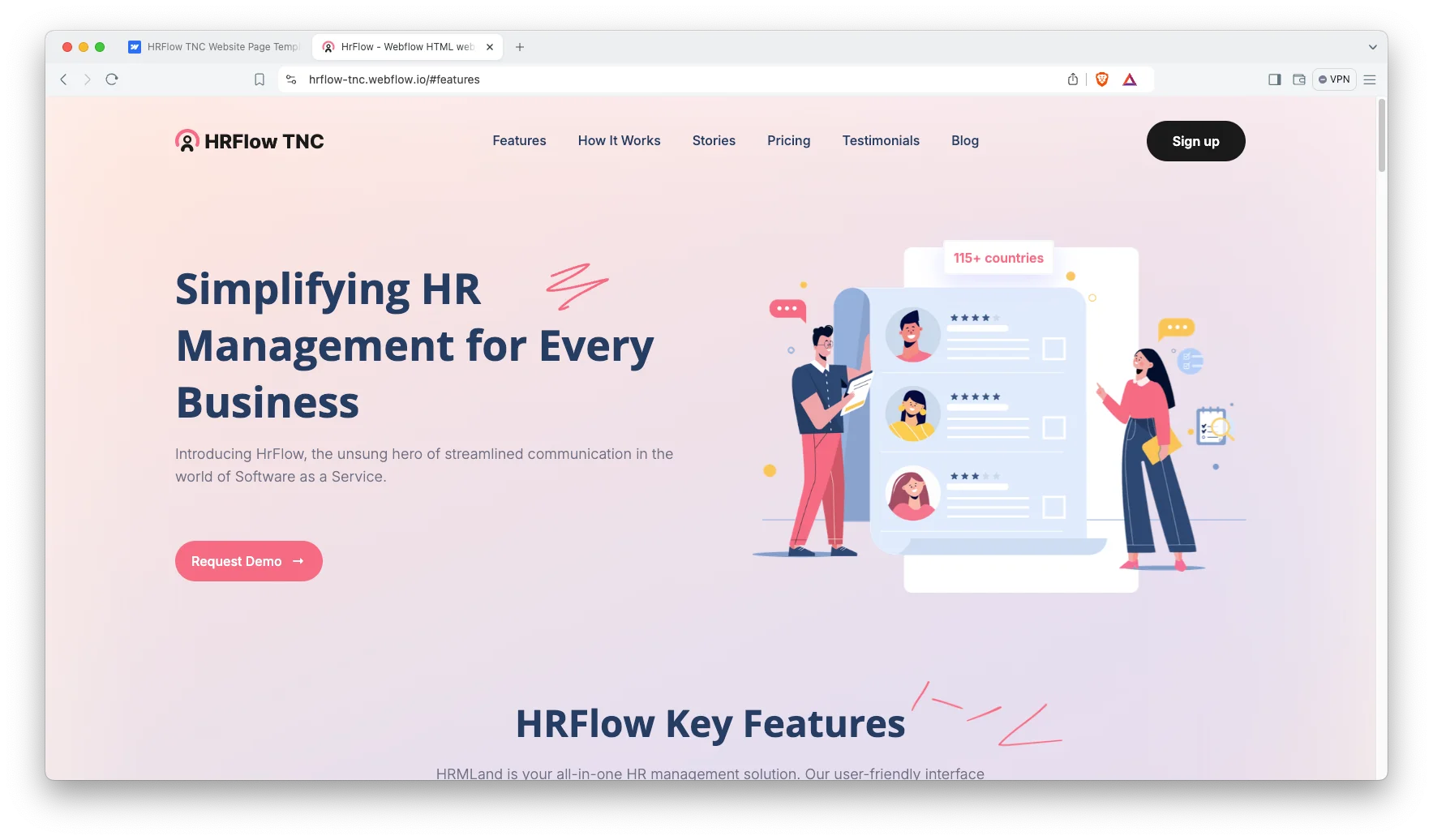
Each section has one job, and the hero simply states the problem your software solves. Then the feature blocks, the how it works walkthrough, the pricing comparison and the testimonials follow in the order an evaluating buyer actually asks for them. However, nothing shouts, so the tone stays practical rather than promotional.
Explore the live preview now.
HRFlow TNC at a Glance
| Formats | Webflow, Figma and HTML |
| Best for | HR software, HR tech startups, people teams, recruitment agencies, payroll tools |
| Pages | 11 |
| CMS templates | 4, covering posts, authors, blog categories and tags |
| Layout | One page landing site, plus a multi page blog |
| Responsive | Yes, on desktop, tablet and mobile |
| Support | Included, direct from the TNCFlow team |
Key Features of HRFlow TNC
Workflow Section: A dedicated block explains how your automation works, one step at a time. Because most HR software is purchased to eliminate repetitive administration, that particular story is what sells the subscription. So the copy slots you fill in here do most of the persuading.
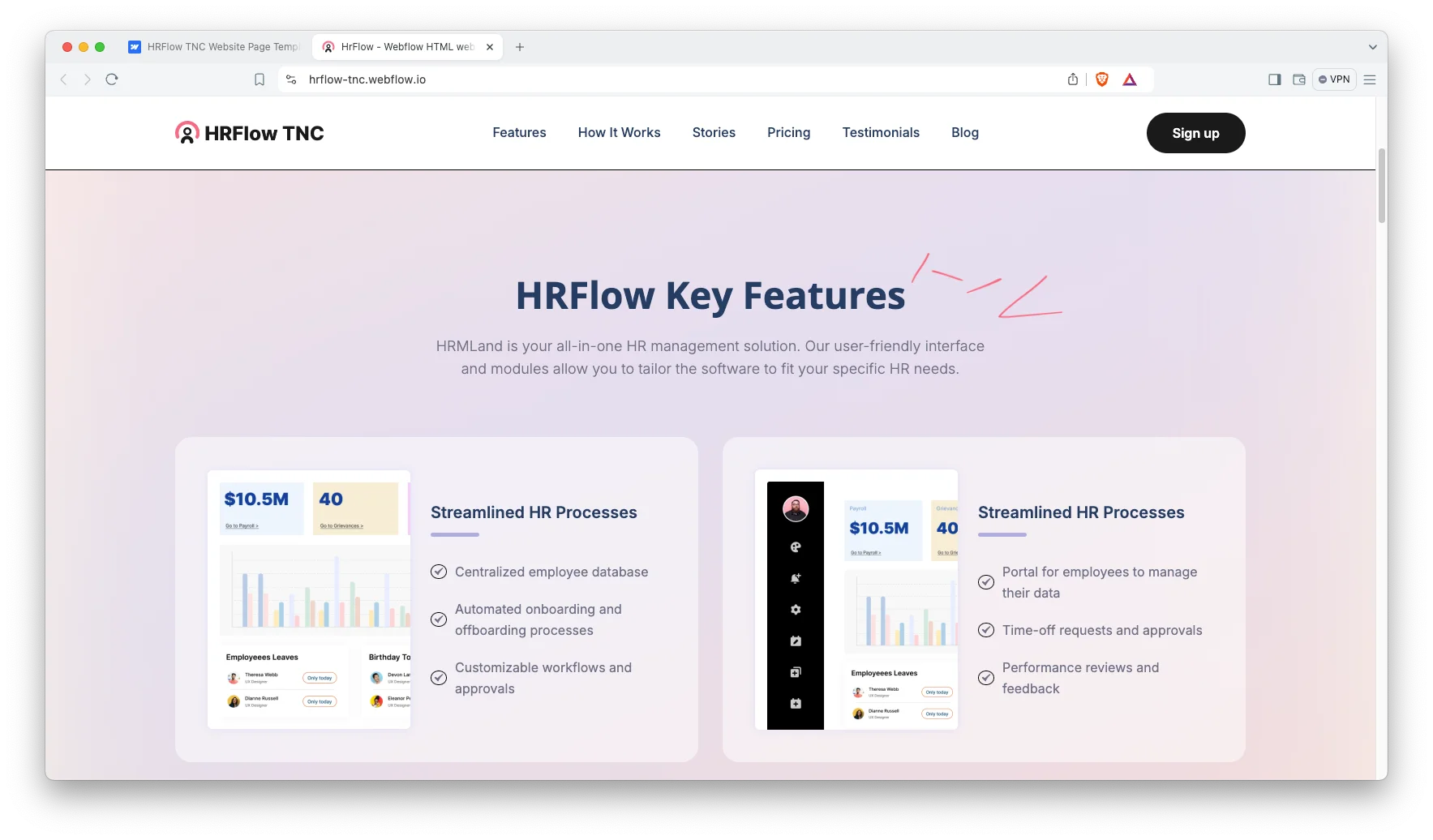
Self Service Feature Block: The next block is built around an employee self service portal, so you can present the interface where staff update their own records. Then a short caption explains exactly how much administrative time that saves the buyer every month.
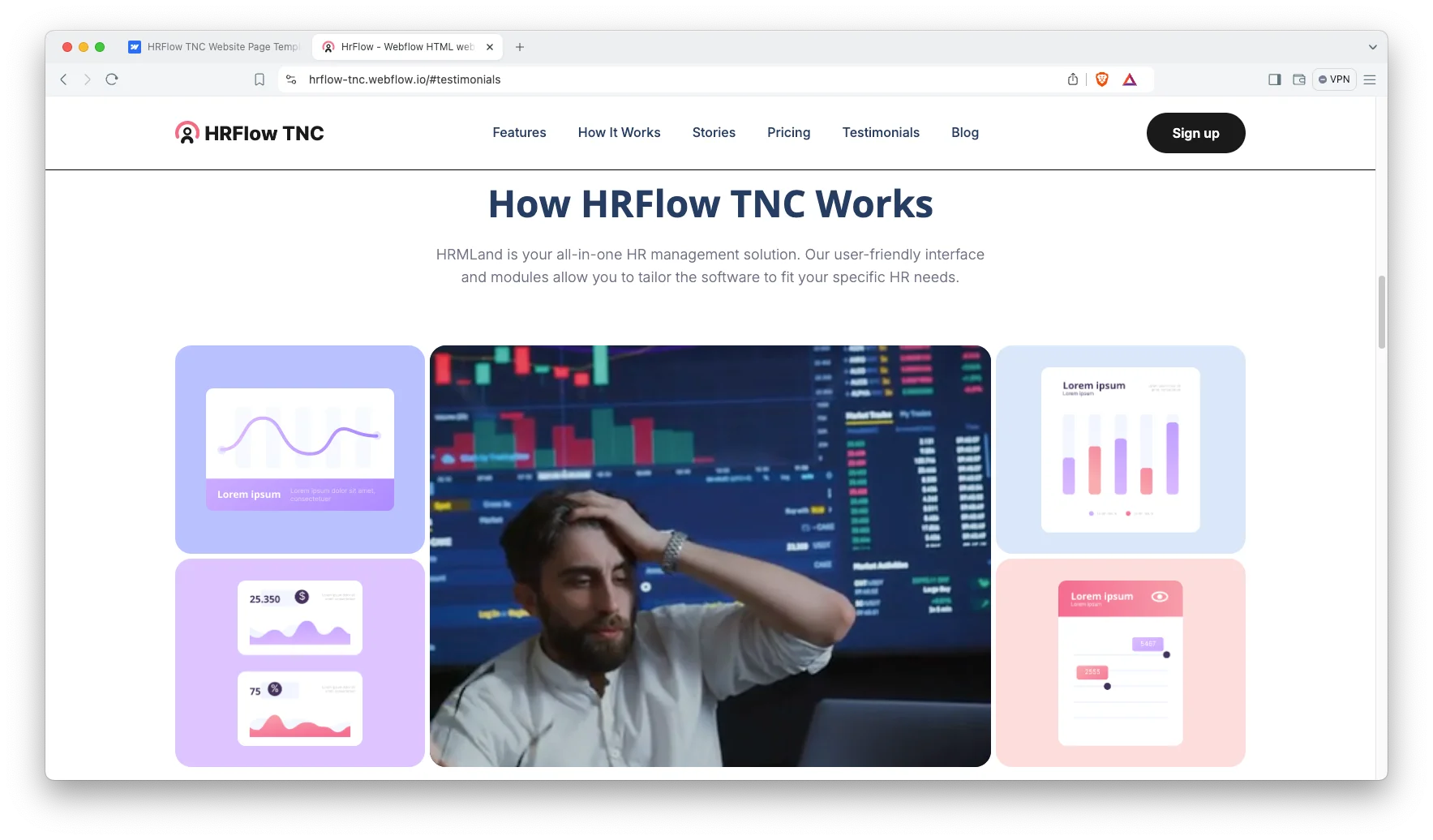
How It Works Walkthrough: A numbered section covers onboarding and offboarding, because that transition is the moment HR software genuinely proves its value. You can substitute the individual steps for whatever sequence your own product performs.
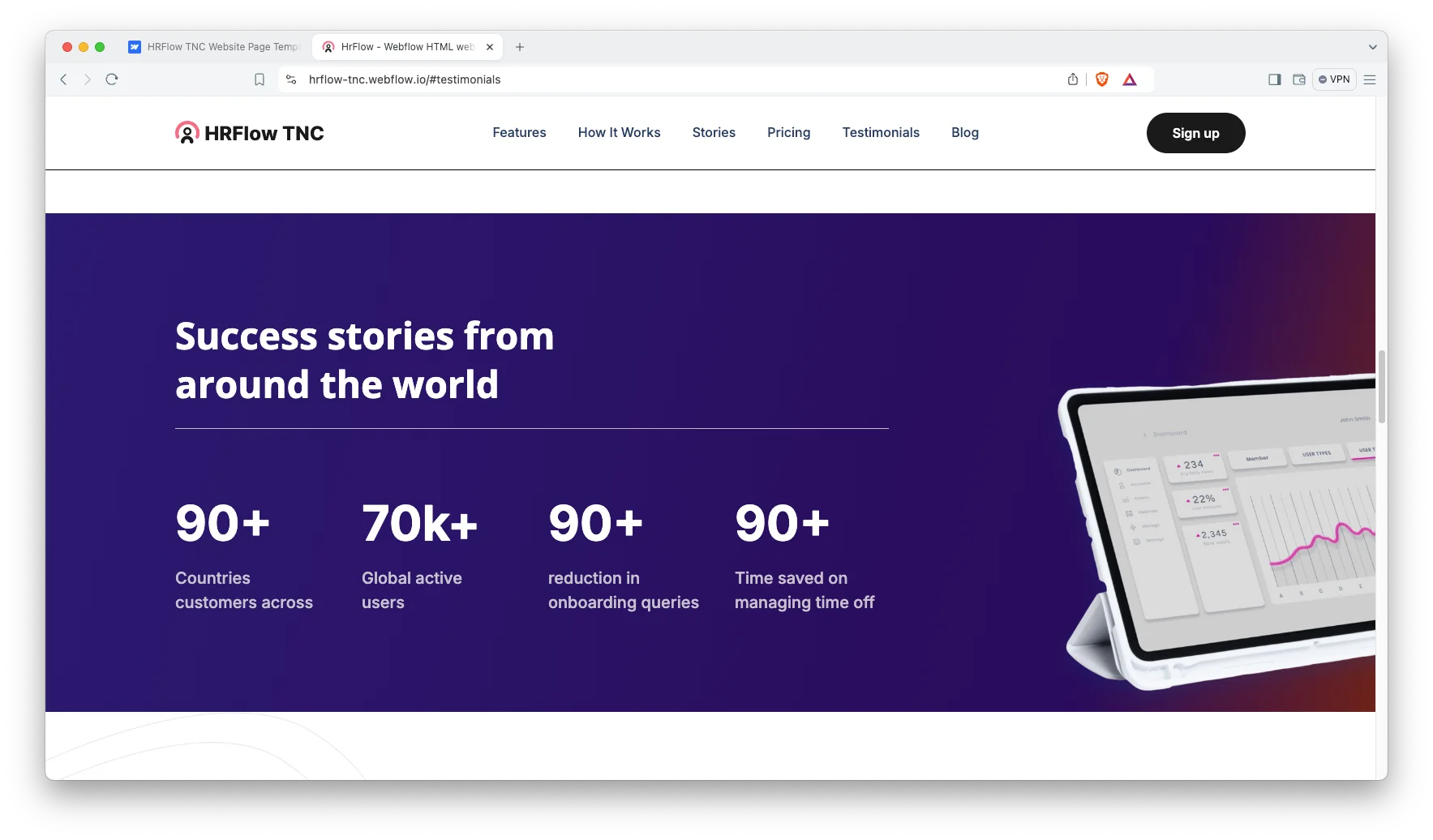
Analytics and Reporting Layout: There is a section shaped for dashboard screenshots and headline metric callouts, so you can demonstrate your reporting without cramming it into the hero. Then evaluators see the actual output before they ever reach the pricing table.
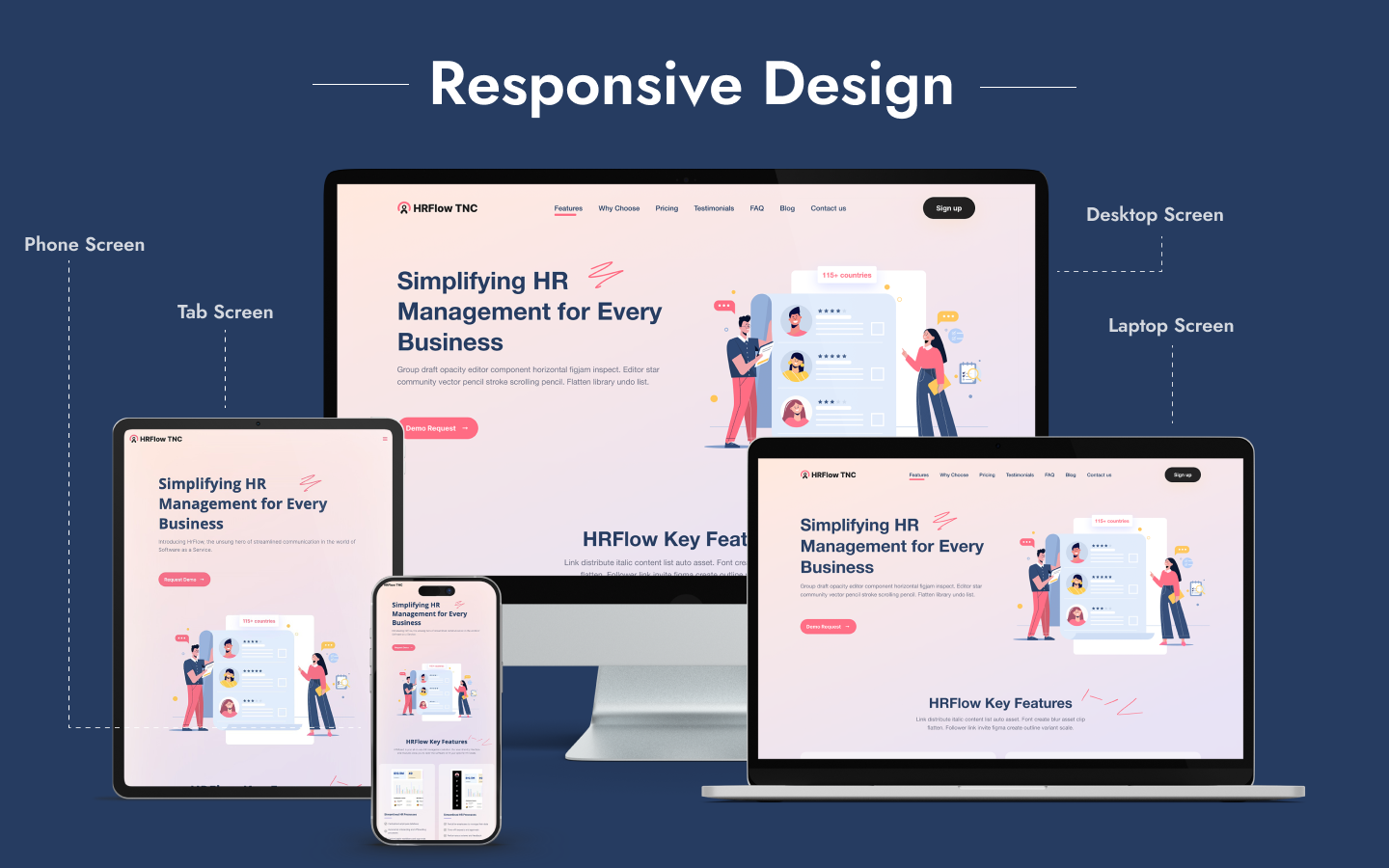
Responsive Design: Every section is configured for desktop, tablet and mobile, because an HR buyer usually opens your link on a phone before ever seeing it on a laptop. So the pricing comparison and the feature grid both reflow cleanly at smaller widths.
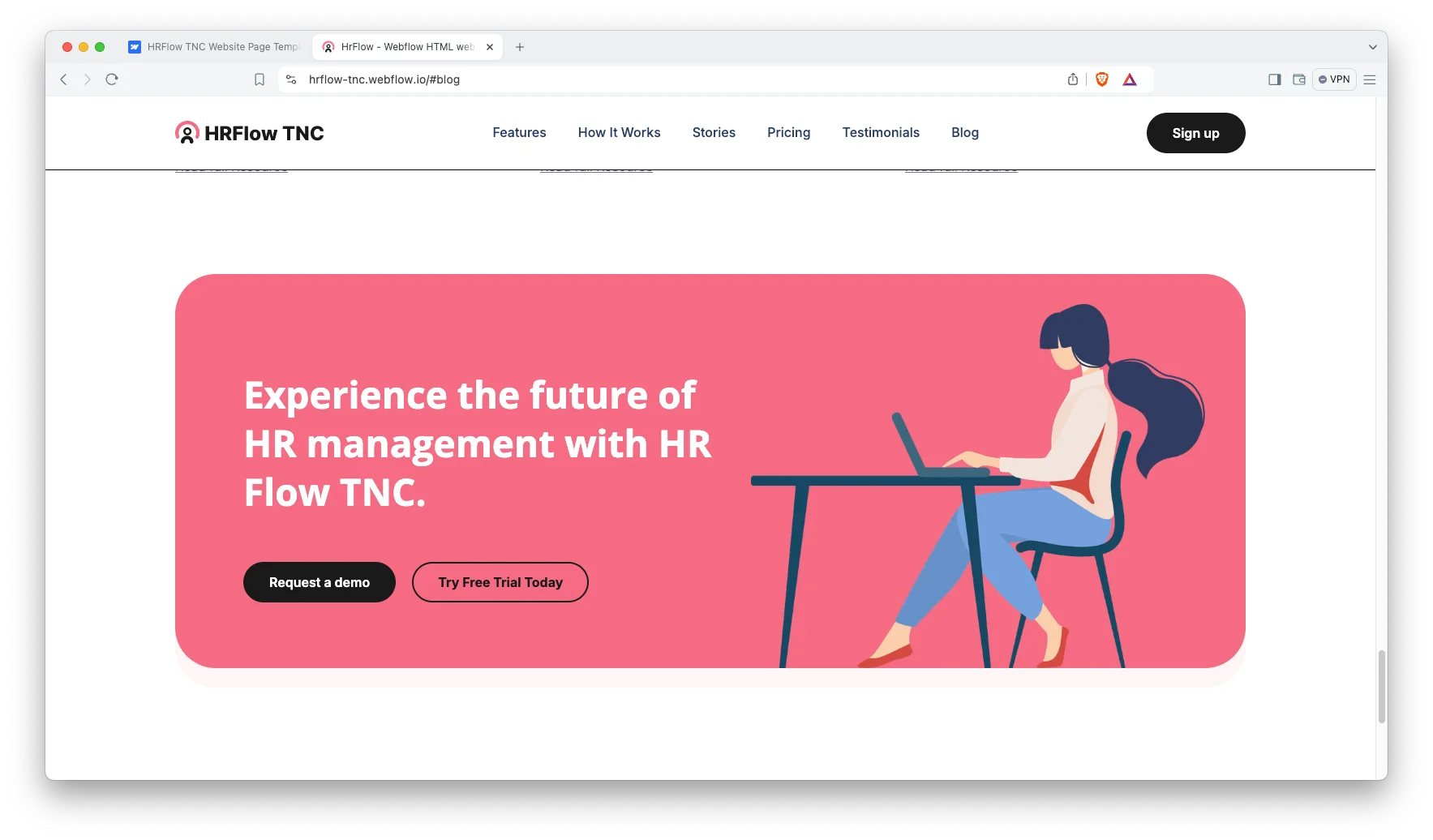
Pricing and Testimonials: The landing page carries a pricing block immediately followed by a testimonial block, so the plan comparison and the customer proof sit directly beside each other. That is the pairing that generally converts a hesitant visitor into a trial signup.
Editing Without Code: Webflow handles the styling visually, so you can change colours, typography and spacing directly on the canvas in minutes. However, the separate HTML build is available if your developers would rather work in code.
Watch on YouTube
The walkthrough below tours the template section by section, so you can judge whether it fits your product before you buy.
Pages Included in HRFlow TNC
There are 11 pages. The ones marked Template are CMS layouts, so they build a page for every record you add.
- Home
- Blog
- Blog Post Template
- Blog Categories Template
- Authors Template
- Tags Template
- Style Guide
- Licenses
- Changelog
- Search Results
- 404
How to Use HRFlow TNC
Setup is short. Here are the steps.
- Use the purchase widget on the right side of this page to buy the HRFlow TNC template
- Follow the steps to get your site ready
- Replace the demo copy and screenshots with your own product
- Add your posts, authors, categories and tags to the CMS collections
- Point the buttons at your signup or demo booking flow
- Preview, then publish
What an HR Software Site Has to Prove
HR software is rarely an impulse purchase. A people lead reads the site first, then forwards it to finance, and finance forwards it again to IT. So the same landing page has to satisfy three genuinely different readers.
First, the people lead wants evidence that the daily job gets lighter, so show the actual screens rather than adjectives. Second, finance wants the subscription tiers and the seat count expressed in plain numbers. Because vague pricing stalls conversations for weeks, publish the tiers whenever you reasonably can.
Third, IT wants to know precisely where employee data is stored. Employee records are sensitive, so name your hosting region, your access controls and any security audit you have already passed. That one short block removes an entire round of clarifying email.
Next, think carefully about integrations. HR tools never operate alone, so buyers look for payroll, calendar and single sign on connections very early in the evaluation. A simple logo strip answers that question faster than any paragraph.
Finally, use the blog properly, because a landing page on its own rarely earns meaningful search traffic. However, articles about onboarding, retention and policy questions accumulate authority month after month. Because the blog here runs on CMS collections, publishing another one is essentially a form filling exercise.
Frequently Asked Questions
What is HRFlow TNC?
HRFlow TNC is an HR website template for HR software companies, people teams and recruitment agencies. It contains 11 pages, built around a one page landing site with a hero, feature blocks, a how it works walkthrough, pricing, testimonials and a full blog.
Which formats does HRFlow TNC ship in?
HRFlow TNC ships for Webflow, Figma and HTML. There is no Framer version and no WordPress version.
How many pages does HRFlow TNC include?
The template includes 11 pages. Four of them are CMS templates, so they build a new page for every post, author, blog category or tag you add.
Is HRFlow TNC only for HR software?
No. The layout suits any product that is explained through feature blocks, a workflow walkthrough and a pricing comparison. Recruitment platforms, payroll tools and internal communication apps all fit the same underlying structure.
Does HRFlow TNC include a blog?
Yes. There is a blog listing page plus CMS templates covering posts, authors, categories and tags. So you can credit several different writers and still keep the archive organised.
Is the Figma file included with the template?
No. The Figma file is a separate product, and you buy it from the purchase widget on this page. The Webflow and HTML builds are also sold on their own.
When you choose HRFlow TNC, you get support direct from the TNCFlow team. So if a section will not behave, just ask us.
Check out other Webflow templates by TNCFlow.

Select template
Choose one or more options for your build
All-Access Pass
$199
/ Yearly
$20,000+ in assets
130+ Webflow Templates
130+ Figma UI Templates
45+ Framer Templates
130+ HTML Templates
