

PRO

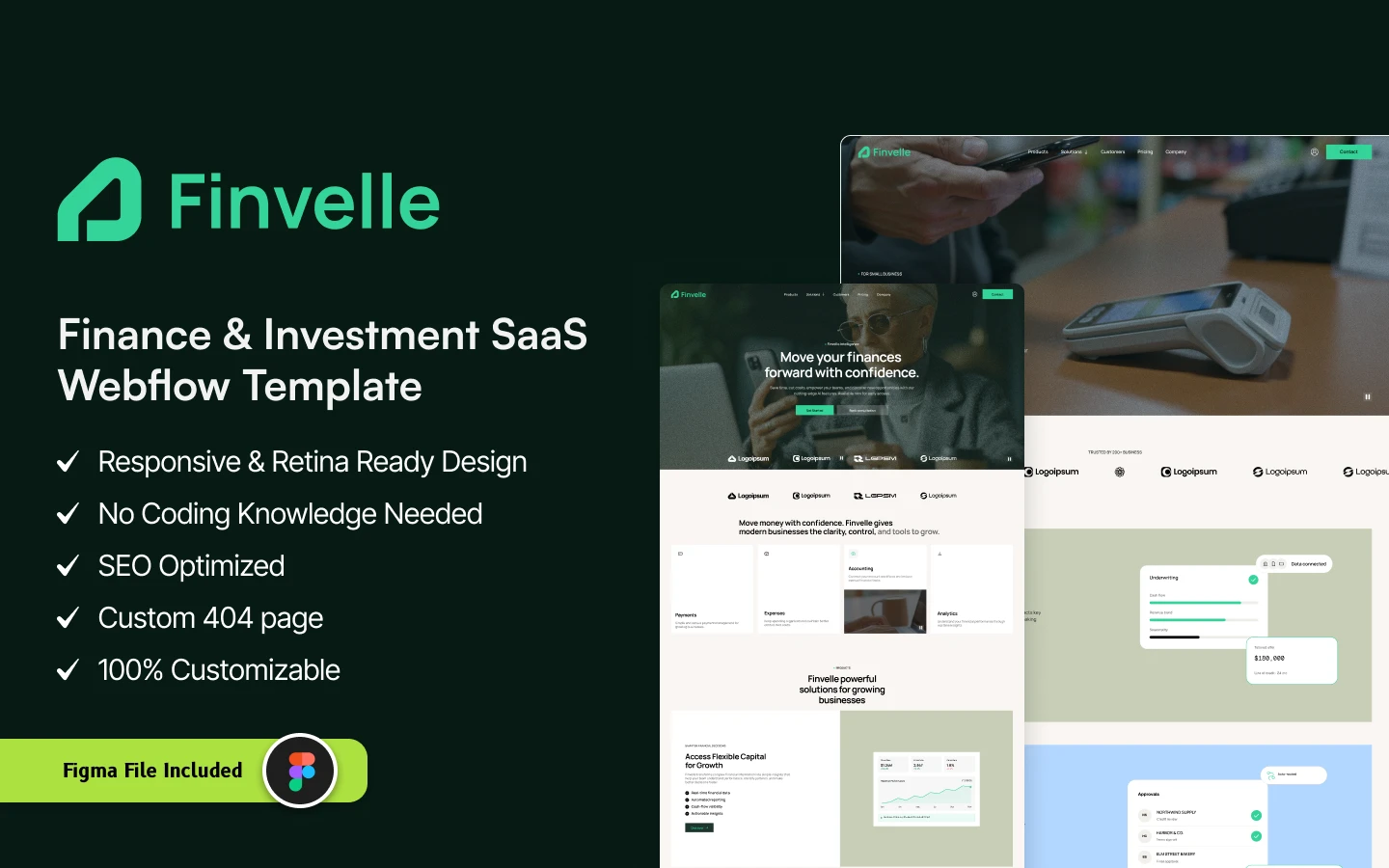
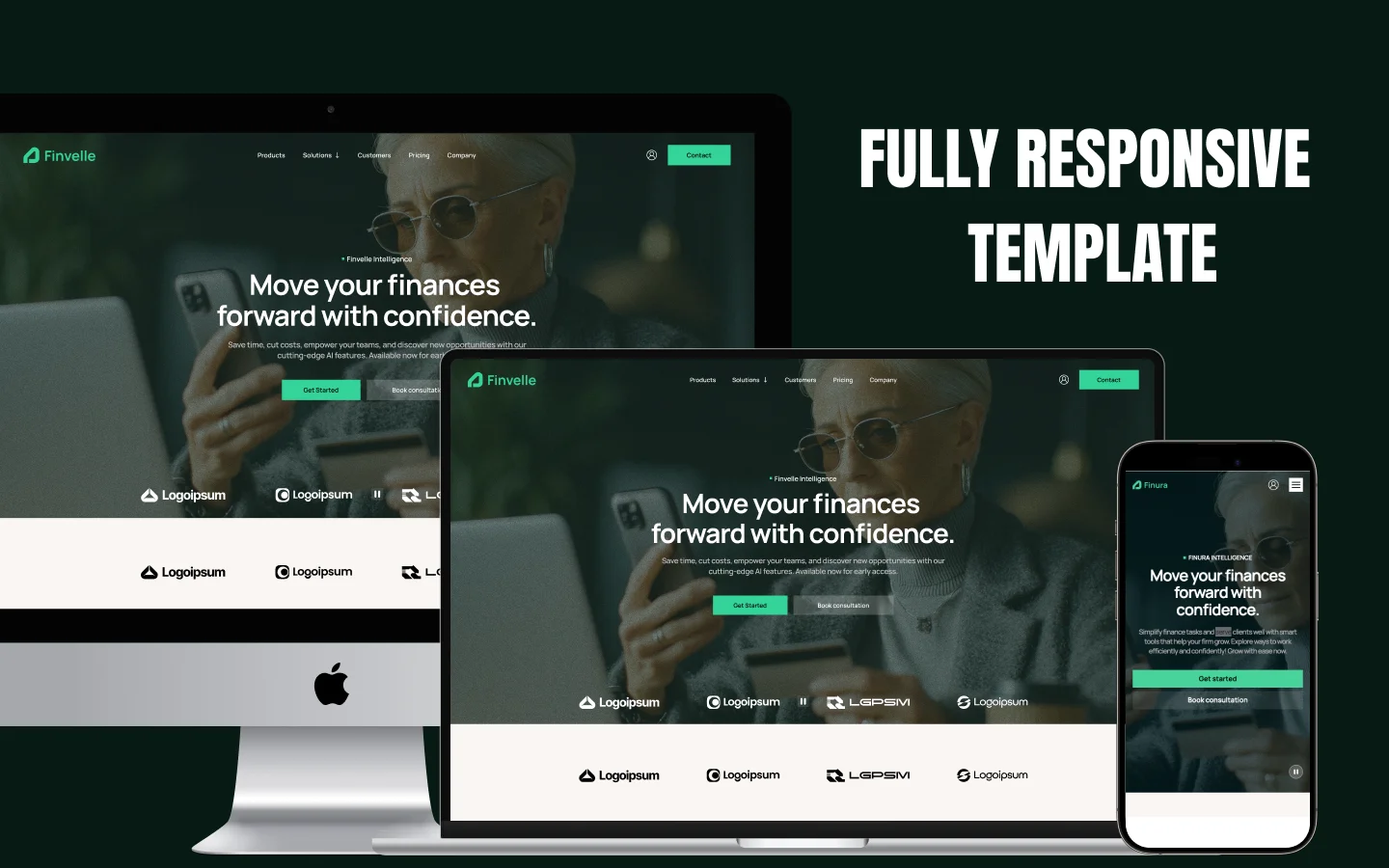
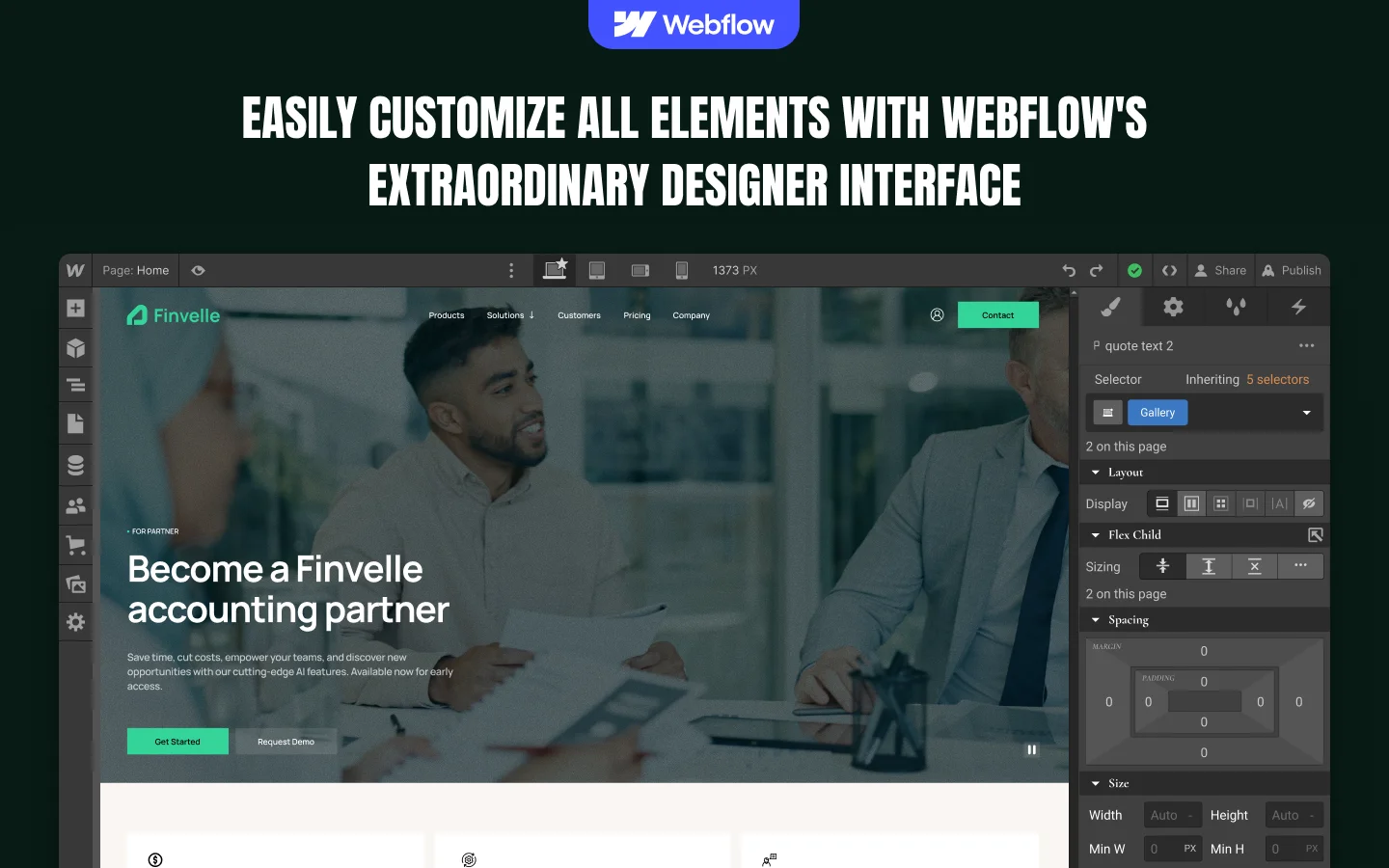
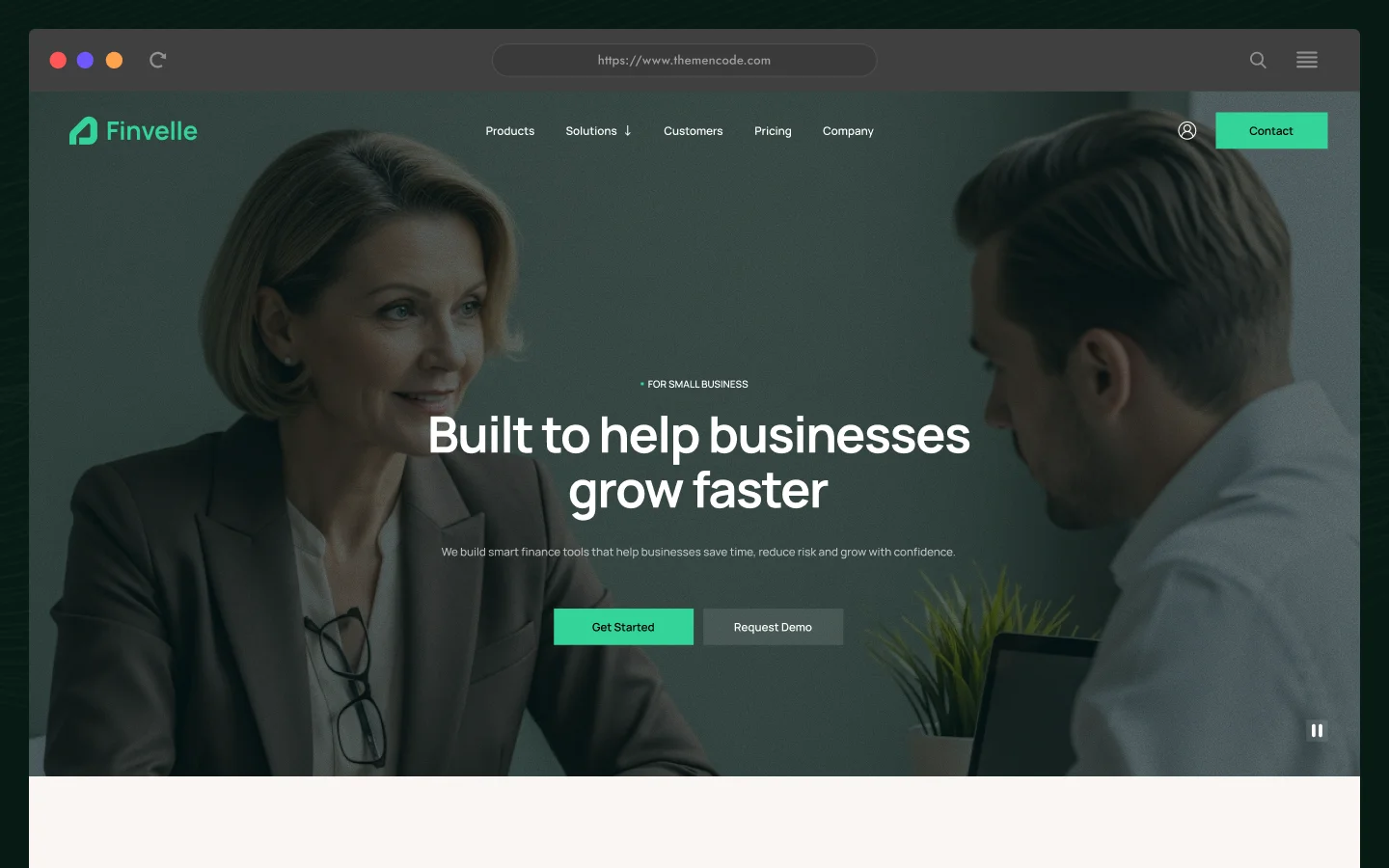
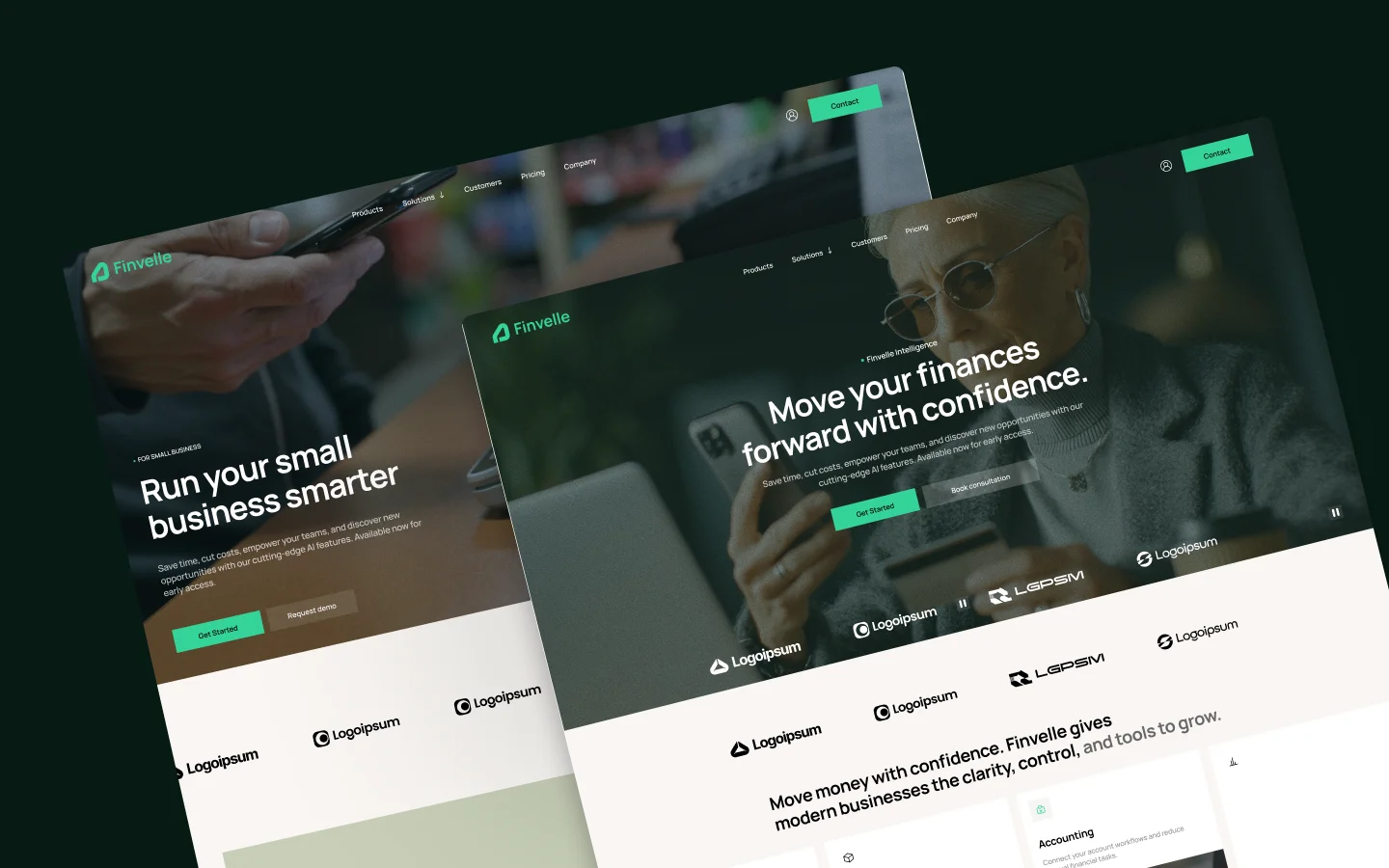
Finvelle is a Webflow template for fintech, payments and finance software companies. With three audience-specific homepages, a three-tier pricing page, CMS-powered customer stories and newsroom, a consultation booking form and log in, sign up and reset password pages, Finvelle helps finance brands explain the product clearly and turn interest into demos and consultations. Find the best fit for your needs with our available options.
A finance product has to earn trust before it earns a demo. Finvelle is a fintech website template for Webflow, built for payment platforms, expense and accounting software, business financing products and finance tools that need to look credible and explain a lot in a short scroll.
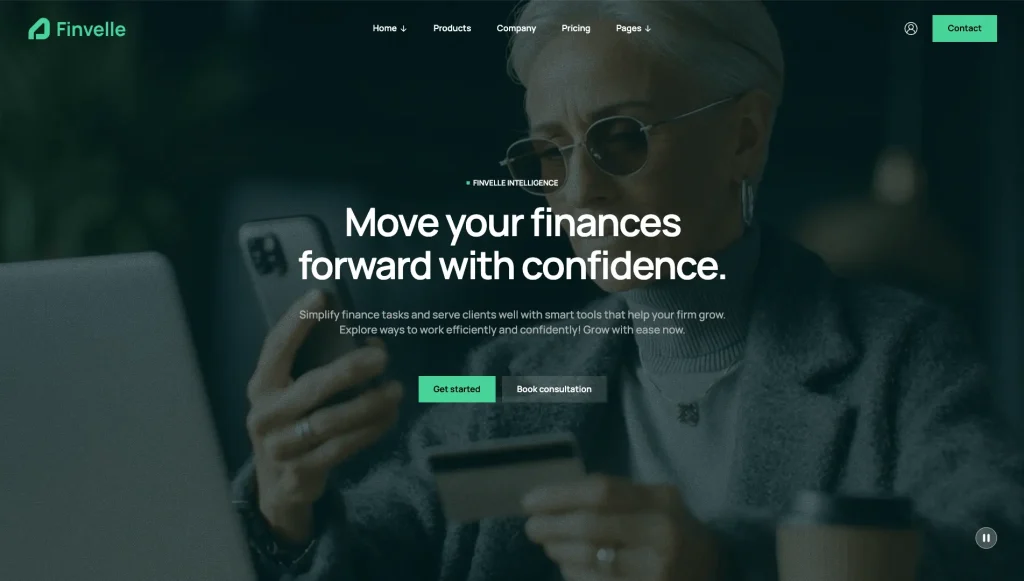
The first homepage, built for global businesses, opens with a full-screen background video, a clear headline, Get started and Book consultation buttons, and a scrolling strip of client logos. It moves into four solution cards for payments, expenses, accounting and analytics, each with its own short video, then three product blocks covering flexible capital, financial intelligence and smart automation, followed by a video tour section, testimonials and the latest articles.
Finvelle includes two more homepages for different audiences. The small business homepage presents invoice automation, approval management and payment management, and answers common questions in an FAQ accordion. The business partner homepage works as a partner program page for accounting firms, covering partner benefits, a dedicated partner success team, multi-currency tools, custom report builders and a featured testimonial.
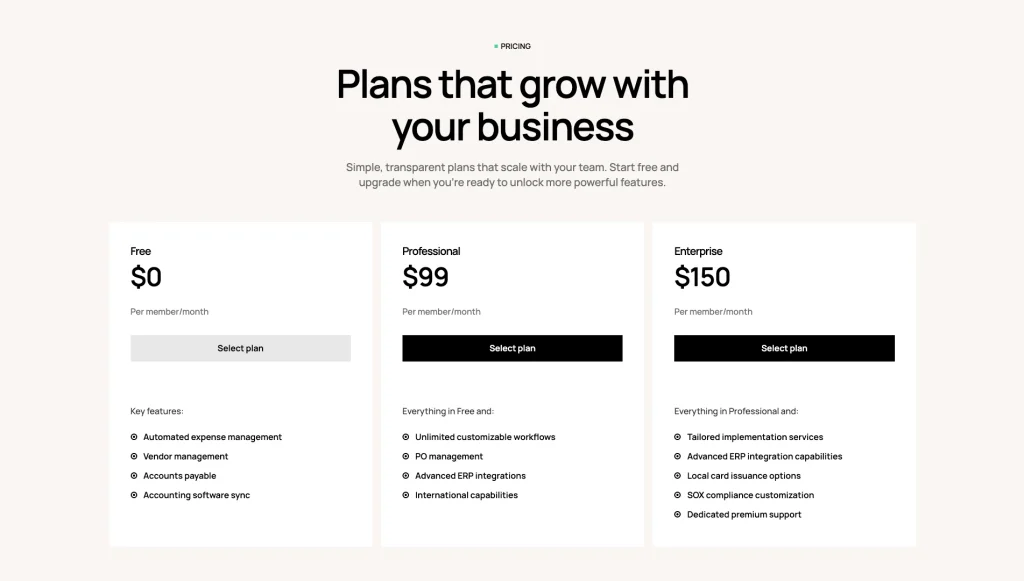
The Products page explains underwriting, fast funding decisions and transparent fees, and shows an integrations logo grid. The Pricing page sets out three plans, Free, Professional and Enterprise, each priced per member per month with its own feature list. The About page tells the company story and introduces an eight-person leadership team.
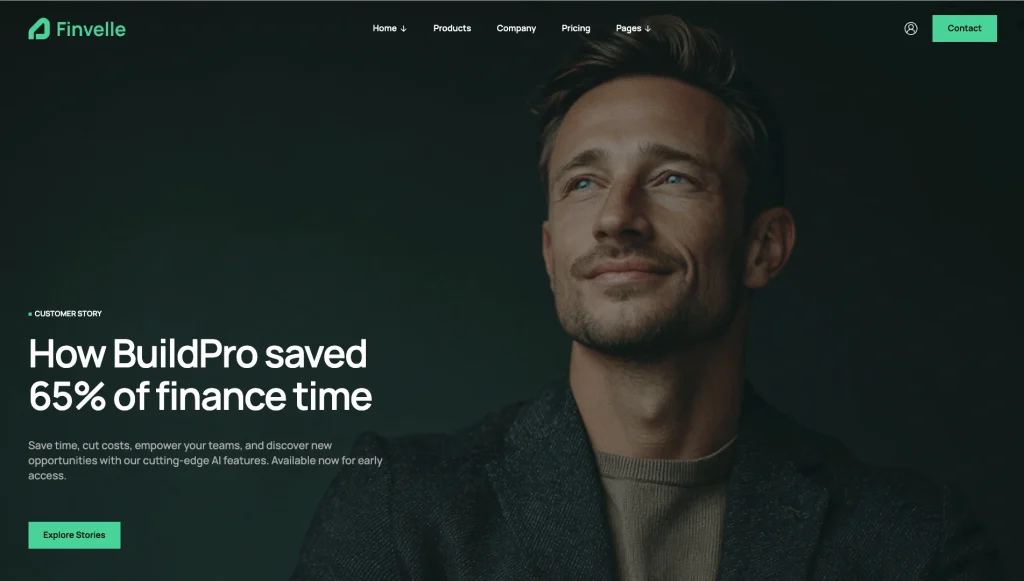
The Customers page leads with a featured story and lists customer story cards from the CMS. Each story page walks through the problem, the challenge, the solution and a closing quote from the customer. The Newsroom lists articles with reading times and pagination, and each article has its own detail page.
Leads start in three places: a Contact form, a Consultation page with a booking form that asks for company size and area of interest, and a newsletter signup in the footer of every page. Log in, Sign up and Reset password pages share a split layout with an image and a customer quote. Content runs on two Webflow CMS collections for customer stories and news, and the Style Guide, Instructions, Licenses and Changelog pages support setup.
Whether you are launching a payments startup, marketing accounting software to small businesses or building a partner program for accounting firms, Finvelle gives you a polished base for presenting the product and turning visitors into conversations.
Finvelle is built for finance products that need to be understood before they are bought.
Explore the live preview now.
Finvelle at a Glance
| Total pages | 22 (10 main pages, 2 CMS detail pages, 3 account pages, 7 utility pages) |
| Homepage layouts | 3 (For global business, For small business, For business partner) |
| CMS collections | 2 (Customers and News) |
| Products | Products page with underwriting, funding, fees and integrations sections |
| Pricing | 3 plans (Free, Professional and Enterprise) priced per member per month |
| Customer stories | Customers page plus story detail pages with problem, challenge, solution and quote |
| Newsroom | CMS-powered articles with reading time and pagination |
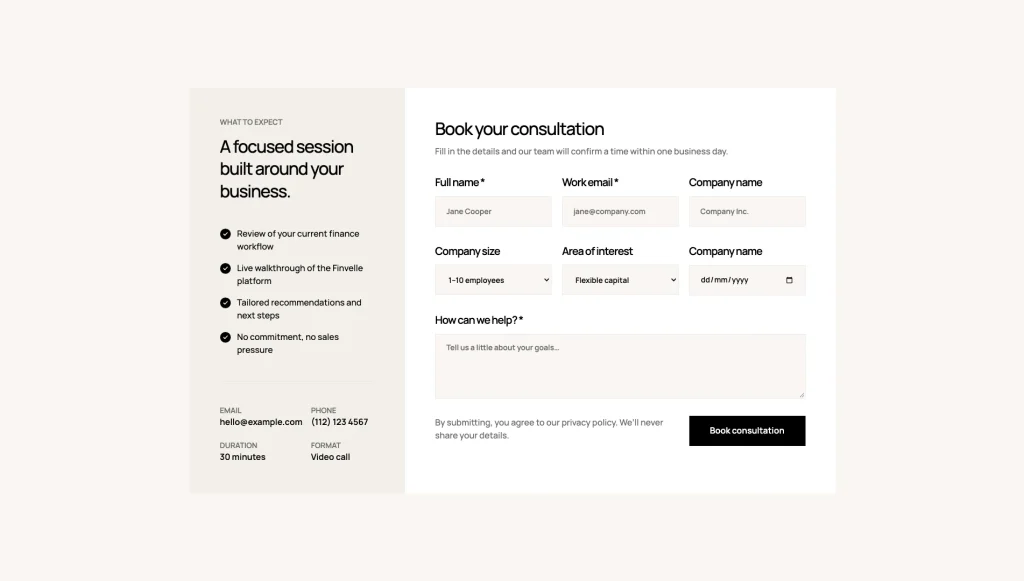
| Consultation | Booking form with company size and area of interest, plus session details |
| Contact | Contact form with name, email, phone and message fields |
| Account pages | Log in, Sign up and Reset password page designs |
| Team and testimonials | Eight-person leadership team on the About page; testimonials on Home One, Home Three and Customers |
| FAQ | Accordion FAQ on the small business homepage |
| Newsletter | Footer signup form on every page |
| Animations | Interactions with GSAP, Lenis smooth scrolling and a hide-on-scroll header |
| Layout | Clean fintech layout with background video heroes, product visuals and a scrolling logo strip |
| Responsive | Yes, on desktop, tablet and mobile |
| Support | Included, direct from the TNCFlow team |
Who Is Finvelle For?
Finvelle is designed for finance and fintech companies whose websites need to explain the product, show proof and lead visitors to a demo or consultation.
It works particularly well for:
- Fintech startups launching payment, expense or accounting products
- Accounts payable and invoice automation software
- Business financing and flexible capital providers
- Financial analytics and reporting tools
- Accounting software companies running a partner program for accounting firms
- Finance platforms that offer free consultations or product walkthroughs
- SaaS companies selling per-seat plans with a free tier
- Webflow designers and agencies building sites for fintech clients
- Teams that want customer stories and news managed in Webflow CMS
Key Features of Finvelle
Three Audience-Specific Homepages: Finvelle ships with three homepages, each written for a different audience: global businesses, small businesses and accounting partners. Use the one that fits your product, or keep all three to speak to separate audiences.
Interactive Solution Cards with Video: Four solution cards introduce payments, expenses, accounting and analytics. Hover a card and it opens to show its own short video, so visitors see each product area without leaving the page.
![Hero section with tagline: Move money with confidence; four feature tiles labeled Payments, Expenses, Accounting, Analytics beneath a light header.]","Grid of four feature cards: Payments, Expenses, Accounting, Analytics with icons and descriptions beneath a beige page header.","Website hero showing an overview of Finvelle features—Payments, Expenses, Accounting, Analytics—in a row of cards on a pale background.","Header logos and bold message leading to four cards: Payments, Expenses, Accounting, Analytics (informational grid).","Promotional page hero featuring four tiles for Payments, Expenses, Accounting, and Analytics, on a soft beige background.](https://tncflow.com/wp-content/uploads/2026/11/finvelle_interactive_solution_cards_with_video-1024x581.webp "finvelle_interactive_solution_cards_with_video - TNCFlow")
Three-Tier Pricing Plans: Present Free, Professional and Enterprise plans side by side, each with a per-member monthly price and a clear list of what is included, so buyers can compare tiers at a glance.
CMS-Powered Customer Stories: Customer stories run on the Customers collection. Each one gets its own page that walks through the problem, the challenge, the solution and a closing quote from the customer.
Consultation Booking Form: A dedicated consultation page sets expectations for the session and collects name, work email, company, company size, area of interest and a message, ready to configure with Webflow form settings.
Pages Included in Finvelle
The following inventory follows the live template. CMS detail pages are listed separately from the main navigation pages.
Main pages
- Home One (For global business)
- Home Two (For small business)
- Home Three (For business partner)
- About (Company)
- Products
- Customers
- Pricing
- Consultation
- Newsroom
- Contact
CMS collection and detail pages
- Customer Details
- News Details
Account pages
- Log In
- Sign Up
- Reset Password
Utility pages
- Instructions
- Style Guide
- Licenses
- Changelog
- External Link (placeholder for demo links)
- 404 Error
- Password Protected
Legal pages
- Disclaimer
What Finvelle Offers Fintech and Finance Software Companies
A finance website needs to explain what the product does, prove that it works and give visitors an easy next step. Finvelle is structured around those needs.
The homepages introduce the product with background video and solution cards, then break it into clear product areas such as payments, expenses, accounting, analytics, automation and capital. The three homepage variations let you speak directly to global companies, small businesses or accounting partners without rebuilding the layout.
The Products and Pricing pages answer the questions buyers ask before they talk to sales: how financing decisions are made, what fees look like, which tools connect and what each plan includes. Customer stories and testimonials supply proof, and the Newsroom keeps the brand active with articles on finance topics.
The About page introduces the company and its leadership, while the Contact page, Consultation page and footer newsletter give visitors three ways to start a conversation. Log in, Sign up and Reset password pages complete the experience for products with a customer account.
Together, these sections give a fintech or finance software company a complete foundation for presenting the product, its proof and its people.
What Finvelle Does Not Do
- No payments, billing or checkout. The Select plan buttons on the Pricing page link to the placeholder External Link page. Point them to your own signup or billing flow.
- No working user accounts. The Log in, Sign up and Reset password pages are page designs built with standard Webflow forms. They do not create accounts or sign anyone in. Link them to your product’s own authentication.
- No live integrations. The integrations on the Products page are demo logos. Nothing connects or syncs between those tools and the site.
- No scheduling or calendar tool. The consultation form sends a standard Webflow form submission for you to confirm a time by hand.
- No legal pages. There is no privacy policy page, although the consultation form refers to one. Add your own before launch.
- Demo media to replace. Images and videos come from Magnific and Lummi, and some are AI-generated, as listed on the Licenses page. Swap in your own product visuals, logos and photos, along with the placeholder email address and phone number.
- Custom code is used for Lenis smooth scrolling and the hide-on-scroll header, in Site settings. The Instructions page explains how to edit or remove both.
Customizing Finvelle
Finvelle provides a structured starting point for building a branded fintech website.
Customer stories and news articles are managed through the template’s two Webflow CMS collections. Add a new story or article once and it appears on its listing page with its own detail page, so proof and updates stay organized without rebuilding pages by hand.
You can replace the hero videos, product visuals and copy, update the pricing plans and adjust the visual styling to suit your brand. The Style Guide shows the color palette, Manrope typography scale and button styles for reference.
The Instructions page maps the Interactions with GSAP and both custom code scripts, lists the values you can change, such as duration, delay, ease and scroll start, and explains how to remove each animation safely.
Before publishing, replace the demo content with accurate information about your product, including your own logos, solution videos, product descriptions, plan prices and features, customer stories, testimonials, team members, FAQ answers, contact details and articles. Point every Select plan, Request demo and account link to real destinations and test every form.
Want it set up for you? TNCFlow can tailor Finvelle to your brand, product and content. Request a quote or see our Webflow agency services.
How to Use Finvelle
Setup is straightforward. Follow these steps to adapt Finvelle to your product.
- Purchase Finvelle through the appropriate Webflow template listing.
- Add the template to your Webflow Workspace and open the project in the Designer.
- Choose which of the three homepages to use as your main homepage, and remove or rename the others if you do not need them.
- Replace the logo, hero videos, headlines and general website copy.
- Update the solution cards and product sections with your own product areas, visuals and short videos.
- Update the Products page with your own financing, fees and integrations content, and replace the demo integration logos with tools you actually support.
- Edit the Pricing page with your real plan names, prices and features, and link each Select plan button to your signup or billing flow.
- Update the Customers collection with genuine customer stories you have permission to publish.
- Update the News collection with your own articles and featured images.
- Customize the About page with your company story and leadership team, and replace the testimonials with real quotes.
- Rewrite the FAQ answers to match your own product, security and support policies.
- Configure the Contact, Consultation and newsletter forms in Webflow’s form settings and test each one.
- Link the Log in, Sign up and Reset password pages to your product’s authentication, or remove them if you do not need them.
- Review the Style Guide, global styles, navigation, footer and utility pages, and read the Instructions page before changing animations.
- Check the site at desktop, tablet and mobile breakpoints, then test links, CMS pages and forms before publishing.
Frequently Asked Questions
What type of website is Finvelle designed for?
Finvelle is a fintech and finance software Webflow template for payment platforms, expense and accounting tools, business financing products and finance analytics companies that want to explain the product and collect demo and consultation requests.
Does Finvelle include more than one homepage?
Yes. Finvelle includes three homepages: one for global businesses, one for small businesses and one for accounting partners.
Does Finvelle include CMS functionality?
Yes. Finvelle uses two CMS collections: Customers and News. Each has its own detail page template.
Can I add my own customer stories?
Yes. Add items to the Customers collection and each one gets its own page with sections for the problem, the challenge, the solution and a customer quote.
Can I publish news and articles?
Yes. The Newsroom runs on the News collection. Article cards show a reading time, the listing is paginated, and each article has its own detail page.
Does the Pricing page take payments?
No. The Pricing page displays three plans with prices and features. The Select plan buttons link to a placeholder page that you replace with your own signup or billing link.
Do the Log in and Sign up pages work?
They are page designs built with standard Webflow forms. They do not create accounts or sign users in. Connect them to your product’s authentication or link the buttons to your app.
Does the consultation form book a time automatically?
No. The consultation form is a standard Webflow form that collects the visitor’s details, company size, area of interest and message. You confirm a time with them directly.
Are the integrations on the Products page real?
No. They are demo logos that show how an integrations section can look. Replace them with the tools your product actually connects to.
Does Finvelle include a team section and testimonials?
Yes. The About page introduces an eight-person leadership team with names and roles, and testimonials appear on Home One, Home Three and the Customers page.
Does Finvelle include an FAQ section?
Yes. The small business homepage includes an FAQ accordion. Rewrite the answers to match your own product and policies.
Is there a newsletter signup?
Yes. A newsletter signup form appears in the footer of every page. Configure it in Webflow’s form settings or connect it to your email tool.
Is Finvelle responsive?
Yes. The template is designed for desktop, tablet and mobile breakpoints. Some hover effects, such as the video play state, run on desktop only. Review each breakpoint with your own content before publishing.
Does Finvelle use custom code?
Yes, two scripts in Site settings: Lenis smooth scrolling and the hide-on-scroll header. All other animations are built with Interactions with GSAP in the Interactions panel.
Can the animations be edited or removed?
Yes. The Instructions page lists every animated element, the values you can change and step-by-step removal for each script and interaction.
Can I use the demo images and videos?
The Licenses page lists Magnific and Lummi as the sources for the demo images and videos, and notes which ones are AI-generated. Replace them with your own product visuals and brand photography before launch.
Can I customize the colors, typography and images?
Yes. Everything can be customized in the Webflow Designer, and the Style Guide page shows the design system for reference.
Can the animations be edited?
The template listing states that animations can be adjusted or disabled in Webflow Designer. Review the actual interactions in the project before making changes, especially if an animation depends on other elements or page behavior.
Is the Figma file included with the template?
No. The Figma file is a separate product, and you can buy it on its own from the purchase widget on this page. You do not need to message us for it after buying the Webflow build.
When you choose this template, you get support direct from the TNCFlow team. So if a section will not behave, just ask us.
Check out other Webflow templates by TNCFlow.


Select template
Choose one or more options for your build
