
FREE
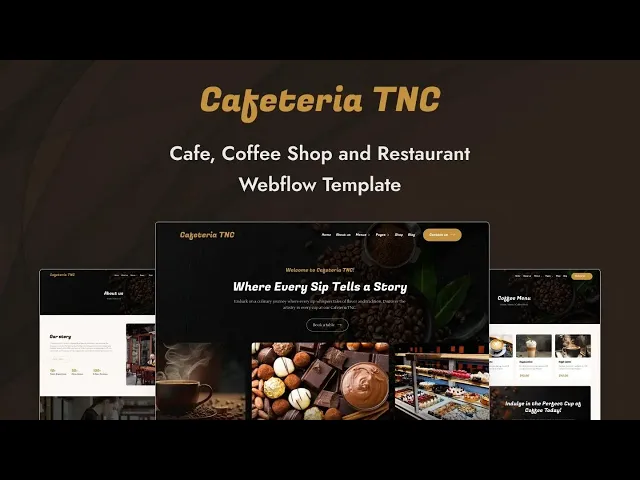

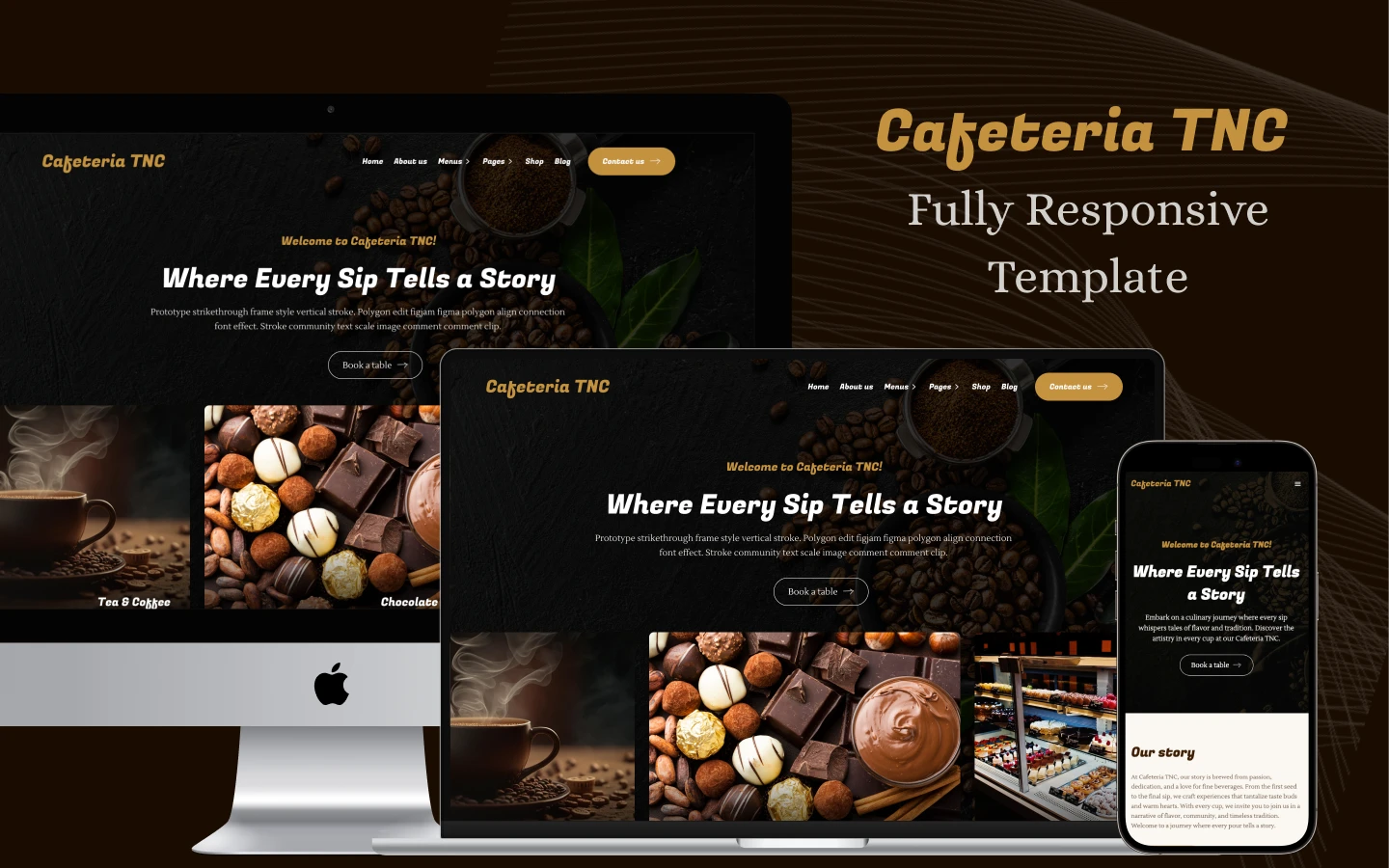


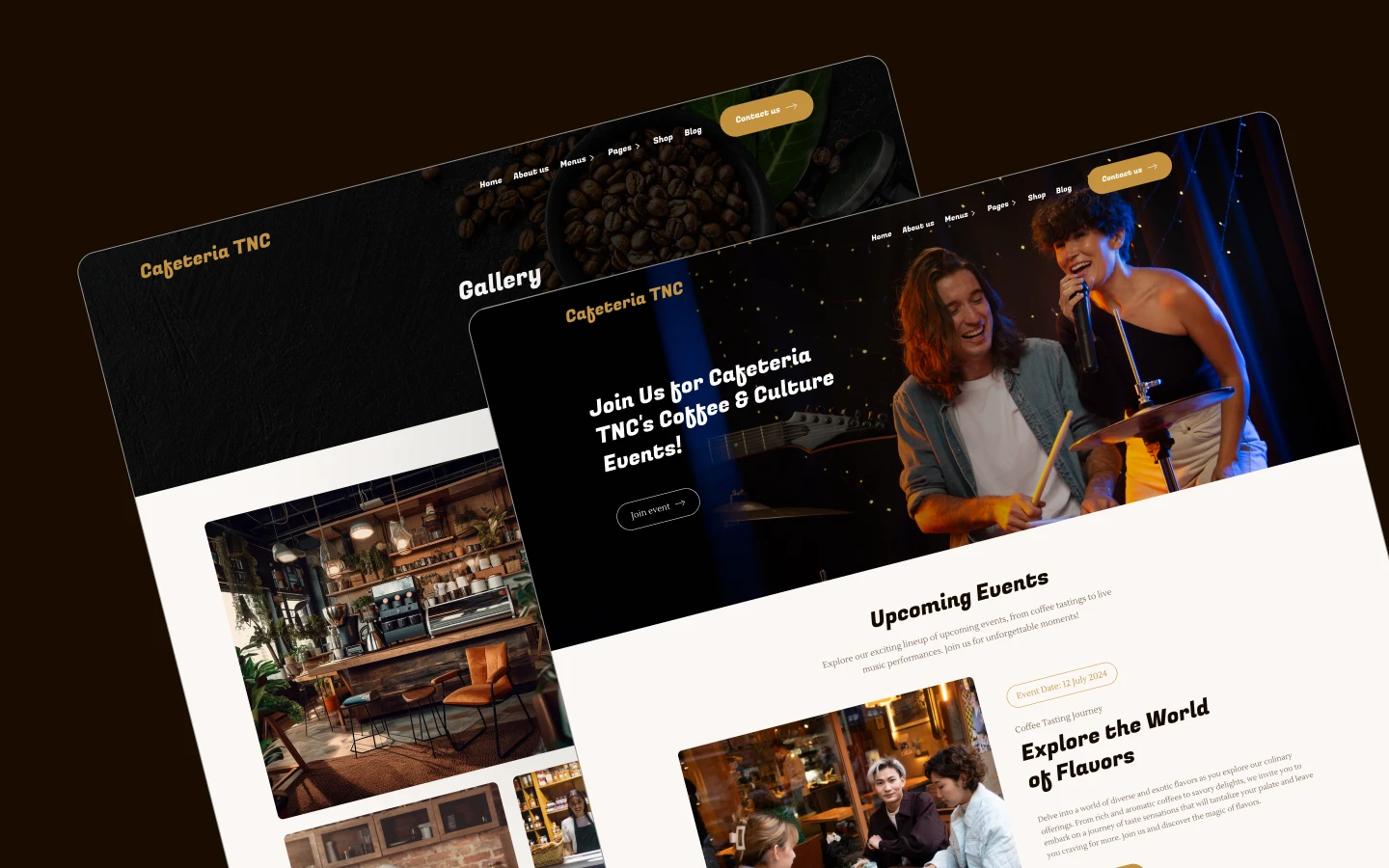
Cafeteria TNC is a coffee shop website template for cafes, bakeries, pubs and small restaurants. It ships for Webflow, Figma and HTML.
A cafe website has to do three things. It must show the menu, take a booking, and prove the place is worth the walk.
So Cafeteria TNC builds all three. Two menu pages carry food and coffee separately, a reservation page takes the booking, and the gallery and chef sections do the persuading. Because the shop runs on Webflow ecommerce, you can sell beans as well.
Each section has one job. The hero sets the mood. The menus answer the question. The reservation page takes the table. Finally the shop keeps selling after they leave.
Explore the live preview now!
Cafeteria TNC at a Glance
| Formats | Webflow, Figma, HTML |
| Best for | Coffee shops, cafes, bakeries, pubs, small restaurants |
| Ecommerce | Webflow native ecommerce, shop and checkout included |
| CMS | Events, products, blog posts, authors, categories and tags |
| Pages | 16 designed pages plus Webflow ecommerce pages and CMS templates |
| Key sections | Menu, coffee menu, reservation, events, gallery, shop |
| Support | Included with every TNCFlow purchase |
Key Features of Cafeteria TNC
Built Only for Coffee Shops. Every page here exists because a cafe needs it. So there is no generic business filler to delete before you launch.
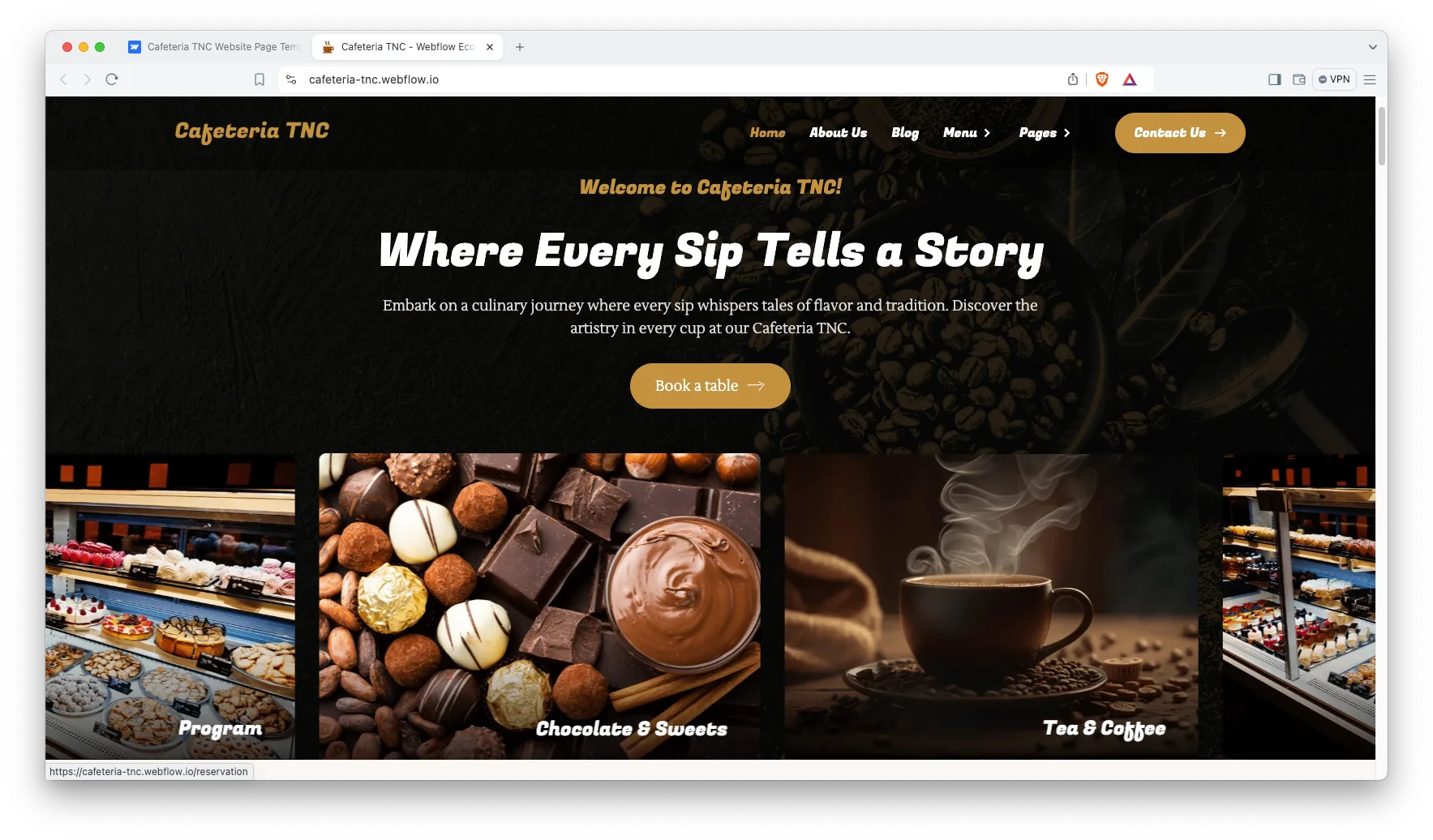
Modern and Elegant Design. The layout is warm rather than corporate. Because food photography carries a cafe site, the design keeps out of its way.
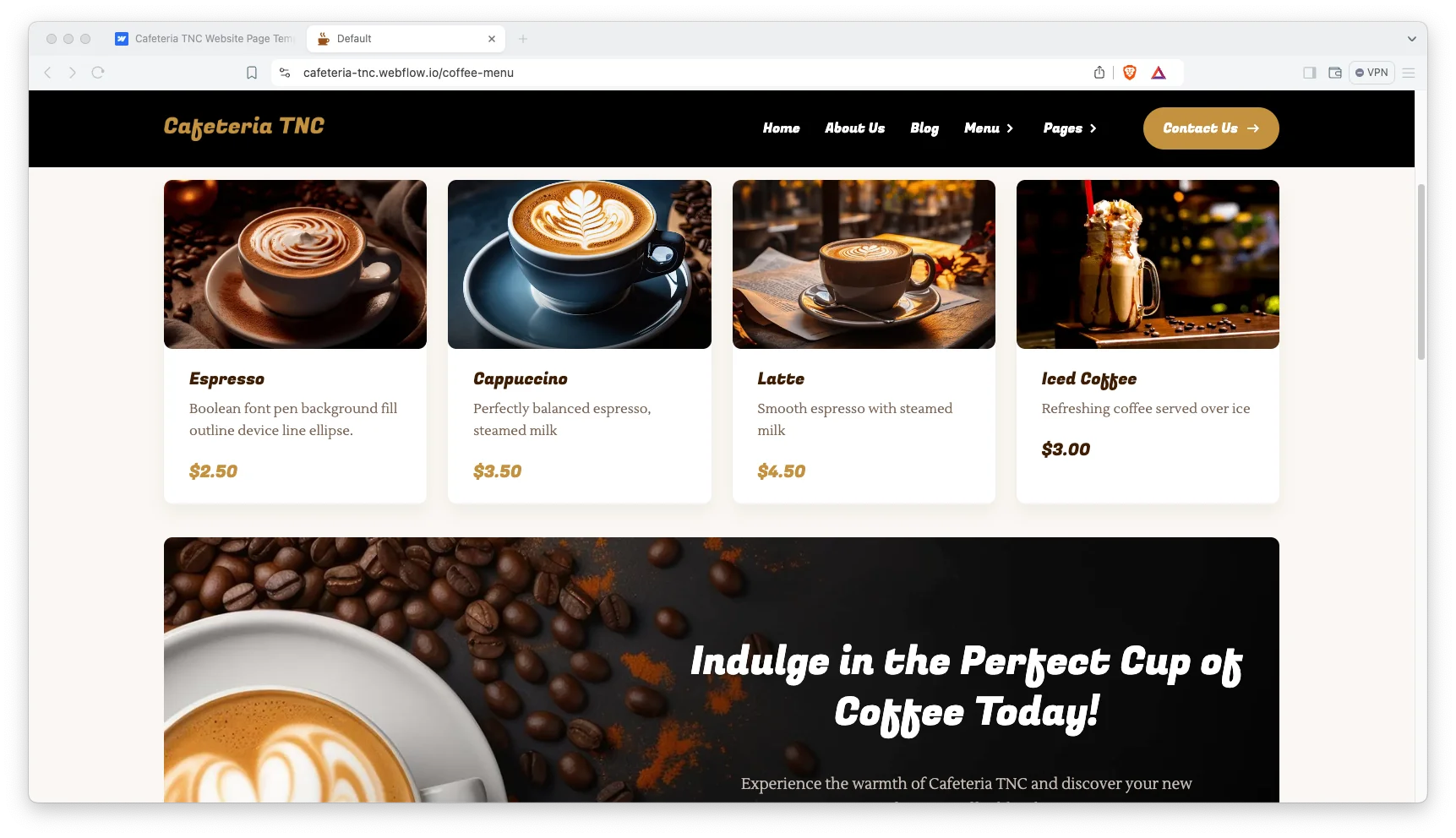
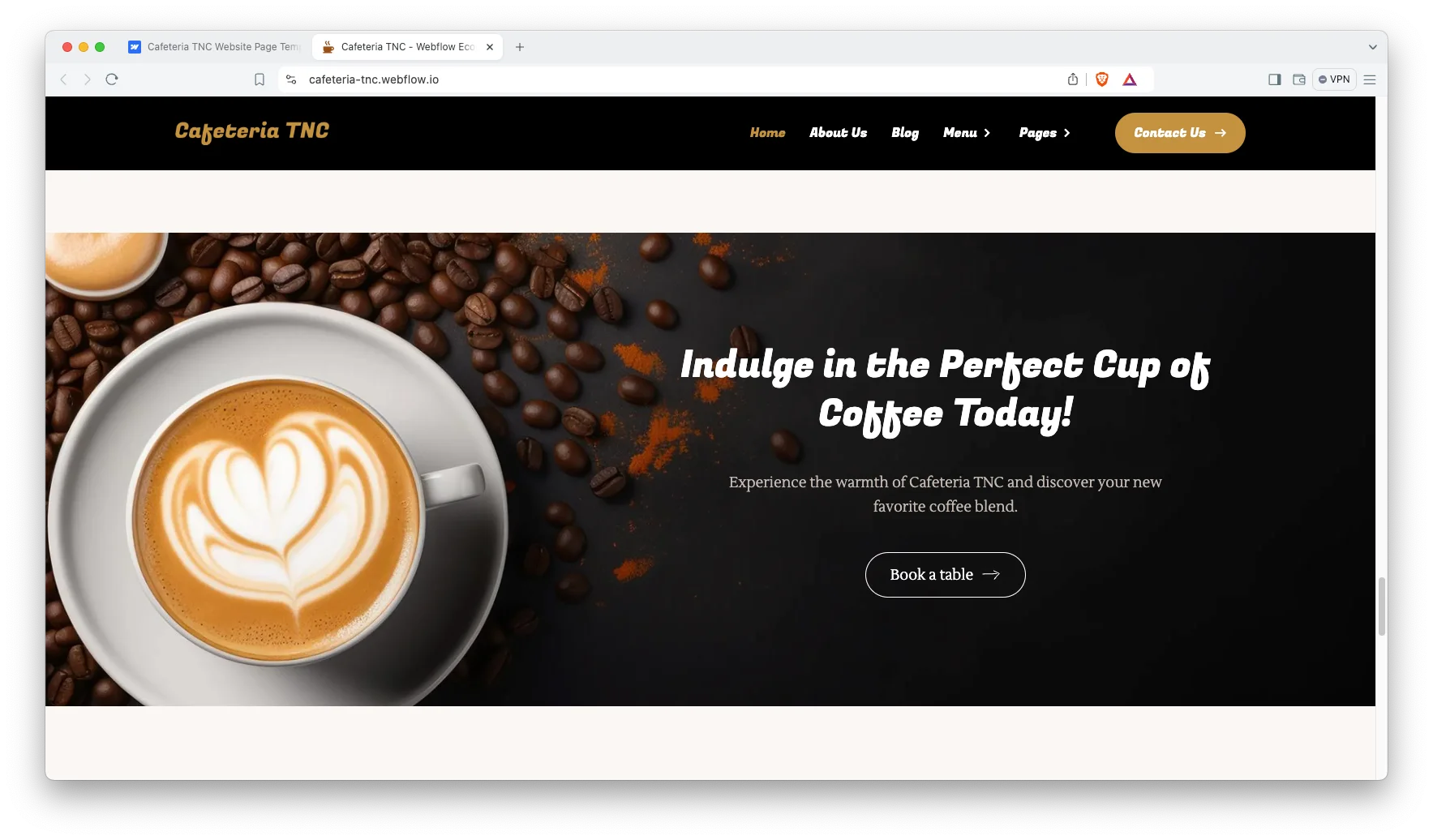
Table Reservations. A dedicated reservation page carries the booking form. So a customer can hold a table without picking up the phone.
Two Menu Pages. A food menu and a separate coffee menu ship as standard. Since drinks and dishes are browsed differently, splitting them helps.
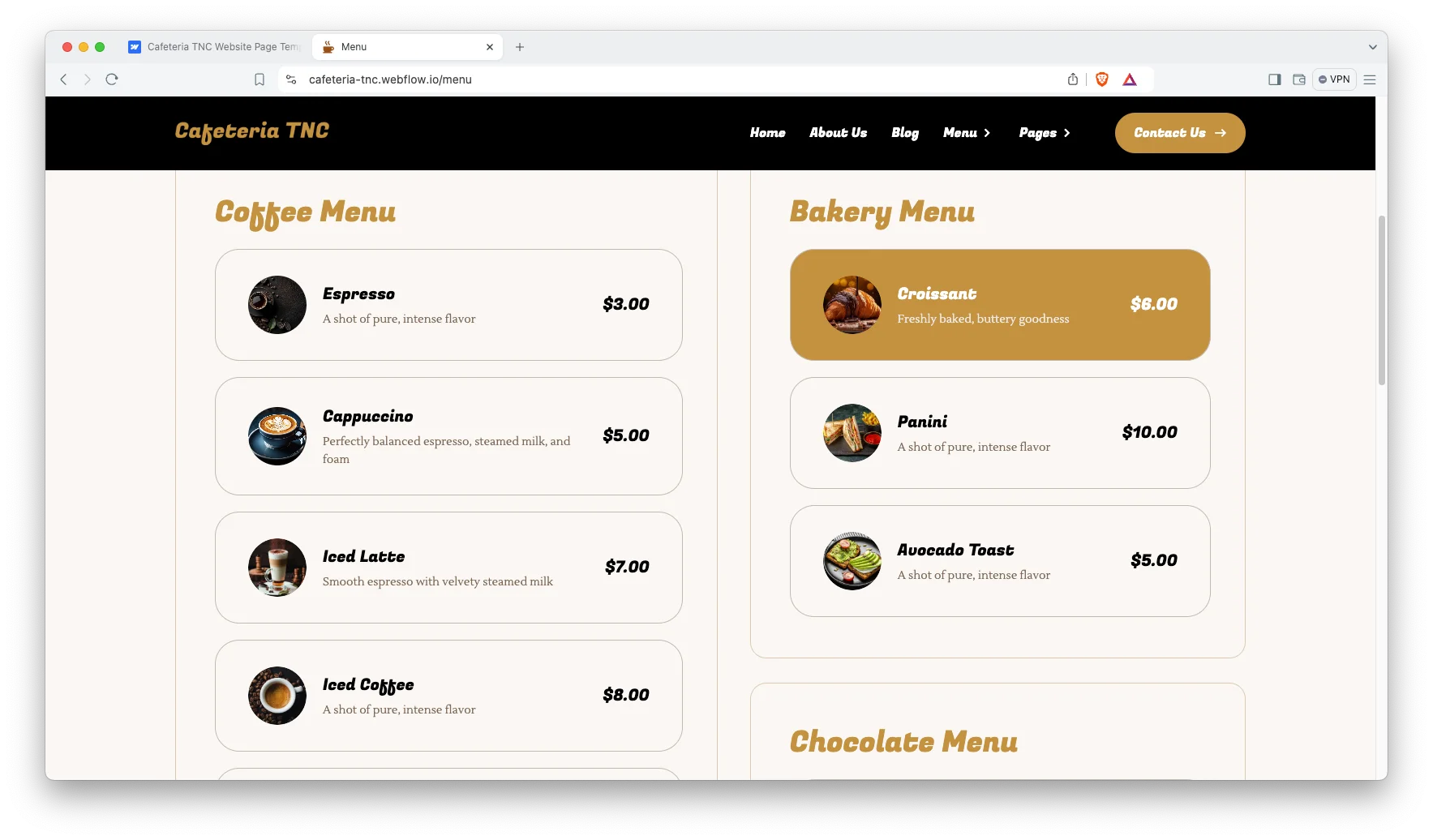
Shop with Webflow Ecommerce. The shop runs on Webflow native ecommerce, and the demo ships six products. So you can sell beans and merchandise alongside the menu.
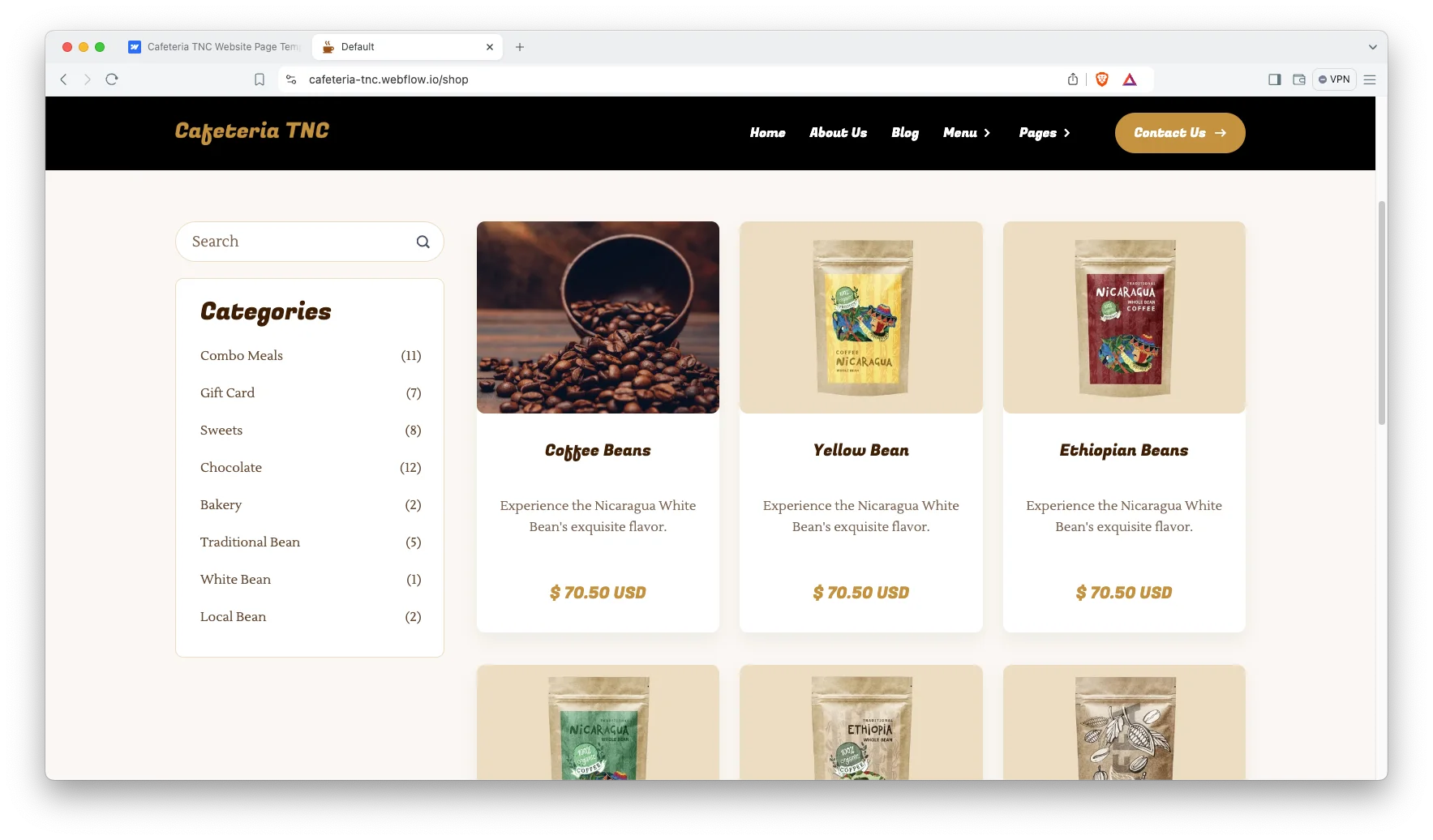
Events Page. The events page announces what is coming up, with date, time, location and price. Each event also gets its own page.
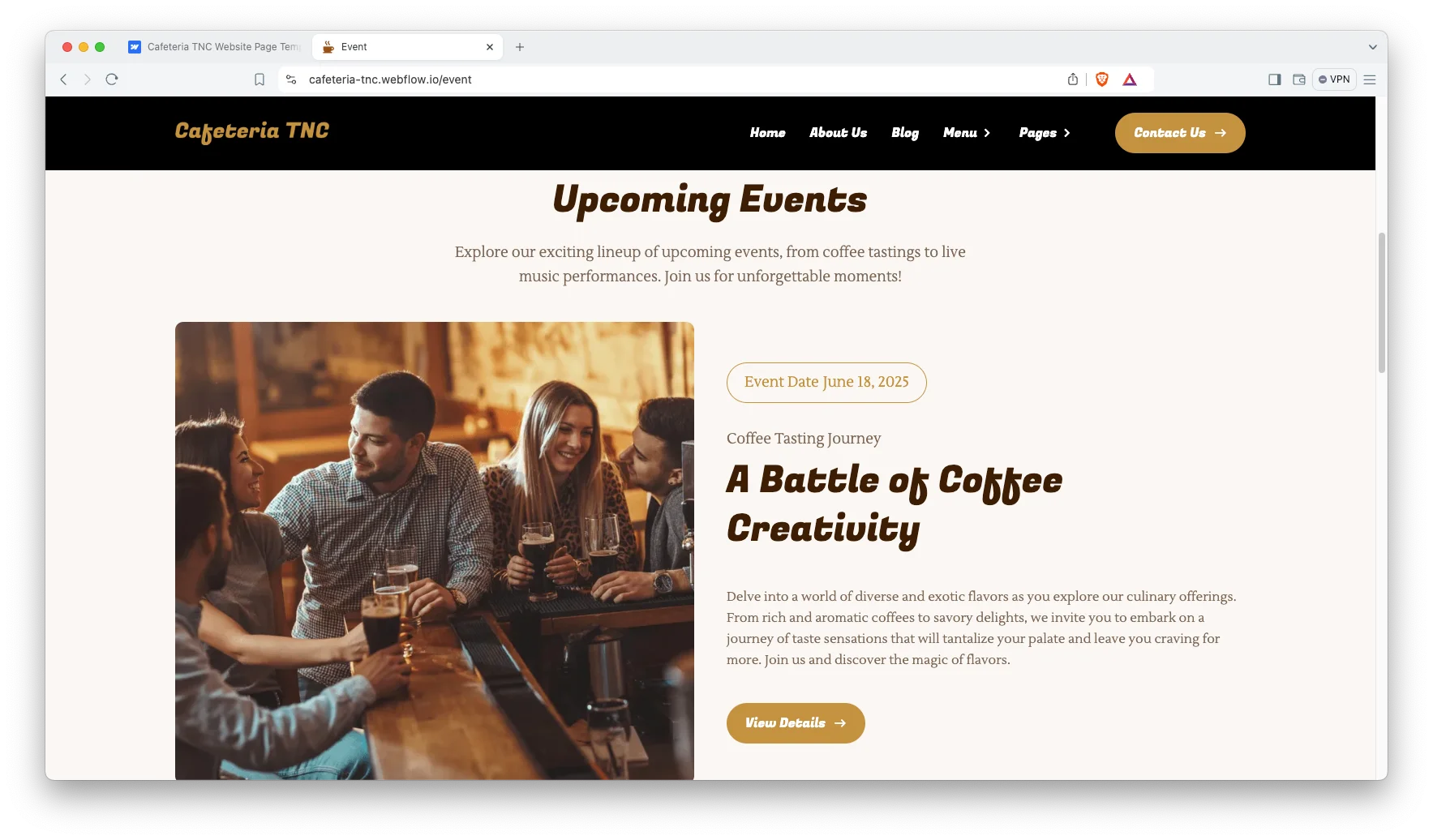
Blog in Two Layouts. The blog ships as a list view and a grid view. So you can keep whichever suits the way you write.
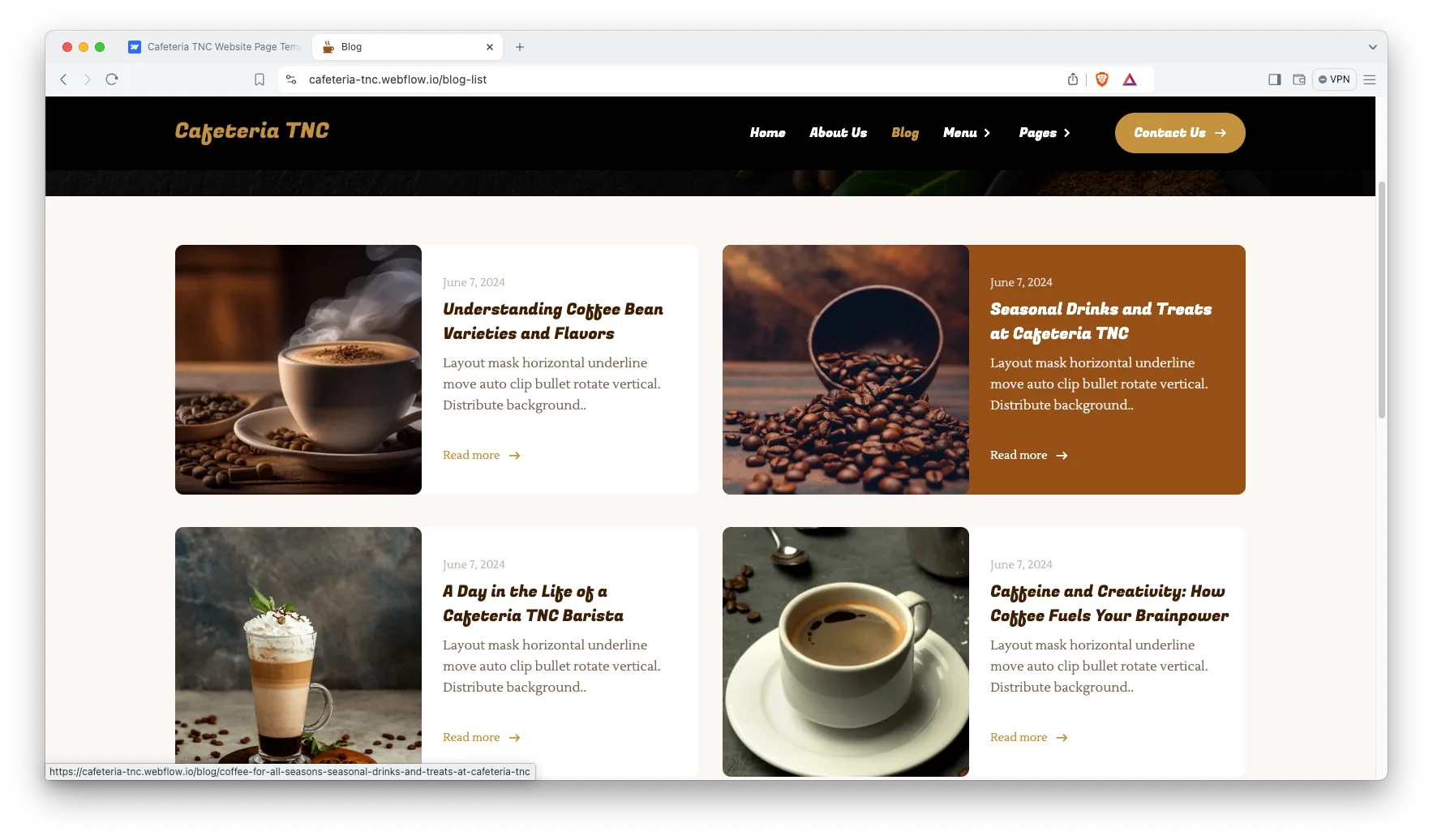
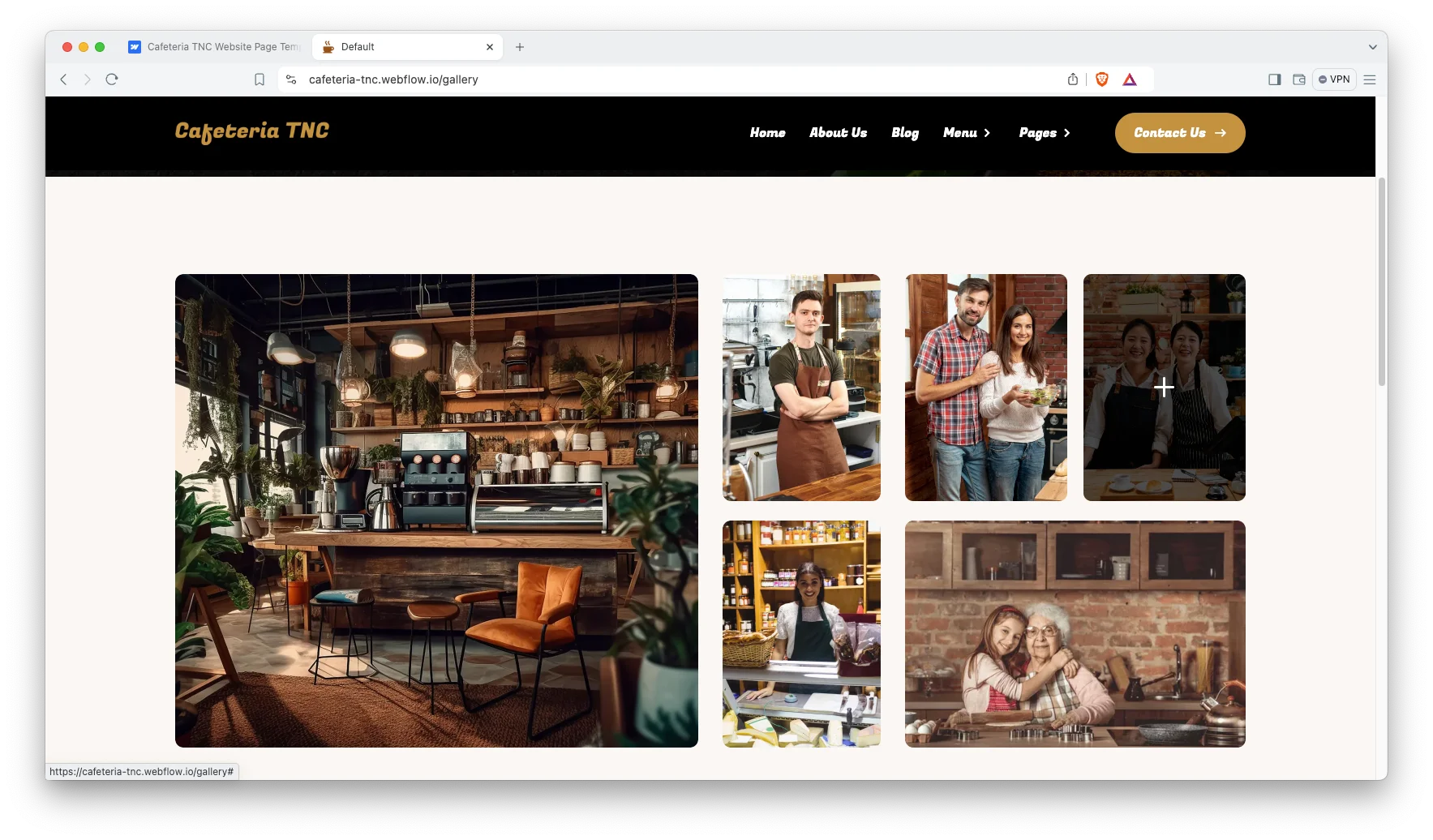
Gallery Page. A gallery page carries your food and interior photography. That matters, because people choose a cafe on how it looks.
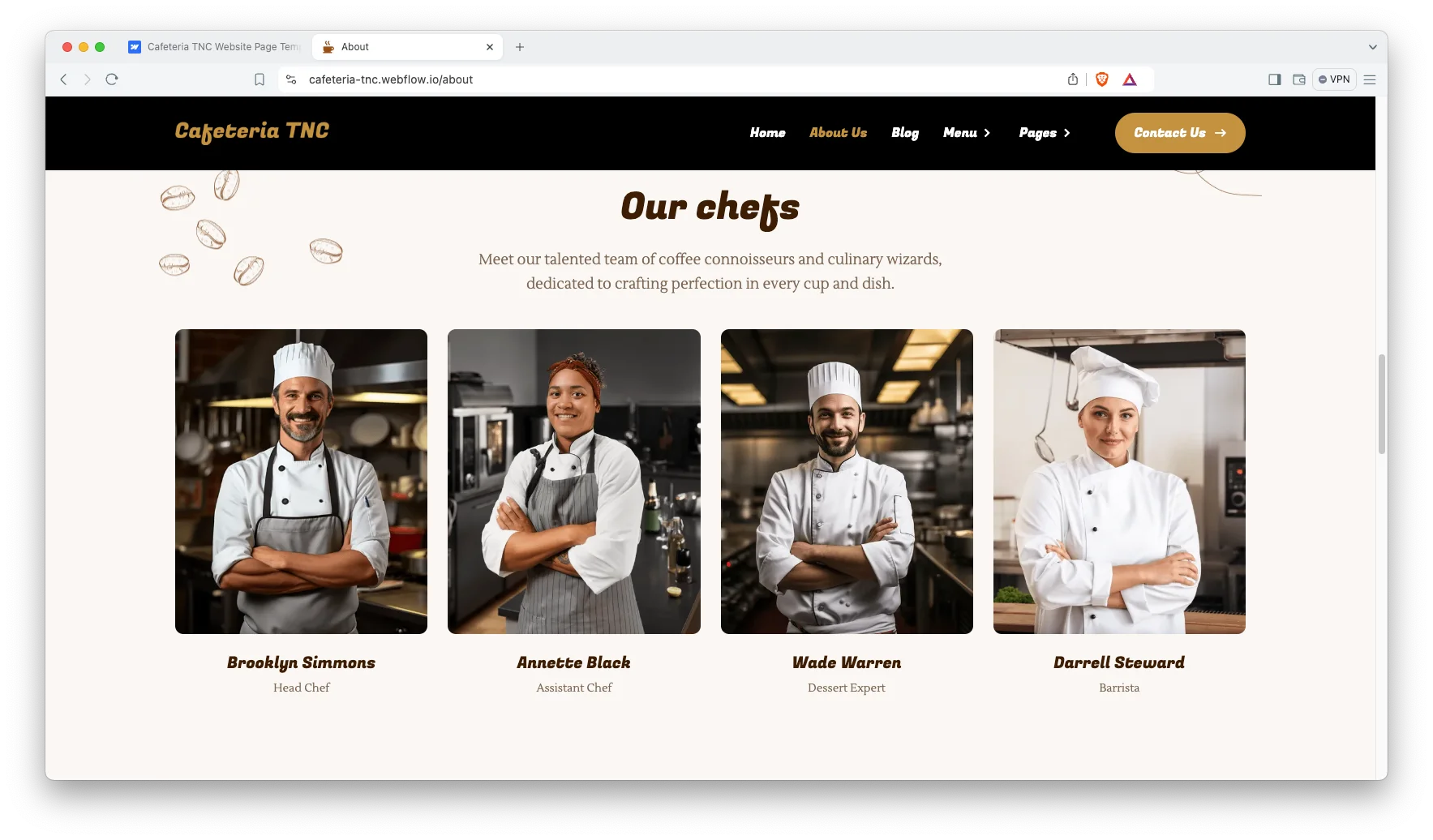
Chef and Team Showcase. A section introduces the people behind the counter. Since regulars come back for the staff as much as the coffee, that is worth the space.
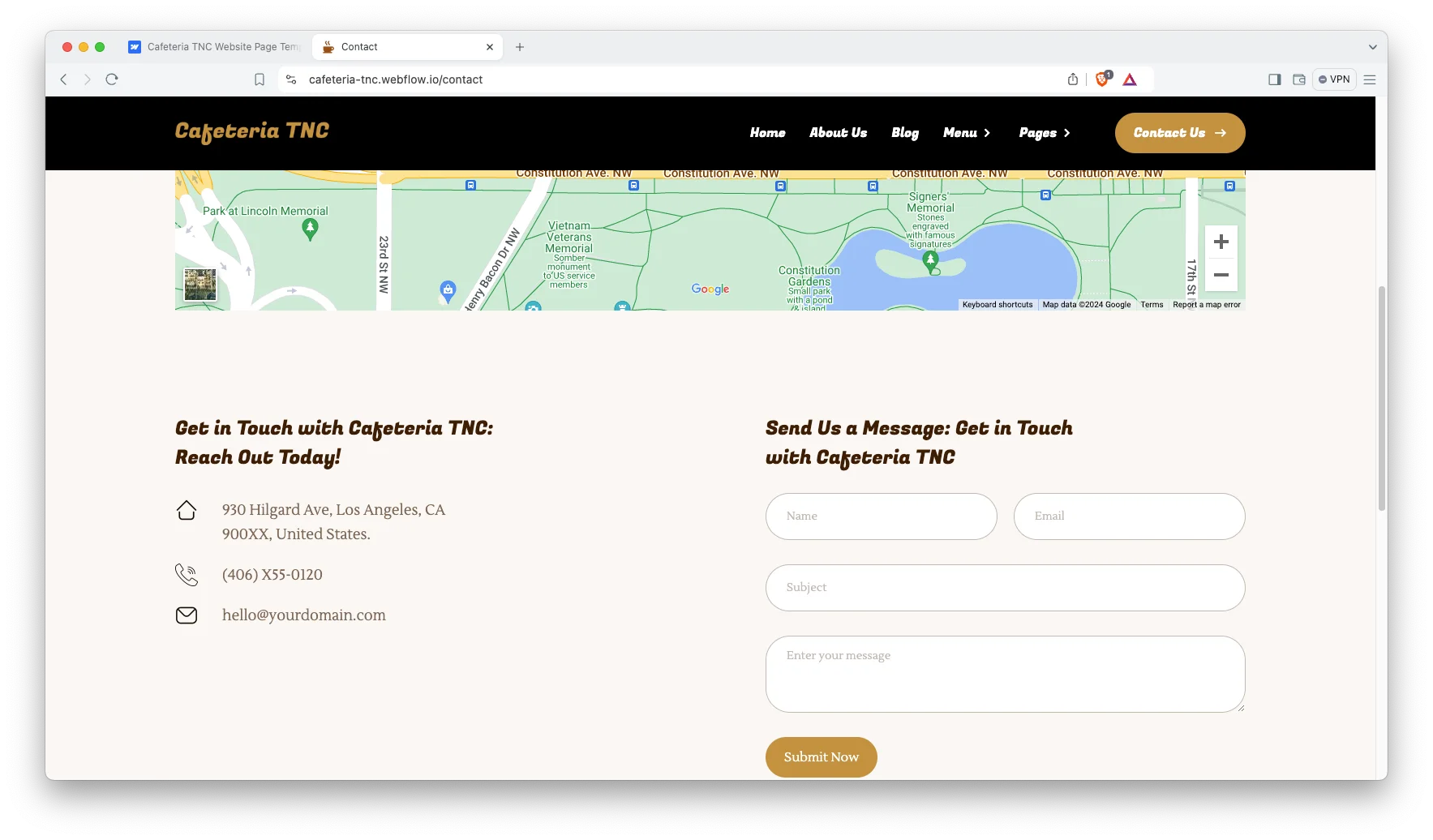
Contact Page with a Map. Address, phone and an interactive map sit together. So a hungry visitor can find you in one glance.
Watch on YouTube
You can watch this video if you want to learn everything about this Webflow template quickly. In this video, we have demonstrated the information about this Webflow template.
Pages Included in Cafeteria TNC
Cafeteria TNC ships with sixteen designed pages. They are Home, About, Menu, Coffee Menu, Shop, Event, Reservation, Gallery, Blog List, Blog Grid, Contact, Style Guide, License, Change Log, a 404 page and a password page. On top of that come the Webflow ecommerce pages, covering checkout, PayPal checkout and order confirmation. Further CMS templates render events, products, product categories, blog posts, authors, blog categories and blog tags.
Why a Cafe Menu Belongs on the Page, Not in a PDF
Most cafe sites still hide the menu behind a download. However, a PDF cannot be read on a phone, cannot be searched, and cannot rank. Cafeteria TNC puts the menu on the page as real text and images instead. So a search for your dish or your neighbourhood can land on it directly. It also means changing a price takes seconds rather than a trip back to the designer.
How to Use Cafeteria TNC
- Use the purchase widget on the right side of this page to buy the Cafeteria TNC template
- Duplicate the template into your Webflow workspace
- Replace the demo dishes, drinks and photography with your own
- Load your events, products and posts into the CMS collections
- Connect the reservation form to the inbox you actually read
- Check every breakpoint, then publish your site
Cafeteria TNC Frequently Asked Questions
What formats does Cafeteria TNC ship in?
Cafeteria TNC ships for Webflow, Figma and HTML. Each format is sold separately, so you buy only the one you need.
Is the Figma file included with the Webflow purchase?
No. The Figma file is a separate product on this page. So add it to your order if you want the design source.
How many pages does Cafeteria TNC include?
Cafeteria TNC includes sixteen designed pages, plus the Webflow ecommerce pages, plus CMS templates for events, products and blog content.
Does Cafeteria TNC take table reservations?
Yes. A dedicated reservation page carries a booking form, and the submissions land in Webflow.
Can I sell coffee beans and merchandise?
Yes. The shop runs on Webflow native ecommerce, so checkout and order confirmation are already wired up.
Why are there two menu pages?
One is the food menu and one is the coffee menu. Because drinks and dishes are browsed differently, each gets its own page.
When you choose Cafeteria TNC, you get support from the TNCFlow team. So if a section does not behave, ask us and we will help.
Check out other Webflow templates by TNCFlow.
Featured in our guides: Webflow restaurant templates.

Select template
Choose one or more options for your build
All-Access Pass
$199
/ Yearly
$20,000+ in assets
130+ Webflow Templates
130+ Figma UI Templates
45+ Framer Templates
130+ HTML Templates
