
PRO



Consultor is a consulting website template for independent consultants, advisory firms and professional services practices. It ships for Webflow, Figma and HTML.
The design is a dark variant, which is unusual in this category and useful for it. Most consulting sites default to white and blue. So a dark palette separates you immediately, while still reading as serious rather than playful.
Every section carries one argument. The services page explains what you sell. Then the pricing page removes the awkward first conversation about budget. Meanwhile the blog and services collections carry the proof that wins a shortlist.
Webflow CMS is configured for blog posts, blog tags and services. So you can add a new service or article without touching the layout. There is no ecommerce here, because consulting is sold through a conversation rather than a cart.
Explore the live preview now.
Consultor at a Glance
| Formats | Webflow, HTML and Figma |
| Best for | Independent consultants, advisory firms, professional services practices |
| Theme | Dark variant |
| CMS | Yes, Webflow CMS with blog, blog tags and services collections |
| Pages | 14 pages and templates |
| Ecommerce | No |
| Responsive | Desktop, tablet and mobile |
| Support | TNCFlow support team |
Key Features of Consultor
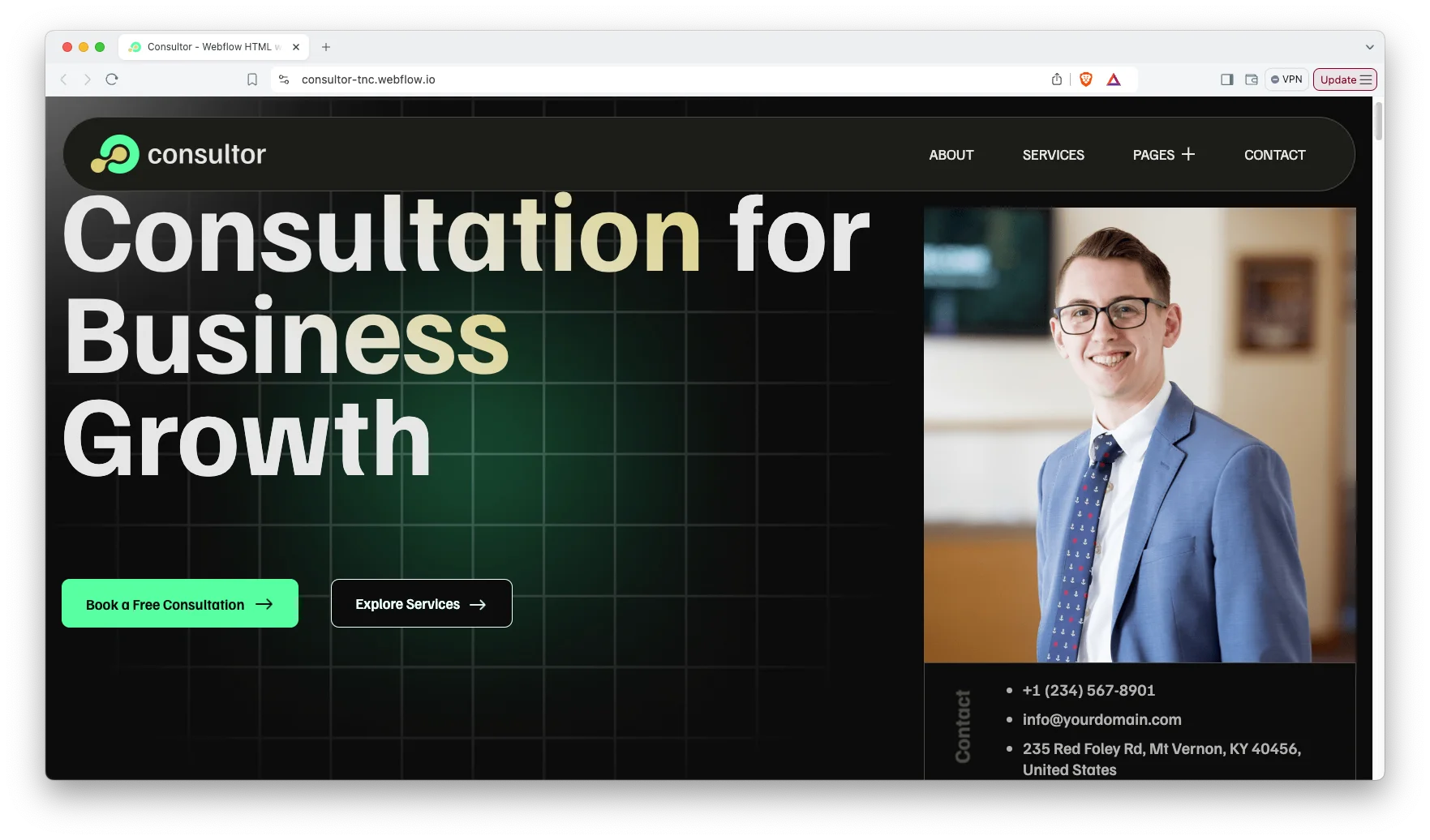
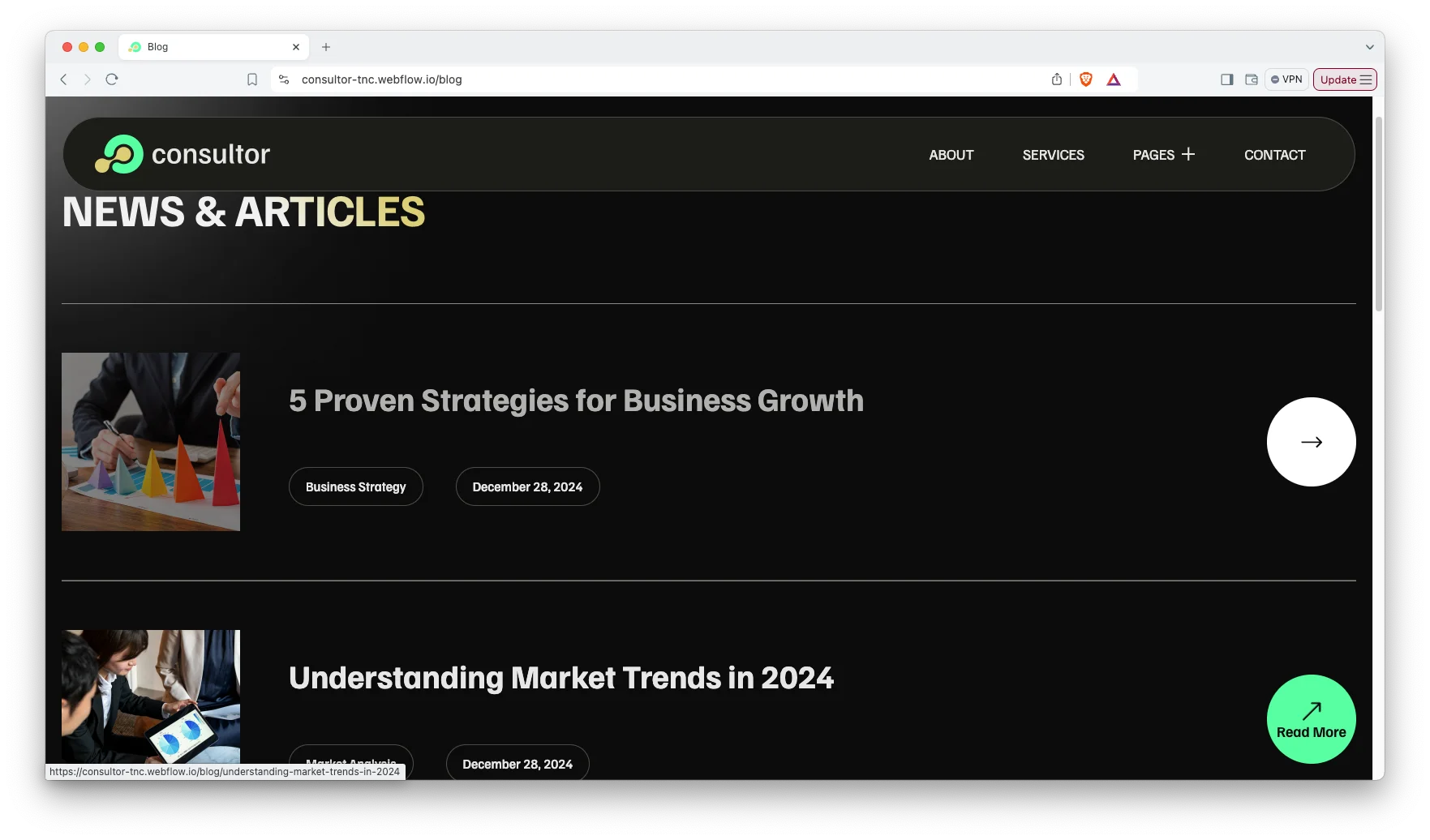
Modern dark design. The template uses a restrained dark palette with high contrast typography. So the layout reads as considered and expensive rather than decorative. It follows current professional services conventions without copying them.
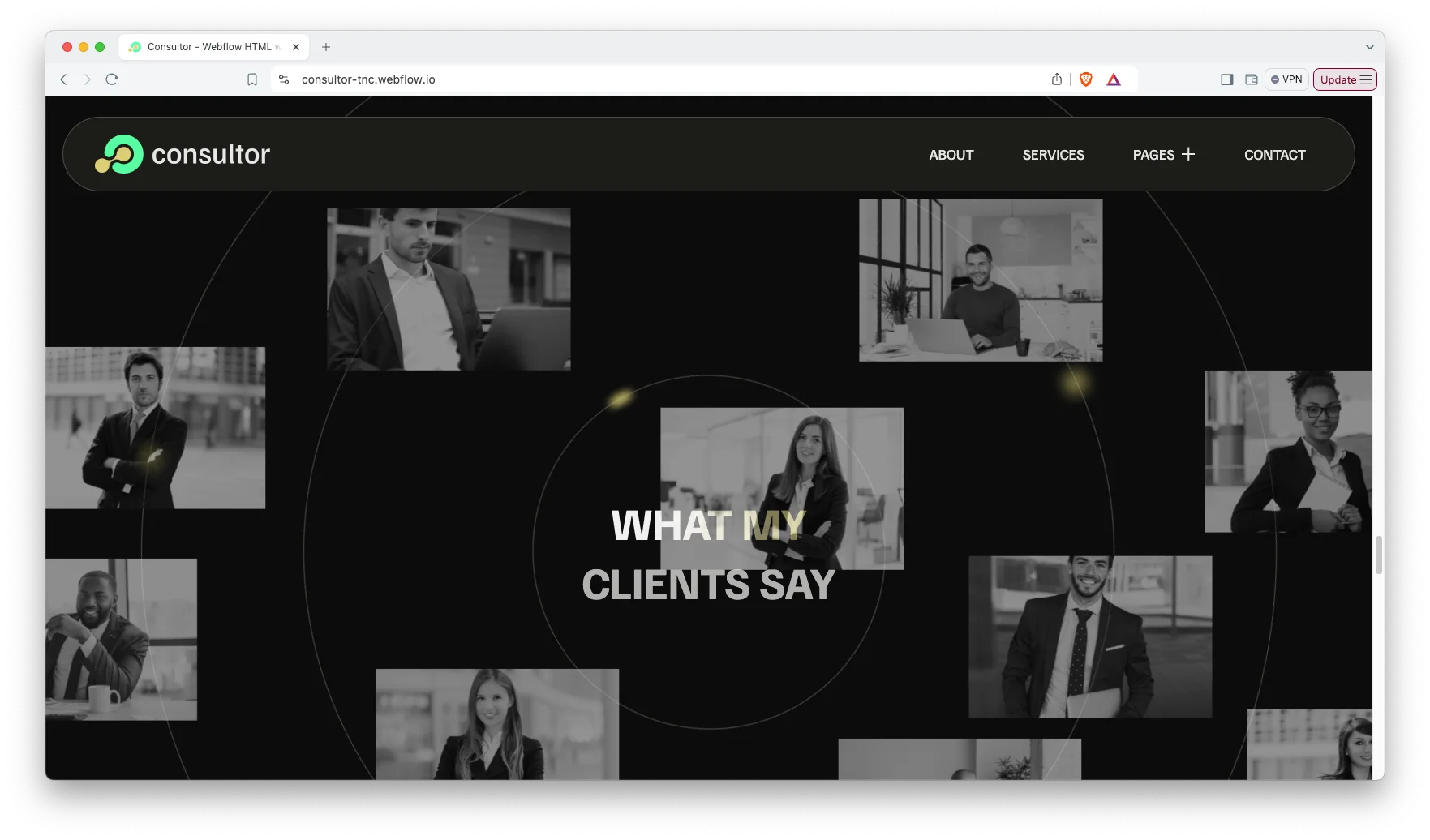
CMS functionality. Webflow CMS powers the blog, the blog tags and the services collection. That way you publish a new article or add a new service offering in minutes. Each collection has its own designed template page.
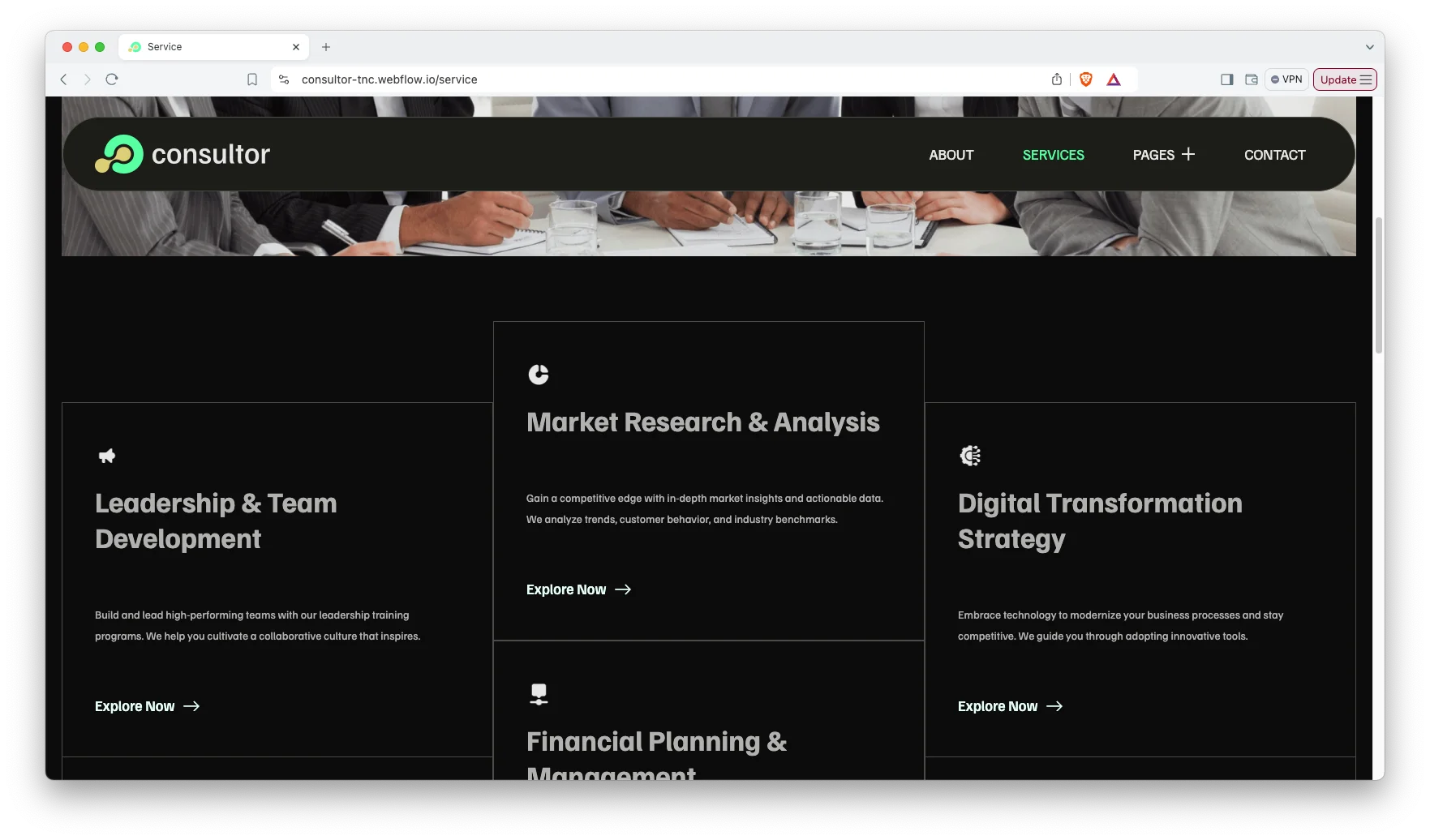
Services showcase. This page presents your offerings individually rather than as a single block of text. Because prospects usually arrive looking for one specific problem, separating services helps them self identify quickly.
Blog showcase. The blog index is organized for scanning, with clear titles and generous spacing. Consulting buyers read before they inquire. So a credible publishing surface is a commercial asset, not decoration.
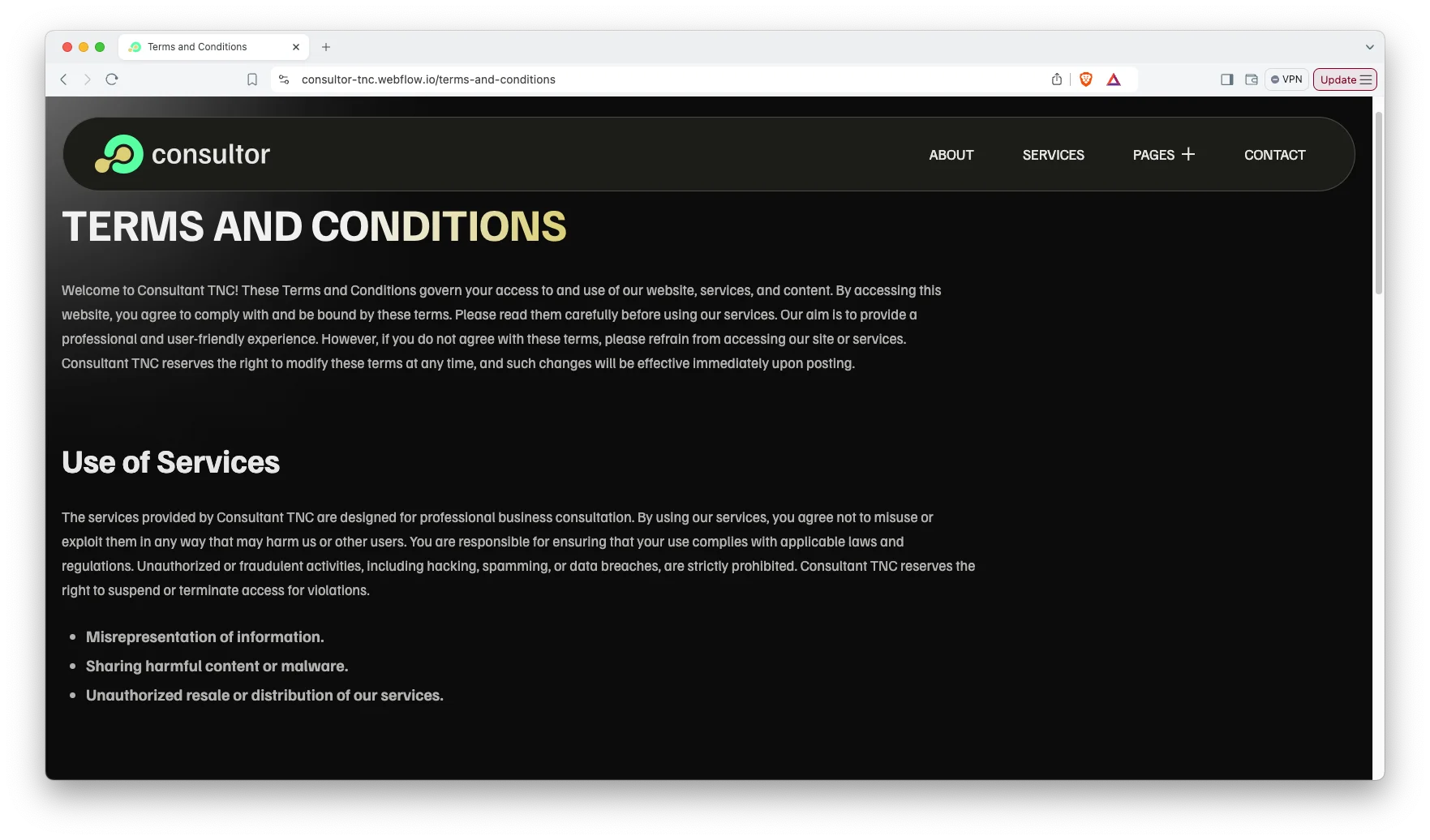
Terms and conditions page. A designed terms page covers use of services, payment and refund policy, limitation of liability, and privacy and confidentiality. Advisory work needs this. However most templates leave you to build it yourself.
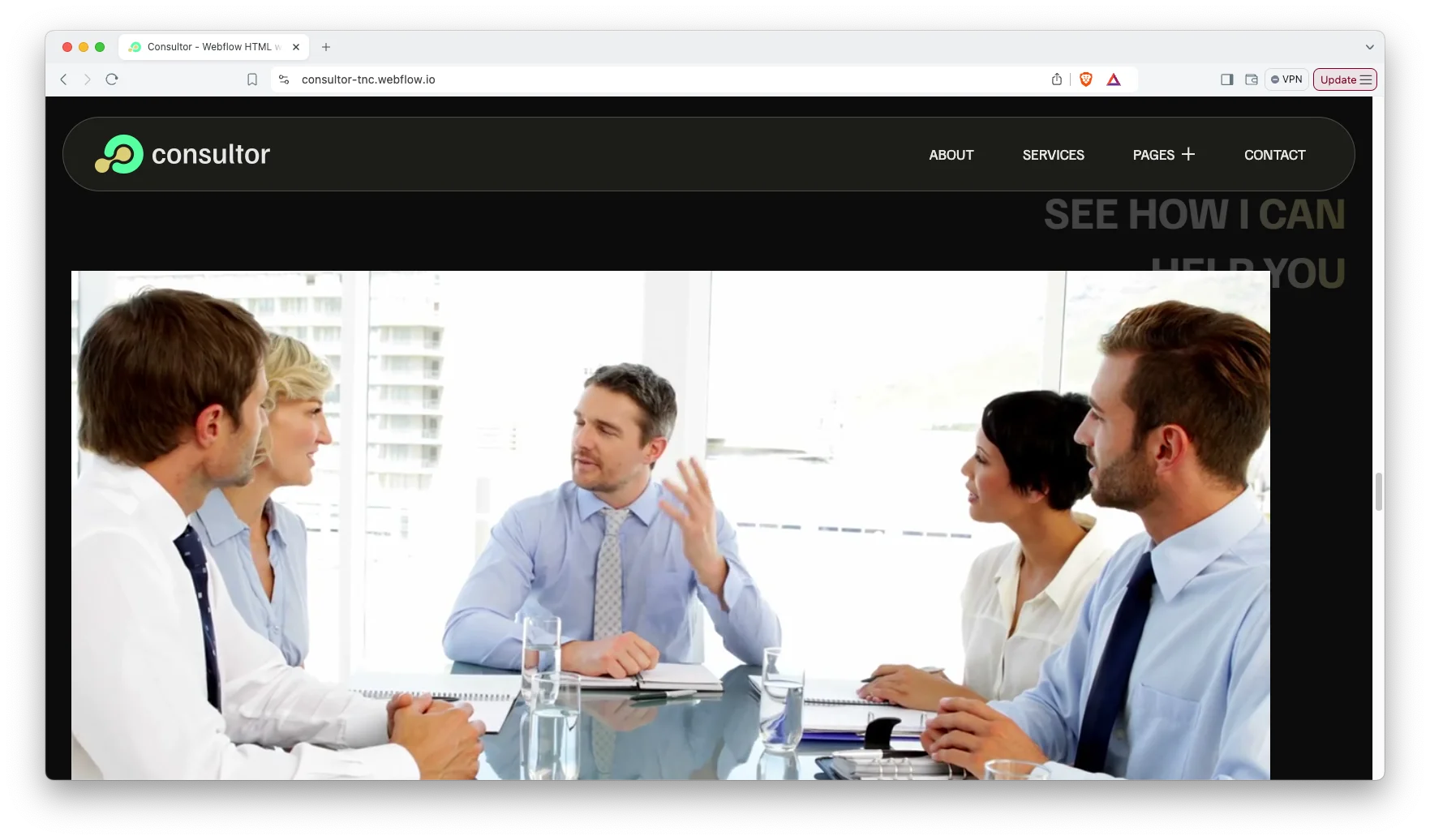
Animation, video and responsive sliders. A dedicated video section lets you place a short introduction or a recorded talk near the top of the page. Motion is used sparingly, and every slider adapts down to phone screens.
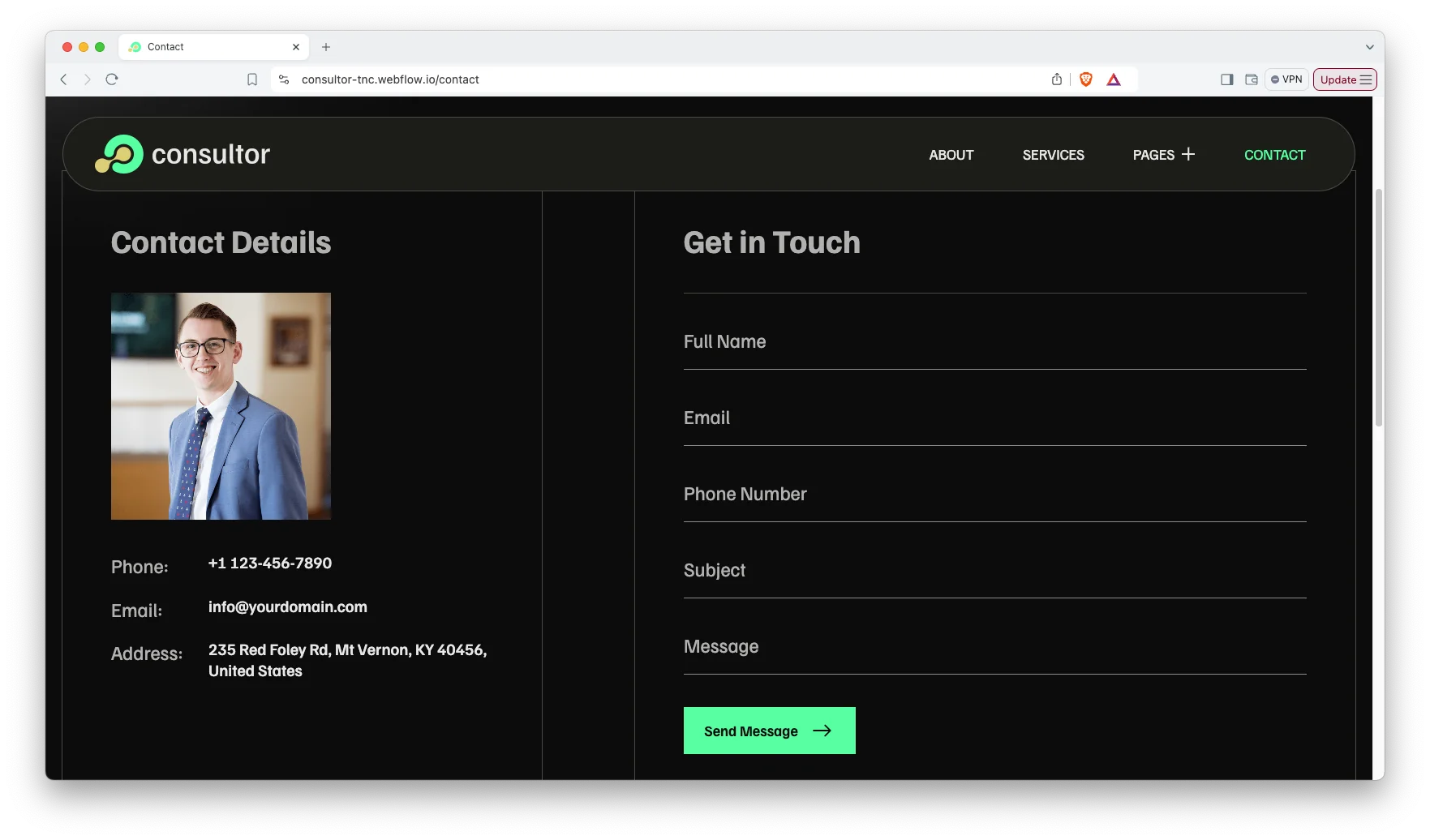
Contact page. The contact page displays your address, phone number and an interactive map, alongside a standard inquiry form. So a prospect can choose whichever route suits them.
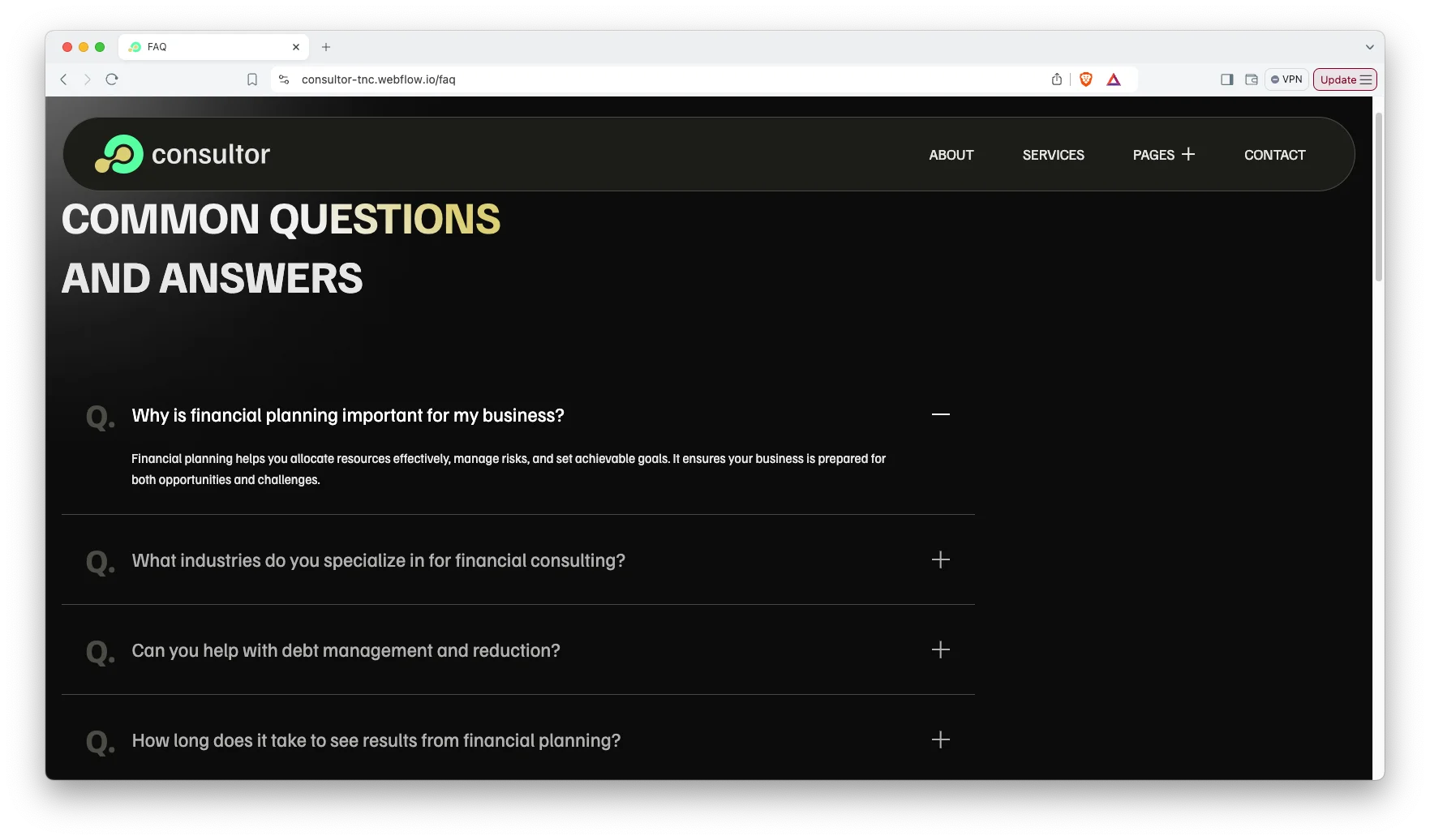
FAQ page. A separate FAQ page answers the questions that otherwise consume a first call. It covers scope, process and engagement terms in a format visitors already understand.
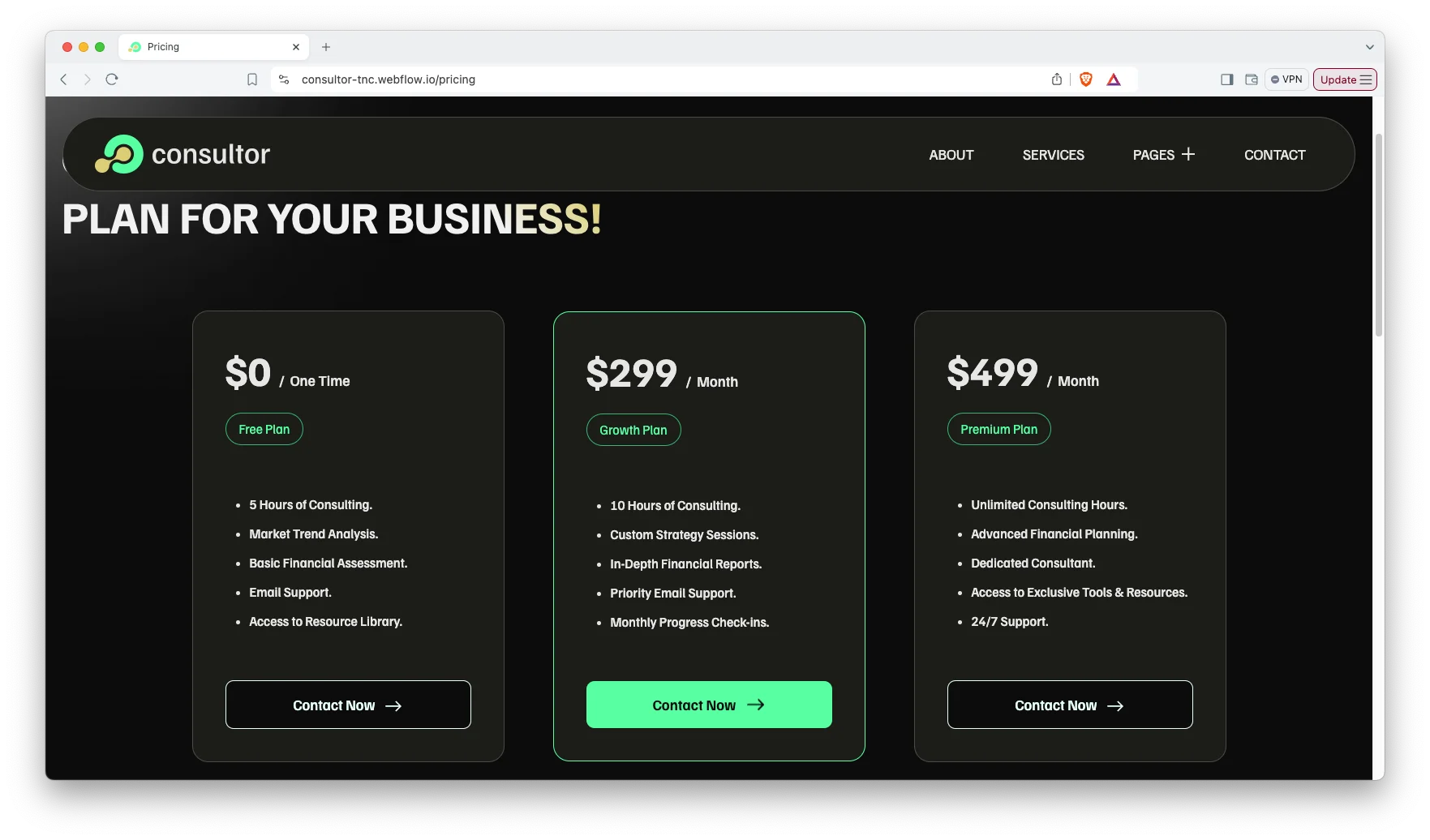
Pricing page. The pricing page presents your packages side by side with the detail each one includes. Publishing pricing filters out poor fit inquiries early. That saves the hours you would otherwise spend on calls that go nowhere.
Watch on YouTube
This short video walks through the Consultor layout. Watch it if you want to see the services, pricing and blog pages in motion before you buy.
Pages Included in Consultor
- Home
- About
- Service
- Blog
- Contact
- Pricing
- FAQ
- Terms and Conditions
- Utility
- Blogs Template (CMS)
- Blog Tags Template (CMS)
- Services Template (CMS)
- 404
- Password
How to Use Consultor
Setup is straightforward. Here are the steps.
- Use the purchase widget on the right side of this page to buy the Consultor template
- Follow the setup steps to get your site ready
- Replace the demo content with your own services and copy
- Adjust colors and type if you want
- Preview the site and publish it
What a Consulting Website Actually Has to Do
A consulting site has one job, and it is not to look impressive. It has to make a stranger confident enough to send a first message. So three things matter more than the visual treatment. First, name the problems you solve in the client’s language rather than in your own. Second, show evidence, because references and results outrank adjectives. Third, publish pricing or at least a range. Buyers who cannot estimate cost usually leave rather than ask. Consultor gives you a designed page for each of those three jobs, which is why the services, pricing and blog pages matter more here than the animation does.
Consultor Frequently Asked Questions
Is the Figma file included with Consultor?
No. The Figma file is a separate product with its own price. So you can buy the Figma design on its own, or buy the Webflow or HTML build on its own. Use the purchase widget on this page to pick the format you want.
Is Consultor only available as a dark theme?
The template ships with a dark palette by default. However colors are set through Webflow style settings, so a light version is a straightforward change rather than a rebuild.
Does Consultor include ecommerce?
No. Consultor is a lead generation site rather than a store, so it has no cart or checkout. If you need to sell products online, choose one of the Webflow Ecommerce templates instead.
How many pages does Consultor include?
Fourteen. That covers home, about, services, blog, contact, pricing, FAQ, terms and conditions, utility, three CMS template pages, and the 404 and password pages.
Can I use Consultor for an agency or advisory site?
Yes. The structure suits any advisory business that sells expertise, including accountants, legal advisors, recruiters and small agencies. You only need to change the service names.
Do I need to know Webflow to edit Consultor?
Basic familiarity helps, however the template is built with clean classes and standard components. So editing text, swapping images and publishing CMS items is manageable without development work.
When you choose Consultor, you get support from the TNCFlow team. Ask us anything about setup and we will help.
Check out other Webflow templates by TNCFlow.
Featured in our guides: consulting website templates, coaching website templates and lawyer website templates.





Select template
Choose one or more options for your build
