

PRO

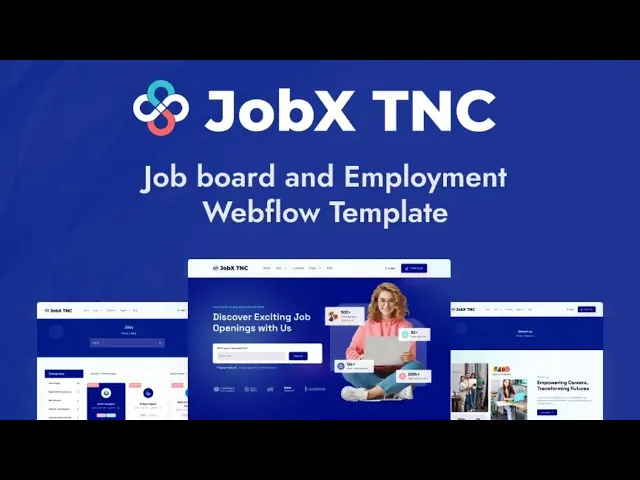
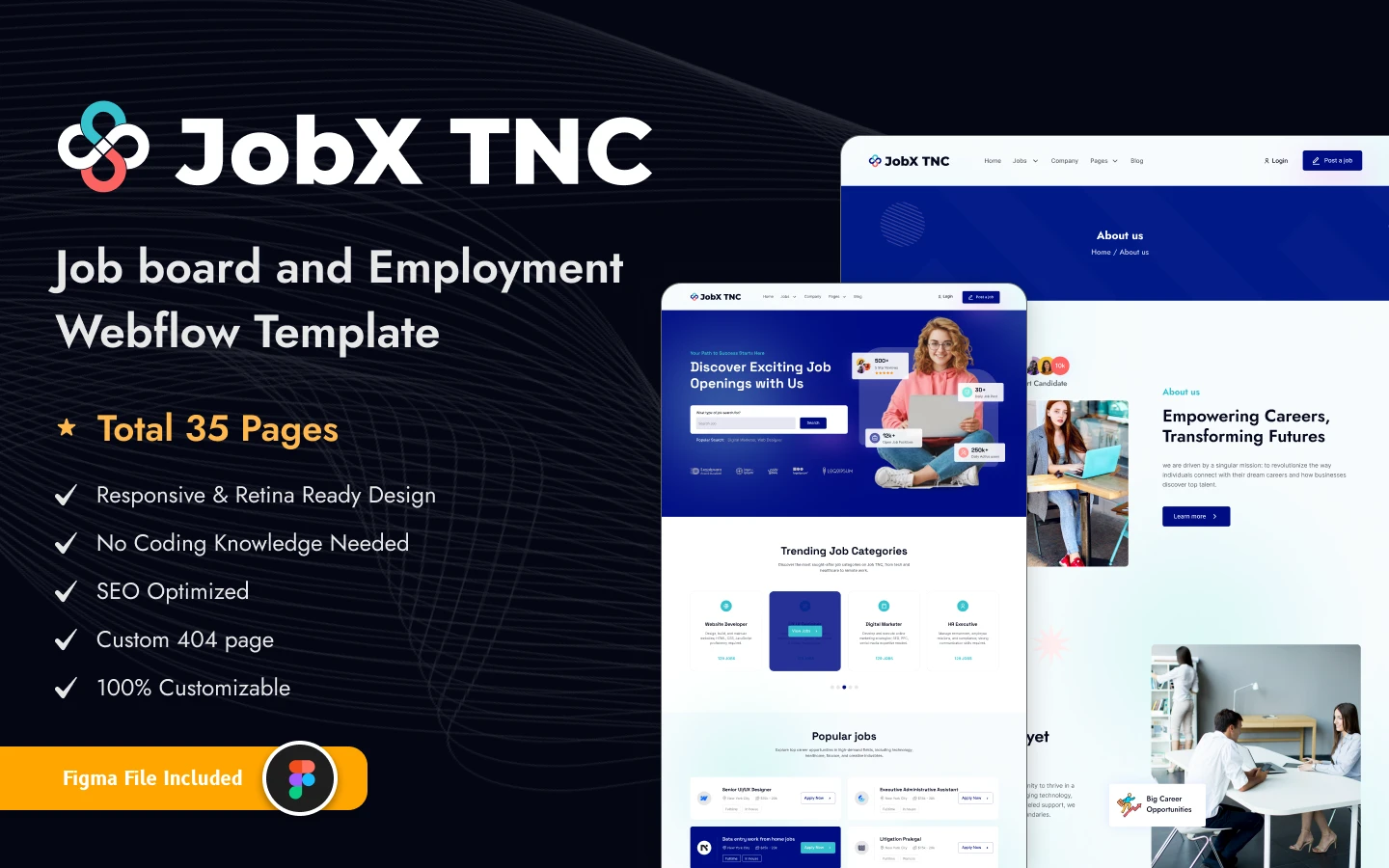
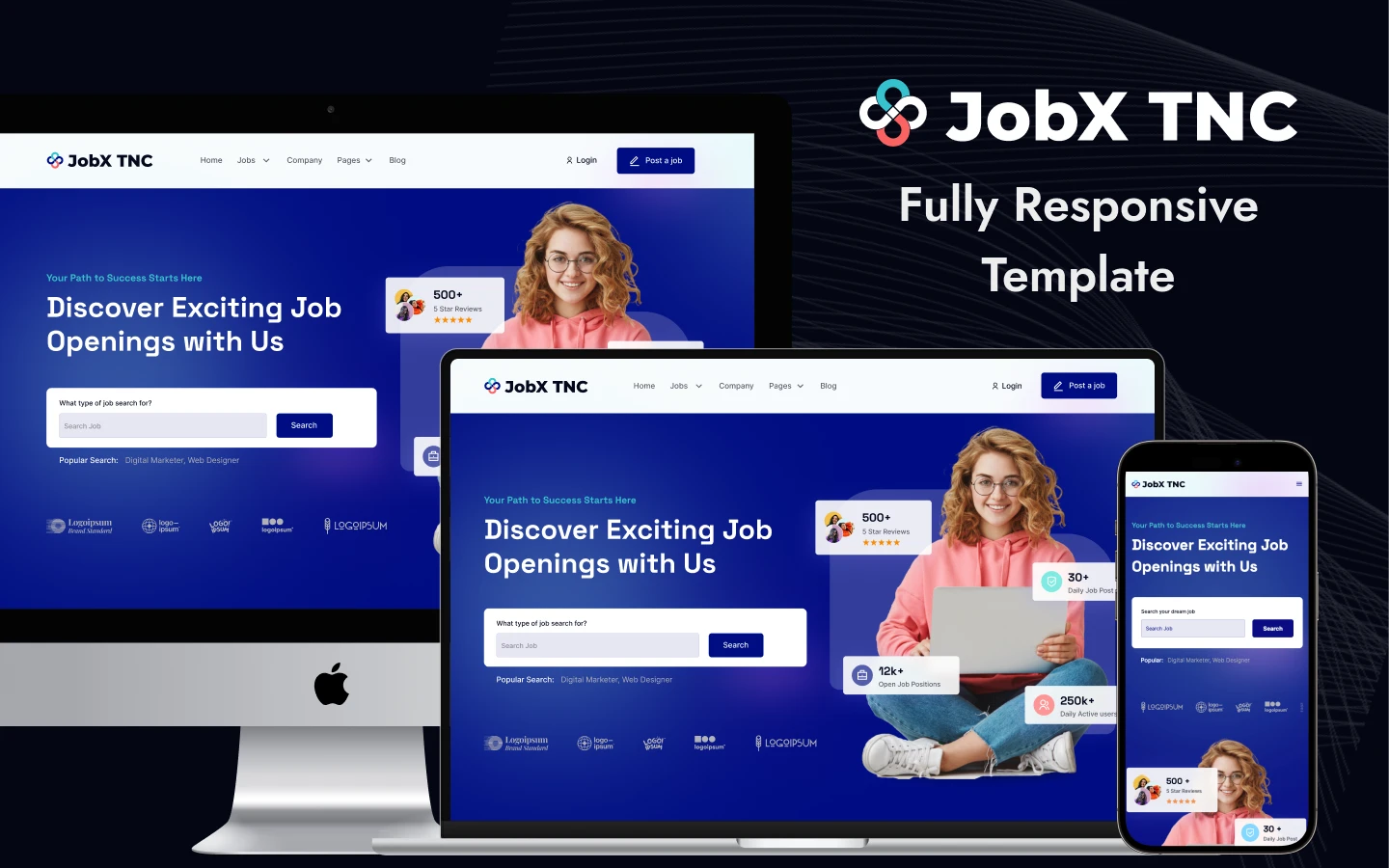
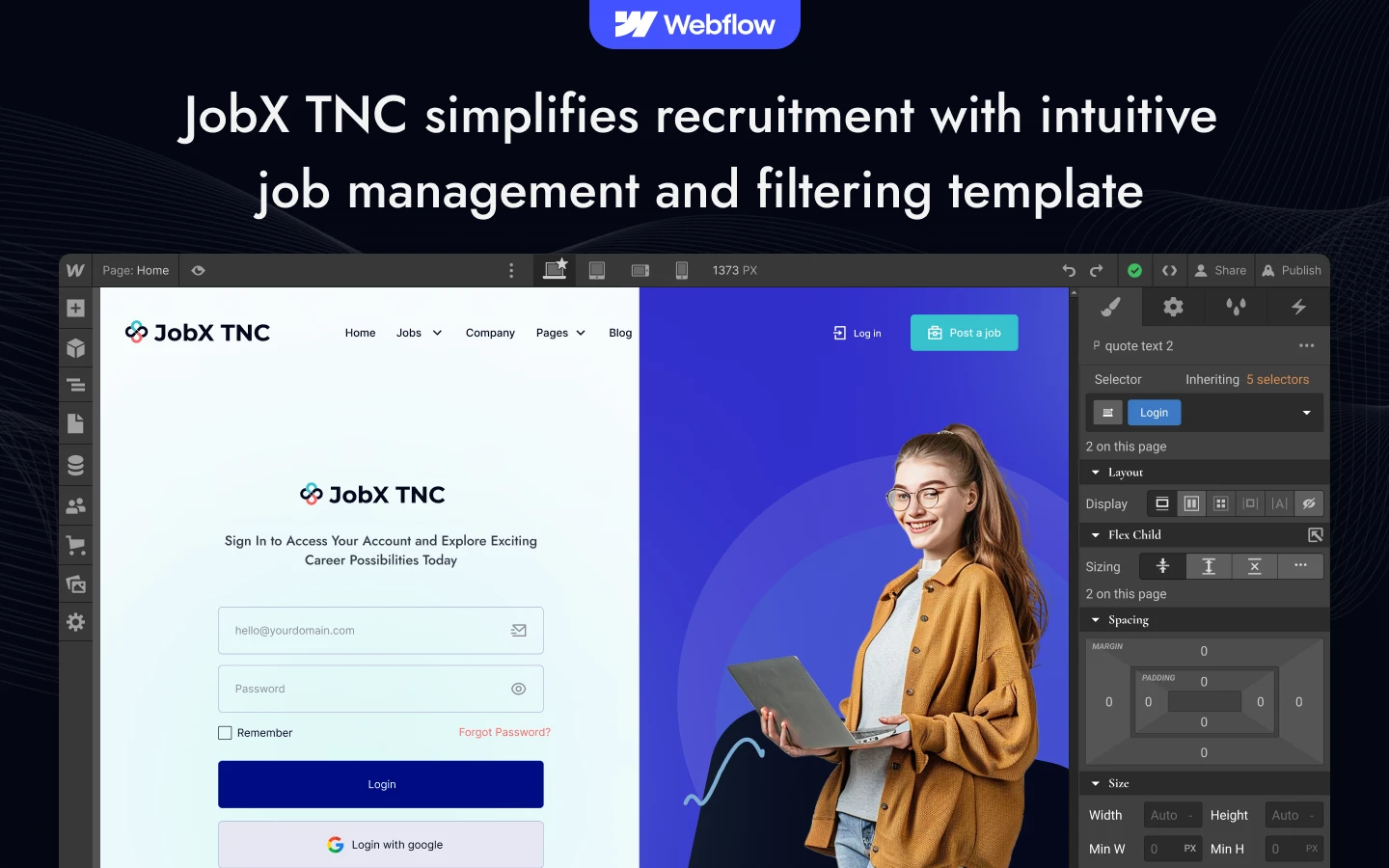
JobX TNC is a recruitment agency website template for staffing firms, job boards and in-house hiring teams. It ships for Webflow, Figma and HTML.
The template runs to 23 pages. So you get job listings, company profiles, transparent pricing, an FAQ, two blog layouts and a candidate application flow. The jobs, companies and blog pages all run on Webflow CMS. So one new record fills the grid, the list and the detail page at once.
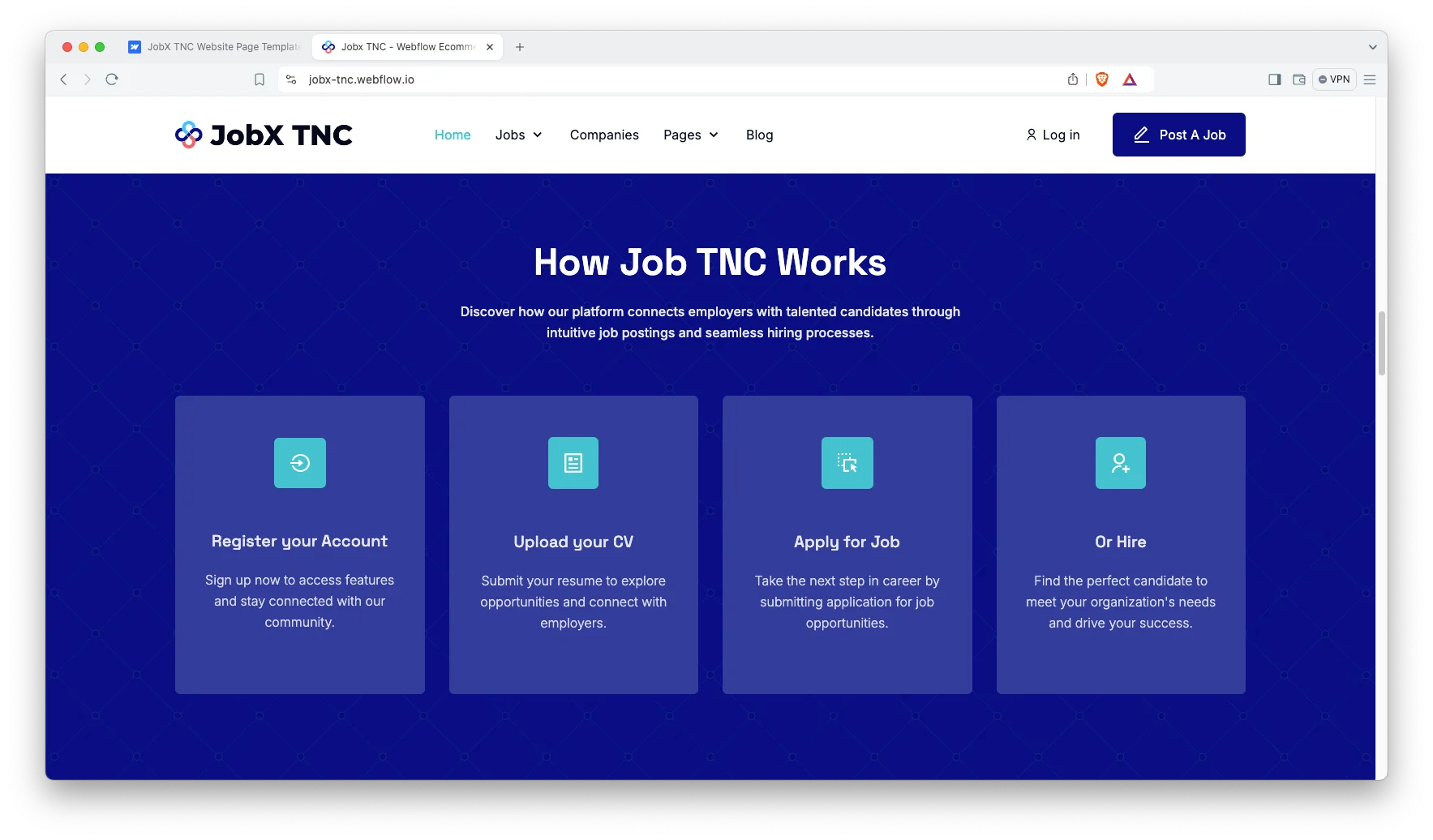
Each section has one job. The hero names the specialisms you recruit for. The vacancies grid shows what is open now. The company profiles sell the employers you represent. Then the pricing page turns a browsing hiring manager into a paying client.
Explore the live preview now.
JobX TNC at a Glance
| Formats | Webflow, Figma and HTML |
| Figma file | Bundled with the Webflow purchase, also sold on its own |
| Best for | Recruitment agencies, staffing firms, job boards, HR consultancies, internal talent teams |
| Pages | 23 |
| CMS collections | 8, covering jobs, job categories, companies, company types, blogs, blog categories, blog tags and authors |
| Job layouts | Grid, list and detail |
| Responsive | Yes, on every breakpoint |
| Support | Included, direct from the TNCFlow team |
Key Features of JobX TNC
A Complete Recruitment Website: Every page a hiring firm needs is already built. So you are not retrofitting a vacancy list onto a generic corporate theme. The information architecture was designed around recruitment from the start.
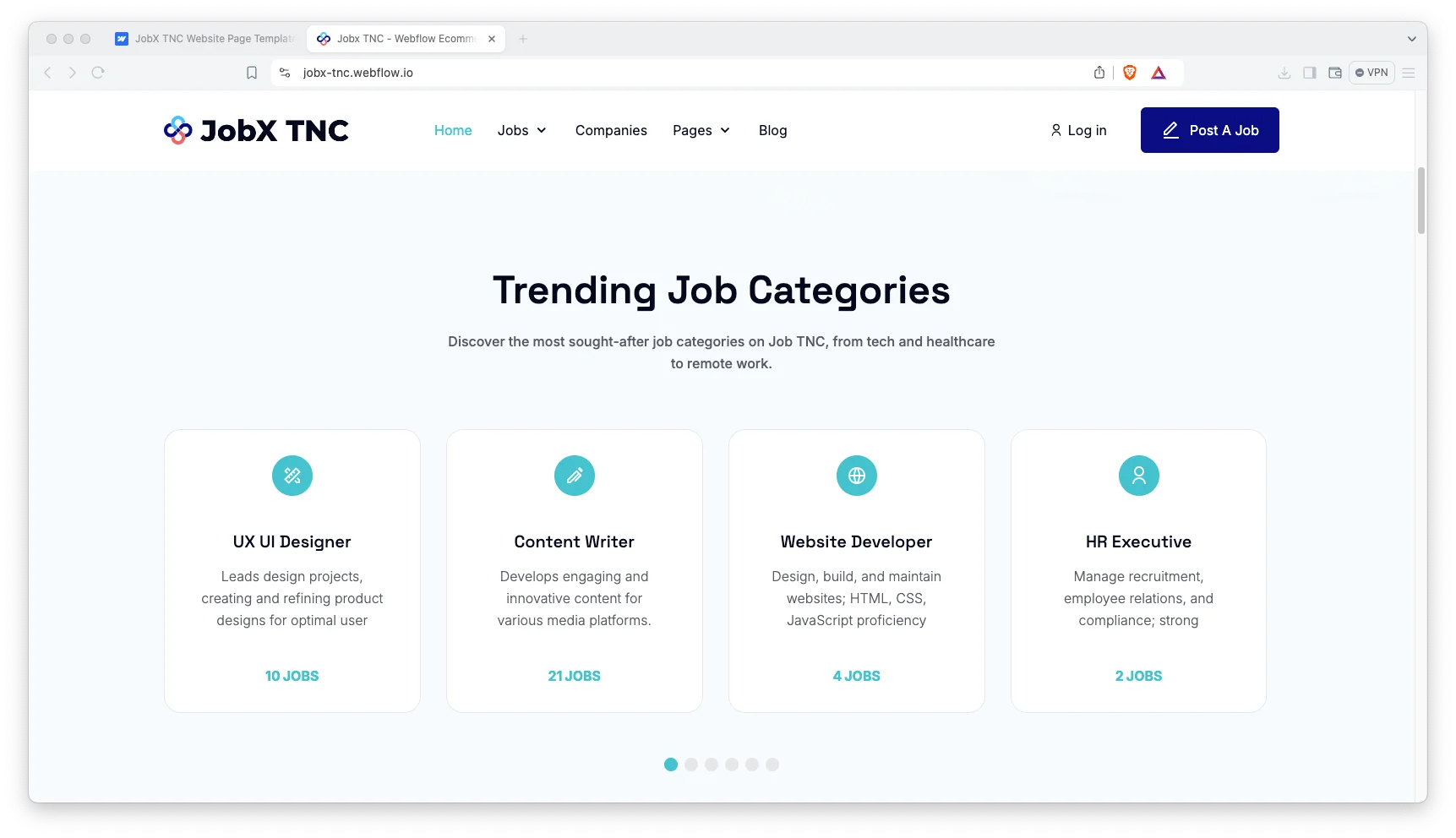
Modern Design: The visual style is current, and it adapts easily to your own brand identity. Colours, typography and spacing are defined as reusable global style classes. So one change flows across every page.
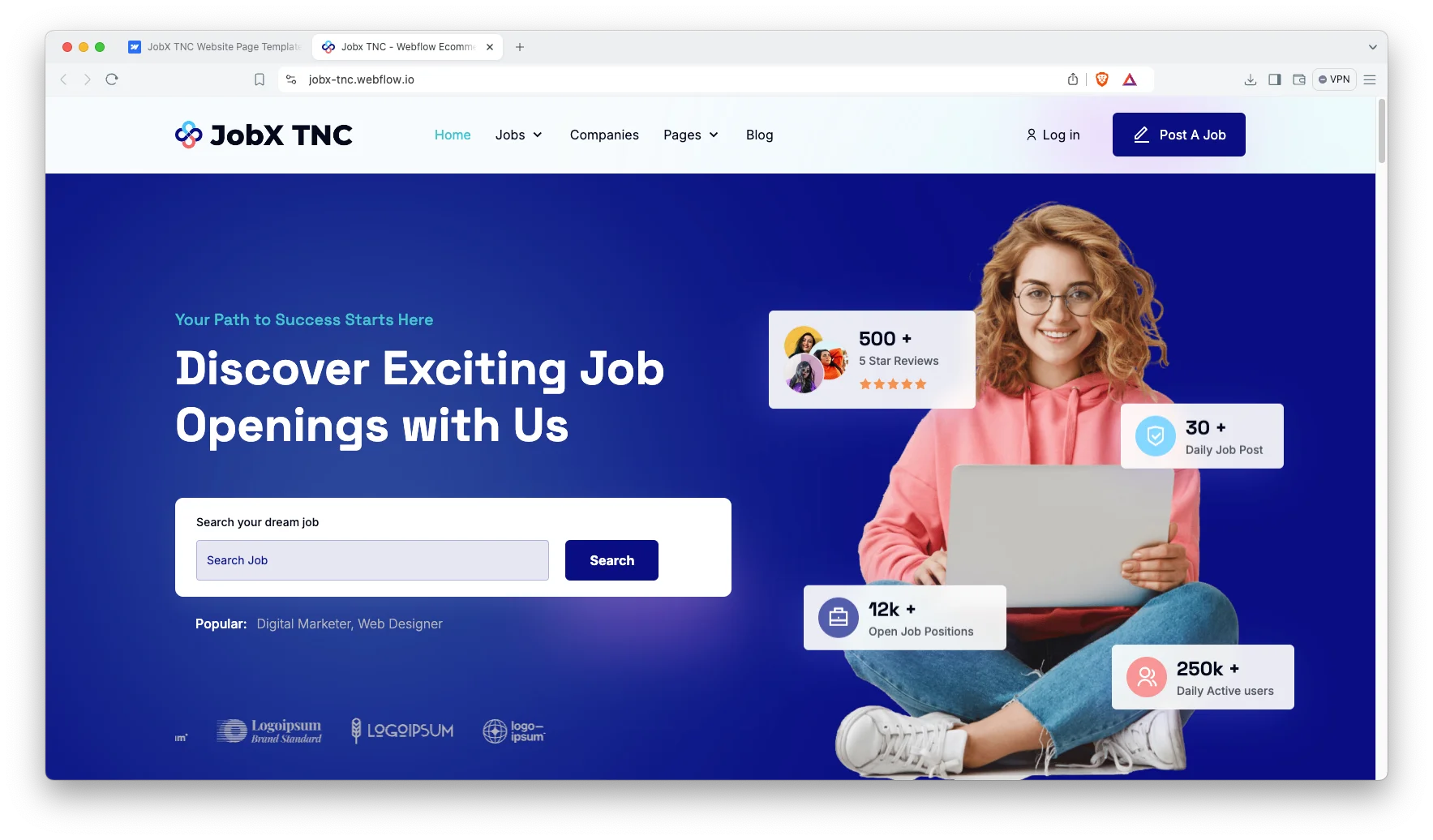
Webflow CMS Collections: Vacancies, employers and articles all live inside Webflow CMS collections. So a single record drives the card, the archive and the detail page. Because the schema is already wired, you only fill in the fields.

Job Submission Pages: There is a post a job page, plus a restricted version behind a log in screen. Employers therefore get an obvious route to submit a vacancy. However, running that gate on your own site needs Webflow user accounts.
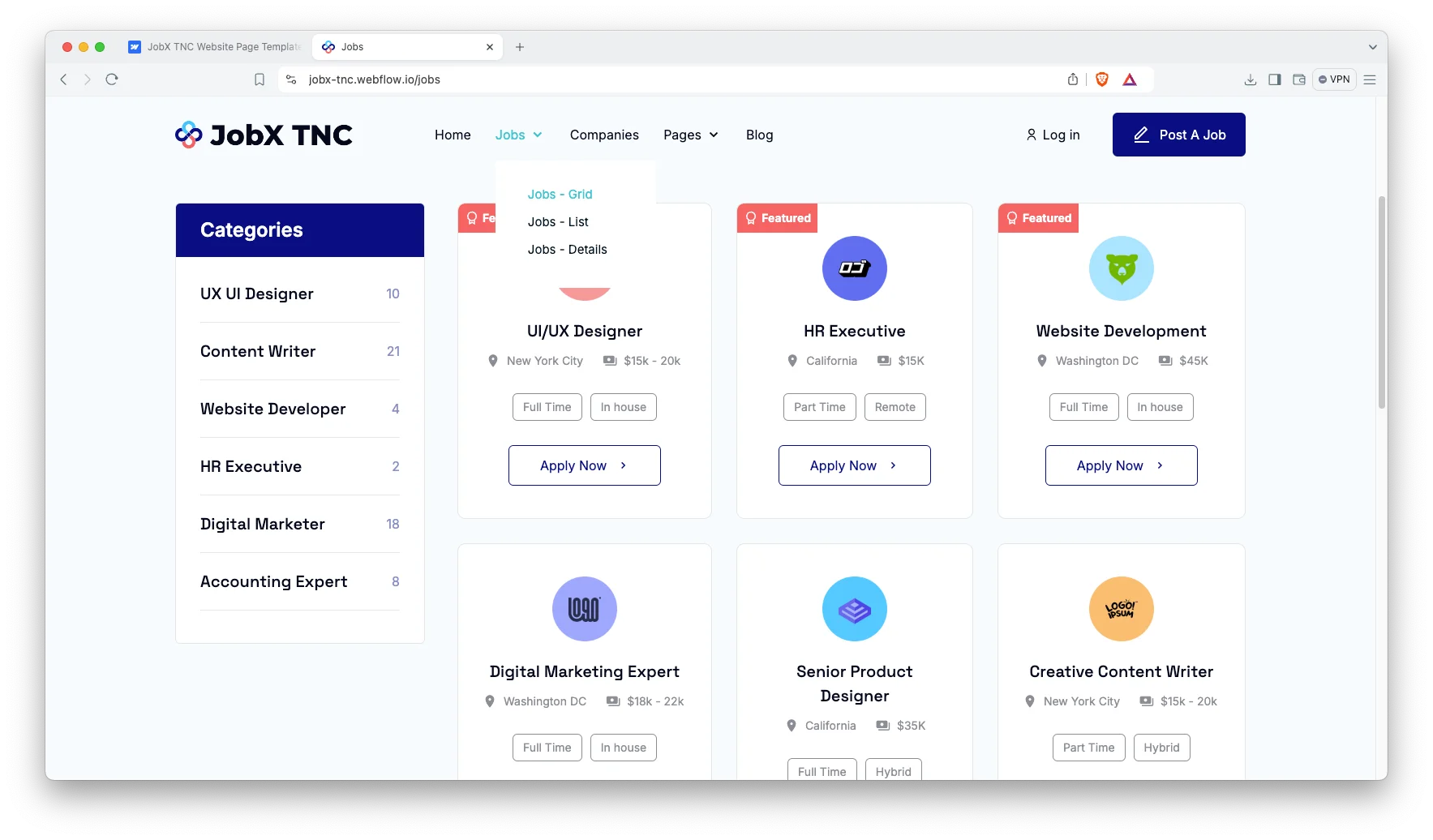
Job Search and Filtering: Candidates can browse roles by category and by employer. The filters sit above the listings, so nobody has to scroll to find them. Because every vacancy has its own URL, roles can be shared as single links.

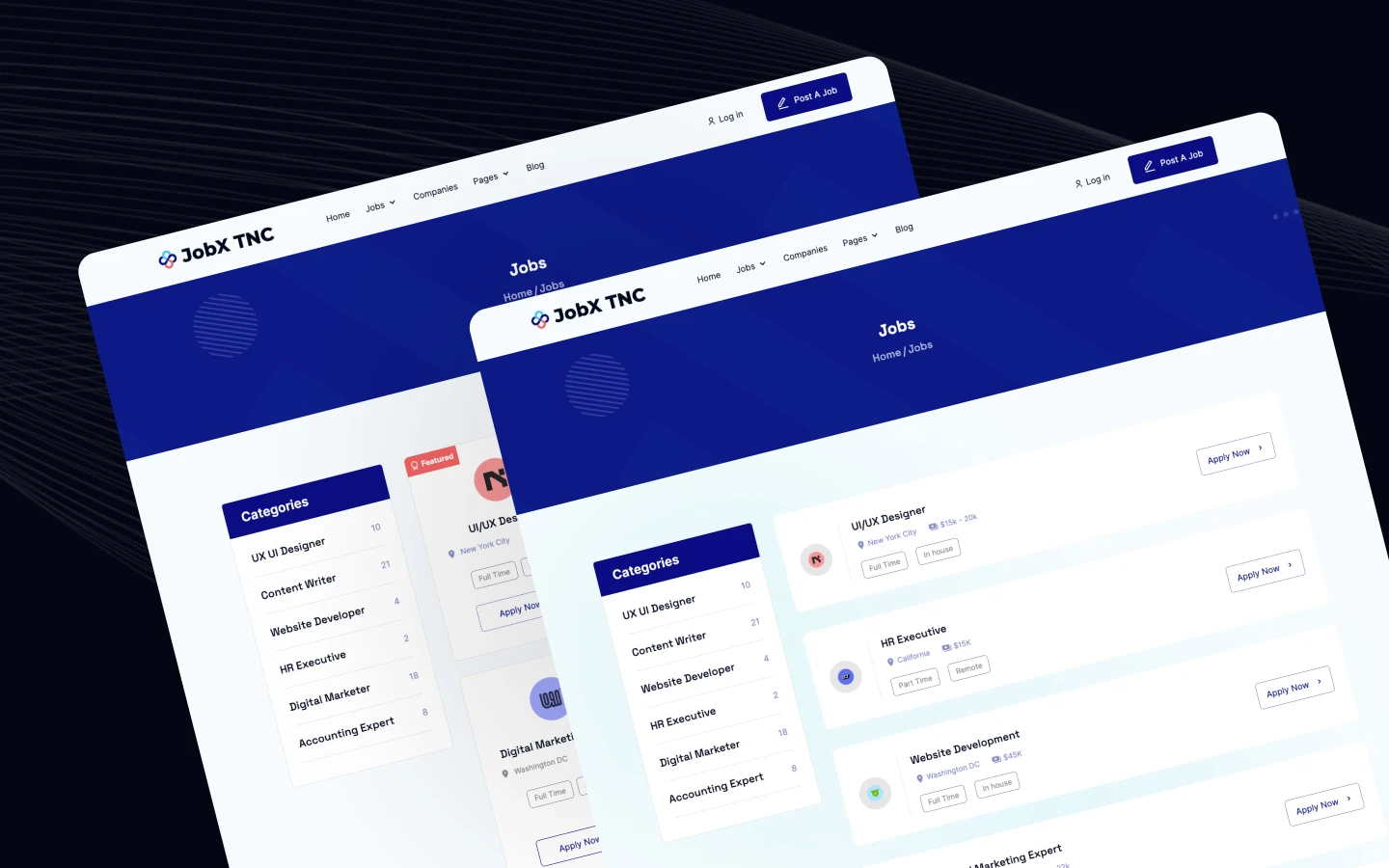
Three Job Layouts: Vacancies show as a grid, as a list and as a full detail page. So you can measure which presentation sustains attention longer. Both index layouts draw from the same collection.
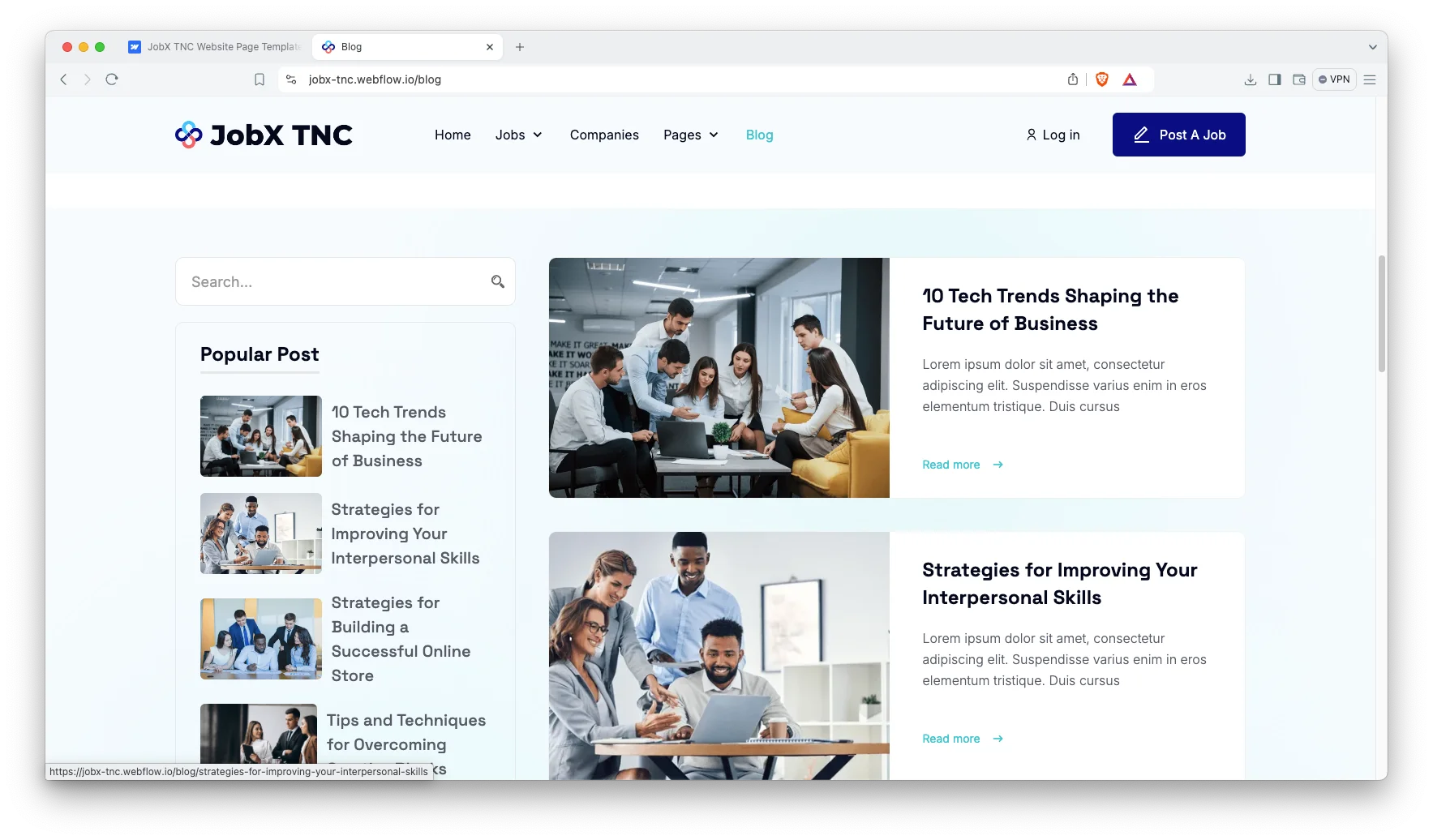
Blog Showcase: Two blog layouts ship with the template, and every post carries an author and a category. So career advice content remains easy to browse. That content is also what generates organic visibility between placements.
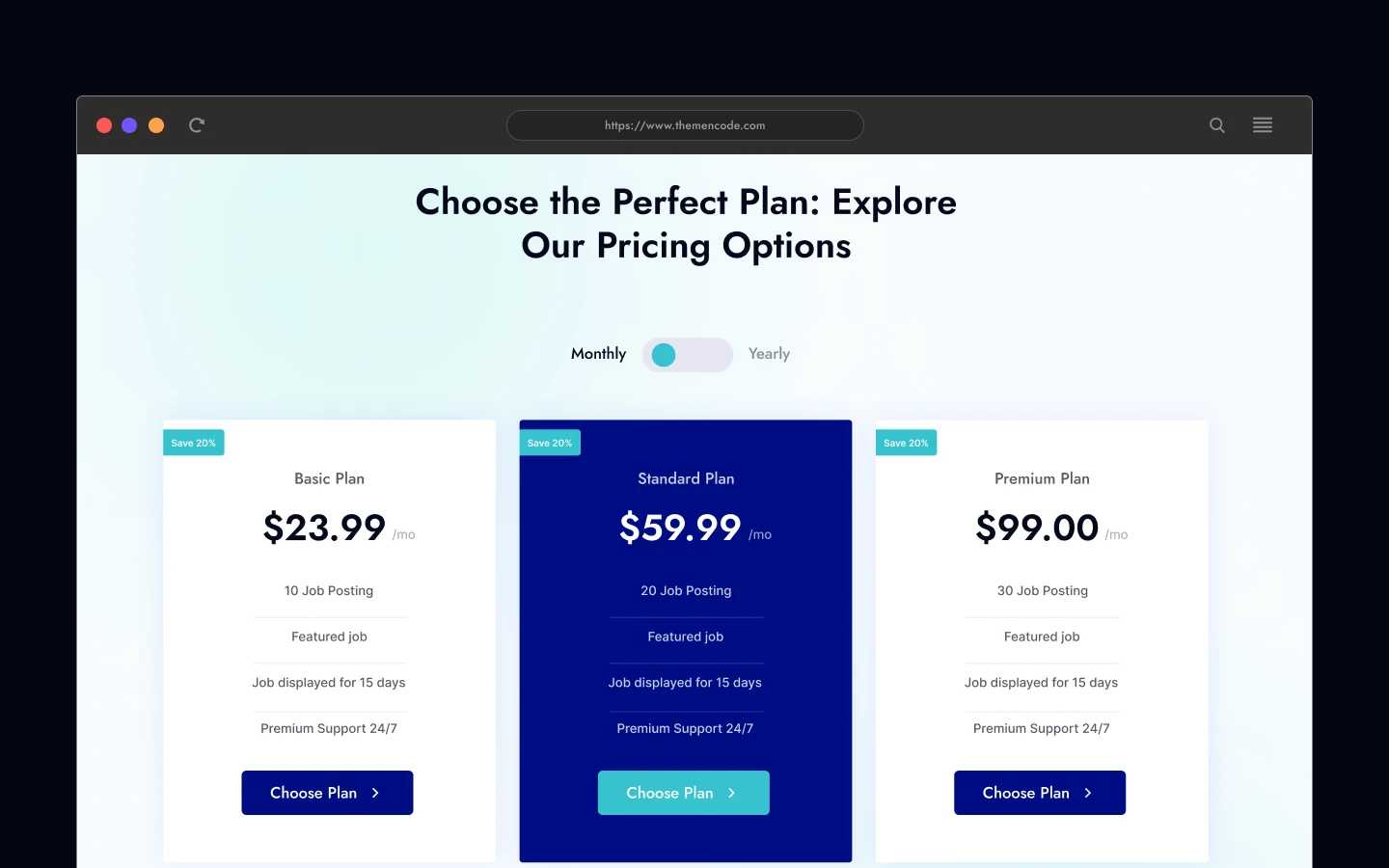
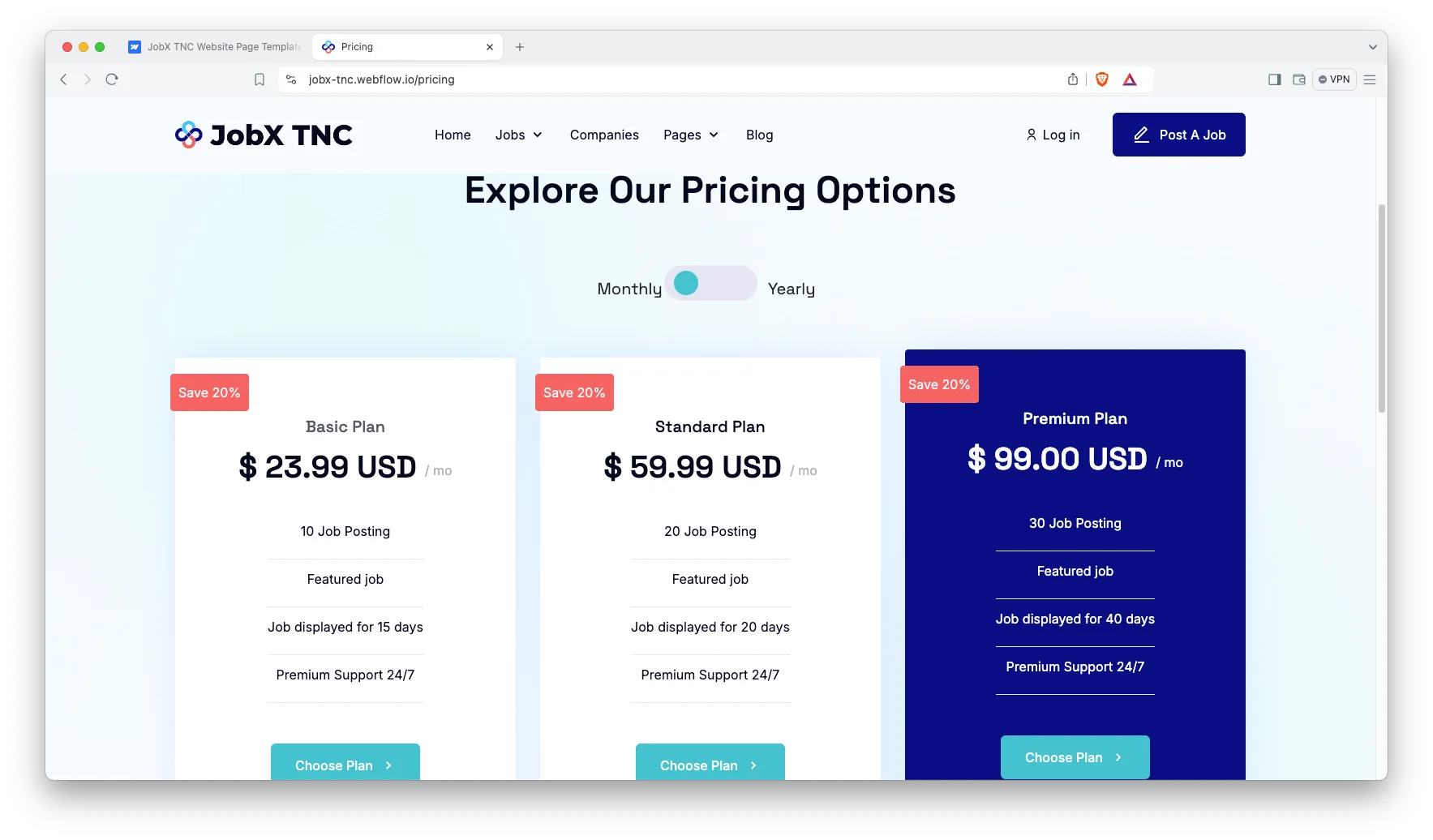
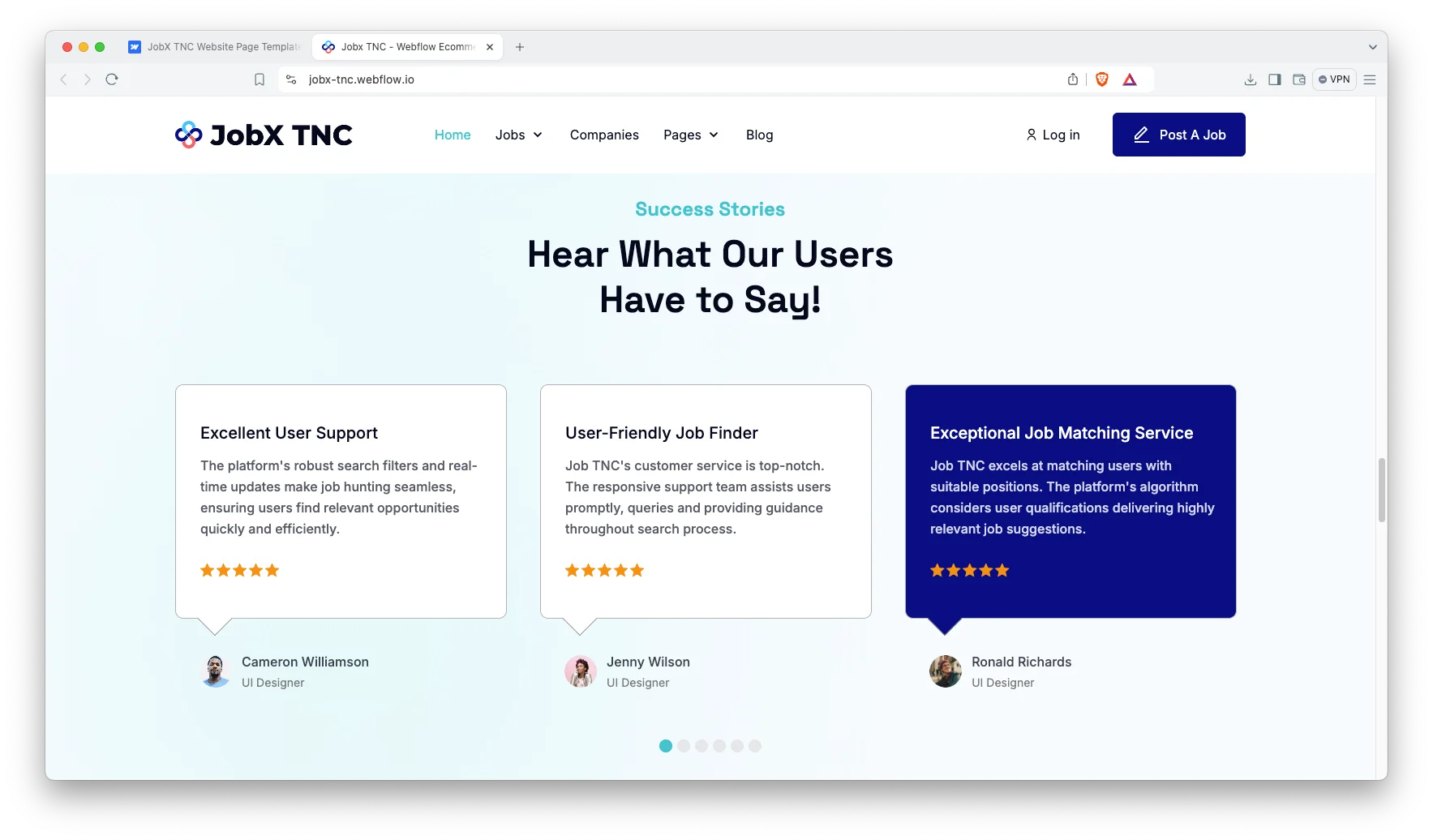
Pricing Page: The pricing page presents plan tiers with a monthly and yearly toggle. So an employer can compare plans without an intro email. Transparent pricing eliminates unqualified enquiries early.
Client Testimonials: A testimonial component runs on the homepage. Recruitment is sold on demonstrable results, so evidence matters more than adjectives. Name the positions you filled and the time to hire.
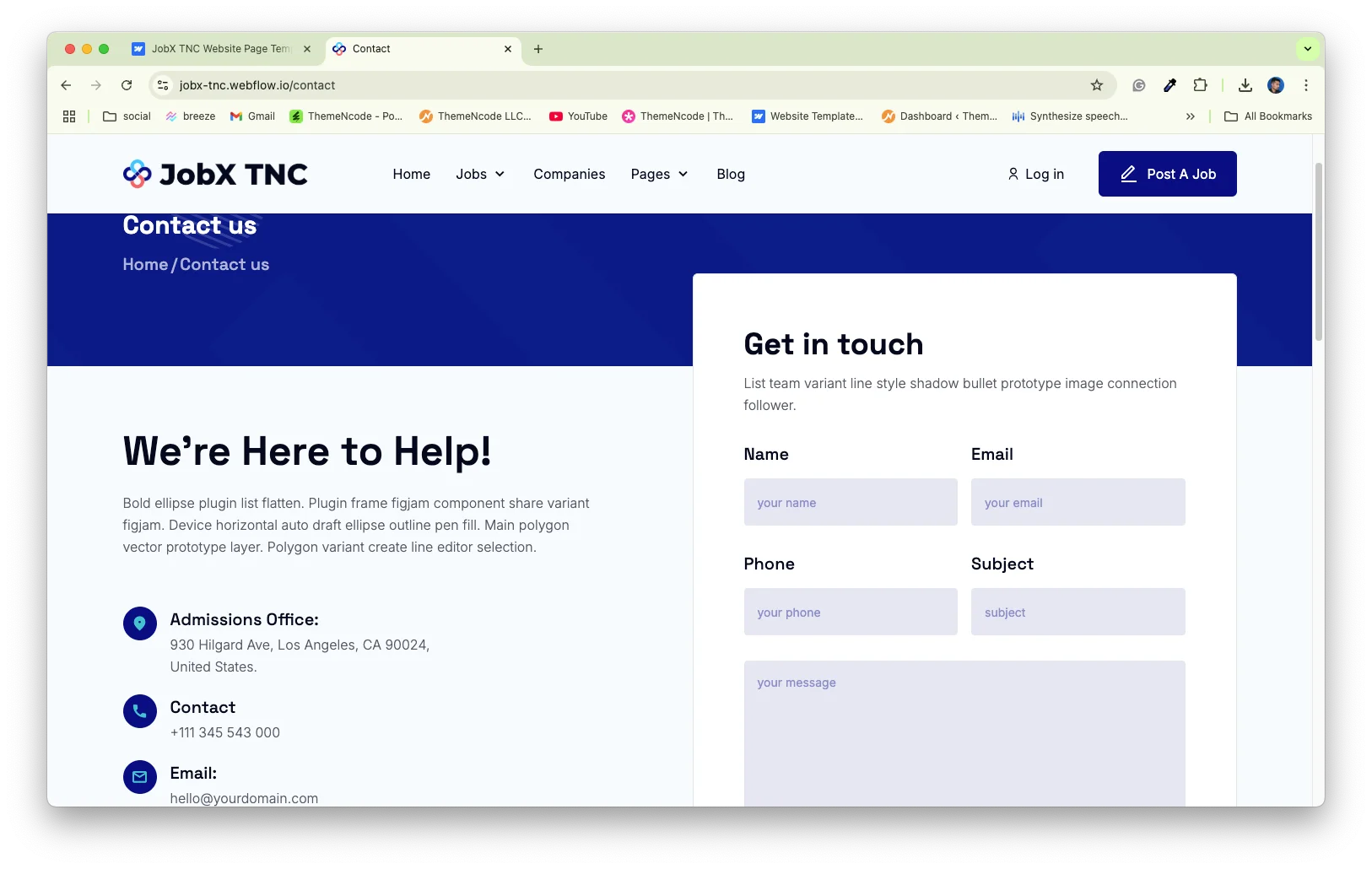
Contact Details: The contact page holds your address, telephone number and an embedded Google map. So a candidate walking in can find you. The form sends enquiries straight to your inbox.
Watch on YouTube
The walkthrough below tours the template page by page. So you can judge the fit before you buy.
Pages Included in JobX TNC
There are 23 pages. Pages marked CMS are collection layouts, so they repeat for every record you add.
- Home
- About
- Companies
- Jobs Grid
- Jobs List
- Pricing
- FAQ
- Blog
- Blog 2
- Contact
- Log In
- Post a Job
- Post a Job, Restricted
- Jobs Template (CMS)
- Job Categories Template (CMS)
- Companies Template (CMS)
- Company Types Template (CMS)
- Blogs Template (CMS)
- Blog Categories Template (CMS)
- Blog Tags Template (CMS)
- Authors Template (CMS)
- 404
- Password
How to Use JobX TNC
Setup is short. Here are the steps.
- Use the purchase widget on the right side of this page to buy the JobX TNC template
- Pick the build you need, then follow the steps to get your site ready
- Replace the demo vacancies and employers with your own
- Add your live roles to the jobs collection
- Set your plan names and prices on the pricing page
- Preview, then publish
What a Recruitment Website Has to Do
A recruitment website serves two separate audiences at once. Candidates want live roles, and employers want proof you can fill them. So the navigation has to answer both within one click.
Put the live roles first. A job board carrying three stale listings loses credibility fast. Because the vacancies here run on CMS, adding a role takes a minute, and every layout updates on its own.
Then sell the employers, not just the vacancies. Company profiles let a candidate judge who they would work for. That detail frequently determines whether an application arrives.
Finally, publish your commercial terms in the open where you can. Agencies that hide fees get more enquiries and fewer clients. A plain pricing page performs the qualification for you.
Frequently Asked Questions
What is JobX TNC?
JobX TNC is a recruitment agency website template for staffing firms, job boards and in-house hiring teams. It contains 23 pages, including job listings, company profiles, pricing, an FAQ and a blog.
Which formats does JobX TNC ship in?
JobX TNC ships for Webflow, Figma and HTML. The Webflow purchase bundles the Figma file as well. There is no Framer version and no WordPress version.
How many pages does JobX TNC include?
The template includes 23 pages. Eight of them are CMS collection templates, so they repeat for every job, company, post or author you add.
Can employers post jobs themselves?
There is a post a job page and a restricted version behind a log in. However, running that gate on your own site needs Webflow user accounts on your hosting plan.
Is JobX TNC only for recruitment agencies?
No. Any site listing opportunities and organisation profiles fits the same structure. Freelance marketplaces, membership directories and internal careers portals all work here.
Is the Figma file included with the template?
Yes, the Figma file is bundled with the Webflow purchase. You can also buy Figma on its own from the purchase widget, at a lower price than the Webflow version.
When you choose JobX TNC, you get support direct from the TNCFlow team. So if a section will not behave, just ask us.
Check out other Webflow templates by TNCFlow.
Featured in our guides: consulting website templates and Webflow SaaS templates.





Select template
Choose one or more options for your build
