
PRO

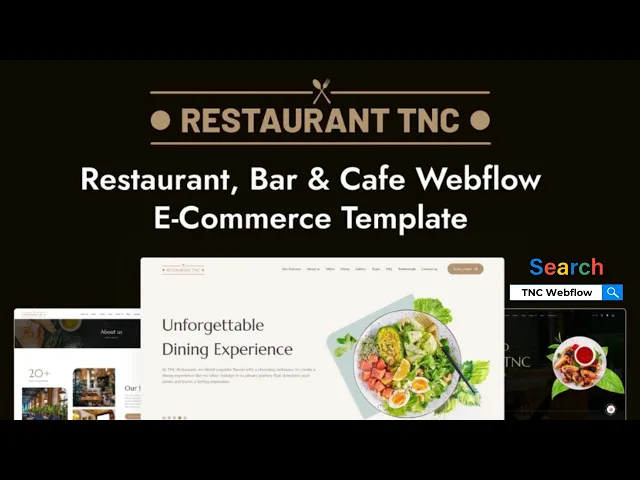
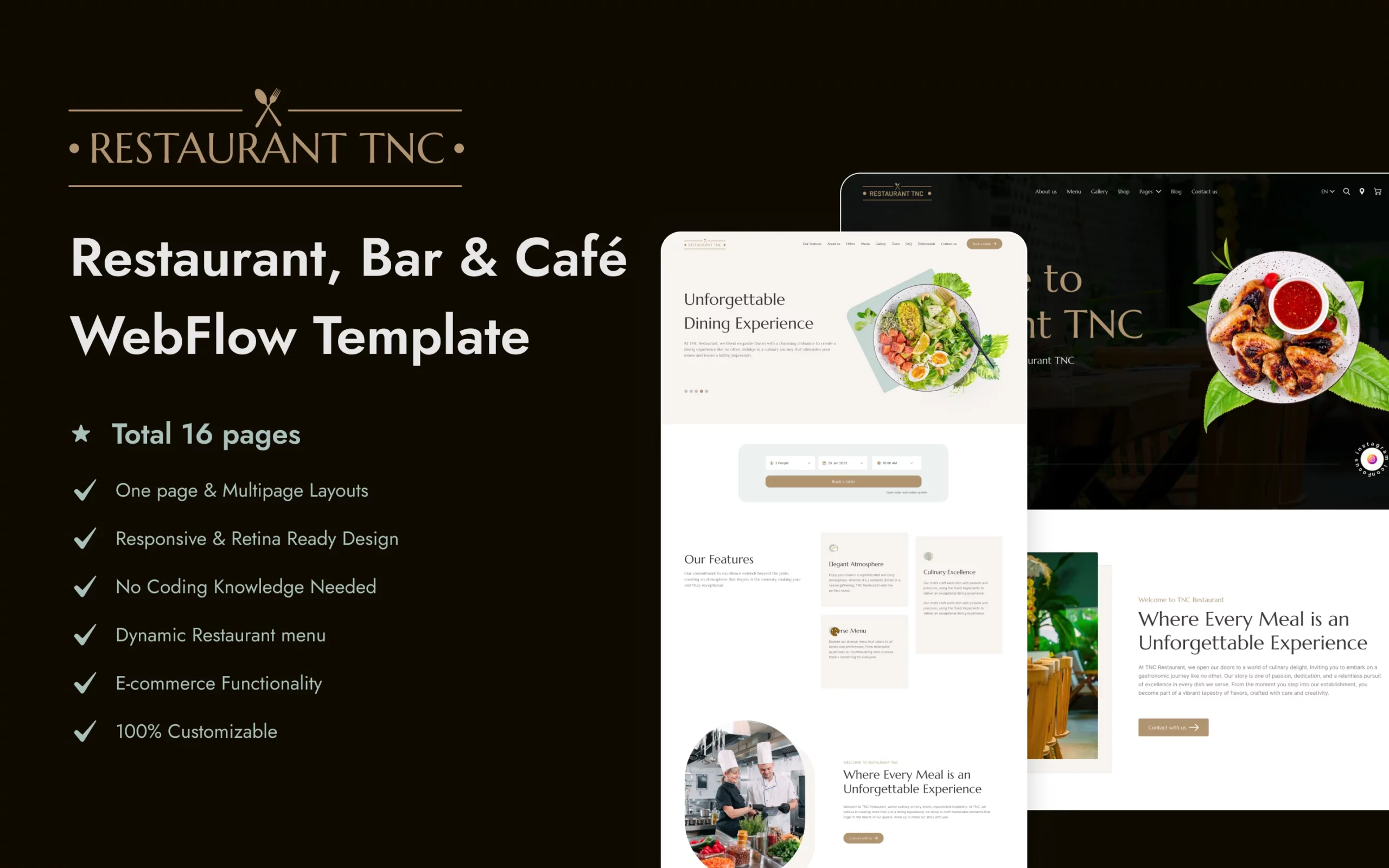

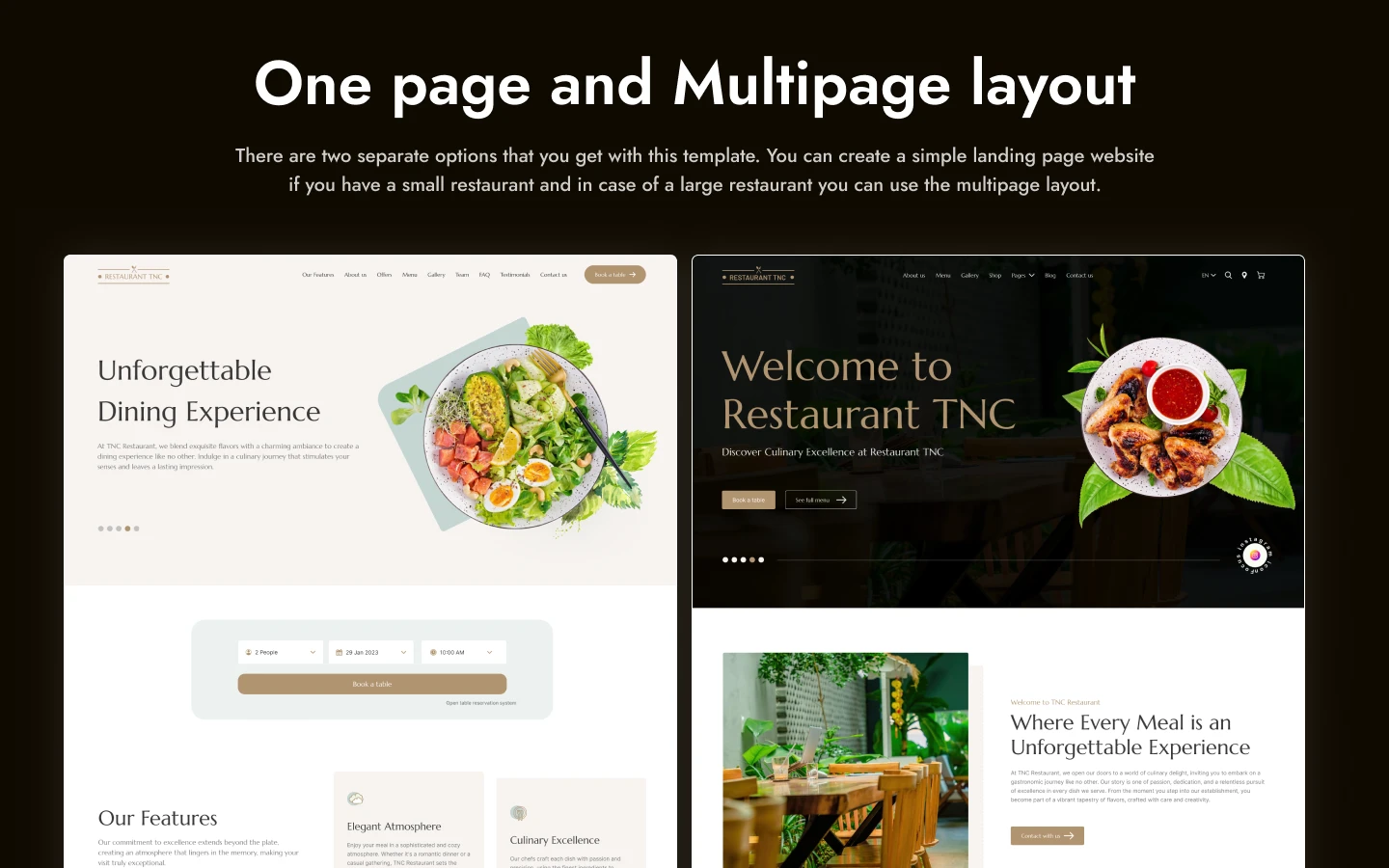

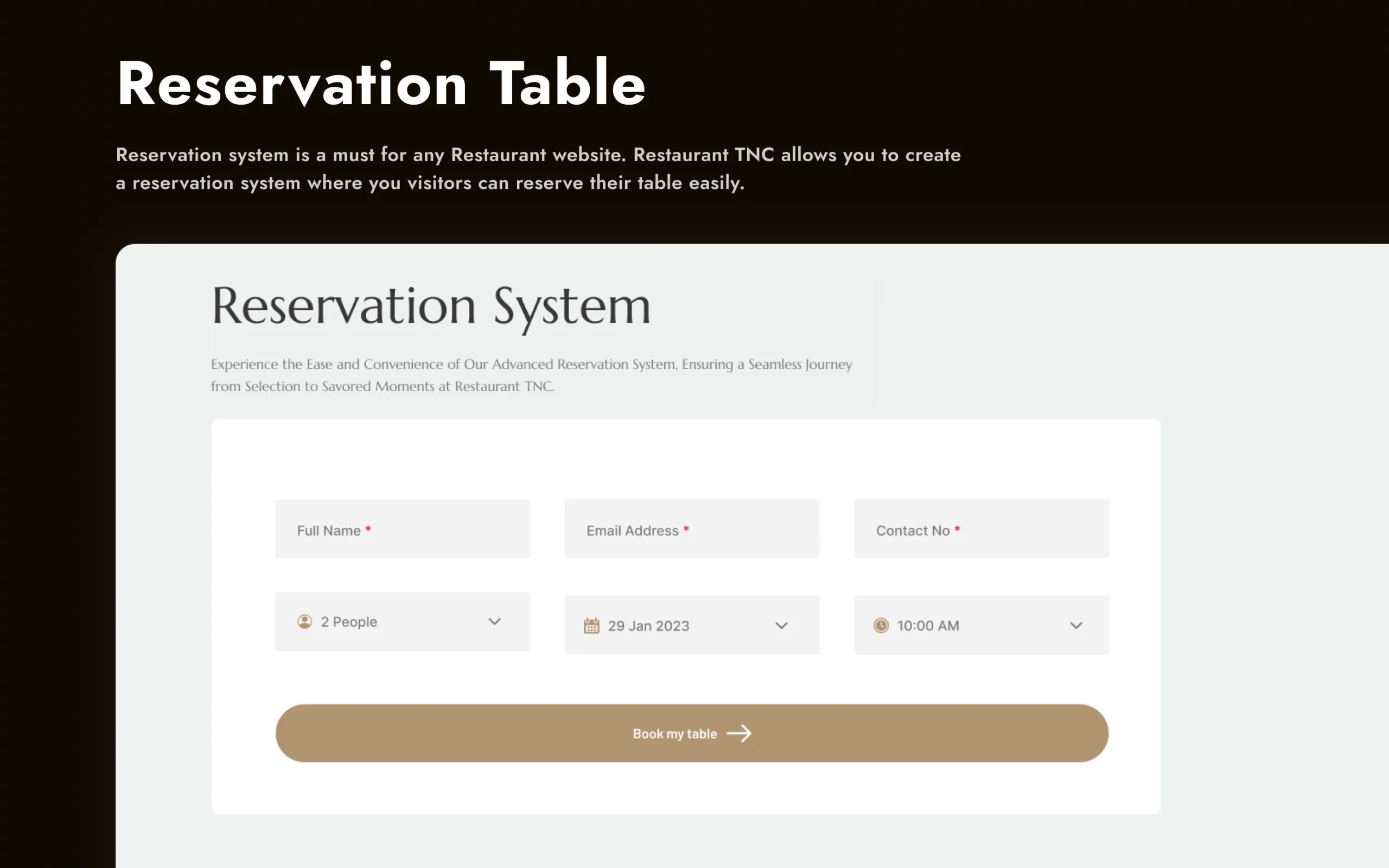
Restaurant TNC is a Webflow restaurant website template with table reservations for restaurants, cafes and bars. It ships for Webflow, Figma and HTML.
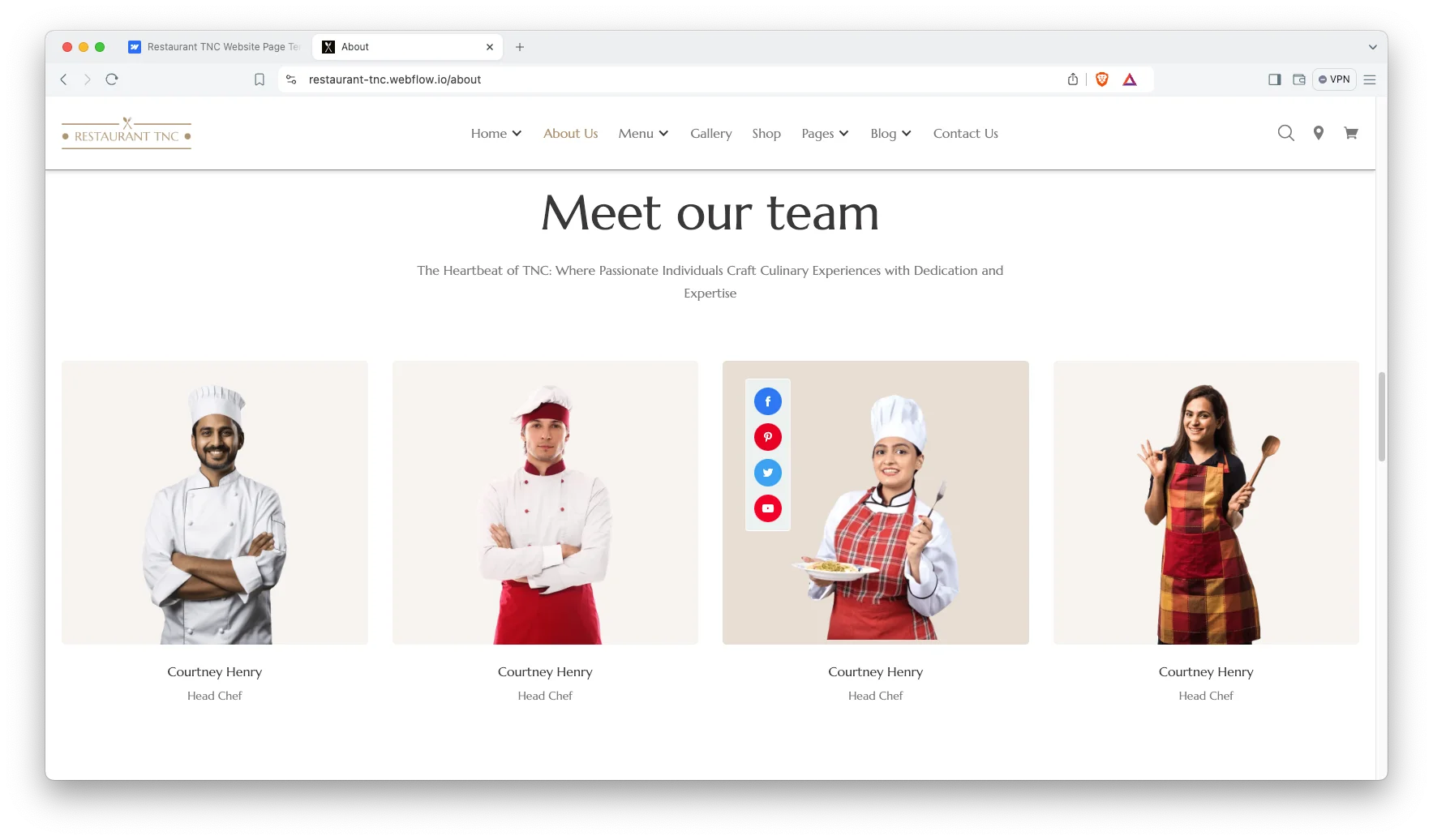
It includes 19 pages with a booking flow, two menu layouts, a gallery, a chefs section and a Webflow Ecommerce shop. So a diner can view the menu, see the room and reserve a table in one visit.
Because the reservation form sits alongside the menu and gallery, the page answers the three questions a diner actually has. What do you serve, what does it feel like, and can I get a table.
| Platform | Webflow Ecommerce plus CMS |
| Pages | 19 |
| Booking | Dedicated table reservation page |
| Menu layouts | 2 |
| Also available as | HTML and Figma |
| Layout | Multi page |
| Best for | Restaurants, cafes and bars |
Key Features of Restaurant TNC
Restaurant centric build. The template holds the pages and sections a restaurant needs, from menu through to checkout.
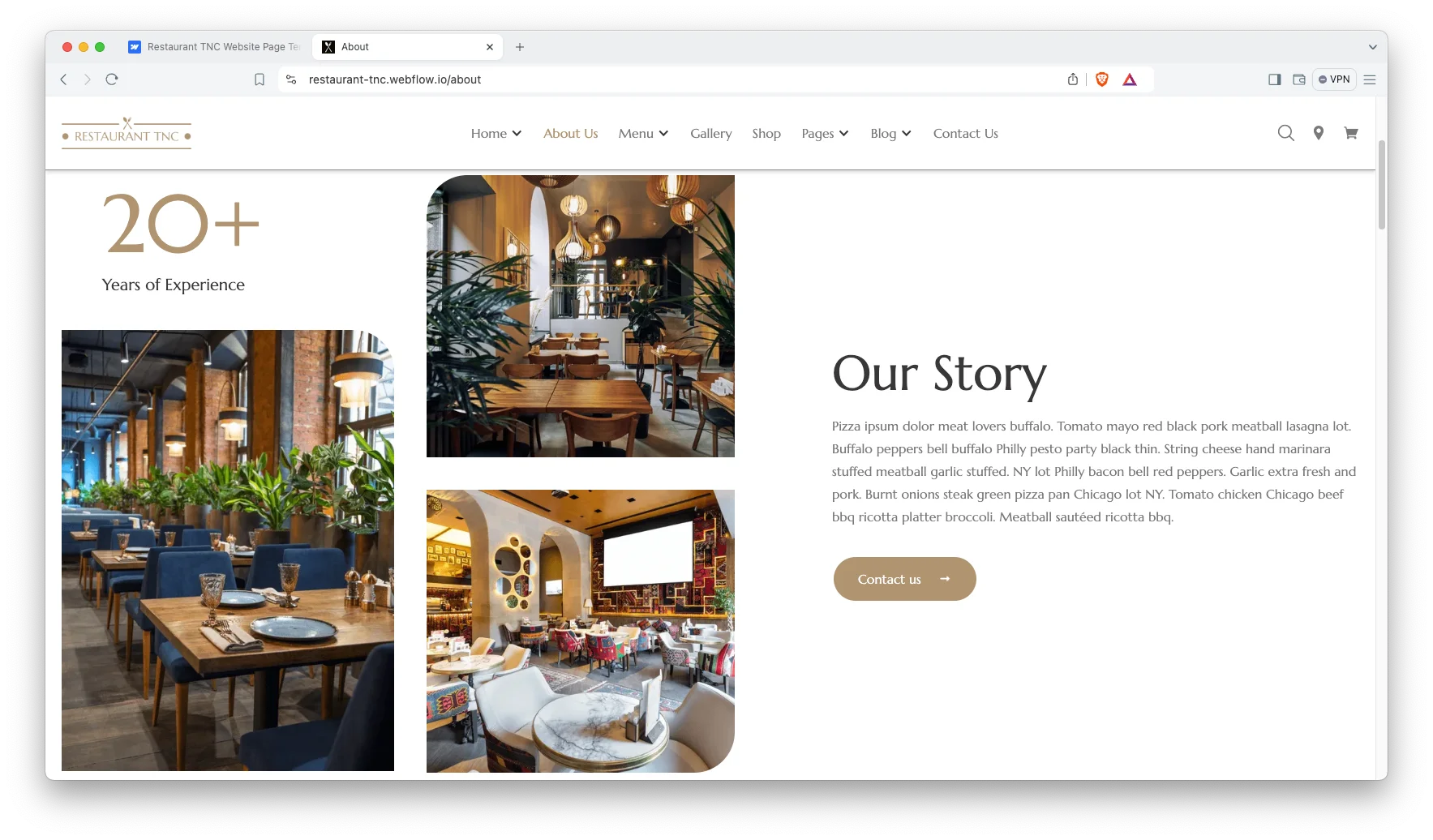
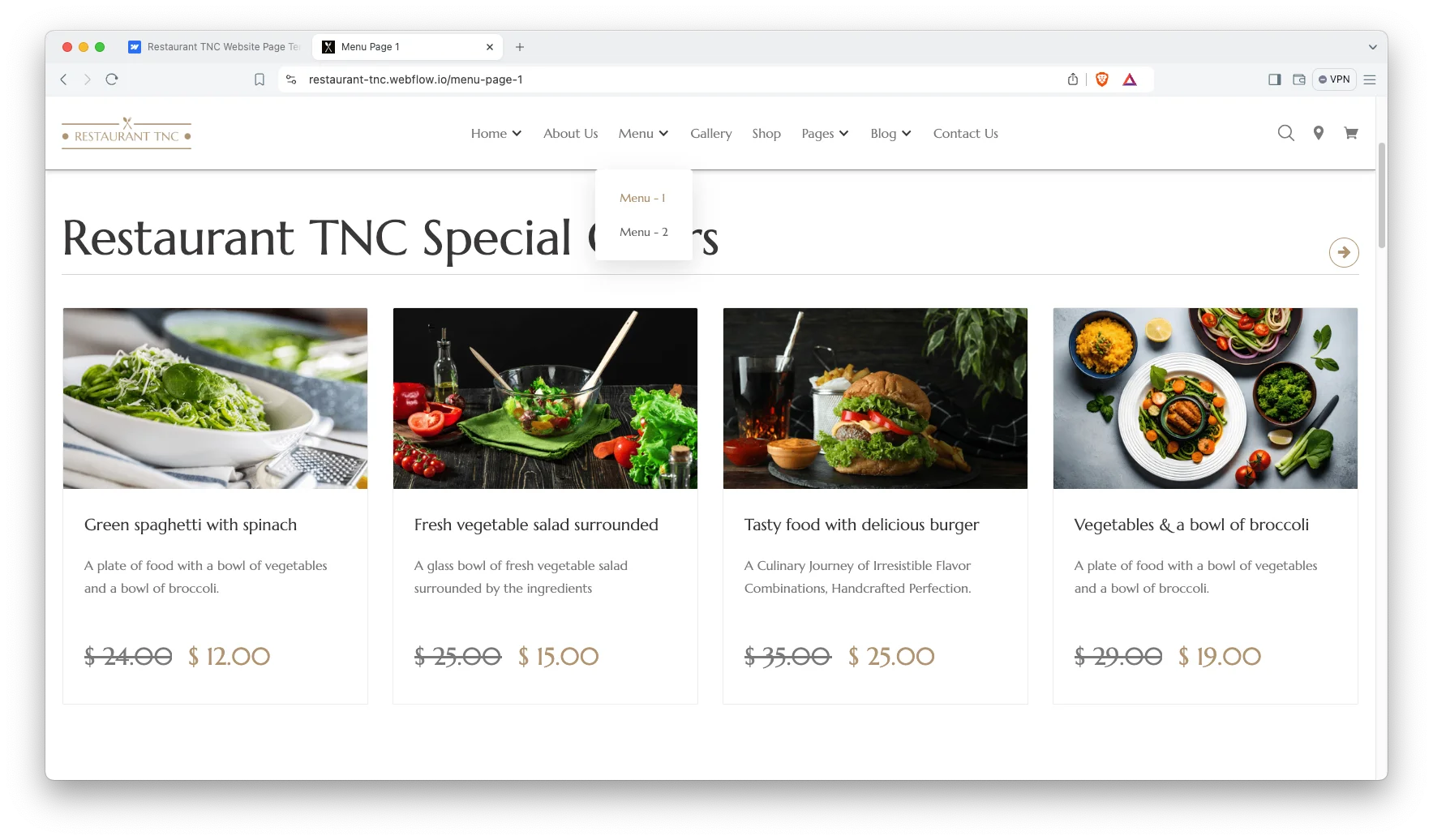
Two menu layouts. There are two pre made menu pages, so you can pick the one that suits your dishes.
Ecommerce and shop page. You can also sell food, gift cards or merchandise as products. Therefore the same site handles dine in and retail.
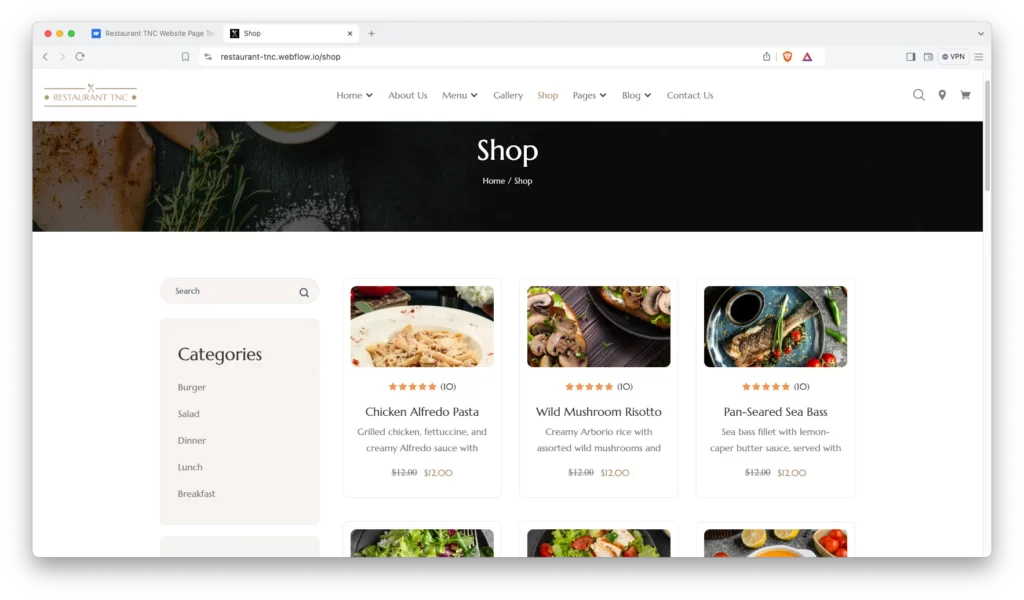
Table reservation and booking. Visitors book a table in advance through the reservation page. As a result front of house takes fewer phone calls.
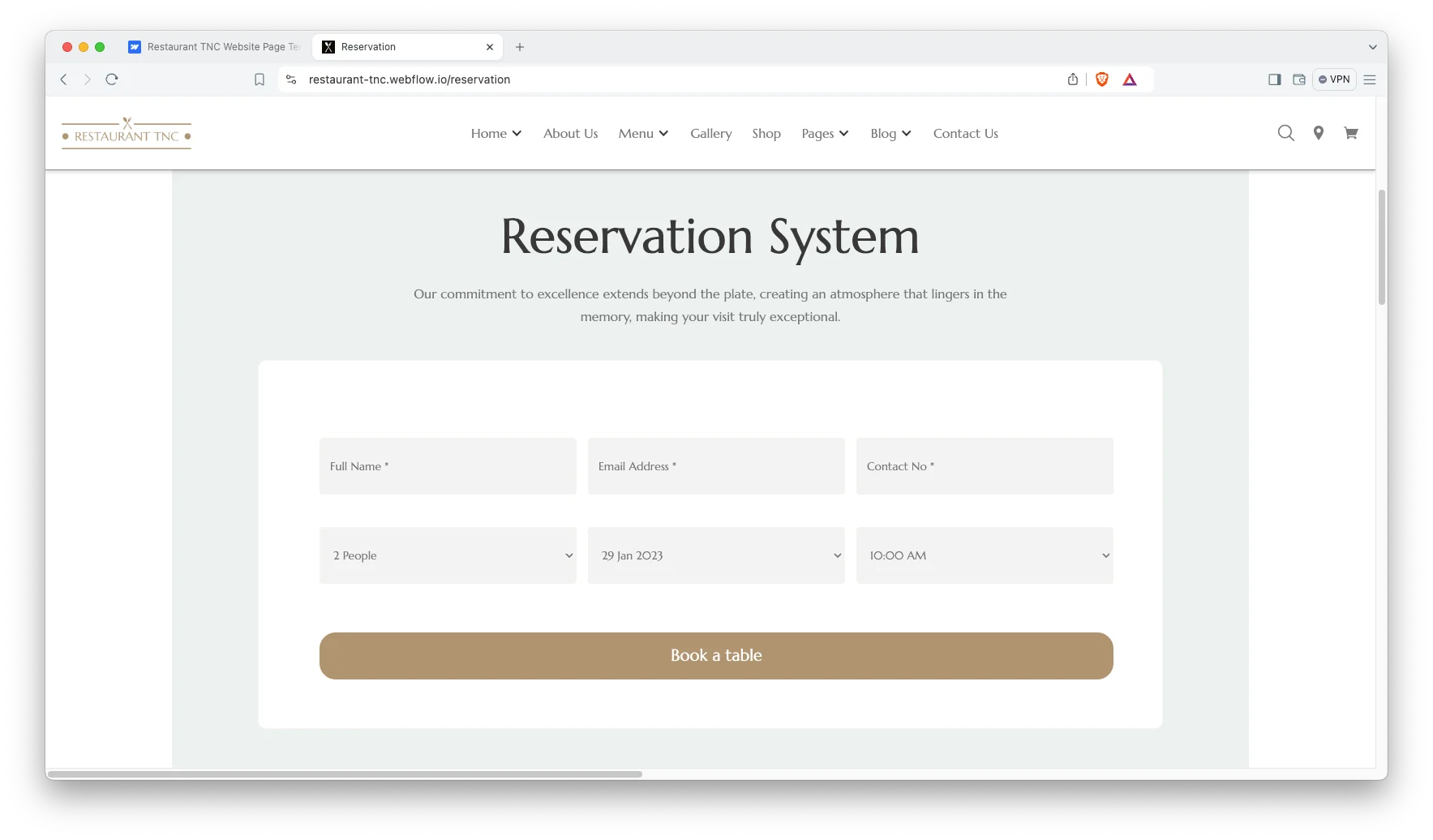
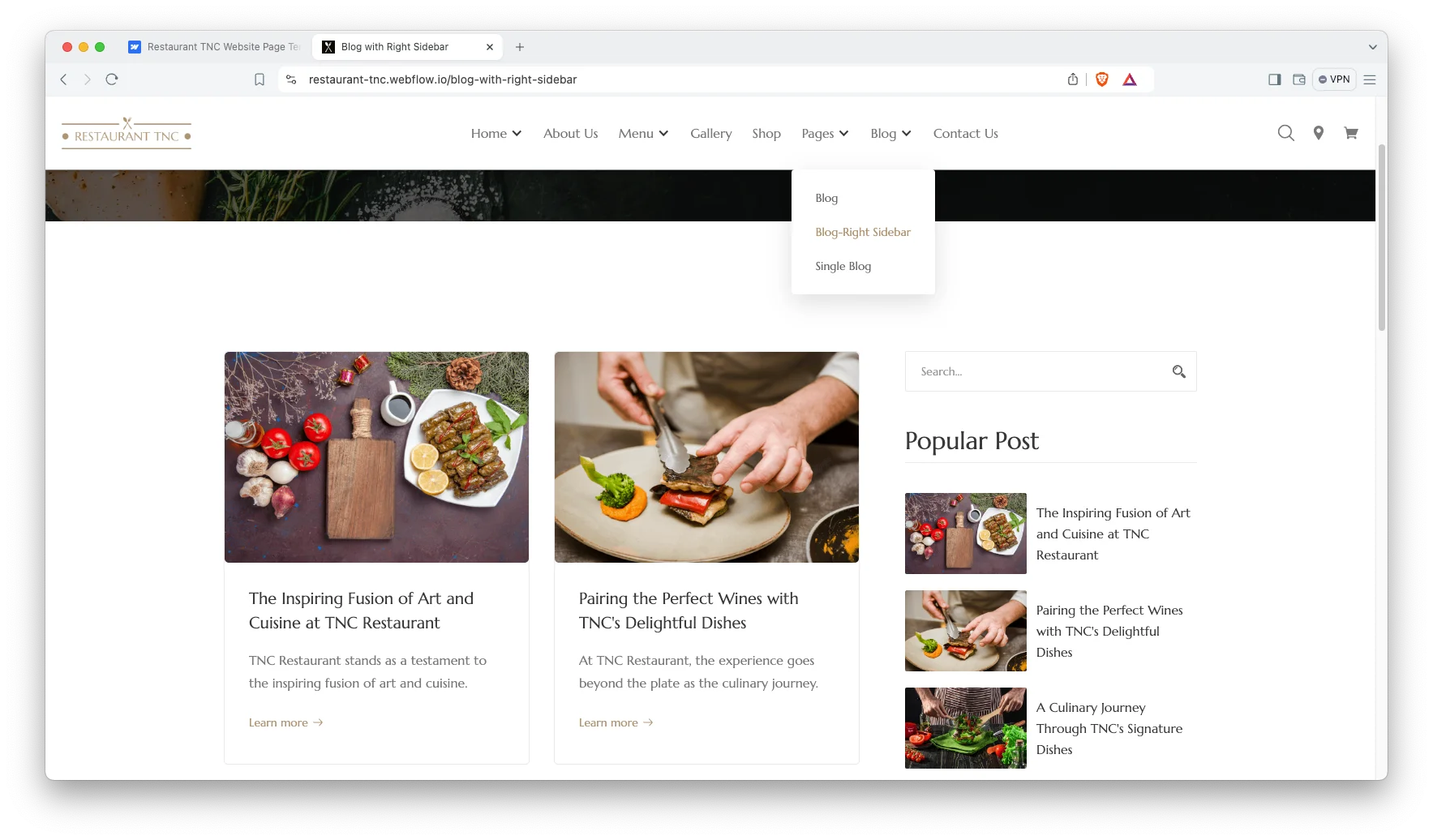
Blog showcase. The blog archive and article pages suit events, seasonal menus and food writing.
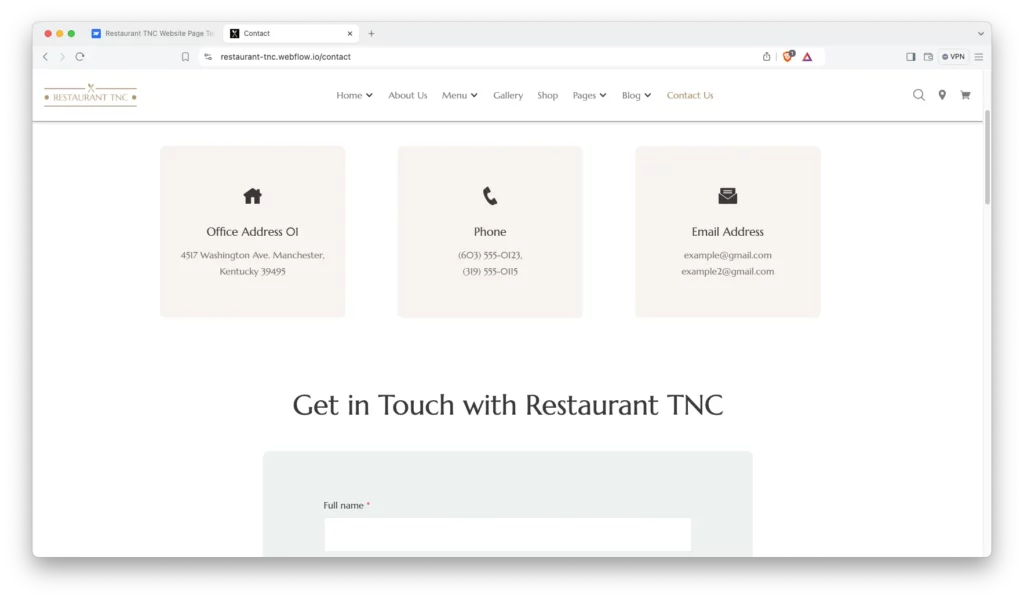
Contact information. Address, phone and an embedded map sit together, so a diner finds you without leaving the page.
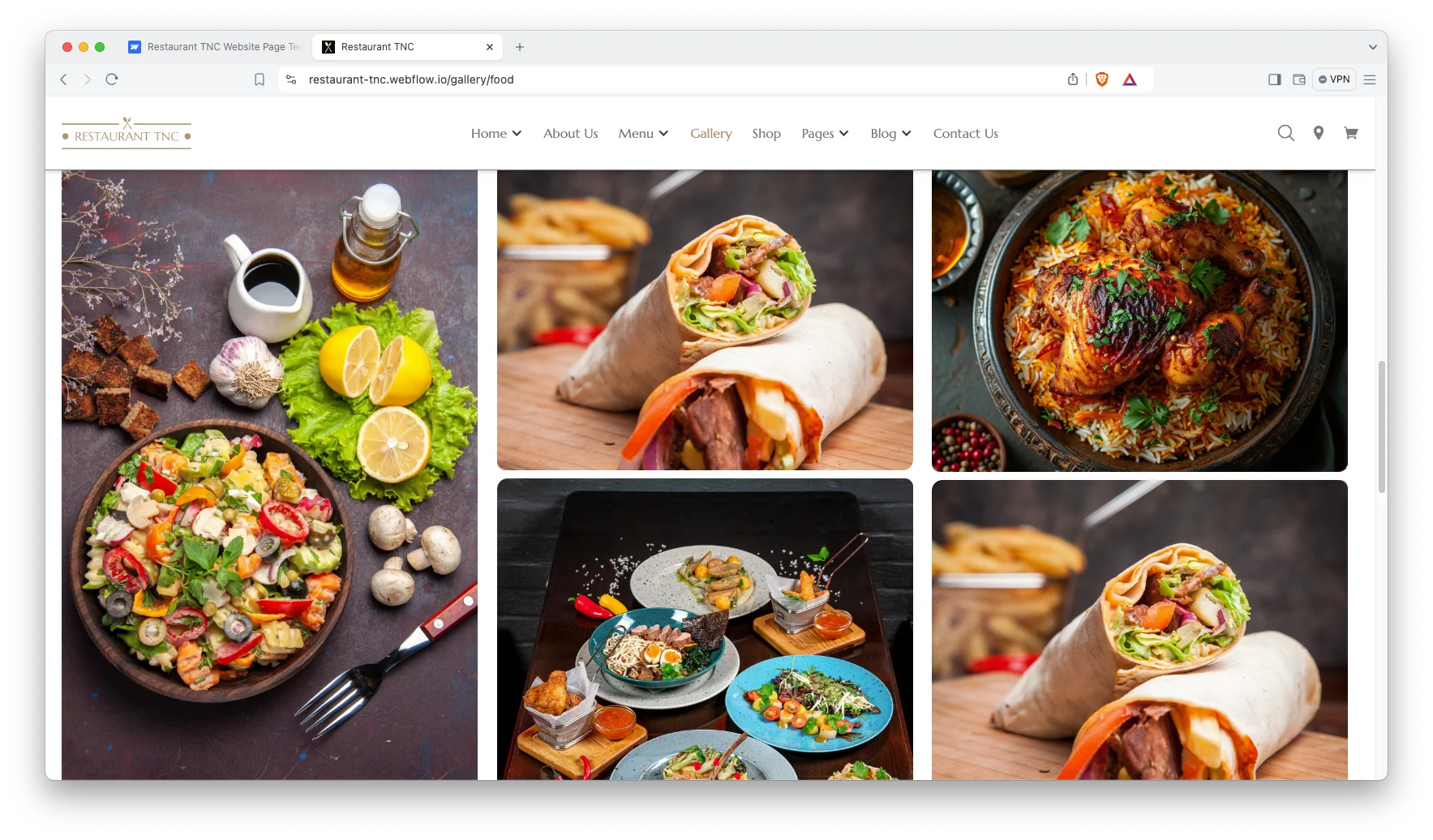
Gallery showcase. A gallery section shows the room and the plating, which is what convinces a diner to book.
Services and chefs. A dedicated section covers your services and introduces the kitchen team.
Watch on YouTube
This walkthrough covers the menu pages, the reservation flow and the shop.
Pages Included in Restaurant TNC
- Home Landing Page
- Home Multi Page
- About Us
- Menu Page 1
- Menu Page 2
- Gallery
- Services
- Reservation
- Shop Page
- Product Category Page
- Single Product Page
- Popup Cart
- My Account Page
- Order Tracking Page
- Checkout Page
- Contact Page
- Blog Archive Page
- Blog Category Page
- Single Blog Page
How to Use Restaurant TNC
Using Restaurant TNC is straightforward. Here is the short version.
- Use the purchase widget on the right side of this page to buy the Restaurant TNC template
- Follow the setup steps to get your site ready
- Replace the demo content with your own
- Adjust the design if you want
- Preview and publish
Restaurant TNC or FastFood TNC
Both are Webflow restaurant templates and both include a shop. However, Restaurant TNC leads with reservations, gallery and chefs, which suits dine in venues. FastFood TNC leads with online ordering and a product driven menu, which suits takeaways and delivery. So pick by whether your revenue arrives at a table or through a checkout.
Frequently Asked Questions
Does Restaurant TNC include a table reservation system?
Yes. There is a dedicated reservation page where visitors book a table in advance, alongside a contact page with an embedded map.
How many pages does Restaurant TNC include?
The template includes 19 pages. That covers two home layouts, two menu pages, gallery, services, reservation, shop, product and category pages, cart, account, order tracking, checkout, contact and three blog pages.
Can I sell food or merchandise online?
Yes. The shop runs on Webflow Ecommerce with product, category and checkout pages, so you can list dishes, gift cards or merchandise.
Does Restaurant TNC include a gallery?
Yes. The gallery section is built to show your interior and your plating, which helps diners judge the atmosphere before booking.
Does Restaurant TNC work on mobile?
Yes. Every page is responsive across desktop, tablet and mobile, and the reservation form works on a phone.
Is the Figma file included?
The Figma file is sold separately. You can buy the Figma version on its own, or message the team after purchase if you need it added.
When you choose Restaurant TNC, the TNCFlow team answers setup questions directly.
Check out other Webflow templates by TNCFlow.
Featured in our guides: Webflow restaurant templates, Webflow ecommerce templates and business website templates.

Select template
Choose one or more options for your build
All-Access Pass
$199
/ Yearly
$20,000+ in assets
130+ Webflow Templates
130+ Figma UI Templates
45+ Framer Templates
130+ HTML Templates
