
PRO

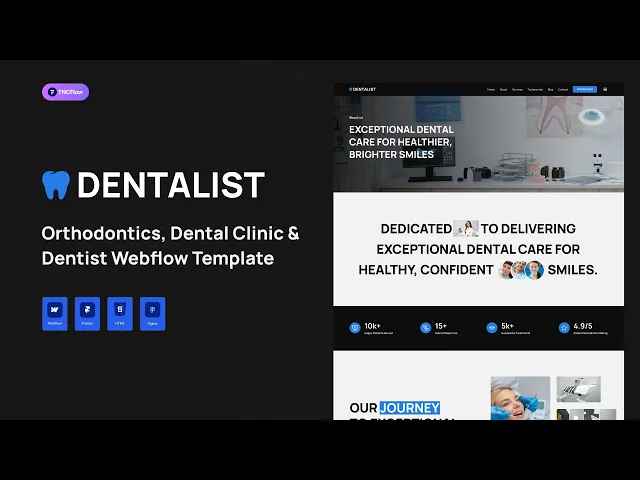
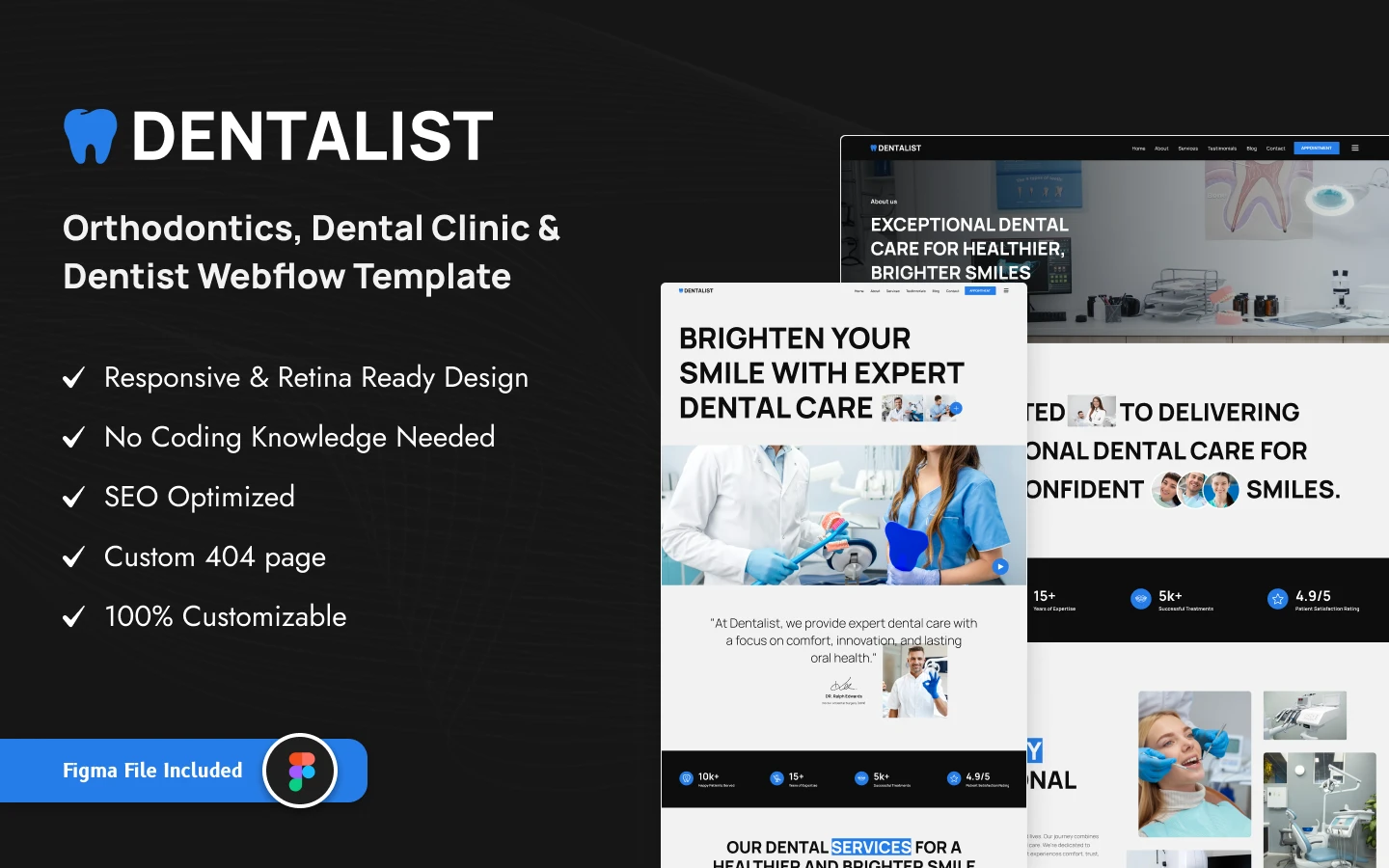
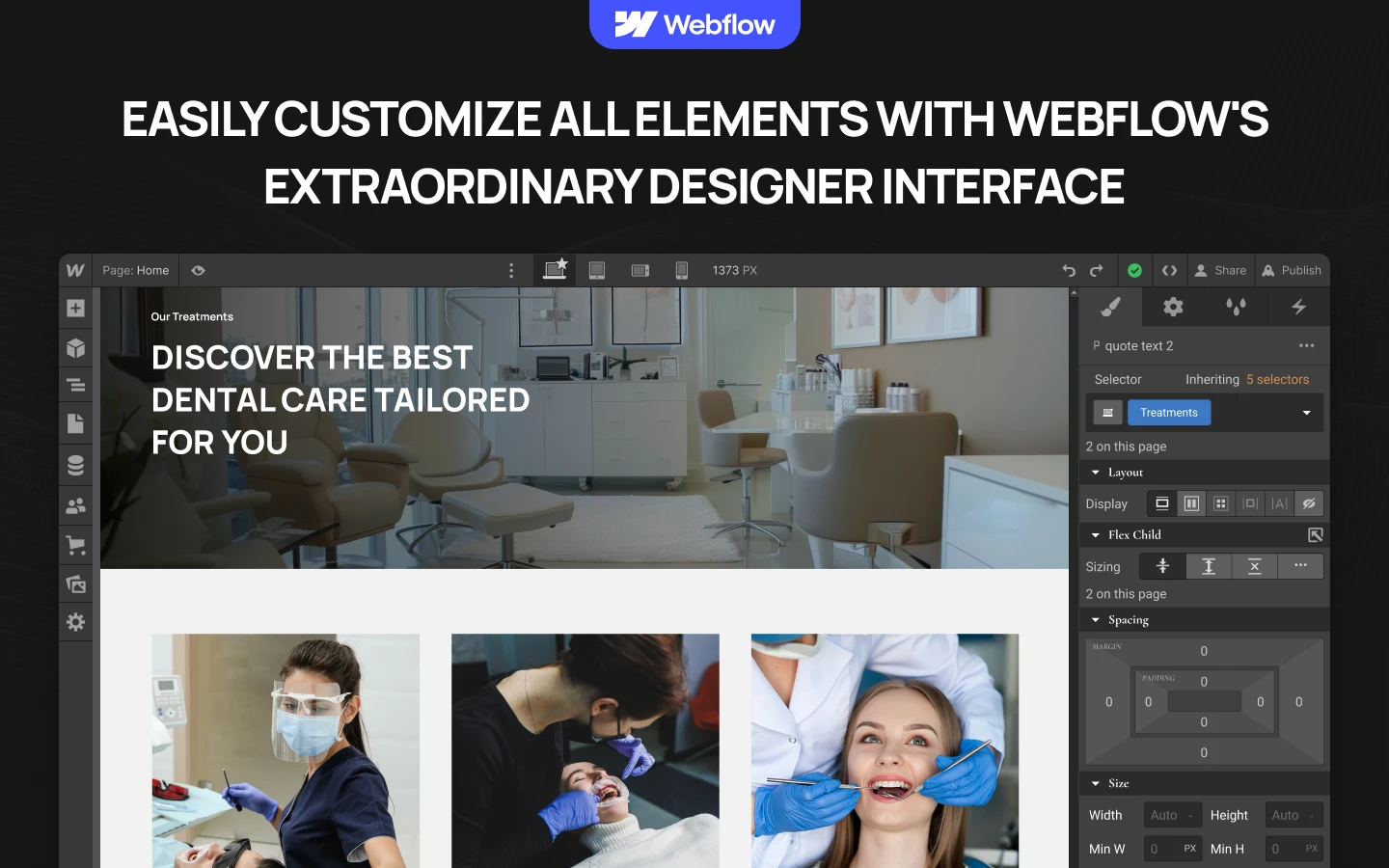
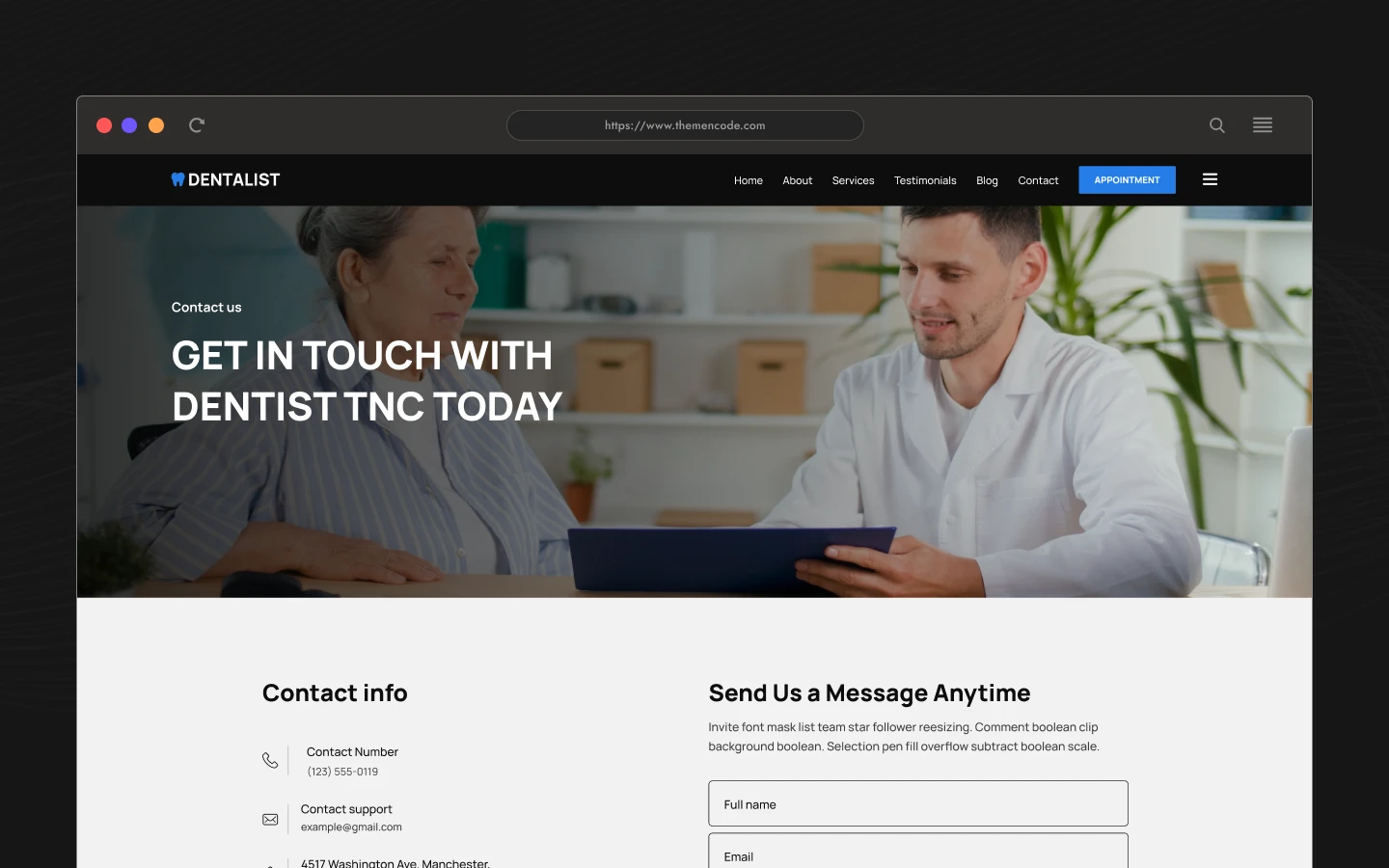
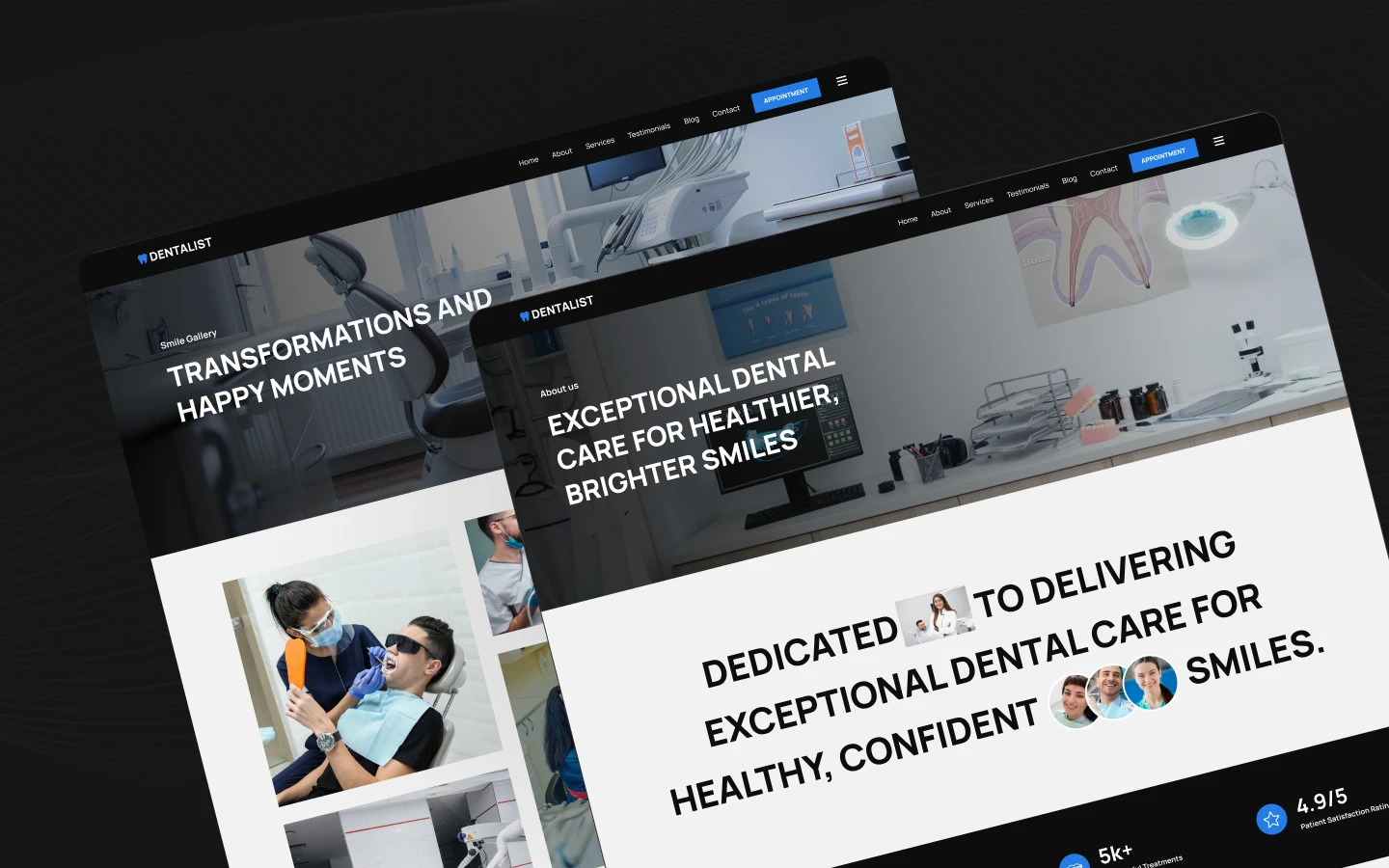
Dentalist is a dentist website template for dental clinics, orthodontists and cosmetic dental practices. It ships for Webflow, Figma and HTML.
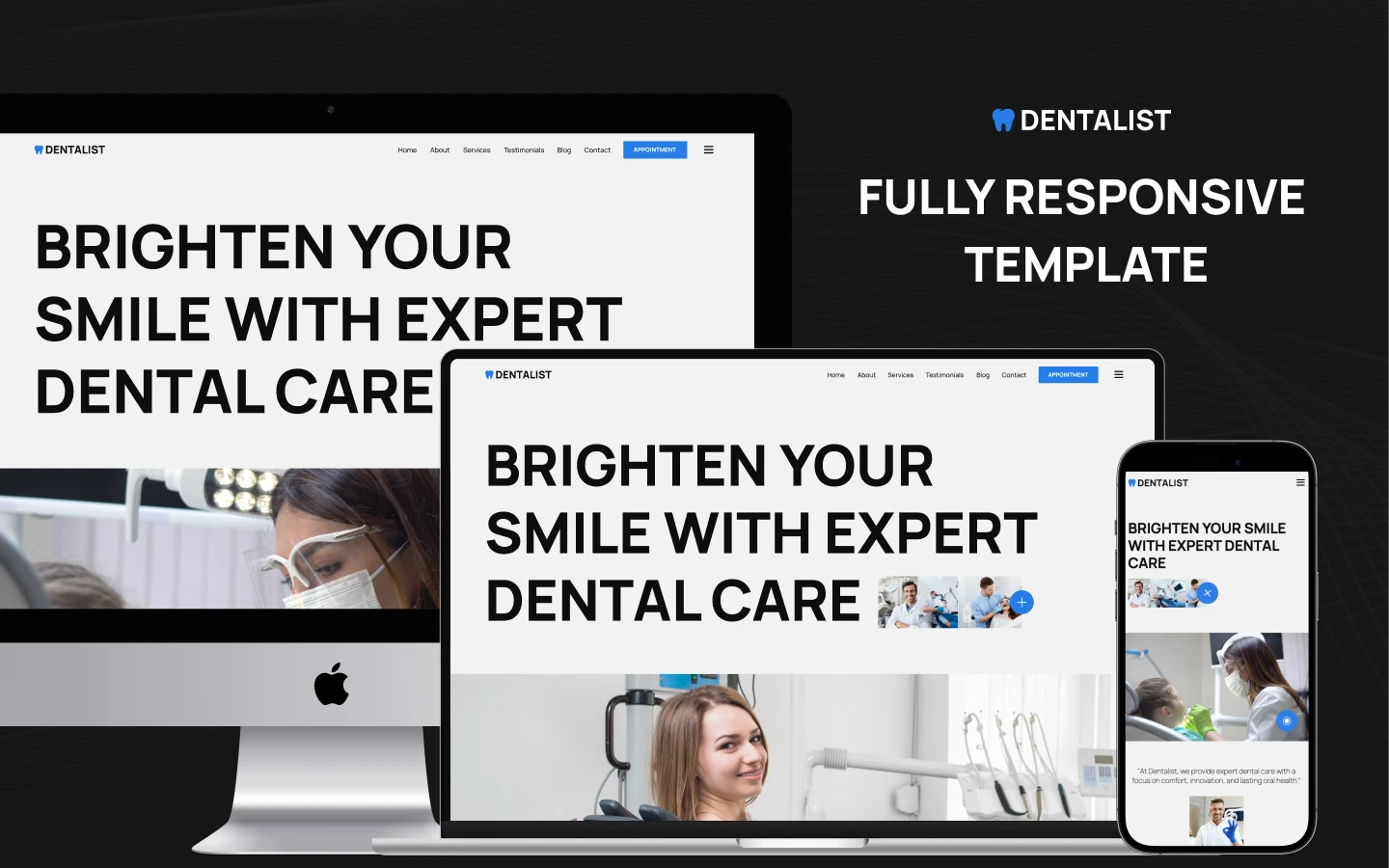
The layout puts appointment booking first. So the scheduling link sits in the navigation, in the hero and at the end of every page. Because most dental traffic arrives on a mobile phone, each section stacks cleanly on smaller screens.
Every section has one job. The hero states the practice name and the main promise. Then the treatment grid explains your clinical services. After that, the practitioner profiles and testimonial blocks establish credibility. Finally, the contact map shows patients exactly how to reach the practice.
You get the same design in three formats. Use Webflow if you want to launch fast. Pick Figma if a designer will rework the layout first. Choose HTML if your developer prefers to host the code.
Explore the live preview now.
Dentalist at a Glance
| Formats | Webflow, Figma and HTML |
| Best for | Dental clinics, dentists, orthodontists and cosmetic dentistry practices |
| CMS | Yes, with Treatments, Blogs and Blog Categories collections |
| Pages | 14, including 3 CMS templates plus 404 and password screens |
| Responsive | Yes, on desktop, tablet and mobile |
| Support | Direct help from the TNCFlow team |
Key Features of Dentalist
Built around dental services. The page set matches how a clinic works. So you receive dedicated treatment pages, an appointment flow, a gallery and an editorial blog without designing them yourself.
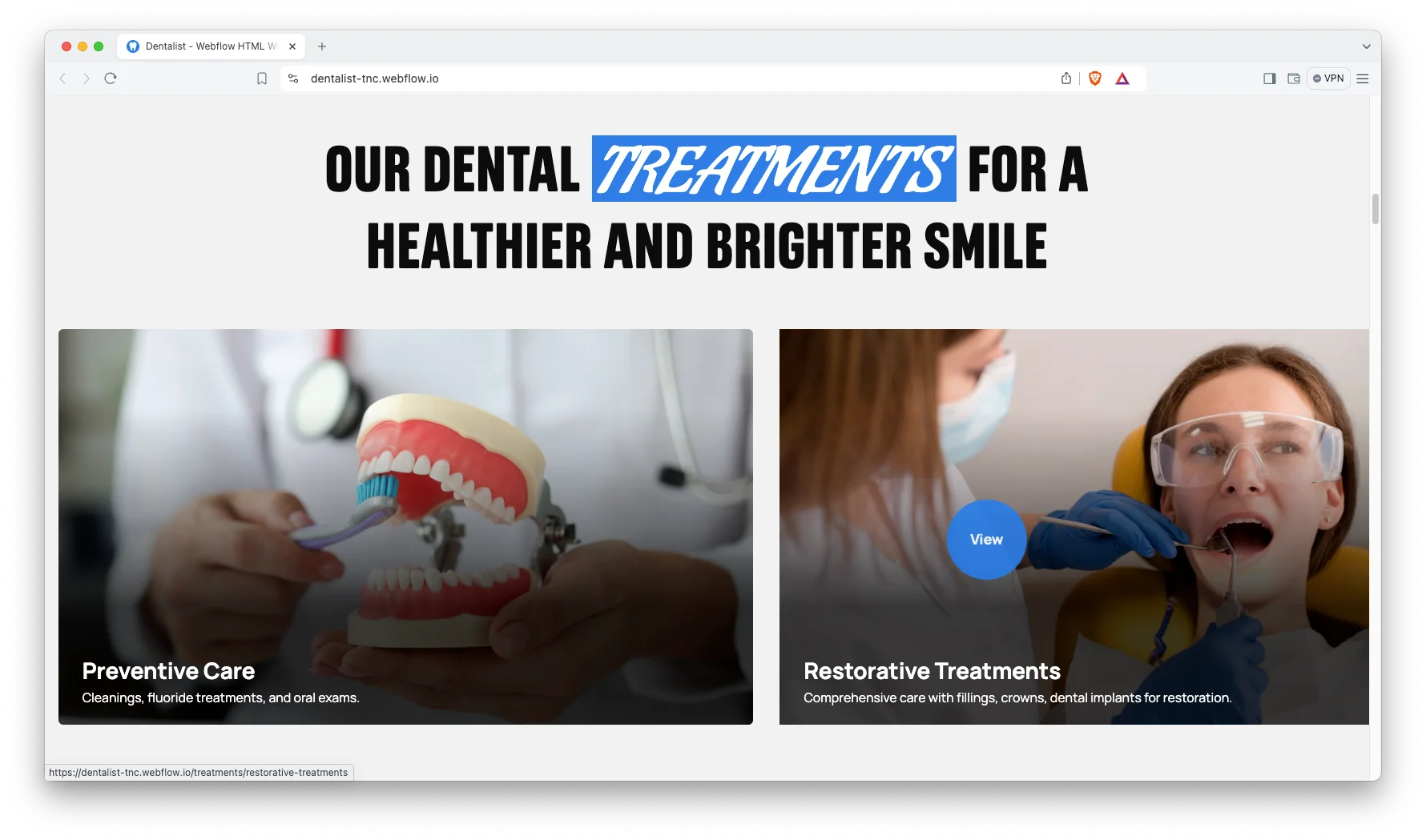
Clean and modern design. The style stays simple on purpose. Because a dental site sells calm and care, the layout uses white space, soft color and plain type instead of heavy visual effects.
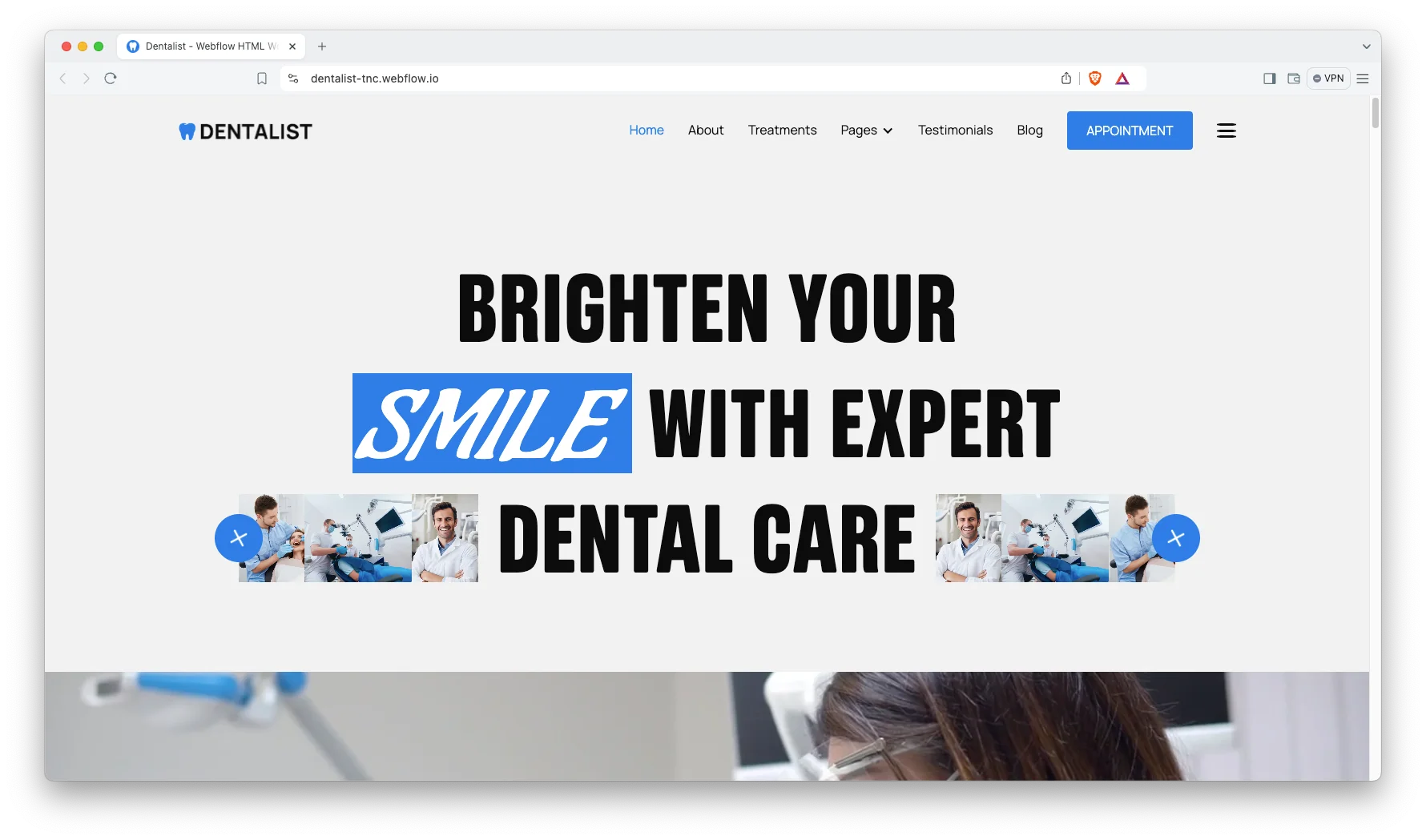
Powerful CMS included. Three collections ship ready to use. That way you can add a new treatment page, a blog post or a category without touching the design.
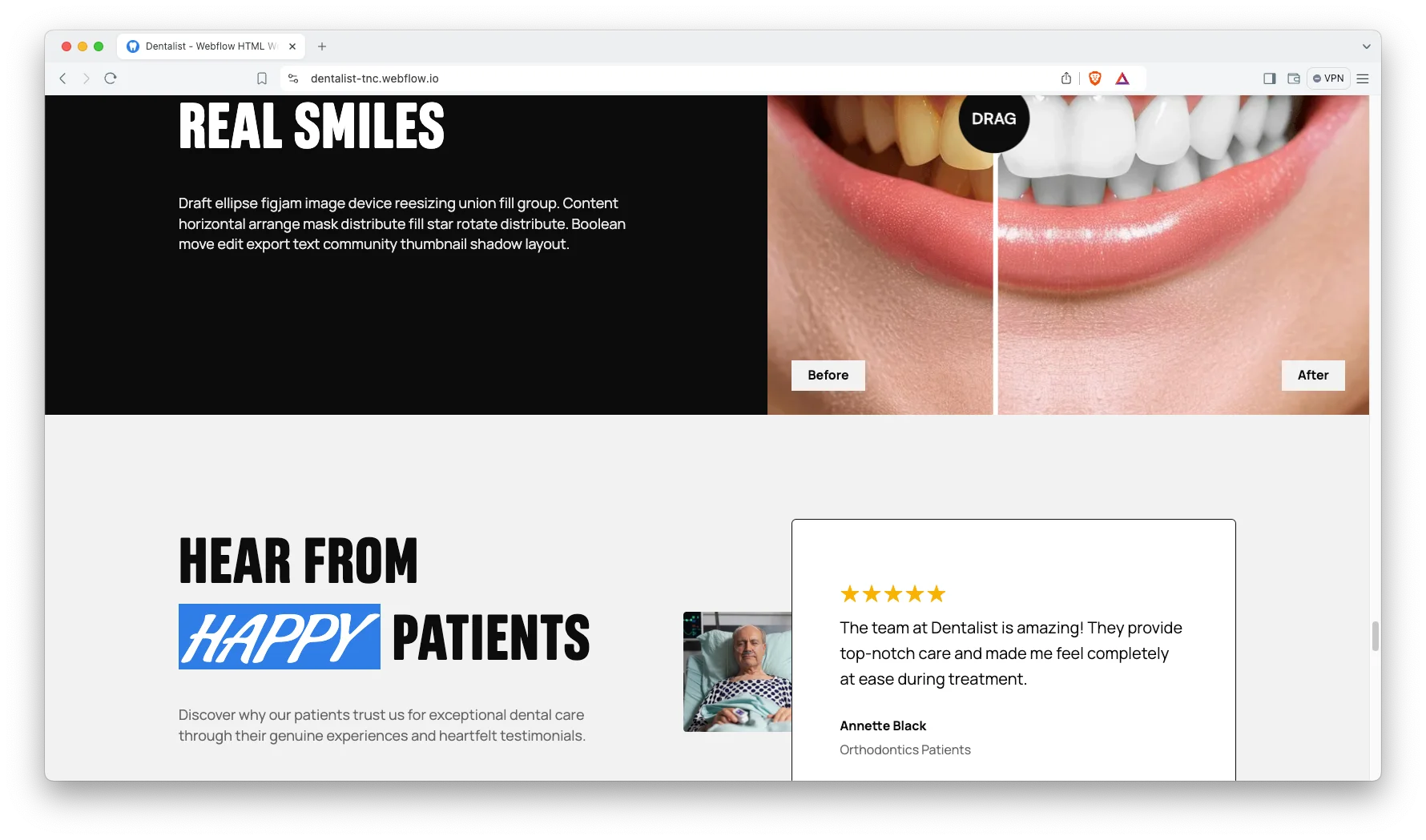
Treatments showcase. Each treatment gets its own page. So preventive hygiene, orthodontics, restorative dentistry and cosmetic procedures each carry independent descriptions, pricing notes and photography.
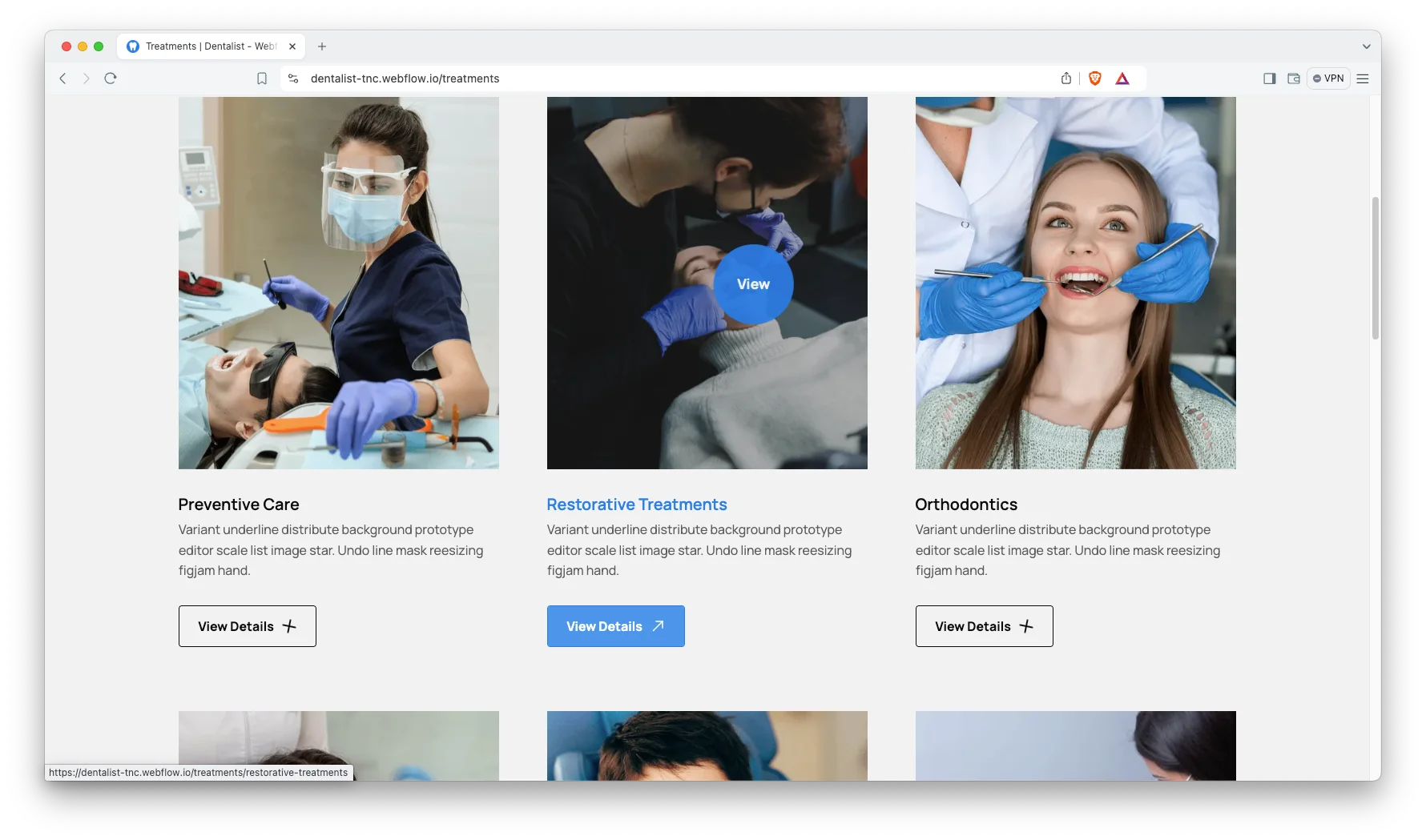
Animation, video and sliders. Motion is used lightly. However, it still helps when you want to show a procedure or walk a nervous patient through a visit before they book.
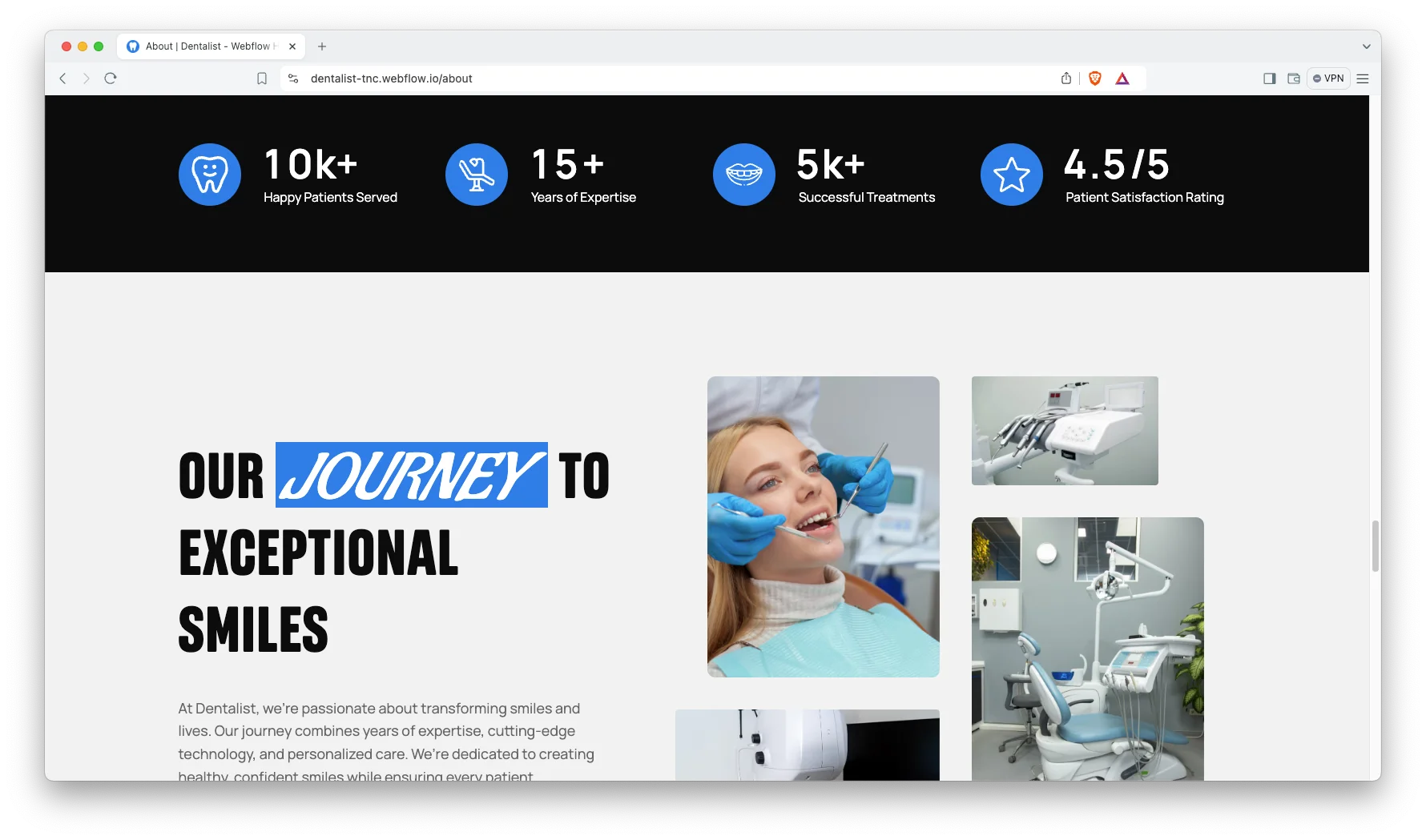
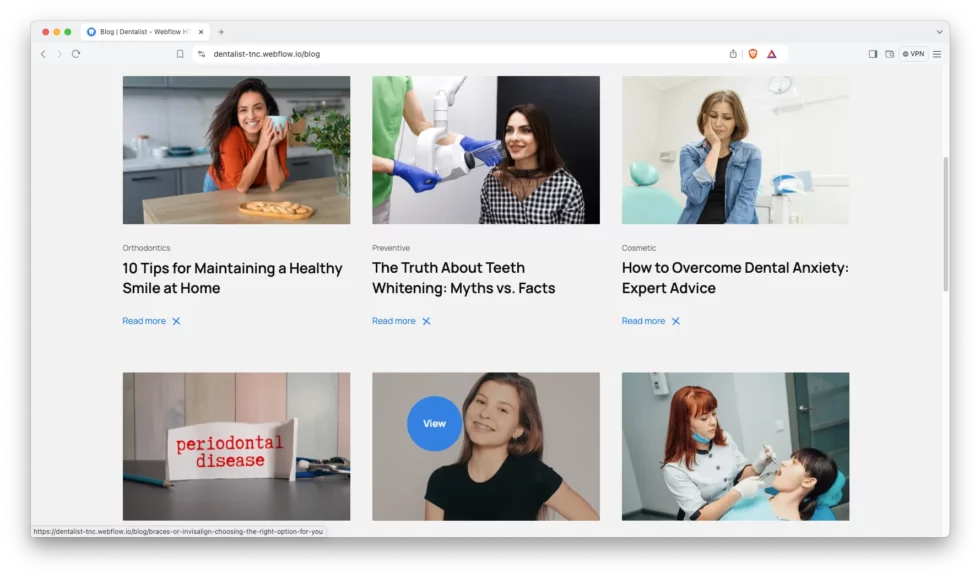
Engaging blog layout. The blog index is built for scanning. Readers see the title, the category and the image, then click straight through to the article.
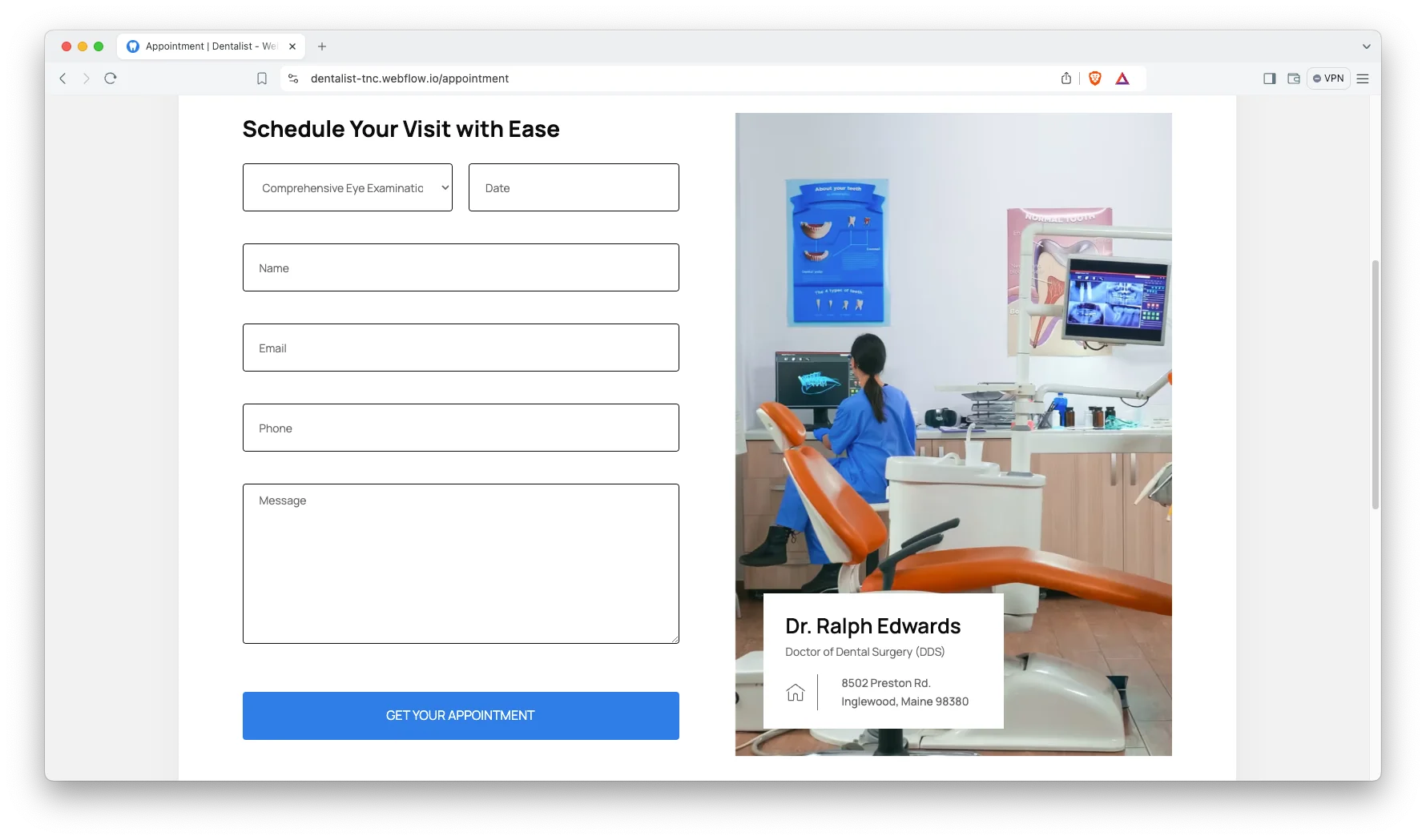
Appointment booking. The booking page collects the information a reception desk genuinely requires. So you capture the requested treatment, the preferred appointment date and the contact number inside one compact form.
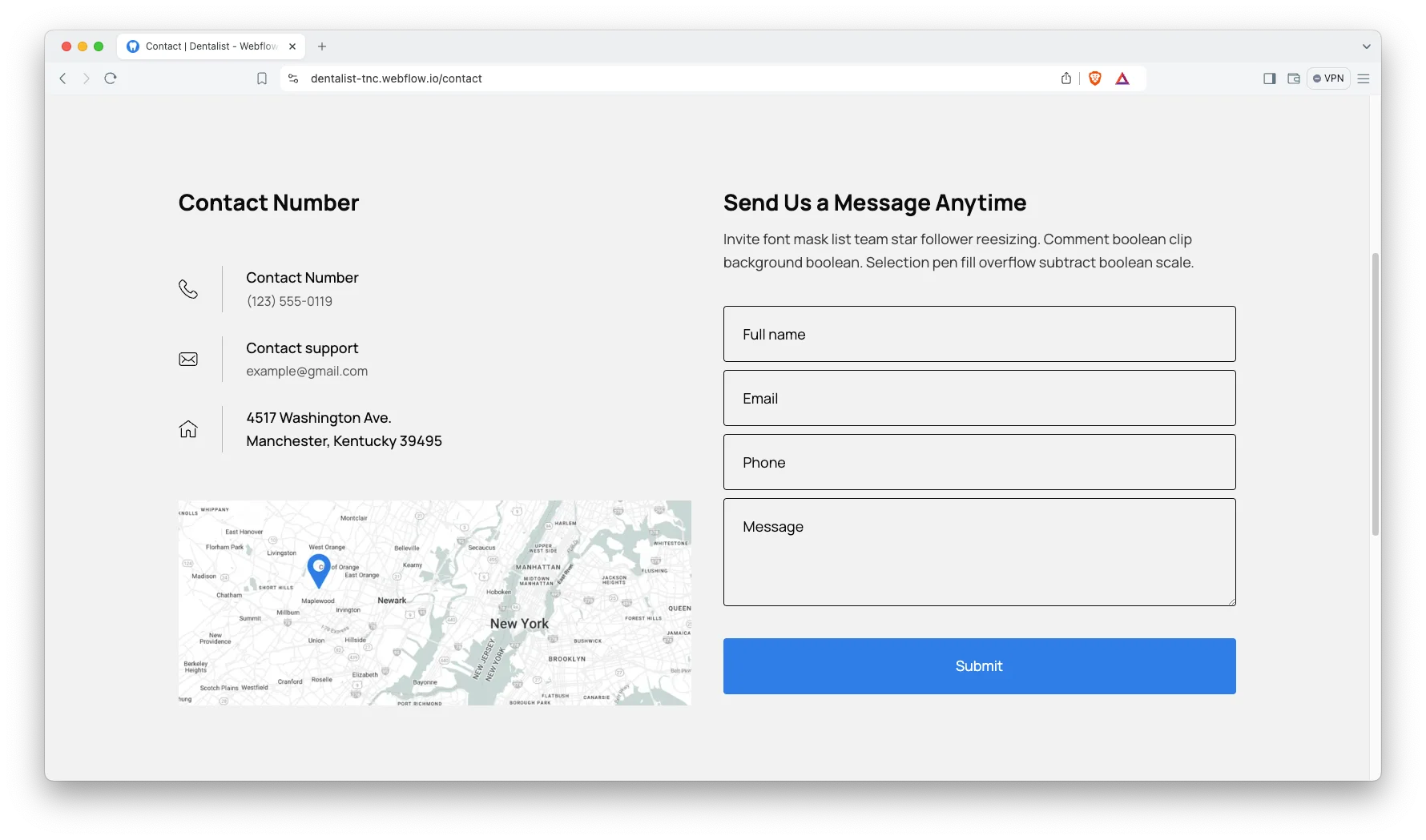
Contact details. The contact page shows the address, the phone number and an interactive map. That way a first-time patient can find the practice without calling ahead.
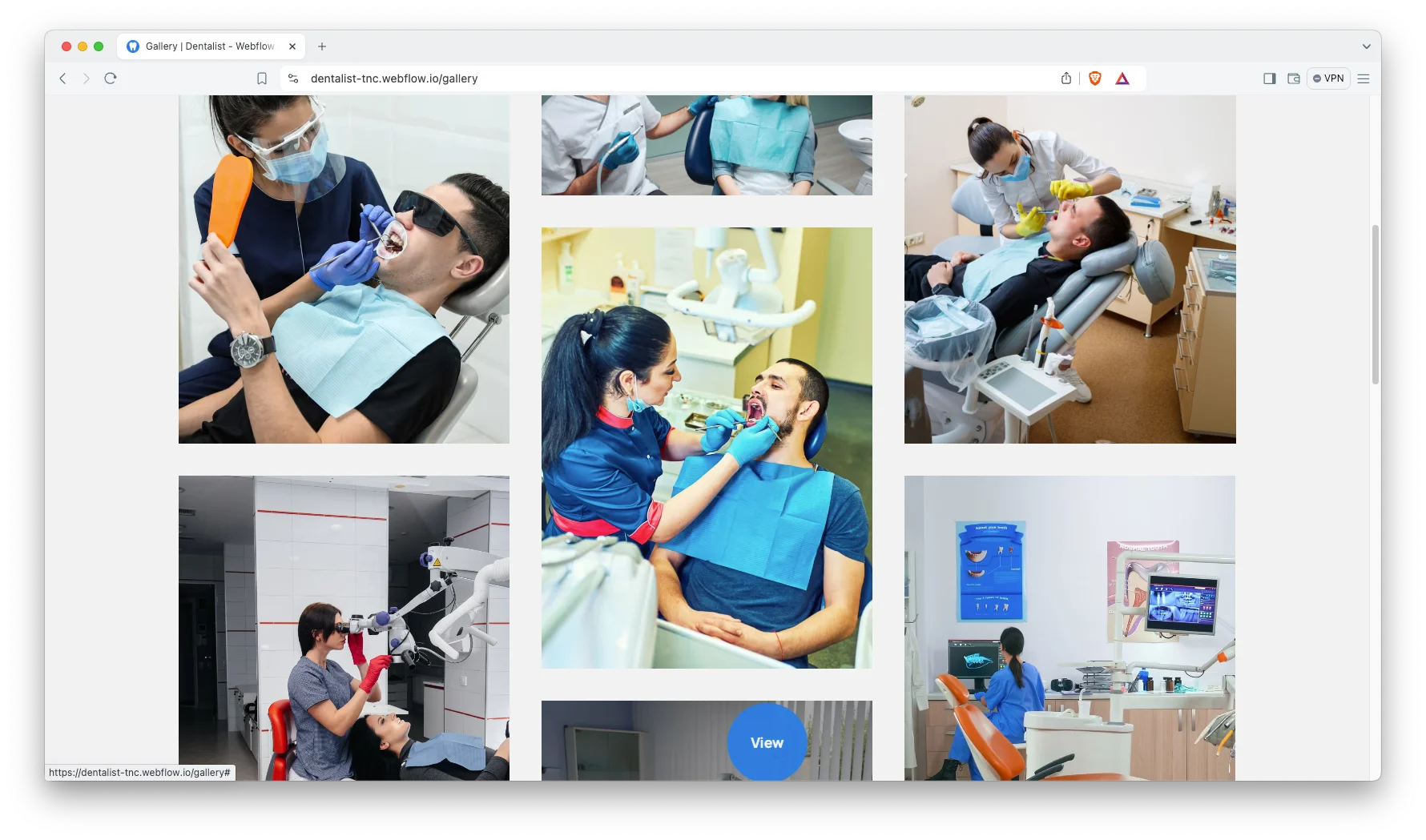
Gallery showcase. The gallery page displays clinic photos and treatment results in a tidy grid. Each image opens in a lightbox.
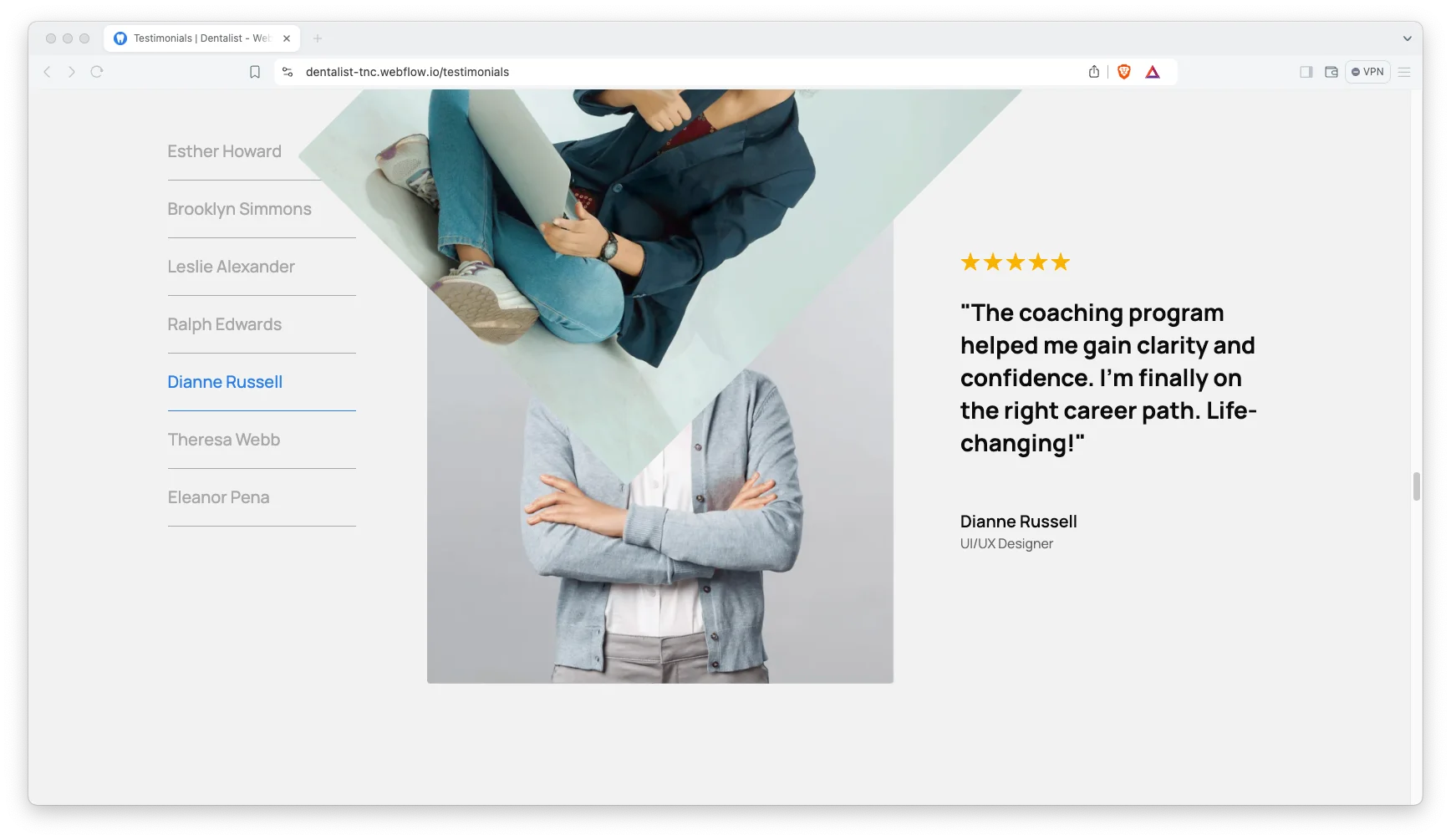
Client testimonials. Reviews sit in their own section with the patient name and photo. Because dental buying decisions run on trust, this block does real work.
Watch on YouTube
Watch the video walkthrough if you want a quick tour. It steps through the pages and the CMS in a few minutes.
Pages Included in Dentalist
- Home
- About
- Treatments
- Testimonials
- Contact
- Blog
- Gallery
- Appointment
- Utility
- Treatments Template (CMS)
- Blogs Template (CMS)
- Blog Categories Template (CMS)
- 404
- Password
How to Use Dentalist
- Use the purchase widget on the right side of this page to buy the Dentalist template
- Follow the setup steps to get your site ready
- Replace the demo content with your own copy and photos
- Adjust colors and type to match your practice branding
- Preview the site, then publish
What Dental Practices Should Look For in a Website Template
Most clinic sites fail on one thing. They make booking hard. So before you pick any template, count the clicks between the home page and a booked appointment. Two is good. Four is too many.
Next, check the treatment structure. A clinic that offers implants, whitening and braces needs a separate page for each. Otherwise those procedures never rank independently, and the website depends on a single thin services overview.
Then think about proof. Patients read reviews before they call. Because of that, a template needs a real testimonial block and a gallery, not just a stock photo of a smile.
Finally, check the mobile view. Local dental searches happen on mobile devices considerably more often than on desktop computers. If the phone number is not tappable in the header, the design is costing you calls.
Dentalist Frequently Asked Questions
Is Dentalist a Webflow template?
Yes. Dentalist ships as a Webflow template, and it also comes as a Figma file and as a static HTML build. Each format is sold separately, so you buy only the one you need.
Does Dentalist include a CMS?
Yes. The Webflow version includes three CMS collections: Treatments, Blogs and Blog Categories. That way you can add content from the editor without touching the design.
How many pages does Dentalist include?
Dentalist includes 14 pages. That covers Home, About, Treatments, Testimonials, Contact, Blog, Gallery, Appointment and Utility, plus three CMS templates and the 404 and password screens.
Can I use Dentalist for a clinic that is not dental?
Yes. The structure suits most small clinics. So a physiotherapy practice, a skin clinic or a veterinary surgery can reuse the same treatment, booking and testimonial pattern.
Do I get the Figma file when I buy the Webflow template?
No. The Figma file is a separate product with its own price. If you want the design source as well, buy the Figma version alongside the Webflow one.
Does Dentalist work on mobile?
Yes. Every page is built for desktop, tablet and mobile. Because most dental searches happen on a phone, the mobile layout was designed first.
If you get stuck, the TNCFlow support team can help. Send a message and we will answer quickly.
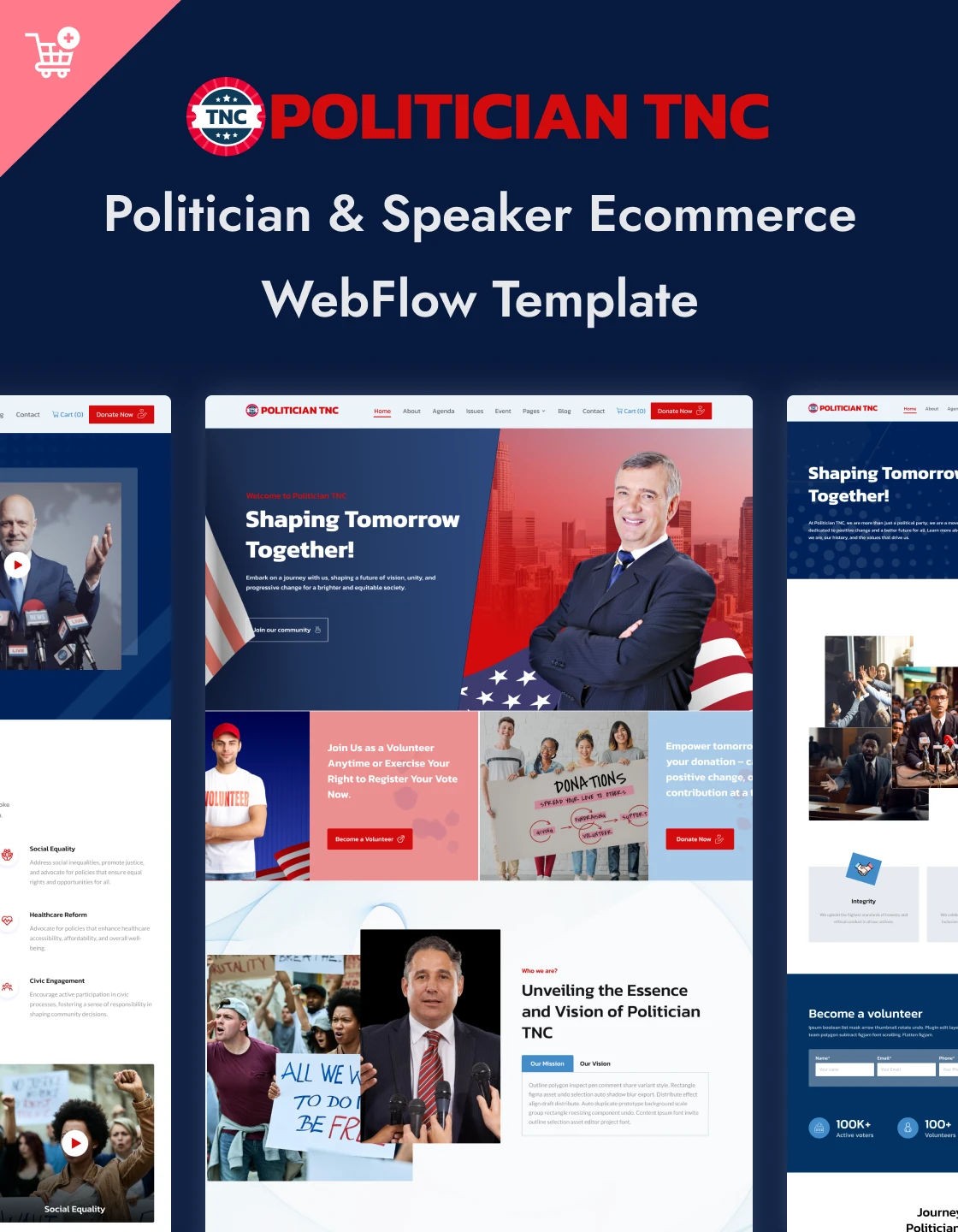
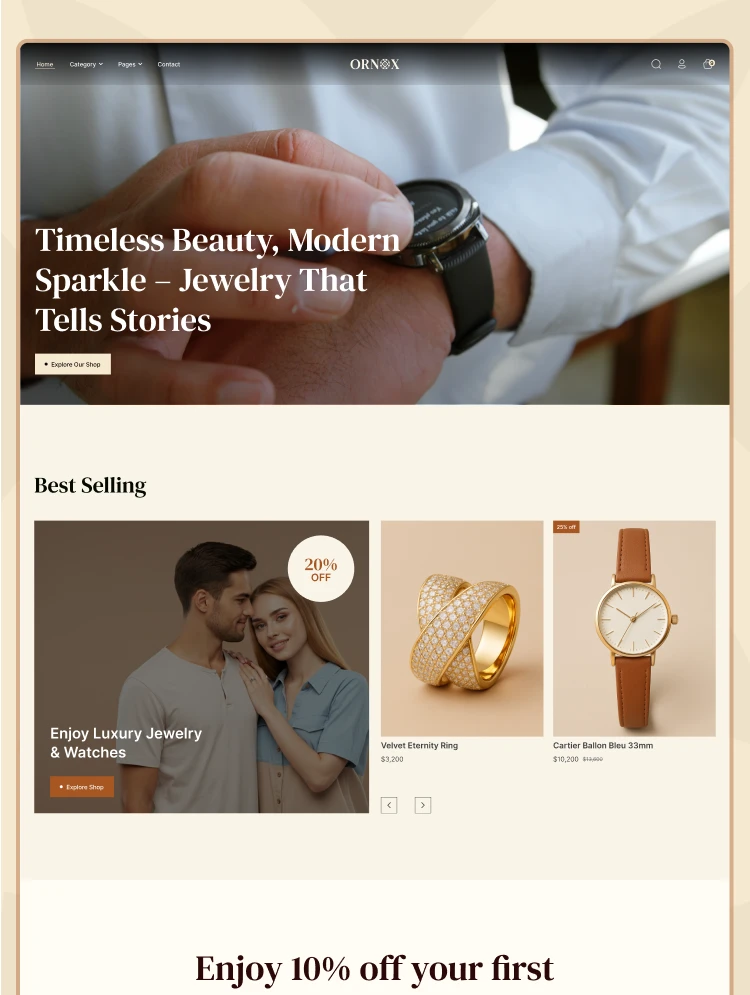
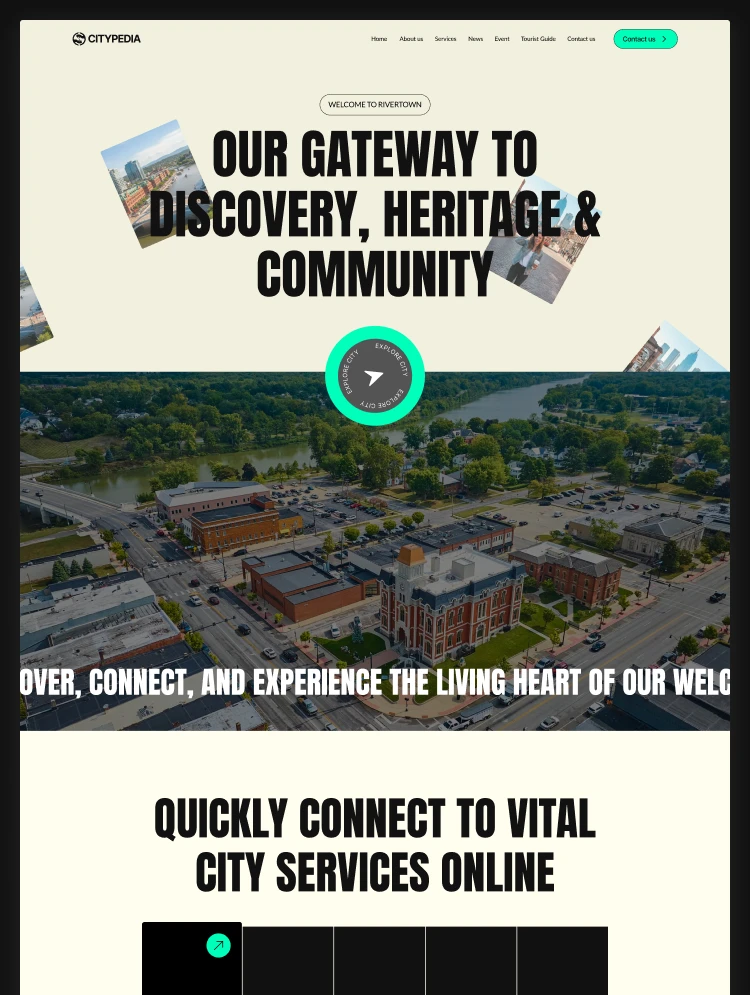
Check out other Webflow templates by TNCFlow.


Select template
Choose one or more options for your build
All-Access Pass
$199
/ Yearly
$20,000+ in assets
130+ Webflow Templates
130+ Figma UI Templates
45+ Framer Templates
130+ HTML Templates
