
PRO

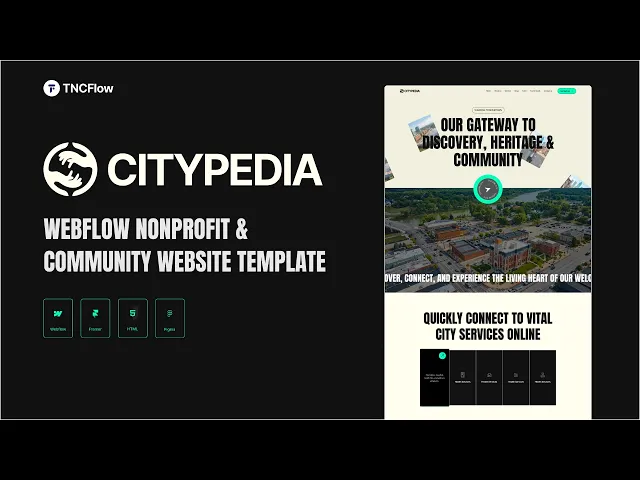
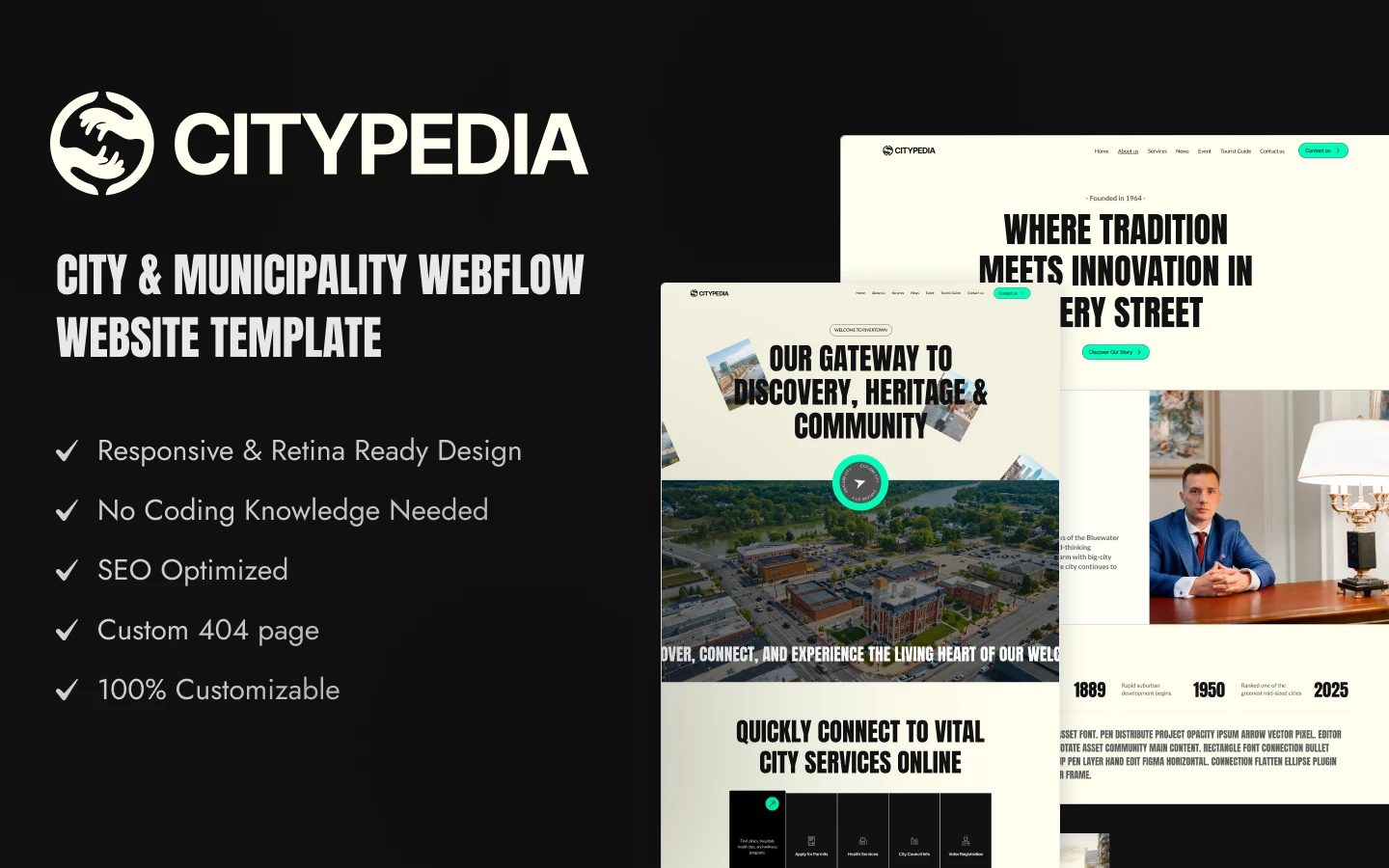
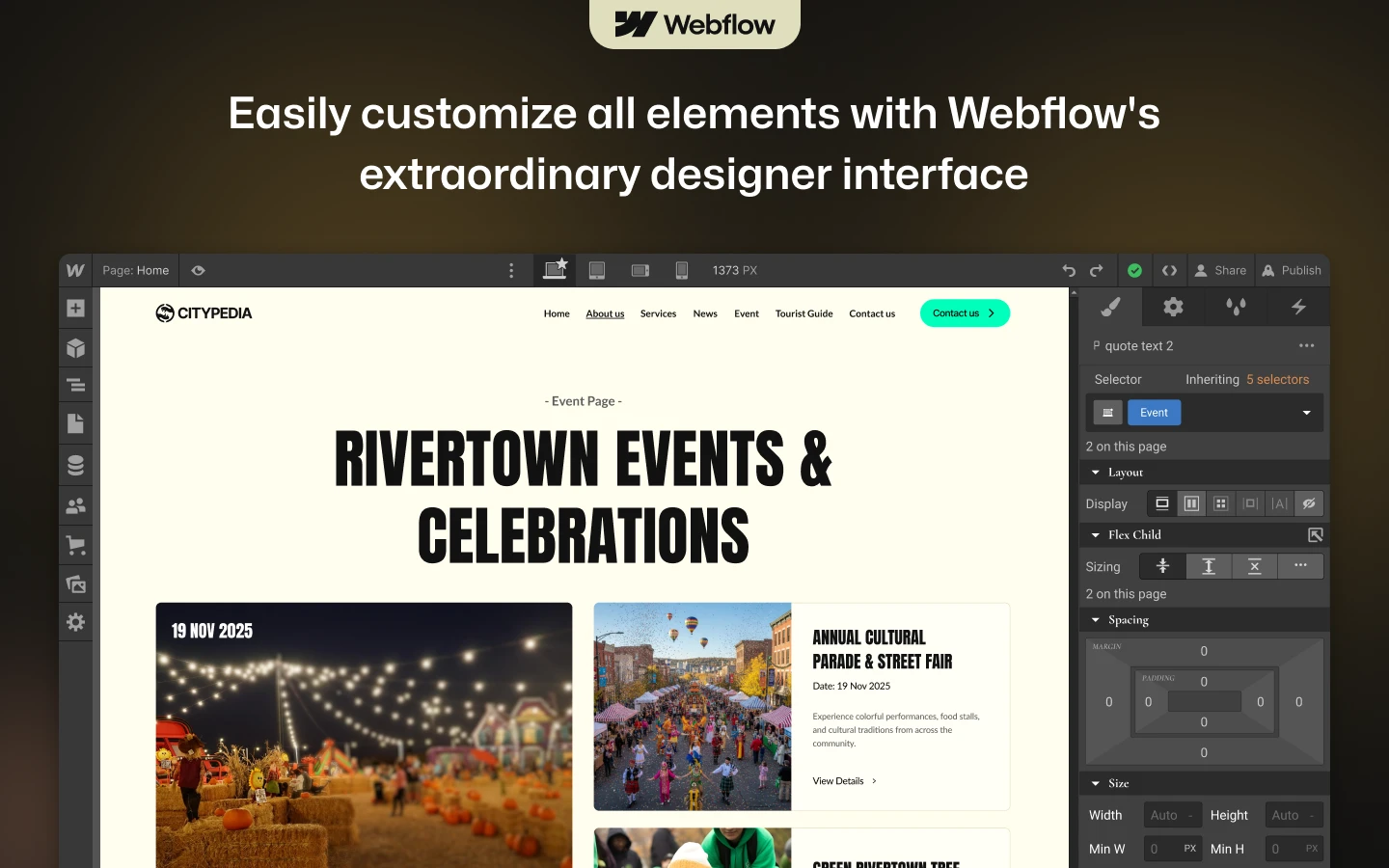
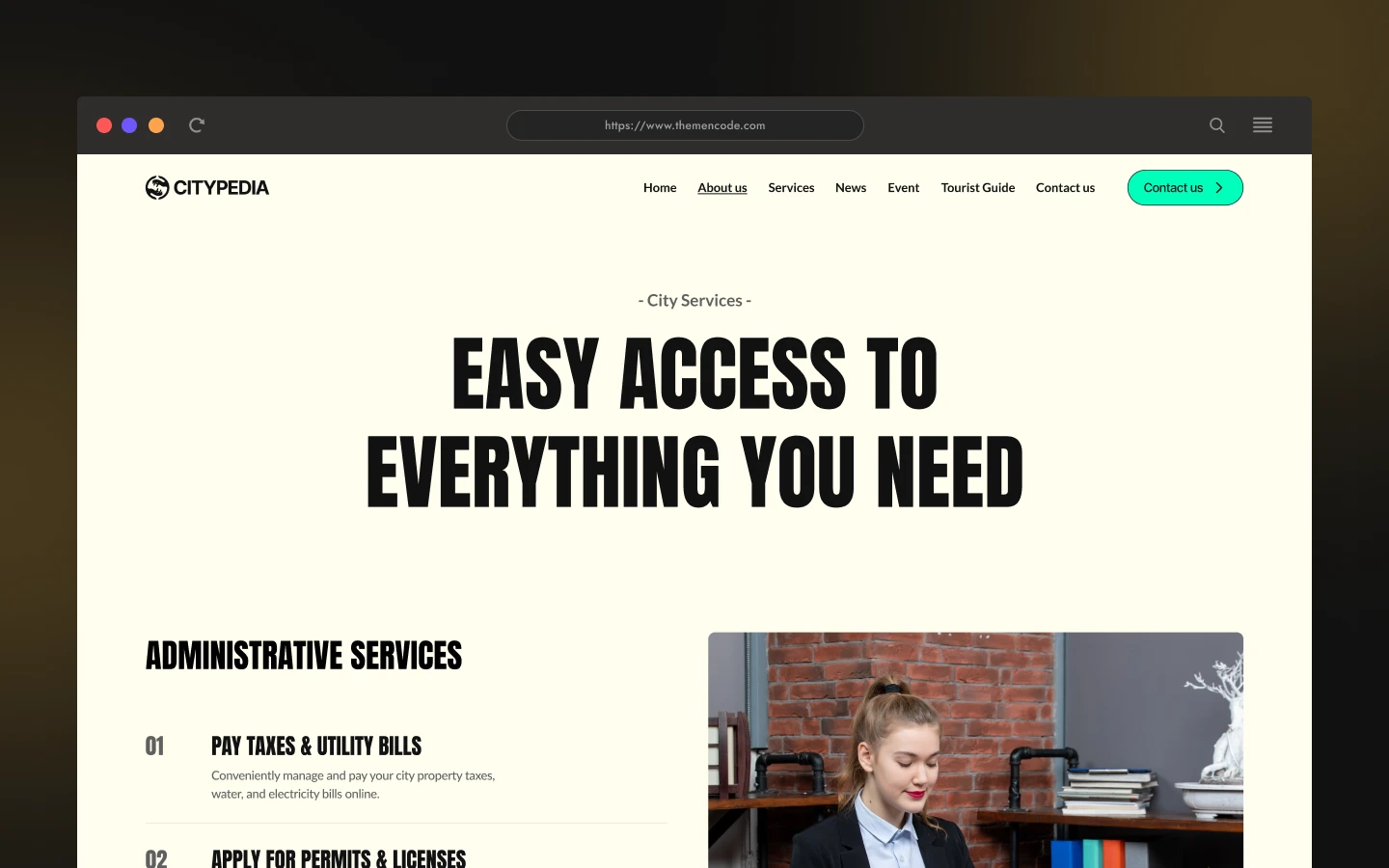
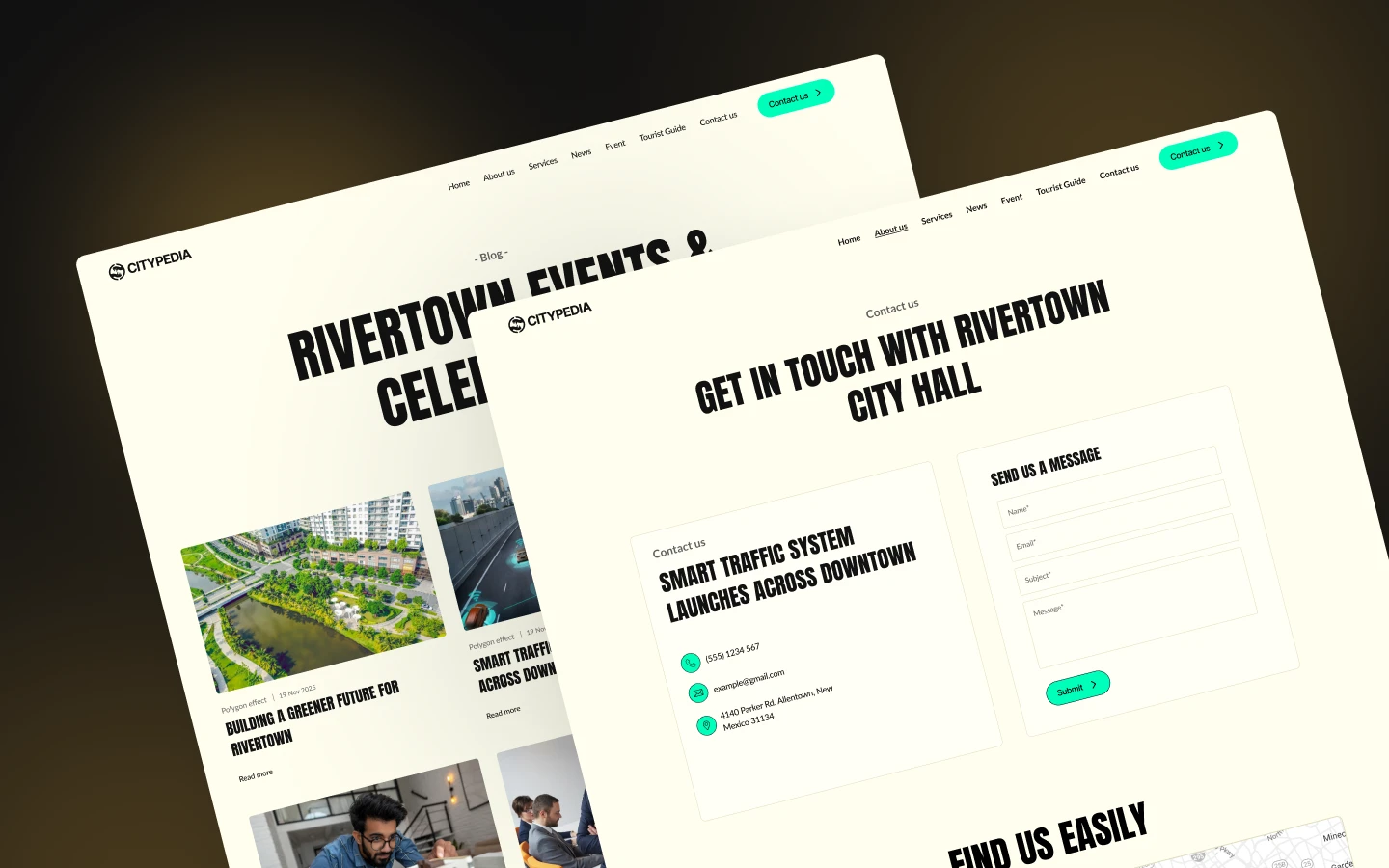
CityPedia is a community website template for city governments, urban planners and municipal service teams. It ships for Webflow, Framer, Figma and HTML.
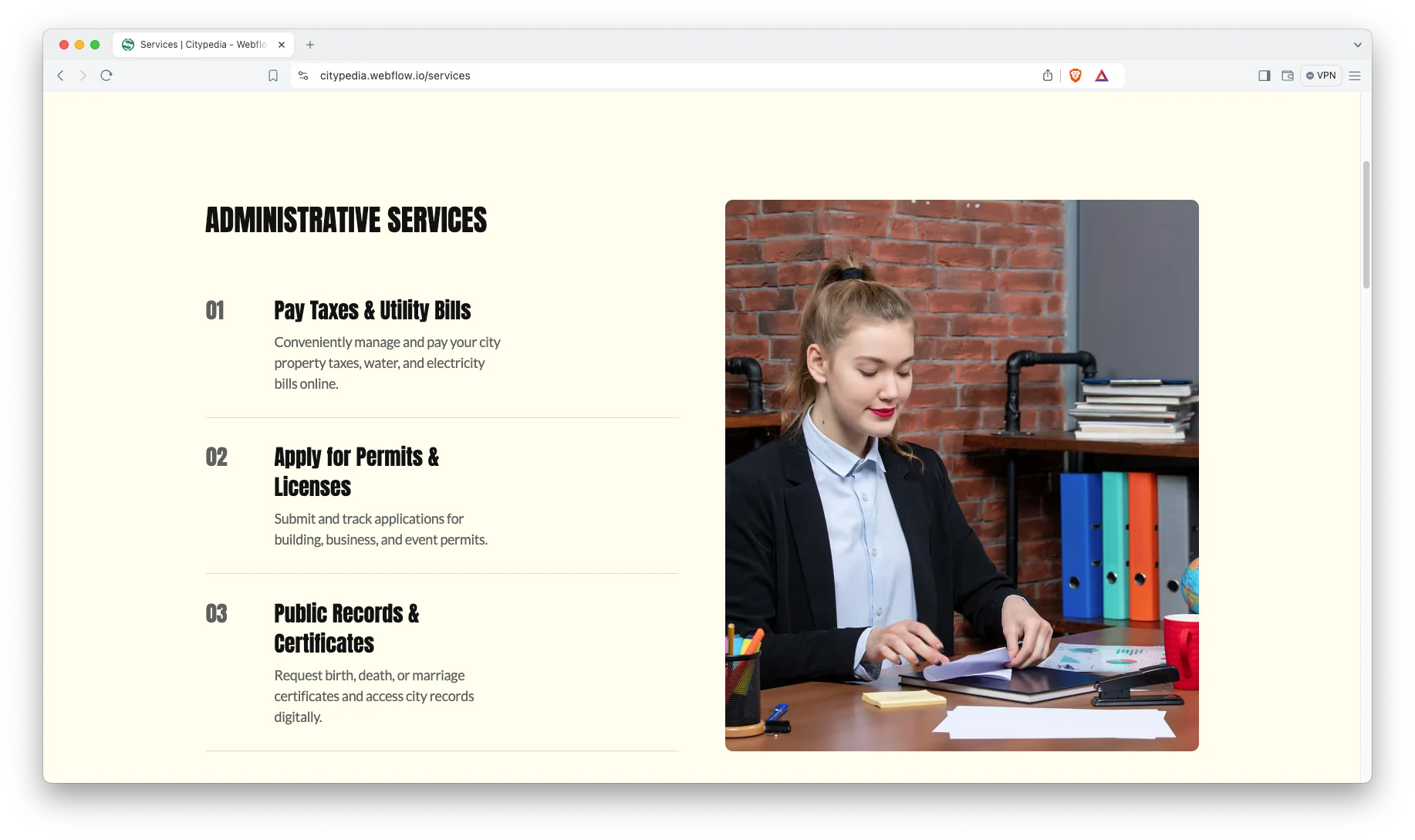
Residents come to a city site with a task, not with curiosity. So CityPedia leads with services rather than with a welcome message. Permits, bills, records, transport and health each get their own page.
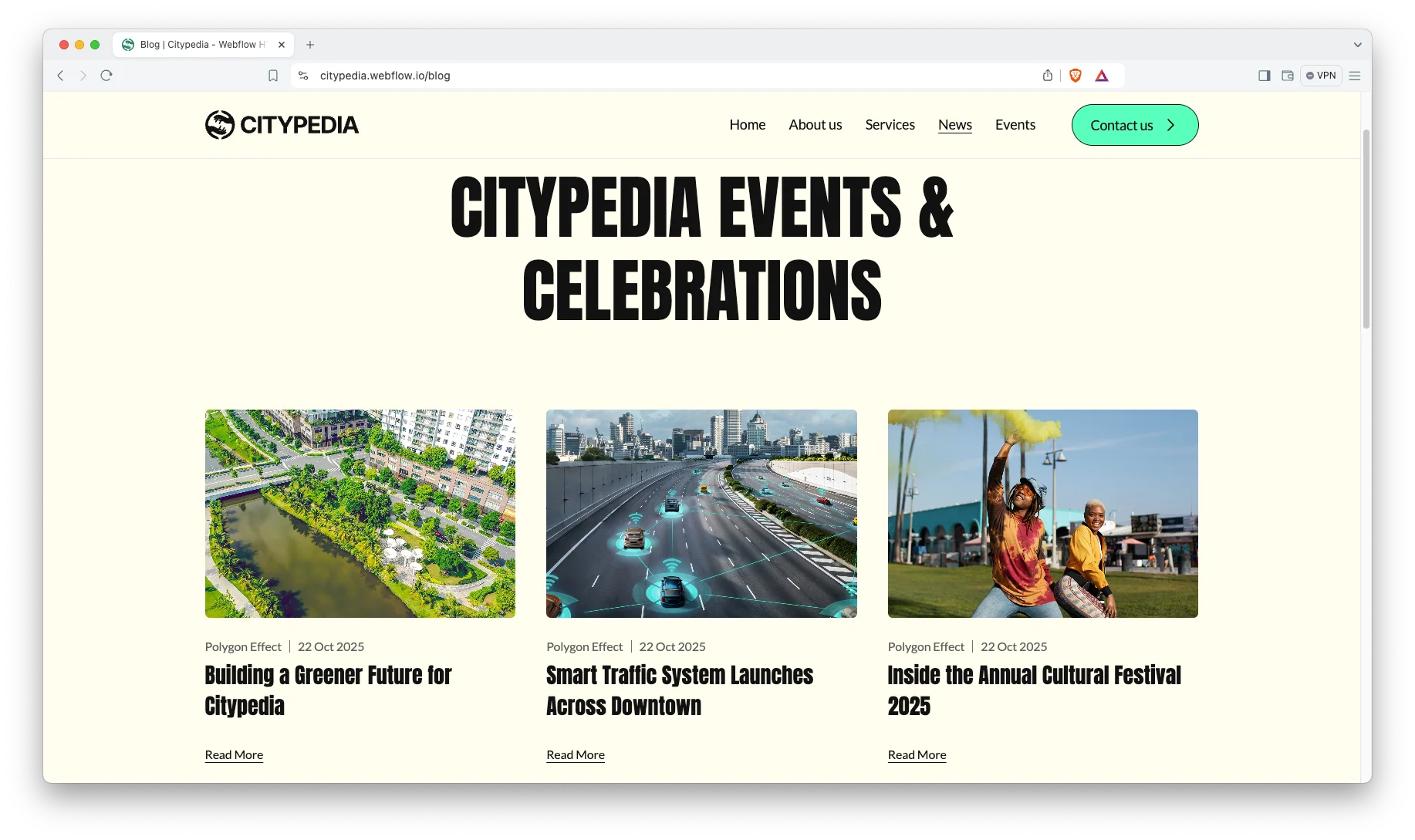
Then the rest of the site does the civic work. News notices keep people informed. The events page fills the calendar. The council section puts names and faces to decisions.
Each section has one job. The hero routes people to a service. The news block keeps trust current. The events page drives turnout. Finally the contact page opens a channel back.
Explore the live preview now!
CityPedia at a Glance
| Formats | Webflow, Framer, Figma, HTML |
| Best for | City governments, councils, urban planners, municipal service teams, nonprofits |
| CMS | Service pages, news notices and events |
| Pages | 10 designed pages plus service and news CMS templates |
| Key sections | Service routing, news notices, events, city leadership |
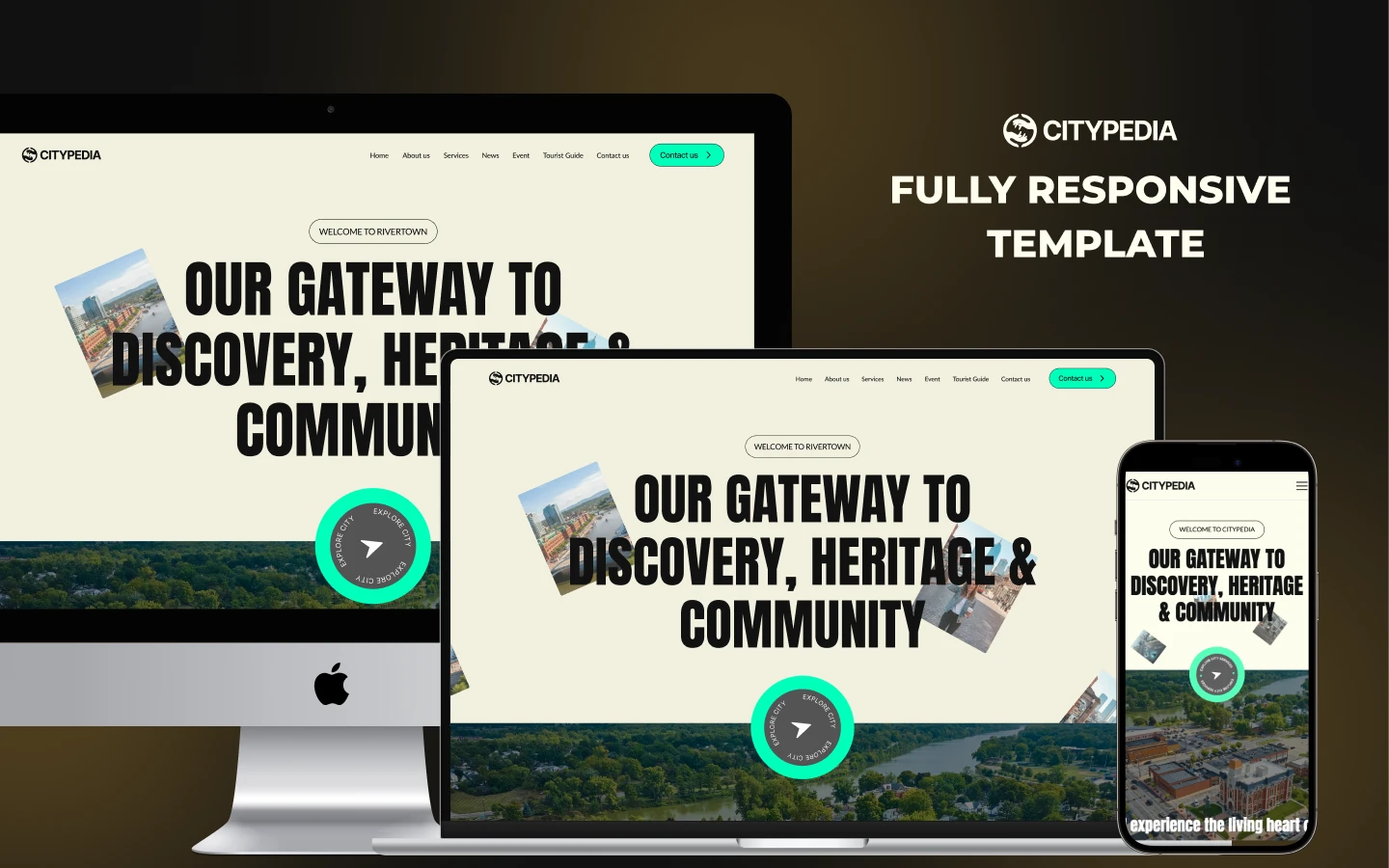
| Responsive | Desktop, tablet and mobile |
| Support | Included with every TNCFlow purchase |
Key Features of CityPedia
Clean and Modern Design. The layout stays plain on purpose. Because a civic site serves everyone, readability matters more than style.
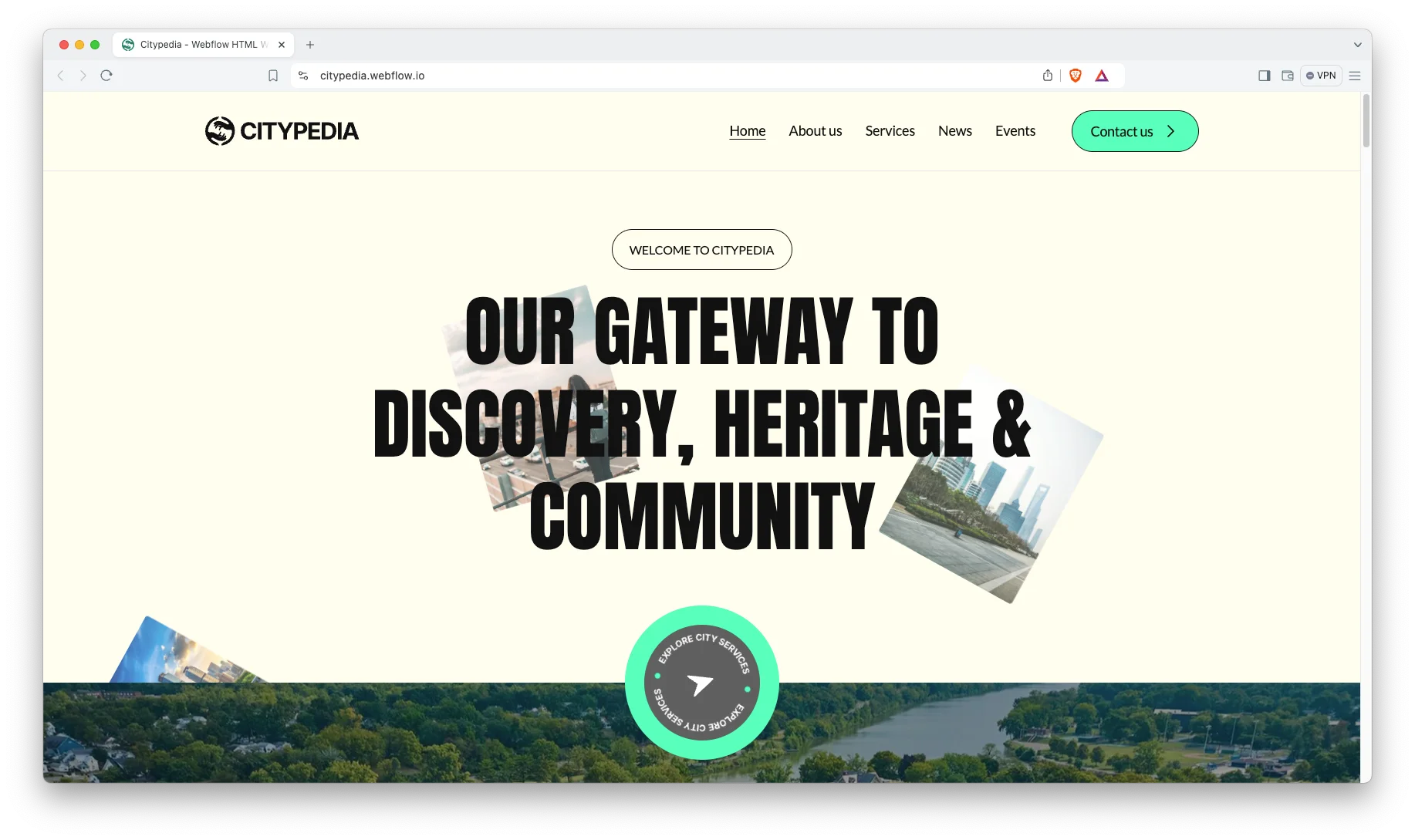
CMS Included. News notices, events and service pages all run on Webflow CMS. So a communications officer can post an update without touching the designer.
Services with Detail Pages. The services page lists what the city does. Every service also gets its own page, covering permits and licences, tax and utility bills, public records, transport schedules and health services.
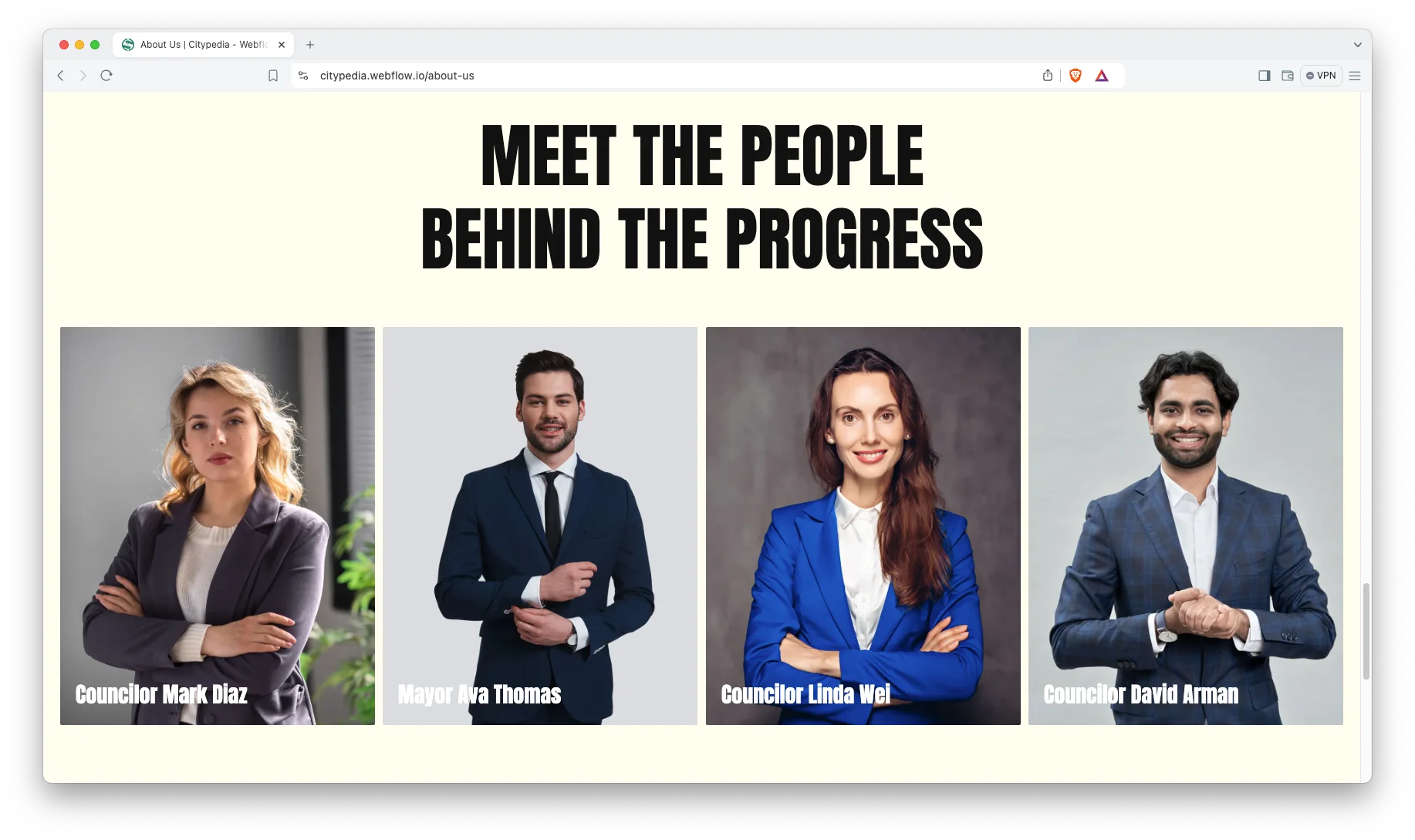
City Leadership Section. A council and leadership block introduces the mayor and council members. So residents can see who is accountable for what.
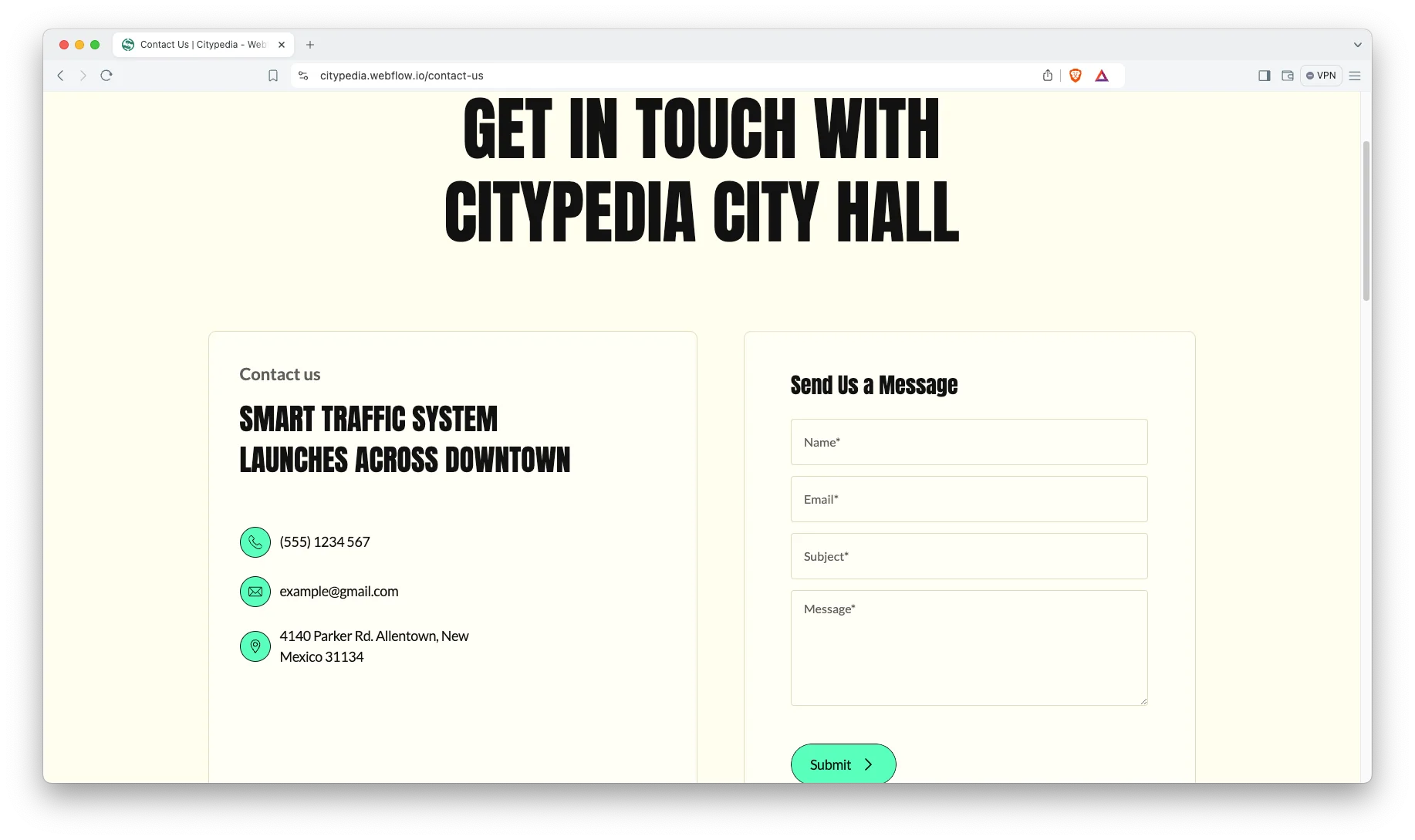
Contact and Engagement Pages. A contact page and repeated call to action blocks make it easy to get in touch. That way, feedback reaches the right desk.
Fast and Reliable Performance. The template runs on Webflow hosting with clean markup. So pages load quickly even on older phones.
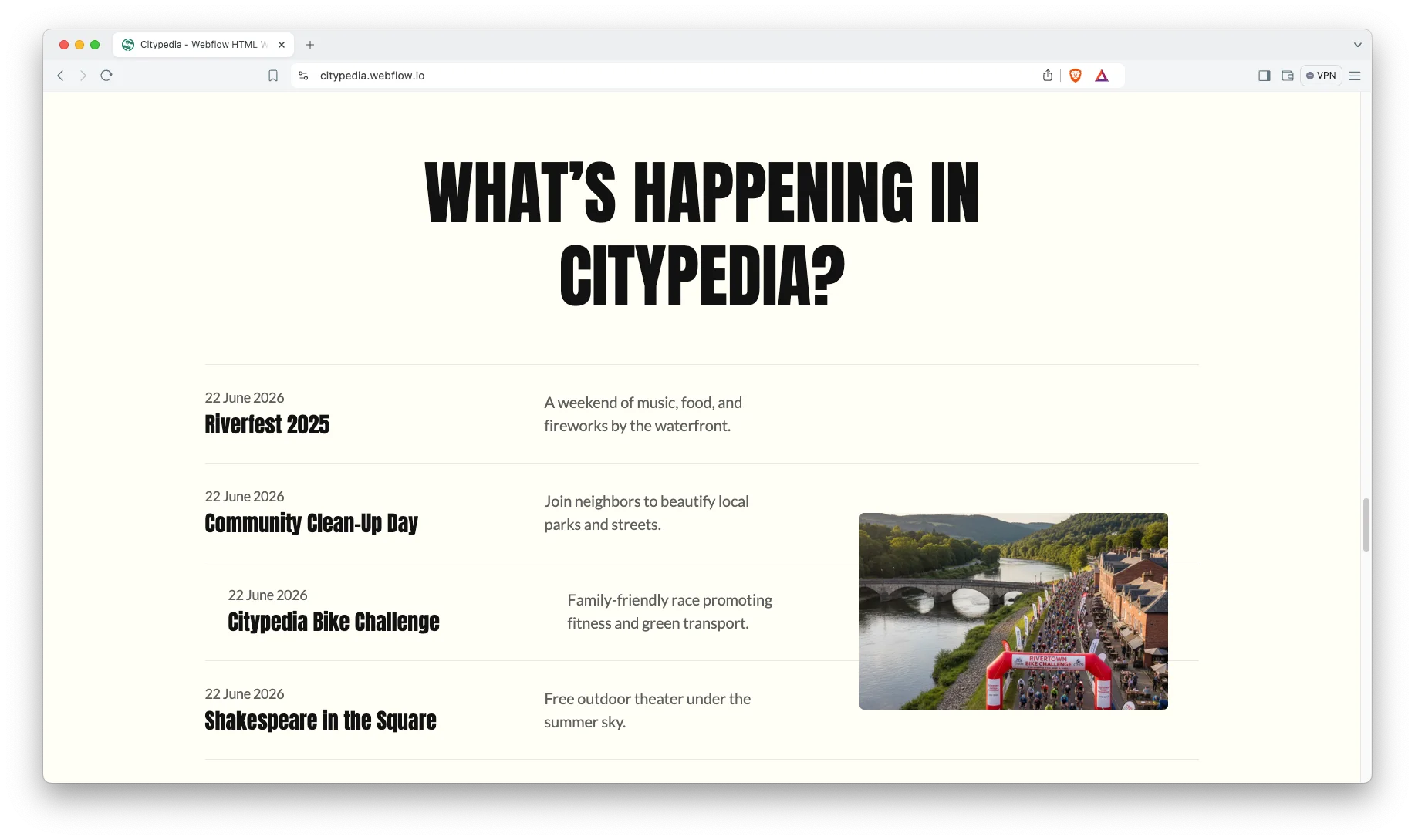
Easy Customization. Colors, typography and layout all adjust in the Webflow Designer. Change the palette once and the whole site follows.
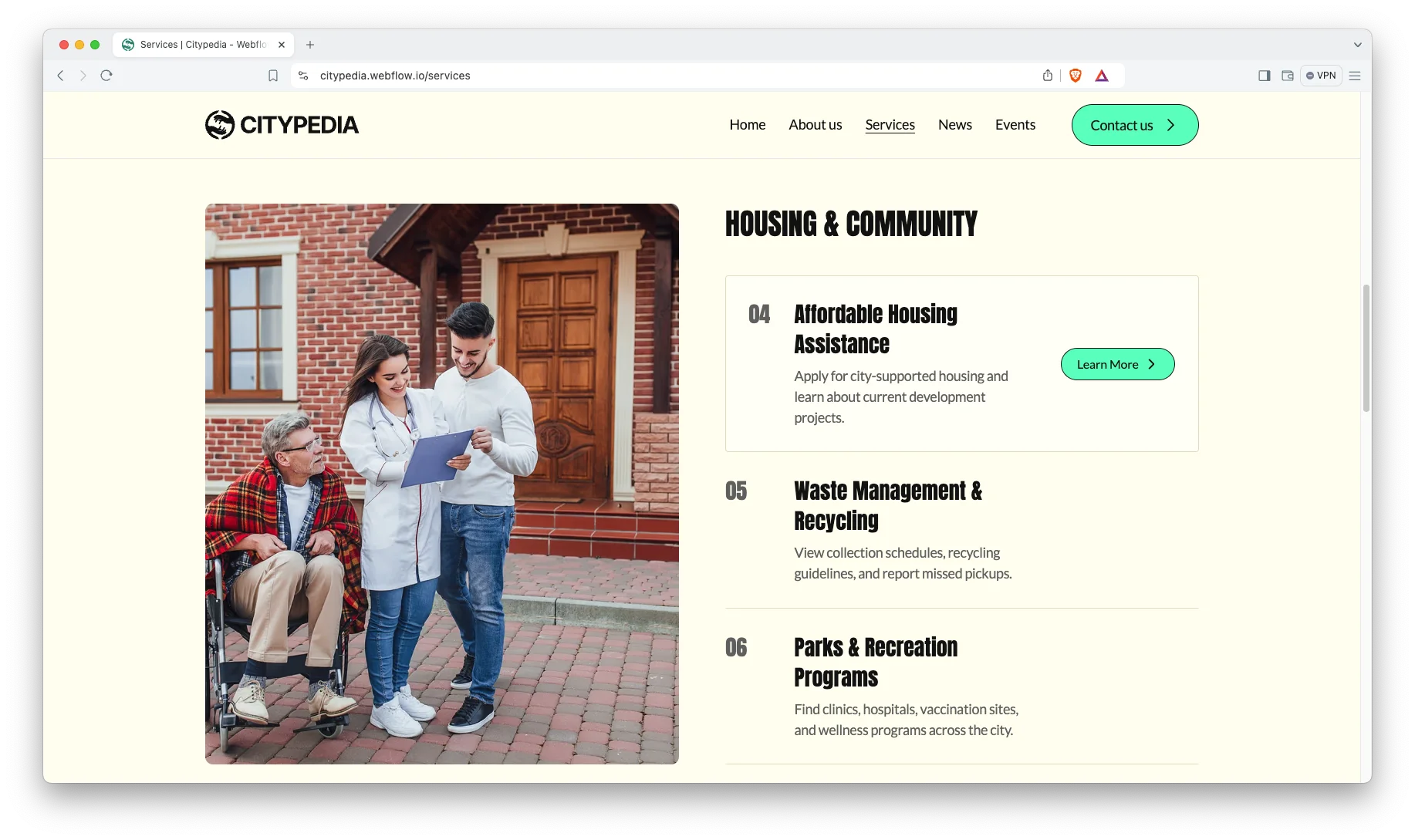
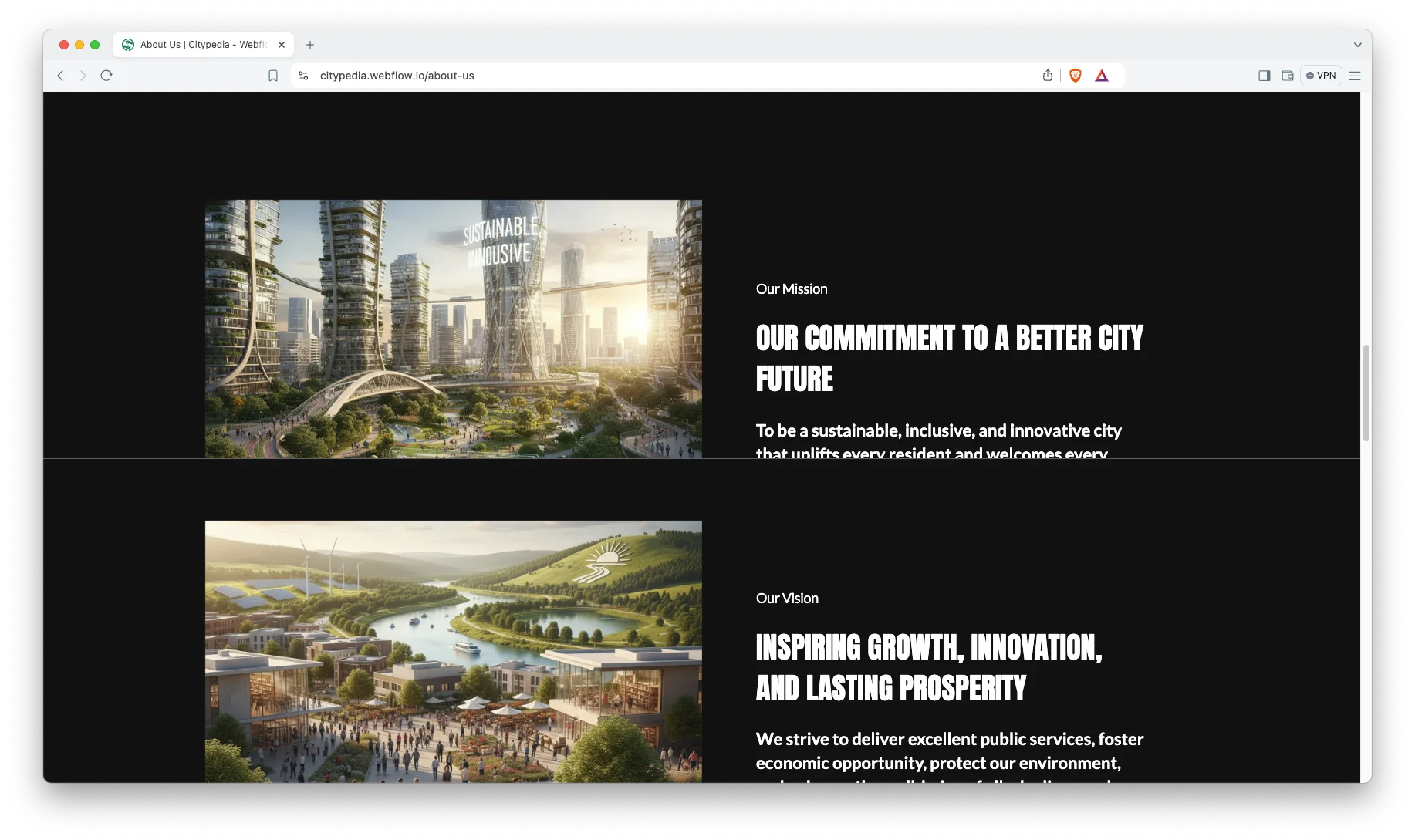
Interactive Elements. Smooth animations, video and responsive sliders bring the page to life. However, the motion stays restrained, which suits a public body.
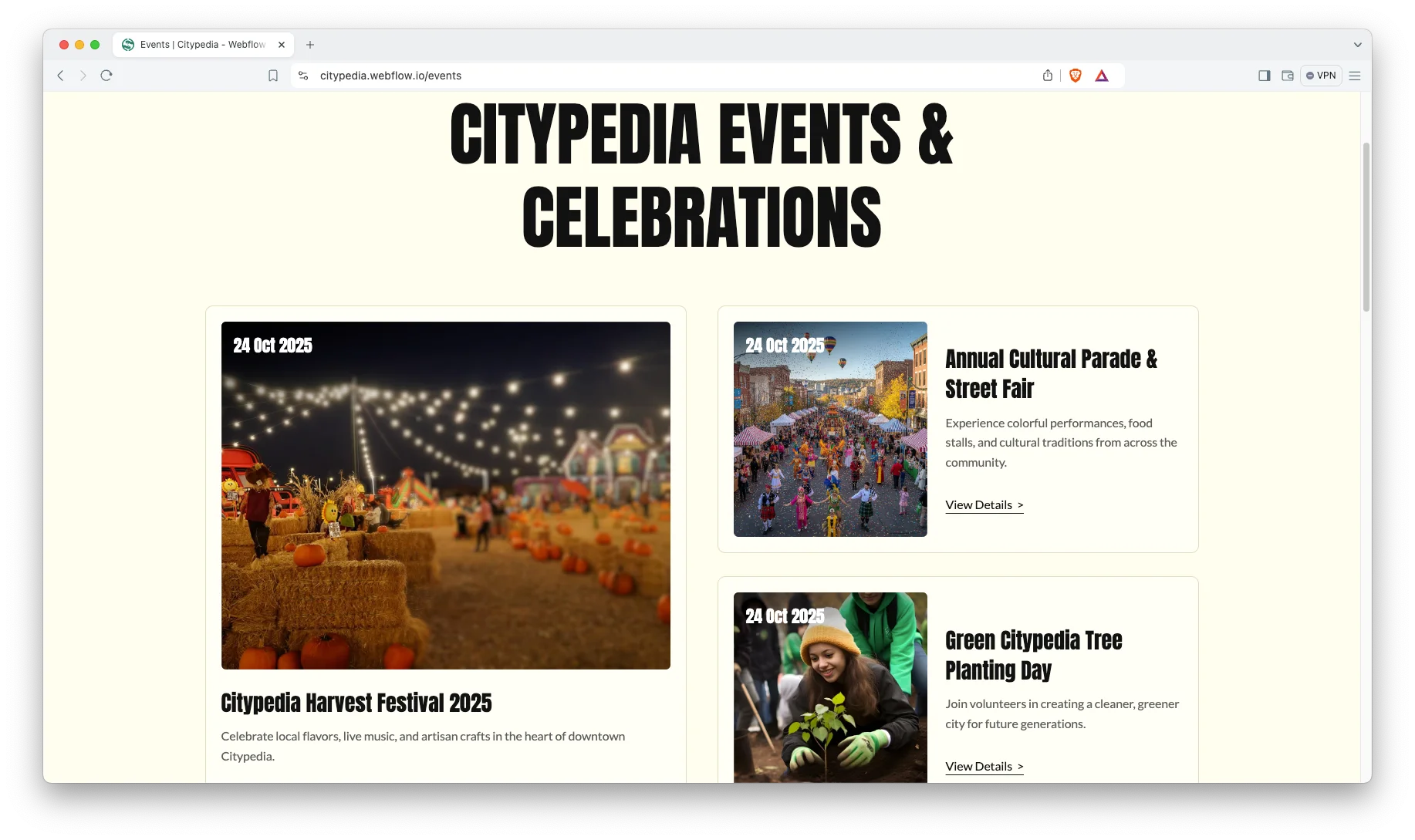
Event Highlights. The events page carries a full listing with filtering and a newsletter signup. So residents can find what is on and subscribe for the next notice.
Animation, Video and Sliders. Sliders and embedded video let you show projects rather than describe them.
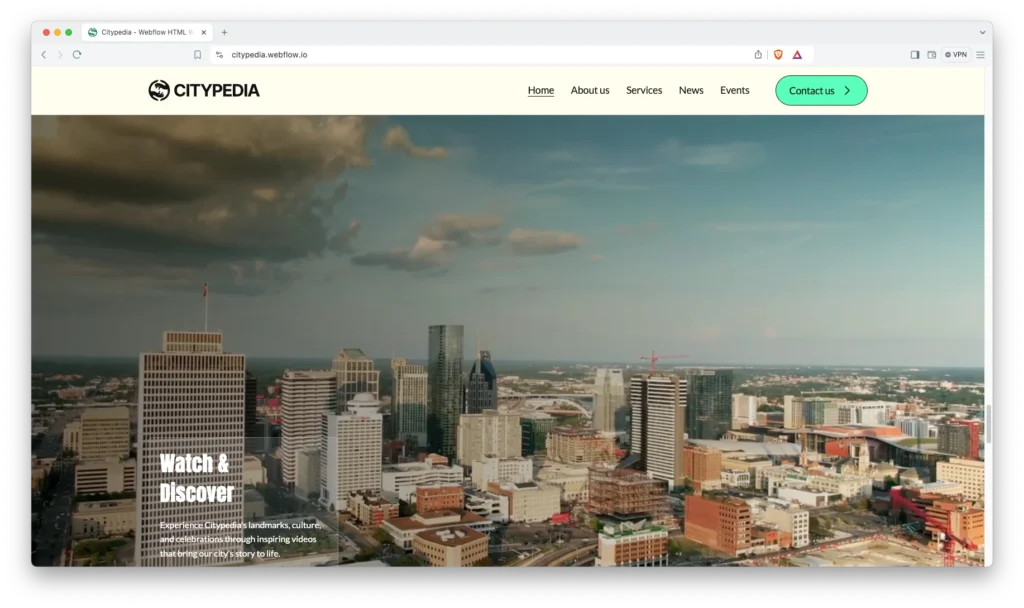
Watch on YouTube
Pages Included in CityPedia
CityPedia ships with ten designed pages. They are Home, About Us, Services, Events, Blog, Contact Us, Style Guide, License, Change Log and a 404 page. Two more are CMS templates. One renders every service, the other renders every news post. So the site grows as the city publishes.
Why Civic Sites Should Lead With Tasks
Most council sites open with a photo of the town hall. However, almost nobody visits to admire the town hall. They come to pay a bill, book a permit or check a bus. CityPedia puts those five tasks in the first screen instead. Then news, events and leadership sit below for the people who do want context. That order cuts support calls, because the common job is never more than one click away.
How to Use CityPedia
- Use the purchase widget on the right side of this page to buy the CityPedia template
- Duplicate the template into your Webflow workspace
- Replace the demo services, notices and photography with your own
- Load your services, events and news into the CMS collections
- Adjust the colors and typography to match your brand
- Check every breakpoint, then publish your site
CityPedia Frequently Asked Questions
What formats does CityPedia ship in?
CityPedia ships for Webflow, Framer, Figma and HTML. Each format is sold separately, so you buy only the one you need.
Is the Figma file included with the Webflow purchase?
No. The Figma file is a separate product on this page. So add it to your order if you want the design source.
How many pages does CityPedia include?
CityPedia includes ten designed pages. It also includes CMS templates for service pages and news posts.
Can I add more services than the demo shows?
Yes. Services run on a CMS collection, so you add as many as your city needs. Each one gets its own page automatically.
Does CityPedia suit a nonprofit rather than a council?
Yes. The structure fits any organisation that publishes services, news and events. However, the demo content is written for a municipality.
Can residents subscribe to updates?
Yes. The events page carries a newsletter signup, and contact forms appear across the site.
When you choose CityPedia, you get support from the TNCFlow team. So if a section does not behave, ask us and we will help.
Check out other Webflow templates by TNCFlow.

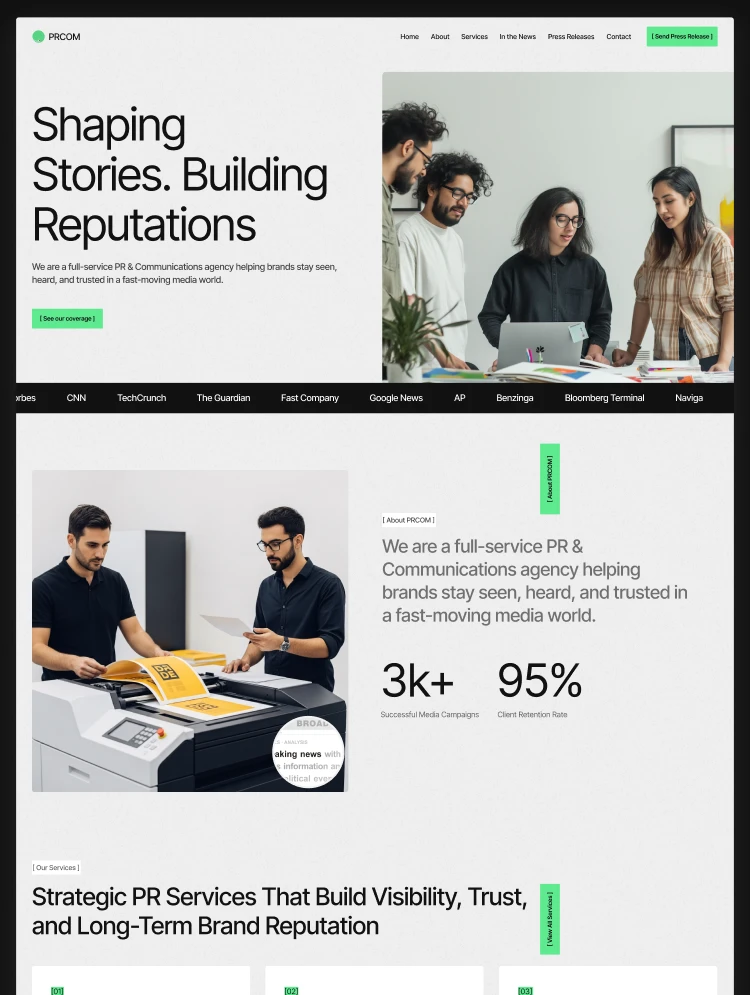


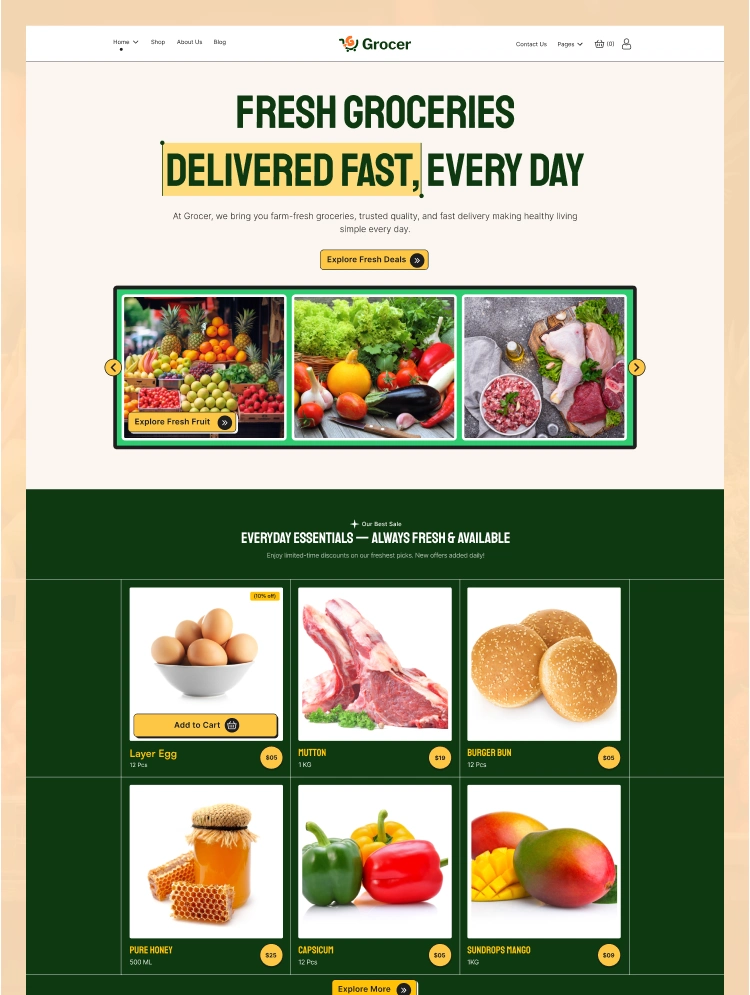
Select template
Choose one or more options for your build
All-Access Pass
$199
/ Yearly
$20,000+ in assets
130+ Webflow Templates
130+ Figma UI Templates
45+ Framer Templates
130+ HTML Templates
