

PRO

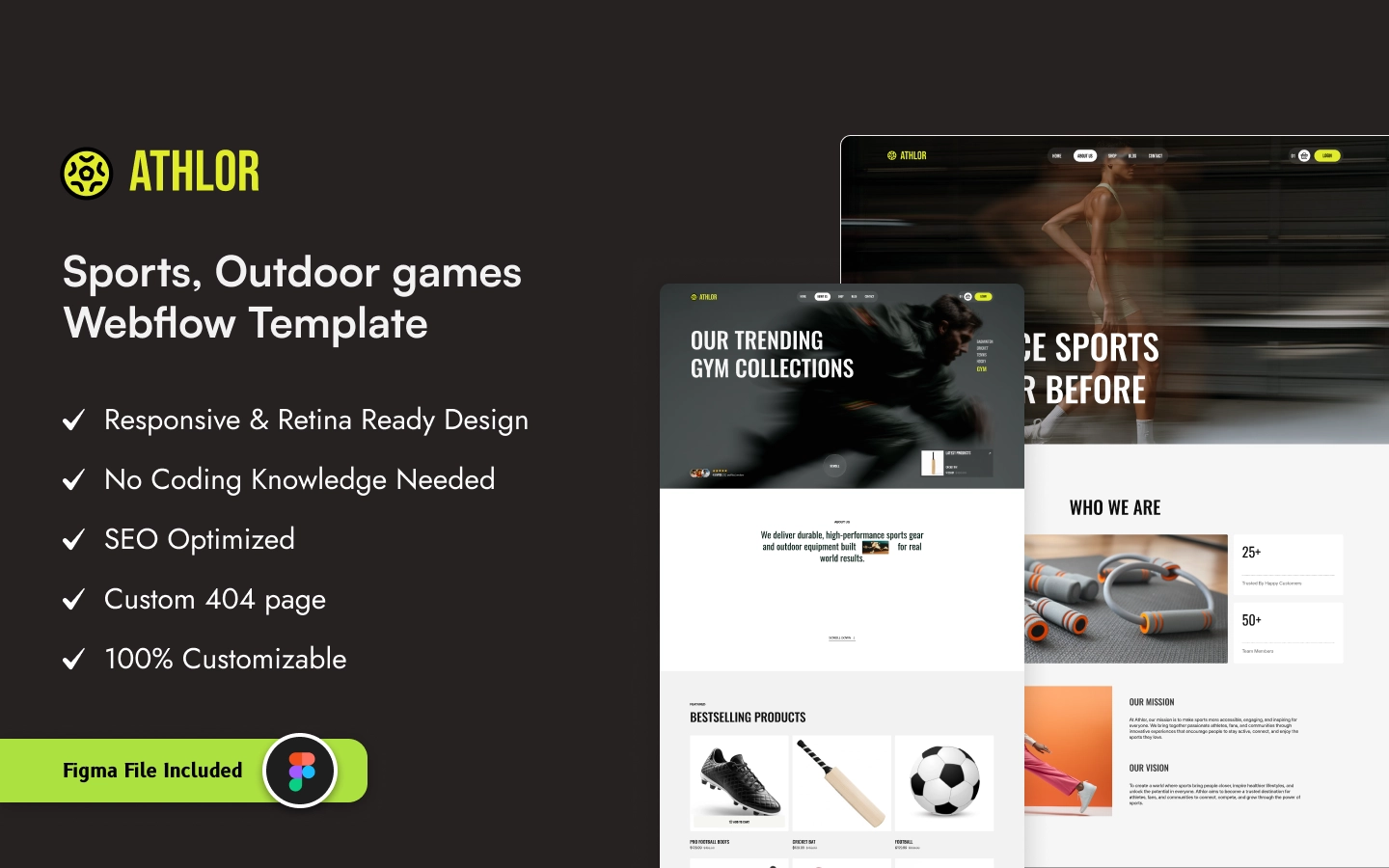
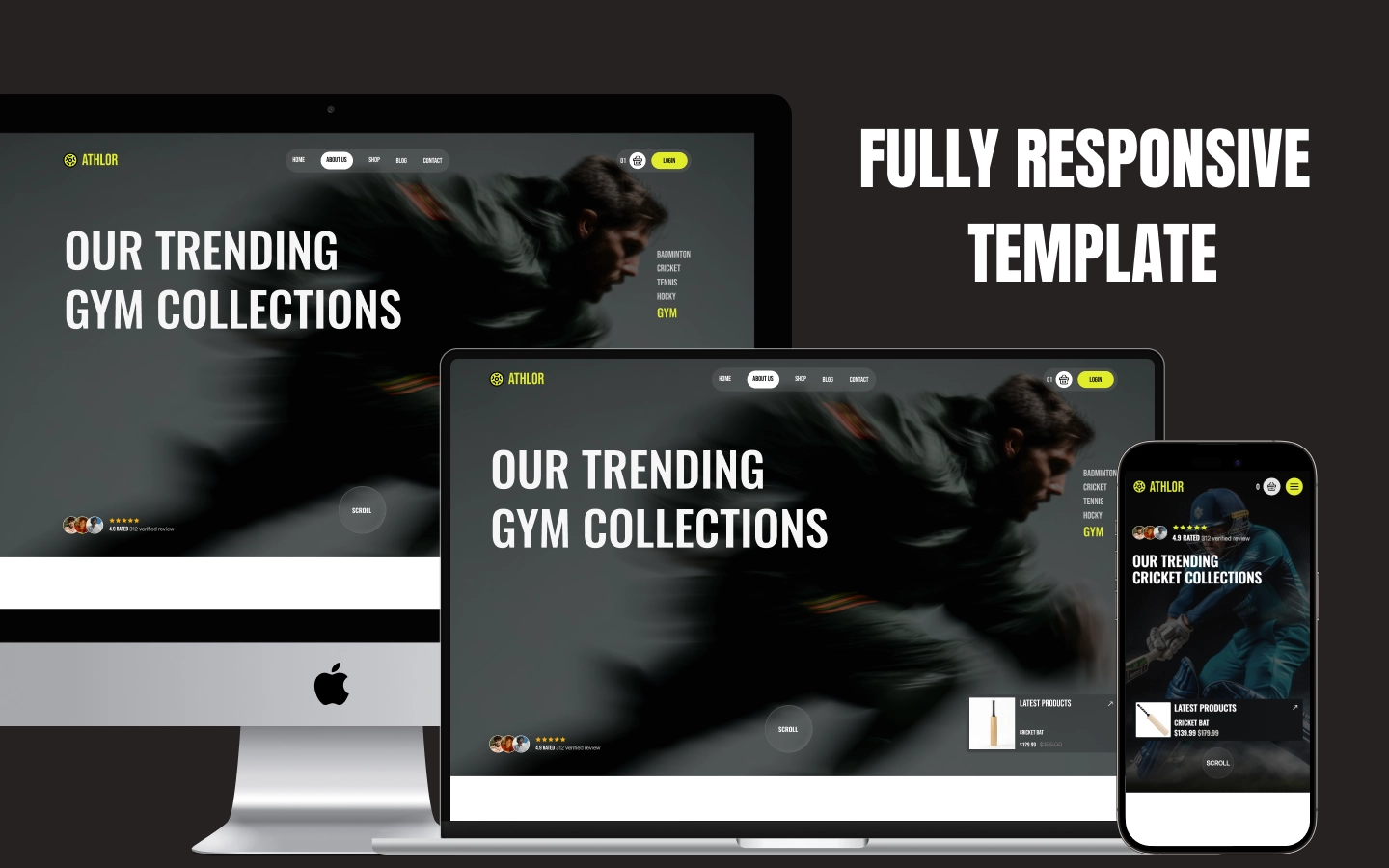
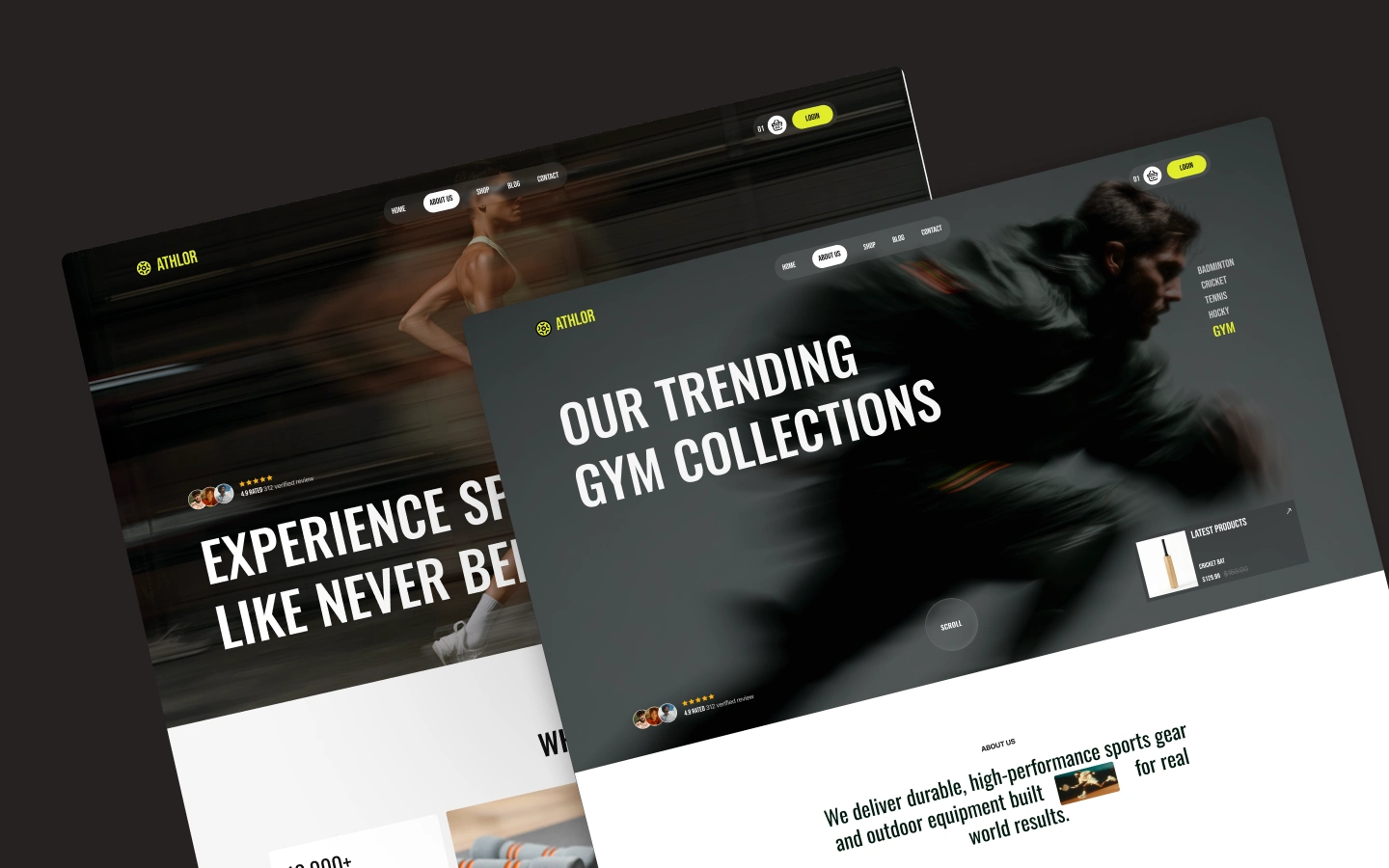
Athlor is a modern Webflow e-commerce template for sports stores, fitness brands, and sporting-goods businesses looking to showcase and sell products across multiple sports categories. It ships for Webflow, Figma, Framer and HTML.
Athlor is a sports and fitness e-commerce website template designed for stores selling sporting equipment, apparel, and training gear. It combines a bold product-focused layout with dedicated category sections, featured products, customer feedback, articles, and e-commerce shopping functionality.
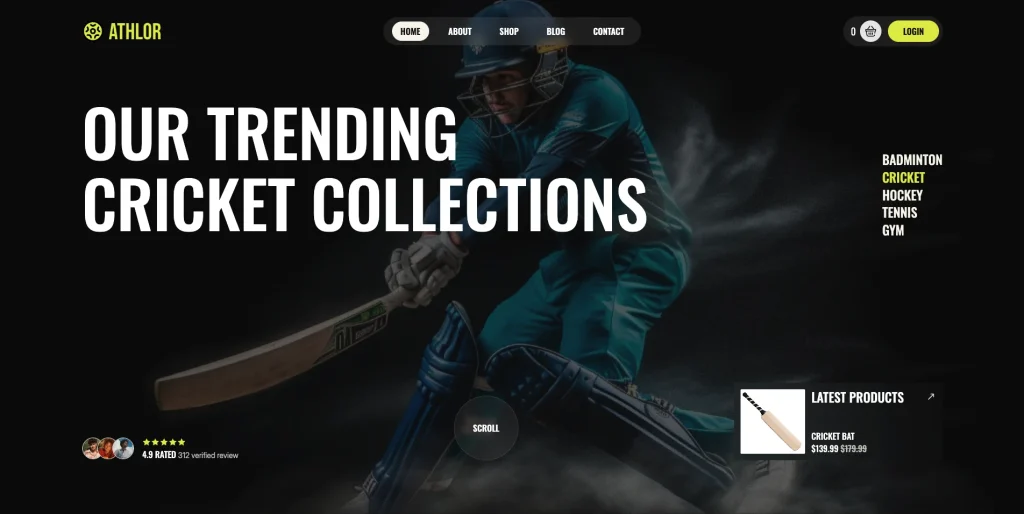
The homepage is built around sports collections, starting with trending categories for Badminton, Cricket, Hockey, Tennis, and Gym products. This gives visitors a quick way to navigate directly into the type of equipment they are looking for.
The template also includes a dedicated About Us section that introduces the brand and its focus on durable, high-performance sports gear and outdoor equipment. A Best Selling Products section provides space to highlight individual products with pricing and shopping actions.
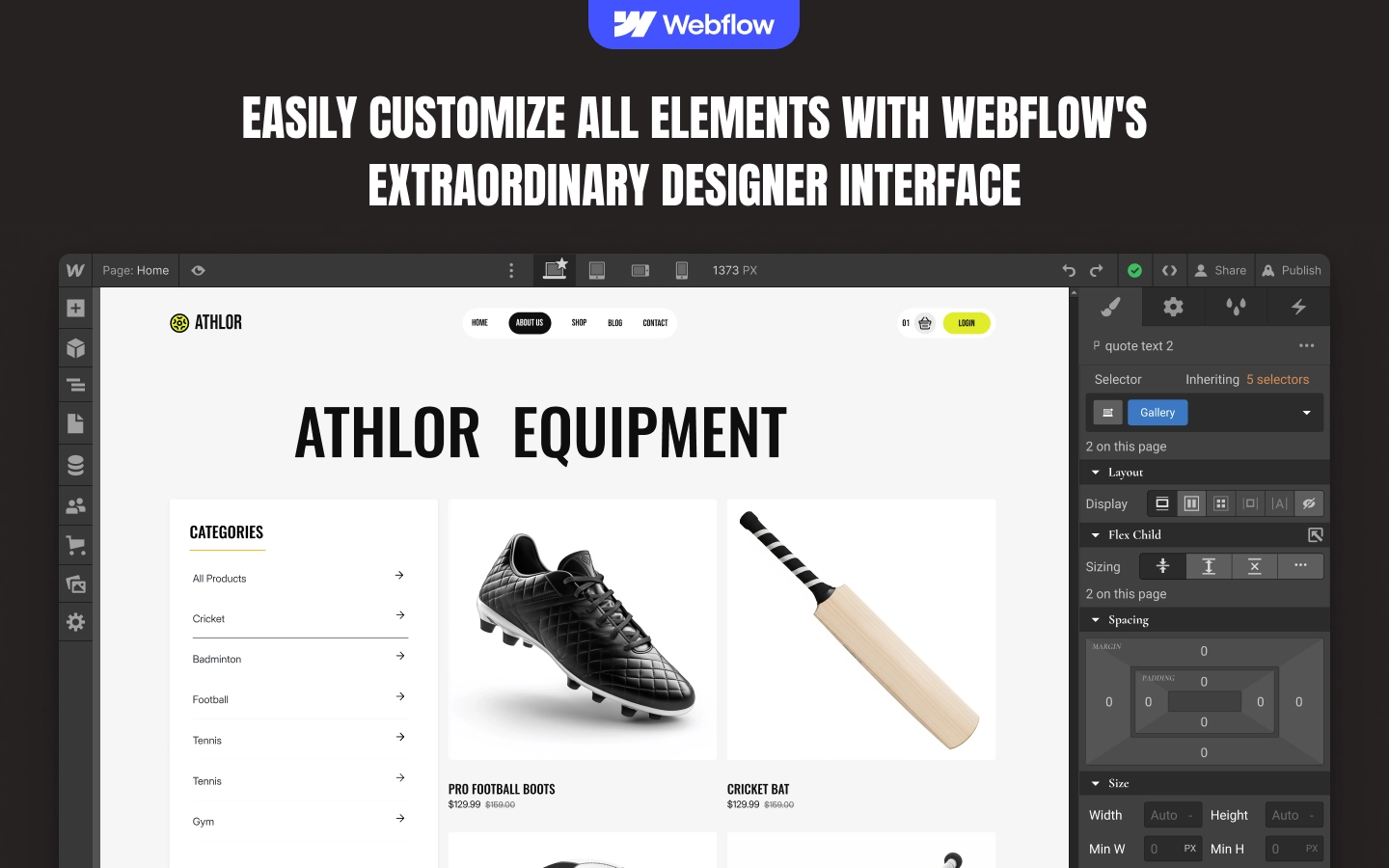
Athlor organizes products into dedicated categories including Gym, Football, Cricket, Badminton, and Tennis. Category pages provide a straightforward product-browsing experience with category navigation and product cards.
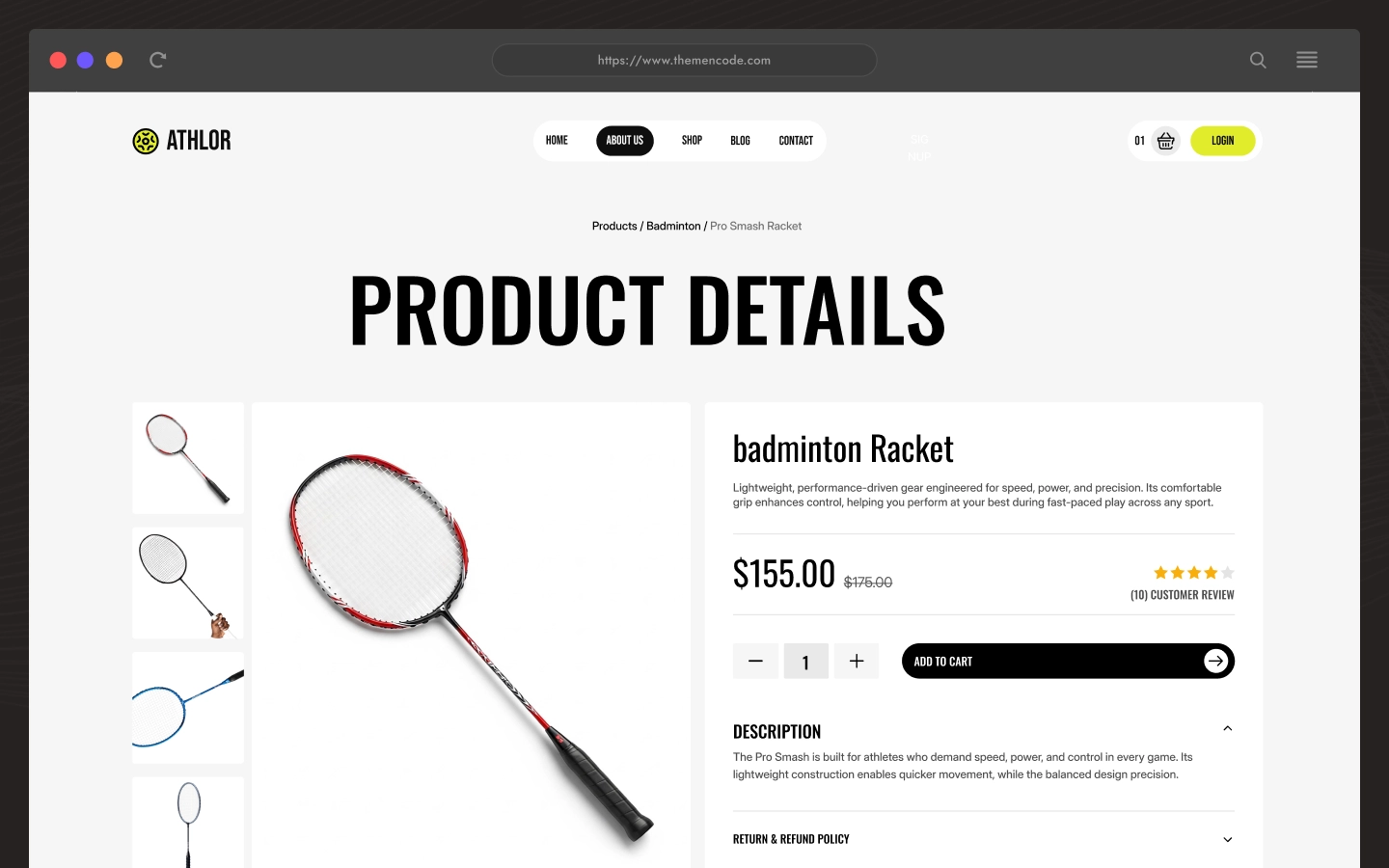
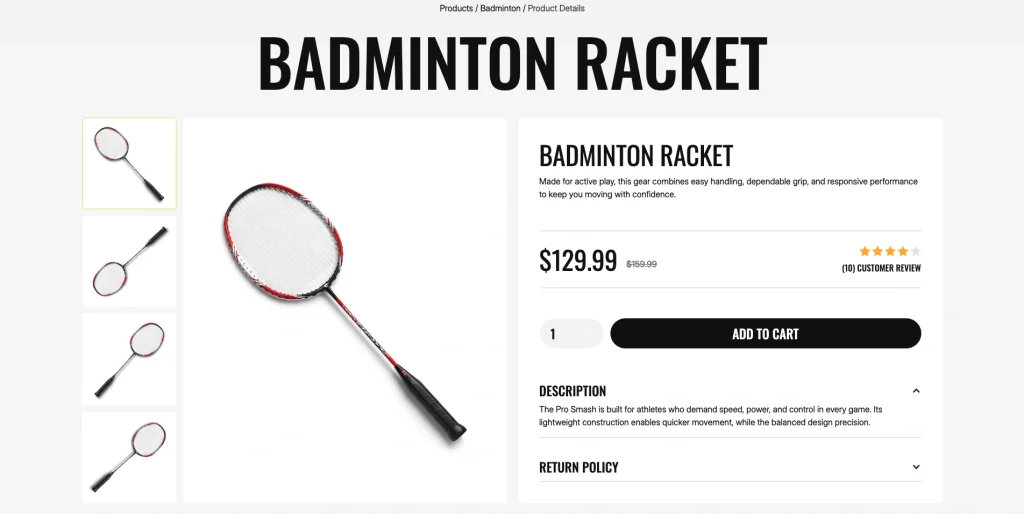
Individual product pages provide a more detailed shopping experience, including product imagery, product information, pricing, customer reviews, quantity controls, purchase actions, product descriptions, and return-policy information.
The homepage also includes customer testimonials and a Latest Article & Insights section, giving the store space to build credibility and publish sports-related content.
Athlor is therefore suited to businesses that need a polished sports ecommerce presence where customers can discover products by sport, view individual product details, and proceed through the shopping experience.
Explore the live preview now.
Athlor at a Glance
| Formats | Webflow, Figma and HTML |
| Best for | Sports stores, sporting-goods businesses, fitness brands, and ecommerce businesses selling sports equipment and athletic products. |
| Pages | 25+ pages, including the homepage, product category pages, individual product pages, cart, checkout, blog/article content, and supporting store pages. |
| CMS | Webflow CMS-powered content is used for structured Blog content. |
| Commerce | Webflow Ecommerce with cart, checkout, and order confirmation |
| Layout | Modern sports ecommerce layout with product-focused sections, category browsing, featured products, customer testimonials, and article content. |
| Content Focus | Sports equipment, fitness products, product categories, best sellers, customer feedback, sports insights, and ecommerce shopping. |
| Documentation | Includes a dedicated Instructions page covering template setup, editing content, ecommerce products, components, breakpoints, and customization guidance. |
| Responsive | Yes, on desktop, tablet and mobile |
| Support | Included, direct from the TNCFlow team |
The live Target site exposes Webflow Ecommerce cart and checkout functionality, product pages, category pages, and product purchasing controls.
Who Is Athlor For?
Athlor is designed for businesses whose website needs to put sports products and shopping at the center of the experience.
It works particularly well for:
- Sporting goods stores selling equipment across multiple sports
- Fitness and gym equipment retailers
- Football equipment stores
- Cricket equipment stores
- Badminton equipment retailers
- Tennis equipment stores
- Sports brands selling products online
- E-commerce businesses focused on athletic and outdoor equipment
- Sports retailers that want to organize products by sport category
The template’s category structure specifically covers Gym, Football, Cricket, Badminton, and Tennis products, while the homepage also highlights Hockey as a trending collection.
Key Features of Athlor
Sports-Focused Ecommerce Homepage: Athlor opens with a sports-focused homepage designed to immediately direct visitors toward popular product collections. The hero/trending area highlights Badminton, Cricket, Hockey, Tennis, and Gym collections, giving different types of shoppers a direct route into the store.
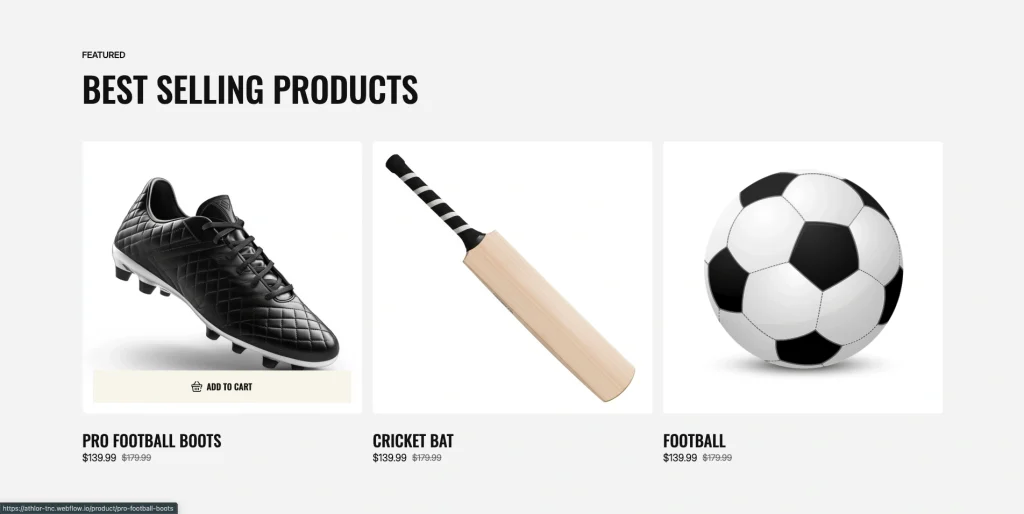
Best Selling Products: The homepage includes a dedicated Best Selling Products section for showcasing individual products with product images, pricing, and e-commerce purchase actions. The visible products include Pro Football Boots, Cricket Bat, Football, Badminton Racket, Hockey Bat, and Tennis Ball.
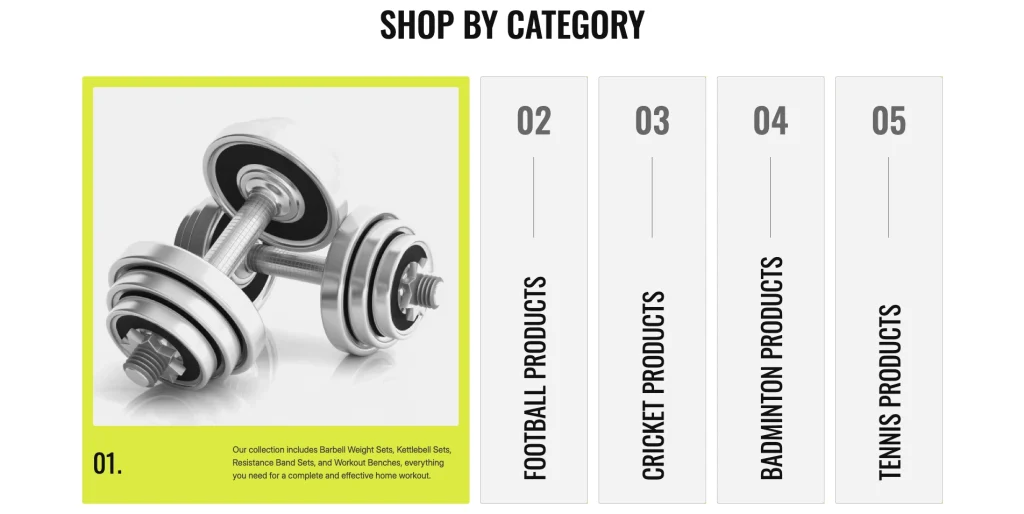
Shop by Category: Athlor includes a dedicated Shop By Category section that organizes the store around different sports. The homepage provides five numbered categories: Gym, Football, Cricket, Badminton, and Tennis. Each category also includes supporting text describing the types of products available.
Detailed Product Pages: Athlor includes dedicated product detail pages. The product page layout includes multiple product images, product name, description, price, review information, quantity controls, purchase actions, a longer description, and return-policy information.
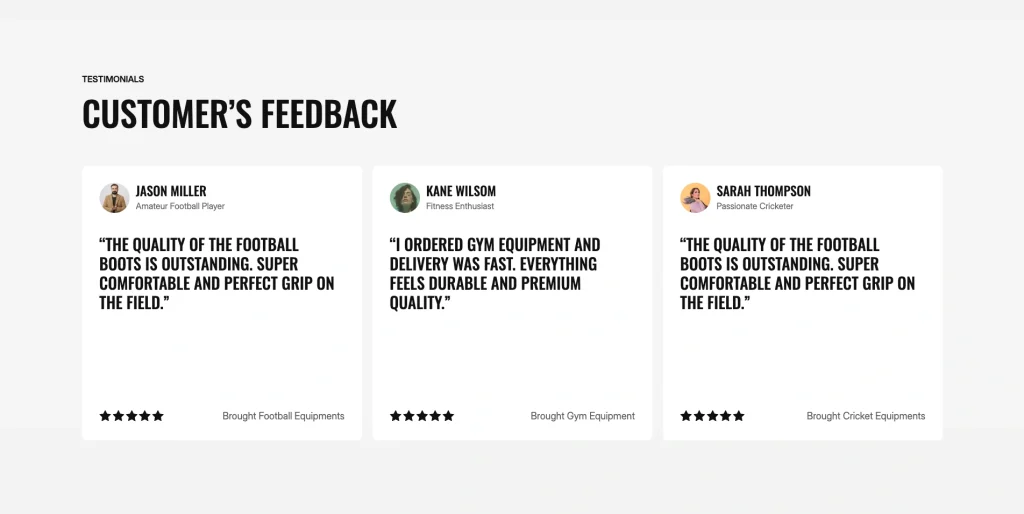
Customer Feedback Section: The homepage includes a Customer Feedback section featuring customer names, profiles, testimonials, and the type of equipment purchased.
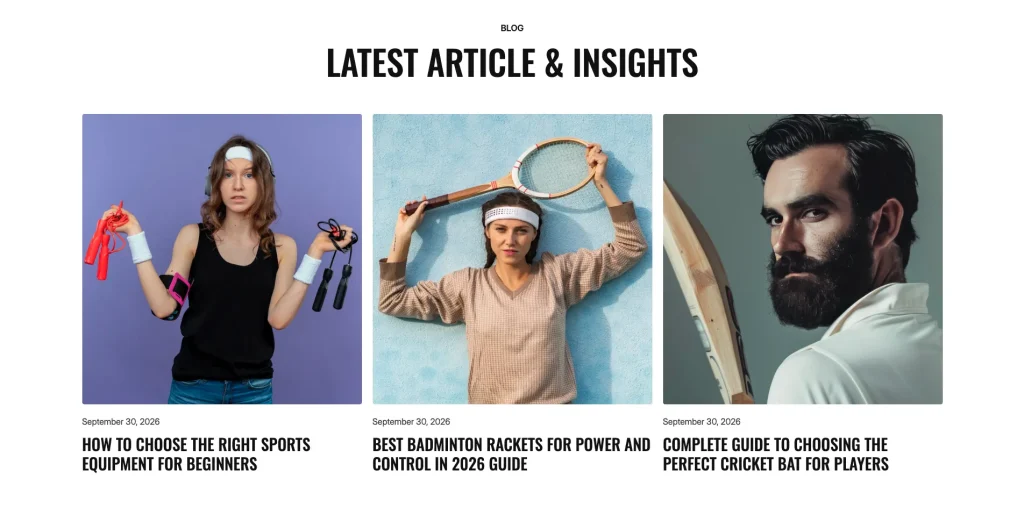
Sports Blog & Insights: Athlor includes a Latest Article & Insights section featuring sports and equipment-related articles. The visible content includes guides covering sports equipment, badminton rackets, cricket bats, badminton footwork, home gym equipment, and running gear.
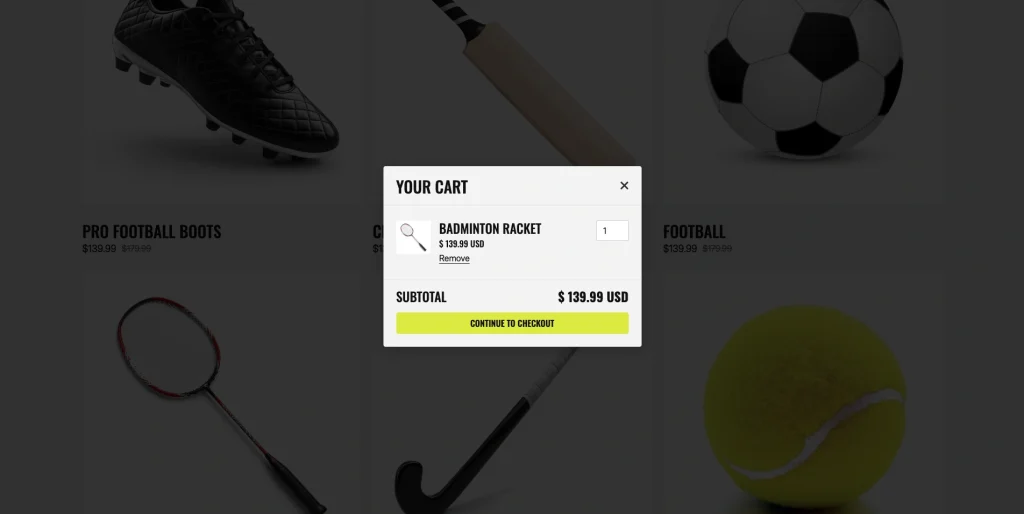
Ecommerce Shopping Cart: The template includes a shopping cart interface with subtotal information, product quantity controls, removal controls, and a checkout action.
Pages Included in Athlor
Main Pages
- Home
- About
- FAQ
- Blog
- Shop
- Contact
- Privacy Policy
- Return & Refund Policy
User Pages
- Log In
- Sign Up
- Reset Password
CMS Collection Pages
- Blogs Template
- Blog Categories Template
- Product Categories Template
Ecommerce Pages
- Products Template
- Categories Template
- Checkout
- Checkout (PayPal)
- Order Confirmation
Utility Pages
- Licenses
- 404 Error
- Changelog
- Style Guide
- Instructions
- External Link
- Password Protected
How to Use Athlor
Setup is straightforward. Here are the steps.
- Purchase Athlor from the Webflow Marketplace.
- Duplicate the template into your Webflow workspace.
- Replace the existing brand name, images, text, and contact information with your own store content.
- Add or update your products.
- Organize products according to the sports categories relevant to your business.
- Replace the featured products displayed on the homepage.
- Update the About Us section with your store’s information.
- Replace the customer testimonials with your own customer feedback.
- Update the Latest Article & Insights content with your own sports-related articles.
- Review individual product pages and update product descriptions, pricing, imagery, reviews, and return-policy content.
- Review the cart and checkout experience.
- Check the website across desktop, tablet, and mobile breakpoints.
- Publish your finished e-commerce website.
What a Sports Ecommerce Website Has to Communicate
A sports ecommerce website needs to make product discovery simple while giving customers enough information to make confident purchasing decisions.
Athlor is structured around those key parts of the shopping journey.
The homepage introduces the store through sports collections and trending categories, allowing visitors to quickly identify the area they are interested in.
The Best Selling Products section then brings individual products into focus, giving visitors a direct route from discovery to shopping.
The Shop By Category section organizes the store around sports such as Gym, Football, Cricket, Badminton, and Tennis, making browsing more intuitive.
Individual product pages provide the next level of detail, with product imagery, pricing, reviews, quantity selection, purchase actions, descriptions, and return information.
Finally, customer feedback and article content give the store additional areas for trust and informational content.
Frequently Asked Questions
What type of website is Athlor designed for?
Athlor is designed as a sports and fitness ecommerce website template for businesses selling sporting equipment, gym products, and athletic gear.
Does Athlor include ecommerce functionality?
Yes. The live template includes Webflow Ecommerce functionality, including products, shopping cart controls, and checkout actions.
Can I showcase products from different sports?
Yes. The template is structured around multiple sports categories, including Gym, Football, Cricket, Badminton, and Tennis. The homepage also presents Hockey as one of its trending collections.
Are product detail pages included?
Yes. The template includes dedicated product detail pages with product imagery, pricing, reviews, quantity controls, purchase actions, descriptions, and return-policy information.
Are product category pages included?
Yes. The live template includes dedicated category pages with category navigation and product listings.
Can customers add products to a cart?
Yes. The template includes a shopping cart interface with product controls, subtotal information, and a checkout action.
Does Athlor include a checkout?
The template exposes a checkout flow through its ecommerce cart interface and Buy Now/checkout actions.
Does Athlor include customer testimonials?
Yes. The homepage includes a Customer Feedback section with multiple customer testimonials.
Does Athlor include a blog or article section?
Yes. The homepage includes a Latest Article & Insights section with sports and equipment-related articles.
Can I customize the products and content?
Yes. The template is built in Webflow, so the store content, imagery, products, text, and branding can be adapted to your own ecommerce business.
Is Athlor responsive?
The template is designed as a responsive Webflow website for desktop, tablet, and mobile use.
Does the template include multiple sports categories?
Yes. The homepage and category structure include Gym, Football, Cricket, Badminton, and Tennis, with Hockey also appearing in the homepage’s trending collections.
Are utility pages included?
Yes. The template includes Style Guide, Instructions, Changelog, Licenses, 404 Error, and Protected Page utility pages.
Can I customize the existing content?
Yes. Text and images can be edited in Webflow, while dynamic content can be managed through the site’s CMS structure.
Is the Figma file included with the template?
No. The Figma file is a separate product, and you can buy it on its own from the purchase widget on this page. You do not need to message us for it after buying the Webflow or HTML build.
When you choose this template, you get support direct from the TNCFlow team. So if a section will not behave, just ask us.
Check out other Webflow templates by TNCFlow.


Select template
Choose one or more options for your build
All-Access Pass
$199
/ Yearly
$20,000+ in assets
130+ Webflow Templates
130+ Figma UI Templates
45+ Framer Templates
130+ HTML Templates
