
PRO

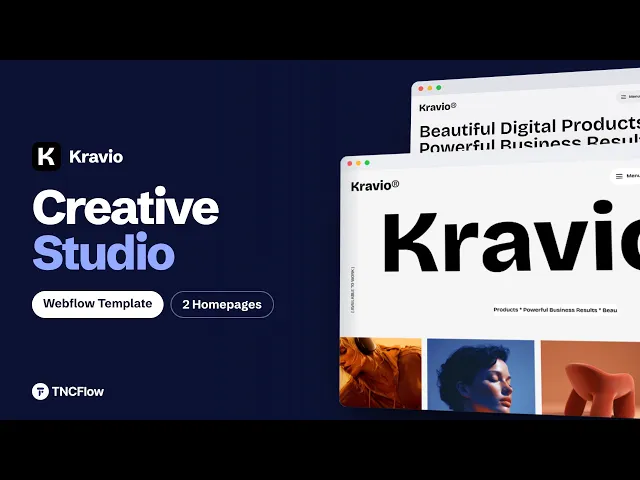
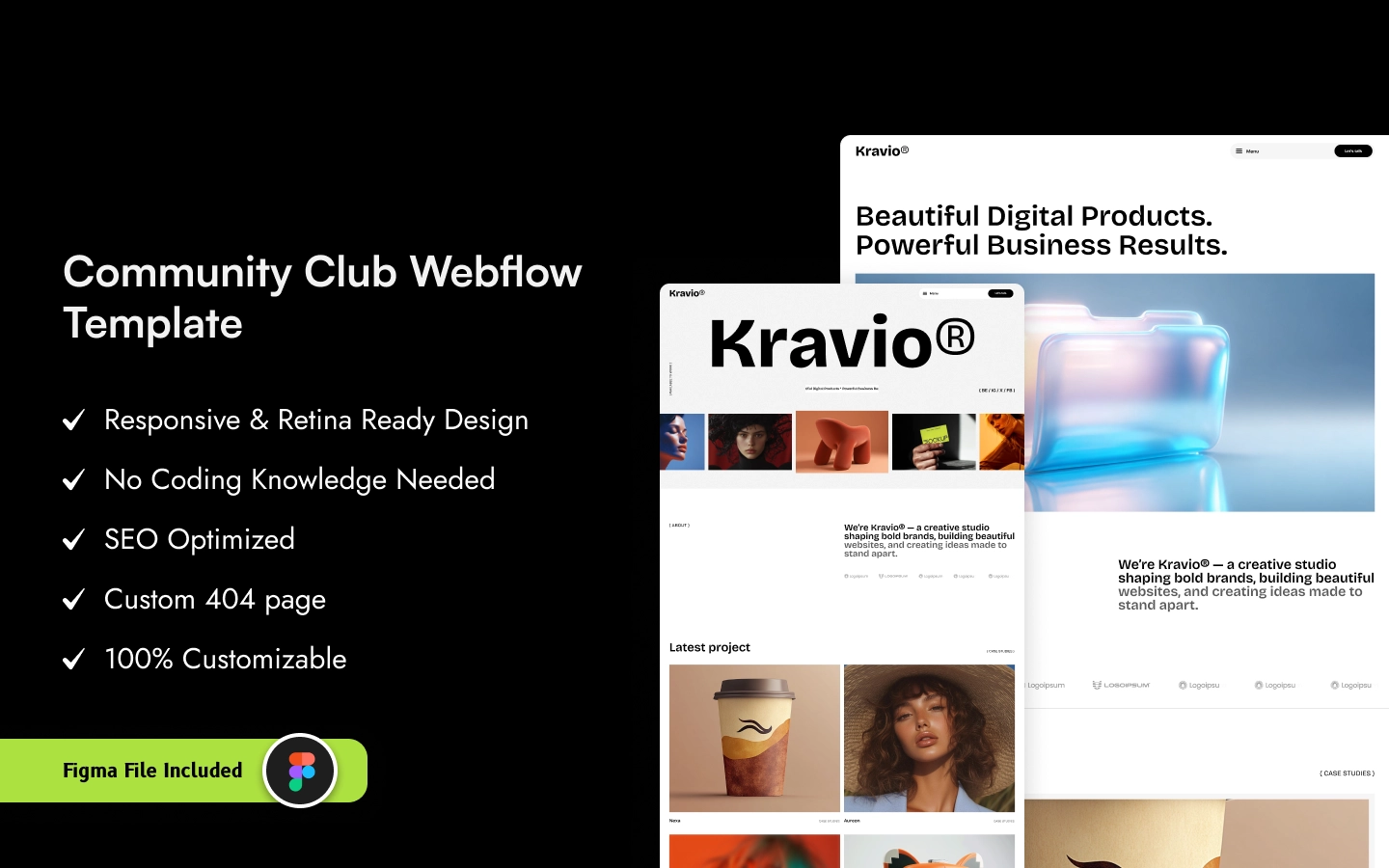
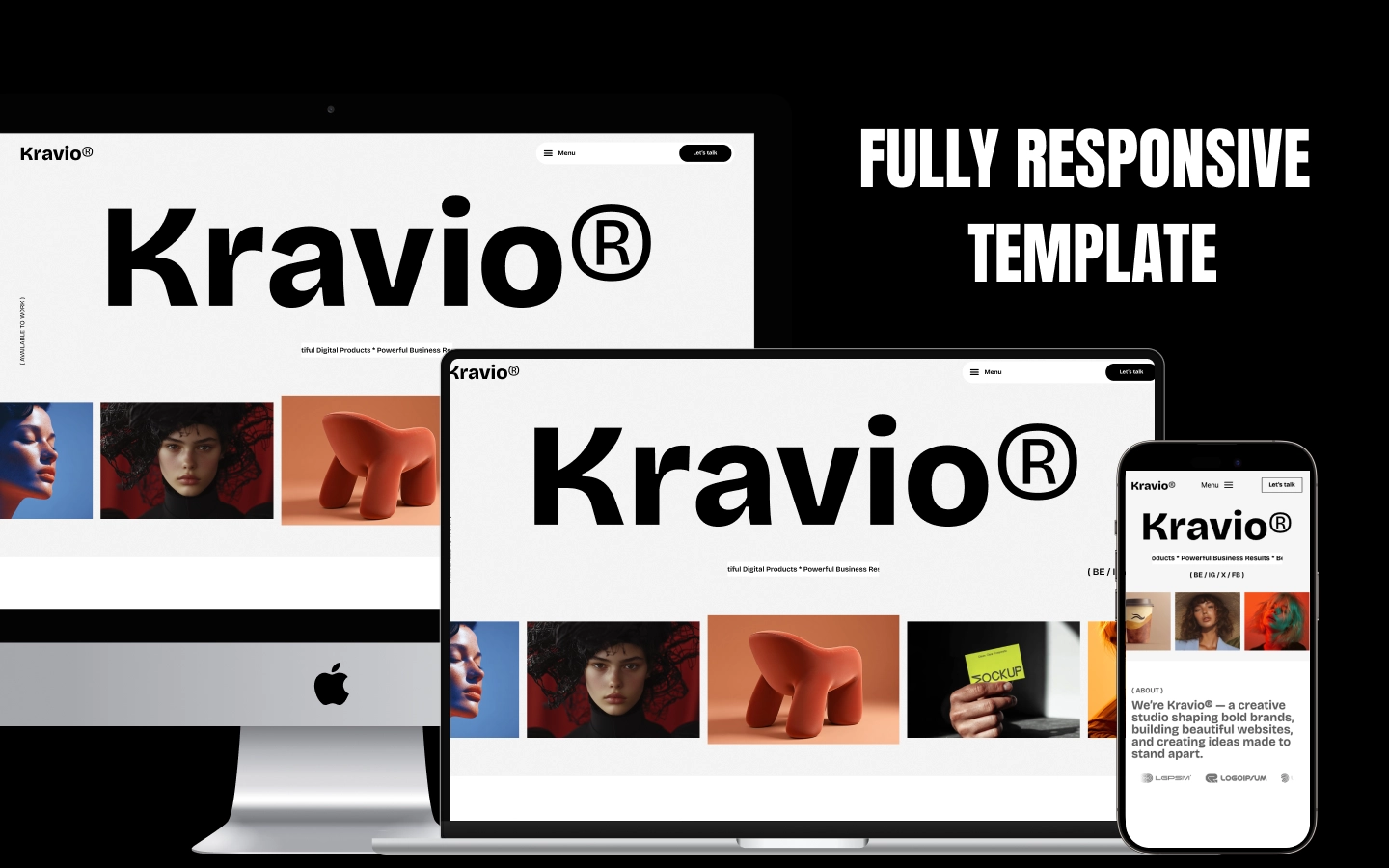
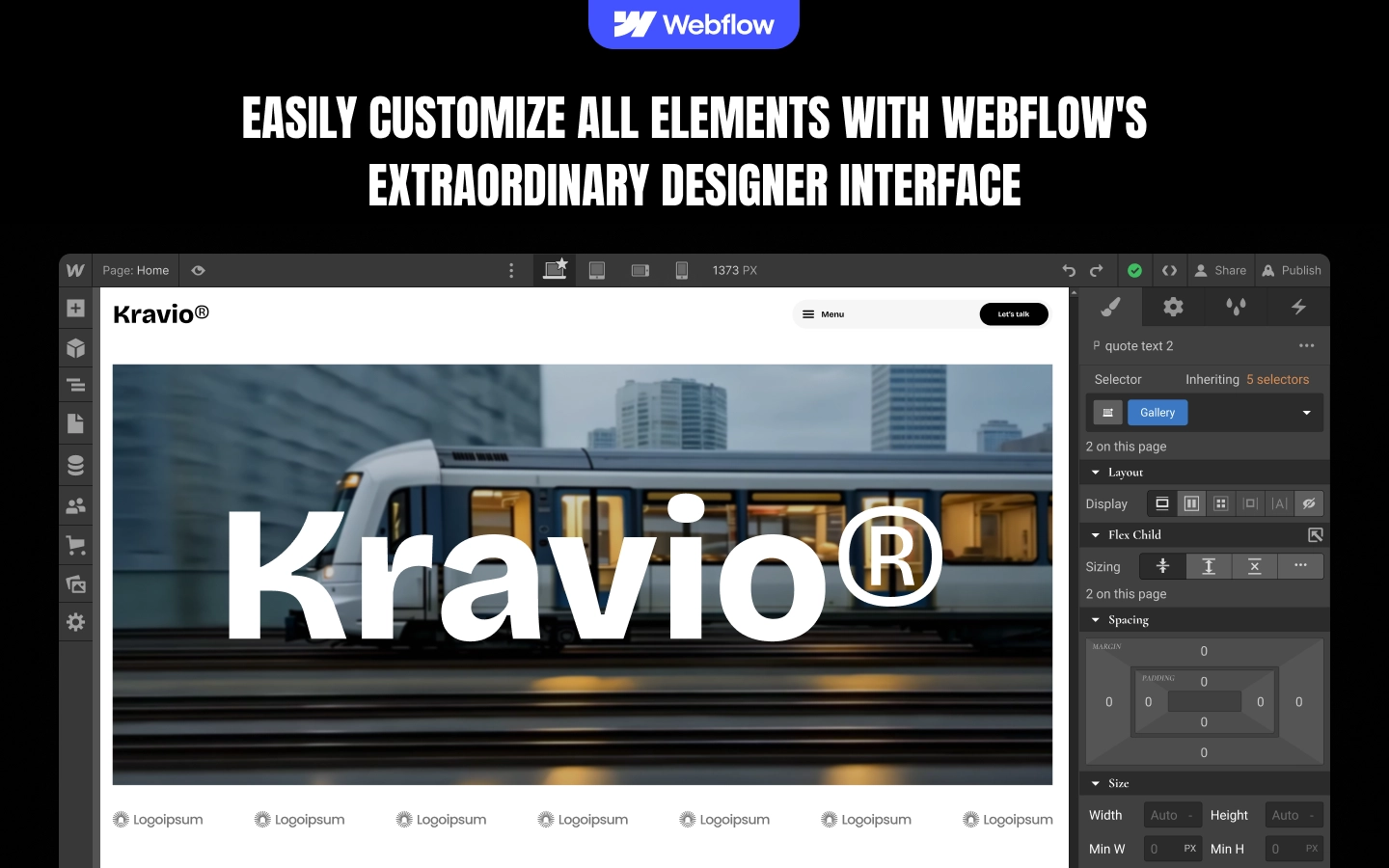
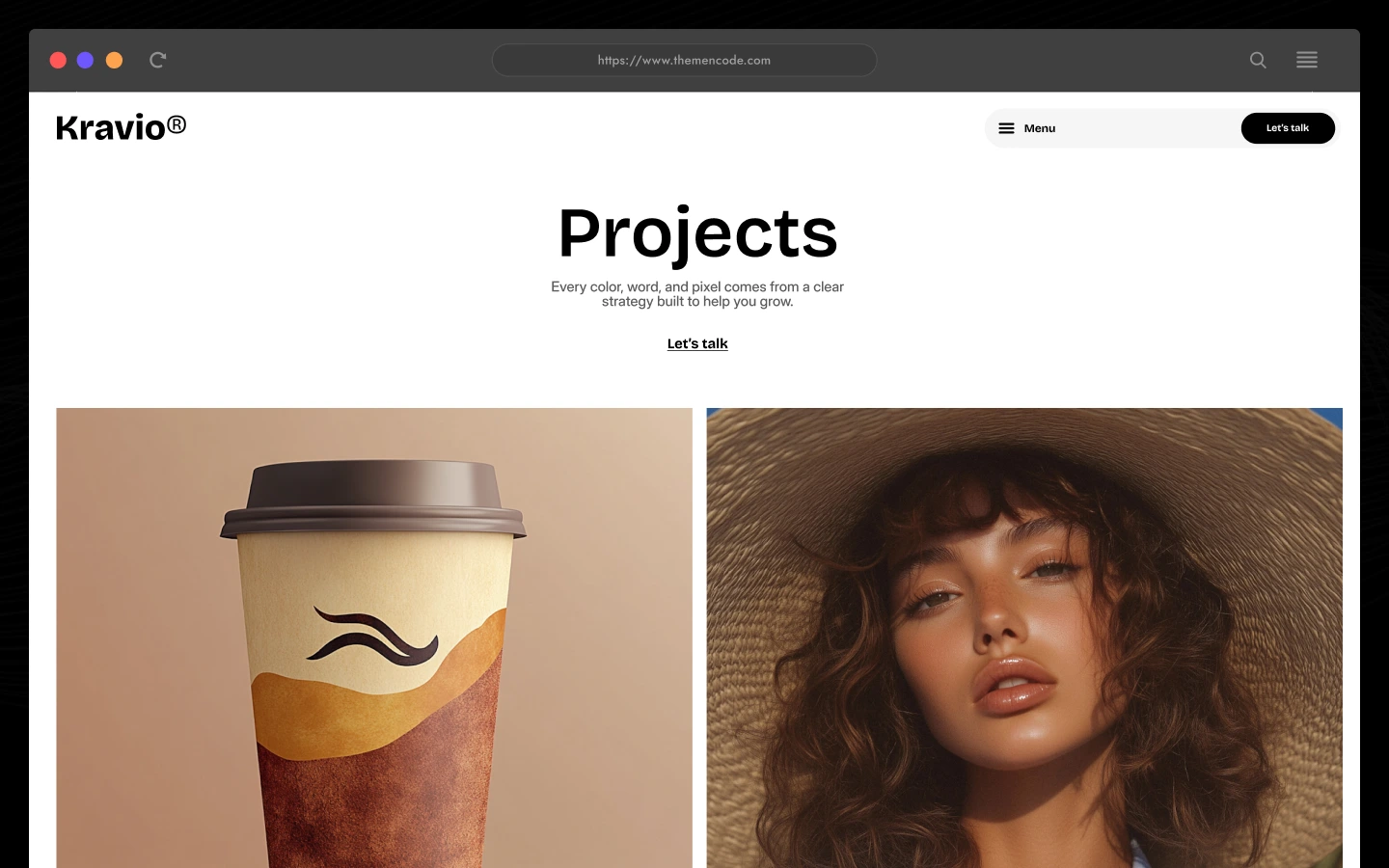
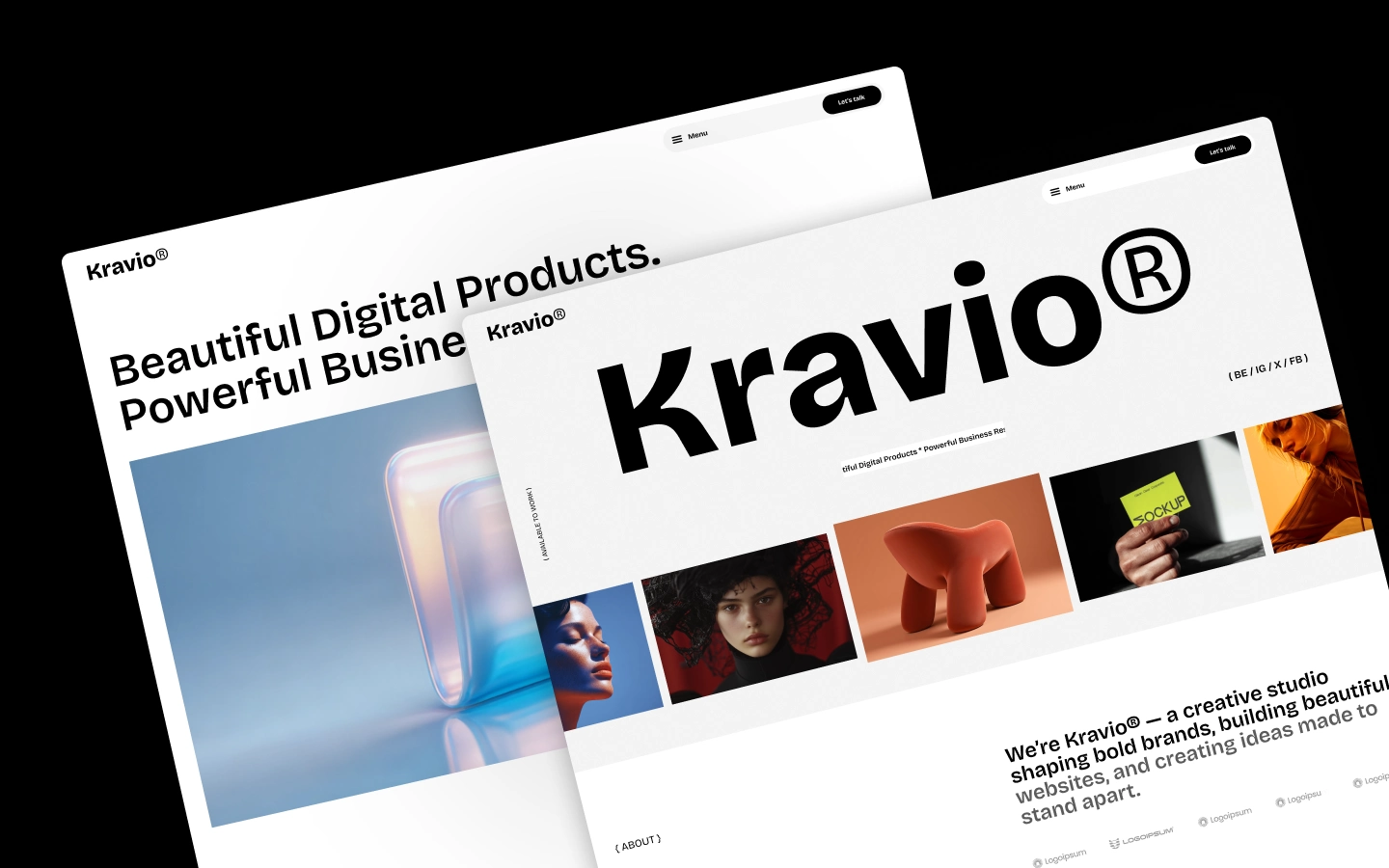
Kravio is a modern Webflow template for creative studios, branding agencies, digital agencies, and freelance designers. Featuring two homepage layouts, CMS-powered projects and services, detailed case studies, team profiles, awards, testimonials, and a blog, Kravio helps creative businesses showcase their work and attract new clients. It ships for Webflow and Figma.
Kravio is a modern Webflow template designed for creative studios, branding agencies, digital agencies, and independent designers who want to present their work with clarity and confidence. With bold typography, striking project visuals, and a refined layout, Kravio puts your portfolio and creative capabilities at the center of your website.
The template includes two distinct homepage layouts, allowing you to choose the presentation that best fits your brand. Home One introduces the studio through a prominent brand statement and a scrolling project showcase, while Home Two leads with a strong headline and a visual-led hero section. Both layouts share a consistent design system and can be adapted to suit your preferred presentation.
Kravio brings together project showcases, service presentations, detailed case studies, team profiles, awards, testimonials, and editorial content. The projects section highlights selected work across categories such as Branding and Digital Design, while individual project pages provide room to explain the brief, process, challenges, and solutions behind each project.
Dedicated service pages help you explain what your studio offers, communicate your approach, and support your services with relevant imagery. The About page introduces your team and showcases awards and recognition, while testimonials provide space for client feedback and the blog gives you a place to publish articles, insights, and studio news.
Built around Webflow CMS collections for projects, services, blog content, and categories, Kravio offers a structured foundation for managing a growing creative portfolio. The included Style Guide and utility pages also provide a practical starting point for customizing the design and preparing the website for launch.
Whether you’re building a website for a branding studio, a digital agency, a freelance design practice, or a business strategy consultancy, Kravio gives you a polished framework for presenting your expertise, communicating your value, and encouraging prospective clients to get in touch.
Kravio is built for creative businesses that want their work to speak first.
Explore the live preview now.
Kravio at a Glance
| Formats | Webflow and Figma |
| Total pages | 15+ pages |
| Homepage layouts | 2 (Home One and Home Two) |
| CMS collections | 4 (Projects, Services, Blog, and Categories) |
| Case studies | Dedicated project detail pages |
| Service pages | Individual service detail pages |
| Team and awards | Included on the About page |
| Testimonials | Client testimonial sections |
| Blog | CMS-powered articles and category content |
| Contact | Contact page and enquiry form |
| Layout | Modern sports ecommerce layout with product-focused sections, category browsing, featured products, customer testimonials, and article content. |
| Responsive | Yes, on desktop, tablet and mobile |
| Support | Included, direct from the TNCFlow team |
Who Is Kravio For?
Kravio is designed for creative businesses whose websites need to put design, portfolio projects, and professional services at the center of the experience.
It works particularly well for:
- Creative studios showcasing their design work and creative capabilities
- Branding agencies presenting brand identities and visual design projects
- Digital agencies offering website design and digital experiences
- Web design studios showcasing websites and UI/UX projects
- Freelance designers building a professional online portfolio
- Marketing agencies presenting their services and creative campaigns
- Business strategy consultancies communicating their expertise
- Creative businesses looking to showcase their team, awards, and client testimonials
- Agencies that want to organize projects, services, and articles using Webflow CMS
Key Features of Kravio
Two Distinct Homepage Layouts: Kravio includes two complete homepage presentations built around the same design system. Home One emphasizes the studio introduction and scrolling project showcase, while Home Two uses a headline-led, visual-first opening. Choose one direction or combine suitable sections from both.
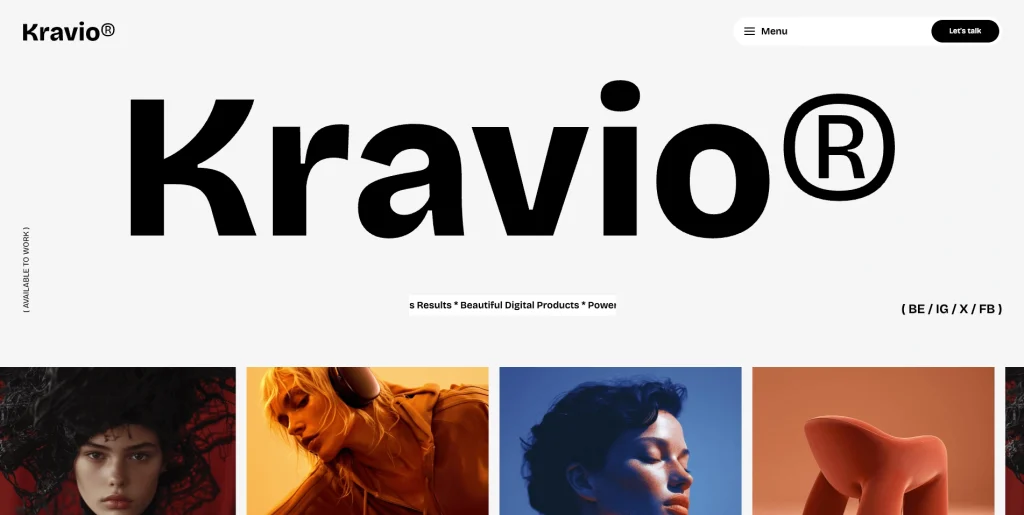
Bold Hero Typography and Scrolling Marquee: Oversized typography and a repeated marquee establish a confident visual identity and create a distinctive introduction for a creative studio.
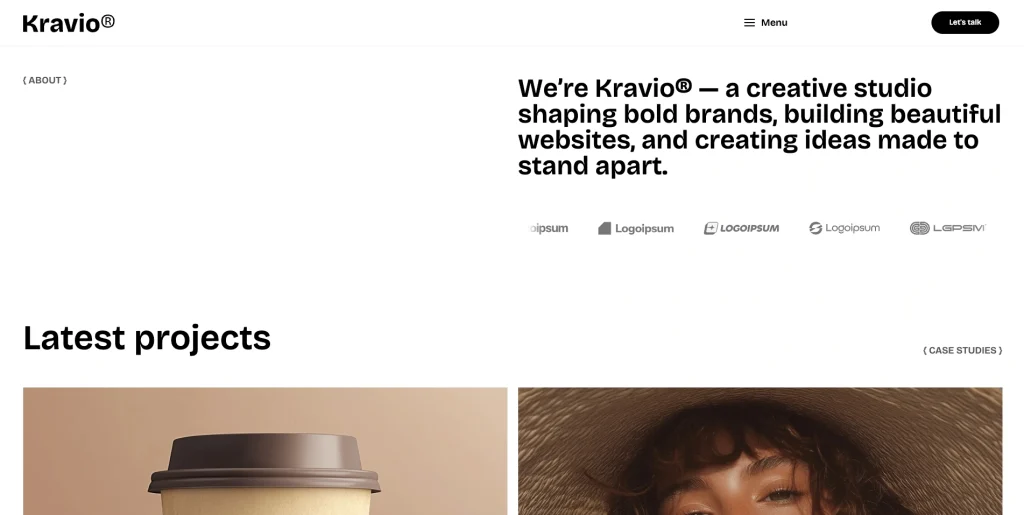
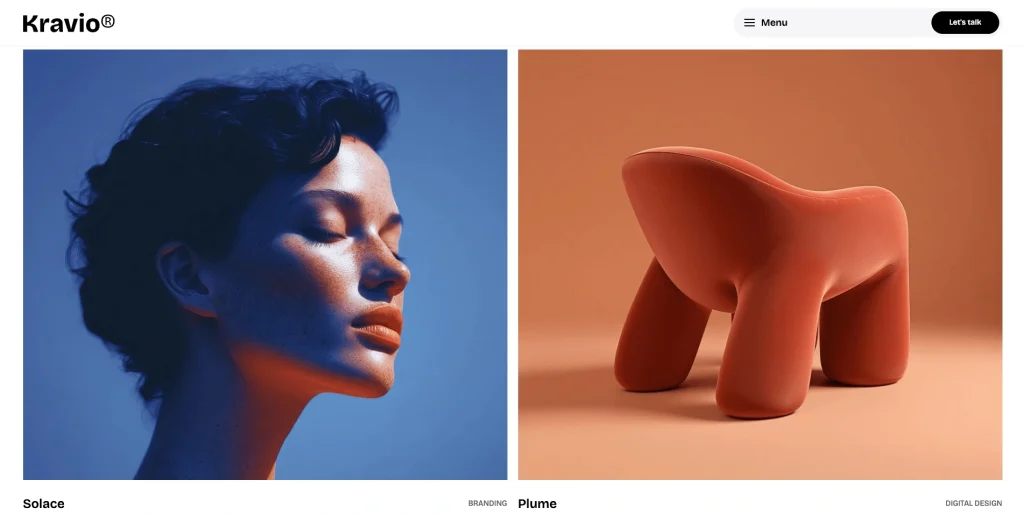
Visual Project Showcase: The project showcase brings selected creative work to the foreground, helping studios present branding and digital design projects through a visual portfolio.
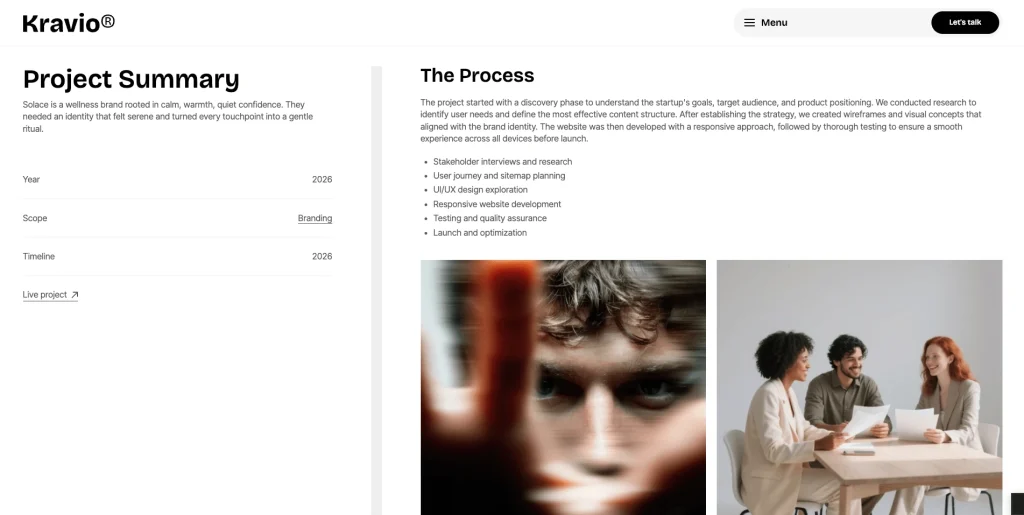
Dedicated Project and Case Study Pages: Each project detail page provides space for project imagery, a summary, year, scope, timeline, a live project link, and structured explanations of the process, challenge, and solution. This lets studios explain the thinking behind their work instead of relying on visuals alone.
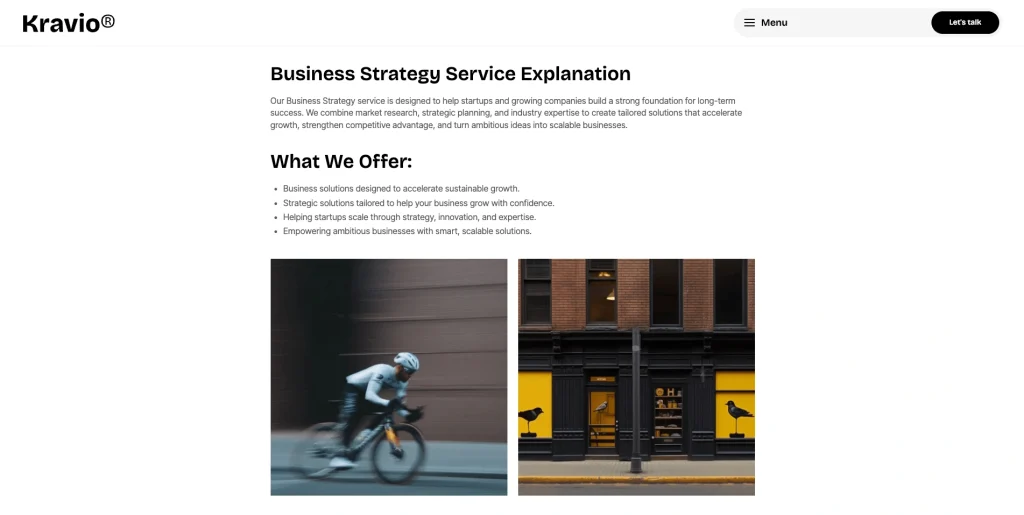
Dedicated Service Presentations: Kravio presents services such as Web design, Dashboard, Marketing, and Business strategy in a clear, organized layout. Dedicated service pages provide a place to explain each offering and show supporting visuals.
Team Profiles: Kravio includes a dedicated team section that introduces the people behind the creative studio. The profile layout helps agencies showcase their team members and give visitors a better understanding of the people behind their work.
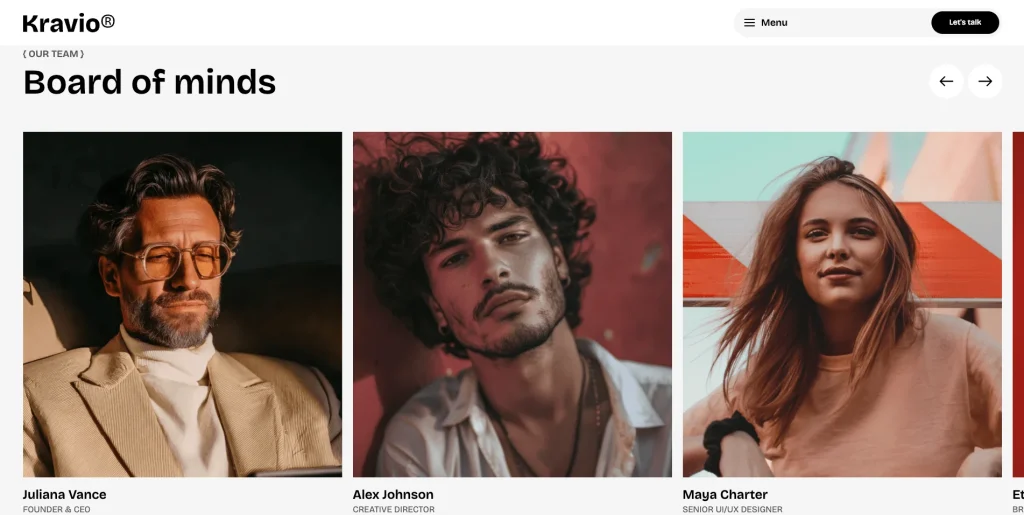
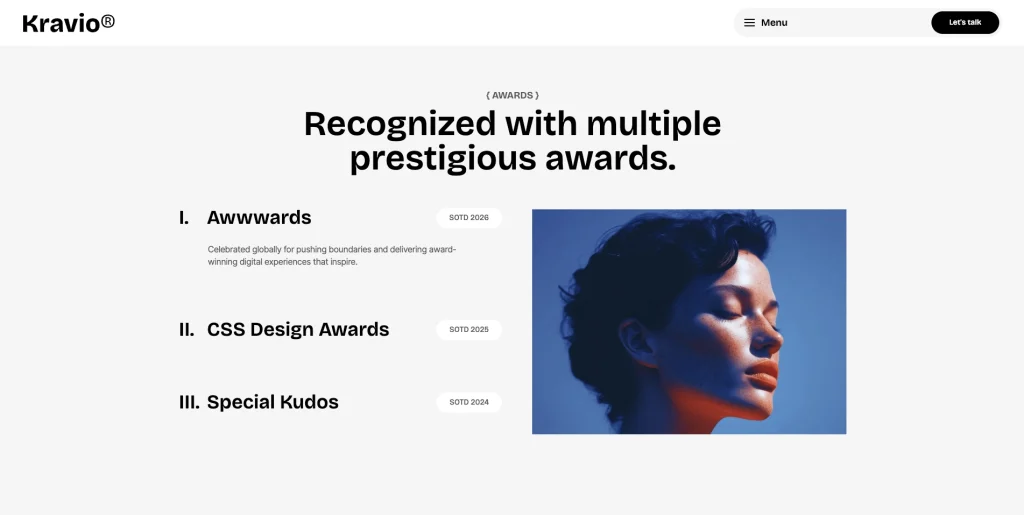
Awards and Recognition: Kravio includes an awards and recognition section to highlight a studio’s achievements and industry recognition. It gives creative businesses a dedicated space to showcase their accomplishments and strengthen their professional credibility.
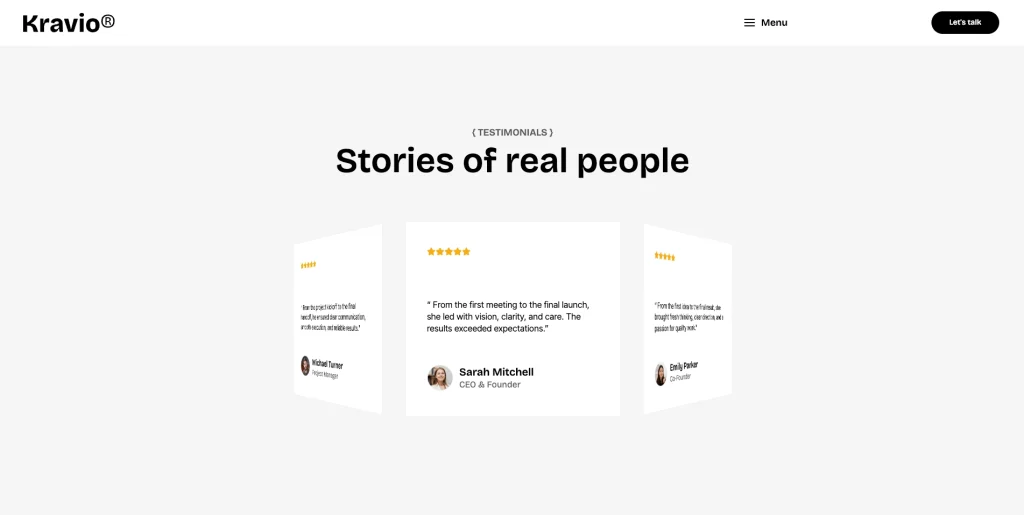
Client Testimonials: The testimonial section provides a dedicated space for client feedback and attribution, helping agencies demonstrate the experience of working with their team.
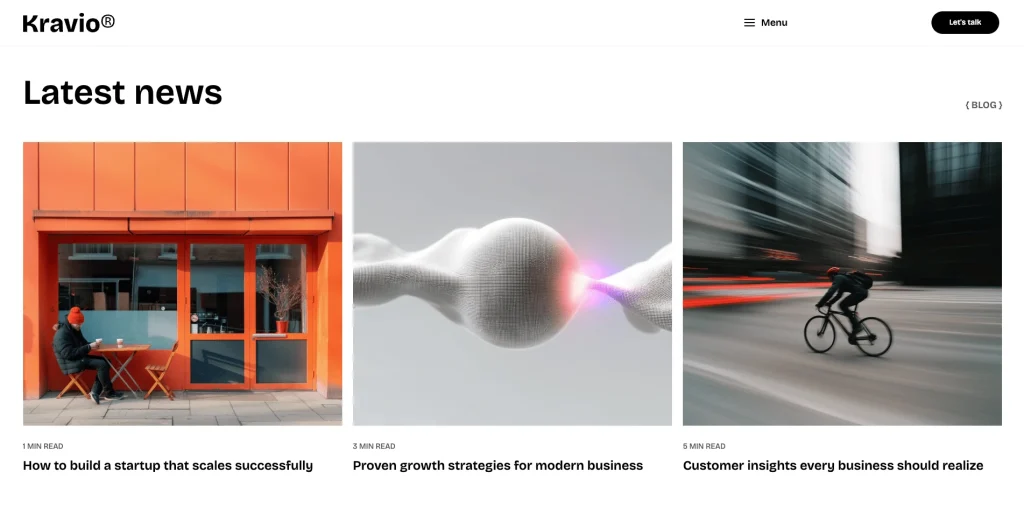
CMS-Powered Blog and Latest News: Kravio includes a CMS-based blog structure for publishing articles, insights, and studio updates. Article details display information such as author and reading time, while blog category pages support organized content browsing.
Contact and Enquiry Section: Kravio gives prospective clients a direct route to start a conversation through its contact experience. The template includes an enquiry form and visible contact details, providing a foundation for client enquiries.
Pages Included in Kravio
The following inventory follows the target template’s advertised structure. CMS detail pages are listed separately from the main navigation pages.
Homepage layouts
- Home One
- Home Two
Main pages
- About Us
- Projects
- Contact Us
CMS collection and detail pages
- Project Details
- Project Category
- Service Details
- Blog Details
- Blog Category
Utility pages
- 404 Error
- Licenses
- Changelog
- Style Guide
- Instructions
- Password Protected
Legal pages
- Privacy Policy
- Terms & Conditions
What Kravio Offers Creative Businesses
A creative agency website needs to communicate its expertise, show the quality of its work, and make it easy for potential clients to understand its services.
Kravio is structured around those needs.
The homepage introduces the studio with a strong visual identity and a showcase of selected projects. Visitors can explore branding and digital design work before moving into the services section to understand what the studio offers.
Individual project pages provide more context through a project summary, process, challenge, and solution. This structure helps creative businesses explain how they approach projects and how their work addresses client needs.
The About page introduces the team and highlights awards, while testimonials give visitors a place to read client feedback. The blog supports editorial content, and the contact experience gives prospective clients a route to enquire about working together.
Together, these sections provide a flexible foundation for presenting a creative business, its portfolio, its people, and its expertise.
Customizing Kravio
Kravio provides a structured starting point for creating a branded creative agency website.
Projects, services, blog content, and categories can be managed through the template’s Webflow CMS structure. This helps keep recurring content organized and allows you to update supported content without rebuilding each page manually.
The two homepage layouts give you flexibility in choosing how to introduce your studio. You can adapt the existing content, replace the demonstration imagery, and customize the visual styling to fit your brand.
The included Style Guide provides a reference for the site’s design system, while the Instructions page is intended to support setup and customization.
Before publishing, replace the demo content with accurate information about your business, including your own projects, services, team members, testimonials, awards, contact details, and articles. Verify that all project links, forms, and navigation work as intended.
How to Use Kravio
Setup is straightforward. Follow these steps to adapt Kravio to your creative business.
- Purchase or obtain Kravio through the appropriate Webflow template listing.
- Add the template to your Webflow Workspace and open the project in Designer.
- Review both homepage layouts and choose the one that best suits your brand.
- Replace the demo branding, headlines, imagery, and general website content.
- Update the project collection with your own portfolio work, including relevant categories and project information.
- Review individual project detail pages and replace the example summaries, timelines, processes, challenges, solutions, and links.
- Update the services collection with your actual offerings and descriptions.
- Customize the About page with your team information and verified awards or recognition.
- Replace the sample testimonials with genuine client feedback that you have permission to publish.
- Update the blog content and categories with relevant articles, insights, or studio news.
- Configure the contact page and test the enquiry form using Webflow’s available form settings.
- Review the Style Guide, global styling, navigation, and utility pages.
- Check the site across desktop, tablet, and mobile breakpoints.
- Test links, CMS pages, forms, and responsive layouts before publishing.
Frequently Asked Questions
What type of website is Kravio designed for?
Kravio is a creative agency and portfolio Webflow template designed for branding studios, digital agencies, design freelancers, and creative businesses that want to showcase their work and services.
Does Kravio include more than one homepage?
Yes. Kravio includes two homepage layouts, Home One and Home Two. They offer different ways to introduce your studio while sharing the same overall design system.
Can I use only one homepage layout?
Yes. You can choose the homepage that best suits your website. Review the project in Webflow Designer before removing or unpublishing the unused layout to ensure no other pages or links depend on it.
Does Kravio include CMS functionality?
Yes. The template listing identifies four CMS collections: Projects, Services, Blog, and Categories. These support structured portfolio, service, and editorial content.
Can I create individual project case studies?
Yes. Kravio includes dedicated project detail pages with sections for a project summary, process, challenge, and solution, along with project information and supporting imagery.
Can I create individual service pages?
Yes. The template includes service detail pages for presenting individual offerings with descriptions and supporting visuals.
Can I publish blog articles?
Yes. Kravio includes CMS-powered blog content and blog category pages. The example article layout also displays the author and estimated reading time.
Does Kravio include a team section?
Yes. The About page includes a team presentation with names and professional roles.
Does Kravio include an awards section?
Yes. The About page includes an awards and recognition section. Replace the demonstration awards with accurate, verified information before publishing.
Can I display client testimonials?
Yes. Kravio includes testimonial sections with feedback, client names, roles, and imagery.
Does Kravio include a contact form?
Yes. The template includes a contact enquiry experience. You should configure and test the form in Webflow before using it to collect enquiries.
Is Kravio responsive?
Yes. The template is designed for desktop, tablet, and mobile breakpoints. Review the actual layout at each breakpoint and make any adjustments needed for your content.
Does Kravio include e-commerce functionality?
Kravio is presented as a creative agency and portfolio template, not an online store. Do not assume that product catalogs, shopping carts, payment processing, or checkout functionality are included.
Can I customize the colors, typography, and images?
Yes. The template can be customized in Webflow Designer, and the included Style Guide provides a reference for its design system.
Can the animations be edited?
The template listing states that animations can be adjusted or disabled in Webflow Designer. Review the actual interactions in the project before making changes, especially if an animation depends on other elements or page behavior.
Is the Figma file included with the template?
No. The Figma file is a separate product, and you can buy it on its own from the purchase widget on this page. You do not need to message us for it after buying the Webflow build.
When you choose this template, you get support direct from the TNCFlow team. So if a section will not behave, just ask us.
Check out other Webflow templates by TNCFlow.

Select template
Choose one or more options for your build
