

PRO




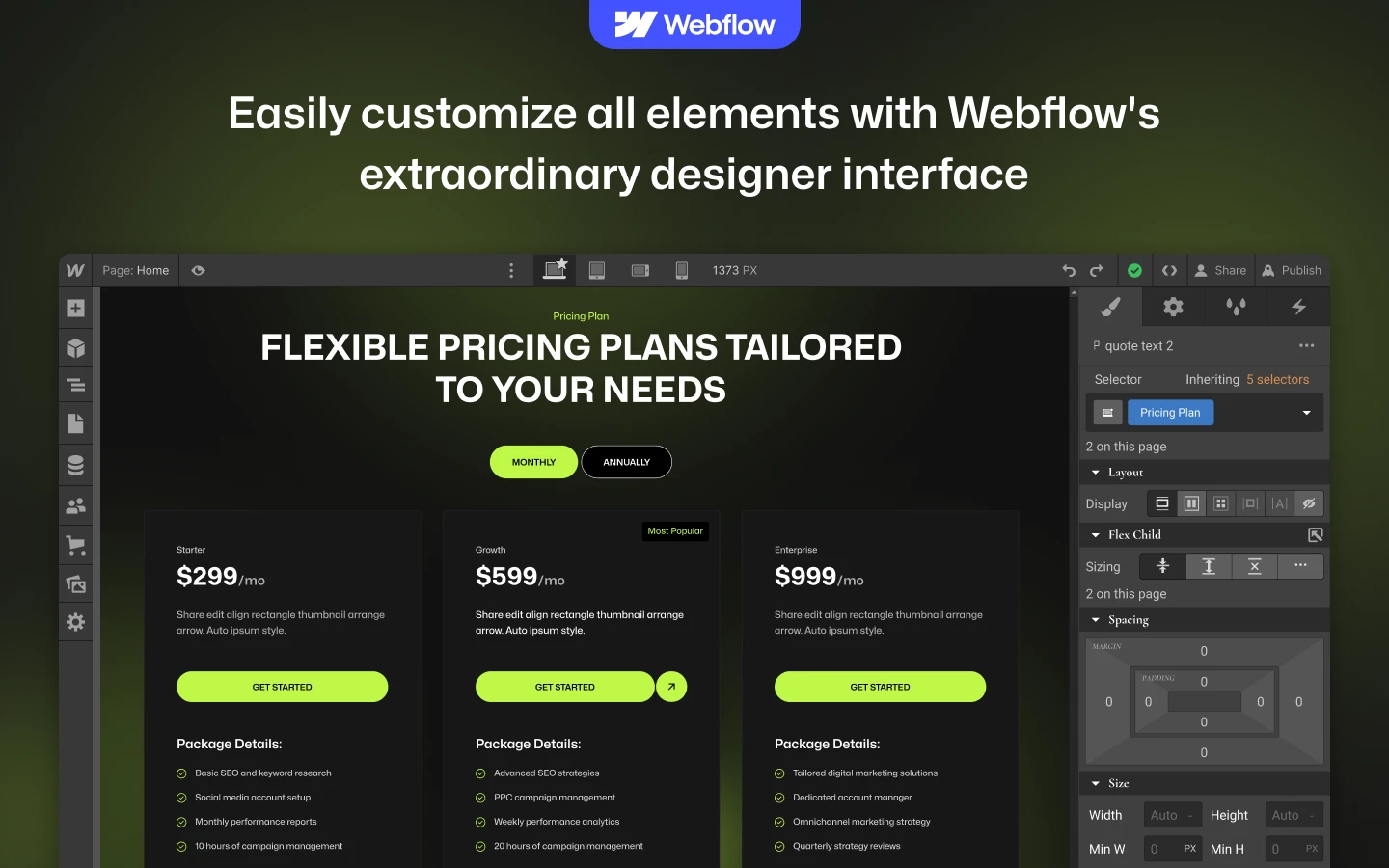


DigiMark is a digital marketing agency website template for SEO and PPC teams, social media agencies and content marketing studios. It ships for Webflow, Framer, Figma and HTML.
A marketing agency gets judged on its own website first. So DigiMark leads with proof. Case studies, portfolio work and service pages sit near the top. Then the team, the pricing and the contact form follow.
Every section has one job. The hero states what you do. The case studies prove it. The service pages explain scope. Finally the pricing page handles budget, which is usually the last question a prospect asks.
You can start in Webflow, Framer, Figma or plain HTML. That way the same design works whether you hand it to a client, a designer or a developer.
Explore the live preview now.
DigiMark at a Glance
| Formats | Webflow, Framer, Figma and HTML |
| Best for | Digital marketing agencies, SEO and PPC teams, social media and content studios |
| CMS | Webflow CMS with blog, case study, portfolio and service collections |
| Pages | 10 main pages plus 6 CMS templates and 3 utility pages |
| Responsive | Yes, on desktop, tablet and mobile |
| Support | TNCFlow support plus free updates |
Key Features of DigiMark
Responsive and premium design. DigiMark uses a clean, modern frame. So your headlines, numbers and client logos stay easy to read. The layout adapts to desktop, tablet and mobile.

CMS powered. Webflow CMS drives the blog, case studies, portfolio and services collections. That way you add a new case study once and it appears everywhere it belongs.

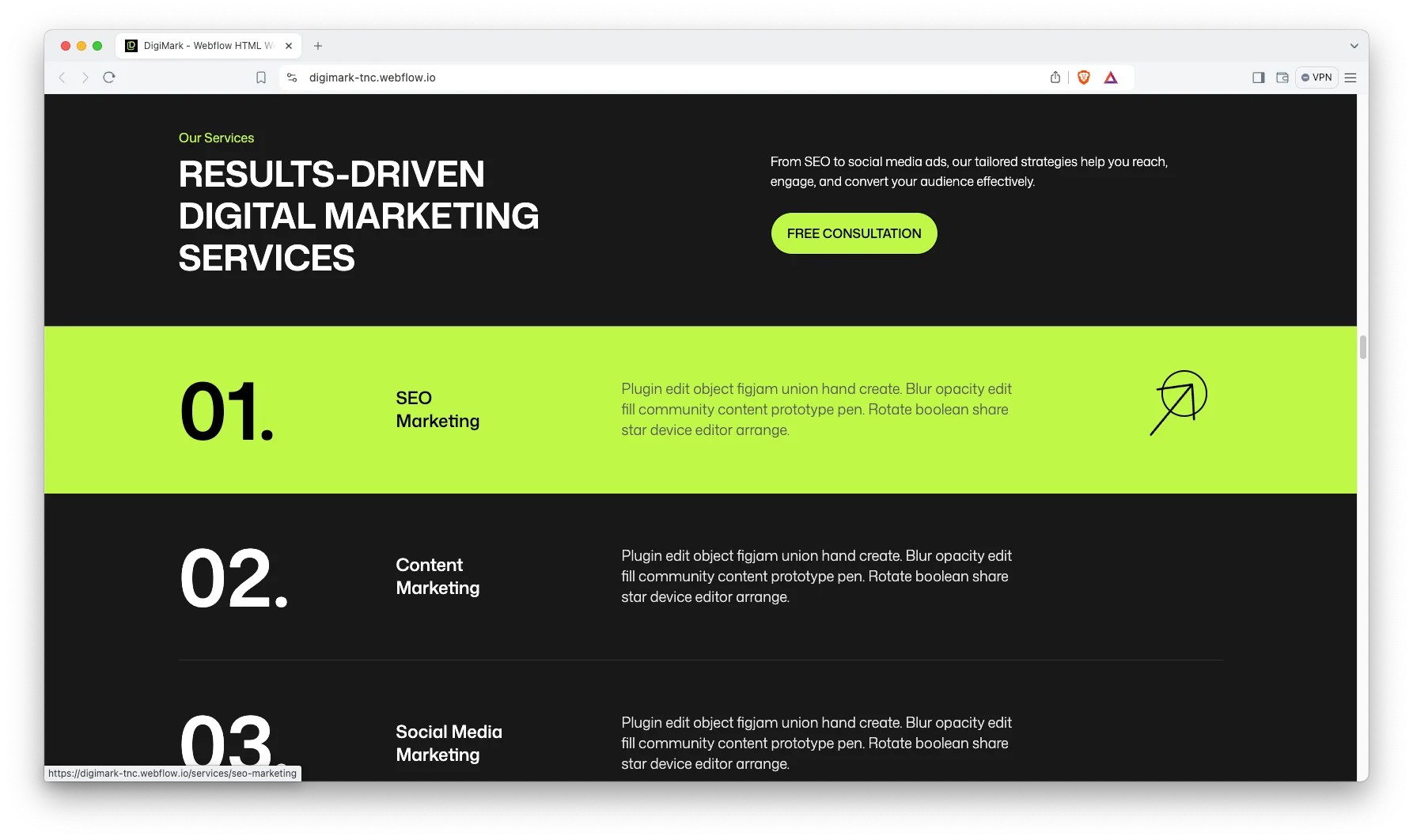
Attractive services showcase. The demo ships five service pages, which are SEO Marketing, Content Marketing, Social Media Marketing, PPC Marketing and Link Building. Each one has room for scope, method and results.
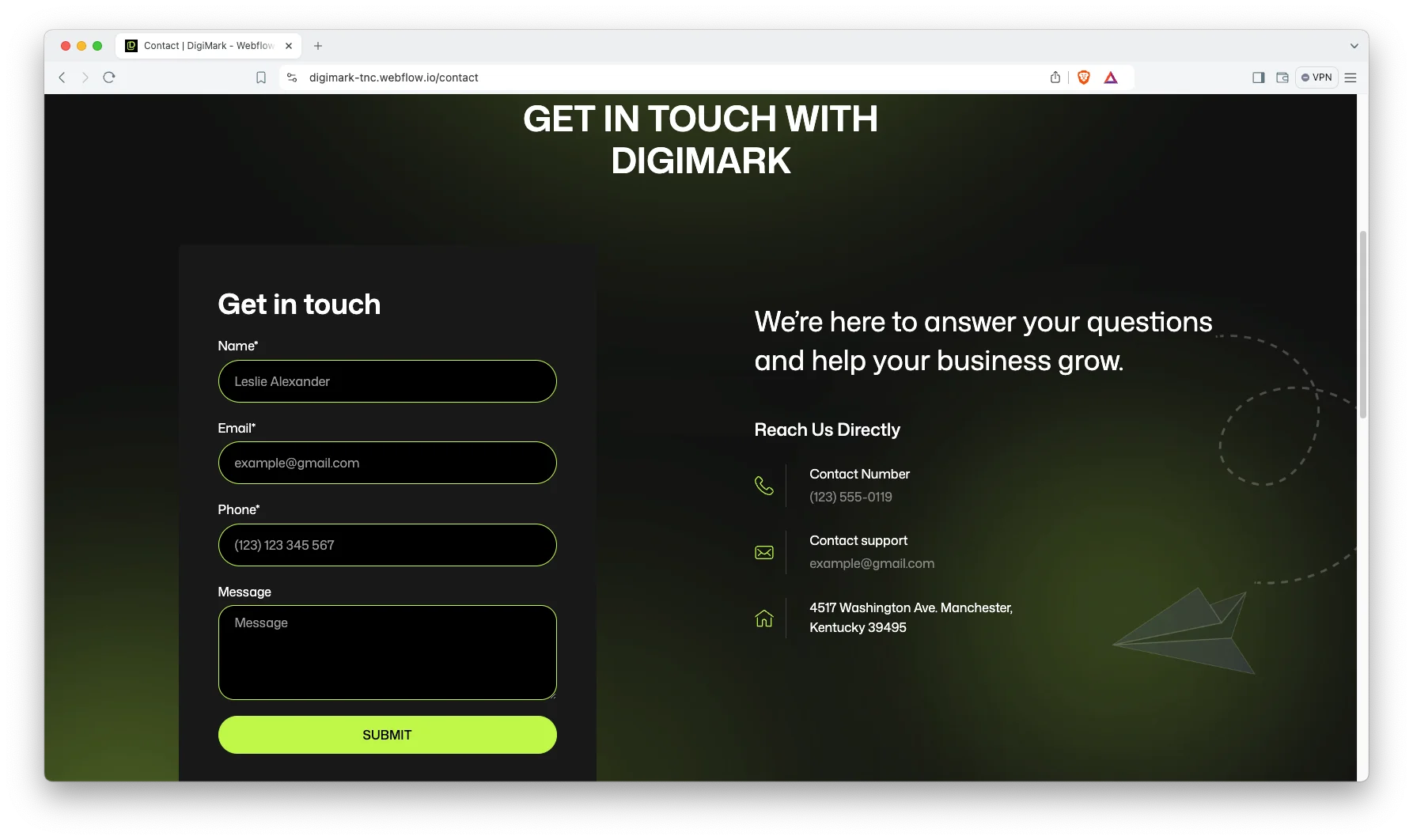
Contact details. The contact page carries an enquiry form plus a phone number, an email address and a postal address. It also introduces your support contacts by name, so a lead knows who will reply.
Animation, video and responsive sliders. The home page uses a background video and sliders to keep the scroll moving. However the motion stays light, so pages still load quickly.

Engaging blog showcase. The blog sorts posts into categories such as SEO strategies, PPC campaigns and email marketing. Because readers filter by topic, your best articles stay easy to find.

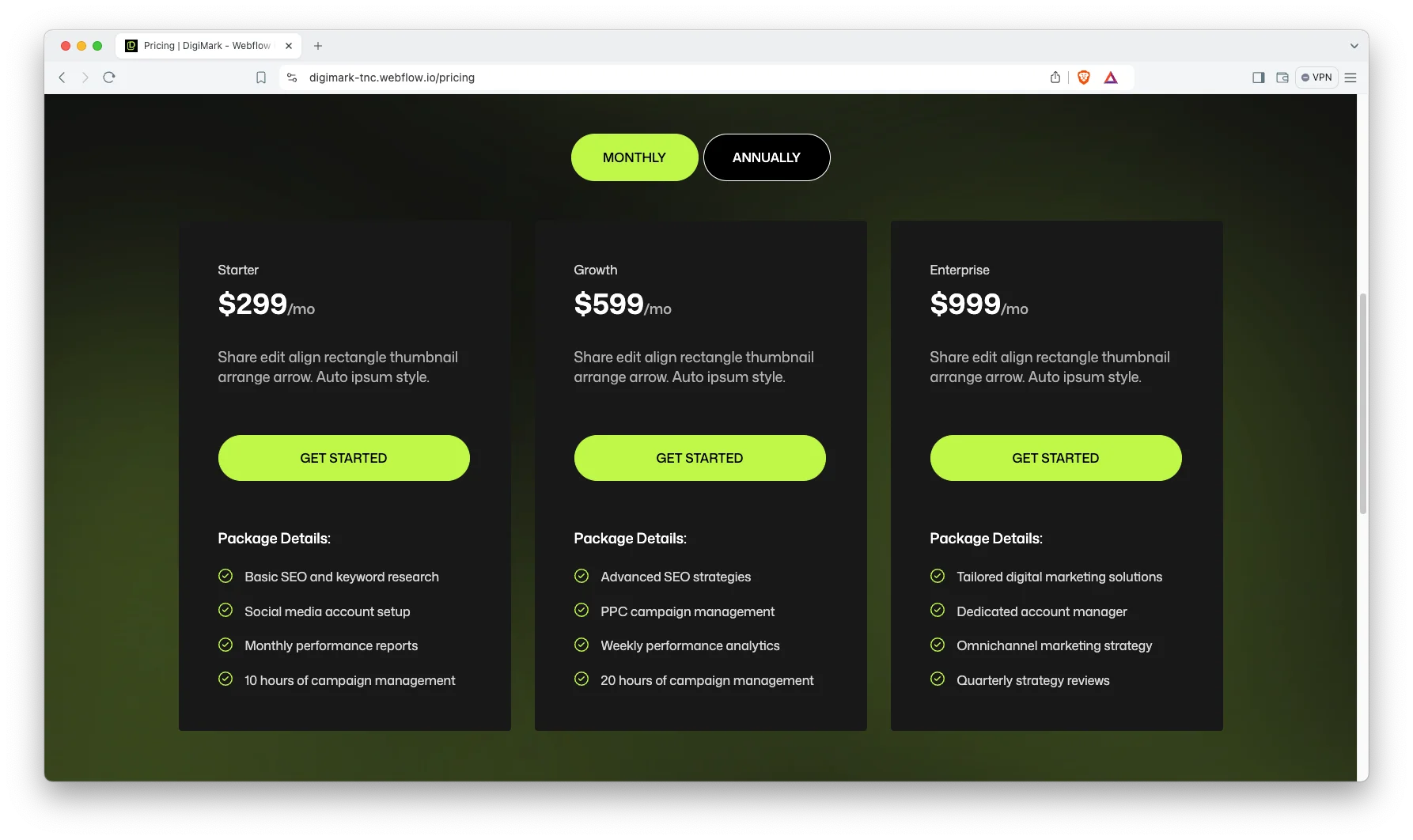
Pricing with a toggle. The pricing page switches between monthly and annual billing. So a prospect can compare retainers without asking you first.
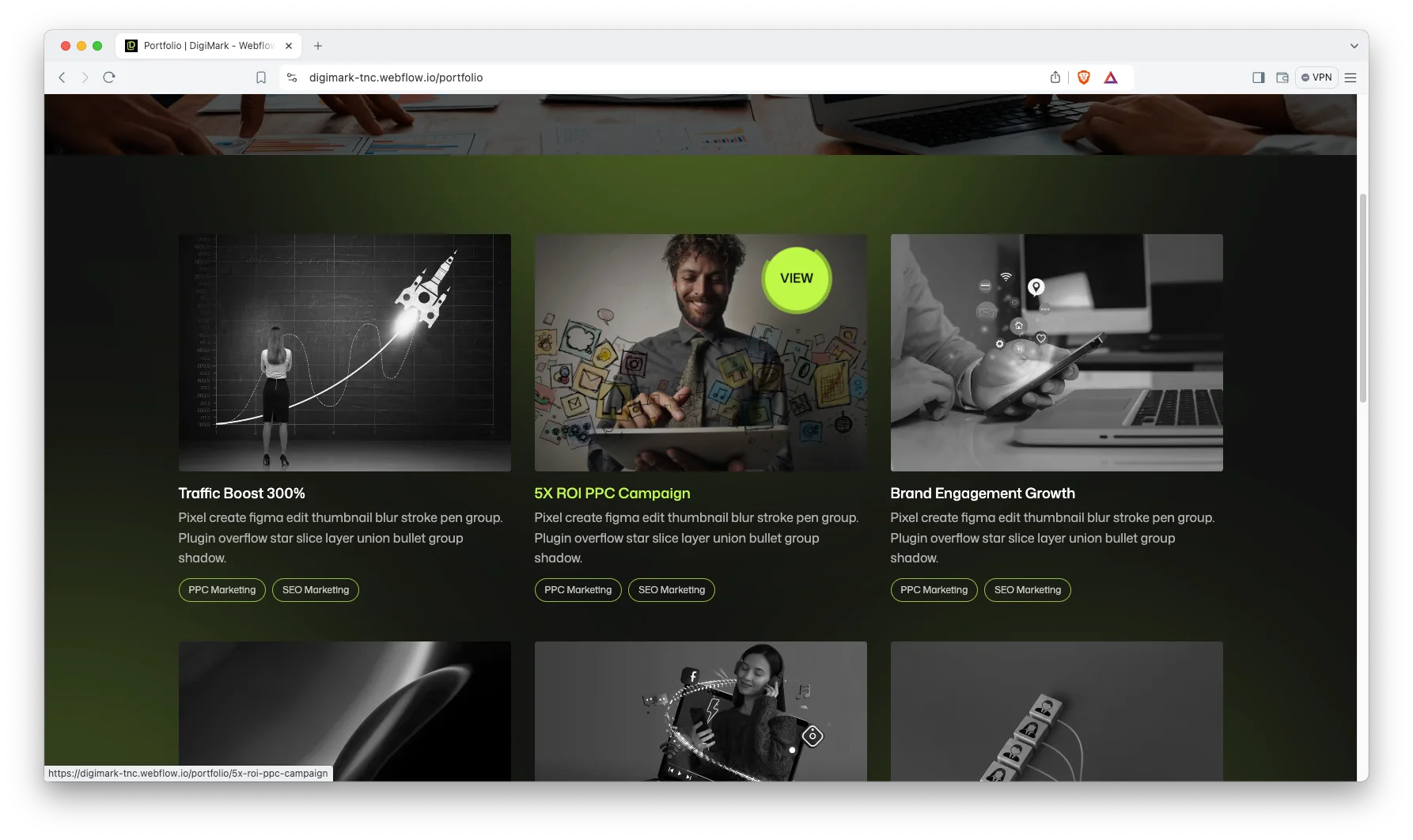
Portfolio showcase. A portfolio grid gives each campaign its own detail page. Use it for the work that is visual, such as creative, landing pages and brand launches.
Team showcase. The team page carries portraits, roles and short bios. Clients hire people rather than logos, which means the faces genuinely matter.

Attractive case studies. A dedicated case study template lets you post the brief, the strategy and the numbers. The demo leads each one with a headline result, such as traffic growth or return on ad spend.

Watch on YouTube
Watch the walkthrough if you want to see the template in motion before you buy.
Pages Included in DigiMark
DigiMark ships 10 main pages, 6 CMS collection templates and 3 utility pages. A password page is included as well.
- Home
- About
- Services
- Case Studies
- Portfolio
- Blog
- Pricing
- Team
- Contact
- 404
- Services Template (CMS)
- Case Studies Template (CMS)
- Portfolios Template (CMS)
- Portfolio Categories Template (CMS)
- Blogs Template (CMS)
- Blog Categories Template (CMS)
- Style Guide
- Licenses
- Changelog
- Password
How to Use DigiMark
- Use the purchase widget on the right side of this page to buy the DigiMark template
- Follow the steps to get your site ready
- Replace content with your own
- Adjust the design slightly if you want
- Preview and publish
What Marketing Agencies Should Look For in a Template
Most agency websites fail the same way. They describe a process at length and never show a result. A prospect lands, reads three paragraphs about strategy, and leaves without seeing one number.
So check three things before you buy any template. First, how many clicks does it take to reach a full case study? Second, is there a place to publish a headline metric, not just a logo? Third, can the site hold both a retainer price and a custom quote?
DigiMark answers all three. Case studies sit one click from the home page, and the case study template leads with a result. The pricing toggle covers monthly and annual retainers, while the contact form handles anything custom.
One more point. Agency buyers often browse on a phone between meetings, so test the mobile view first rather than last.
Frequently Asked Questions
Is DigiMark suitable for a small marketing agency?
Yes. The CMS collections work with three case studies just as well as thirty. You can hide the pricing page or the portfolio if you are not ready to publish them.
Which formats does DigiMark ship in?
DigiMark is available as a Webflow template, a Framer template, a Figma file and a static HTML build. Each format is sold as its own product, so pick the one you need at checkout.
Is the Figma file included with the Webflow template?
No. The Figma file is a separate purchase on this page. So buy the Figma product if you want the source design as well as the built site.
How many pages does DigiMark include?
There are 10 main pages, 6 CMS collection templates and 3 utility pages. A 404 page and a password page are included too.
Can I use DigiMark for an SEO or PPC agency?
Yes. The demo already ships SEO Marketing, PPC Marketing, Social Media Marketing, Content Marketing and Link Building pages. Only the copy and imagery need to change.
Do I need to know Webflow to use DigiMark?
No. Basic Webflow knowledge helps, but the template ships with a style guide and named classes. So most owners can swap text and images on their own.
Need help with setup or customization? The TNCFlow support team answers quickly, and updates are free.
Check out other Webflow templates by TNCFlow.
Featured in our guides: animated website templates, consulting website templates and Framer agency templates.





Select template
Choose one or more options for your build
