

PRO
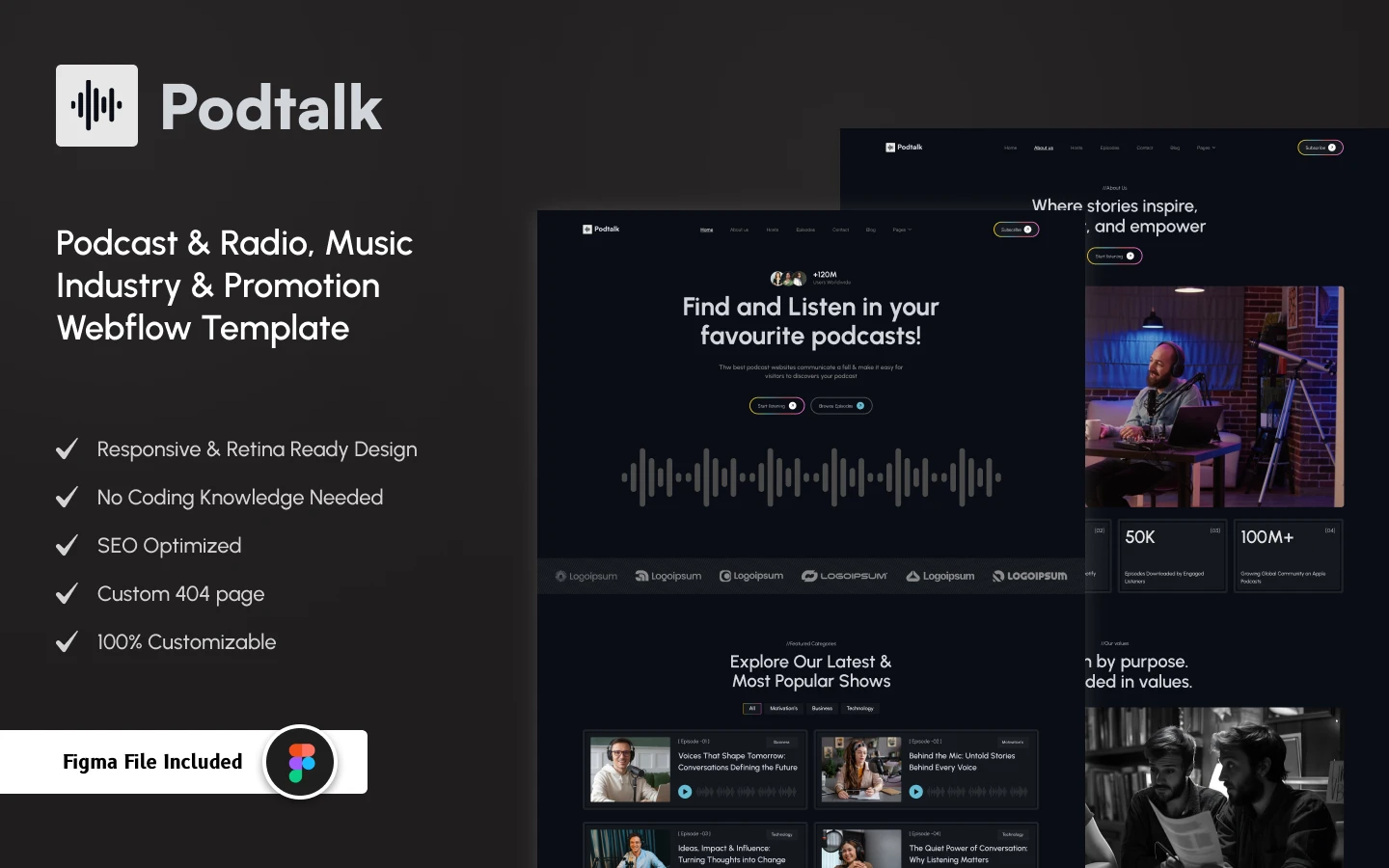
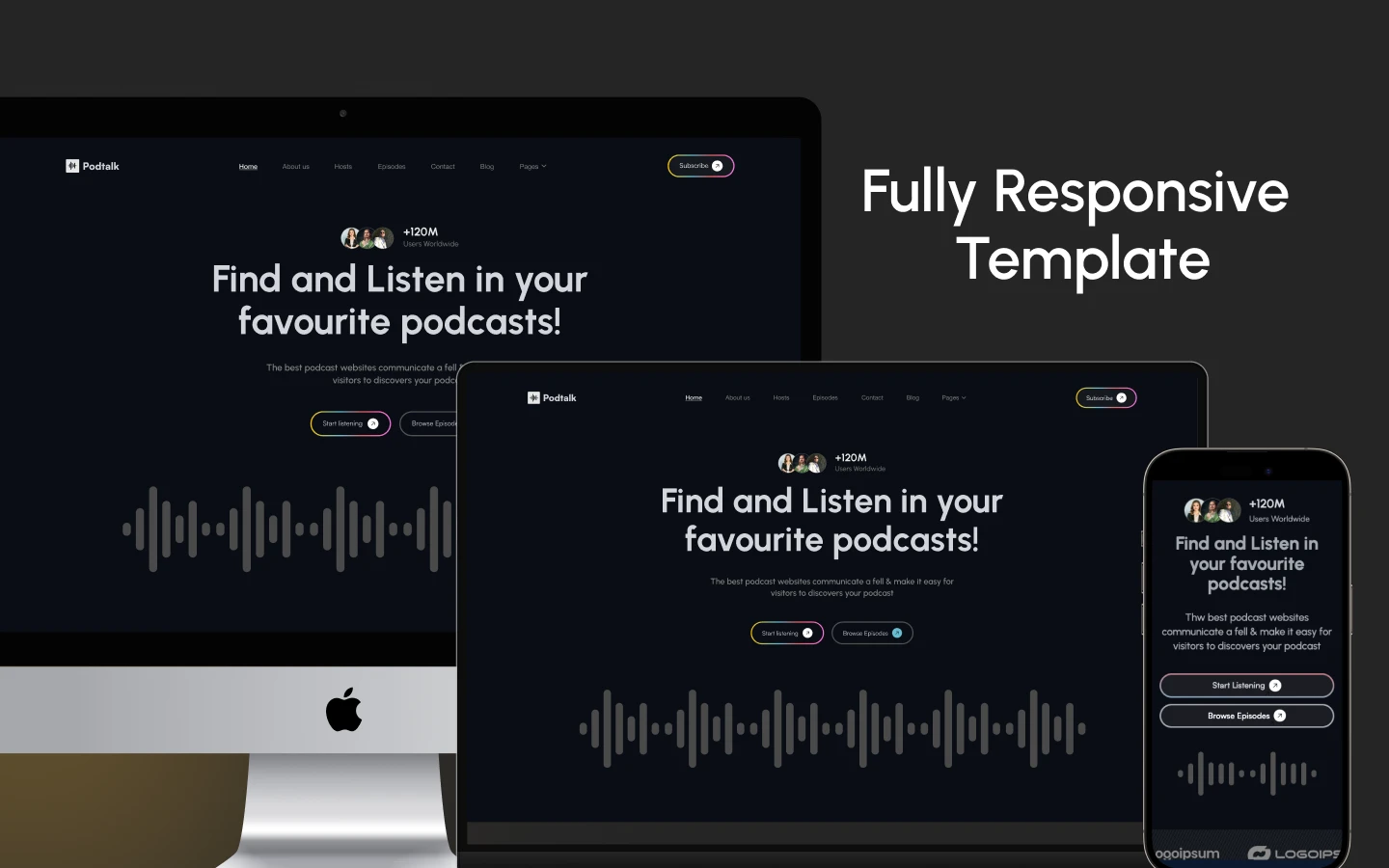
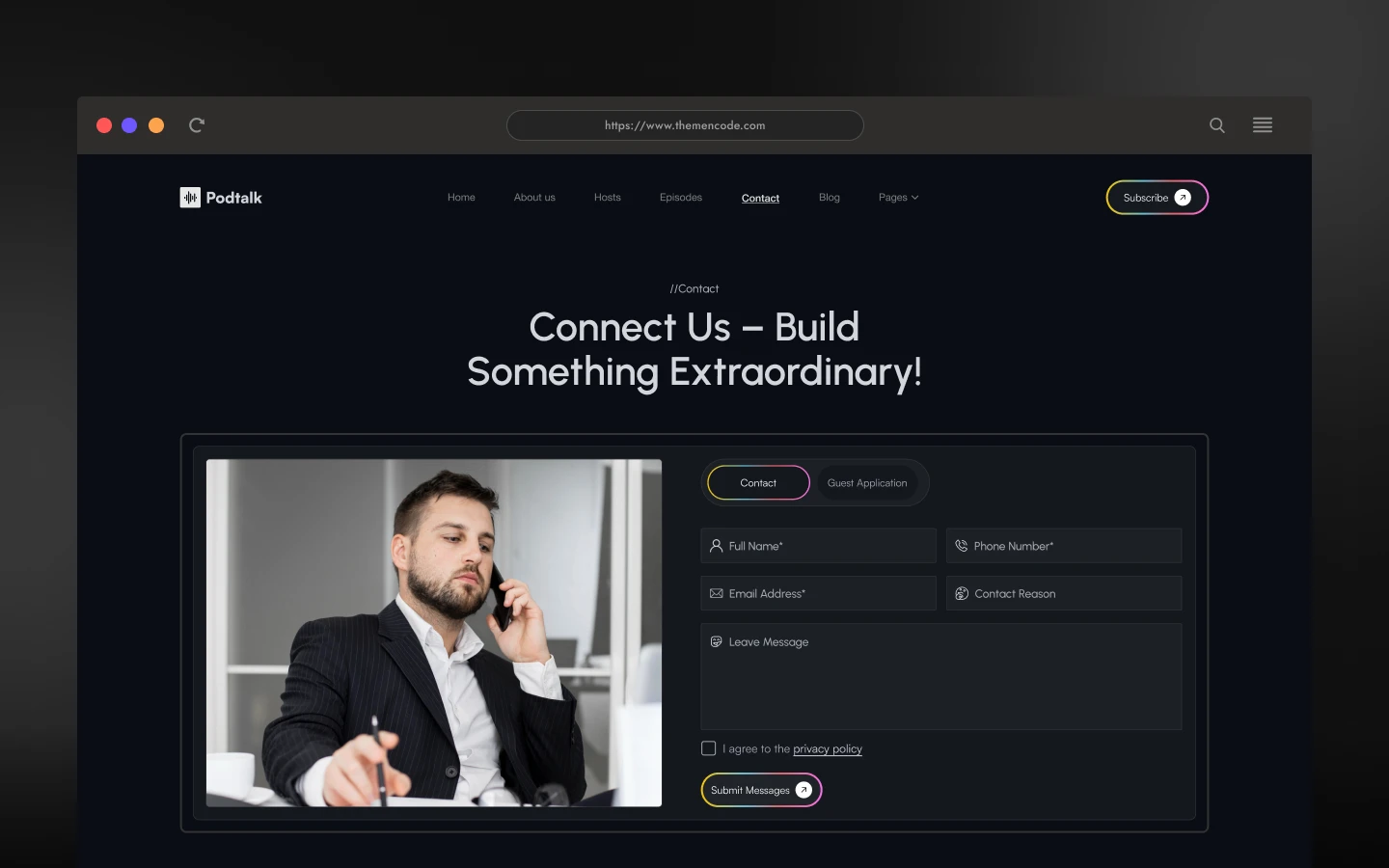
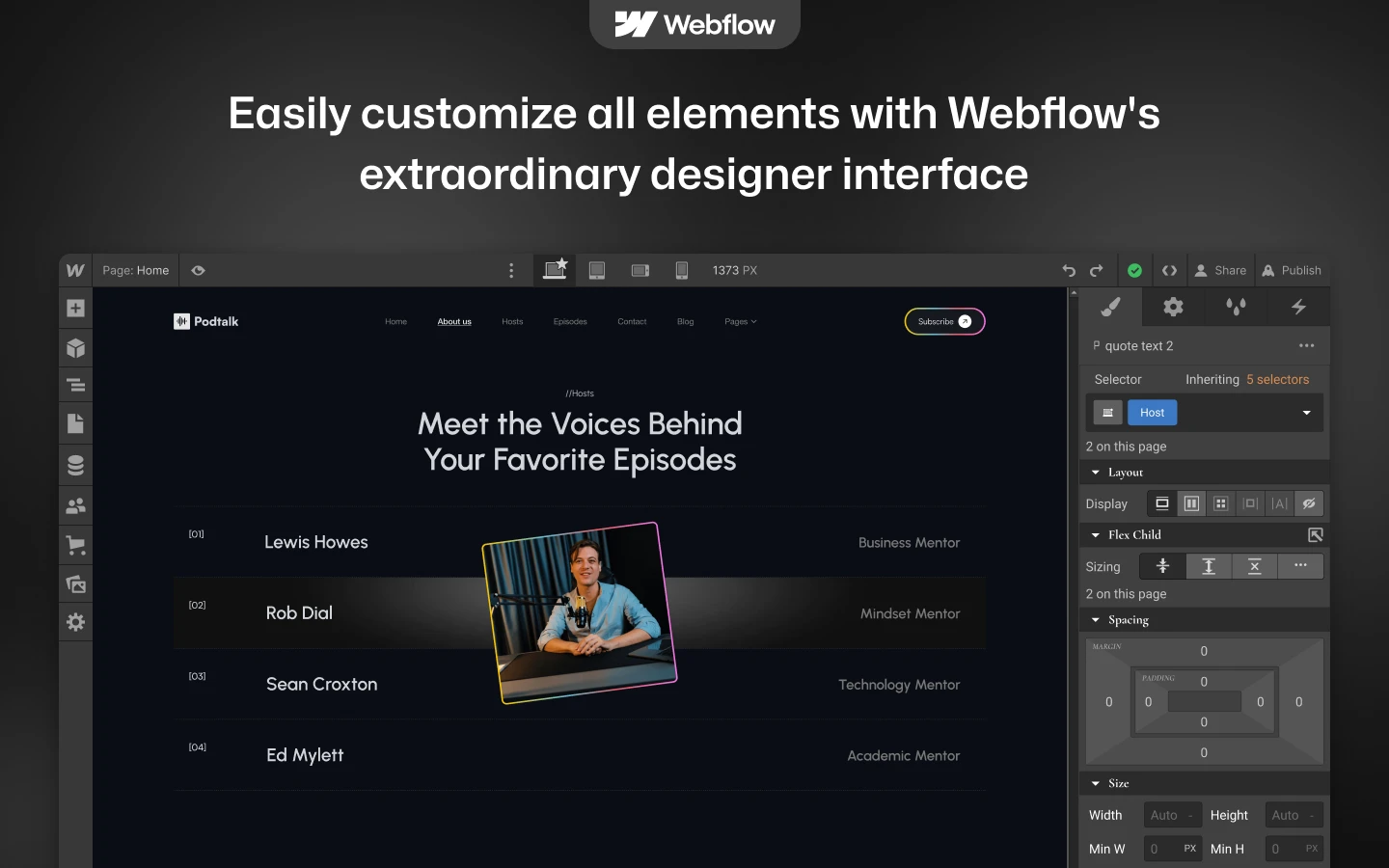
PodTalk is a podcast website template for podcast hosts, radio stations and audio networks. It ships for Webflow, Framer, Figma and HTML.
Listeners decide fast. So PodTalk leads with a bold dark hero, large cover art and a clear play cue. Every episode card carries the number, the title, the cover and the category. Then one tap takes the visitor into the episode.
The structure is built for a growing archive. Because episodes, hosts, categories and posts are all CMS collections, adding a new show takes minutes. So the site scales from episode eight to episode eight hundred without a redesign.
Explore the live preview.
PodTalk at a Glance
| Formats | Webflow, Framer, Figma, HTML |
| Best for | Podcast hosts, radio stations, audio creators, podcast networks, music promoters, online show brands |
| CMS | Yes, Webflow CMS for episodes, episode categories, hosts, blog posts and blog categories |
| Pages | 19 in total, 14 designed pages plus 5 CMS collection templates |
| Theme | Dark, high contrast, cover art led |
| Responsive | Desktop, tablet and mobile breakpoints |
| Support | TNCFlow support and free updates |
Key Features of PodTalk
Episode library made simple. Every episode lives in a CMS collection with its own page. Visitors filter by category, then play from the card itself. Eight demo episodes and four categories are included.
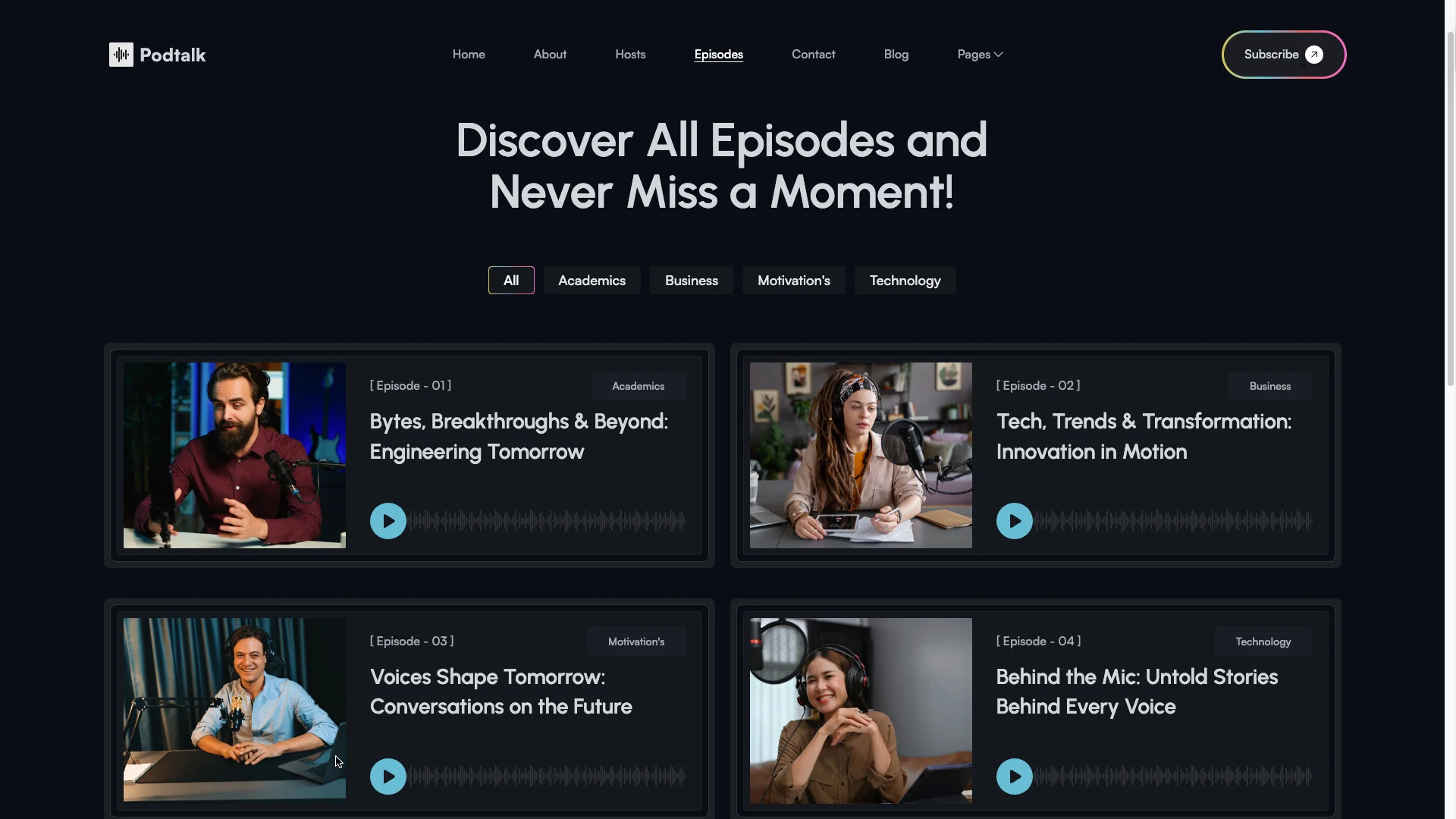
Bold dark theme. PodTalk uses a dark canvas with bright cover art and high contrast text. So the artwork does the selling. It also suits the late night mood most podcast brands want.
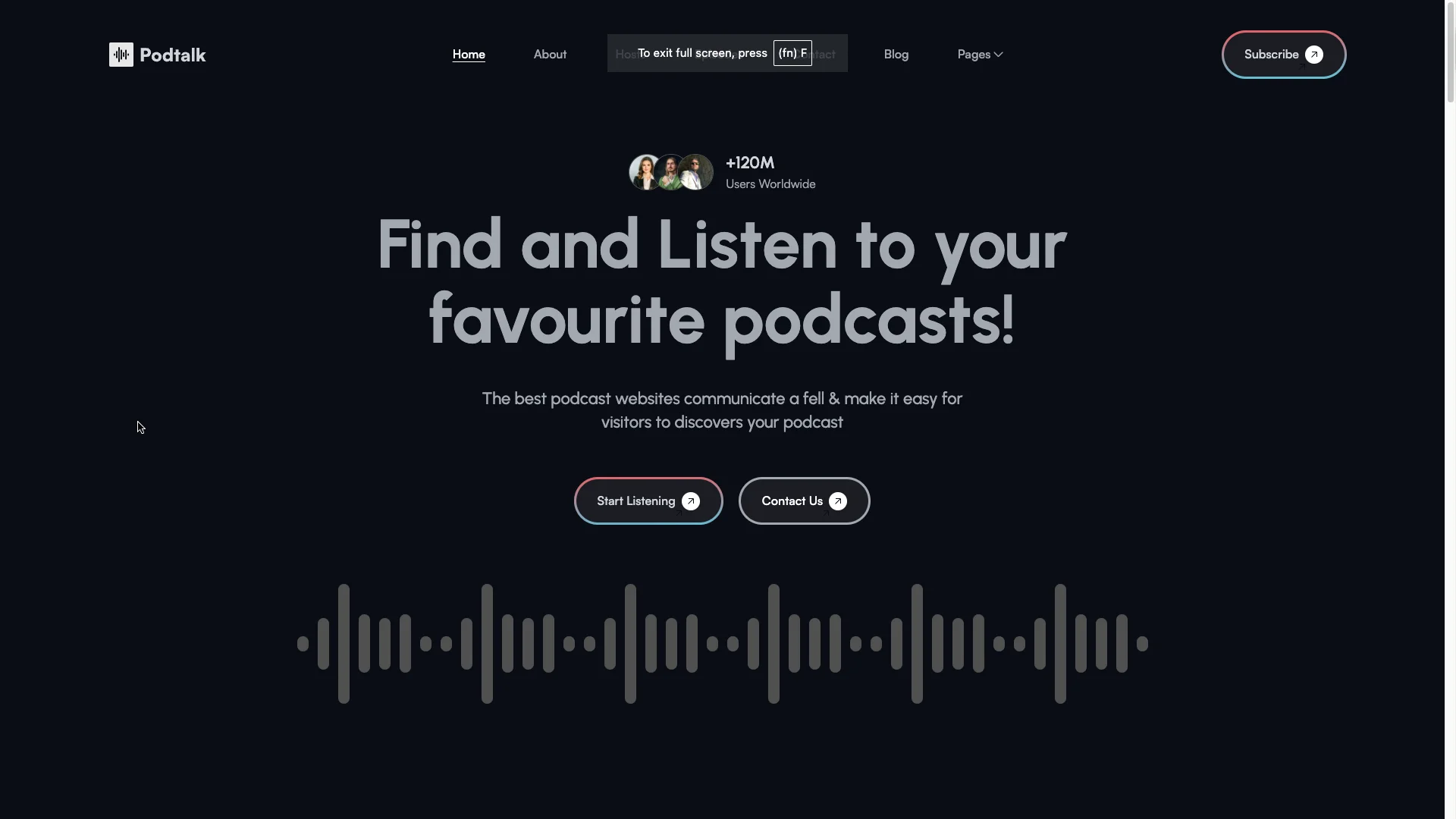
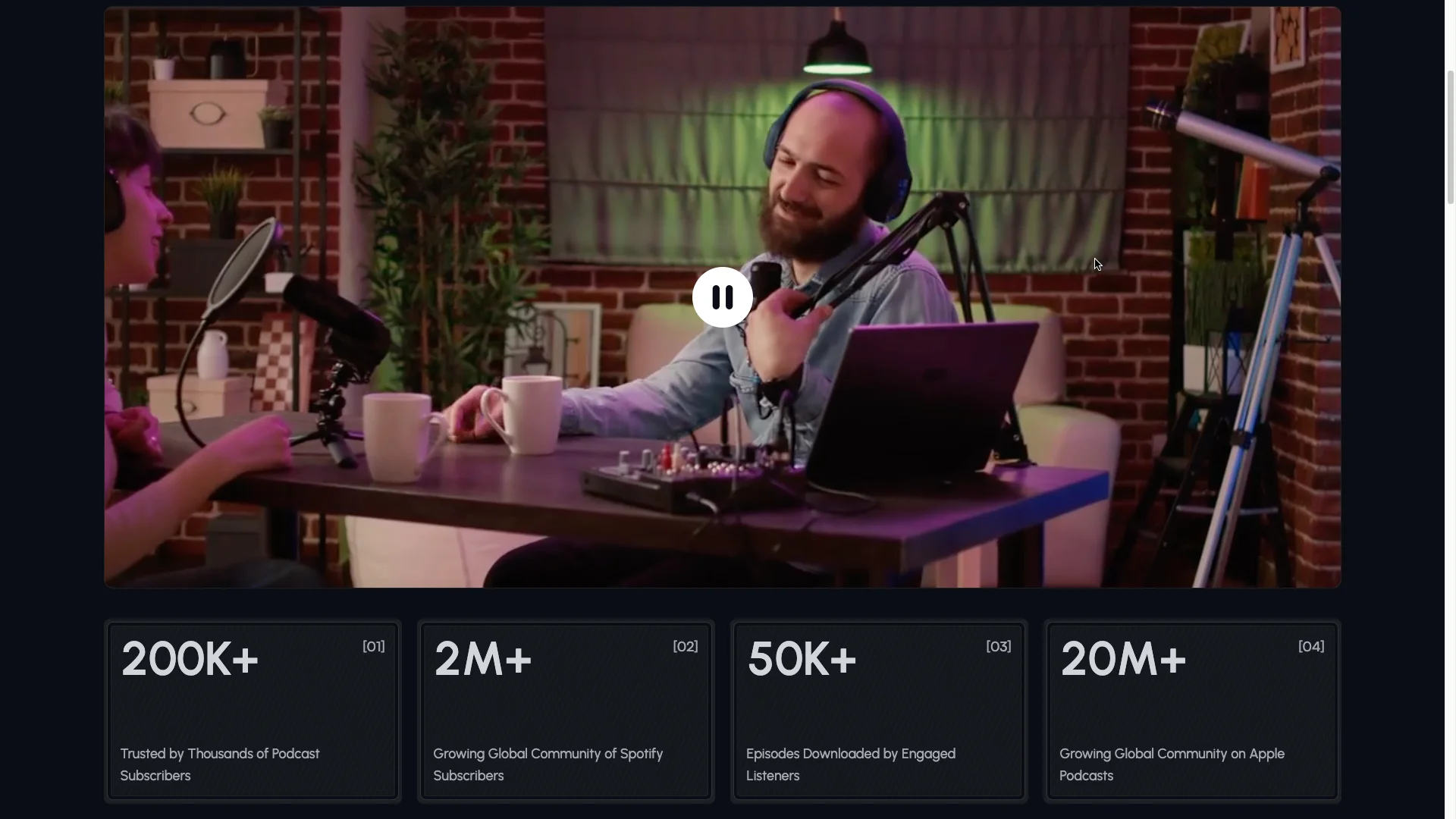
Easy content management. Episodes, episode categories, hosts, blog posts and blog categories are all CMS driven. That way a producer updates the site between recordings, with no developer involved.
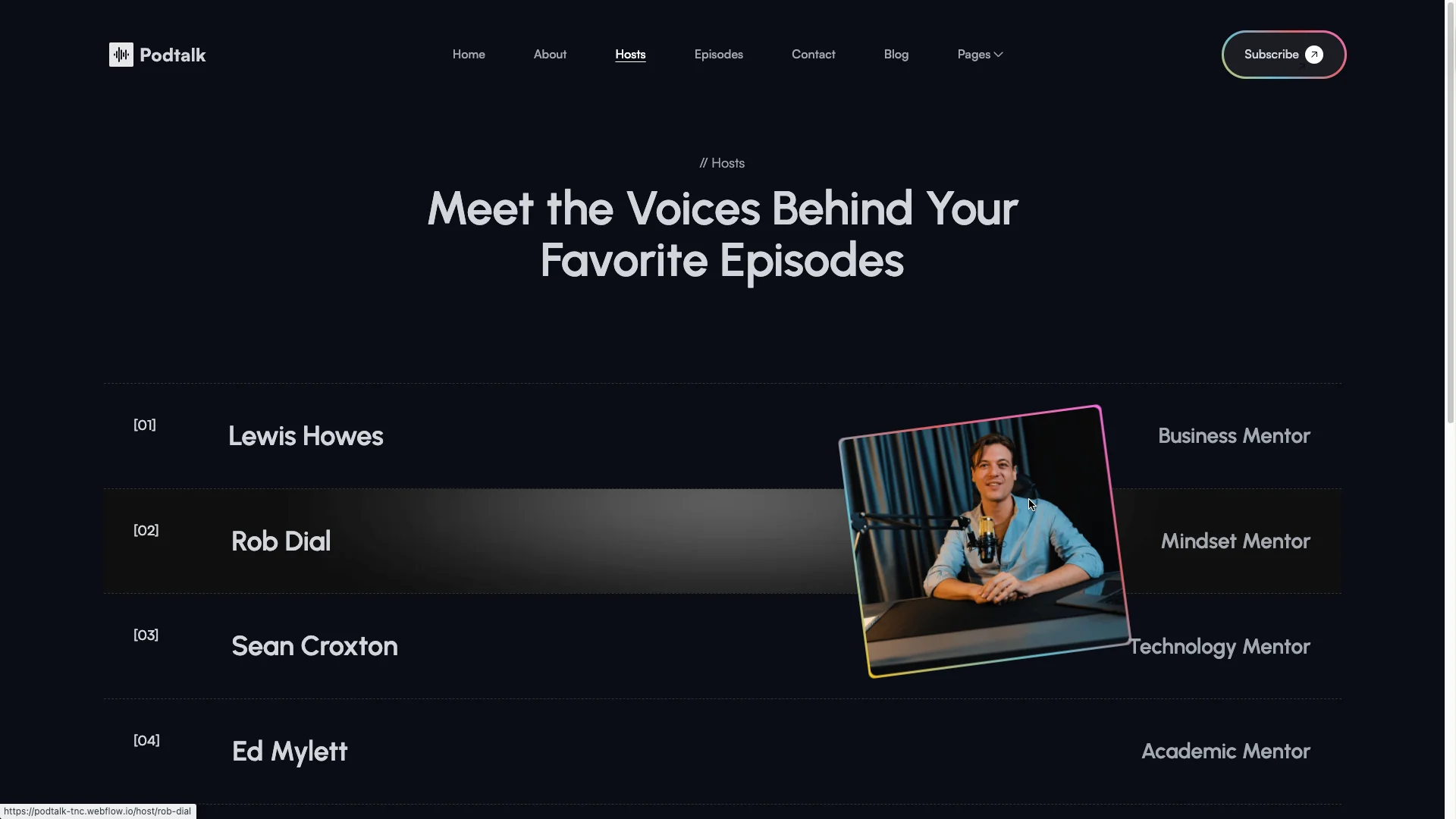
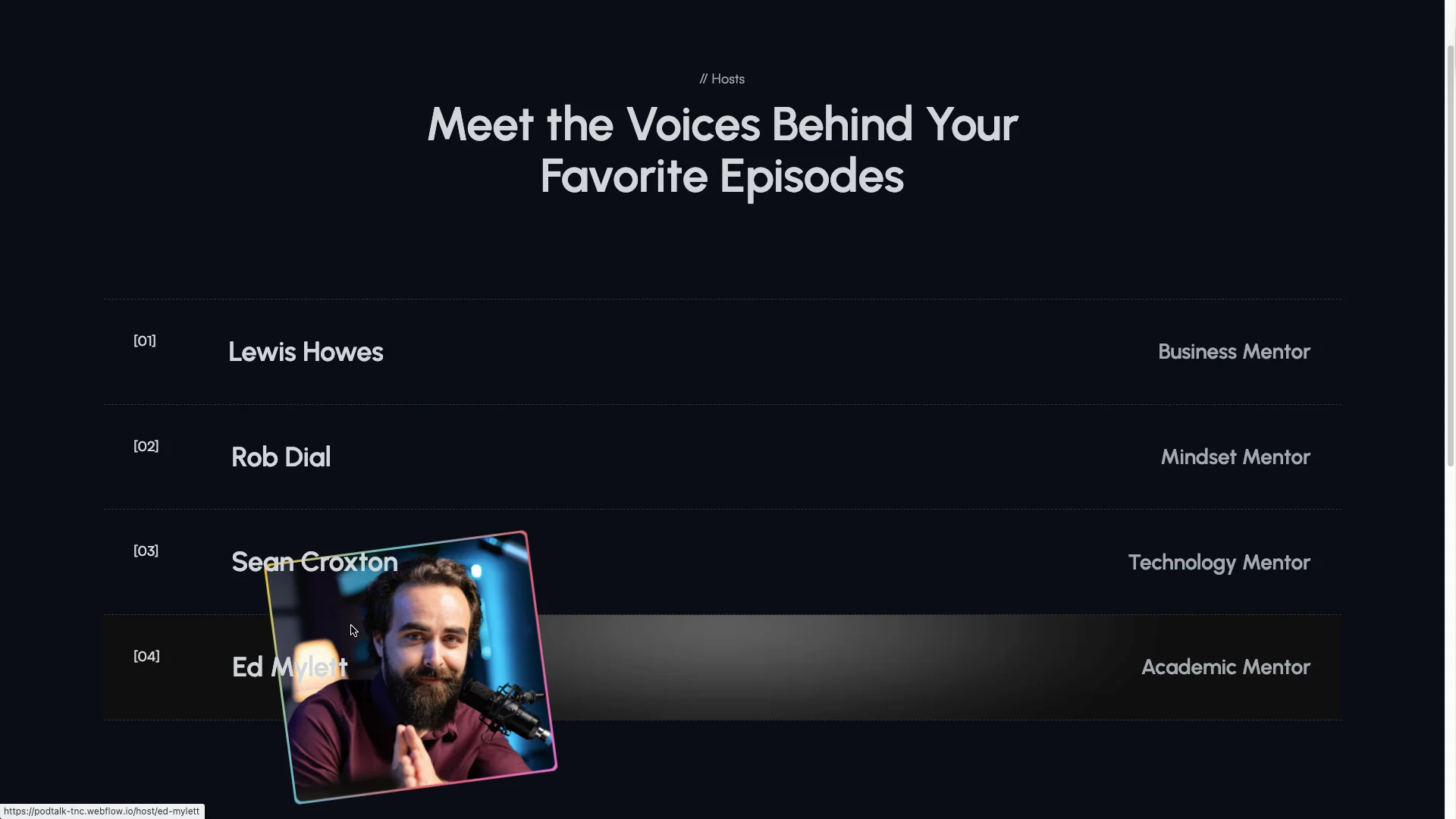
Spotlight on hosts. Each host gets a profile page with a photo, a role and their linked shows. Four host profiles ship with the template. So a multi host network can credit everyone behind the mic.
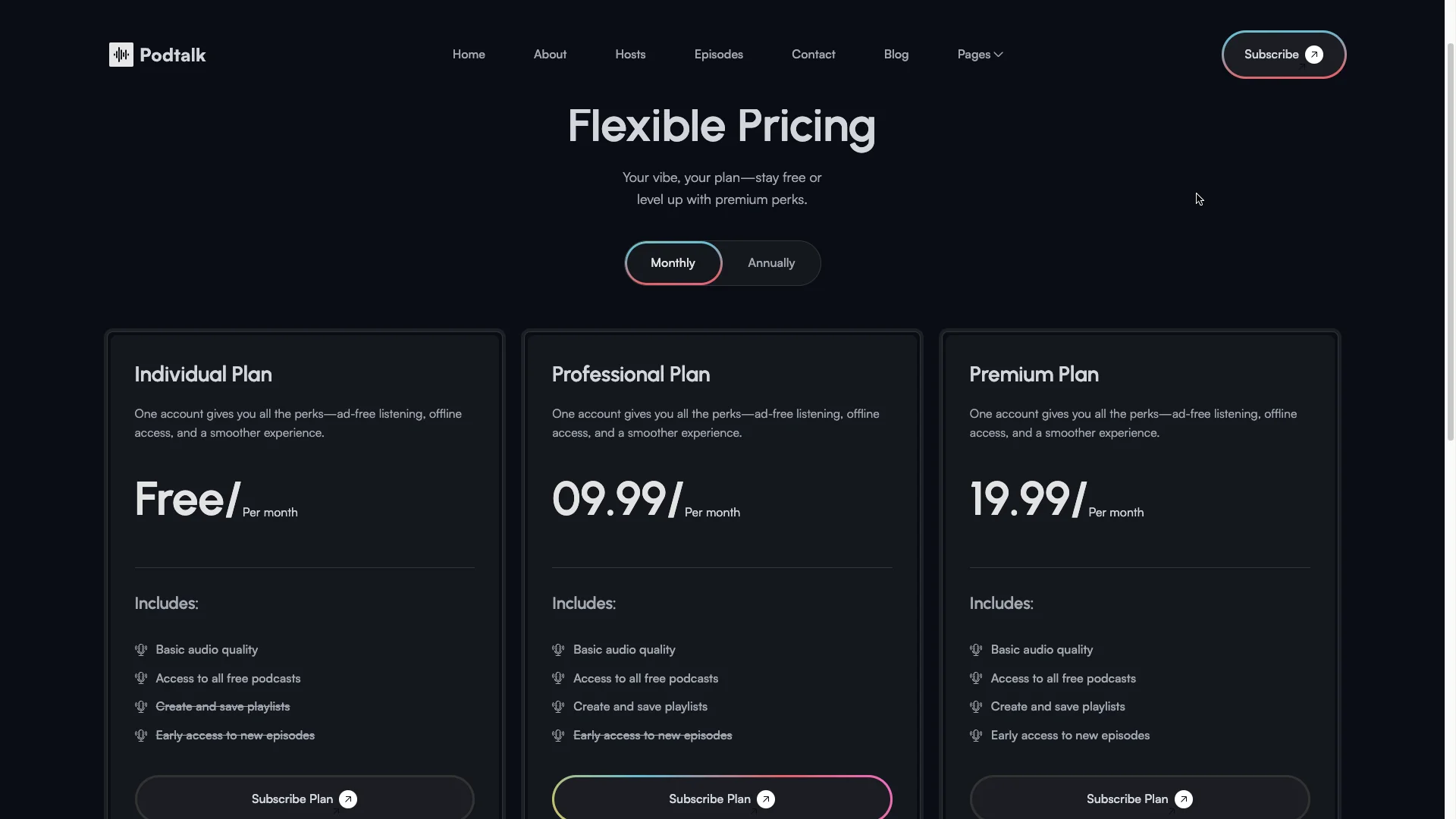
Ready to use pricing. A pricing page presents monthly and yearly plans side by side. Use it for memberships, ad free listening, bonus episodes or a paid feed.
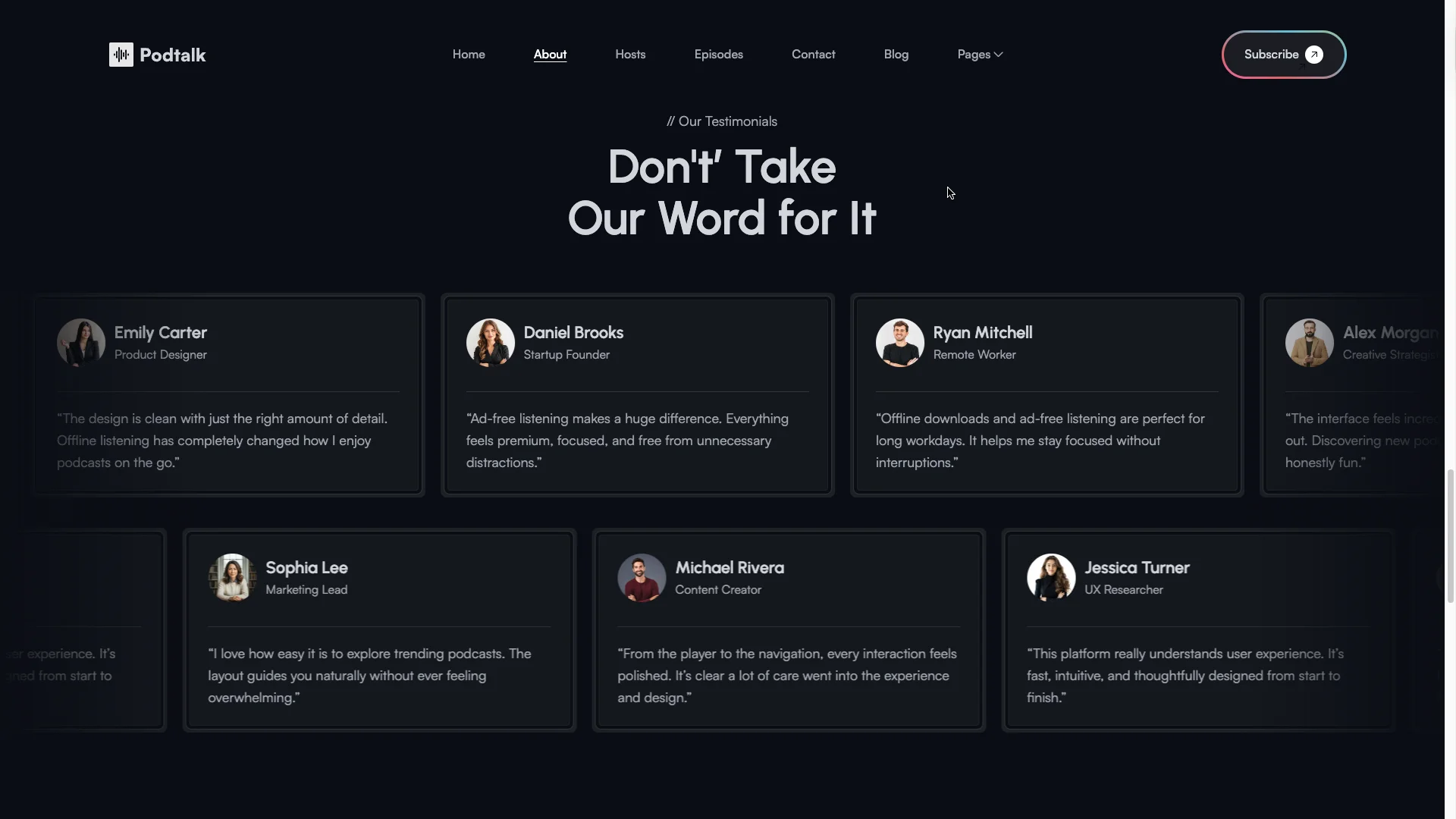
Listener reviews. A scrolling testimonial section carries quotes from listeners and other creators. Because podcast discovery runs on word of mouth, that social proof matters more here than in most categories.
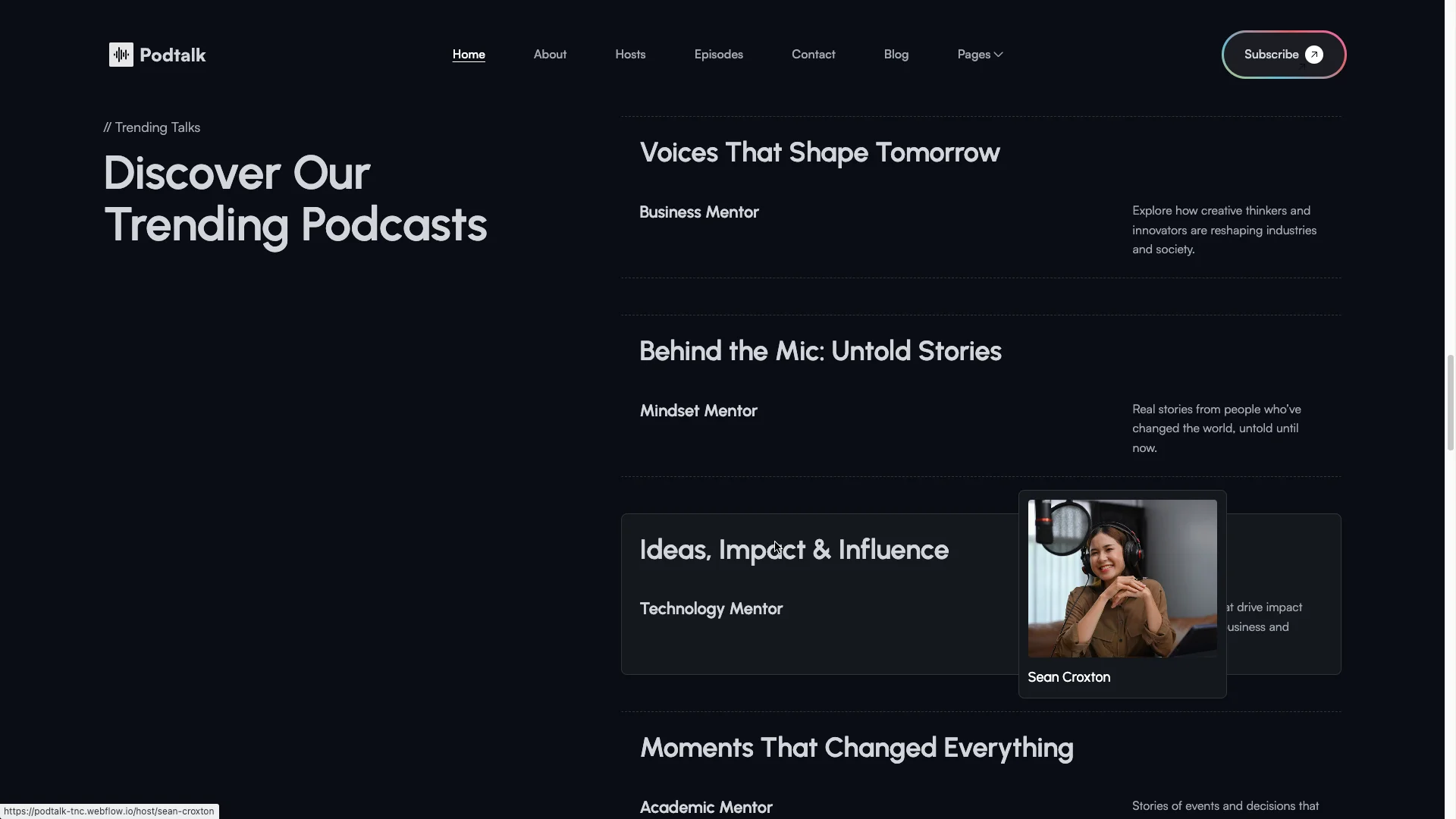
Featured shows. A trending grid keeps your strongest episodes visible on the homepage. Each card links straight through to the episode or the host.
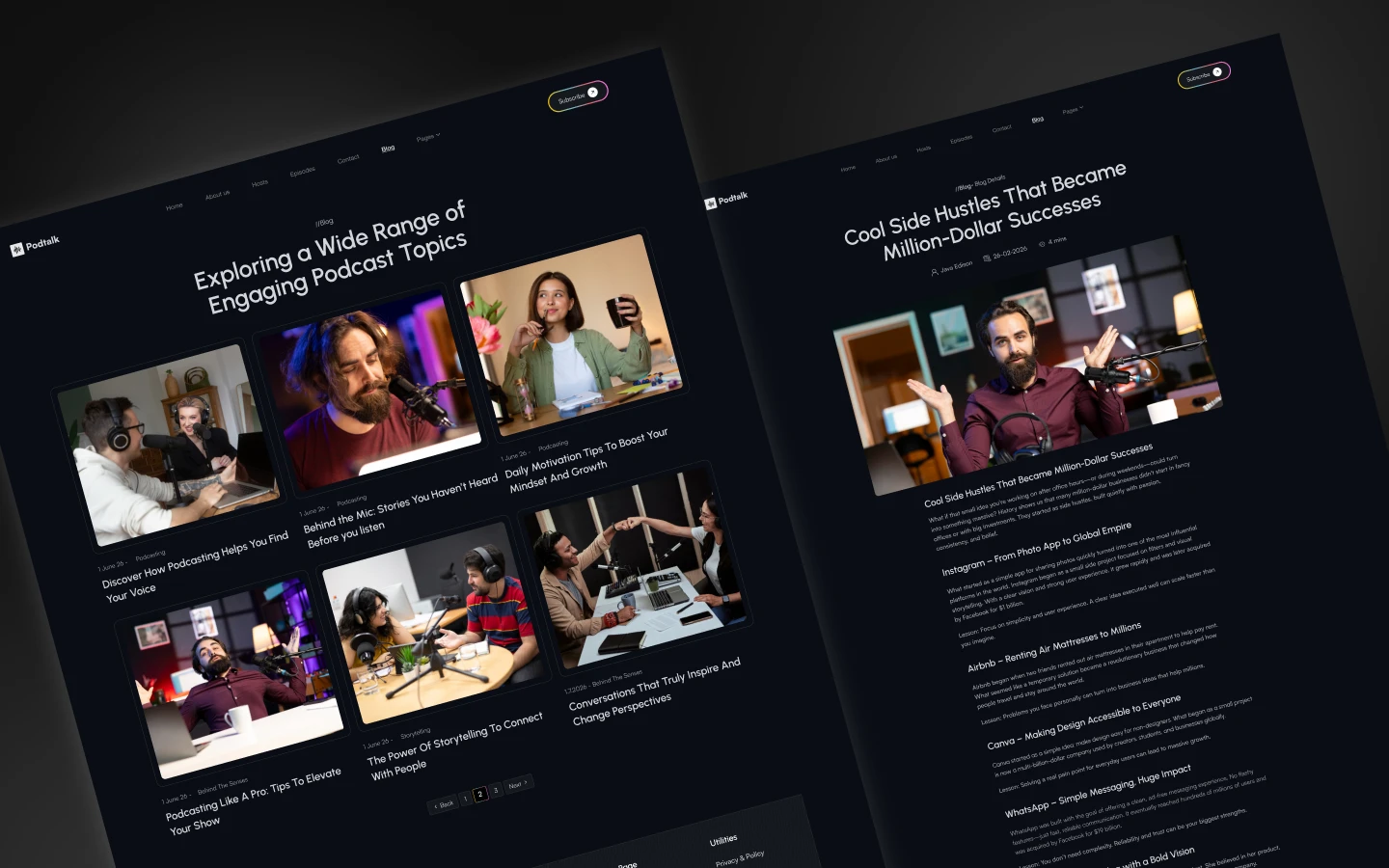
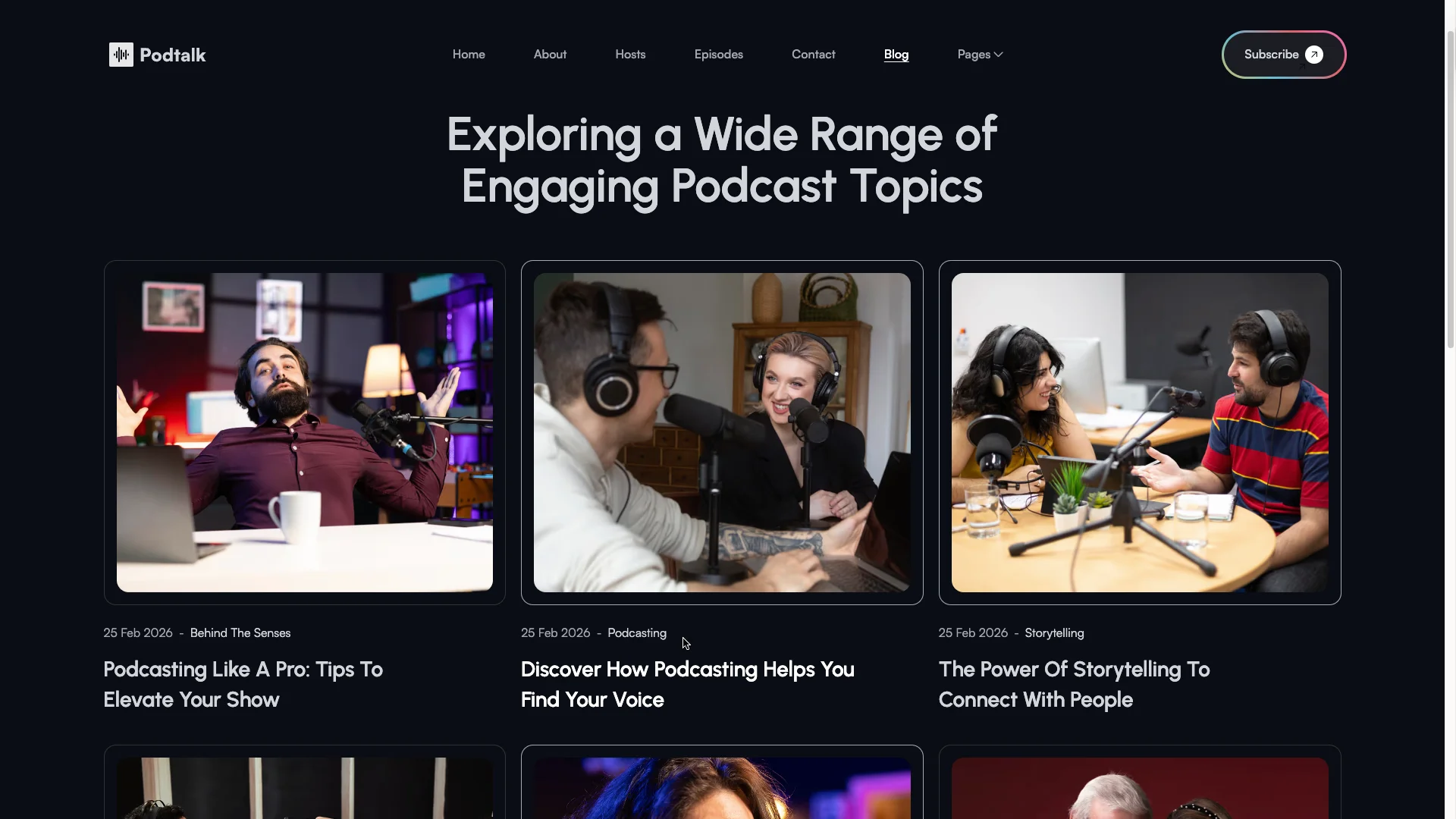
Blog with categories. A CMS blog holds show notes, transcripts and articles. Three categories sort them. So your written content can rank for the topics your episodes cover.
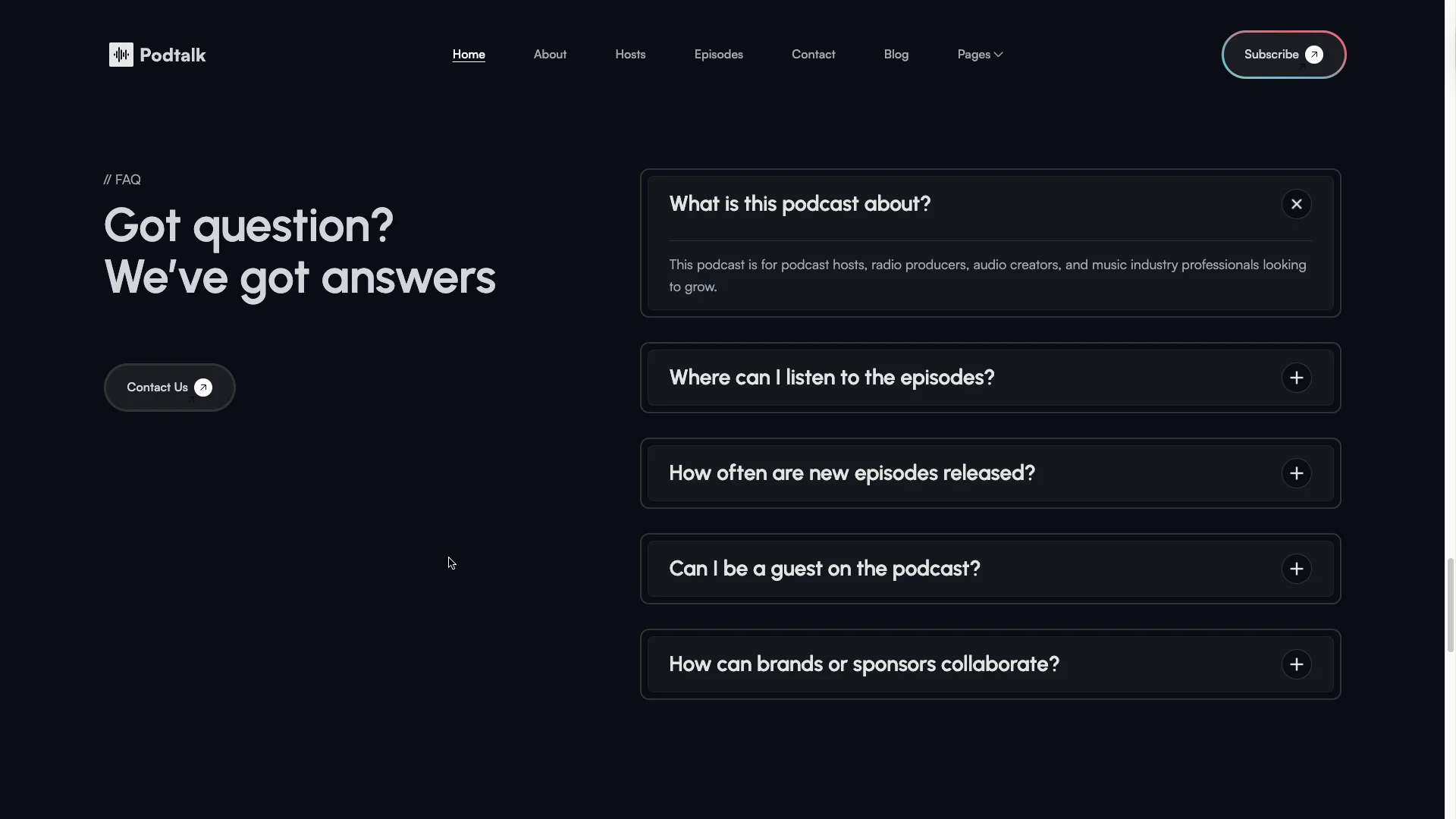
Expandable FAQ. An accordion on the homepage answers questions about release schedules, guest slots, listening platforms and sponsorship. It saves your inbox a lot of repeat traffic.
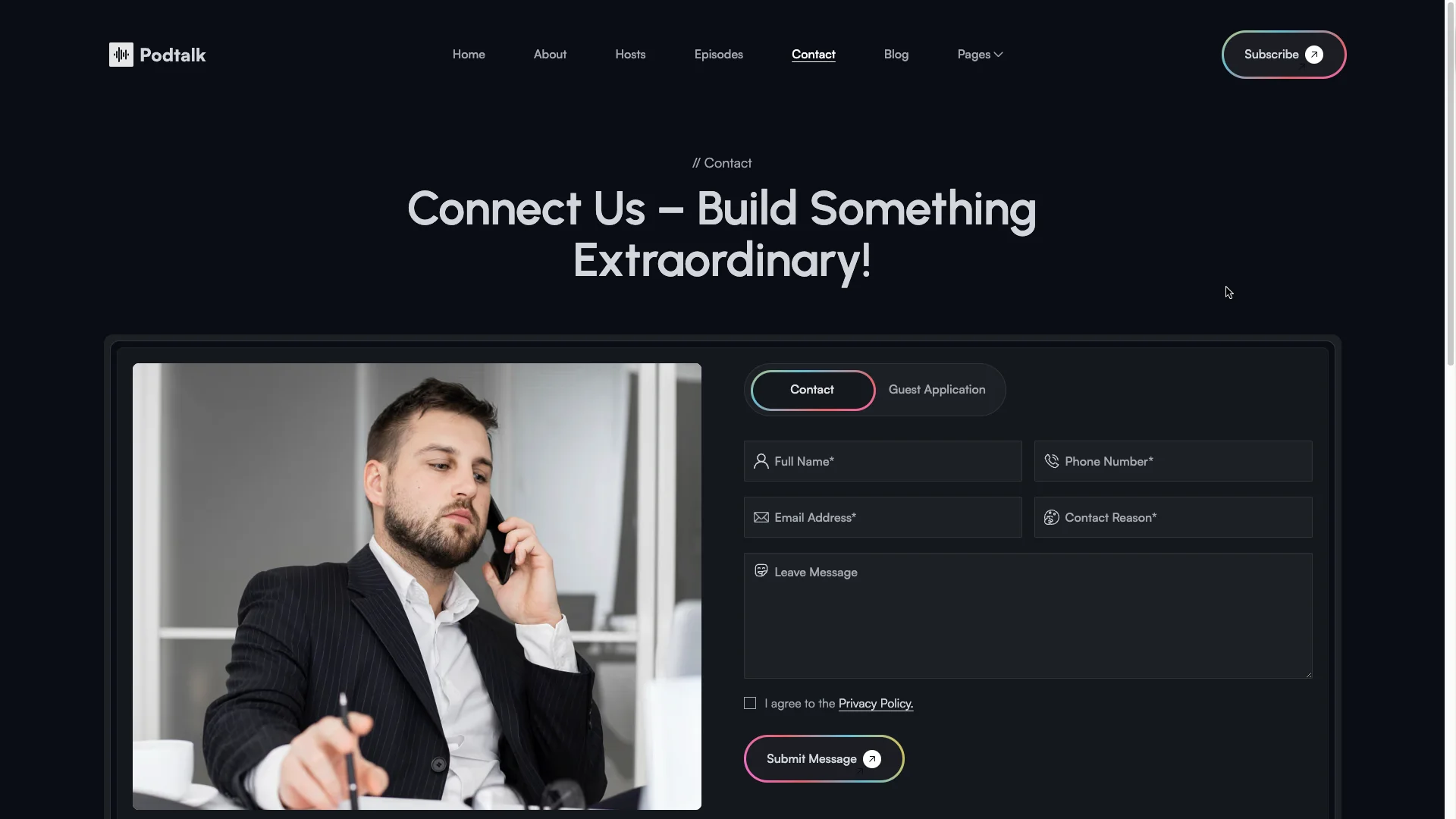
Contact form. A dedicated contact page handles guest pitches, sponsor enquiries and press requests. So the right message reaches you without a public email address.
Works everywhere. The layout is responsive across desktop, tablet and mobile. Retina ready images and flexible grids keep the cover art crisp on every screen.
Smooth animations. Scroll reveals, hover states and a marquee strip add polish. However, the motion stays light, so the pages still load quickly.
Everything you need. The template ships with a style guide, setup instructions, a change log, a license page and a privacy policy. So nothing is missing on launch day.
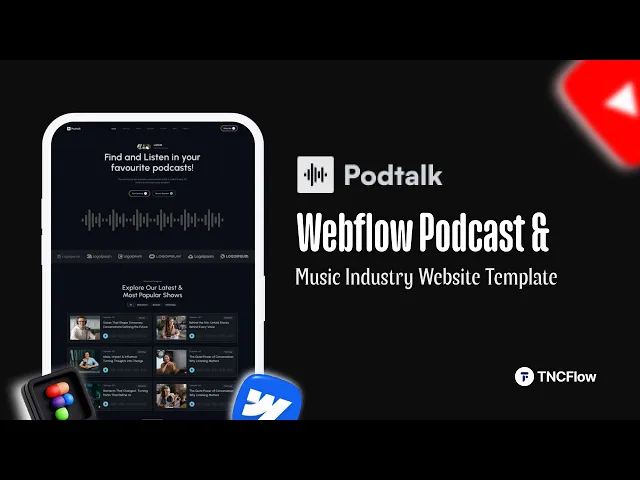
Watch on YouTube
Pages Included in PodTalk
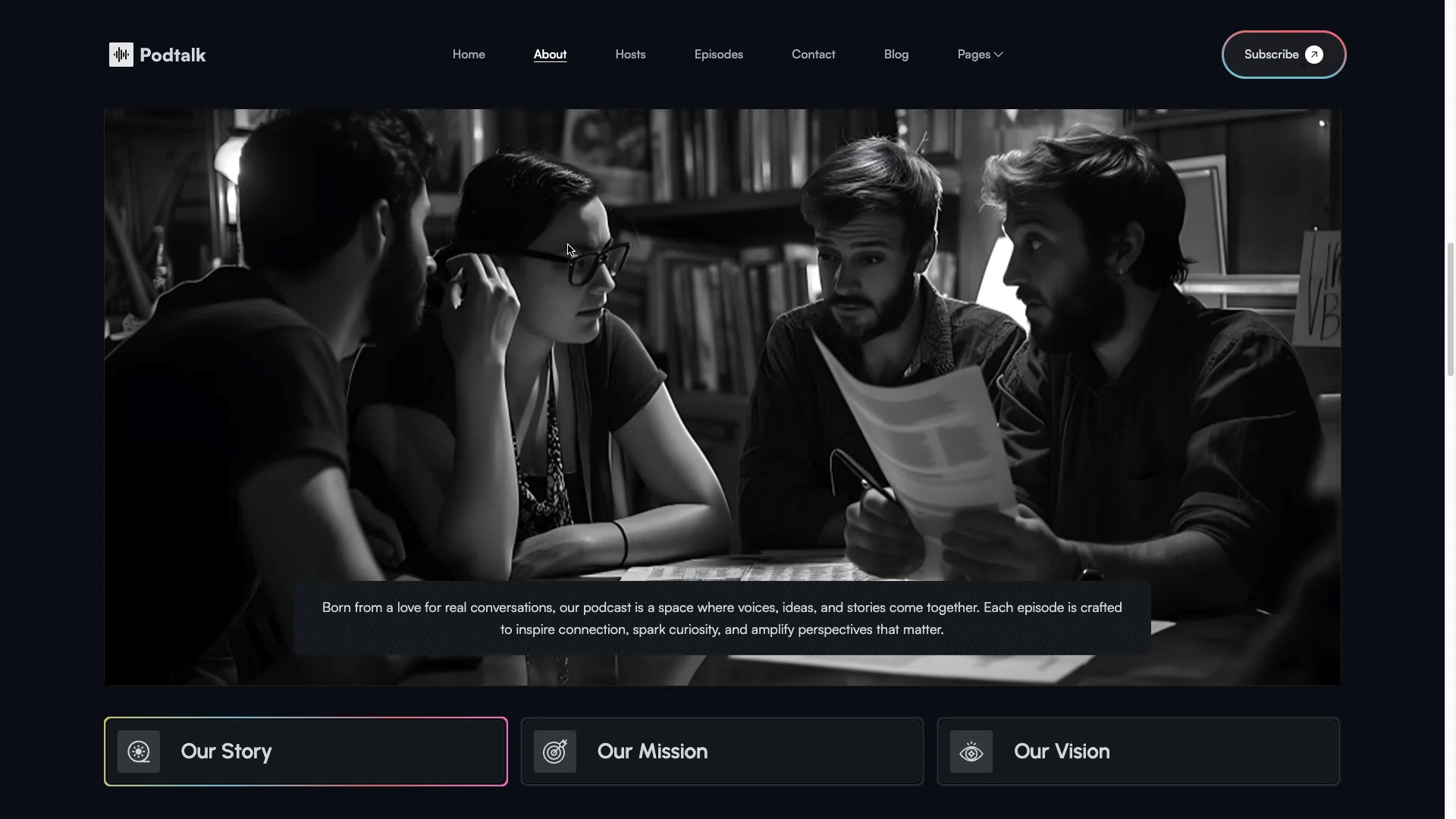
PodTalk ships with 19 pages in total. Fourteen are designed pages, namely Home, About, Episodes, Hosts, Blog, Pricing, Contact, Privacy Policy, Instructions, Change Log, License, Style Guide, External Link and a 404 page. Then five CMS collection templates handle episodes, episode categories, hosts, blog posts and blog categories.
How to Use PodTalk
- Use the purchase widget on the right side of this page to buy the PodTalk template
- Follow the steps to get your site ready
- Replace content with your own
- Adjust the design slightly if you want
- Preview and publish
What a Podcast Website Actually Has to Do
Most podcast traffic starts in an app, not on the web. So your site has one clear job. It has to convert a curious visitor into a subscriber on the platform they already use.
Put the follow buttons above the fold. Apple, Spotify, YouTube and RSS, all in one row. Then let the episode grid handle the browsing.
Show notes are the second job. Because search engines cannot read audio, a written page per episode is the only way a show gets found through Google. PodTalk gives every episode that page.
Host pages do the third job. Guests and sponsors want to know who they would be talking to, so a real profile with a photo and a track record answers that question before anyone emails.
Finally, plan for money early. Sponsorship, memberships and premium feeds all need a page to point at. The pricing page is there from day one, even if you leave it hidden at first.
PodTalk Frequently Asked Questions
What is PodTalk?
PodTalk is a website template for podcast hosts, radio stations, audio creators, podcast networks and online show brands. It includes an episode archive, host profiles, a blog, a pricing page and a contact form.
Which formats does PodTalk ship in?
PodTalk ships for Webflow, Framer, Figma and HTML. Each format is purchased separately, so you acquire only the one your team will actually build in.
Is the Figma file included when I buy the Webflow template?
No. The Figma file is a separate product with its own price. So select the Figma option in the purchase widget if you want the editable design source.
How many pages does PodTalk include?
PodTalk includes 19 pages. Fourteen are designed pages and five are CMS collection templates for episodes, episode categories, hosts, blog posts and blog categories.
Can I embed audio players in PodTalk?
Yes. Each episode page accepts an embed from Spotify, Apple Podcasts, YouTube or any host that provides an iframe, so your existing feed keeps working.
Do I need to know how to code?
No. Inside Webflow or Framer you edit text and imagery directly on the canvas. If you purchase the HTML build instead, then basic HTML and CSS knowledge helps.
Need help with PodTalk? The TNCFlow support team responds quickly, and every template receives regular updates.
Check out other Webflow templates by TNCFlow.
Featured in our guides: event website templates, Webflow blog templates and dark mode Webflow templates.
Select template
Choose one or more options for your build
All-Access Pass
$199
/ Yearly
$20,000+ in assets
130+ Webflow Templates
130+ Figma UI Templates
45+ Framer Templates
130+ HTML Templates
