

PRO

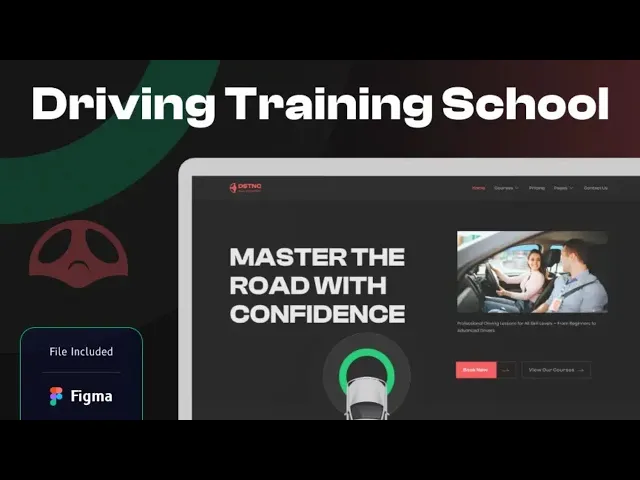
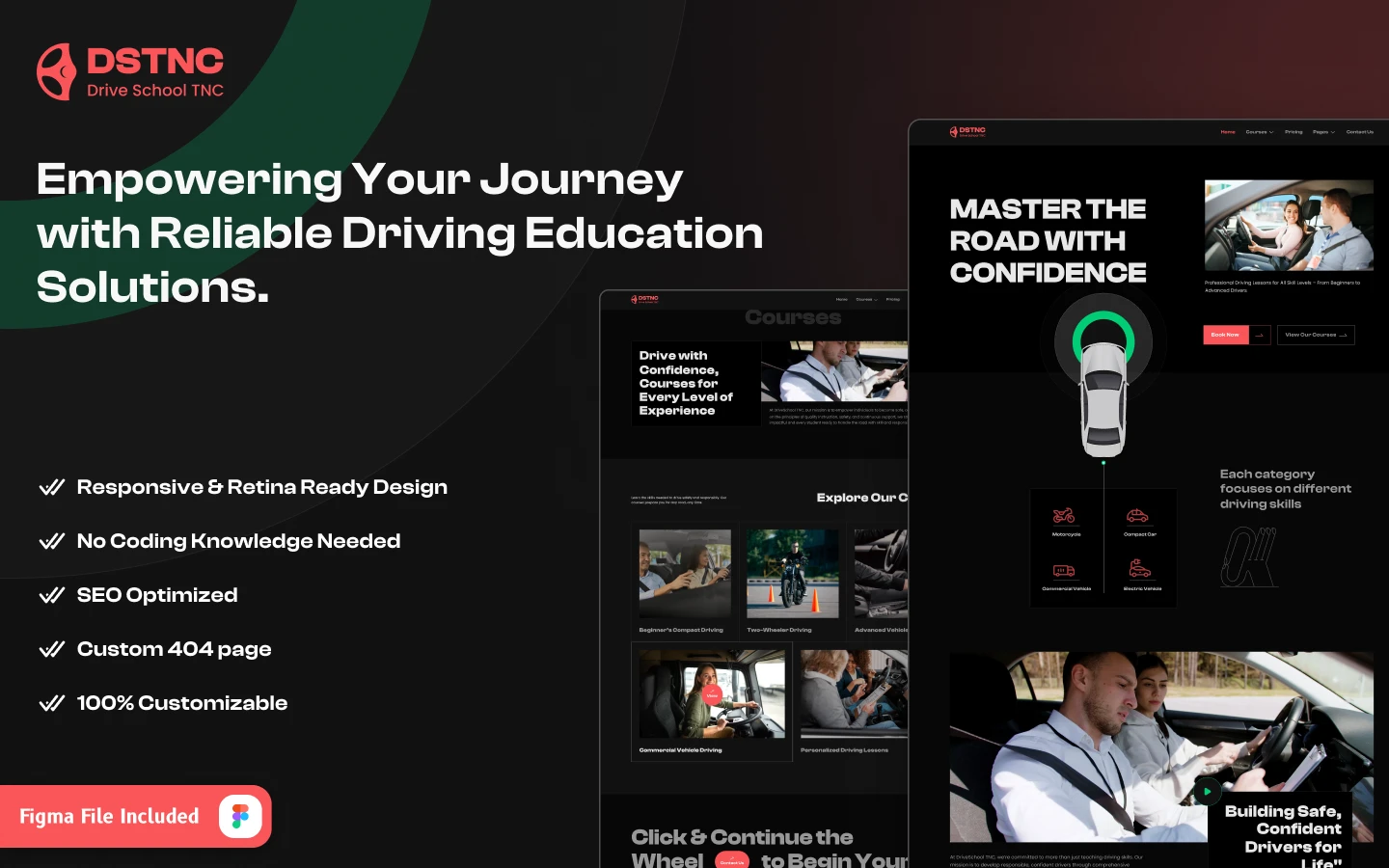
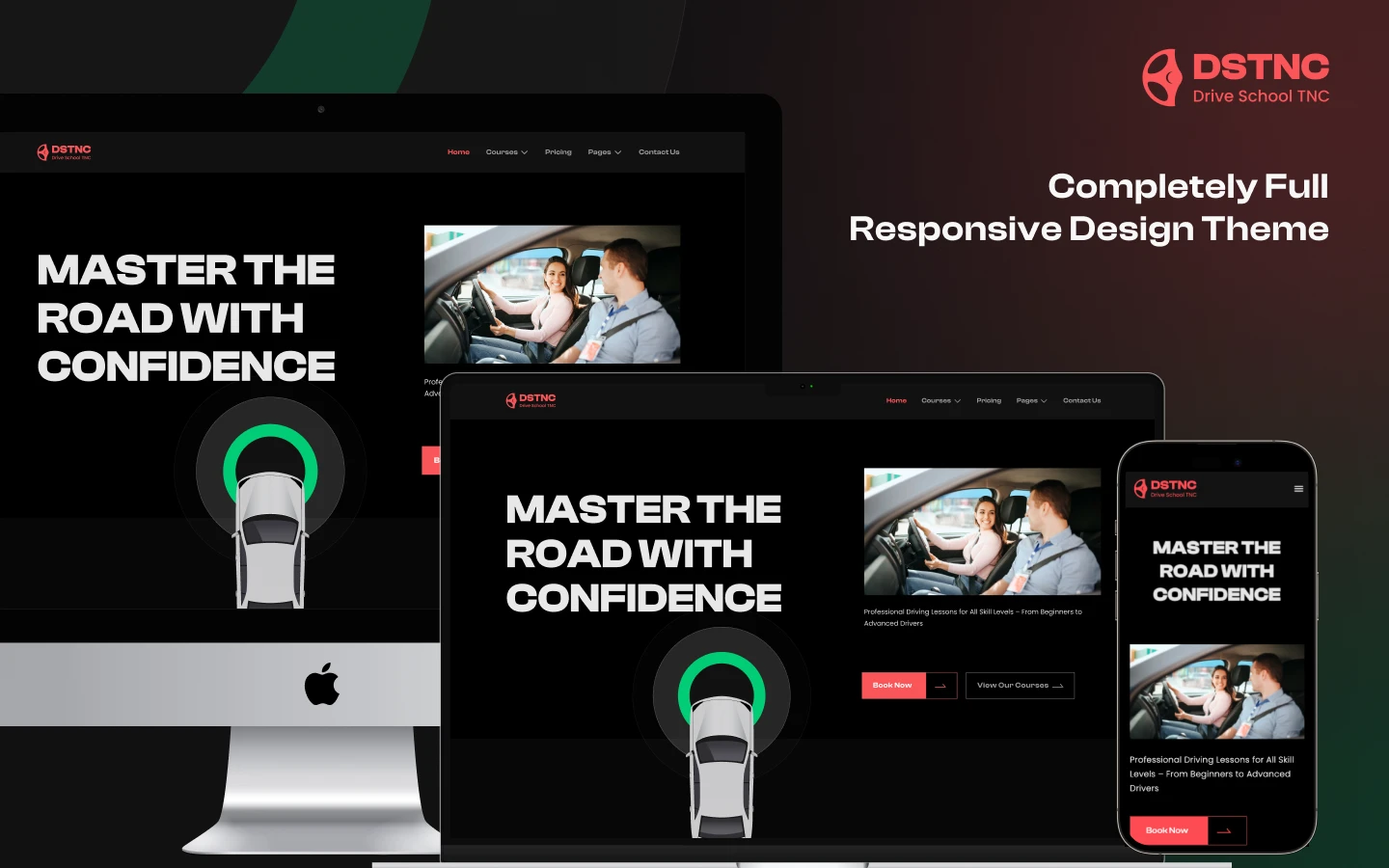
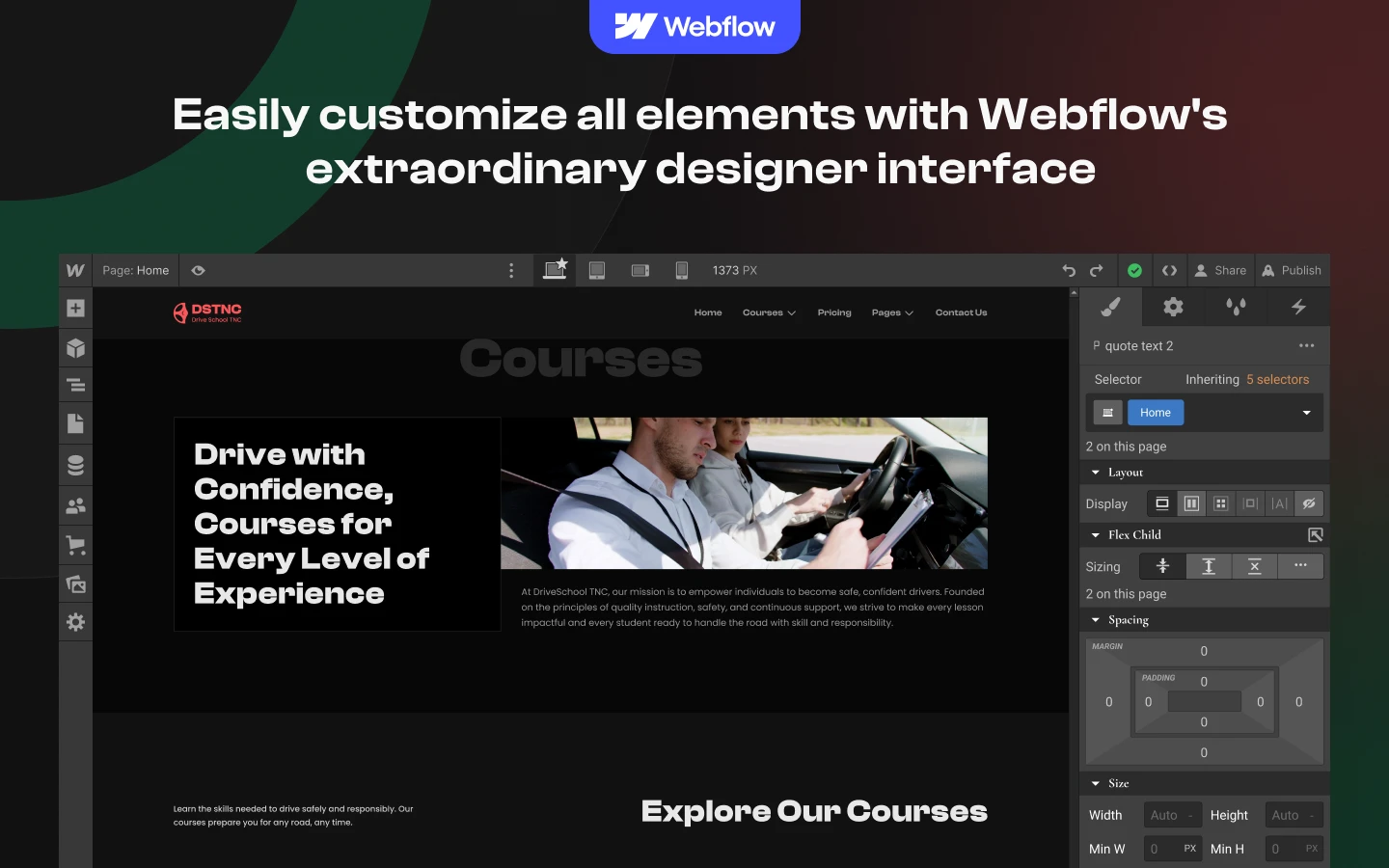
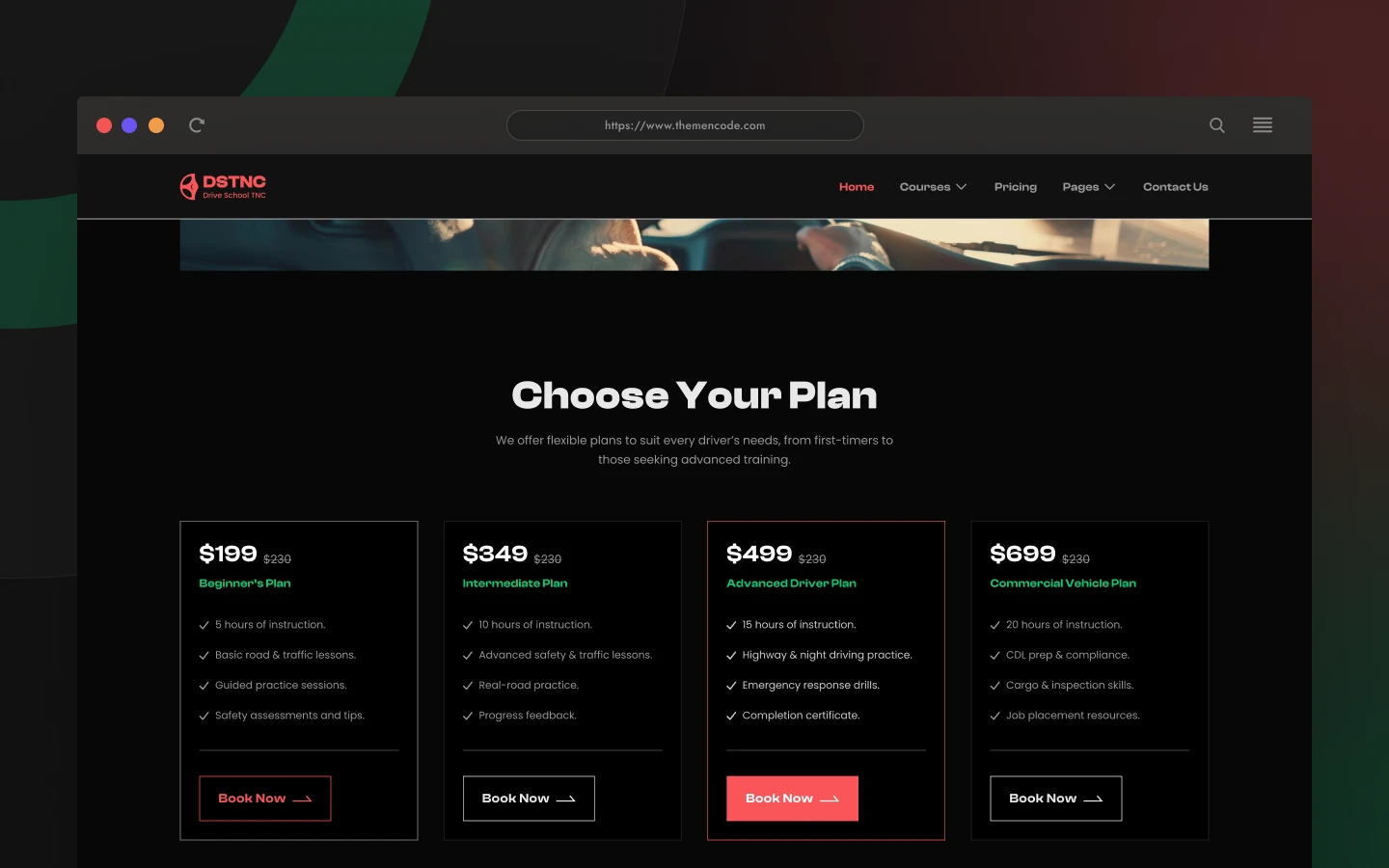
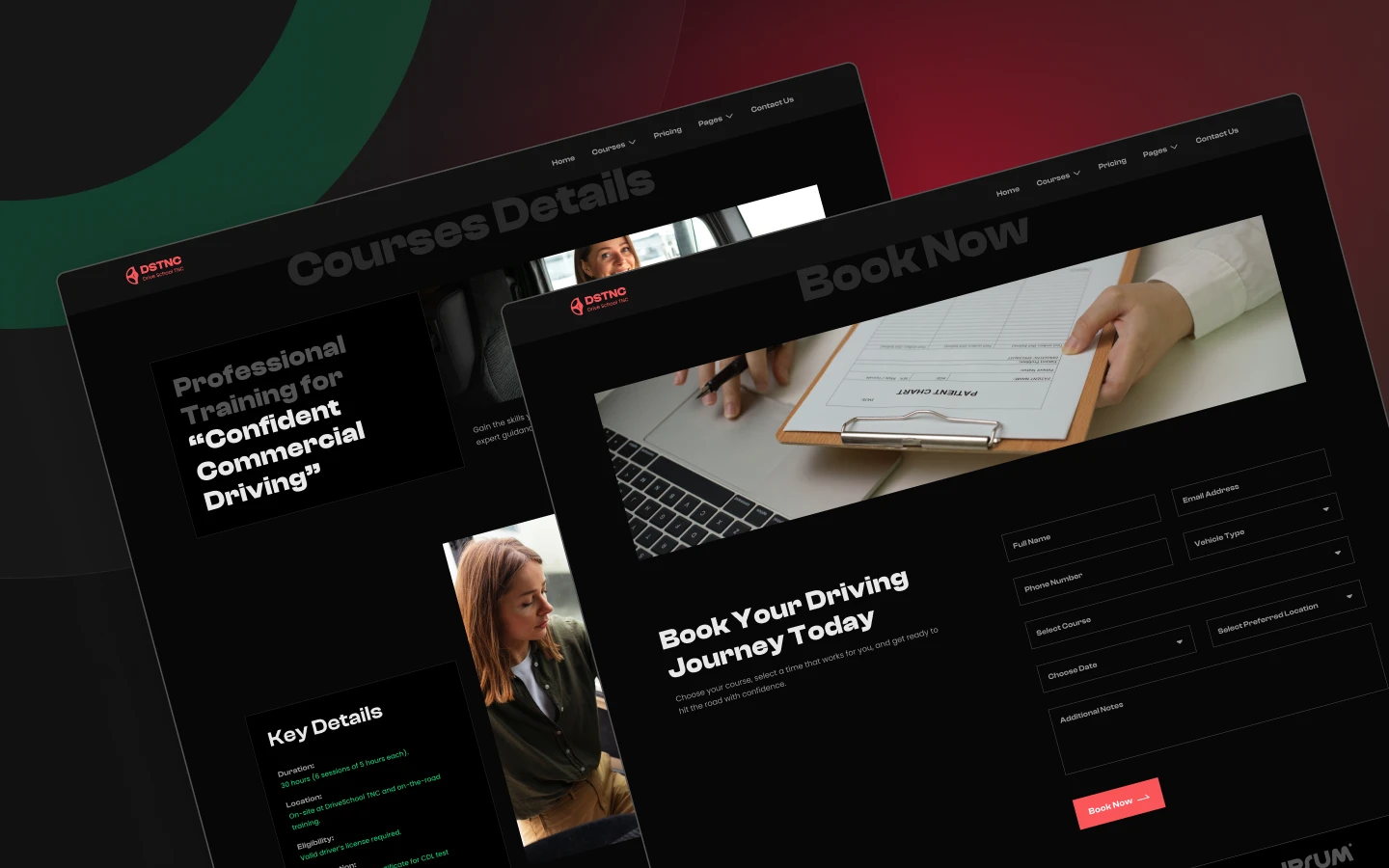
DriveSchool TNC is a driving school website template for driving instructors, training centres and vehicle course providers. It ships for Webflow, Figma and HTML.
Learners choose an instructor on two things. Those are whether you teach the licence they need and what a course actually costs.
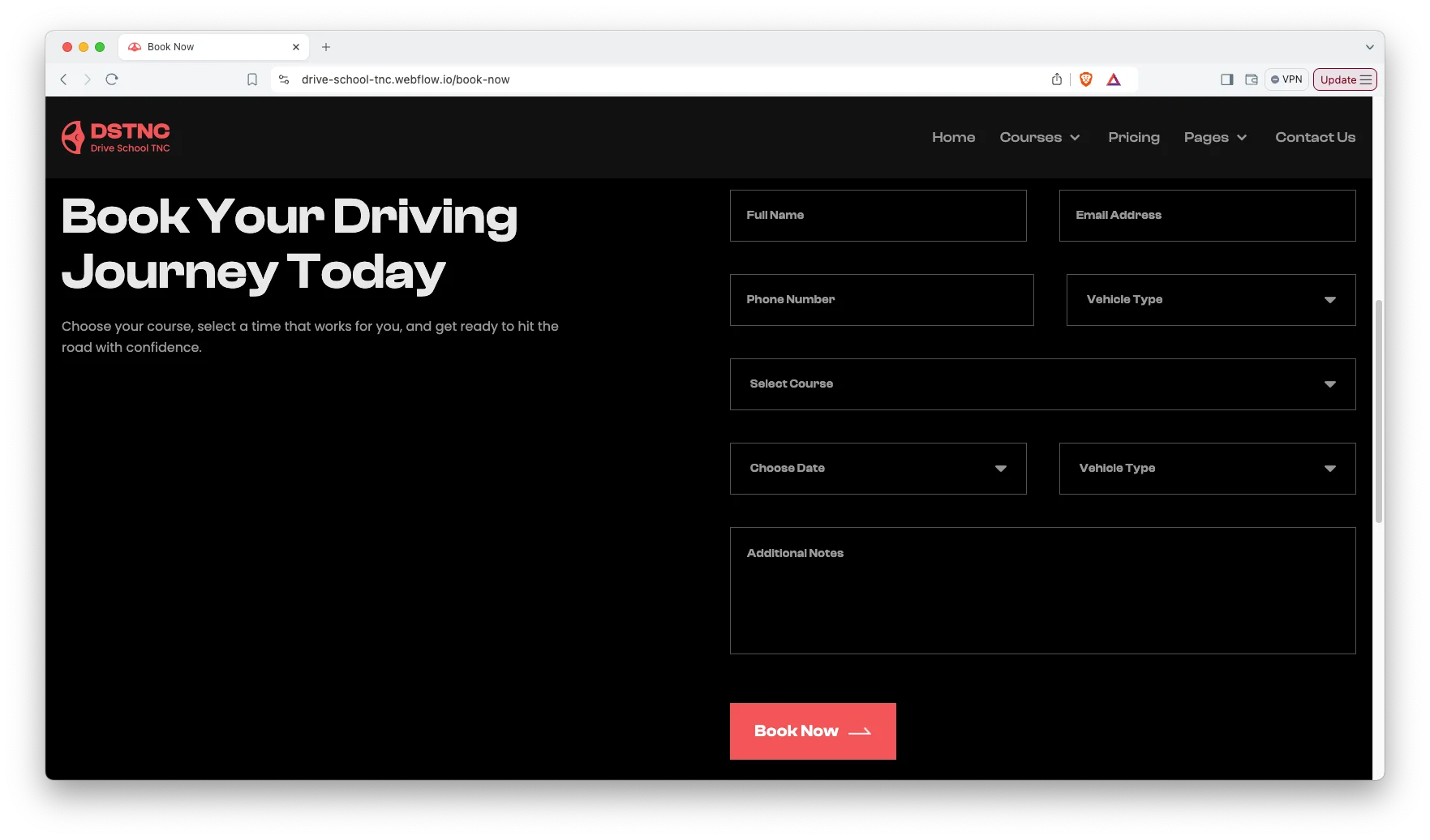
So DriveSchool TNC gives every course its own page, and puts a real pricing page next to it. Because both are visible before any contact, a learner can self qualify. Then the book now page takes the slot.
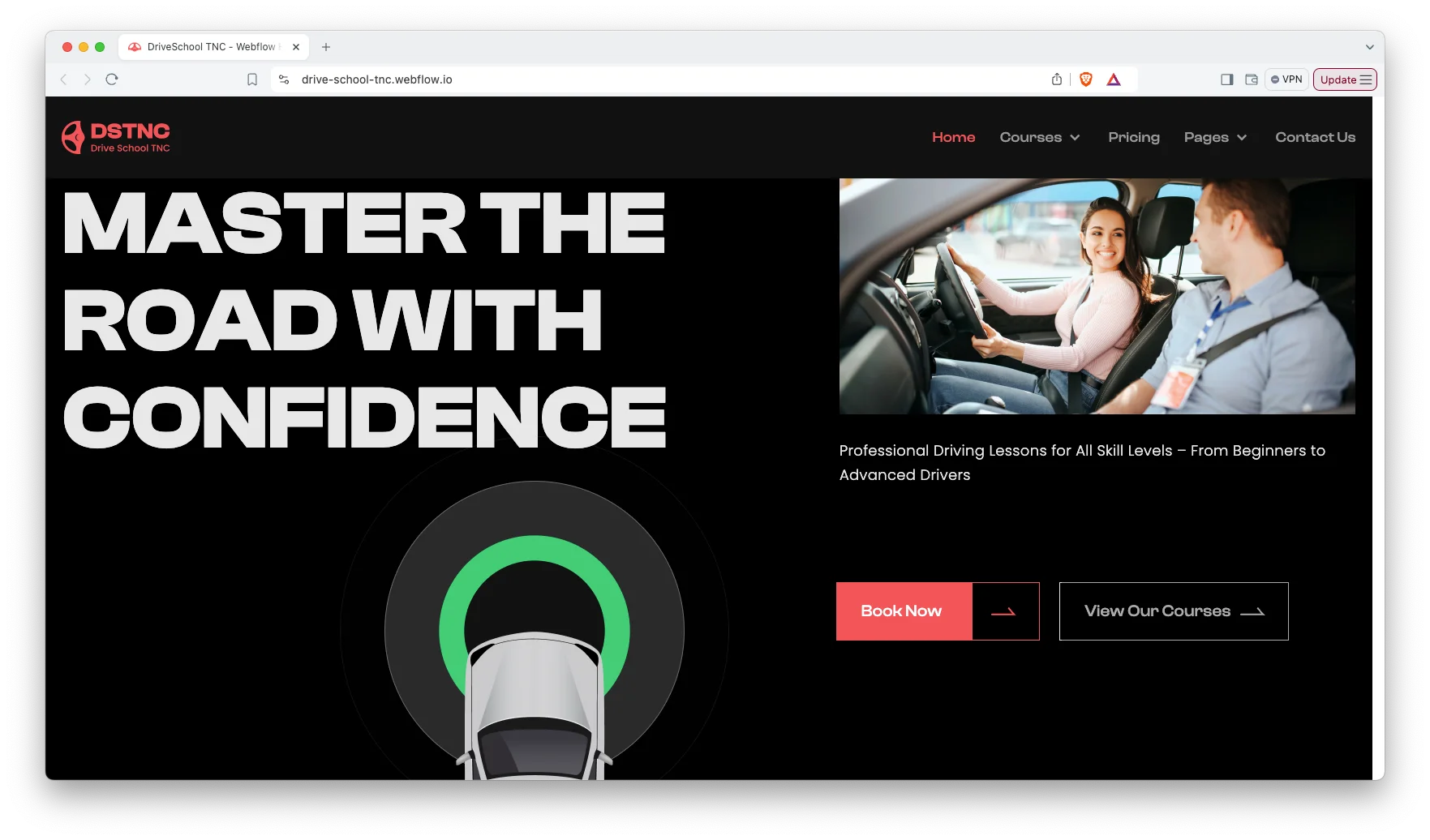
Each section has one job. The hero states the school. The course pages match the licence. The pricing page removes the guesswork. Finally the booking form fills the diary.
Explore the live preview now!
DriveSchool TNC at a Glance
| Formats | Webflow, Figma, HTML |
| Best for | Driving schools, instructors, training centres, vehicle course providers |
| CMS | Courses, blog posts and their categories |
| Courses | Beginners compact, advanced vehicle, commercial vehicle, two wheeler, personalized |
| Pages | 14 designed pages plus CMS templates |
| Theme | Dark variant, editable from the style guide |
| Support | Included with every TNCFlow purchase |
Key Features of DriveSchool TNC
Elegant and Premium Design. The template uses a dark variant with a clean, modern layout. Because most learners browse on a phone, the mobile view leads the design.
CMS Included. Courses, blog posts and their categories all run on Webflow CMS. Then you add a new course in a form rather than in the designer.
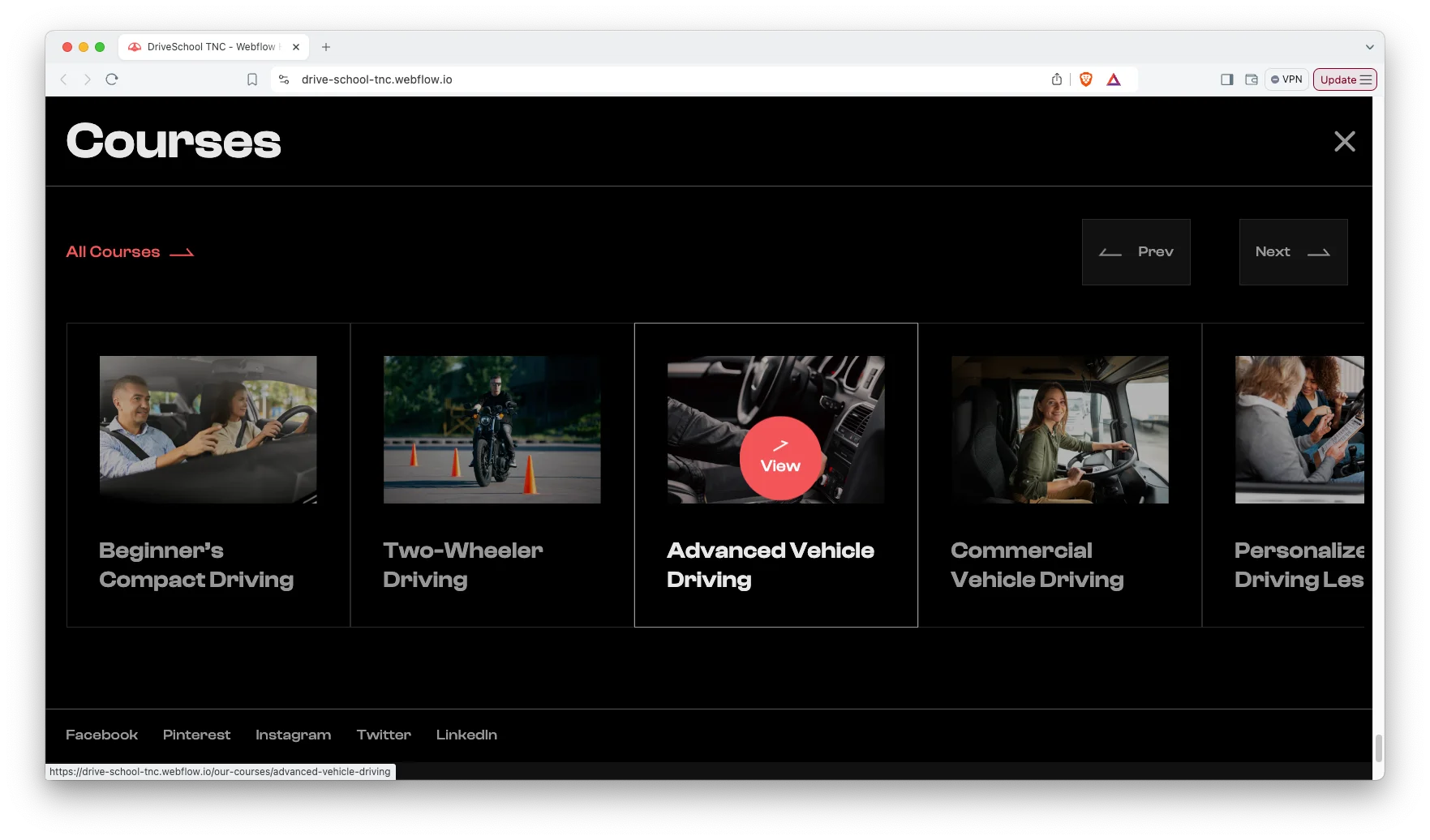
Five Courses with Detail Pages. Courses ship ready to edit. They are beginners compact driving, advanced vehicle driving, commercial vehicle driving, two wheeler driving and personalized driving lessons.
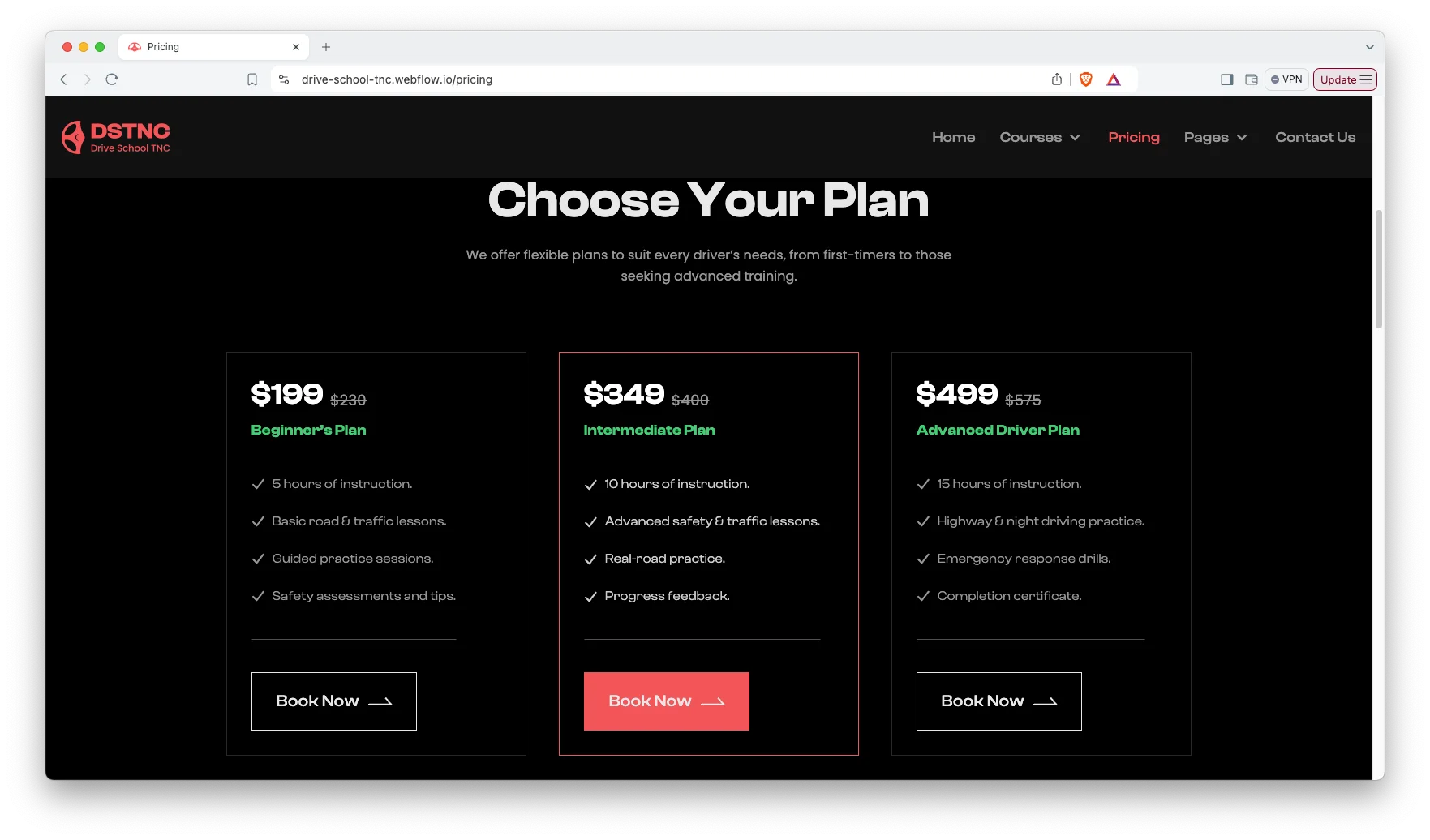
Pricing Page. A dedicated pricing page lists the packages side by side. So a learner compares lesson counts and cost without emailing you first.
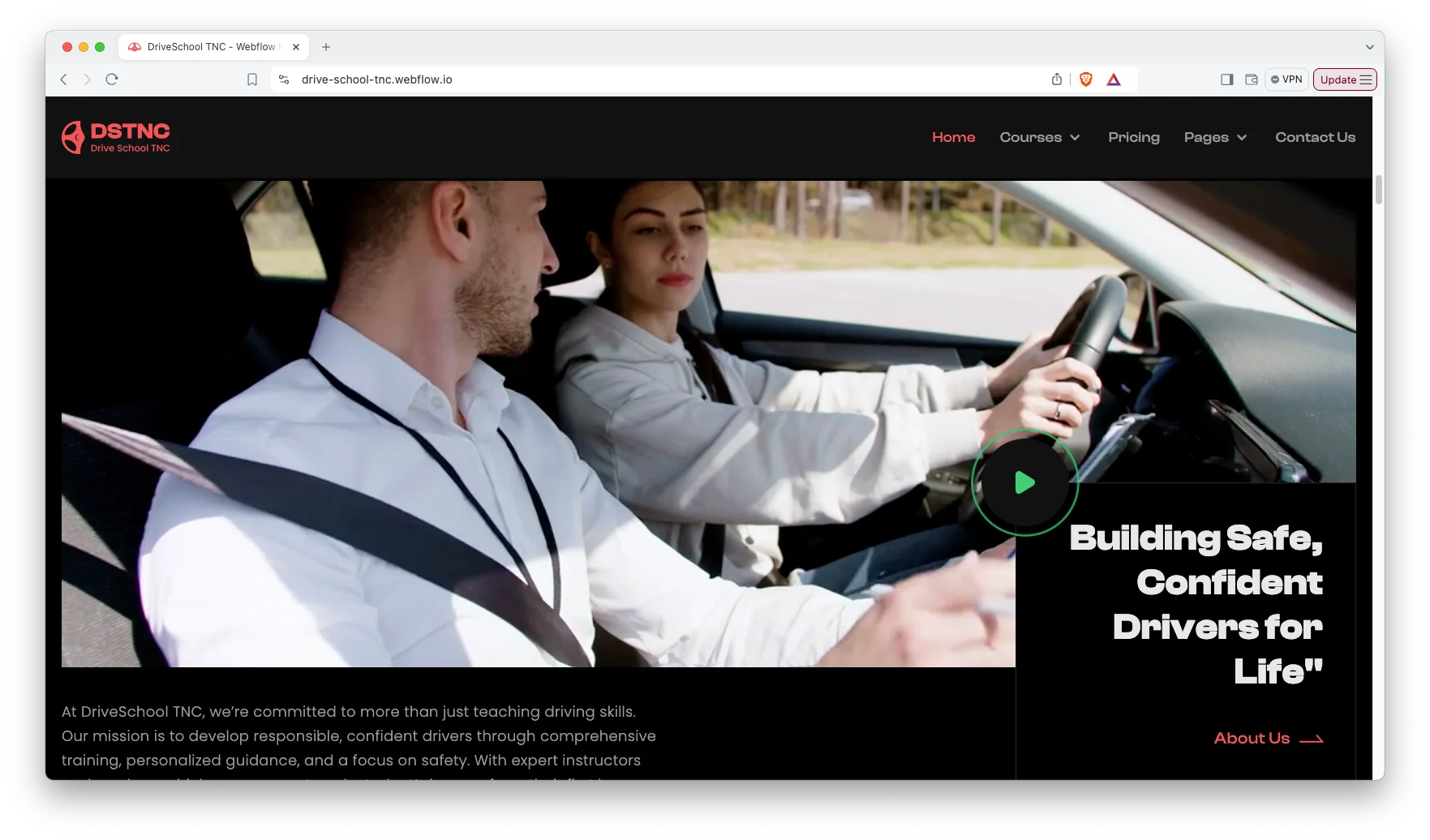
Animation, Video and Sliders. Sliders, video and animation carry the on road footage. However, the motion stays light so the pages load quickly.
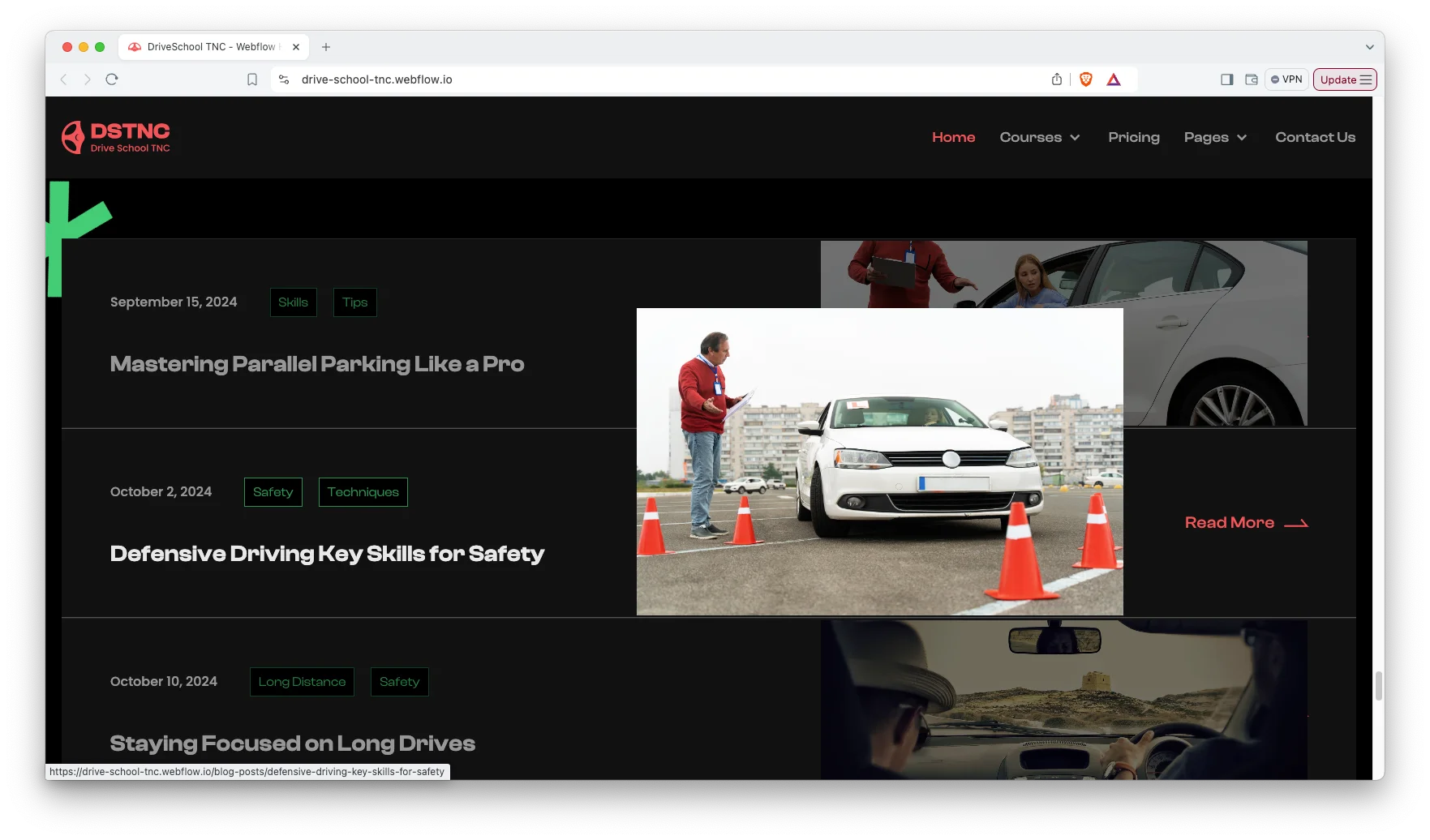
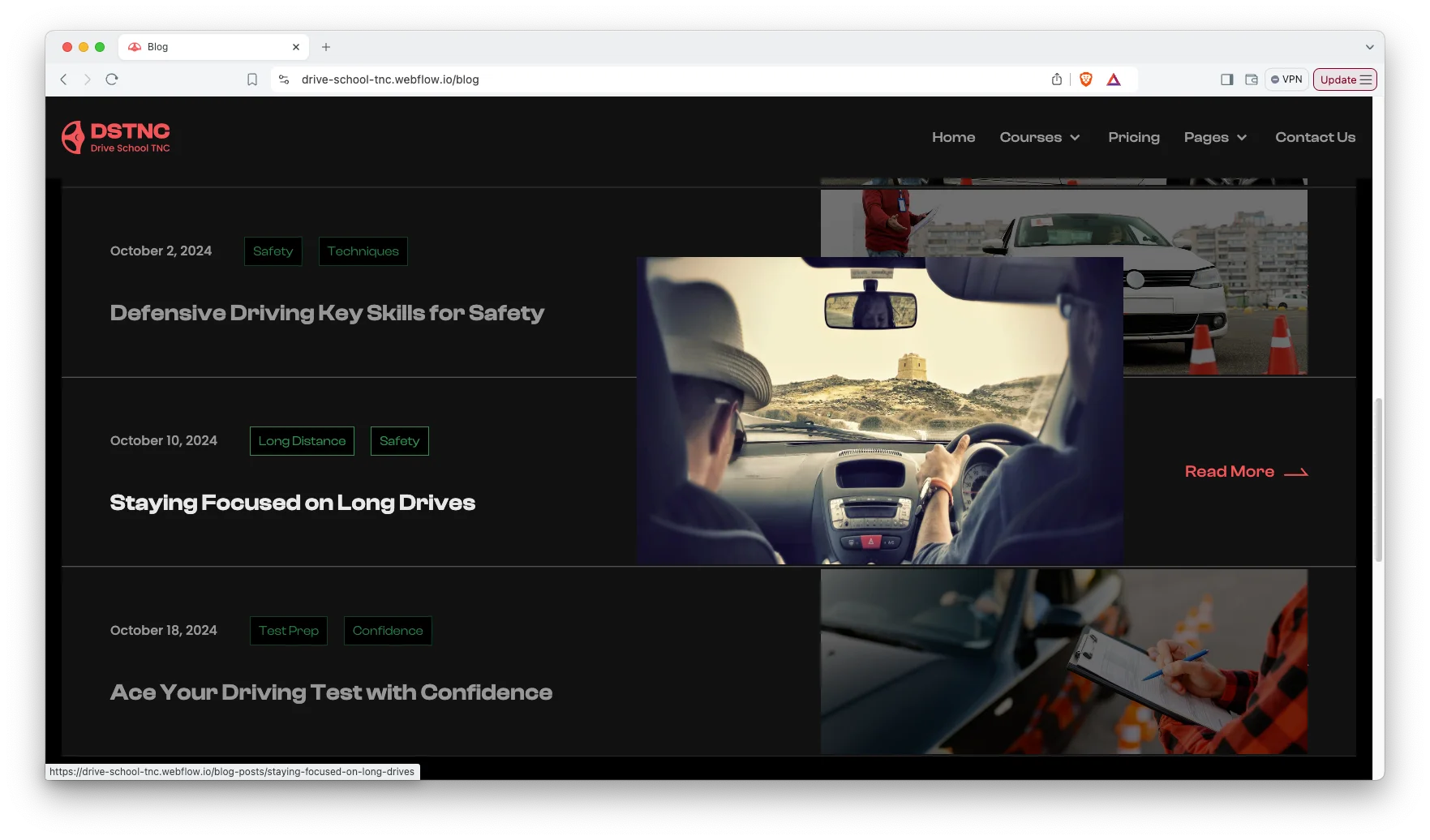
Blog Showcase. The blog is built for scanning. Demo posts cover passing the test, defensive driving, parallel parking and long drives.
Book Now Page. A dedicated booking page confirms which course the learner wants. It sits one click from every course and pricing page.
Watch on YouTube
You can watch this video if you want to learn everything about this Webflow template quickly. In this video, we have demonstrated the information about this Webflow template.
Pages Included in DriveSchool TNC
DriveSchool TNC ships with fourteen designed pages. They are Home, About Us, Courses, Pricing, Book Now, Blog, FAQ, Contact Us, Terms and Condition, Style Guide, Licenses, Changelog, a 404 page and a password page. Further CMS templates render courses, blog posts and their categories. So the course list grows without new page design.
What to Check Before You Buy a Driving School Template
Driving schools have two structural requirements. The first is that each licence category needs its own page, because a commercial vehicle learner and a two wheeler learner are different audiences searching different terms. The second is a booking flow that captures which course the learner wants, not just their name. A generic contact form loses that detail and creates a follow up call. DriveSchool TNC handles both, and it keeps the courses in a CMS collection so the structure holds as you add licence categories.
Why Driving Schools Should Publish Prices
Most driving schools hide the price and ask learners to call. However, a learner comparing three schools will simply drop the one that will not say. Price is the first filter, not the last. DriveSchool TNC puts packages on a public page instead, so the call you do get is from someone who already accepts the rate. That shortens the conversation. It also gives you a page that can rank on cost related searches, which carry some of the highest intent in the category.
How to Use DriveSchool TNC
- Use the purchase widget on the right side of this page to buy the DriveSchool TNC template
- Duplicate the template into your Webflow workspace
- Replace the demo courses, pricing and photography with your own
- Load your courses and posts into the CMS collections
- Adjust the colors and typography in the style guide
- Check every breakpoint, then publish your site
DriveSchool TNC Frequently Asked Questions
What formats does DriveSchool TNC ship in?
DriveSchool TNC ships for Webflow, Figma and HTML. Each format is sold separately, so you buy only the one you need.
Is the Figma file included with the Webflow purchase?
No. The Figma file is a separate product on this page. So add it to your order if you want the design source.
How many pages does DriveSchool TNC include?
DriveSchool TNC includes fourteen designed pages. It also includes CMS templates for courses, blog posts and their categories.
Which courses are included in the demo?
Five. They are beginners compact, advanced vehicle, commercial vehicle, two wheeler and personalized lessons.
Can I add more courses?
Yes. Courses run on a CMS collection, so you add as many as you teach. Each one gets its own page automatically.
Does DriveSchool TNC take payments?
It captures booking requests through the book now page. However, payment and scheduling remain your own systems.
When you choose DriveSchool TNC, you get support from the TNCFlow team. So if a section does not behave, ask us and we will help.
Check out other Webflow templates by TNCFlow.
Featured in our guides: consulting website templates, car dealer website templates and dark mode Webflow templates.


Select template
Choose one or more options for your build
