
PRO


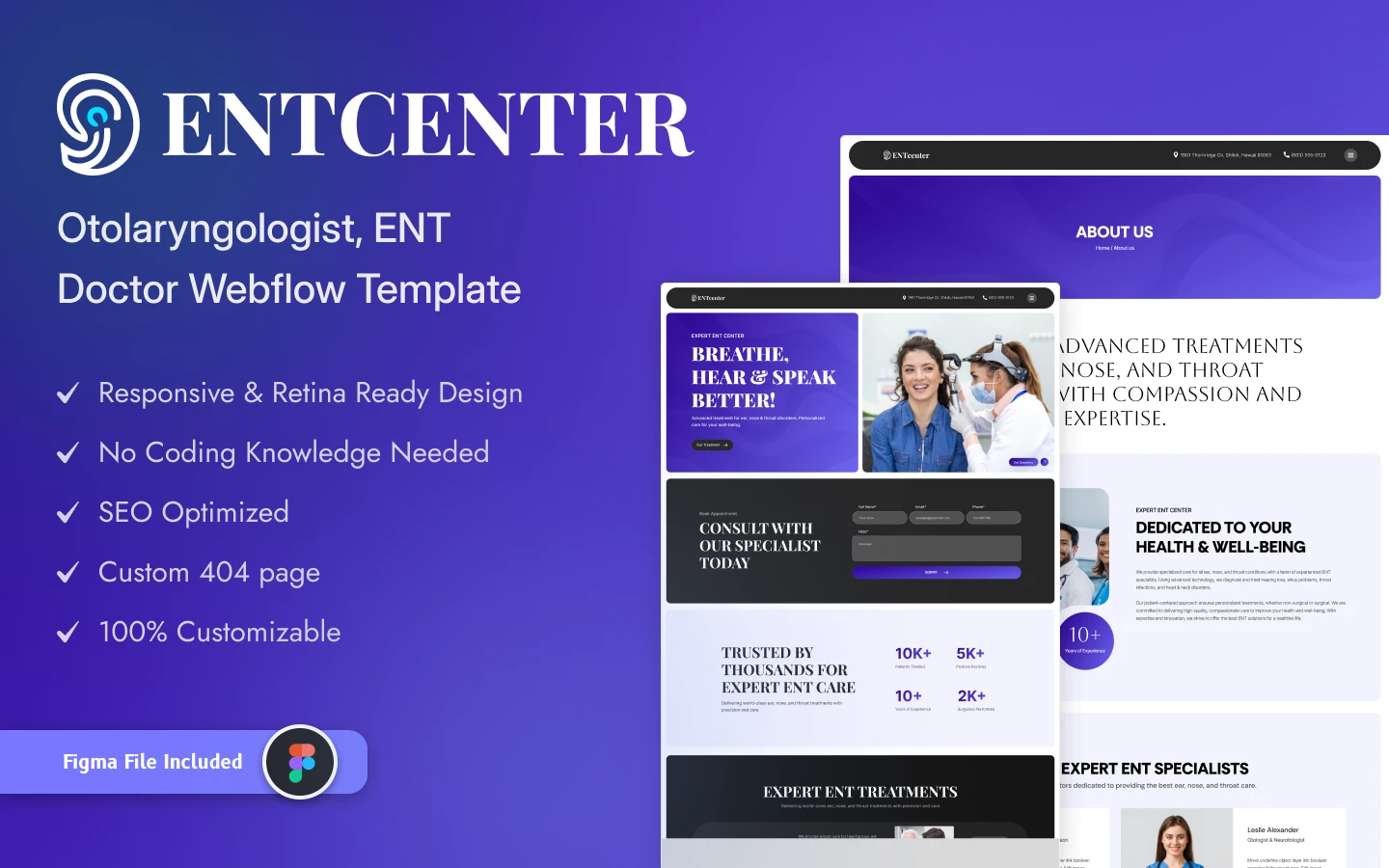
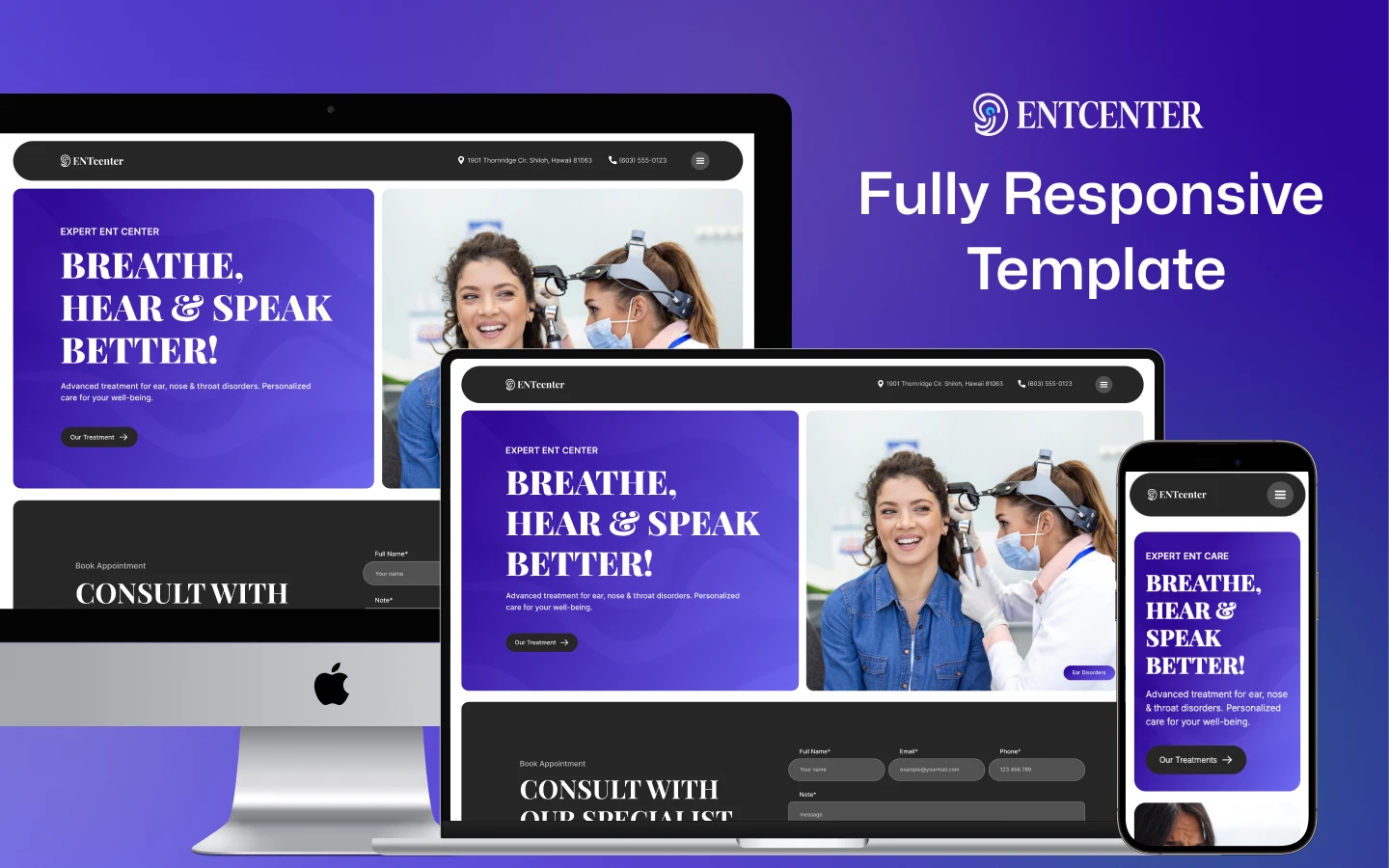
ENTcenter is a hospital website template for ENT clinics, medical centres and specialist practices. It ships for Webflow, Figma and HTML.
The template covers 18 page designs. So you get treatments, specialists, case studies, an appointment page and a blog from the start. Because five of those pages are CMS templates, each new treatment or doctor publishes its own page.
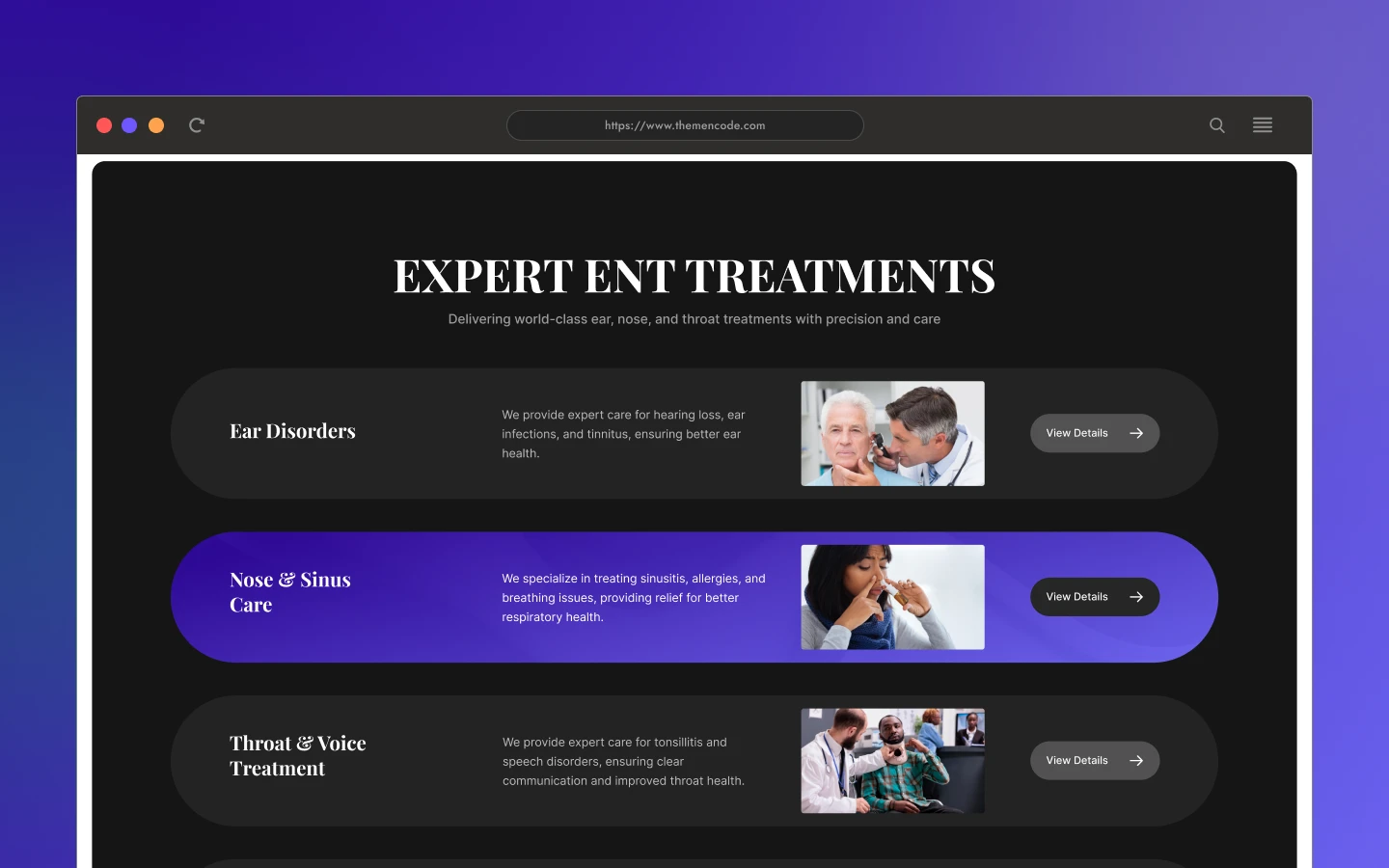
Each section has one job. The hero states what the centre treats. The treatments grid splits ear, nose and throat care. The specialist cards put a face to each department. Then the appointment page takes the booking.
Explore the live preview now.
ENTcenter at a Glance
| Formats | Webflow, Figma and HTML |
| Webflow builds | CMS and Ecommerce |
| Best for | ENT clinics, hospitals, medical centres, specialist and multi doctor practices |
| Pages | 18 page designs |
| CMS templates | 5, covering treatments, specialists, case studies, blog posts and blog categories |
| Booking | Dedicated appointment page |
| Responsive | Yes, on desktop, tablet and mobile |
| Support | Included, direct from the TNCFlow team |
Key Features of ENTcenter
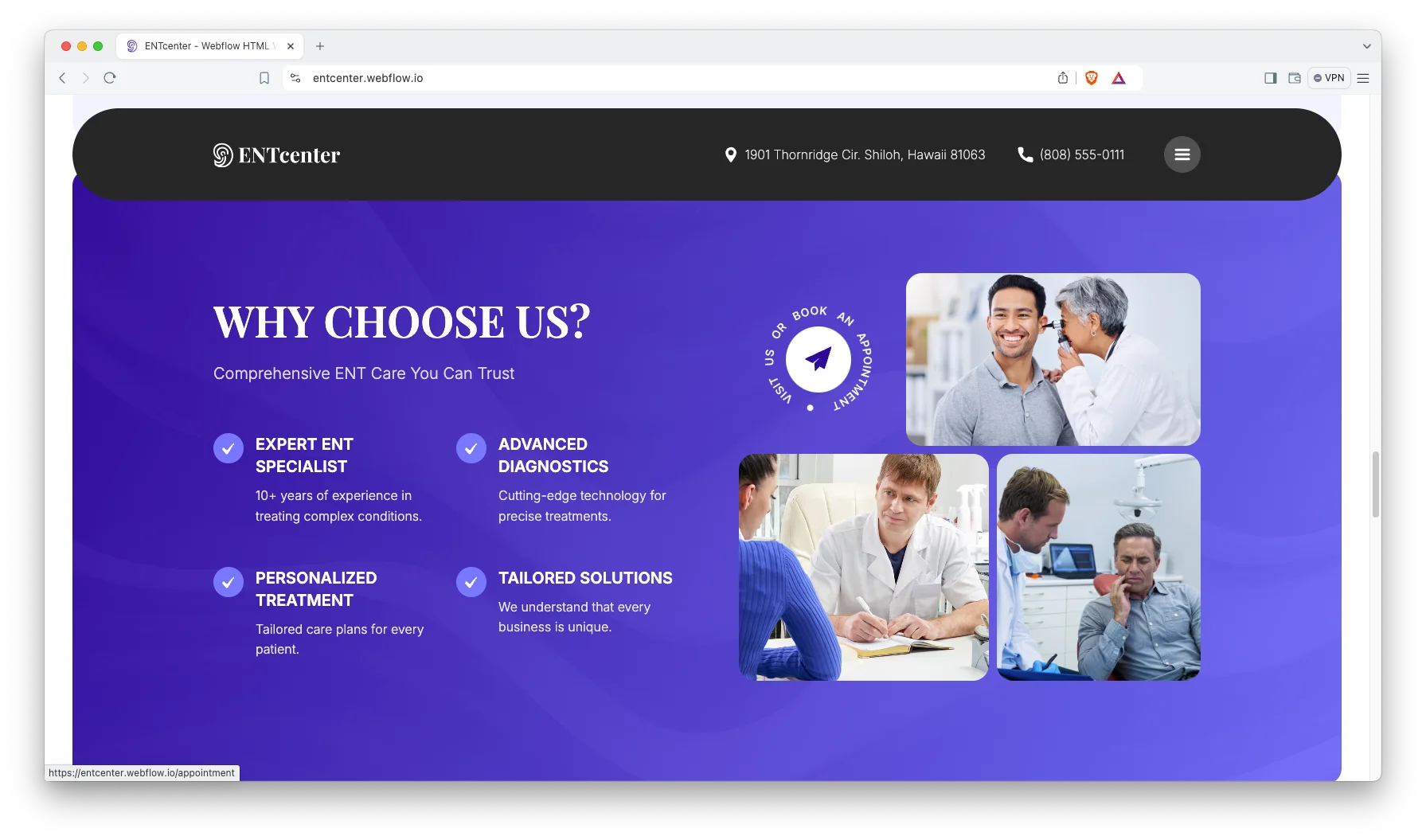
Features Fully Highlighted: The homepage explains the centre before it sells it. So a patient learns which conditions you treat within one screen. Then the detail pages take over.
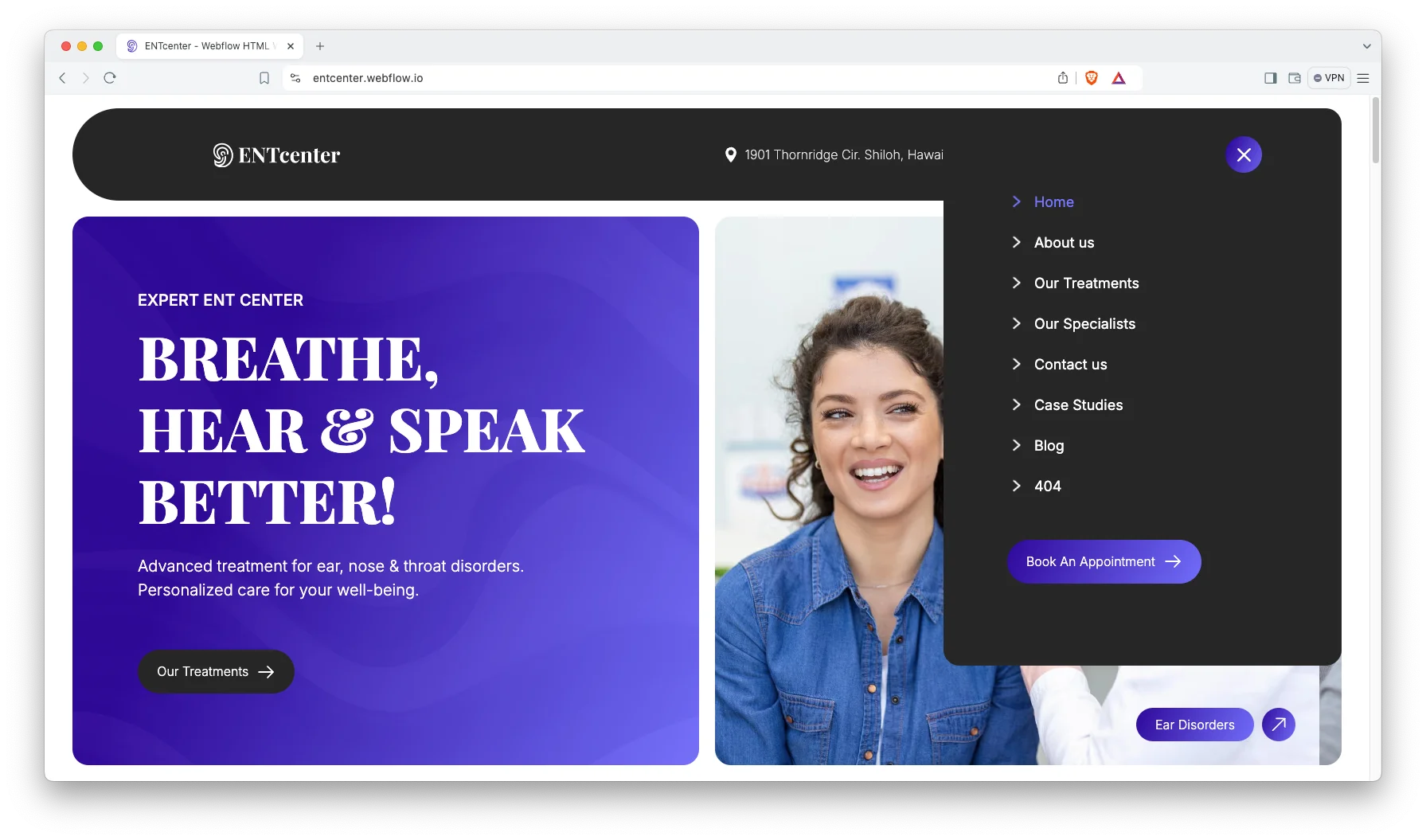
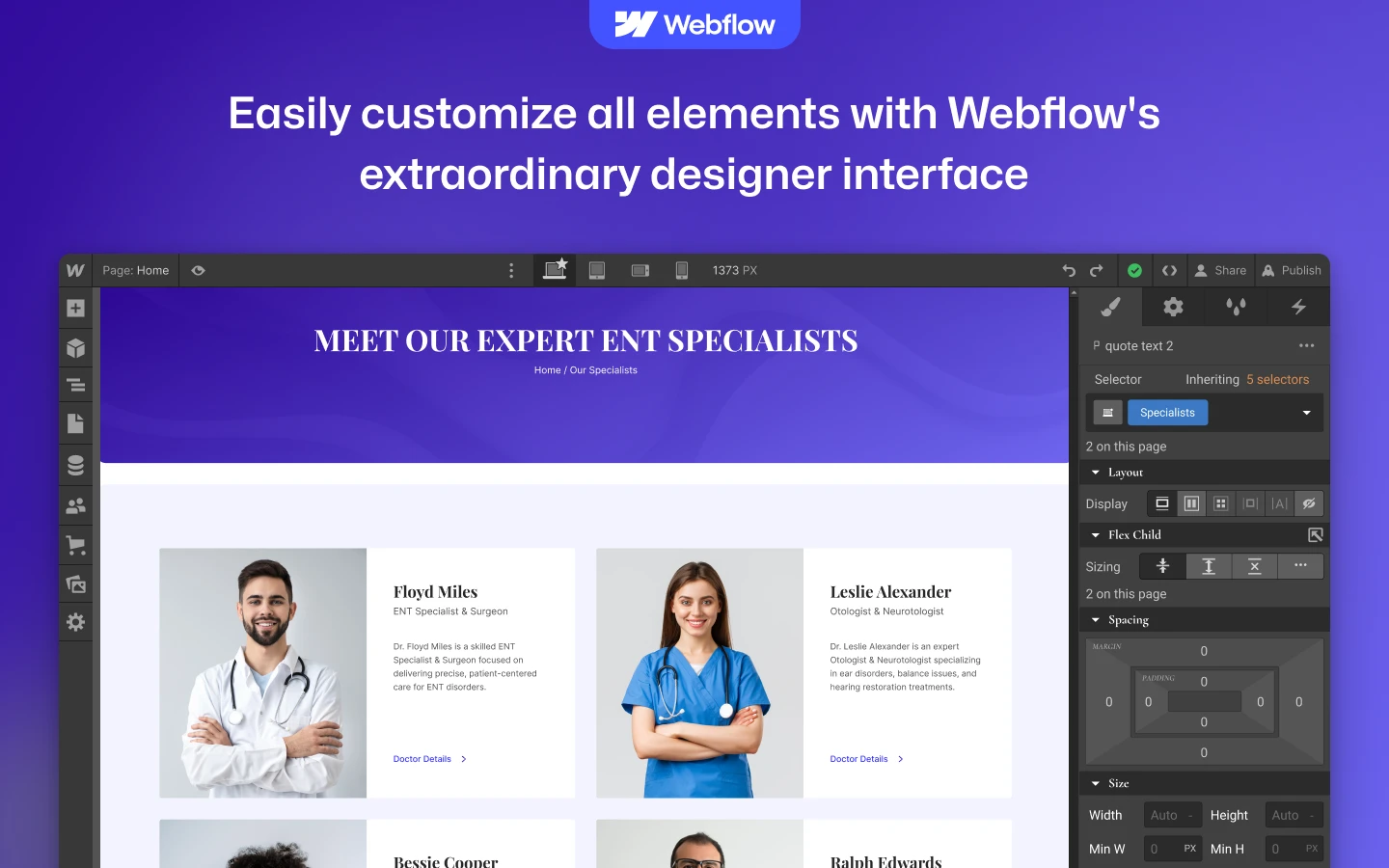
CMS Functionality: Treatments, specialists, case studies and blog posts all run on Webflow CMS. So you fill in a form and the page builds itself. Then the listing and the related links update with it.
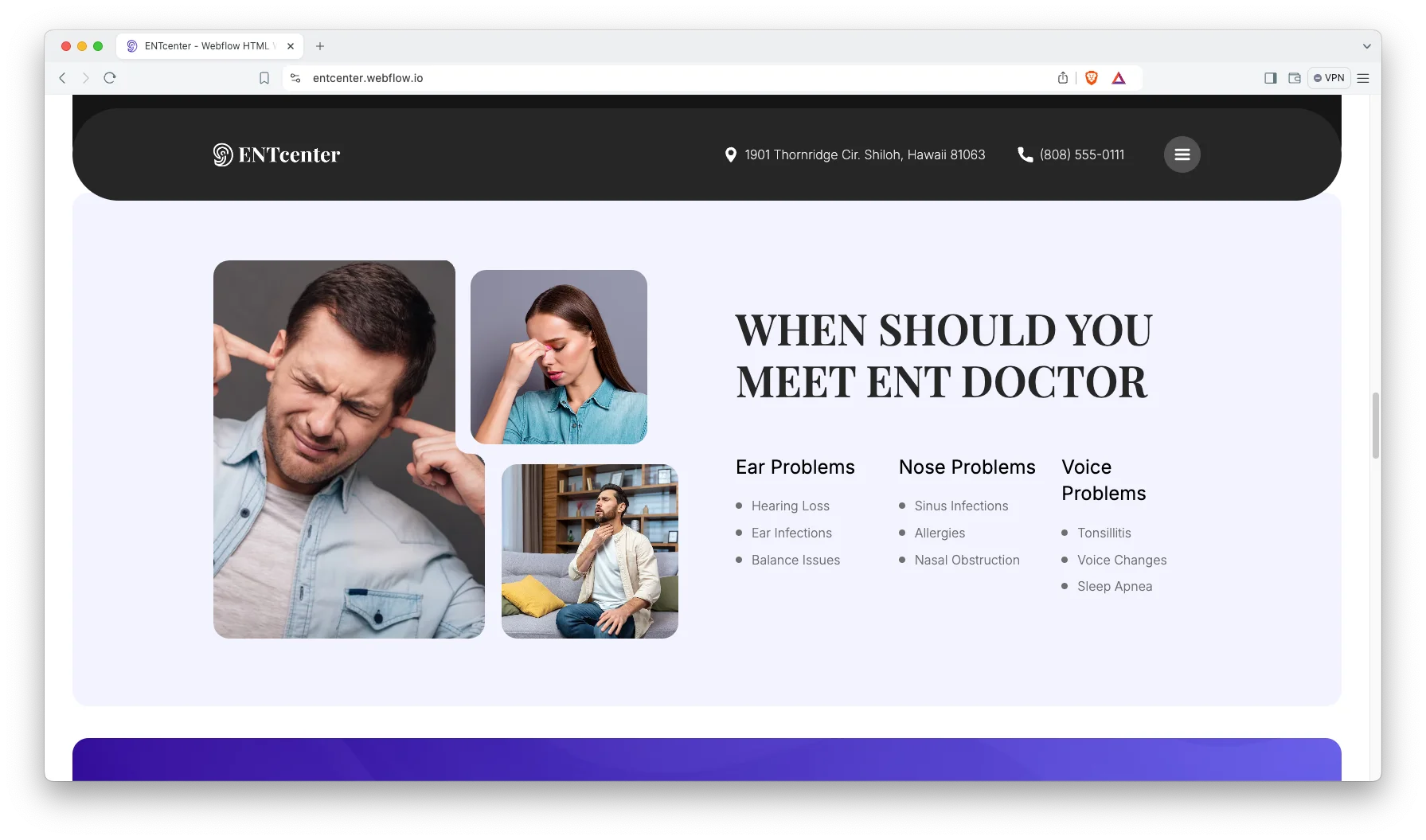
Responsive and Premium Design: The style is clean, minimal and current. Because most patients arrive on a phone, every page was laid out for small screens first. Then it scales up without breaking.
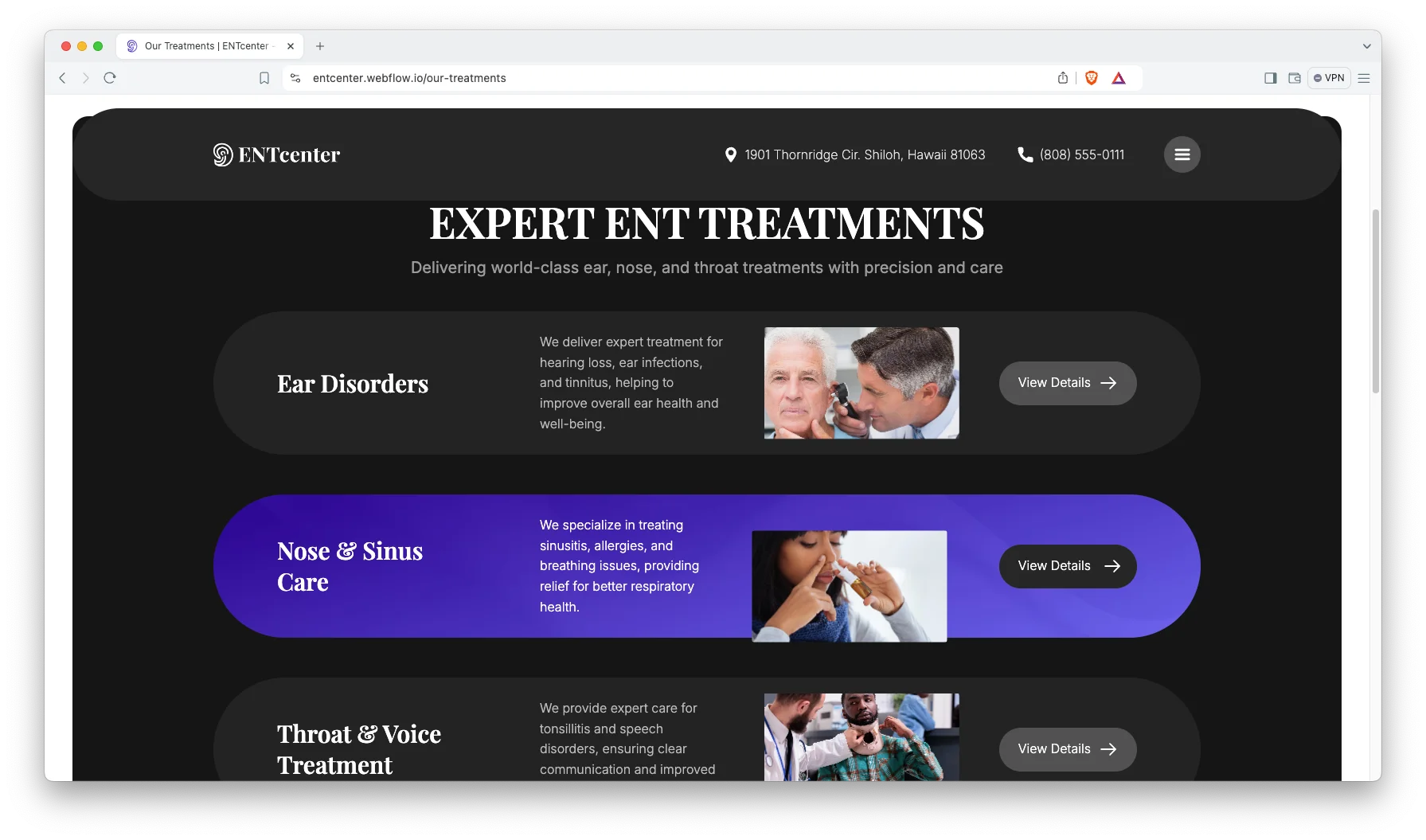
Treatments Showcase: Every treatment gets its own page. The demo covers Ear Disorders, Nose and Sinus Care, Throat and Voice Treatment, and Head and Neck Surgery. So you can rename them to match your own departments.
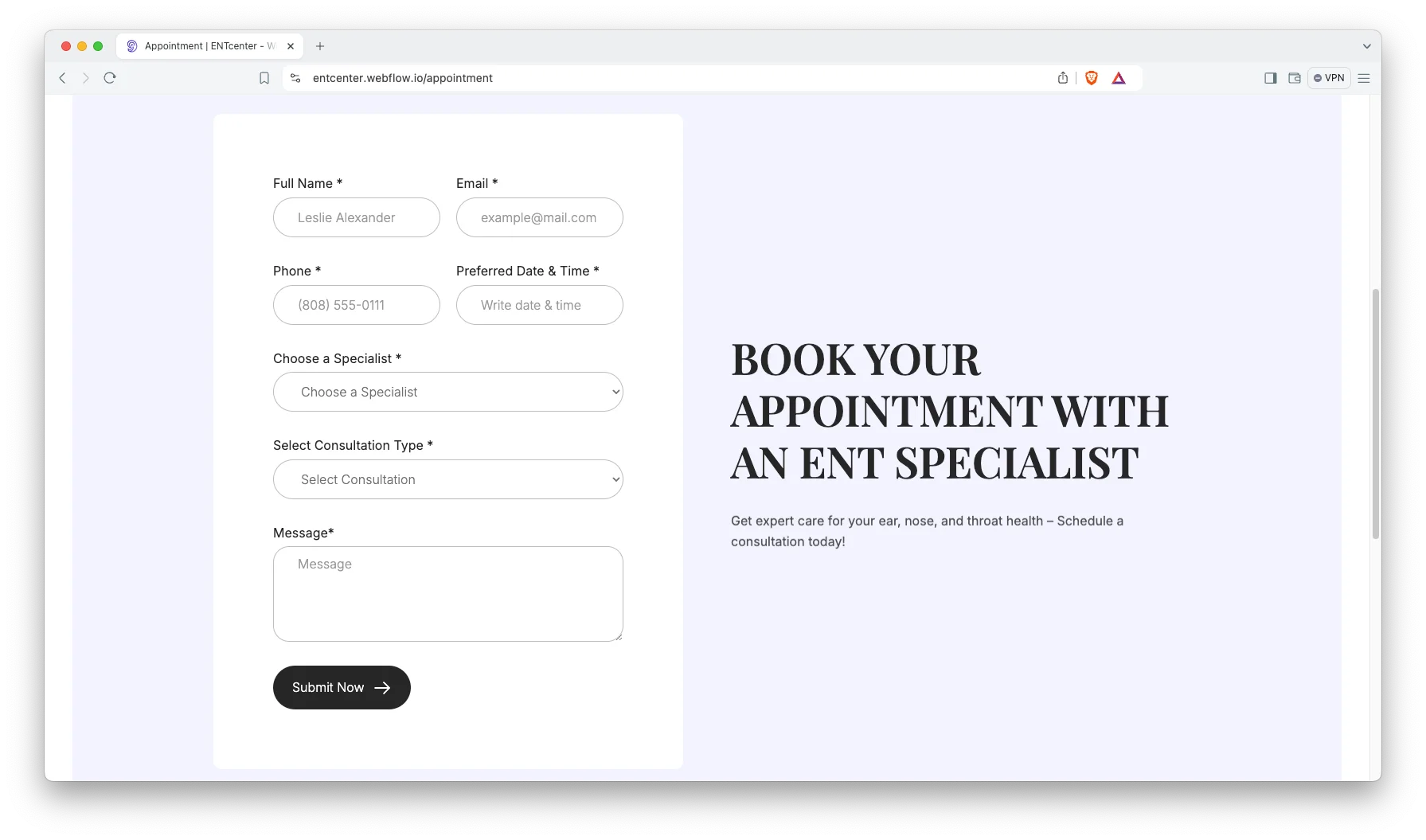
Appointment Booking: There is a dedicated appointment page, and the booking prompt repeats across the site. So patients never hunt for it. You can point the form at your own scheduling tool.
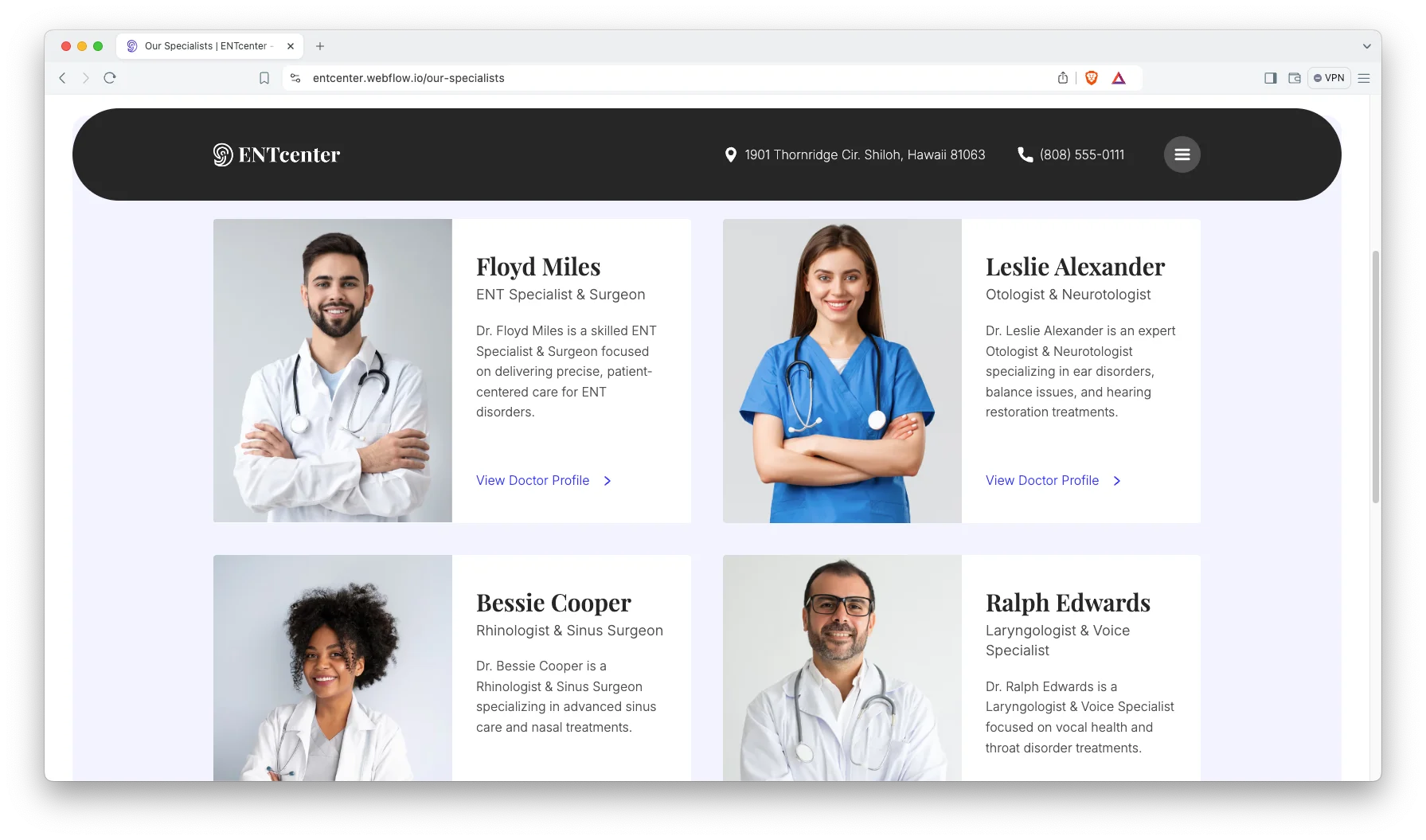
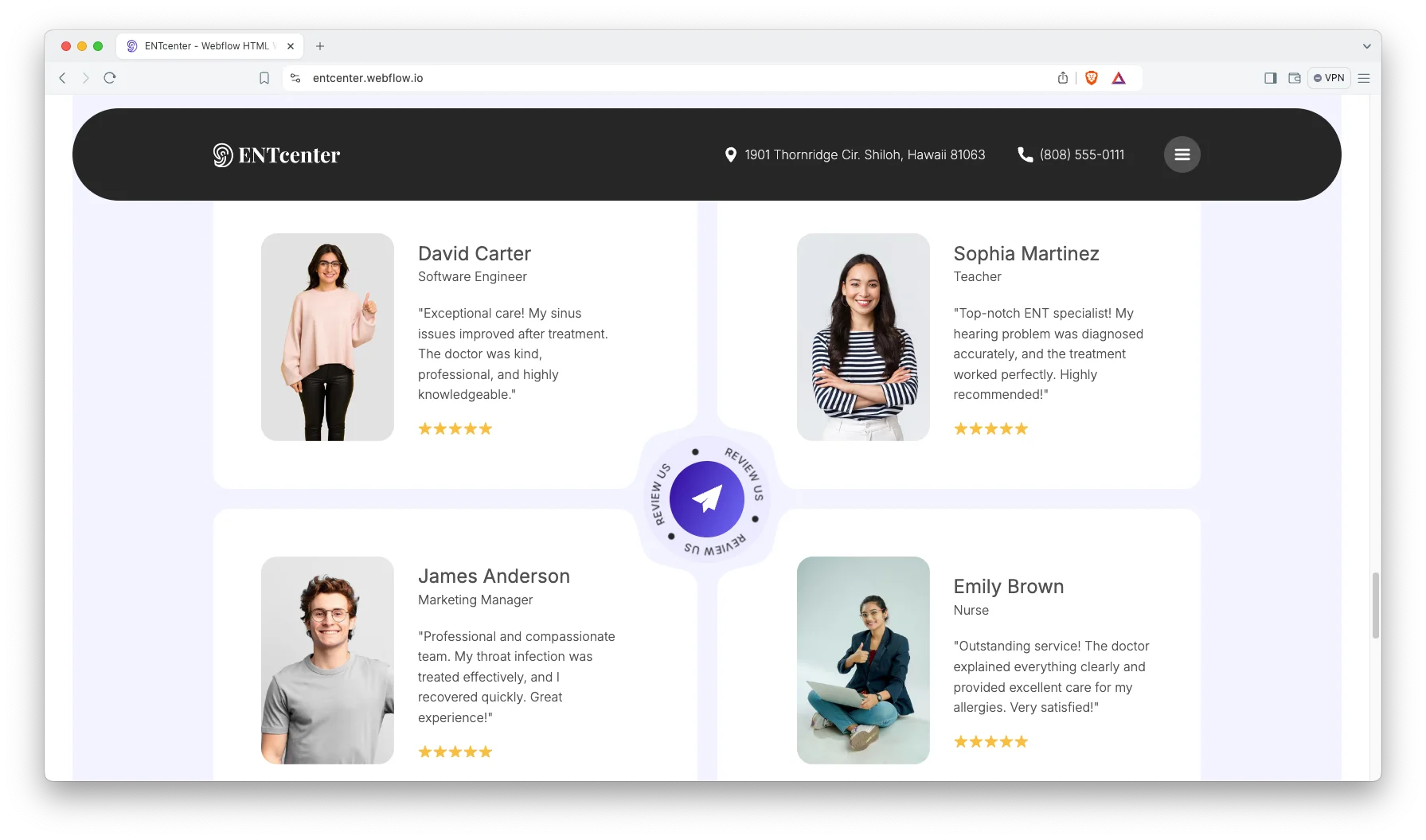
Specialists Showcase: Each consultant gets a profile with a photo, a specialty and a short biography. Because patients pick a person before they pick a clinic, that page does real work.
Animation, Video and Sliders: Motion is used sparingly. Sections fade in as you scroll, and sliders carry treatments and quotes. However, the effects stay light, so pages still load fast on clinic wifi.
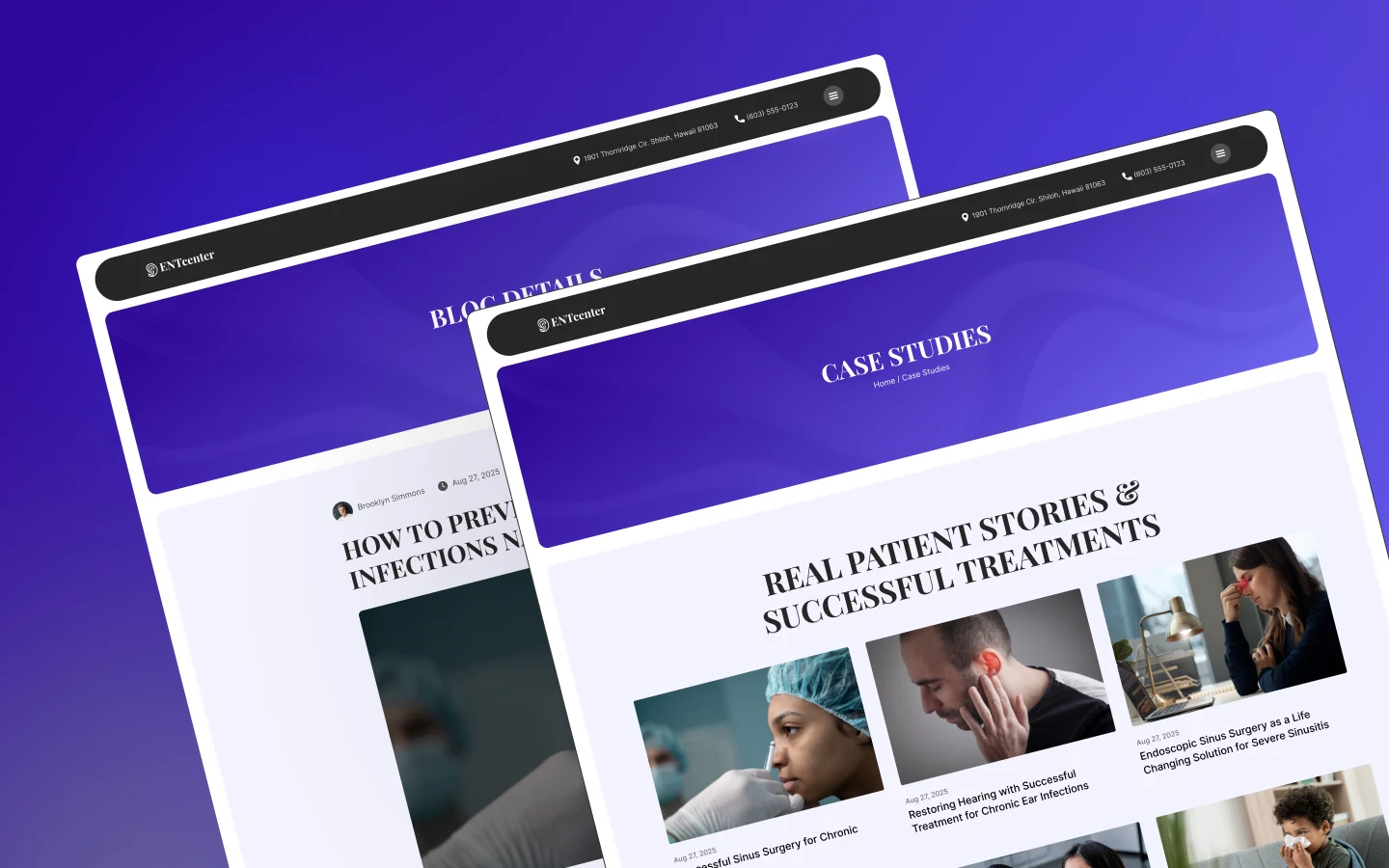
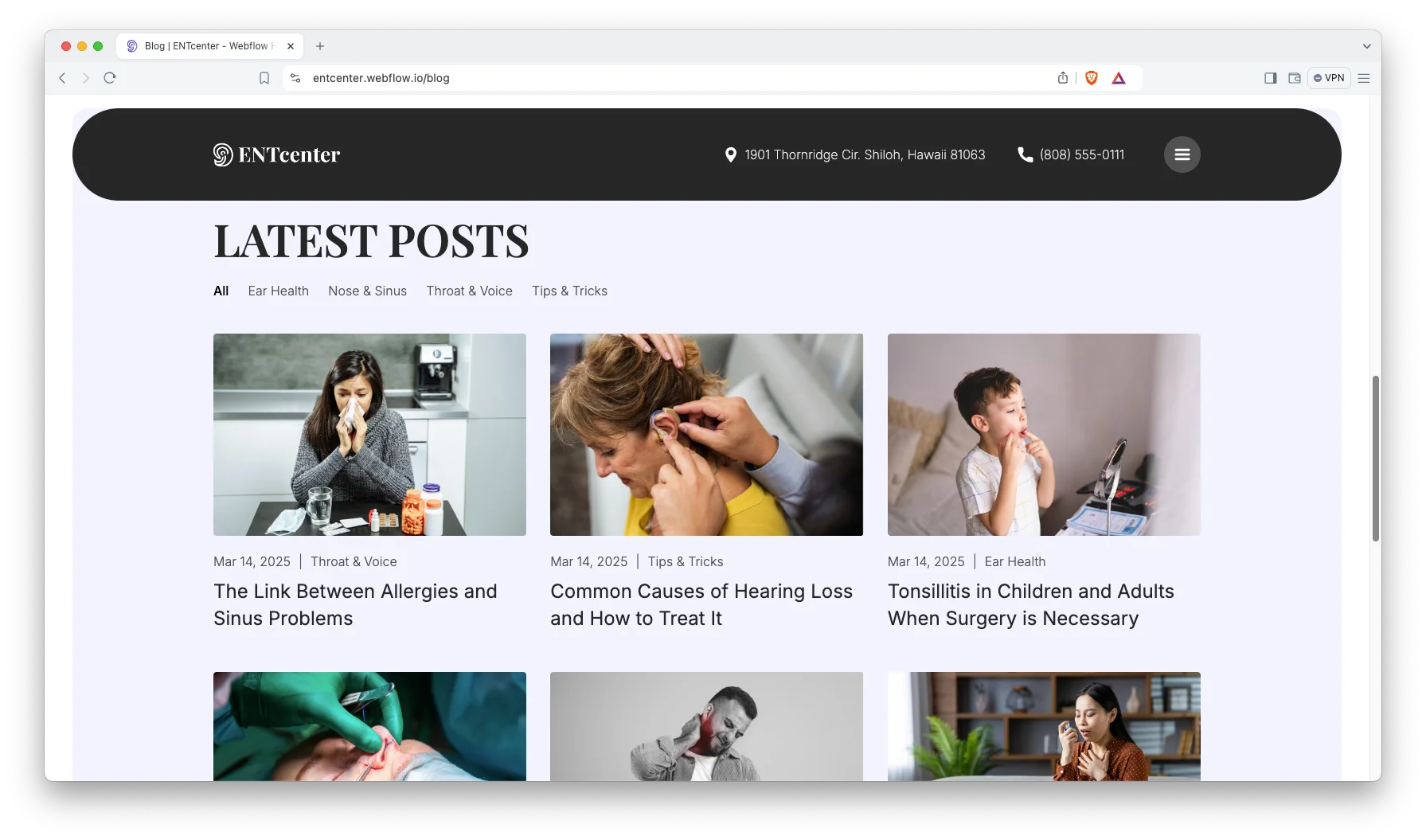
Blog Showcase: The blog runs on CMS with categories, so patient education pieces stay easy to find. The demo groups them by ear health, nose and sinus, throat and voice, and general tips.
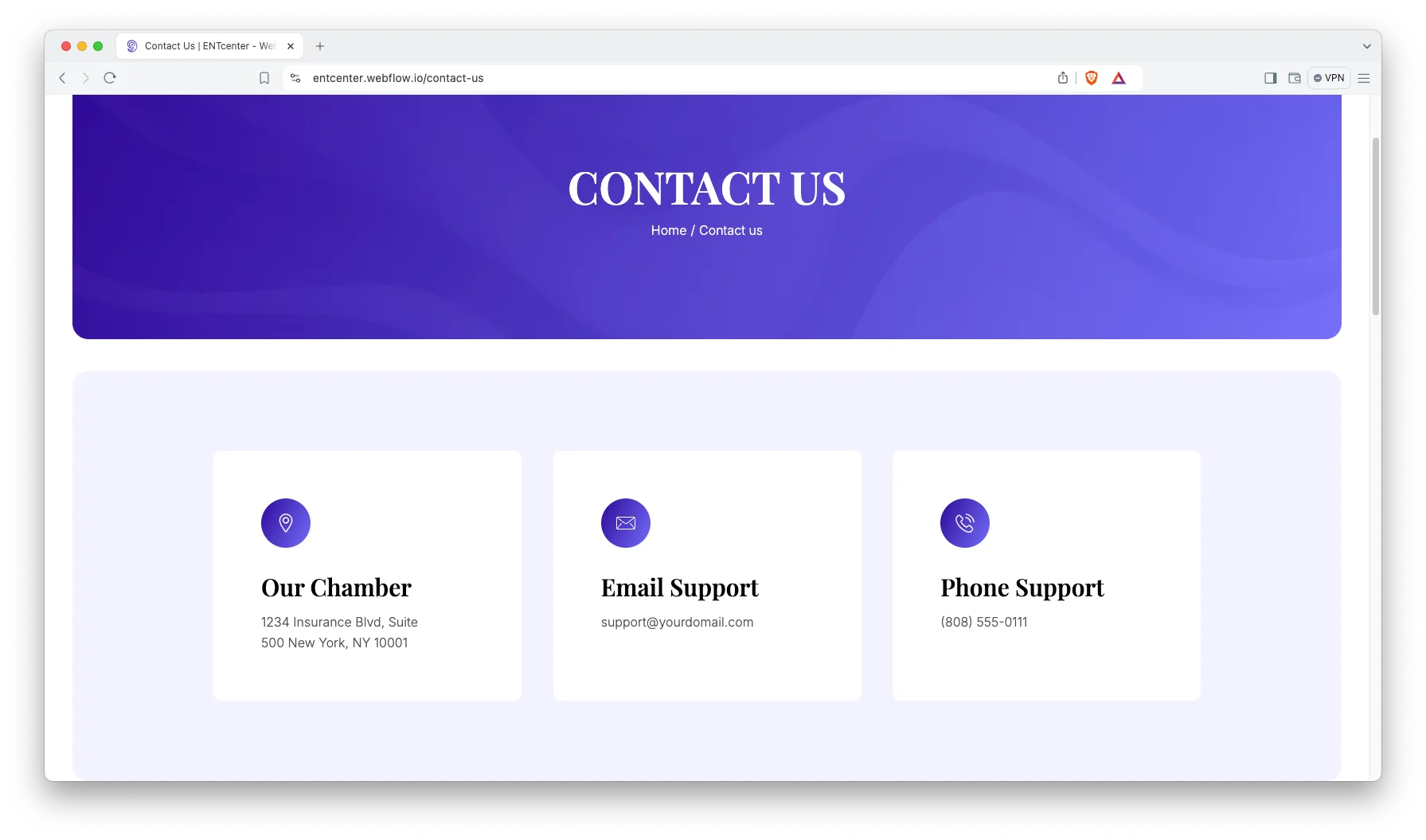
Contact Details: The contact page carries your address, phone number and an interactive map. So a patient can find the door without calling reception. A short enquiry form sits beside it.
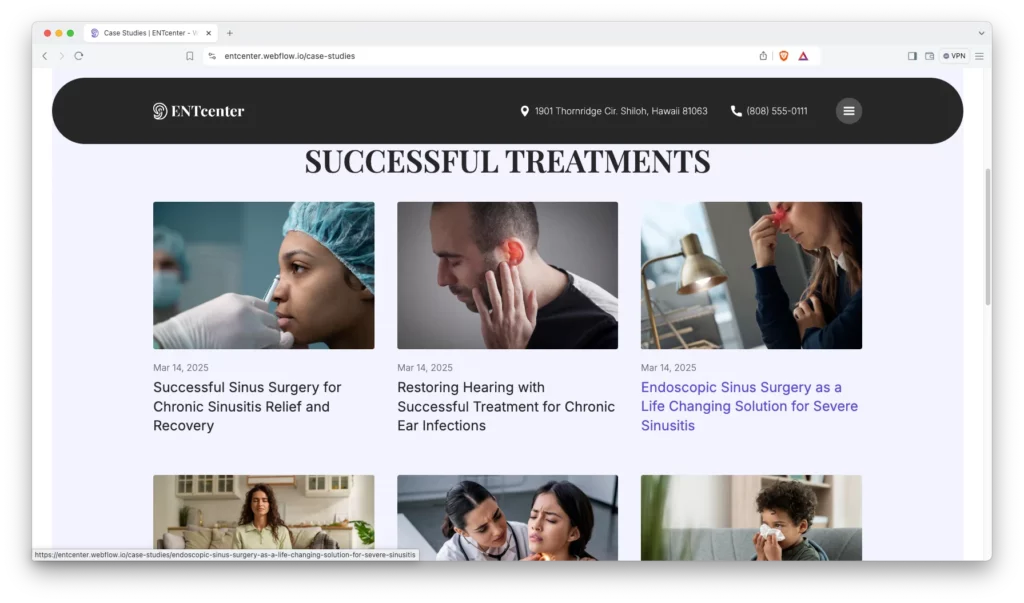
Case Studies: A case study collection lets you publish real outcomes. Each one gets its own page. So a nervous patient can read how a similar problem was handled before they call.
Watch on YouTube
The walkthrough below tours every page in the template. So you can judge the fit before you buy.
Pages Included in ENTcenter
There are 18 page designs. The ones marked CMS are collection layouts, so they generate a page for every record you add.
- Home
- About Us
- Our Treatments
- Our Specialists
- Case Studies
- Blog
- Appointment
- Contact Us
- Treatment Template (CMS)
- Specialist Template (CMS)
- Case Study Template (CMS)
- Blog Post Template (CMS)
- Blog Category Template (CMS)
- Style Guide
- Licenses
- Changelog
- Password
- 404
How to Use ENTcenter
Setup is short. Here are the steps.
- Use the purchase widget on the right side of this page to buy the ENTcenter template
- Follow the steps to get your site ready
- Replace the demo content with your own words and photos
- Add your treatments, specialists and case studies to the CMS collections
- Point the appointment form at your own scheduling tool
- Preview, then publish
What a Hospital Website Has to Do
A hospital site serves two people at once. One is calm and comparing options. The other is worried and wants a phone number now. So the layout has to satisfy both without choosing a side.
Start with the department map. Visitors search by symptom, not by organisational structure. So name treatment pages after conditions such as chronic sinusitis, tinnitus or tonsillitis, rather than after internal specialities. Otherwise the pages that answer the question are invisible.
Next, name the clinicians. A hospital page with no doctors on it reads as a call centre. Because a profile page carries credentials and training, it also earns trust from search engines and from patients.
Then keep one booking route. Some centres offer a phone line, a form, a chat widget and a portal at once. That is four decisions for someone who is already anxious.
Finally, plan to grow. A centre adds departments, hires consultants and publishes outcomes. However, if those live in CMS collections, that growth is data entry rather than a rebuild.
Frequently Asked Questions
What is ENTcenter?
ENTcenter is a hospital website template for ENT clinics, medical centres and specialist practices. It contains 18 page designs, including treatments, specialists, case studies, an appointment page and a blog.
Which formats does ENTcenter ship in?
ENTcenter ships for Webflow, Figma and HTML. The Webflow side comes in a CMS build and an Ecommerce build. There is no Framer version and no WordPress version.
How many pages does ENTcenter include?
The template includes 18 page designs. Five of them are CMS templates, so they generate a new page for every treatment, specialist, case study, blog post or blog category you add.
Is ENTcenter only for ENT clinics?
No. The structure suits any hospital or medical centre that runs several departments and several doctors. You rename the treatment records and the rest follows.
Can patients book an appointment through the site?
Yes. There is a dedicated appointment page, and the booking prompts across the site point at it. You can connect the form to your own scheduling tool.
Is the Figma file included with the template?
No. The Figma file is a separate product, and you buy it from the purchase widget on this page. The Webflow and HTML builds are also sold on their own.
When you choose ENTcenter, you get support direct from the TNCFlow team. So if a section will not behave, just ask us. You also get regular updates.
Check out other Webflow templates by TNCFlow.
Featured in our guides: Webflow gym and fitness templates and dental website templates.

Select template
Choose one or more options for your build
