

PRO
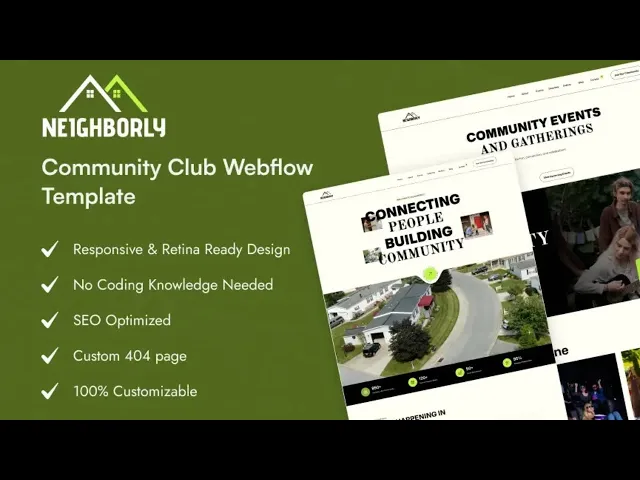
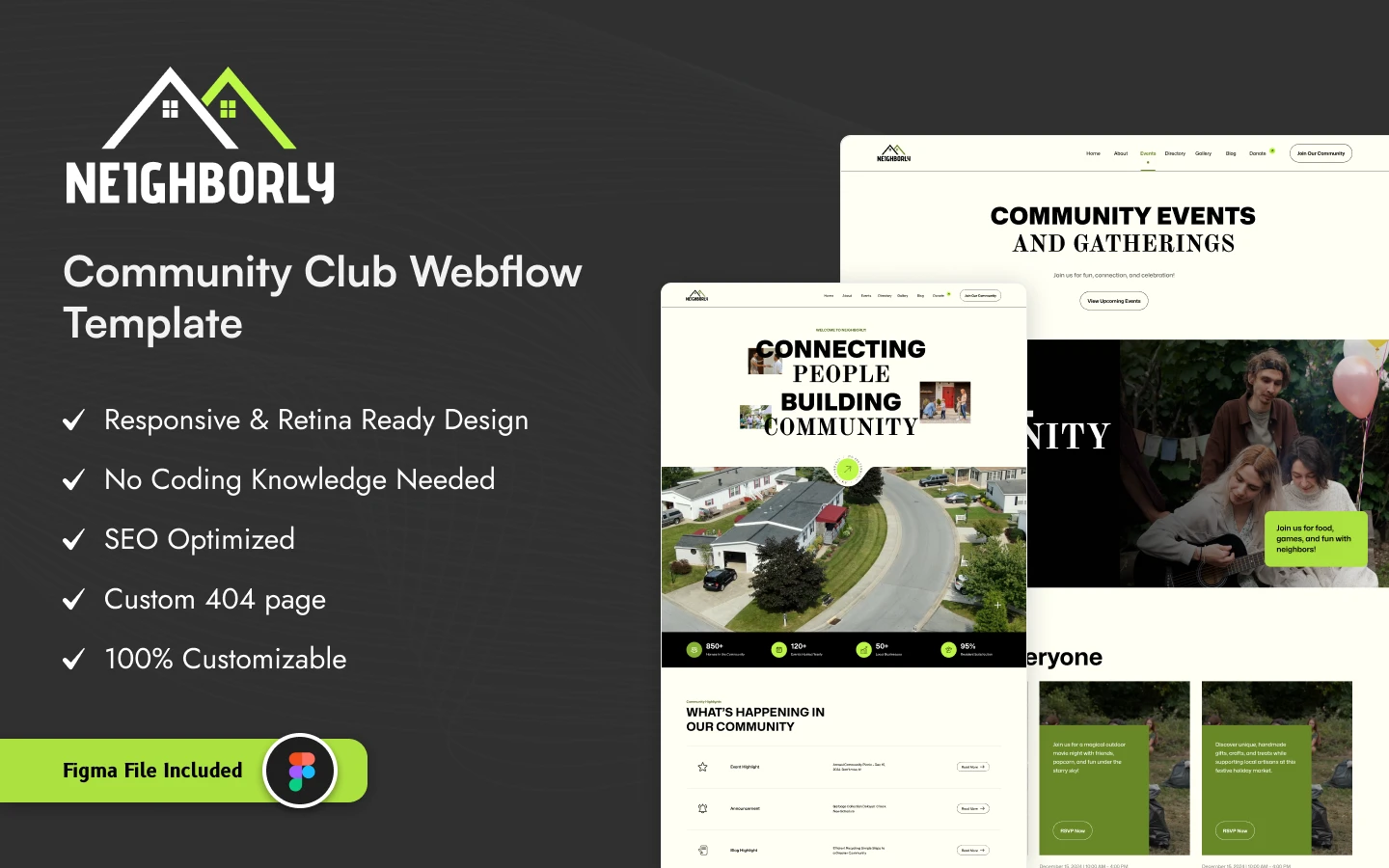
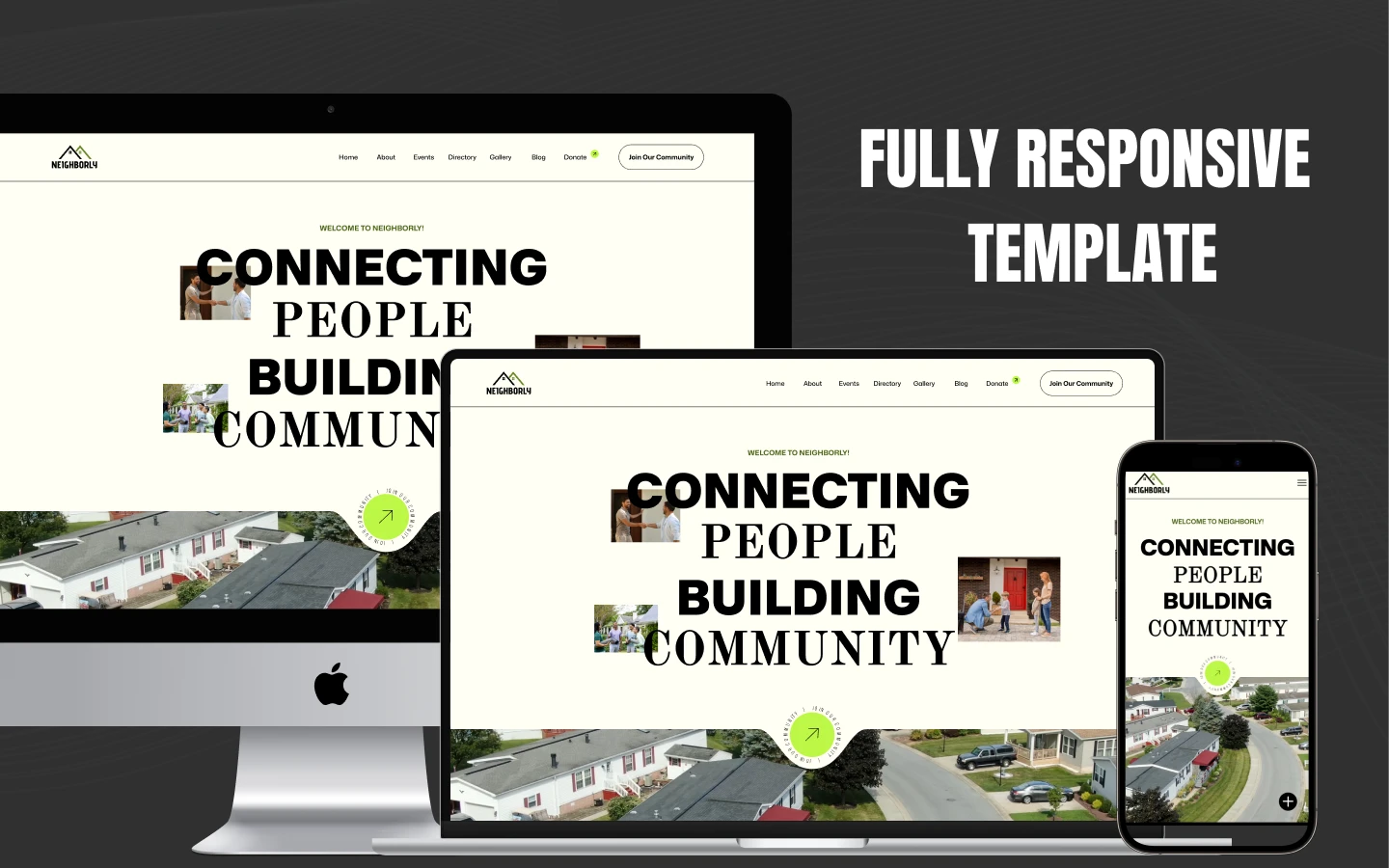
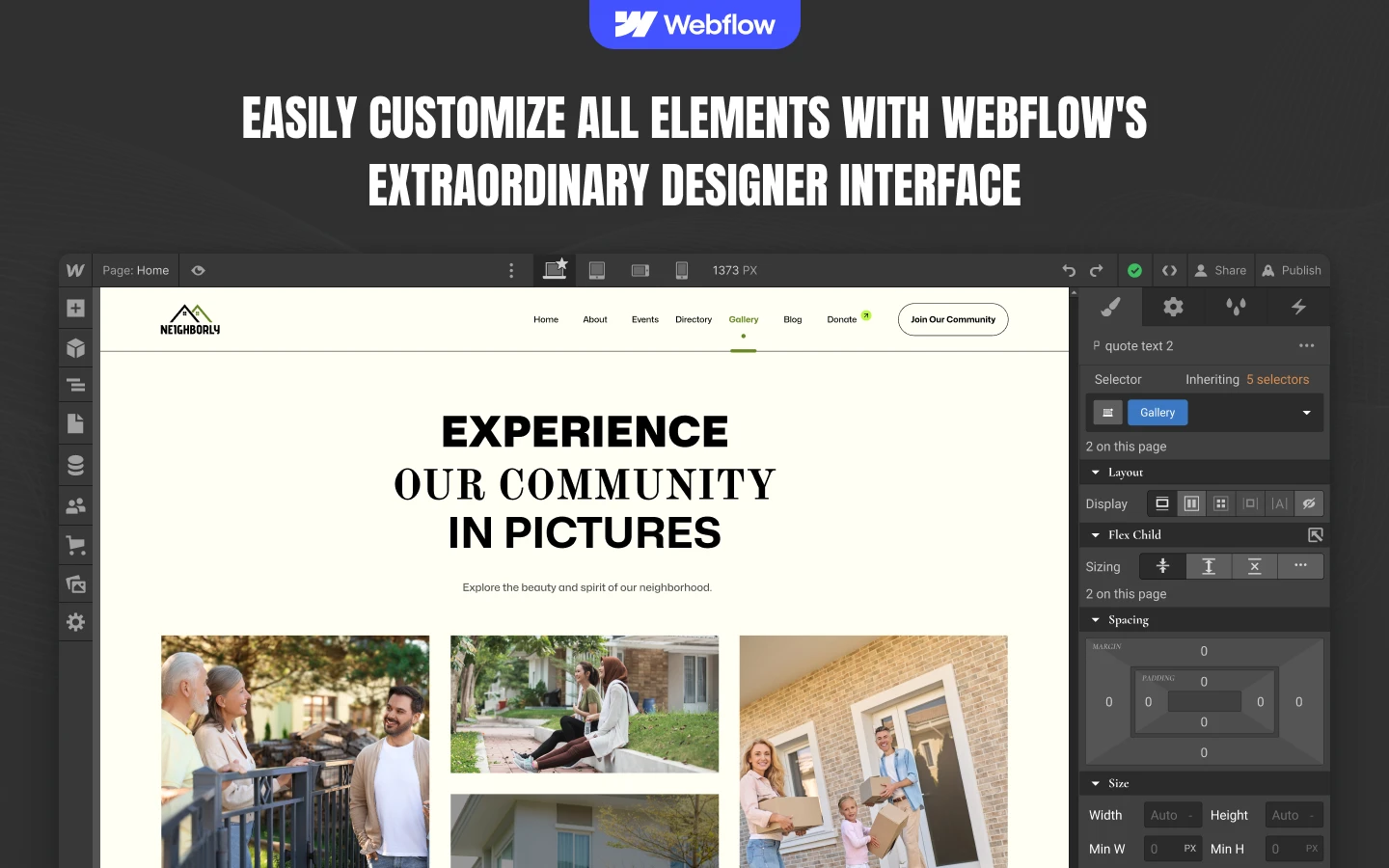
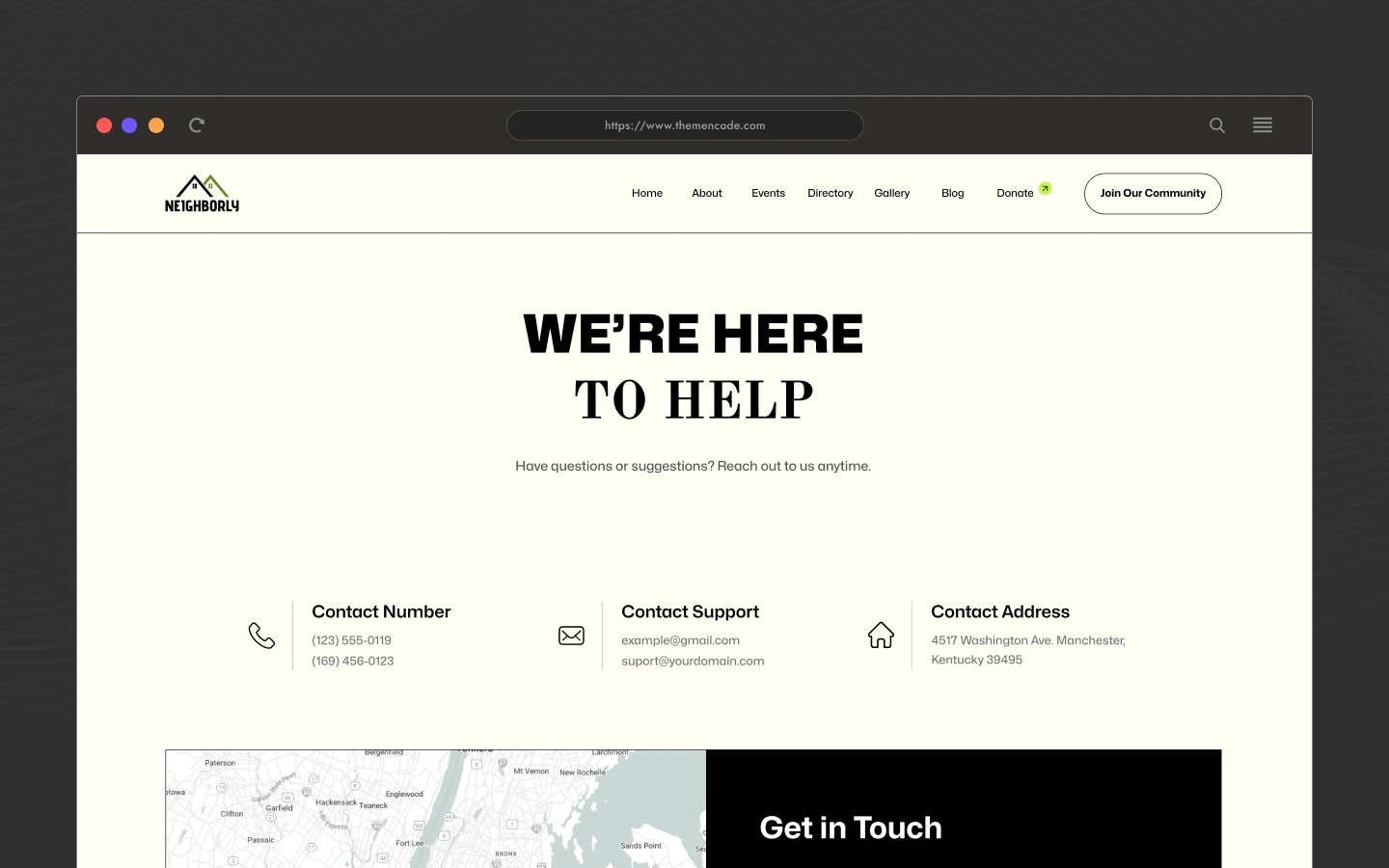
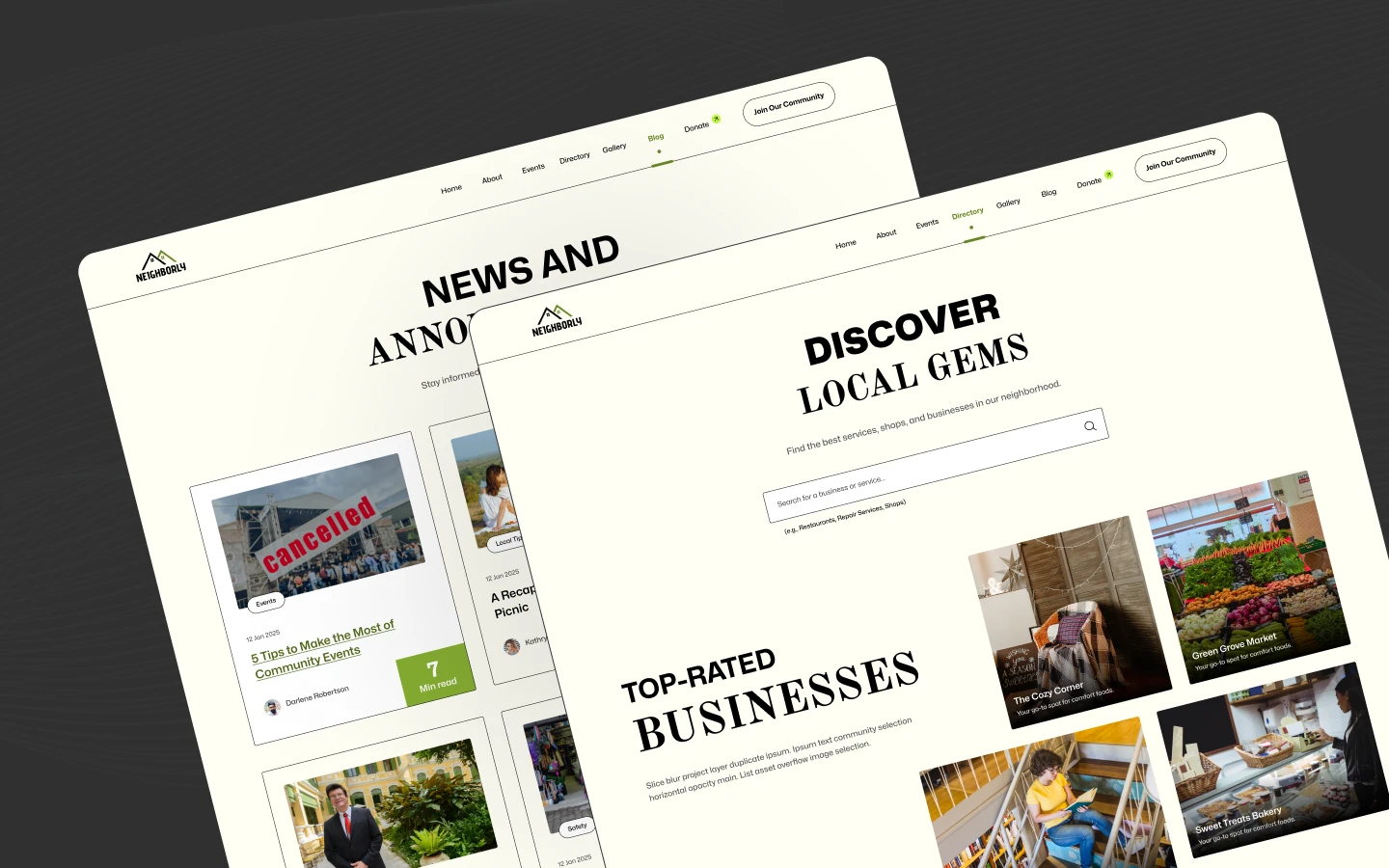
Neighborly is a charity website template for nonprofits, community groups and neighborhood associations. It ships for Webflow, Framer, Astro, Figma and HTML.
Neighborly is organized around three things a supporter wants. What do you do, what is happening next, and how can they help? So the mission sits on the About page. The Events page carries the calendar. Then the Donate and Join pages collect the response. Because those routes are short, a first time visitor rarely has to hunt.
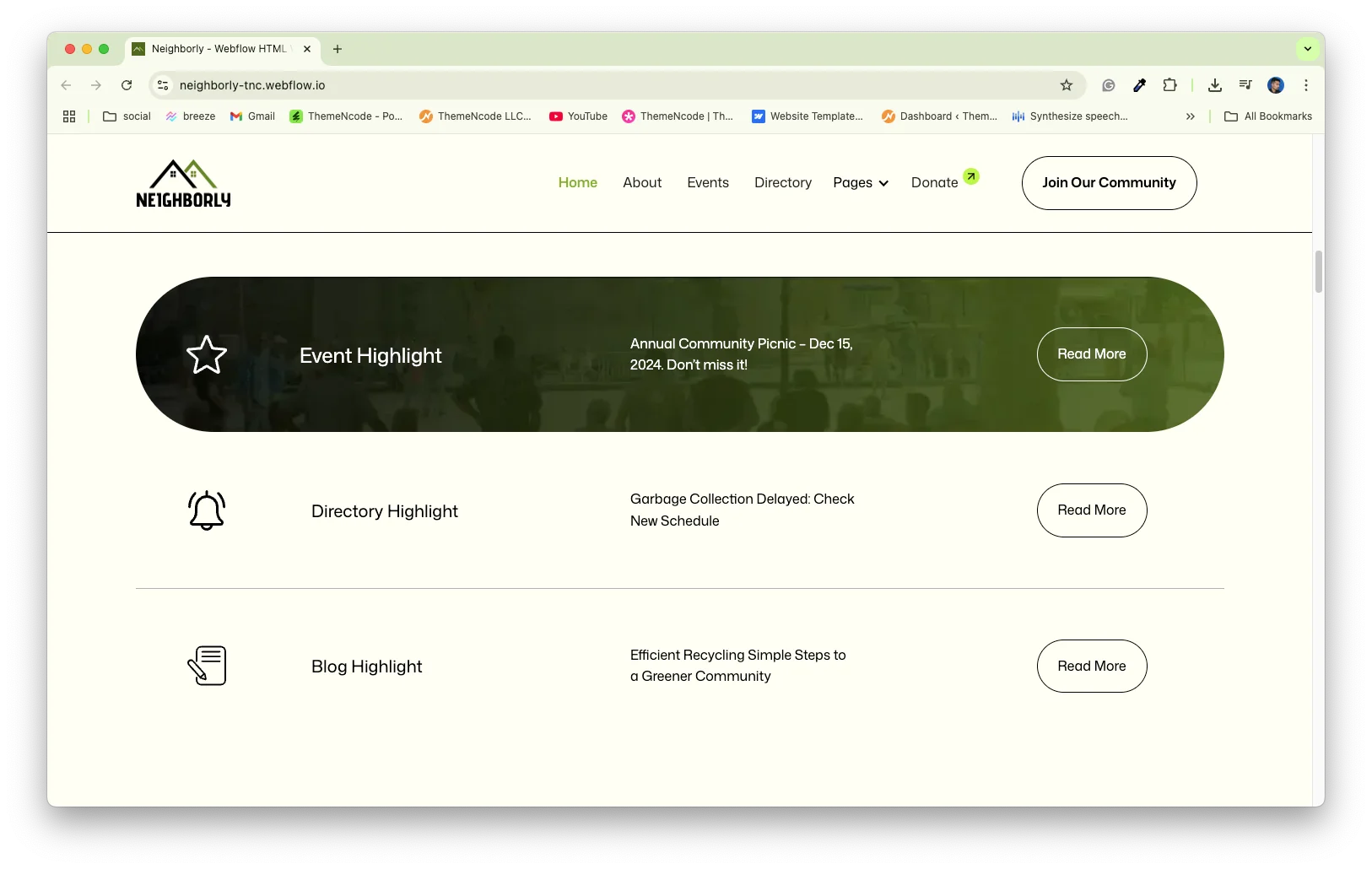
Every section has a single job. The homepage introduces the cause. The Directory lists local resources. The Gallery shows work in progress, and the Blog keeps supporters current. Nothing competes for attention.
The Webflow build uses Webflow CMS for blog posts, blog categories and the resource directory. The Framer and HTML builds mirror the same design. The Figma file carries the full layered design for your own edits.
Explore the live preview now!
Neighborly at a Glance
| Formats | Webflow, Framer, Astro, HTML, Figma |
| Best for | Charities, nonprofits and community groups |
| CMS | Blog posts, categories and the resource directory |
| Pages | 19 total: 9 static, 5 CMS templates, 5 utility |
| Donations | Suggested amount form, connect your own processor |
| Layout | Multi page |
| Responsive | Desktop, tablet and mobile breakpoints |
| Support | Direct help from the TNCFlow team |
Key Features of Neighborly
Calm, credible design. Neighborly uses a warm palette, generous spacing and photography of real people. Because charity buyers judge trust first, a restrained layout does more work here than a loud one.
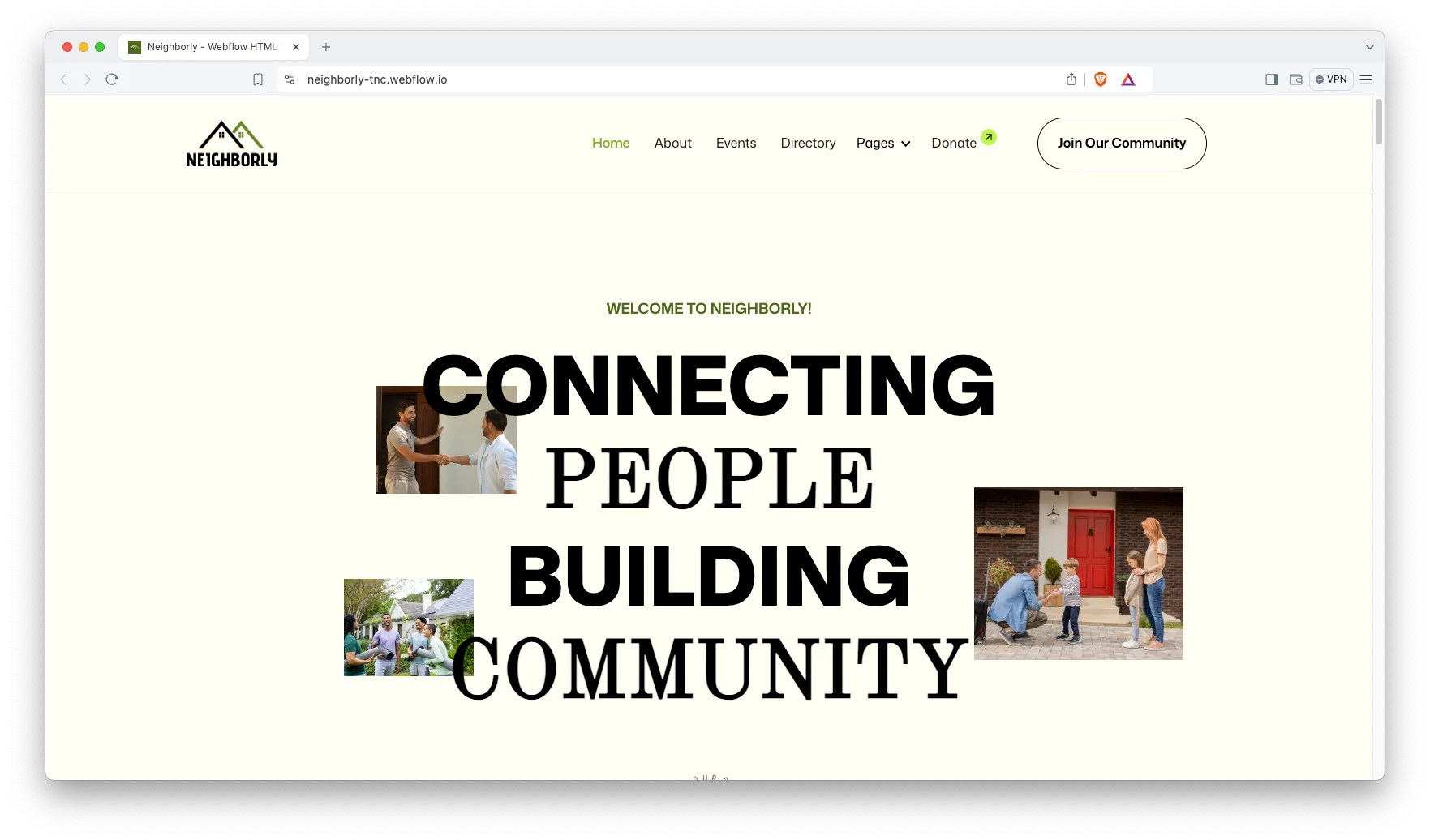
Feature sections that explain the cause. The homepage carries dedicated blocks for programs, impact figures and priorities. So a visitor understands what you actually fund before scrolling twice.
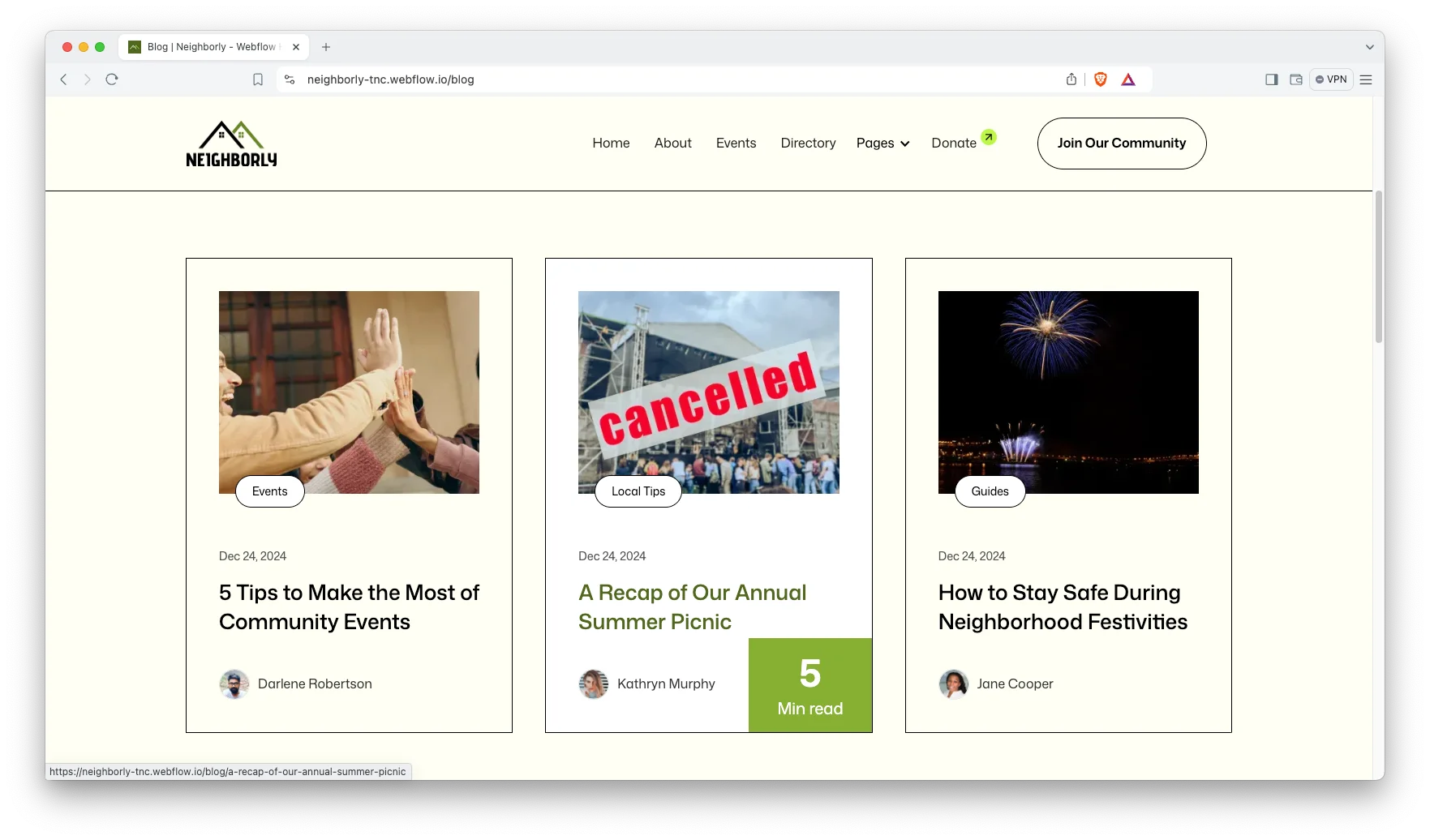
Webflow CMS behind the content. Blog posts, blog categories and the resource directory all run on Webflow CMS. Therefore a volunteer with editor access can publish updates without a developer.
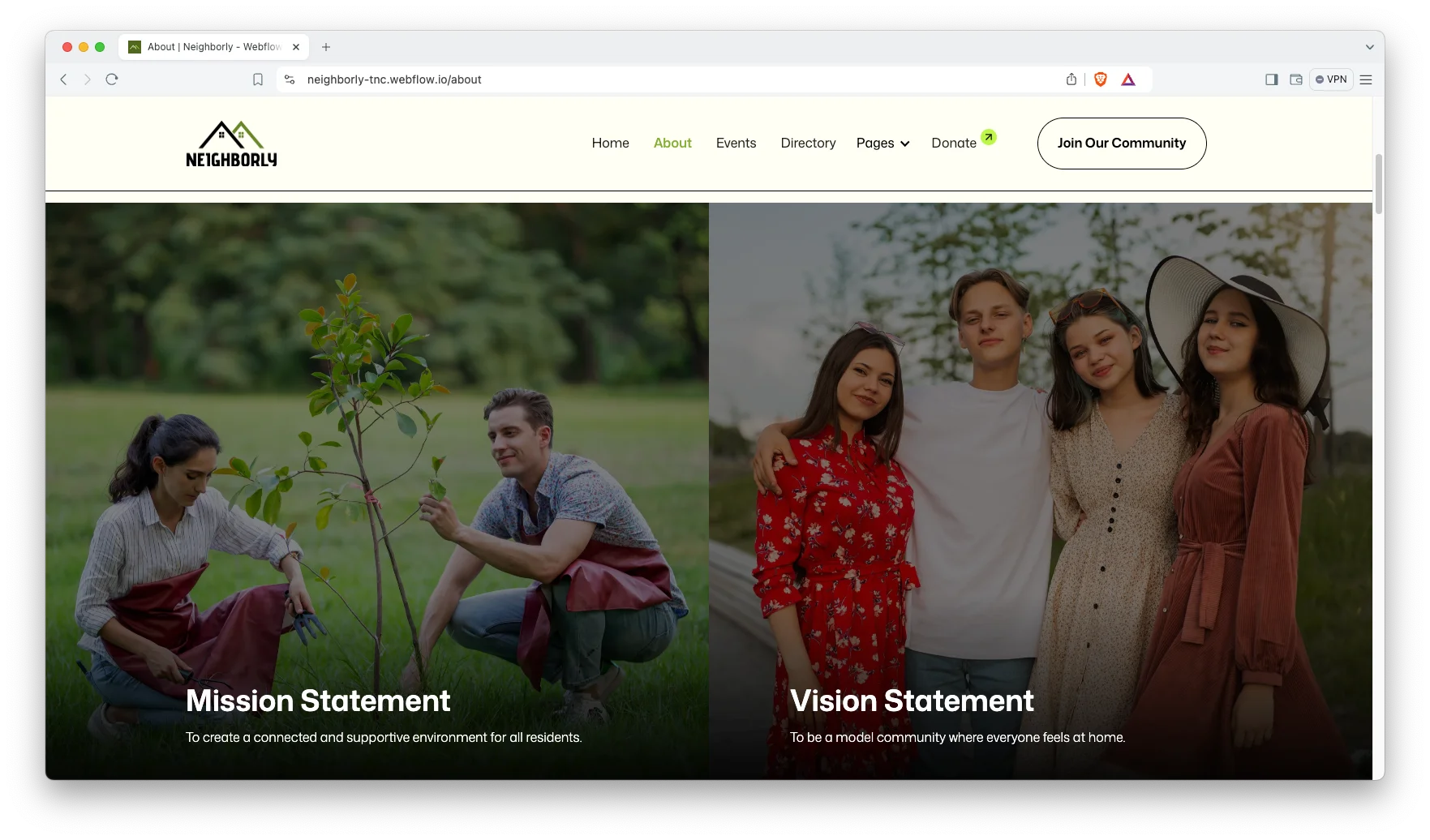
About page with mission and team. The About page introduces the organization, the people and the work. You can add trustees, staff or volunteer coordinators as needed.
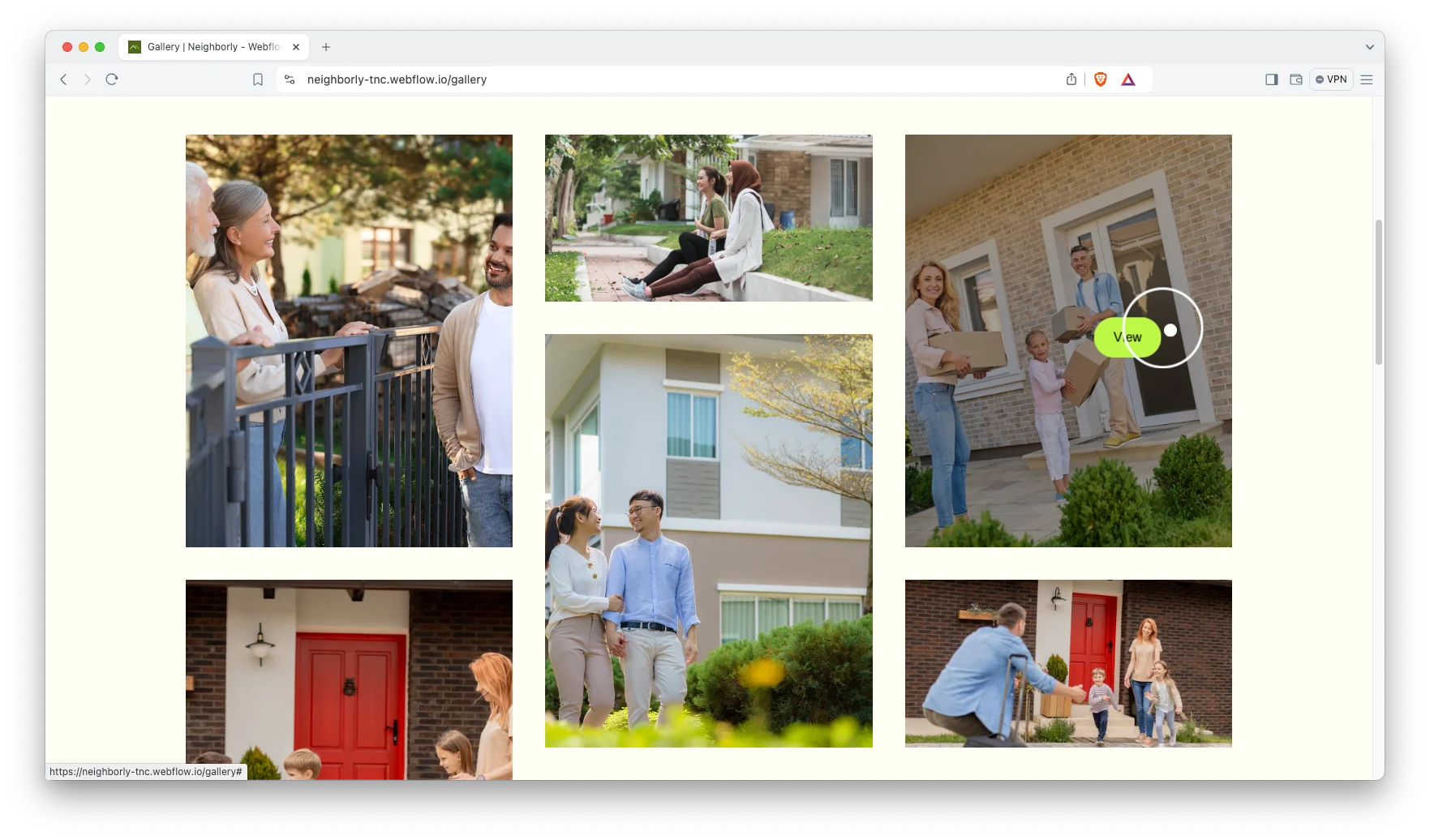
Gallery page. A dedicated gallery page shows the projects, the events and the community itself. Photographs of real outcomes convert better than any statement of intent.
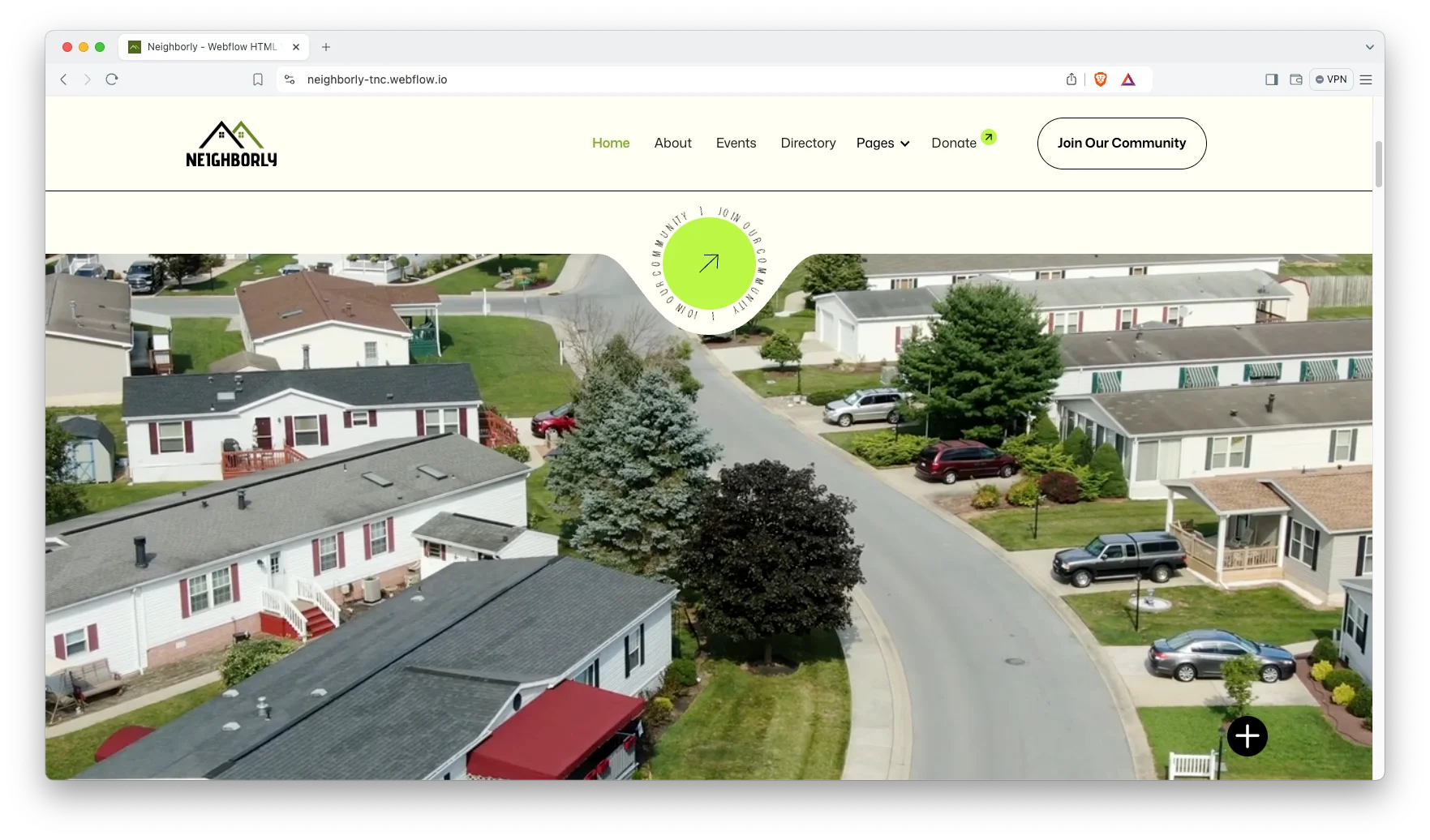
Animation, video and sliders. Video blocks and responsive sliders let you run a campaign film or rotate through recent projects. So the homepage can carry a story rather than a static banner.
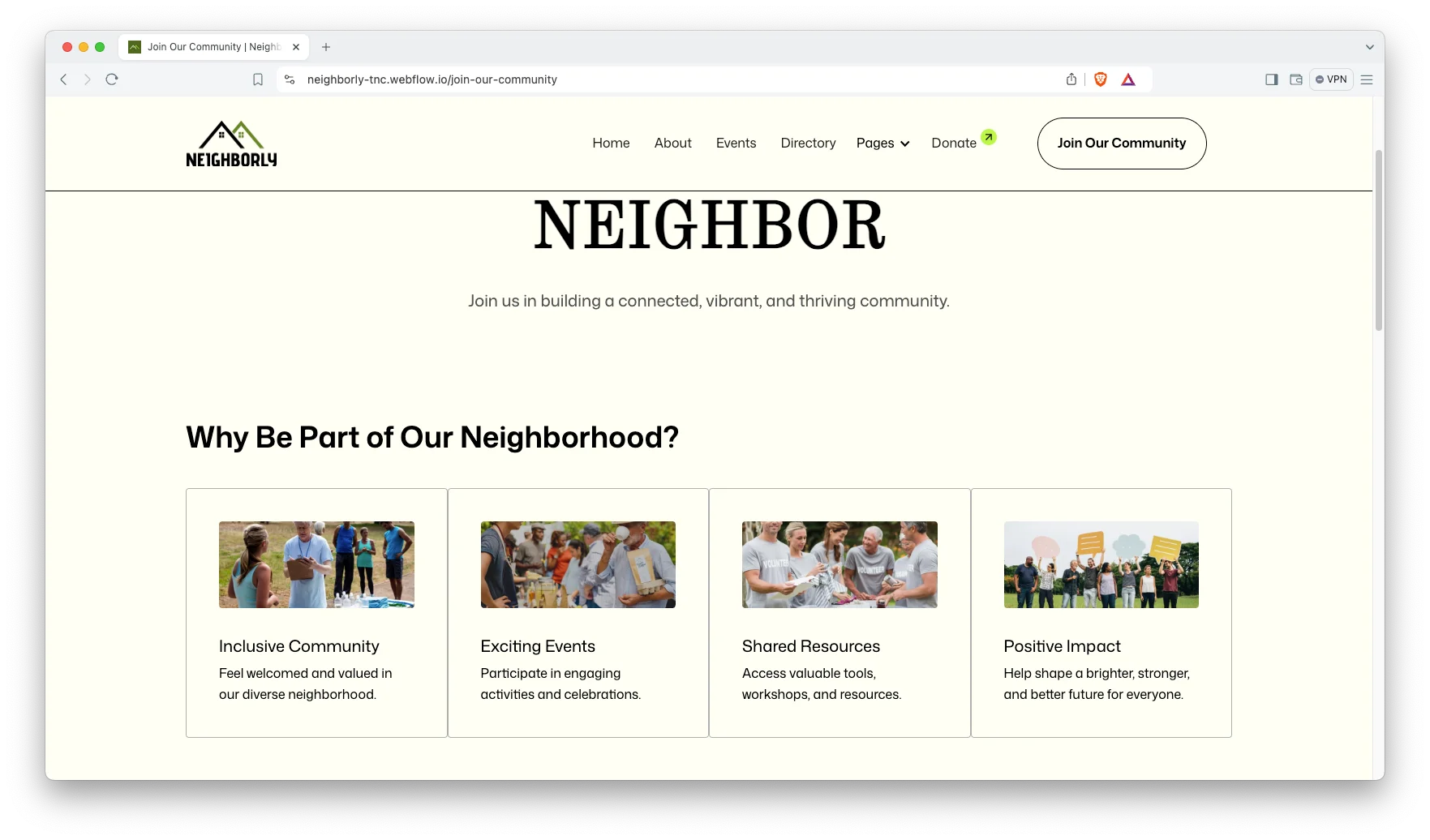
Join Our Community page. A dedicated sign up page collects volunteer and member details through a form. That keeps recruitment separate from donation, which is how most organizations actually run it.
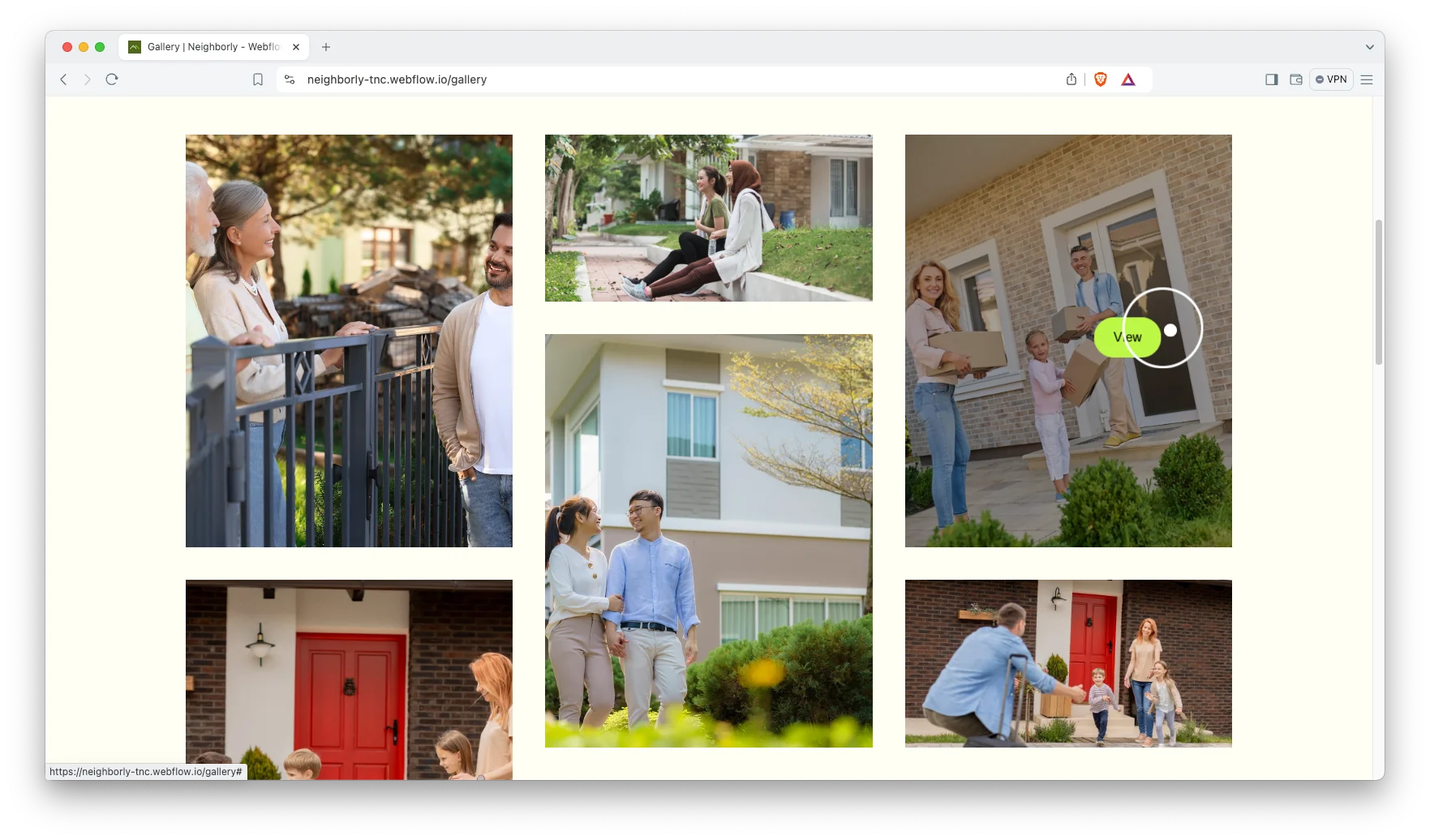
Lightbox image viewing. Gallery images open in a lightbox, so a supporter can look closely without leaving the page. It is a small detail that keeps people on the site longer.
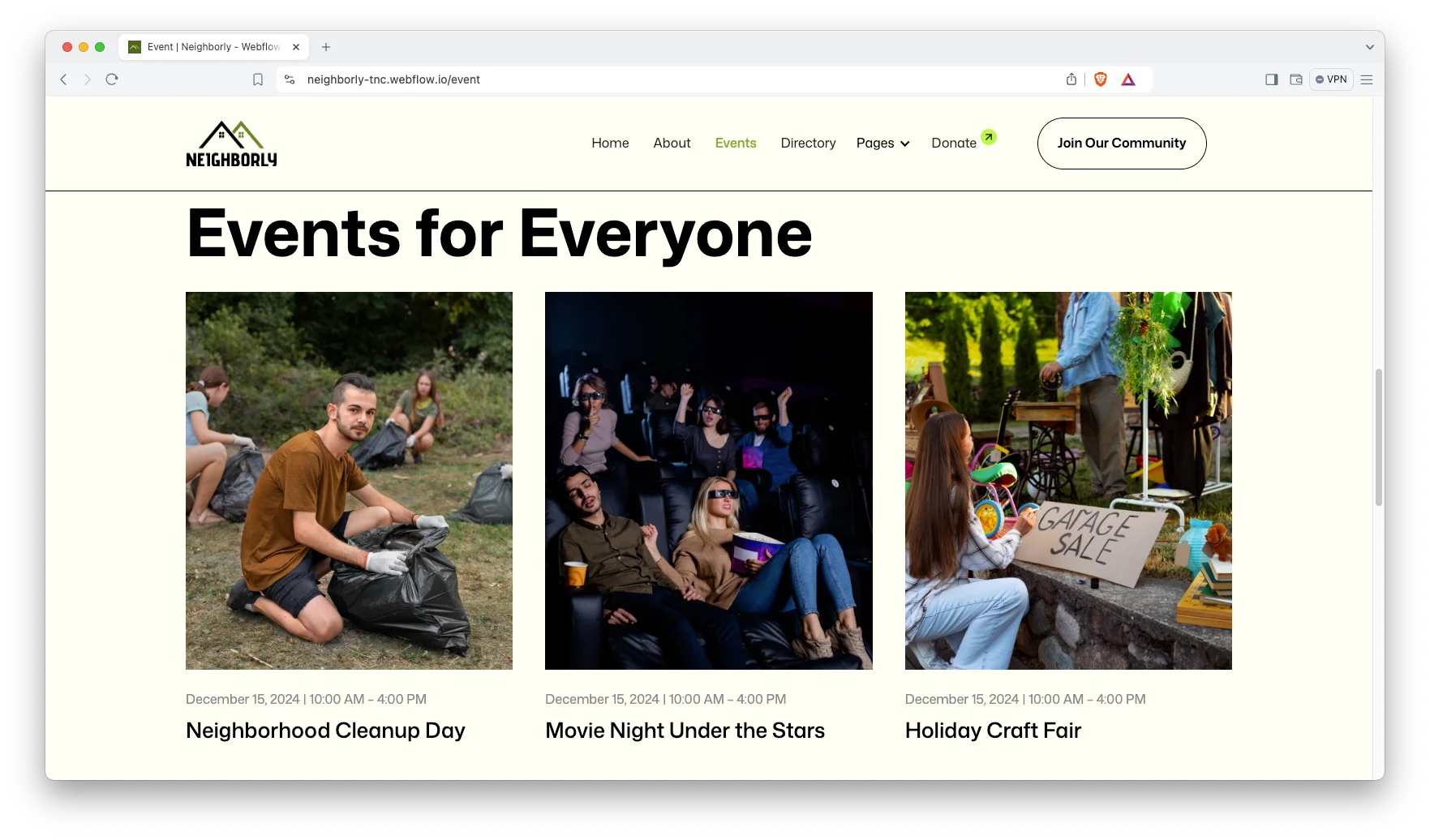
Events page. The Events page announces meetings, fundraisers and social events with dates and details. Then supporters can plan ahead instead of finding out afterwards.
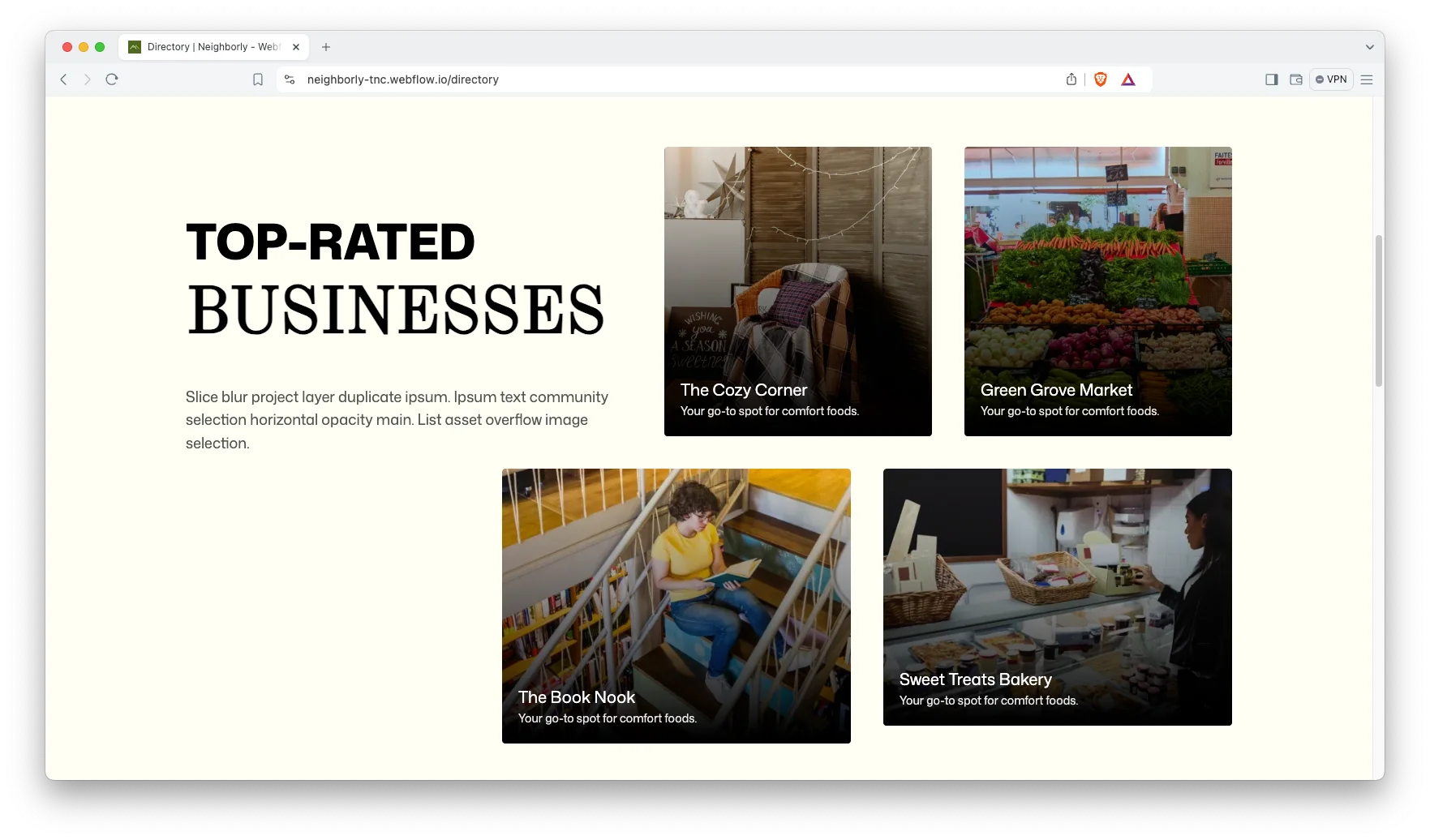
Directory with CMS categories. The Directory lists local resources. It runs on CMS collections with categories and sub categories. So a neighborhood association can publish recycling schedules, emergency numbers and local rules in one place.
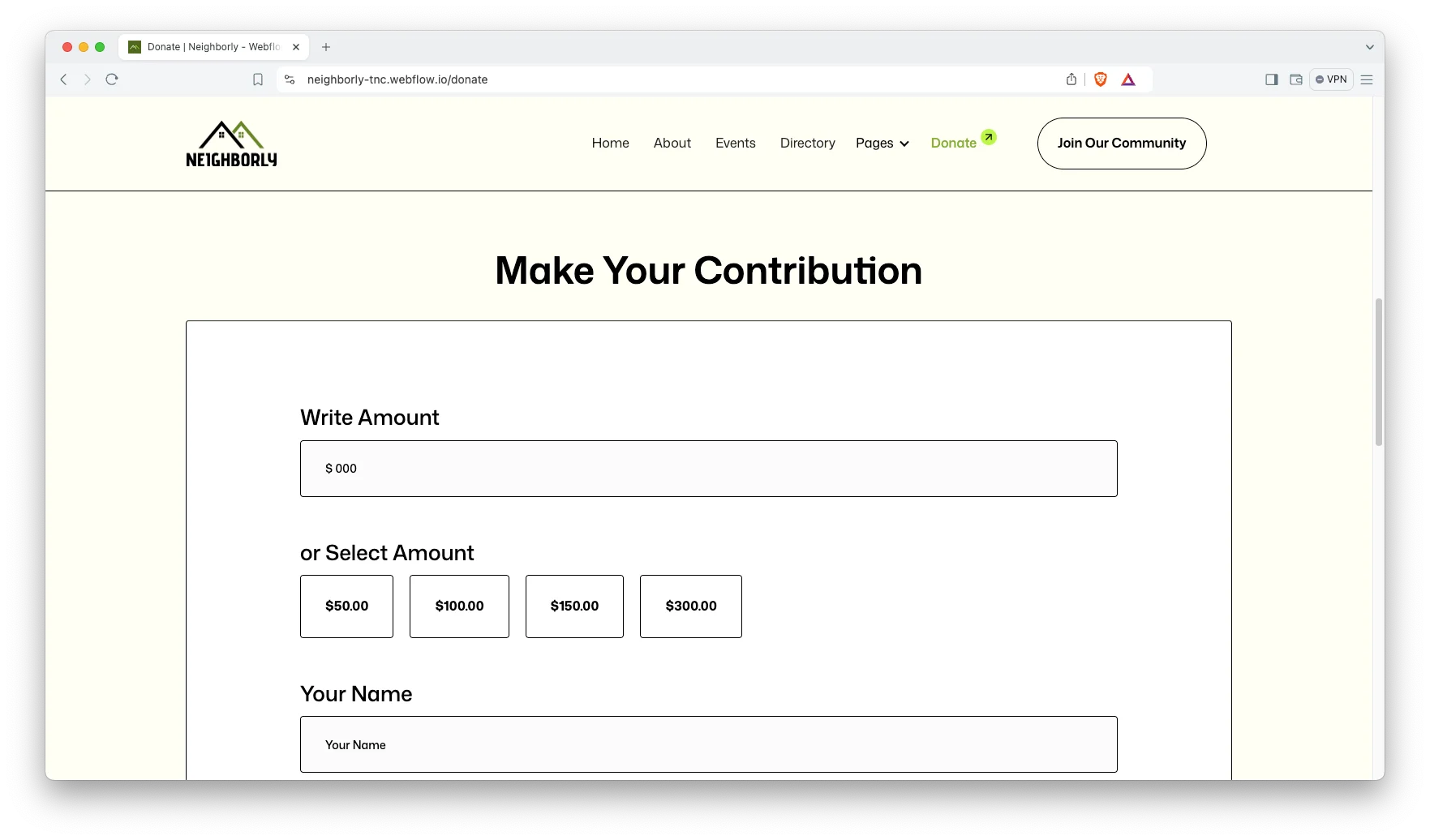
Donation page with a suggested amount form. The Donate page explains where money goes, then offers preset amounts alongside a contact form. A supporter picks an amount and leaves their details. Then your team follows up with payment instructions. There is no payment gateway wired in by default, so you connect your own processor or donation platform.
Watch on YouTube
This walkthrough covers the Directory, the Events page and the donation flow.
Pages Included in Neighborly
Neighborly contains nineteen pages. Nine are designed static pages: Home, About, Event, Directory, Gallery, Donate, Blog, Join Our Community and Contact Us. Five are CMS templates: directory item, directory category, directory sub category, blog post and blog category. Five are utility pages: Style Guide, License, Changelog, Password and a custom 404.
How to Use Neighborly
- Choose the format you want, then complete the purchase.
- Use the purchase widget on the right side of this page to buy the Neighborly template
- Open the Webflow project in the Designer, or open the Framer, HTML or Figma files in their own applications.
- Replace the demo copy, photographs and directory entries with your own.
- Point the donation form at your processor, or swap it for your donation platform embed.
- Check every breakpoint, then publish.
What a Charity Website Actually Has to Do
A charity site has two audiences at once, and they want opposite things. A donor wants proof and a fast route to giving. A beneficiary or volunteer wants information and a way in. So the navigation has to serve both without becoming a maze.
Next, think about evidence. Supporters give to outcomes, not to intentions. So the gallery and blog matter more than the mission statement. Plan for real photography from the start, because stock images undermine the very trust you are trying to build.
Finally, decide how money will actually arrive. Some organizations take card payments directly. Others prefer an inquiry form and a follow up call, especially for larger gifts. Neighborly ships with the second pattern, and you can layer a processor on top when you need one.
Frequently Asked Questions
Does Neighborly process donations directly?
No. The Donate page offers suggested amounts and a contact form, then your team follows up with payment instructions. You can connect your own payment processor or donation platform if you want instant card giving.
Does Neighborly include a CMS?
Yes. The Webflow build uses Webflow CMS for blog posts, blog categories and the resource directory, so volunteers can publish updates without touching the Designer.
How many pages does Neighborly include?
Nineteen. Nine designed static pages, five CMS templates and five utility pages, including a custom 404.
Is the Figma file included with the Webflow version?
Yes. The Webflow and Framer purchases both include the Figma file at no additional cost. You can also buy the Figma file on its own.
Can I use Neighborly for a community group rather than a charity?
Yes. The Directory, Events and Join Our Community pages suit neighborhood associations, membership groups and local clubs as well as registered charities.
Is Neighborly responsive?
Yes. Every page is built for desktop, tablet and mobile, and each section reflows at the smaller breakpoints.
When you choose Neighborly, you get support from the TNCFlow team. Our specialists answer setup questions quickly.
Check out other Webflow templates by TNCFlow.
Featured in our guides: event website templates and nonprofit website templates.


Select template
Choose one or more options for your build
