

PRO

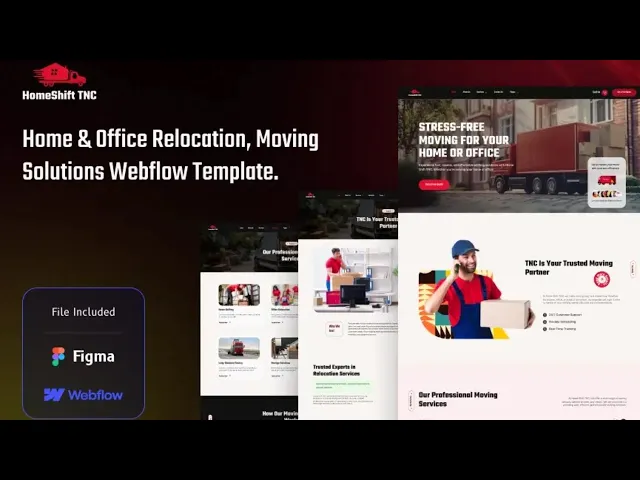
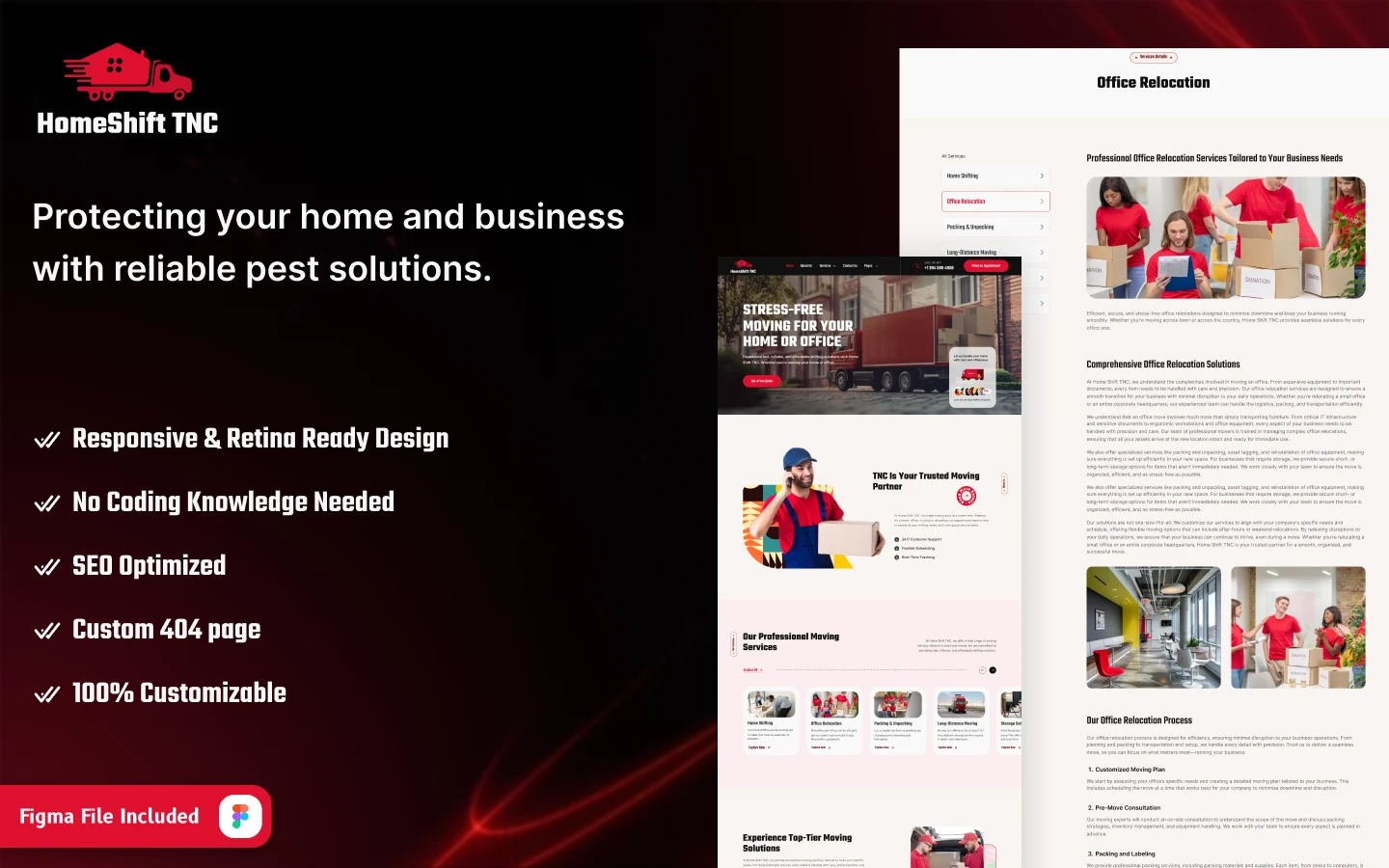
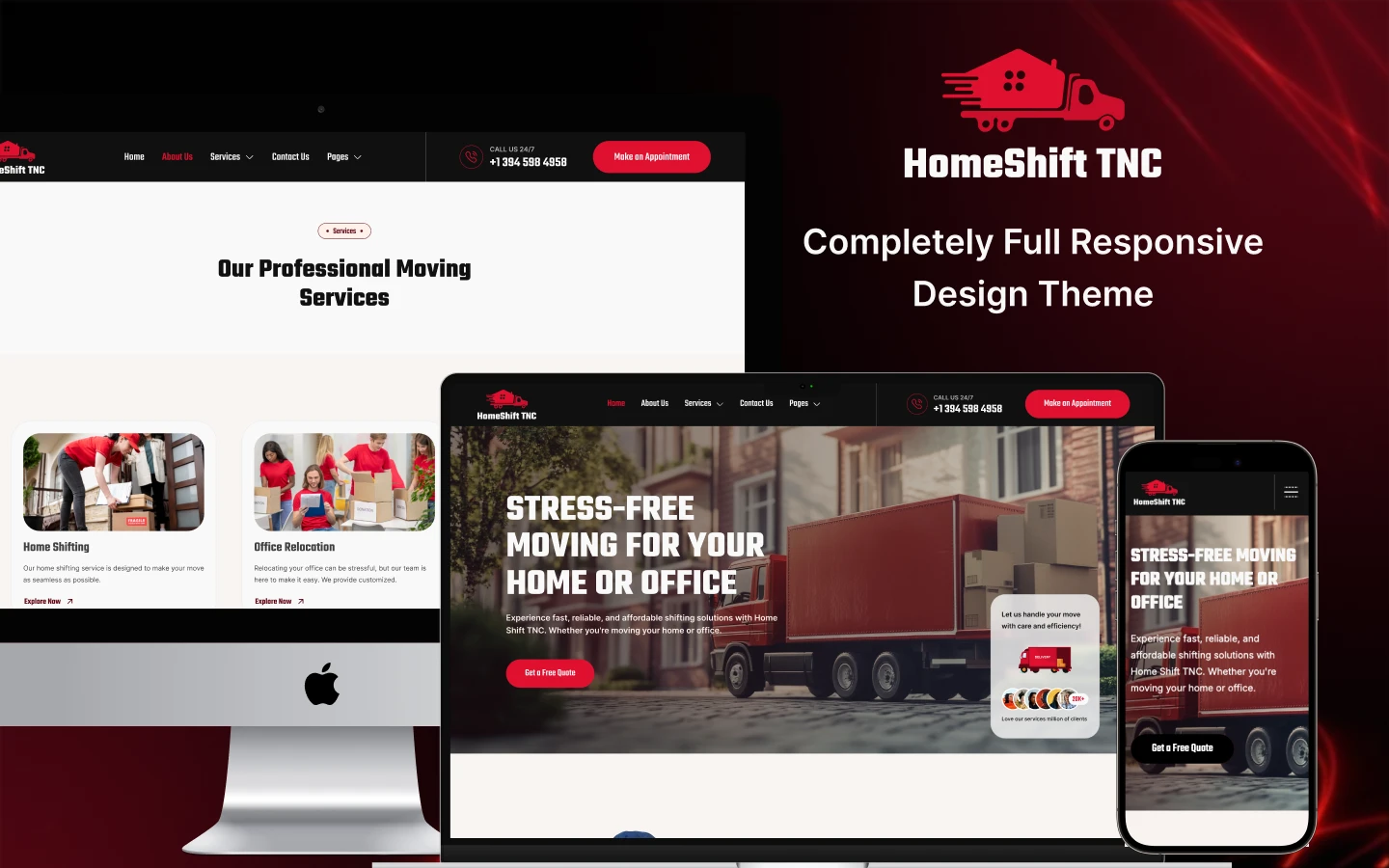
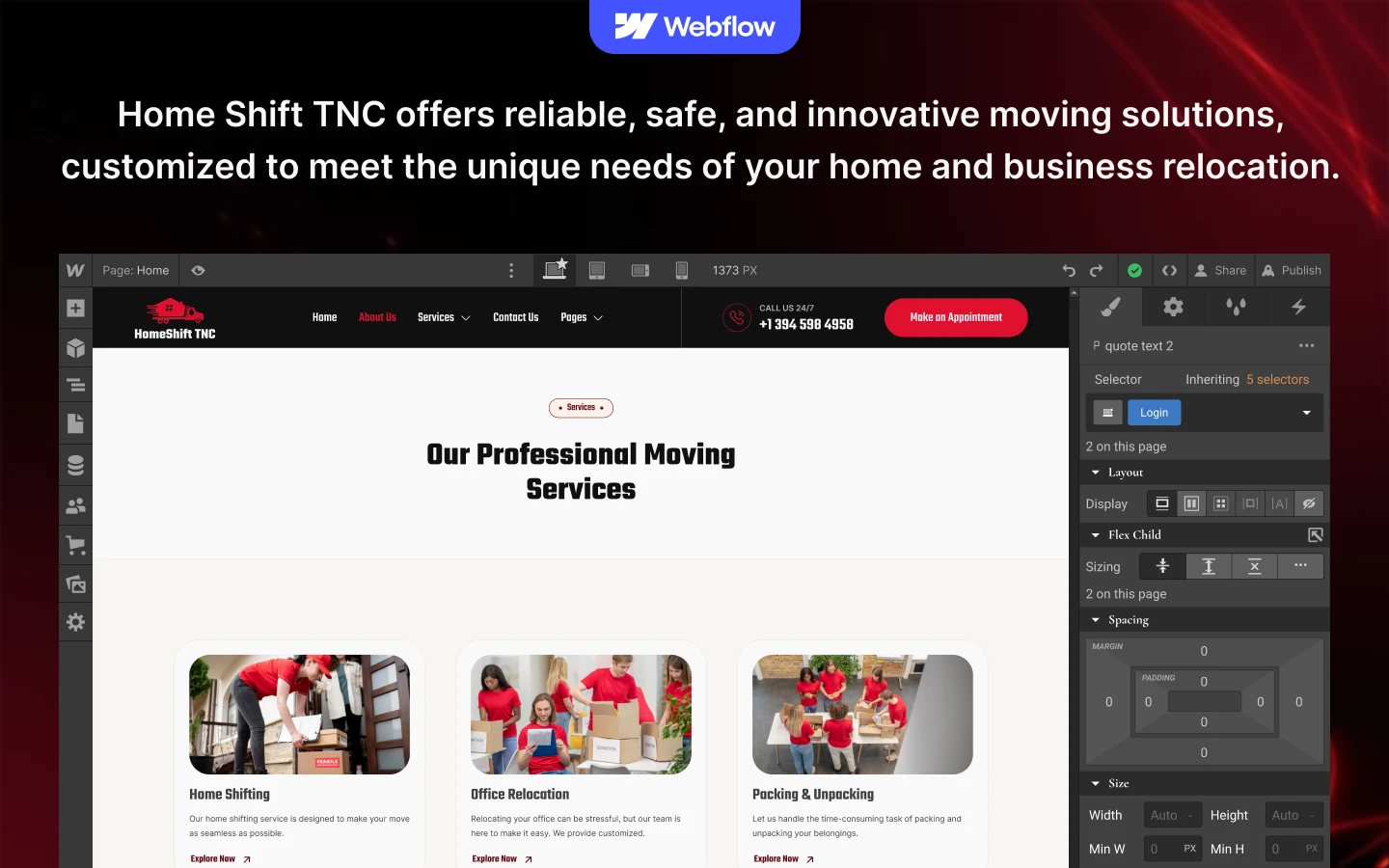

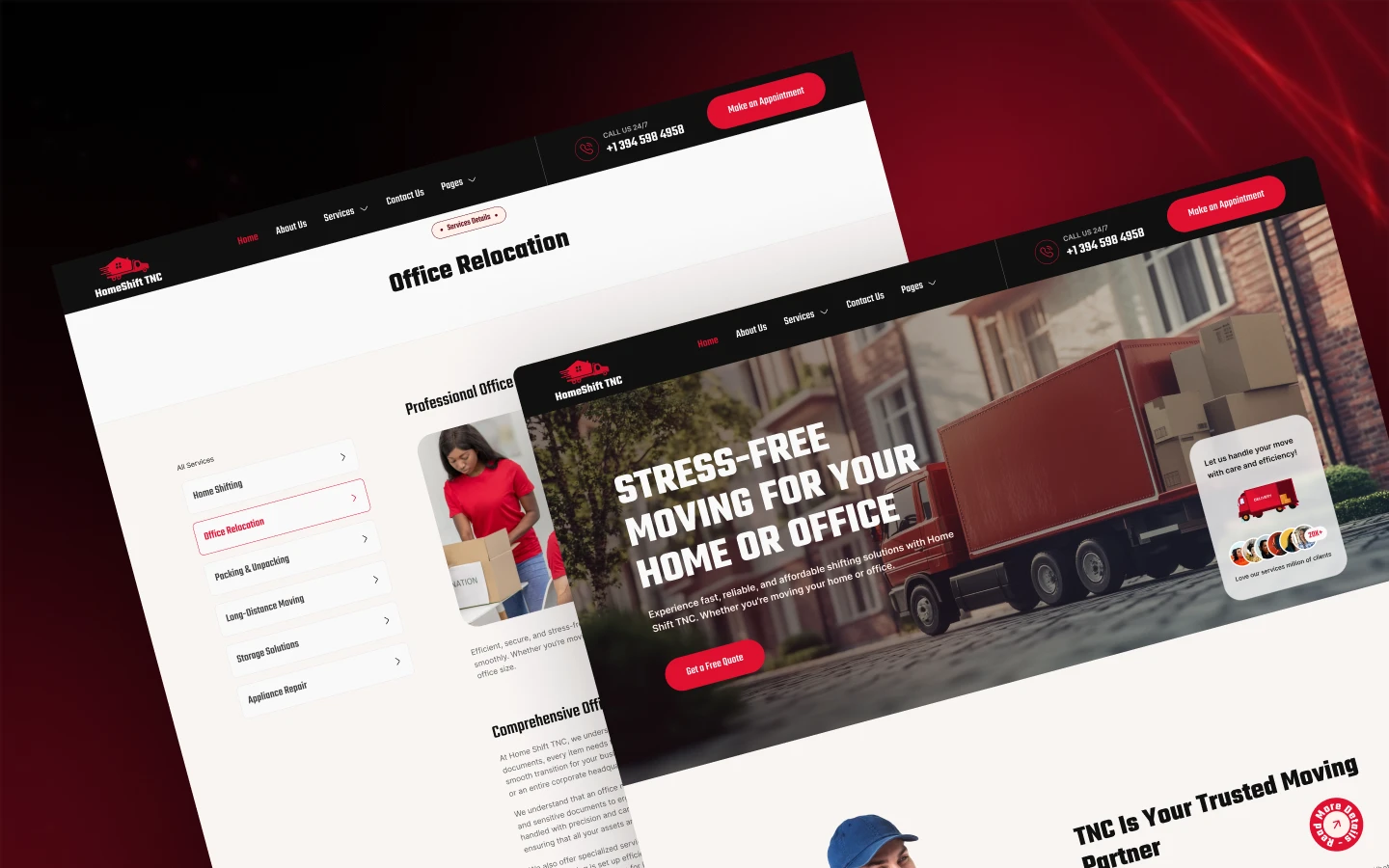
HomeShift TNC is a moving company website template for removal firms, relocation services and storage providers. It ships for Webflow, Figma and HTML.
Moving is a distress purchase. Nobody enjoys it, and everybody wants to know the cost before they commit.
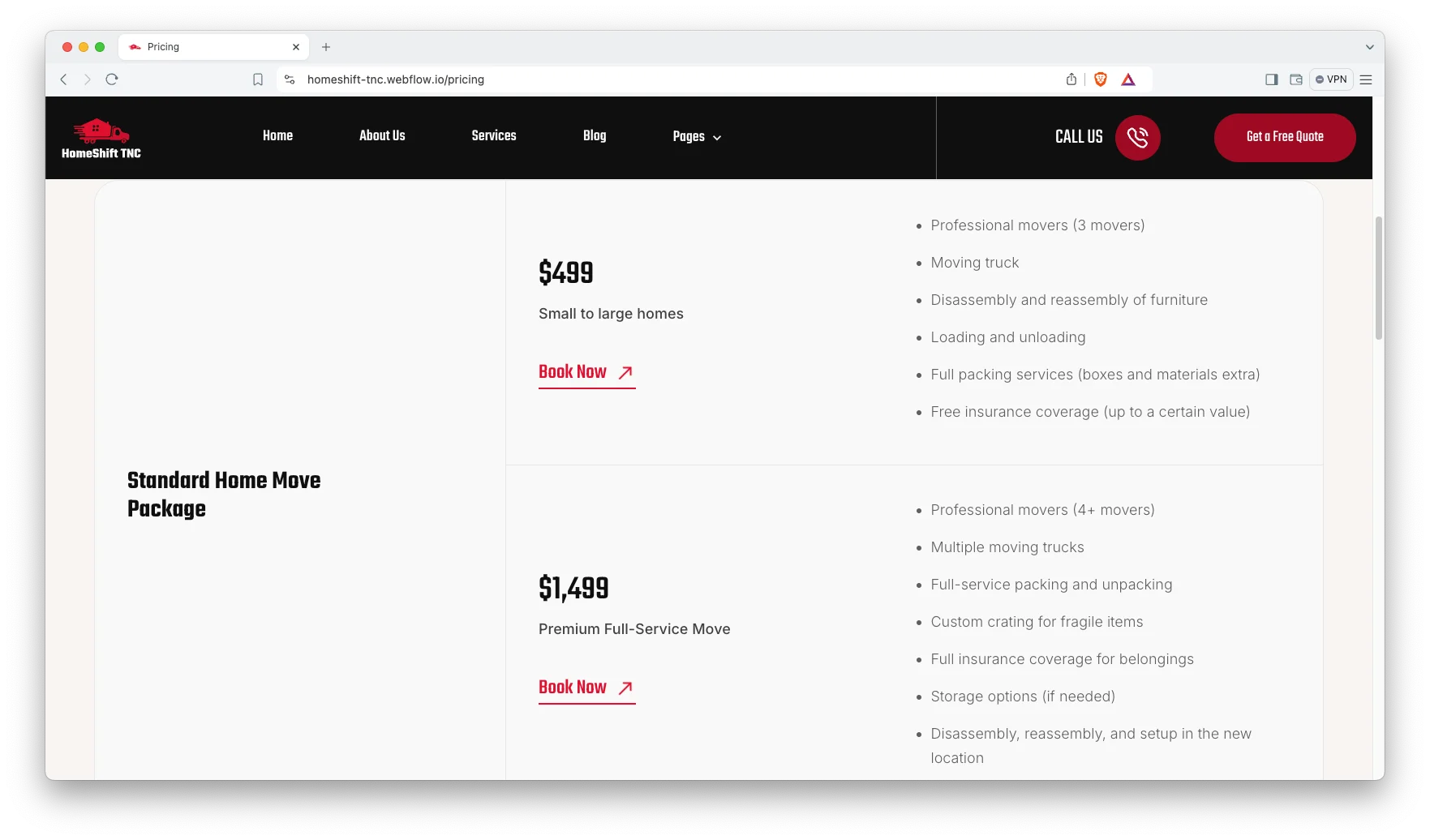
So HomeShift TNC leads with a quote page and a public pricing page. Because the five services are split out, a customer looking for office relocation never has to read about packing boxes. Then the quote form captures the job.
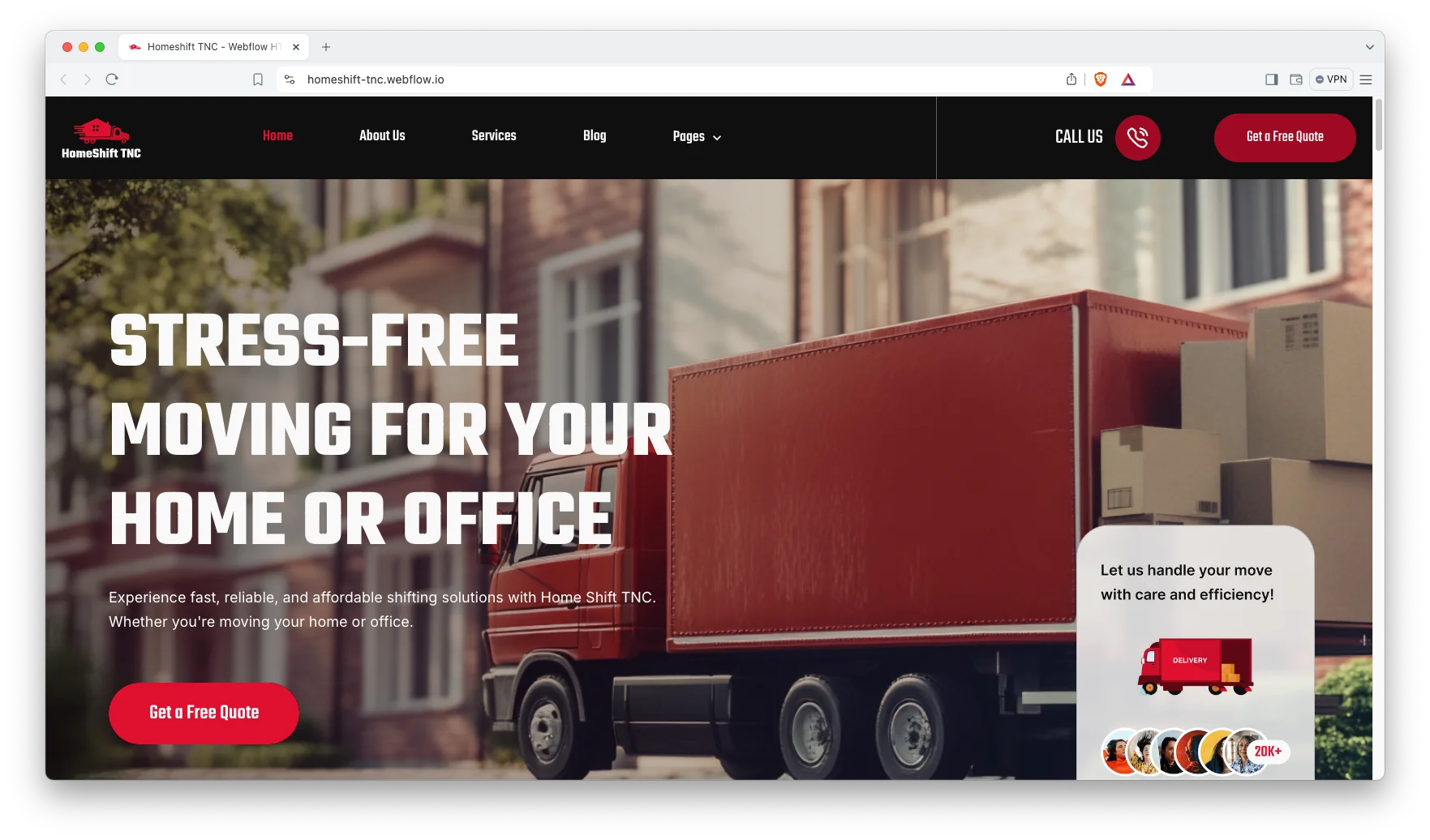
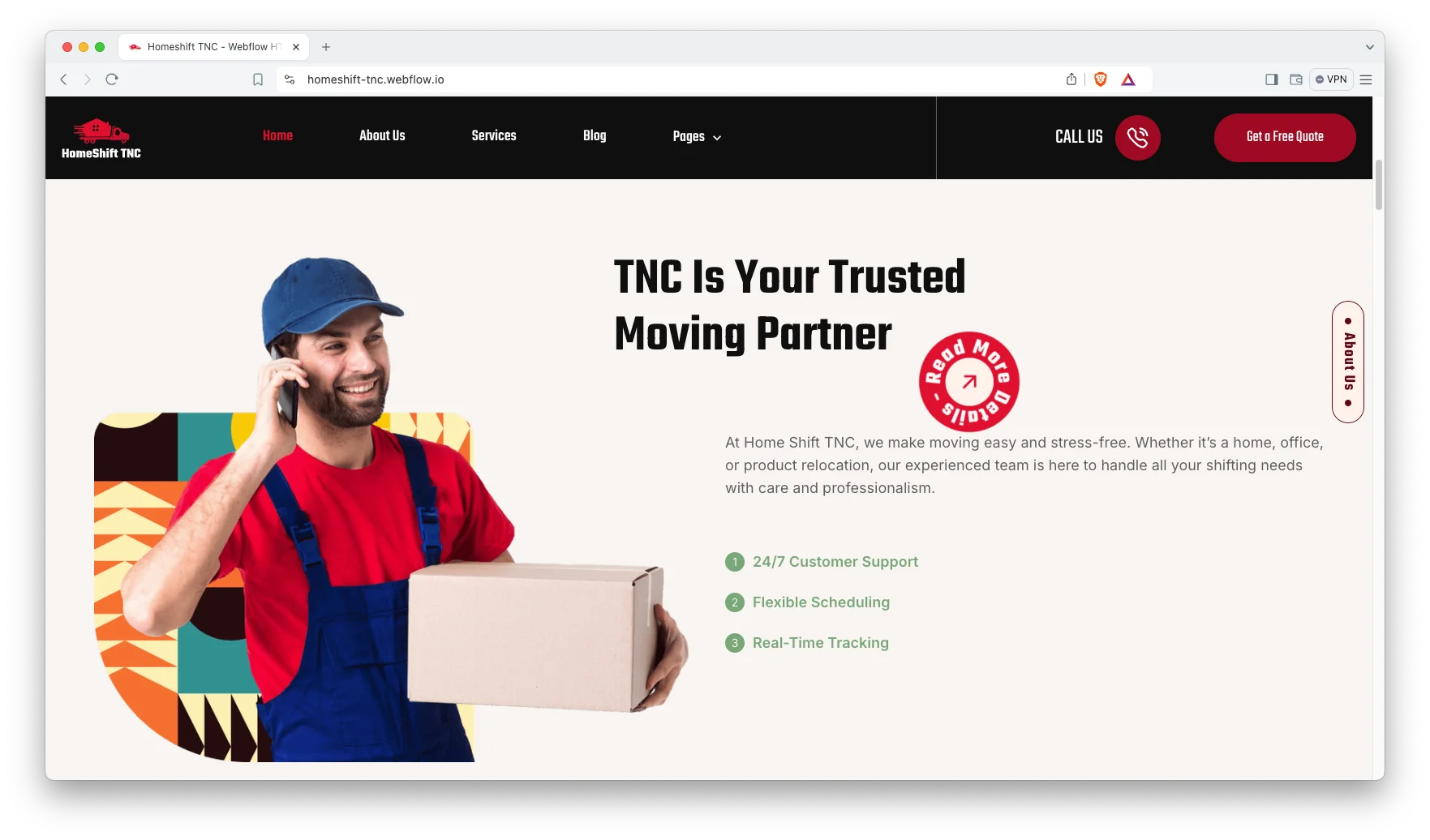
Each section has one job. The hero states the coverage. The service pages match the move. The pricing page sets expectations. Finally the quote form starts the survey.
Explore the live preview now!
HomeShift TNC at a Glance
| Formats | Webflow, Figma, HTML |
| Best for | Removal firms, relocation services, storage providers, office movers |
| CMS | Services, blog posts, authors, categories and tags |
| Services | Home shifting, long distance moving, office relocation, packing, storage |
| Pages | 13 designed pages plus 5 CMS templates |
| Responsive | Desktop, tablet and mobile |
| Support | Included with every TNCFlow purchase |
Key Features of HomeShift TNC
Elegant and Premium Design. The layout stays clean, simple and modern. Because a move is stressful, the pages stay calm and easy to scan.
CMS Included. Services, blog posts, authors, categories and tags all run on Webflow CMS. Then you add a new service in a form rather than in the designer.
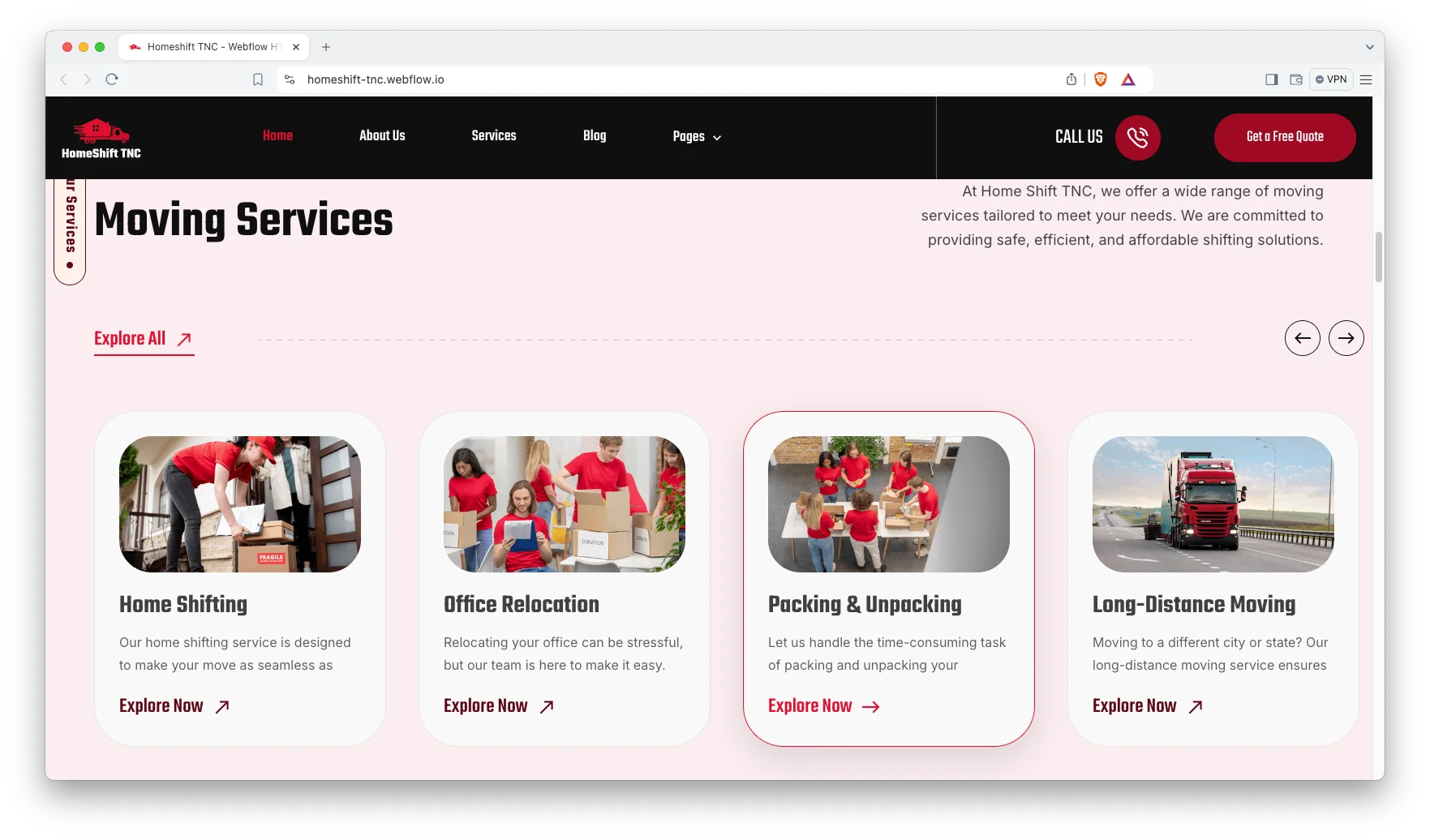
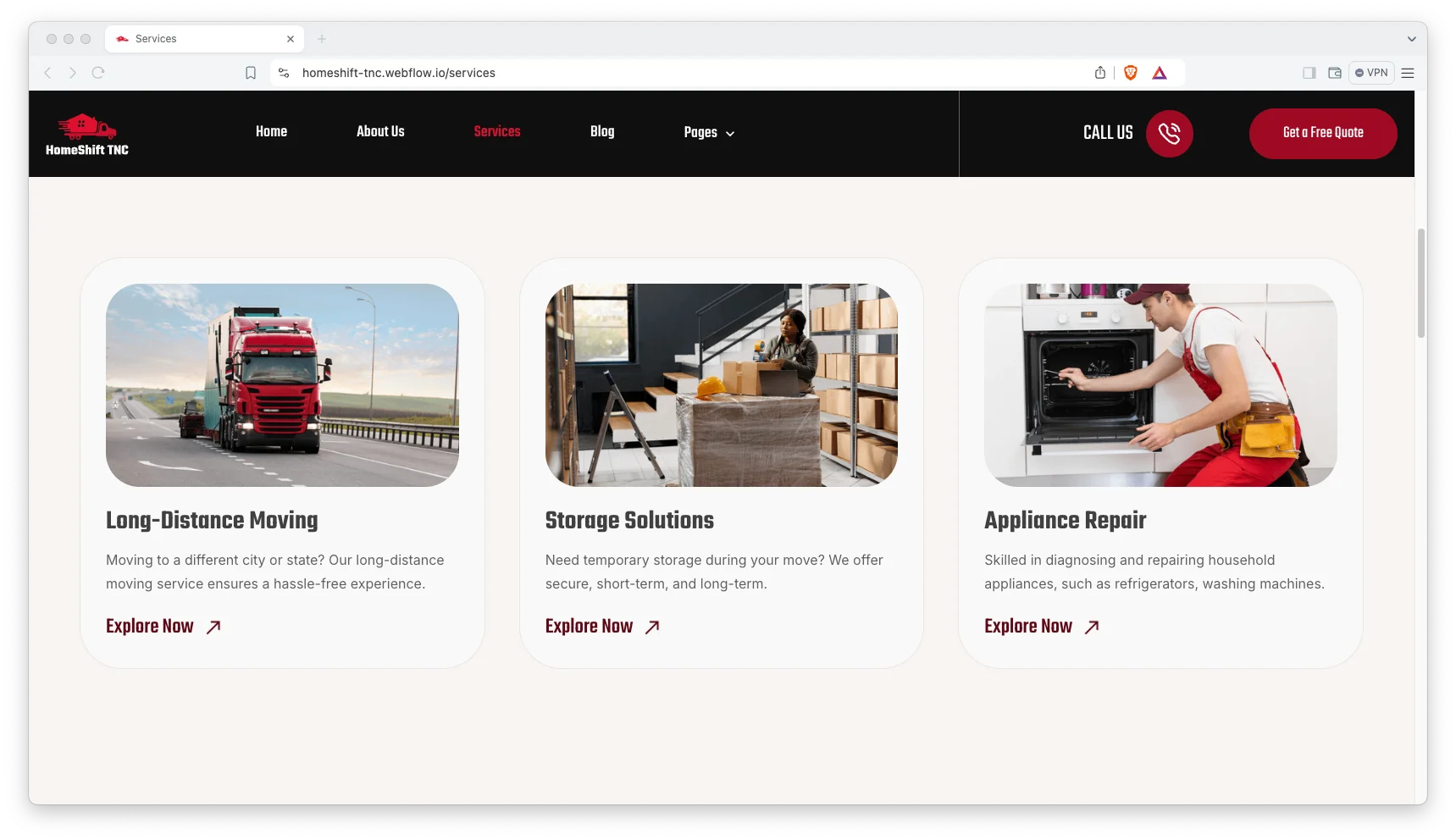
Five Services with Detail Pages. Services ship ready to edit. They are home shifting, long distance moving, office relocation, packing and unpacking, and storage solutions.
FAQ and Pricing Pages. A pricing page and a separate FAQ page both ship with the template. Together they answer the two questions that stall most removal enquiries.
Animation, Video and Sliders. Sliders, video and animation carry the crew and vehicle footage. However, the motion stays light so pages load quickly.
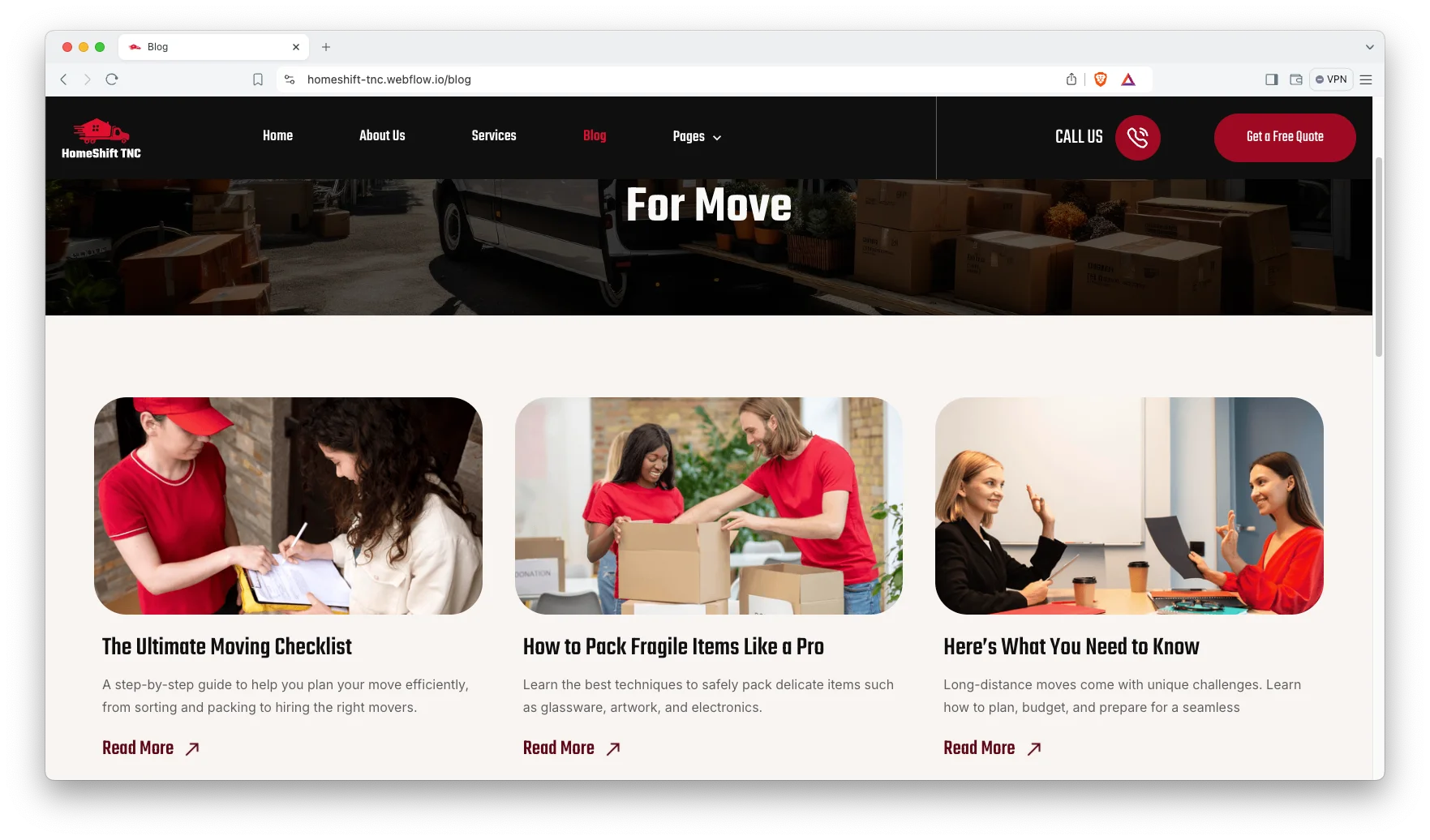
Blog Showcase. The blog is built for scanning, and posts carry authors, categories and tags. Demo posts cover packing fragile items and a full moving checklist.
Watch on YouTube
You can watch this video if you want to learn everything about this Webflow template quickly. In this video, we have demonstrated the information about this Webflow template.
Pages Included in HomeShift TNC
HomeShift TNC ships with thirteen designed pages. They are Home, About, Services, Pricing, Quote, Blog, FAQ, Contact Us, Terms and Conditions, Style Guide, License, a 404 page and a password page. Five more are CMS templates. They render services, blog posts, authors, blog categories and blog tags. So the service list grows without new page design.
What to Check Before You Buy a Moving Template
Removal firms have a specific problem. The job varies enormously, so a generic contact form produces enquiries you cannot price. What you want instead is a quote page that captures the move type up front, and separate service pages so the customer has already self selected before they reach it. HomeShift TNC is built that way. It also keeps services in a CMS collection, which matters if you add storage or international moves later.
Why Removal Firms Should Split Local From Long Distance
A local move and a cross country move are different products. They have different prices, different lead times and different competitors. However, most removal sites lump them into one services page and let the customer work it out. HomeShift TNC gives each one its own page instead, so the copy can address that specific job. Then each page can rank on its own term, which matters because someone searching for office relocation will not click a generic moving company result.
How to Use HomeShift TNC
- Use the purchase widget on the right side of this page to buy the HomeShift TNC template
- Duplicate the template into your Webflow workspace
- Replace the demo services, pricing and photography with your own
- Load your services and posts into the CMS collections
- Adjust the colors and typography to match your brand
- Check every breakpoint, then publish your site
HomeShift TNC Frequently Asked Questions
What formats does HomeShift TNC ship in?
HomeShift TNC ships for Webflow, Figma and HTML. Each format is sold separately, so you buy only the one you need.
Is the Figma file included with the Webflow purchase?
No. The Figma file is a separate product on this page. So add it to your order if you want the design source.
How many pages does HomeShift TNC include?
HomeShift TNC includes thirteen designed pages. It also includes five CMS templates covering services, blog posts, authors, categories and tags.
Which services are included in the demo?
Five. They are home shifting, long distance moving, office relocation, packing and unpacking, and storage solutions.
Does HomeShift TNC have a quote form?
Yes. There is a dedicated quote page, separate from the general contact page.
Can I use HomeShift TNC for freight or courier work?
Yes. The structure suits any transport business that sells named services. However, the demo copy is written for domestic and office moves.
When you choose HomeShift TNC, you get support from the TNCFlow team. So if a section does not behave, ask us and we will help.
Check out other Webflow templates by TNCFlow.
Featured in our guides: construction website templates, Webflow transportation and logistics templates and cleaning website templates.





Select template
Choose one or more options for your build
All-Access Pass
$199
/ Yearly
$20,000+ in assets
130+ Webflow Templates
130+ Figma UI Templates
45+ Framer Templates
130+ HTML Templates
