

PRO


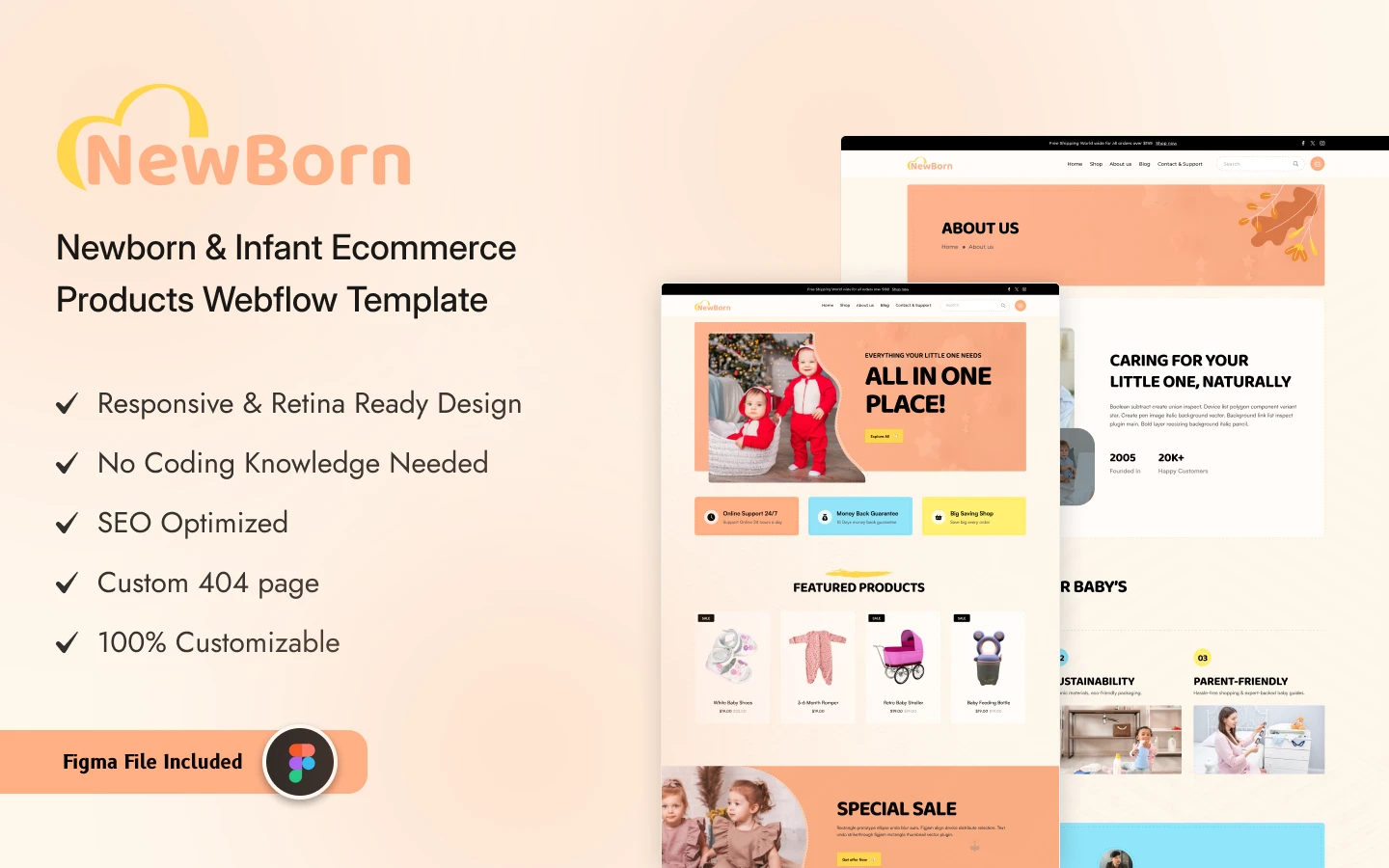
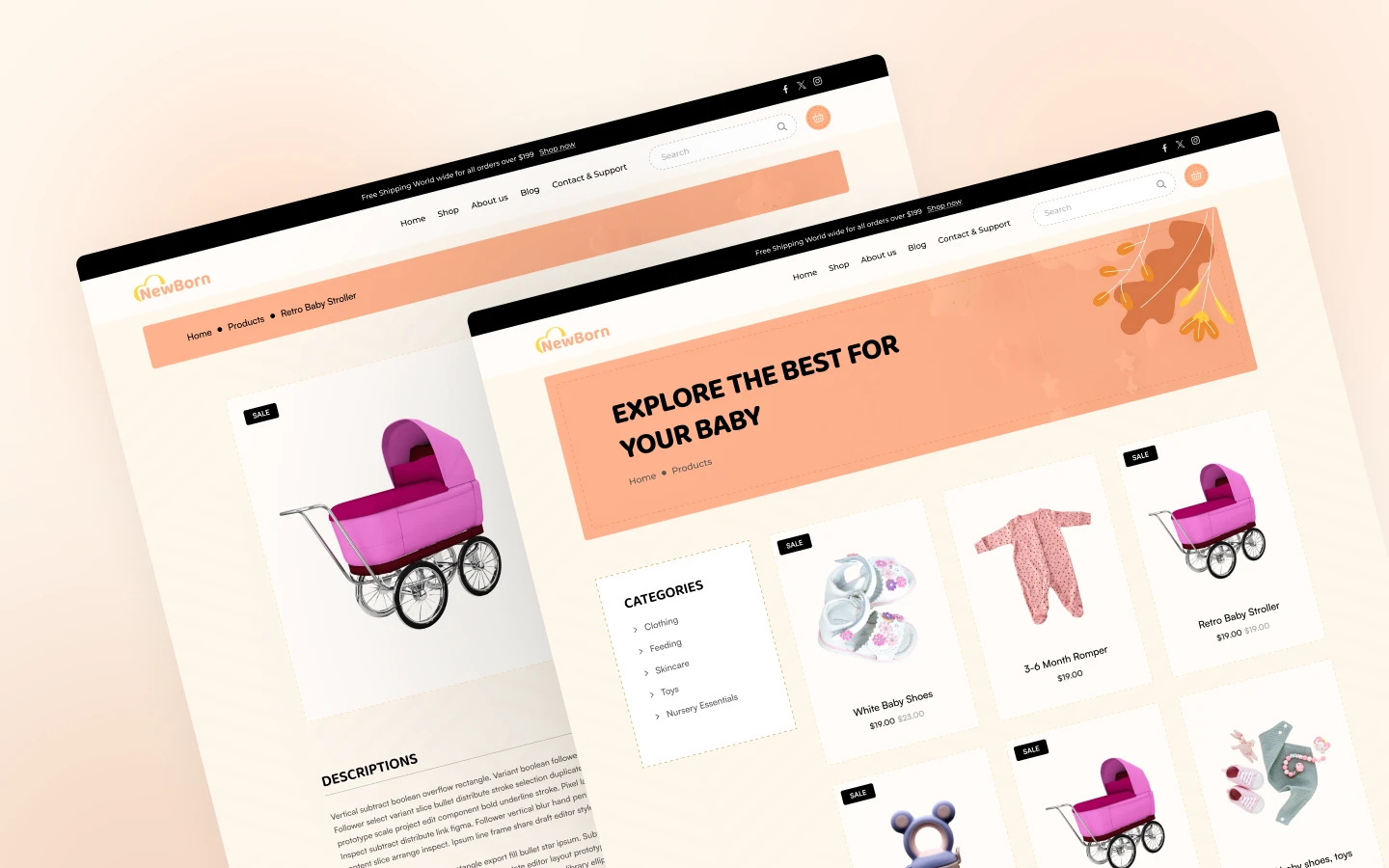
NewBorn is a nursery website template for baby stores, kids clothing brands and nursery product retailers. It ships for Webflow, Figma and HTML.
Parents shop with care. So NewBorn keeps the storefront calm, bright and easy to scan. Product photography leads. Prices, sale badges and the add to cart button sit right beside it. Because the cart is a slide out panel, shoppers never lose their place.
The build is a real store, not a brochure. It runs on Webflow Ecommerce, so you get a product catalog, a cart and a hosted checkout. Webflow CMS powers the blog. That way your team edits copy, posts and products without touching the design.
Explore the live preview.
NewBorn at a Glance
| Formats | Webflow Ecommerce, Figma, HTML |
| Best for | Baby stores, nursery goods shops, kids clothing brands, infant care retailers |
| CMS | Yes, Webflow CMS for blog posts and products |
| Online selling | Yes, Webflow Ecommerce with cart and checkout |
| Pages | 12 designed pages plus 2 CMS collection templates |
| Demo content | 12 sample products, 9 blog posts, 5 product categories |
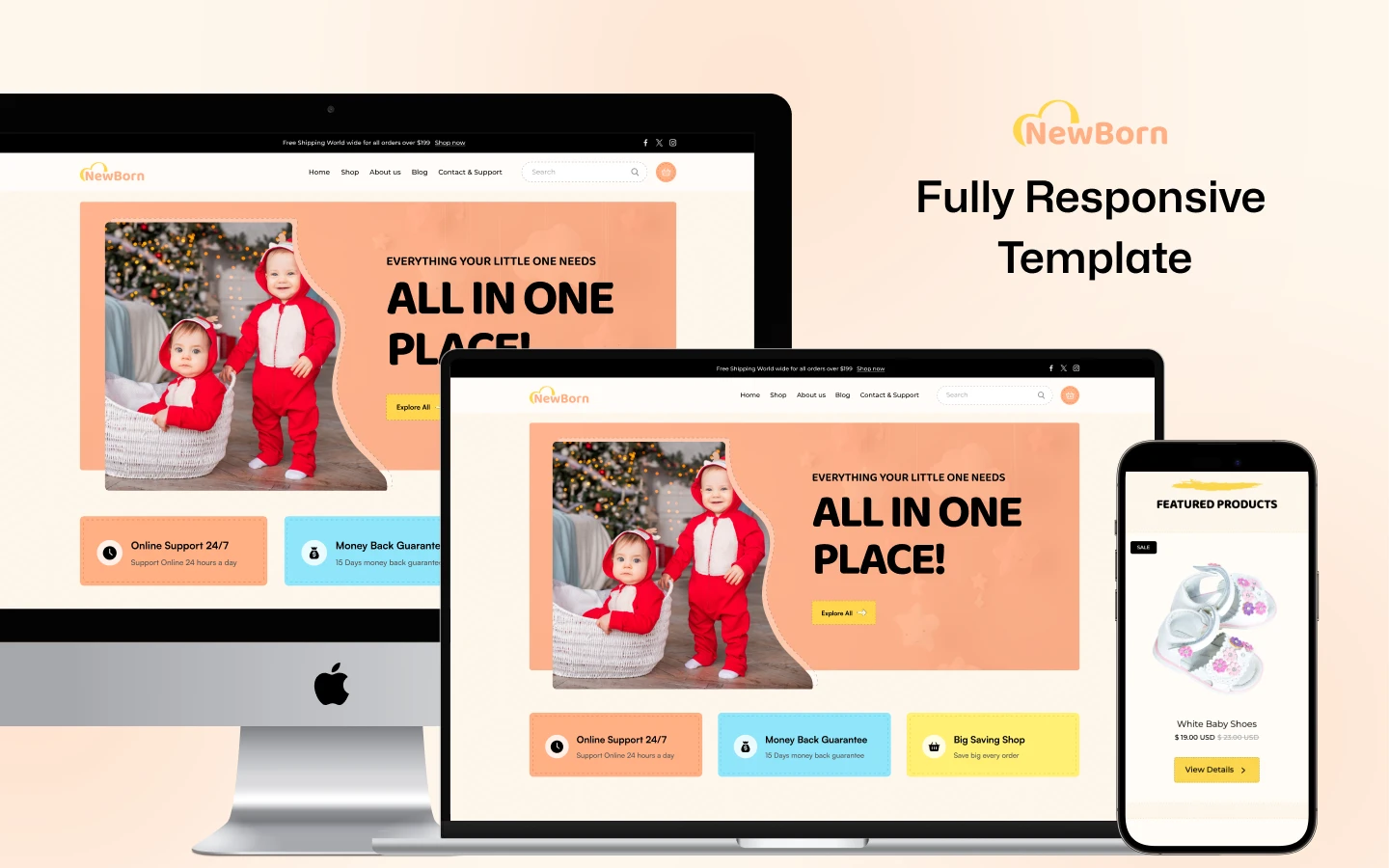
| Responsive | Desktop, tablet and mobile breakpoints |
| Support | TNCFlow support and free updates |
Key Features of NewBorn
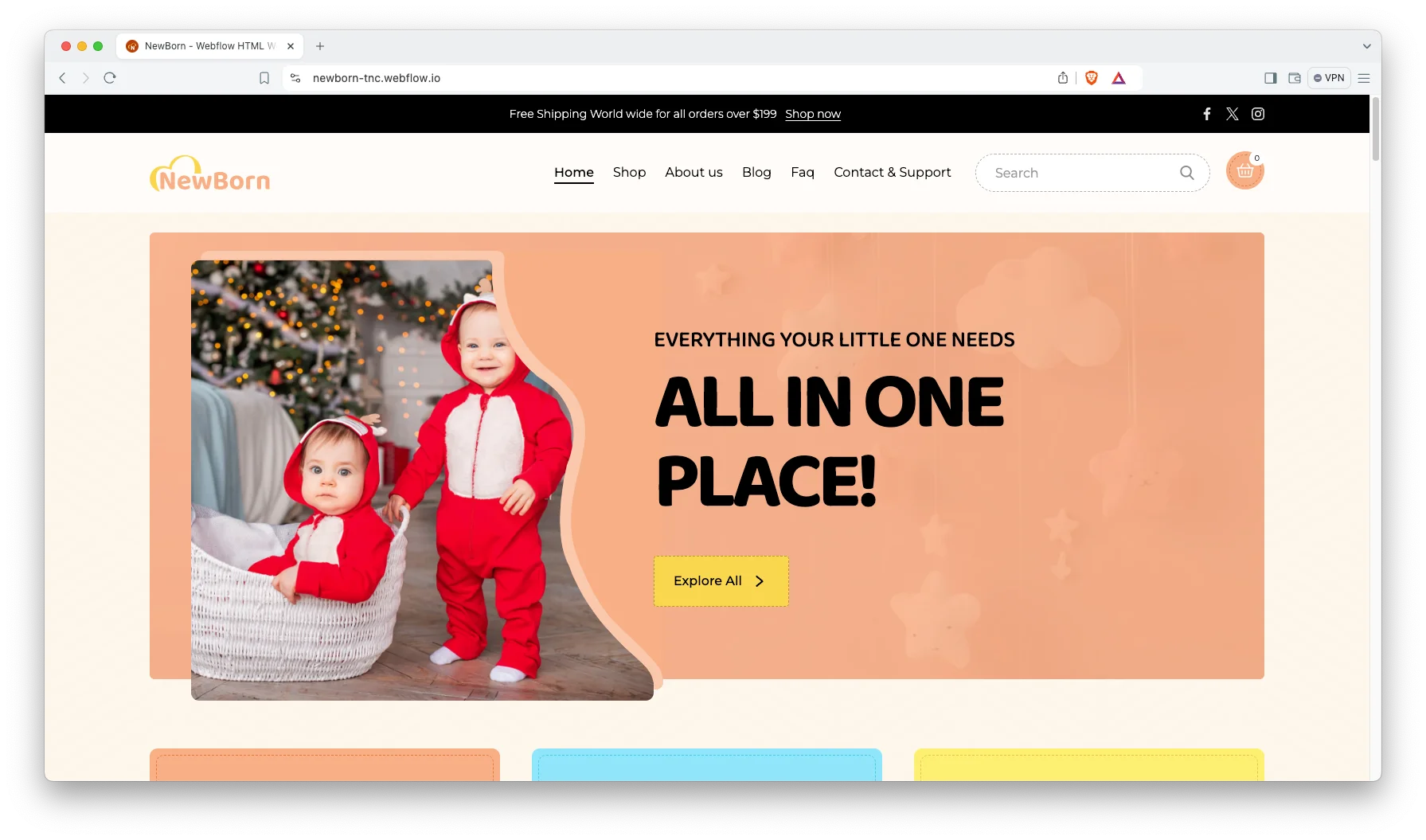
Bright, modern layout. NewBorn uses soft color, rounded shapes and generous white space. So the design reads as friendly without looking childish. Nothing on screen competes with the product photography for attention. The typography stays large enough to read comfortably on a phone.
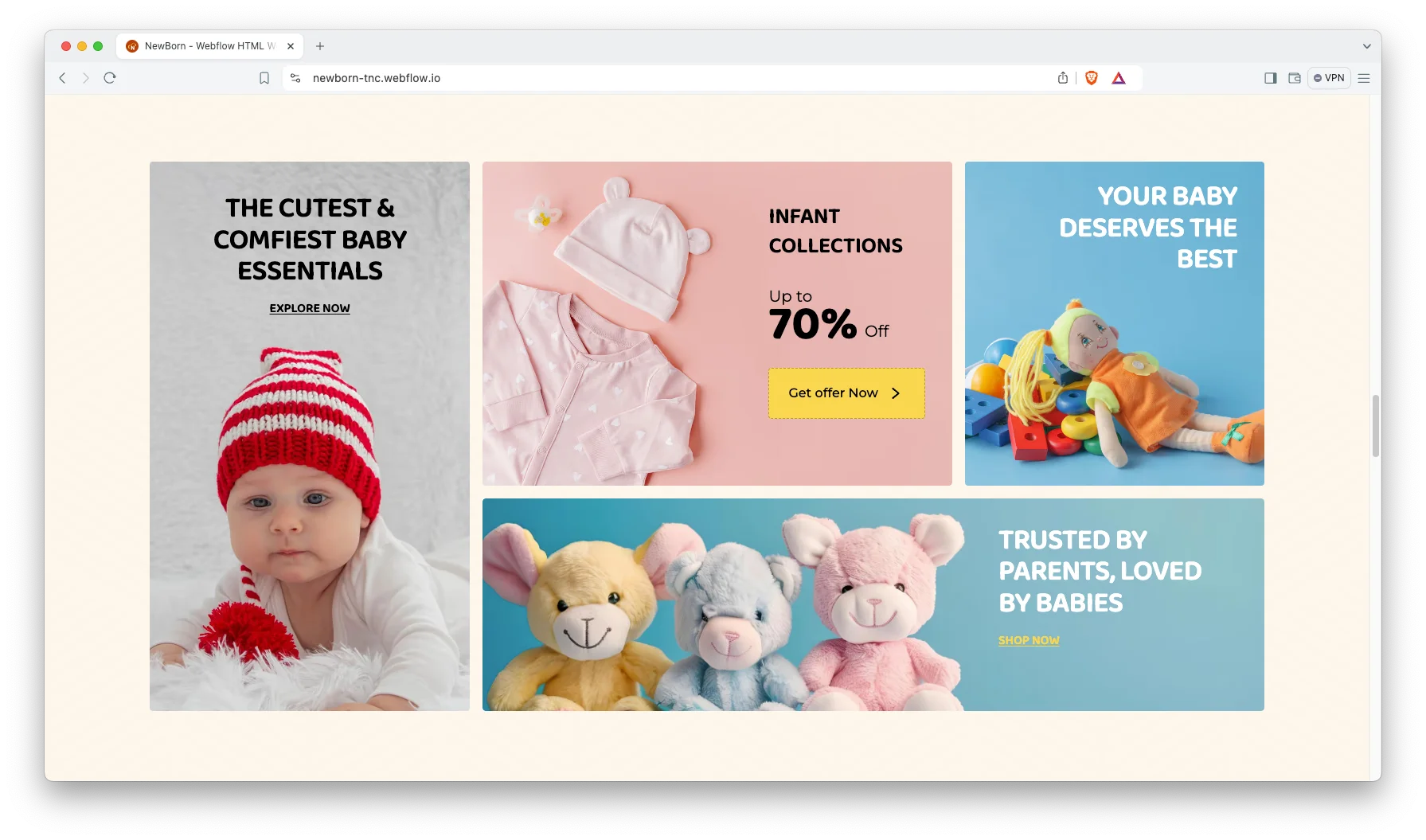
Clear feature strip. A row under the hero states the three promises shoppers check first. Those are support hours, a money back window and current savings. Because that strip sits above the fold, buyers see the terms before they browse.
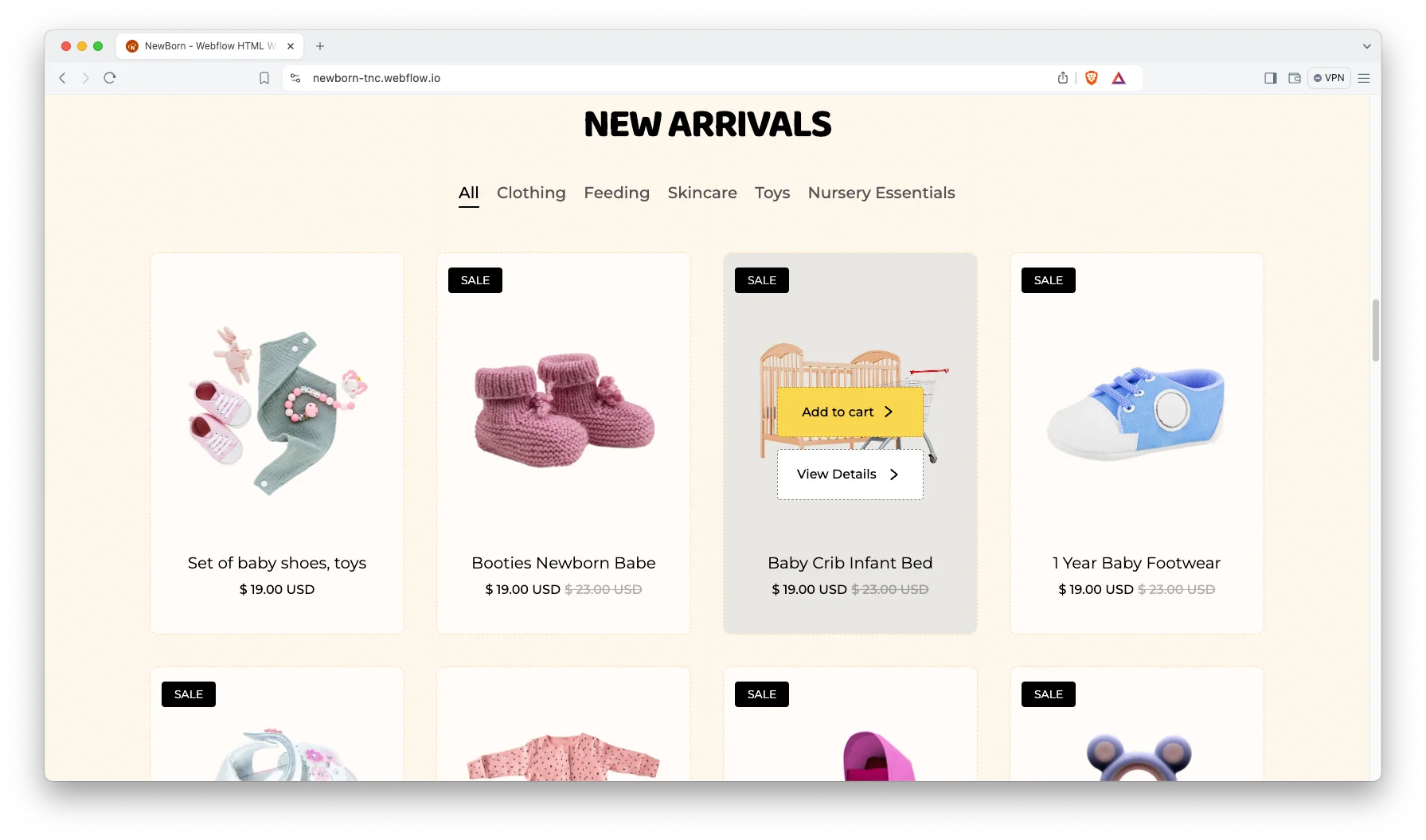
CMS and Ecommerce included. Webflow Ecommerce handles the catalog, the cart and the checkout. Webflow CMS handles the blog. Both are already wired to the layout, so new items inherit the styling automatically.
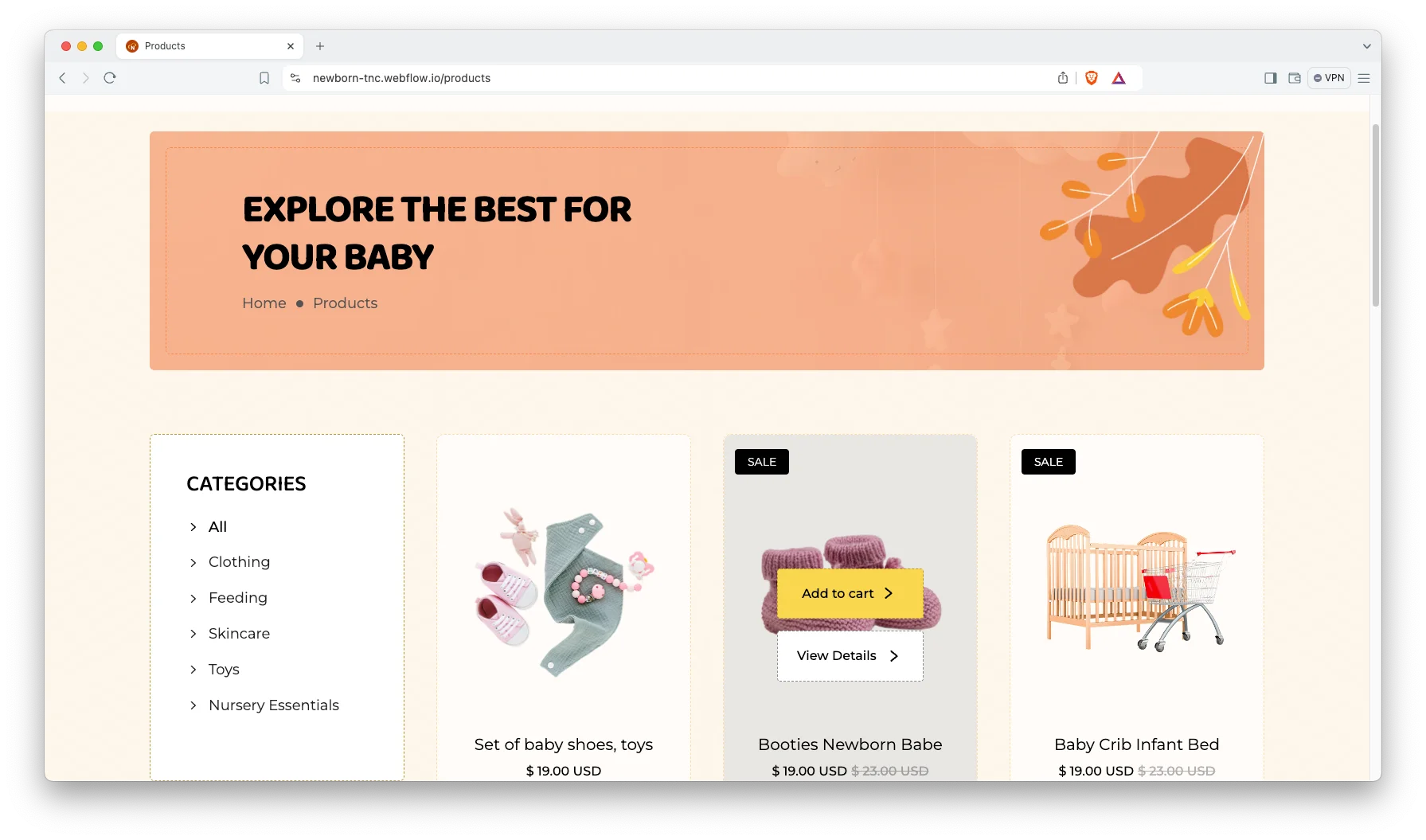
Shop page with categories. The Products page lists the full catalog in a clean grid. Five categories are prepared: clothing, feeding, skincare, toys and nursery essentials. So you can rename them to match your own range in minutes.
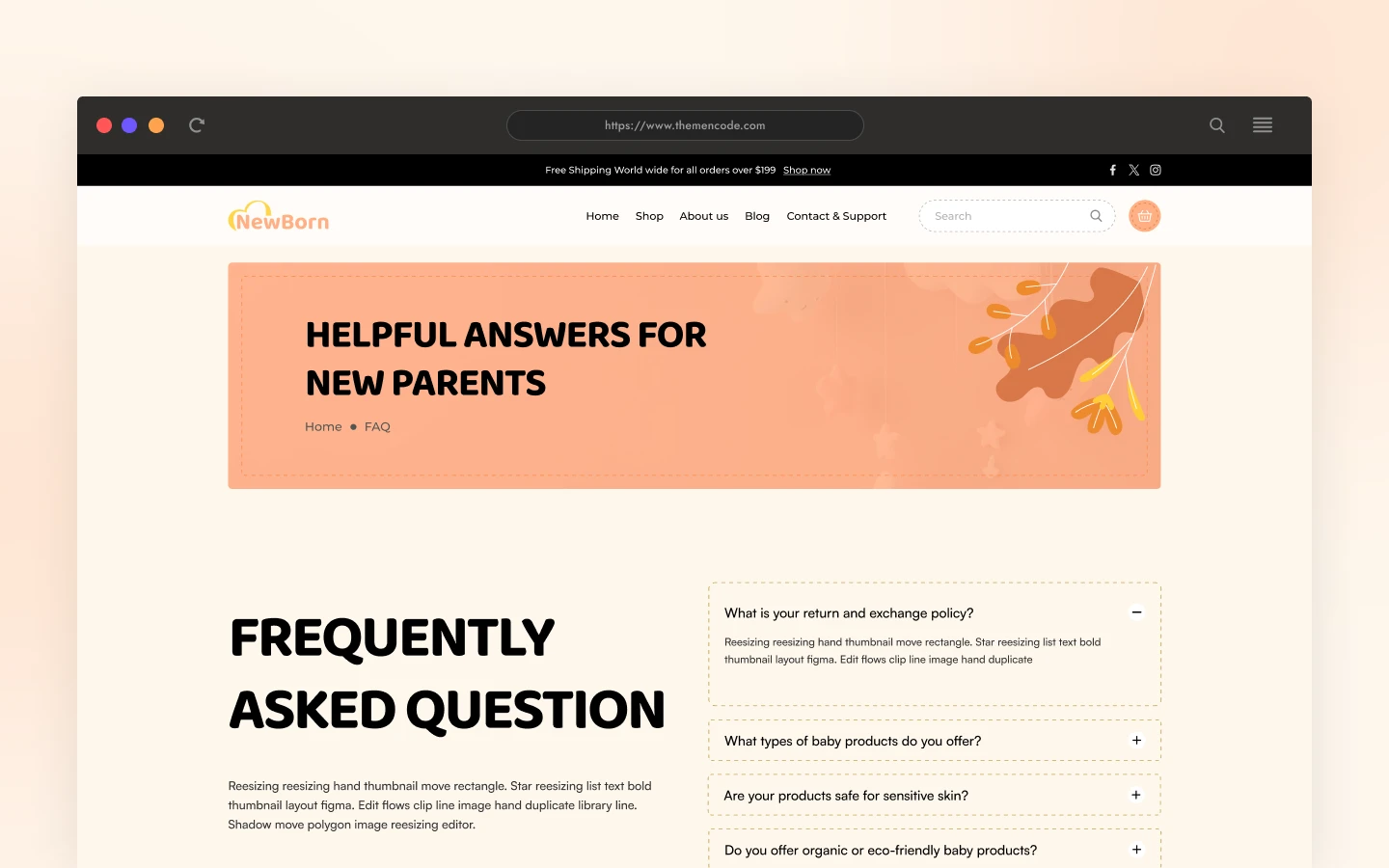
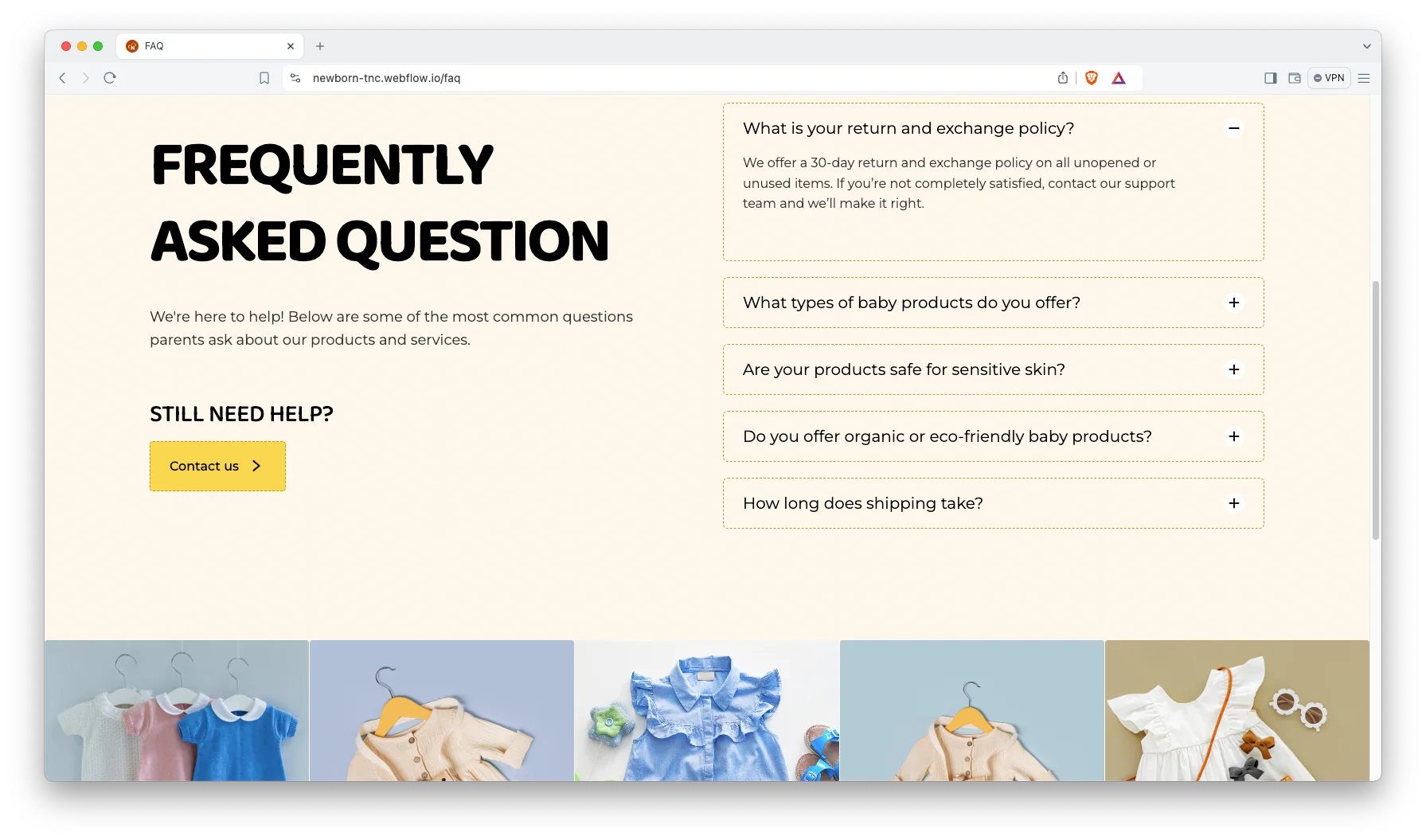
FAQ page. A dedicated FAQ page answers five common questions inside an accordion. The same block is repeated on the homepage. That removes a lot of repeat email for a small team.
Animation and responsive sliders. Scroll interactions, tabbed product filters and three sliders are configured already. However, the motion stays light. Because of that, the store still feels quick on a phone.
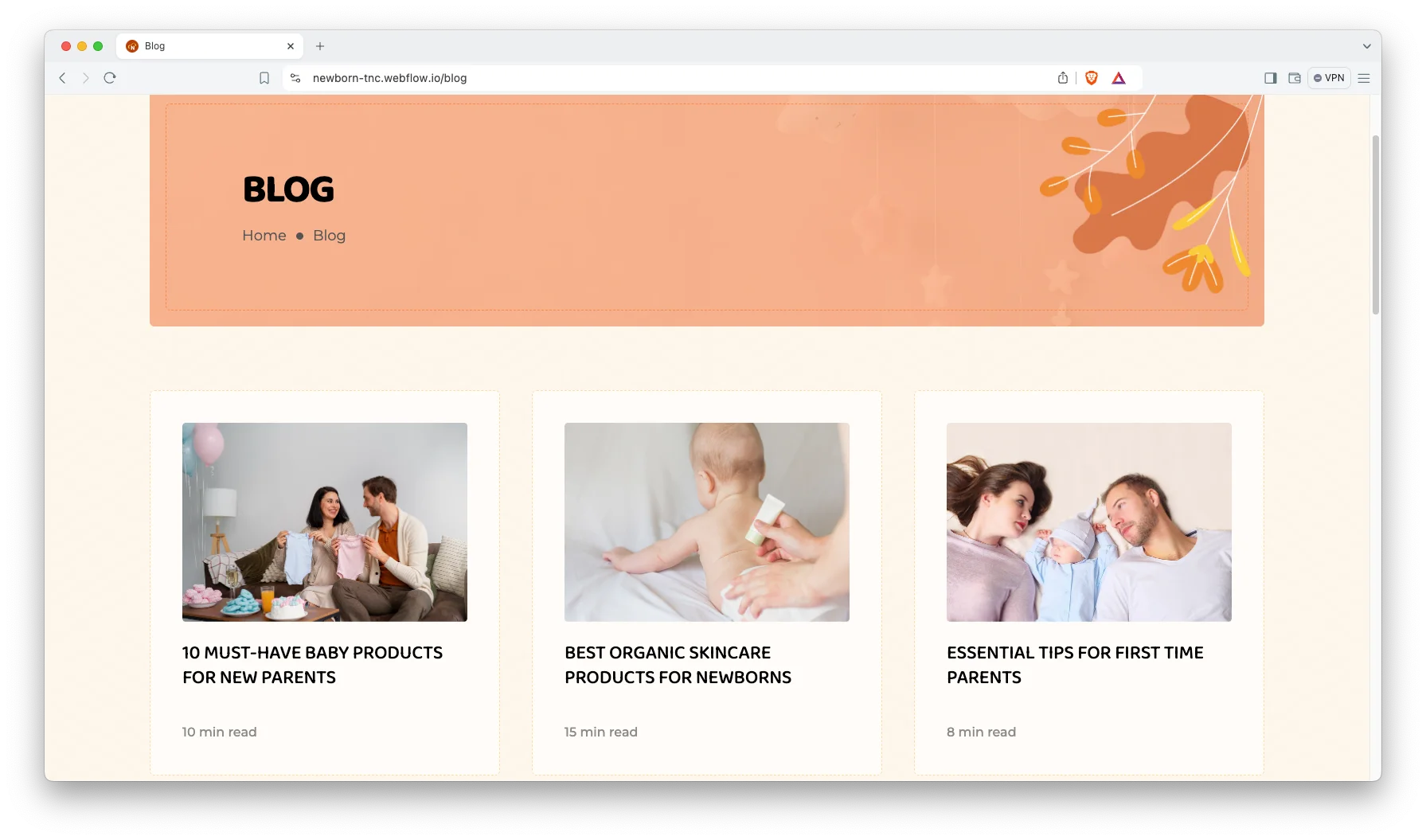
Blog layout. The blog ships with nine sample posts and a matching post template. Content marketing works unusually well in this category, since new parents research heavily before they buy. So an article about sleep routines or feeding equipment can bring in visitors who later become customers.
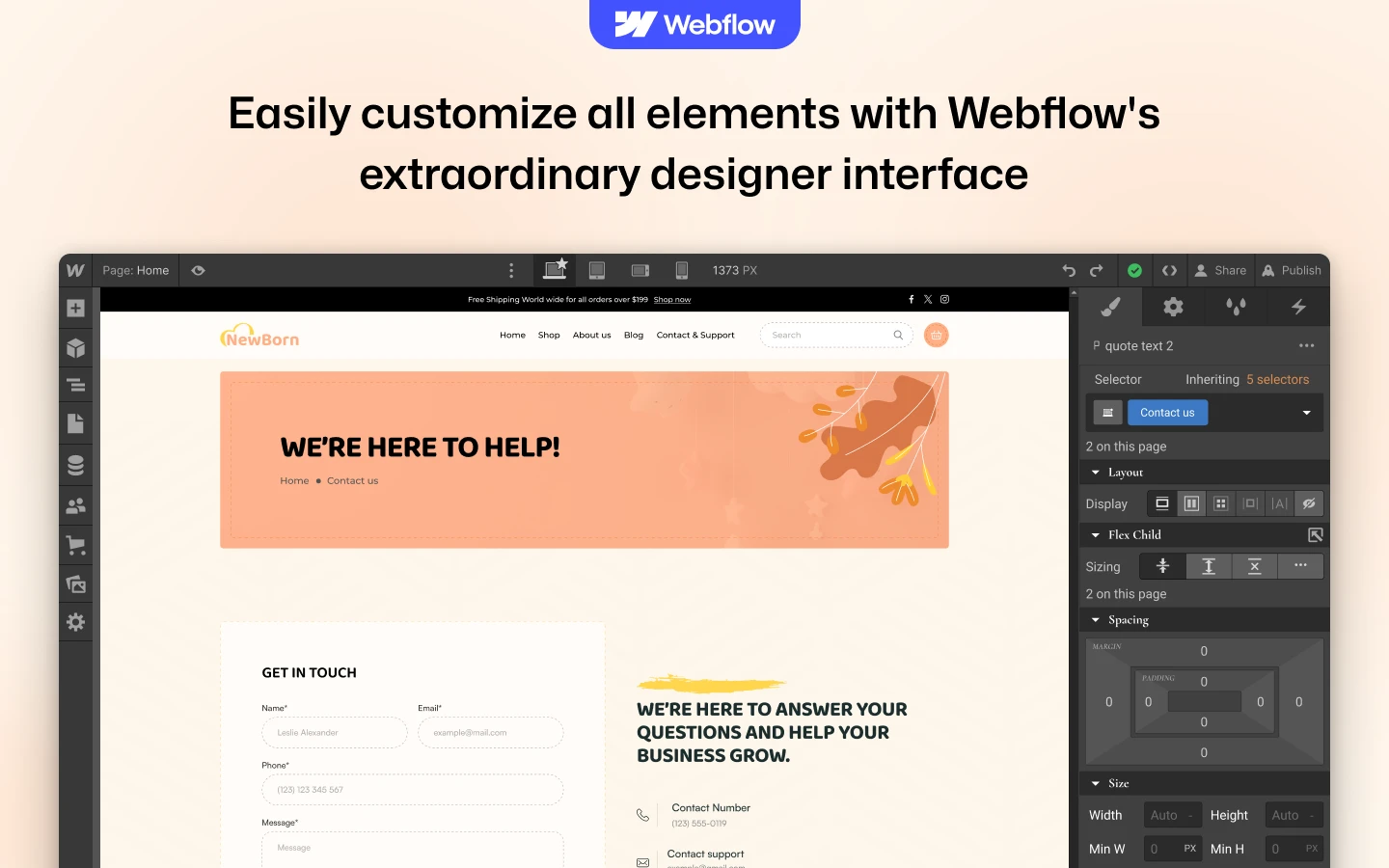
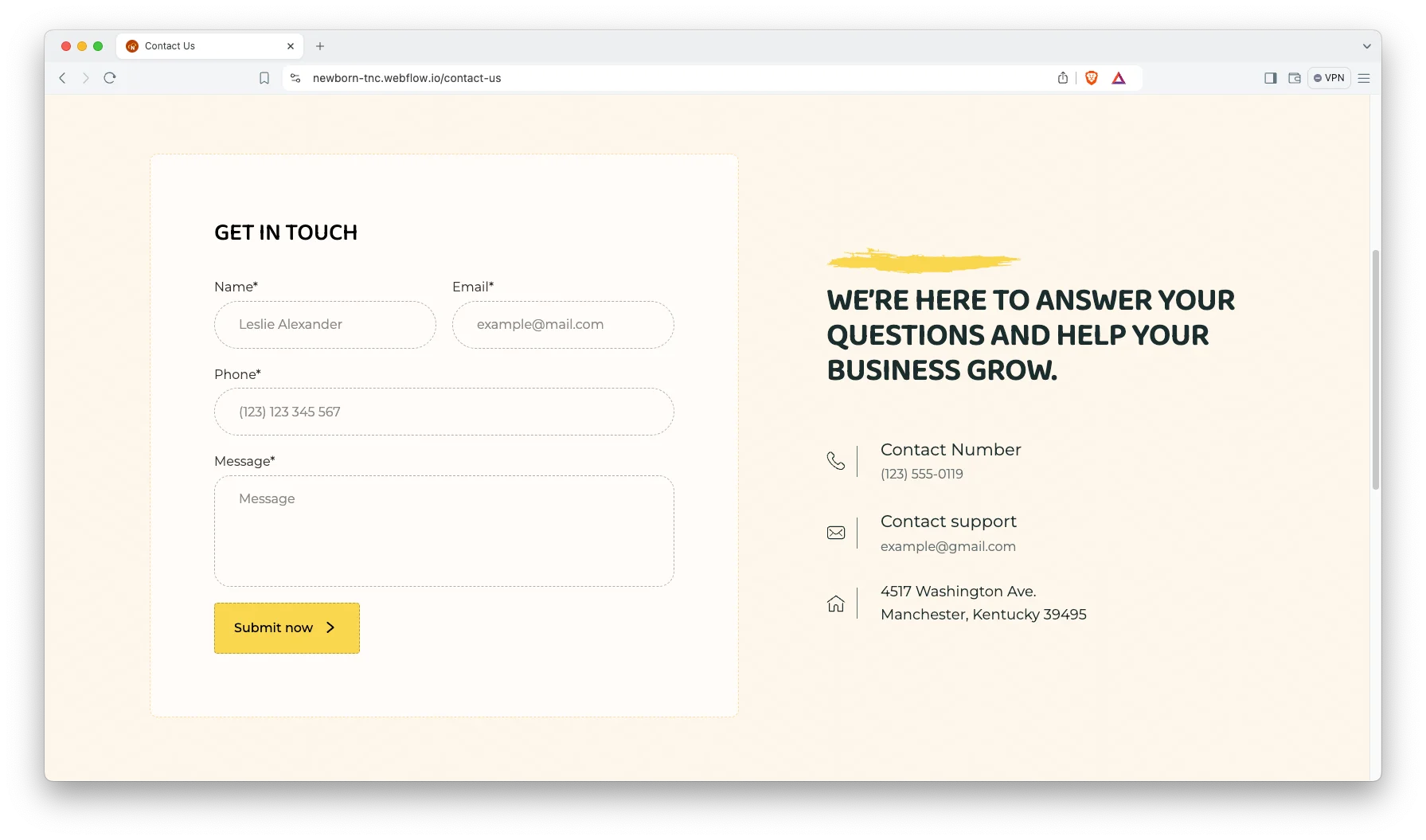
Contact page. The contact page pairs a four field enquiry form with your phone number, email address and postal address. Note that it does not embed a map, so add one yourself if you want it.
Watch on YouTube
Pages Included in NewBorn
You get 12 designed pages. Those are Home, Shop, About Us, Blog, FAQ, Contact Us, Checkout, Order Confirmation, a 404 page, plus Style Guide, Licenses and Changelog. Two CMS collection templates cover the blog post and the product detail view. Every page is styled for desktop, tablet and mobile.
How to Use NewBorn
- Use the purchase widget on the right side of this page to buy the NewBorn template
- Follow the steps to get your site ready
- Replace content with your own
- Adjust the design slightly if you want
- Preview and publish
What Makes a Baby Store Site Convert
Trust does the heavy lifting here. Parents want to know what a product is made from, and whether it is safe. So put material and safety detail high on the product page, not in a tab at the bottom. Next, be plain about returns. A visible return window lifts checkout rates more than a discount does. Then keep shipping costs honest and early. Surprise fees at checkout are the single biggest cause of an abandoned cart in this category. Finally, use real photography. Generic stock imagery is easy to recognise, and recognising it costs you the sale. Photograph the actual product in a domestic setting instead.
NewBorn Frequently Asked Questions
What is NewBorn?
NewBorn is an ecommerce website template for baby stores, nursery goods shops and kids clothing brands. It includes a product catalog, a cart, a checkout, a blog and an FAQ page.
Which formats does NewBorn ship in?
NewBorn ships as a Webflow Ecommerce template, a Figma design file and a static HTML build. Each format is sold separately, so you buy only the one you need.
Is the Figma file included when I buy the Webflow template?
No. The Figma file is a separate product with its own price. So pick the Figma option in the purchase widget if you want the editable design source.
Can I sell products with NewBorn?
Yes. The Webflow version runs on Webflow Ecommerce. It arrives with 12 sample products, five categories, a product template and a checkout page.
Do I need to know how to code?
No. Inside Webflow you edit text and images straight on the canvas. However, the HTML build does expect basic HTML and CSS knowledge.
Does NewBorn include a contact form?
Yes. The Contact Us page carries a four field enquiry form covering name, email, phone and message. Submissions arrive in Webflow forms, and you can forward them to email.
Questions before you buy? The TNCFlow support team replies fast, and every template gets free updates.
Check out other Webflow templates by TNCFlow.

Select template
Choose one or more options for your build
