
FREE

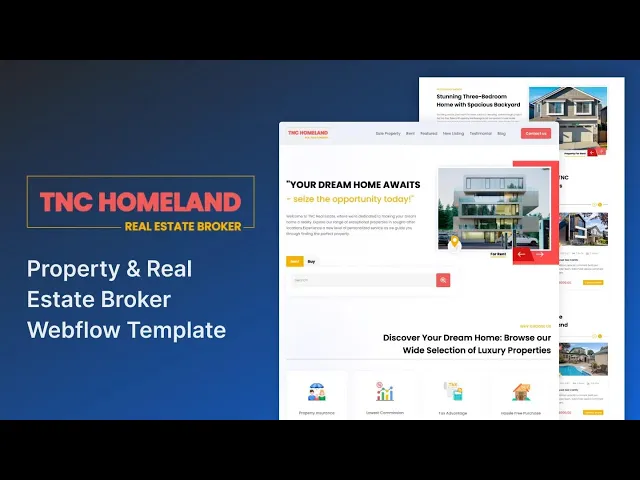
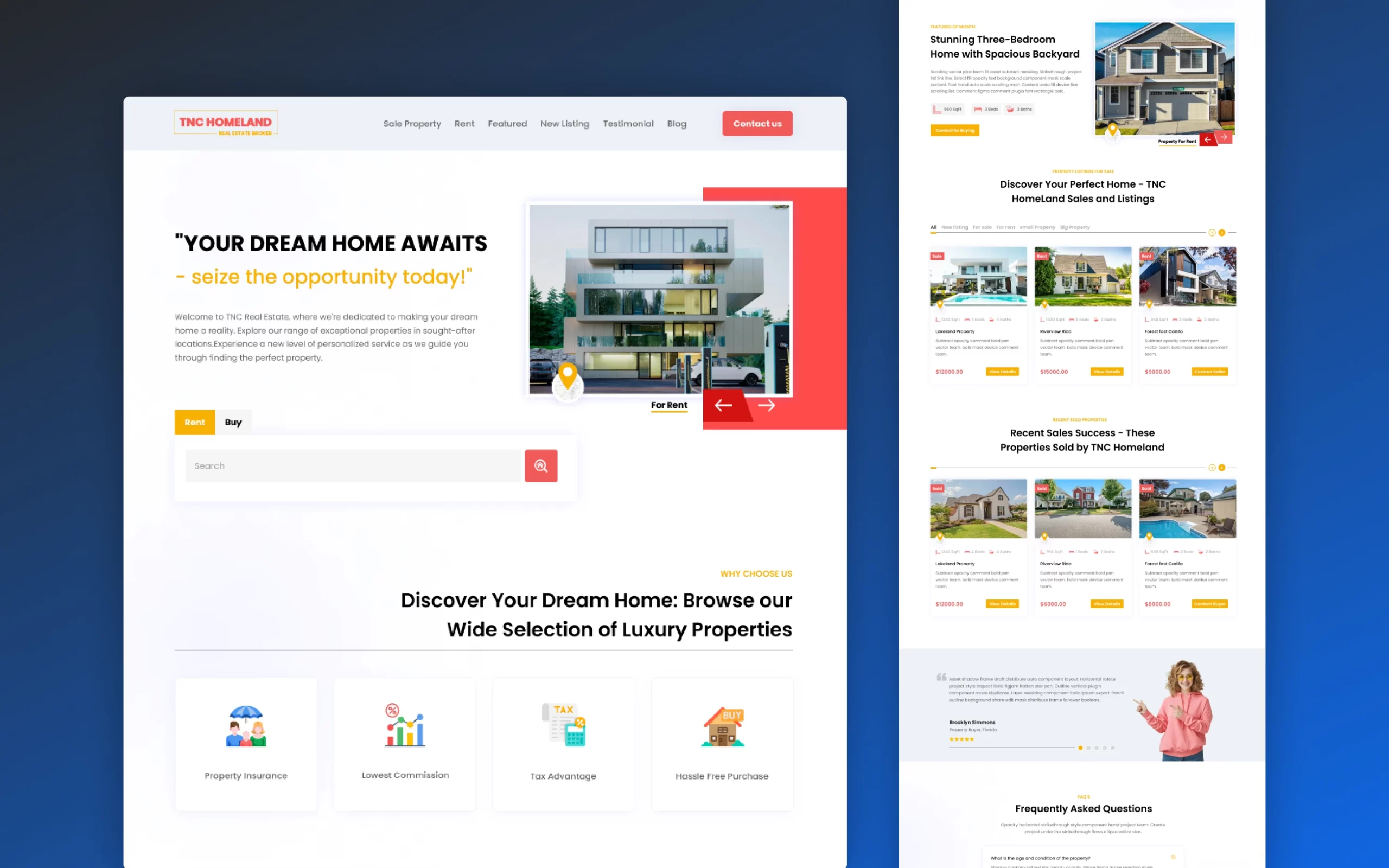
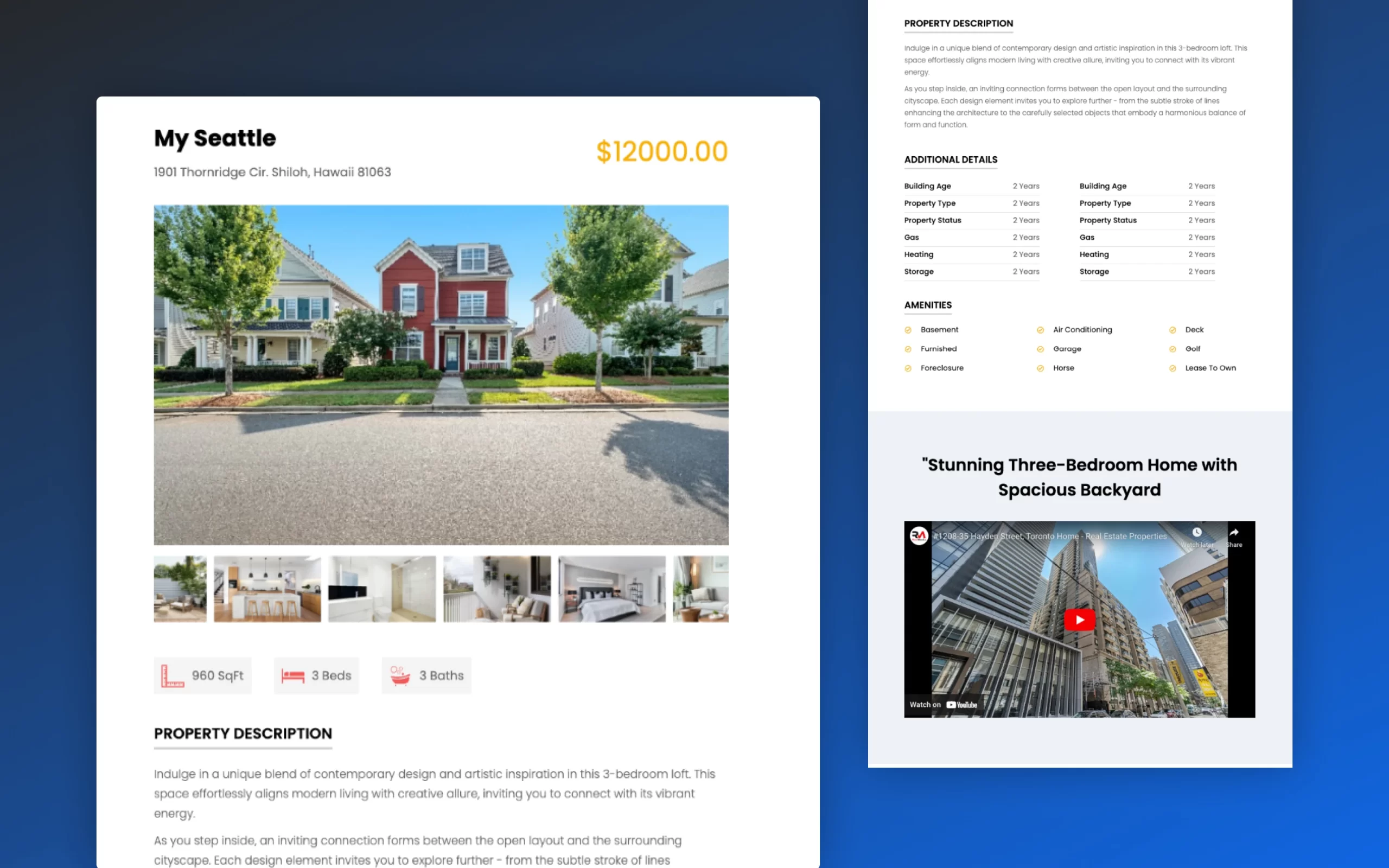
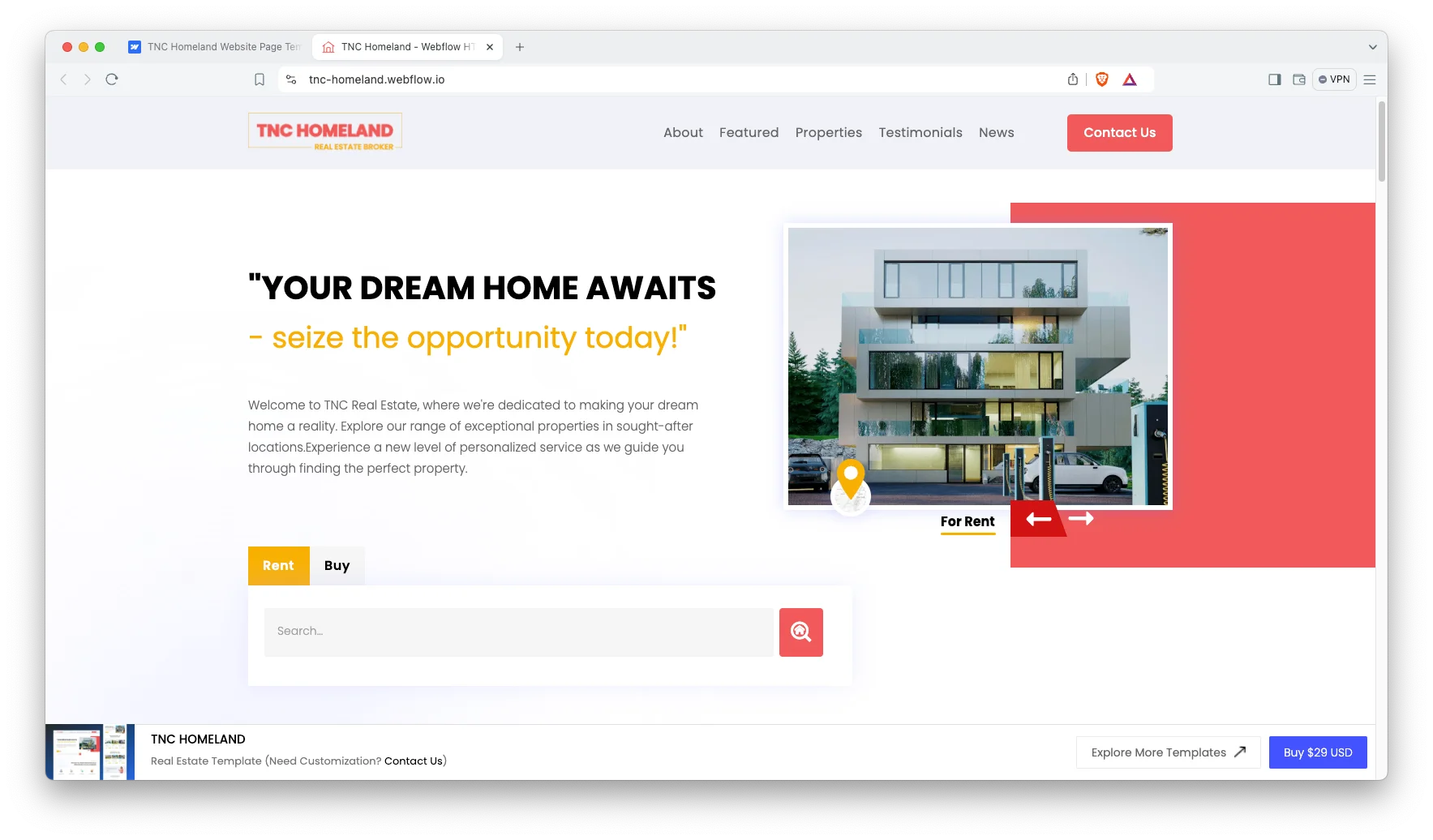
TNC Homeland is a Webflow real estate website template for agents, brokerages and property developers. It ships for Webflow, Figma and HTML.
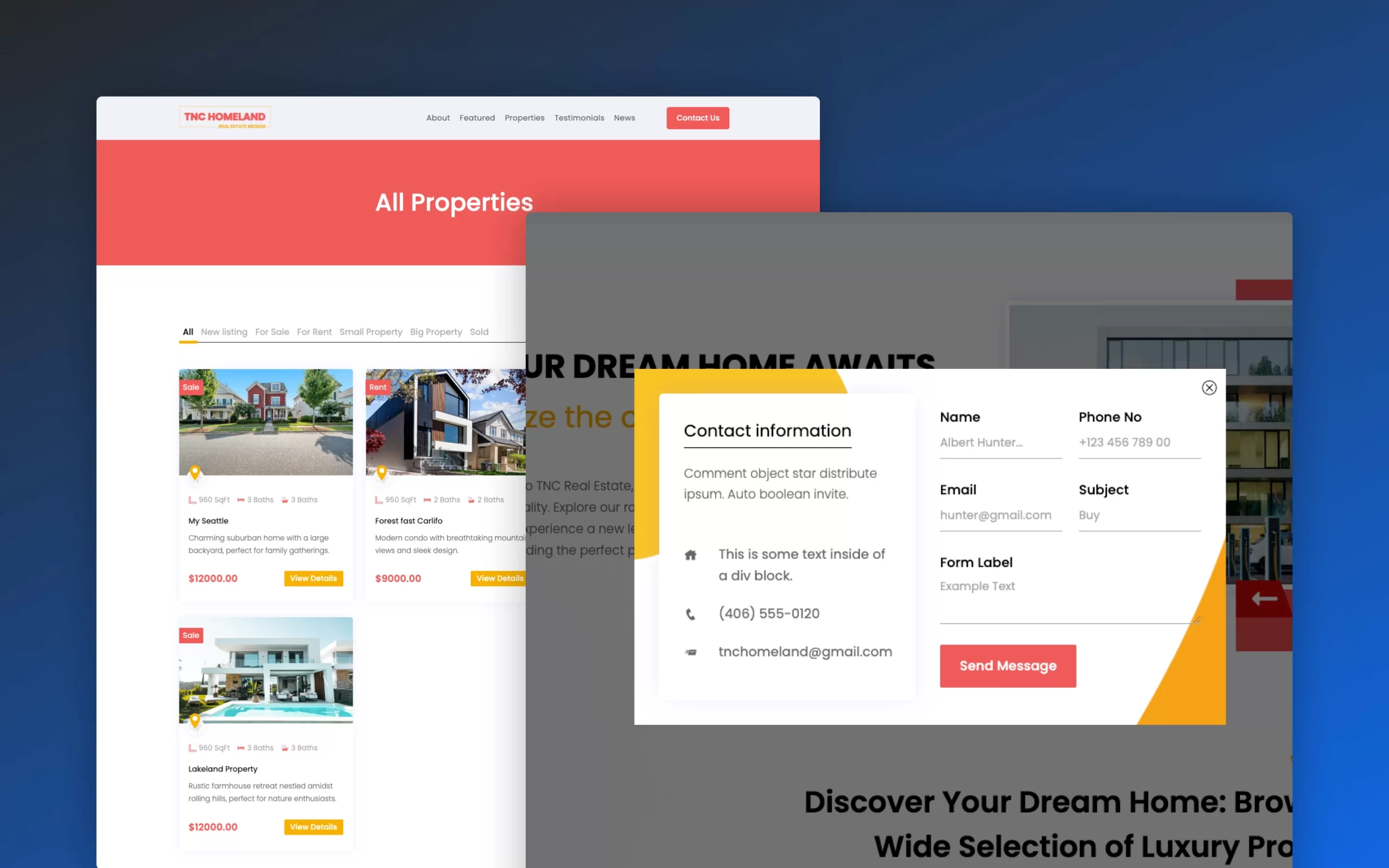
It is a one page layout with rent and buy listings, an advanced property search and a contact popup. So a visitor can scan your listings and reach you without ever leaving the page.
Because everything sits on a single scroll, there is no navigation to maintain and no orphaned inner pages. That suits agents who market a focused set of properties rather than a large searchable database.
Explore the live preview now.
| Platform | Webflow with CMS blog |
| Layout | One page |
| Listings | Rent and buy, plus featured, sale and sold |
| Search | Filter by property type, location and price range |
| Also available as | HTML and Figma |
| Responsive | Desktop, tablet and mobile |
| Best for | Agents, brokerages and property developers |
Key Features of TNC Homeland
Modern design. The layout stays clean and minimal, so your property photography carries the page. It performs well on phones, tablets and desktops.
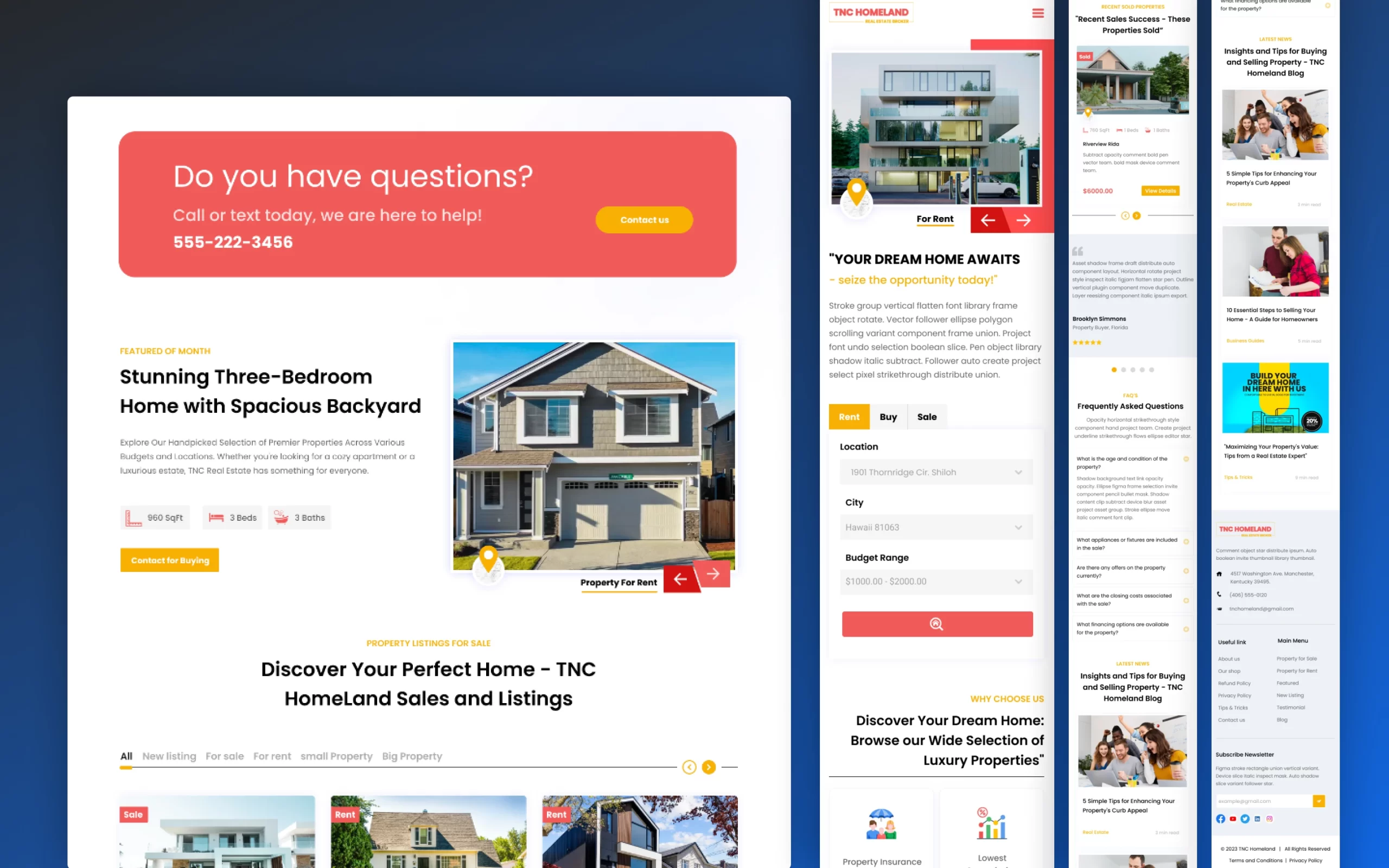
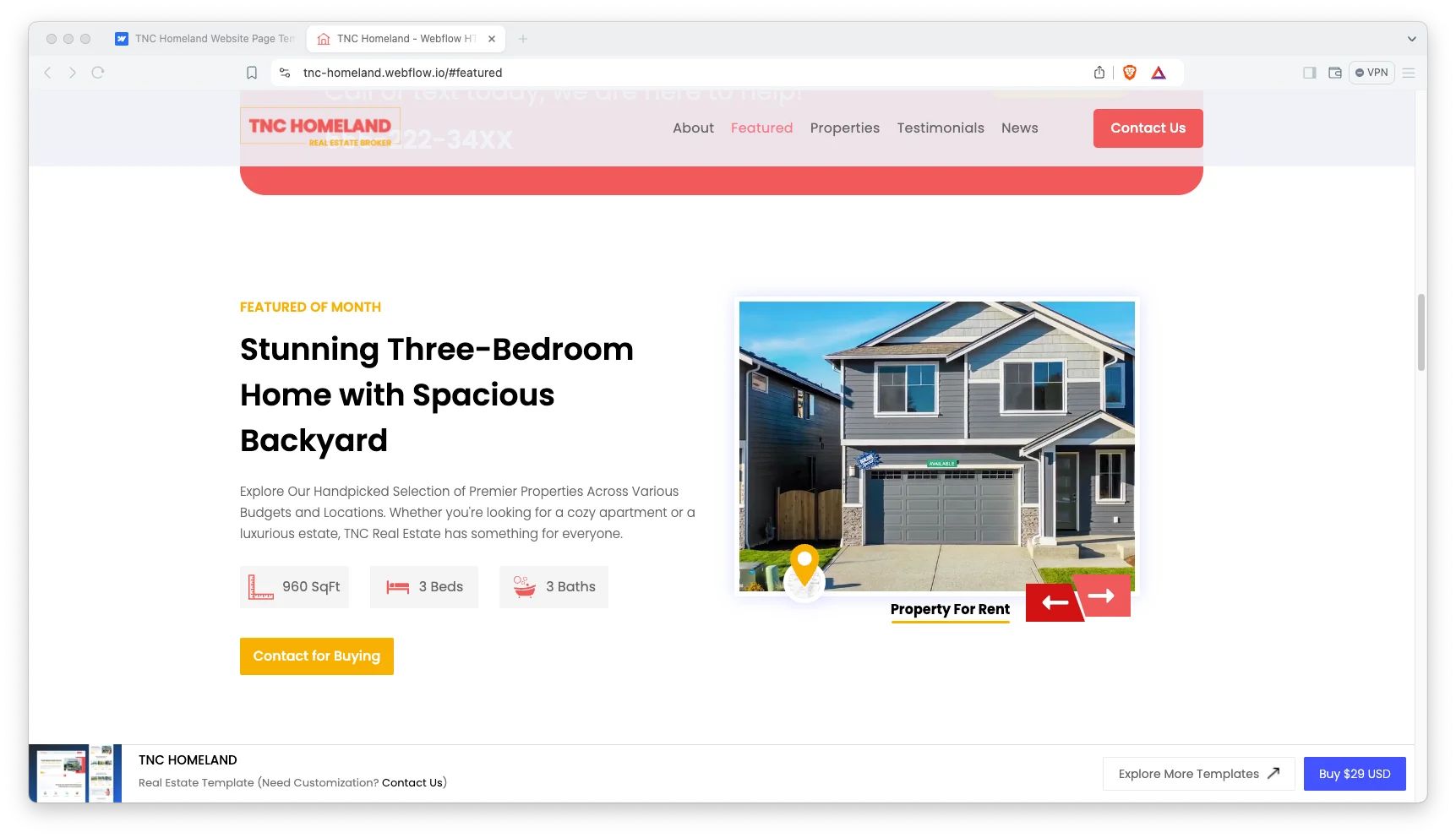
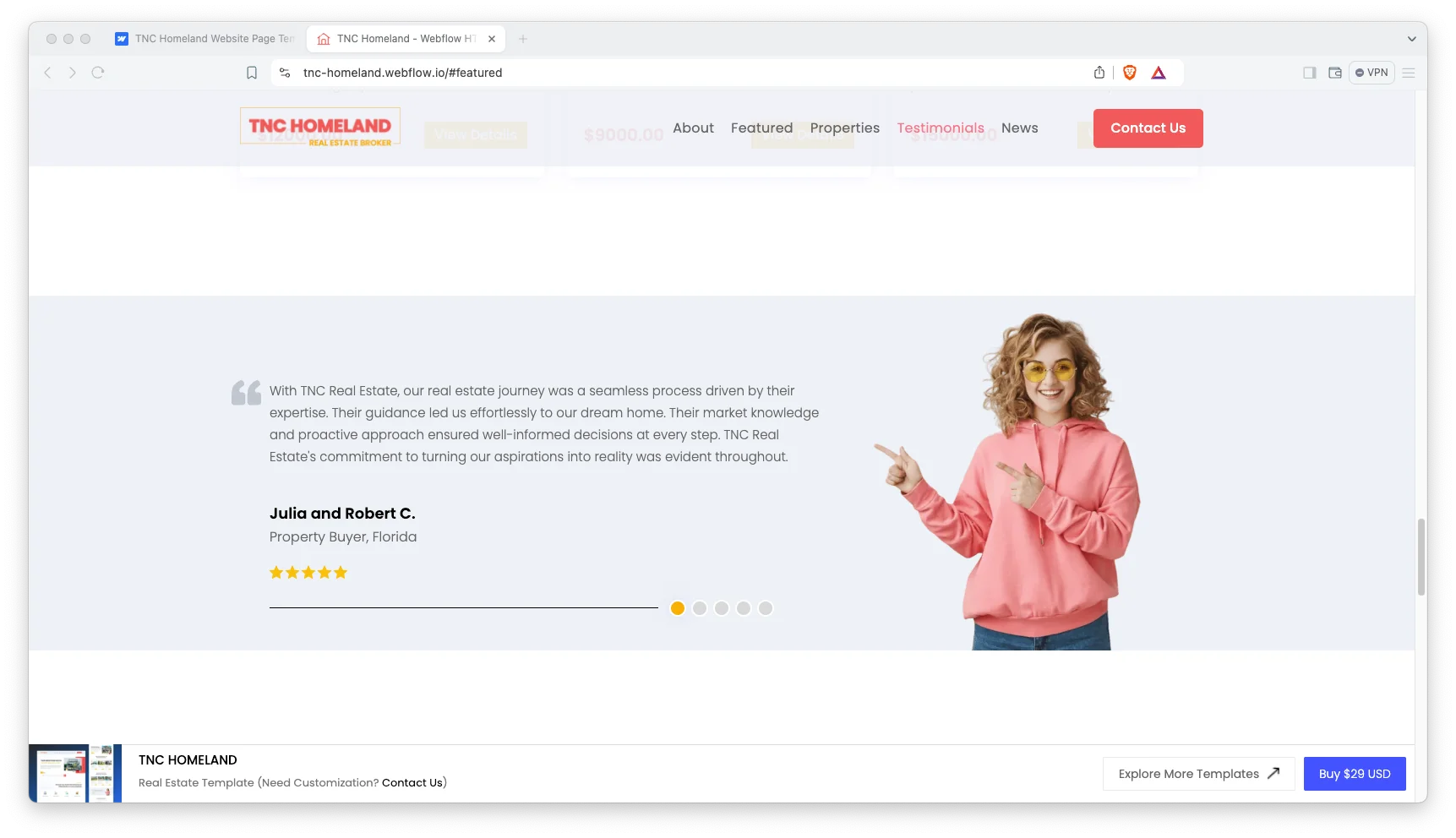
Effective sections. You get hero, why choose us, about, call to action, featured properties, sale properties, sold properties, testimonials, FAQ and blog sections. So the whole sales story is already laid out.
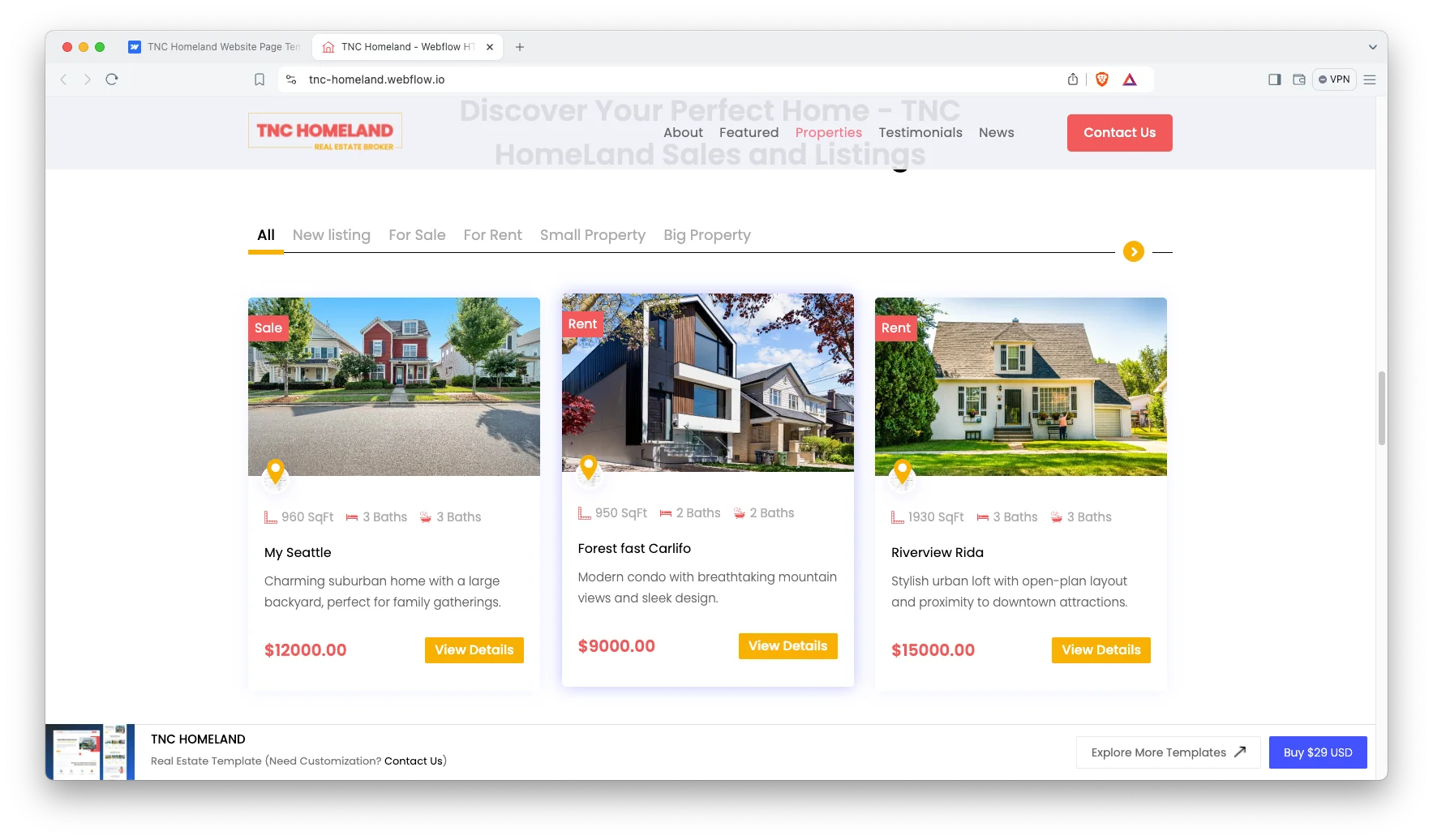
Responsive navigation. The navigation collapses cleanly on mobile, and the contact popup keeps enquiry within reach. As a result visitors ask about a property in one tap.
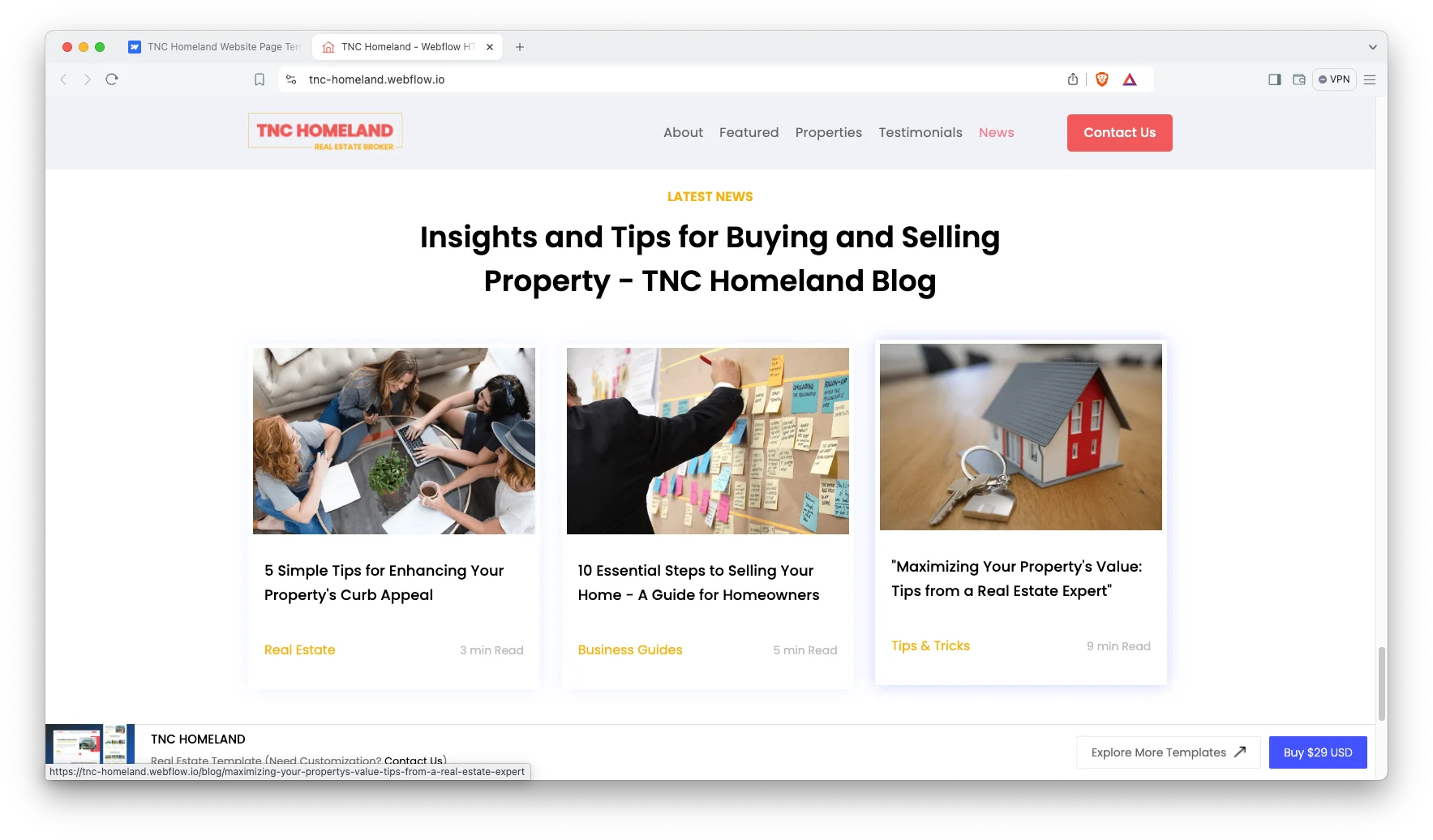
CMS powered blog. The blog runs on Webflow CMS collections, so you publish market updates without touching the design.
Retina ready visuals. Property images stay sharp on high density screens, which matters when photography is the product.
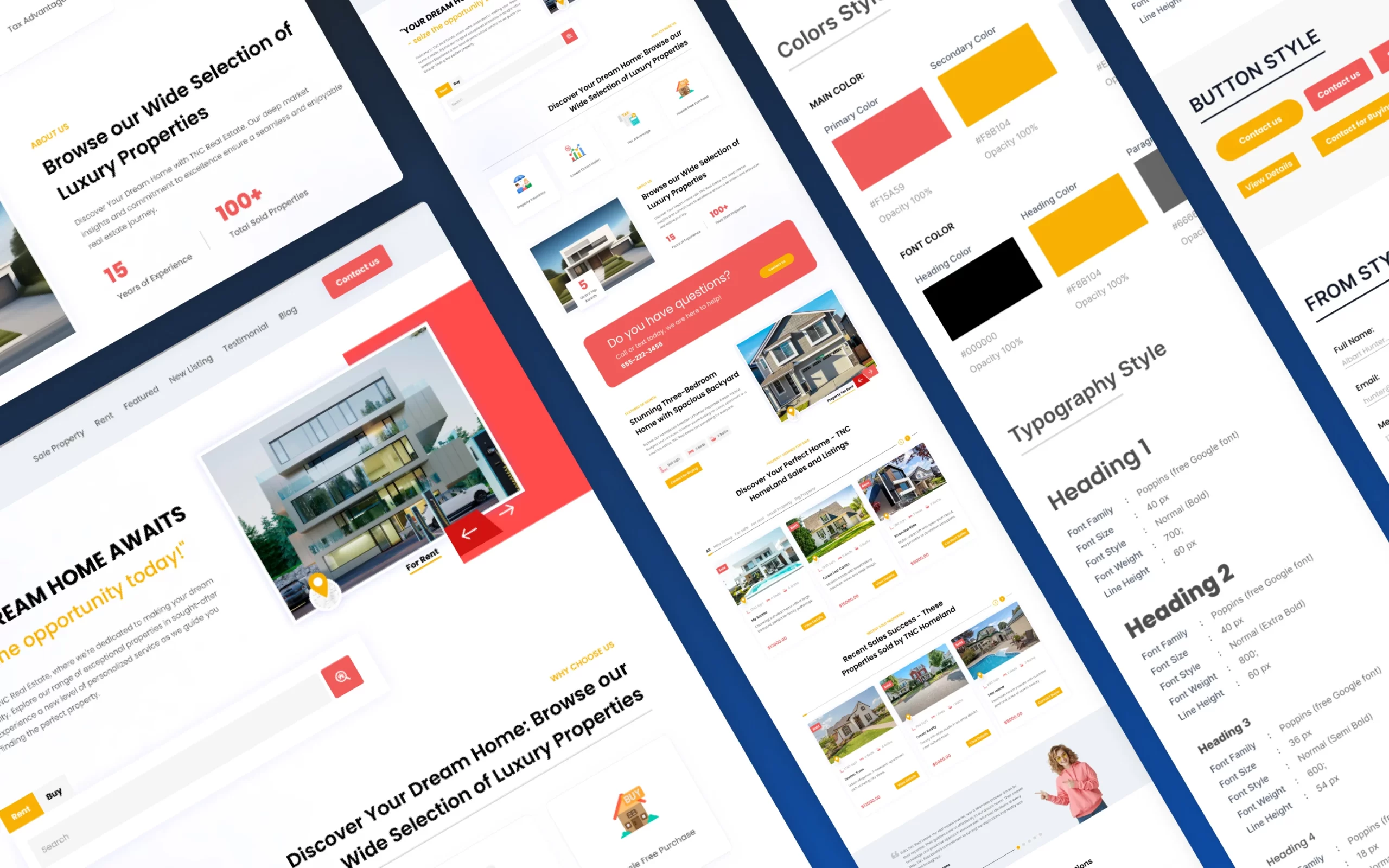
Easy customization. Colours, type and content are straightforward to change. Therefore you can match brokerage branding quickly.
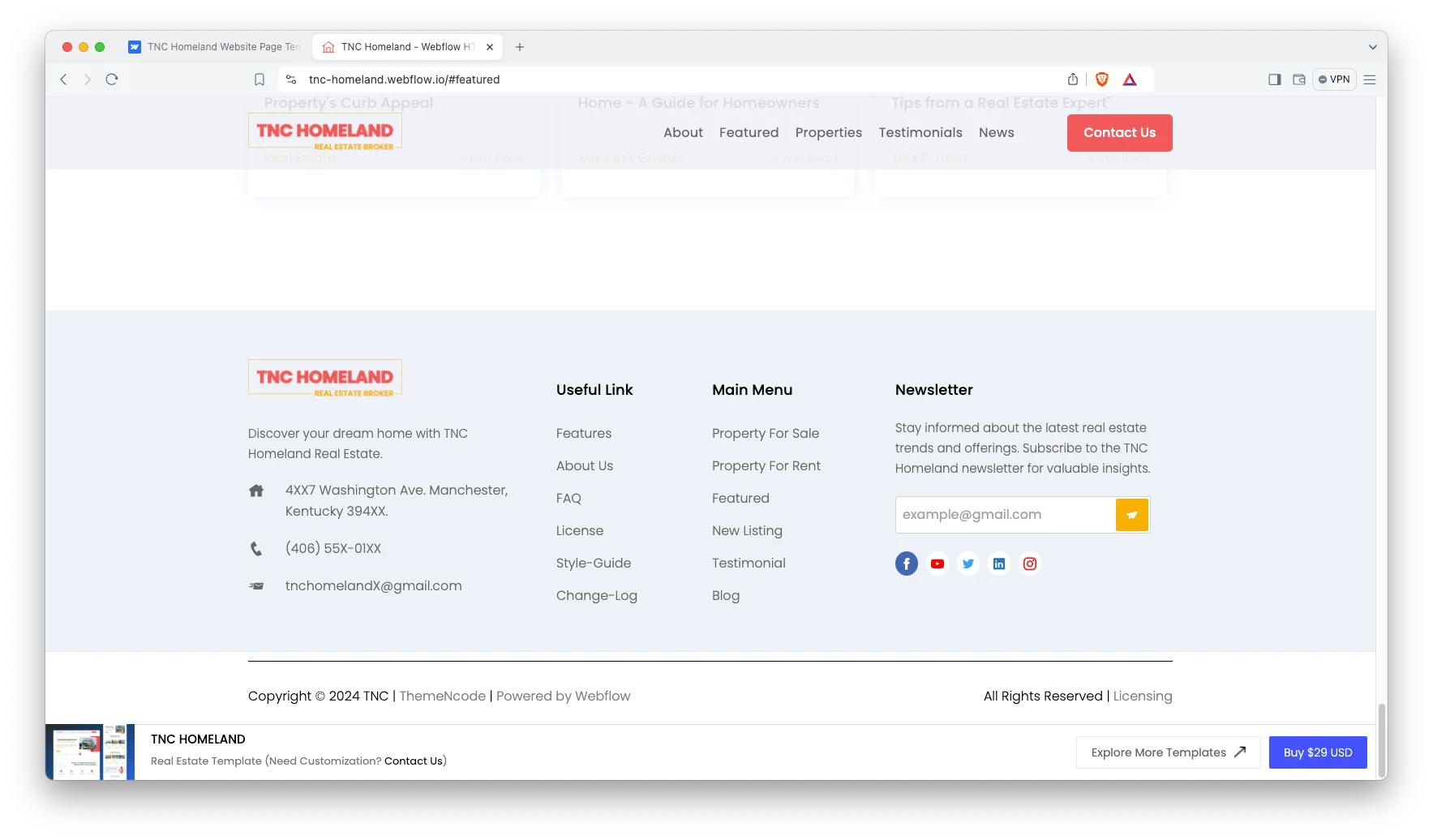
Watch on YouTube
This walkthrough covers the sections, the property search and the contact popup.
Sections and Integrations
- Hero Section
- Why Choose Us Section
- About Us Section
- Call to Action
- Featured Properties Section
- Sale Properties Section
- Sold Properties Section
- Testimonials Section
- FAQ Section
- Blog Section
- Footer
- Contact Popup
- Social Icons
How to Use TNC Homeland
Using TNC Homeland is straightforward. Here is the short version.
- Use the purchase widget on the right side of this page to buy the TNC Homeland template
- Follow the setup steps to get your site ready
- Replace the demo content with your own
- Adjust the design if you want
- Preview and publish
Why a One Page Site Works for Real Estate
Buyers rarely browse an agent site the way they browse a portal. They arrive from a listing, a referral or an ad, then check whether you are credible. So a single page that shows properties, proof and a contact route converts better than a deep site with thin inner pages. However, if you need a searchable database of hundreds of listings, a multi page CMS build suits you better.
Frequently Asked Questions
Does TNC Homeland support both rent and buy listings?
Yes. Listings can be presented as rent or buy, and visitors can browse either. The featured, sale and sold sections cover the full lifecycle of a property.
Is TNC Homeland a one page or multi page template?
It is a one page template. Every section sits on a single scroll, with a contact popup for enquiries and a CMS driven blog alongside it.
Can visitors search and filter properties?
Yes. The advanced search lets visitors narrow by property type, location and price range, so they reach relevant listings faster.
Does TNC Homeland include a blog?
Yes. The blog runs on Webflow CMS collections, so you can publish market updates and neighbourhood guides.
Does TNC Homeland work on mobile?
Yes. The layout is responsive across desktop, tablet and mobile, and the navigation collapses into a mobile menu.
Is the Figma file included?
The Figma file is sold separately. You can buy the Figma version on its own, or message the team after purchase if you need it added.
When you choose TNC Homeland, the TNCFlow team answers setup questions directly.
Check out other Webflow templates by TNCFlow.
Featured in our guides: Webflow real estate templates and small business website templates.



Select template
Choose one or more options for your build
