

PRO

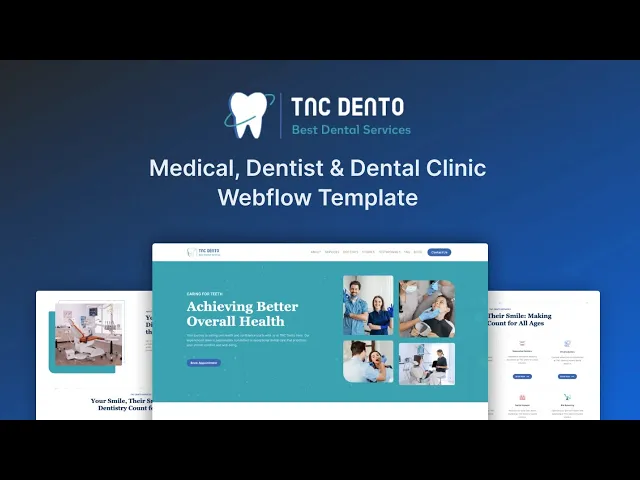
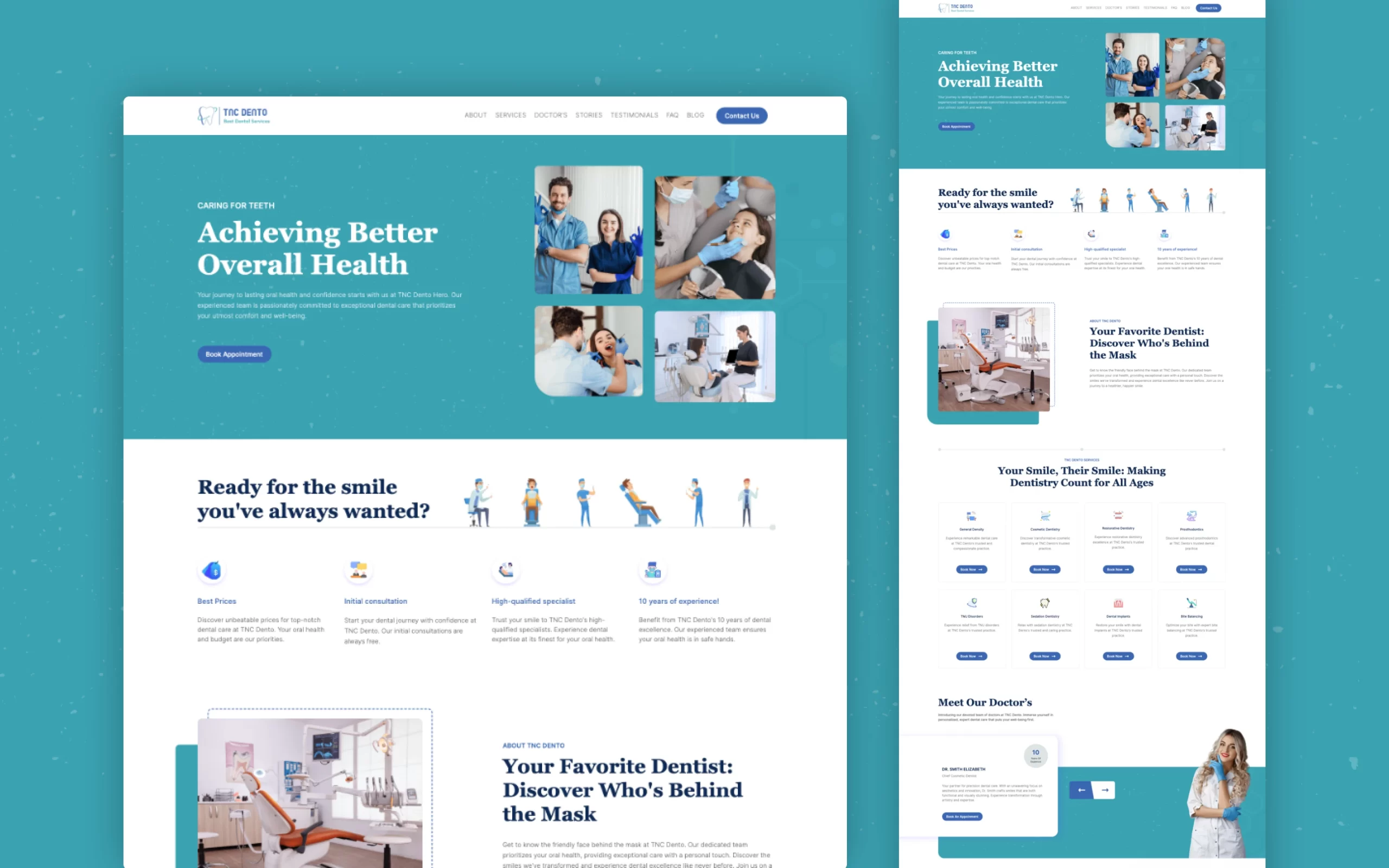



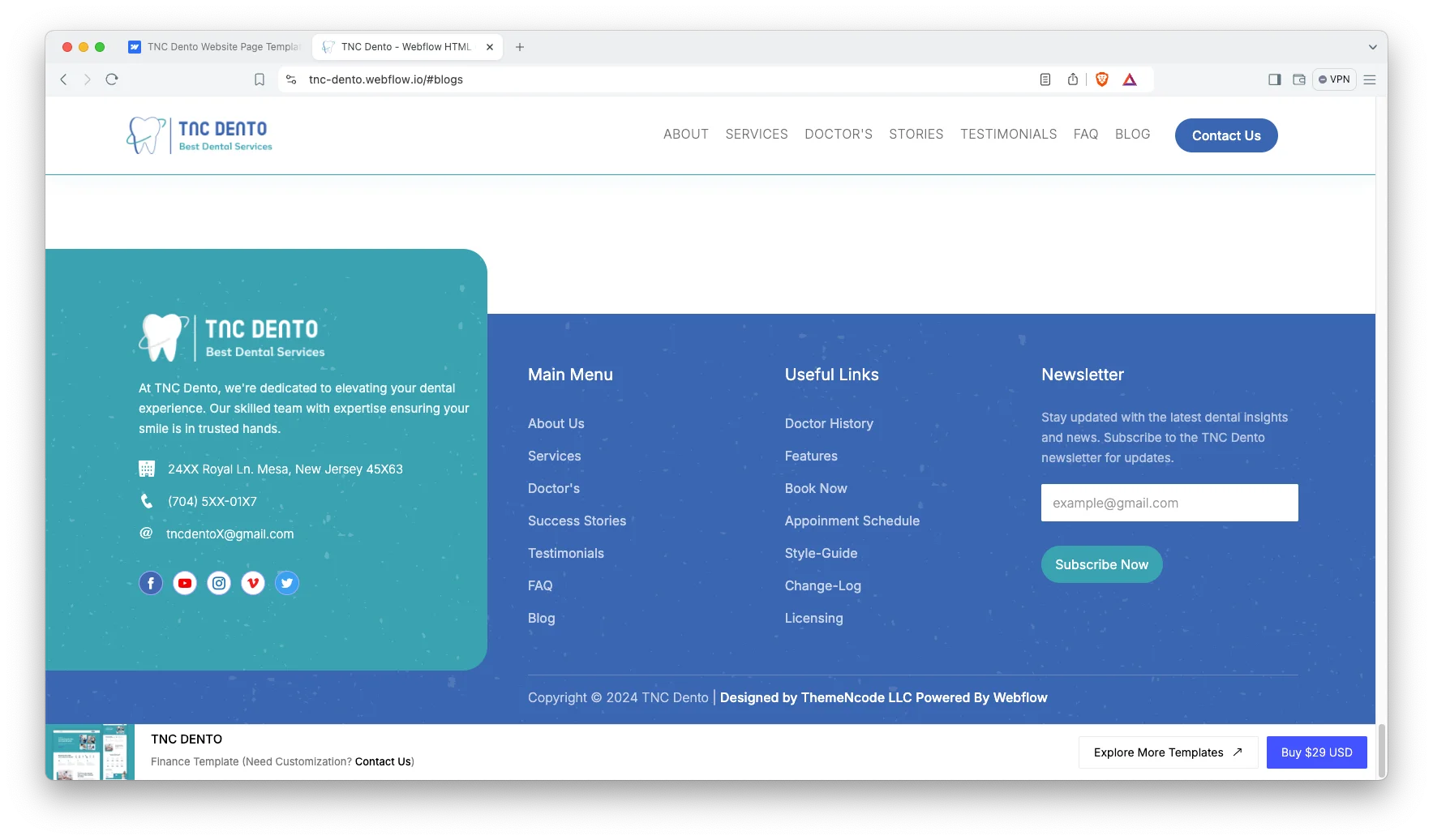
TNC Dento is a dental clinic website template for dentists, orthodontists and family dental practices. It ships for Webflow, Figma and HTML.
The design is a single scrolling page. So a visitor moves from the hero through services, practitioner profiles, success stories, testimonials and the FAQ without ever leaving the screen. Because the navigation uses anchor links, nothing reloads.
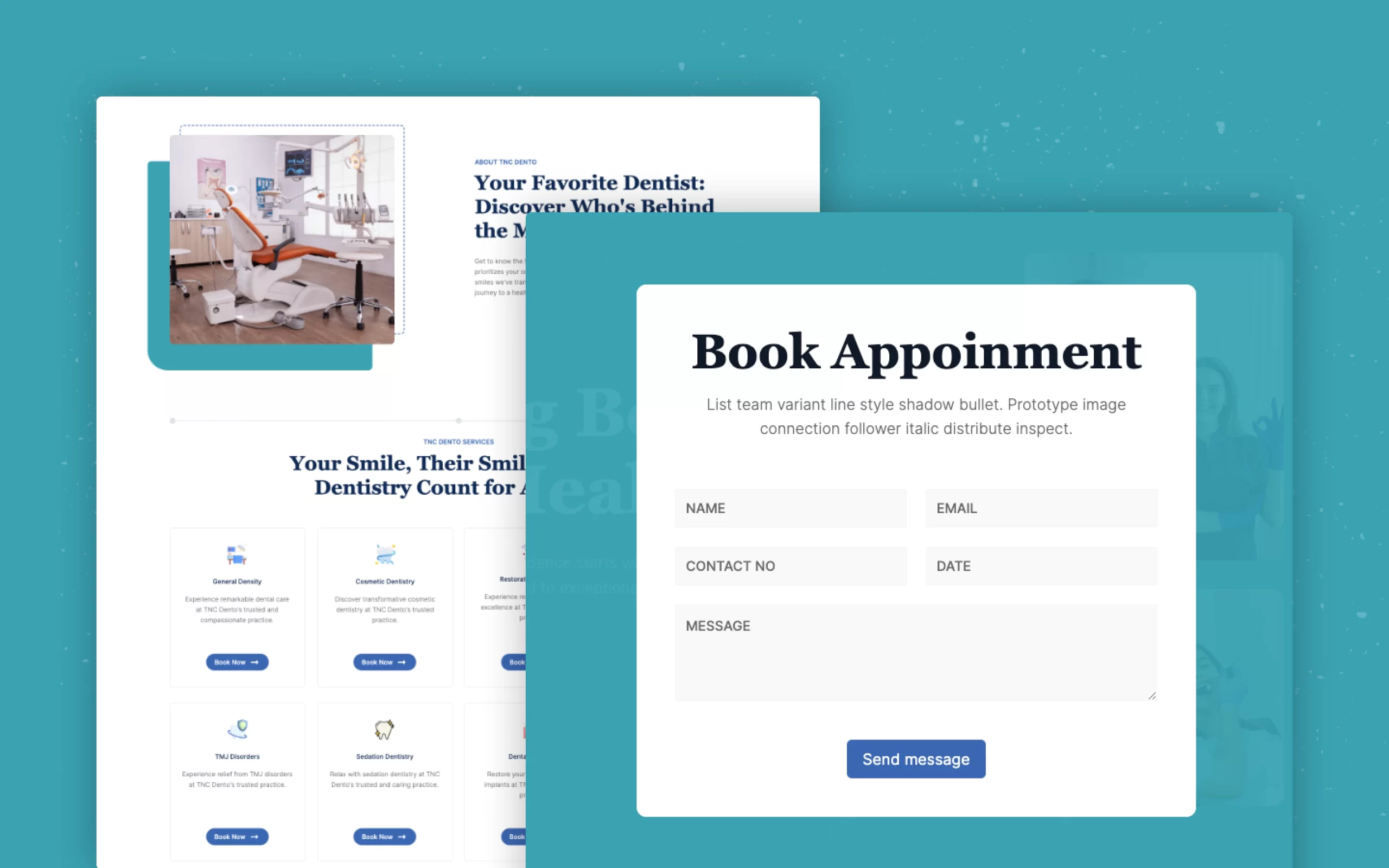
Every section has one job. The hero introduces the practice. Then the services grid explains treatments. After that, the doctor profiles and testimonials build confidence. Finally, the newsletter form and the contact prompt collect the enquiry.
A blog sits behind the one page layout. Because it runs on Webflow CMS collections, you also get article, author and category templates that generate themselves as you publish.
Explore the live preview now.
TNC Dento at a Glance
| Formats | Webflow, Figma and HTML |
| Best for | Dental clinics, dentists, orthodontists and family dental practices |
| CMS | Yes, with blog article, author and category collection templates |
| Layout | One page with anchor navigation, plus blog and utility pages |
| Responsive | Yes, on desktop, tablet and mobile |
| Support | Direct help from the TNCFlow team |
Key Features of TNC Dento
Modern and clean design. The visual style is current without being loud. So the page reads as a professional healthcare brand rather than a marketing brochure.
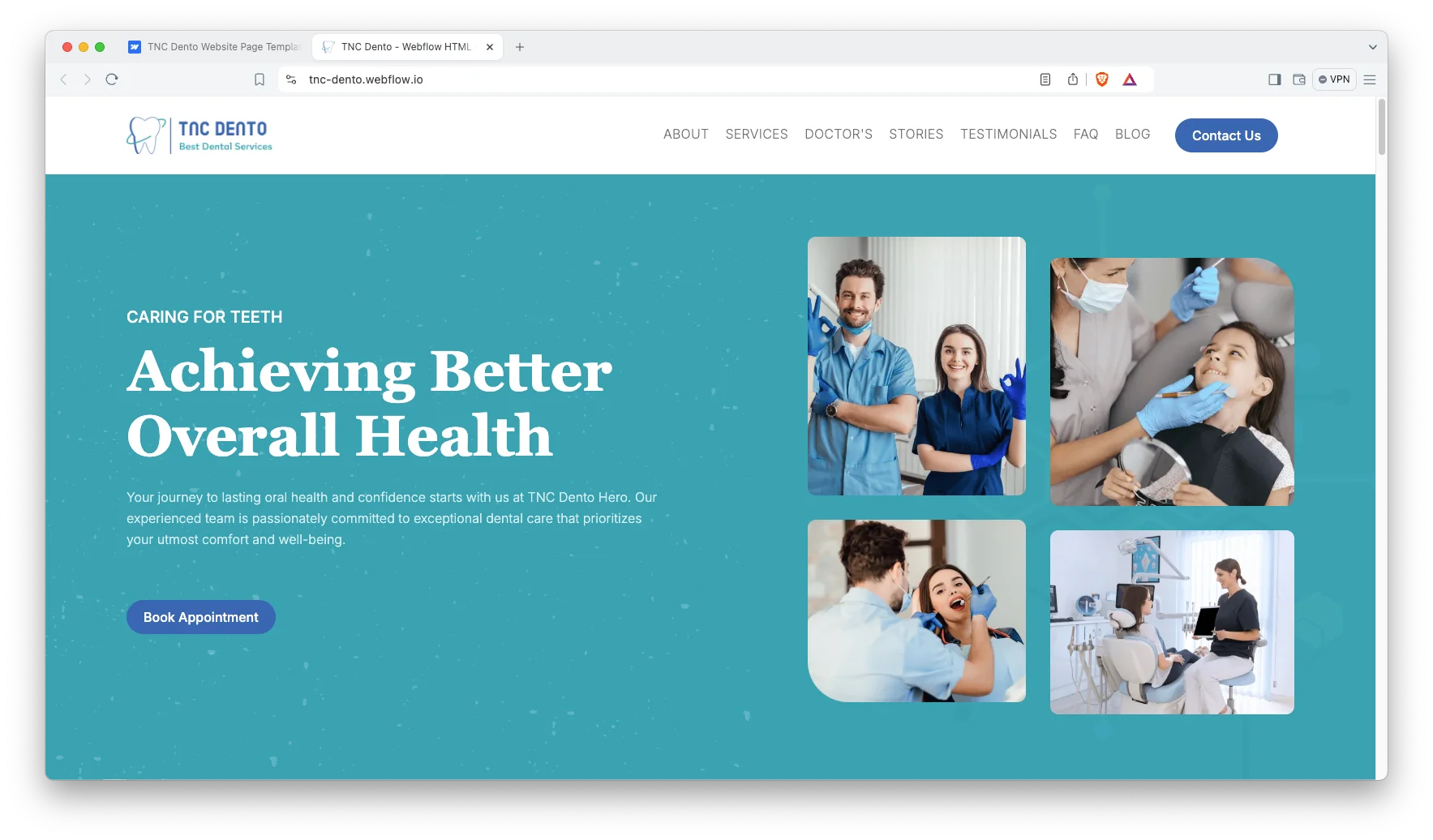
Customizable throughout. Class naming is organized and predictable. That way you can change color, type and spacing across the whole site quickly, instead of editing element by element.
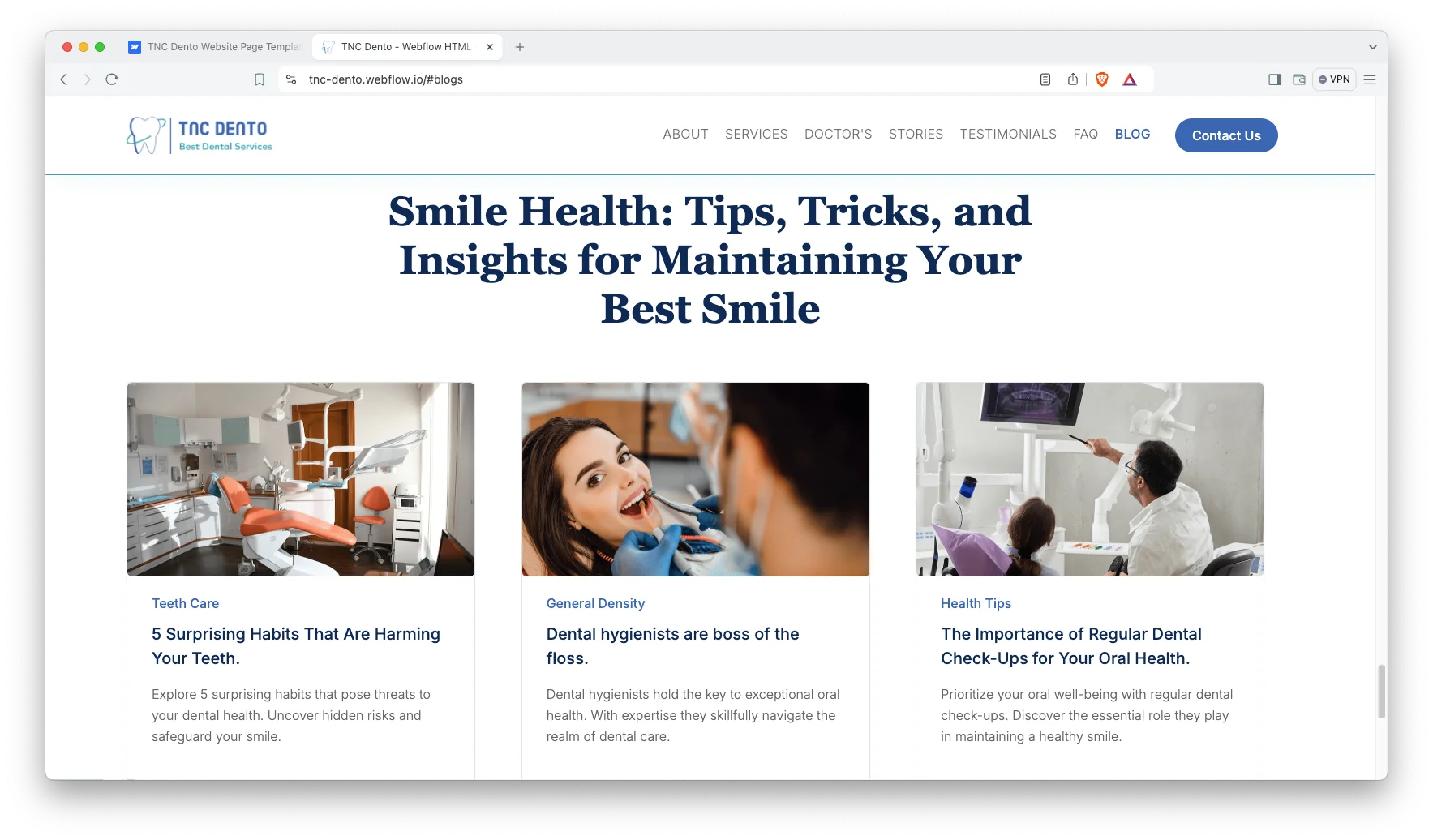
CMS included. The blog runs on Webflow collections. So new articles, author bios and categories publish themselves into the right templates without any design work.
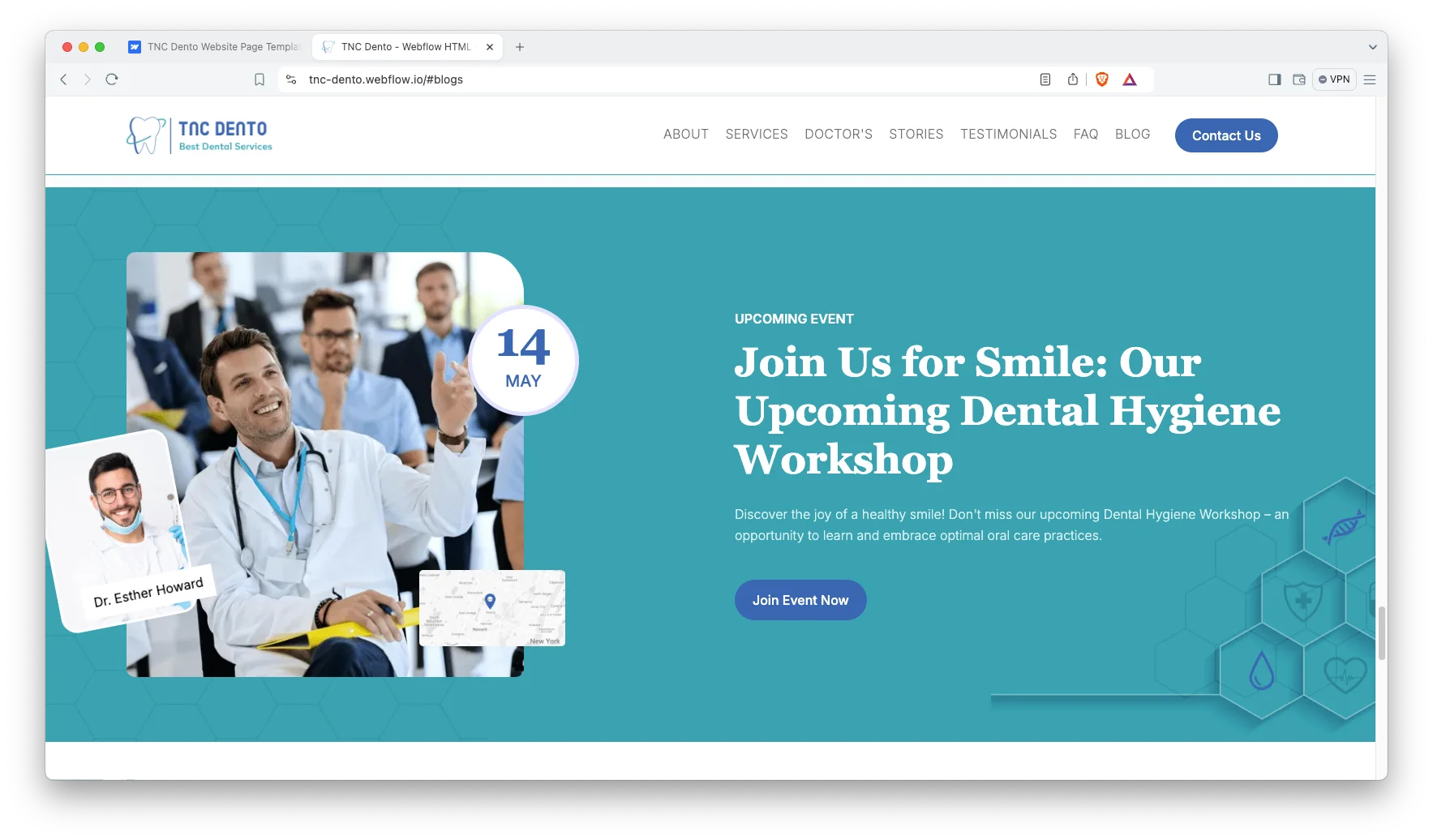
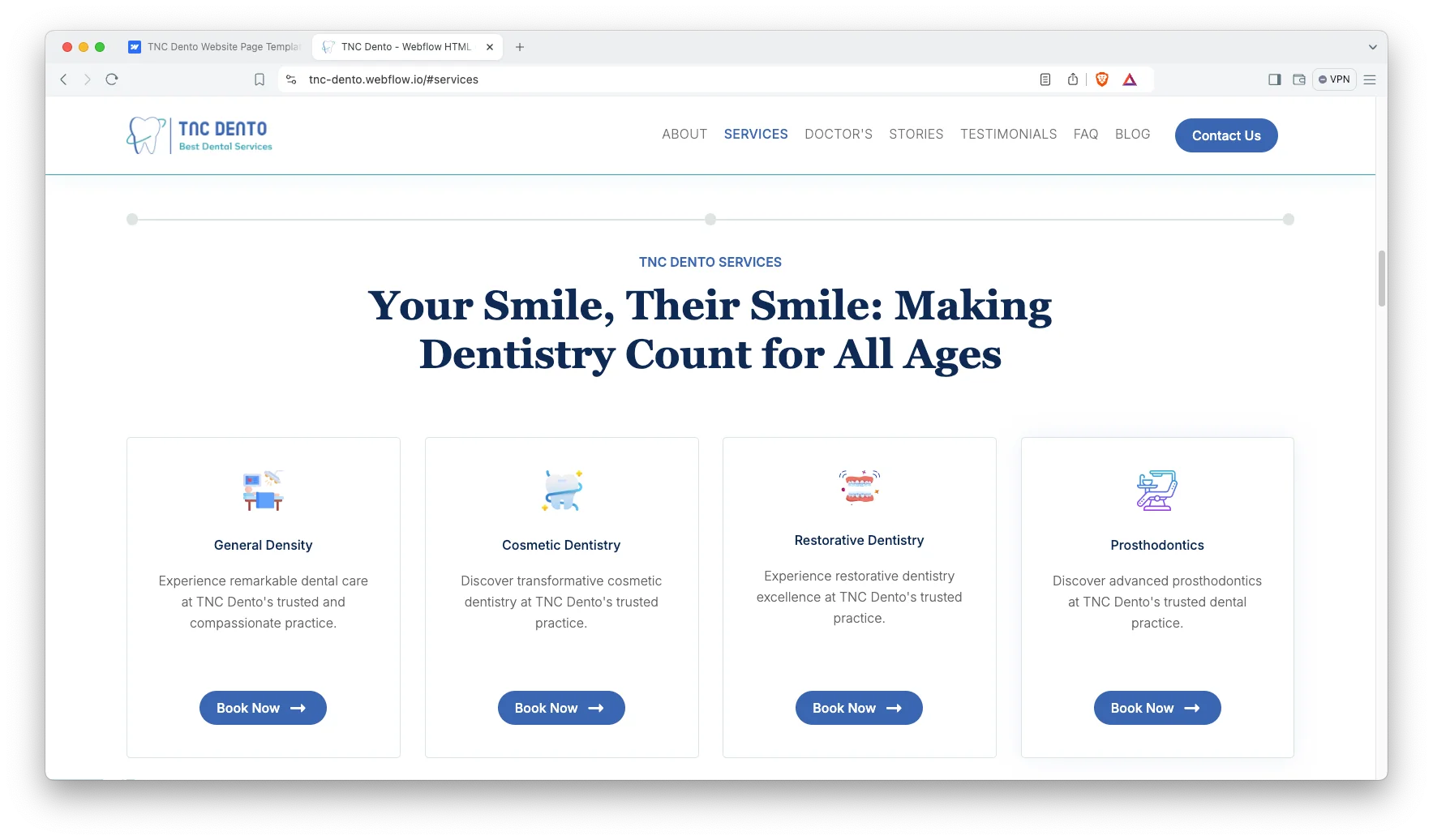
Useful sections. You get a hero, features, services, doctor profiles, a success stories slider, a call to action, testimonials, an FAQ, an events block and social icons. Because they are all built, launch means editing copy rather than building layout.
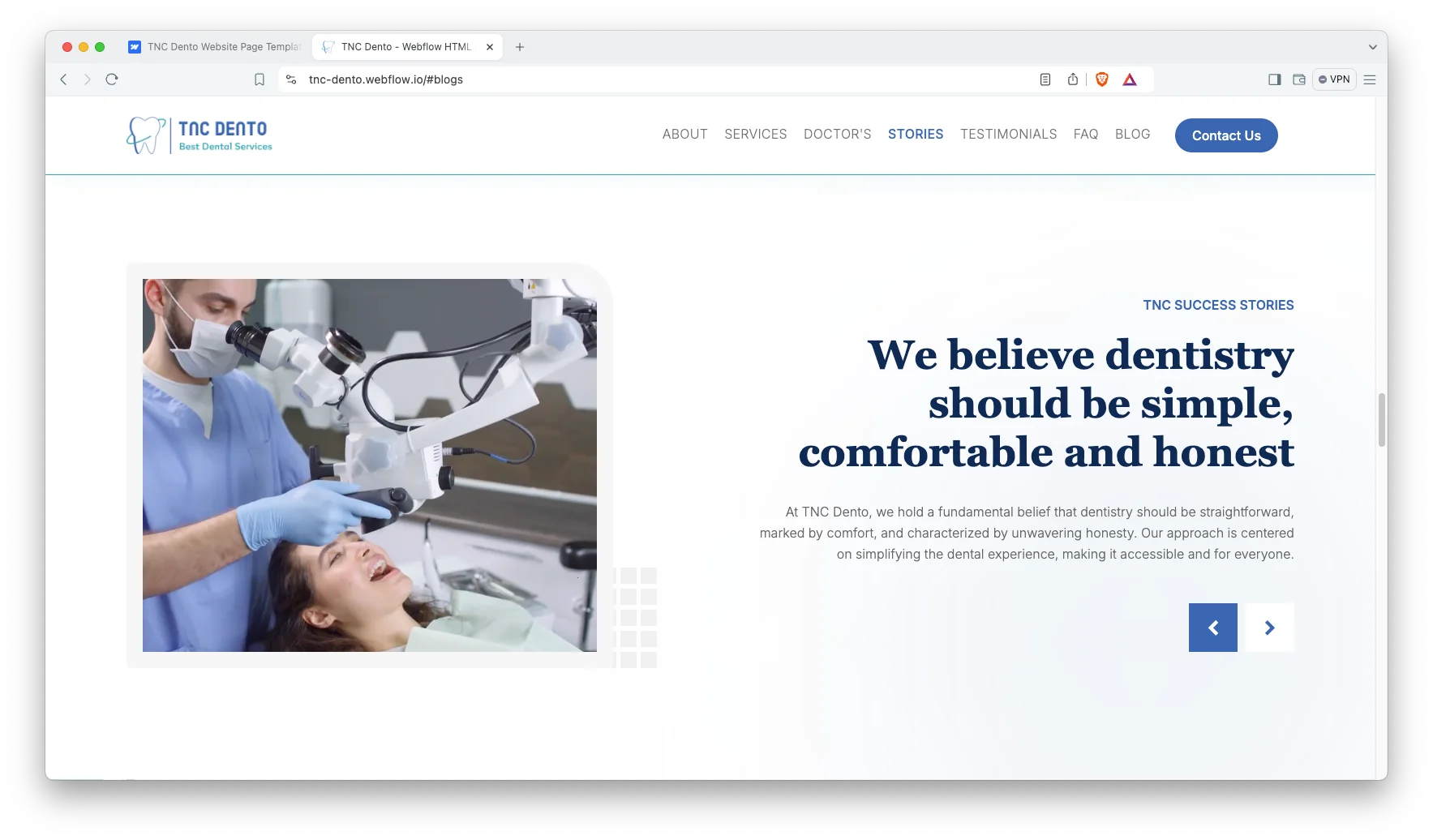
Responsive slider and video. The sliders respond to touch, so they work properly on a phone. Background video is supported if you want to show the clinic itself.
Newsletter form. A subscription form is built in. That way you can grow a patient mailing list for recall reminders and seasonal offers.
Watch on YouTube
Watch the video walkthrough if you want a quick tour. It steps through the sections and the CMS in a few minutes.
Sections Included in TNC Dento
The home page is assembled from these blocks. You can reorder or remove any of them.
- Hero Section
- Features Section
- Services Section
- Doctors Profile Section
- Success Stories Slider
- CTA Section
- Testimonials Section
- FAQ Section
- Event Section
- Blog Section
- Blog Archive Pages
- Social Icons
How to Use TNC Dento
- Use the purchase widget on the right side of this page to buy the TNC Dento template
- Follow the setup steps to get your site ready
- Replace the demo content with your own copy and photos
- Adjust colors and type to match your clinic branding
- Preview the site, then publish
One Page or Multi Page for a Dental Clinic?
This choice matters more than the visual style. So it is worth a minute of thought before you buy.
A one page site like TNC Dento works when the practice offers a focused set of treatments. Because everything sits on a single scroll, a visitor reaches the phone number in seconds. That suits general dentistry, a new clinic or a single practitioner.
However, a multi page site wins when you want each treatment to rank on its own. Implants, whitening and orthodontics are separate searches. If those are your growth targets, you need separate pages, and Dentalist is the better fit from our catalogue.
Also check how patients actually arrive. Most dental traffic comes from a local map listing or a recommendation, so the visitor already knows the practice name. Because of that, the first job of the page is proof and booking, not persuasion.
Then there is the middle path. Start with the one page layout, publish treatment explainers through the blog, and expand later. That way you launch quickly without closing the door on more structure.
TNC Dento Frequently Asked Questions
Is TNC Dento a Webflow template?
Yes. TNC Dento ships as a Webflow template, and it also comes as a Figma file and as a static HTML build. Each format is sold separately, so you buy only the one you need.
Does TNC Dento include a CMS?
Yes. The Webflow version uses CMS collections for the blog. So article pages, author pages and category pages are generated from your content automatically.
Is TNC Dento a one page template?
Yes, the main design is one page with anchor navigation. However, it also includes blog, author, category and utility pages, so the site is not limited to a single URL.
How is TNC Dento different from Dentalist?
Both are dental templates from TNCFlow, and they suit the same buyer. TNC Dento is a one page design for a fast launch, while Dentalist is a multi page design with separate treatment pages.
Do I get the Figma file when I buy the Webflow template?
No. The Figma file is a separate product with its own price. If you want the design source as well, buy the Figma version alongside the Webflow one.
Does TNC Dento work on mobile?
Yes. Every section is built for desktop, tablet and mobile. Because most dental searches happen on a phone, the mobile layout matters most.
If you get stuck, the TNCFlow support team can help. Send a message and we will answer quickly.
Check out other Webflow templates by TNCFlow.
Featured in our guides: medical website templates and dental website templates.




Select template
Choose one or more options for your build
