

PRO



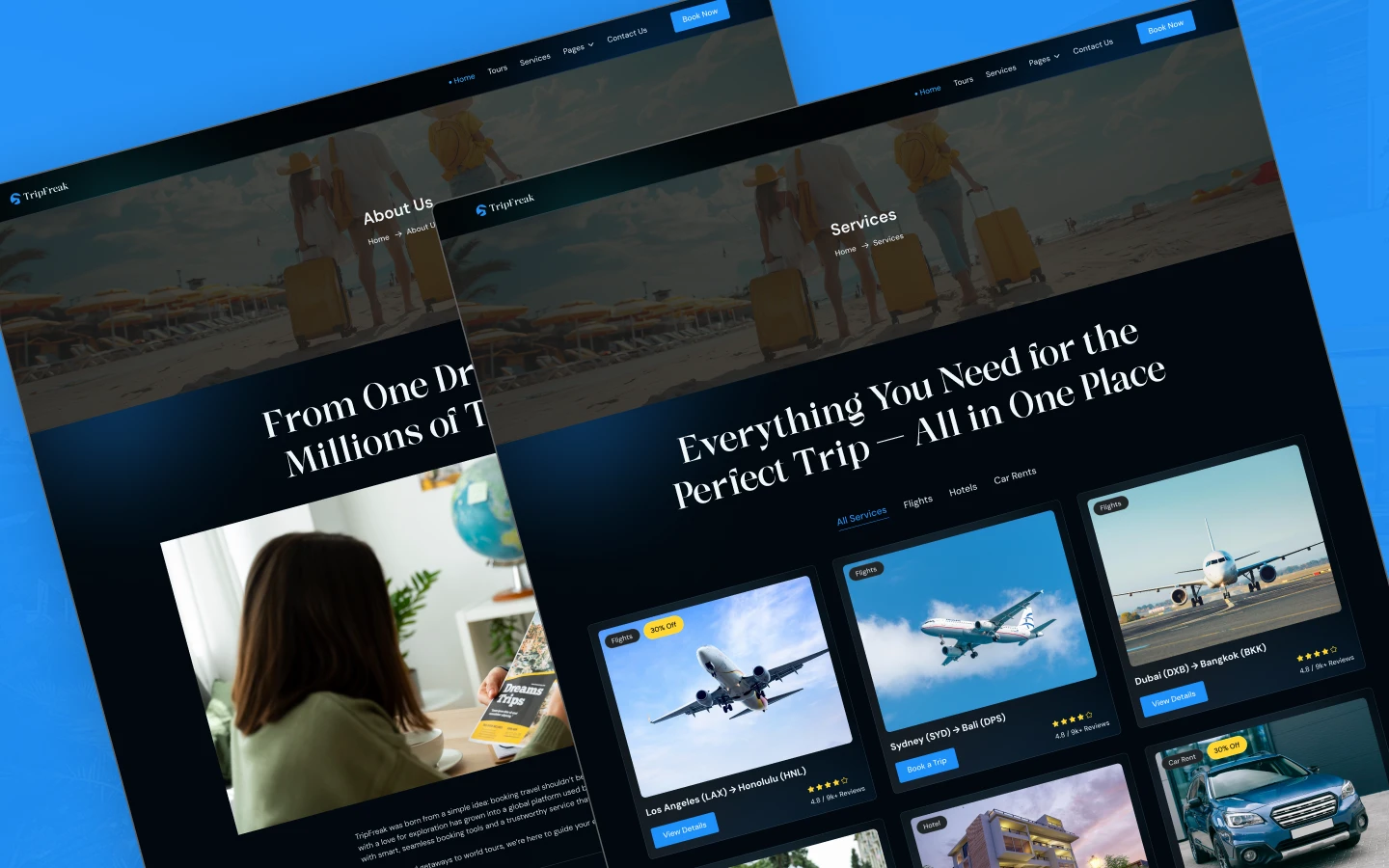
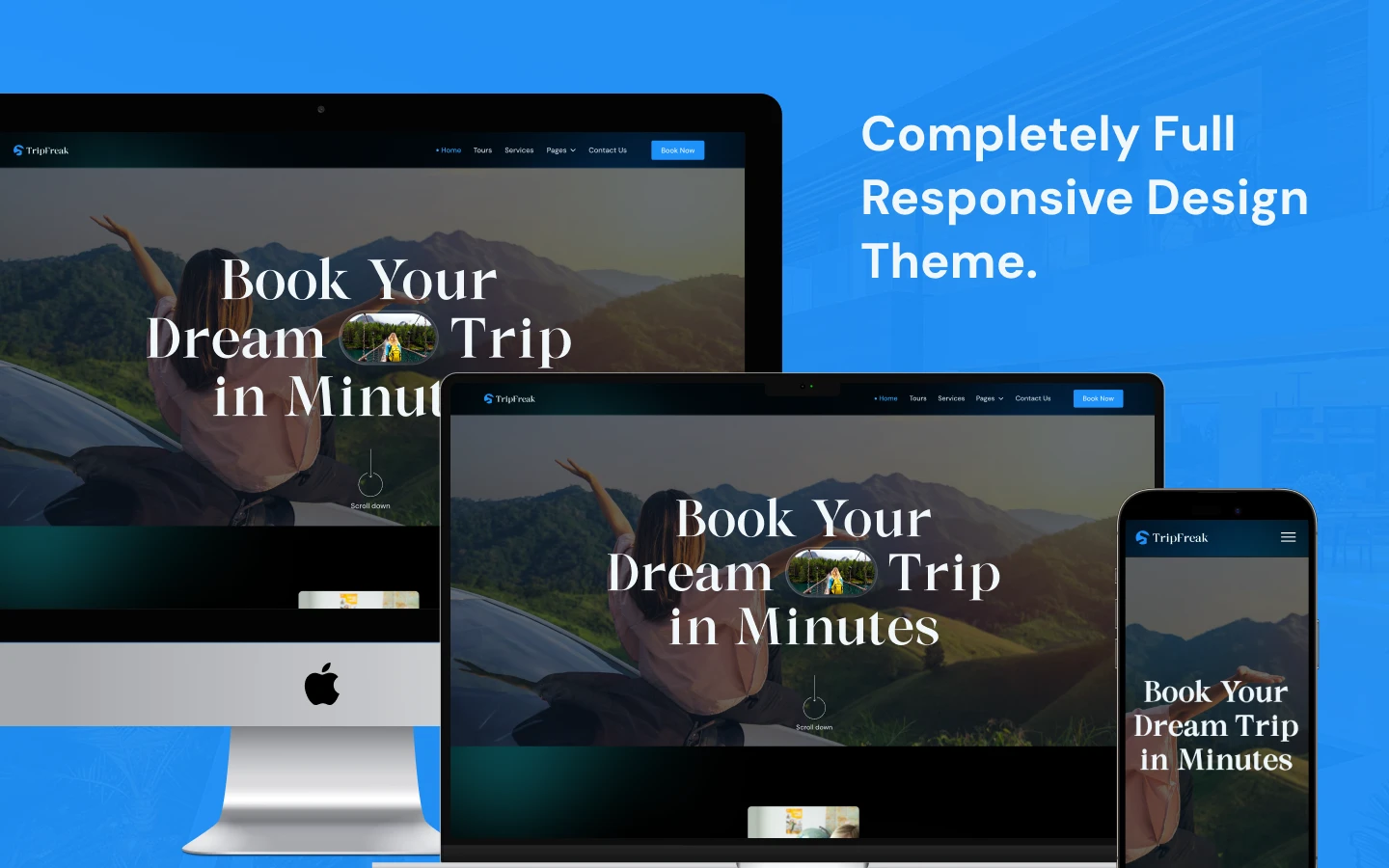
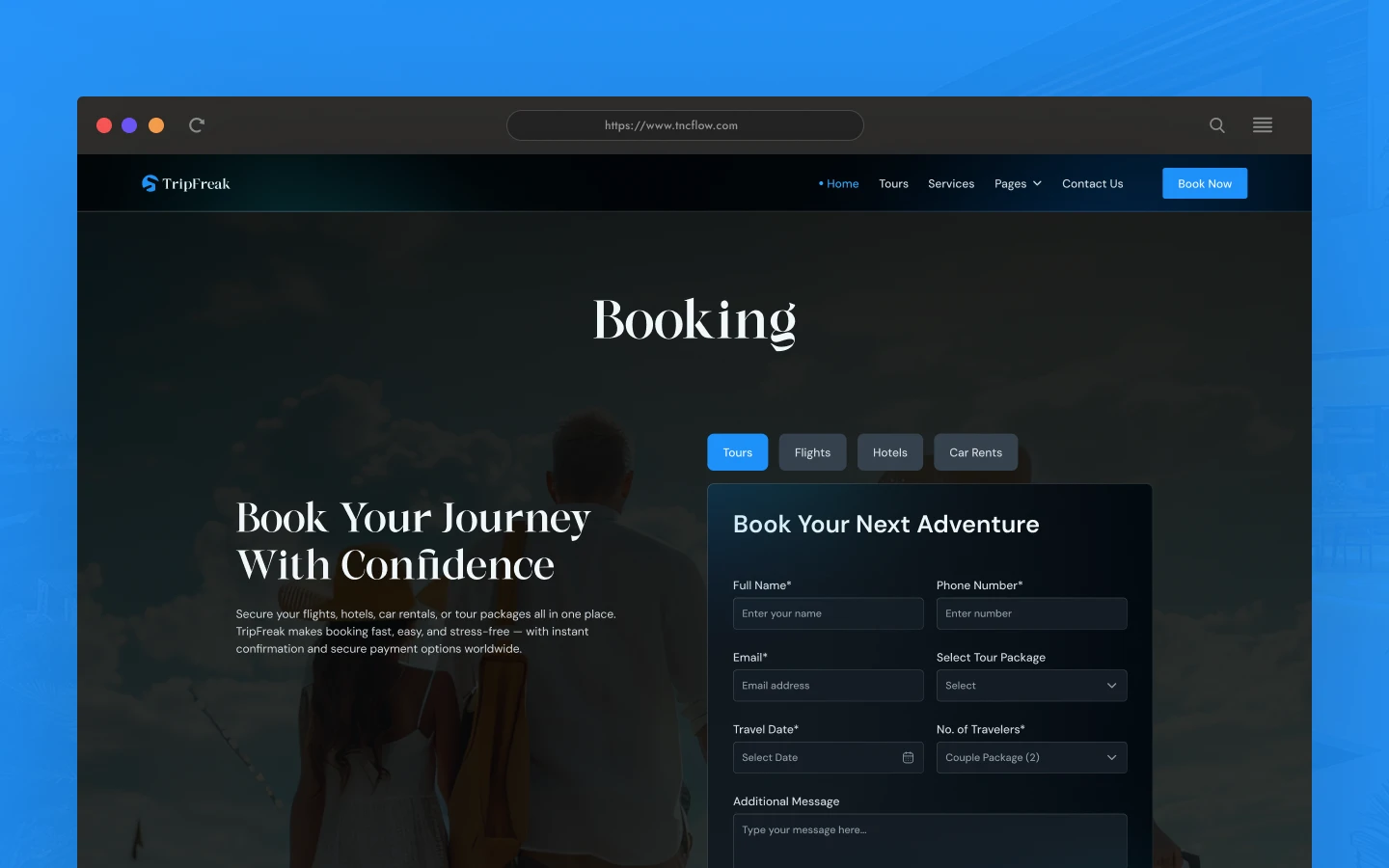
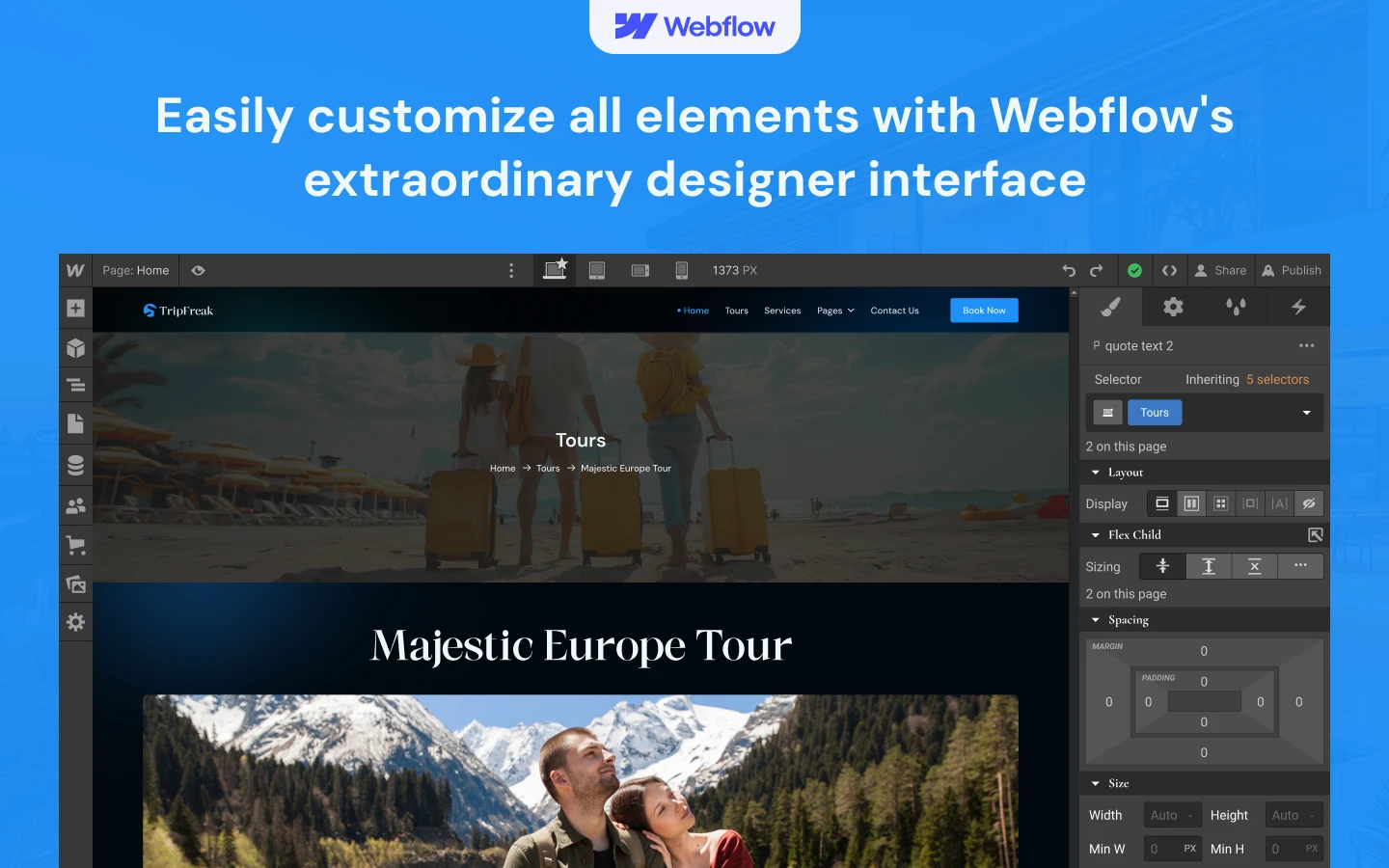
TripFreak is a travel website template for travel agencies, tour operators and online booking platforms. It ships for Webflow, Figma and HTML.
Travel buyers compare before they commit. So TripFreak gives every tour its own page, with photography, detail and a booking route. Then the category pages let people browse by continent instead of scrolling one long list.
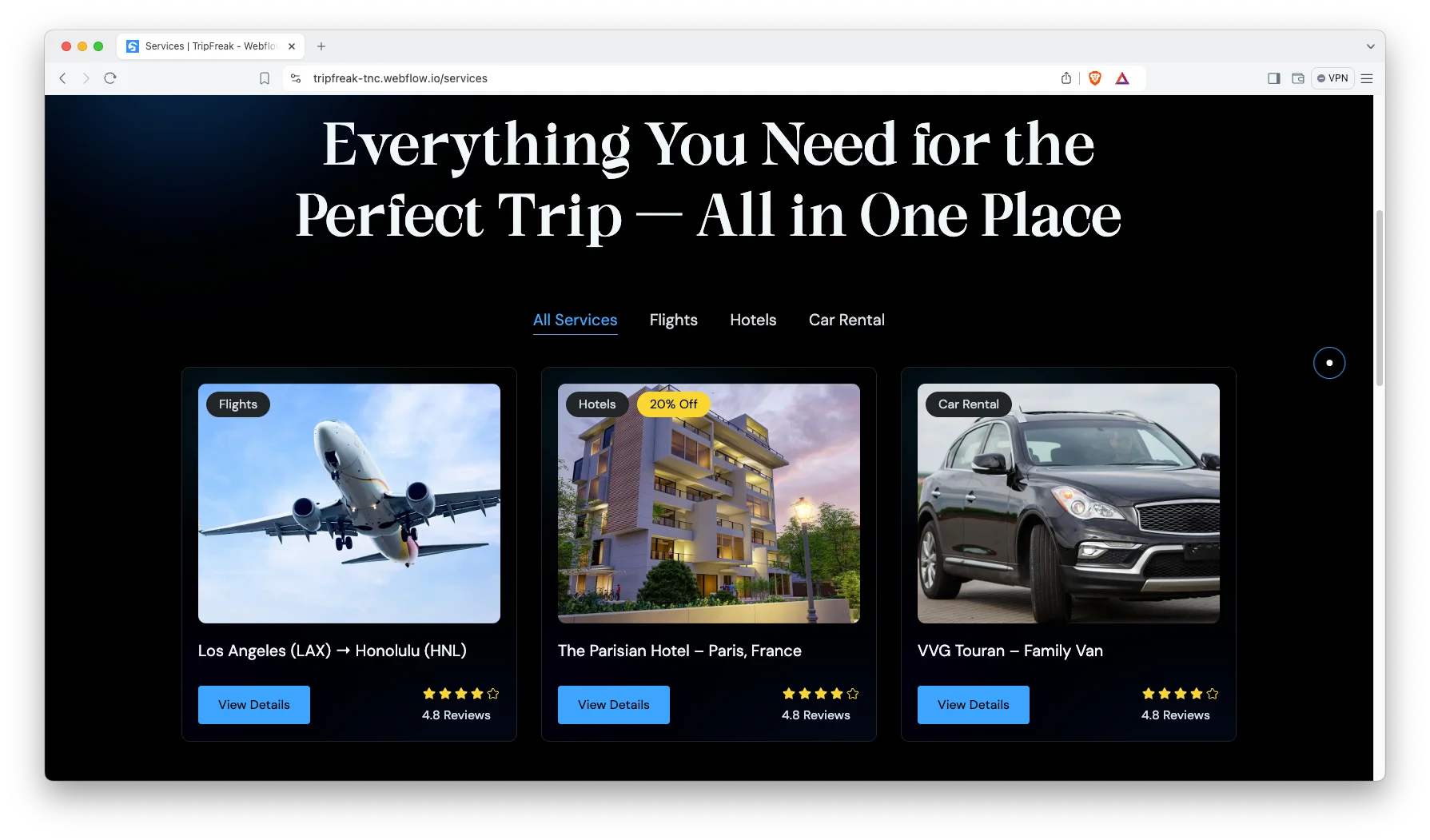
Services work the same way. Flights, hotels and car rental each get a category, and each service sits under one. Because it all runs on the CMS, adding a new destination is a form, not a redesign.
Each section has one job. The hero states where you operate. The tours page inspires. The service categories answer the practical question. Finally the booking page takes the enquiry.
Explore the live preview now!
TripFreak at a Glance
| Formats | Webflow, Figma, HTML |
| Best for | Travel agencies, tour operators, online booking platforms, tour guides |
| CMS | Tours, tour categories, services, service categories and blog posts |
| Pages | 12 designed pages plus 6 CMS templates |
| Service categories | Flights, hotels and car rental |
| Responsive | Desktop, tablet and mobile |
| Support | Included with every TNCFlow purchase |
Key Features of TripFreak
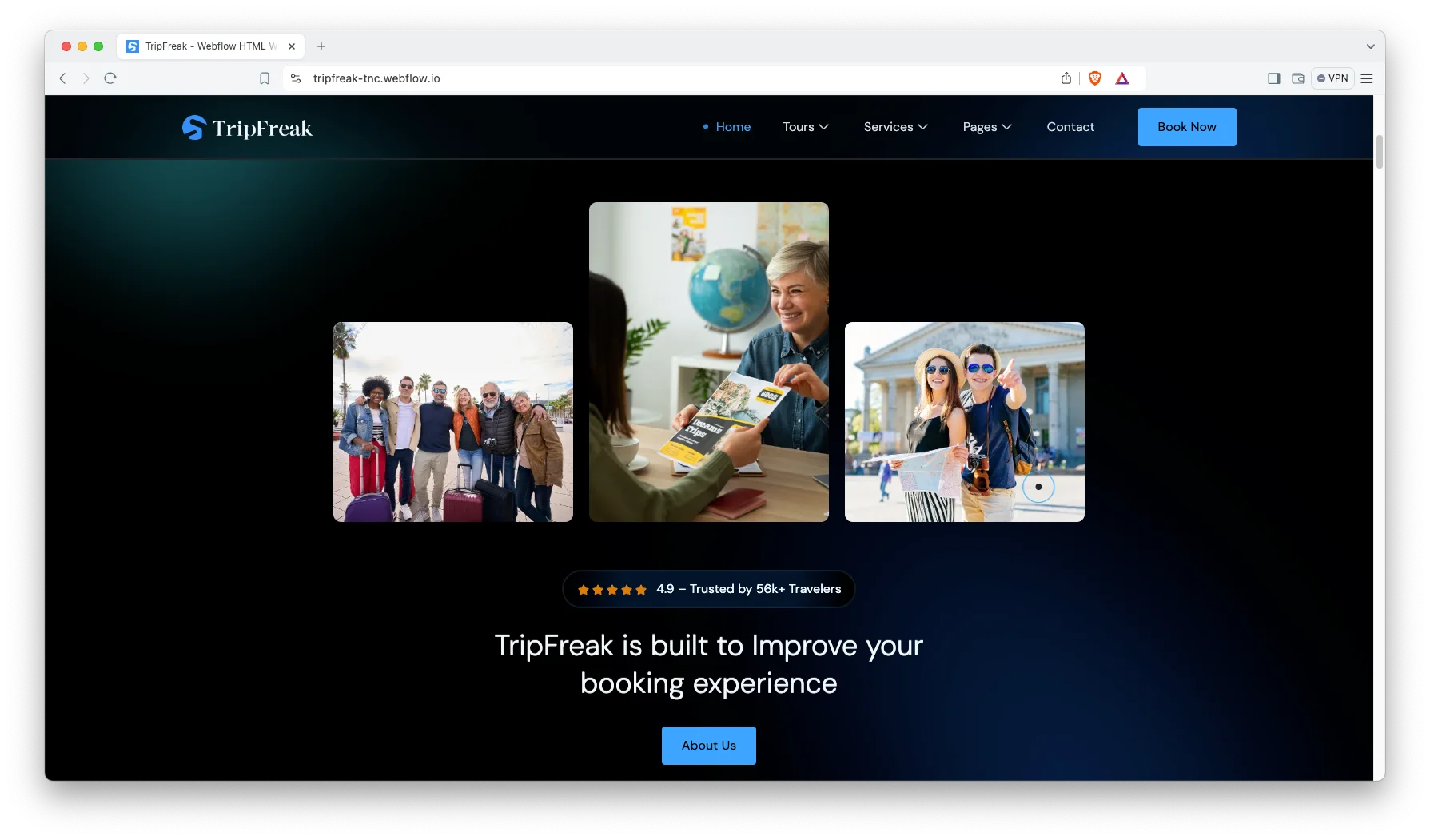
Full Featured Travel Layout. Every section is written for a travel business. So tours, services, guides and bookings all have a place to live.
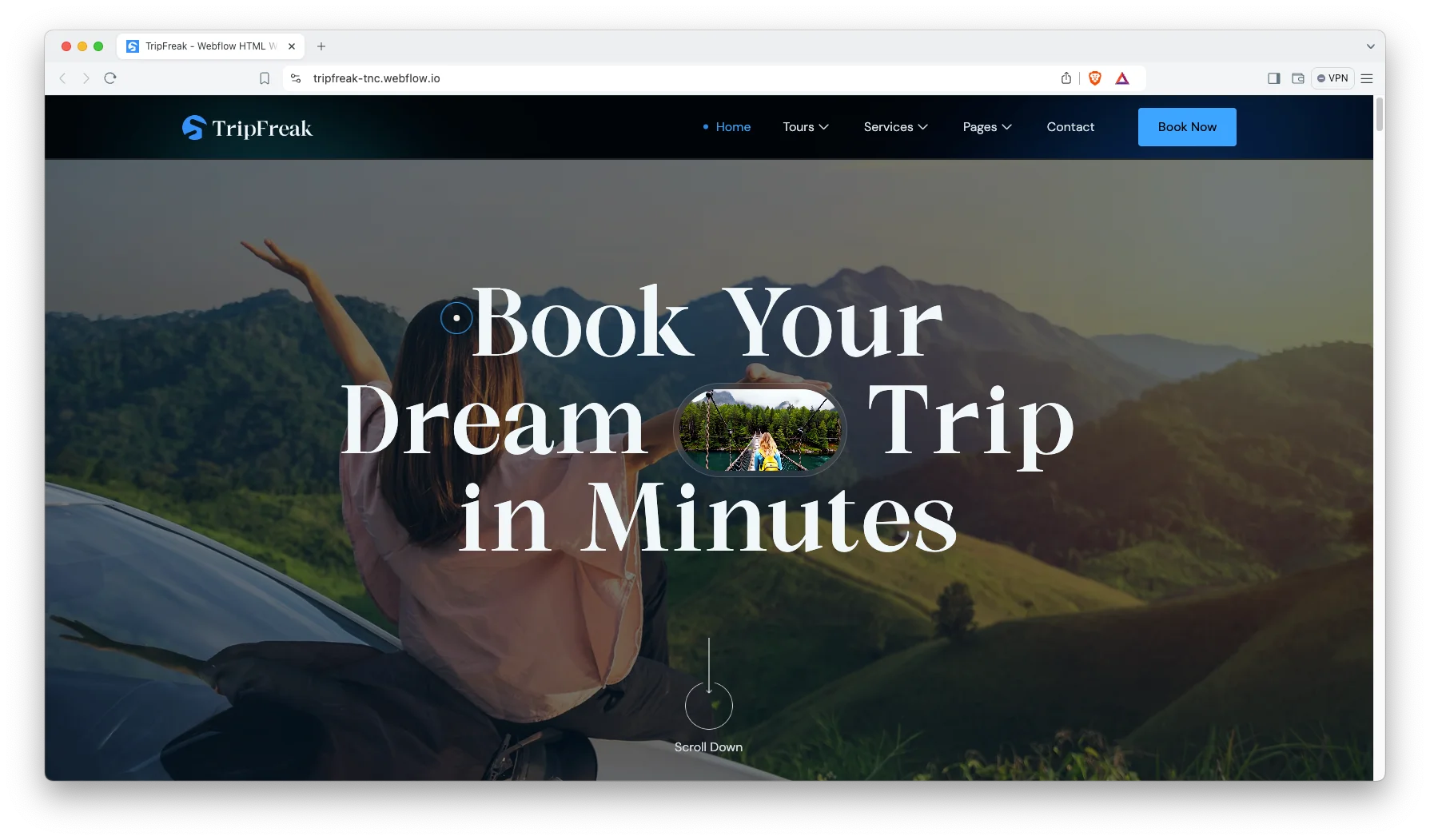
CMS Included. Tours, tour categories, services, service categories and blog posts all run on Webflow CMS. Then you publish a new destination without opening the designer.
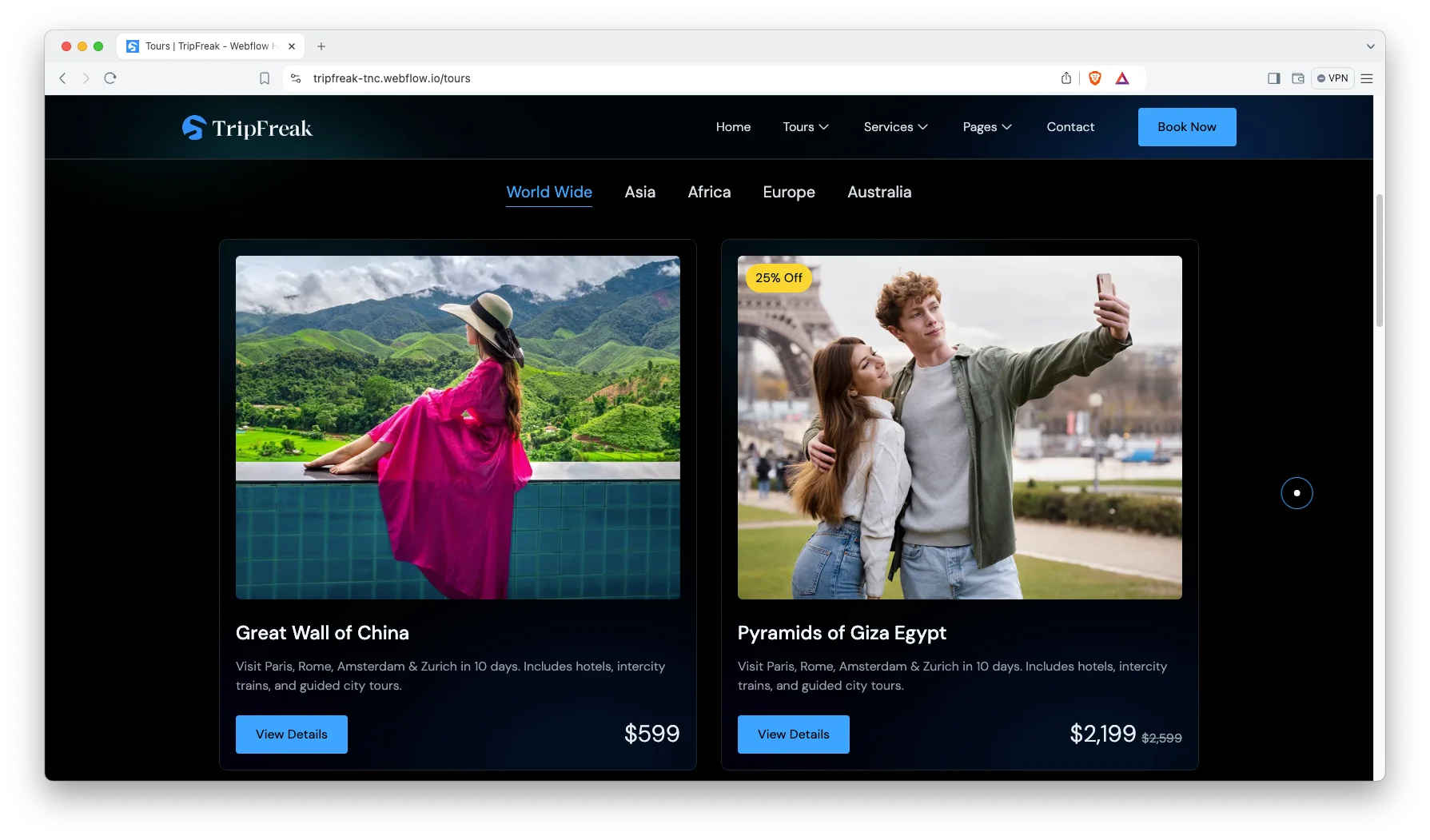
Trendy and Responsive Design. The layout stays minimal and photographic. Because travel sells on imagery, the templates give photos room to breathe.
Services with Categories. Services are grouped into three categories. They are Flights, Hotels and Car Rental. Each service also gets its own page.
Animation, Video and Sliders. Sliders, video and subtle animation carry the destination photography. However, the motion never gets in the way of a booking.
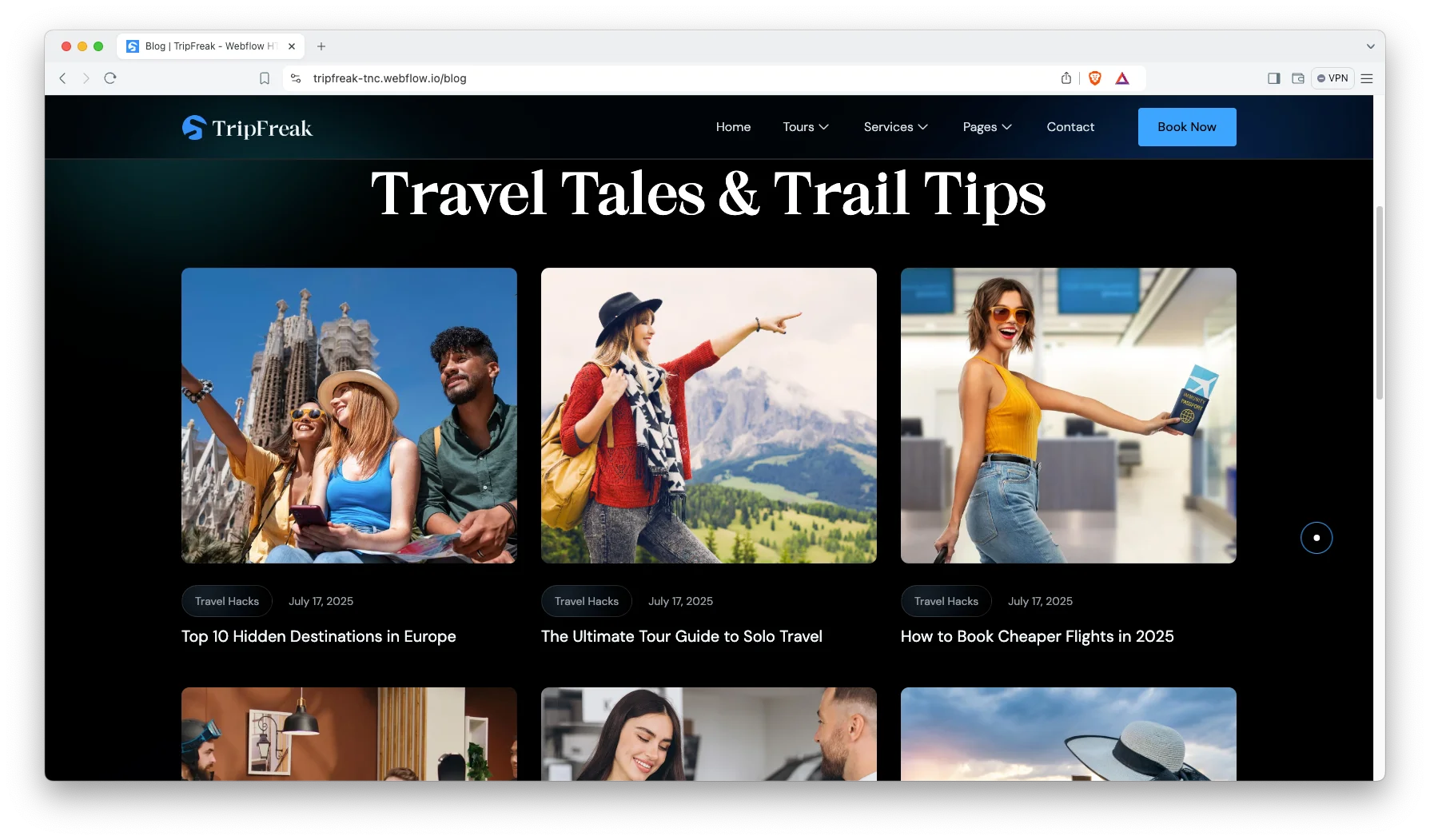
Blog Showcase. The blog is built for scanning, and posts are grouped by category. So a reader finds the flight guide or the solo travel guide quickly.
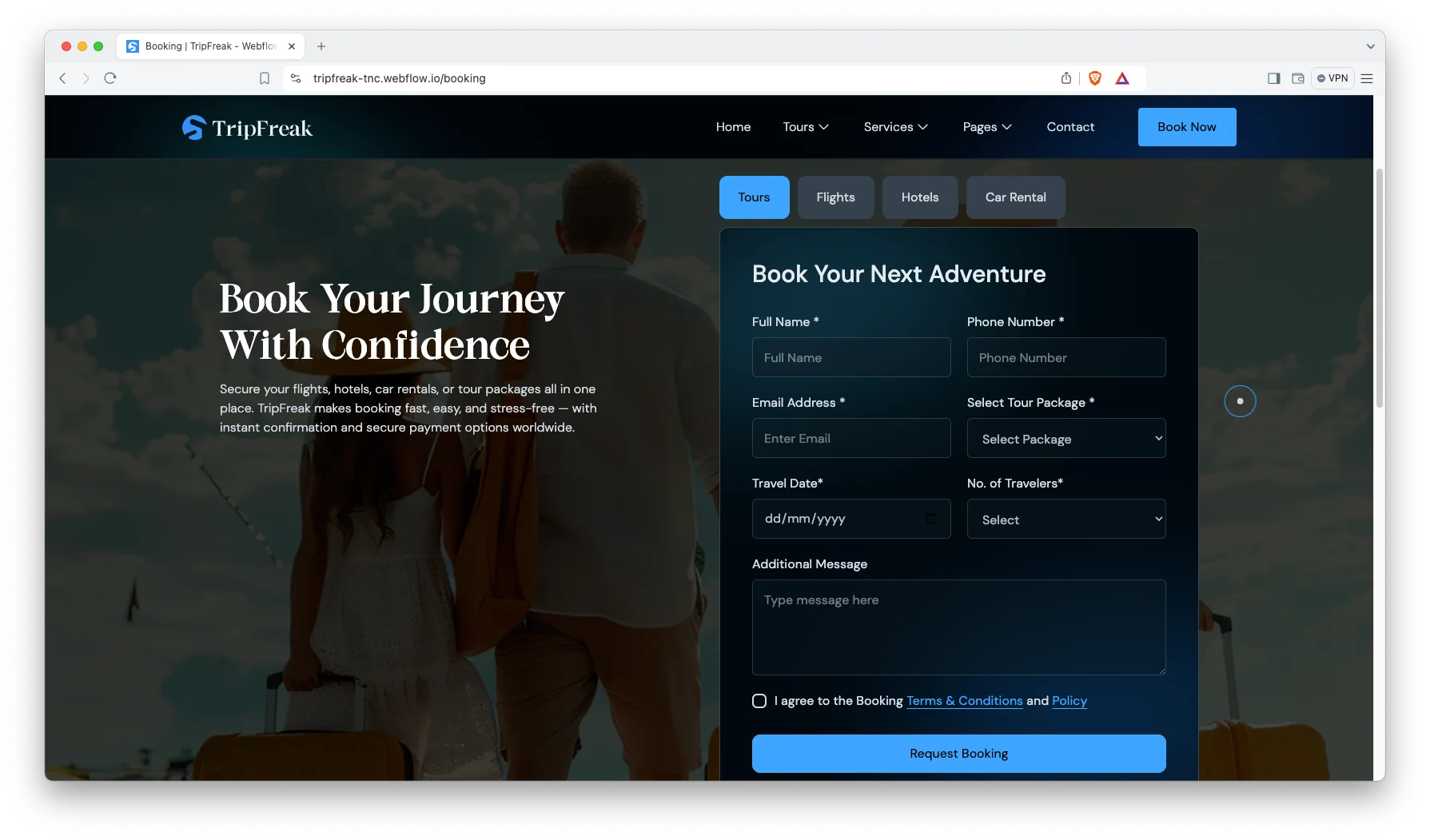
Booking Page. A dedicated booking page captures the enquiry. It sits one click from every tour and service page.
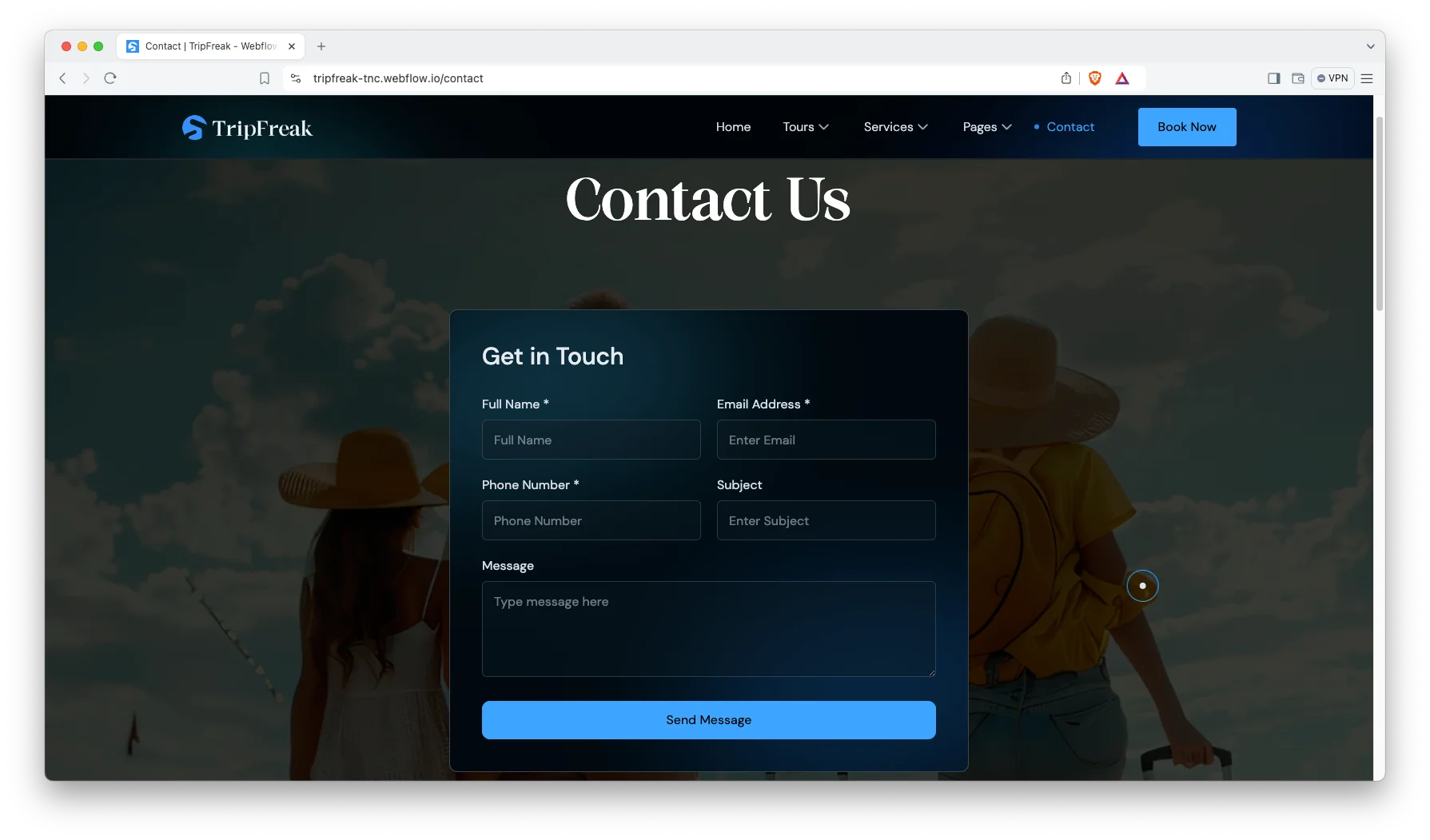
Contact Details. The contact page shows your address, phone number and an interactive map. So travellers can reach you the way they prefer.
Watch on YouTube
You can watch this video if you want to learn everything about this Webflow template quickly. In this video, we have demonstrated the information about this Webflow template.
Pages Included in TripFreak
TripFreak ships with twelve designed pages. They are Home, About, Services, Tours, Booking, Blog, Contact, Terms and Conditions, Style Guide, License, Change Log and a 404 page. On top of that sit CMS templates. They render tours, tour categories, services, service categories, blog posts and blog categories. So the site grows with every destination you add.
What to Check Before You Buy a Travel Template
Travel sites fail on two things. The first is speed, because most travel photography is heavy. The second is depth, because a single packages page cannot rank. So look for a template that keeps images optimised and gives every tour its own URL. TripFreak does both. It also separates services from tours, which matters once you sell flights and packages side by side.
Why Tour Pages Beat a Single Packages List
Most travel agency sites put every package on one page. However, nobody searches for a packages list. They search for the Great Wall, or Paris, or a week in Portugal. TripFreak gives each tour its own page instead, so it can rank on the destination name. Then the category pages catch the broader searches by continent. That gives you two layers of entry points rather than one. Over time the category pages collect internal links from every tour beneath them, so they get stronger on their own.
How to Use TripFreak
- Use the purchase widget on the right side of this page to buy the TripFreak template
- Duplicate the template into your Webflow workspace
- Replace the demo tours, services and photography with your own
- Load your destinations, categories and posts into the CMS collections
- Adjust the style guide colors and typography
- Test every breakpoint, then publish your site
TripFreak Frequently Asked Questions
What formats does TripFreak ship in?
TripFreak ships for Webflow, Figma and HTML. Each format is sold separately, so you buy only the one you need.
Is the Figma file included with the Webflow purchase?
No. The Figma file is a separate product on this page. So add it to your order if you want the design source.
How many pages does TripFreak include?
TripFreak includes twelve designed pages. It also includes CMS templates for tours, services, their categories and blog posts.
Can visitors browse tours by region?
Yes. Tours are grouped into categories by continent, and each category has its own page.
Does TripFreak handle bookings directly?
It captures booking enquiries through a dedicated booking page. However, payment is not processed inside the template.
Can I add more services than flights, hotels and car rental?
Yes. Services and their categories both run on CMS collections, so you can add as many as you sell.
When you choose TripFreak, you get support from the TNCFlow team. So if a section does not behave, ask us and we will help.
Check out other Webflow templates by TNCFlow.
Featured in our guides: Webflow travel and hotel templates and fast HTML website templates.


Select template
Choose one or more options for your build
