

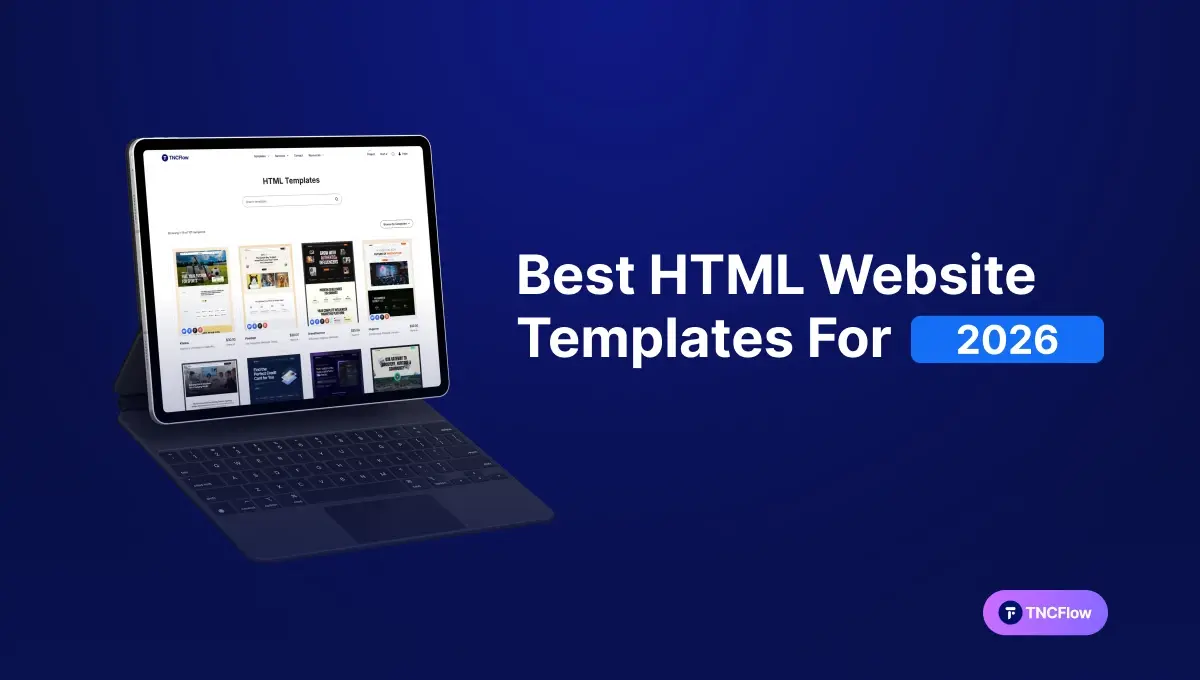
These fast HTML website templates are static, lightweight builds of our designs. The table shows the main picks with the price of each HTML version.
Page speed is one of the few website factors that affects both what visitors do and how search engines rank you. Google publishes explicit Core Web Vitals thresholds covering loading, interactivity and visual stability, and a slow site fails them regardless of how good the design is. If you do not have the time or budget to build from scratch, a pre-made HTML template is the fastest route to a site that passes.
This guide covers what makes an HTML template worth buying in 2026, how to choose one for your business, and the templates in the TNCFlow catalog available as static HTML builds. It also covers where HTML is the wrong choice, because that matters more than most listicles admit.
Quick Picks
| Template | Best for | HTML price | Link |
|---|---|---|---|
| MNC | Corporate websites | $21 | View template |
| Hugecon | Conference websites | $35 | View template |
| Brandfluencer | Influencer Agency websites | $46 | View template |
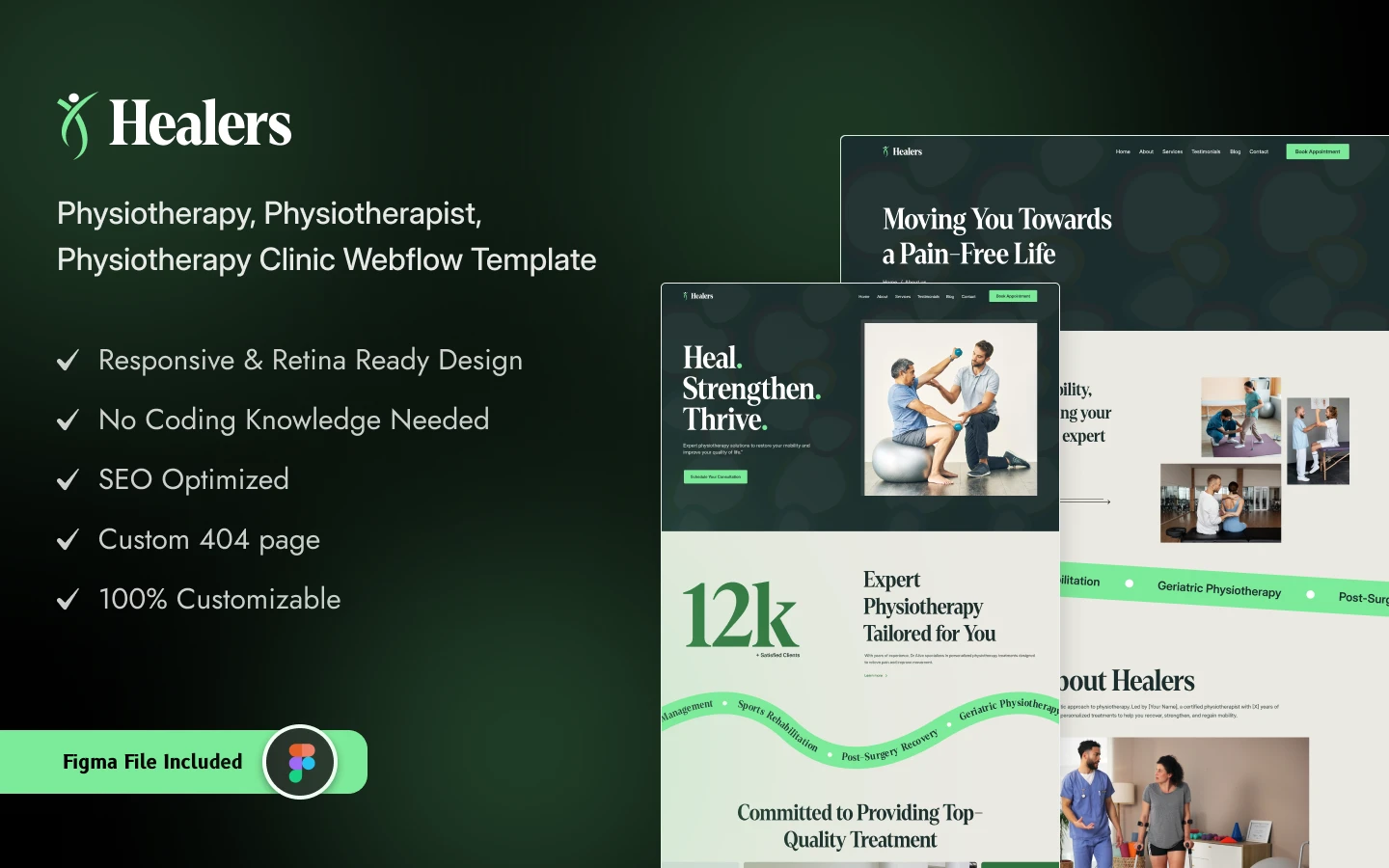
| Healers | Physiotherapy and Medical websites | $18 | View template |
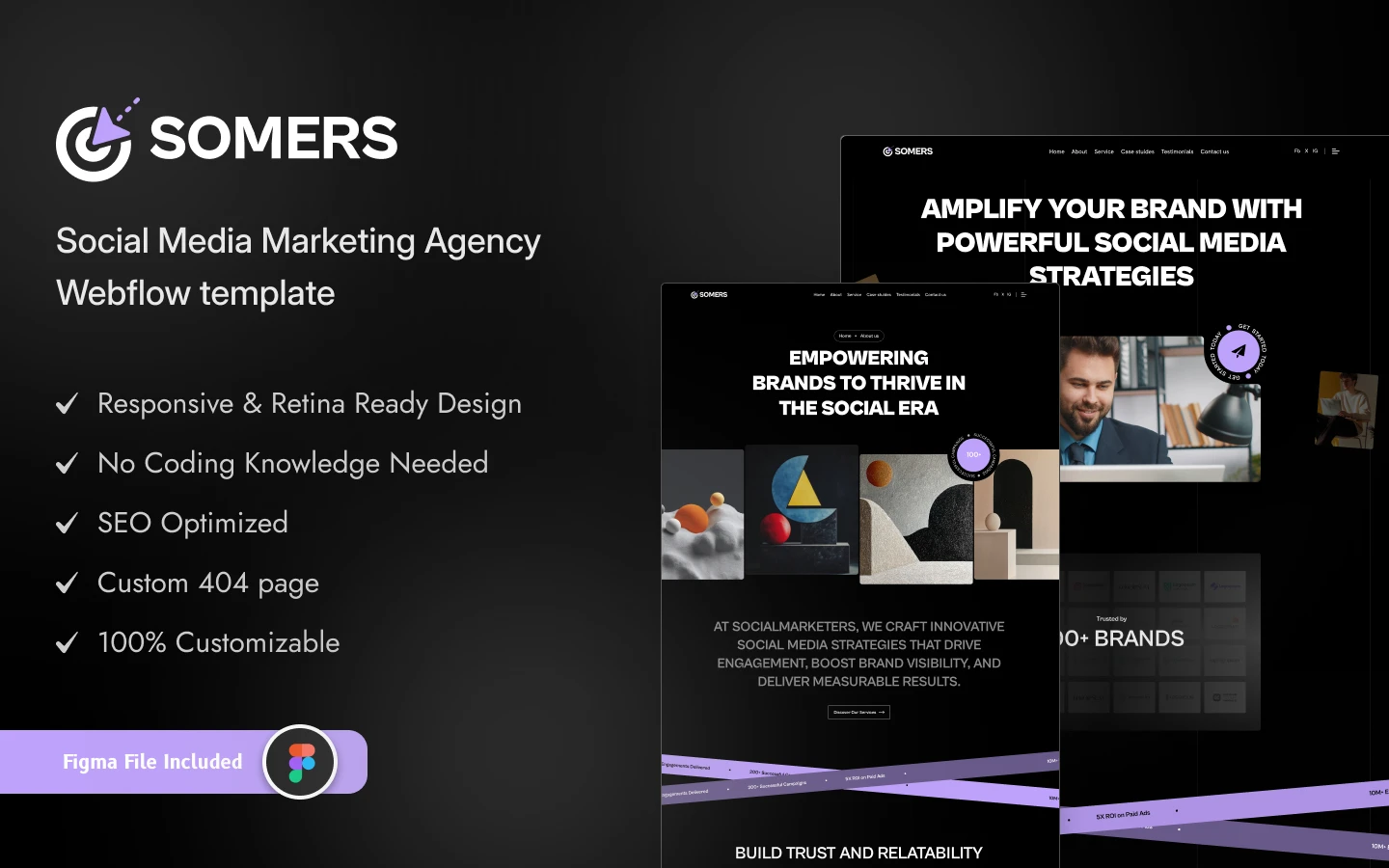
| Somers | Agency websites | $21 | View template |
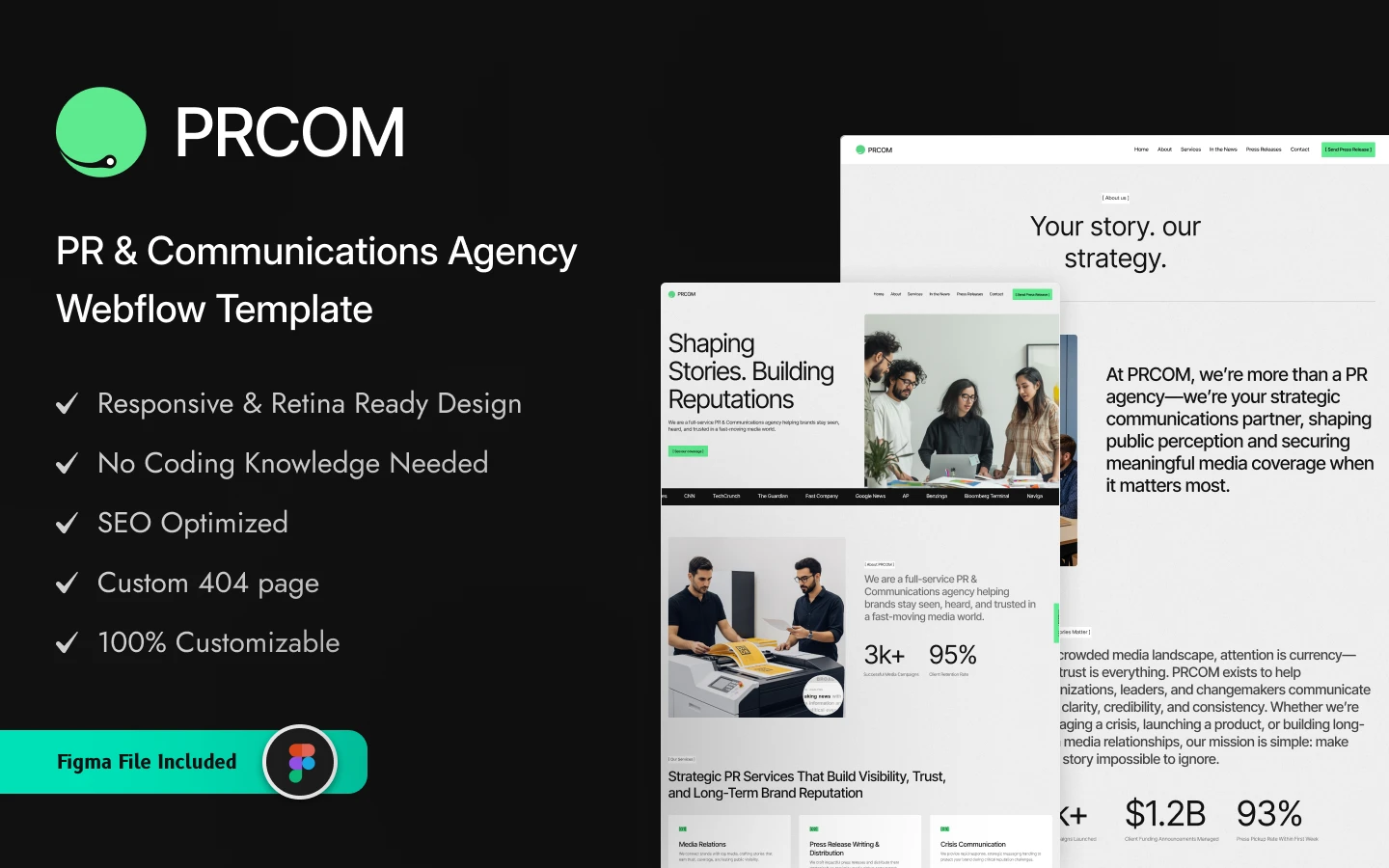
| PRCOM | PR and Communications Agency websites | $21 | View template |
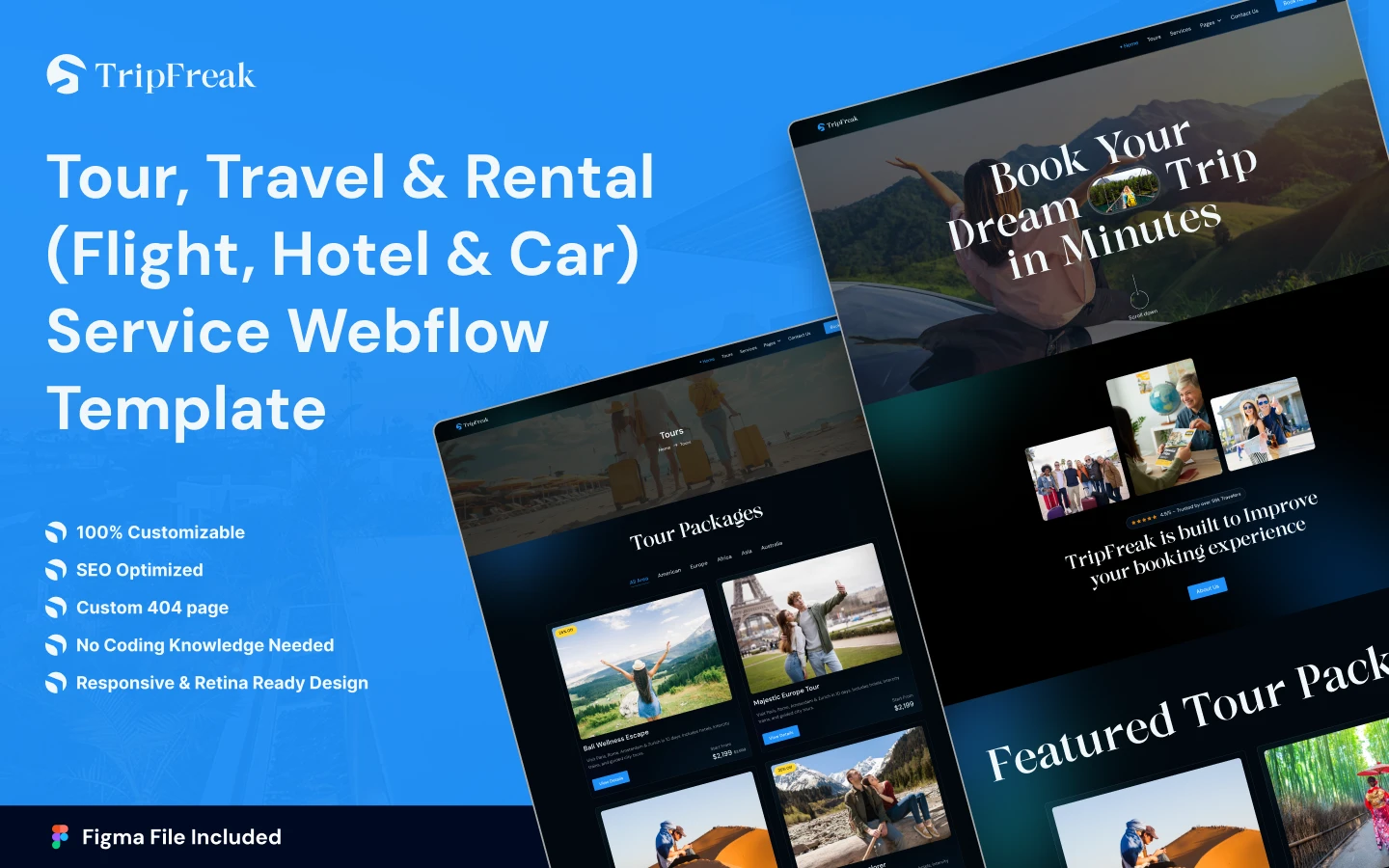
| TripFreak | Travel and Tourism websites | $21 | View template |
| Agentor | Realtor websites | $18 | View template |
| Roofinity | Roofing websites | $21 | View template |
| Structon | Architecture websites | $21 | View template |
| Editorial (by HTML5 UP) | Content-heavy sites | Free | View template |
| Forty (by HTML5 UP) | Image-led multi-page sites | Free | View template |
| Agency (by Start Bootstrap) | One-page agency sites | Free | View template |
Why HTML Templates Are Still The Smart Choice In 2026
Most people default to WordPress, Wix or Squarespace. Those are capable platforms, but they carry overhead: plugins, database queries and scripts that all run before your page appears.
Static HTML works differently. The files are already built. When someone opens your page there is no database to query and no server-side code to execute, so the page simply loads.
- Speed: Static pages avoid the database round-trip and server processing that CMS-driven pages require, which is where much of the delay comes from.
- Security: No database and no plugin layer means dramatically less attack surface. Most common site compromises target exactly those two things.
- Full control: You can change any part of the markup and styling without a plugin conflict or a theme update overwriting your work.
- Lower running cost: No platform subscription. Static files can be hosted very cheaply, and often free on a static host or CDN.
Where HTML Is The Wrong Choice
Worth being straight about this before you buy. The same thing that makes static HTML fast, having no database, is what makes it awkward when your content changes constantly.
If you publish several times a week, run a blog with categories and archives, need non-technical colleagues to edit pages, or sell products with changing stock, you want a CMS. Editing raw HTML for every update gets old quickly and is where most static sites quietly go stale. In that case the same designs are available as Webflow builds with a full CMS, or as Figma files if your team is building on something else entirely.
Static HTML is at its best for marketing sites, landing pages, portfolios and brochure sites: content that changes occasionally rather than daily.
What Makes A Good HTML Template In 2026?
Not all templates are equal. What actually matters:
- Fast load time: Clean markup, minimal scripts, no heavy libraries loaded for a single effect.
- Modern UI design: Current layouts, balanced spacing and typography that will not date within a year.
- Conversion-ready sections: Clear calls to action built into the layout rather than bolted on.
- Restrained animation: Motion that adds polish without delaying the first screen.
- Scalable structure: Room to add pages and sections without the layout breaking.
- Easy integration: Works cleanly with form handlers, analytics and third-party services.
- Well-organized code: Sensible class naming so you or a developer can make changes quickly six months from now.
Best HTML Website Templates For Businesses In 2026
Each of these is available as a static HTML build, and each also exists as a Webflow version if you decide you need a CMS after all.
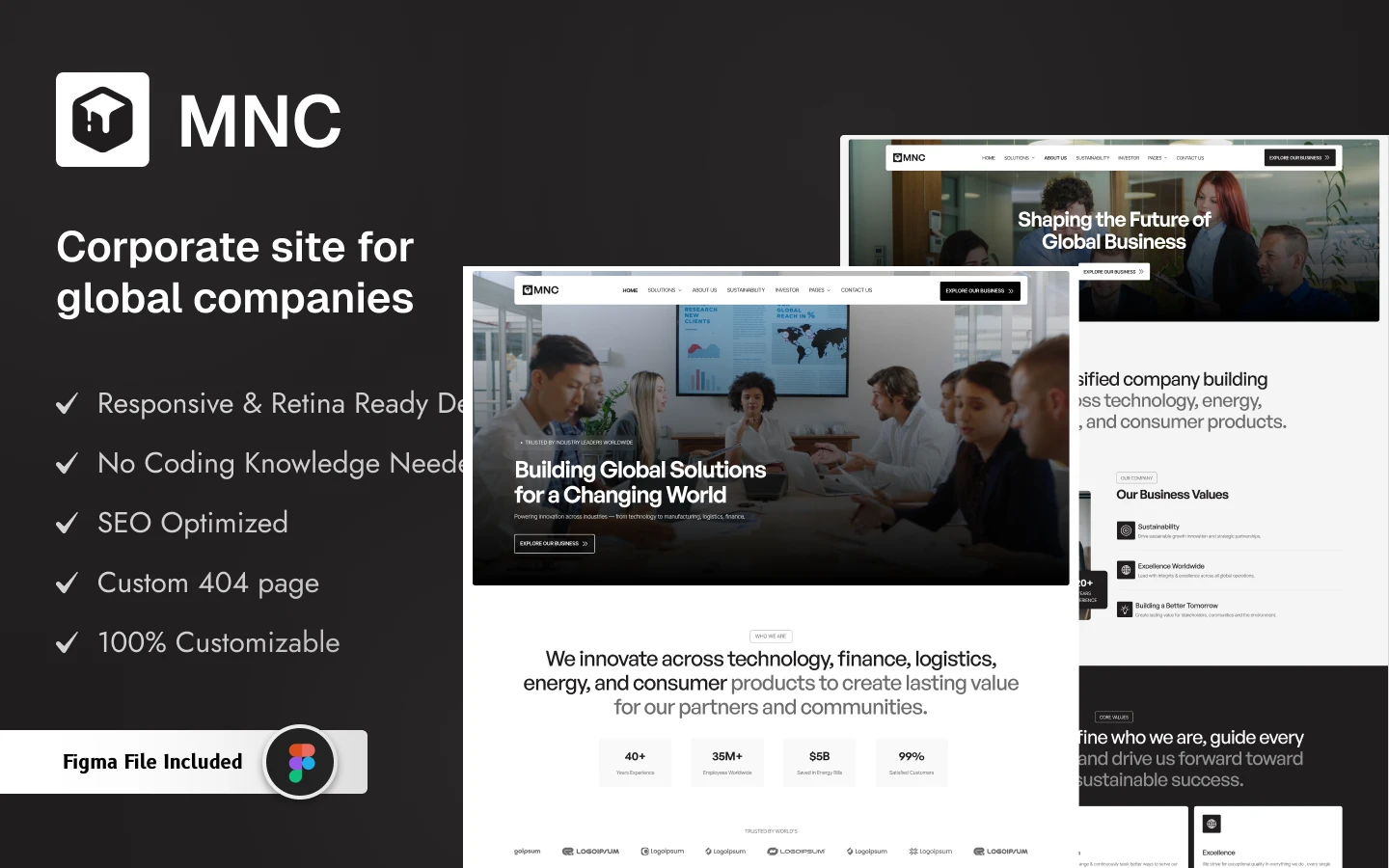
MNC
Built for large companies, enterprises and business agencies. A bold hero section, interactive service carousel, case-study layouts, investor relations pages and considered contact forms. Mobile-first, with a corporate visual language that suits formal organizations.
Best for: Multinationals, enterprises, business agencies and professional services firms.
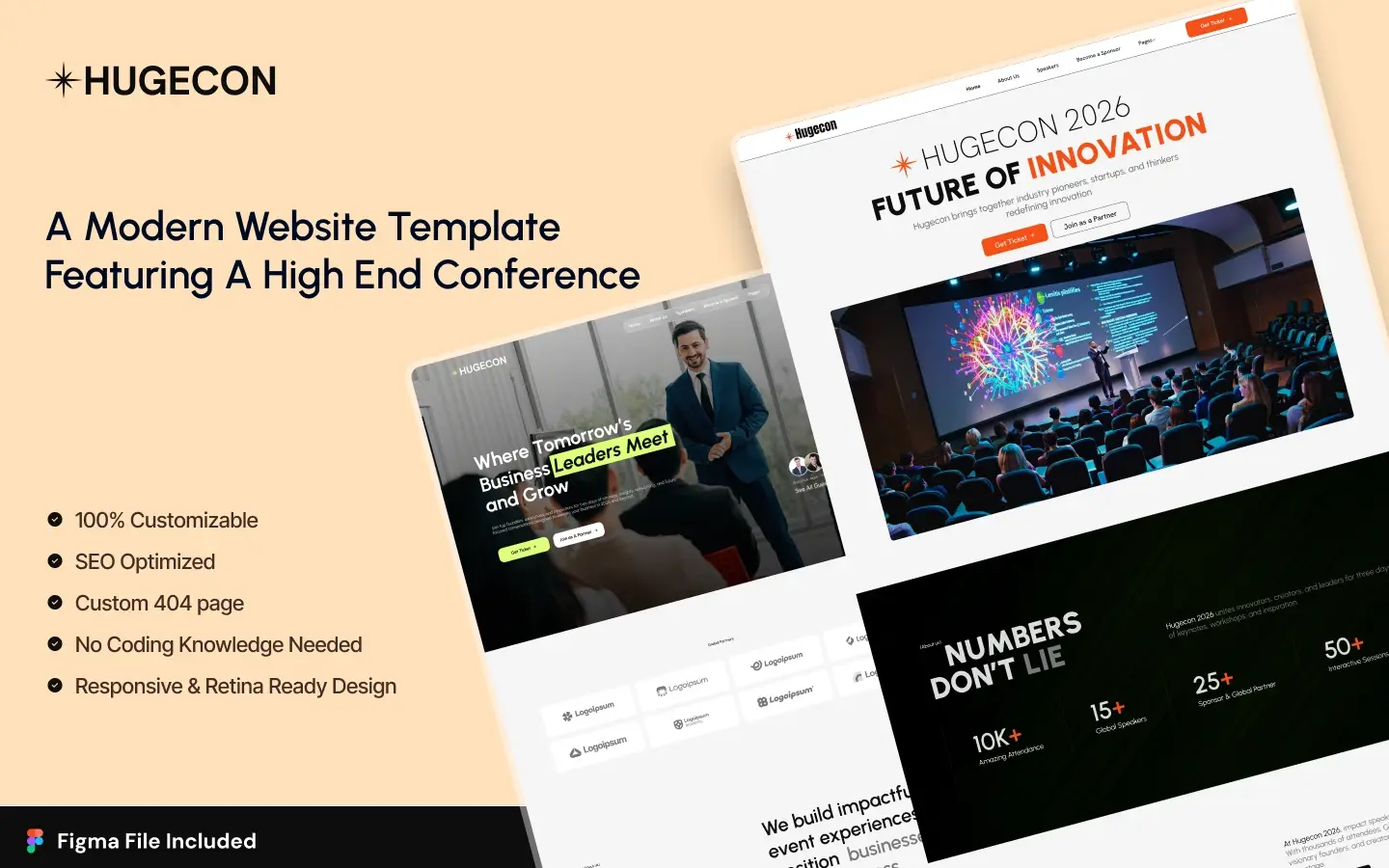
Hugecon
For conferences, summits and large events. Three homepage layouts, GSAP animation, speaker carousels, countdown timers, schedule pages, venue layouts and sponsor forms. Events suit static HTML well, since the content is largely fixed once the program is set.
Best for: Event organizers, business summits, webinars, workshops, festivals and product launches.
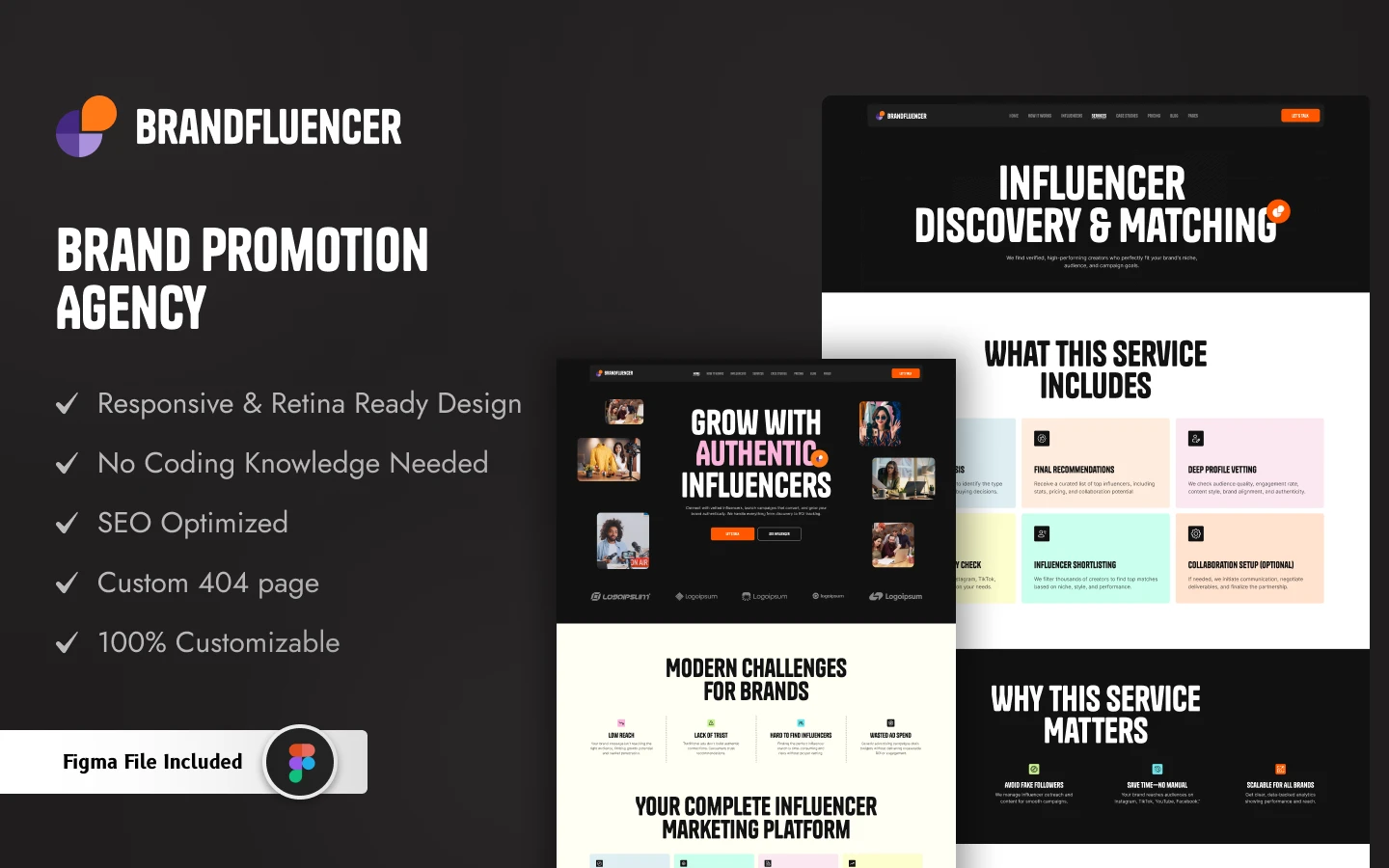
Brandfluencer
For personal brands and influencer agencies. Three homepage layouts, GSAP animation, portfolio grids, service carousels, pricing pages, case studies and collaboration inquiry forms.
Best for: Models, creators, photographers, coaches and digital agencies.
Healers
For physiotherapy clinics, wellness centers and medical practices. An elegant design with smooth animation, appointment-focused layouts, service pages and a blog structure. If you intend to publish regularly, take the Webflow version for its CMS; the HTML build suits practices whose content is largely fixed.
Best for: Physiotherapists, chiropractors, therapists, rehabilitation centers and wellness professionals.
Somers
A bold, dark layout for social media agencies, with smooth animation and developed interactions covering services, campaigns, influencer work and results.
Best for: Social media agencies, content creators, influencers, digital marketing and technology sites.
PRCOM
A clean, modern site for PR and communications agencies, with elegant design, smooth animation, case studies and article sections.
Best for: PR firms, communications consultants, media agencies and digital publications.
TripFreak
A travel site built to convert browsing into bookings, with dedicated pages for flights, hotels, car rentals and tours, plus a clean booking flow.
Best for: Travel agencies, tour operators, booking platforms and travel startups.
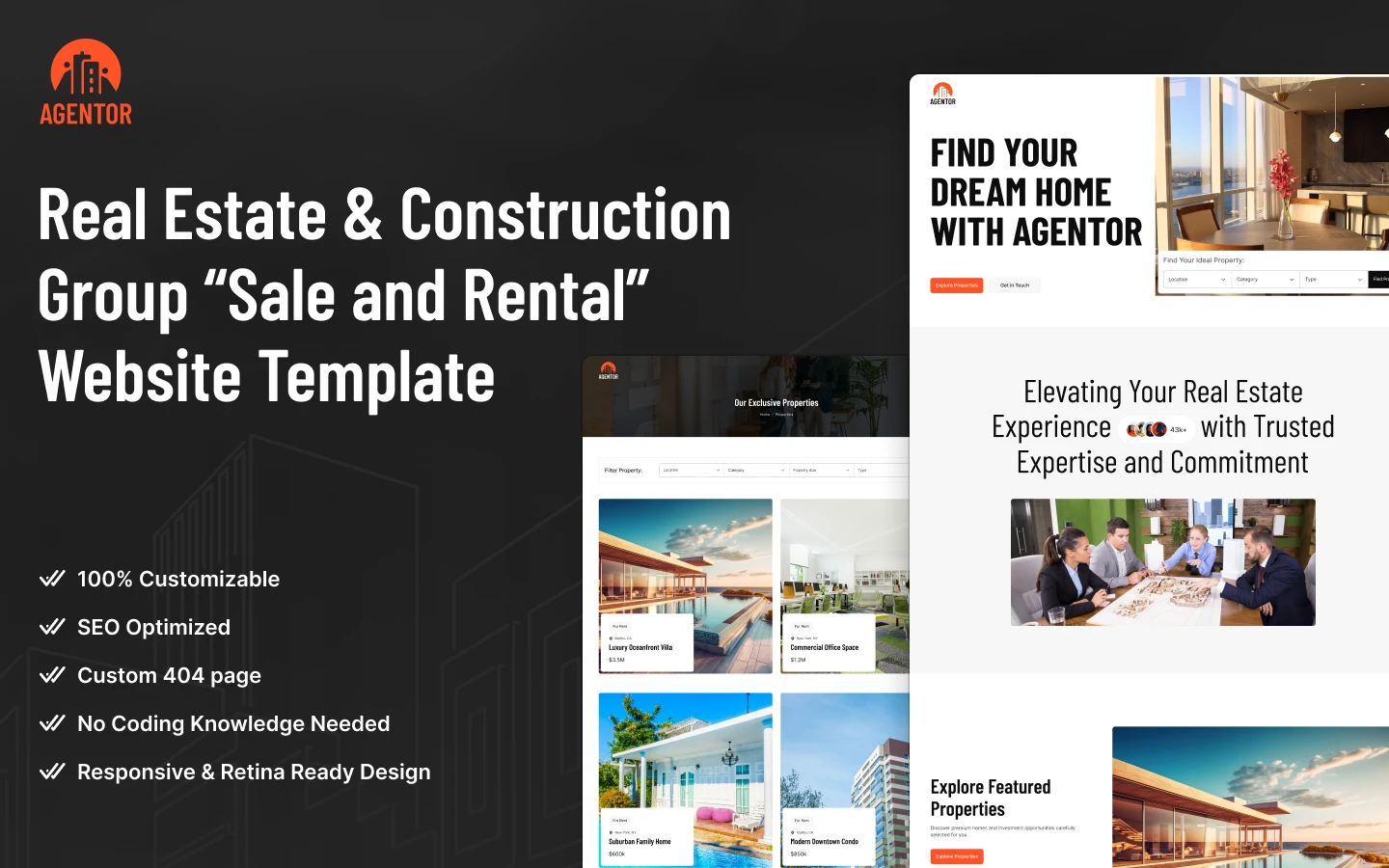
Agentor
For real estate professionals, with 16+ ready-made pages covering property listings, agent profiles, team showcases and articles. Note that a large, frequently changing property portfolio is one of the cases where the Webflow version’s CMS earns its keep.
Best for: Real estate agents, property agencies, rentals and commercial property.
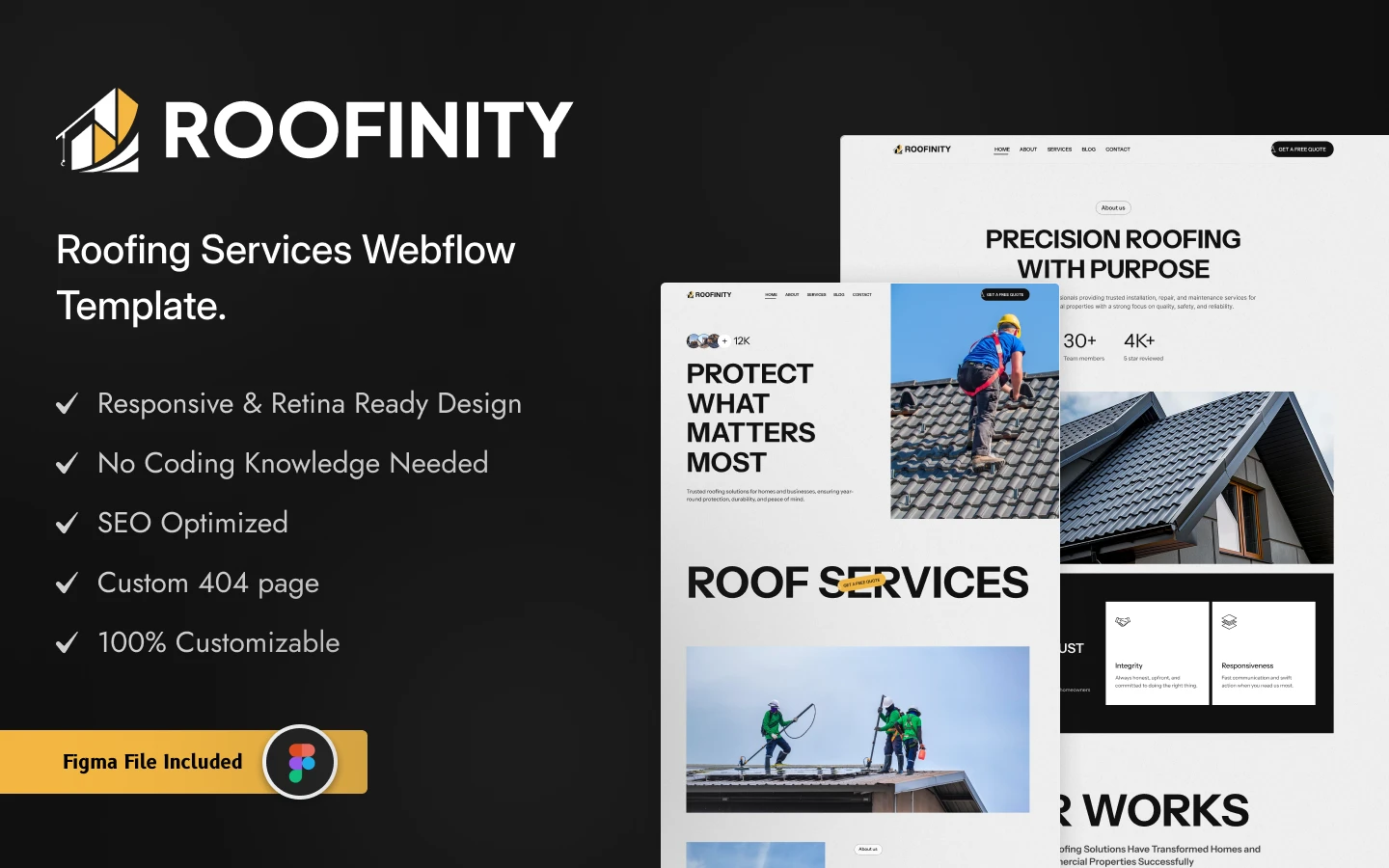
Roofinity
A bold, professional site for roofing and trades businesses, with service showcases, project galleries, testimonials, sliders, video sections and contact forms. Trades sites change rarely, which makes them a natural fit for static HTML.
Best for: Roofing businesses, contractors, repair and installation trades, handymen and plumbers.
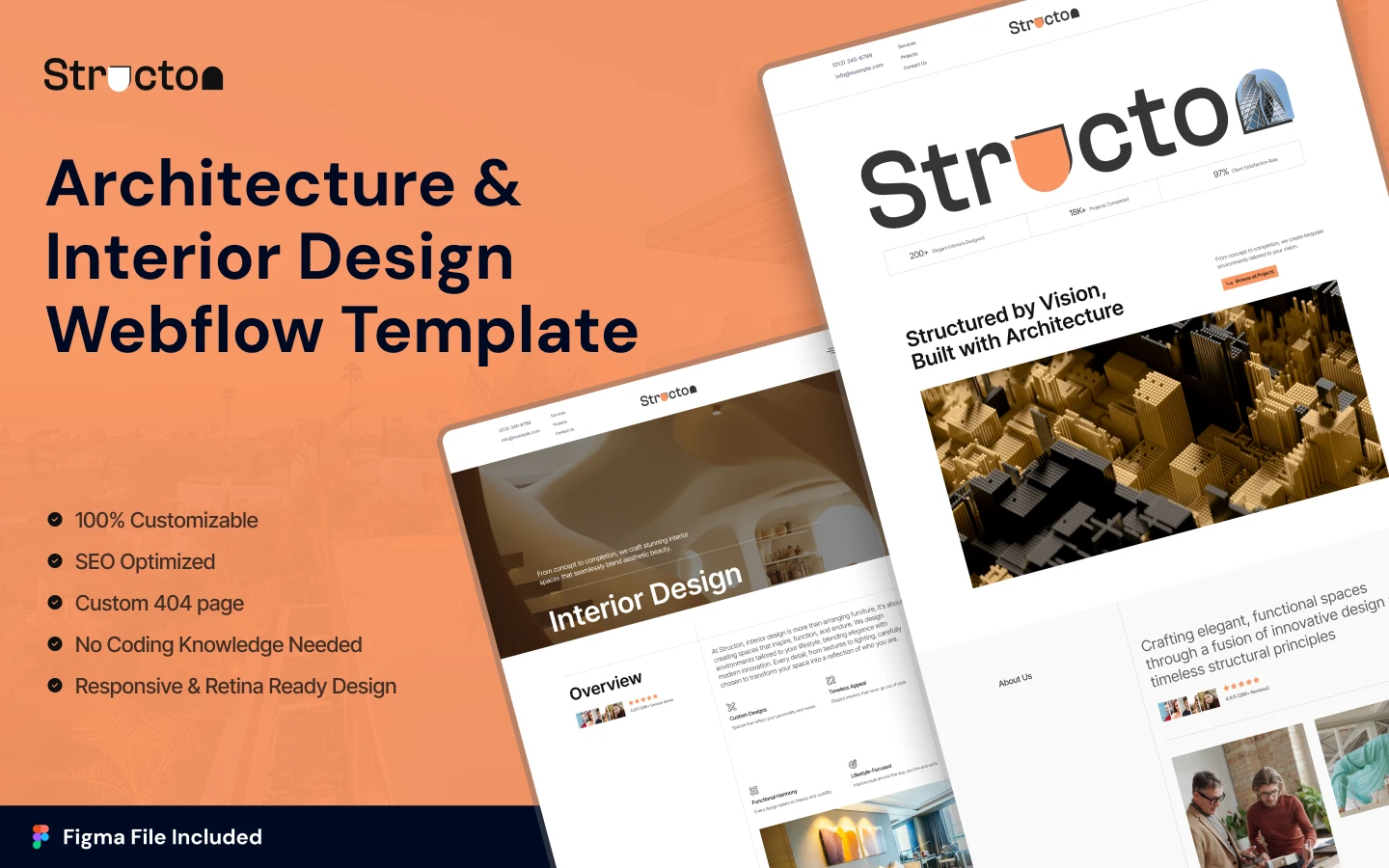
Structon
A clean, elegant site for architecture firms and design studios that lets the work carry the page, with strong portfolio layouts and service pages.
Best for: Architecture firms, design studios and urban planning consultants.
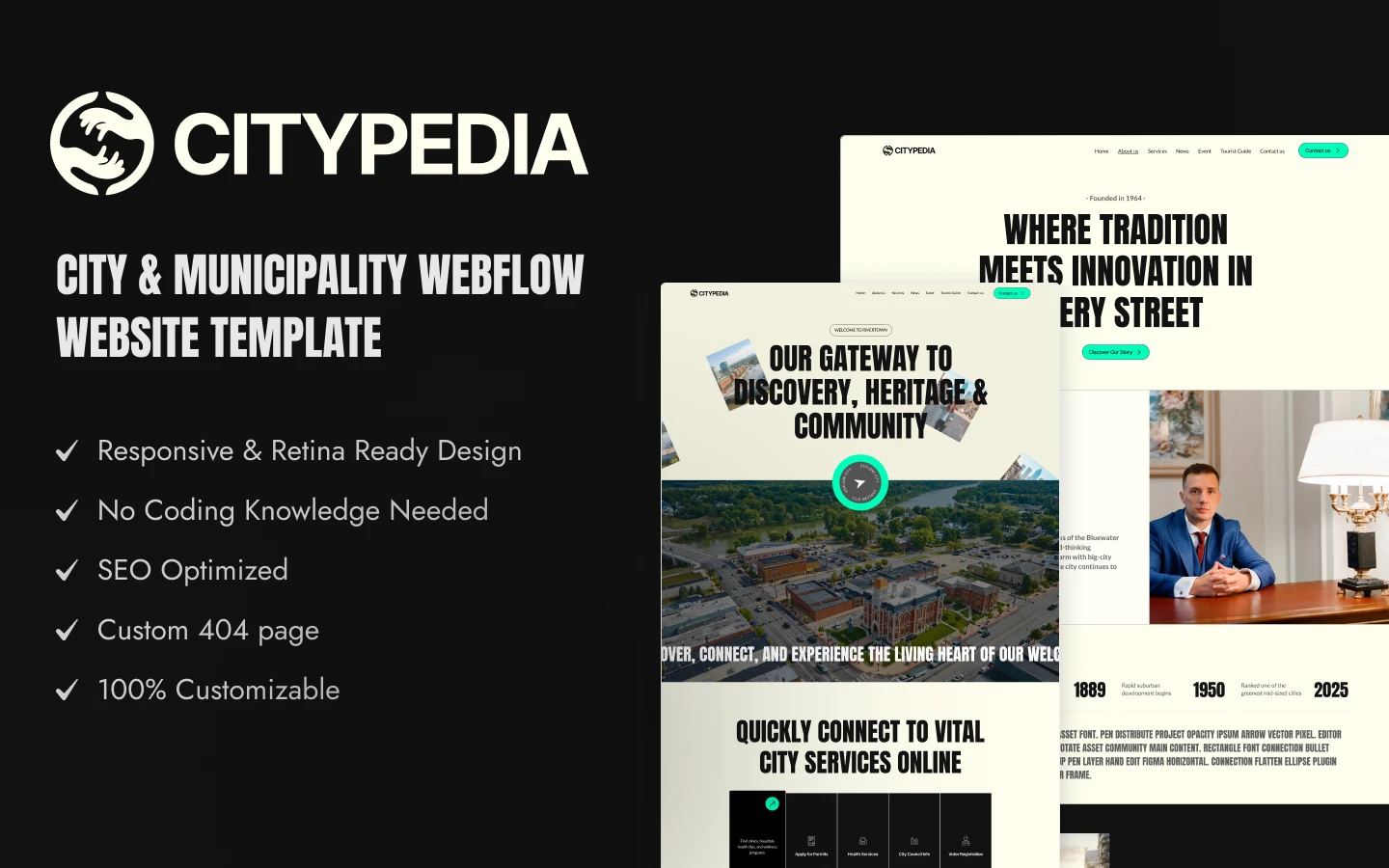
Citypedia
A clean, modern structure for local government and city agencies, with clear service and project layouts and full responsiveness.
Best for: Municipal governments, urban planners, city development agencies and community organizations.
Scalepro
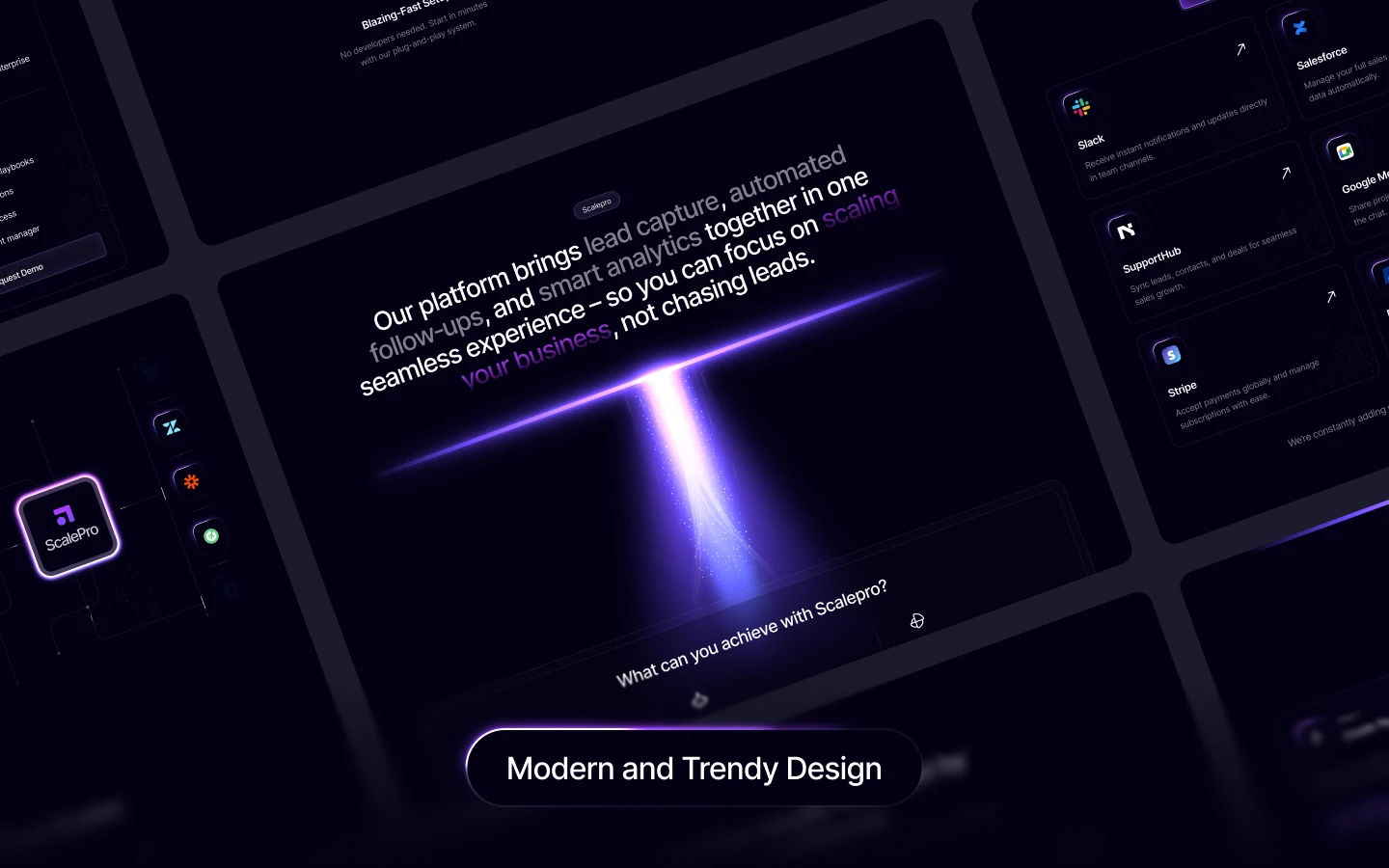
For SaaS founders and AI agencies, with a bold homepage, clear service sections, case studies and integration showcases. A strong fit for static HTML, since a product marketing site changes less often than the product does.
Best for: SaaS platforms, AI companies, growth agencies and automation tools.
Cardland
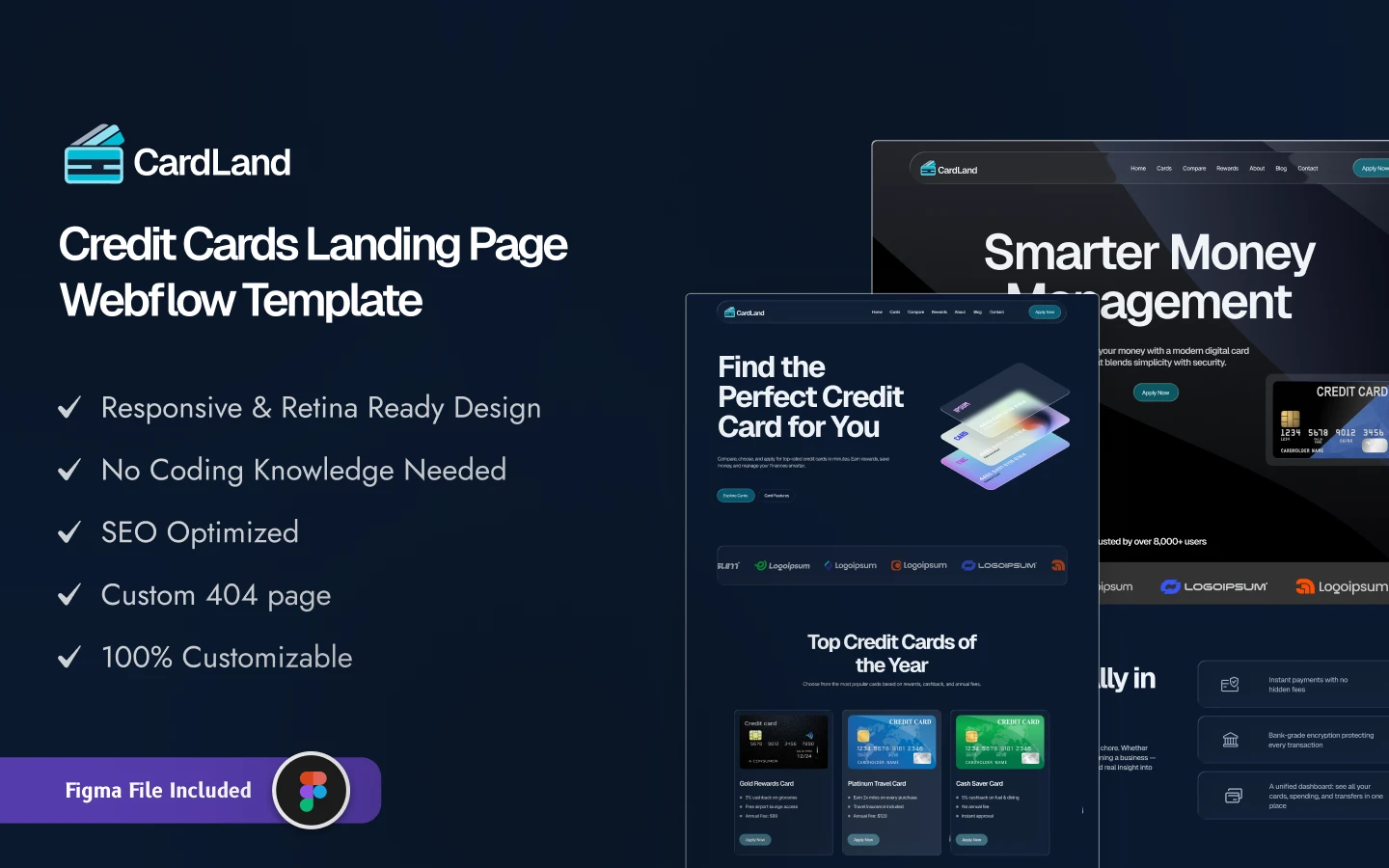
A sleek dark-mode site for credit card issuers and fintech firms, designed to make complex financial products legible. Three landing pages, an interactive reward grid, product pages, application forms and a mobile-first build.
Best for: Credit card issuers, banks, fintech firms and financial marketers. Note that financial promotion is regulated in most territories, so have your copy reviewed before publishing.
How To Choose The Right Template For Your Business
Start with the goal of the site. Leads, sales, portfolio or information? That answer narrows the field faster than browsing designs does.
A law firm needs a professional, trust-building structure with obvious contact routes. A clothing brand needs visual impact and easy browsing. A SaaS company needs a page that explains the product quickly and pushes toward a signup. These are genuinely different structures, not different color schemes.
Then be realistic about who will maintain it. If you are comfortable editing HTML and CSS, any of these work. If nobody on your team is, the honest answer is that a static site will drift out of date, and the Webflow version of the same design is the better purchase.
HTML Templates Vs. Website Builders
Website builders are beginner-friendly and let you launch without code. The trade is fewer customization options, ongoing monthly cost, and extra code that affects performance.
HTML templates give you more flexibility, faster loading and full ownership: your hosting, your files, no recurring platform fee. For a quick and simple site a builder is a reasonable start. For businesses that want control and speed over the long term, HTML is usually better value, provided someone can maintain it.
HTML Templates From Other Creators
These are not ours. They are free, widely used HTML templates from HTML5 UP and Start Bootstrap, and a good way to start if you do not need a niche-specific design. Check each license before commercial use.
Editorial
Editorial by HTML5 UP is free. A free responsive HTML5 template with a sidebar layout.
Editorial on the View template.
Forty
Forty by HTML5 UP is free. A free responsive HTML5 template with a tiled layout.
Agency
Agency by Start Bootstrap is free. A free one-page Bootstrap theme for agencies and small businesses.
Related Reading
More guides: HTML portfolio templates, HTML landing page templates, Figma portfolio templates and Figma landing page templates.
Frequently Asked Questions
Do I need to know how to code to use an HTML template?
Some basic familiarity, yes. Swapping text and images means editing HTML files directly, which is straightforward but not visual. If nobody on your team is comfortable doing that, take the Webflow version of the same design instead, where edits happen in an editor.
Can I add a blog to a static HTML site?
You can, but each post is a new HTML file you create and link manually. That is fine for occasional publishing and painful if you post weekly. Regular publishing is the clearest signal that you want a CMS rather than static files.
Where do I host an HTML template?
Anywhere that serves static files, which includes most standard web hosts and several static hosting and CDN services with generous free tiers. This is where the running-cost advantage over a subscription platform comes from.
Will contact forms work on a static site?
Not on their own, since there is no server-side code to process a submission. You connect the form to a third-party form handler, which takes a few minutes. Worth knowing before launch rather than discovering when the first inquiry vanishes.
Are HTML templates good for SEO?
They start from a good position: fast loading, clean markup and full control over headings, metadata and structured data. That removes the technical obstacles. Content and links still determine whether you actually rank.
What do I get, and can I switch to Webflow later?
An HTML template is $59 and includes the matching Figma file; the Figma design alone is $30, and an All-Access Pass covering the catalog is $299 a year. Most of these designs exist as both HTML and Webflow builds, so switching means buying the other version rather than redesigning. Details are on the pricing page, and there are free templates to try first.
Conclusion
Static HTML remains the fastest way to put a site online, and speed is one of the few things that helps both visitors and search rankings at once. The catch is maintenance: no database means no CMS, and that is a real constraint rather than a footnote.
If your content changes occasionally and someone can edit a file, an HTML template is excellent value. If you publish constantly or need non-technical colleagues editing pages, take the Webflow build of the same design. Browse the full HTML templates collection, compare against the complete catalog, or look at the design and development services if you need something custom.