
PRO

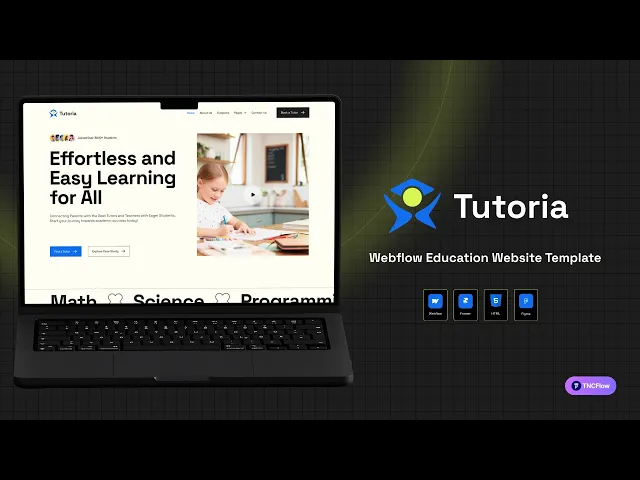
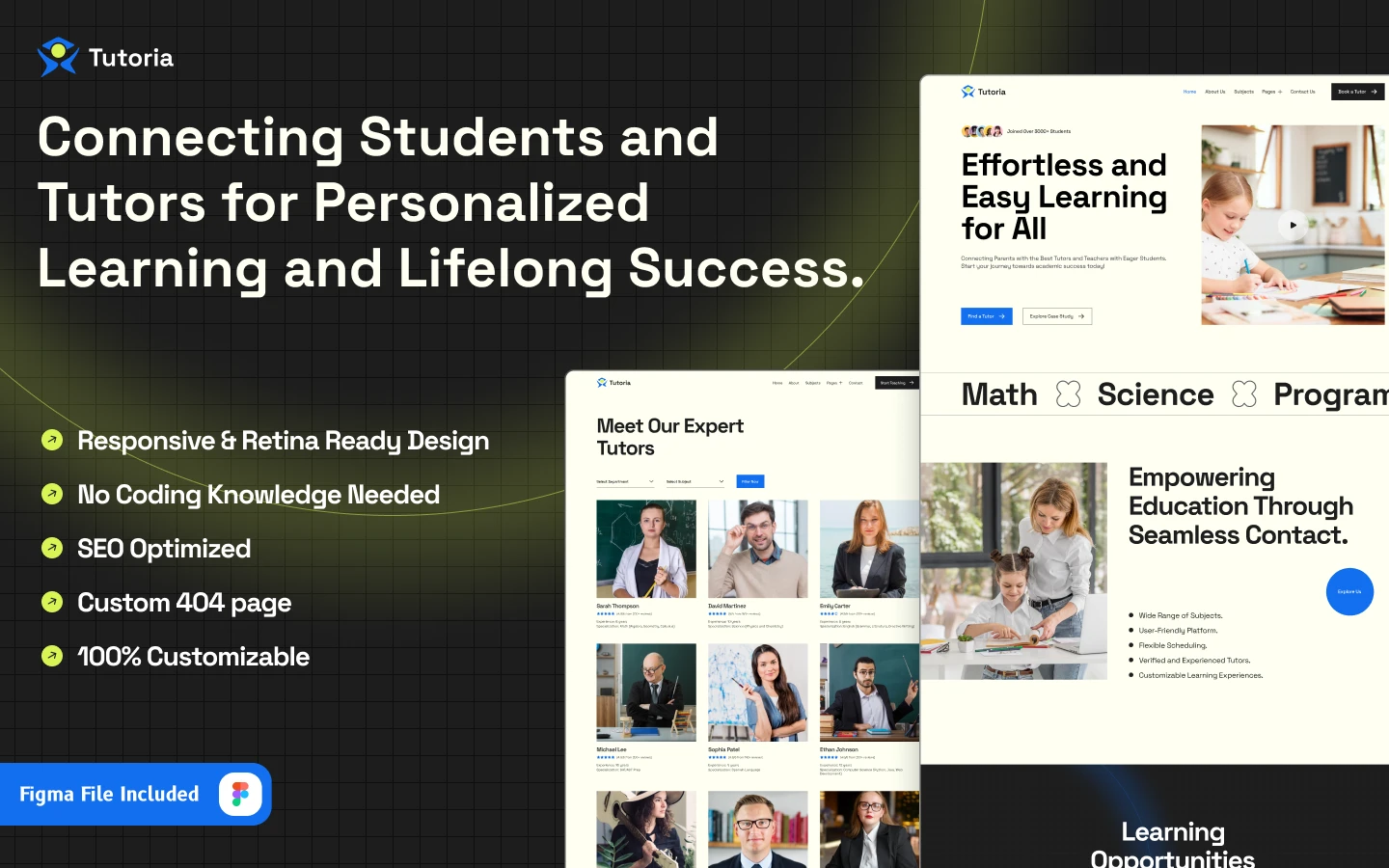
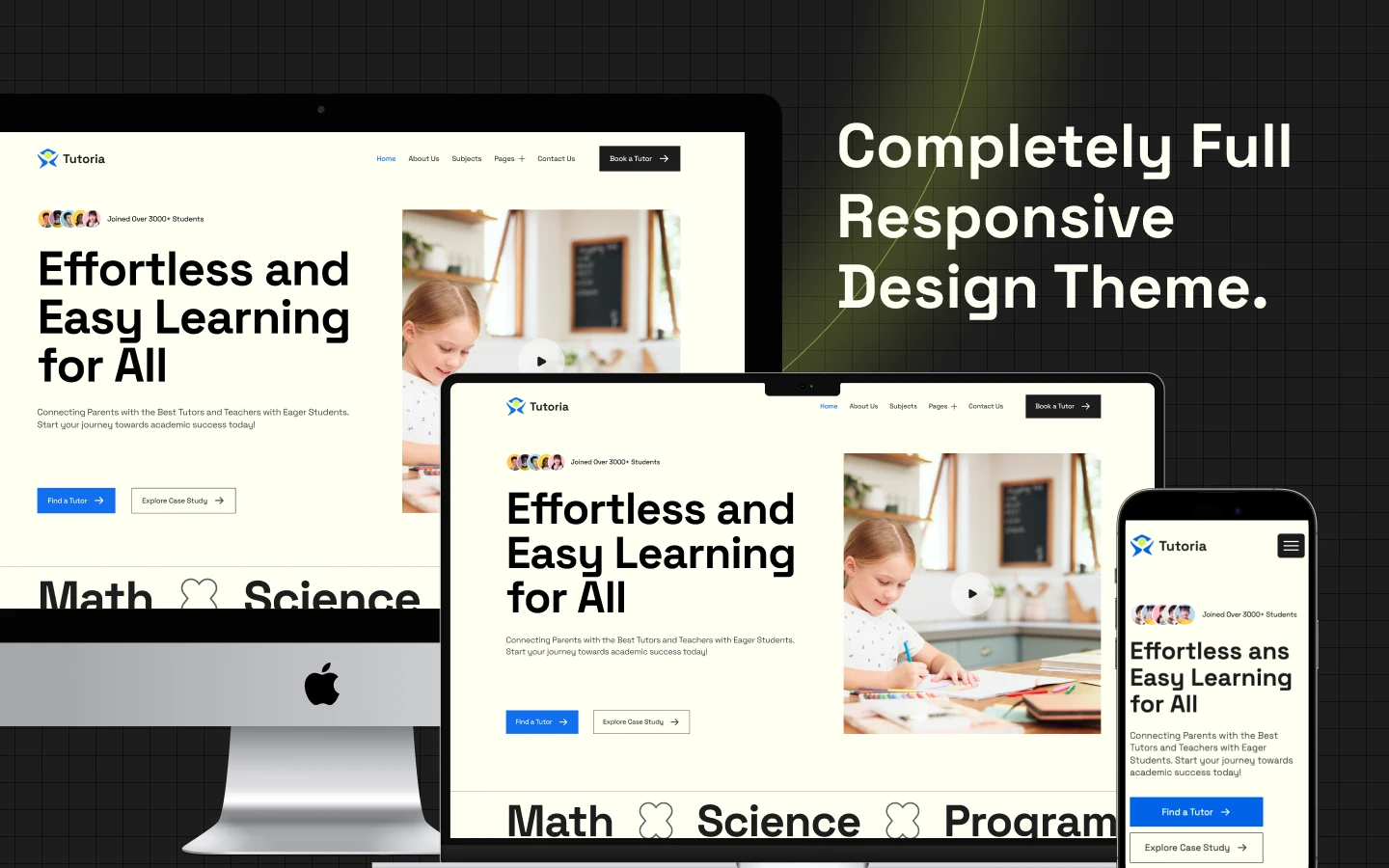
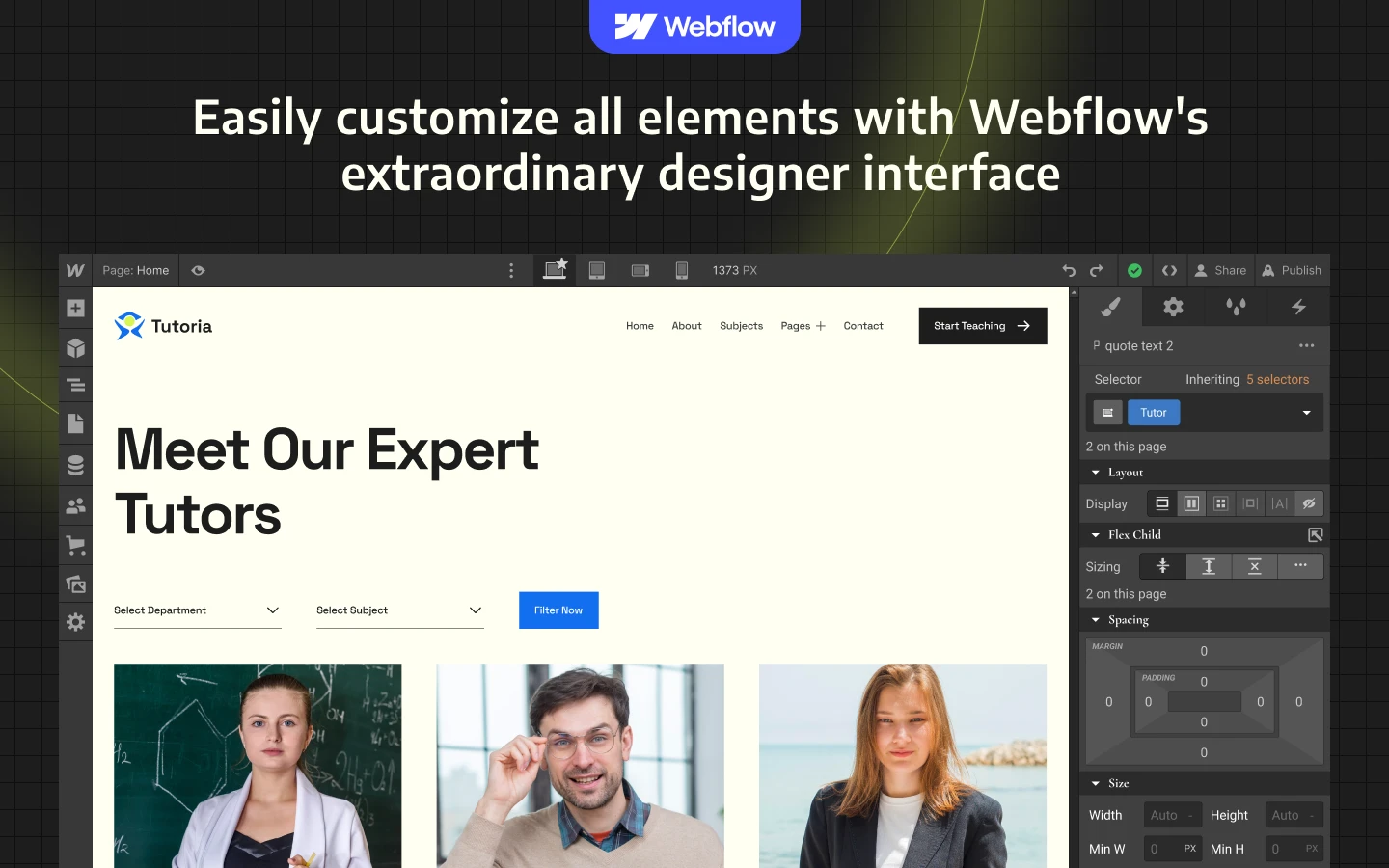
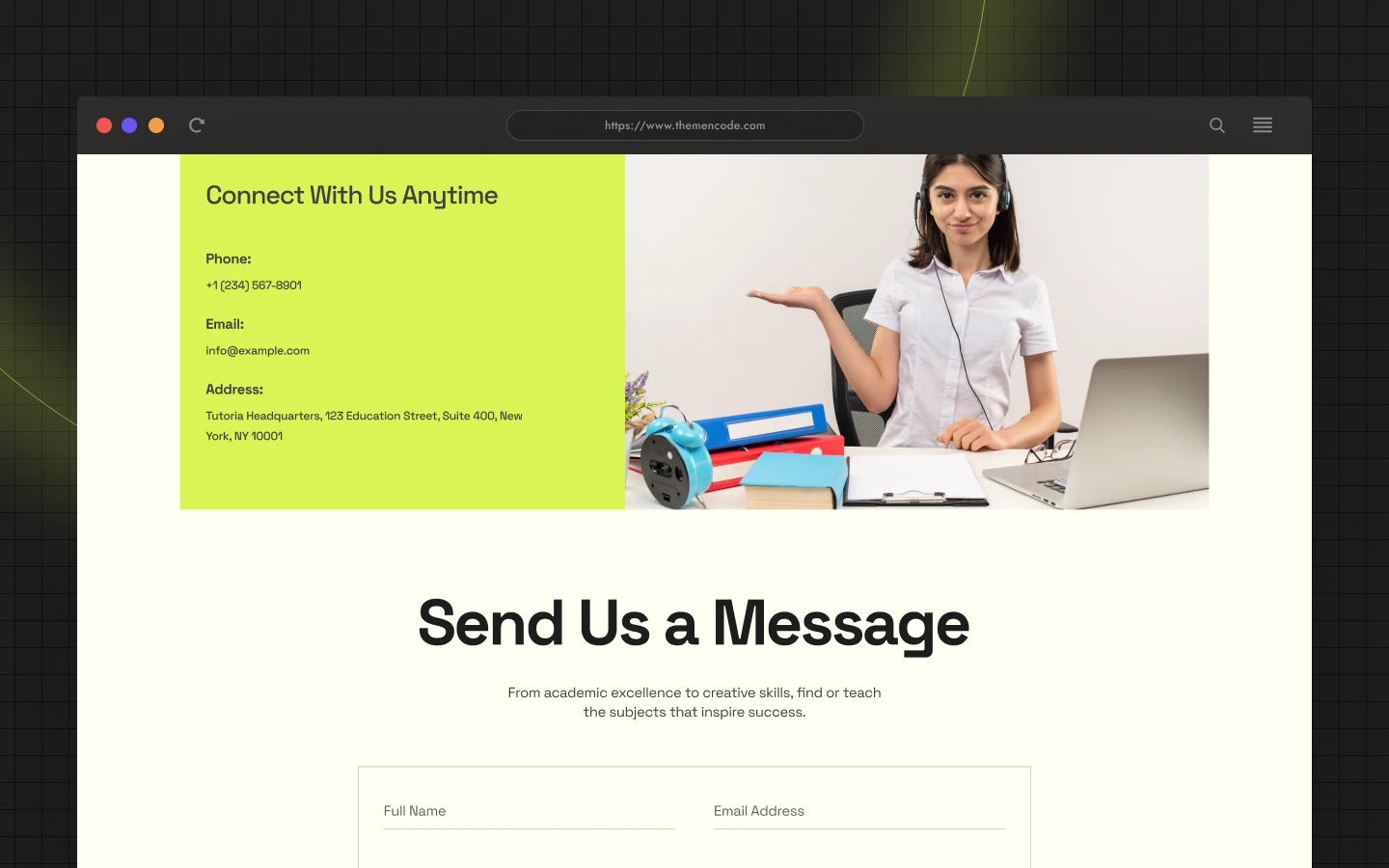
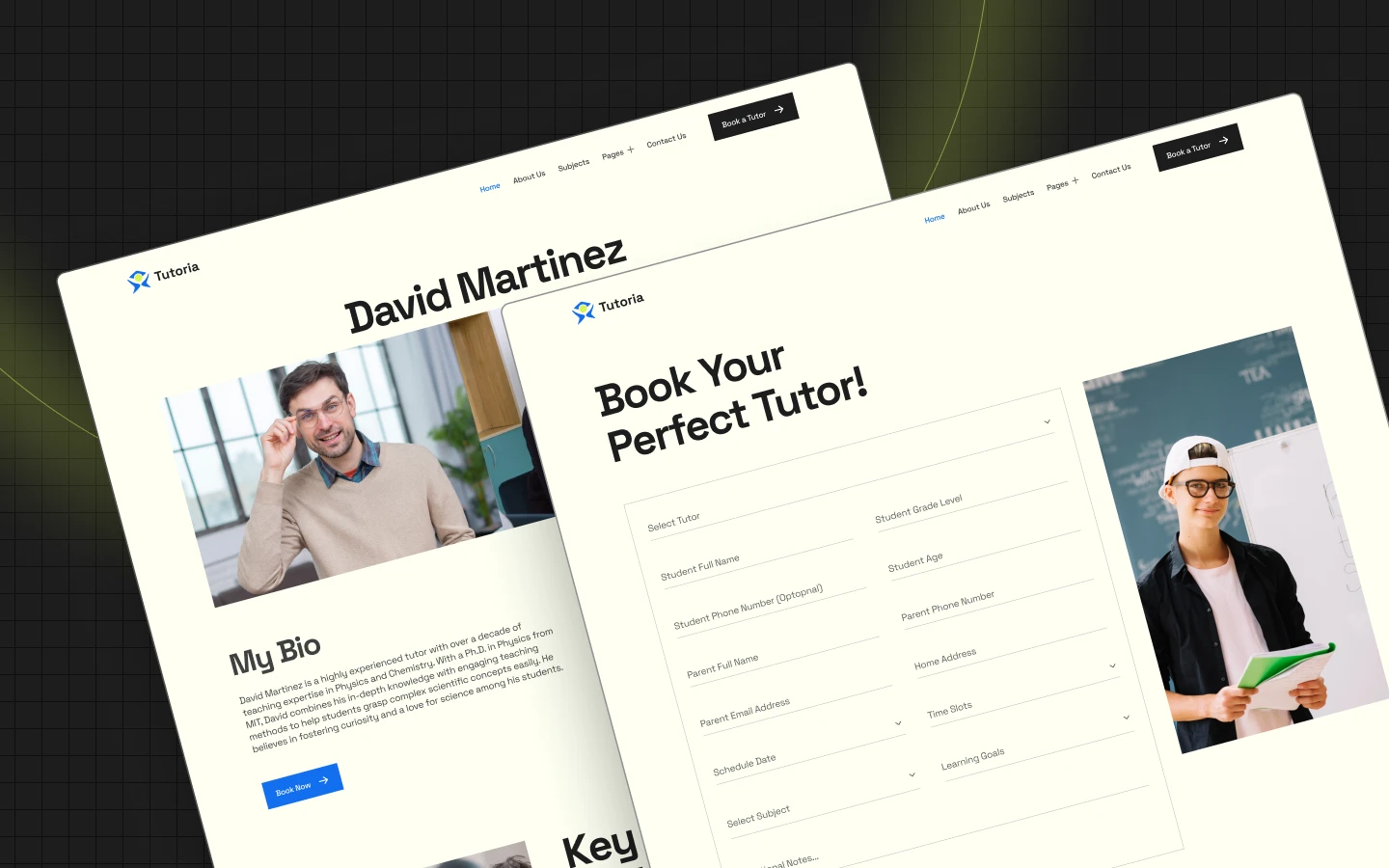
Tutoria is a tutoring website template for tutors, coaching centres and online education businesses. It ships for Webflow, Figma and HTML.
Tutoring marketplaces work in two directions. Students search for a subject, and tutors want to sign up. So Tutoria builds both paths rather than only the first.
Students browse by subject, then by tutor. Because tutors are tagged with categories and sub categories, a parent can drill from maths to calculus in two clicks. Meanwhile a dedicated become a tutor page recruits the supply side.
Each section has one job. The hero states the promise. The subjects page routes the search. The tutor profiles build trust. Finally the book now page takes the session.
Explore the live preview now!
Tutoria at a Glance
| Formats | Webflow, Figma, HTML |
| Best for | Private tutors, coaching centres, online education businesses, test prep |
| CMS | Tutors, tutor categories and sub categories, case studies, blog posts |
| Pages | 15 designed pages plus 7 CMS templates |
| Key sections | Subjects, tutor profiles, case studies, book now, become a tutor |
| Responsive | Desktop, tablet and mobile |
| Support | Included with every TNCFlow purchase |
Key Features of Tutoria
Minimal Design. The layout stays modern, bright and uncluttered. Because parents and students both use the site, the reading level stays deliberately simple.
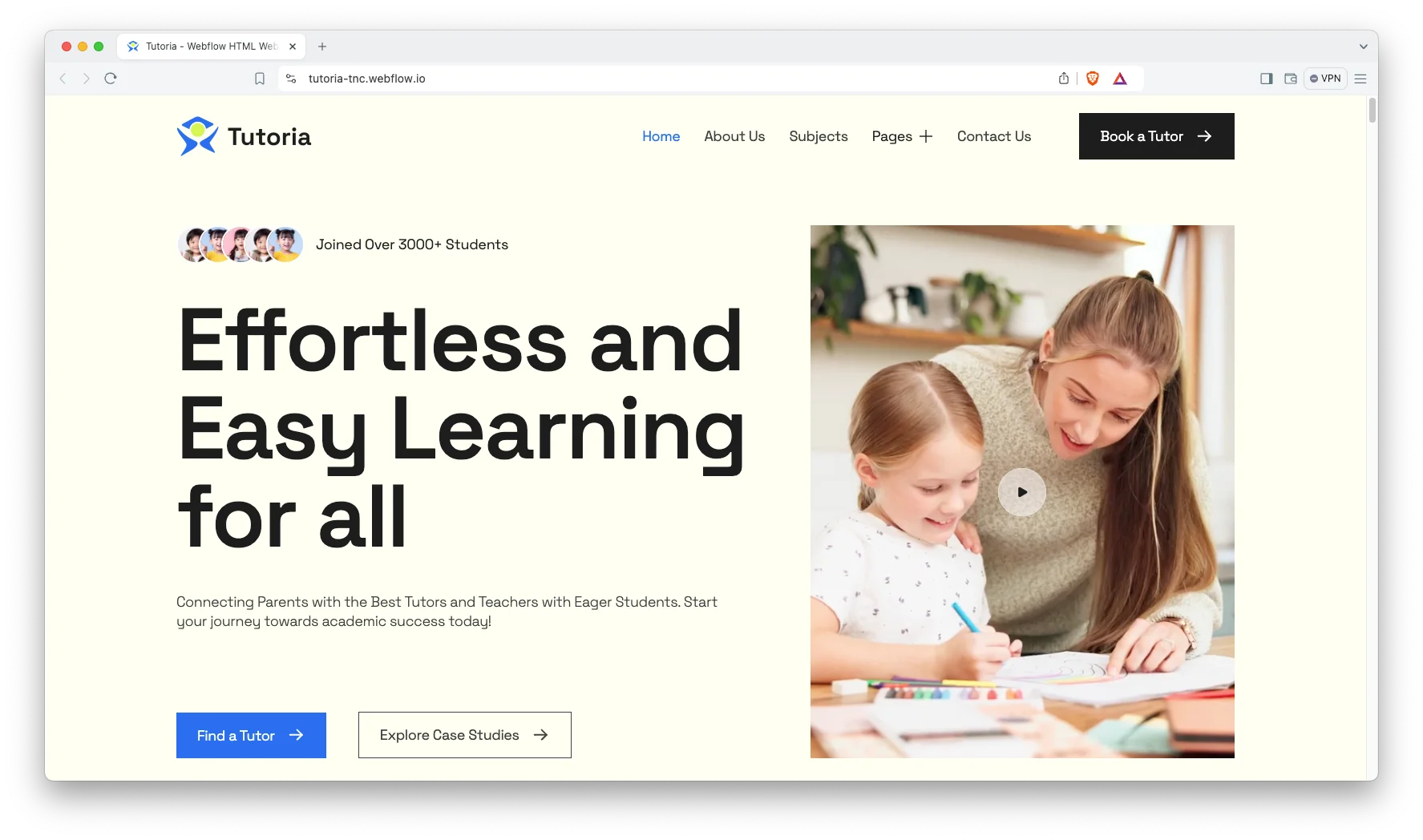
Full Featured Education Layout. Every section is written for a teaching business. So subjects, tutors, case studies and advice all have a place to live.
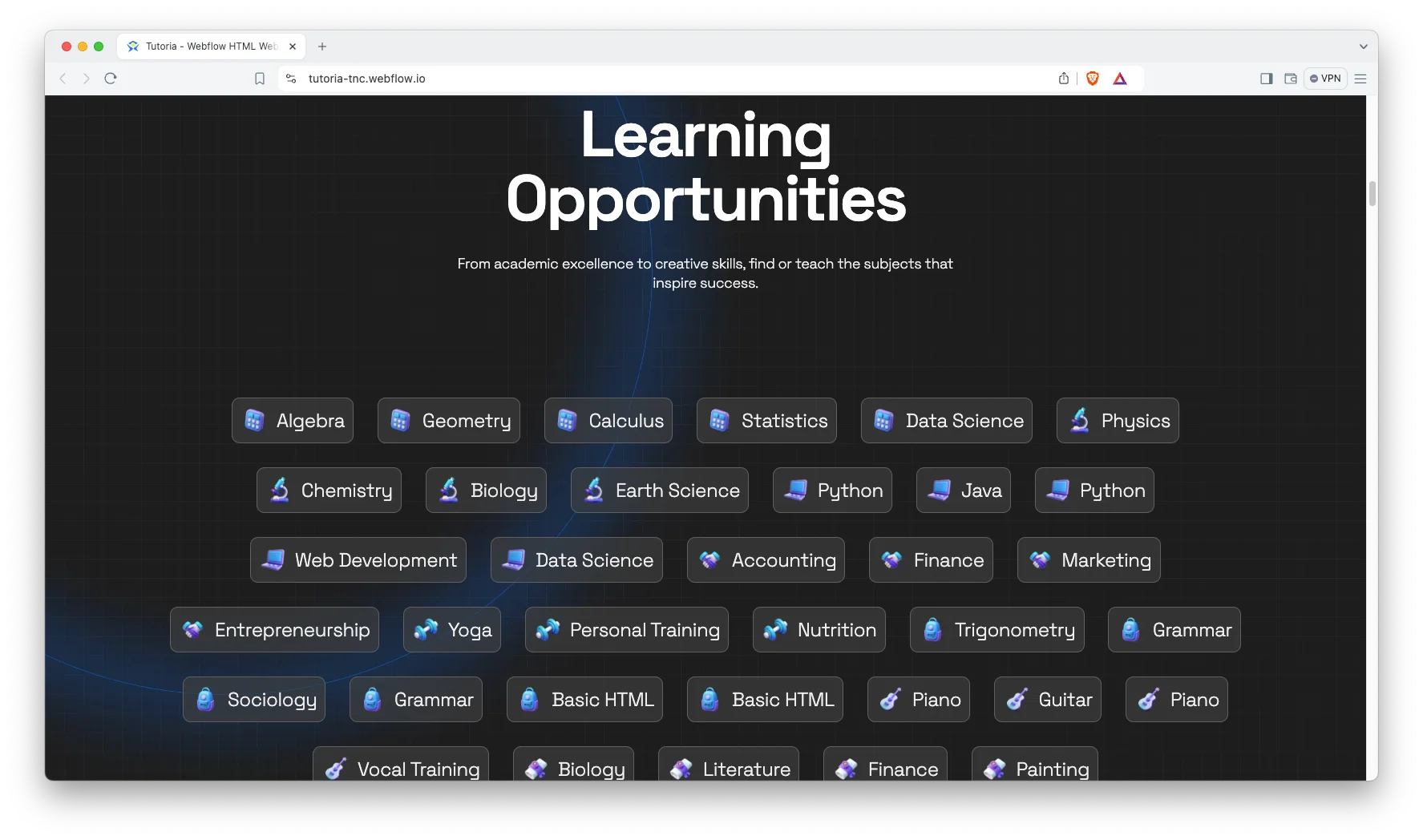
CMS Included. Tutors, subjects, case studies and blog posts all run on Webflow CMS. Then you add a new tutor in a form rather than in the designer.
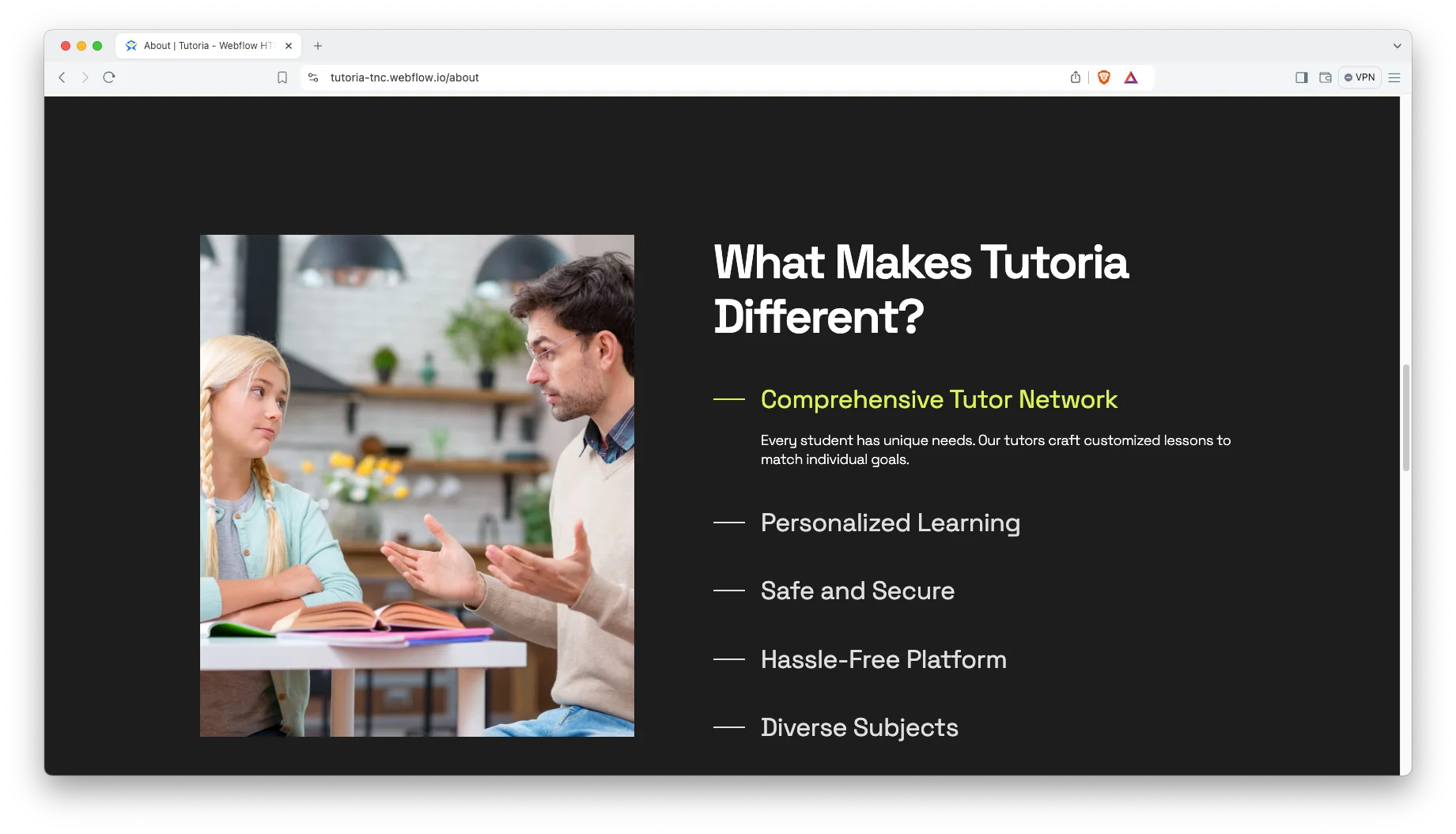
Subjects Showcase. The subjects page lists what you teach. It is the main entry point for a student who already knows what they need.
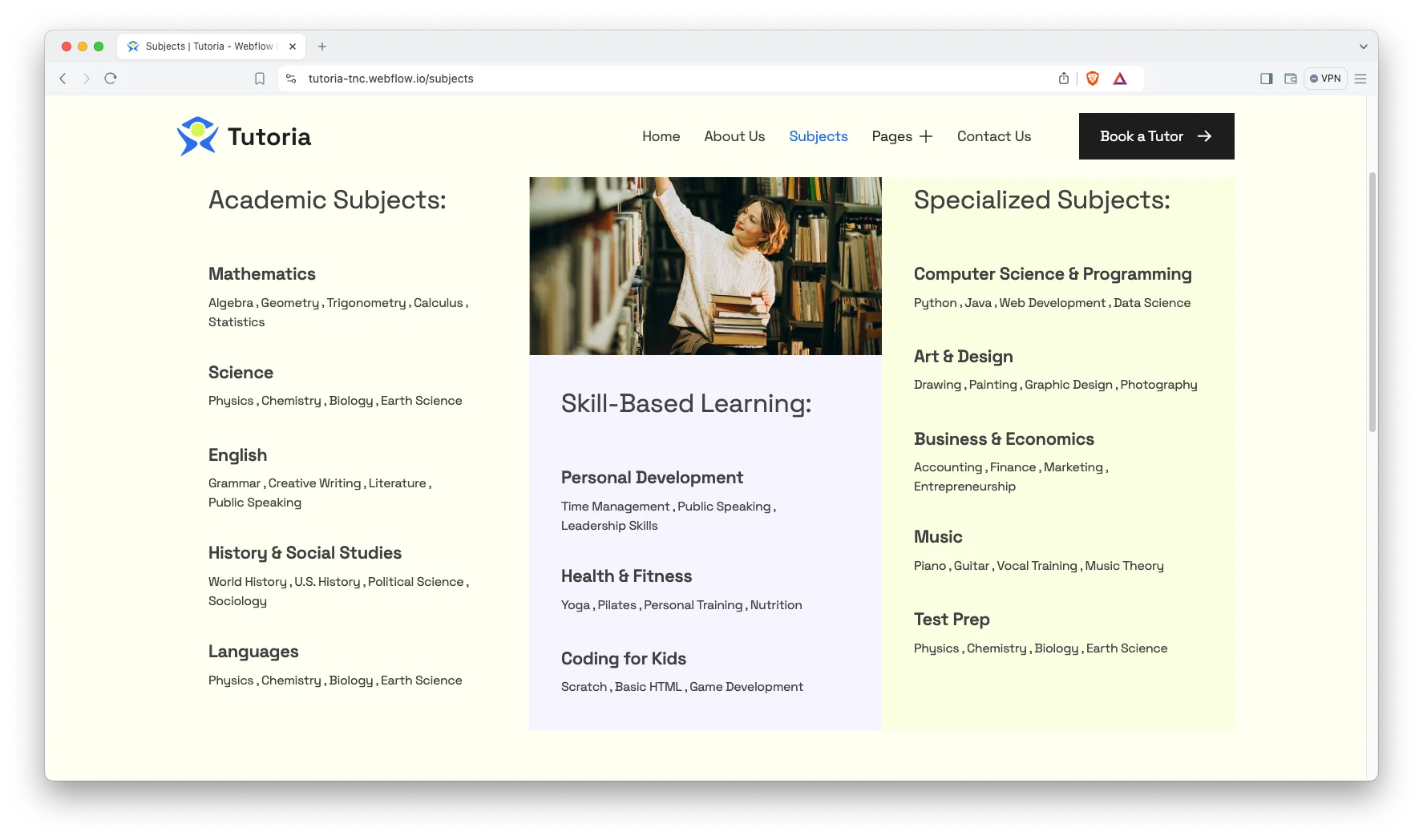
Blog with Categories. The blog is built for scanning, and posts are grouped into six categories. Those cover test prep, tutor tips, education trends, productivity, tutor insights and tips for parents.
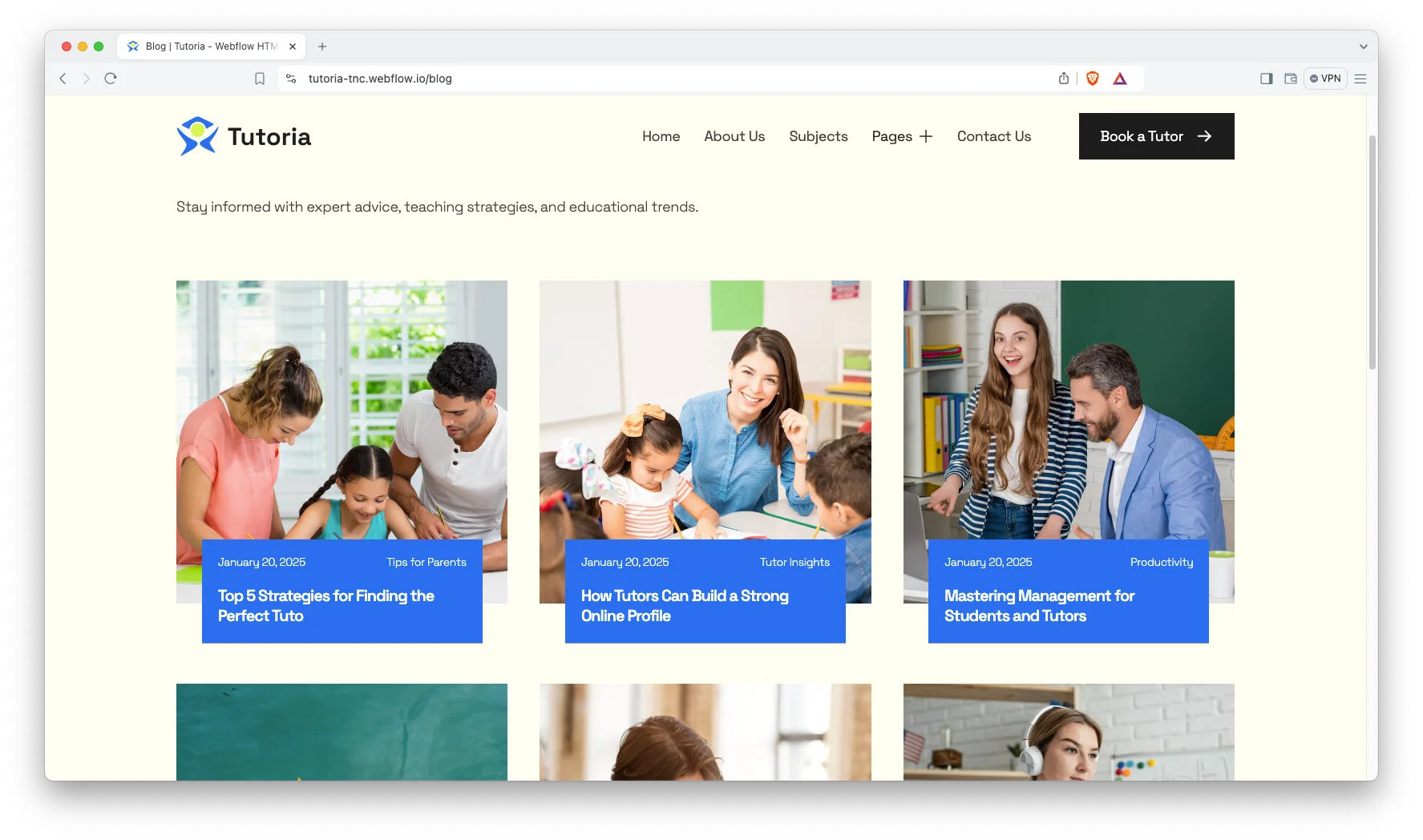
Case Study Section. Case studies carry the proof. Each one is grouped by subject, so a prospect can find a result close to their own situation.
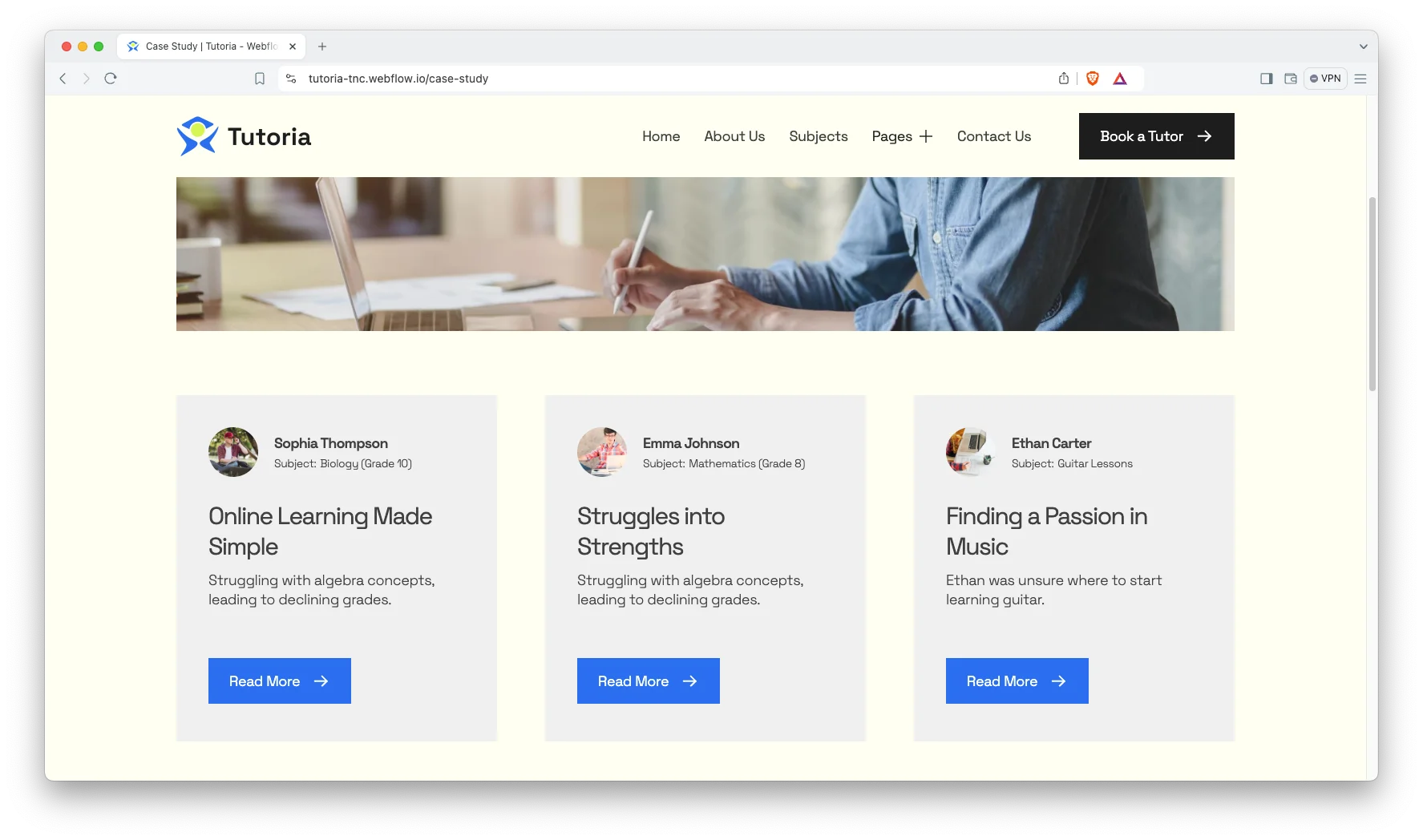
Animation, Video and Sliders. Sliders, video and animation carry the teaching content. However, the motion stays light so pages load quickly on a school network.
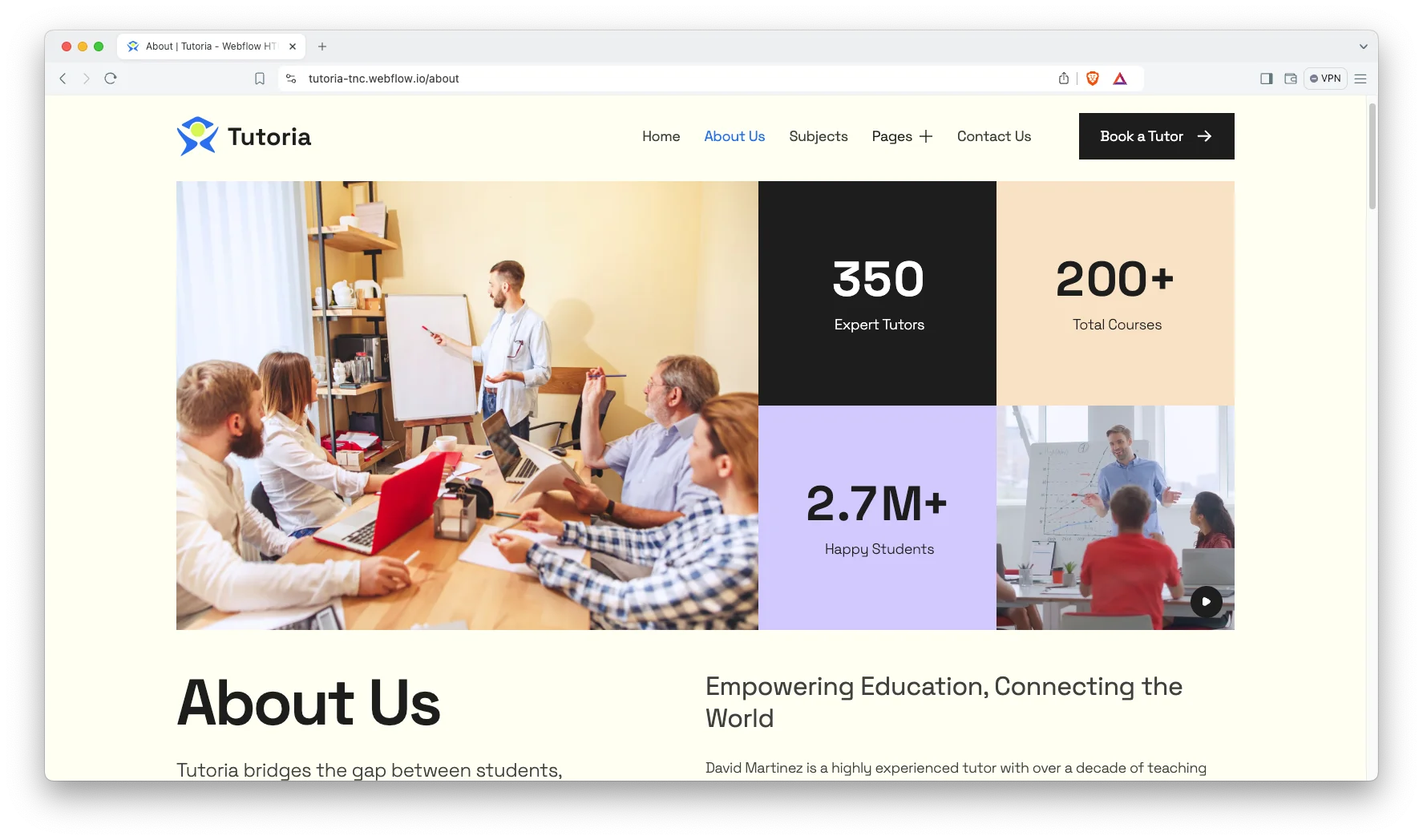
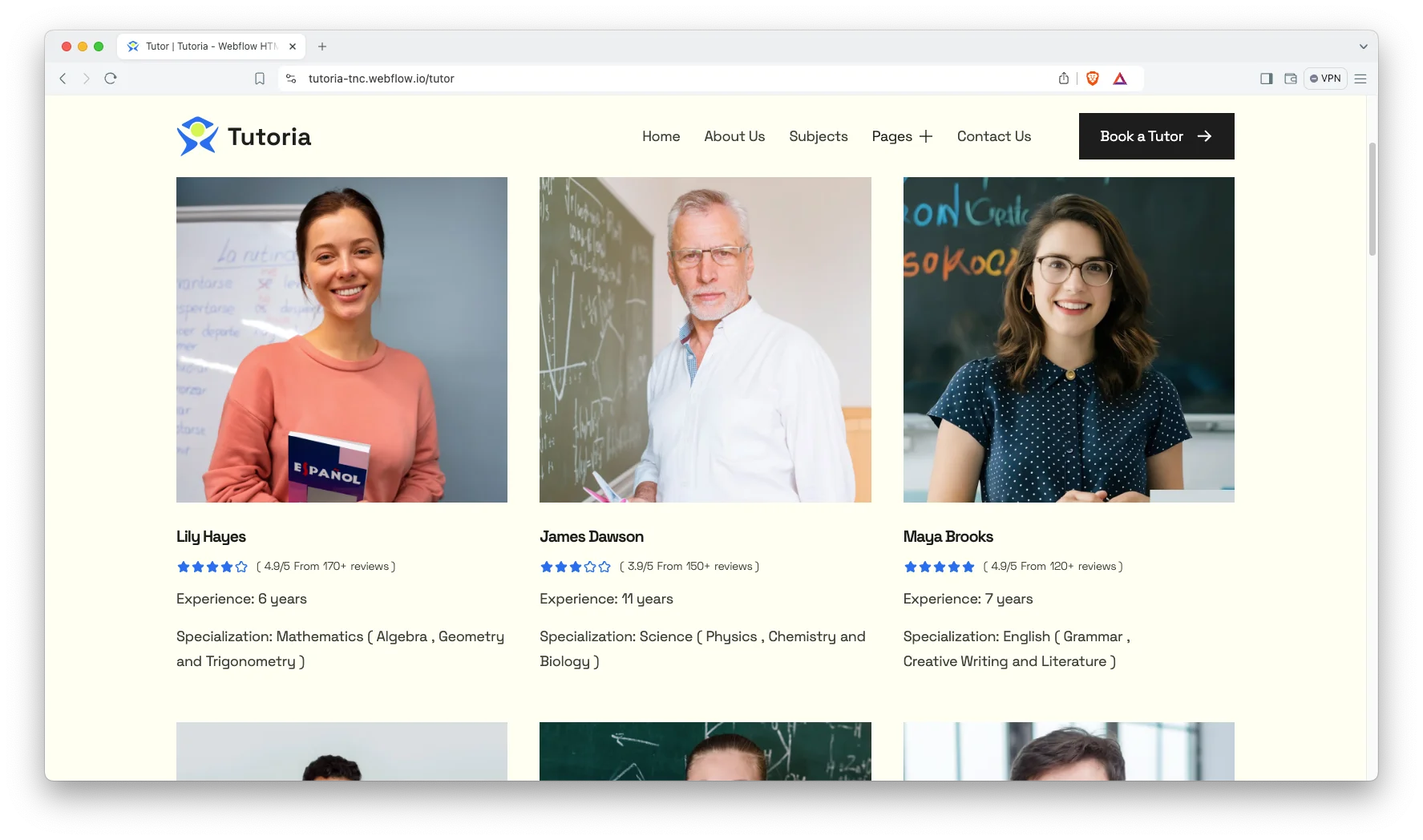
Tutor Profiles with Two Filter Levels. Every tutor gets a profile page. Tutors are also grouped by category and sub category, so a student can narrow from a broad subject to a specific topic.
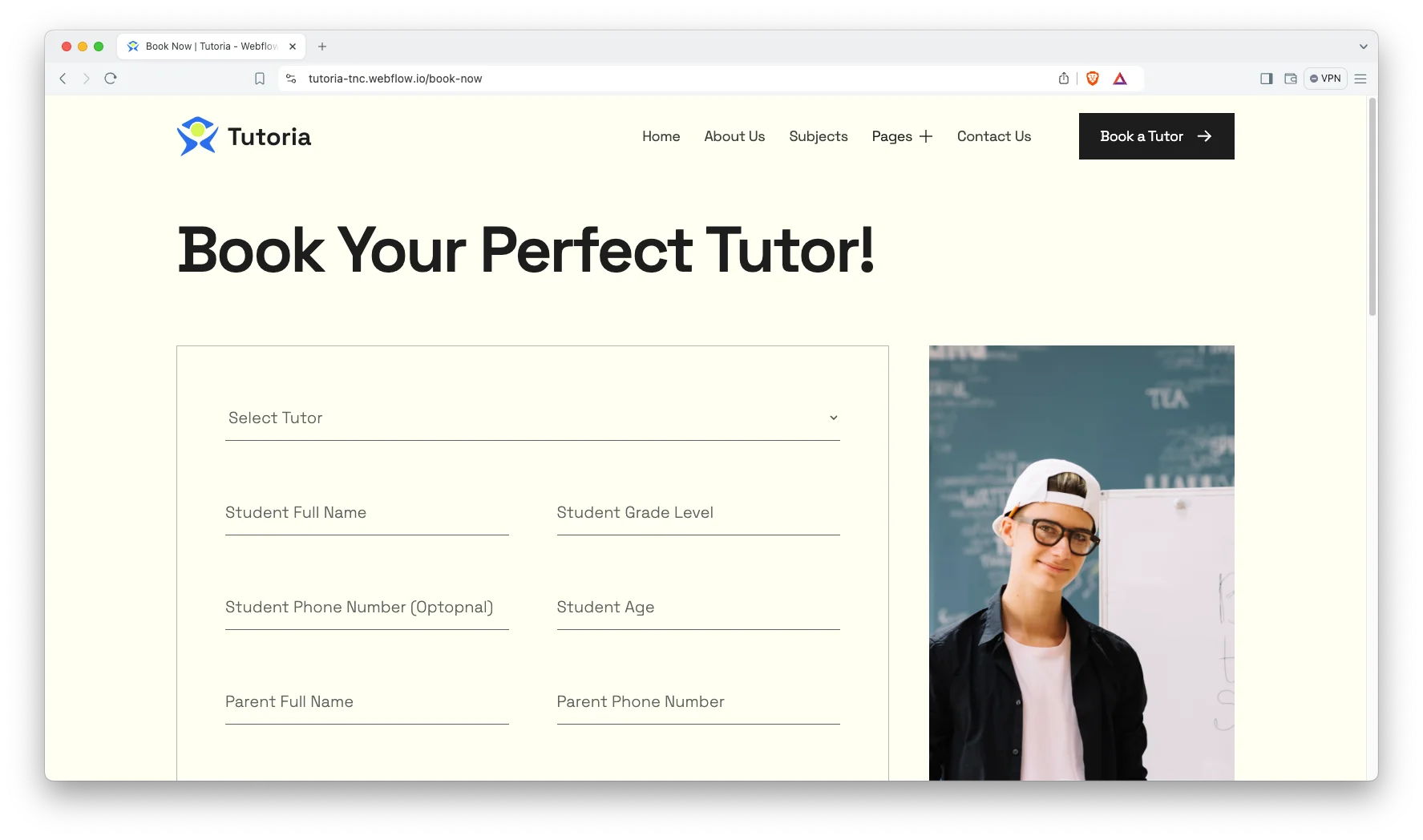
Book Now Page. A dedicated booking page captures session requests. It sits one click from every tutor and subject page.
Become a Tutor Page. A separate page recruits new tutors. So supply side signups do not compete with student enquiries in the same form.
Watch on YouTube
You can watch this video if you want to learn everything about this Webflow template quickly. In this video, we have demonstrated the information about this Webflow template.
Pages Included in Tutoria
Tutoria ships with fifteen designed pages. They are Home, About, Subjects, Tutor, Become a Tutor, Case Study, Blog, Book Now, Contact, Terms and Conditions, Style Guide, License, Changelog, a 404 page and a password page. Seven more are CMS templates. They render tutors, tutor categories, tutor sub categories, case studies, case study subjects, blog posts and blog categories. So the roster grows without new page design.
Why Tutoring Sites Need Two Filter Levels
A parent rarely searches for a tutor in general. They search for a GCSE chemistry tutor, or help with calculus. However, most tutoring sites offer one flat list. Tutoria uses two levels instead, so a broad subject page and a specific topic page both exist. Then each of those pages can rank on its own term. That matters because the specific searches convert far better, even though the broad ones look bigger.
How to Use Tutoria
- Use the purchase widget on the right side of this page to buy the Tutoria template
- Duplicate the template into your Webflow workspace
- Replace the demo tutors, subjects and imagery with your own
- Load your roster, case studies and posts into the CMS collections
- Adjust the colors and typography to match your brand
- Check every breakpoint, then publish your site
Tutoria Frequently Asked Questions
What formats does Tutoria ship in?
Tutoria ships for Webflow, Figma and HTML. Each format is sold separately, so you buy only the one you need.
Is the Figma file included with the Webflow purchase?
No. The Figma file is a separate product on this page. So add it to your order if you want the design source.
How many pages does Tutoria include?
Tutoria includes fifteen designed pages. It also includes seven CMS templates covering tutors, subjects, case studies and blog content.
Can students filter tutors by topic?
Yes. Tutors carry both a category and a sub category, so a student can narrow from a subject to a specific topic.
Does Tutoria have a page for recruiting tutors?
Yes. There is a dedicated become a tutor page, separate from the student booking flow.
Does Tutoria handle payments?
It captures booking requests through the book now page. However, payment and scheduling remain your own systems.
When you choose Tutoria, you get support from the TNCFlow team. So if a section does not behave, ask us and we will help.
Check out other Webflow templates by TNCFlow.
Featured in our guides: event website templates, consulting website templates and coaching website templates.

Select template
Choose one or more options for your build
