

PRO
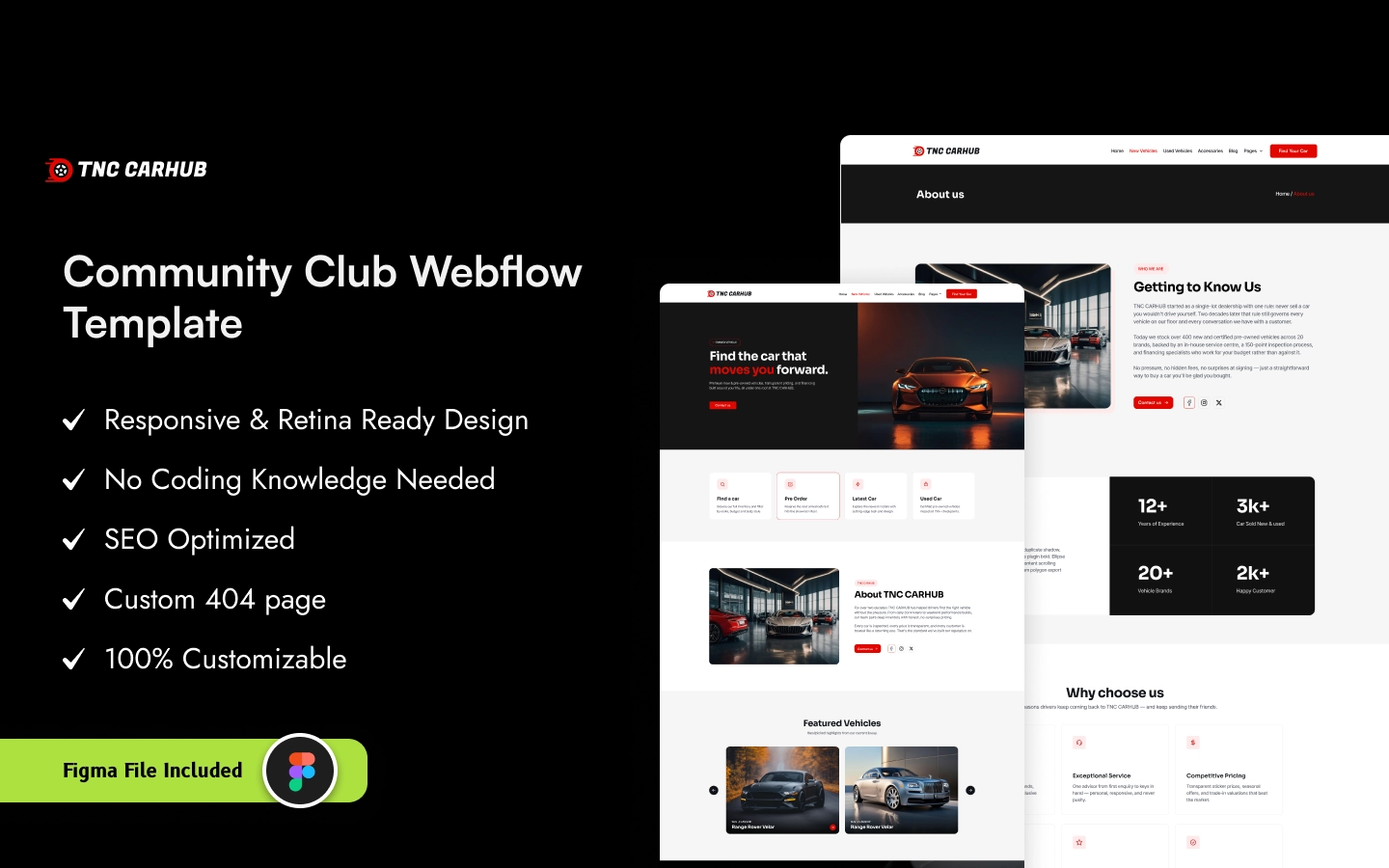
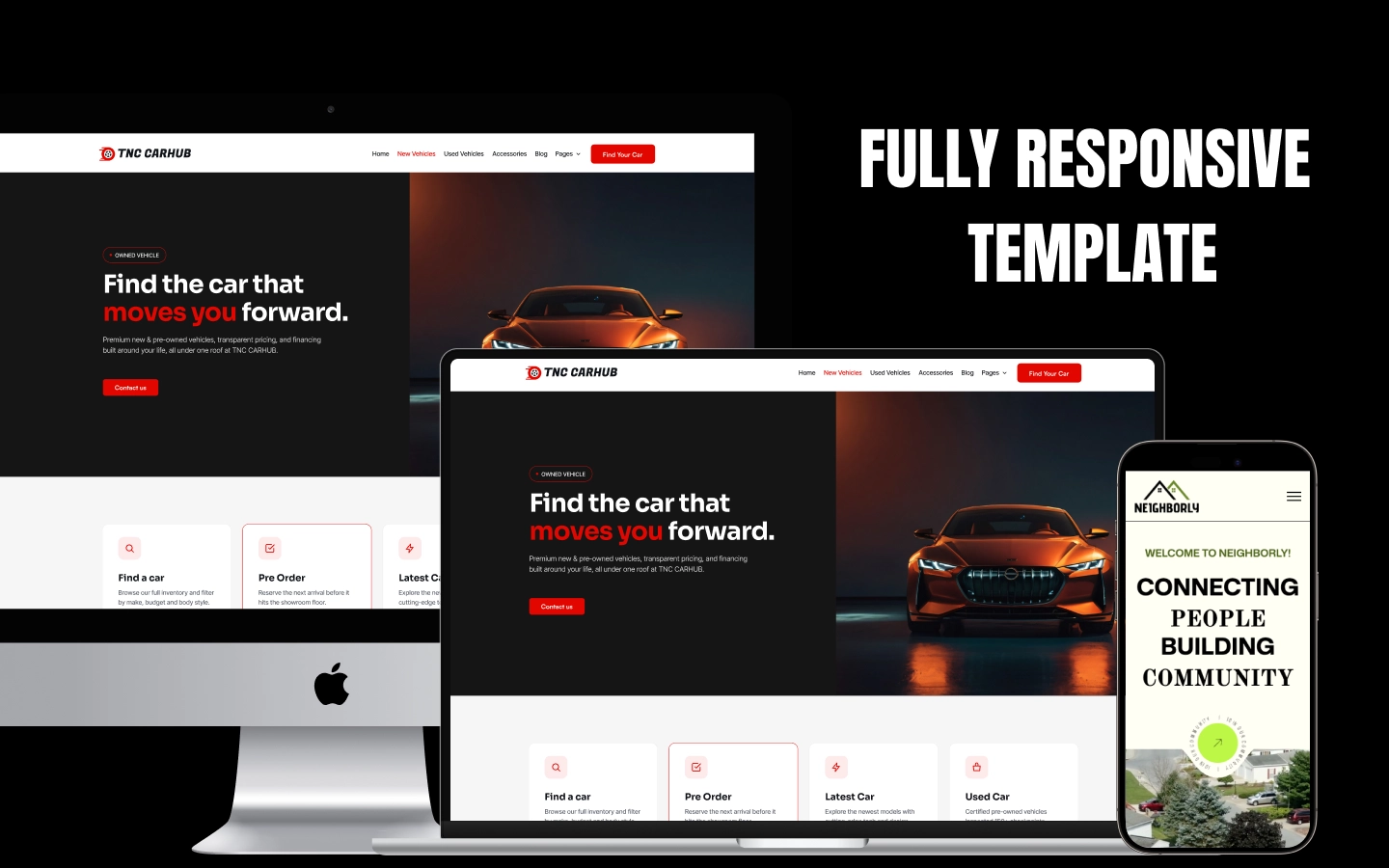
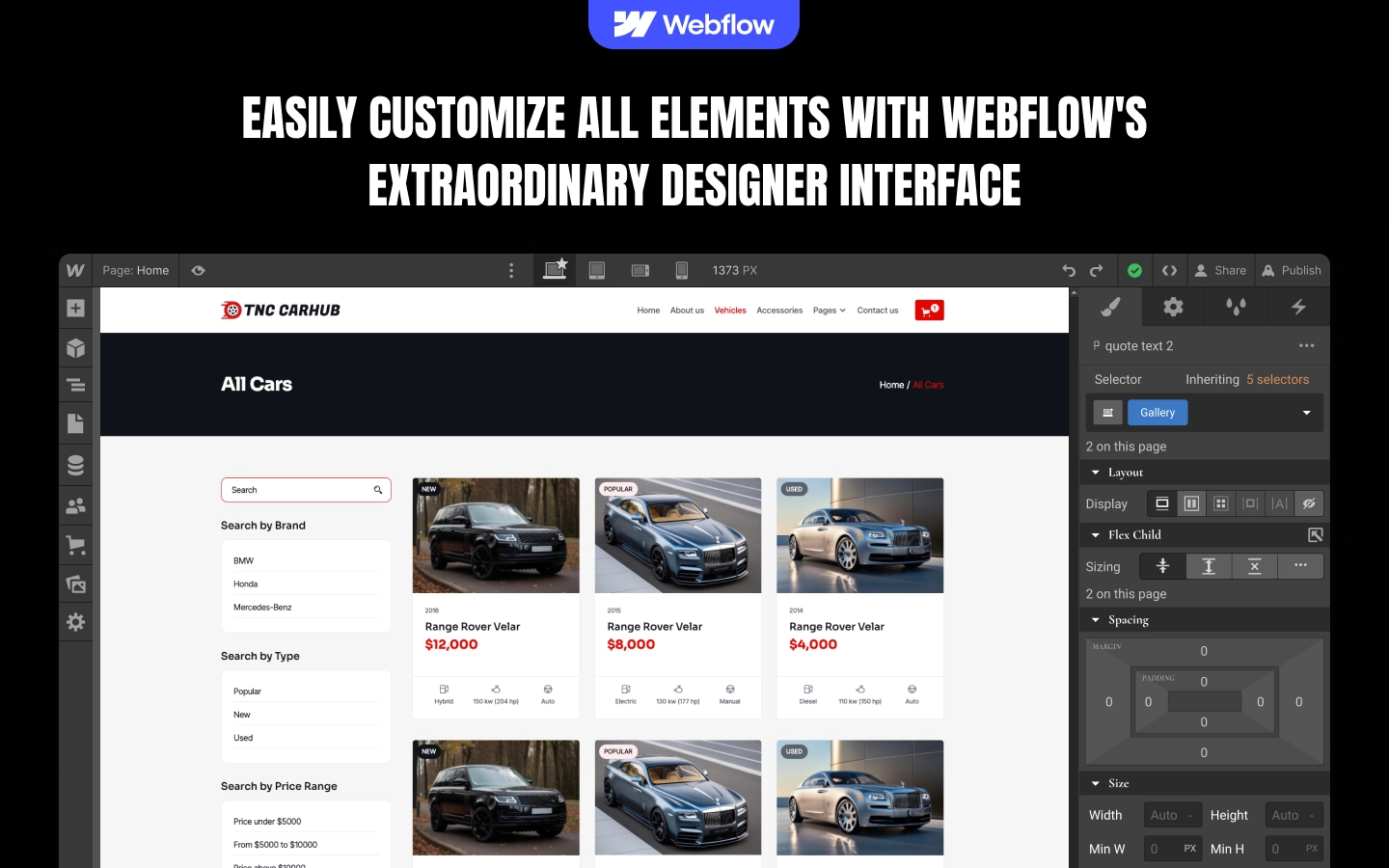
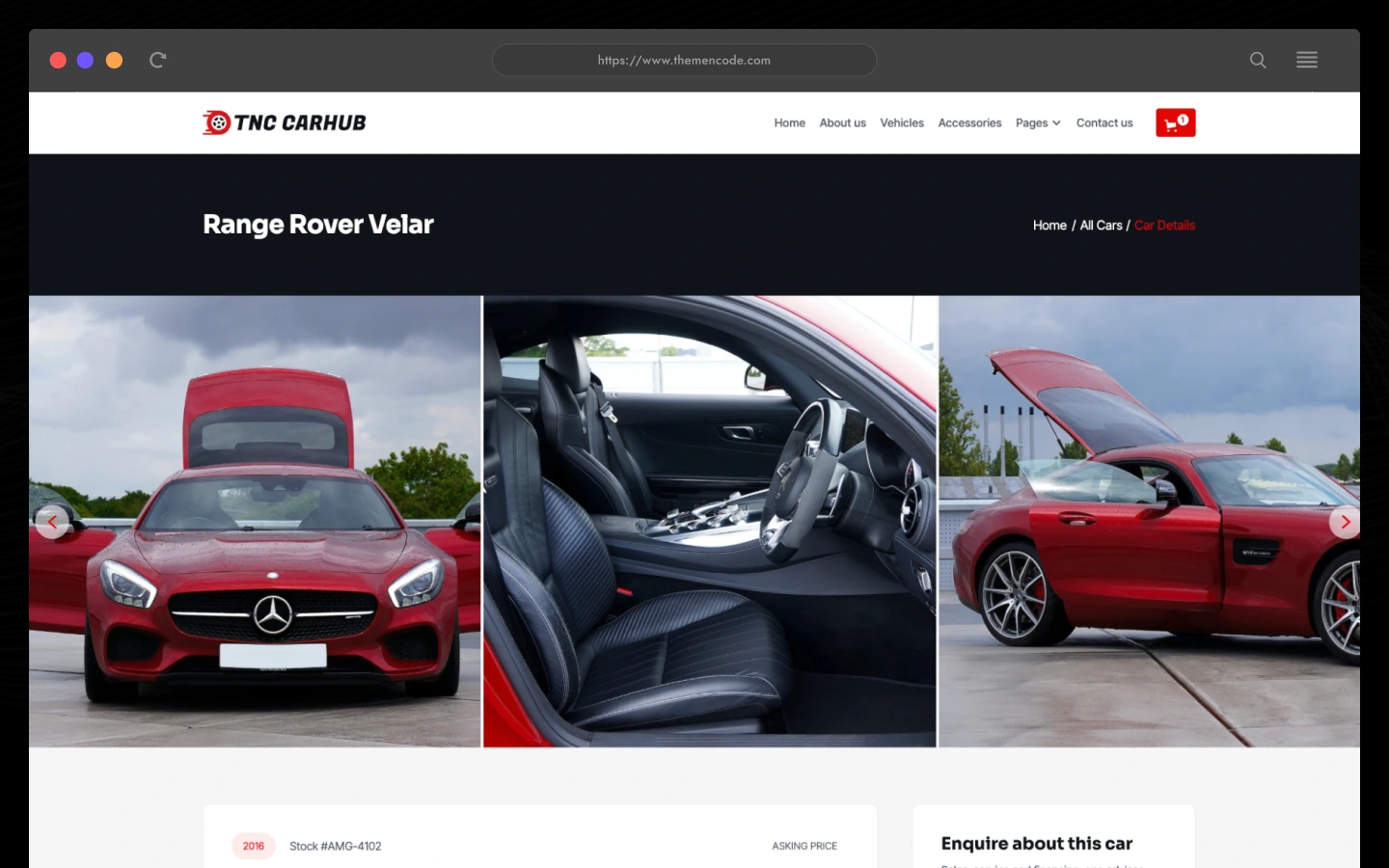
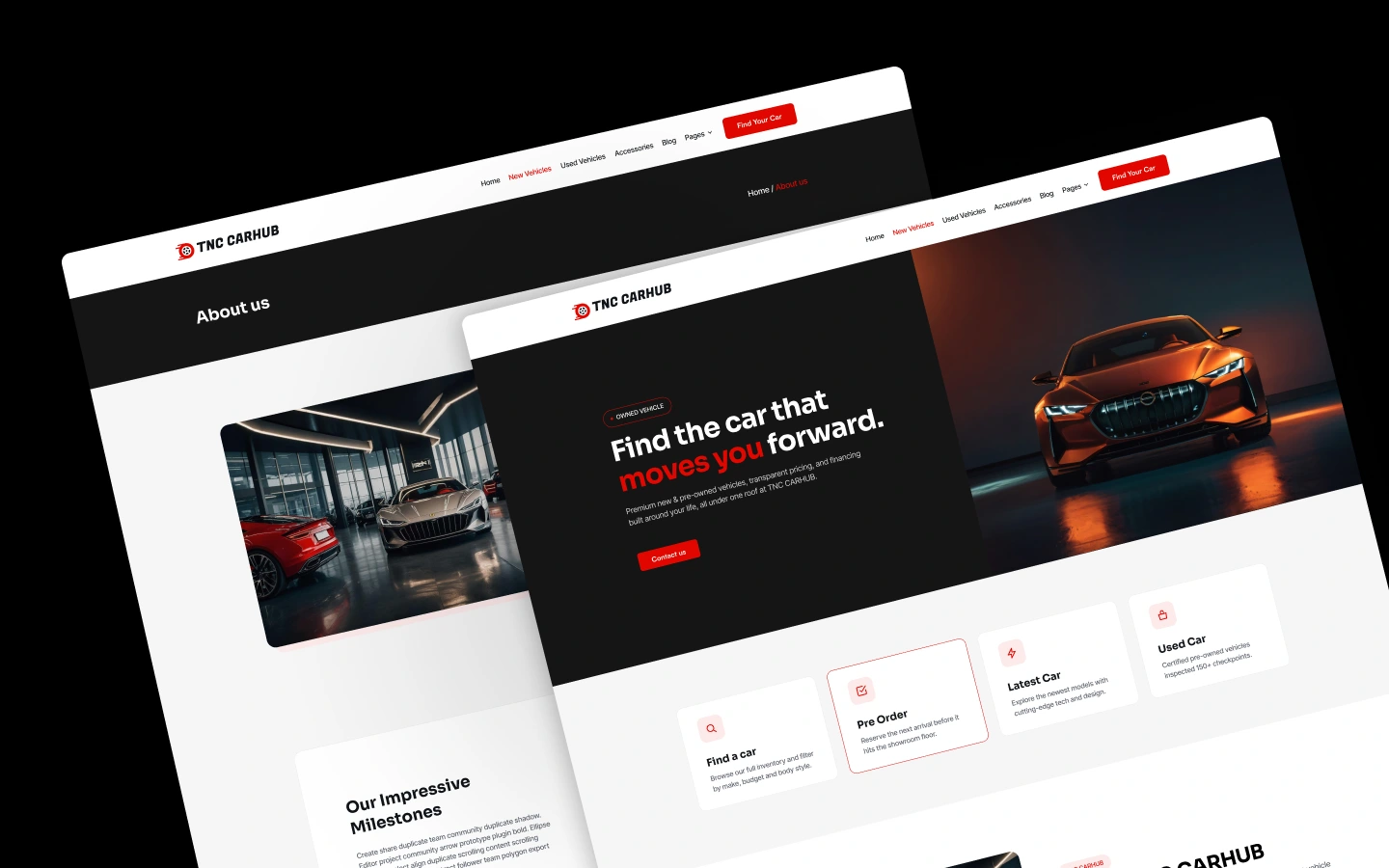
TNC CarHub is a modern Webflow template for car dealerships, automotive businesses, and vehicle retailers. Showcase vehicle collections, present detailed car listings, feature new and used vehicles, publish automotive articles, and sell automotive products through a dedicated shop experience. It ships for Webflow, Figma and HTML.
TNC CarHub is a vehicle-focused Webflow template designed for car dealerships, automotive retailers, and businesses looking to establish a professional online presence. It combines vehicle discovery, detailed car information, automotive content, and ecommerce-oriented shop pages in one cohesive website.
The homepage introduces visitors to the dealership through a prominent vehicle showcase, featured cars, and organized vehicle listings. Dedicated vehicle collection and car details pages give potential buyers a straightforward way to browse available inventory and explore individual vehicles.
The template also includes a gallery for showcasing vehicles visually, an About Us page for introducing the business, and a testimonials page for presenting customer feedback. Automotive blog pages provide space for industry news, vehicle reviews, safety information, and maintenance advice.
Beyond vehicle listings, TNC CarHub includes a shop page and individual product pages, making it suitable for businesses that want to showcase automotive products alongside their vehicle inventory. Contact pages and newsletter forms provide additional ways to encourage enquiries and keep visitors connected.
With responsive layouts, customizable content, and a range of supporting pages, TNC CarHub provides a flexible starting point for building a dealership or automotive retail website in Webflow.
Whether you operate a car showroom, sell new and pre-owned vehicles, or run an automotive business with an online product shop, CarHub offers a structured foundation for presenting your inventory and business information online.
Explore the live previews: CMS Version | Ecommerce Version
TNC CarHub at a Glance
| Formats | Webflow, Figma, HTML |
| Webflow builds | CMS and Ecommerce |
| Best for | Car dealerships, used car lots, rental fleets, parts and accessory retailers |
| CMS collections | Cars, car brands, car categories, blog, blog categories, blog tags, authors |
| Pages | 11 designed pages plus 7 CMS templates, and 5 more in the ecommerce build |
| Vehicle filters | Brand, category and keyword search |
| Online payments | Parts and accessories only, in the ecommerce build |
| Responsive | Desktop, tablet and mobile |
| Support | TNCFlow support team |
What Car Buyers Actually Do on a Dealer Website
TNC CarHub is designed for automotive businesses that want to present their vehicles and services through a polished, organized website.
It works particularly well for:
- Car dealerships that need a dedicated website to display available inventory.
- Used-car retailers that want to organize vehicle listings and provide individual car information.
- New-car dealerships that want to feature selected vehicles and showroom inventory.
- Automotive retailers that want to combine vehicle listings with a separate online shop.
- Car showrooms that need vehicle photography, a gallery, and business information in one place.
- Automotive startups building their first dealership website.
- Vehicle enthusiasts and automotive businesses that want to publish vehicle reviews, industry updates, and maintenance-related articles.
- Multi-category automotive businesses that need pages for vehicles, products, company information, and customer testimonials.
The template’s combination of vehicle listings, individual car pages, a gallery, blog content, and shop pages makes it a practical starting point for automotive websites with more than one content need.
Key Features of TNC CarHub
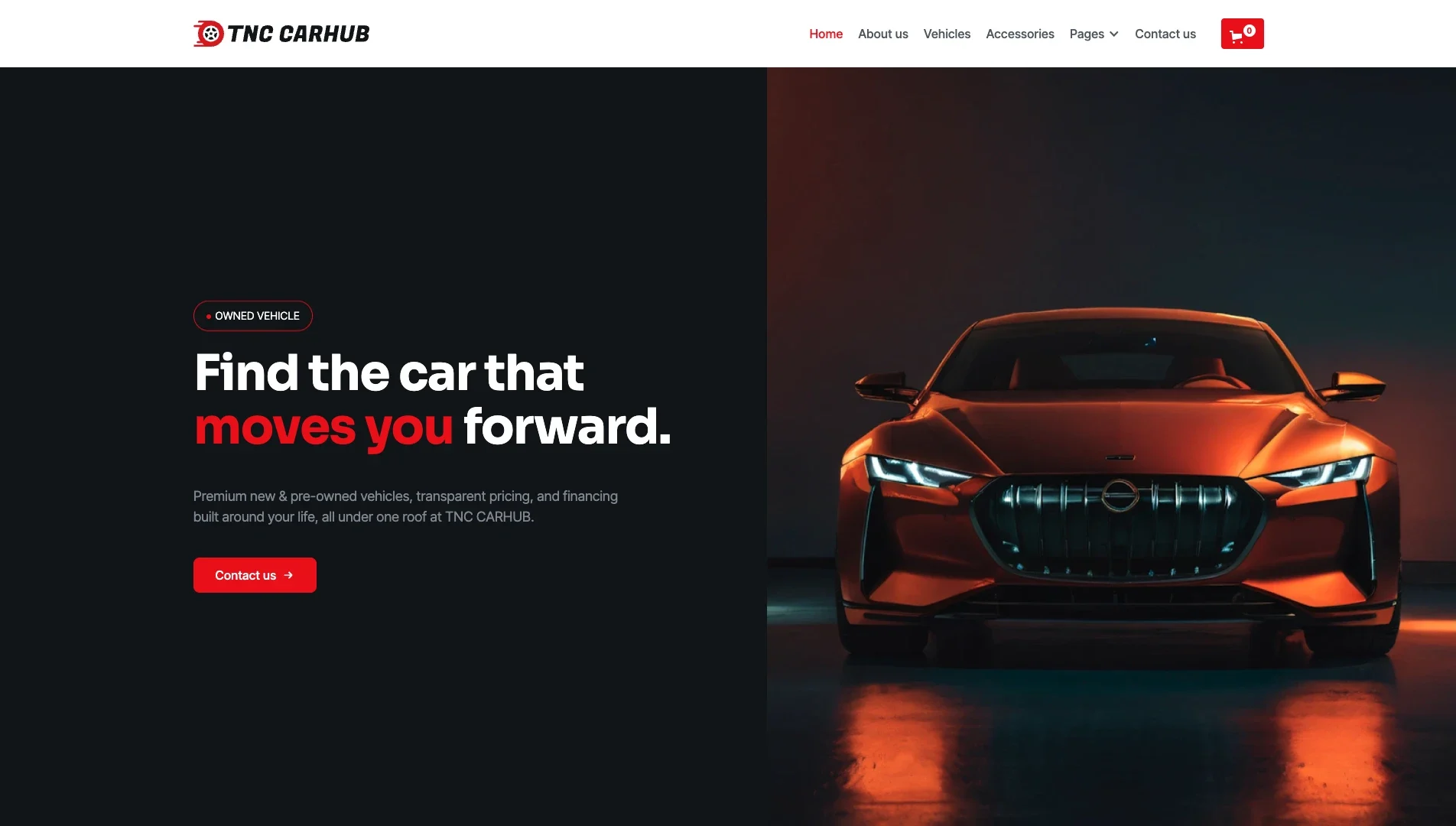
Automotive Dealership Homepage: Introduce your dealership with a vehicle-focused homepage that puts the automotive brand and featured inventory front and center. The layout gives visitors an immediate introduction to the business and a clear starting point for exploring its vehicles.
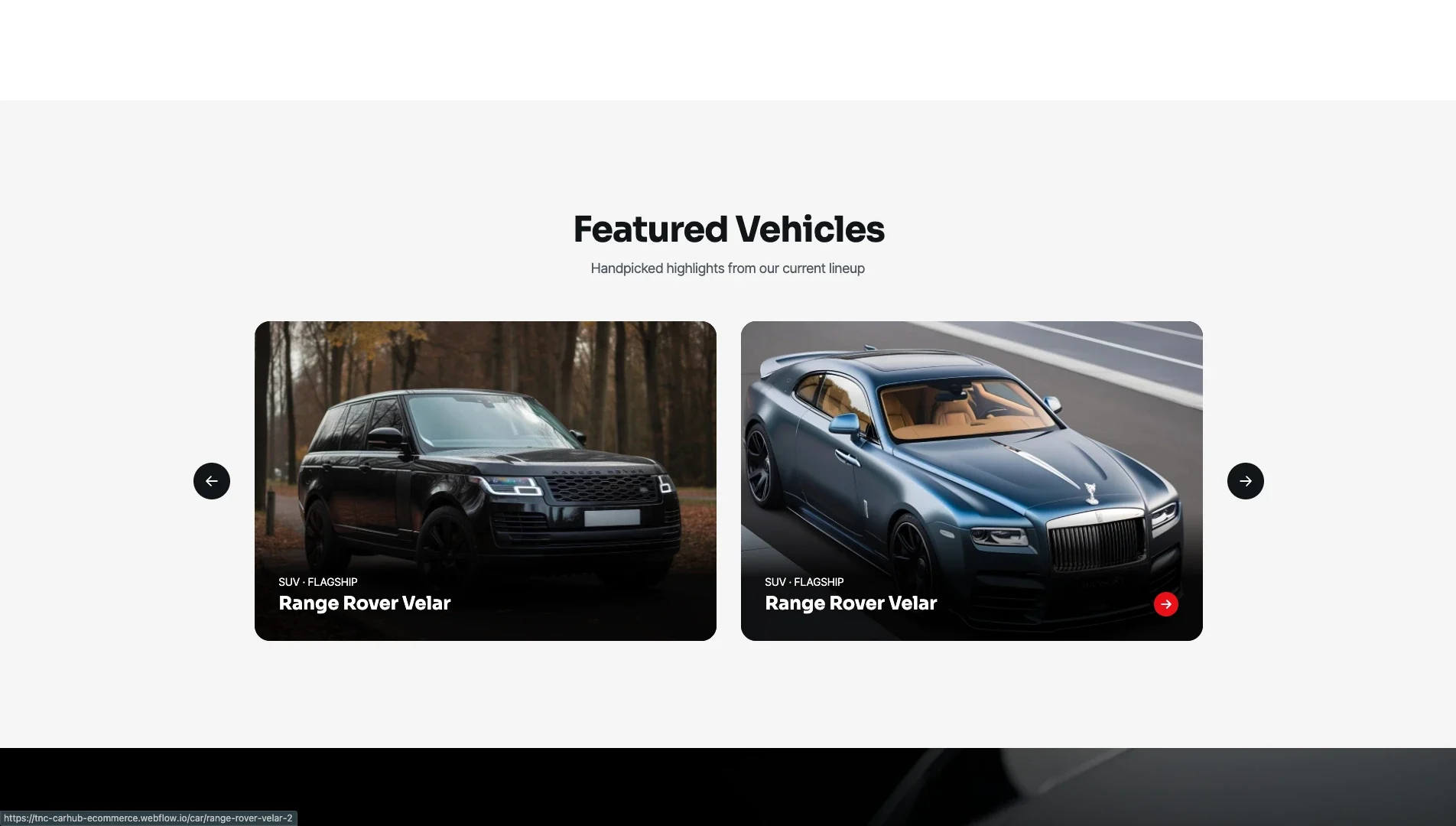
Featured Vehicle Showcase: Highlight selected vehicles in a dedicated homepage section. The showcase provides a visual way to draw attention to featured inventory and direct visitors toward individual vehicle information.
Vehicle Collection and Listings: Present available vehicles in an organized collection so visitors can browse the dealership’s inventory. Individual listing cards help make vehicle options easier to scan and compare visually.
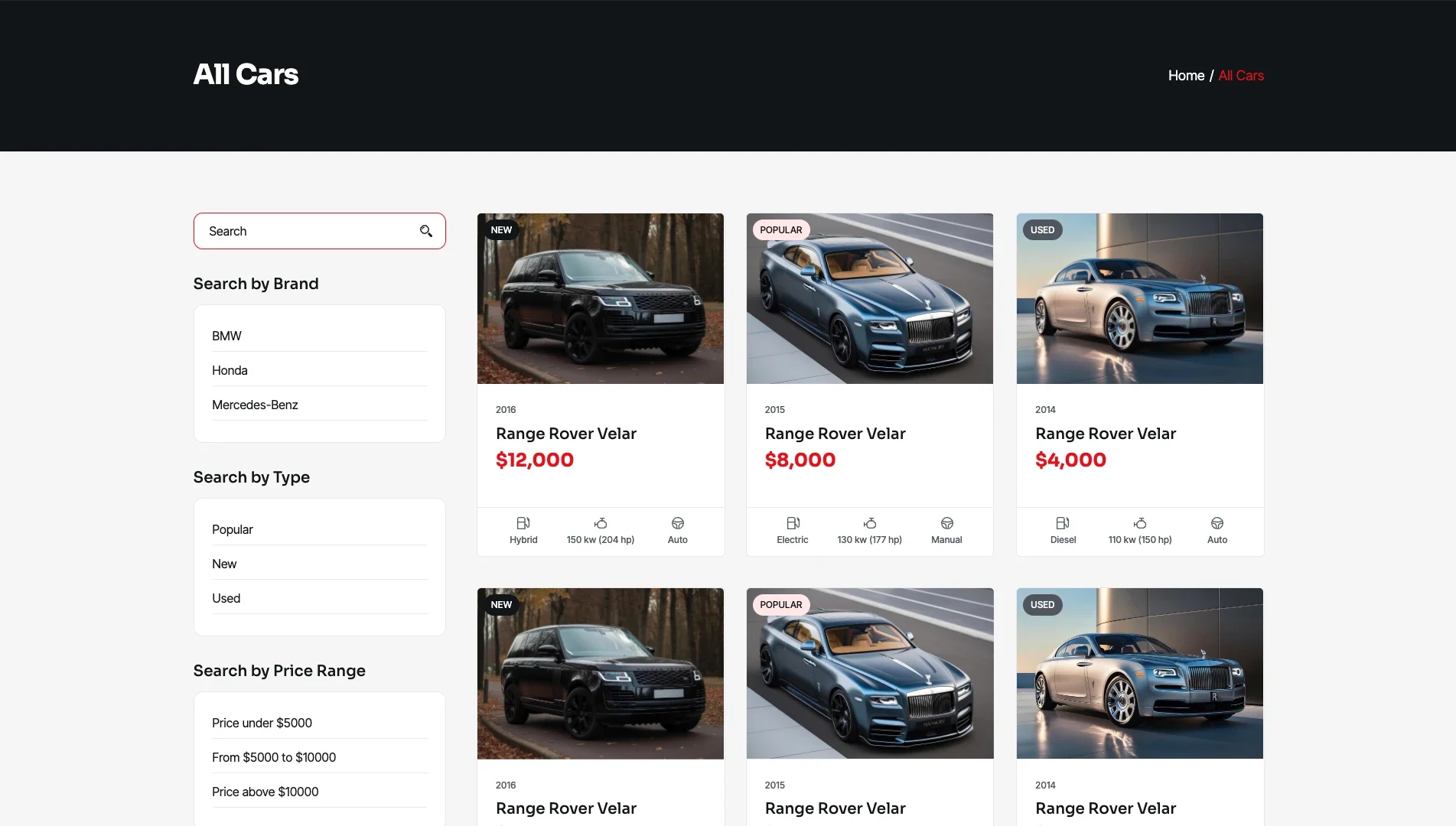
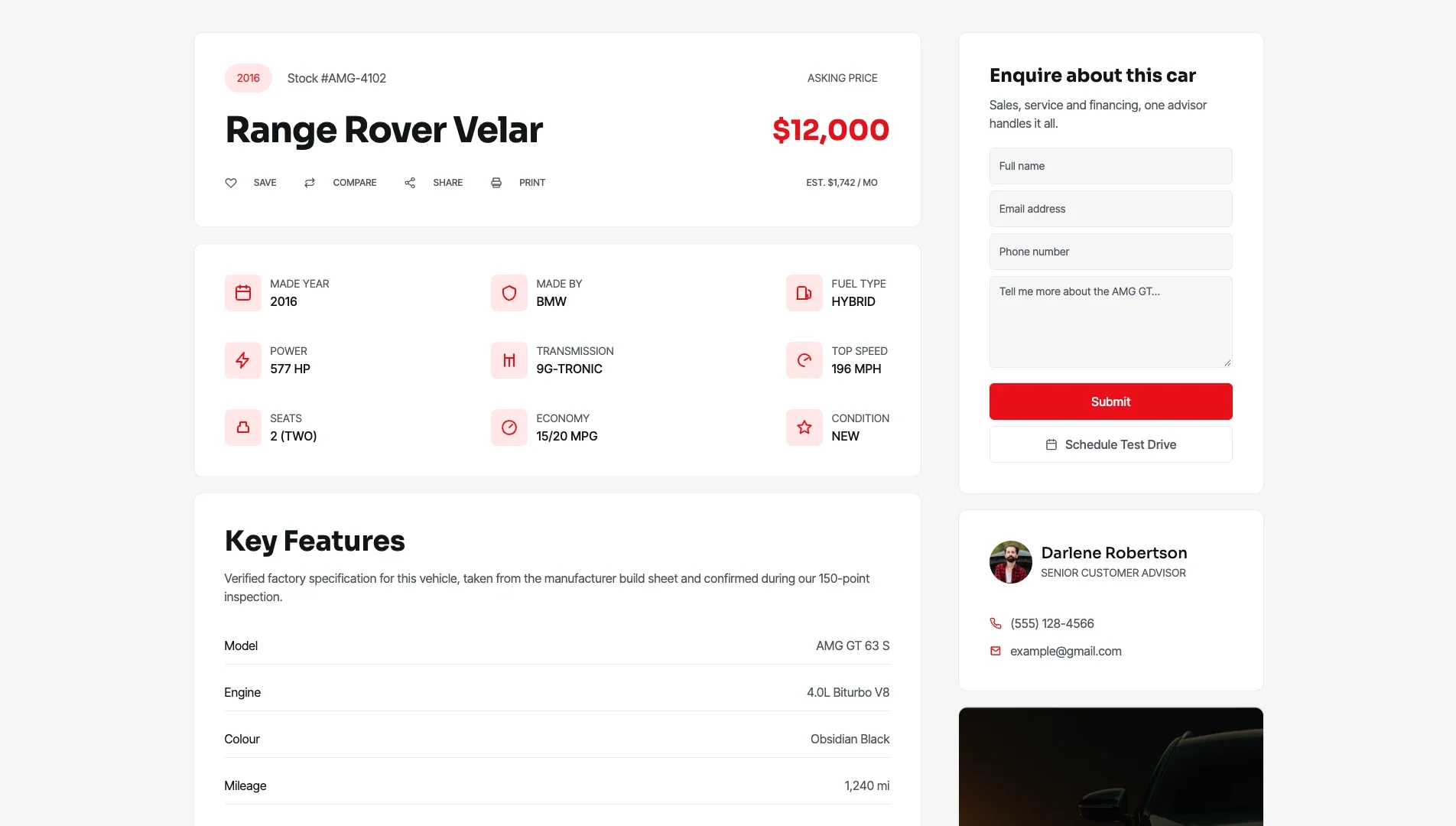
Individual Car Details: Give each vehicle its own dedicated page for presenting its details. This layout creates space for buyers to review an individual car rather than relying solely on a card in the main inventory.
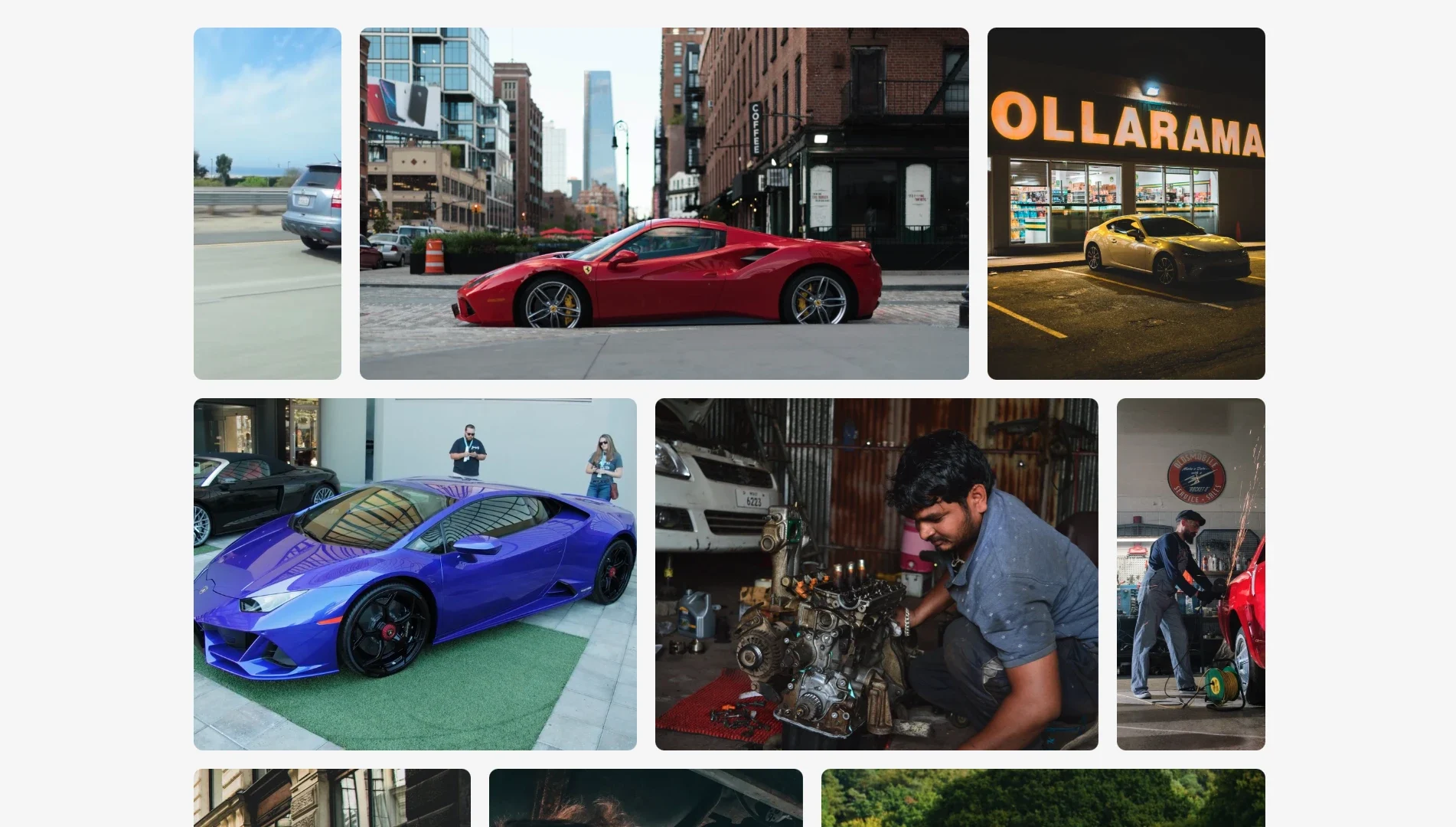
Vehicle Gallery: Showcase vehicle photography through a dedicated gallery page. This provides an additional visual way to present the dealership’s collection and highlight the appearance of its vehicles.
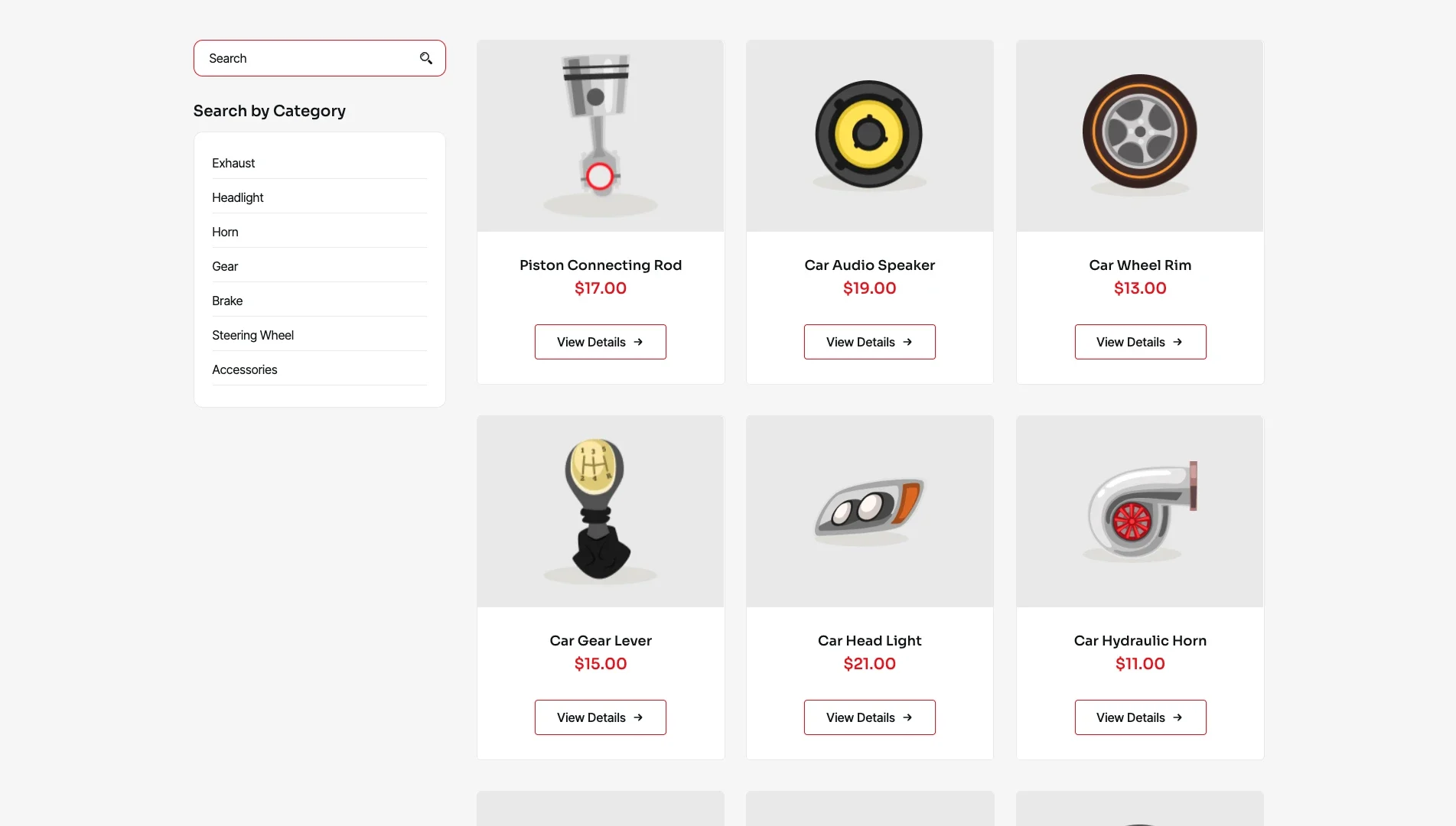
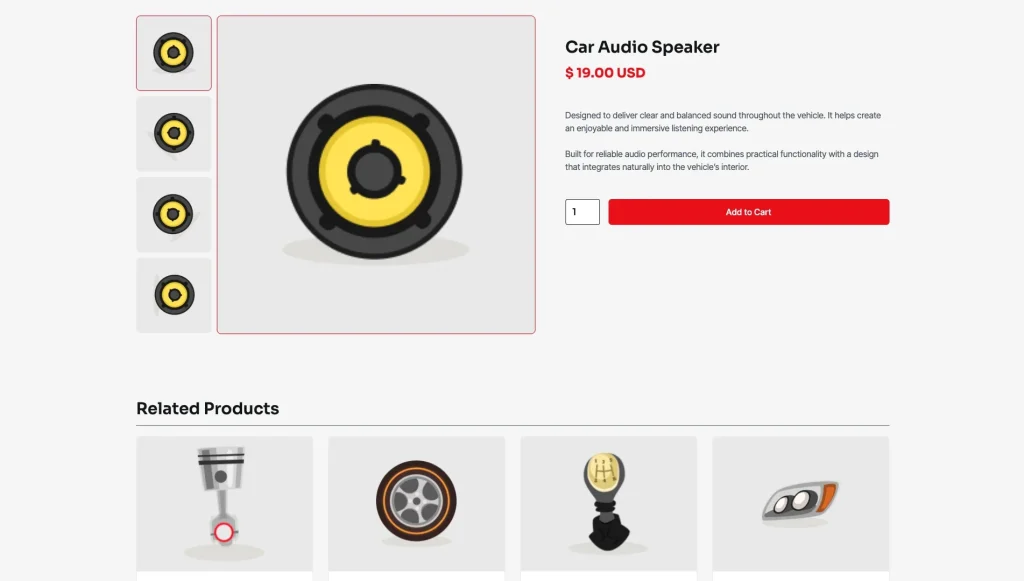
Automotive Shop: Complement the vehicle inventory with a separate product-shopping experience. The template advertises dedicated Shop and Single Product pages, allowing automotive businesses to present products independently of their vehicle listings.
Individual Product Page: Present an individual shop product on its own page. This layout separates product information from the general shop listing, giving visitors a dedicated place to review the item.
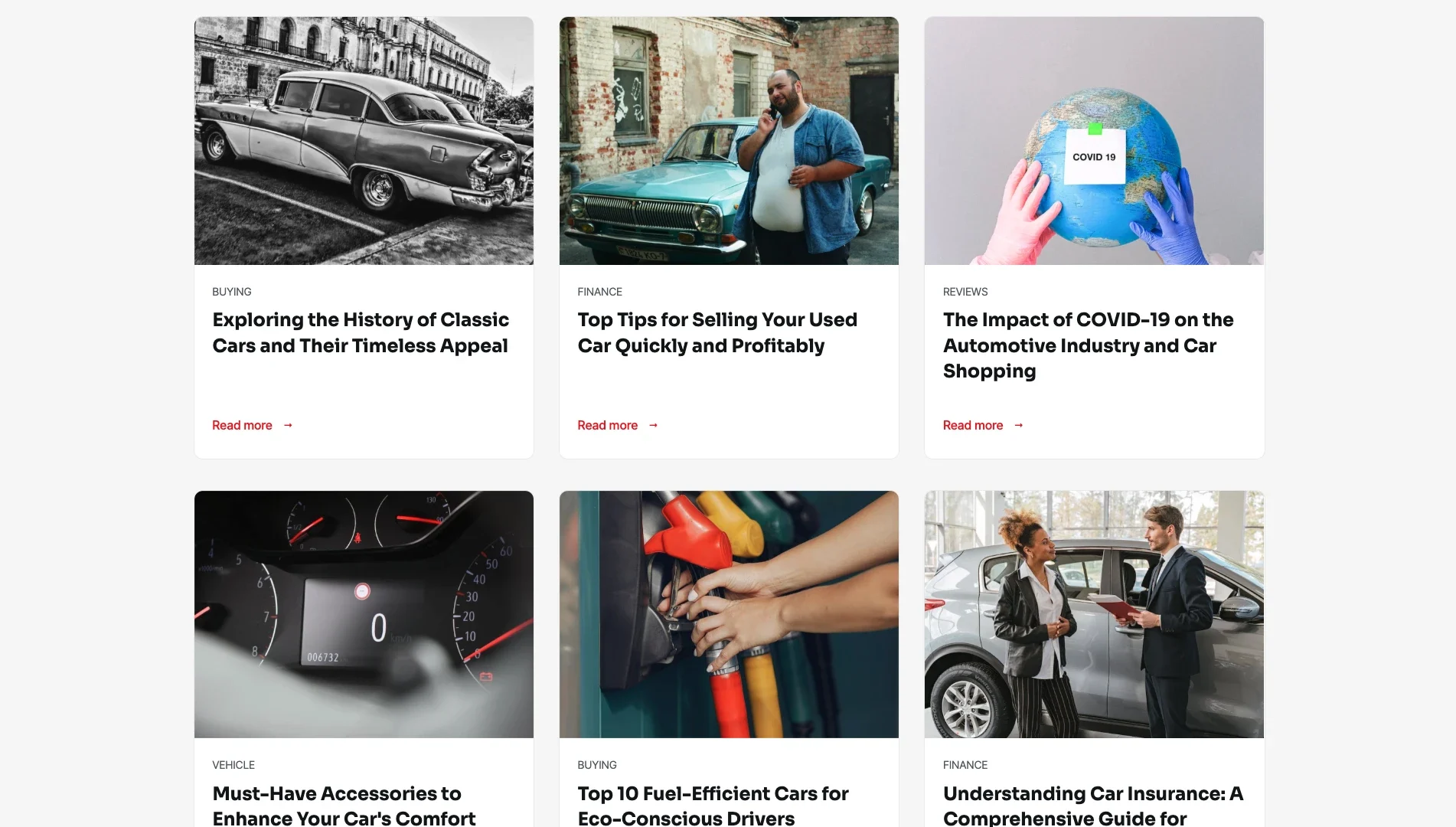
Automotive Blog and Articles: Provide a dedicated space for automotive-related editorial content. The blog layout can be adapted for industry updates, car reviews, vehicle safety information, and maintenance articles.
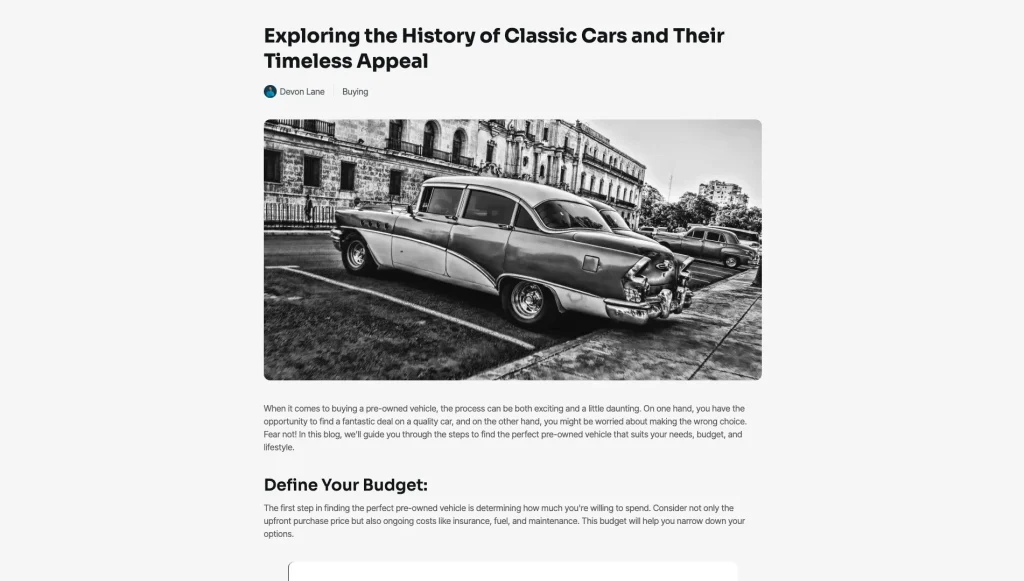
Individual Blog Post: Give individual automotive articles their own dedicated pages. This structure separates each article from the main blog listing and provides space for longer-form content.
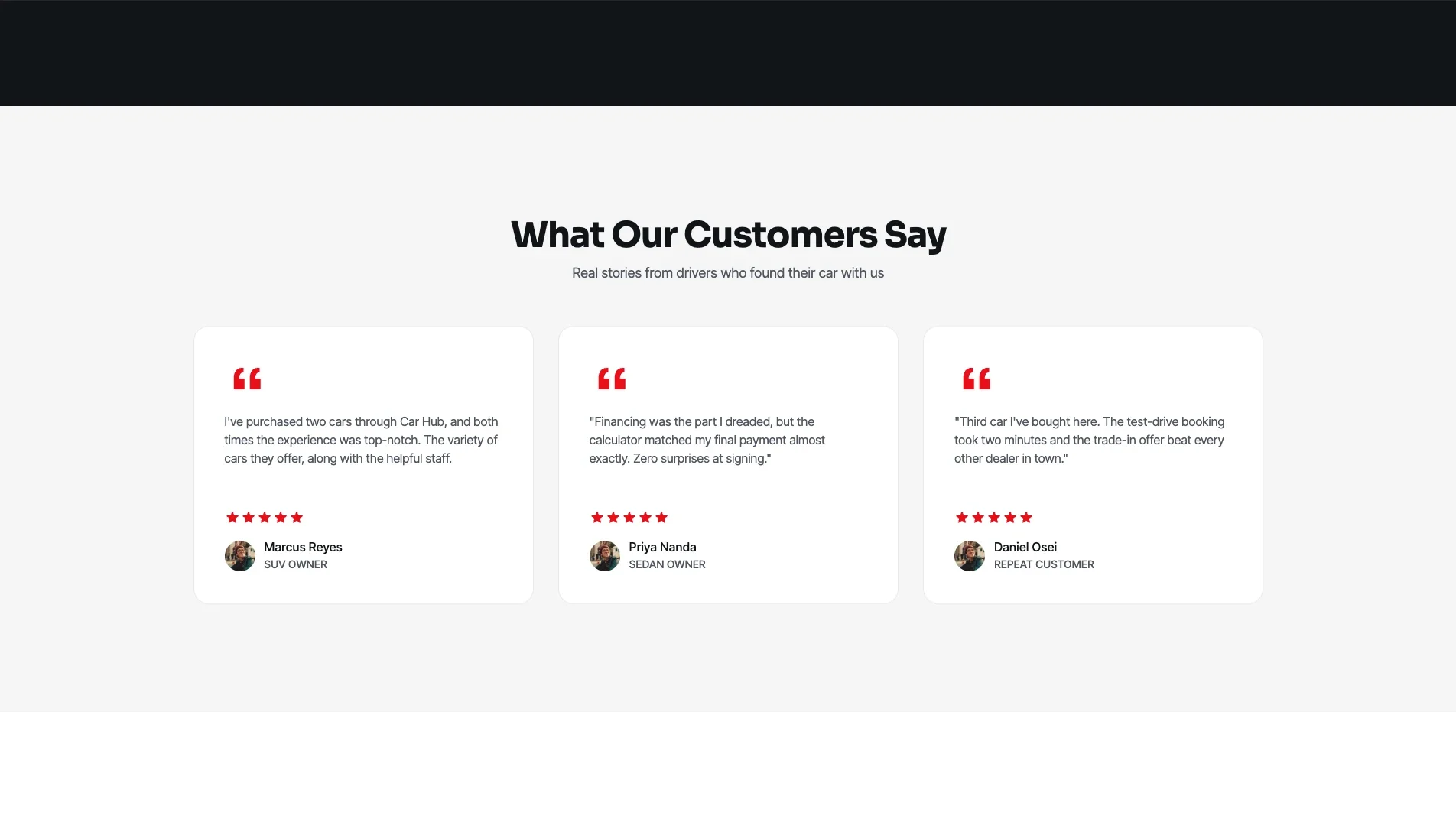
Customer Testimonials: Present customer feedback in a dedicated section or page. Testimonials provide space for a dealership to share customer experiences and reinforce its brand message.
Pages Included in TNC CarHub
Main Pages
- Demo
- Home
- About Us
- All Cars
- Gallery
- Testimonials
- Blog
- Contact Us
CMS Collection Pages
- Cars Template
- Blogs Template
- Types Template
- Brands Template
- Features Template
- Fuel Types Template
- Drive Sides Template
- Price Ranges Template
Ecommerce Pages
- Products Template
- Categories Template
- Checkout
- Checkout (PayPal)
- Order Confirmation
Utility Pages
- Licenses
- 404 Error
- Changelog
- Style Guide
- External Link
- Password Protected
You also receive seven CMS templates: Cars, Car Brands, Car Categories, Blogs, Blog Categories, Blog Tags and Authors. The ecommerce build adds five more: Product, Product Category, Checkout, PayPal Checkout and Order Confirmation.
How to Use TNC CarHub
Getting started with TNC CarHub is straightforward. Follow these steps to adapt the template to your automotive business.
- Add the template to your Webflow workspace: Obtain the template through the appropriate marketplace or purchase channel.
- Update your branding: Replace the existing logo, business name, colors, and other visual elements with your dealership’s branding.
- Customize the homepage: Update the introductory content, vehicle imagery, featured vehicles, and calls-to-action.
- Prepare your vehicle listings: Replace the example vehicle content with your actual inventory, using the available vehicle collection and car details layouts.
- Update individual vehicle information: Review each vehicle’s images, model name, pricing, and specifications, and replace the sample information with accurate details.
- Customize the gallery: Add relevant vehicle photography that represents your dealership and available inventory.
- Set up the shop: If you intend to sell automotive products, replace the sample product content and imagery on the Shop and Single Product pages.
- Update your business pages: Add your company information, contact details, and relevant content to the About Us and Contact Us pages.
- Prepare your blog: Replace sample articles with your own automotive news, vehicle reviews, or maintenance content.
- Add customer testimonials: Replace example testimonials with authentic customer feedback that you have permission to publish.
- Review your forms: Check the contact and newsletter forms, including their submission settings and any required integrations.
- Check responsive layouts: Preview the website at desktop, tablet, and mobile breakpoints and adjust content where necessary.
- Review the complete website: Test navigation, vehicle links, product pages, and any enabled ecommerce functionality before publishing.
- Publish your website: Connect your intended domain and publish after verifying that the content and available features work as expected.
What an Automotive Dealership Website Needs to Communicate
An effective automotive website needs to do more than display vehicle photographs. It should help potential buyers understand the available inventory, explore individual vehicles, and find relevant information about the dealership.
TNC CarHub is organized around these needs.
The homepage establishes the dealership’s identity and introduces its featured vehicles. The dedicated Vehicles page provides a central place to browse inventory, while individual Car Details pages give each listing room for more information.
The Gallery adds a visual presentation of the dealership’s vehicles. For businesses that also sell automotive products, the Shop and Single Product pages provide a separate product-browsing experience.
The About Us and Testimonials pages support the business’s brand story and customer feedback. Meanwhile, the Blogs and Single Blog Post pages provide space for automotive articles, vehicle reviews, and educational content.
Finally, the Contact Us page and newsletter form give visitors additional ways to connect with the business.
Together, these page types provide a flexible starting point for an automotive website that combines vehicle discovery, business information, editorial content, and product shopping.
Frequently Asked Questions
What type of website is TNC CarHub designed for?
TNC CarHub is designed for car dealerships, vehicle retailers, and automotive businesses that need to present vehicles and related products online.
Does the template include vehicle listing pages?
Yes. The advertised page structure includes a Vehicles collection page and a dedicated Car Details page for individual vehicles.
Can I display detailed information about individual cars?
Yes. The template includes an individual Car Details page. You can adapt the available layout to present your vehicle imagery and relevant car information.
Does TNC CarHub include ecommerce functionality?
Yes. Ecommerce options are advertised, and the page inventory includes a Shop page and a Single Product page. Confirm the enabled purchasing, cart, and checkout behavior in the actual template before describing the full transaction flow.
Can I sell automotive products as well as display cars?
The template includes dedicated Shop and Single Product pages, so it can provide a starting point for presenting automotive products alongside vehicle listings. The specific products and ecommerce configuration will depend on your implementation.
Does the template include a vehicle gallery?
Yes. The advertised page inventory includes a Gallery page for showcasing vehicle imagery.
Can I publish automotive blog articles?
Yes. The template includes a Blogs page and a Single Blog Post page for presenting automotive-related content.
Does the template include an About Us page?
Yes. An About Us page is included so you can introduce your dealership, brand, and business information.
Is there a testimonials page?
Yes. The target landing page lists a dedicated Testimonials page for presenting customer feedback.
Does the template include contact forms?
The target advertises a Contact Us page and a newsletter form. Review the actual form settings and submission behavior before launch.
Is TNC CarHub responsive?
The template advertises a fully responsive layout. You should still preview and test your customized website at desktop, tablet, and mobile breakpoints.
Is the template SEO-optimized?
SEO optimization is advertised on the target landing page. You should still configure page titles, meta descriptions, image alt text, indexing settings, and other SEO details for your own website.
Can I customize the template without coding?
The target advertises customization without coding knowledge. Webflow’s visual editing tools can be used to update content and styling; advanced changes or additional functionality may require custom development.
Can I customize the colors, images, and text?
Yes. You can adapt the visual design and content to your brand using Webflow’s editing tools. Any dynamic content should be updated through the relevant collection or ecommerce settings if applicable.
Does the template include a custom 404 page?
Yes. A Custom 404 page is included in the advertised page inventory.
Are integrations or additional features included?
Only the features and configurations supplied with the template should be considered included. Check the Webflow project and its documentation for any specific integrations, third-party services, or additional functionality before promising them.
Is the Figma file included with the template?
No. The Figma file is a separate product, and you can buy it on its own from the purchase widget on this page. You do not need to message us for it after buying the Webflow or HTML build.
When you choose this template, you get support direct from the TNCFlow team. So if a section will not behave, just ask us.
Check out other Webflow templates by TNCFlow.

Select template
Choose one or more options for your build
