

PRO
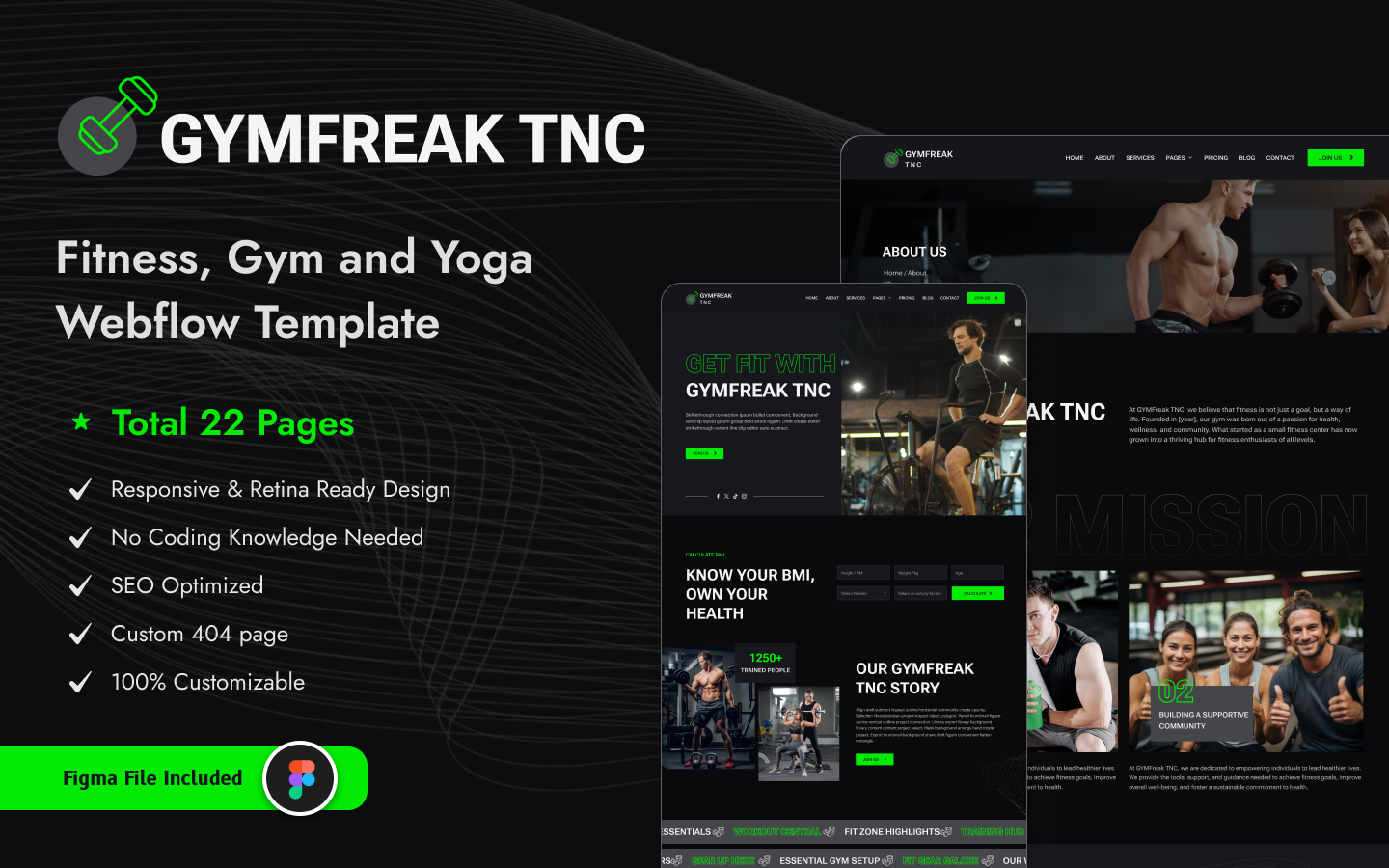
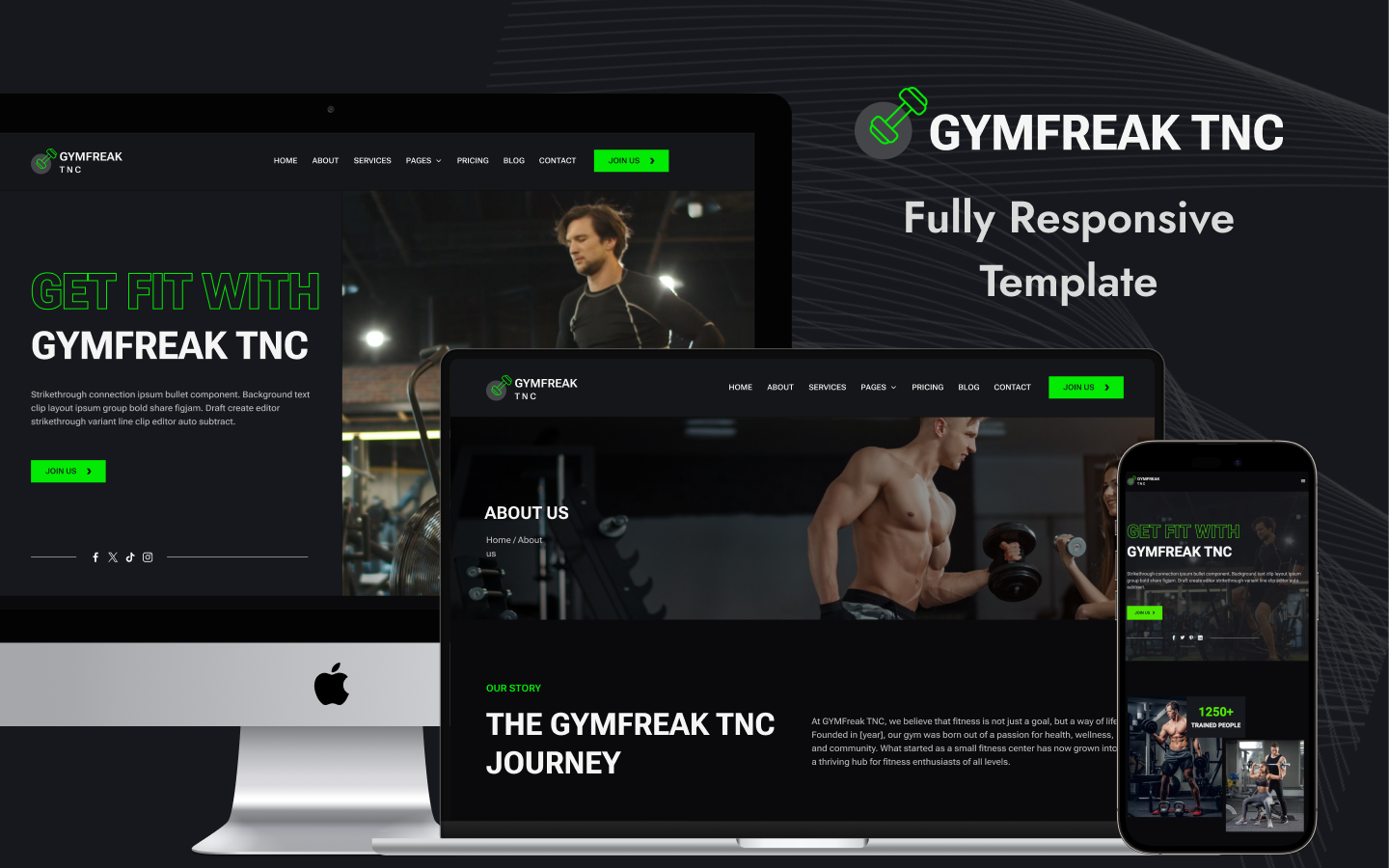
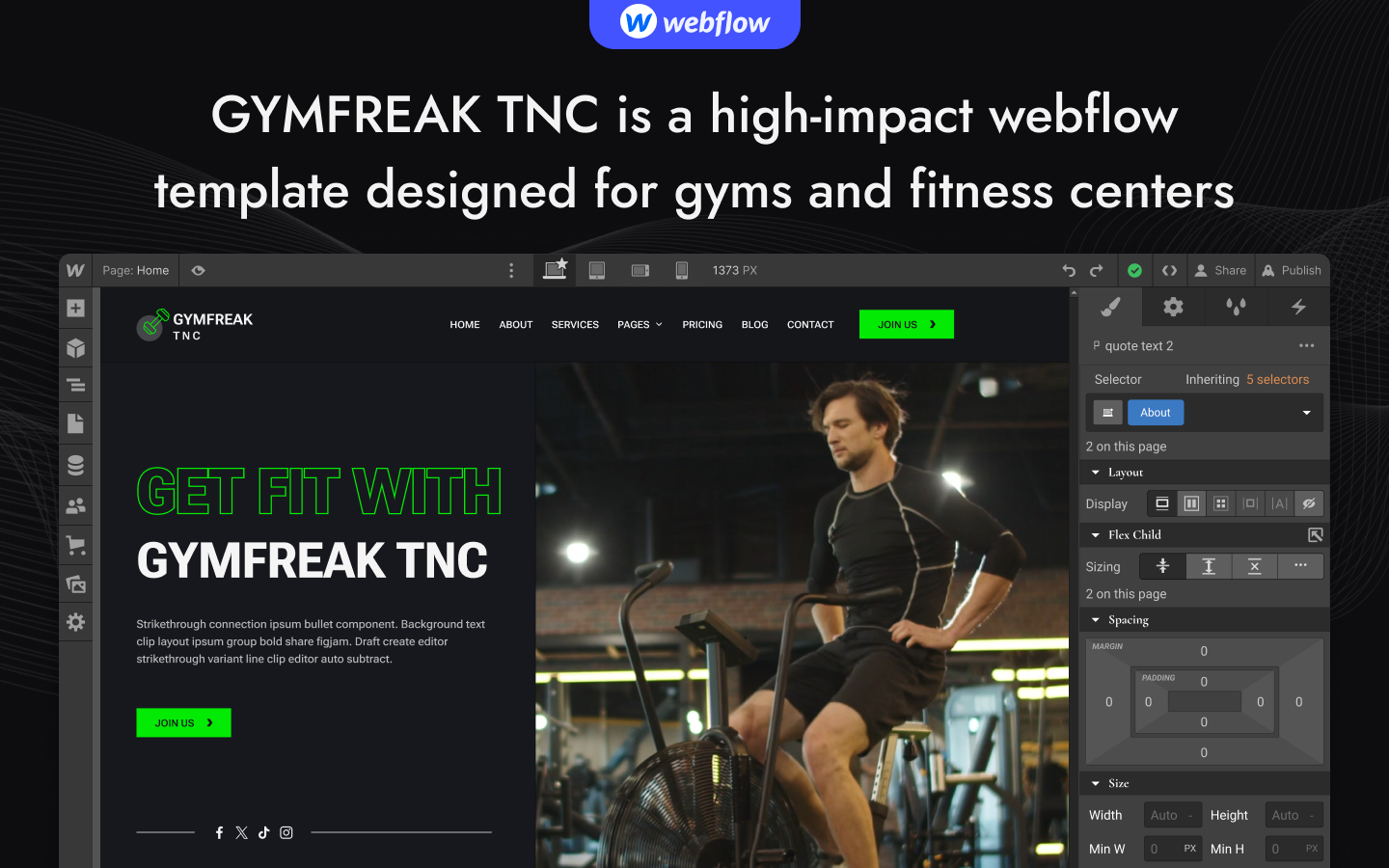
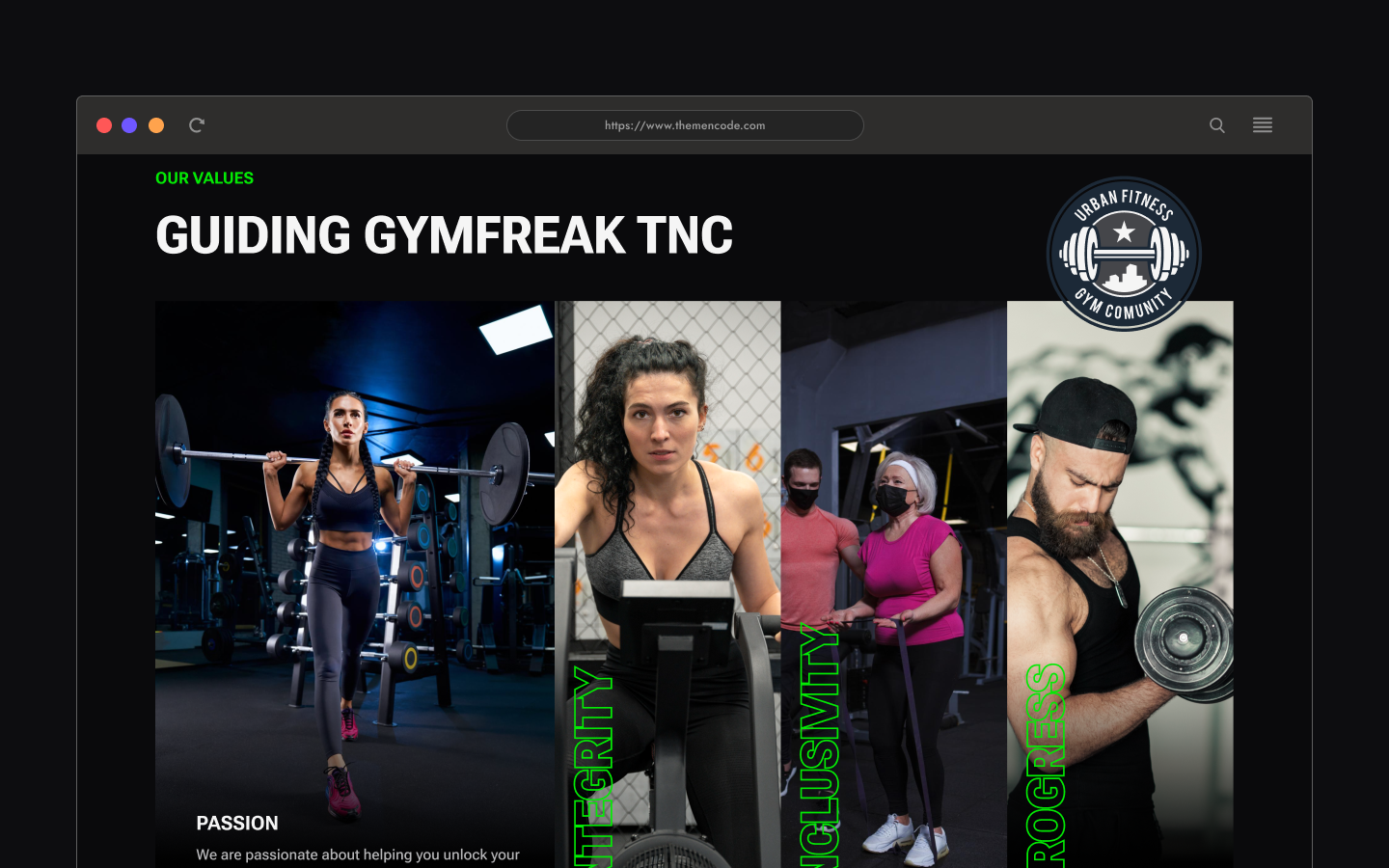
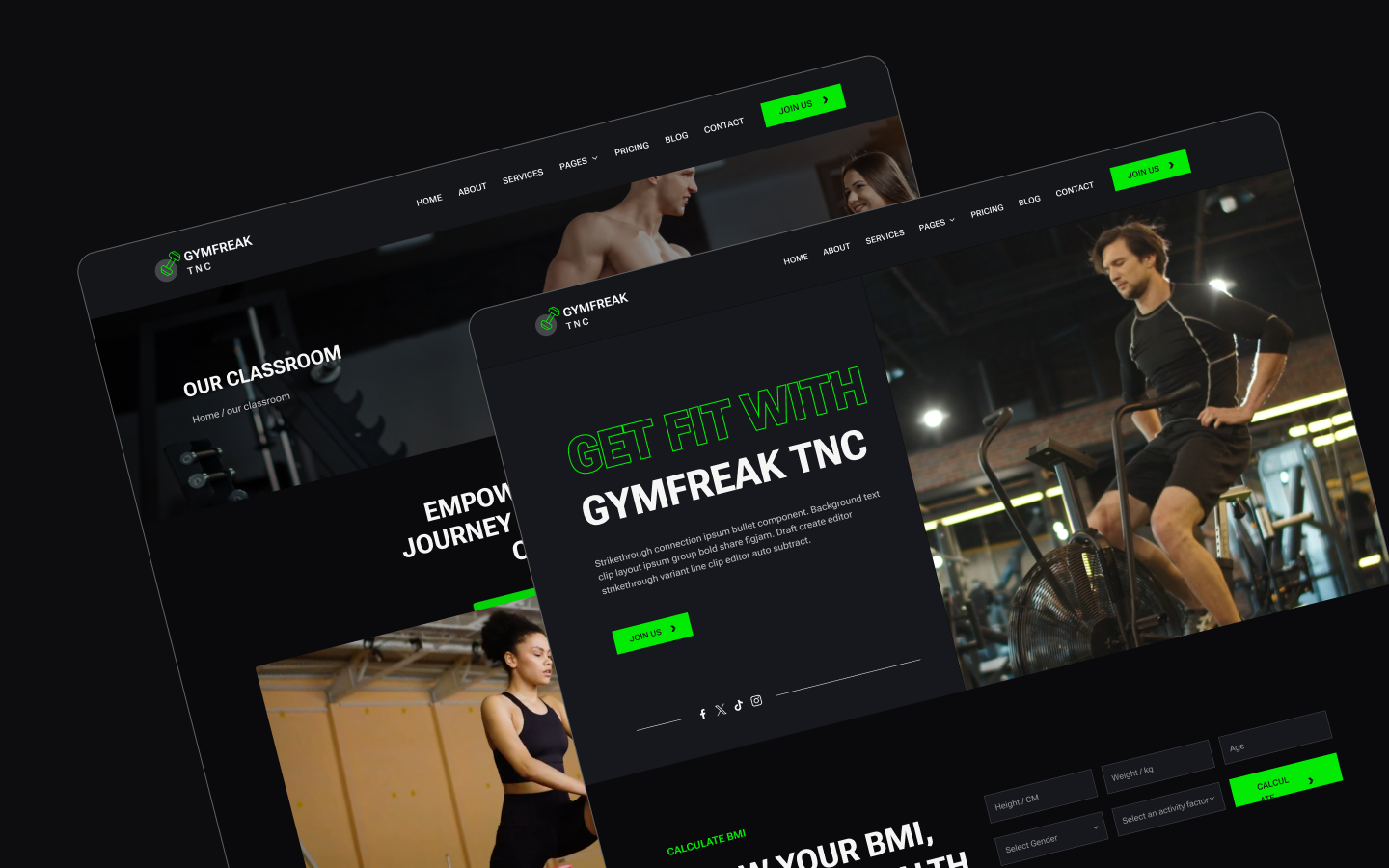
GYMFreak TNC is a gym website template for fitness centres, yoga studios and personal trainers. It ships for Webflow, Figma and HTML.
People join a gym for two reasons. They like the room, and they trust whoever is going to shout at them.
So GYMFreak TNC gives both room to breathe. The gallery and video sections handle the space, while trainer profiles and class pages handle the people. Then the pricing page removes the last excuse.
Each section has one job. The hero sets the tone. The gallery sells the room. The trainers sell the coaching. Finally pricing closes the membership.
Explore the live preview now!
GYMFreak TNC at a Glance
| Formats | Webflow, Figma, HTML |
| Best for | Gyms, fitness centres, yoga studios, personal trainers |
| Style | Dark variant, fully editable in Webflow |
| CMS | Classes, trainers, services, blog posts, authors, categories and tags |
| Pages | 15 designed pages plus CMS templates |
| Key sections | Classroom, working schedules, team, pricing, gallery, FAQ |
| Support | Included with every TNCFlow purchase |
Key Features of GYMFreak TNC
Built Only for Gyms. Every page here exists because a gym needs it. So there is no generic business filler to strip out before you launch.
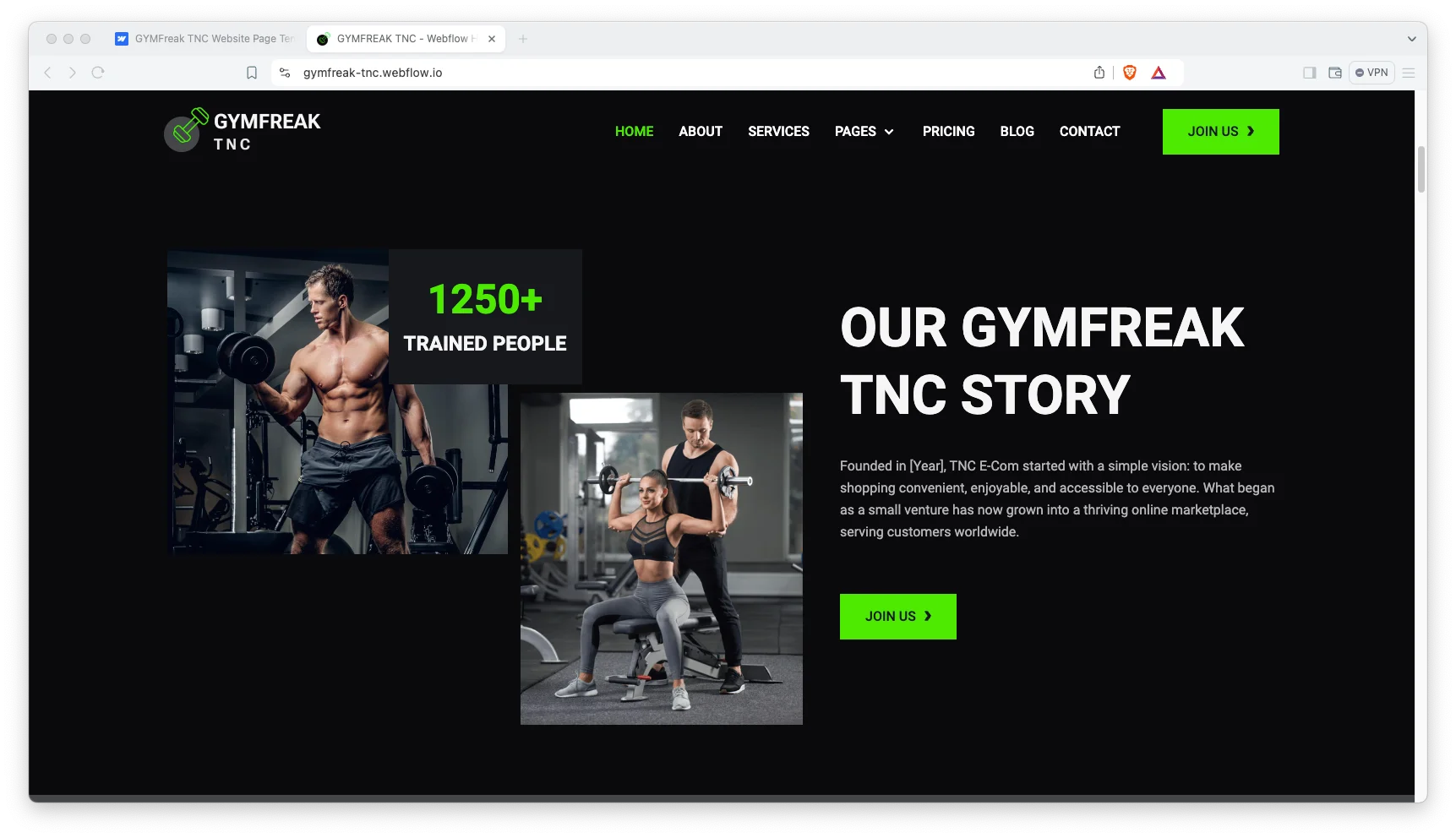
Dark Variant Design. The template runs dark by default. Because gym photography is usually high contrast, a dark shell makes it hit harder.
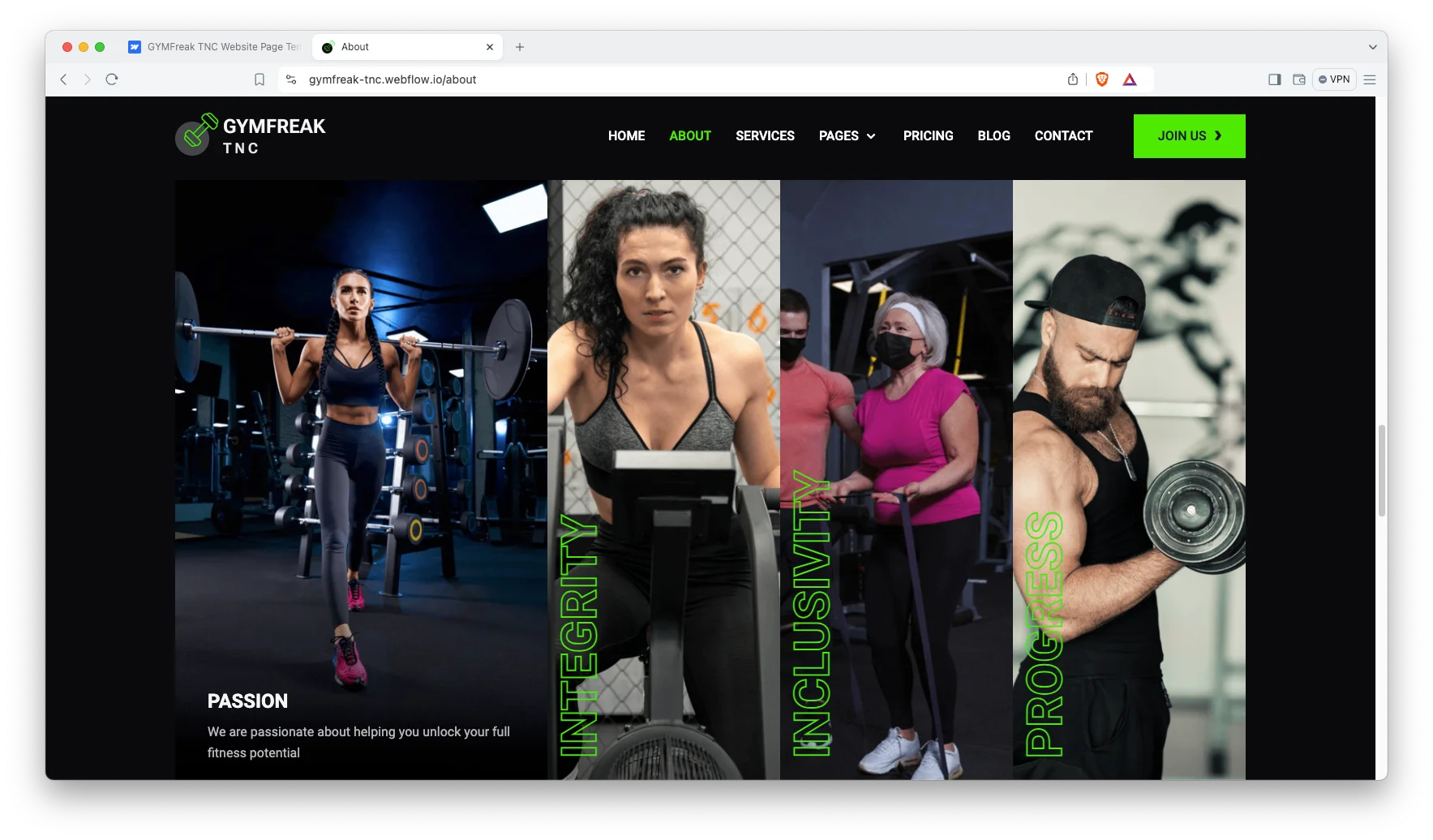
Video Sections and Sliders. Video blocks and sliders carry workouts and facilities. However, the motion stays light so pages still load quickly.
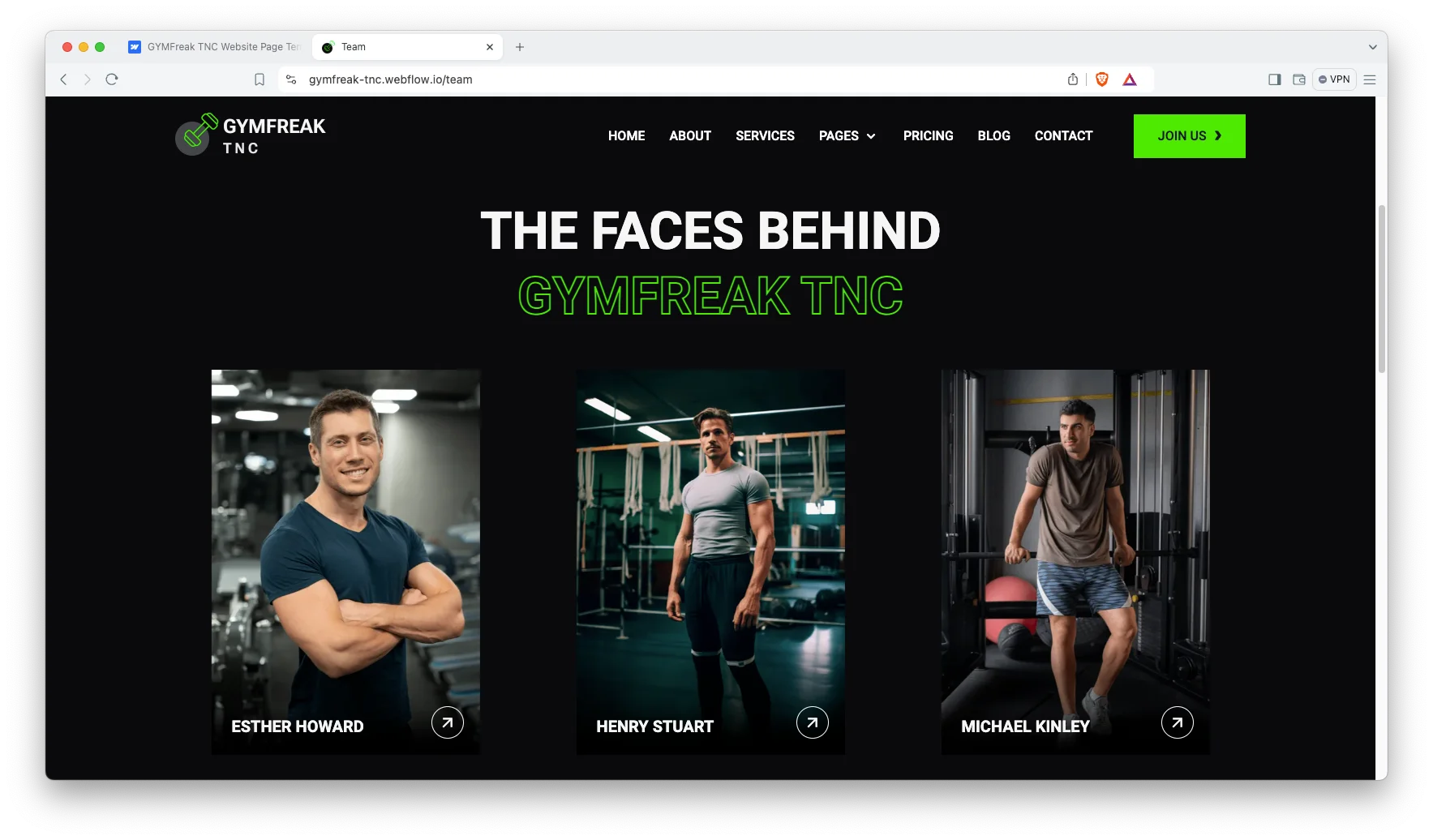
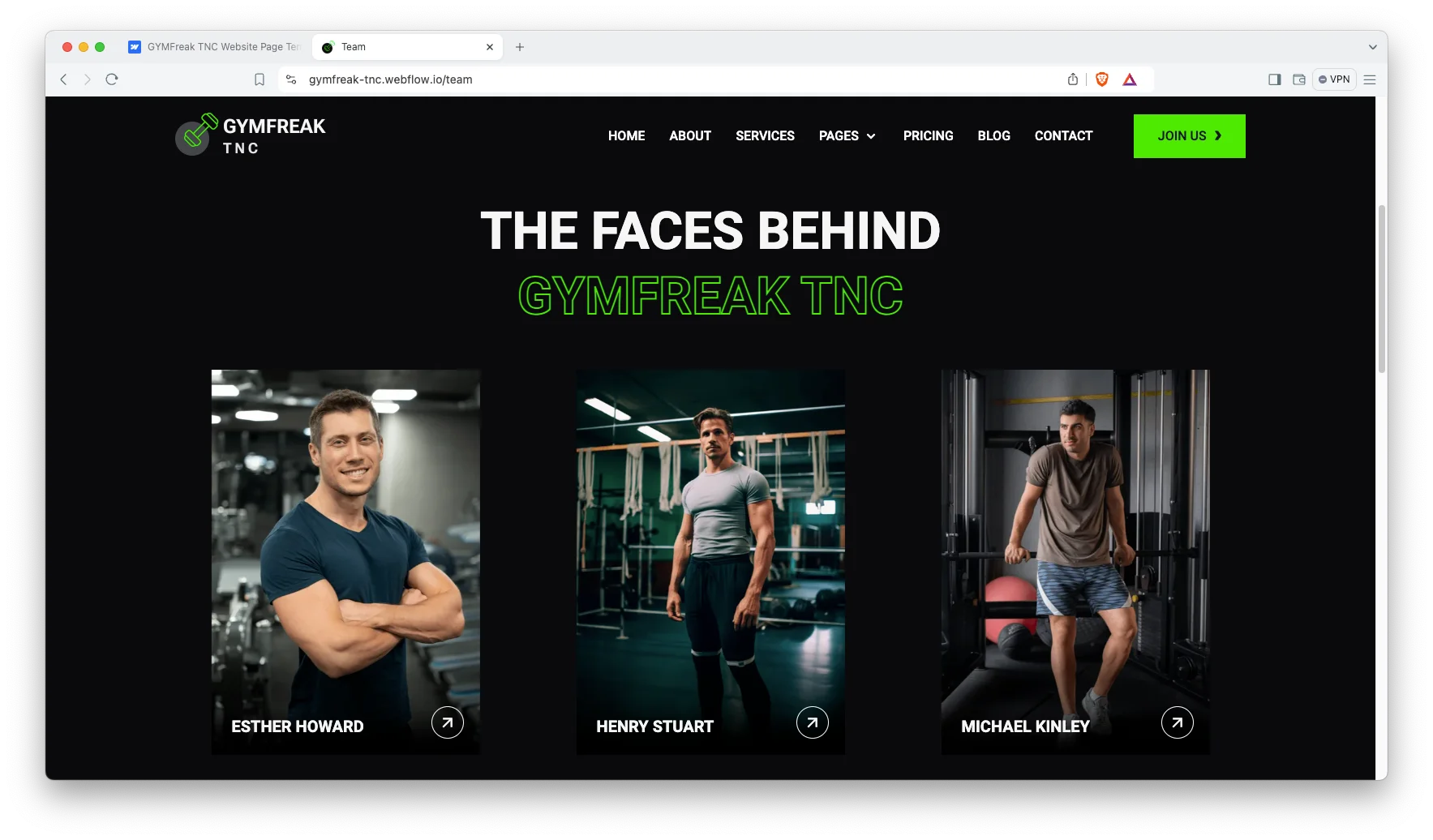
Trainers and Schedule. Six trainer profiles and seven classes ship in the demo, and a working schedules page sets out the timetable. Each trainer and class gets its own page.
Client Testimonials. Testimonials sit where a hesitant visitor will meet them. Since fitness is bought on belief, that placement matters.
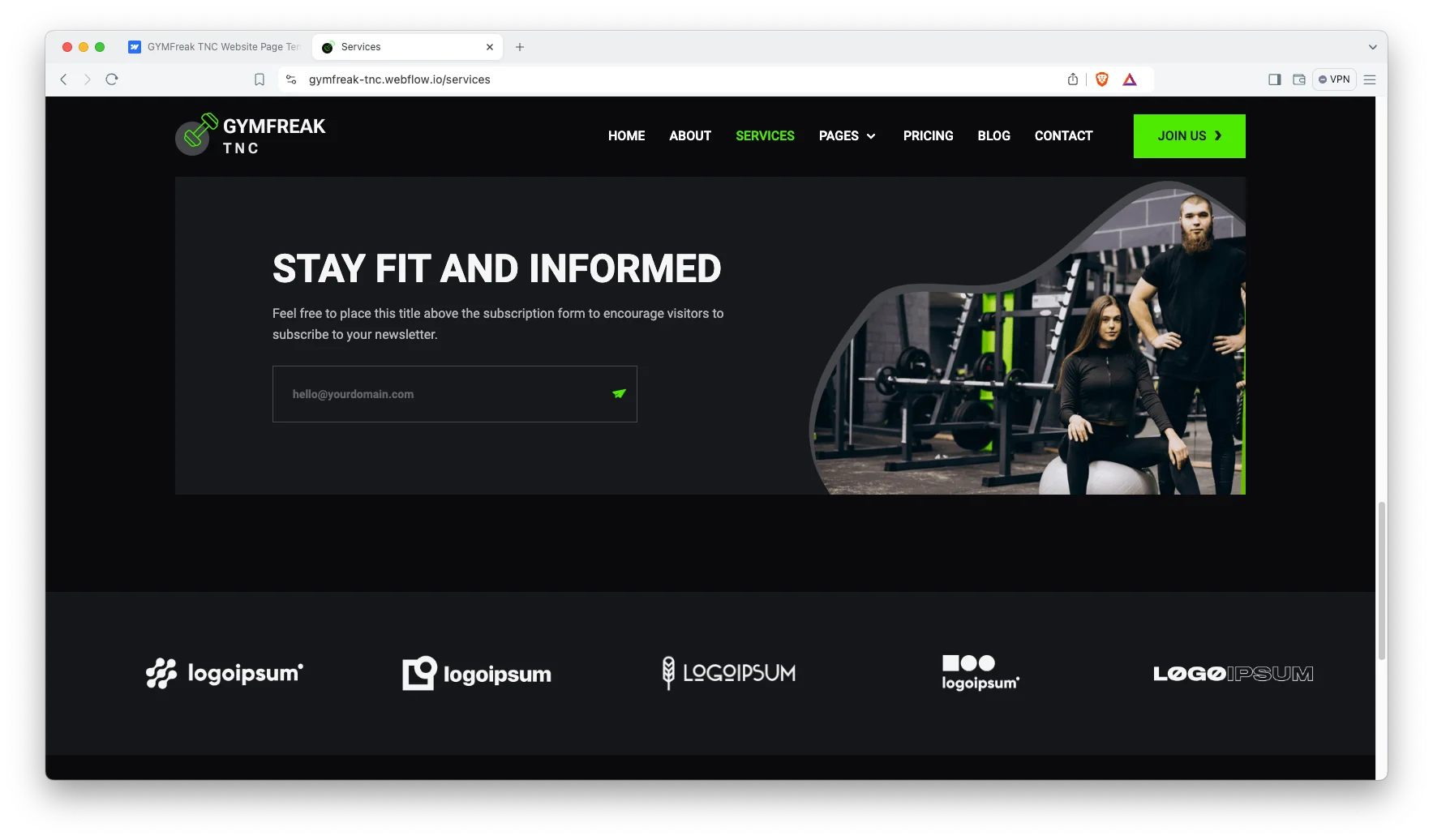
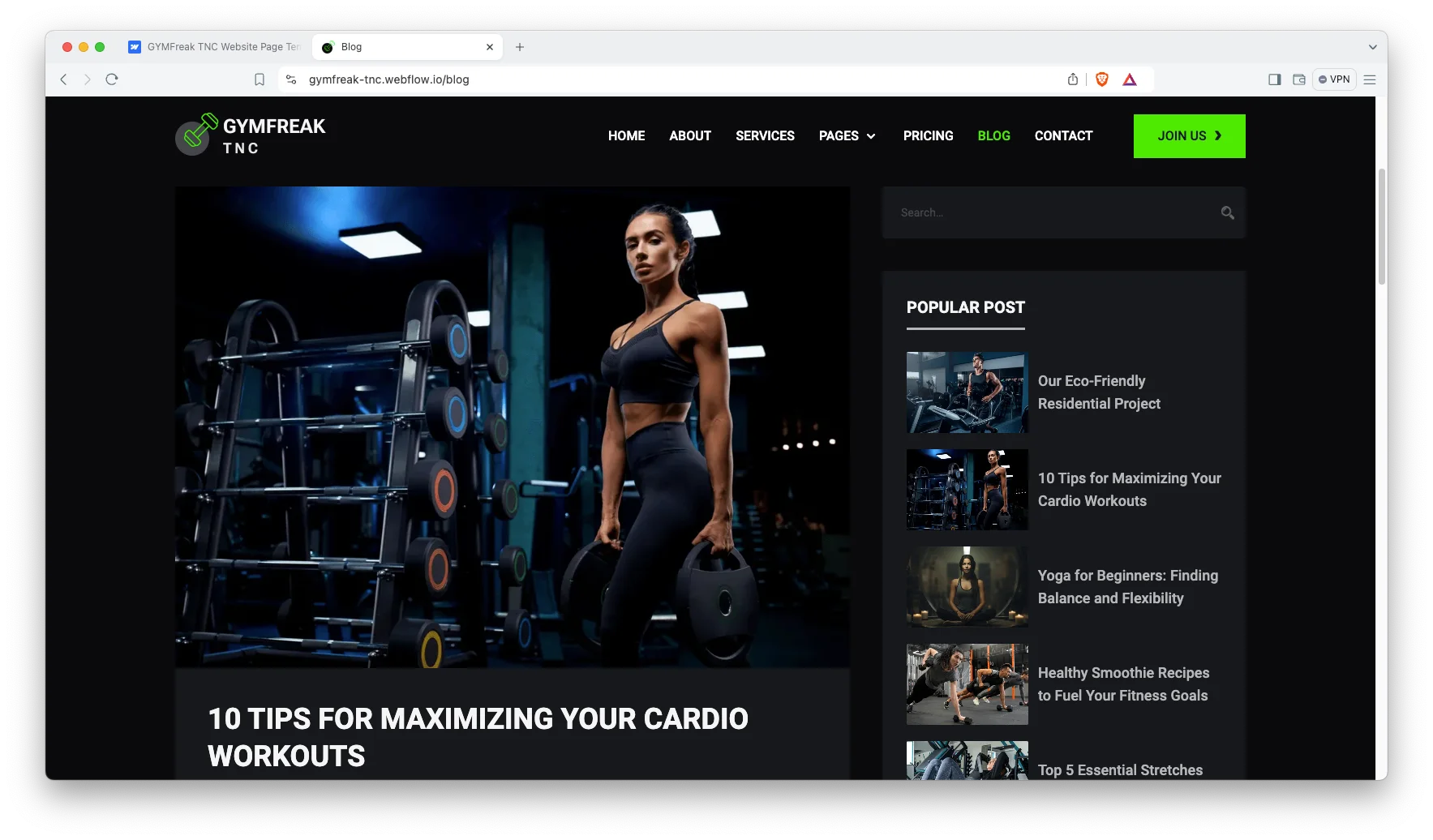
Blog Showcase. The blog is built for scanning, and posts carry authors, categories and tags. So training guides stay findable as the archive grows.
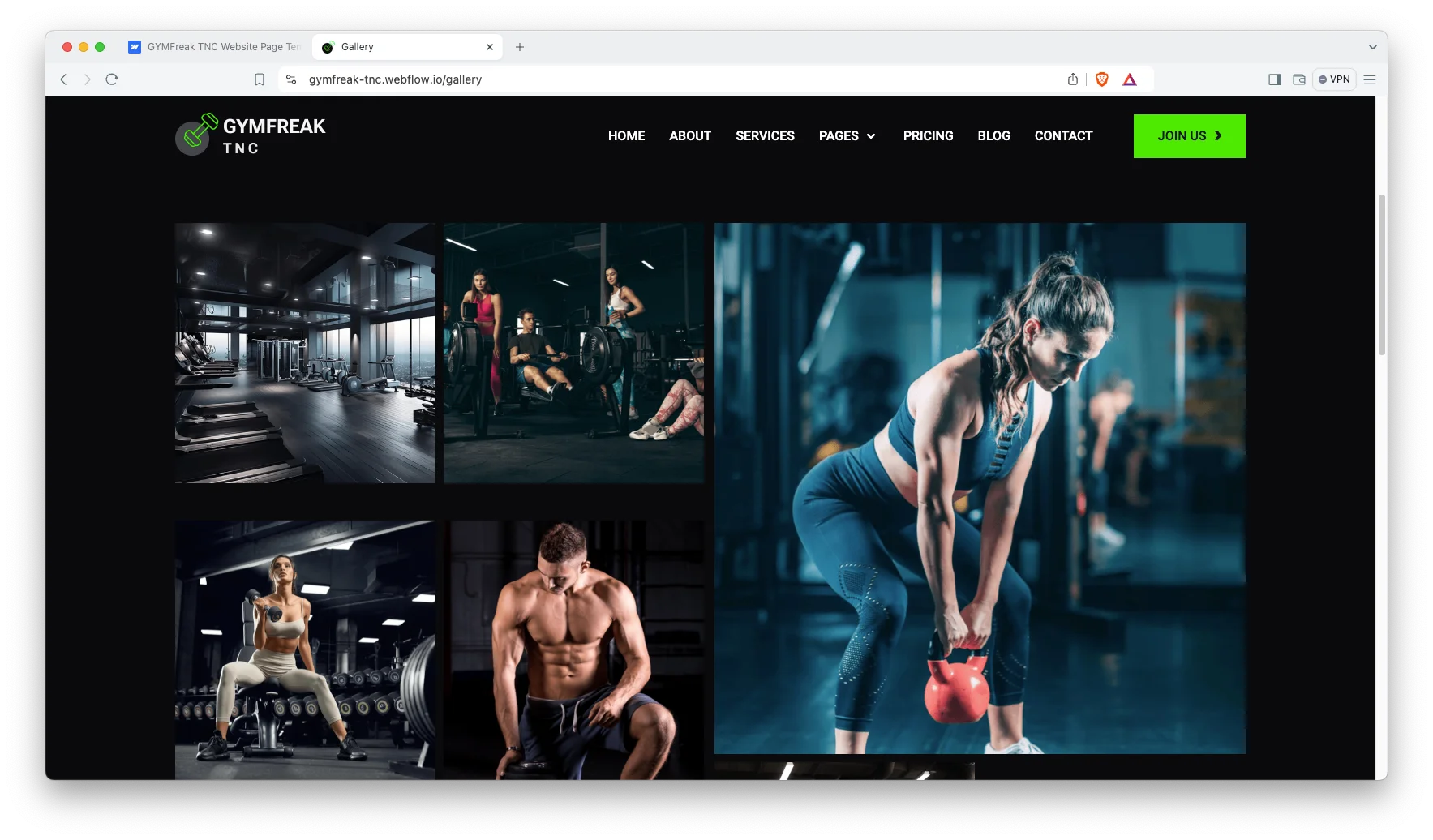
Gallery Page. A gallery page carries the gym floor and the equipment. That matters, because people join a gym on what it looks like.
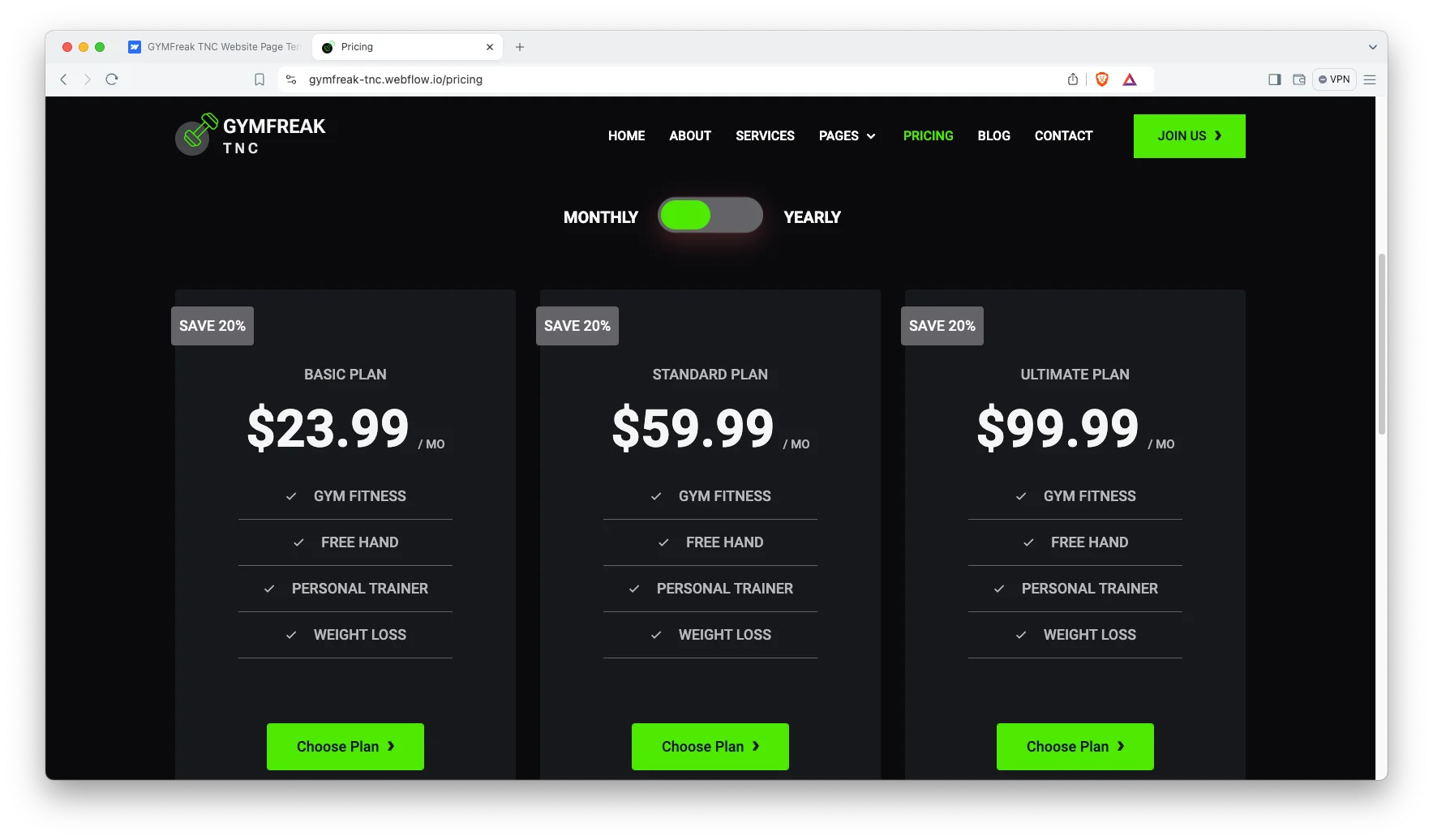
Pricing with a Toggle. Membership plans sit on a pricing page with a billing toggle. So monthly and yearly rates compare without a second page.
Six Services. The demo ships six services, covering personal training, group classes, nutritional guidance, supplement consultation, locker rooms and a smoothie bar. Each one gets its own page.
Contact Page with a Map. Address, phone and an interactive map sit together. So a prospective member can find the door on the first try.
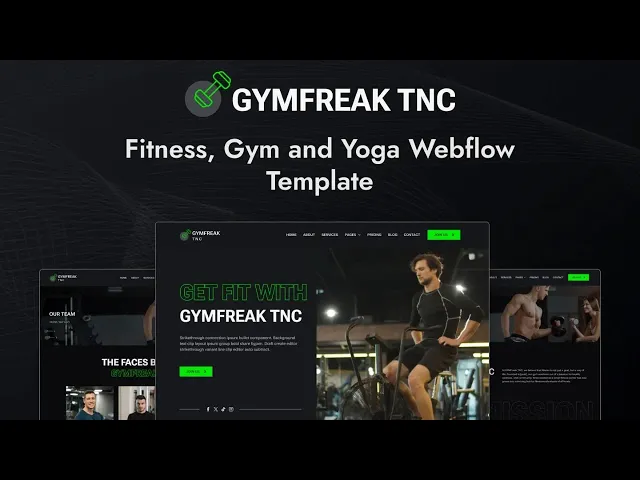
Watch on YouTube
You can watch this video if you want to learn everything about this Webflow template quickly. In this video, we have demonstrated the information about this Webflow template.
Pages Included in GYMFreak TNC
GYMFreak TNC ships with fifteen designed pages. They are Home, About, Services, Pricing, Team, Classroom, Working Schedules, Gallery, Blog, FAQ, Contact, Style Guide, License, a 404 page and a password page. Further CMS templates render classes, trainers, services, blog posts, authors, blog categories and blog tags.
Why a Timetable Page Converts Better Than a Contact Form
Most gym sites ask you to enquire before they will tell you anything. However, the question a prospective member actually has is simple. Can I get there at seven on a Tuesday. GYMFreak TNC answers it with a working schedules page and a class page for every session. So the timetable is public, searchable and honest. Then the person who arrives at your pricing page has already decided the logistics work, and the only thing left is the price.
The same logic runs through the trainer pages. A member is not choosing a gym so much as choosing a coach, and a name in a grid does not tell them anything. Each trainer here gets a page with their specialities and the classes they run. So the person who wants strength work can find the person who teaches it, and the enquiry that follows is already halfway to a sale.
How to Use GYMFreak TNC
- Use the purchase widget on the right side of this page to buy the GYMFreak TNC template
- Duplicate the template into your Webflow workspace
- Replace the demo trainers, classes and photography with your own
- Load your timetable, services and posts into the CMS collections
- Set your membership tiers on the pricing page
- Check every breakpoint, then publish your site
GYMFreak TNC Frequently Asked Questions
What formats does GYMFreak TNC ship in?
GYMFreak TNC ships for Webflow, Figma and HTML. Each format is sold separately, so you buy only the one you need.
Is the Figma file included with the Webflow purchase?
No. The Figma file is a separate product on this page. So add it to your order if you want the design source.
How many pages does GYMFreak TNC include?
GYMFreak TNC includes fifteen designed pages, plus the CMS templates for classes, trainers, services and blog content.
Is GYMFreak TNC a dark template?
Yes. It ships as a dark variant, though the colours are editable in Webflow like any other style.
Can I publish a class timetable?
Yes. A working schedules page carries the timetable, and classes run on Webflow CMS.
How many trainers and classes ship with the demo?
Six trainers and seven classes. Each one gets its own page, so you can add or remove them freely.
When you choose GYMFreak TNC, you get support from the TNCFlow team. So if a section does not behave, ask us and we will help.
Check out other Webflow templates by TNCFlow.
Featured in our guides: animated website templates, Webflow gym and fitness templates and dark mode Webflow templates.





Select template
Choose one or more options for your build
