
PRO



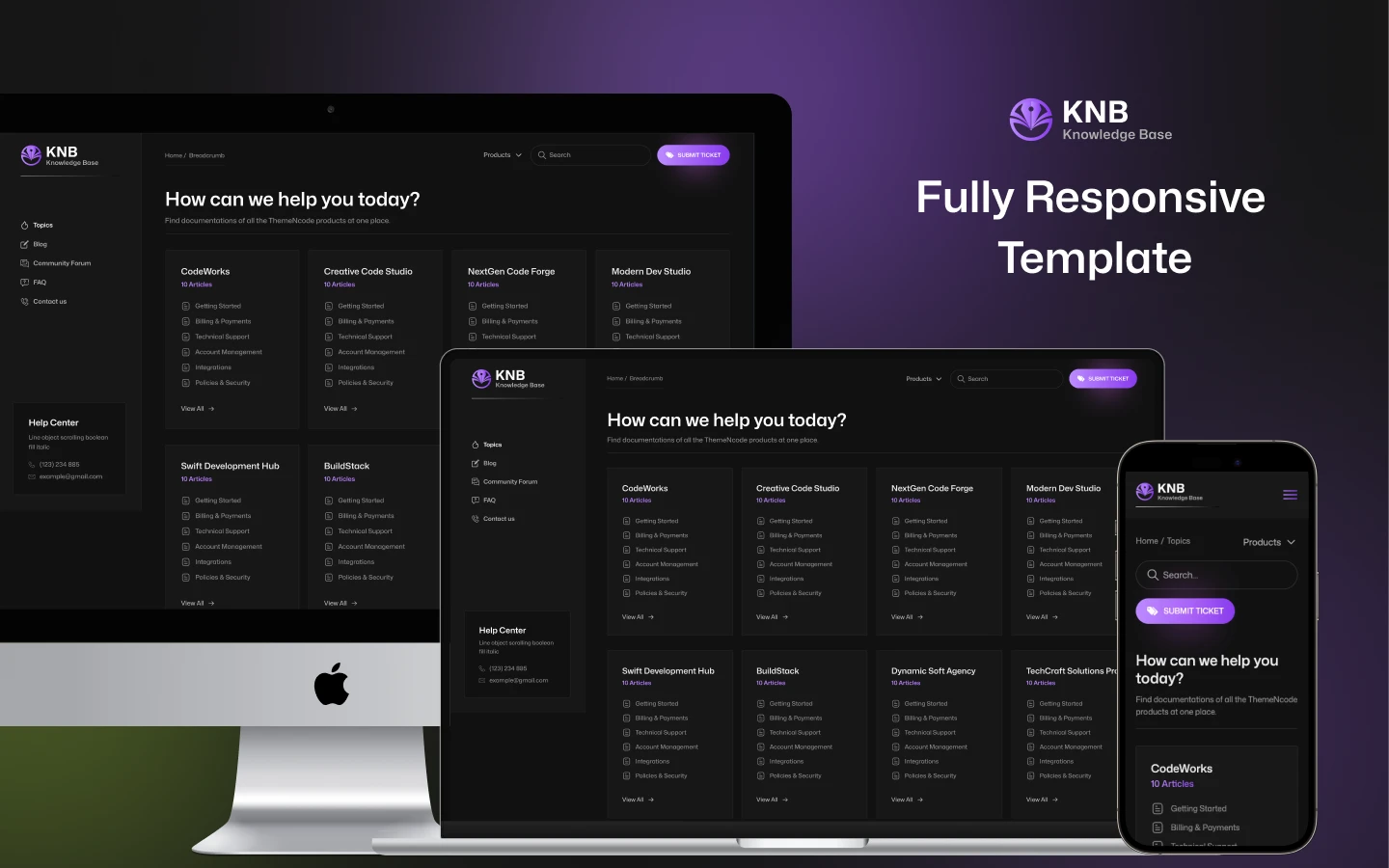
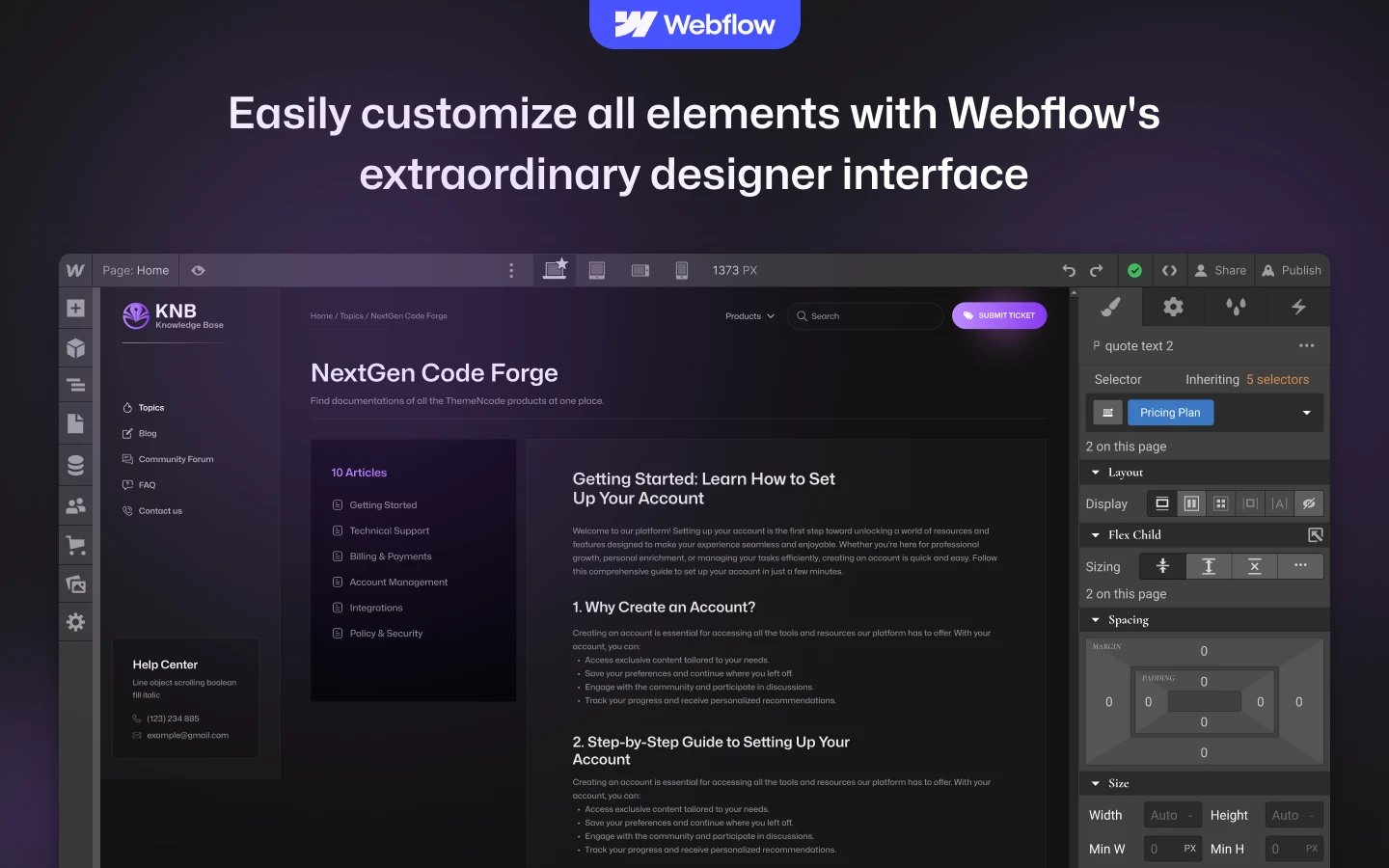
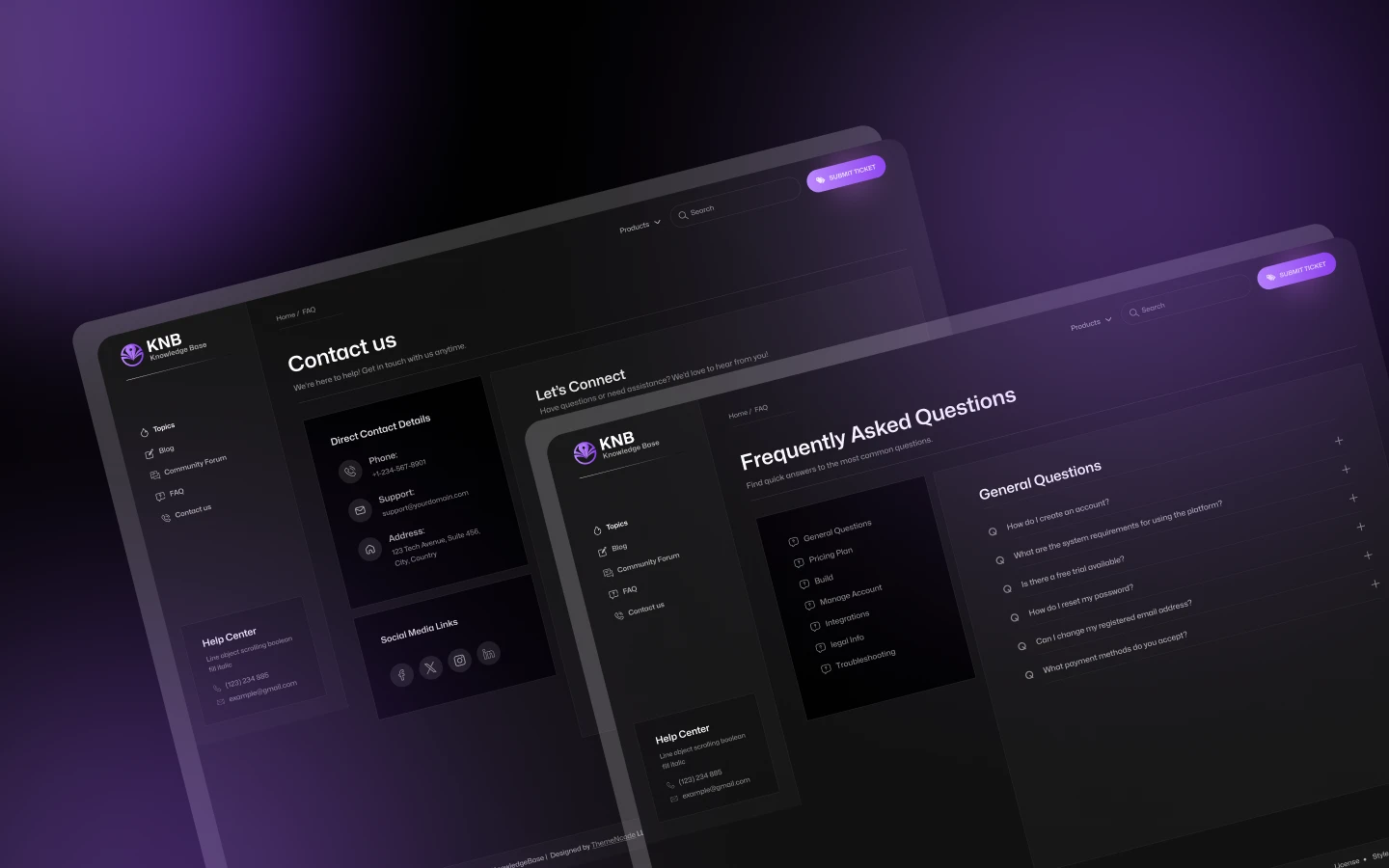
KnowledgeBase is a knowledge base website template for documentation sites, help centres and product support teams. It ships for Webflow, Figma and HTML.
Documentation fails when people cannot find the answer. So KnowledgeBase is built around search and structure rather than around a homepage.
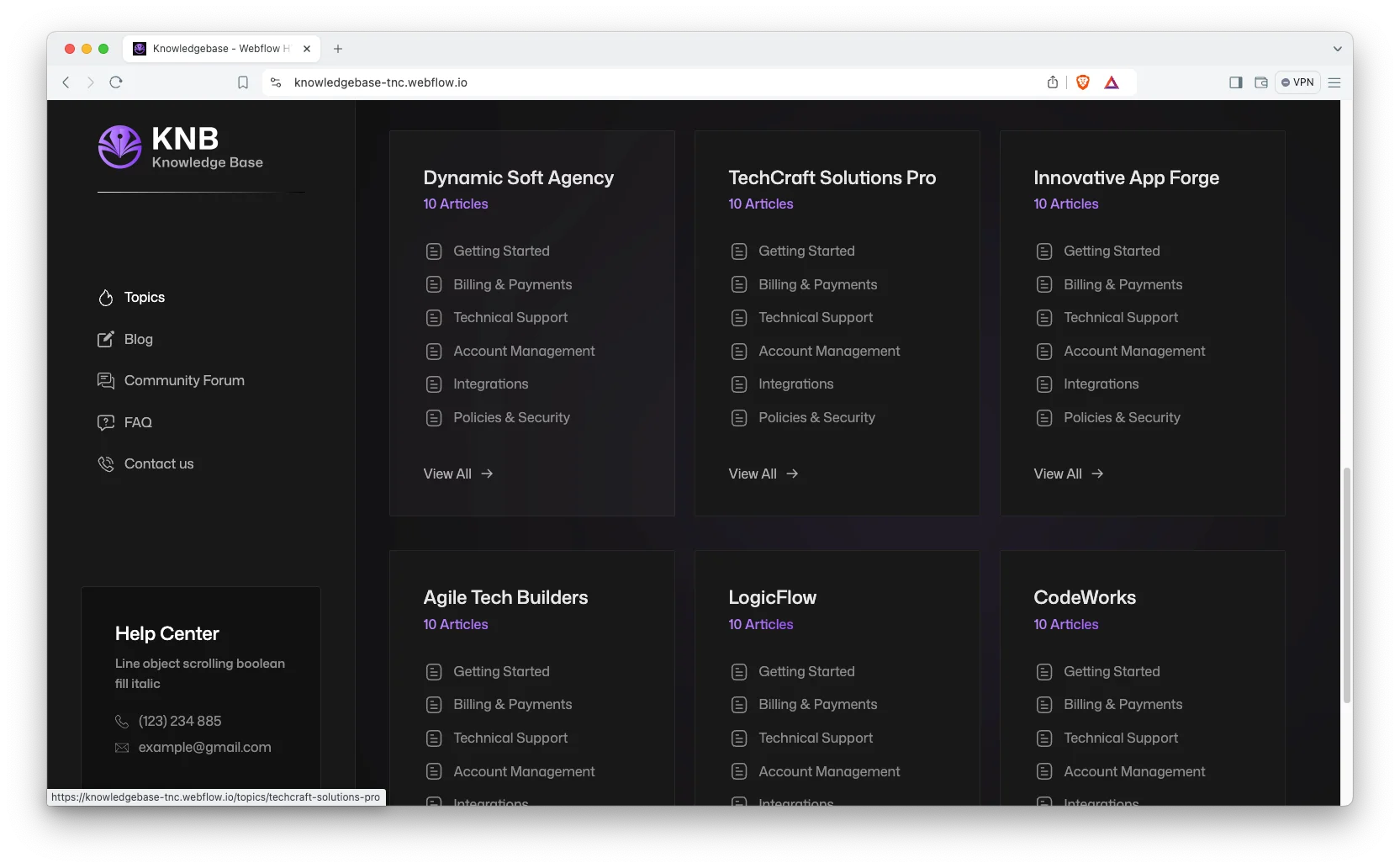
The demo ships twelve products, and each one carries the same six documentation categories. Those are getting started, account management, billing and payments, integrations, technical support, and policies and security. Because that grid is CMS driven, twelve products produce seventy two article pages without any new design work.
Each section has one job. The search bar answers the impatient. The topic grid answers the browser. The article pages carry the detail. Finally the contact page catches whoever is still stuck.
Explore the live preview now!
KnowledgeBase at a Glance
| Formats | Webflow, Figma, HTML |
| Best for | Documentation sites, help centres, product support teams, SaaS onboarding |
| CMS | Products, documentation categories and blog posts |
| Structure | Product then category, 12 demo products x 6 categories |
| Pages | 11 designed pages plus 3 CMS templates |
| Theme | Dark variant, editable from the style guide |
| Support | Included with every TNCFlow purchase |
Key Features of KnowledgeBase
Documentation Focused Layout. Every section is written for a help centre. So products, categories, articles and support routes all have a place to live.
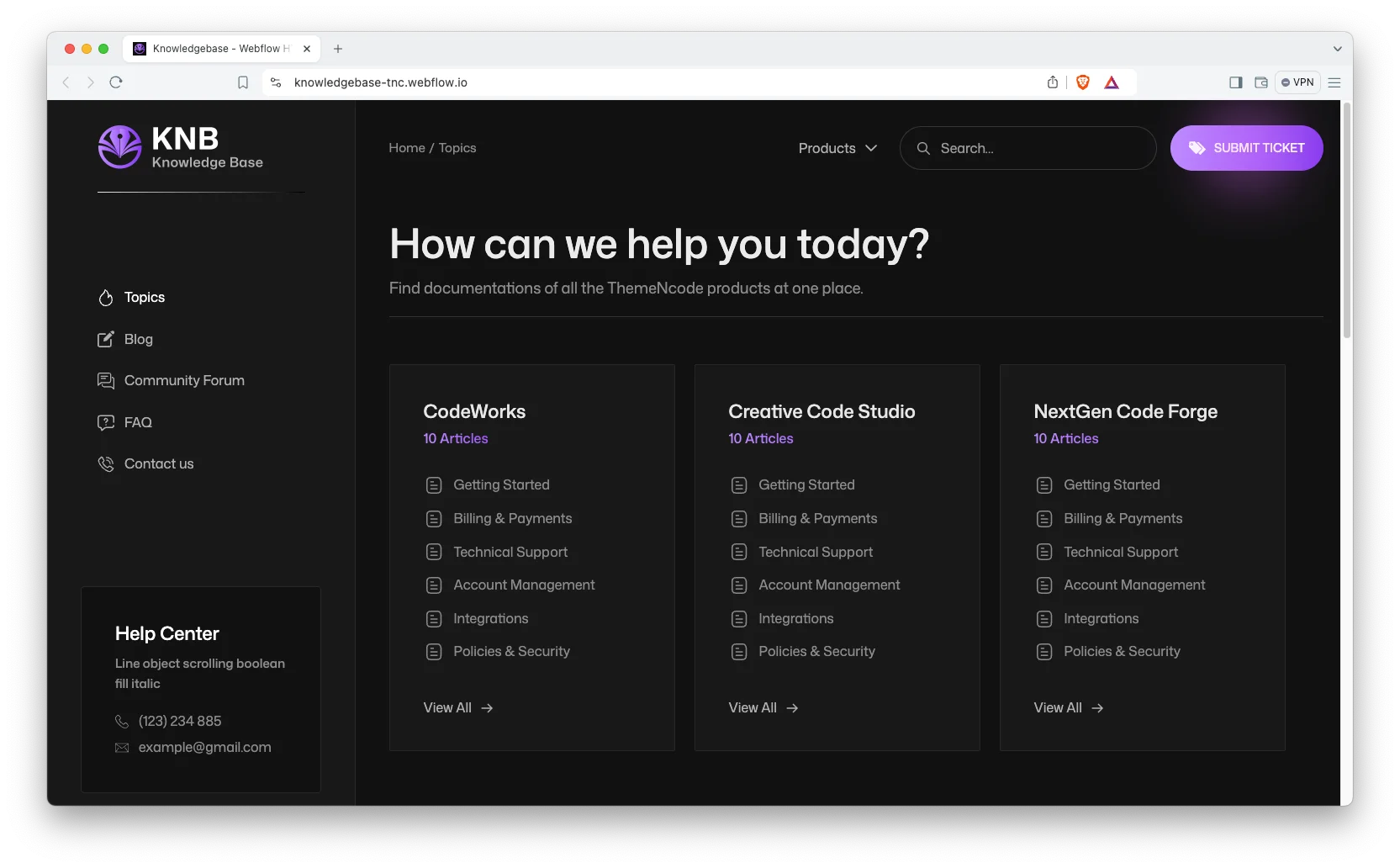
Dark Modern Design. The template uses a dark variant with high contrast type. Because developers often read docs at night, the dark theme is the default rather than an afterthought.
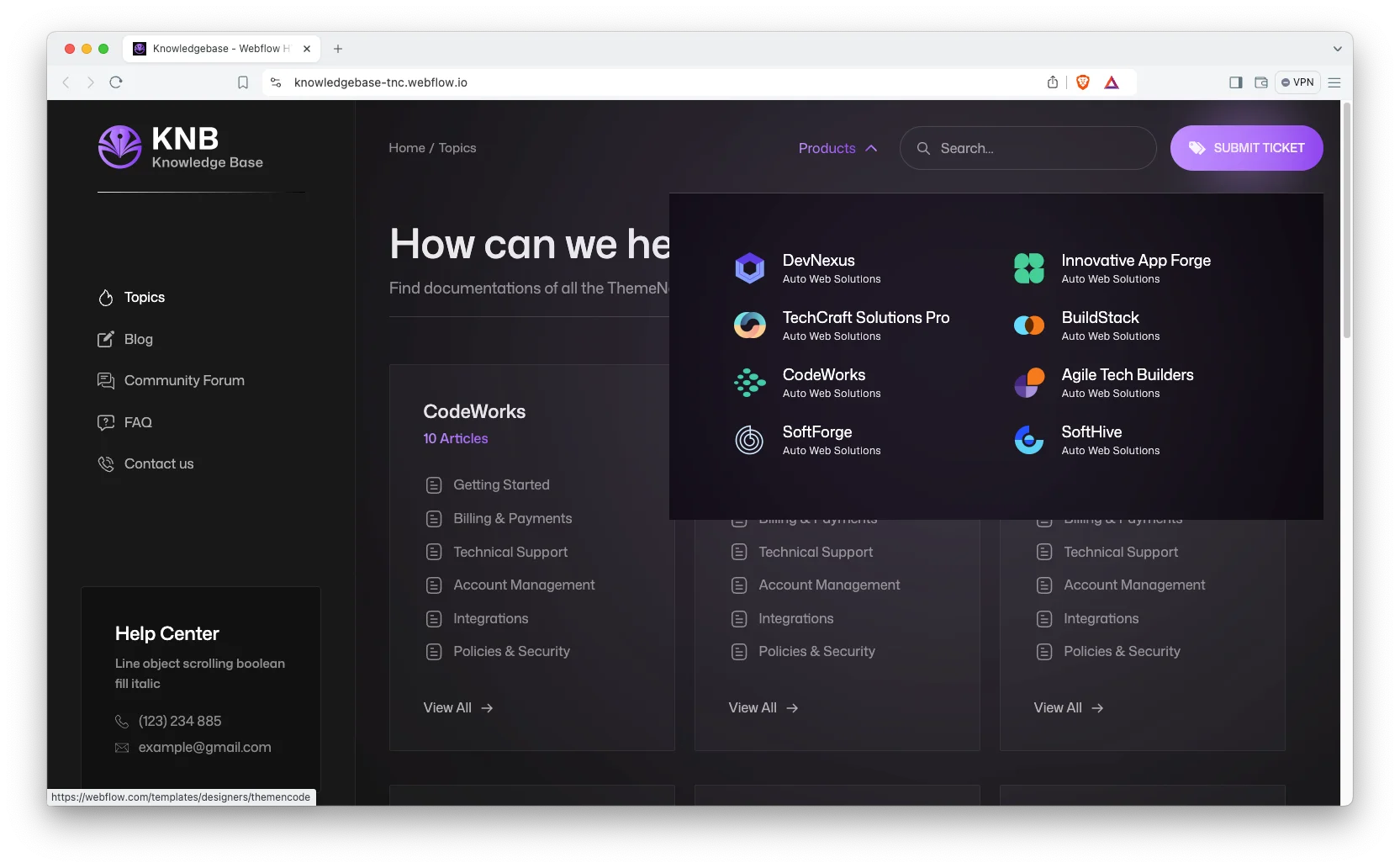
CMS Functionality. Products, documentation categories and blog posts all run on Webflow CMS. Then a new article is a form entry, not a page build.
Topics Dashboard. The topics page indexes every product in one grid. So a support lead can see the whole documentation set at a glance.
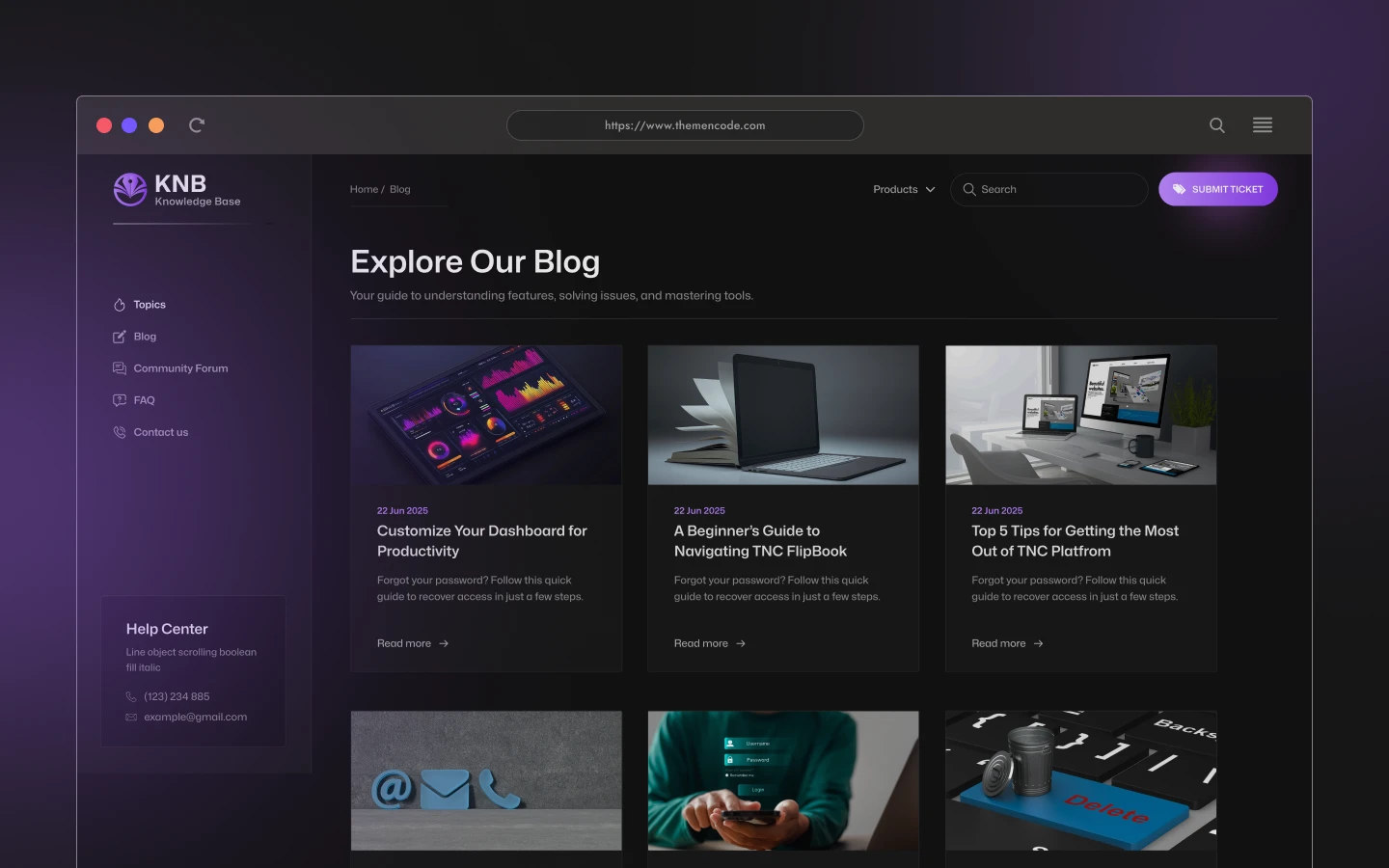
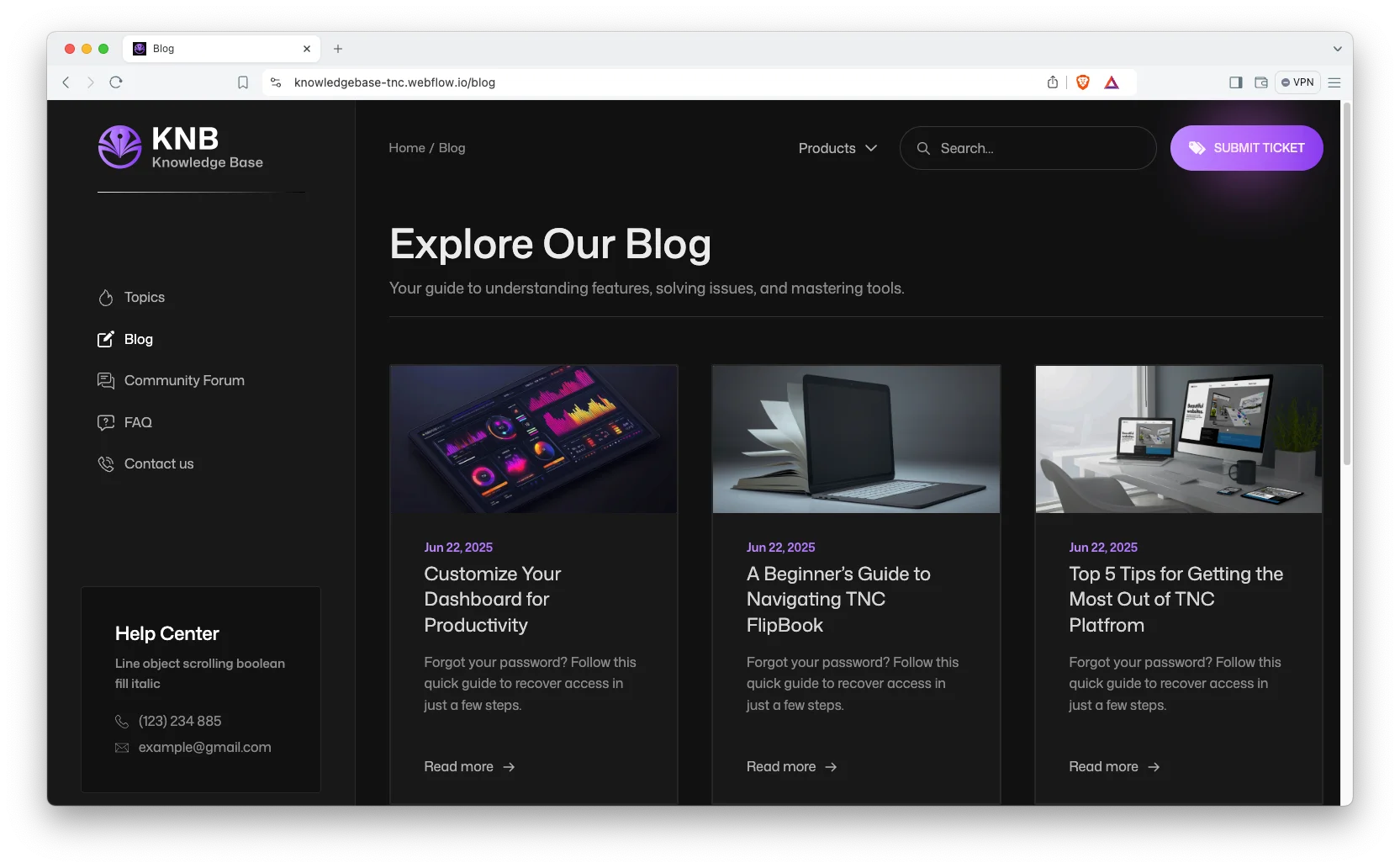
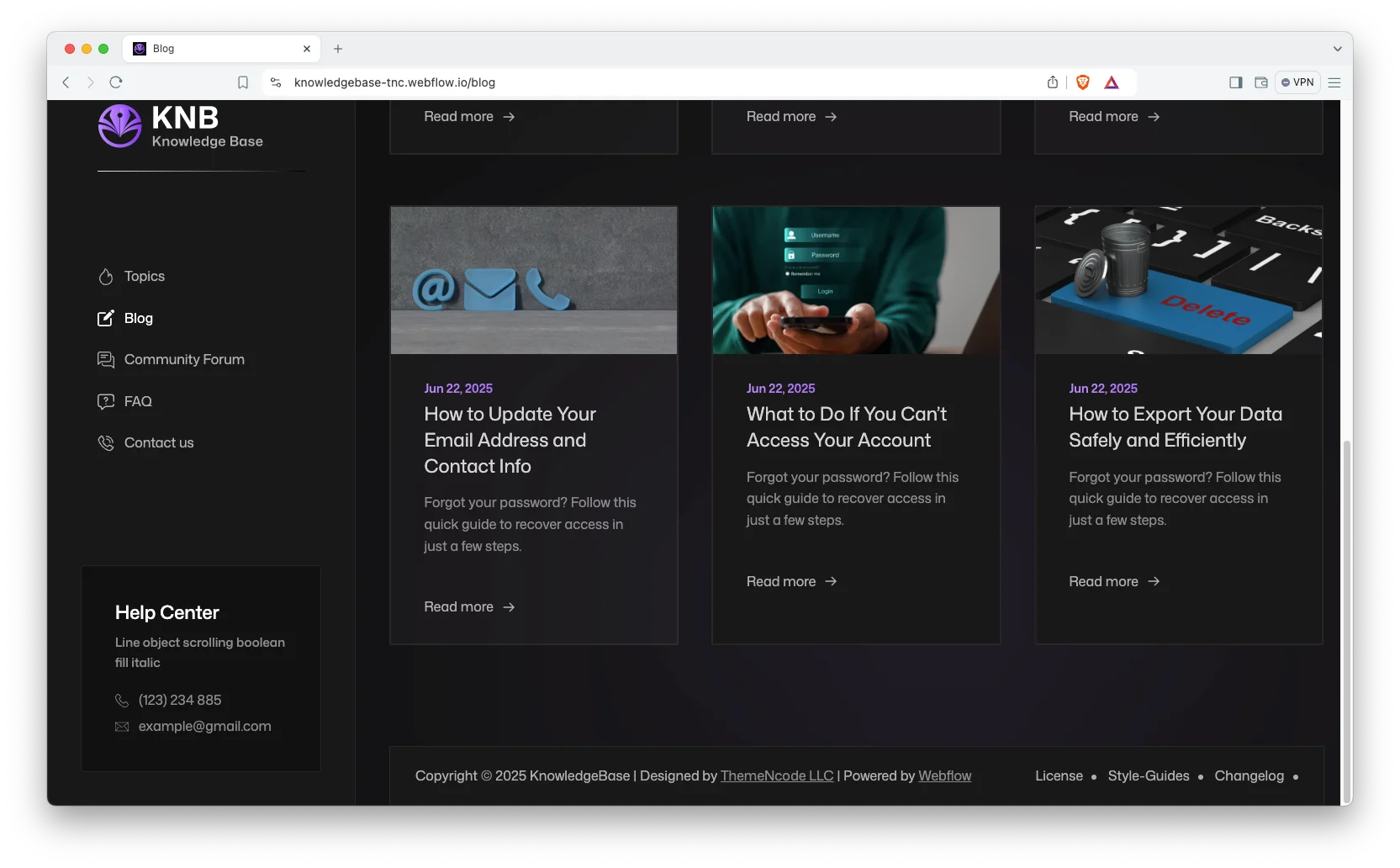
Blog Showcase. The blog sits alongside the docs for release notes and longer guides. It is built for scanning rather than for browsing.
Contact Details. The contact page shows your address, phone number and an interactive map. So an unresolved issue still has somewhere to go.

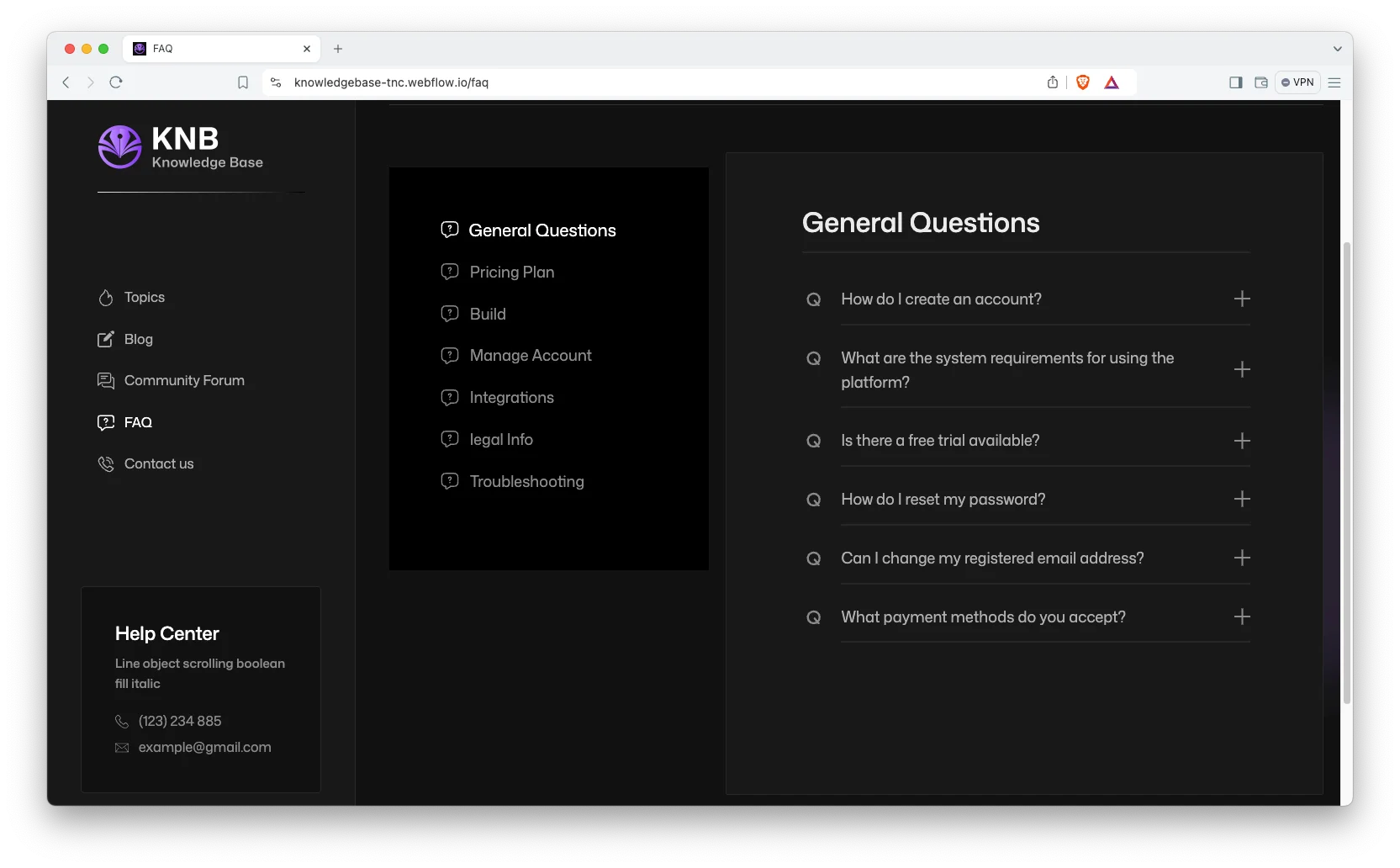
FAQ Page. A dedicated FAQ page answers the questions that come up before someone opens the docs at all.
Live Search. A search results page ships with the template. That way, a user who knows the error message can jump straight to the article.
Watch on YouTube
You can watch this video if you want to learn everything about this Webflow template quickly. In this video, we have demonstrated the information about this Webflow template.
Pages Included in KnowledgeBase
KnowledgeBase ships with eleven designed pages. They are Home, Blog, FAQ, Contact Us, Search Results, External Link, Style Guide, License, Changelog, a 404 page and a password page. Three more are CMS templates. They render products, documentation categories and blog posts. So the docs set grows as your product range grows.
Why Documentation Should Nest Product Under Topic
Most help centres pick one axis. They organise either by product or by topic, and then the other one gets flattened into a tag. However, a user arrives knowing both. They know which product they bought and what they are trying to do. KnowledgeBase nests them, so a URL like your product and then billing is a real page with real content. Then each of those pages can rank on the specific pairing, which is usually how the search is actually phrased.
How to Use KnowledgeBase
- Use the purchase widget on the right side of this page to buy the KnowledgeBase template
- Duplicate the template into your Webflow workspace
- Replace the demo products and articles with your own
- Load your documentation and posts into the CMS collections
- Adjust the colors and typography in the style guide
- Check every breakpoint, then publish your site
KnowledgeBase Frequently Asked Questions
What formats does KnowledgeBase ship in?
KnowledgeBase ships for Webflow, Figma and HTML. Each format is sold separately, so you buy only the one you need.
Is the Figma file included with the Webflow purchase?
No. The Figma file is a separate product on this page. So add it to your order if you want the design source.
How many pages does KnowledgeBase include?
KnowledgeBase includes eleven designed pages. It also includes CMS templates for products, documentation categories and blog posts.
How is the documentation organised?
By product and then by category. The demo ships twelve products, each with the same six categories.
Does KnowledgeBase include search?
Yes. A search results page ships with the template, so users can jump straight to an article.
Is KnowledgeBase only available in dark mode?
The demo is built as a dark variant. However, colors sit in the style guide, so you can change the palette in one place.
When you choose KnowledgeBase, you get support from the TNCFlow team. So if a section does not behave, ask us and we will help.
Check out other Webflow templates by TNCFlow.
Featured in our guides: education website templates, Webflow blog templates and dark mode Webflow templates.


Select template
Choose one or more options for your build
All-Access Pass
$199
/ Yearly
$20,000+ in assets
130+ Webflow Templates
130+ Figma UI Templates
45+ Framer Templates
130+ HTML Templates
