
PRO

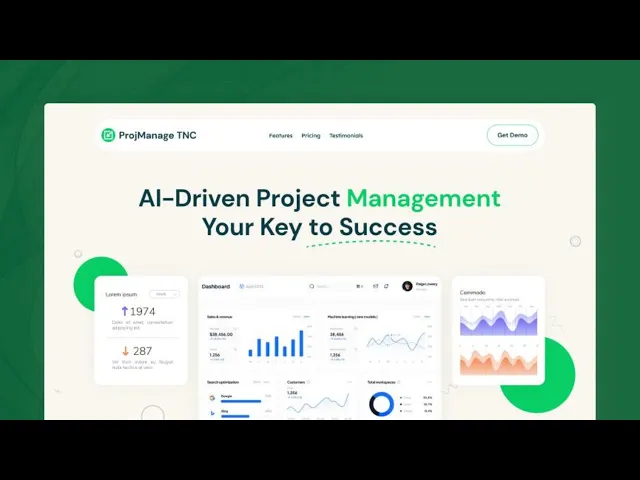
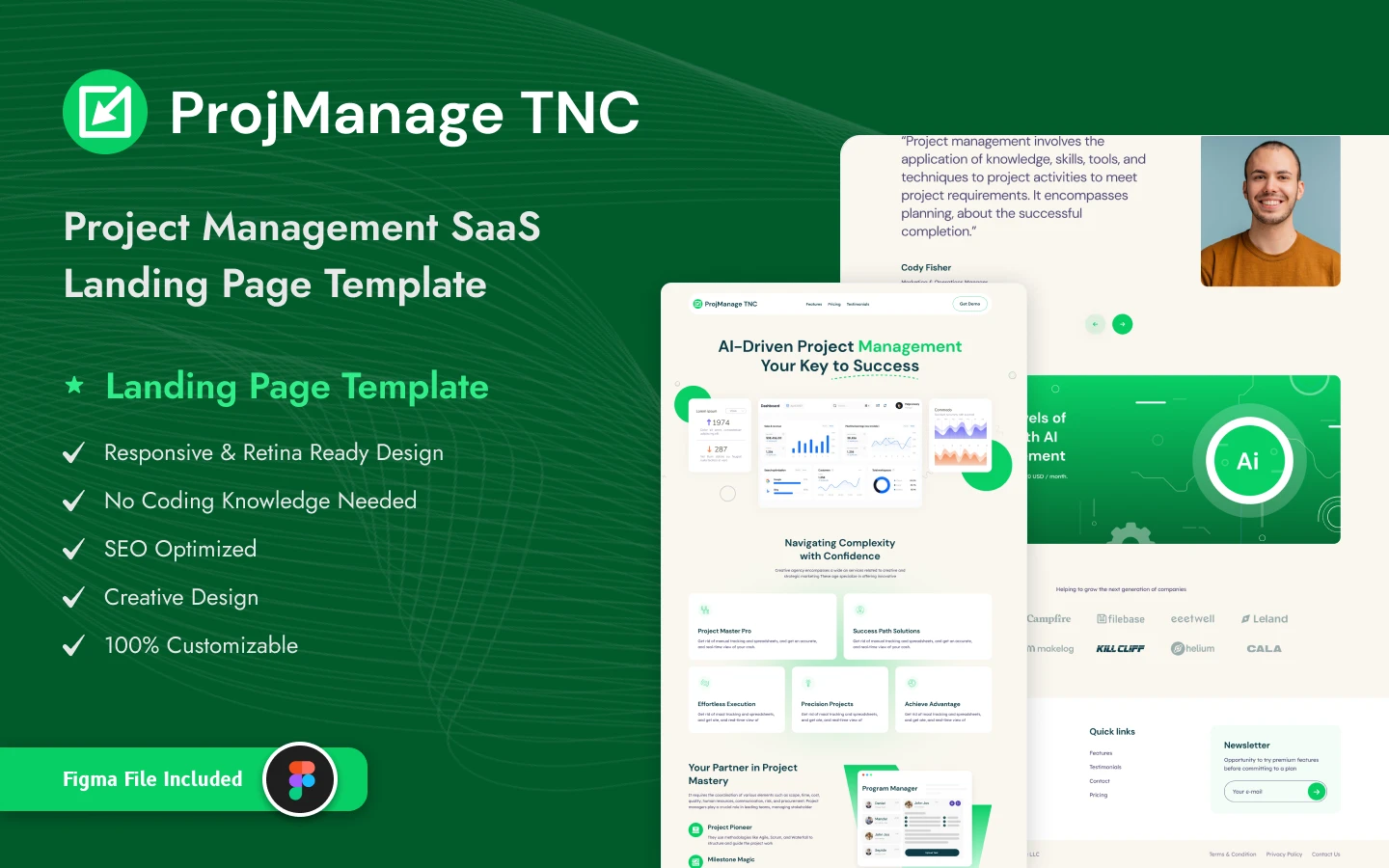
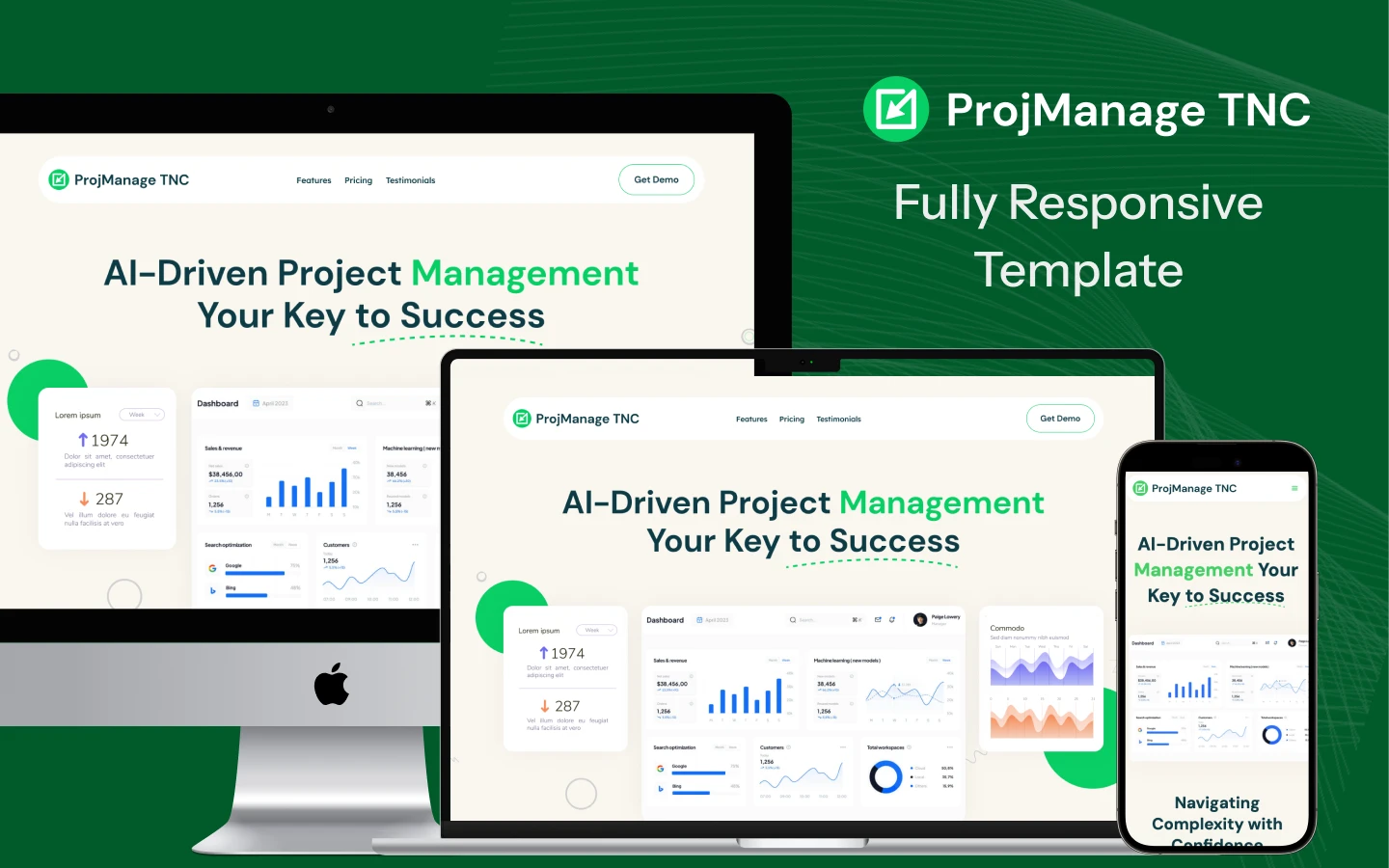
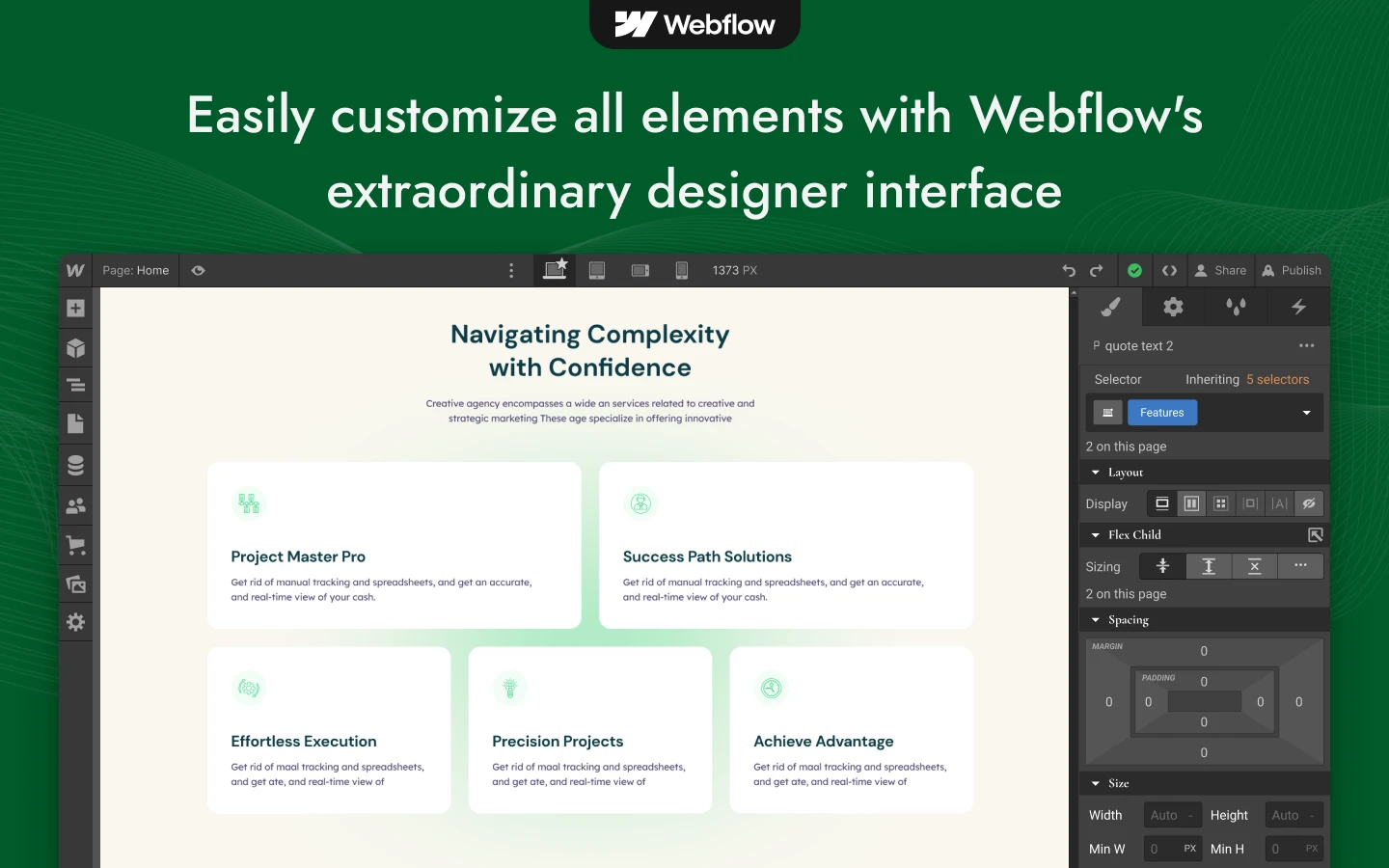

ProjManage TNC is a project management website template for project management SaaS, team collaboration tools and productivity software companies. It ships for Webflow, Figma and HTML.
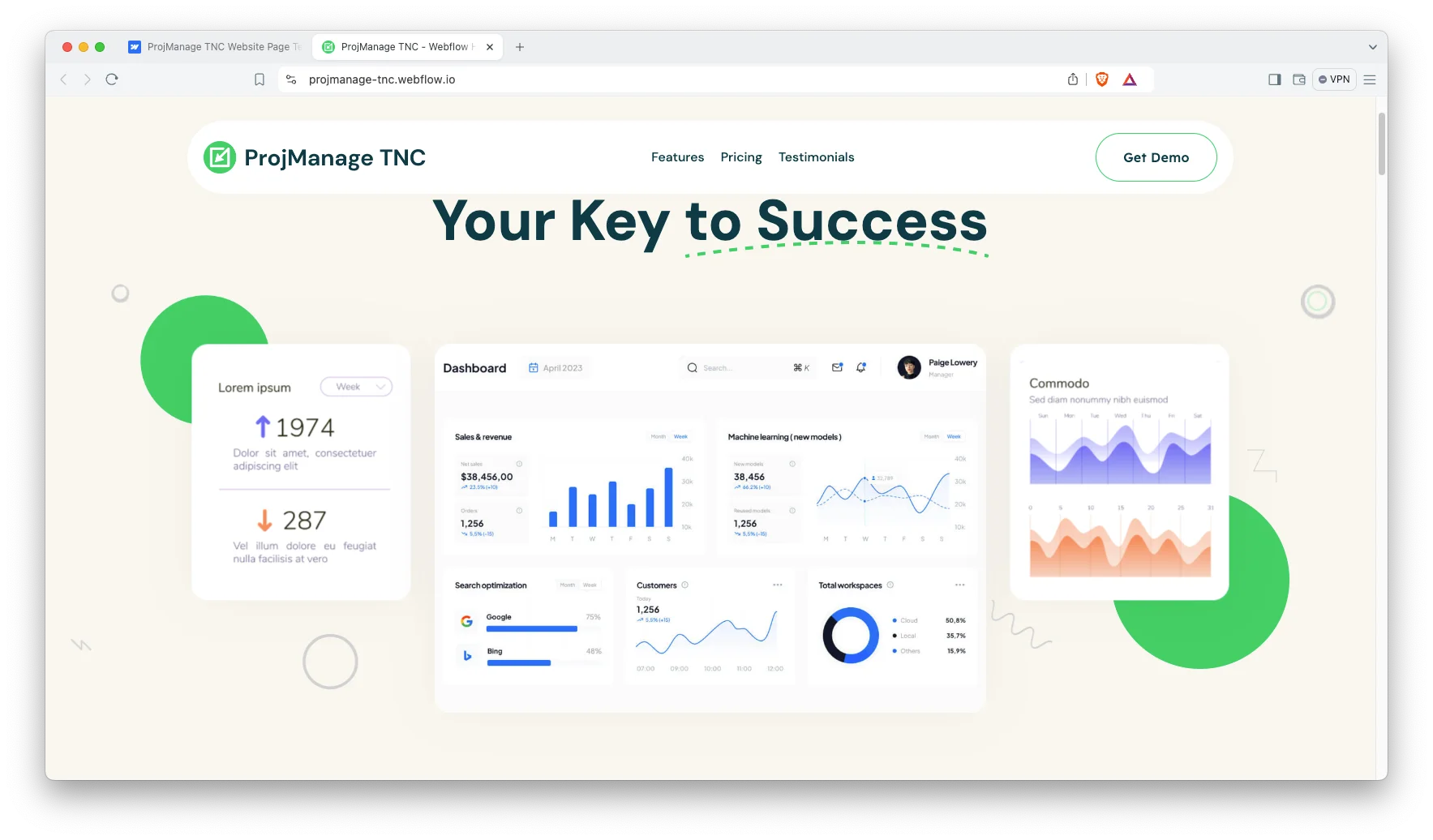
Project management software is evaluated on clarity rather than on personality. So the page opens with the positioning statement, then demonstrates the methodology, the subscription tiers and the customer evidence. Because the entire argument sits on a single page, an evaluator never loses the thread.
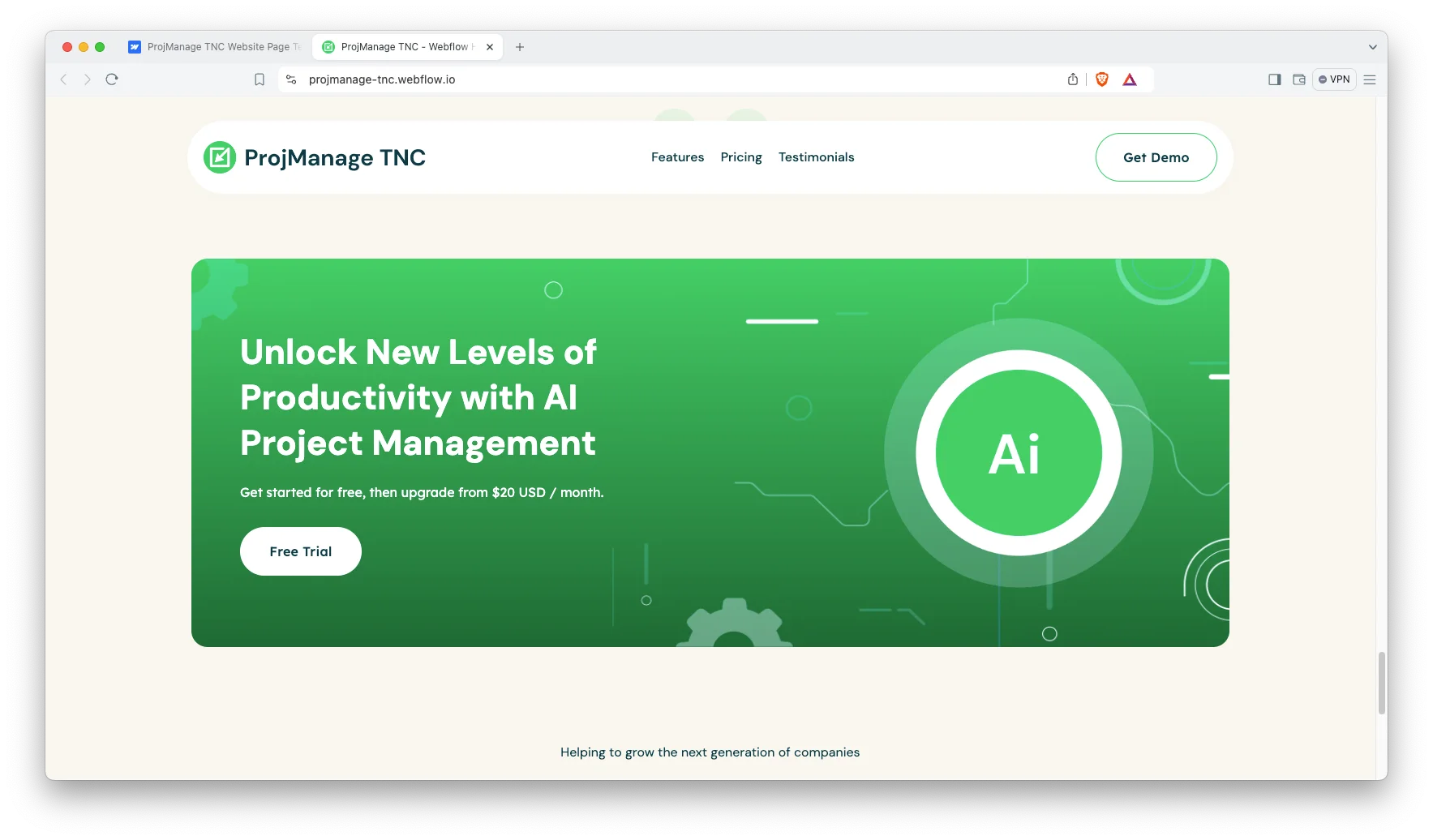
Every section has one responsibility. The hero states the outcome. The capability cards explain the mechanics. Then the numbered process section describes how work actually moves. Finally the pricing comparison asks for the trial signup.
Explore the live preview now.
ProjManage TNC at a Glance
| Formats | Webflow, Figma and HTML |
| Best for | Project management SaaS, team collaboration tools, productivity software, workflow automation platforms |
| Layout | One page design with anchor links to features, pricing and testimonials |
| Pages | 1 main page plus 3 utility pages, which are privacy policy, terms and conditions and licence |
| CMS | No CMS collections, so you edit the page directly in the Webflow Designer |
| Responsive | Yes, on desktop, tablet and mobile |
| Support | TNCFlow support plus free updates |
Key Features of ProjManage TNC
Modern and restrained design. ProjManage TNC keeps the composition deliberately calm. So your product screenshots and your value proposition remain the dominant elements. Confident typography and generous spacing carry the remainder.
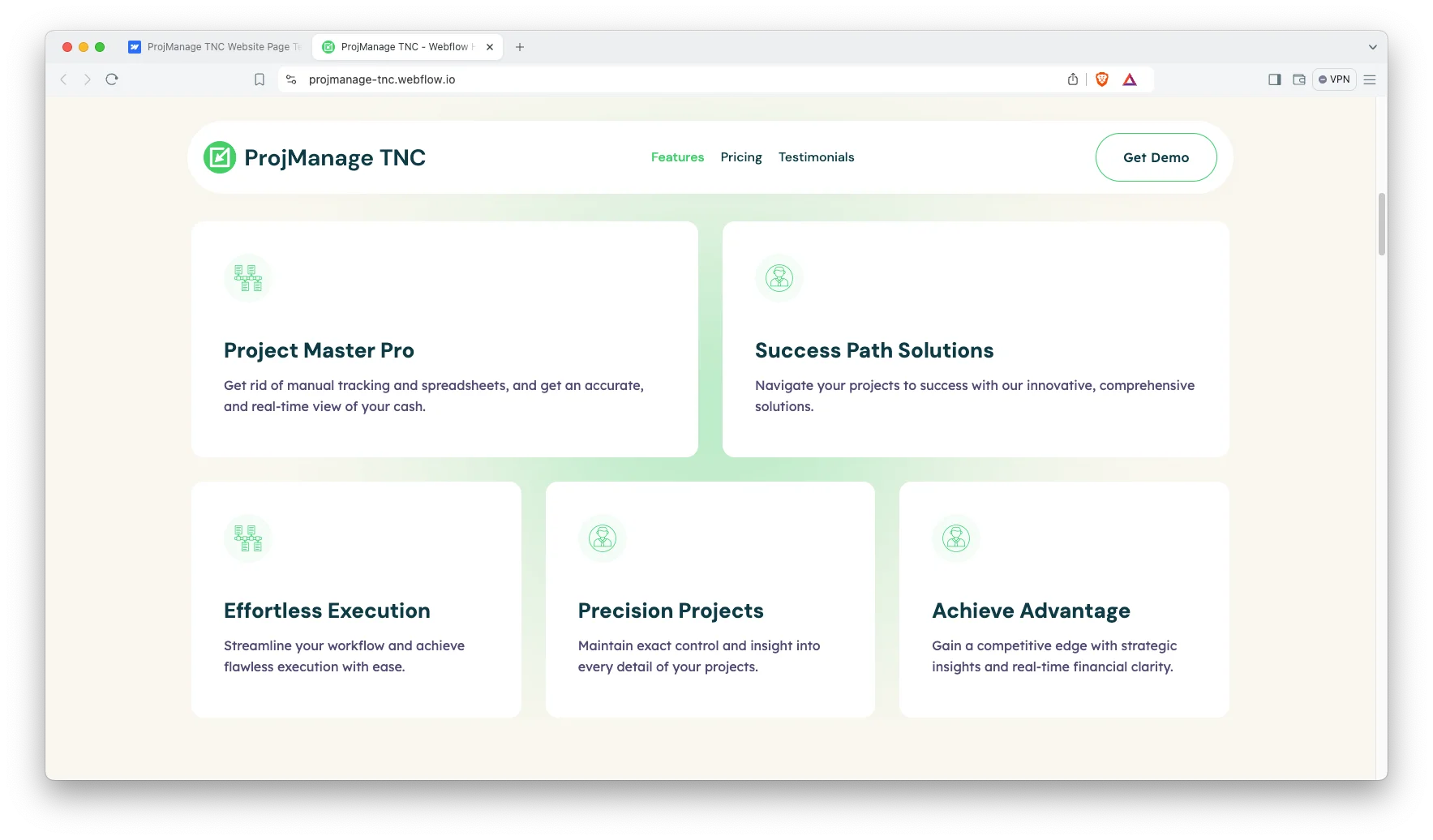
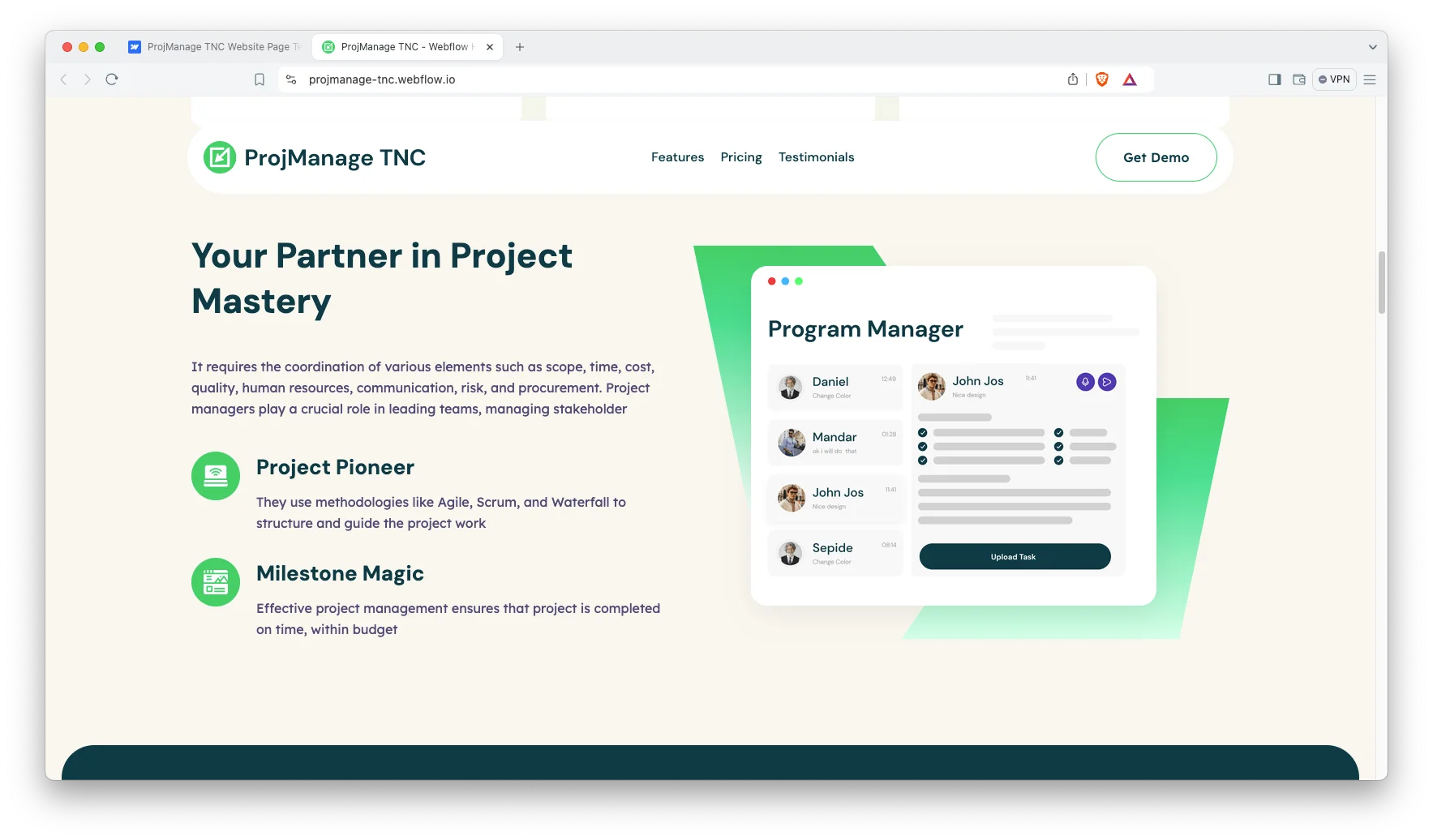
Capability cards for each benefit. The feature block gives every capability its own card. The demo covers real time tracking, guided execution, detailed project control and competitive insight. Because each card stays short, a visitor understands the product quickly.
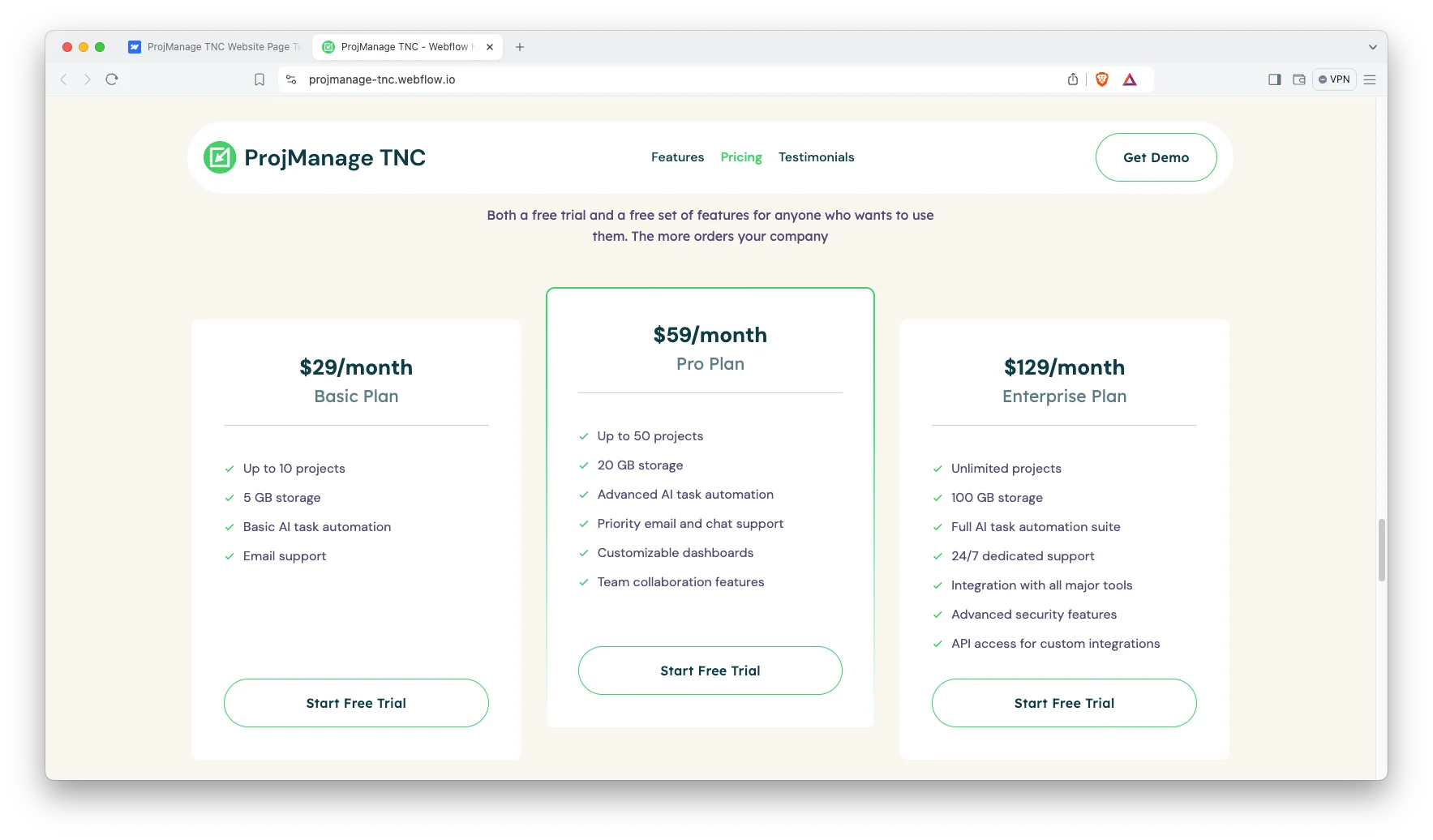
Three tier pricing comparison. The pricing section presents three monthly plans side by side. Each card carries a checklist covering project limits, storage, automation and support level. That way prospects self qualify before contacting you.
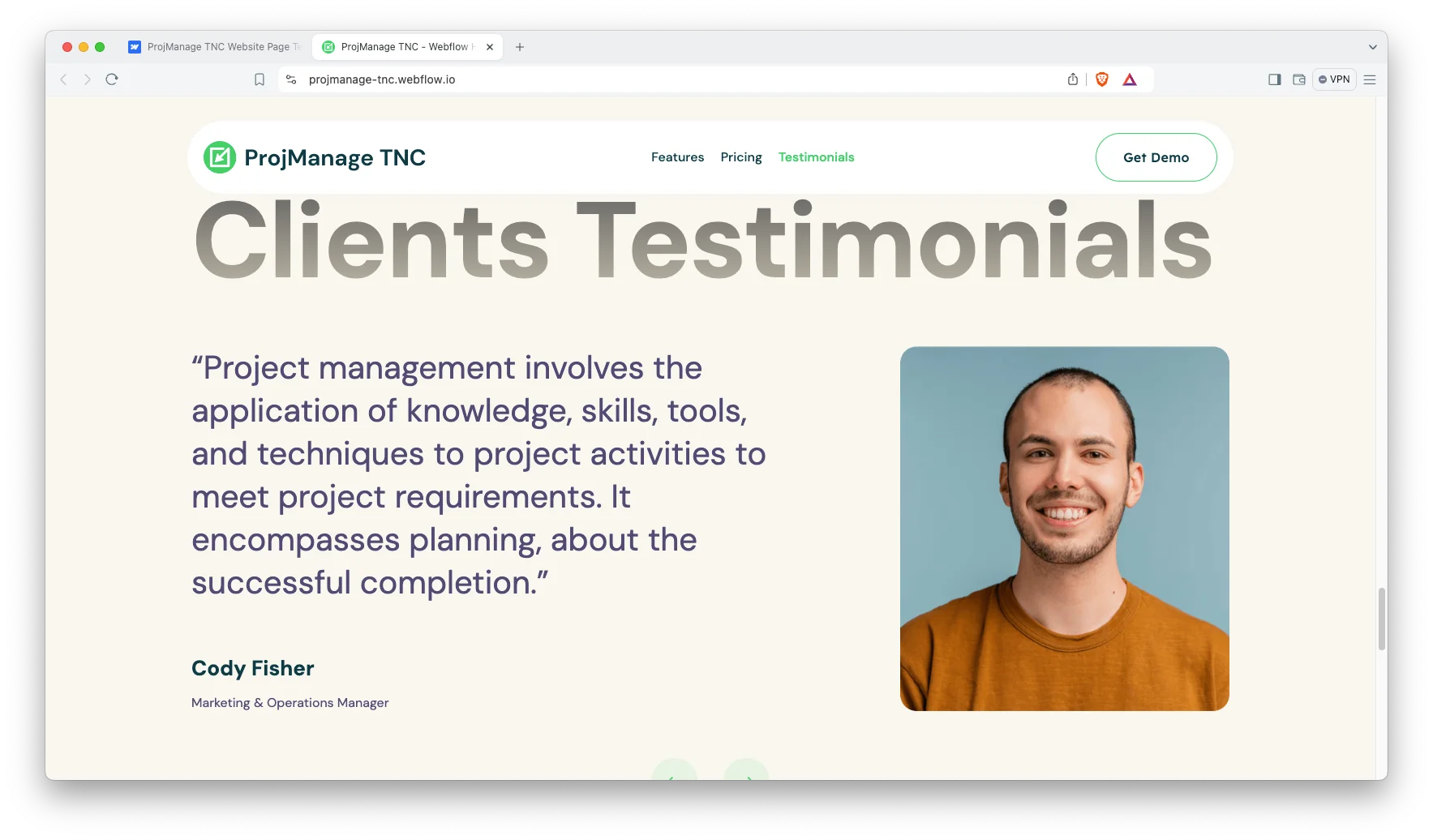
Testimonial slider. Customer quotes appear in a slider with arrow navigation. Each entry carries a name and a job title. Procurement teams look for named references, so populate this section with genuine ones.
Lightweight structure. The build stays static, which keeps the payload small. Webflow page settings expose the title tag, the meta description and the Open Graph image. So the basic search groundwork is editable without a plugin.
Responsive across devices. The layout adapts to desktop, tablet and mobile. Check the pricing comparison on a narrow screen first, because that is where a three column table is hardest to read.
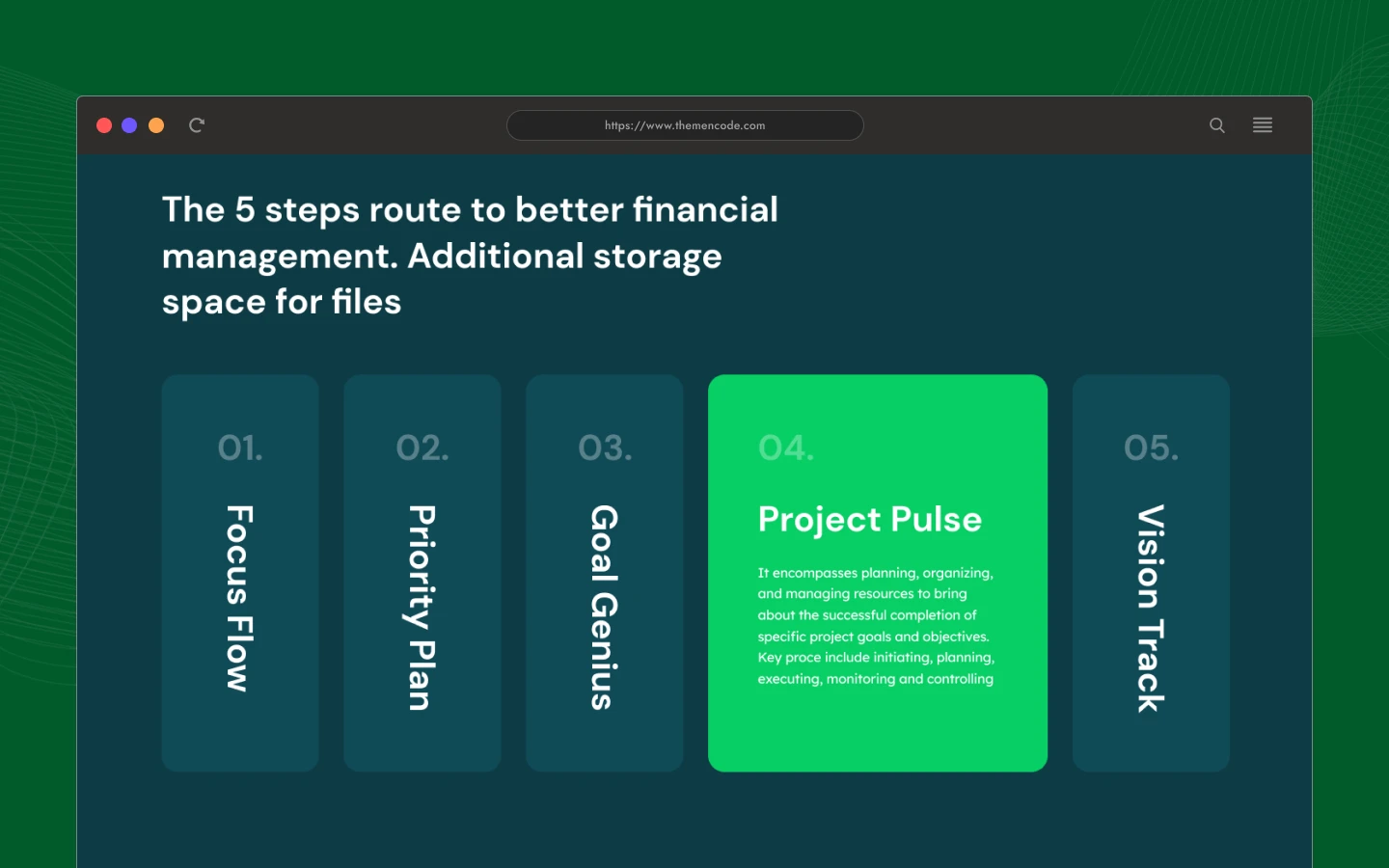
Numbered process section. A five step accordion walks a visitor through your methodology. The demo labels these steps Focus Flow, Priority Plan, Goal Genius, Project Pulse and Vision Track. Rename them to match your own onboarding.
Mission and vision blocks. Three short statement panels sit between the features and the pricing. Use them to explain positioning without writing a separate About page.
Newsletter capture. The footer holds an email signup form with success and error states already configured. It suits a product that converts through a trial rather than a sales call.
Watch on YouTube
Watch the walkthrough if you want to see the template in motion before you buy.
Pages Included in ProjManage TNC
ProjManage TNC is a one page template. The home page carries the hero, a capability card block, a five step process accordion, three positioning panels, the pricing comparison, a testimonial slider, a partner logo strip and a newsletter form.
Three utility pages ship alongside it, which are the privacy policy, the terms and conditions and the licence page. Because the navigation uses anchor links, adding further pages later remains straightforward.
How to Use ProjManage TNC
- Use the purchase widget on the right side of this page to buy the ProjManage TNC template
- Follow the steps to get your site ready
- Replace content with your own
- Adjust the design slightly if you want
- Preview and publish
What a Project Management Site Has to Answer
Project management buyers rarely purchase alone. A team lead finds the tool, then a manager approves the budget, so the page has to satisfy two different readers at once.
Check three things before you buy any template in this category. First, is there space to explain your methodology rather than only your features? Second, can the pricing block express seat limits, storage and support level clearly? Third, is there somewhere credible for named customer references?
ProjManage TNC accommodates all three requirements. The numbered process accordion carries the methodology. The plan checklists carry the limits. Then the testimonial slider carries the references.
One additional recommendation. Keep the plan names conventional. Inventive tier names slow an evaluator down, and slow evaluation loses deals in a crowded category.
Frequently Asked Questions
Which formats does ProjManage TNC ship in?
ProjManage TNC is available as a Webflow template, a Figma file and a static HTML build. The Figma file is a separate product, so pick the format you need at checkout.
Does ProjManage TNC include a CMS?
No. This is a one page template with no Webflow CMS collections. You edit the copy and the images directly in the Designer, which keeps the setup short.
How many pages does ProjManage TNC include?
There is one main page plus three utility pages, which are the privacy policy, the terms and conditions and the licence page.
How many pricing plans does the template support?
The demo ships three plan cards, which are a basic tier, a professional tier and an enterprise tier. You can duplicate or remove a card in the Designer.
Can I use ProjManage TNC for a productivity tool that is not project management?
Yes. The structure suits any subscription software sold on a free trial. Only the copy, the screenshots and the plan names need to change.
Do I need to know Webflow to use ProjManage TNC?
No. Basic Webflow knowledge helps, but the classes are named and the page is short. So most owners can swap text and images on their own.
Need help with setup or customization? The TNCFlow support team answers quickly, and updates are free.
Check out other Webflow templates by TNCFlow.
Featured in our guides: Webflow SaaS templates, small business website templates and HTML landing page templates.




Select template
Choose one or more options for your build
