

PRO
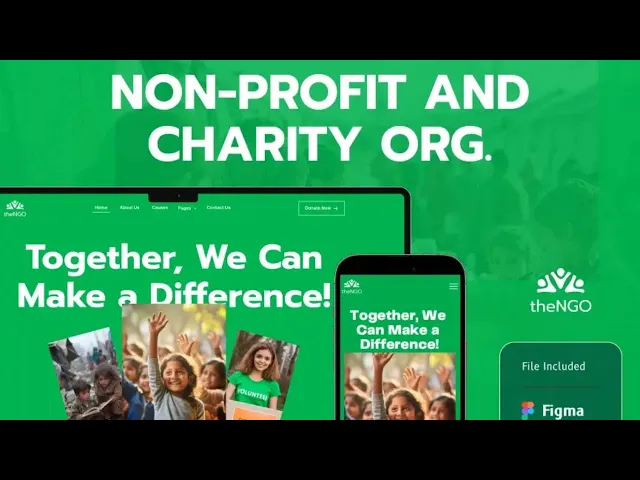
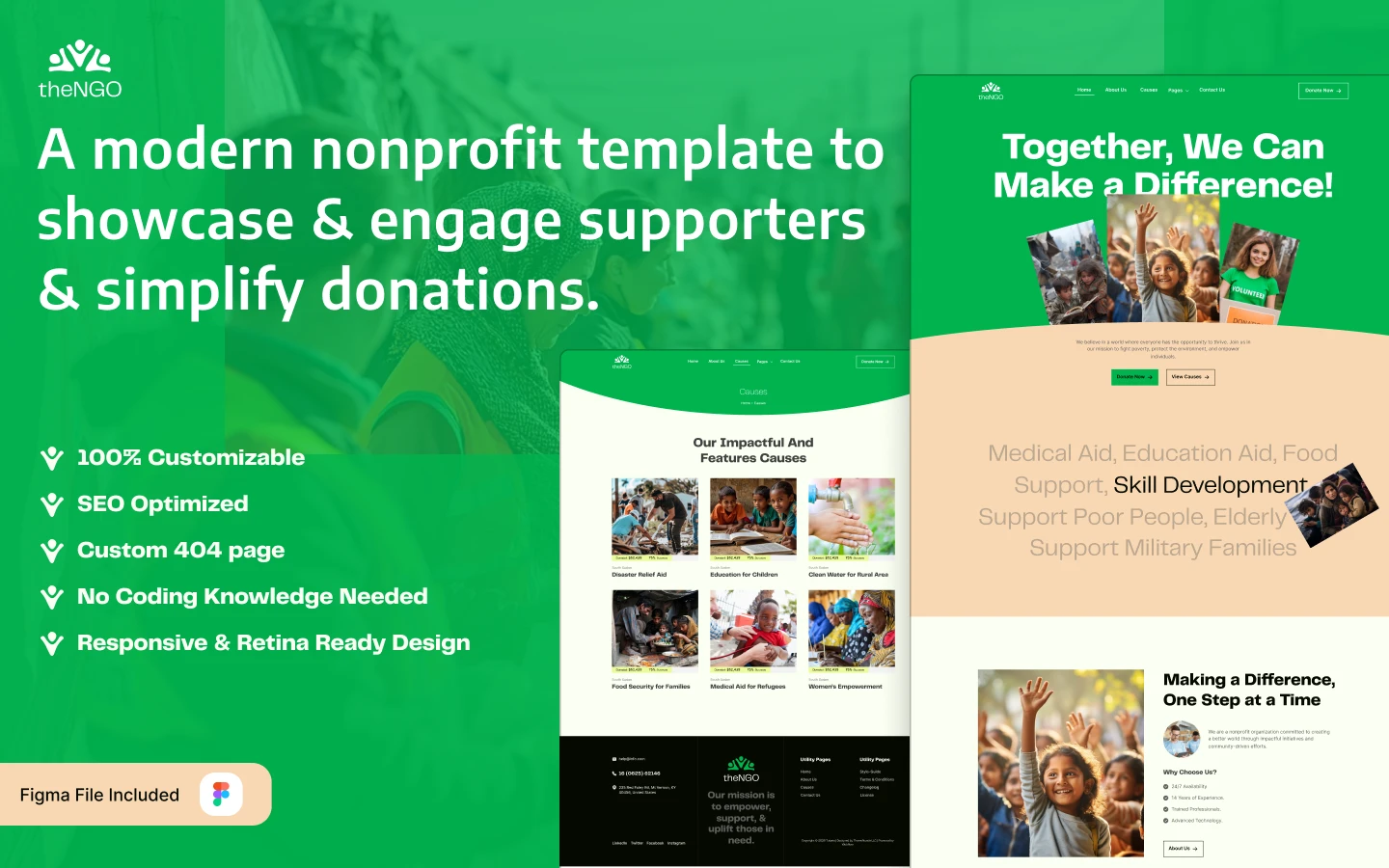
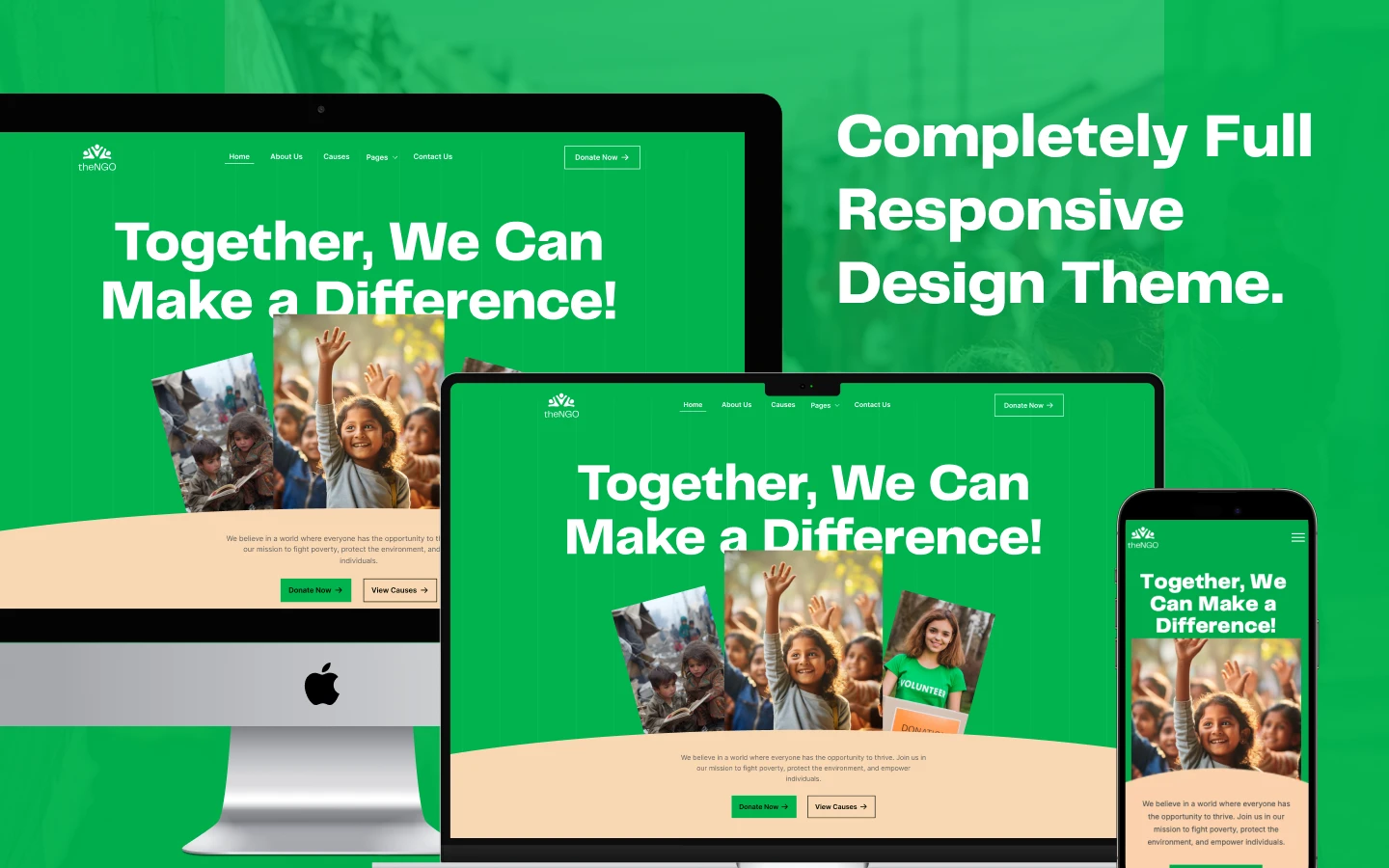
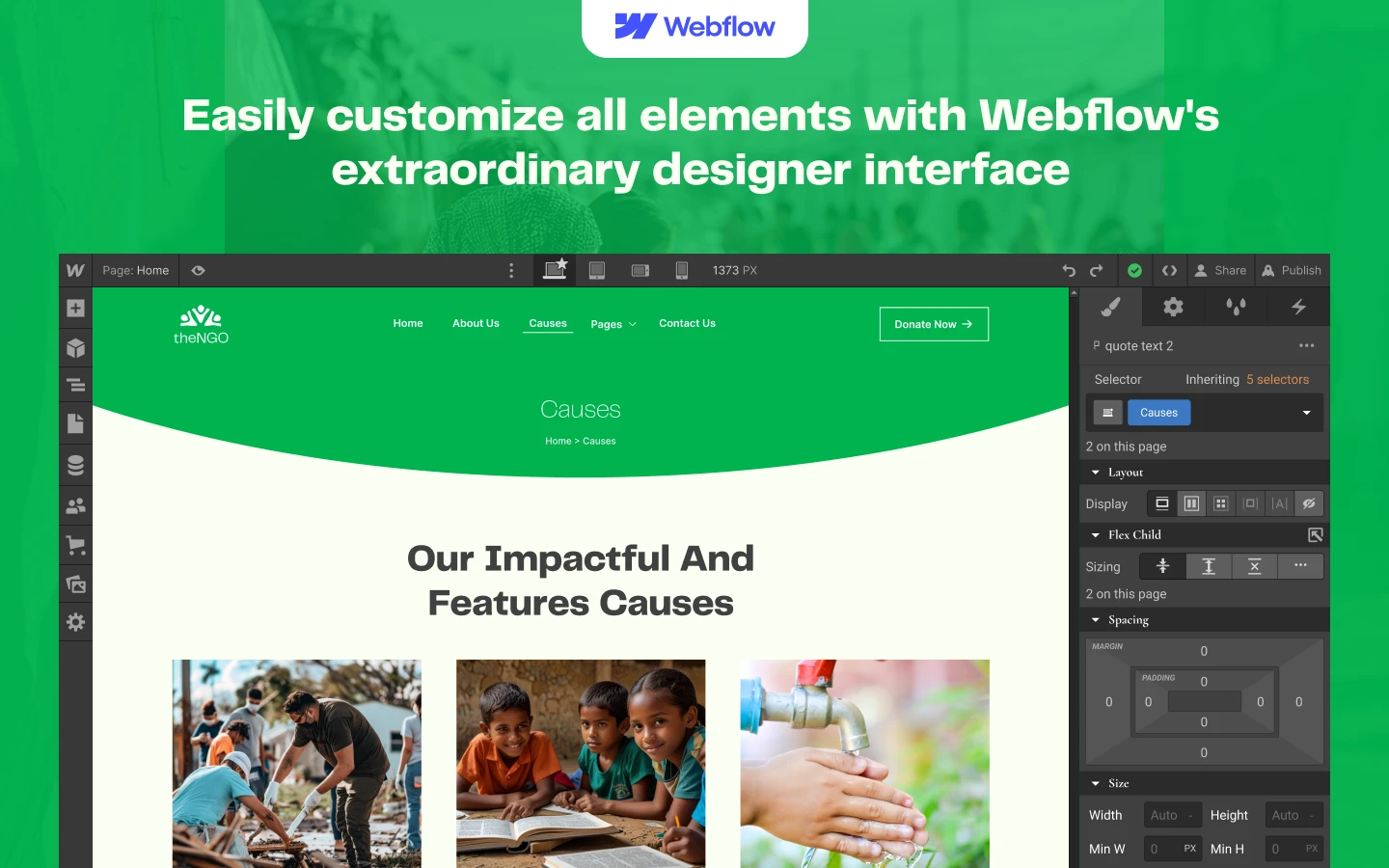
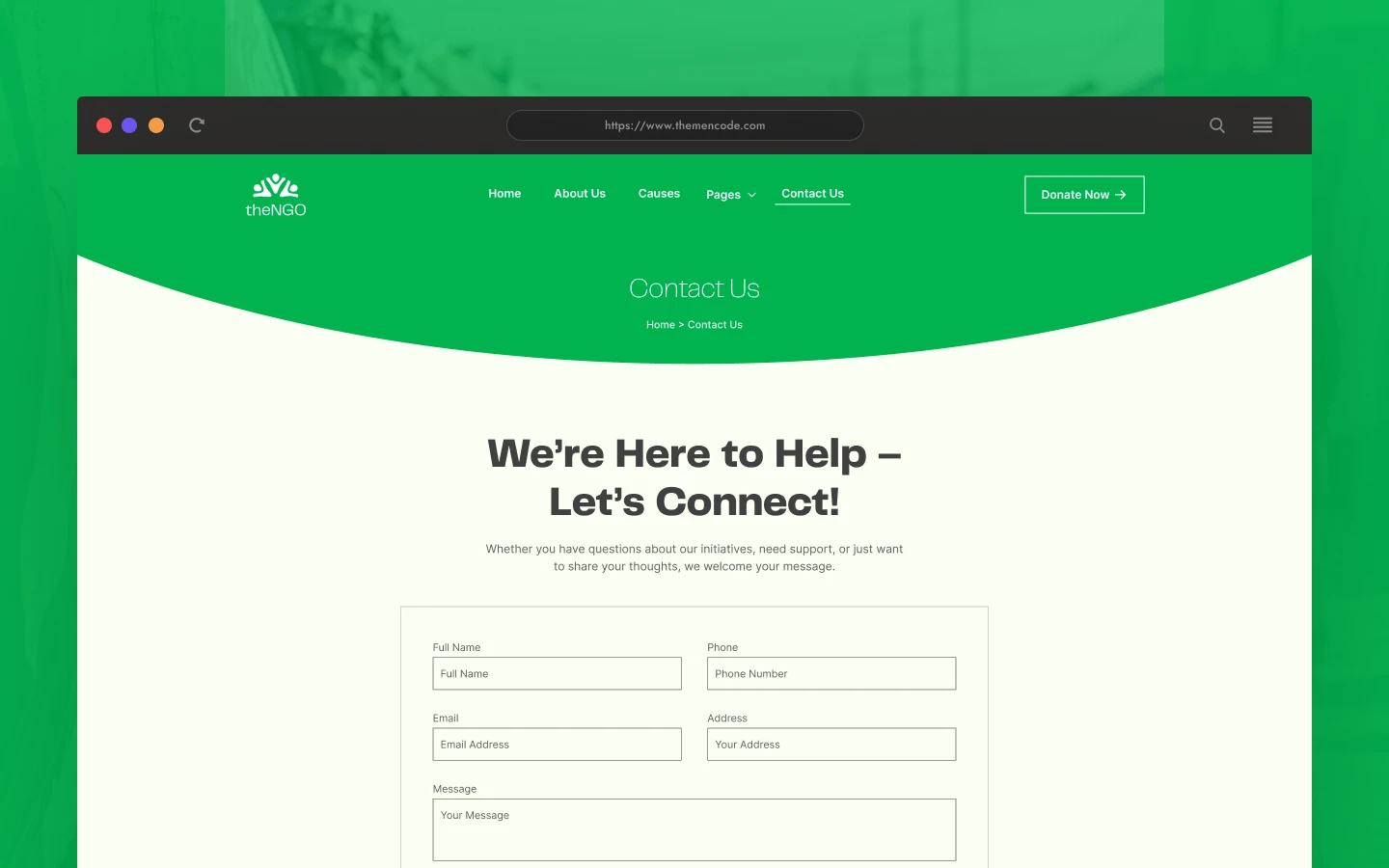
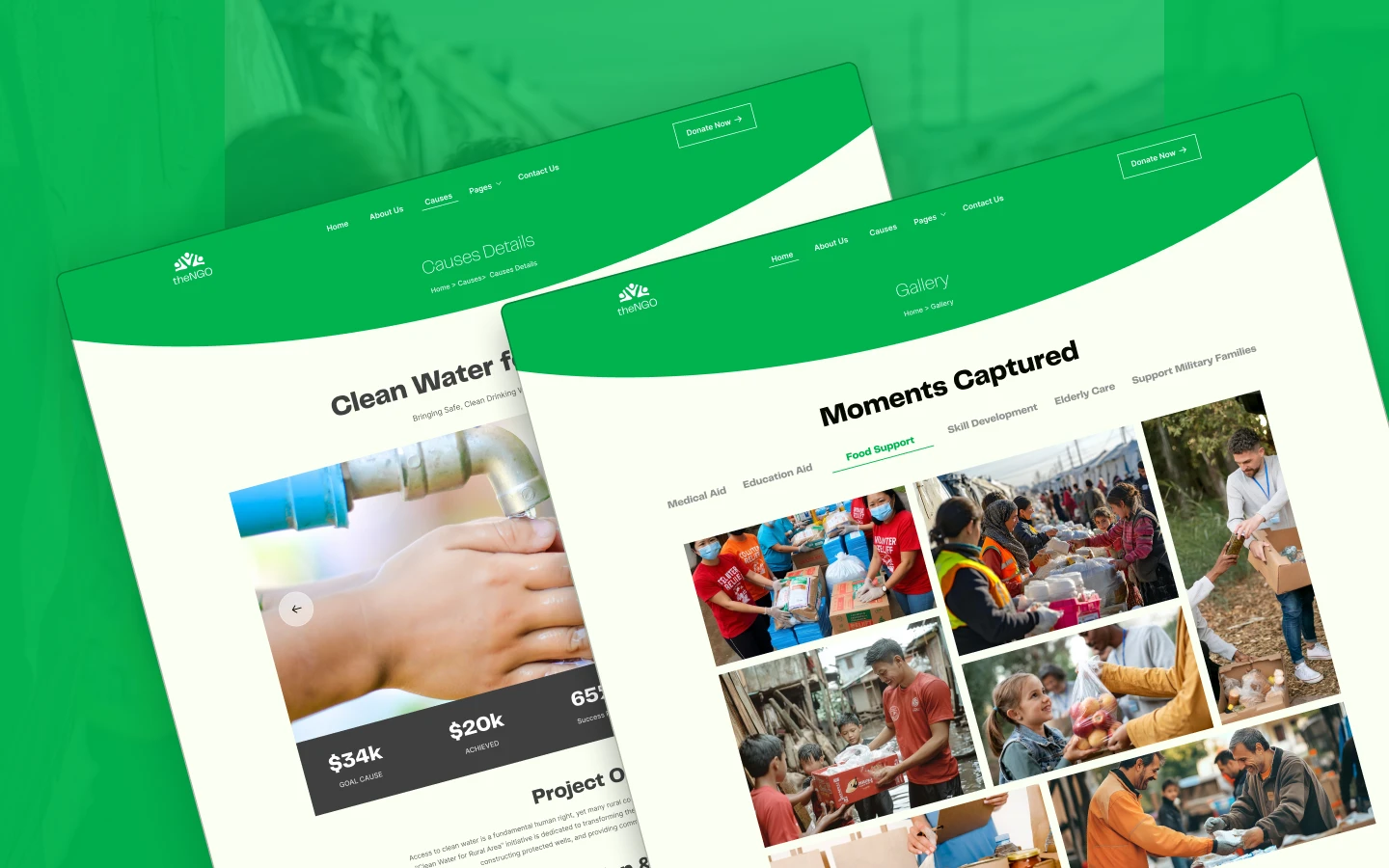
TheNGO is a nonprofit website template for NGOs, charities and community organizations. It ships for Webflow, Framer, Figma and HTML.
A nonprofit website has to convert strangers into donors and volunteers. So TheNGO organizes the argument in order: the problem, the specific causes, the people doing the work, then the donate page. The template carries 18 ready-made pages. Then Webflow CMS manages the three things that grow over time, which are causes, volunteers and blog articles.
Each section has one job. The hero states the mission in one sentence. The causes collection breaks that mission into fundable projects. Every volunteer receives a profile, and the gallery supplies visual evidence that the work happened.
You get the same design in four formats. So choose Webflow if you want CMS publishing and hosting together. Choose Framer if your team already works there. Choose HTML if a developer will host the site. Then open the Figma file when you want to redraw a section first.
Explore the live preview now.
TheNGO at a Glance
| Formats | Webflow, Framer, HTML, Figma |
| Best for | NGOs, charities, community organizations, fundraising campaigns |
| CMS | Webflow CMS: causes, volunteers, blog posts |
| Pages | 18 (9 main, 3 CMS templates, 6 utility) |
| Responsive | Yes, desktop, tablet and mobile breakpoints |
| Support | TNCFlow support team |
Key Features of TheNGO
Features fully highlighted. The homepage explains what the organization does before it asks for anything. So a first time visitor understands the programs, the geography and the impact without opening a second page.
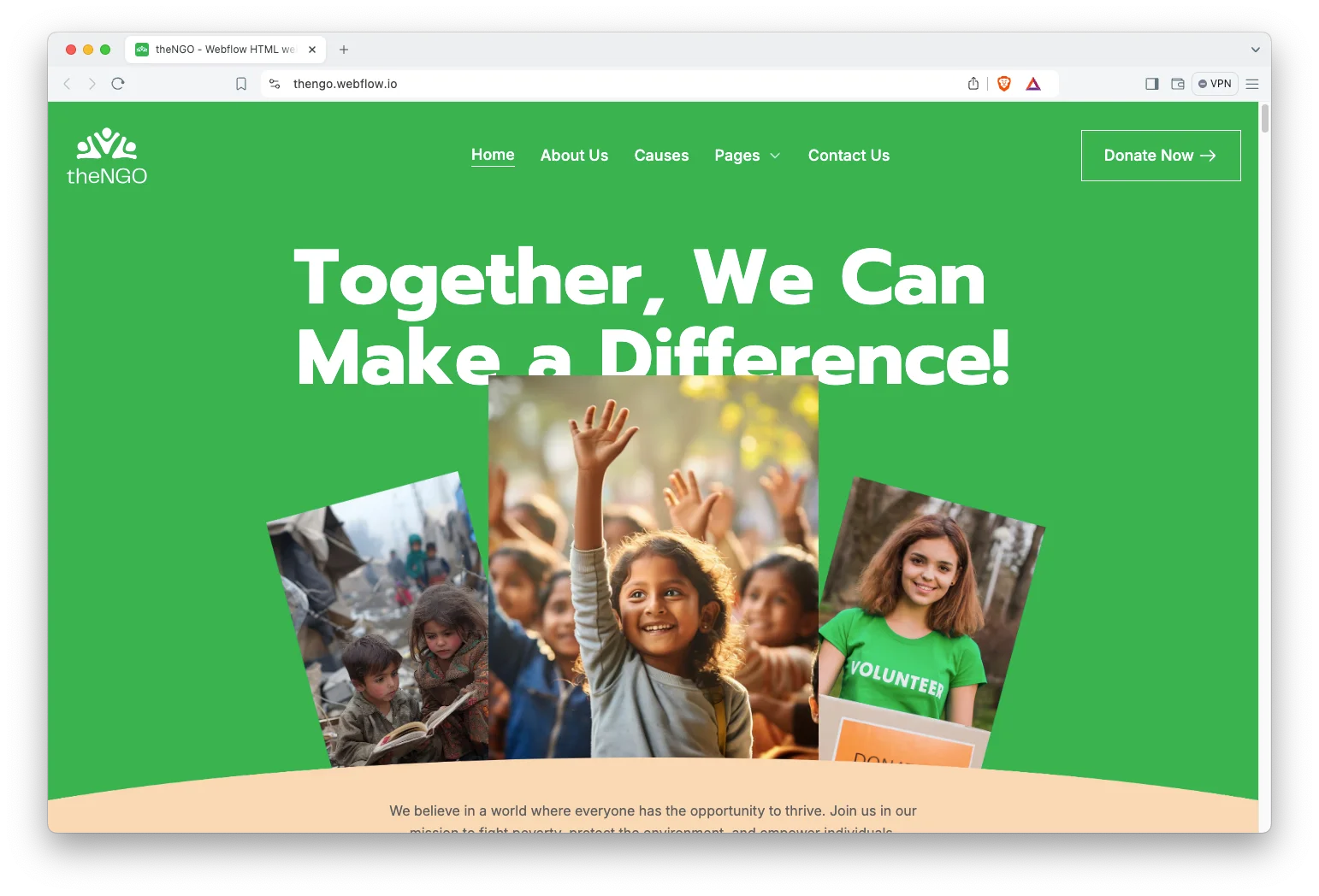
Minimal and premium design. The design stays clean and current. Nothing competes with the photography, because in this category the photography carries the emotional argument.
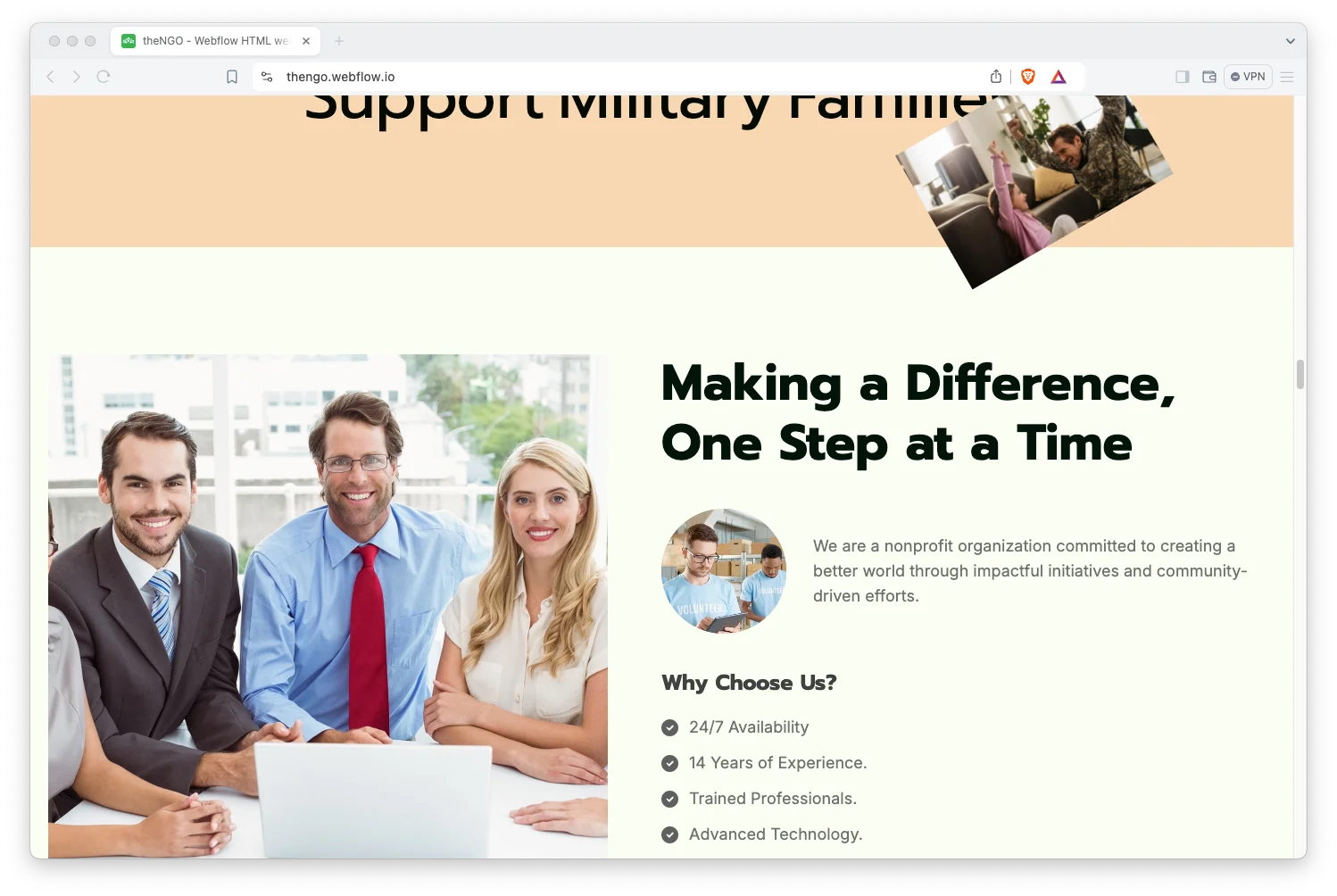
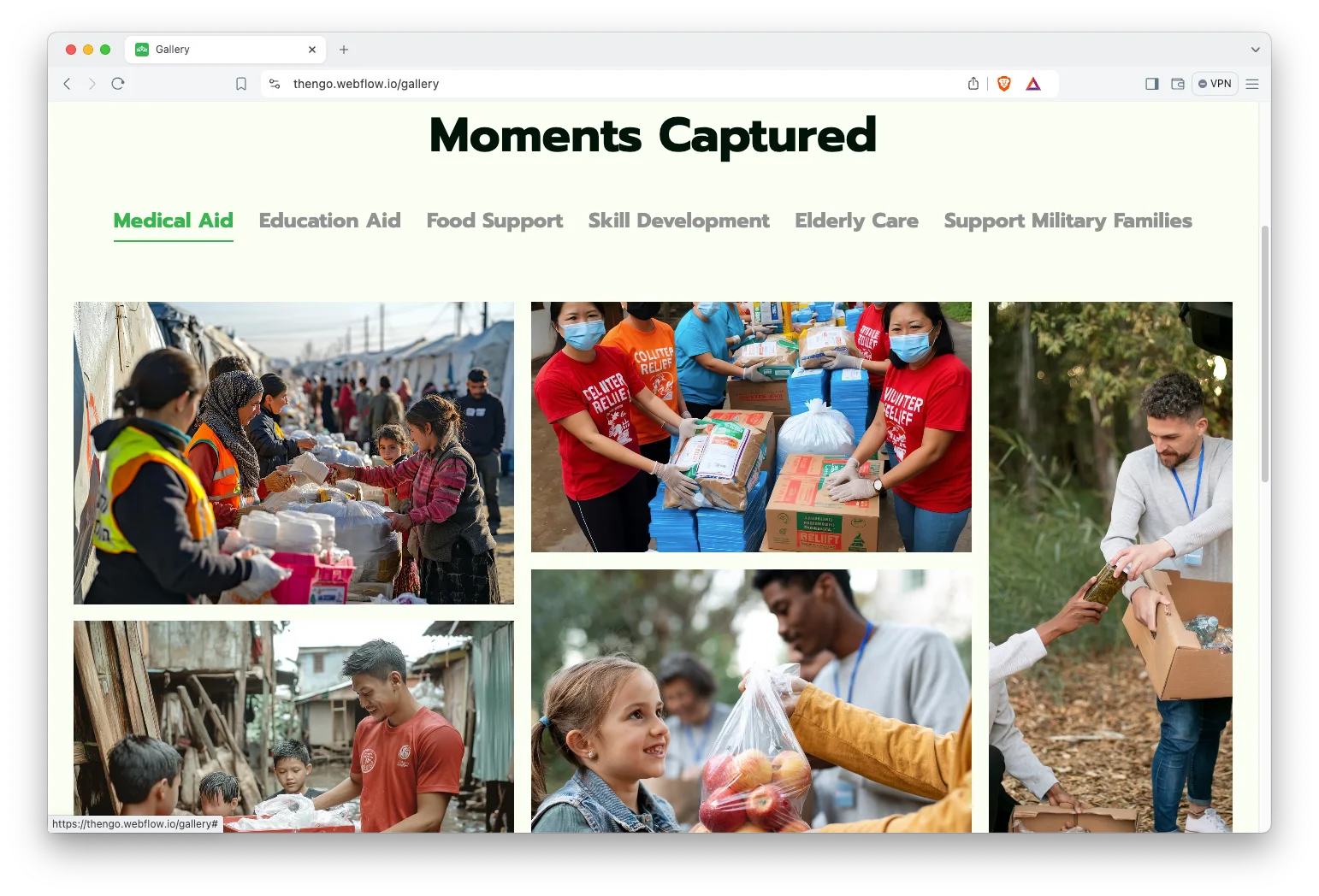
Gallery showcase. A dedicated gallery page holds field photography. So you can document a build, a distribution or an event, and the grid keeps every image at a consistent size.
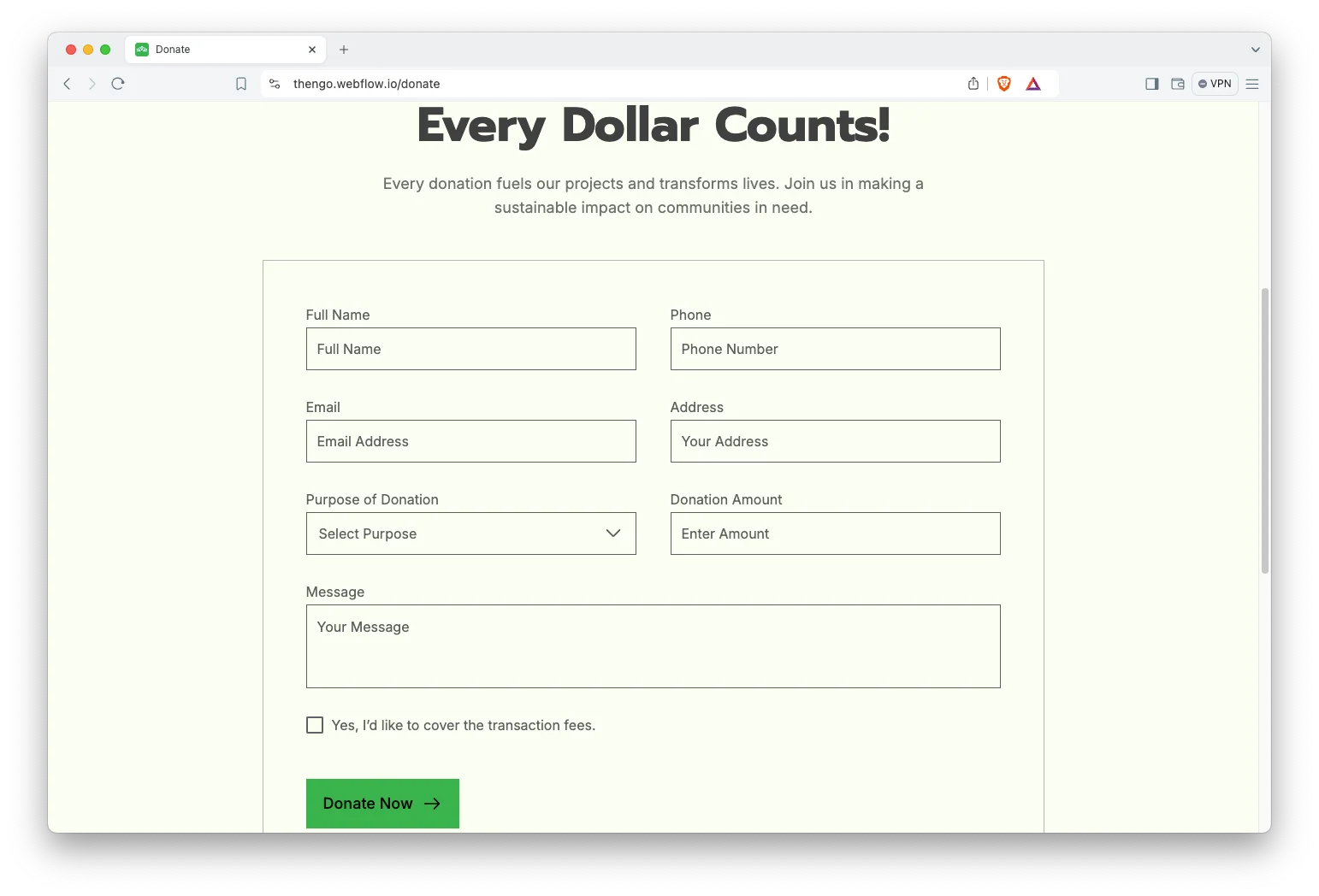
Donation ready giving page. A designed donate page is included. However, the template does not process payments itself. You connect the buttons to your existing platform, such as Stripe, Donorbox or PayPal Giving Fund.
Animation, video and responsive sliders. Motion is used to guide attention rather than decorate. Video sections frame a field report or a founder message cleanly on every screen size.
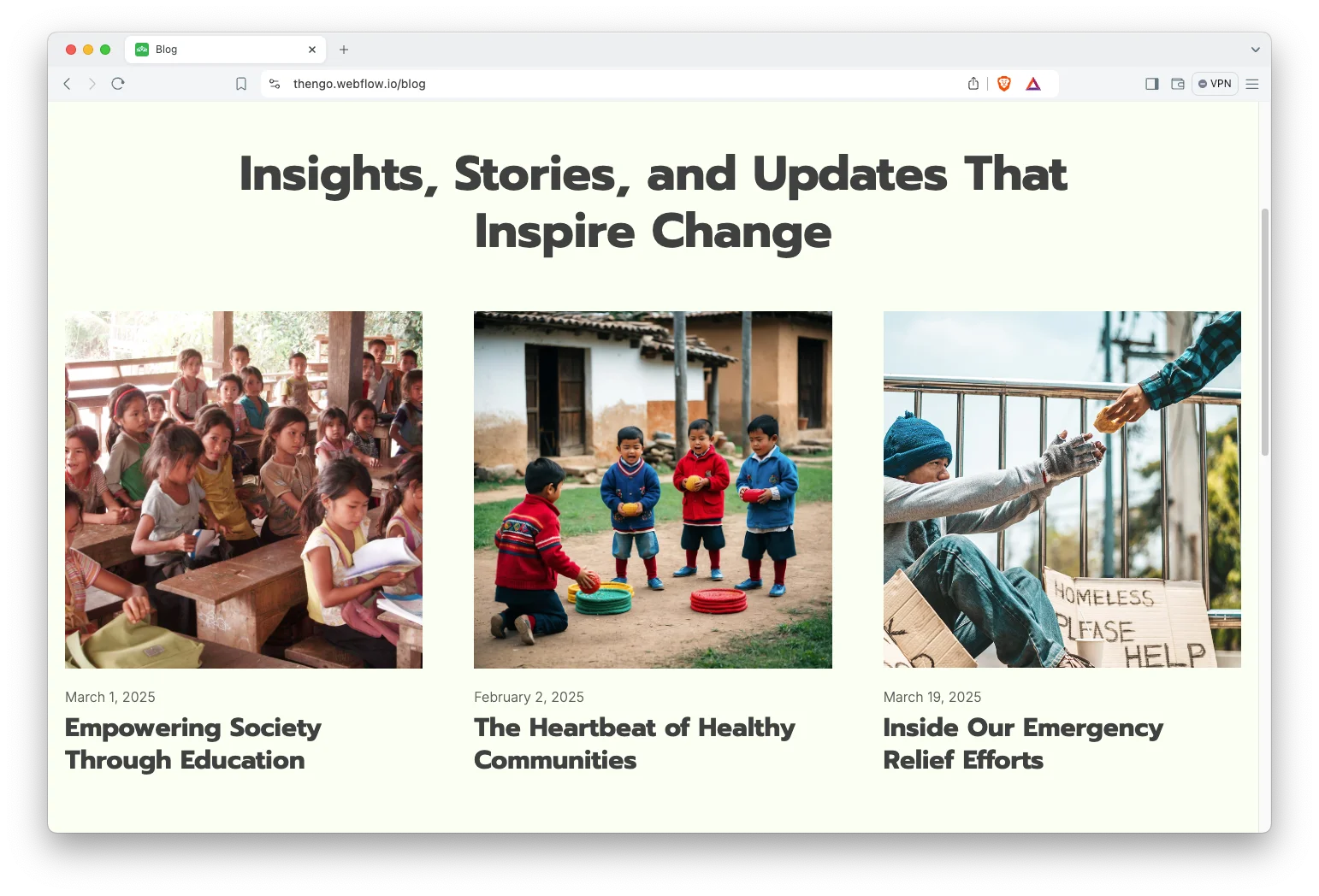
Blog showcase. The blog page is organized for browsing. So impact reports, campaign updates and donor stories all have somewhere sensible to live.
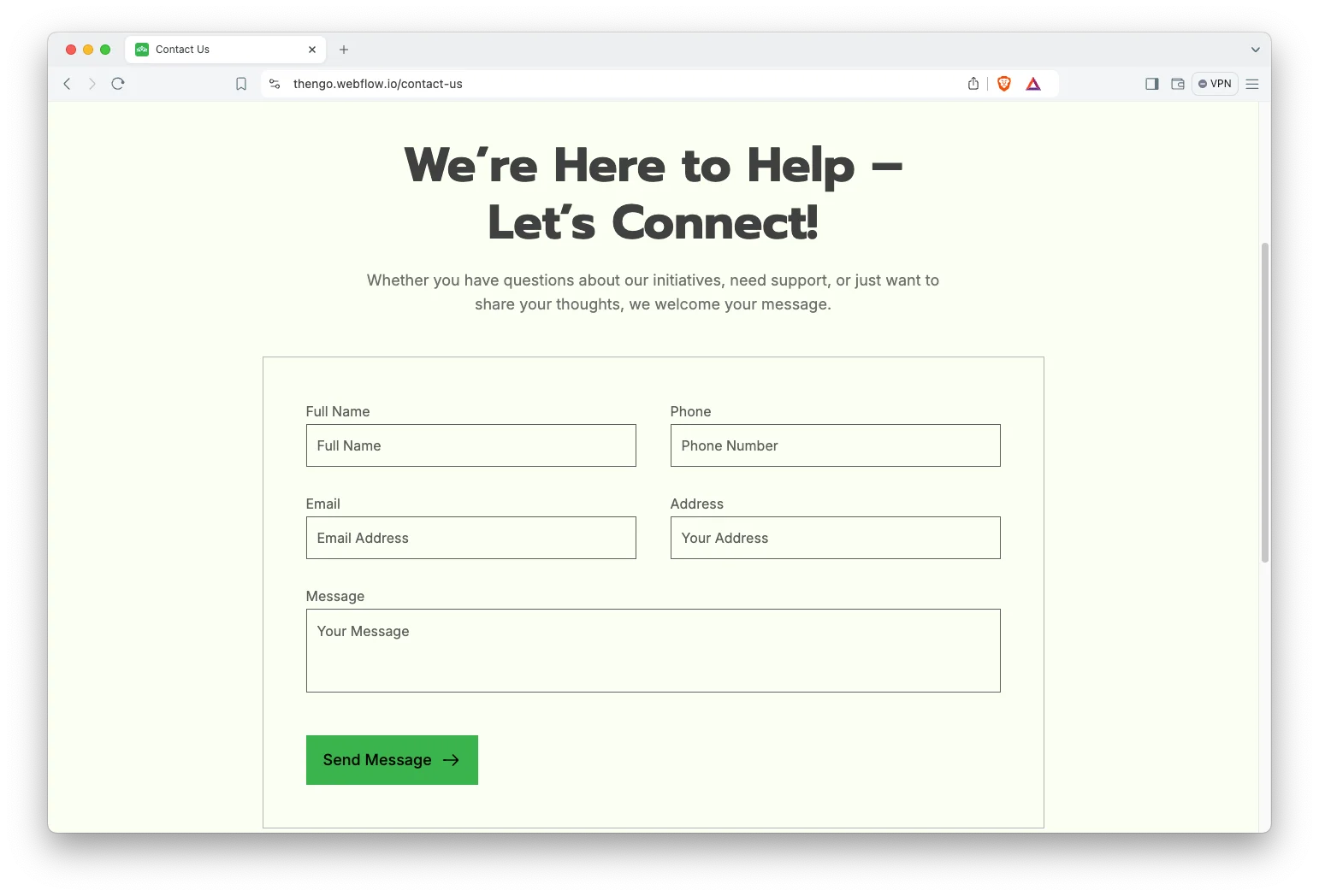
Contact details. The contact page carries the address, the phone number and an interactive map. Because donors and volunteers both need to reach a real organization, those details are plain text rather than an image.
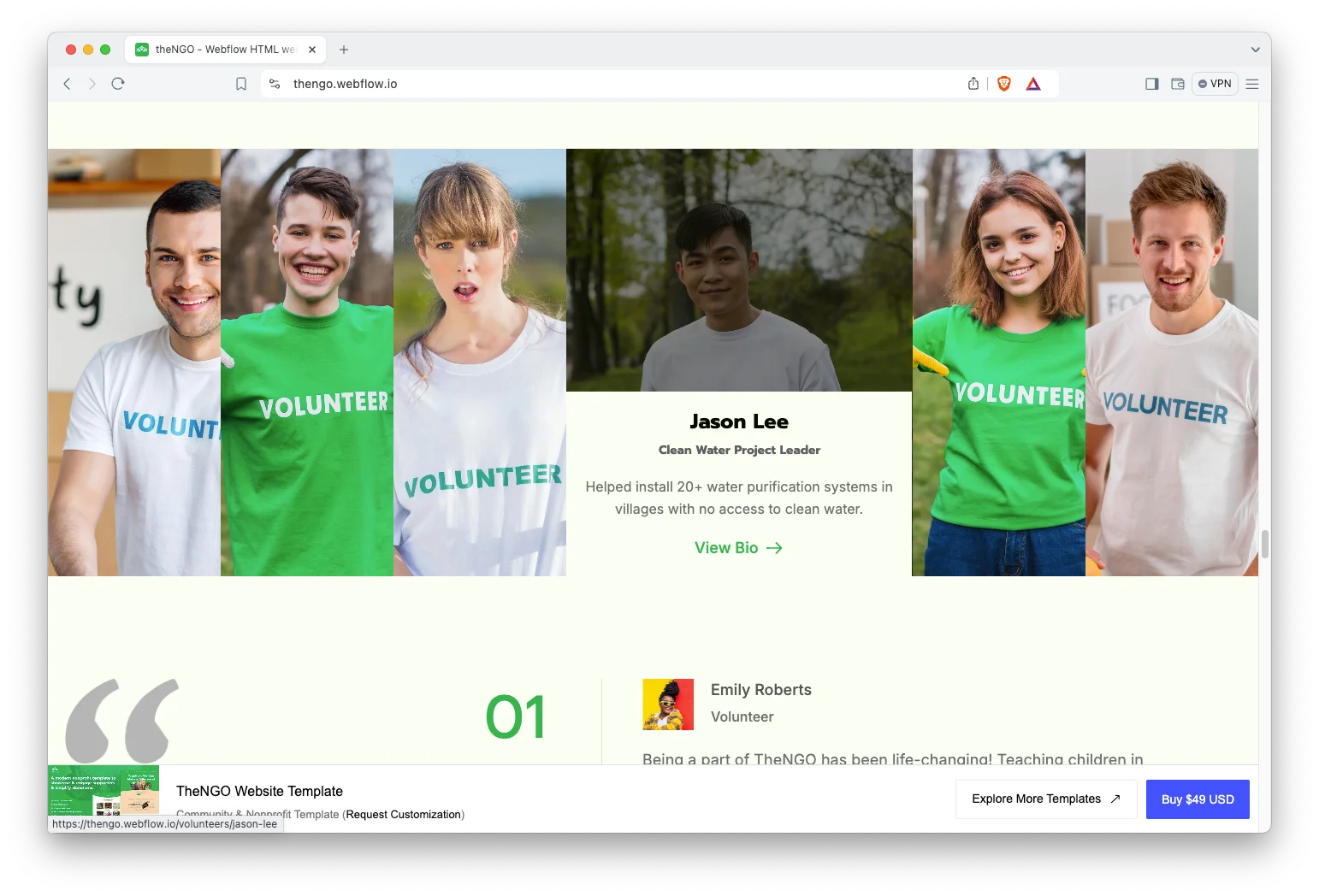
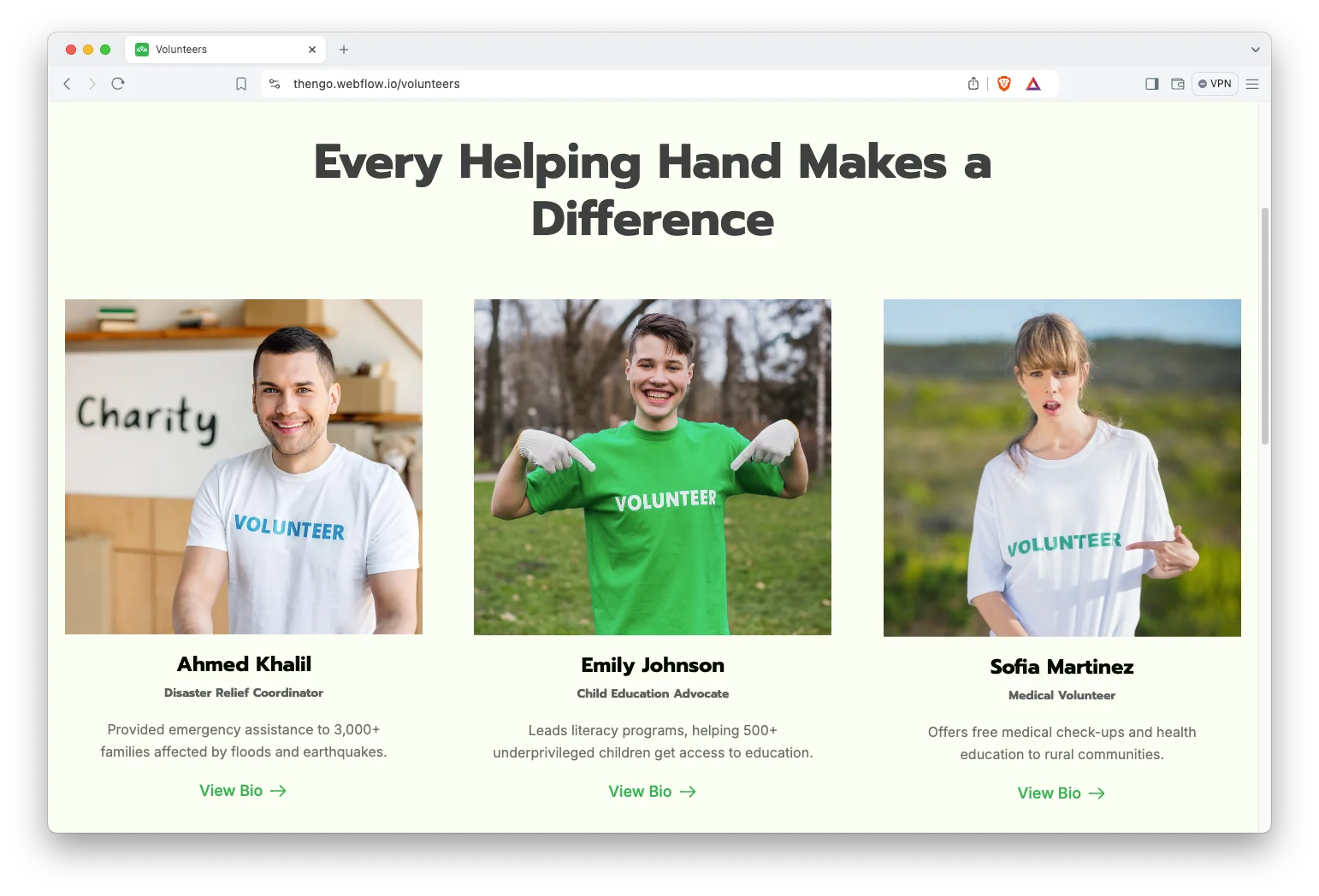
Volunteers showcase. Every volunteer gets a profile with a photograph, a role and a short biography. That builds the transparency a small charity needs before anyone donates.
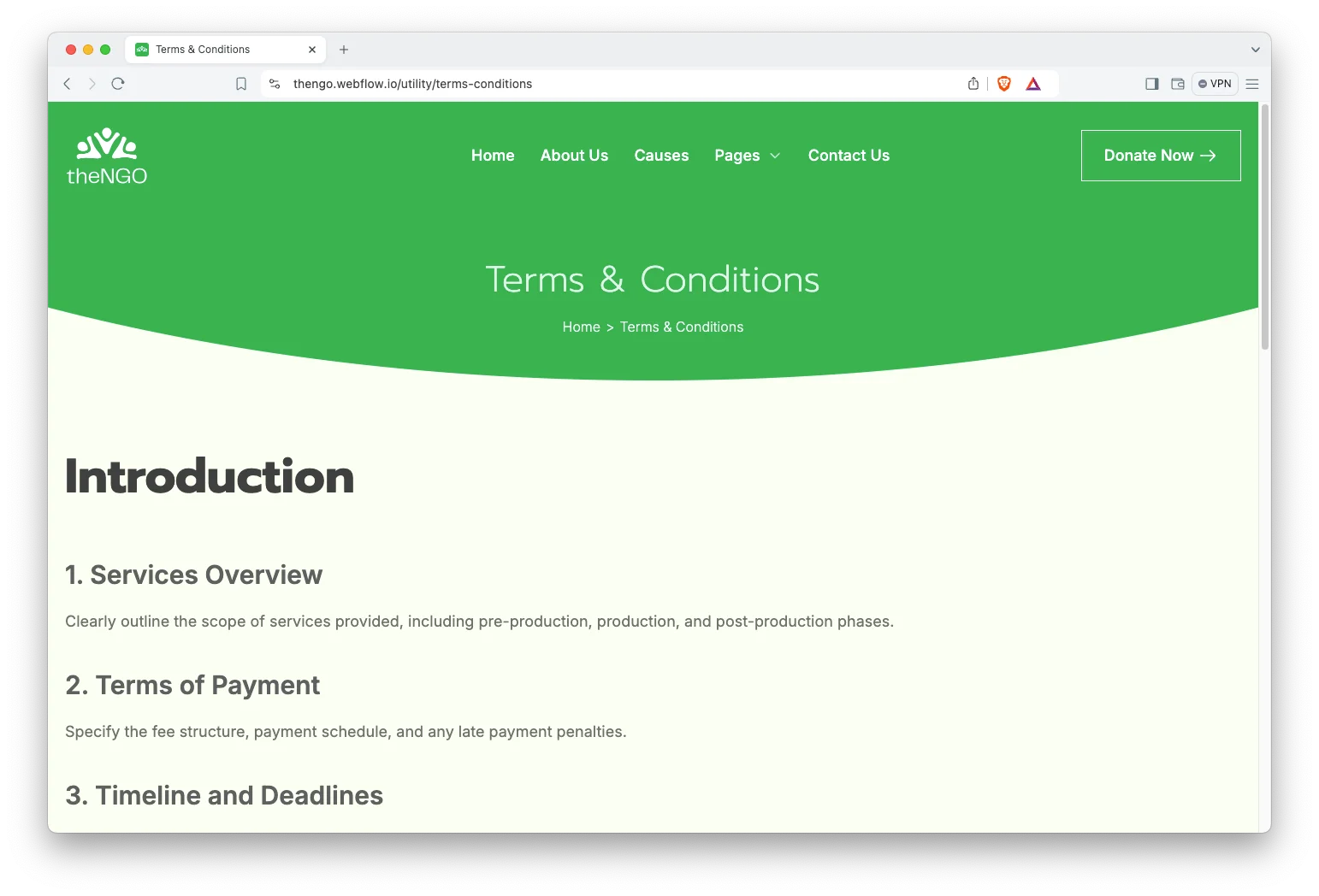
Terms and conditions page. A structured terms page is included with numbered sections. The demo text is placeholder, so replace it with the policy your organization actually operates.
Dedicated customer support. When you choose TheNGO, you get help from the TNCFlow support team. Ask a question and a real person answers it.
Watch on YouTube
Watch the video below for a quick tour of this Webflow template. It walks through the pages and the CMS collections in a few minutes.
Pages Included in TheNGO
TheNGO ships with 18 pages in total. Nine are main pages: home, about us, causes, volunteers, blog, gallery, contact us, FAQ and donate. Three are CMS templates: cause detail, volunteer profile and blog post. Six are utility pages: style guide, terms and conditions, changelog, license, 404 and password.
How to Use TheNGO
- Use the purchase widget on the right side of this page to buy the TheNGO template
- Follow the steps to get your site ready
- Replace the demo content with your own
- Adjust the design slightly if you want
- Preview and publish
What Makes a Nonprofit Website Raise Money
Donors do not give to missions. They give to specific, finishable things. So the causes collection is the most important part of this template, because it turns a broad mission into projects a person can fund.
Then comes proof. A donor who has never met you needs evidence that the last donation did something. That is what the gallery and the blog are for, and both should be updated before a campaign rather than after it.
Transparency matters as well. Name the people. Publish the volunteers, the board and the contact address, because an anonymous charity converts badly.
Finally, keep the donate page one click away from everywhere. It sits in the main navigation here for exactly that reason. So a visitor who is convinced on any page can act immediately.
TheNGO Frequently Asked Questions
Is TheNGO suitable for a small charity?
Yes. TheNGO works for a single program charity as well as a larger NGO. You can hide the pages you do not need, such as the gallery or the volunteers section, without breaking the layout.
What formats does TheNGO come in?
TheNGO ships in four formats: Webflow, Framer, HTML and Figma. Each is sold separately, so you buy only the build you need.
Can TheNGO collect donations?
The template includes a designed donate page, but it does not process payments on its own. You connect the giving buttons to a platform such as Stripe, Donorbox or PayPal Giving Fund.
How do I add a new cause or campaign?
Open the causes collection in Webflow and add an item. Then fill in the title, the photography, the description and the goal. The new cause appears on the causes grid and gets its own detail page.
How many pages does TheNGO include?
TheNGO includes 18 pages. That covers nine main pages, three CMS templates and six utility pages such as the style guide and the license page.
Is the Figma file included with the Webflow template?
No. The Figma file is a separate product on this page. So if you want the source design as well, buy the Figma version alongside the build you choose.
Need help with TheNGO? The TNCFlow support team answers template questions and helps you get set up.
Check out other Webflow templates by TNCFlow.




Select template
Choose one or more options for your build
All-Access Pass
$199
/ Yearly
$20,000+ in assets
130+ Webflow Templates
130+ Figma UI Templates
45+ Framer Templates
130+ HTML Templates
