

PRO



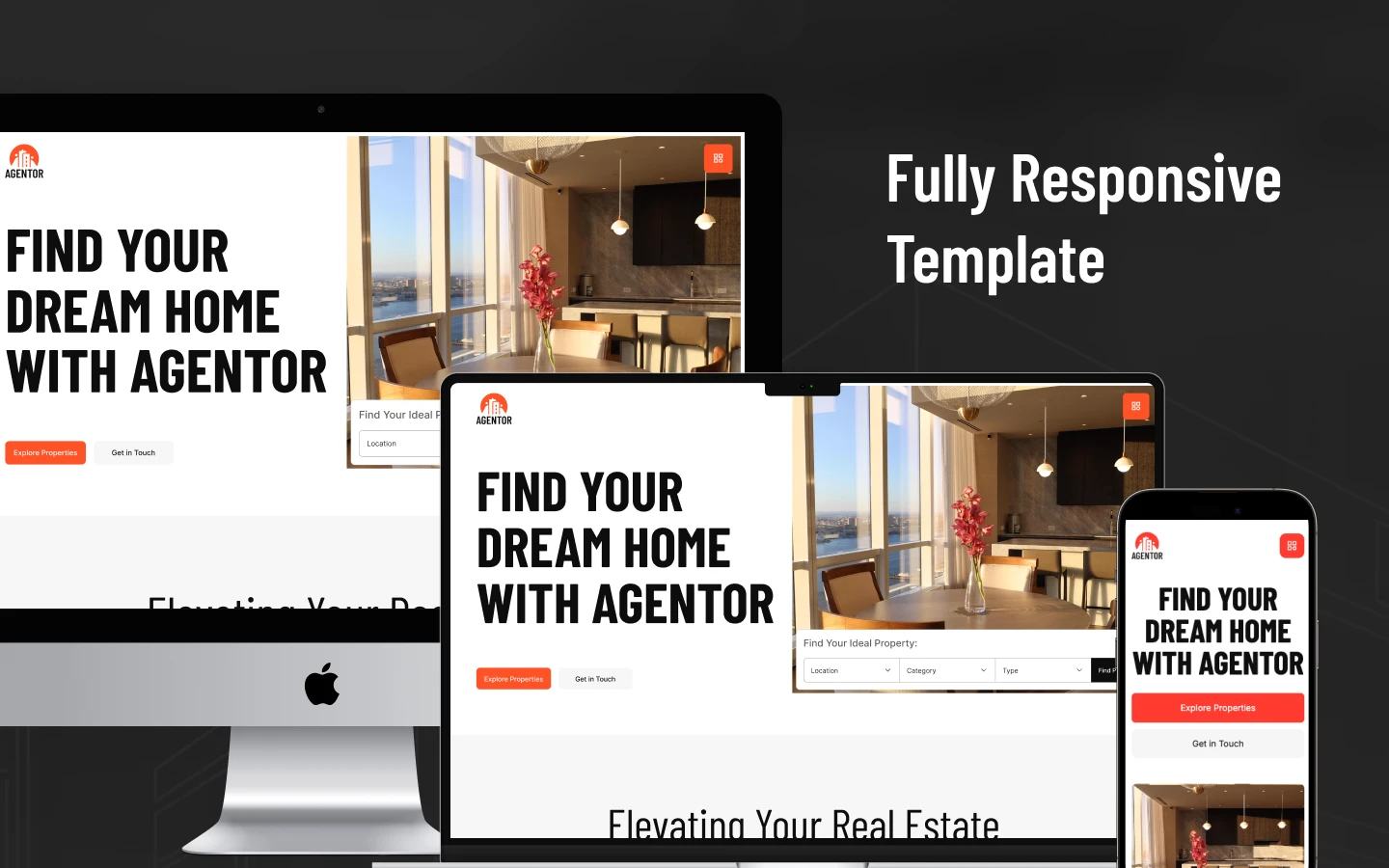

Agentor is a realtor website template for solo real estate agents, small brokerage teams and property consultants. It ships for Webflow, Framer, Figma and HTML.
Most real estate websites advertise the brokerage. Agentor advertises the individual agent instead. So the layout leads with your photograph, your transaction record and your active listings. Because buyers generally choose a person before they choose a company, that priority matters commercially. The template carries 16 ready-made pages. Then Webflow CMS manages the parts that change frequently, including property listings, agent profiles and blog articles.
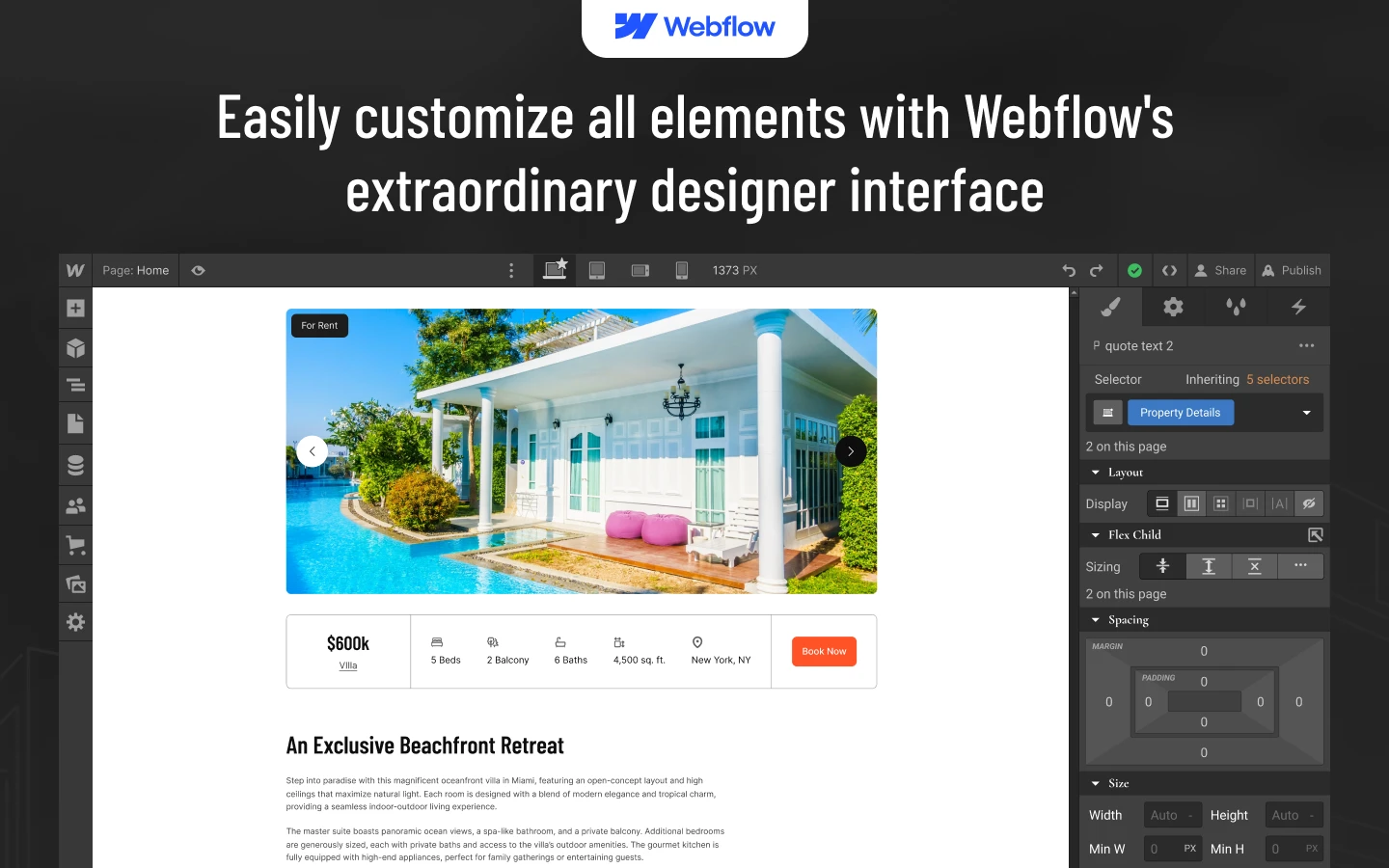
Each section has one job. The hero identifies the market you serve. The properties grid displays your current inventory. Every agent profile supplies a photograph, a short biography and a direct contact route. However, none of the structure is locked down. You can duplicate a section, reposition it, or remove it entirely inside the Webflow Designer.
You get the same design in four formats. So pick Webflow if you want CMS and hosting in one place. Pick Framer if your team already works there. Pick HTML if a developer will host the site. Then open the Figma file when you want to redraw a section before you build it.
Explore the live preview now.
Agentor at a Glance
| Formats | Webflow, Framer, HTML, Figma |
| Best for | Solo realtors, real estate agents, small brokerage teams, property consultants |
| CMS | Webflow CMS: properties, agents, blog posts, blog categories |
| Pages | 16 (7 main, 4 CMS templates, 5 utility) |
| Responsive | Yes, desktop, tablet and mobile breakpoints |
| Support | TNCFlow support team |
Key Features of Agentor
Responsive and premium design. Agentor follows current real estate design conventions. So your website remains legible on a phone, a tablet and a wide desktop monitor. Nothing collapses into an unreadable column at smaller breakpoints.
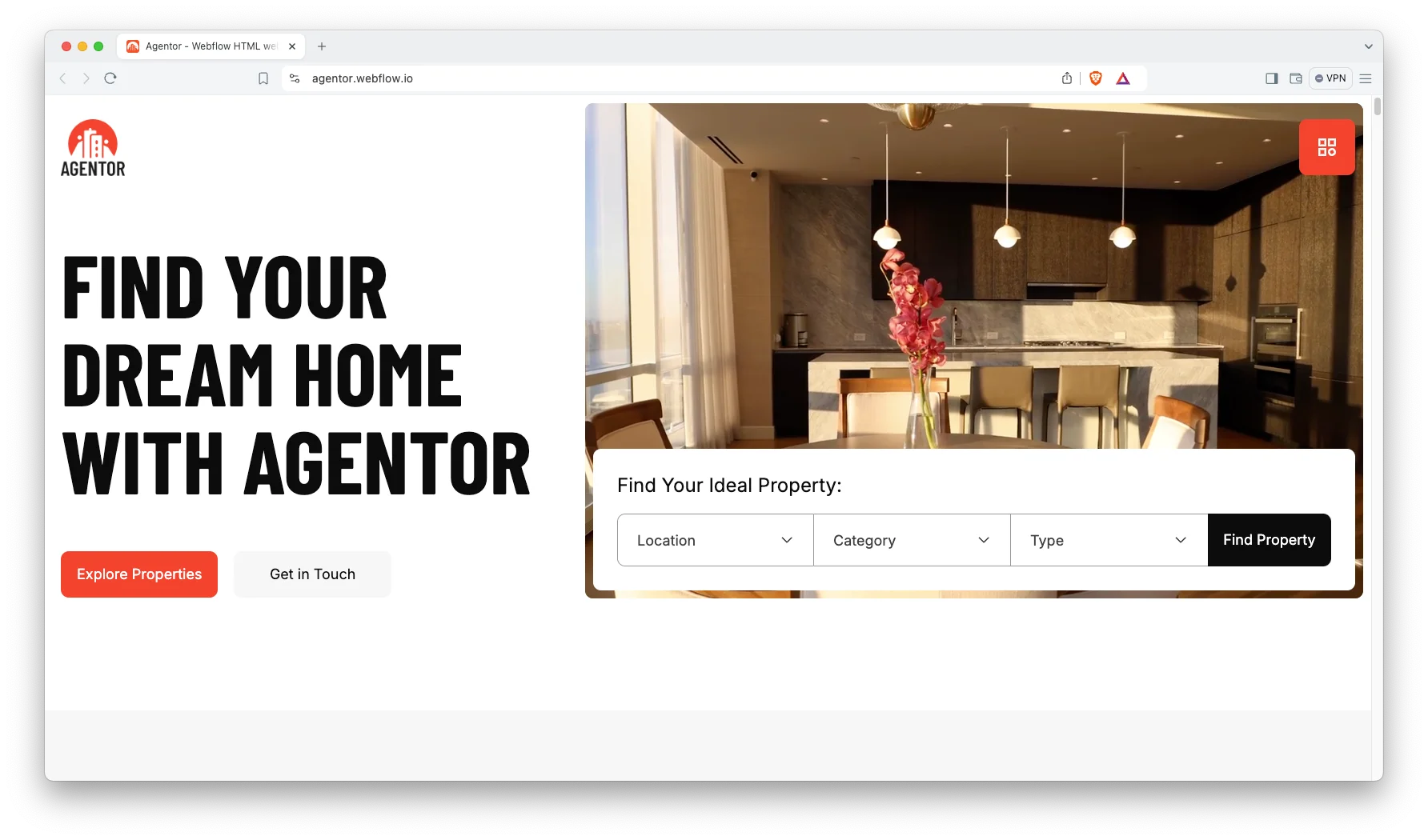
CMS included. The Webflow build uses CMS collections for properties, agents, blog posts and blog categories. So you add a listing once. Then it appears in the grid, on its own detail page and in related lists.
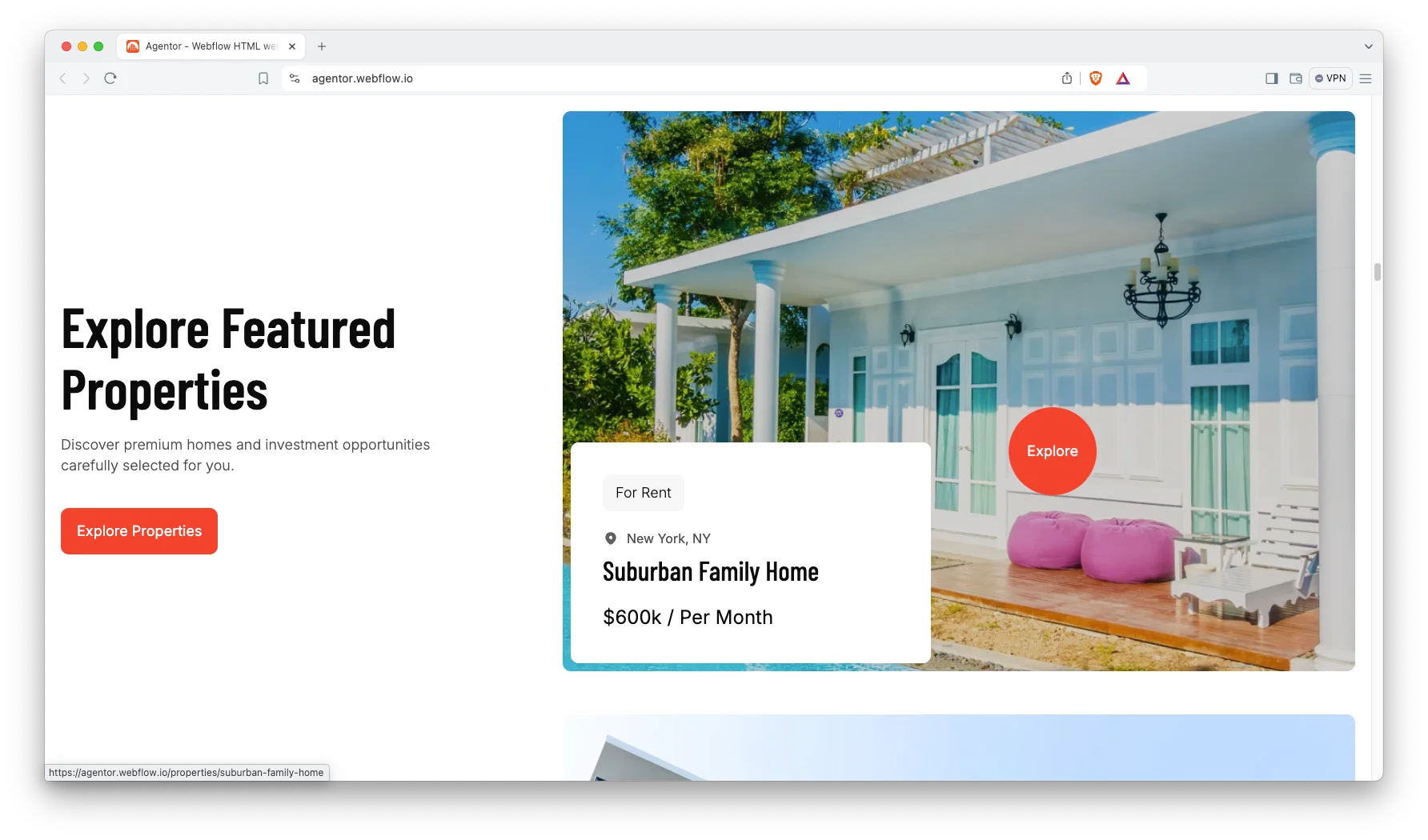
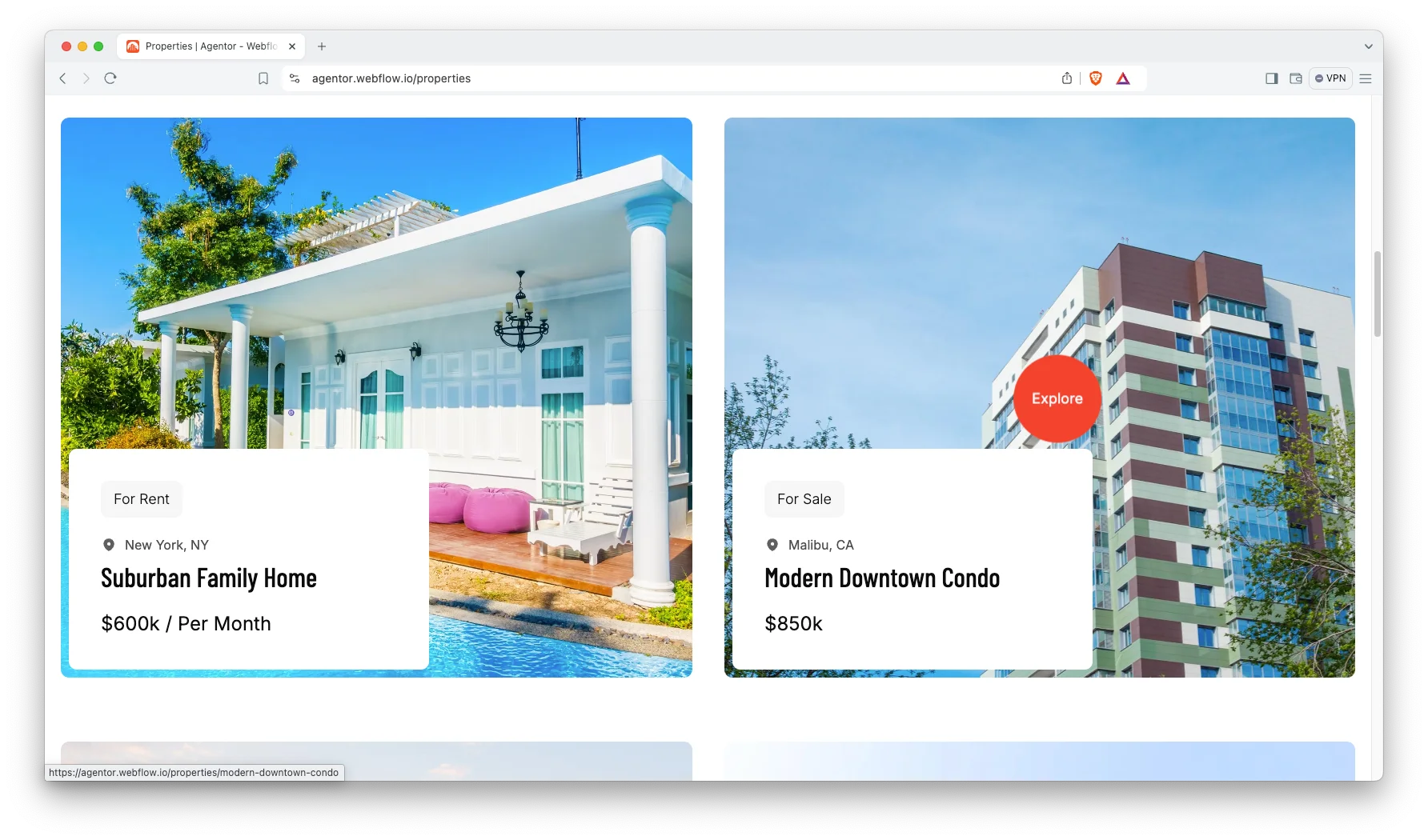
Impressive properties page. The properties page does most of the commercial work. Each listing receives a photograph gallery, the essential specifications and an obvious enquiry route. Then prospective buyers can shortlist several properties without leaving the page.
Team highlights. Every agent gets a profile page. Because a realtor site runs on trust, that page carries a headshot, a short bio and direct contact details.

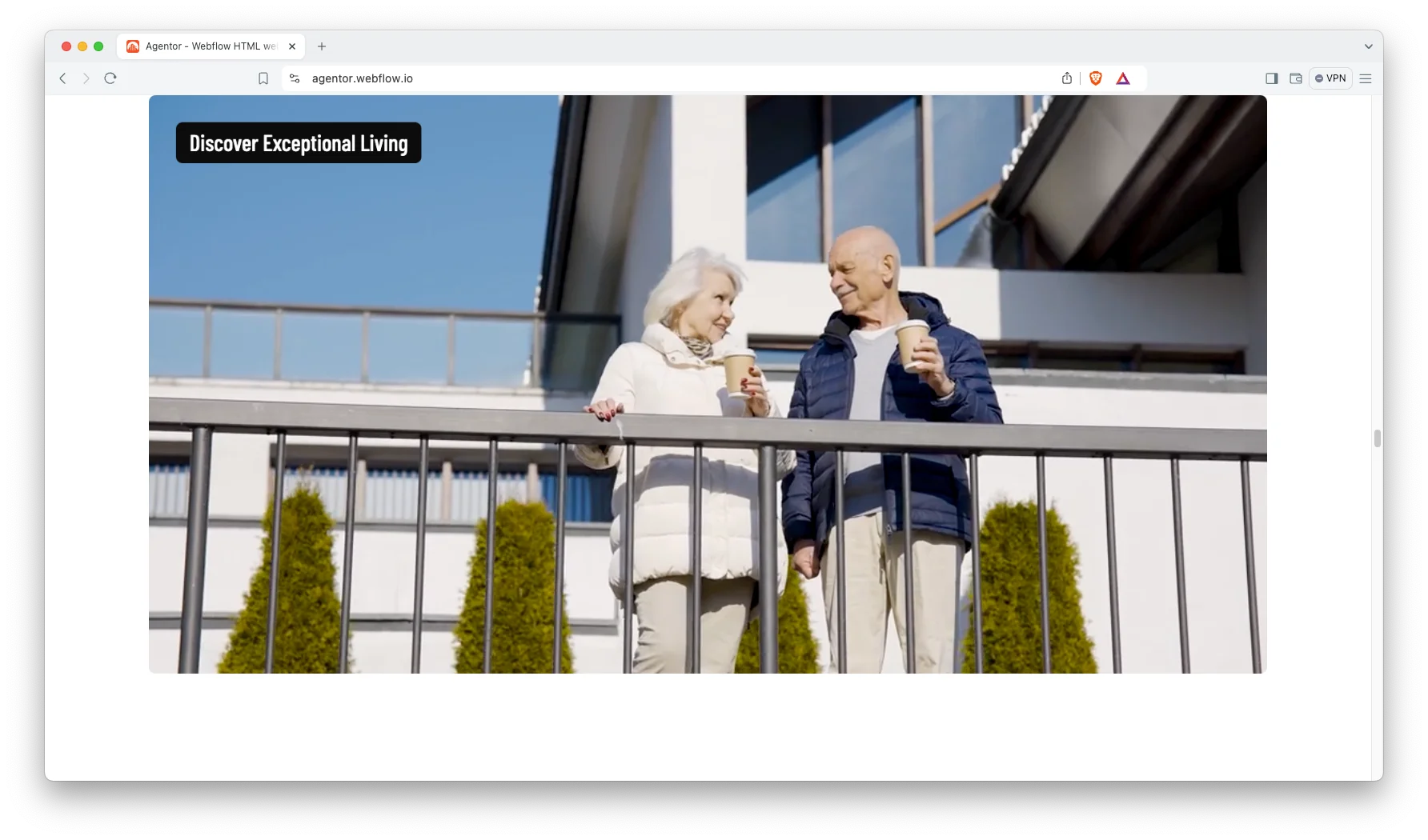
Animation, video and responsive sliders. Motion is used sparingly here. Sliders carry property photos, and the video section frames a walkthrough or a short intro clip.
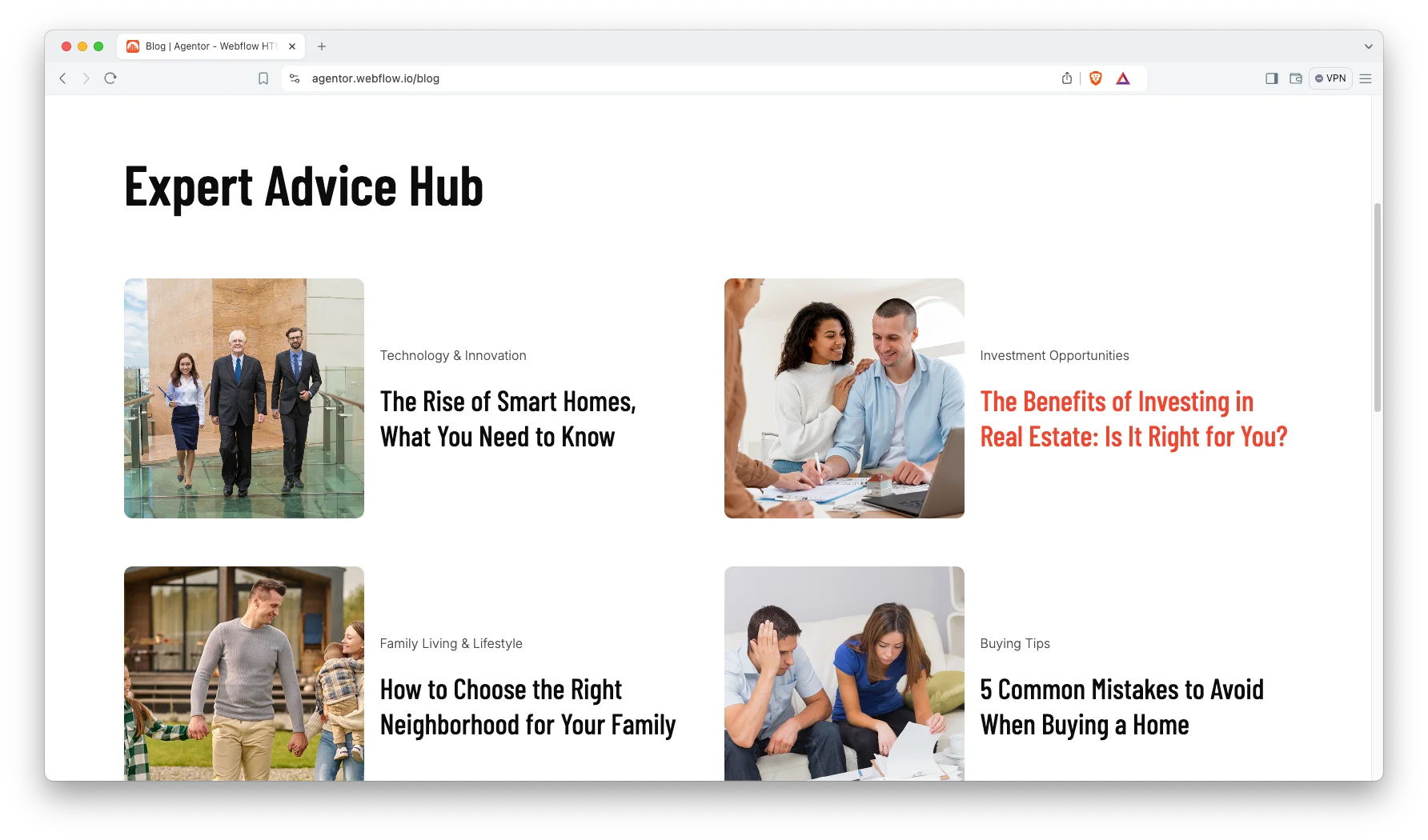
Blog showcase. The blog is configured for local market commentary. So you can publish neighborhood guides, valuation updates and practical buying advice. Then you file each article under a category.
Versatile layouts. Every layout uses one visual system. So you can copy a block from one page, drop it on another, and it still looks right.
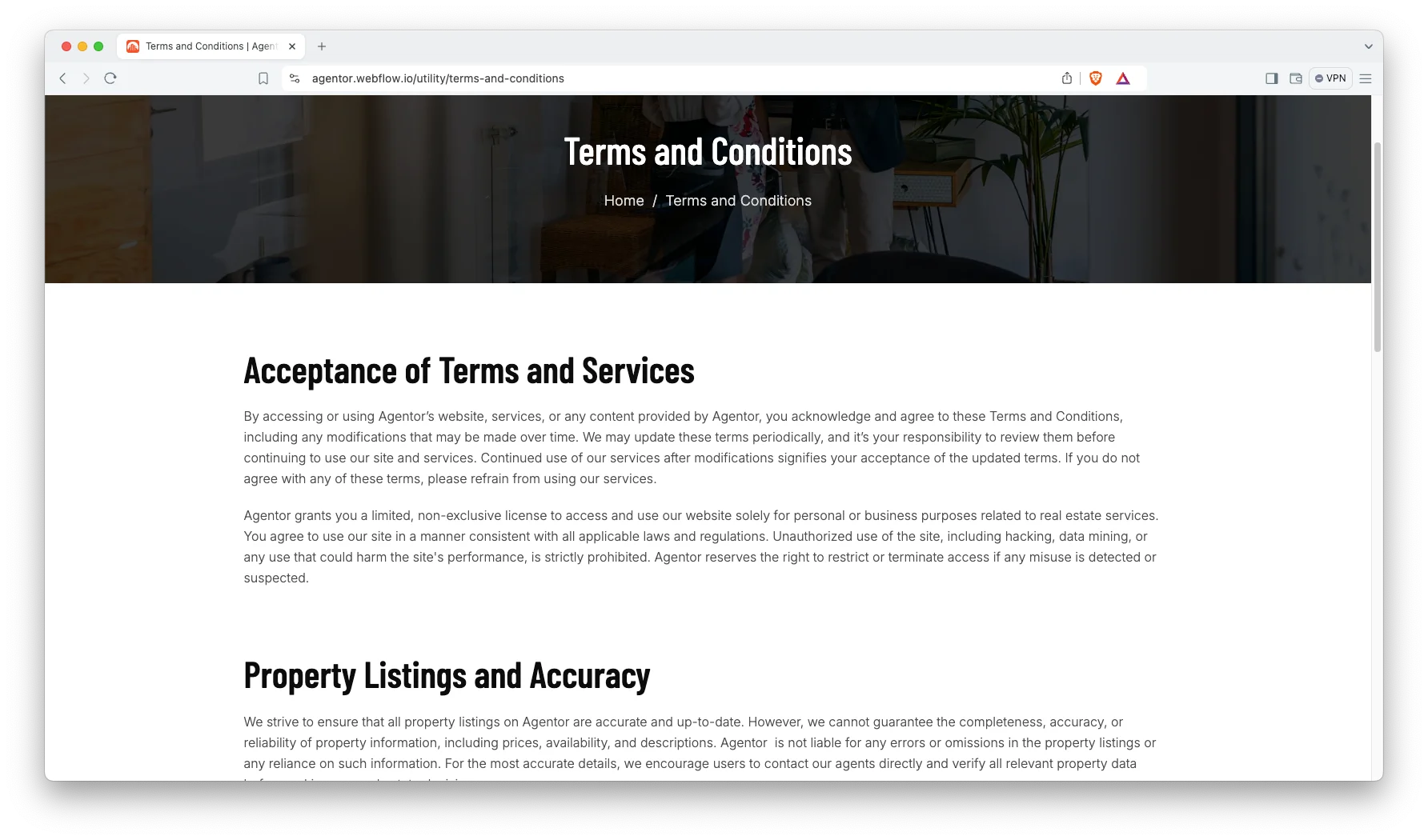
Terms and conditions page. A ready-made terms page covers acceptance of terms, listing accuracy, user conduct and responsibilities. That saves you a formatting job on launch day.
Dedicated customer support. When you choose Agentor, you get help from the TNCFlow support team. Ask a question and a real person answers it.
Watch on YouTube
Watch the video below for a quick tour of this Webflow template. It walks through the pages and the CMS setup in a few minutes.
Pages Included in Agentor
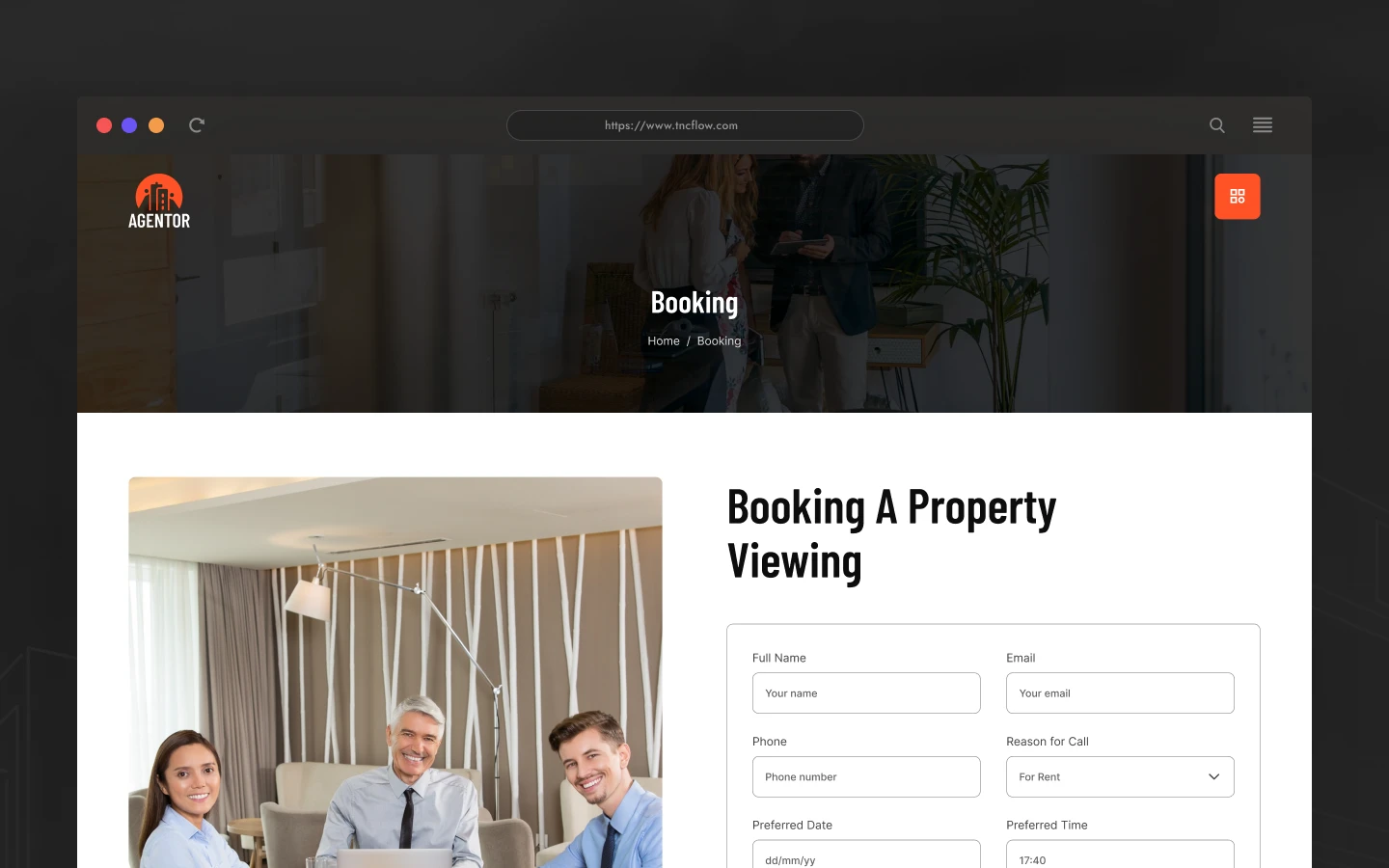
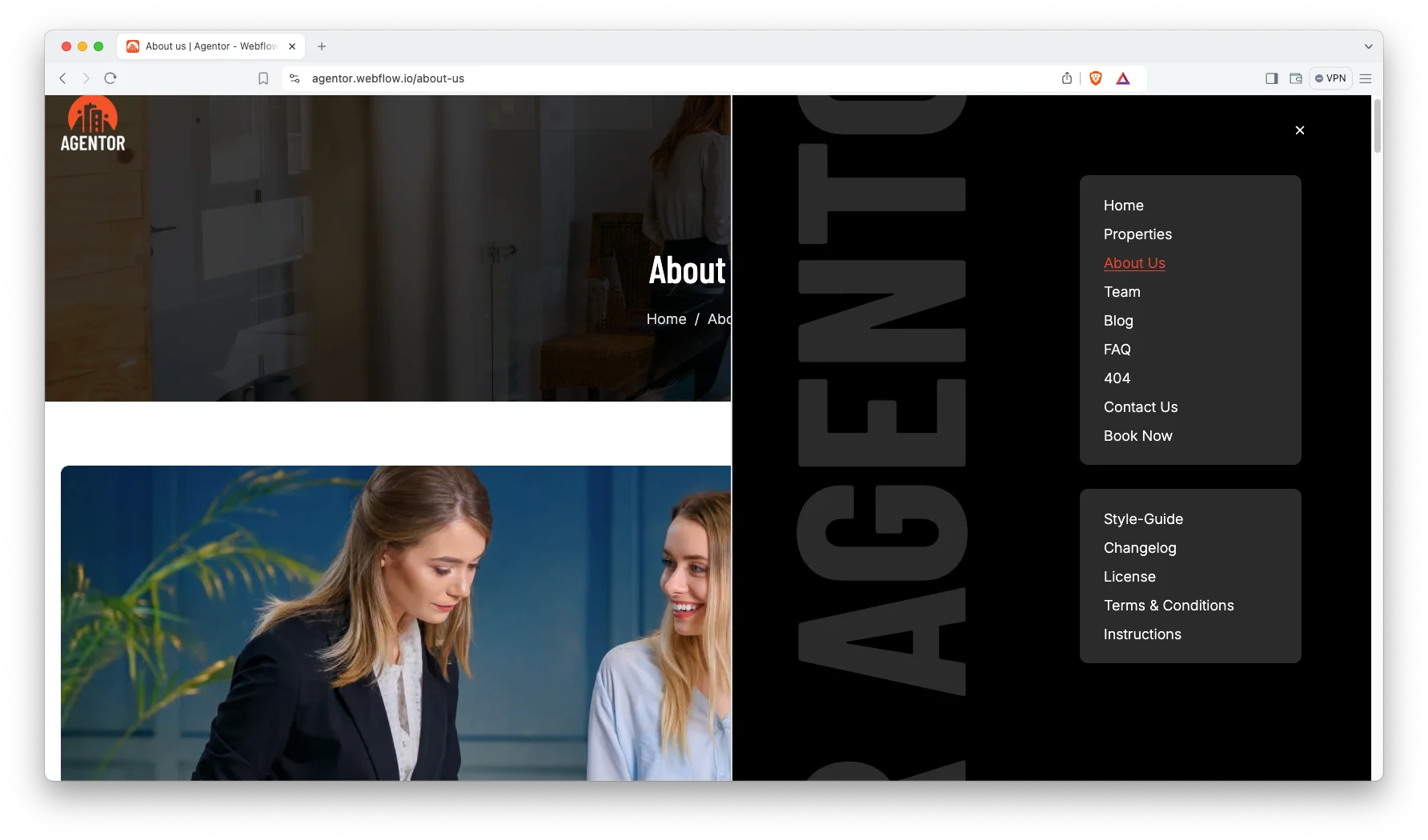
Agentor ships with 16 pages in total. Seven are main pages: home, about, properties, team, blog, FAQ and contact. Four are CMS templates: property detail, agent profile, blog post and blog category. Five are utility pages: style guide, license, changelog, instructions, and terms and conditions.
How to Use Agentor
- Use the purchase widget on the right side of this page to buy the Agentor template
- Follow the steps to get your site ready
- Replace the demo content with your own
- Adjust the design slightly if you want
- Preview and publish
What a Realtor Website Actually Needs
A brokerage website and a realtor website are genuinely different products. A brokerage advertises institutional reputation. However, an individual agent advertises a relationship, so the website must demonstrate that one particular person is worth telephoning.
So what do sellers investigate first? Usually recent transactions and demonstrated local knowledge. Then they look for a photograph and a telephone number. Agentor positions all four signals within one scroll of the top.
Listings matter as well, although they become outdated quickly. Because of that, the properties collection is engineered for rapid editing. You change one status field, and the badge on every card updates automatically.
Finally, consider the blog seriously. Local market articles remain the least expensive way for an individual agent to rank for a neighborhood name. So the blog here is an acquisition tool rather than decoration.
Agentor Frequently Asked Questions
Is Agentor suitable for a solo realtor?
Yes. Agentor was designed around a single agent or a small team. The agent profile pages, the contact blocks and the testimonial sections all point at one person rather than a large brokerage.
What formats does Agentor come in?
Agentor ships in four formats: Webflow, Framer, HTML and Figma. Each is sold separately, so you buy only the build you need.
Do I need the Webflow CMS to use Agentor?
Only if you want the dynamic parts. The properties, agents and blog sections all run on Webflow CMS. However, you can still use the static pages without touching a collection.
How many pages does Agentor include?
Agentor includes 16 pages. That covers seven main pages, four CMS templates and five utility pages such as the style guide and the license page.
Can I add my own property listings?
Yes. Open the properties collection in Webflow, add an item, and fill in the photos, price and specs. Then the new listing appears on the grid and gets its own detail page.
Is the Figma file included with the Webflow template?
No. The Figma file is a separate product on this page. So if you want the source design as well, buy the Figma version alongside the build you choose.
Need help with Agentor? The TNCFlow support team answers template questions and helps you get set up.
Check out other Webflow templates by TNCFlow.
Featured in our guides: Framer startup templates, interior design Webflow templates and Webflow real estate templates.




Select template
Choose one or more options for your build
