
PRO

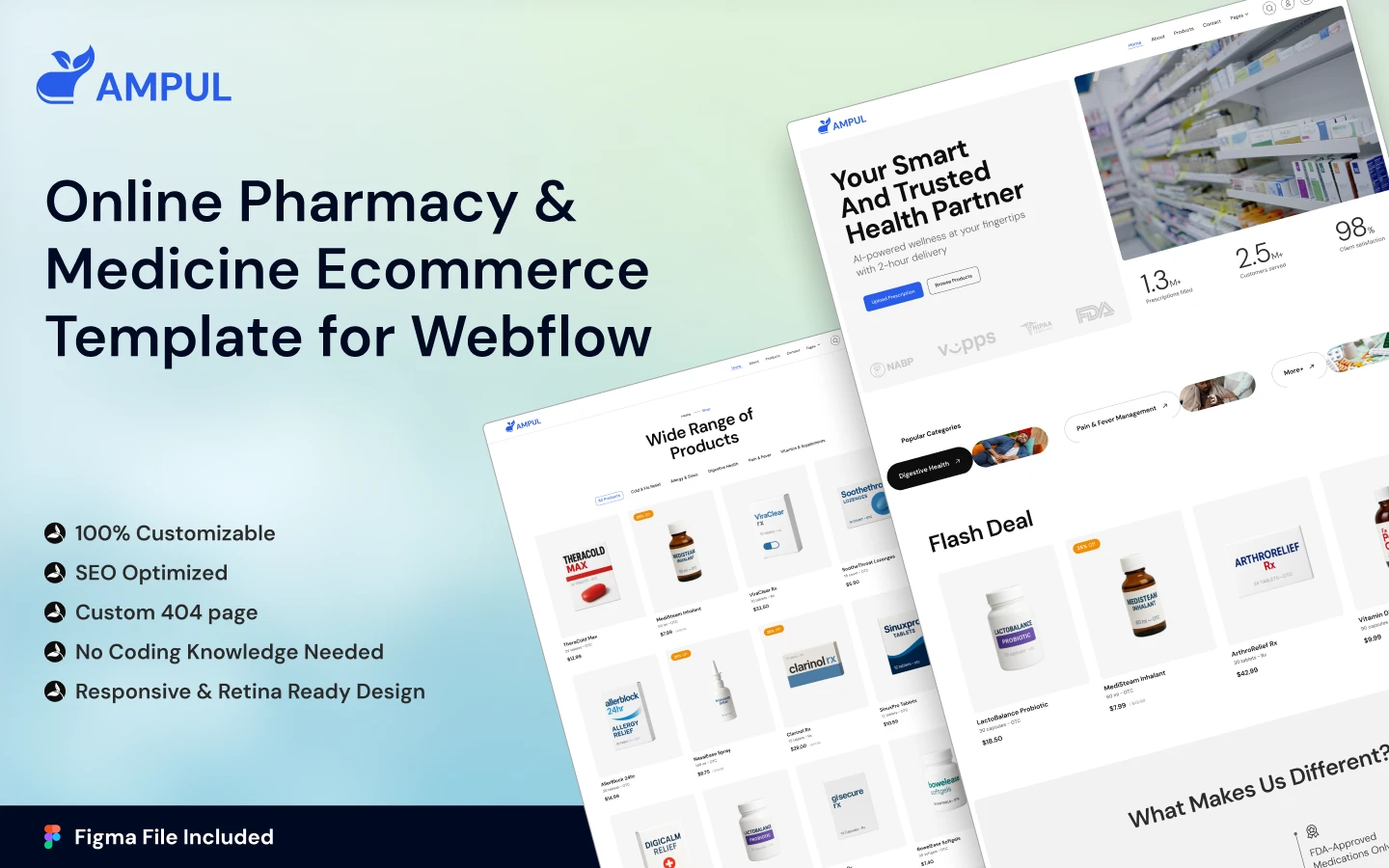

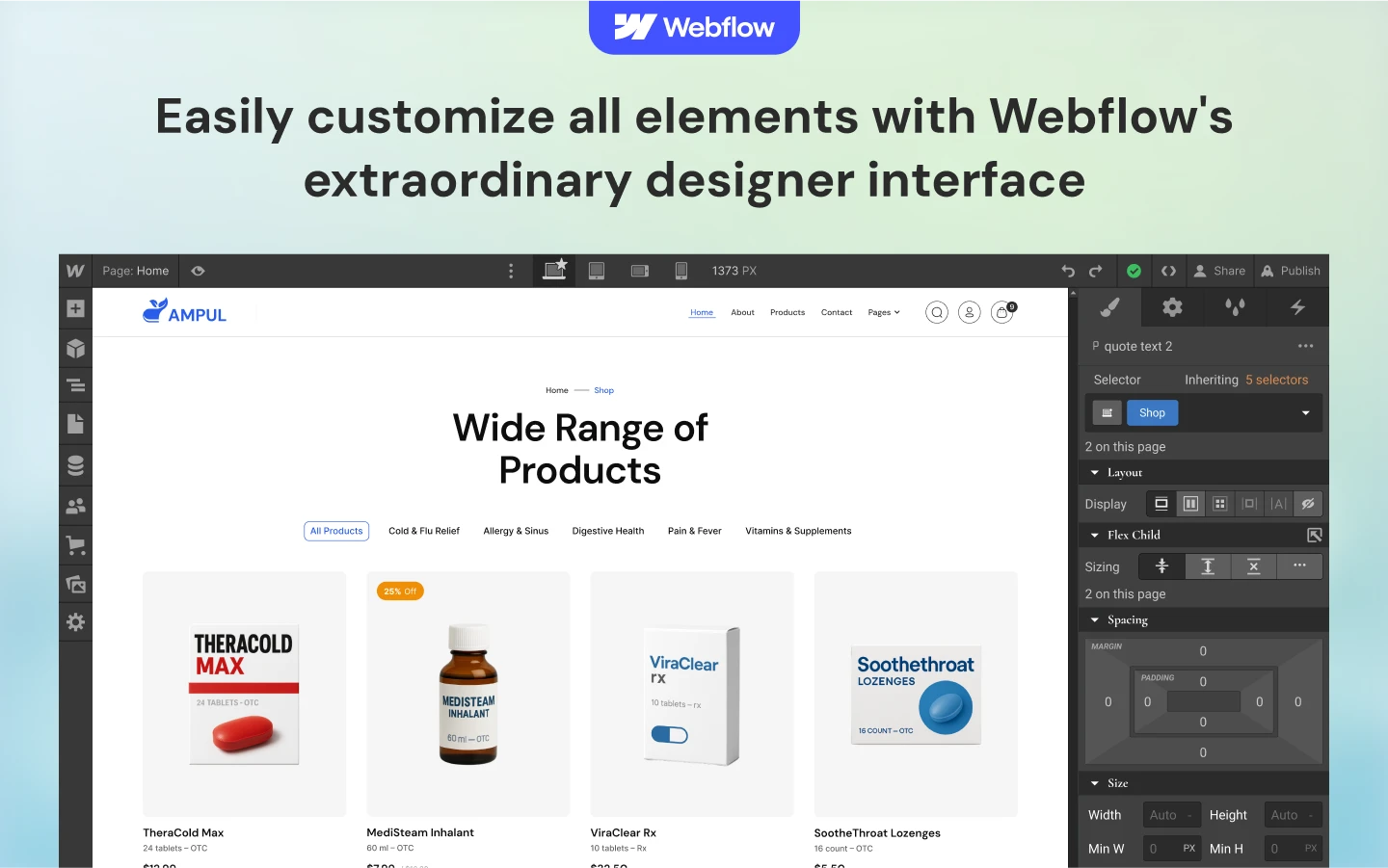
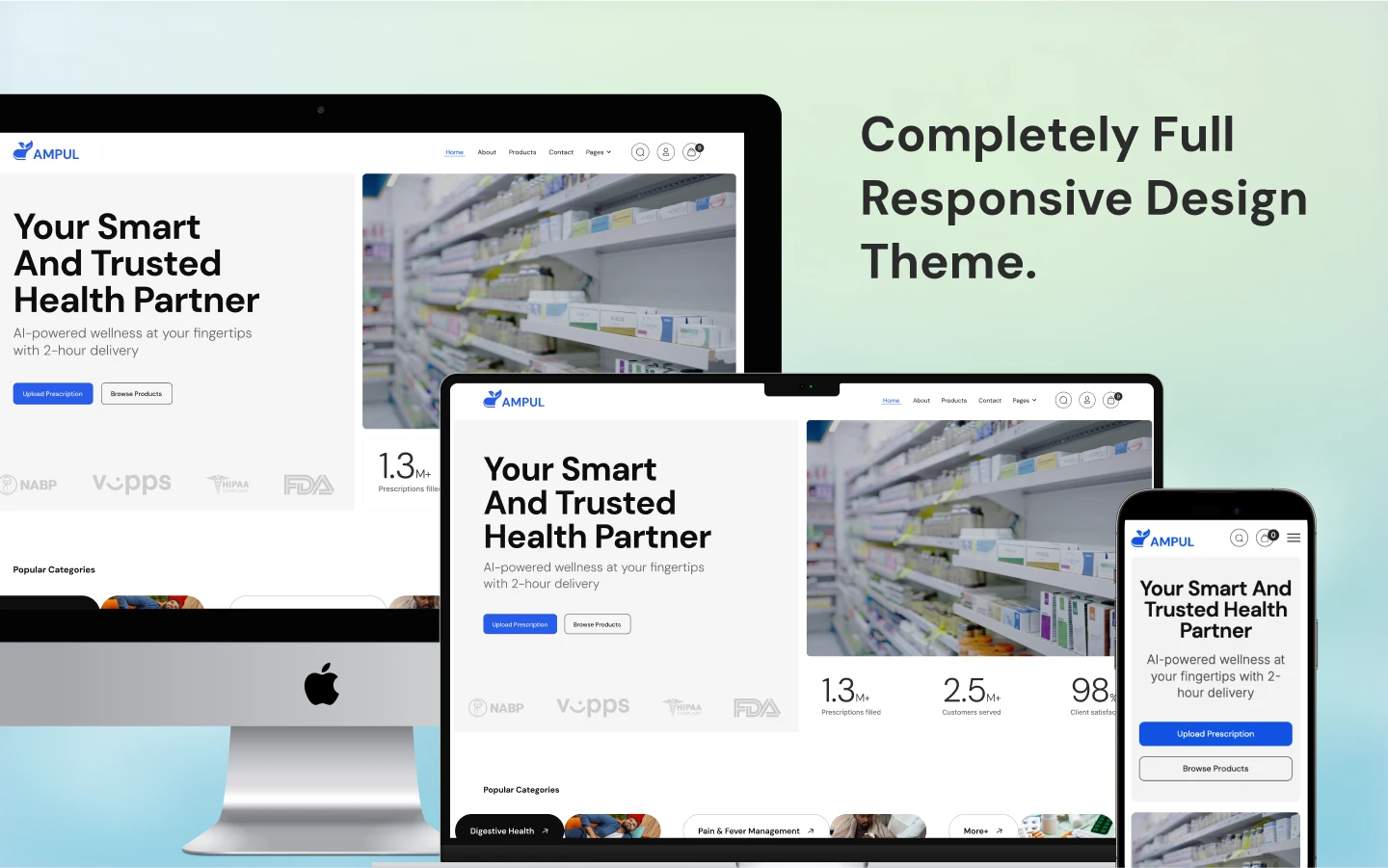
Ampul is an online pharmacy website template for pharmacies, medical stores and healthcare retailers. It ships for Webflow, Framer, Figma and HTML.
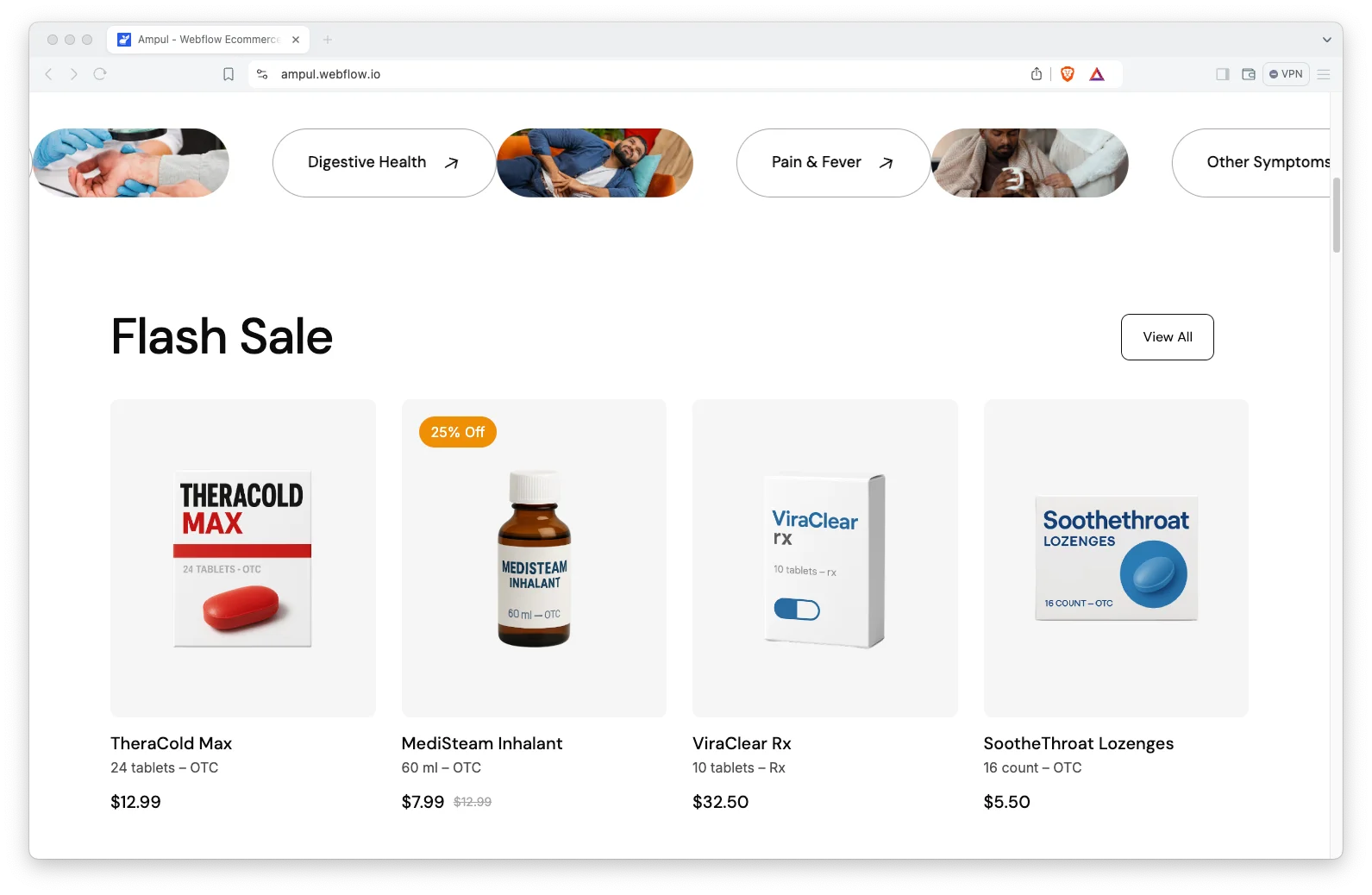
Buying medicine online is a trust decision, not an impulse. So Ampul leads with symptom categories rather than with promotions. A visitor picks pain and fever, or cold and flu, and lands on a shortlist instead of a catalogue.
Then the prescription flow does the hard part. Because there is a dedicated upload page, a customer can send a prescription without emailing anyone. Accounts, checkout and order history all ship wired up.
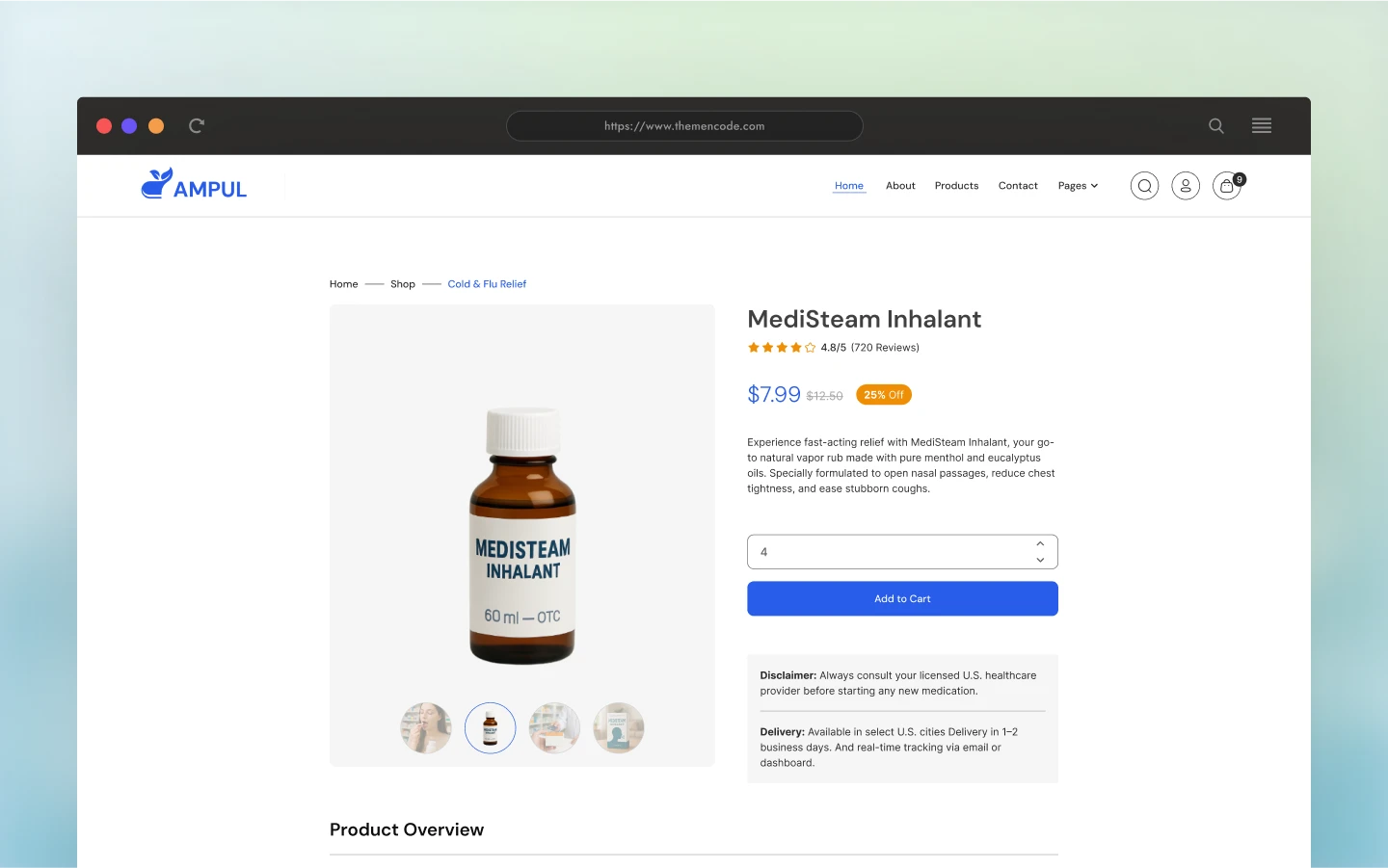
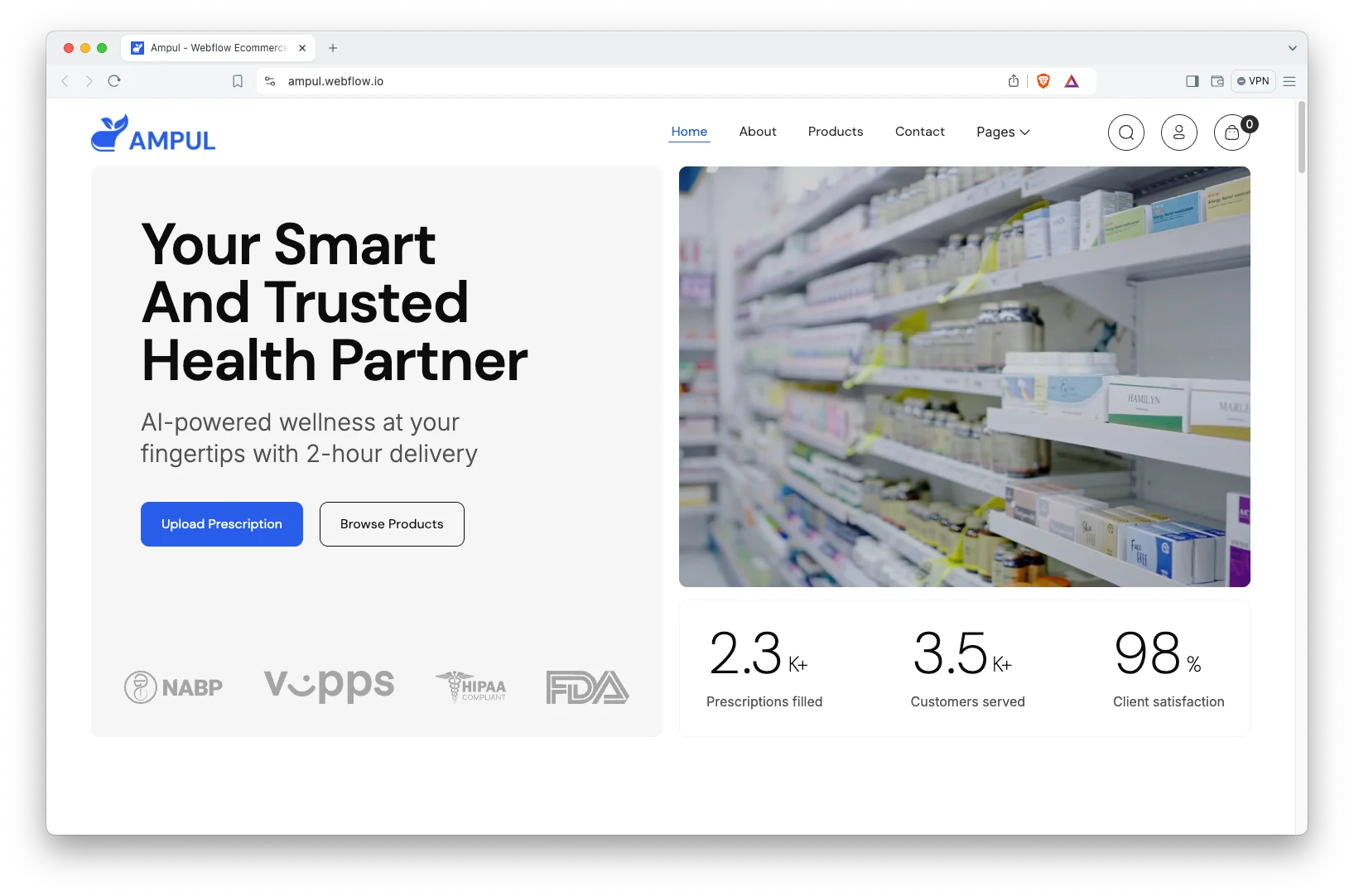
Each section has one job. The hero routes by symptom. The product pages carry the detail. The prescription upload handles the regulated part. Finally checkout closes the sale.
Explore the live preview now!
Ampul at a Glance
| Formats | Webflow, Framer, Figma, HTML |
| Best for | Online pharmacies, medical stores, healthcare retailers, wellness shops |
| Ecommerce | Webflow native ecommerce, cart and checkout included |
| CMS | Products, symptom categories and blog posts |
| Pages | 15 designed pages plus 3 CMS templates |
| Key sections | Symptom categories, prescription upload, accounts and checkout |
| Support | Included with every TNCFlow purchase |
Key Features of Ampul
Pharmacy Focused Layout. Every section is written for a medicine retailer. So categories, dosage detail, prescriptions and advice all have a place to live.
CMS and Ecommerce Included. Products, categories and blog posts run on the CMS, and Webflow ecommerce handles the cart. Because both are native, you never bolt on a second system.
Responsive and Minimal Design. The layout stays clean and clinical. Since a lot of pharmacy traffic arrives on a phone, the mobile view is the priority.
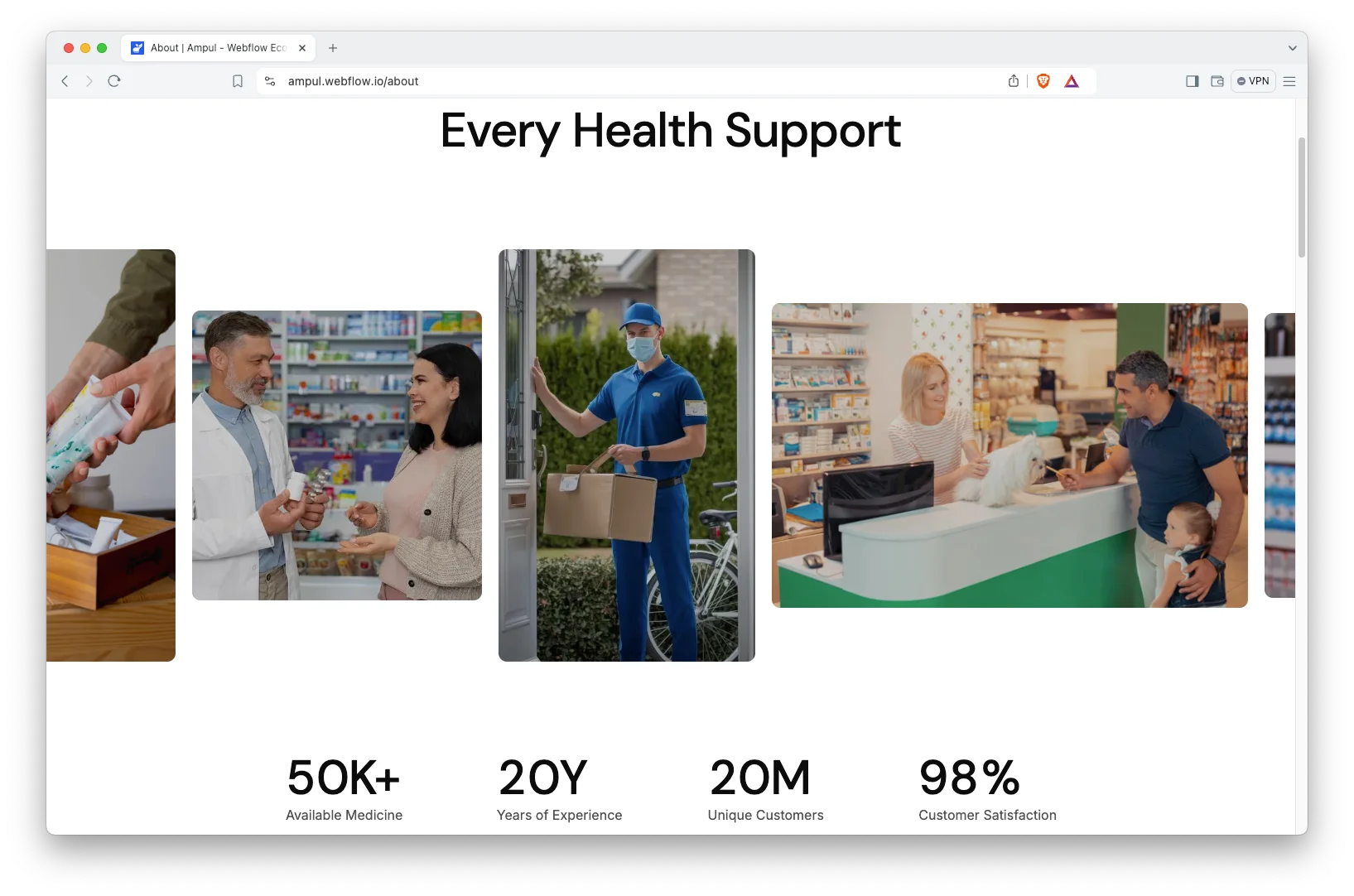
Product Pages with Symptom Categories. Products are grouped by what they treat. The demo ships five categories: pain and fever, cold and flu relief, allergy and sinus, digestive health, and other symptoms.
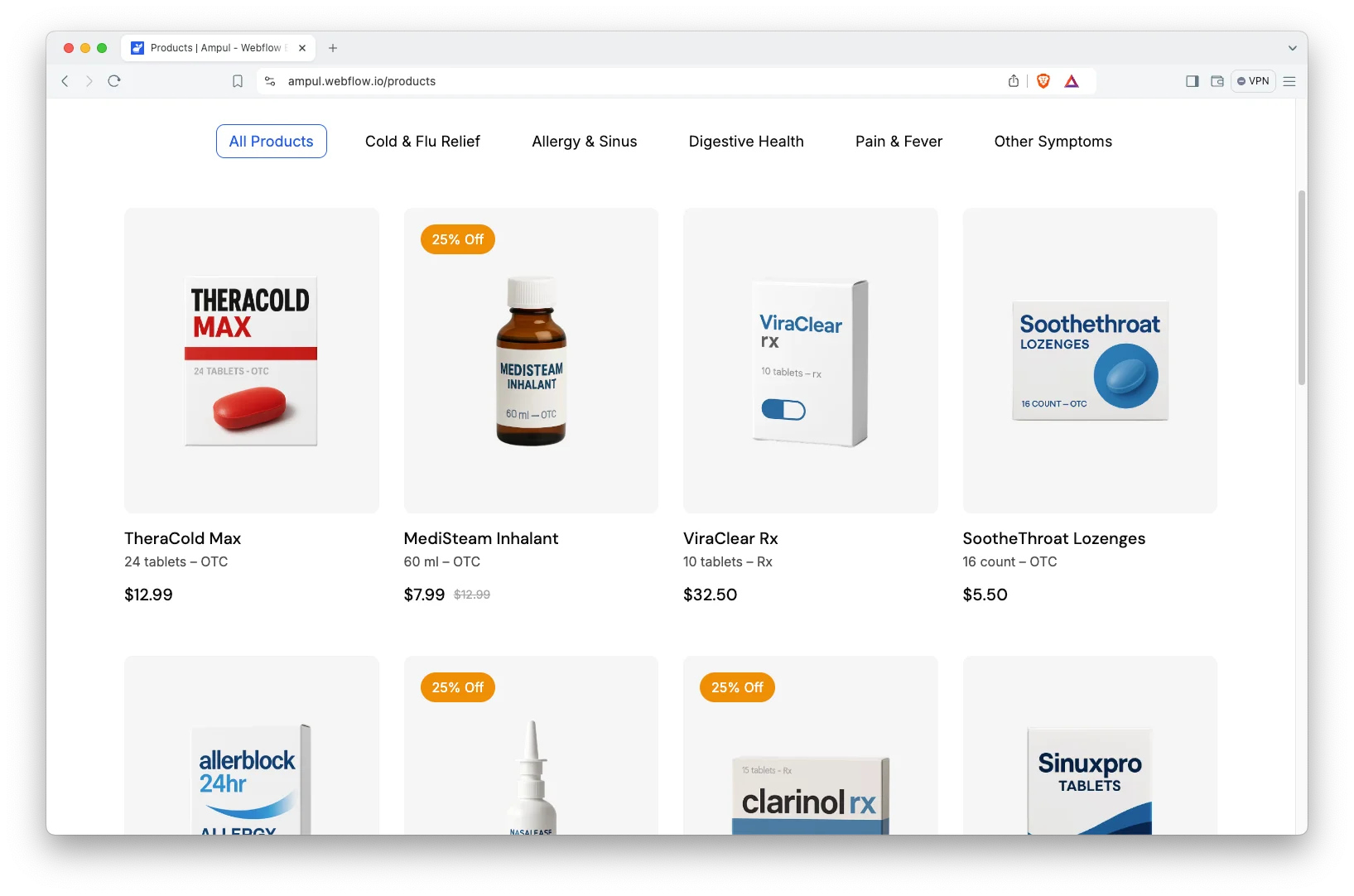
Animation, Video and Sliders. Sliders, video and subtle animation carry the product imagery. However, the motion stays restrained, which suits a health brand.
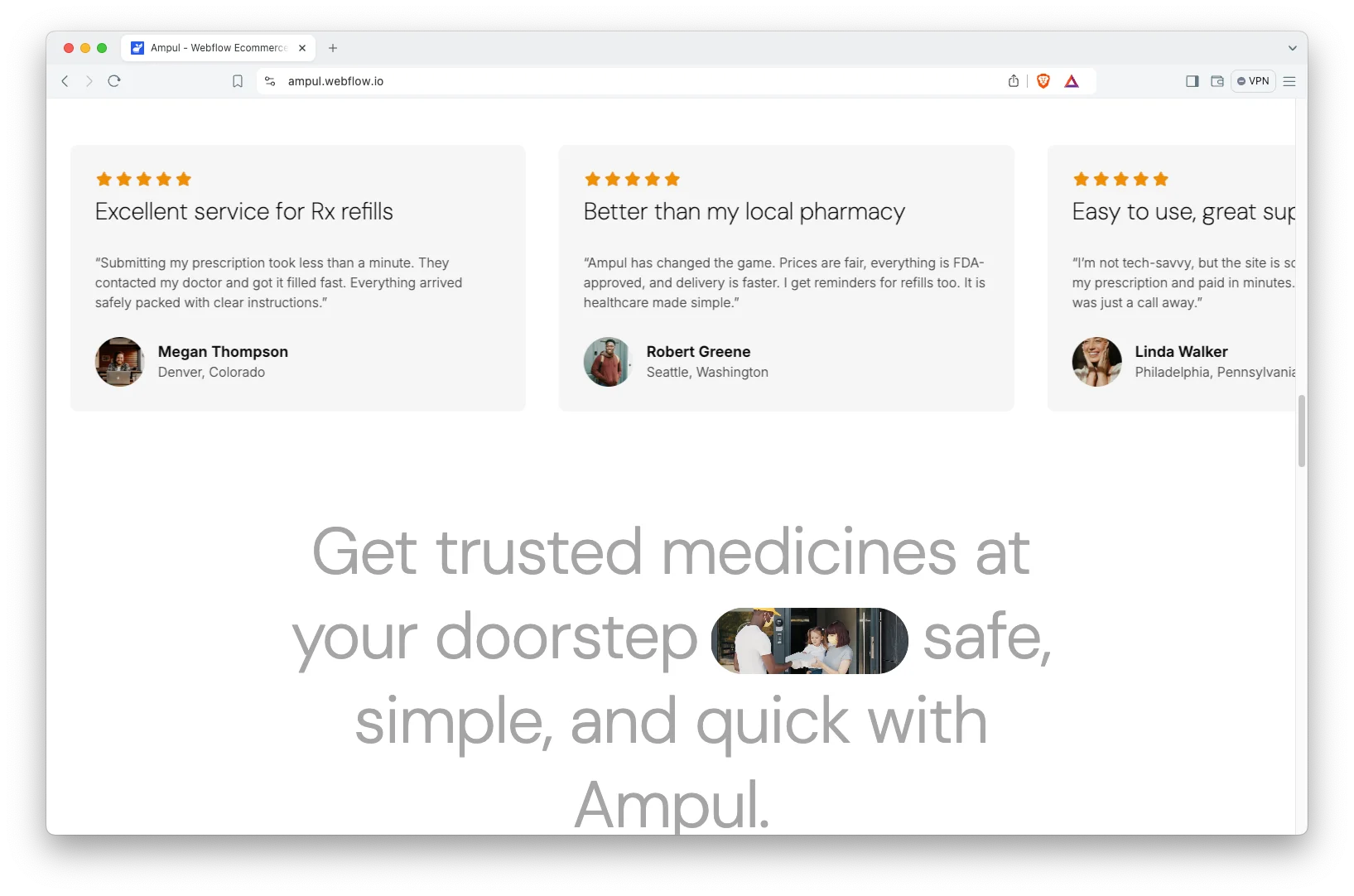
Engaging Blog Showcase. The blog is built for scanning. Demo posts cover prescription versus over the counter, allergy relief and daily vitamins.
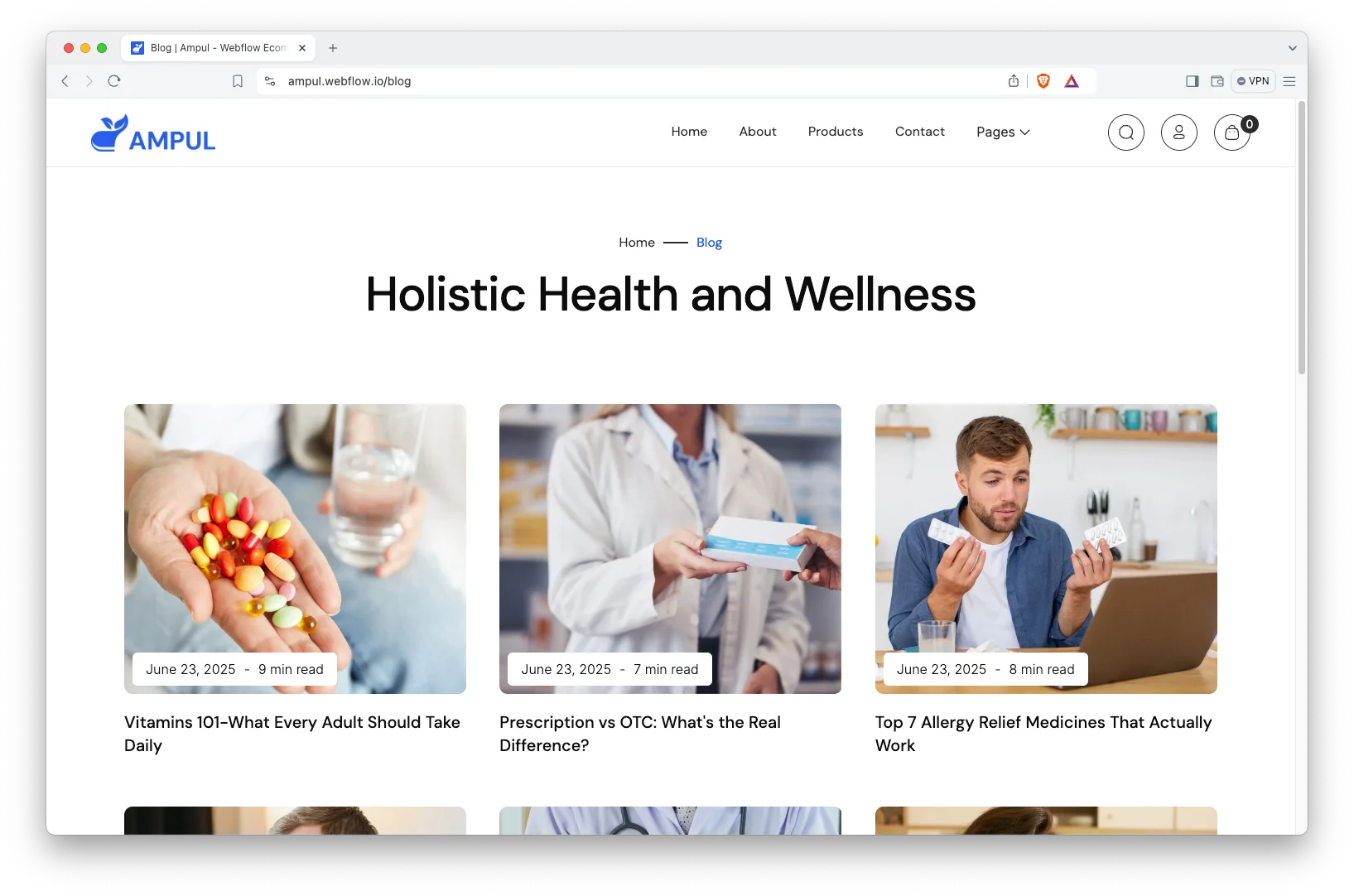
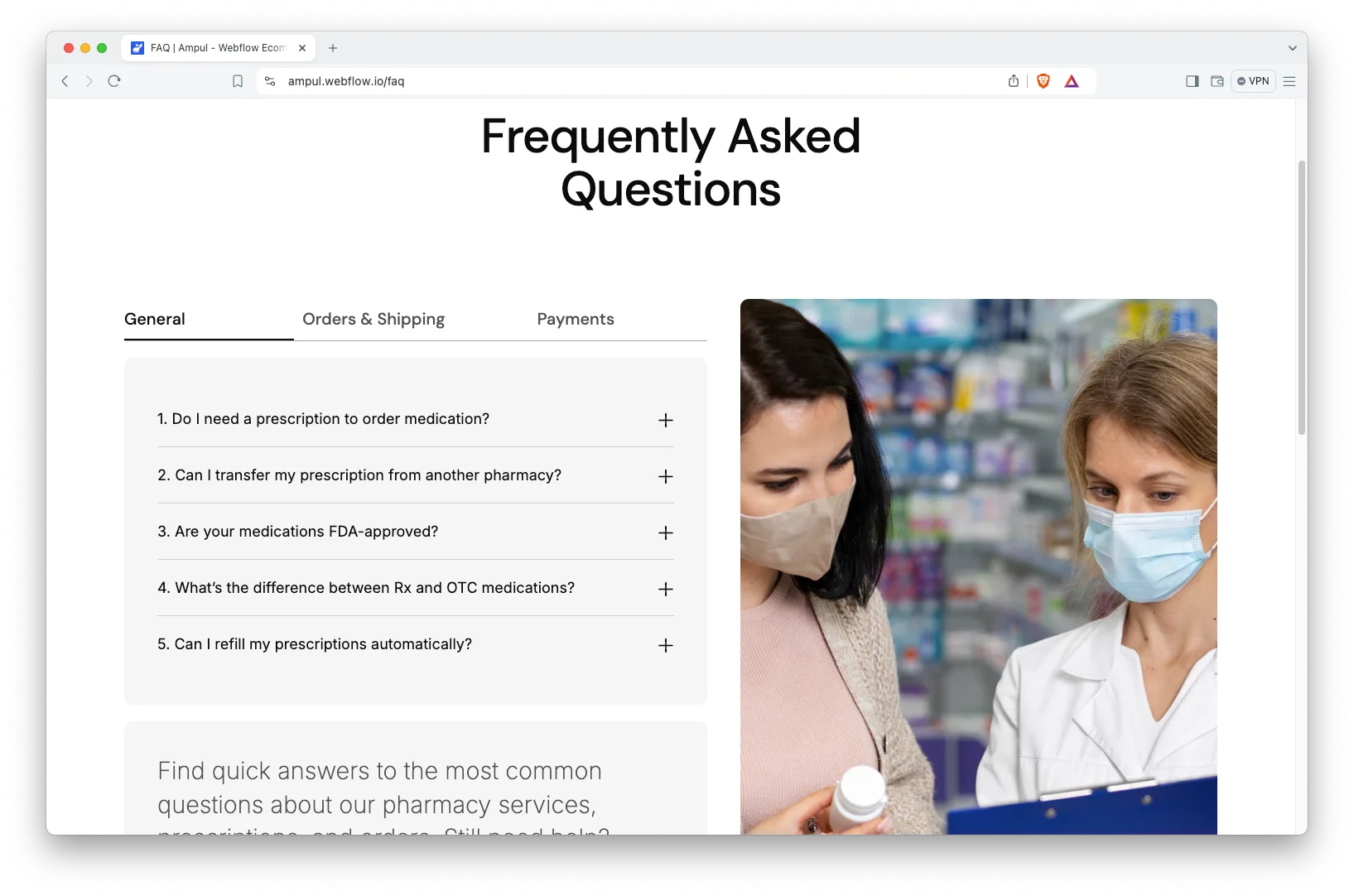
Impressive FAQ Page. A dedicated FAQ page answers the safety and delivery questions first. That way, fewer of them reach your pharmacist.
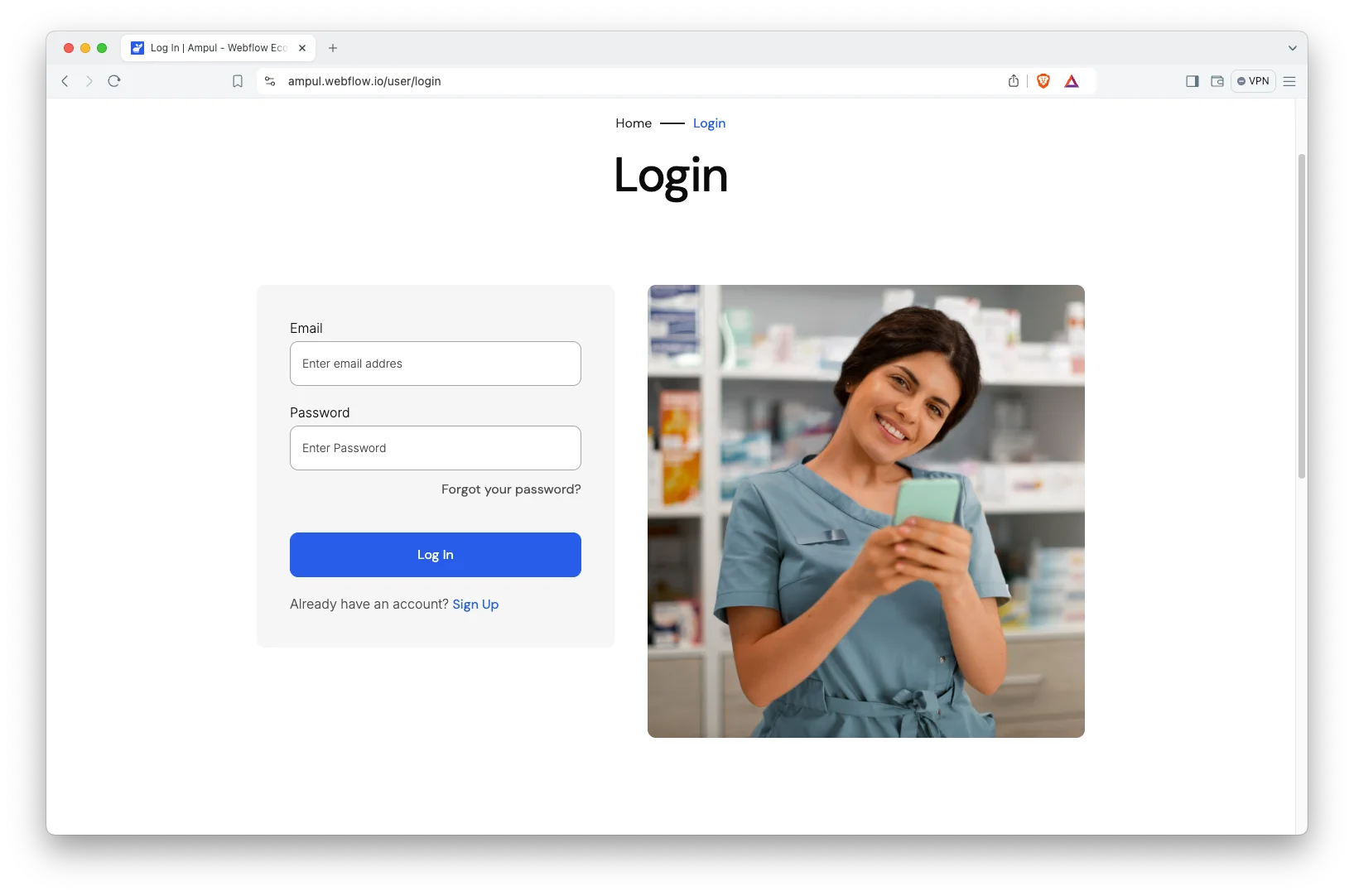
Login and Signup Pages. Customers can create an account, sign in and manage their details. So repeat orders take a few taps rather than a full checkout.
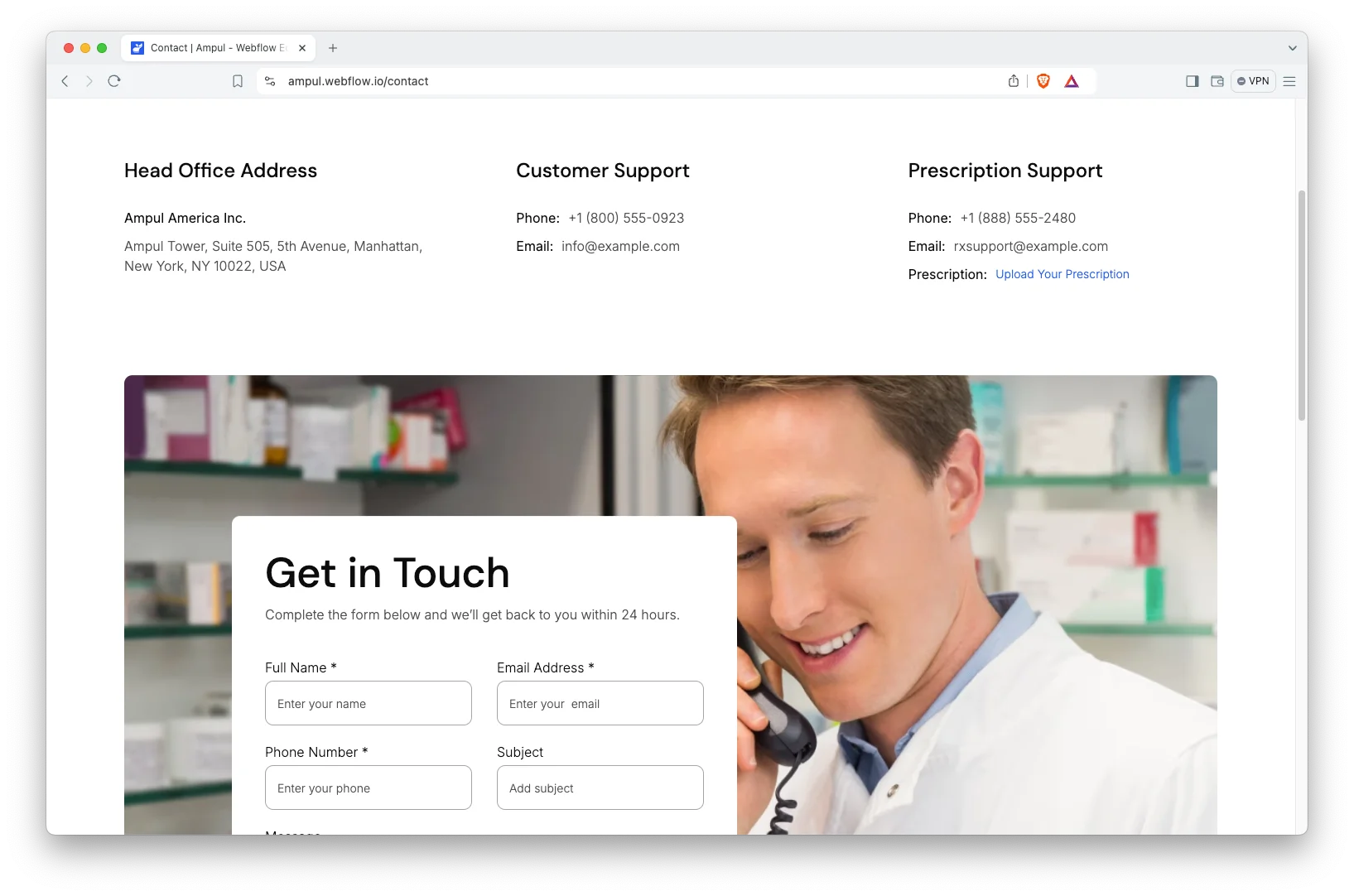
Contact Details. The contact page shows your address, phone number and an interactive map. So customers can reach the pharmacy the way they prefer.
Watch on YouTube
You can watch this video if you want to learn everything about this Webflow template quickly. In this video, we have demonstrated the information about this Webflow template.
Pages Included in Ampul
Ampul ships with fifteen designed pages. They are Home, About, Products, Upload Prescription, Blog, FAQ, Contact, Checkout, Login, Signup, Terms and Conditions, Style Guide, License, Change Log and a 404 page. Three more are CMS templates. They render products, symptom categories and blog posts. So the catalogue grows without new page design.
Why Symptom Categories Beat a Product Grid
Most pharmacy sites sort by brand or by drug name. However, a customer with a headache does not search for a brand. They search for the symptom. Ampul groups the catalogue that way instead, so the browse path matches the way people actually think. Then each category page can rank on its own symptom term. That is a much better fit for search than a single products page listing everything.
How to Use Ampul
- Use the purchase widget on the right side of this page to buy the Ampul template
- Duplicate the template into your Webflow workspace
- Replace the demo products, categories and imagery with your own
- Load your catalogue and posts into the CMS collections
- Adjust the colors and typography to match your brand
- Check every breakpoint, then publish your store
Ampul Frequently Asked Questions
What formats does Ampul ship in?
Ampul ships for Webflow, Framer, Figma and HTML. Each format is sold separately, so you buy only the one you need.
Is the Figma file included with the Webflow purchase?
No. The Figma file is a separate product on this page. So add it to your order if you want the design source.
How many pages does Ampul include?
Ampul includes fifteen designed pages. It also includes CMS templates for products, symptom categories and blog posts.
Does Ampul handle prescriptions?
It includes a dedicated prescription upload page. However, verification and dispensing remain your own process.
Is Ampul a full ecommerce template?
Yes. It is built on Webflow ecommerce, so the cart, product pages and checkout are already wired up.
Can customers create accounts?
Yes. Login and signup pages ship with the template, so returning customers can save their details.
When you choose Ampul, you get support from the TNCFlow team. So if a section does not behave, ask us and we will help.
Check out other Webflow templates by TNCFlow.


Select template
Choose one or more options for your build
All-Access Pass
$199
/ Yearly
$20,000+ in assets
130+ Webflow Templates
130+ Figma UI Templates
45+ Framer Templates
130+ HTML Templates
