

PRO

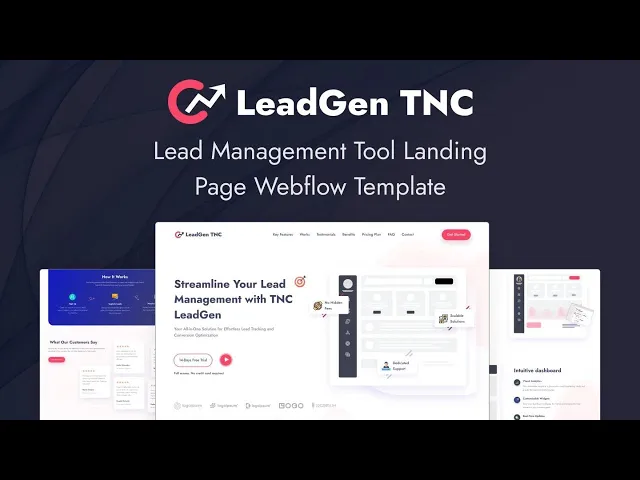


LeadGen TNC is a lead generation website template for lead capture SaaS, marketing automation platforms and CRM products. It ships for Webflow, Framer, Figma and HTML.
Lead software is evaluated on mechanics rather than on atmosphere. So the page states the positioning, then demonstrates capture, scoring and reporting in sequence. Because the entire argument sits on a single page, an evaluator never loses the thread.
Every section has one responsibility. The hero states the outcome. The feature blocks explain the mechanics. Then the process section describes onboarding. Finally the pricing comparison asks for the trial signup.
Explore the live preview now.
LeadGen TNC at a Glance
| Formats | Webflow, Framer, Figma and HTML |
| Best for | Lead generation SaaS, marketing automation platforms, CRM products, sales enablement tools |
| Layout | One page design with anchor links to features, works, testimonials, benefits, pricing and FAQ |
| Pages | 1 main page plus 4 utility pages, which are style guide, changelog, licence and 404 |
| CMS | No CMS collections, so you edit the page directly in the Webflow Designer |
| Responsive | Yes, on desktop, tablet and mobile |
| Support | TNCFlow support plus free updates |
Key Features of LeadGen TNC
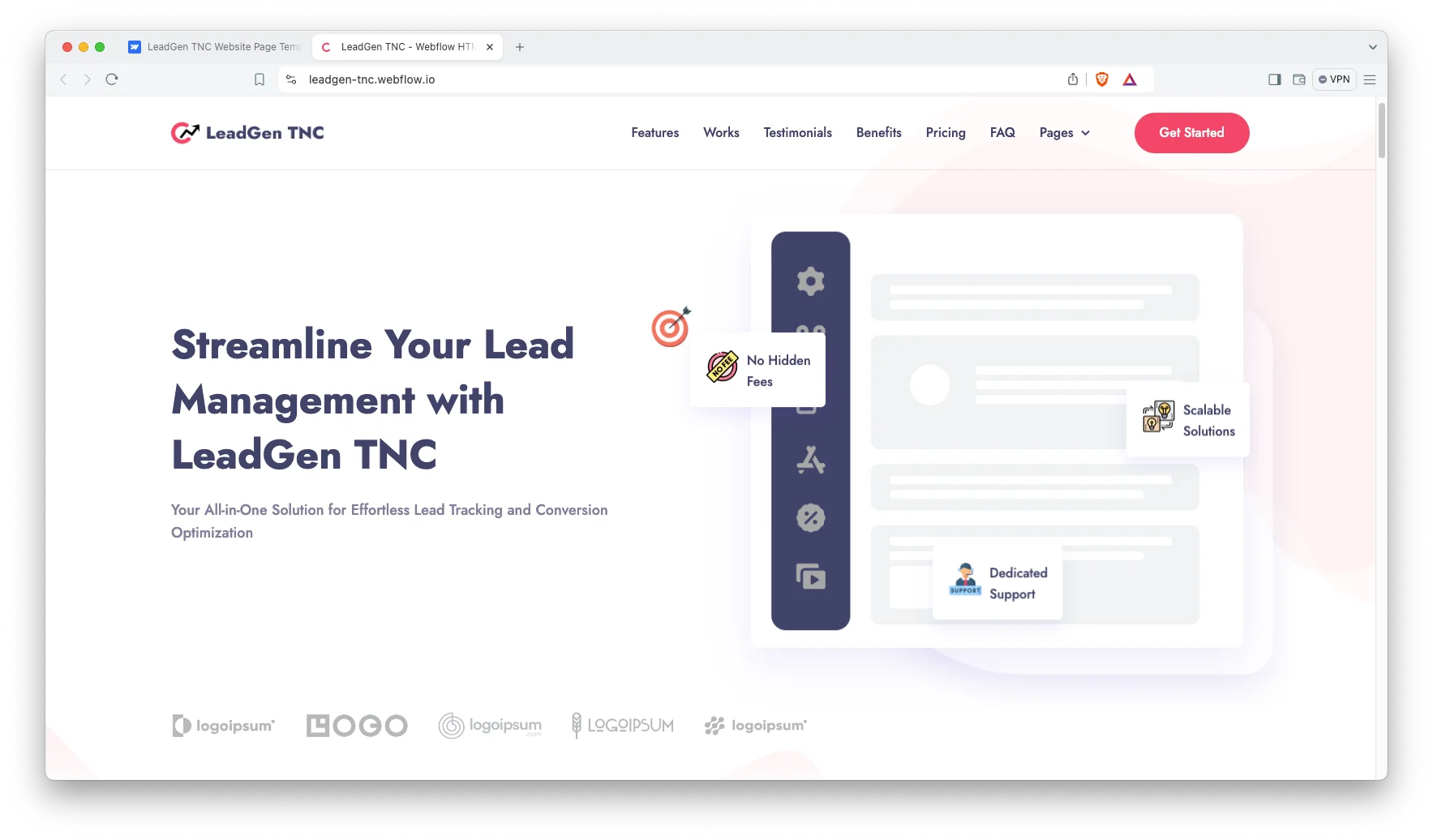
Modern and confident design. LeadGen TNC opens with a direct positioning statement and three trust badges. So a visitor understands the category within seconds. Restrained colour keeps attention on the message.
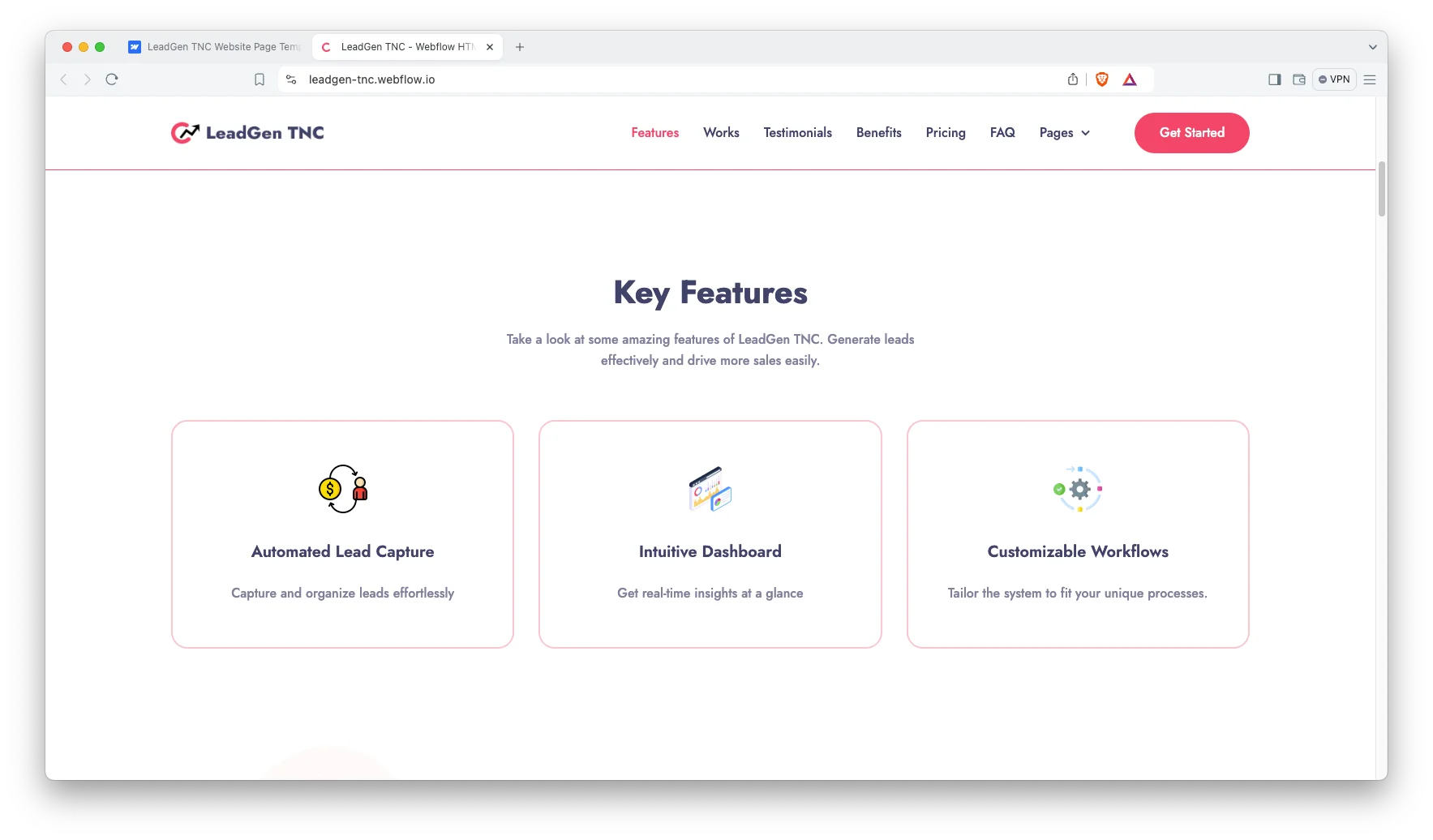
Layered feature explanation. Three summary cards introduce automated capture, the dashboard and customizable workflows. Each one then expands into a detailed block. Because the depth is progressive, casual browsers and serious evaluators both find what they need.
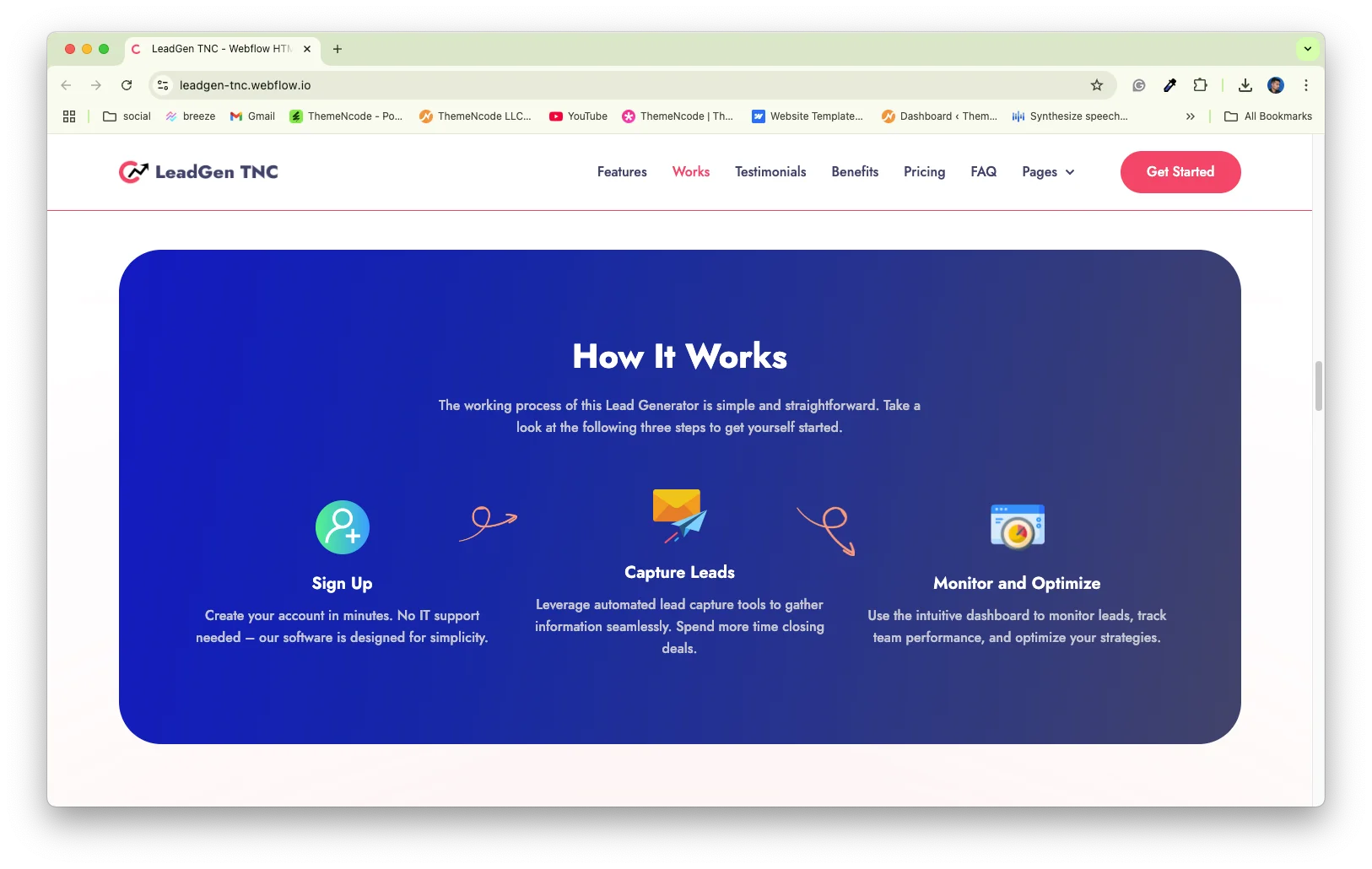
Three step process section. A How It Works block covers signing up, capturing leads and then monitoring performance. Short onboarding narratives lower perceived risk, which matters when the product replaces a spreadsheet.

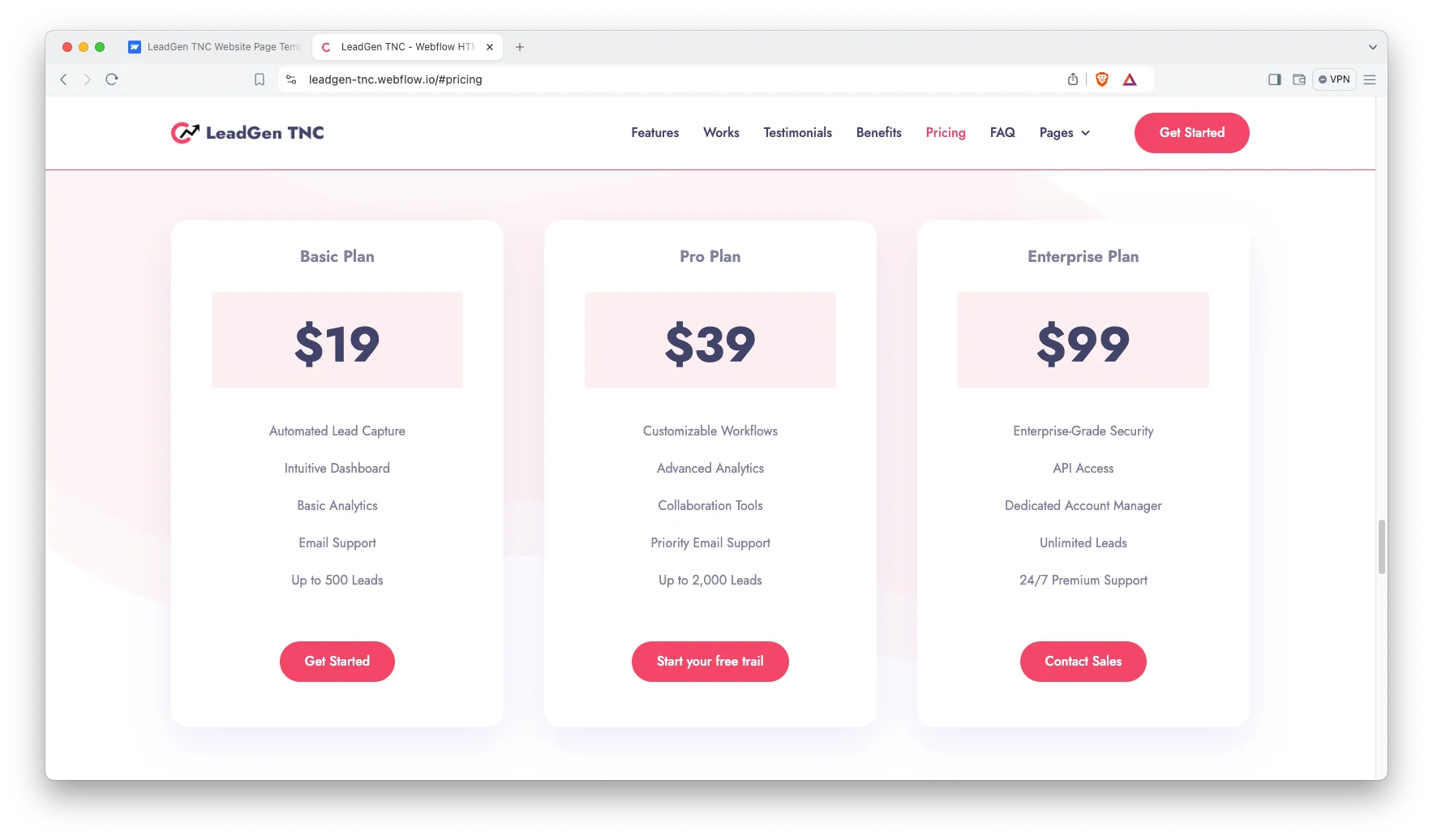
Three tier pricing comparison. The plans differ on lead volume, analytics depth and support level. Each card carries its own call to action, so a small buyer starts a trial while an enterprise buyer contacts sales.
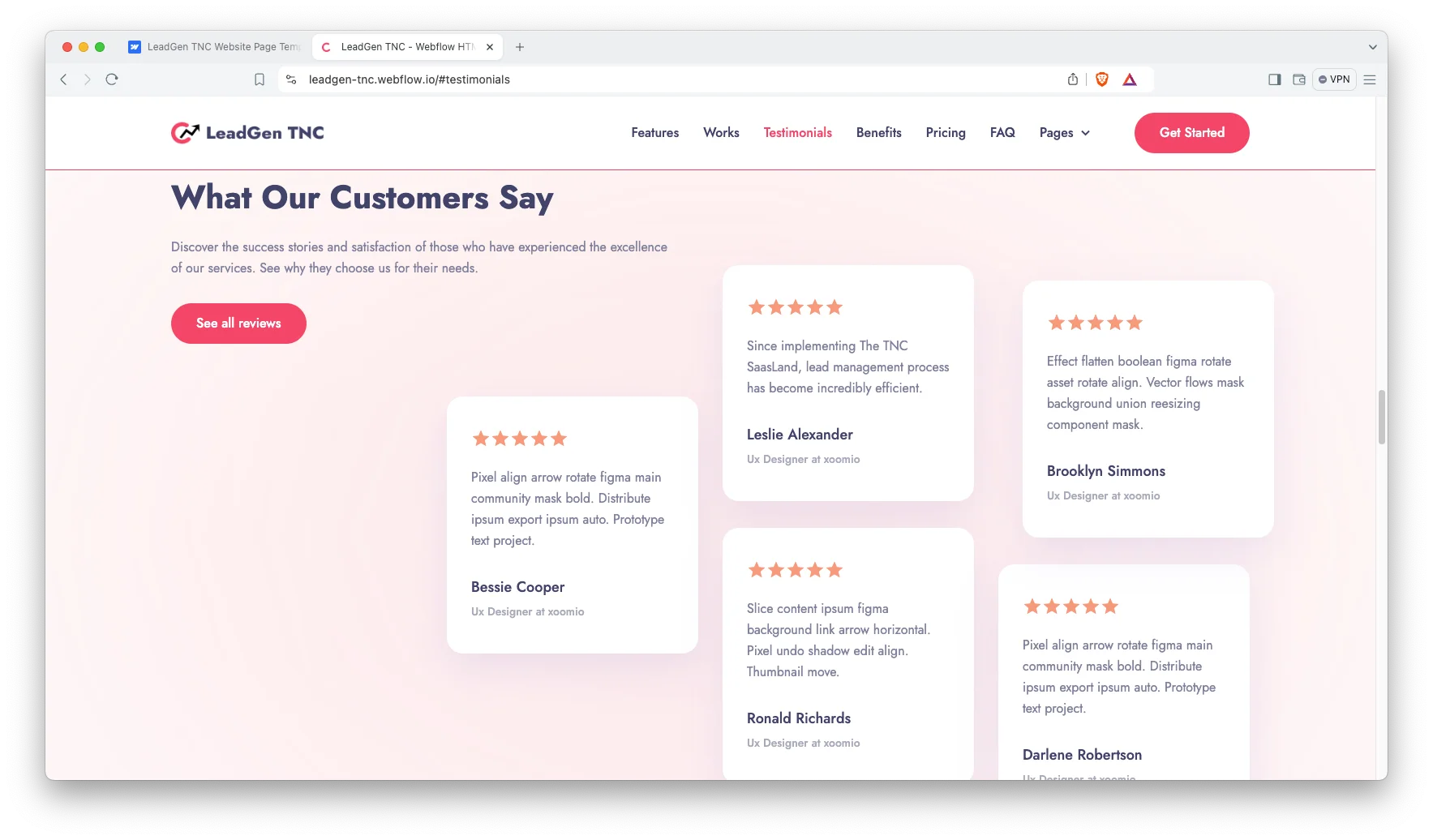
Testimonial slider with ratings. Five customer quotes rotate through a slider. Each entry carries a name, a job title and a star rating. Replace the placeholder quotes early, because lead tools are bought on reputation.
Search groundwork included. Headings follow a sensible order and the Webflow page settings expose the title tag, the meta description and the Open Graph image. So the basics are editable without an extra plugin.
Lightweight static build. The page ships as static markup with no database queries behind it. That keeps the payload modest, although your own imagery and third party scripts still determine the final result.
Responsive across devices. The layout adapts to desktop, tablet and mobile. Review the three column pricing block on a narrow screen first, since that is the hardest section to read on a phone.
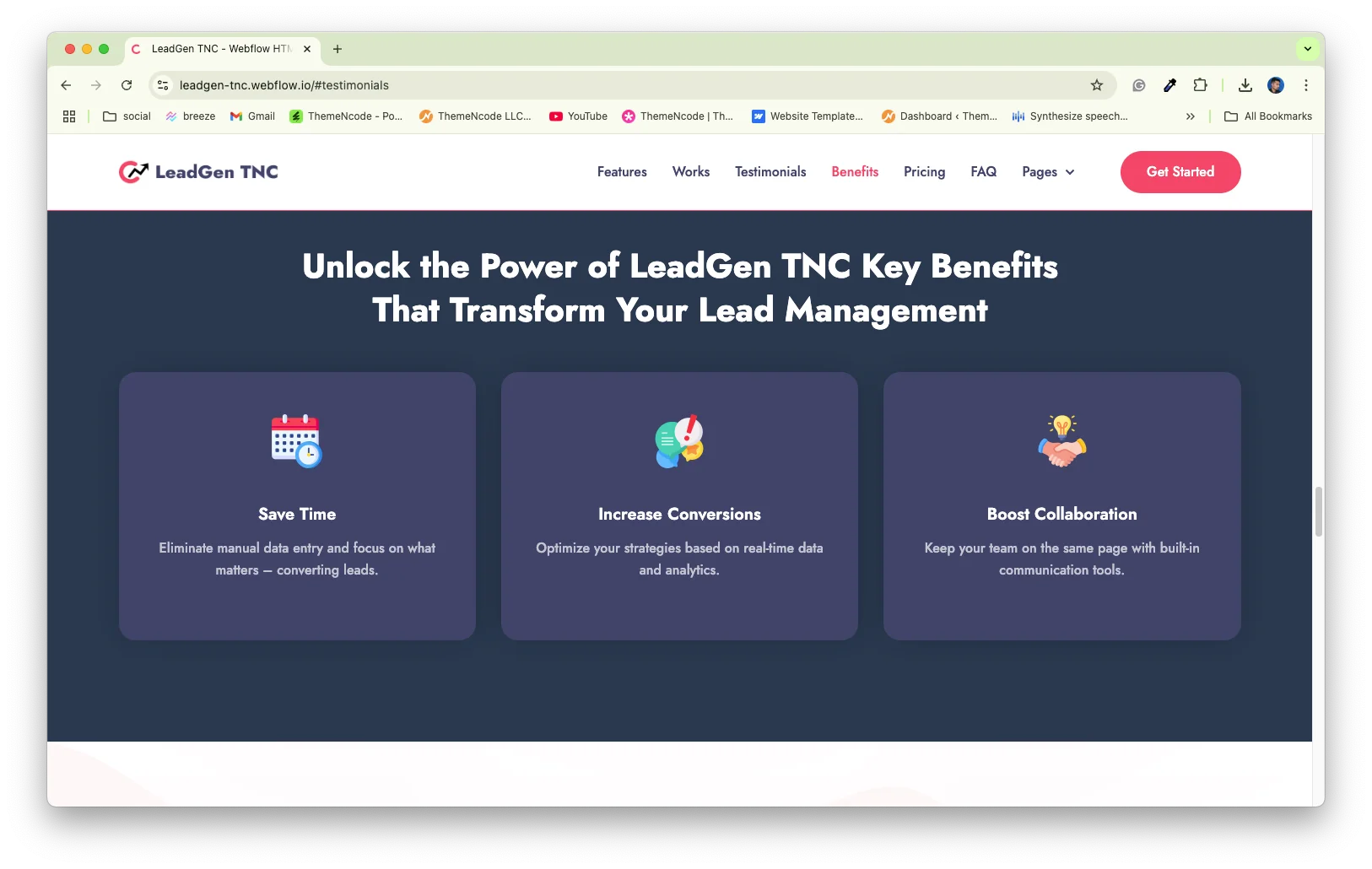
Benefits block. Three short panels cover saving time, raising conversion and improving team collaboration. Use them to translate features into outcomes a manager will recognise.
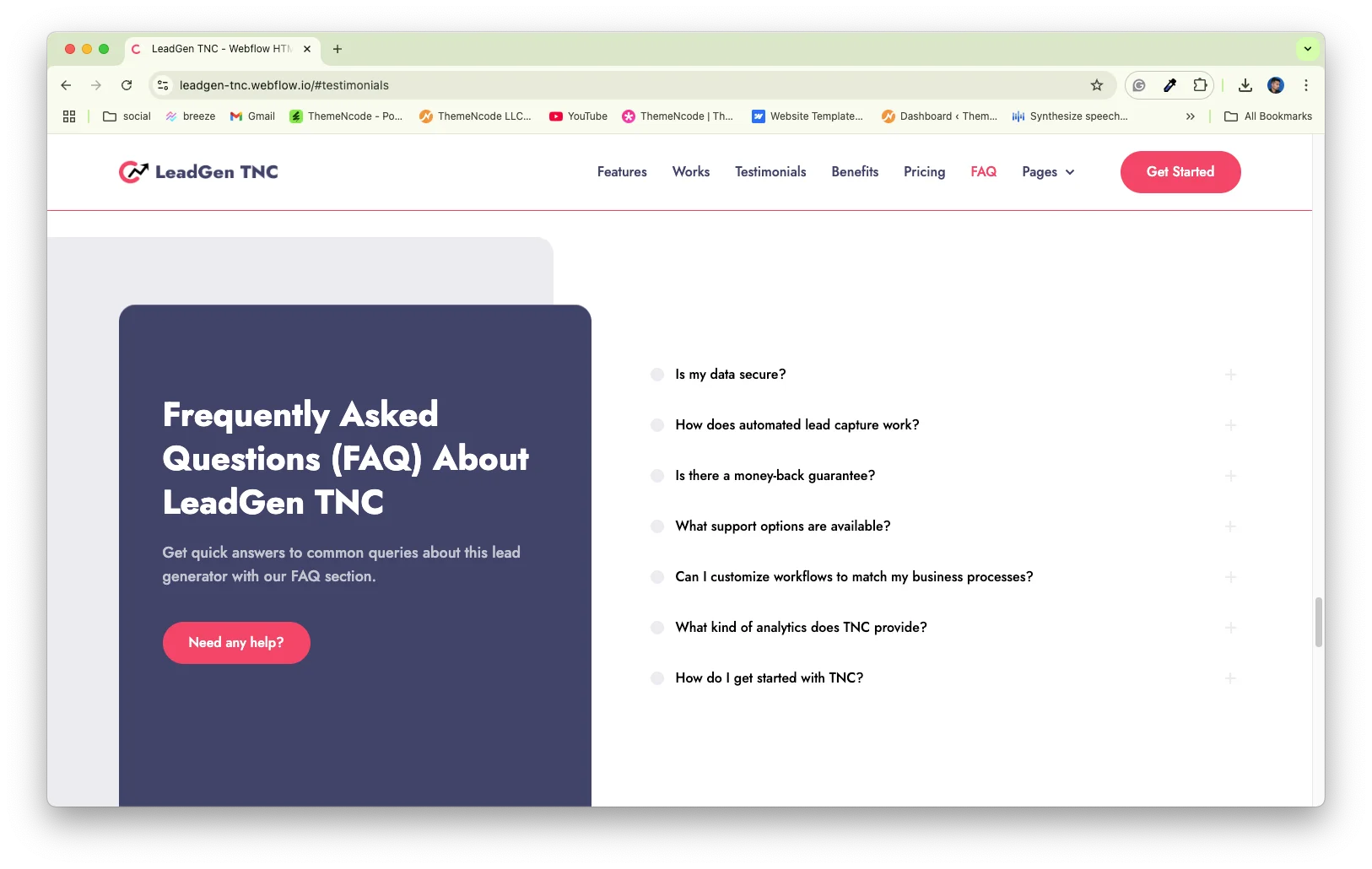
FAQ accordion. A dedicated question and answer section sits above the contact block. So objections get handled before the visitor decides to reach out.
Utility pages included. A style guide, a changelog, a licence page and a 404 page ship with the template. The style guide is the fastest route to a rebrand.
Watch on YouTube
Watch the walkthrough if you want to see the template in motion before you buy.
Pages Included in LeadGen TNC
LeadGen TNC is a one page template. The home page carries the hero, a key feature block, two detailed capability sections, a three step process block, a testimonial slider, a benefits row, the pricing comparison, an FAQ accordion and a contact section.
Four utility pages ship alongside it, which are the style guide, the changelog, the licence page and a 404 page. Because the navigation uses anchor links, adding further pages later remains straightforward.
How to Use LeadGen TNC
- Use the purchase widget on the right side of this page to buy the LeadGen TNC template
- Follow the steps to get your site ready
- Replace content with your own
- Adjust the design slightly if you want
- Preview and publish
What a Lead Generation Site Has to Demonstrate
Lead tooling sits in a crowded and sceptical market. Every competitor promises more pipeline, so an unsupported claim carries almost no weight.
Check three things before you buy any template in this category. First, is there space to show the product itself rather than only illustrations? Second, can the pricing block express lead volume limits clearly? Third, is there a credible place for named customer references?
LeadGen TNC accommodates all three requirements. The two detailed capability sections carry the product story. The plan checklists carry the volume limits. Then the testimonial slider carries the references.
One additional recommendation. Replace the placeholder screenshots with your genuine dashboard early. A real interface, even an unpolished one, converts better than a stylised illustration.
Frequently Asked Questions
Which formats does LeadGen TNC ship in?
LeadGen TNC is available as a Webflow template, a Framer version, a Figma file and a static HTML build. Each format is priced separately, so pick the one you need at checkout.
Does LeadGen TNC include a CMS?
No. This is a one page template with no Webflow CMS collections. You edit the copy and the images directly in the Designer, which keeps the setup short.
How many pages does LeadGen TNC include?
There is one main page plus four utility pages, which are the style guide, the changelog, the licence page and a 404 page.
How many pricing plans does the template support?
The demo ships three plan cards, which are a basic tier, a professional tier and an enterprise tier. You can duplicate or remove a card in the Designer.
Can I use LeadGen TNC for a CRM or marketing automation product?
Yes. The structure suits any tool that captures, scores and converts leads. Only the copy, the screenshots and the plan limits need to change.
Do I need to know Webflow to use LeadGen TNC?
No. Basic Webflow knowledge helps, but the classes are named and a style guide page ships with the template. So most owners can swap text and images on their own.
Need help with setup or customization? The TNCFlow support team answers quickly, and updates are free.
Check out other Webflow templates by TNCFlow.
Featured in our guides: Figma landing page templates, Framer startup templates and Webflow SaaS templates.


Select template
Choose one or more options for your build
