
PRO
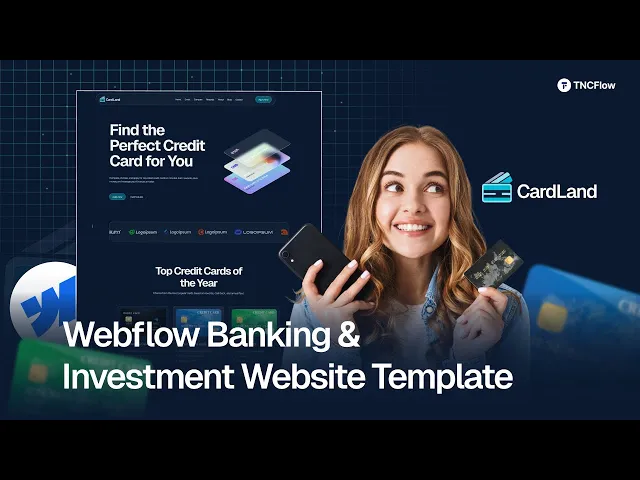
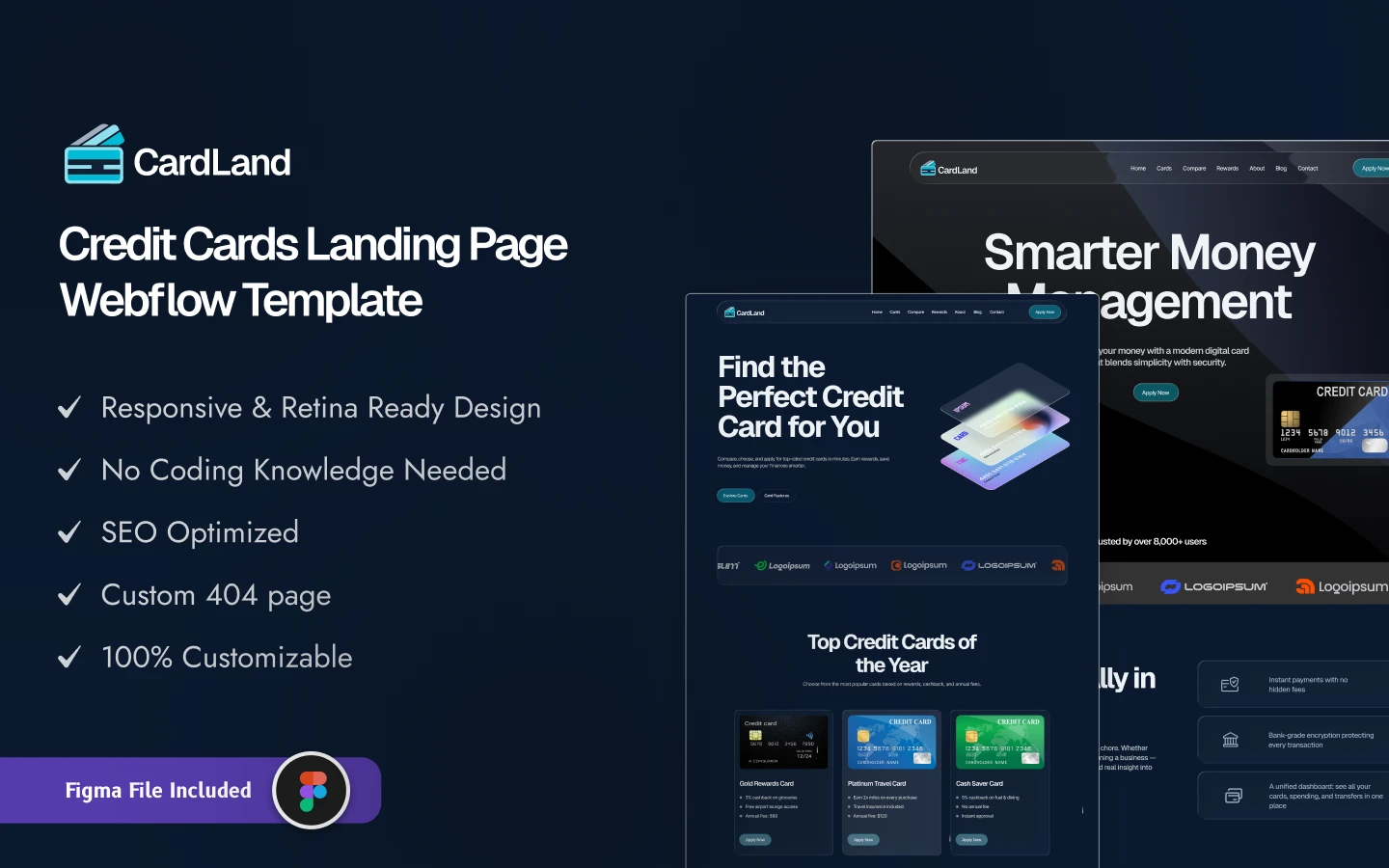
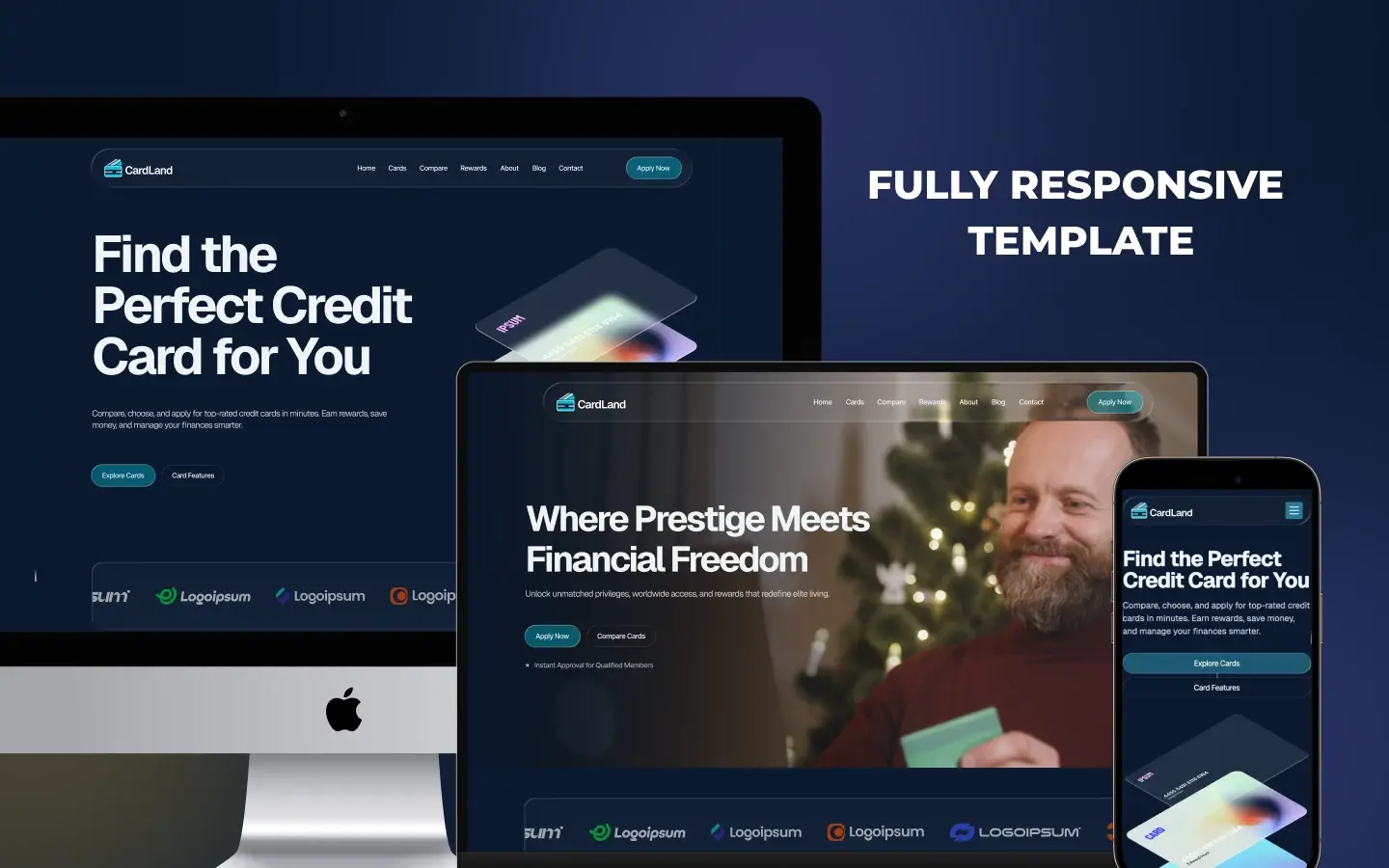
Cardland is a fintech website template for credit card issuers, card comparison sites and digital banking startups. It ships for Webflow, Figma and HTML.
It is a dark theme, multi page site. So the layout is tuned for one job. That job is moving a visitor from browsing cards to submitting an application.
Card marketing is a comparison sale. Because of that, Cardland puts rewards, fees and eligibility side by side early. Then the blog and the testimonials close the doubt that is left.
Explore the live preview now.
Who is it for? Mostly teams that market one finance product, rather than a whole bank. So it fits an issuer launching a card, a comparison site, an affiliate publisher, or a fintech startup testing a new offer.
Cardland at a Glance
| Formats | Webflow, Figma and HTML |
| Best for | Credit card issuers, card comparison sites, fintech startups, finance marketers |
| Theme | Dark, with a bright accent for calls to action |
| Layout | Multi page, with three ready made landing pages |
| CMS | Yes, for cards, blog posts and blog categories |
| Responsive | Yes, on desktop, tablet and mobile |
| Support | TNCFlow support plus free updates |
Key Features of Cardland
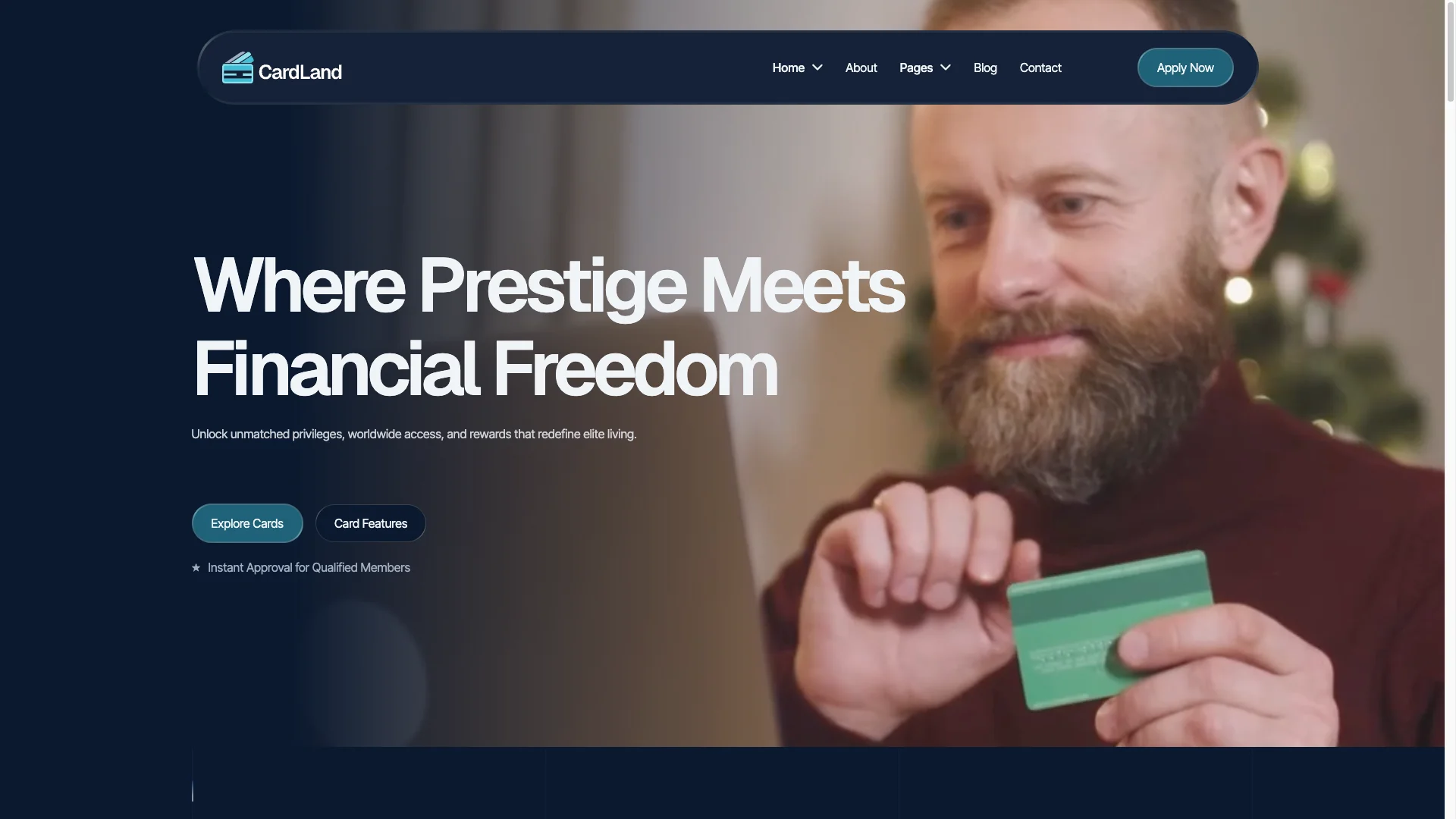
Dark hero built to convert. The home hero opens with the offer, not with a slogan. So a promo banner, a short benefit line and one button sit above the fold. The dark surface makes the accent button impossible to miss.
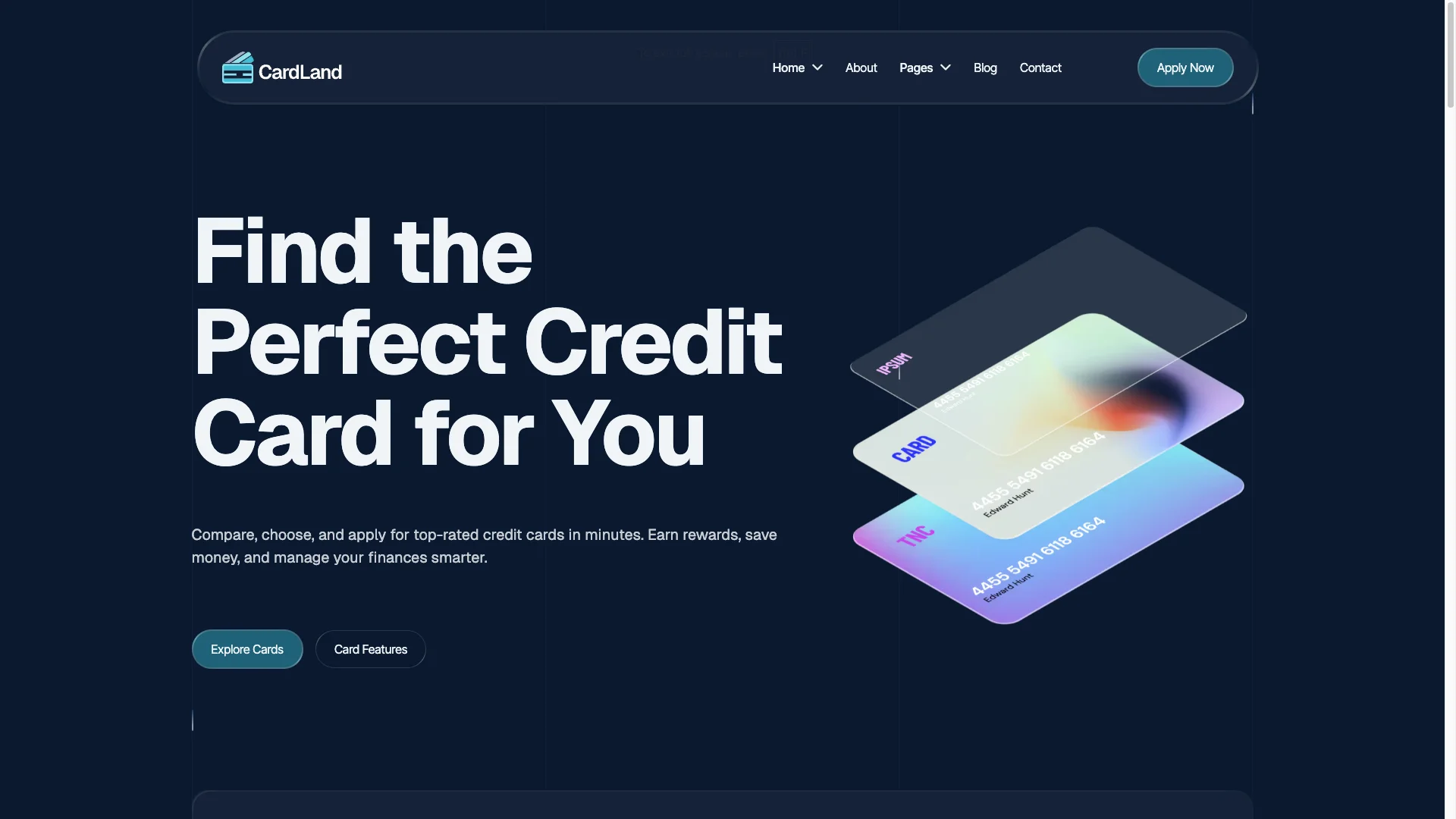
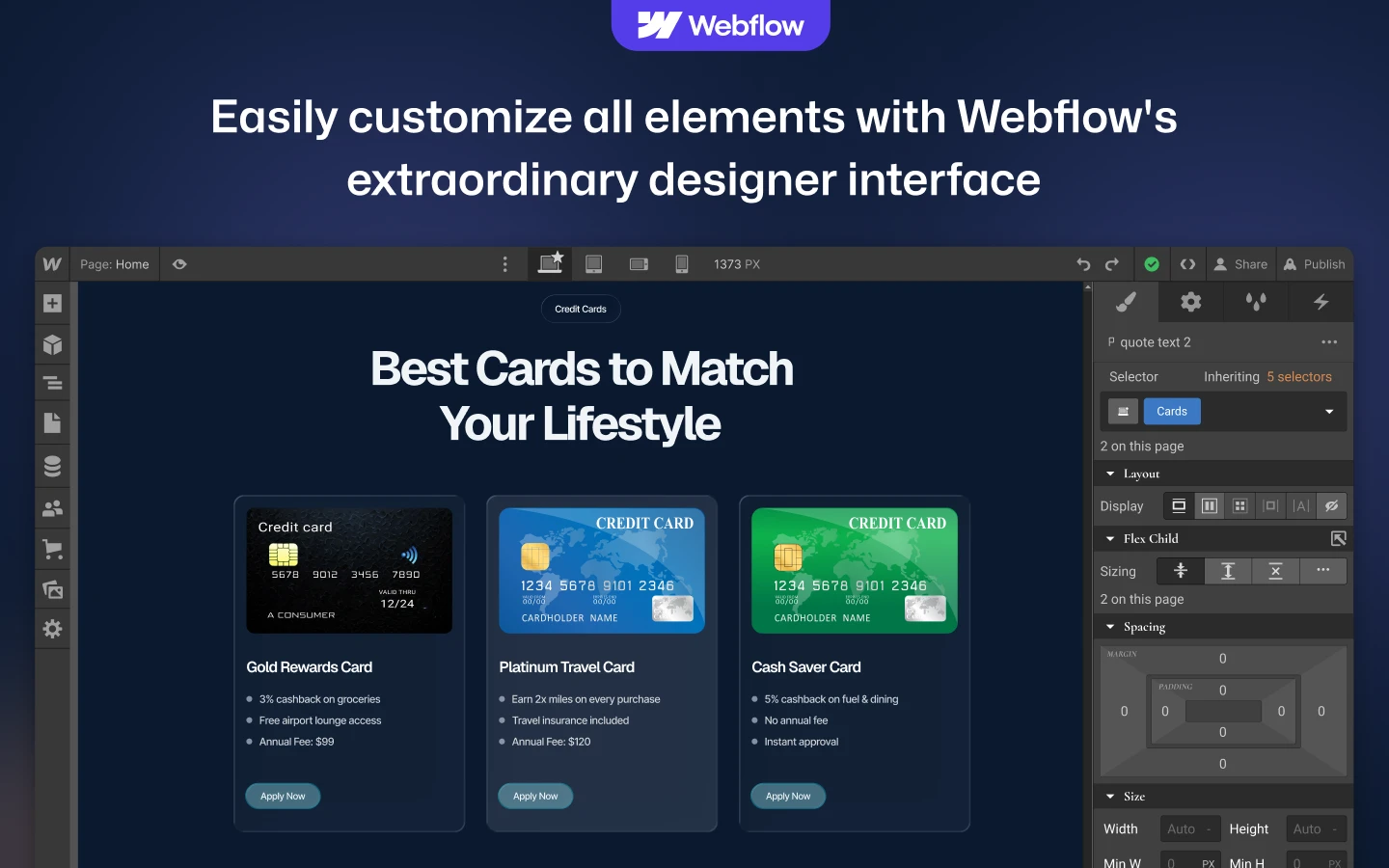
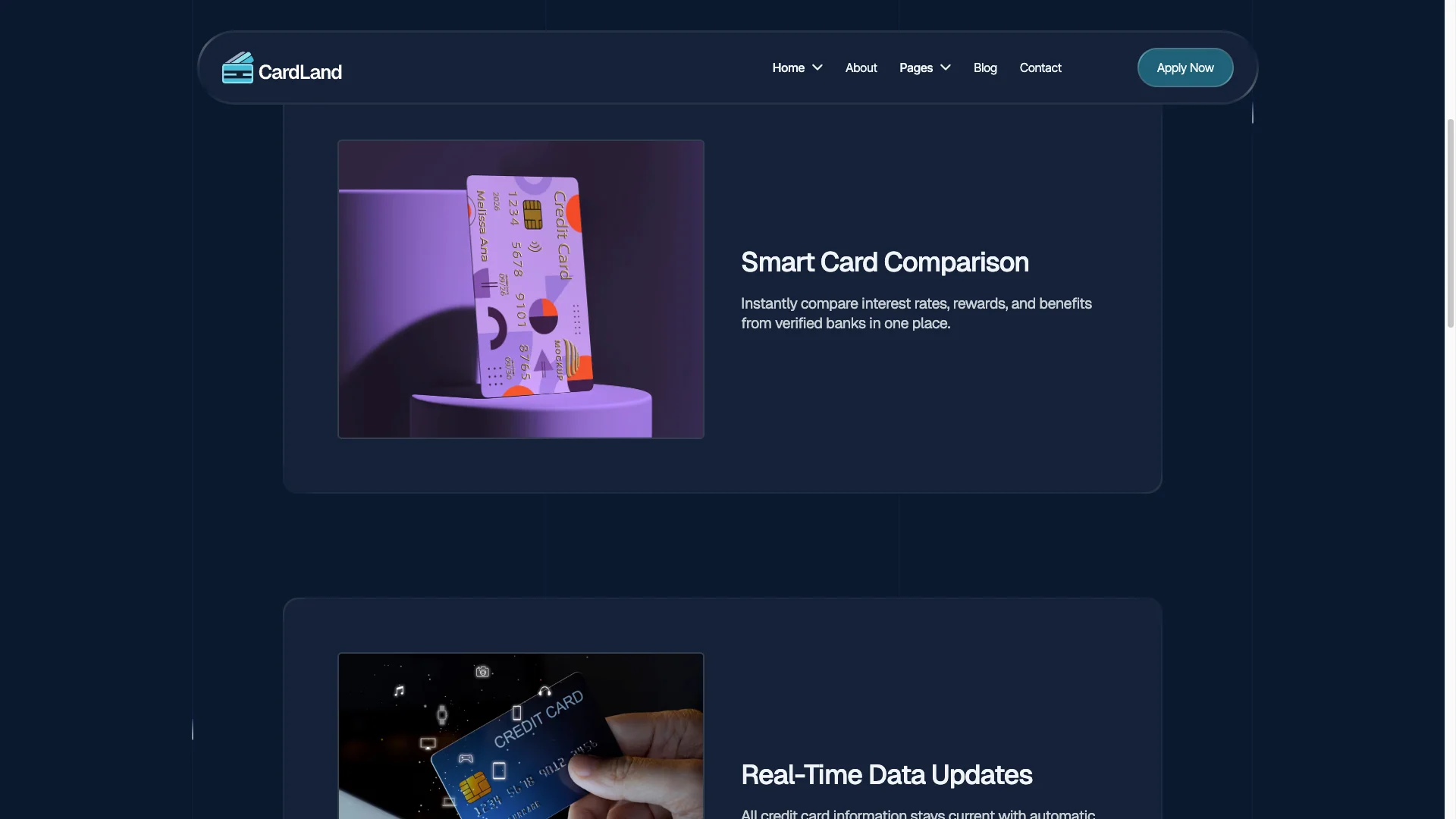
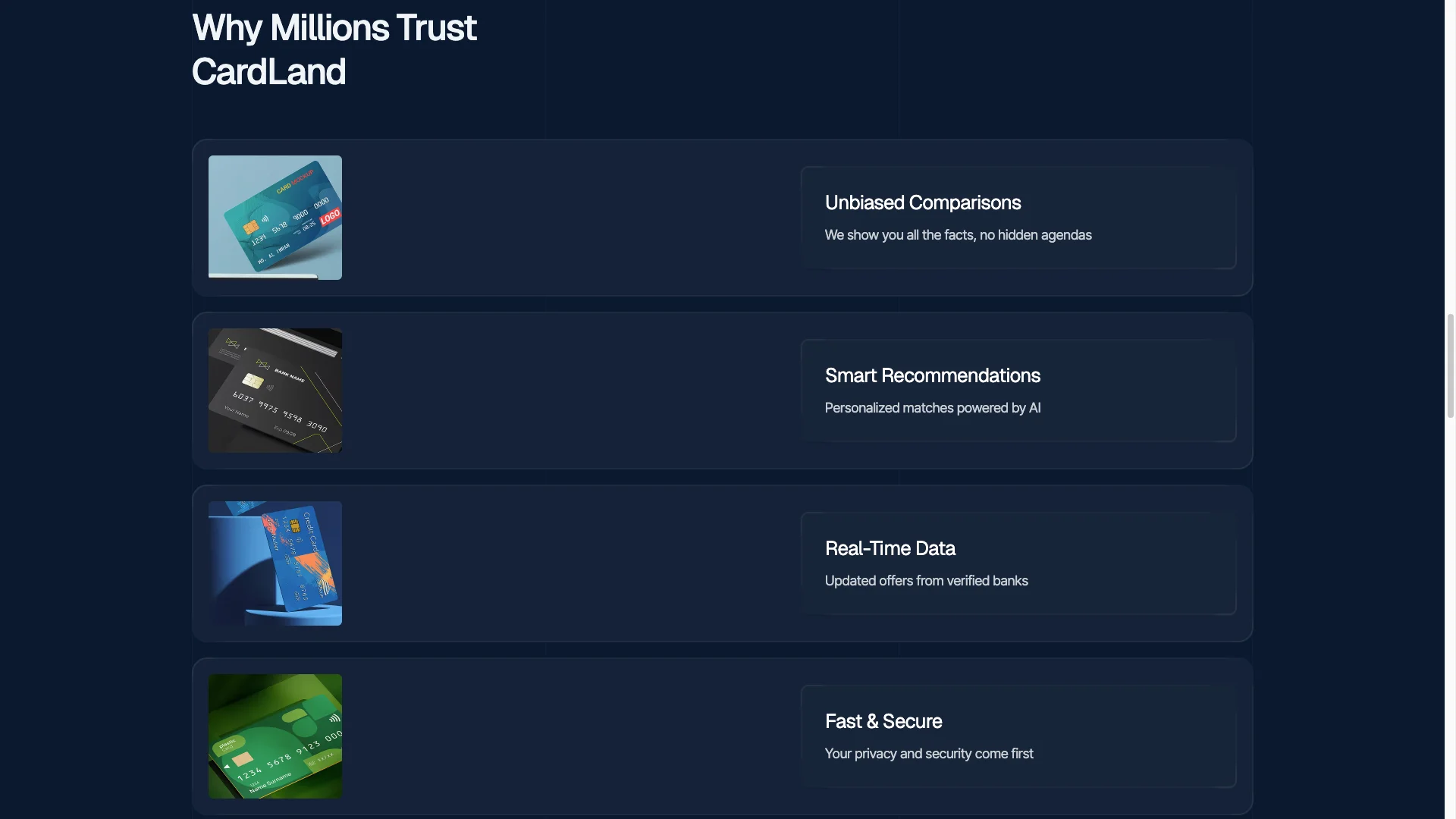
Card and reward comparison. A card grid shows cashback, miles, perks and the annual fee together. Because buyers compare before they apply, the numbers sit in the open rather than behind a click.
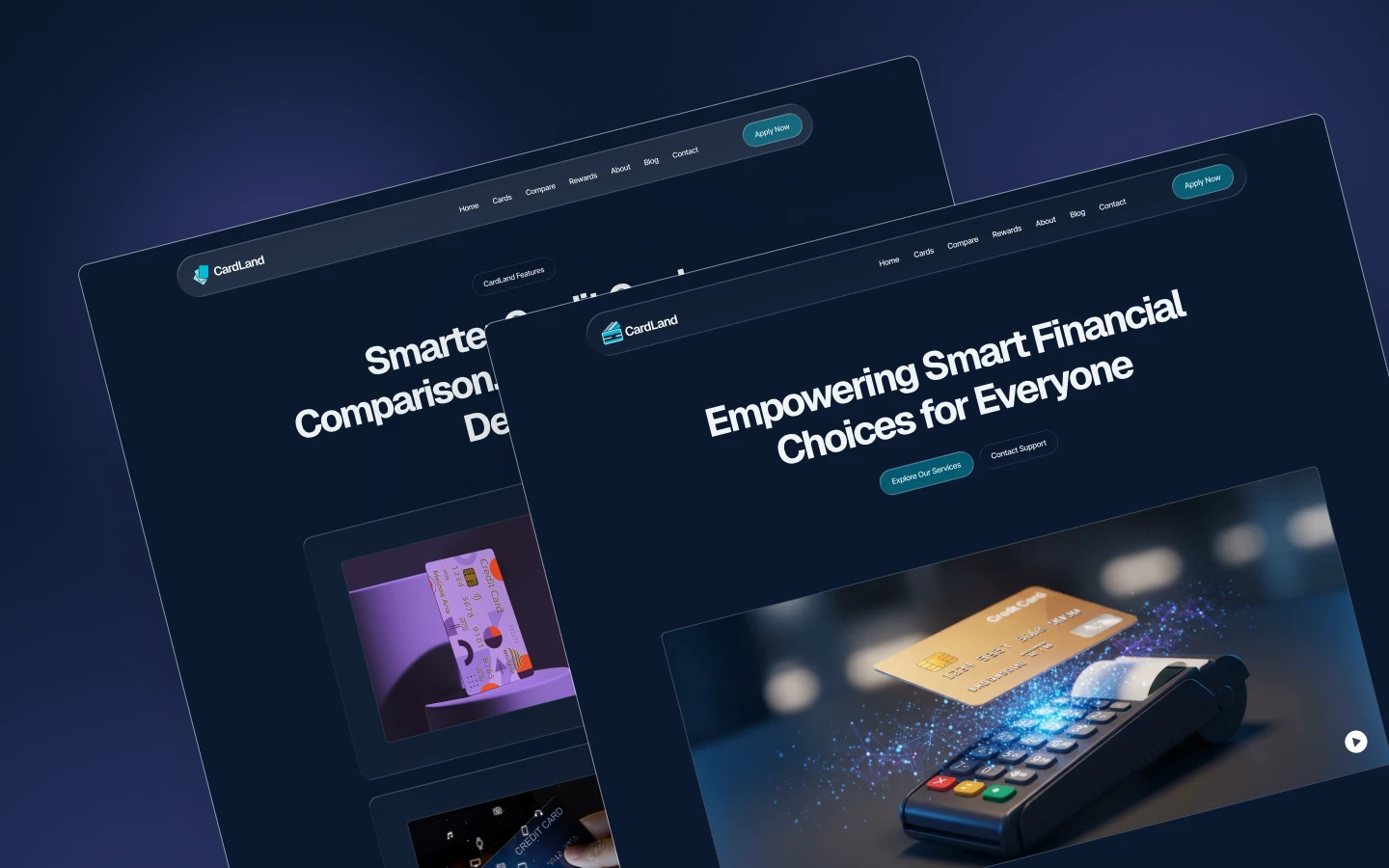
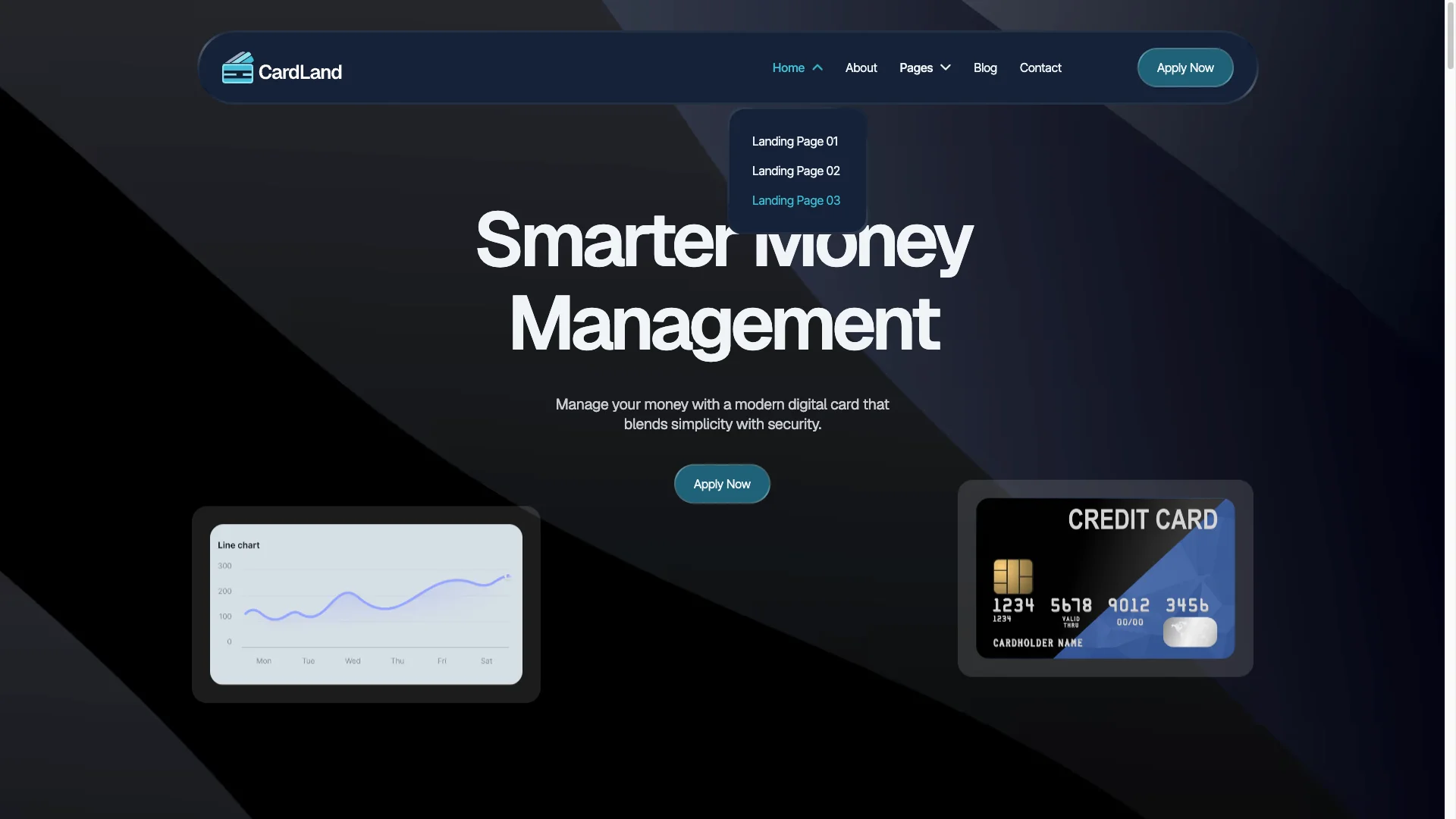
Three landing pages. Cardland ships three separate landing layouts, not one home page with variations. So you can run a rewards campaign, a comparison page and an application page at the same time.
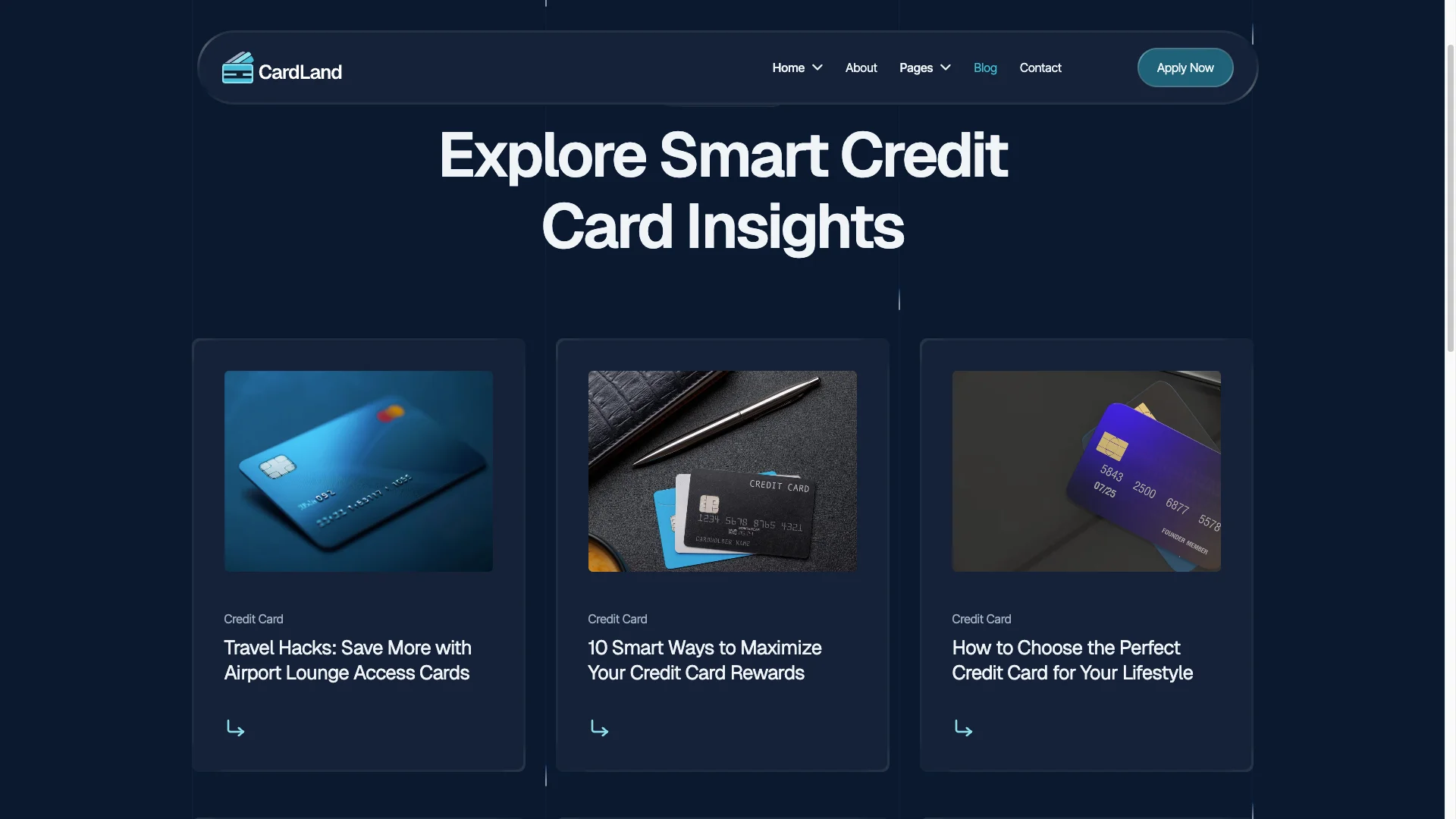
Built in CMS. Cards, blog posts and blog categories all run on Webflow CMS. So a new card offer is a new CMS item, and every listing page picks it up on its own.
Clean on page SEO structure. Every page carries an editable title, a meta description and one clear H1. Because finance queries are competitive, that base matters more here than on a brochure site.

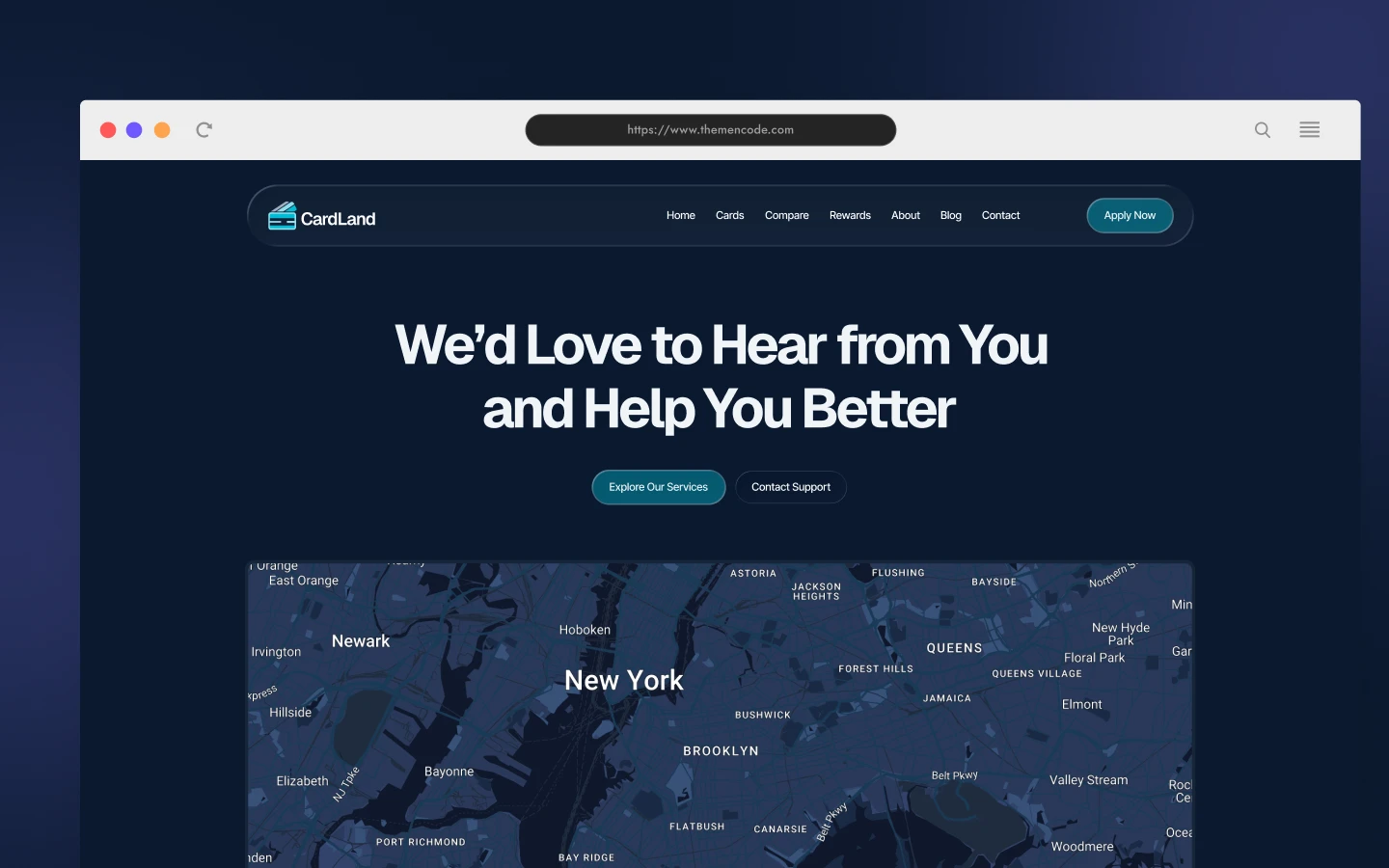
Application and contact forms. The template includes contact, support and newsletter forms. Connect them to your own handler or CRM. Because card applications carry personal data, check your form processing before launch.
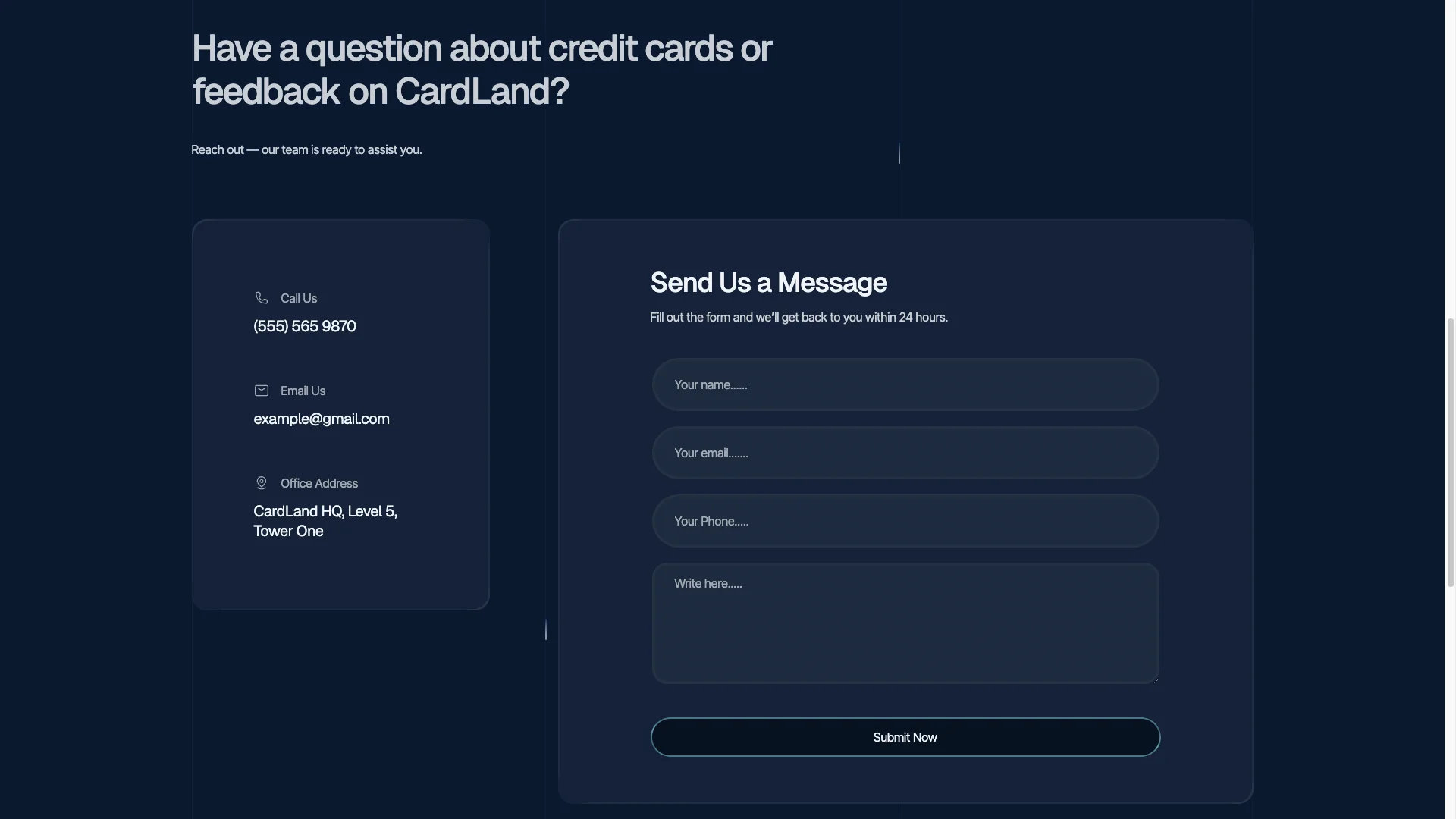
Ready for your tools. Analytics, tag managers and promo tracking scripts drop into the Webflow project settings. So you can attribute an application back to the campaign that earned it.
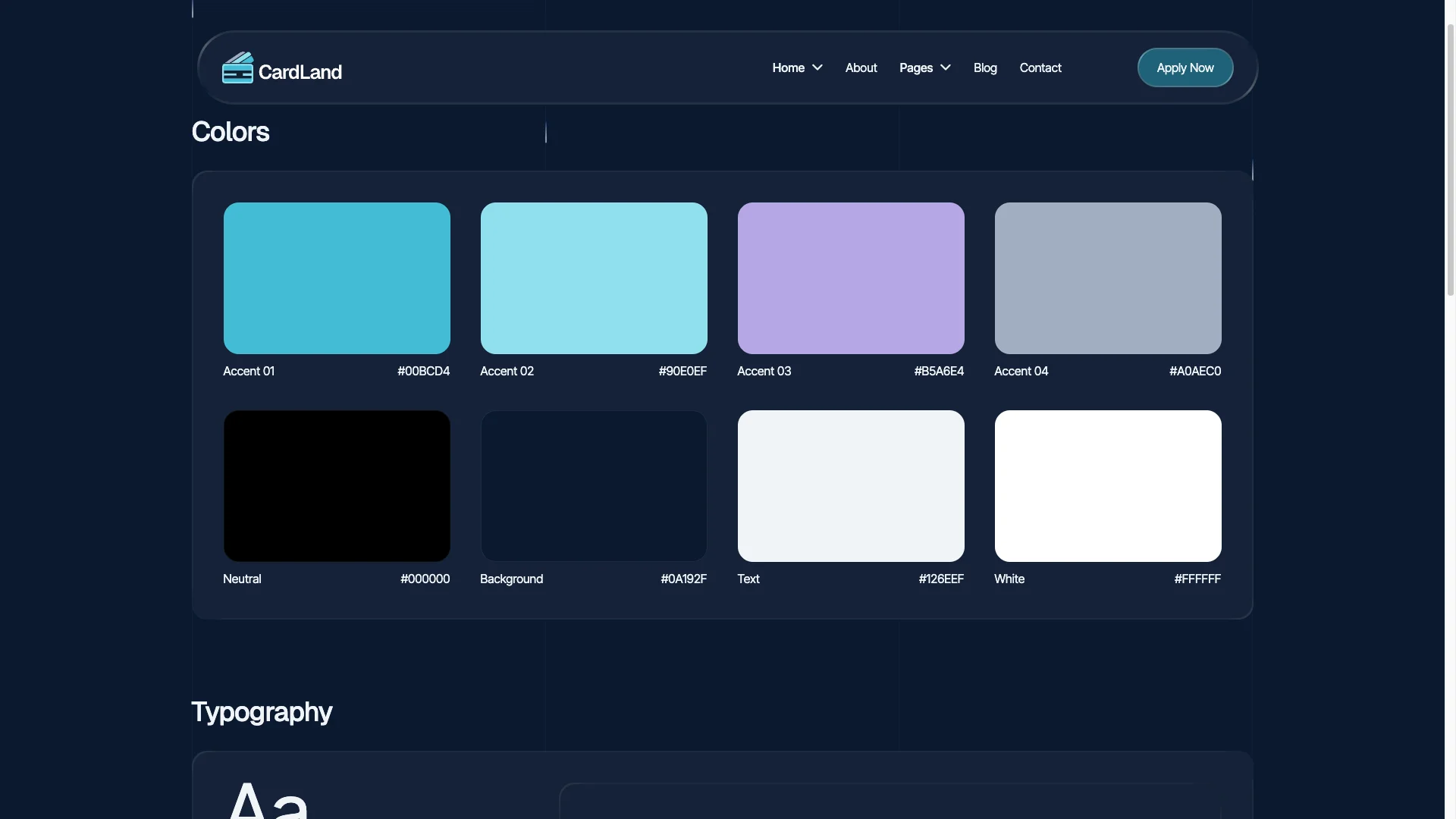
Style guide and easy edits. Colors, fonts and spacing come from a shared style guide page. So one change updates the whole site, and the dark palette stays consistent.
Animation and video sections. Subtle motion carries the card grid and the how it works steps. A video block gives you room for an explainer without adding page length.
Watch on YouTube
Prefer to see it move? The walkthrough below covers the pages, the CMS and the editing flow.
Pages Included in Cardland
- Home, which doubles as Landing Page 01
- Landing Page 02
- Landing Page 03
- Credit Cards listing
- Features
- Pricing
- About
- Blog
- Contact
- Card detail template (CMS)
- Blog post template (CMS)
- Blog category template (CMS)
- Style Guide, Instructions, License and Change Log
How to Use Cardland
- Use the purchase widget on the right side of this page to buy the Cardland template
- Open the project in Webflow and rename the site to your brand
- Swap the demo copy, logos and card artwork for your own
- Load your real card offers into the CMS collection
- Point the forms at your handler or CRM, then test a submission
- Check every breakpoint, then publish
What a Credit Card Site Needs to Convert
Card shoppers are cautious, and they should be. So the page that converts is rarely the prettiest one. It is the page that answers the annual fee question immediately, before the visitor goes looking for it elsewhere.
Three elements do most of the work. First, a comparison view that presents rewards, introductory rates and the annual fee together. Second, transparent eligibility criteria, so applicants are not declined after they have already committed their details. Third, credibility, which usually means named reviews alongside a visible security statement.
Performance matters too, because most card research happens on a phone over mobile data. However the biggest measurable lift usually comes from honesty about cost, since an undisclosed fee destroys the application at the final step.
One caution before launch. If you advertise cards in a regulated market, your rate and fee disclosures carry their own legal requirements. Cardland supplies the layout, however the compliance wording remains your responsibility.
Cardland Frequently Asked Questions
Which formats does Cardland ship in?
Cardland is available as a Webflow template, a Figma file and a static HTML build. Each format is sold separately, so pick the one you need in the purchase widget.
Do I get the Figma file with the Webflow purchase?
No. The Figma file is a separate product on this page. Buy it in the purchase widget if you want the design source.
How many landing pages does Cardland include?
Three. The home page works as Landing Page 01, and two further landing layouts ship alongside it. So you can run separate campaigns without rebuilding a page.
Does Cardland use the Webflow CMS?
Yes. Card offers, blog posts and blog categories are all CMS collections. When you add a card, the listing and the detail page update on their own.
Can Cardland be used for a loan or insurance product?
Yes. The demo copy talks about credit cards, however the structure of compare, qualify and apply suits any priced finance product. Rename the CMS fields and the layout still holds.
Is the dark theme fixed?
No. Cardland ships dark by default, but colors come from the style guide page. Change the values there and the whole site follows.
Every Cardland purchase includes TNCFlow support and free updates. So if a section does not behave, ask us and we will help.
Check out other Webflow templates by TNCFlow.
Featured in our guides: Webflow finance templates, dark mode Webflow templates and Figma website templates.



Select template
Choose one or more options for your build
