

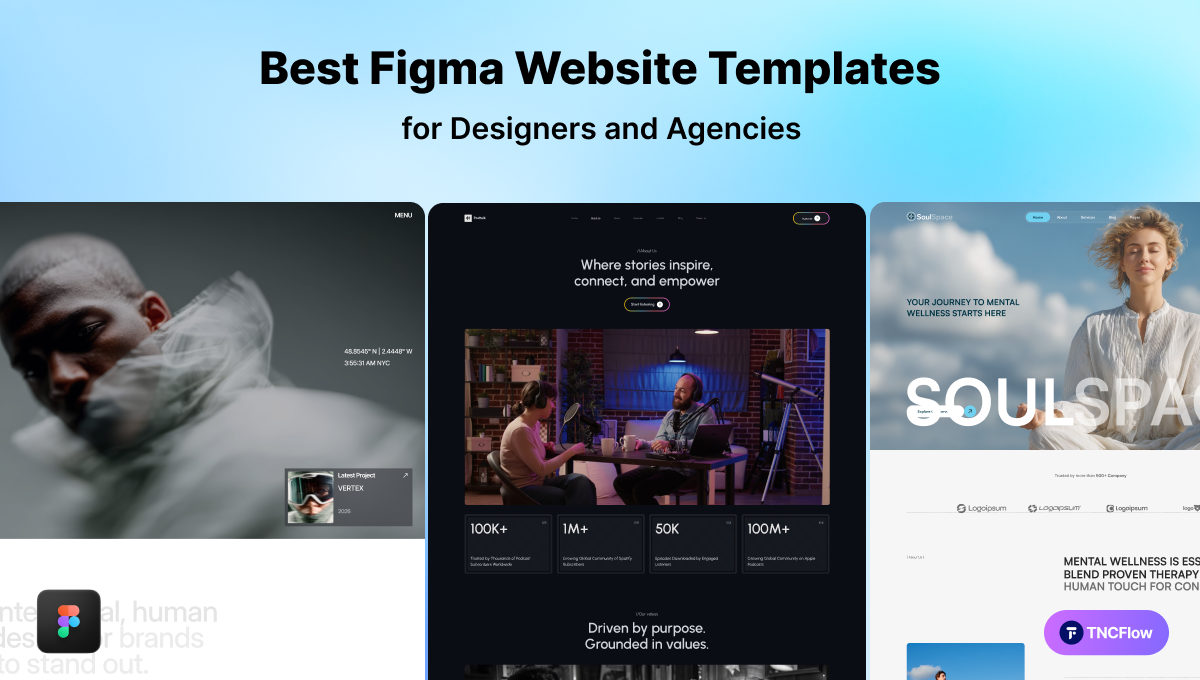
A client needs a website quickly. You open Figma, and an hour later you are still building the basic layout and page structure rather than designing anything. That setup work is identical on almost every project, which is exactly what makes it worth skipping.
A pre-built Figma template gives you that foundation already assembled, so you start at customisation instead of at a blank canvas. This guide covers what Figma templates actually are, what separates a good one from a liability, the Figma files in the TNCFlow catalogue, and how to customise one properly.
What Are Figma Website Templates?
Figma is a browser-based design tool used by designers and product teams, with real-time collaboration built in. Nothing to install, and several people can work in the same file at once.
A Figma website template is a pre-made design file: ready-built page layouts, components and styles. You open it, change the colours, fonts and content, and you have a designed website ready to hand to a developer.
One thing to be clear about up front: a Figma file is a design, not a working website. It does not run in a browser, it has no CMS, and it cannot be published as-is. Turning it into a live site means either building it yourself, handing it to a developer, or buying the matching Webflow build of the same design. Every Figma template below has a Webflow counterpart for exactly that reason.
Why Figma Website Templates Are Valuable for Businesses
Templates are no longer just a designer’s tool. They are used by:
- Startup founders who need a polished prototype in front of investors quickly.
- Marketing teams producing campaign landing pages.
- Agencies running several client projects at once.
- Freelancers who want to deliver professional work faster.
Why they work
- Speed. The layout, grid and component work is already done, which is the part that eats the most time and produces the least differentiation.
- Prototyping. Many include clickable flows, so you can demonstrate how a site behaves before anyone writes code.
- Consistency. Colours, type and spacing arrive as a defined system rather than as decisions you make repeatedly.
- Cost. Considerably cheaper than commissioning a full design phase, which matters most when you are validating rather than scaling.
- Collaboration. Figma is cloud-based, so clients and developers can view and comment in place instead of exchanging files.
Key Features to Look for in a Figma Website Template
Not every template is worth opening. Check for these before you commit:
- Clean, organised layers. Clearly named layers and groups. This is the single biggest predictor of whether editing will be pleasant or miserable, and it is easy to check before buying.
- Auto Layout throughout. Elements that resize as content changes. Without it you are manually nudging things every time a headline gets longer.
- A real component library. Reusable buttons, cards, navigation and forms, so a change propagates instead of needing repeating.
- Editable styles. Colour and type defined as styles or variables, so rebranding is one change rather than two hundred.
- Responsive frames. Desktop, tablet and mobile artboards actually designed, not just a desktop file you are expected to adapt.
- Multiple page layouts. Home, about, services, pricing, contact and article pages in one file.
- Prototype screens. Clickable flows that show how users move through the site.
Best Types of Figma Website Templates for Different Needs
SaaS and Tech Startup Templates
Built for software companies and apps: feature sections, pricing tables, strong hero statements and testimonial areas, with a clean look that establishes credibility quickly.
Agency and Portfolio Templates
For studios and freelancers whose work has to carry the page. Large image grids, case-study layouts and team sections.
E-Commerce Templates
Product listing pages, product detail pages, cart and checkout flows, designed to move someone from browsing to buying without confusion.
Corporate and Business Templates
For consulting, finance, legal and healthcare. Neutral palettes, structured layouts and clear calls to action that signal reliability.
Blog and Content Site Templates
Clean reading layouts, category pages, featured post sections and author profiles, for businesses that run on content.
Landing Page Templates
For a single campaign, product launch or lead-gen page rather than a full multi-page site, see our Figma landing page templates collection.
Best Figma Website Templates For Businesses In 2026
Each of these is a Figma design file. Where the description mentions CMS-driven sections such as archives or listings, that refers to the structure the design anticipates, delivered in the matching Webflow build.
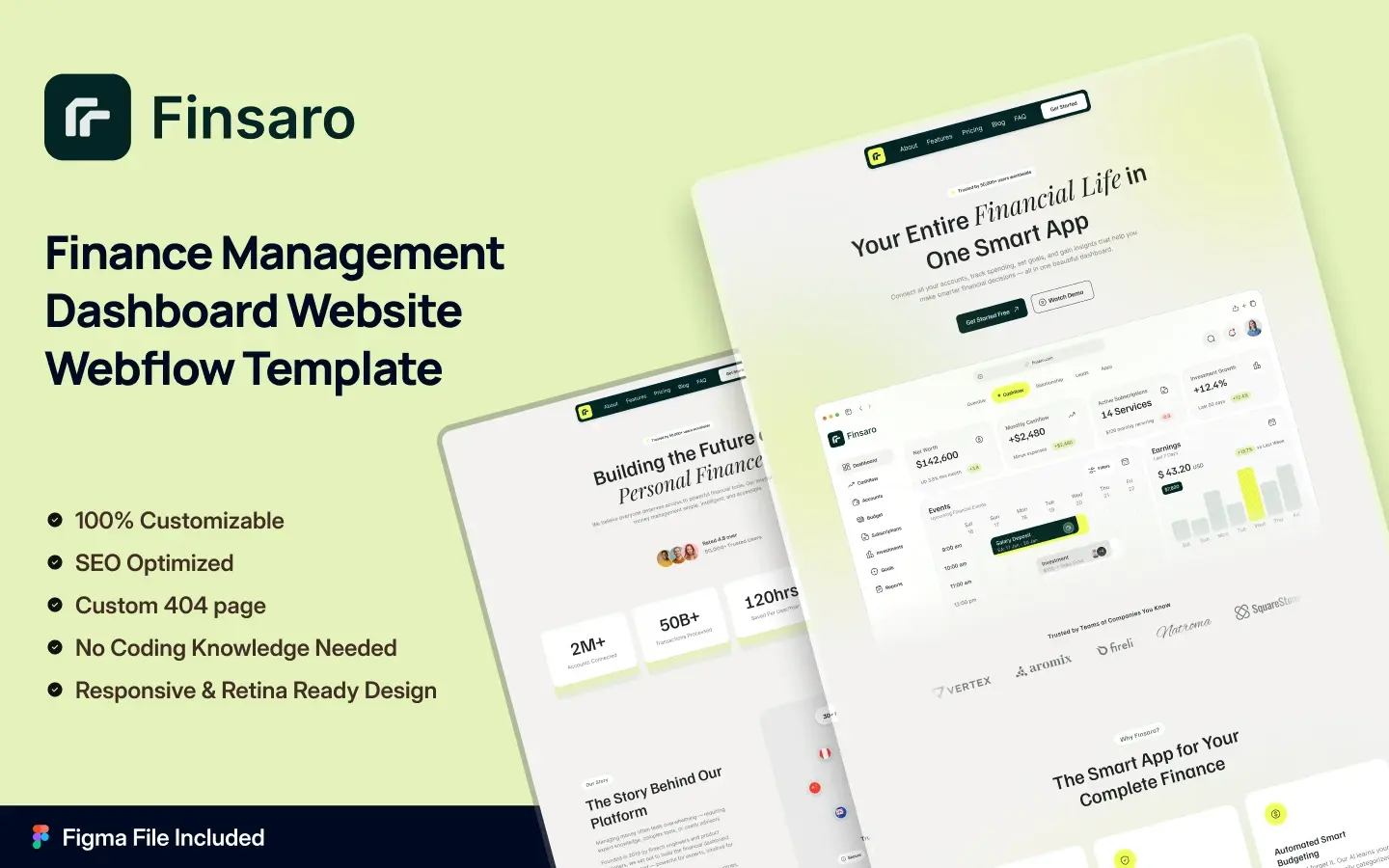
Finsaro
A modern design for finance SaaS platforms, fintech apps, banking tools and investment dashboards. Sharp layouts and clean typography, with the page structure a regulated financial product needs in order to explain itself clearly.
Best for: Fintech founders, SaaS teams, banking tools and investment dashboards.
SoulSpace
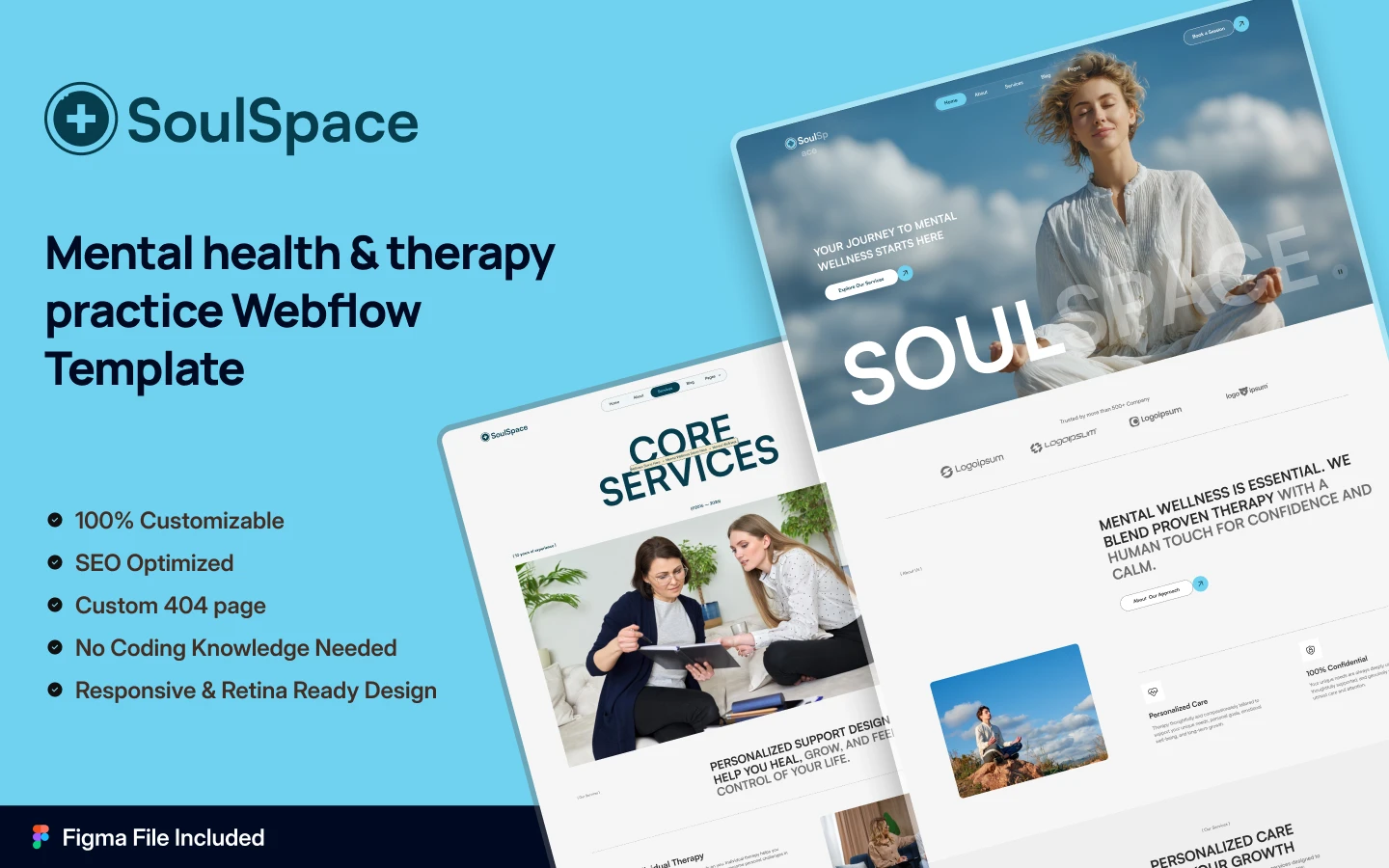
A calm, conversion-focused design for mental health practices, therapy centres, yoga studios and wellness coaches. Soft colours, spacious typography and unhurried pacing, which is the correct register for a category where visitors are often anxious.
Best for: Therapists, wellness coaches, yoga studios, meditation centres and wellbeing brands.
Multilingo
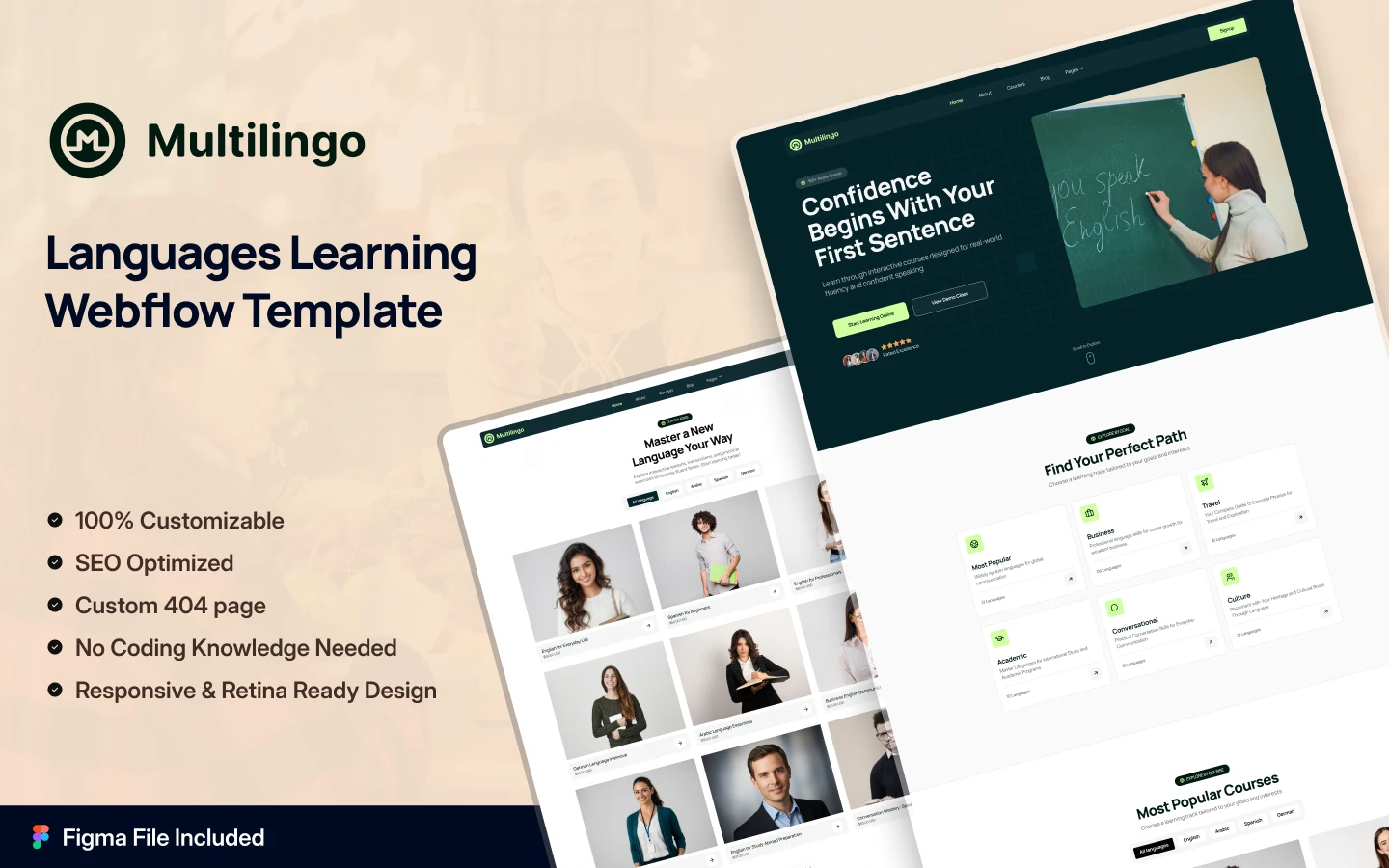
Built for language schools, tutors and course creators. Bold hero sections, filterable course archives, tutor profiles, pricing tables and enrolment forms, so a prospective learner can compare and commit in one visit.
Best for: Language schools, online tutors, course creators and training platforms.
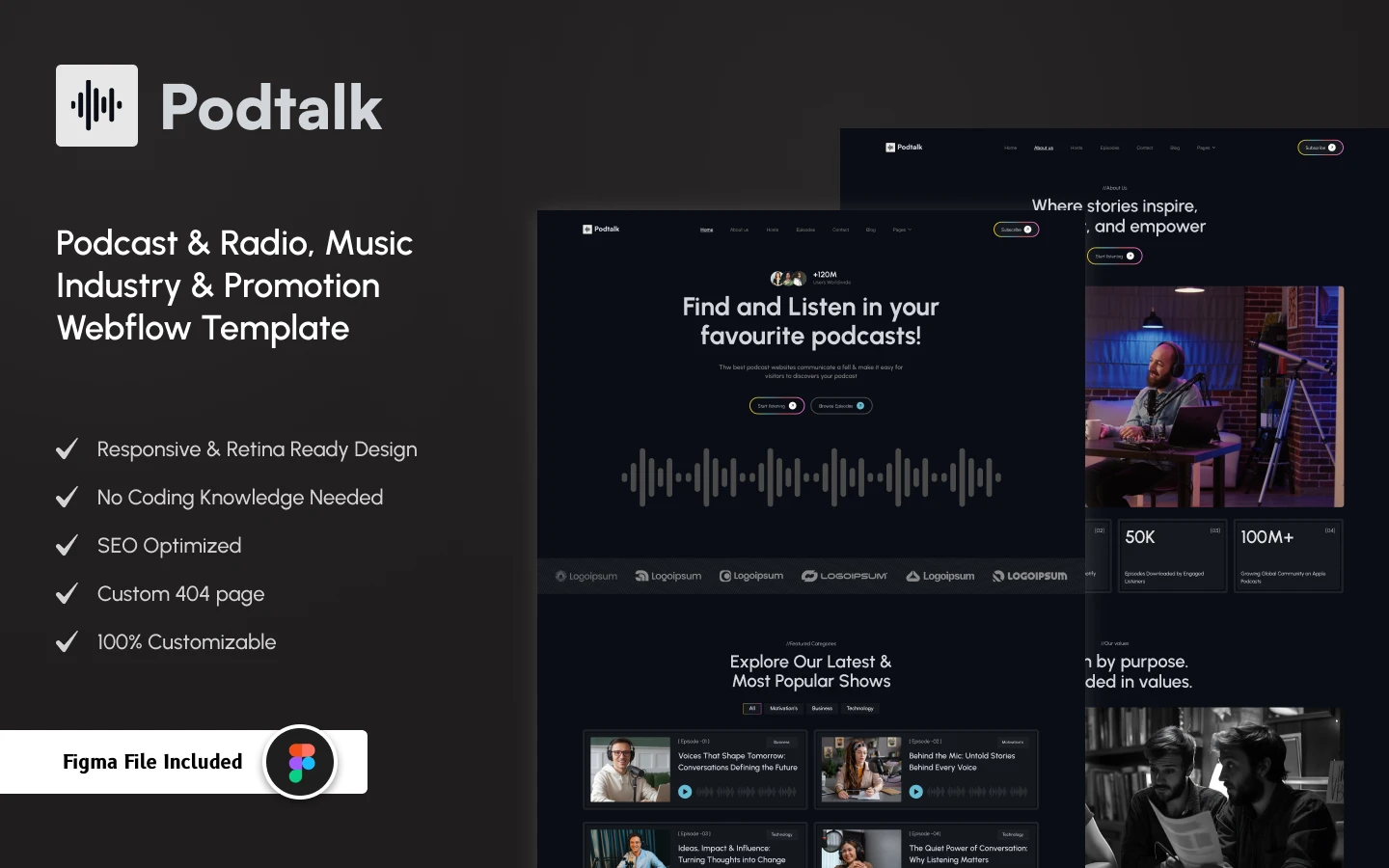
PodTalk
A dark, modern design for podcast hosts, radio stations and audio creators. Bold hero sections, filterable episode archives, host profiles, waveform treatment and newsletter capture.
Best for: Podcast hosts, radio stations, audio creators, podcast networks and music promoters.
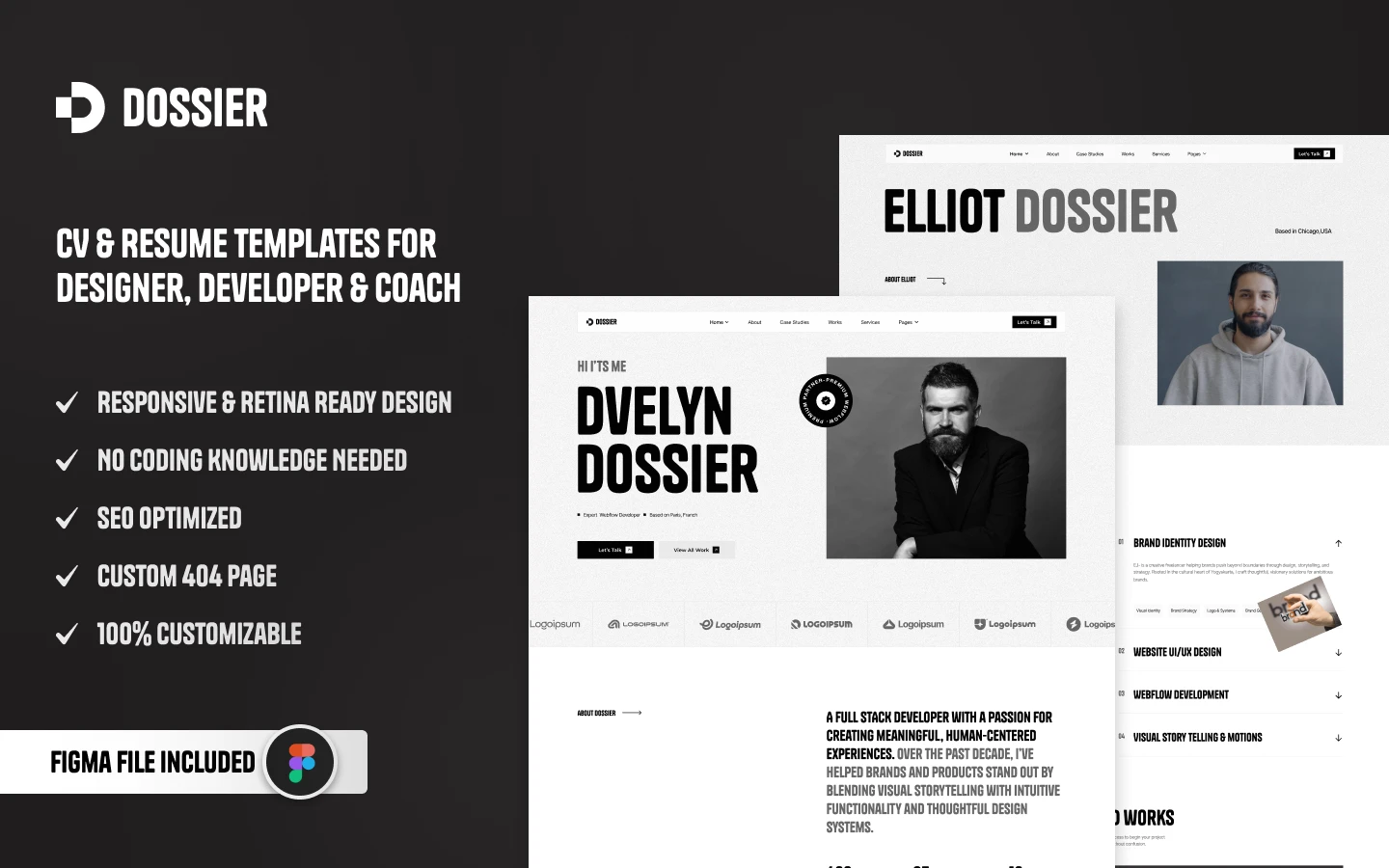
Dossier
Clean and minimal, for consultancies, law firms, PR agencies, accountants and research institutes. Three homepage options, bold hero sections, document previews, scroll animation and client logos, aimed at work that is presented as evidence rather than imagery.
Best for: Consultants, law firms, PR agencies, accountants, researchers, designers and developers.
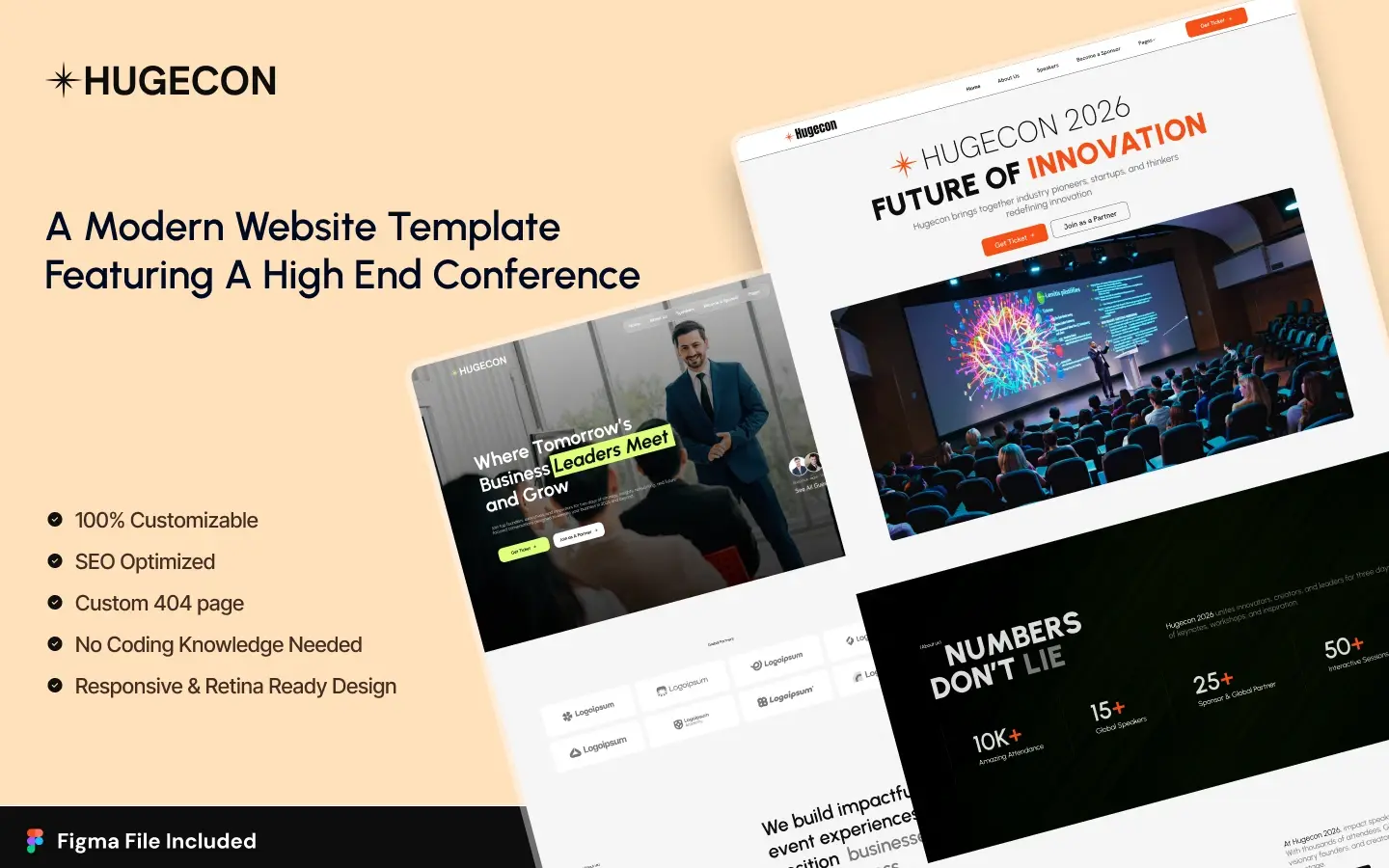
Hugecon
A premium design for conferences, summits, webinars and festivals. Three homepage variants, GSAP-ready animation, countdown timers, speaker carousels, schedule pages and sponsor showcases.
Best for: Event organisers, business summits, webinars, workshops, festivals and product launches.
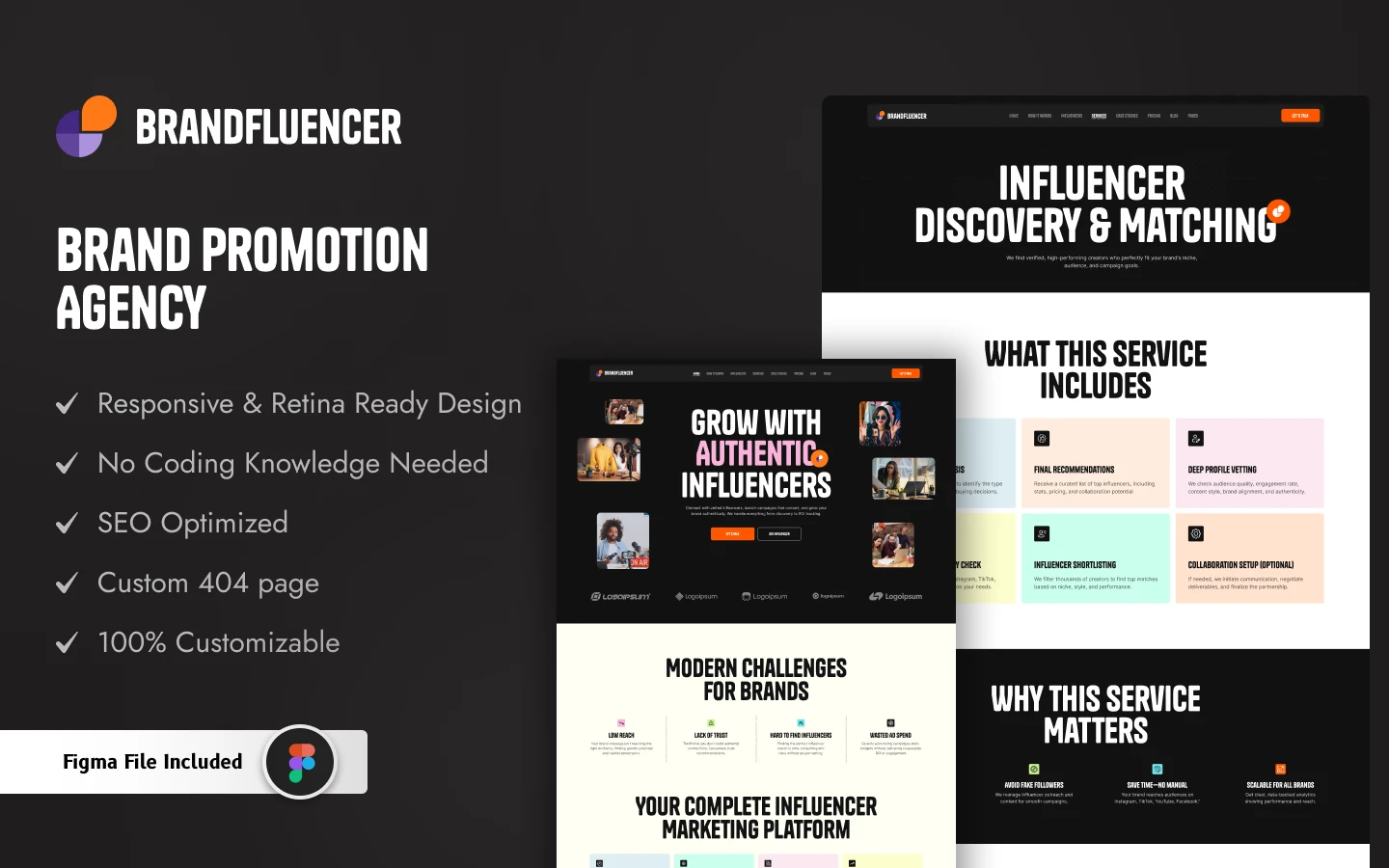
Brandfluencer
A bold design for influencers, personal brands and agencies. Three homepage variants, portfolio grids, service carousels, case studies, pricing pages and collaboration enquiry forms.
Best for: Influencers, models, creators, photographers, coaches and digital agencies.
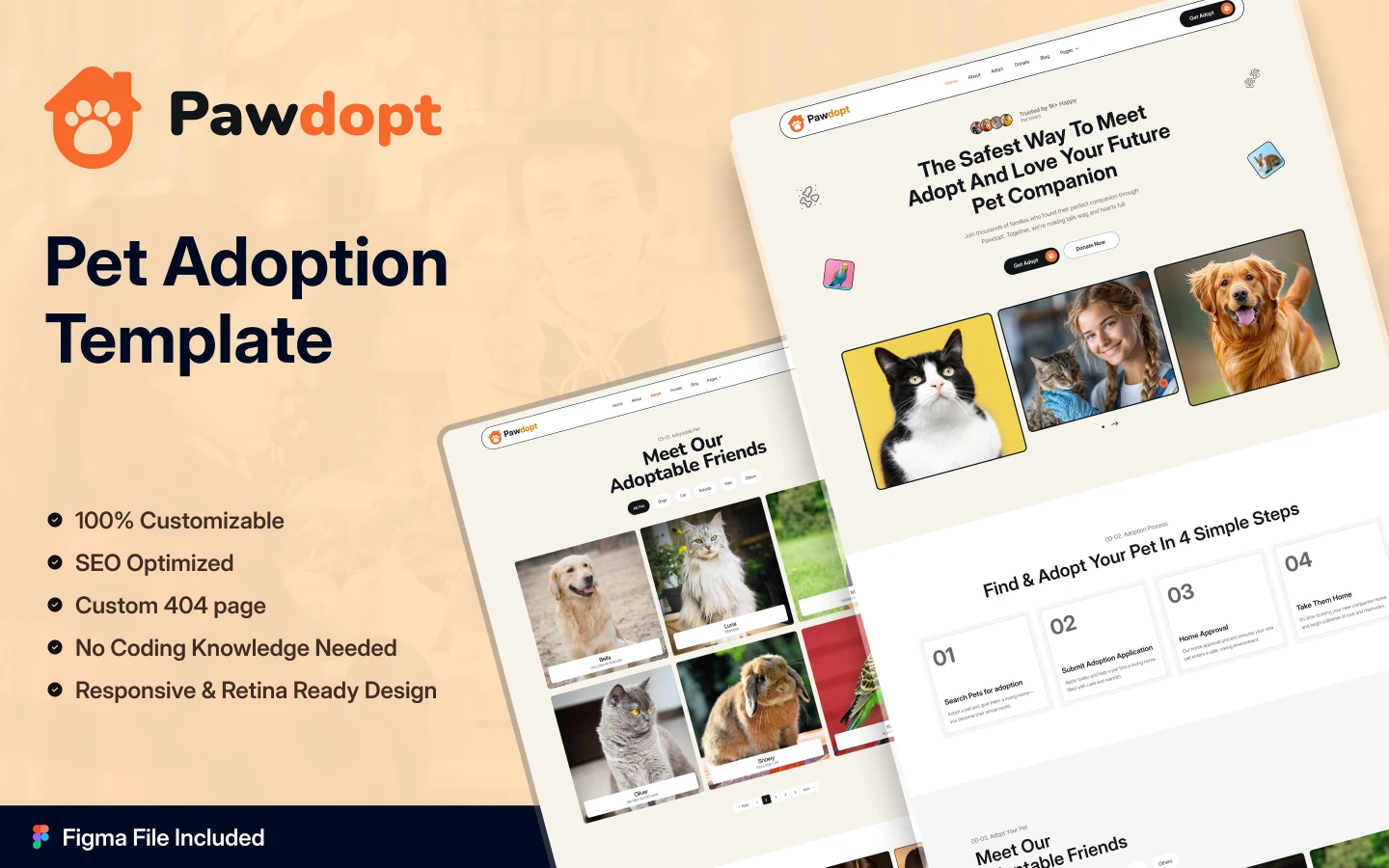
Pawdopt
A warm design for pet adoption agencies, shelters, vet clinics and grooming salons. Photo galleries, donation sections, booking forms and developed animation, balancing emotional pull with practical action.
Best for: Pet rescues, adoption agencies, shelters, vet clinics, pet shops and dog walkers.
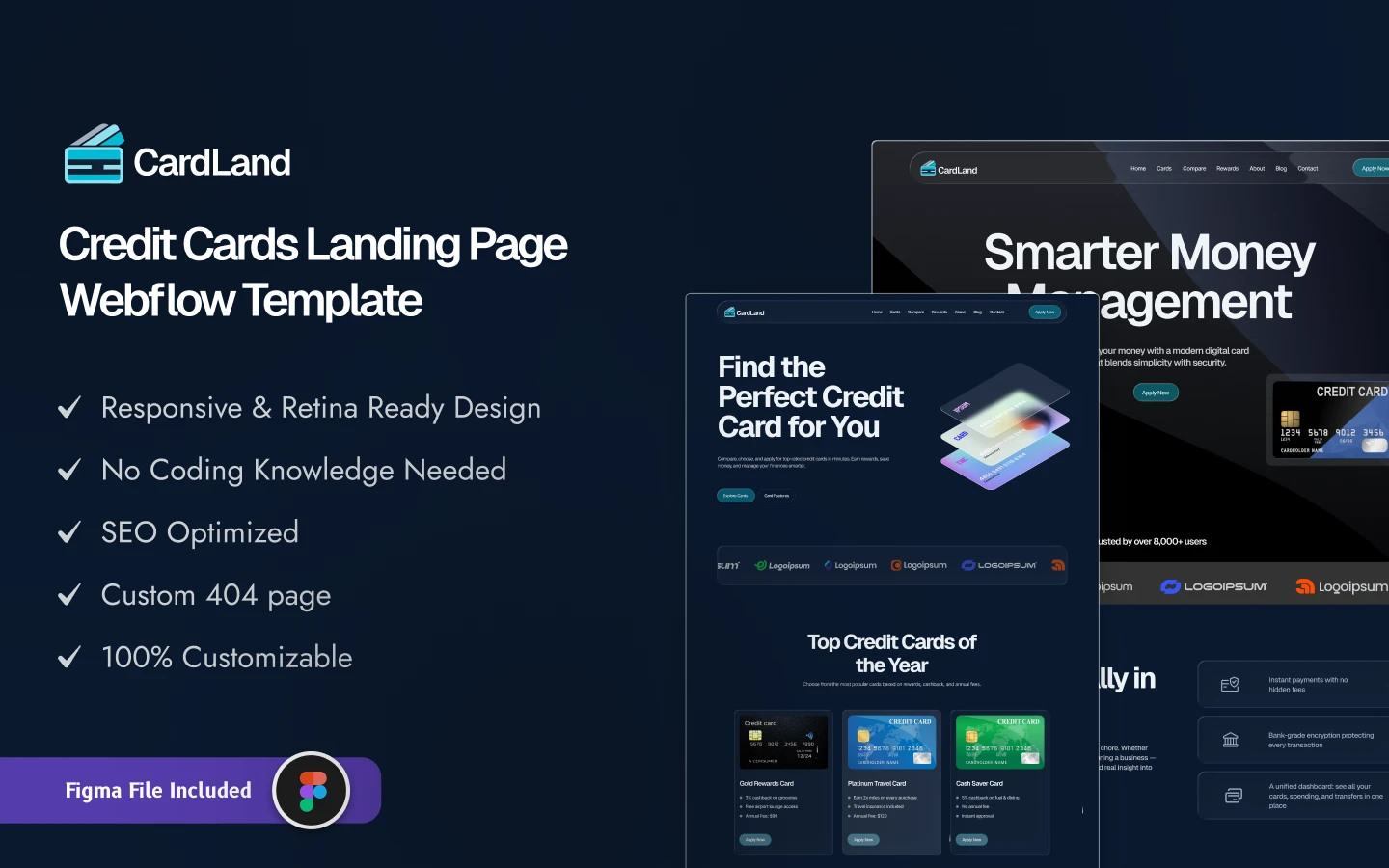
Cardland
A sleek dark-mode design for credit card issuers, banks and fintech firms. Three landing pages, an interactive reward grid, product pages, application forms and a mobile-first structure that makes complex products legible.
Best for: Credit card issuers, banks, fintech firms and financial marketers. Financial promotion is regulated in most territories, so have the copy reviewed before it goes live.
The full range is in the Figma templates collection, and every design is also available as a Webflow or HTML build.
How to Customize a Figma Website Template
- Duplicate the file. Always work on a copy, so you can return to the original when an experiment goes wrong.
- Update the colour styles. Change the primary and secondary colours at the style level and they update throughout the file. If they do not, the template was not built properly.
- Change the fonts. Swap in your brand typefaces and check the layout still holds; different fonts occupy different amounts of space.
- Replace placeholder images. Real photography of your team, product or premises builds more trust than any stock image.
- Edit the content. Replace headlines and calls to action with your own, focused on the customer’s problem rather than your feature list.
- Delete what you do not need. A shorter, focused page beats a complete one full of sections you have nothing to put in.
- Share for feedback. Figma’s sharing lets clients comment directly on the design without needing an account.
Common Mistakes to Avoid
- Not customising enough. A site that still looks like the demo will not distinguish you from everyone else who bought it.
- Ignoring mobile frames. Many templates are designed desktop-first. Check the mobile artboards are genuinely designed rather than squeezed.
- Choosing style over function. A striking design that hides the navigation is not doing its job.
- Forgetting the handoff. A design nobody can build is worth nothing. Confirm your developer has what they need, or take the Webflow build instead.
How Figma Templates Help Agencies Scale
For agencies, templates are less a shortcut than an operating decision. A solid library lets you take on more clients without hiring, and produce a polished first draft in hours rather than days, which speeds up approval as much as it speeds up production.
Many agencies go further and build their own: one strong template for a niche such as restaurants or law firms, reused across clients with light customisation. That is a legitimate and efficient model, and starting from a well-built commercial template is a reasonable way to get there.
Figma Templates vs. Website Builders
These are frequently confused, and the distinction matters commercially. A Figma template is a design file: a visual specification of what a site will look like. It does not run in a browser and cannot be published on its own.
A website builder such as Webflow produces a live, publishable site. Figma is for planning, presenting and agreeing a design before development. A builder is for getting that design online. Most projects want both, which is why these designs ship in both formats.
Frequently Asked Questions
Can I publish a Figma template as a website?
No. A Figma file is a design, not a site. To go live you either build it yourself, hand it to a developer, or buy the matching Webflow build of the same design. This is the single most common misunderstanding about Figma templates and worth being clear on before purchase.
Do Figma templates include a CMS?
No, and any listing claiming otherwise is describing the Webflow version. A design file has no database and no publishing system. What a good Figma template does include is the page structure a CMS-driven site needs, so the eventual build is straightforward.
Do I need a paid Figma account?
Figma’s free tier covers opening, editing and sharing a template for most individual use. Paid plans matter once you need team libraries, shared design systems and more collaborative editing, which is where agencies land.
How much do these templates cost?
A Figma design file is $30 on its own. A Webflow or HTML build including the matching Figma file is $59, and an All-Access Pass covering the whole catalogue is $299 a year. Details are on the pricing page, and there are free templates if you want to inspect the layer structure before buying.
Can I use one template for several client projects?
Licences are per project, so each client site needs its own. Agencies running several projects a year usually find the All-Access Pass works out cheaper than buying individually.
How do I hand the design to a developer?
Share the file with view access; Figma exposes measurements, colours and assets automatically. A template with clean layers and proper components makes this dramatically smoother, which is why layer quality is worth checking before you buy rather than after.
Can someone build the site for me?
Yes. Turning a Figma design into a live site is available through the development service, and you can request a quote with the design attached.
Final Thoughts
Figma templates save the part of design work that is repetitive rather than creative, which is exactly the right thing to automate. Choose on layer organisation, Auto Layout and component structure rather than on how the demo looks, because those determine whether the file is pleasant to work in.
Then be clear about what happens next: a design file is a starting point, not a website. Browse the Figma templates collection, compare against the full catalogue if you would rather have a buildable version, or look at the design and development services if you need the whole thing handled.