
PRO


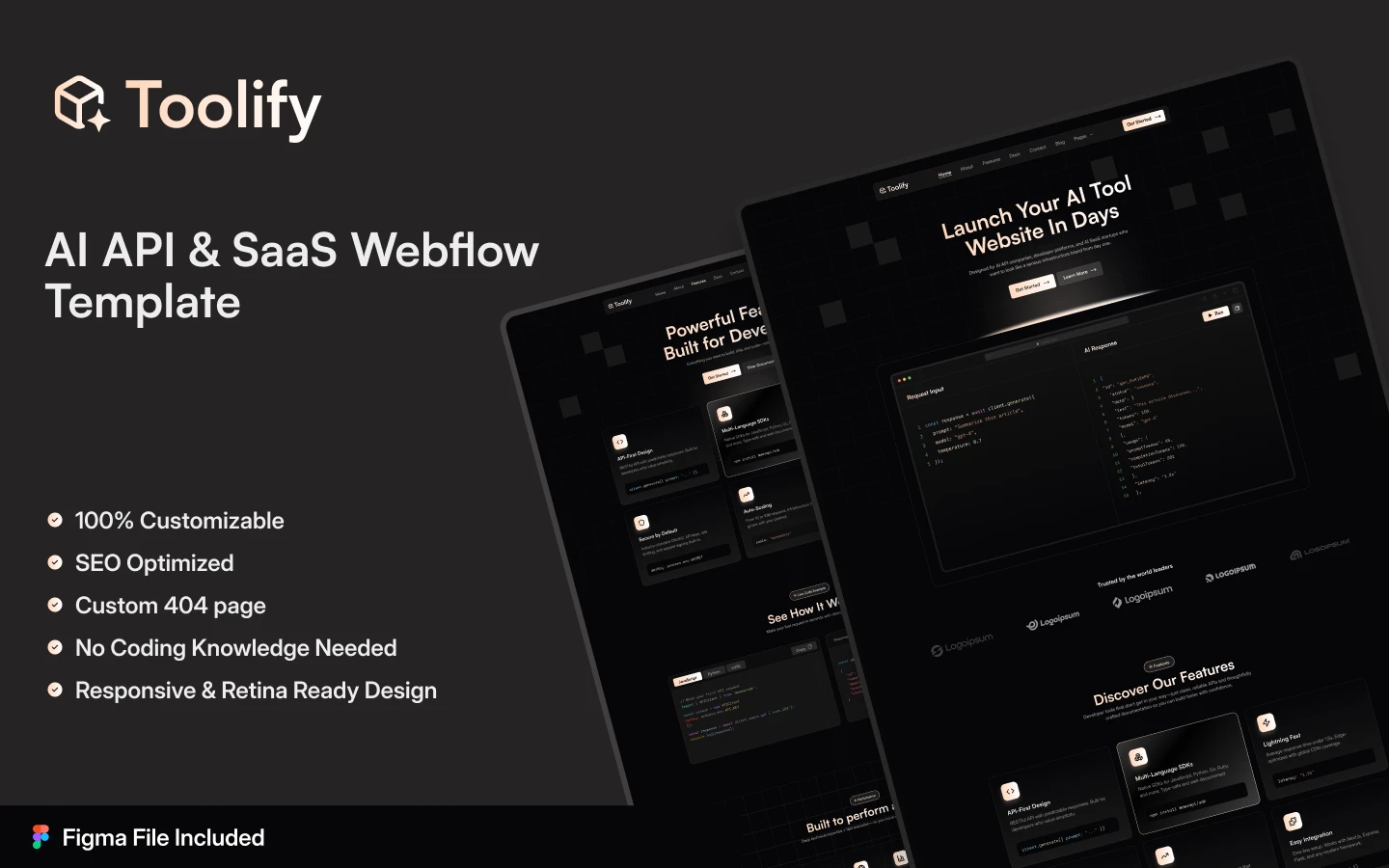
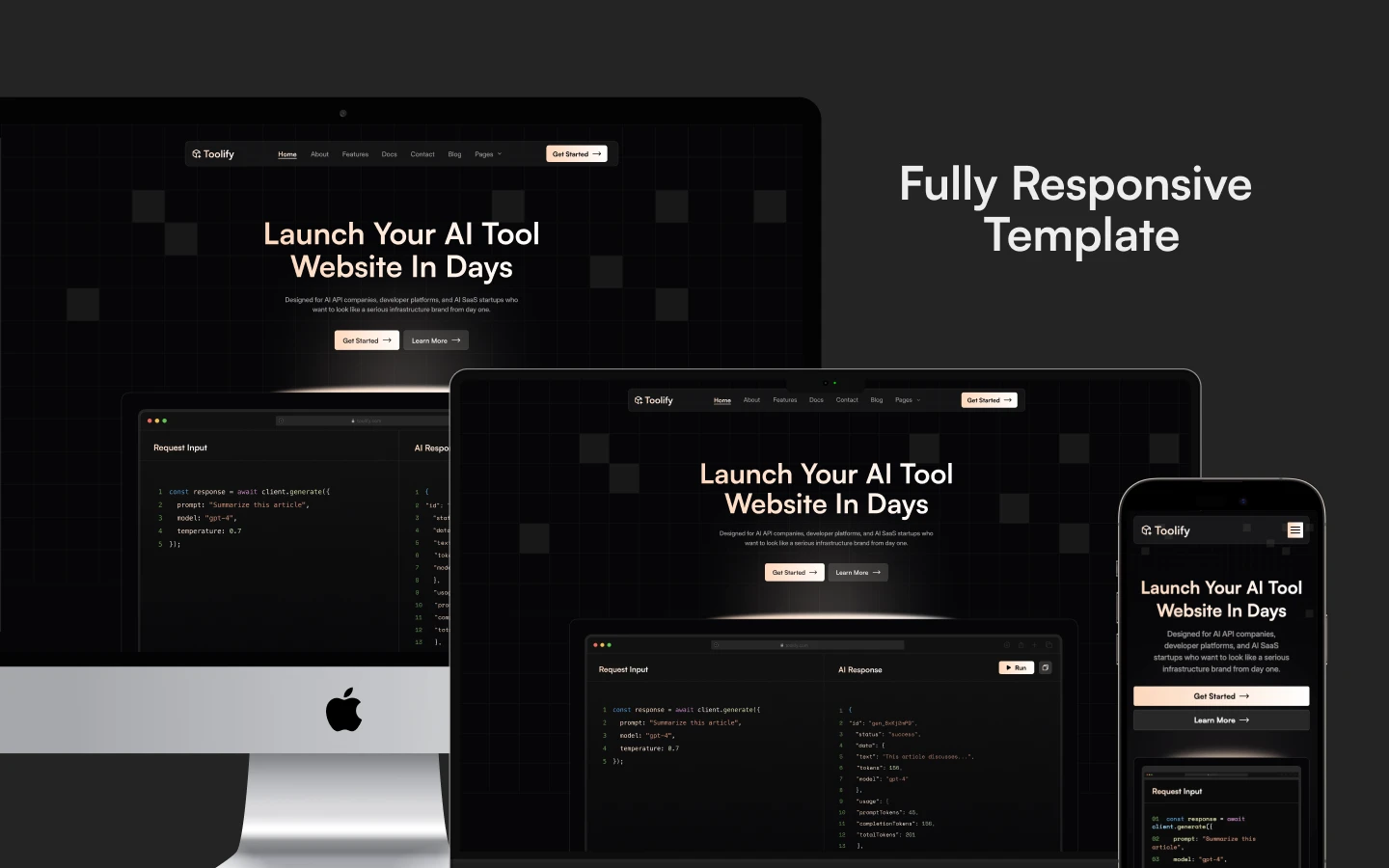
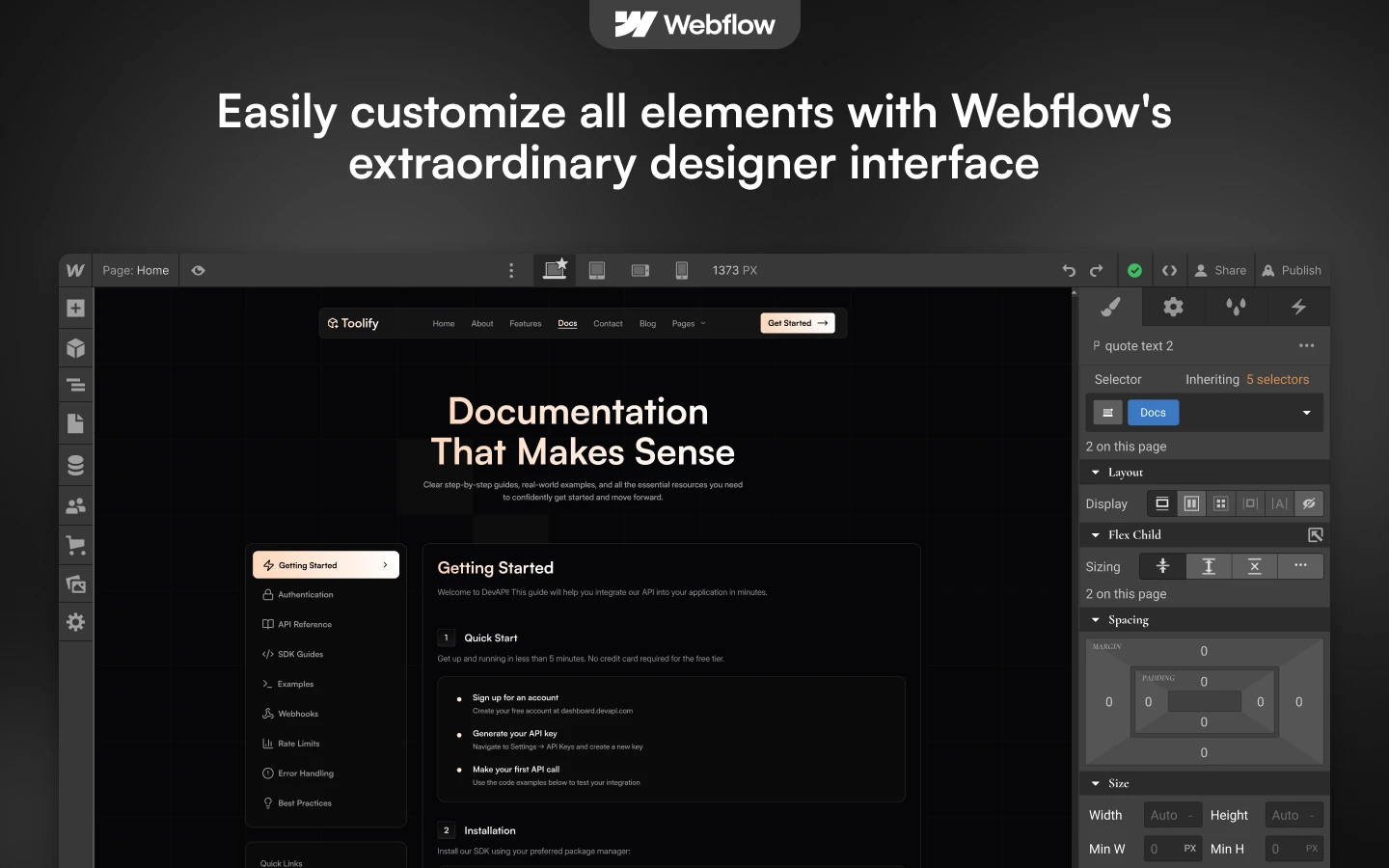
Toolify is a software website template for SaaS platforms, AI tools and developer utilities. It ships for Webflow, Framer, Figma and HTML.
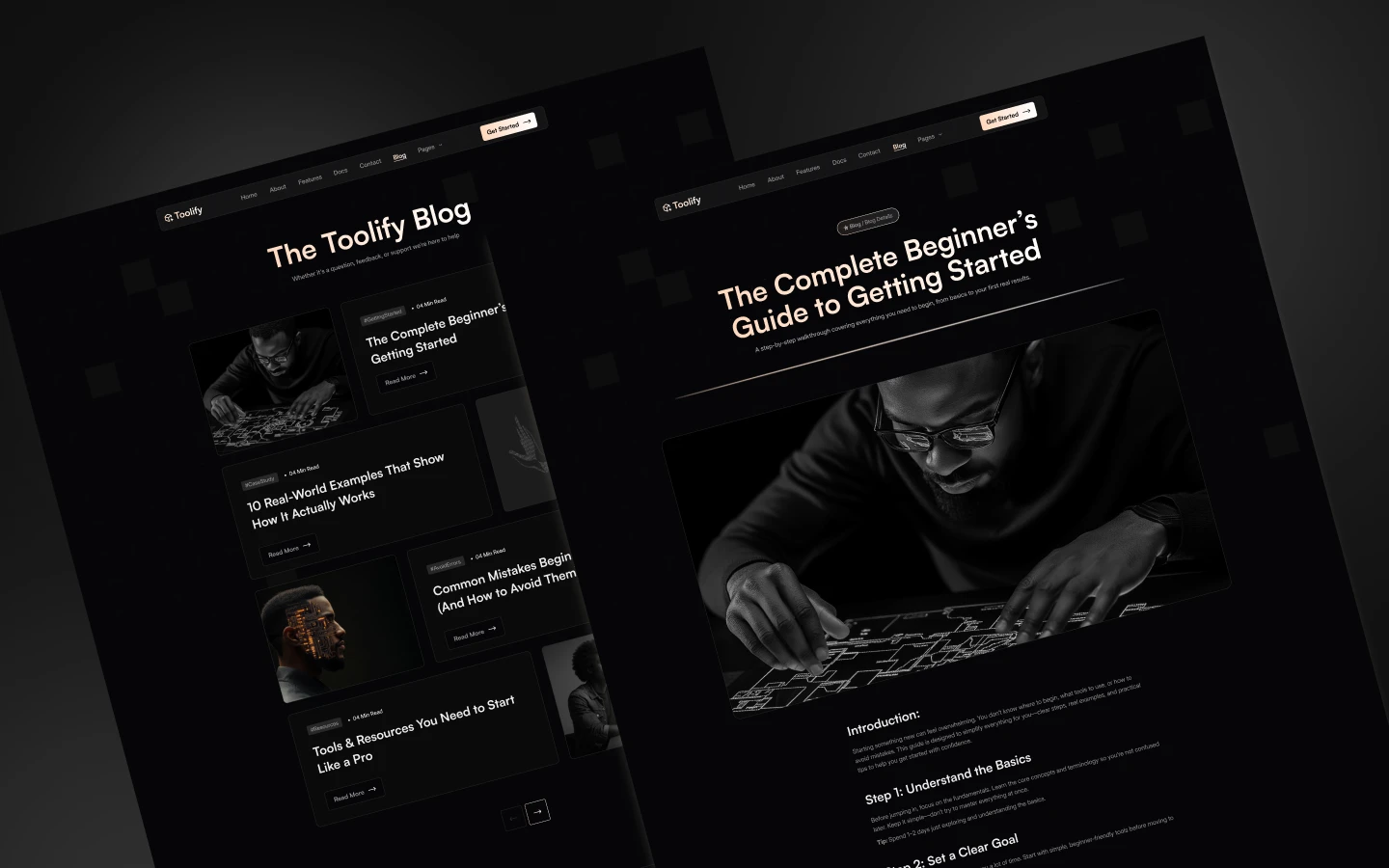
The build runs to 16 pages, so you get a home page, a features page, pricing, documentation, a blog and every utility page a launch needs. Because the blog and the content sections run on Webflow CMS, new posts and plans publish without any manual page building.
The theme is dark, and each section has one job. The hero states what the tool does, then features, use cases, integrations, pricing and testimonials follow in the order a technical buyer evaluates them. However, nothing shouts, so the tone reads like documentation rather than advertising.
Explore the live preview now.
Toolify at a Glance
| Formats | Webflow, Framer, Figma and HTML |
| Best for | SaaS platforms, AI tools, developer utilities, API products, browser extensions, dashboards |
| Pages | 16 |
| CMS | Webflow CMS, driving the blog and the editable content sections |
| Theme | Dark, with a compact dashboard style layout |
| Responsive | Yes, on desktop, tablet and mobile |
| Support | Included, direct from the TNCFlow team |
Who Should Choose Toolify?
Toolify suits any team selling something technical. So it fits SaaS platforms, AI and LLM products, browser extensions, API products, analytics dashboards, automation suites, no code builders and developer tooling. Because the layout leads with the interface, it works best when you actually have screens to show.
Key Features of Toolify
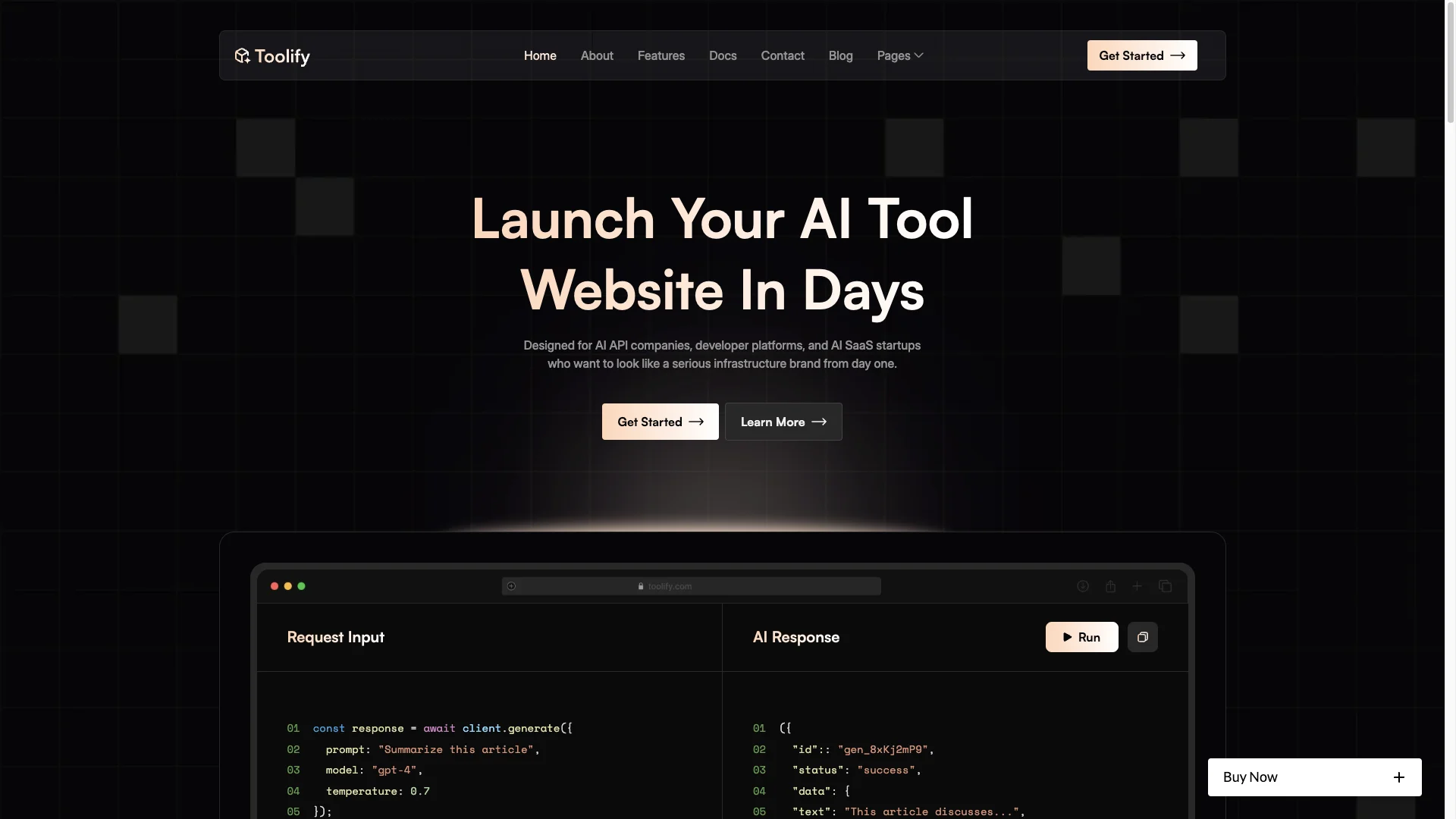
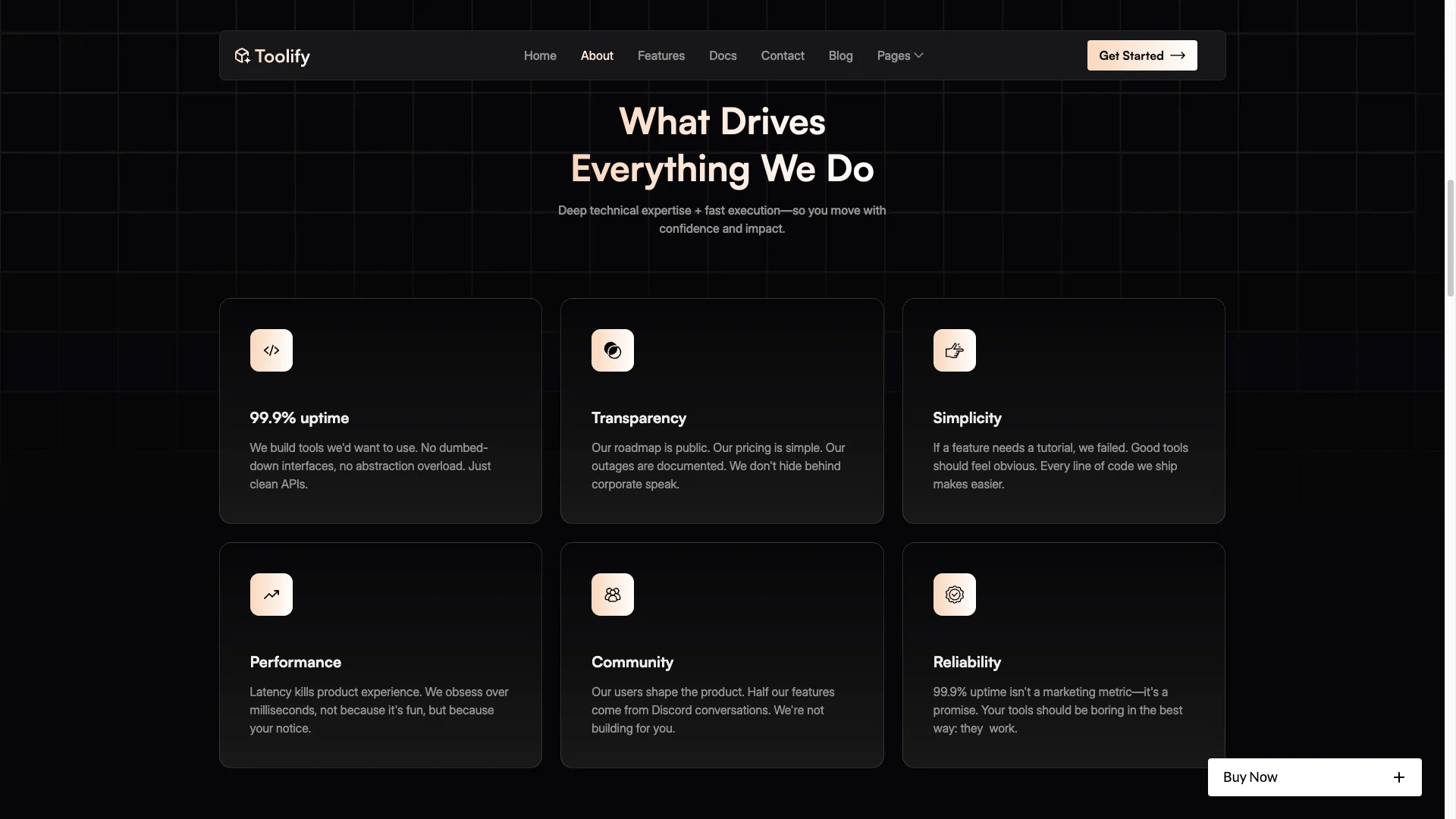
Dashboard Style Design: The layout uses compact sections, bold headlines and restrained gradients on a dark surface. Because it borrows the shape of a real product interface, the site reads as software rather than marketing.
CMS Powered Content: The blog and the editable content sections run on Webflow CMS. So you update plans, feature descriptions and posts in the editor, and every listing that references them updates at the same time.
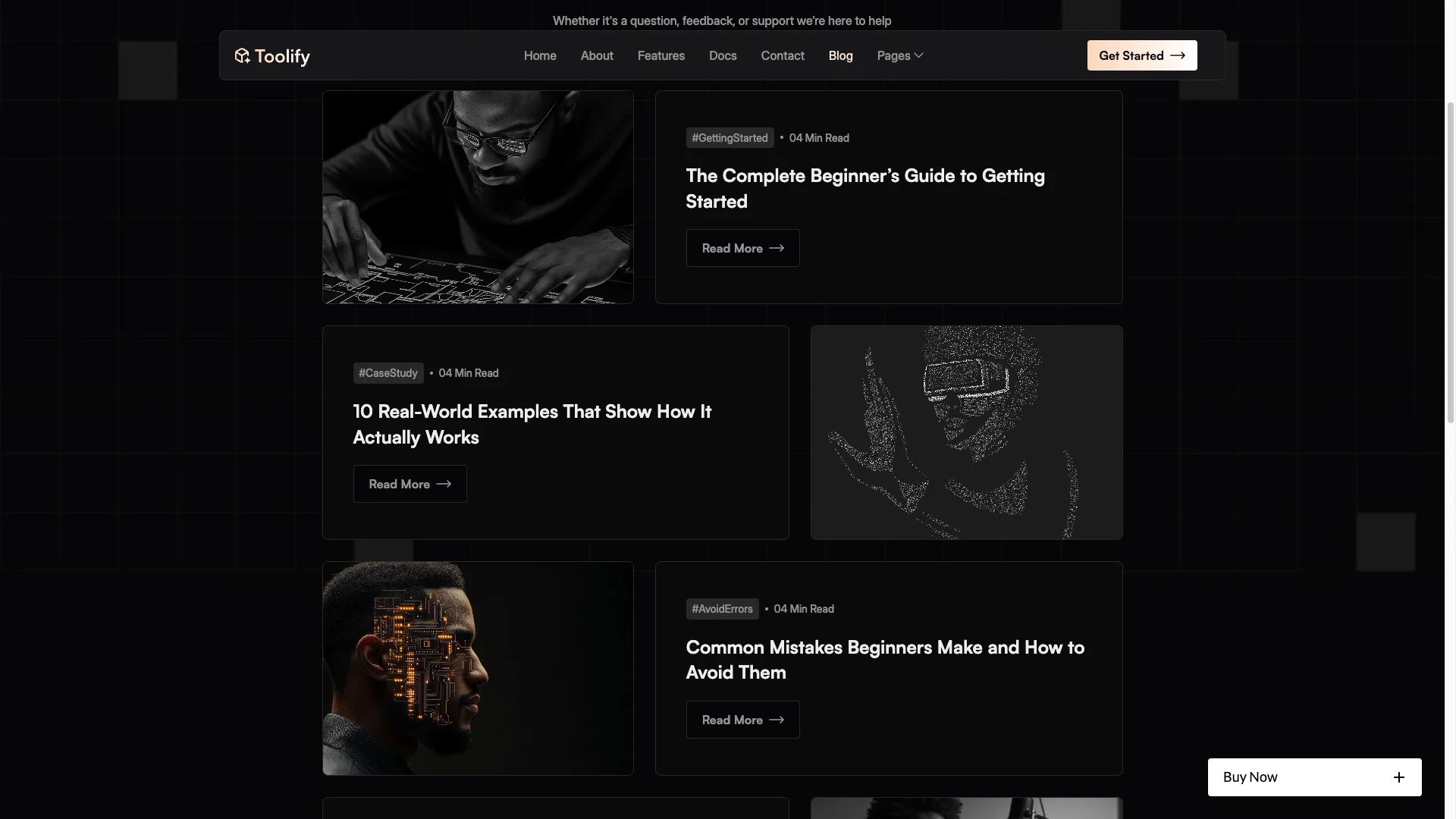
Homepage Buyer Journey: The home page runs hero, product overview, features, use cases, integrations, testimonials and a closing call to action. Because that is the order a technical reader asks questions in, nothing needs rearranging on day one.
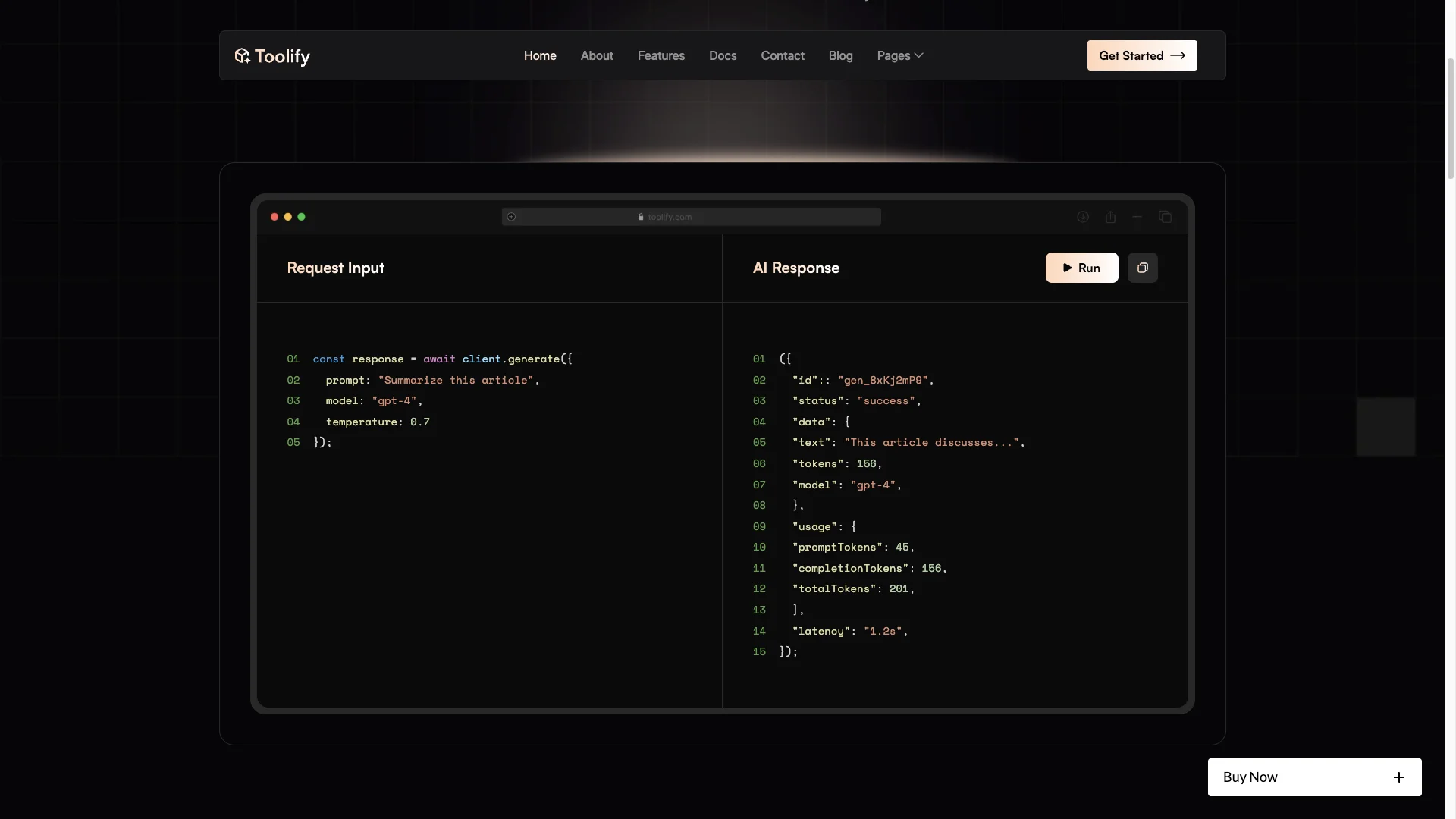
Syntax Coloured Code Blocks: Toolify ships with styled code blocks that carry line numbers and coloured tokens. So you can show a real request and a real response side by side. Most generic SaaS templates have nothing like it, and technical buyers notice.
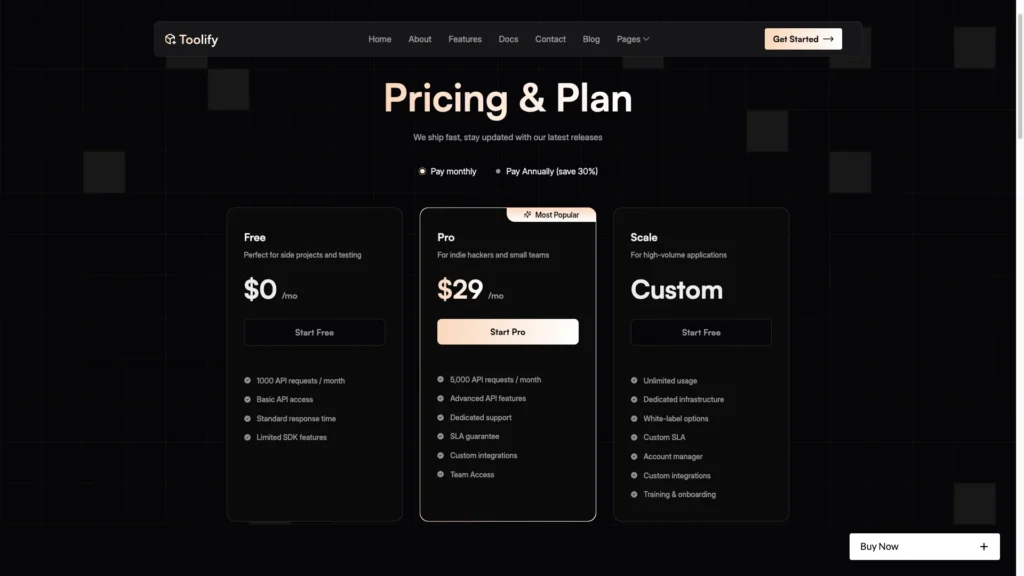
Pricing Page: A dedicated pricing page compares plans and switches between monthly and yearly billing. So a reader can size the cost without booking a call. You can run it as tiers, seats or usage.
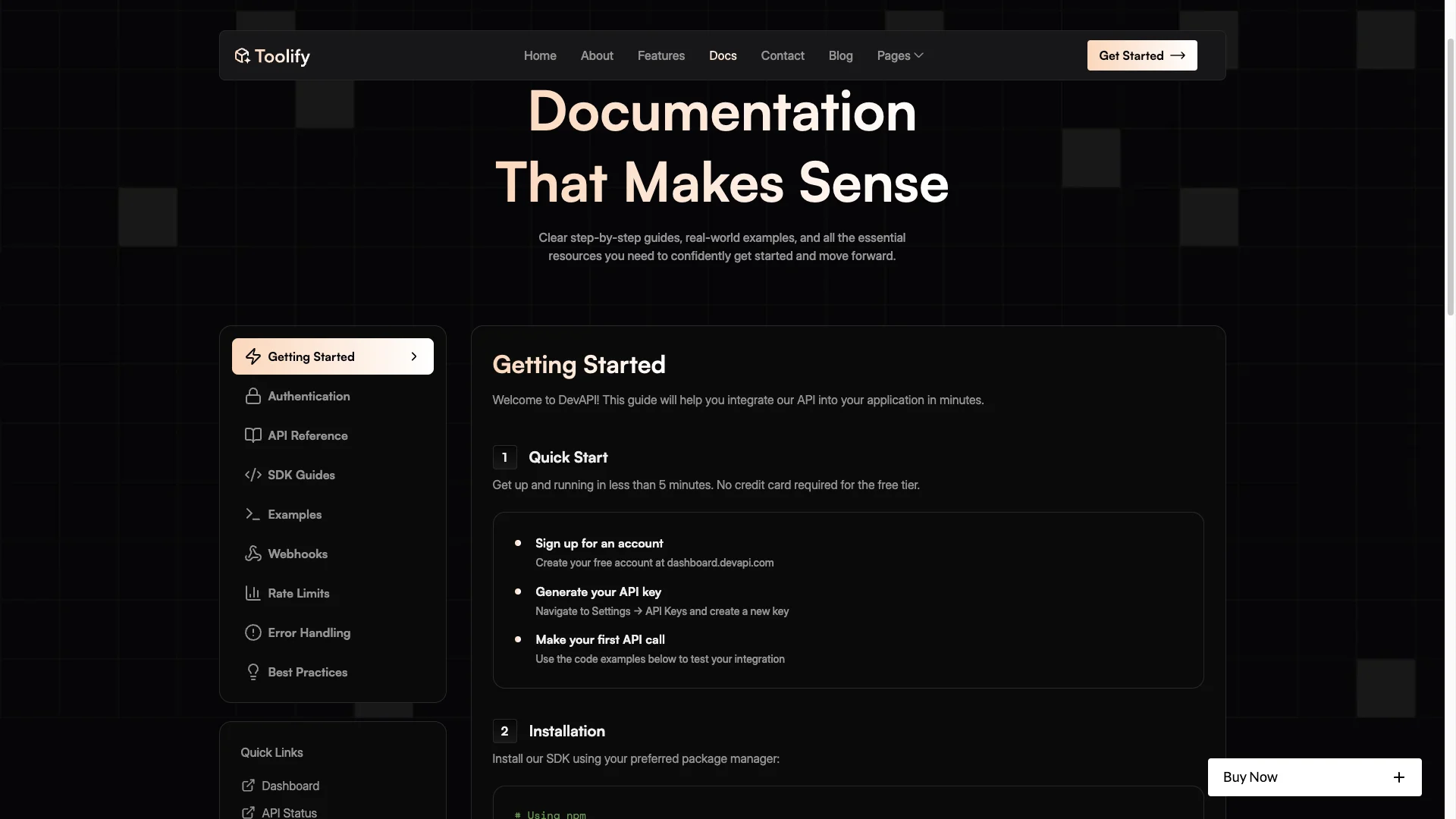
Documentation Page: There is a separate documentation page for workflows, onboarding and integration steps. Because complex software loses buyers at the setup question, answering it in public shortens the sales cycle.
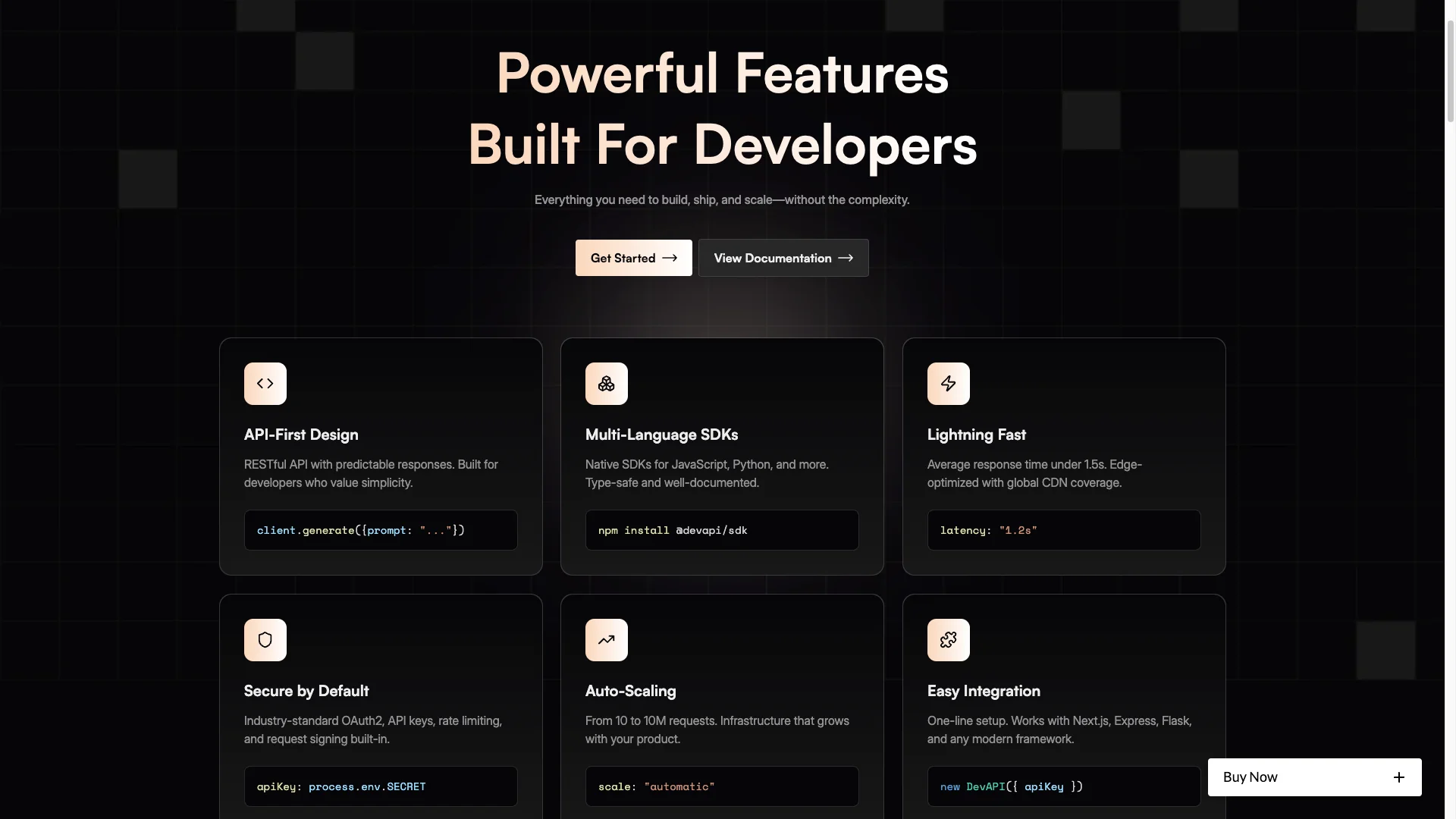
Features Page: A full features page carries icon grids, short descriptions and benefit led claims. So you can go deep without stretching the home page. Then the home page only has to tease.
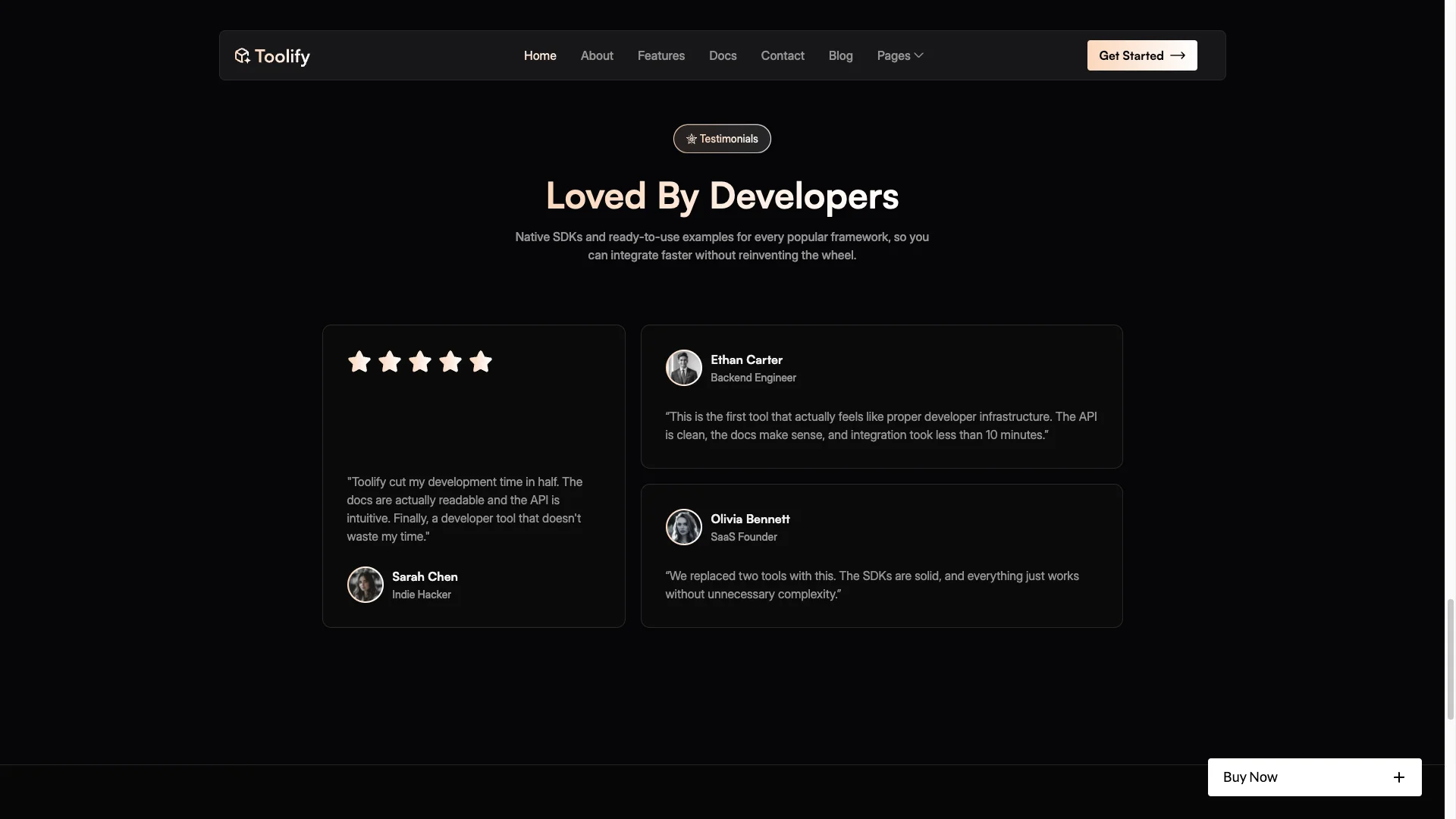
Testimonials and Logos: A testimonial section pairs avatars and short quotes with a company logo strip. So proof arrives exactly where doubt does, which is right after the pricing.
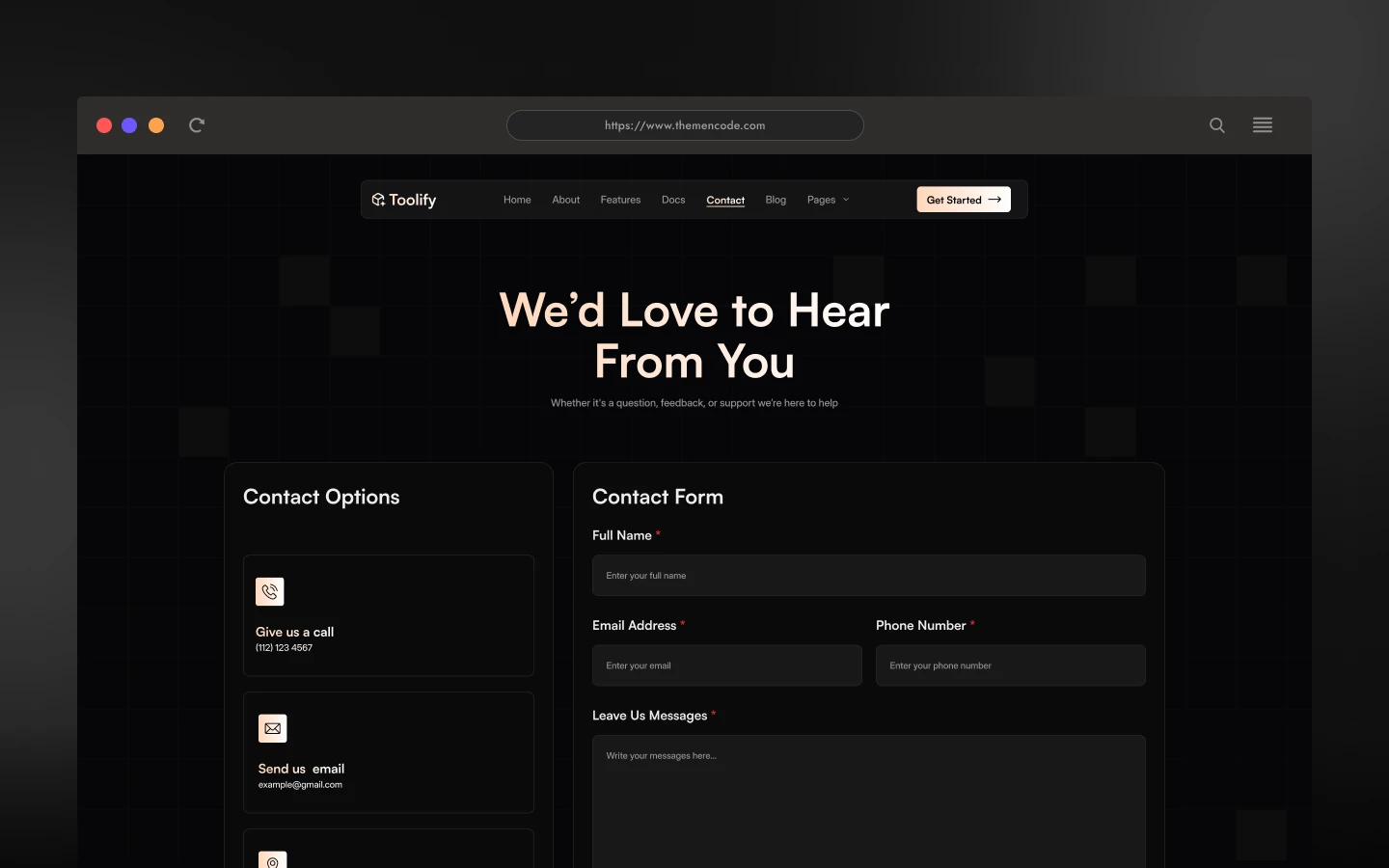
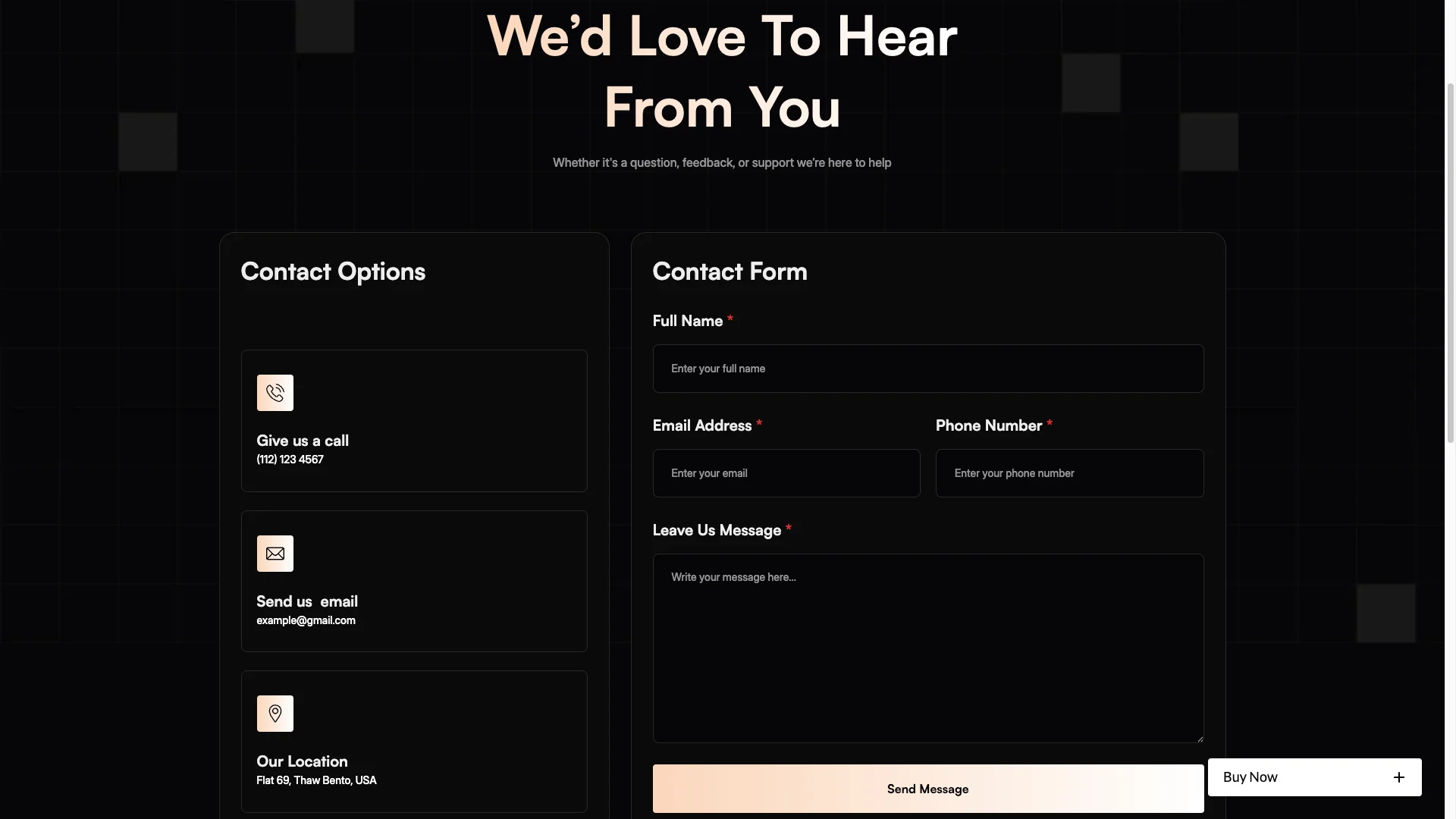
Contact Page: The contact page carries a form plus space for your email, phone and social links. So you can send readers to a trial, a demo booking or a support inbox from one place.
Responsive Across Devices: Every page is built for desktop, tablet and mobile. Because a dark interface can go unreadable at small sizes, the type and spacing were tuned for phones specifically.
Utility Pages: Toolify includes a style guide, an instructions page, licenses, two changelog layouts, an external link page, a privacy policy and a 404. So nothing is missing when you go live.
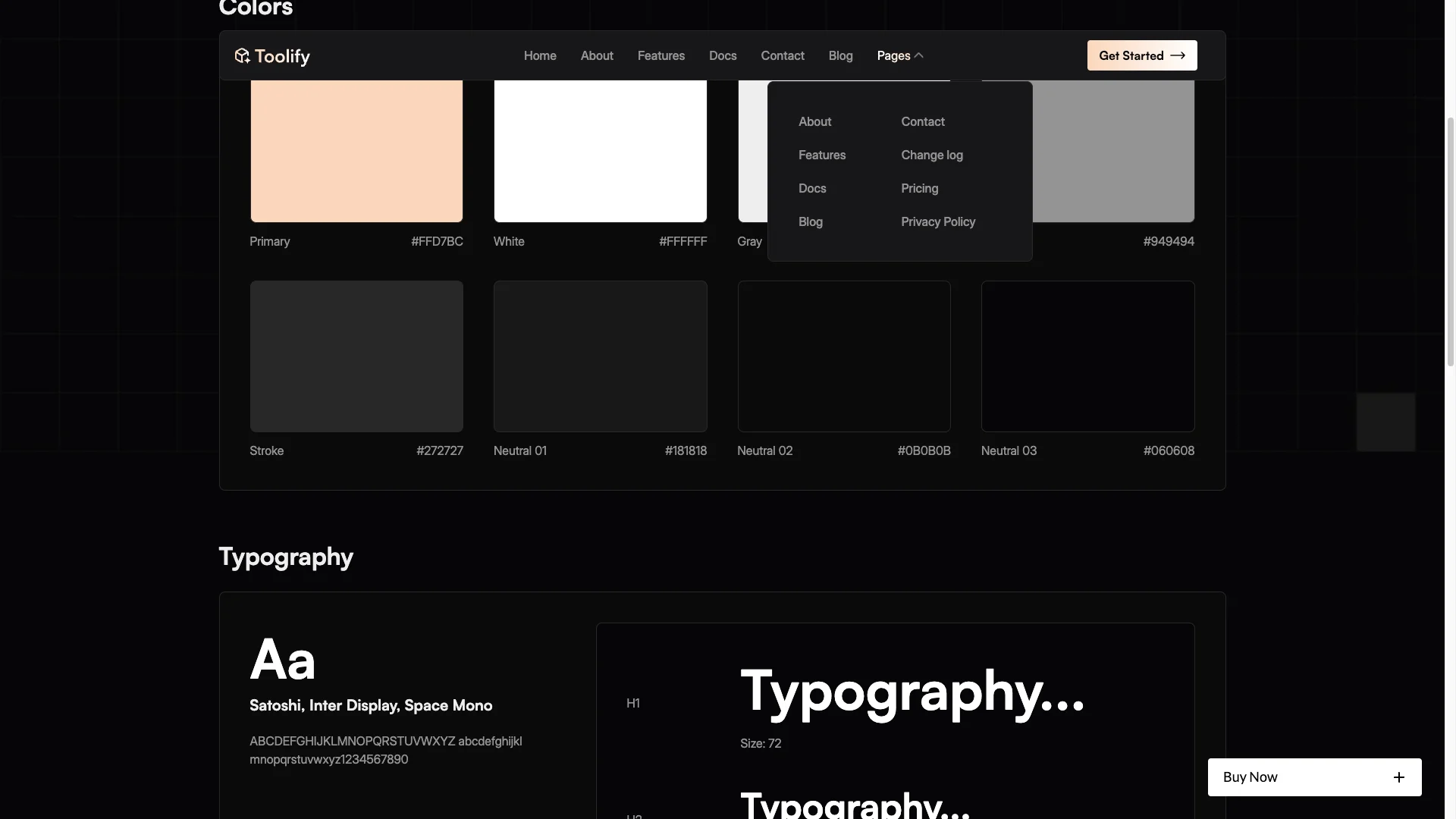
Watch on YouTube
The walkthrough below tours every page in the template, so you can judge the fit before you buy.
Pages Included in Toolify
There are 16 pages. The blog post layout is a CMS template, so it builds a page for every post you add.
- Home
- About
- Features
- Pricing
- Documentation
- Blog
- Blog Post Template
- Contact
- Changelog
- Privacy Policy
- Style Guide
- Instructions
- Licenses
- Change Log
- External Link
- 404
How to Use Toolify
Setup is short. Here are the steps.
- Use the purchase widget on the right side of this page to buy the Toolify template
- Follow the steps to get your site ready
- Edit the hero, the navigation and the brand story to match your product
- Add your plans, features, use cases and posts to the CMS collections
- Swap the demo code samples for real requests from your own API
- Preview, then publish
What a Software Site Has to Prove
Technical buyers are unusually hard to persuade with copy. They skim, they open the docs, and they decide before they ever read your hero twice. So the site has to be honest quickly.
First, show real code. A screenshot of an actual request and its response answers more questions than a page of adjectives ever will. Because Toolify already carries code block styling, that is a copy and paste job.
Second, publish the docs in public. A gated documentation page reads as a warning sign, and it stops developers evaluating you at all. Then a public page also earns long tail search traffic on its own.
Third, be specific about limits. Rate limits, quotas and supported runtimes decide fit faster than features do. However, most sites hide them, so stating them clearly is a genuine advantage.
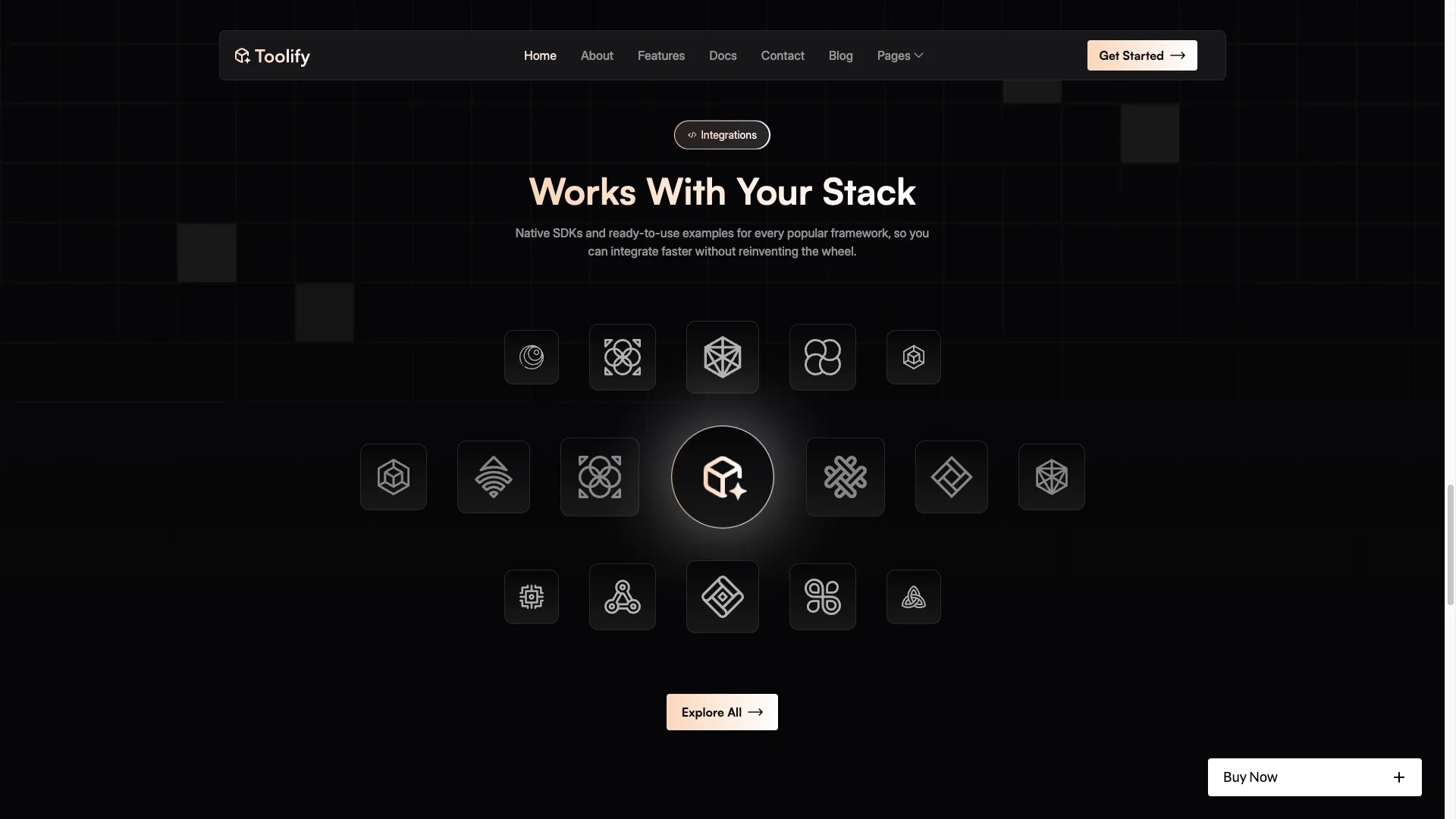
Next, name the integrations. A tool joins a stack that already exists. Because a single missing connector ends the evaluation, a logo strip answers that faster than any paragraph.
Finally, mind the dark theme. Dark reads as technical, which is why so many developer tools use it. However, contrast matters more here than anywhere else, so keep body text bright enough to read on a phone in daylight.
Frequently Asked Questions
What is Toolify?
Toolify is a software website template for SaaS platforms, AI tools and developer utilities. It contains 16 pages, including a home page, features, pricing, documentation, a blog, contact and a full set of utility pages, all on a dark dashboard style theme.
Which formats does Toolify ship in?
Toolify ships for Webflow, Framer, Figma and HTML. Each build is sold separately from the purchase widget on this page. There is no WordPress version.
How many pages does Toolify include?
The template includes 16 pages. The blog post layout is a CMS template, so it builds a new page for every post you publish.
Does Toolify support code samples?
Yes. Styled code blocks with line numbers and coloured tokens appear on the home page, the features page and the documentation page. So you can show a request and a response side by side.
Is Toolify only for AI products?
No. The layout suits any technical product explained through features, documentation and a pricing table. API products, browser extensions, analytics dashboards and developer tooling all fit the same shape.
Is the Figma file included with the template?
The Webflow and Framer builds are each sold bundled with the Figma file. You can also buy the Figma file on its own from the purchase widget on this page.
When you choose Toolify, you get support direct from the TNCFlow team. So if a section will not behave, just ask us.
Check out other Webflow templates by TNCFlow.


Select template
Choose one or more options for your build
All-Access Pass
$199
/ Yearly
$20,000+ in assets
130+ Webflow Templates
130+ Figma UI Templates
45+ Framer Templates
130+ HTML Templates
