
PRO

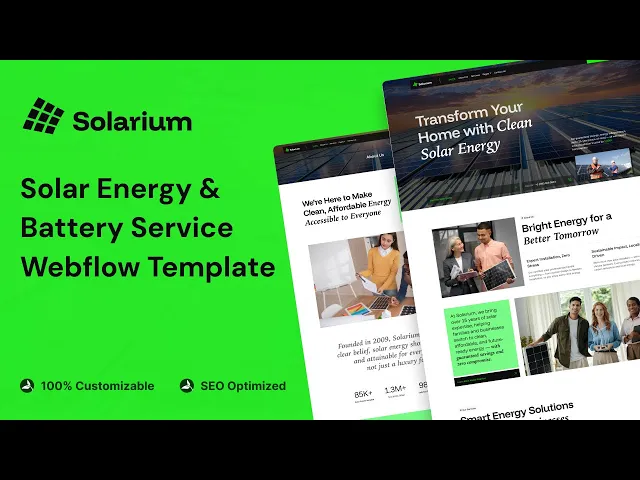
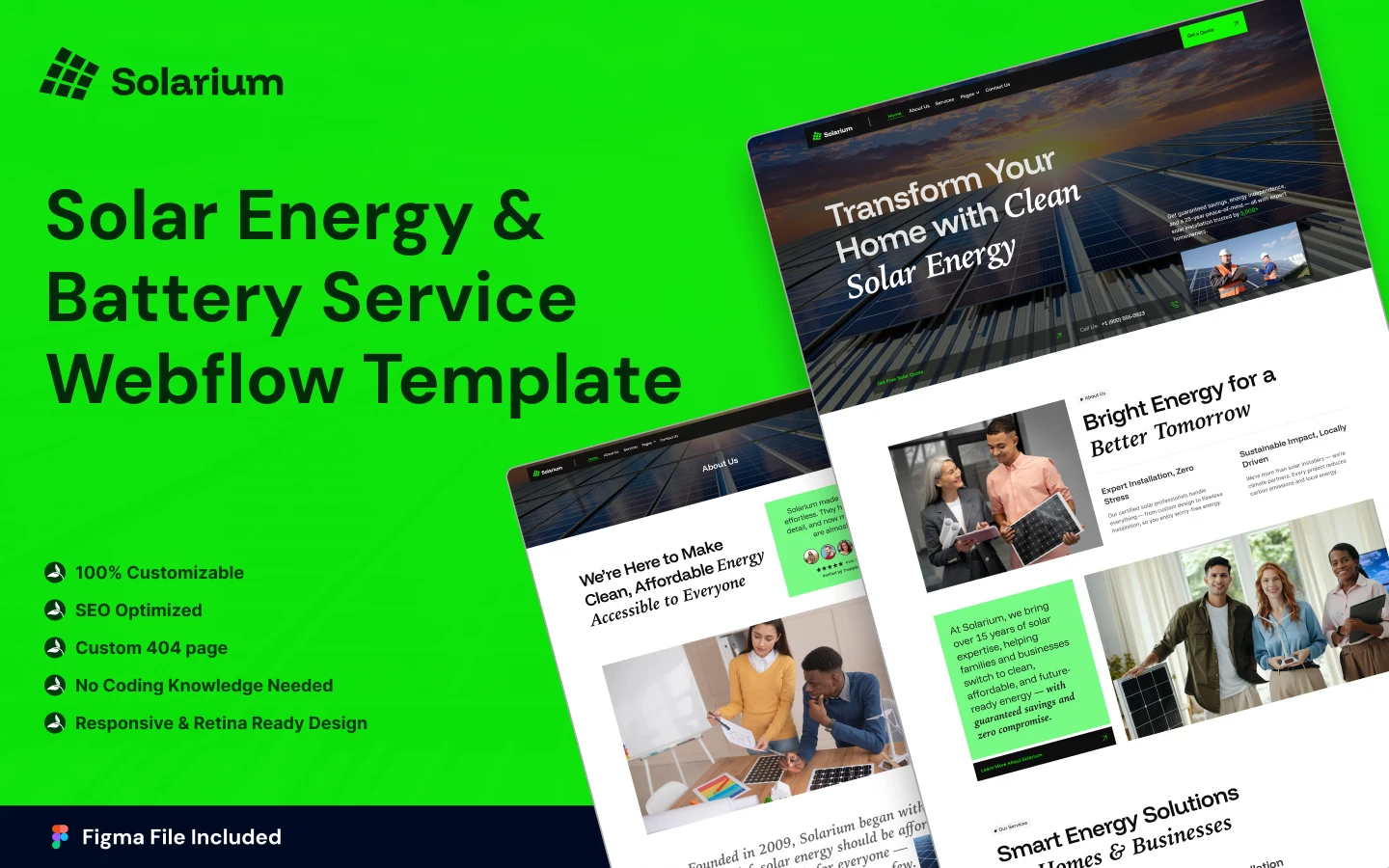
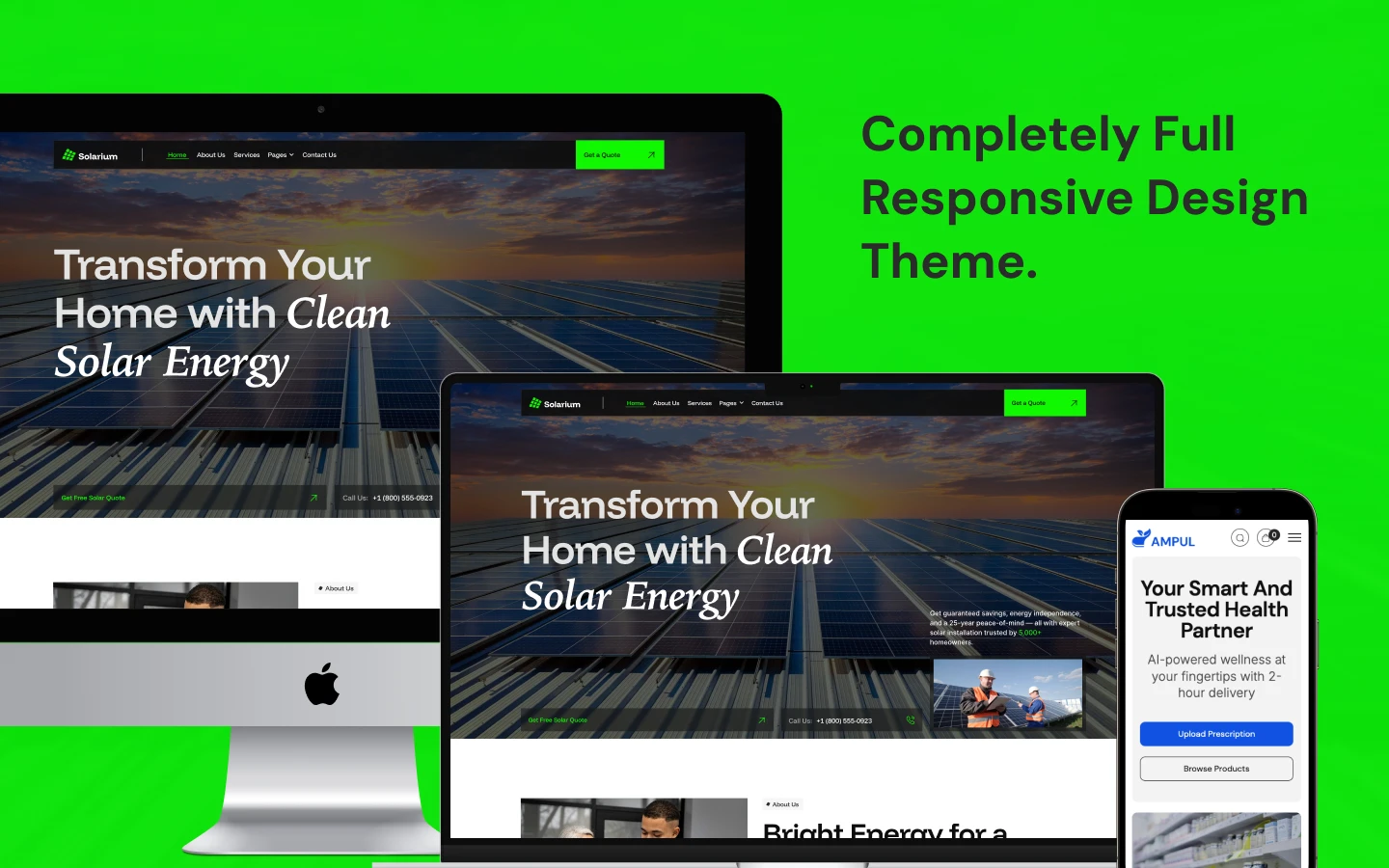
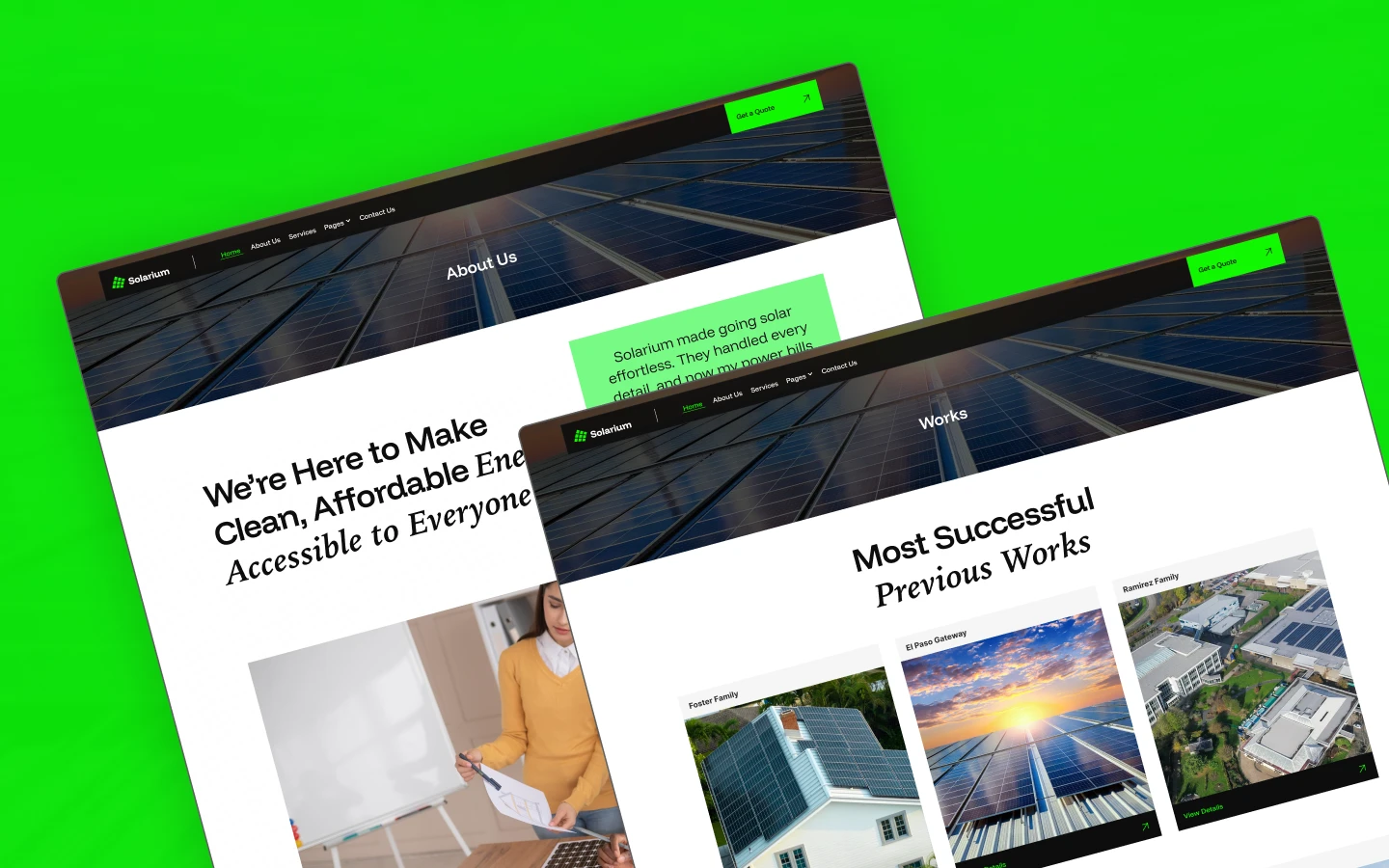
Solarium is a solar website template for solar installers, renewable energy contractors and battery storage companies. It ships for Webflow, Framer, Figma and HTML.
Solar is a considered purchase. So Solarium is built around the two questions every homeowner asks first. Those are what it costs and whether it actually works.
The pricing page answers the first. The works section answers the second, because each completed install gets its own case study page. Then the quote page captures the lead while the answer is still fresh.
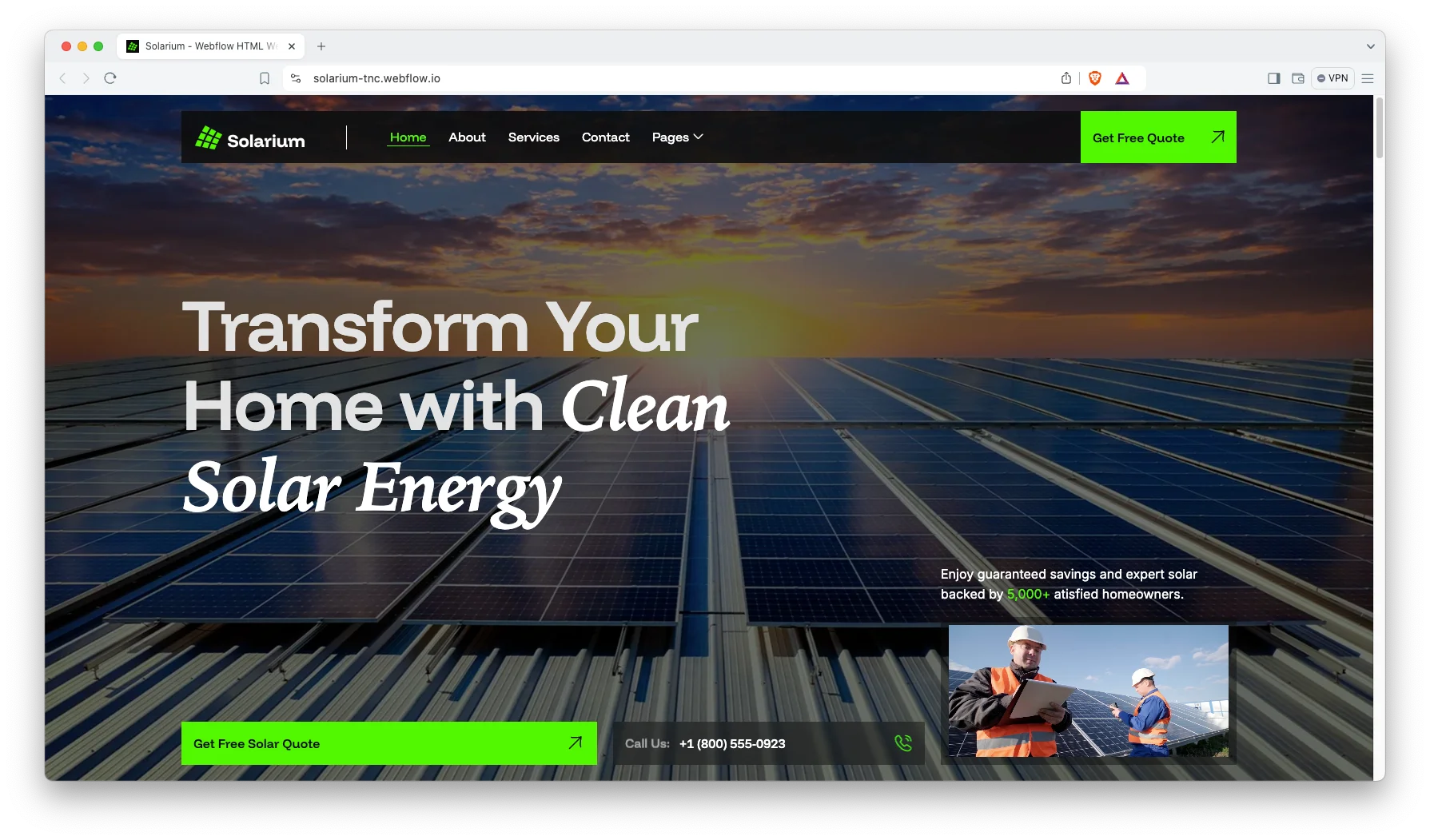
Each section has one job. The hero states the offer. The services explain the scope. The works prove delivery. Finally the quote form starts the survey.
Explore the live preview now!
Solarium at a Glance
| Formats | Webflow, Framer, Figma, HTML |
| Best for | Solar installers, renewable energy contractors, battery storage and energy consultants |
| CMS | Services, completed projects and blog posts |
| Pages | 13 designed pages plus 3 CMS templates |
| Key sections | Services, works, pricing, FAQ and a quote page |
| Responsive | Desktop, tablet and mobile |
| Support | Included with every TNCFlow purchase |
Key Features of Solarium
Features Fully Highlighted. Every section is written for an energy contractor. So installs, storage, finance and maintenance all have a place to live.
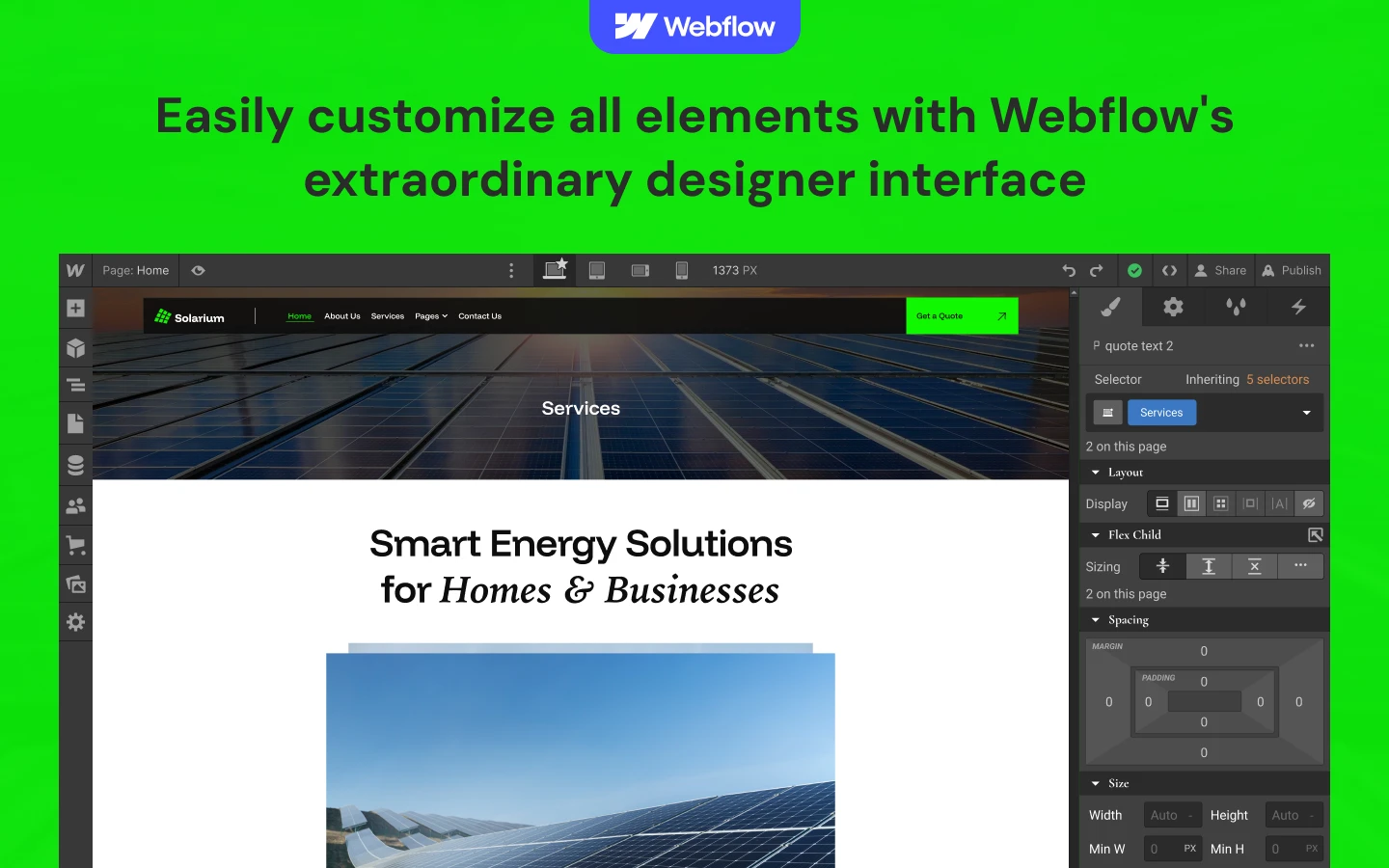
CMS Functionality. Services, completed projects and blog posts all run on Webflow CMS. Then you publish a new install without opening the designer.
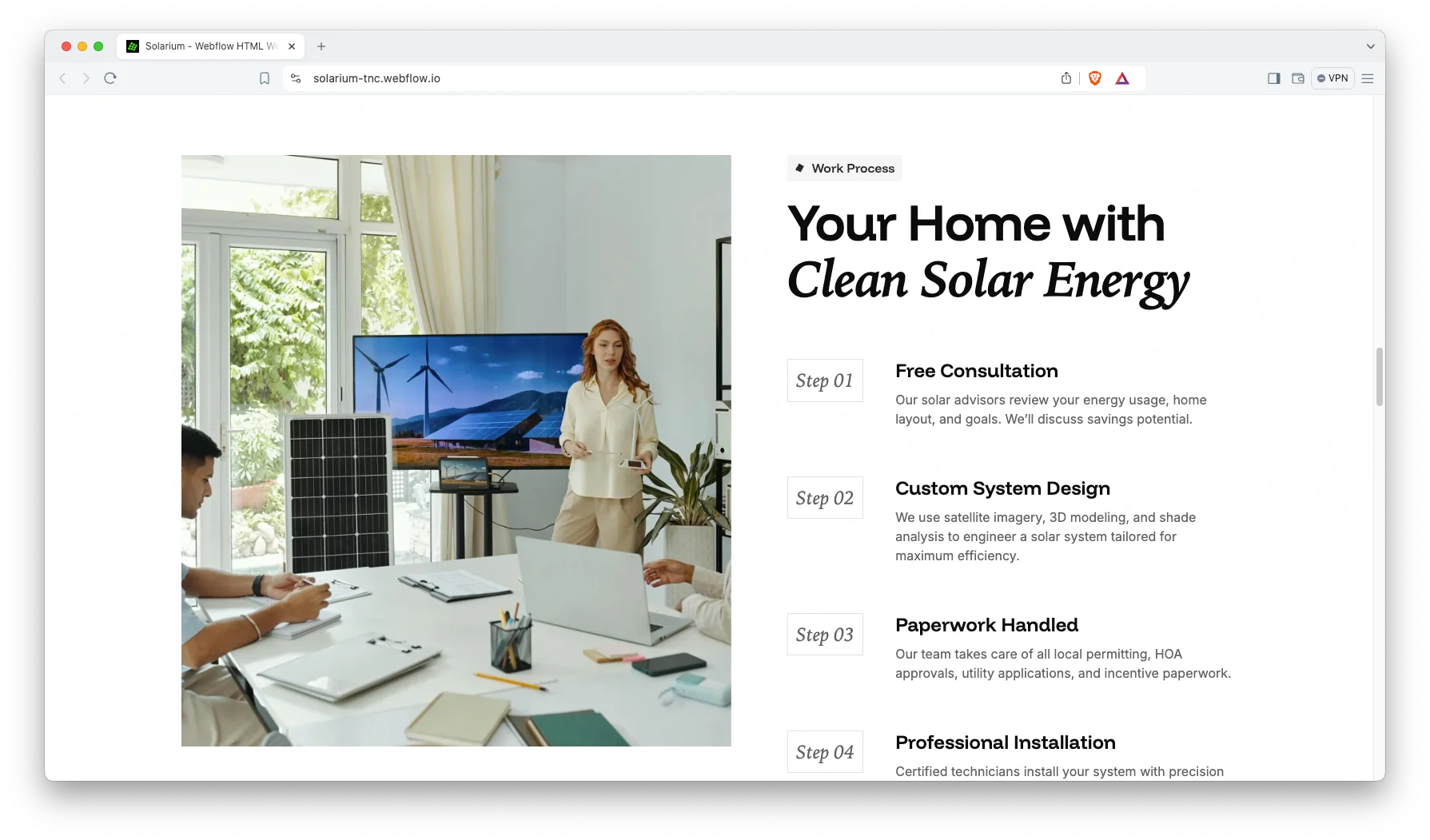
Trendy and Responsive Design. The layout stays clean, bright and modern. Because the audience is often browsing on a phone at home, the mobile view is the priority.
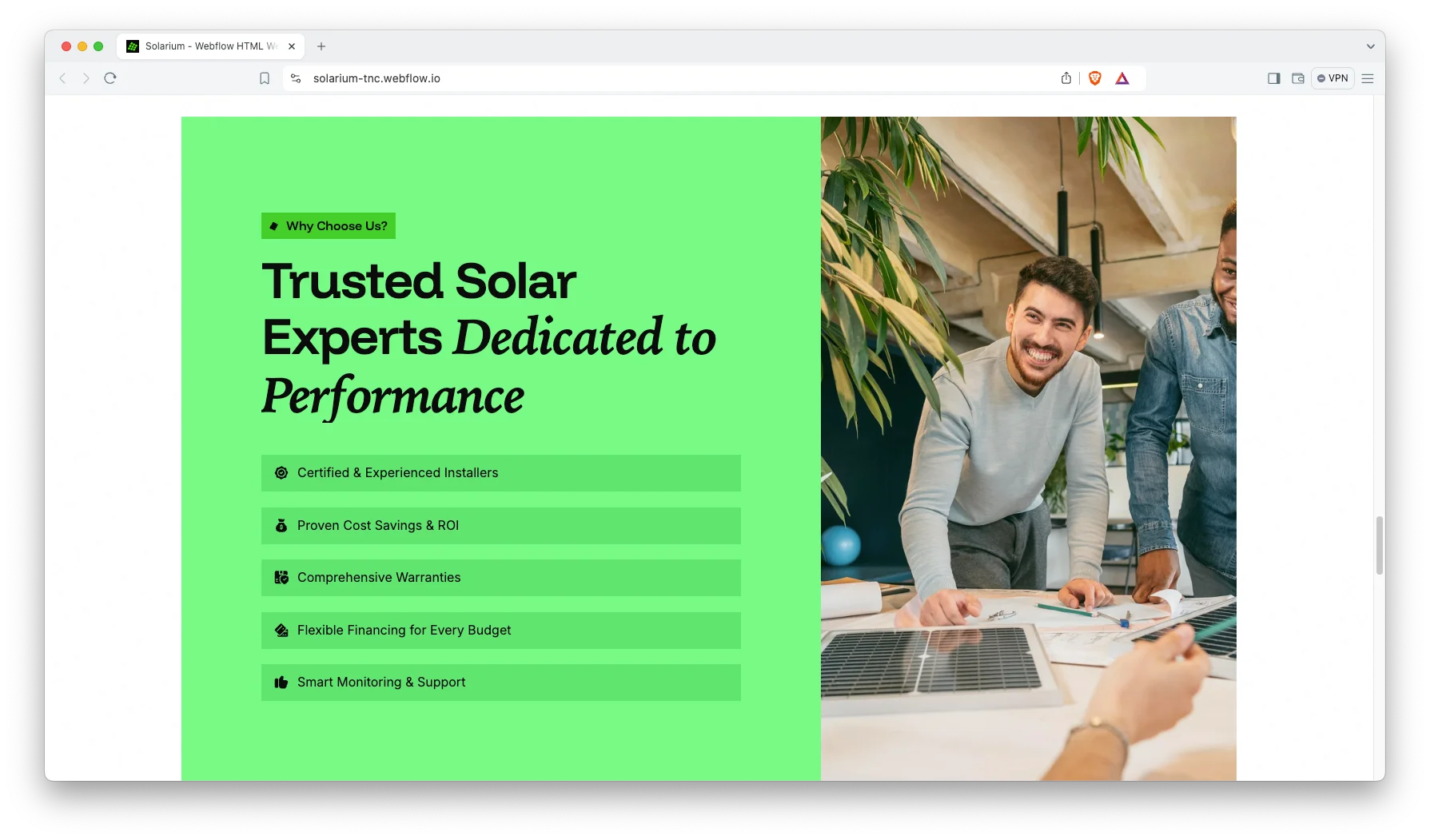
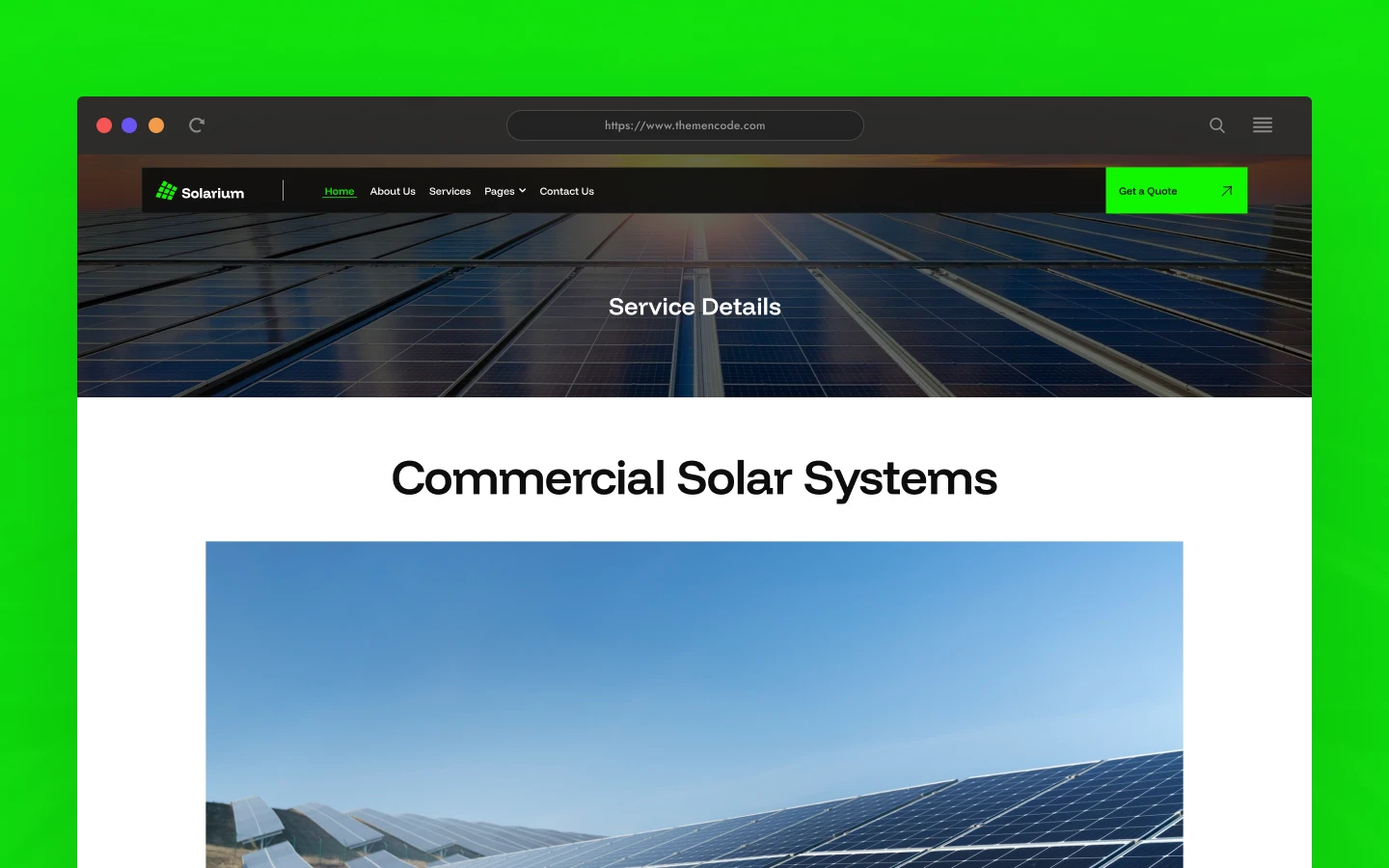
Five Services with Detail Pages. Services ship ready to edit. They are residential solar installation, commercial solar systems, battery storage solutions, financing options and solar panel maintenance. Each one gets its own page.
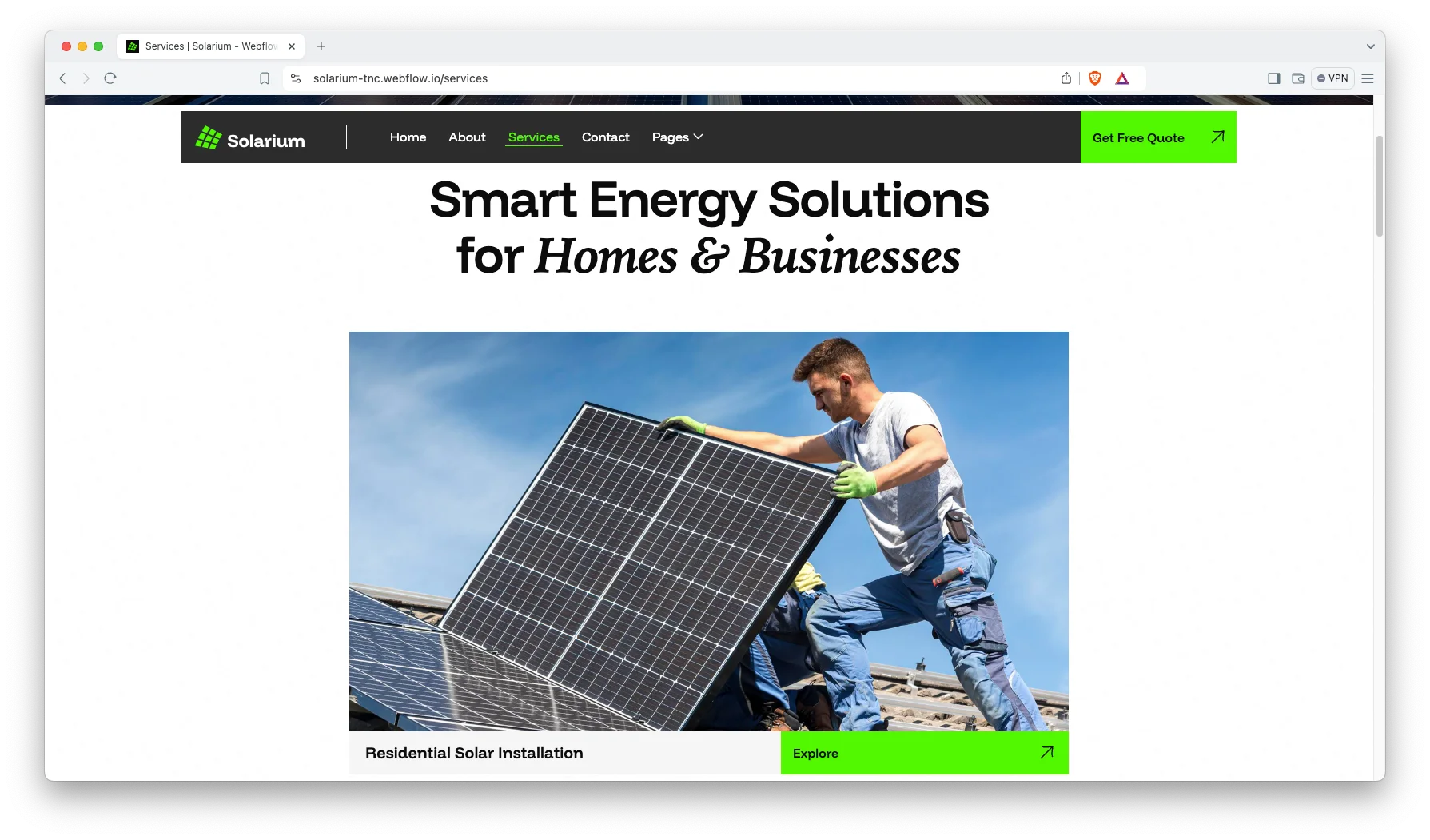
Team Showcase. A team section introduces the people who will be on the roof. So a homeowner knows who they are letting into the house.

Animation, Video and Sliders. Sliders, video and subtle animation carry the install photography. However, the motion stays light so the page loads fast.
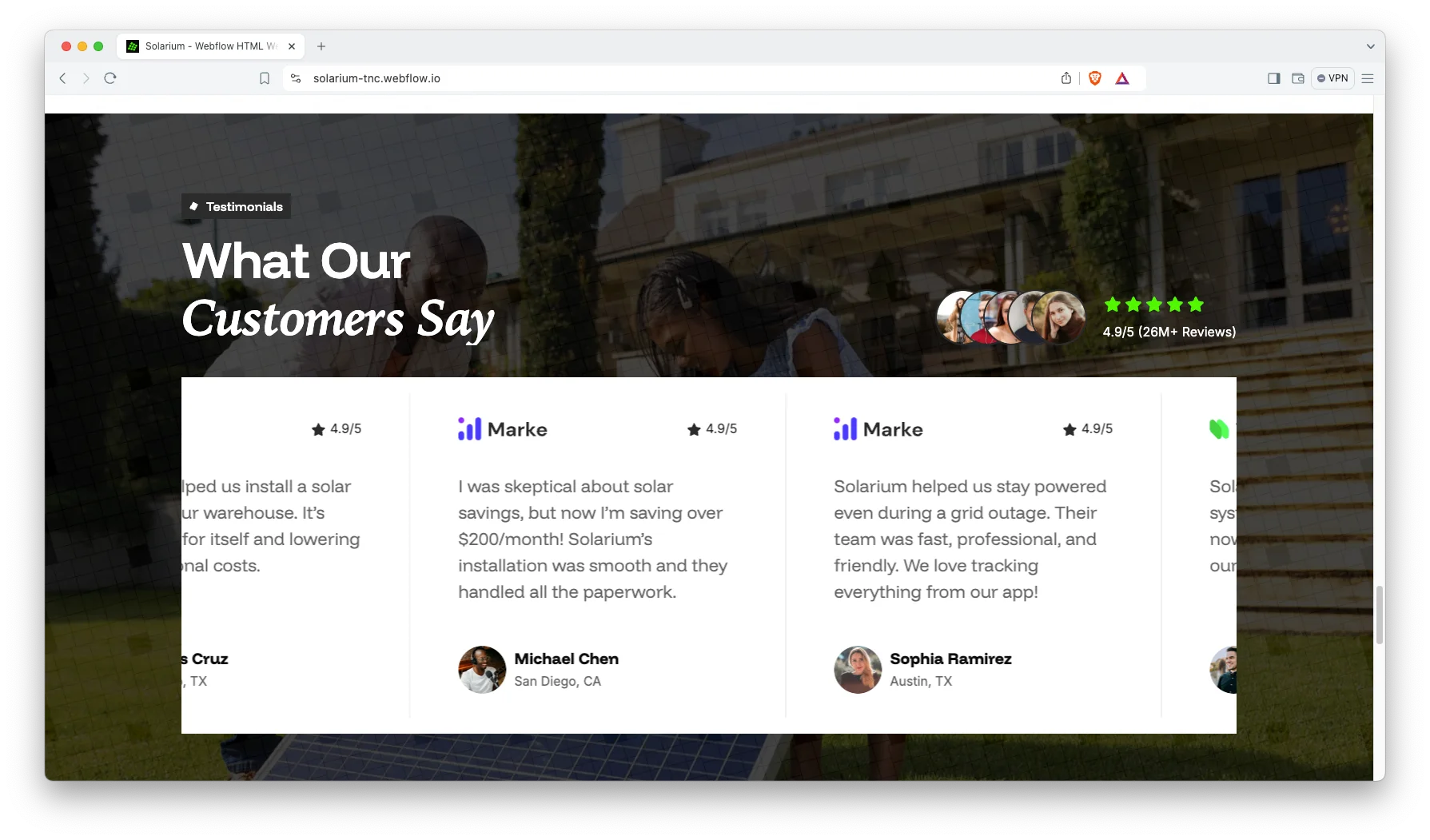
FAQ and Pricing Pages. A pricing page and a separate FAQ page both ship with the template. Together they remove the two objections that stall most solar enquiries.
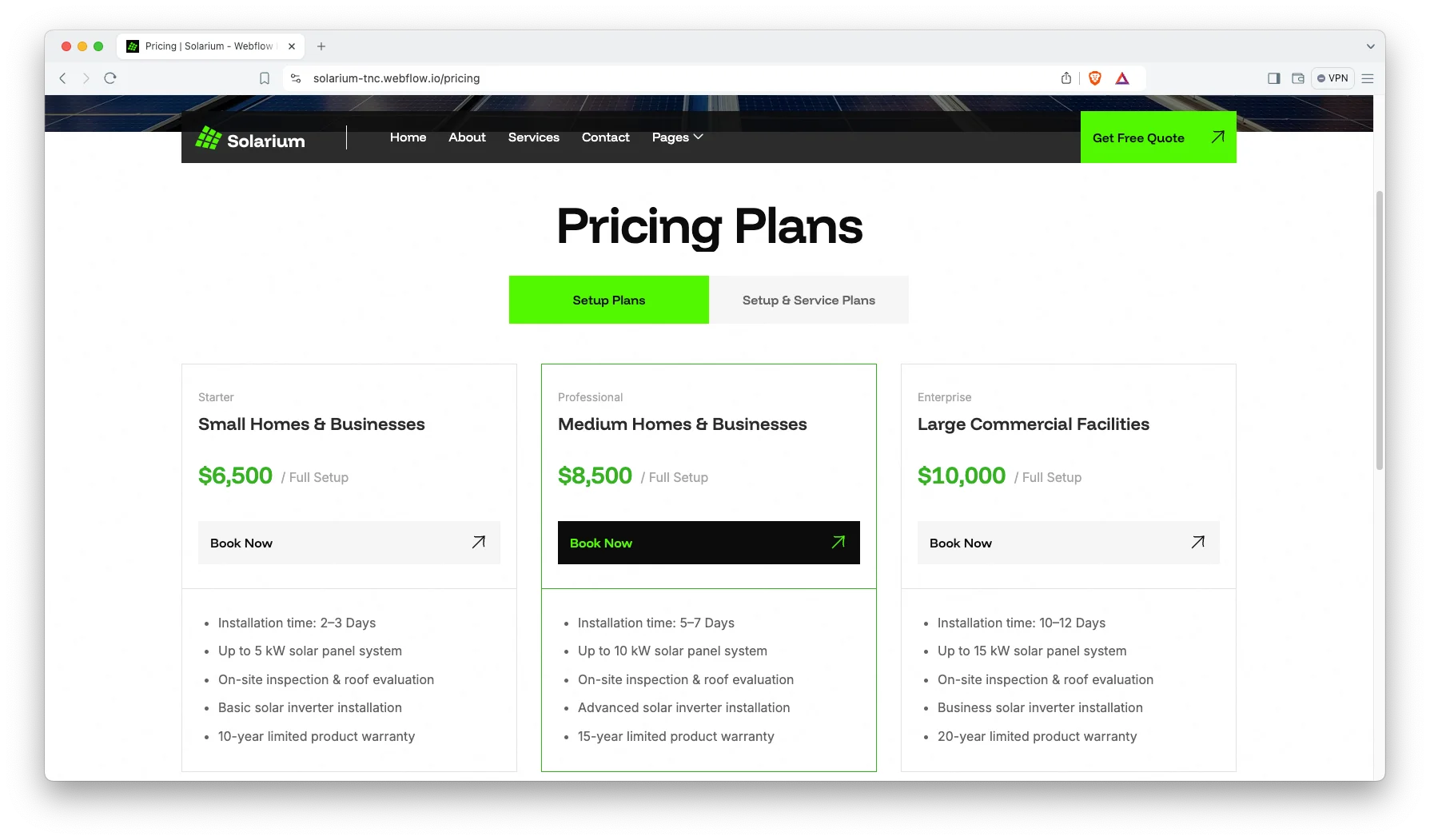
Blog Showcase. The blog is built for scanning. Demo posts cover install costs, residential benefits and return on investment.

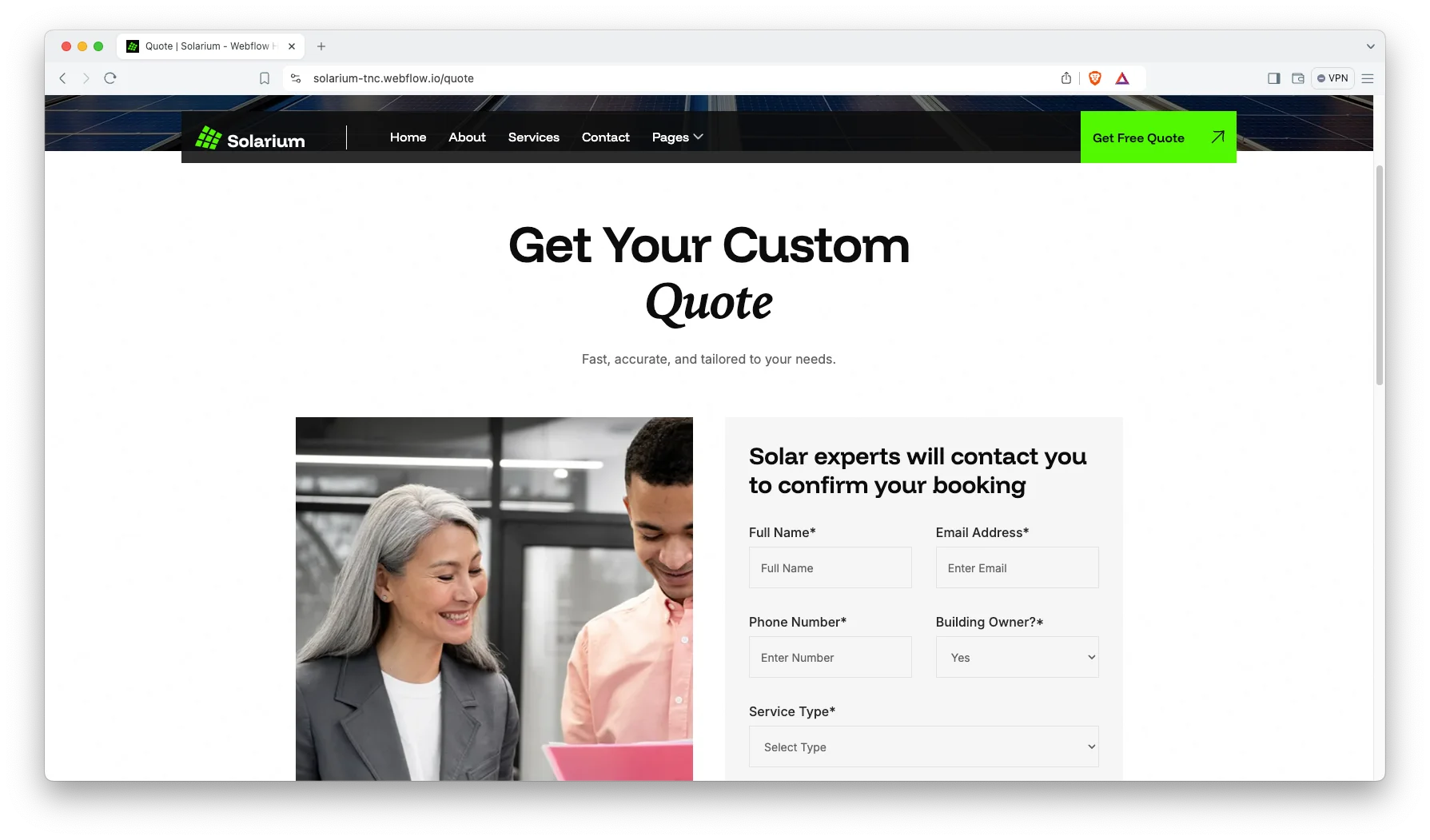
Get a Quote Page. A dedicated quote page captures the enquiry. It sits one click from every service and project page.
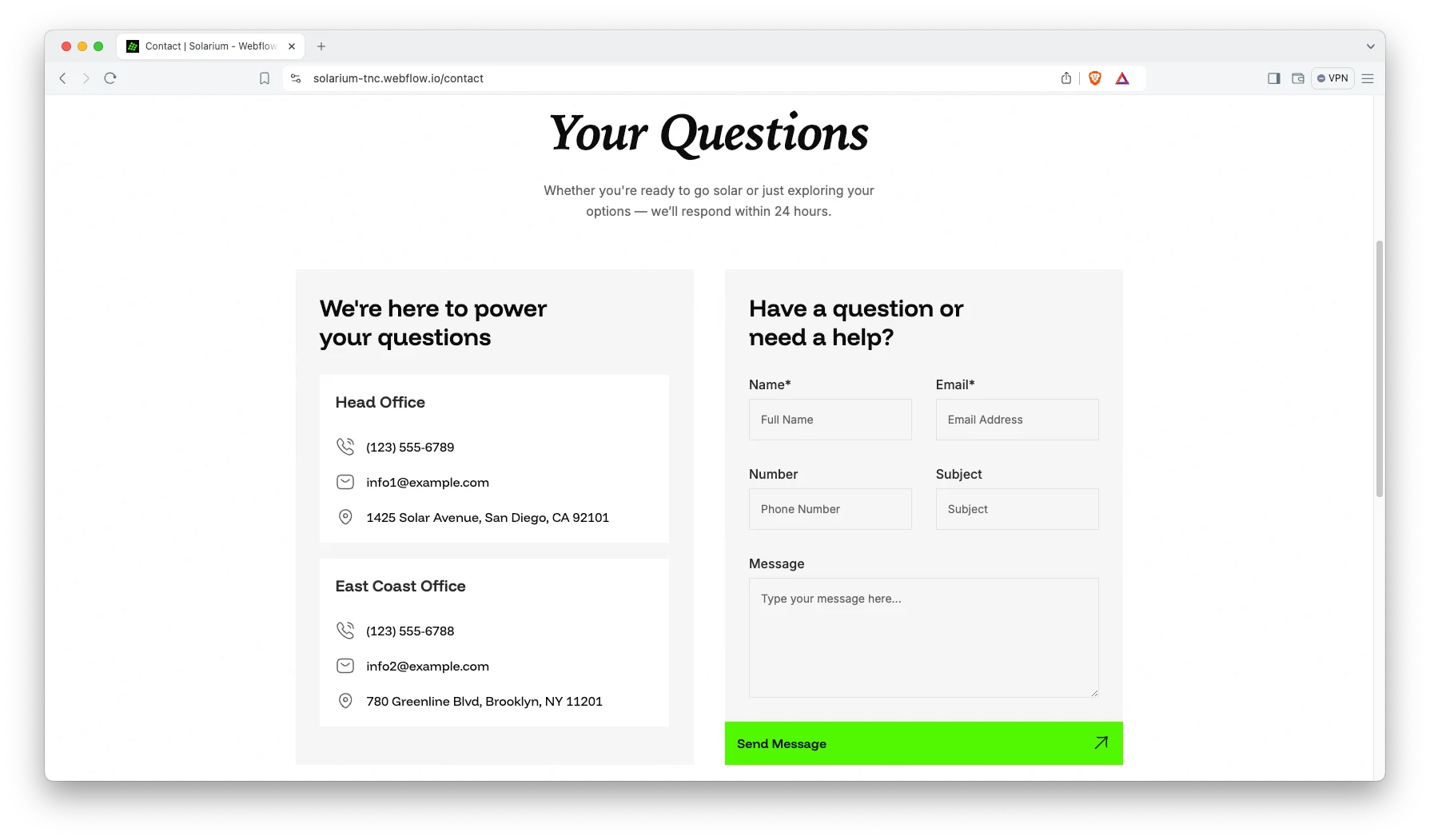
Contact Details. The contact page shows your address, phone number and an interactive map. So customers can reach you the way they prefer.
Watch on YouTube
You can watch this video if you want to learn everything about this Webflow template quickly. In this video, we have demonstrated the information about this Webflow template.
Pages Included in Solarium
Solarium ships with thirteen designed pages. They are Home, About, Services, Works, Pricing, FAQ, Quote, Blog, Contact, Style Guide, License, Change Log and a 404 page. Three more are CMS templates. They render services, completed projects and blog posts. So the site grows with every install you finish.
Why Solar Sites Live or Die on Case Studies
A solar quote is a big number. However, most installer sites answer it with stock photography and a form. Solarium gives every completed job its own page instead, with the property, the system and the outcome. Then a homeowner in the same area can see a real install rather than a rendering. That is also the content that ranks, because people search for solar in their own town rather than in general.
How to Use Solarium
- Use the purchase widget on the right side of this page to buy the Solarium template
- Duplicate the template into your Webflow workspace
- Replace the demo services, projects and photography with your own
- Load your installs, services and posts into the CMS collections
- Adjust the colors and typography to match your brand
- Check every breakpoint, then publish your site
Solarium Frequently Asked Questions
What formats does Solarium ship in?
Solarium ships for Webflow, Framer, Figma and HTML. Each format is sold separately, so you buy only the one you need.
Is the Figma file included with the Webflow purchase?
No. The Figma file is a separate product on this page. So add it to your order if you want the design source.
How many pages does Solarium include?
Solarium includes thirteen designed pages. It also includes CMS templates for services, completed projects and blog posts.
Does Solarium include a project or case study section?
Yes. There is a works section, and every completed install gets its own page.
Can I add more services than the five demo ones?
Yes. Services run on a CMS collection, so you add as many as you offer. Each one gets its own page automatically.
Is there a separate page for quotes?
Yes. A dedicated quote page captures enquiries separately from general contact.
When you choose Solarium, you get support from the TNCFlow team. So if a section does not behave, ask us and we will help.
Check out other Webflow templates by TNCFlow.


Select template
Choose one or more options for your build
All-Access Pass
$199
/ Yearly
$20,000+ in assets
130+ Webflow Templates
130+ Figma UI Templates
45+ Framer Templates
130+ HTML Templates
