
FREE

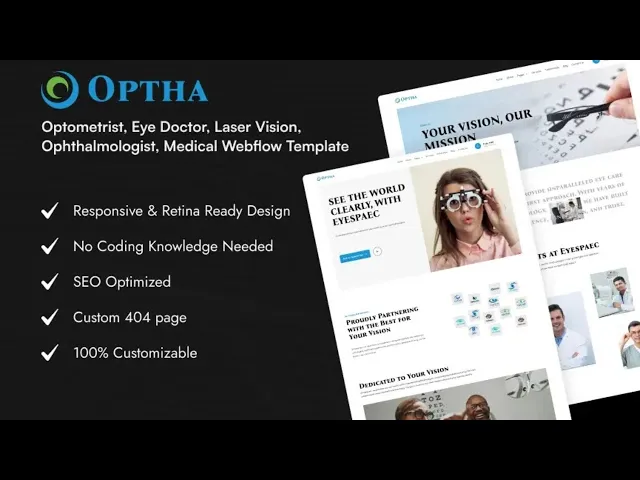


OPTHA is an eye clinic website template for ophthalmologists, optometrists and optical retailers. It ships for Webflow, Astro, Framer, Figma and HTML.
The template runs to 20 pages. So you get a services library, a team section, an appointment page, a blog and a working shop. Because five of those pages handle ecommerce, an optical counter can sell frames and lenses from the same site.
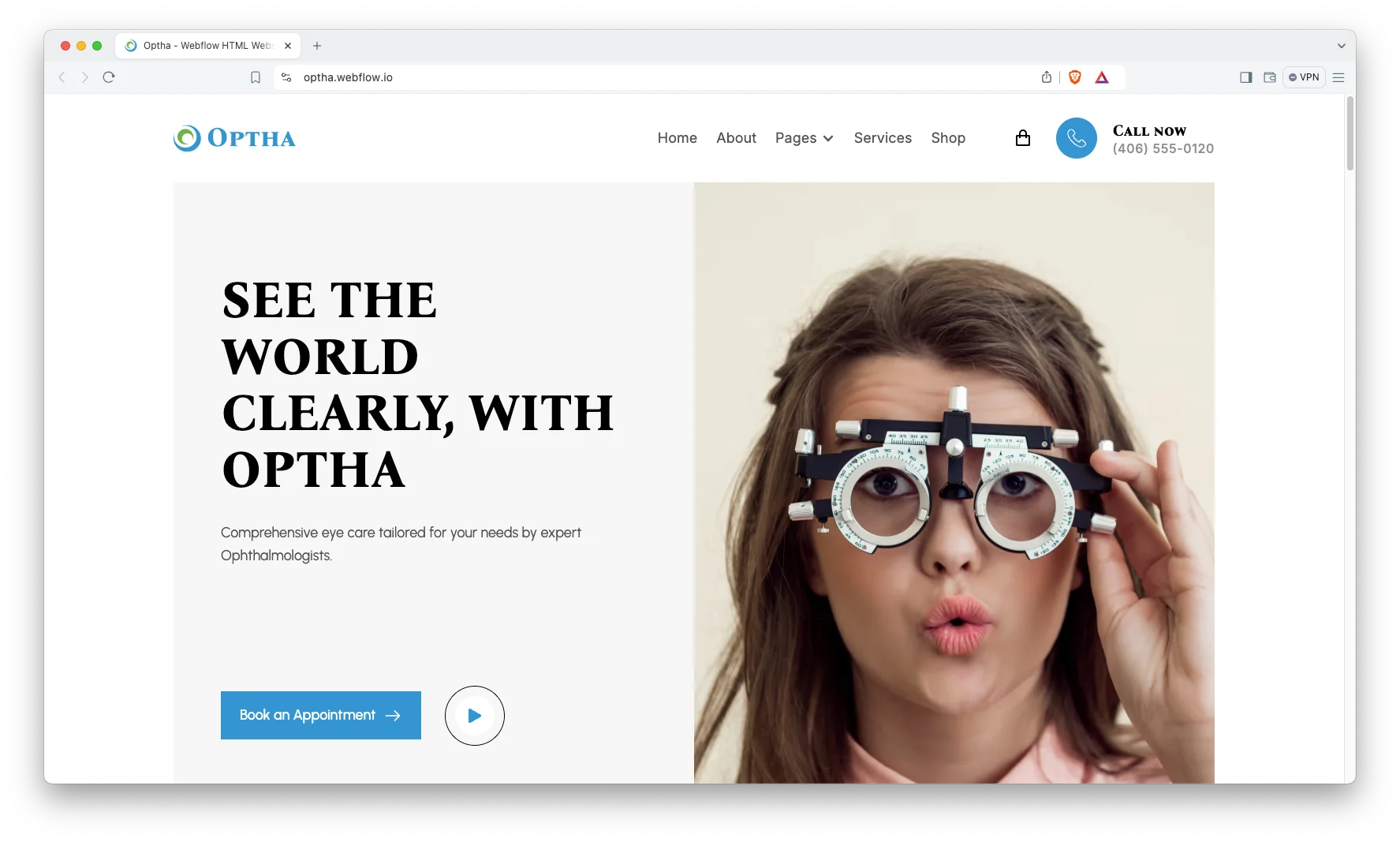
Each section has one job. The hero names the conditions you treat. The services grid splits exams from procedures. The team cards put a face to the practice. Then the appointment page takes the booking.
Explore the live preview now.
OPTHA at a Glance
| Formats | Webflow, Framer, Astro, Figma and HTML |
| Webflow builds | CMS and Ecommerce |
| Best for | Eye clinics, ophthalmologists, optometrists, optical shops, vision centres |
| Pages | 20 |
| CMS templates | 4, covering services, team, blog posts and blog categories |
| Ecommerce pages | 5, covering products, categories, checkout, PayPal checkout and order confirmation |
| Booking | Dedicated appointment page |
| Support | Included, direct from the TNCFlow team |
Key Features of OPTHA
Built for Eye Care: The pages, sections and copy slots were drawn for an eye practice. So you are not bending a generic medical layout into shape. Nothing sits there unused.
CMS and Ecommerce: Services, team profiles and blog posts run on Webflow CMS. Products run through the store. So you add a record, and the detail page, the listing card and the archive all update together.

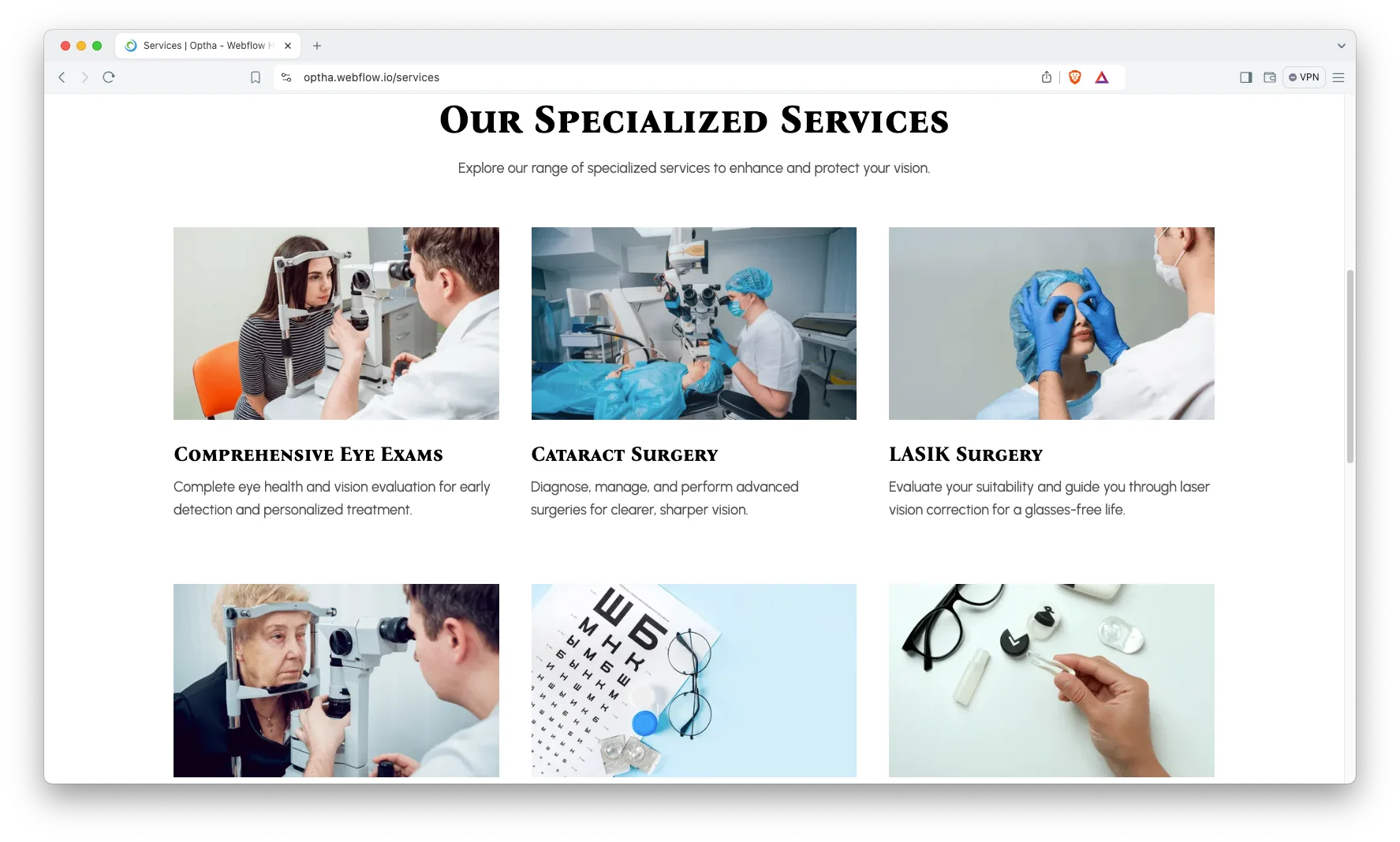
Services Page: Every service gets its own page. So you can explain a routine eye exam and cataract surgery at different depths. Because patients search by procedure, each of those pages can earn its own visits.
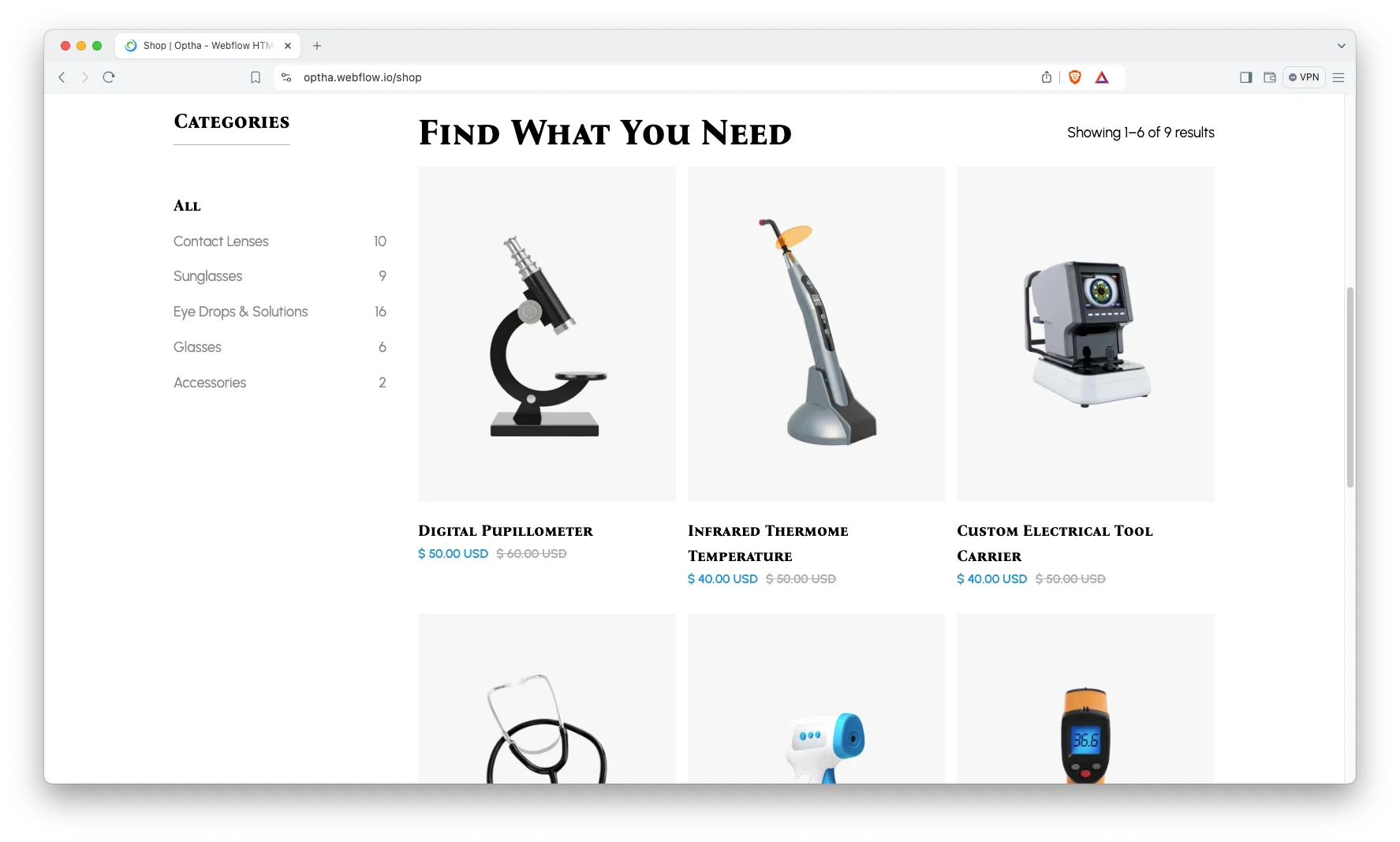
Shop Page: The store is built for frames, lenses, solutions and equipment. Product images are large, and the slider handles several angles. So a customer can judge a frame before they visit.
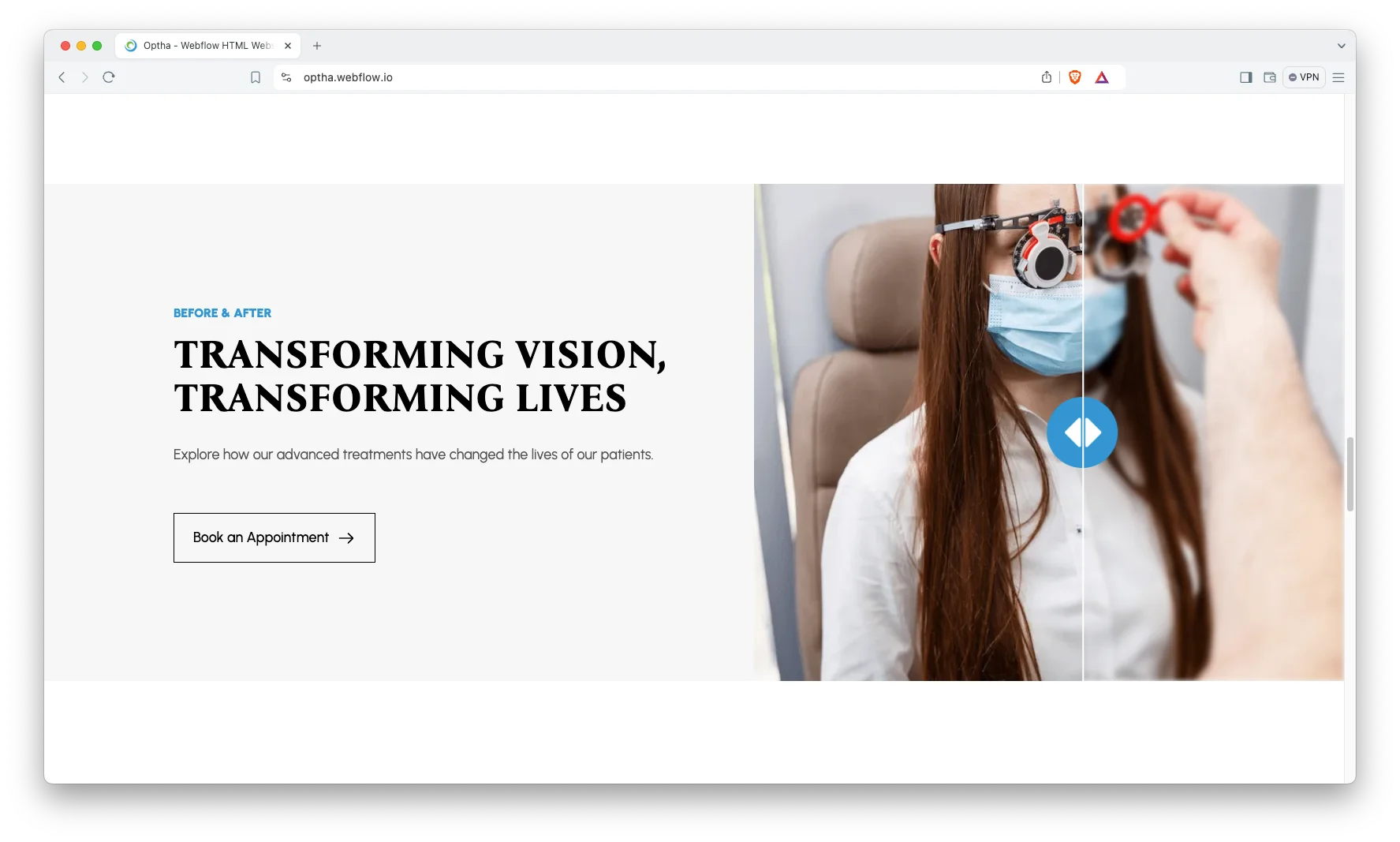
Animation, Video and Sliders: Video blocks suit procedure explainers and clinic tours. Sliders carry services and products. However, motion stays light, so the pages still load fast.
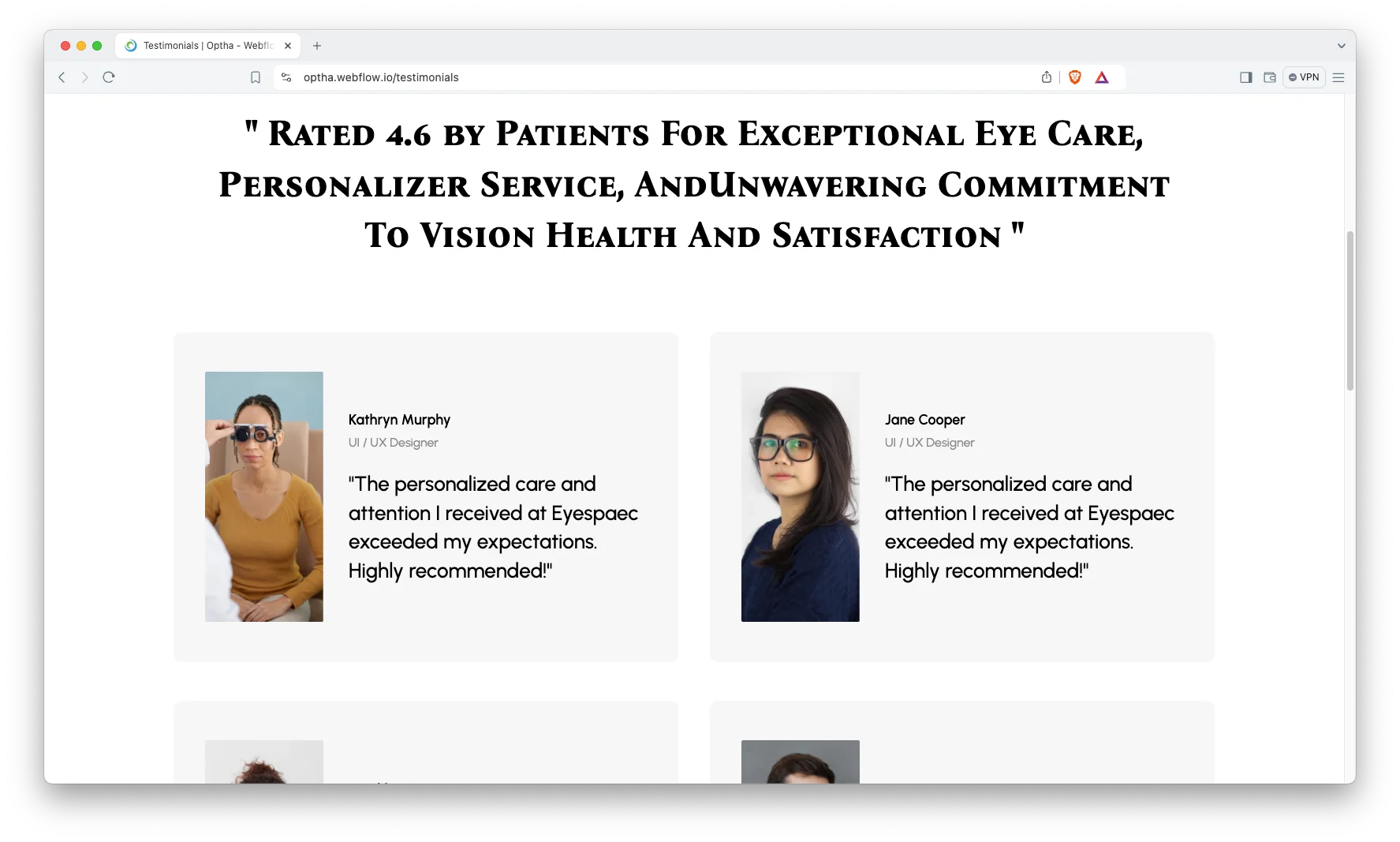
Patient Testimonials: There is a full testimonials page plus a shorter block for the homepage. So proof appears where doubt does. Eye surgery in particular is sold on other people’s outcomes.
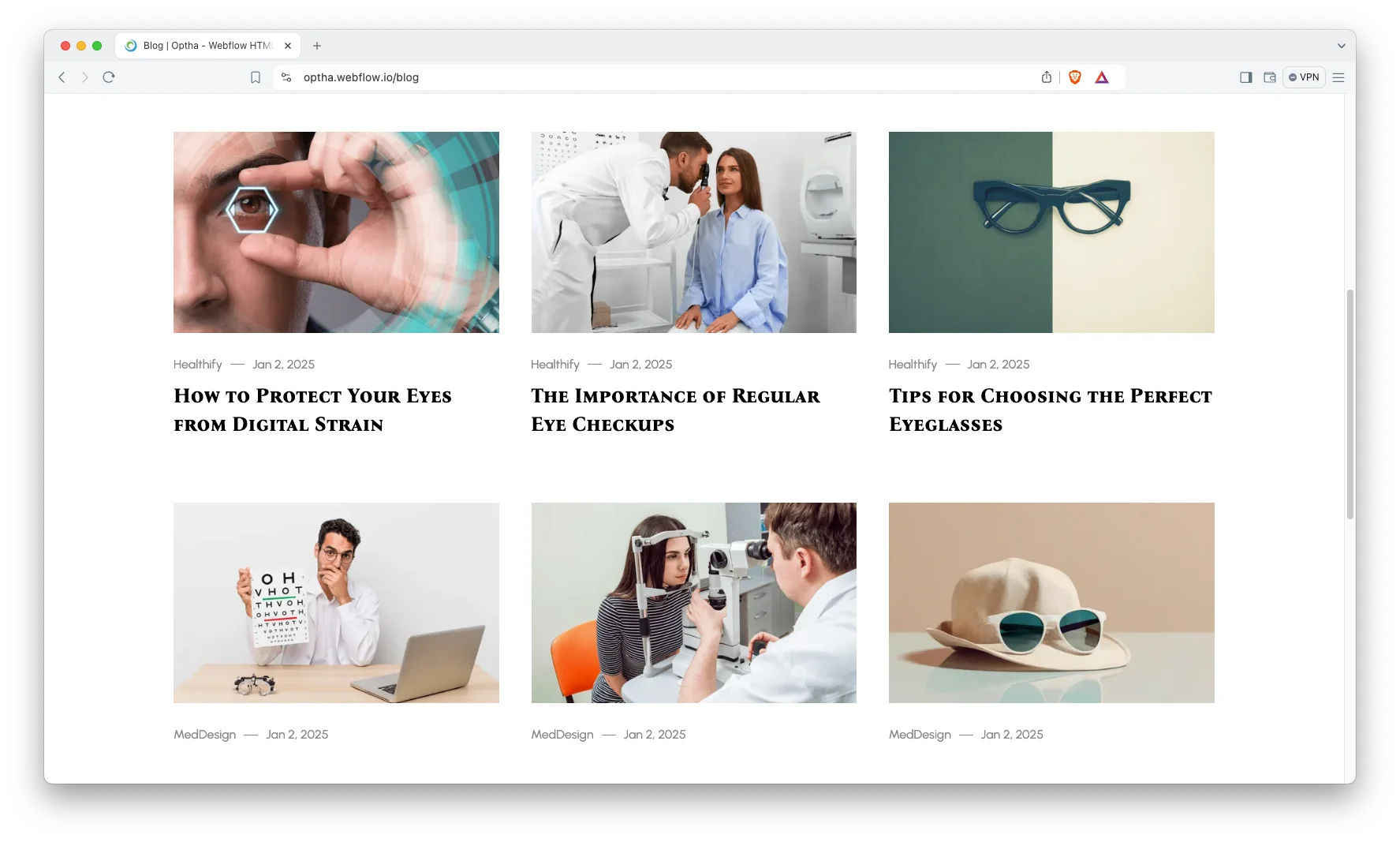
Blog Showcase: The blog runs on CMS with categories. So eye health guides stay easy to browse. Because these questions are asked constantly, that content keeps working long after you write it.
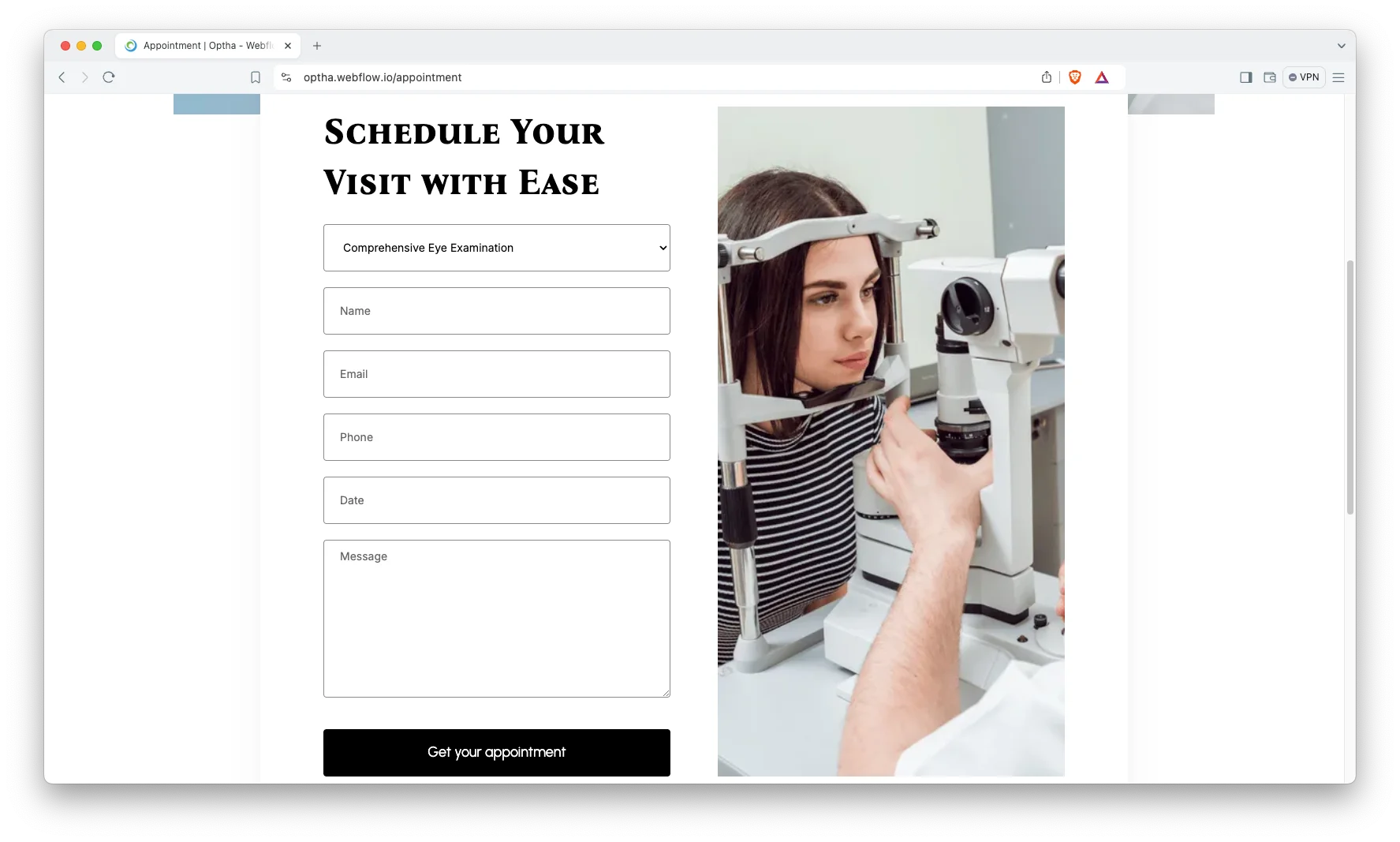
Appointment Booking: There is a dedicated appointment page, and the booking prompt repeats across the site. So patients never hunt for it. You can point the form at your own scheduling tool.
Watch on YouTube
The walkthrough below tours every page in the template. So you can judge the fit before you buy.
Pages Included in OPTHA
There are 20 pages. Pages marked CMS are collection layouts. Pages marked Ecommerce belong to the store.
- Home
- About
- Services
- Contact
- Blog
- Testimonials
- Product
- Appointment
- Utility
- Services Template (CMS)
- Blogs Template (CMS)
- Teams Template (CMS)
- Blog Categories Template (CMS)
- Products Template (Ecommerce)
- Categories Template (Ecommerce)
- Checkout (Ecommerce)
- Checkout, PayPal (Ecommerce)
- Order Confirmation (Ecommerce)
- 404
- Password
How to Use OPTHA
Setup is short. Here are the steps.
- Use the purchase widget on the right side of this page to buy the OPTHA template
- Pick the build you need, then follow the steps to get your site ready
- Replace the demo content with your own words and photos
- Add your services, team and products to the collections
- Point the appointment form at your own scheduling tool
- Preview, then publish
What an Eye Clinic Website Has to Do
An eye practice usually sells two different things. One is clinical care, such as an exam, a cataract procedure or laser correction. The other is retail, meaning frames, lenses and solutions. So the site has to hold both without looking confused.
Keep the two routes separate in the navigation. A patient booking a consultation and a shopper replacing a frame want different pages. However, they should share the same header, so nobody feels sent to another company.
Then name your services the way patients do. People search for dry eye, glaucoma or LASIK, not for departments. Because each service has its own page here, you can match that language exactly.
Finally, publish your optometrists. Eye care is a repeat relationship, and patients return to a person. A team profile with credentials does more work than another stock photo of a slit lamp.
Frequently Asked Questions
What is OPTHA?
OPTHA is an eye clinic website template for ophthalmologists, optometrists and optical retailers. It contains 20 pages, including services, a team section, an appointment page, a blog and a full store.
Which formats does OPTHA ship in?
OPTHA ships for Webflow, Framer, Figma and HTML. The Webflow side comes in a CMS build and an Ecommerce build. There is no WordPress version.
How many pages does OPTHA include?
The template includes 20 pages. Four of them are CMS templates and five belong to the ecommerce store.
Can I sell glasses and lenses with OPTHA?
Yes. The store covers products, categories, checkout, a PayPal checkout and an order confirmation page. So an optical counter can trade online alongside the clinic pages.
Is OPTHA only for eye clinics?
No. Any clinic that treats patients and also sells products fits the same structure. Dental, dermatology and audiology practices all work well here.
Is the Figma file included with the template?
No. The Figma file is a separate product, and you buy it from the purchase widget on this page. The Webflow, Framer and HTML builds are also sold on their own.
When you choose OPTHA, you get support direct from the TNCFlow team. So if a section will not behave, just ask us.
Check out other Webflow templates by TNCFlow.
Featured in our guides: medical website templates, Framer startup templates and dental website templates.



Select template
Choose one or more options for your build
