

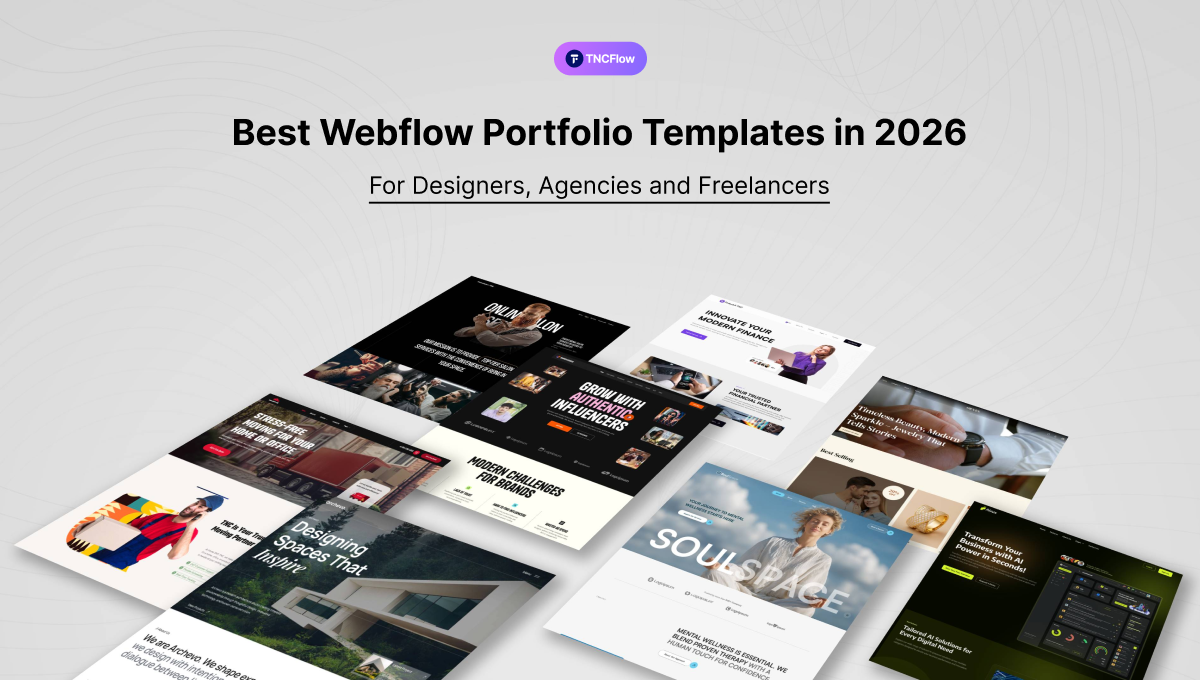
These Webflow portfolio templates suit designers, agencies, freelancers and photographers. Compare the main picks below.
A portfolio has a harder job than most websites. It has to establish that you are good at what you do, do it fast enough that a busy prospect keeps scrolling, and then make contacting you effortless. Get that wrong and the work itself never gets a fair hearing.
This guide covers the Webflow portfolio templates in the TNCFlow catalog, for designers, agencies, freelancers, photographers and technical professionals. Five are covered in detail, then the wider range by portfolio type, followed by how to choose and how to get the most out of whichever you pick.
Quick Picks
| Template | Best for | Webflow price | Link |
|---|---|---|---|
| Axure | Portfolio websites | $59 | View template |
| Dossier | Resume websites | $79 | View template |
| TNC CreAge | Creative agency websites | $29 | View template |
| Somers | Agency websites | $59 | View template |
| Structon | Architecture websites | $59 | View template |
| Animatory | Film and video studio websites | $49 | View template |
| Photographer TNC | Photography websites | From $49 | View template |
| PRCOM | PR and Communications Agency websites | $59 | View template |
| DigiMark | Digital Marketing Agency websites | $49 | View template |
| CollabFlow TNC | Startup websites | From $29 | View template |
| Jonas (by Bryn Taylor) | Product and UI designers | $29 | Webflow marketplace |
| Dubai (by Azwedo) | One-page freelancer portfolios | $34 | Webflow marketplace |
Why Choose a Webflow Portfolio Template for Your Website?
Webflow is the default choice for a lot of design-led portfolios, and for reasons that matter specifically to creative work:
- It outputs clean, fast HTML and CSS rather than a bloated page.
- Animation and interaction are native, so motion is part of the design rather than a plugin.
- Pages load quickly, which matters when your portfolio is image-heavy by definition.
- The technical SEO foundations are sound out of the box.
- The built-in CMS means adding a project is a content task, not a design task.
- Layouts hold together properly across screen sizes.
- You are not stitching together several third-party tools to get a working site.
Why Use a Template Instead of Building from Scratch?
Building from scratch takes time and money that most people would rather spend on client work. A well-built template gets you a polished result in a fraction of the time.
The realistic scenario: a freelance designer wants to pitch a client next week. They do not have three months to design and build a custom site. A quality template lets them launch in a day or two, looking every bit as considered as someone who spent weeks on it.
Templates also solve the parts that are genuinely fiddly: responsive behavior, animation, page structure and CMS setup. You add the work and publish. If you later outgrow it, targeted customization extends it rather than forcing a rebuild.
Who Should Use Webflow Portfolio Templates?
Designers
Graphic, UI, UX and product designers presenting their best projects. A clean portfolio lets a prospective client read your style, judgement and range quickly.
Creative Agencies
Agencies need to prove capability. A portfolio template gives you structured space for services, team, case studies and client outcomes rather than a flat gallery.
Freelancers
Freelancers compete against a lot of other freelancers. A credible site is often the only thing distinguishing two people with comparable work.
Photographers and Artists
Visual professionals need the work at the center and everything else out of the way: large imagery, gallery sections, minimal interface.
Developers and Technical Professionals
Developers presenting applications and technical projects, with room for the reasoning and stack behind each one rather than only a screenshot.
What to Look for in a Webflow Portfolio Template?
- CMS support. Can you add and update work without touching code? This is non-negotiable, because a portfolio nobody updates stops being a portfolio.
- Animation and interaction. Subtle motion makes a site feel current; constant motion distracts from the work and hurts accessibility.
- Mobile design. A large share of first views happen on a phone, often from a link someone was sent. The mobile layout is the real layout.
- Contact and conversion elements. Clear contact forms, calls to action and social links. The whole point is to be reachable.
- Clean navigation. If a prospect cannot find your work in one click, they leave.
- Loading speed. Portfolios are image-heavy, which is exactly where sites get slow.
- Visual personality that does not compete. The template should frame your work, not outshout it.
- The right page count. Blog, services, case studies, contact. Check what you actually need is there.
Best Webflow Portfolio Templates in 2026
Axure
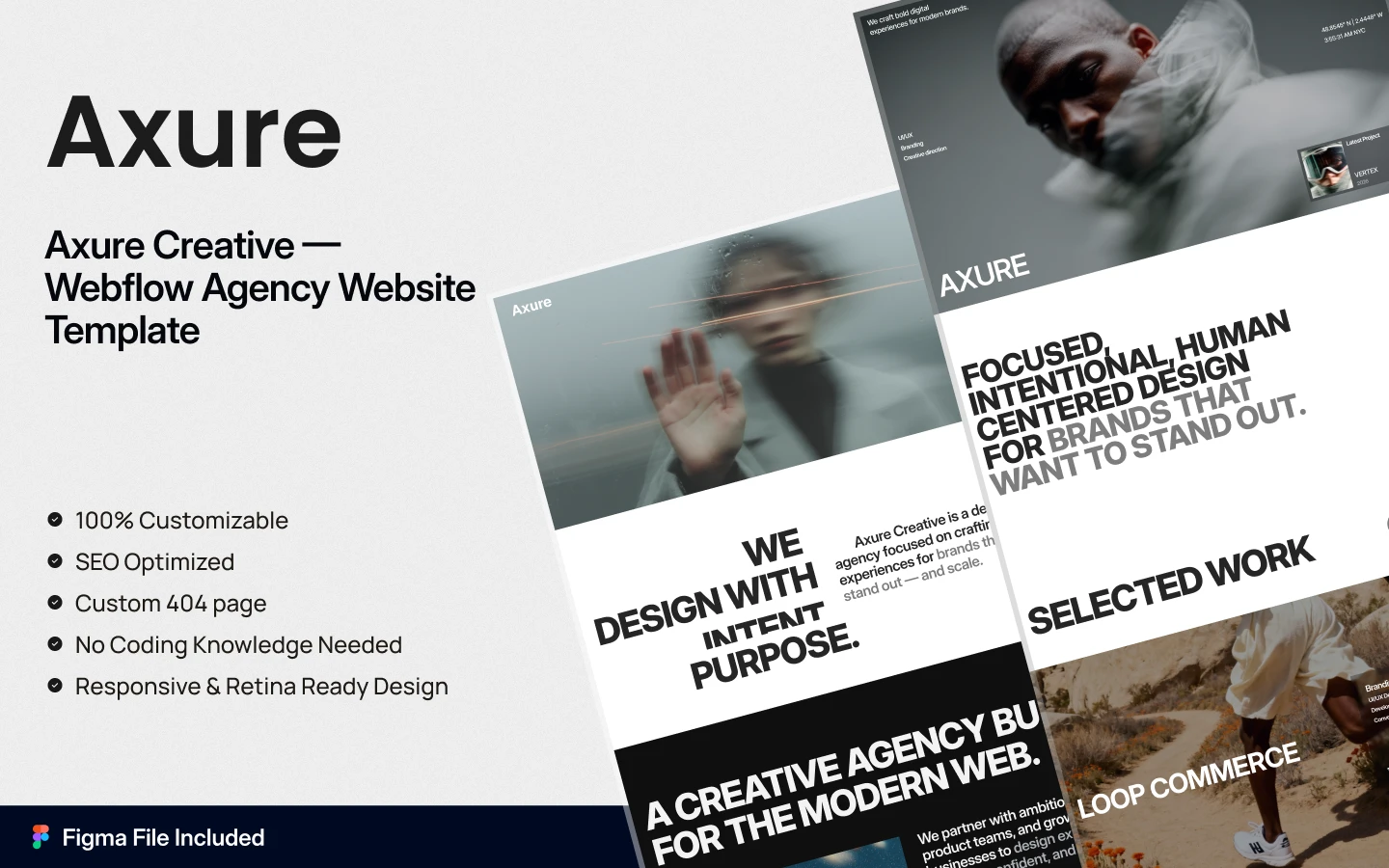
Axure is a modern Webflow template for creative agencies, design studios and product-focused brands. A strong hero section, portfolio showcase, case-study layouts, service grids, testimonials and full CMS integration make it a complete agency site rather than a gallery.
Perfect For: Creative agencies, branding studios and product design teams.
Explore Live Preview | Watch on the TNCFlow channel | Buy Now
Dossier
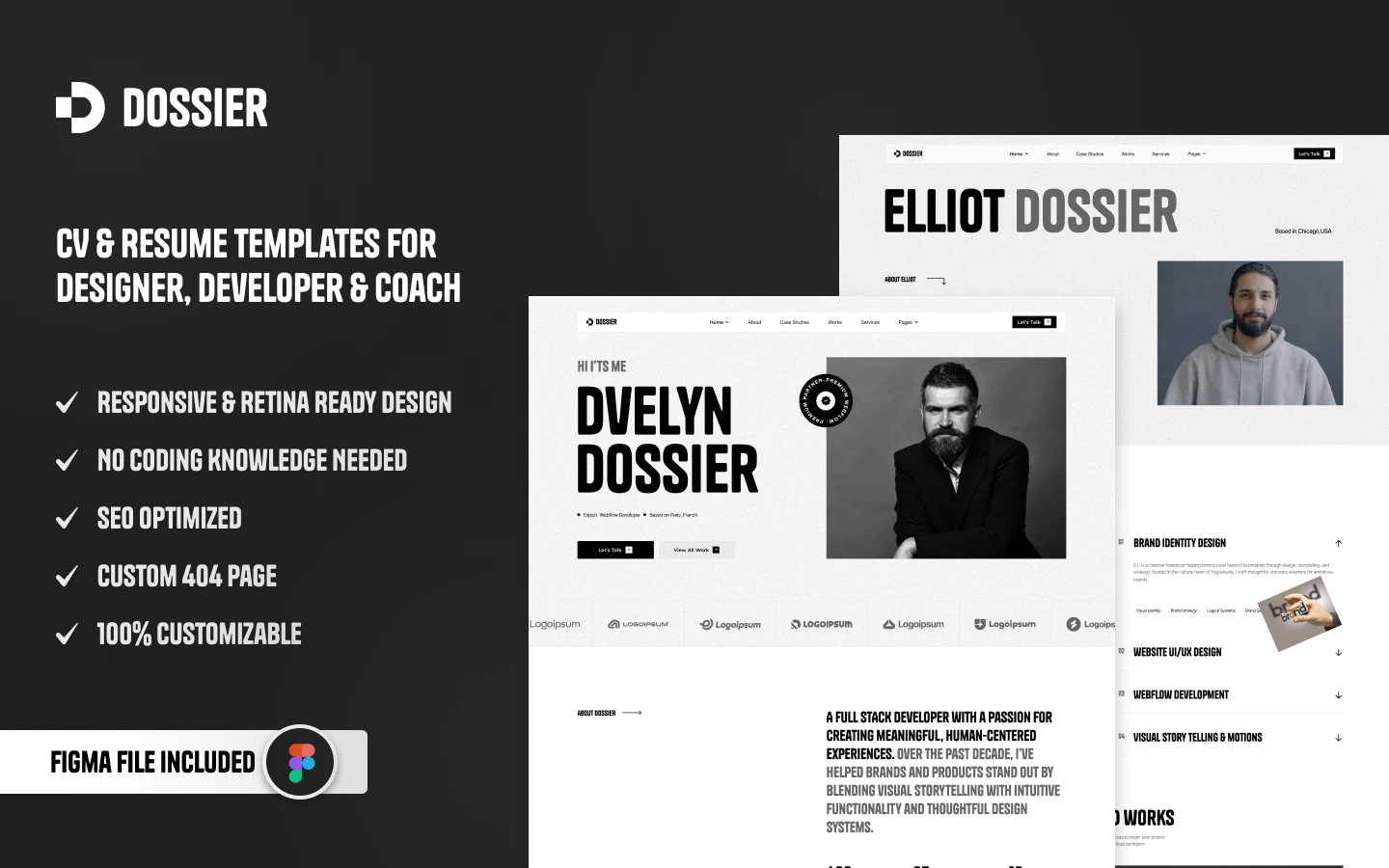
Dossier is clean and minimal, built for professionals presenting a CV, portfolio and supporting documents in a credible way. Three homepage layouts, dynamic CMS, bold hero sections, document previews, scroll animation and a fully responsive build.
Perfect For: Consultancies, law firms and PR agencies. Also strong for designers, developers and any professional service that presents work as evidence rather than as imagery.
Explore Live Preview | Watch on YouTube | Buy Now
TNC CreAge
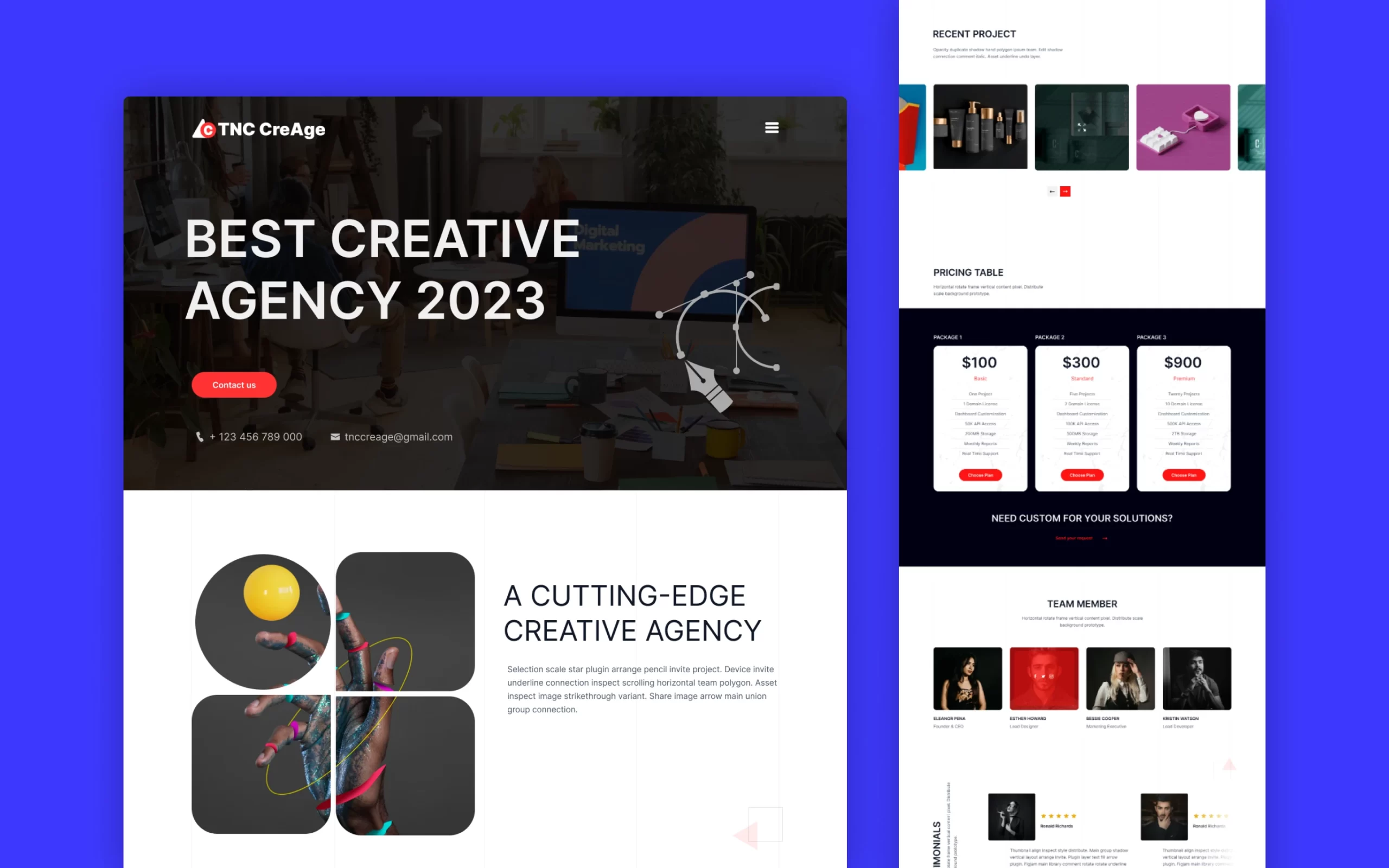
TNC CreAge is built for creative agencies that need to make a strong first impression. A professional homepage, blog, contact pages, considered animation and a fully responsive design let an agency show its best work and convert on it.
Perfect For: Creative agencies, marketing firms and design studios. Also suits agency owners, brand consultants and creative professionals.
Explore Live Preview | Watch on YouTube | Buy Now
Somers
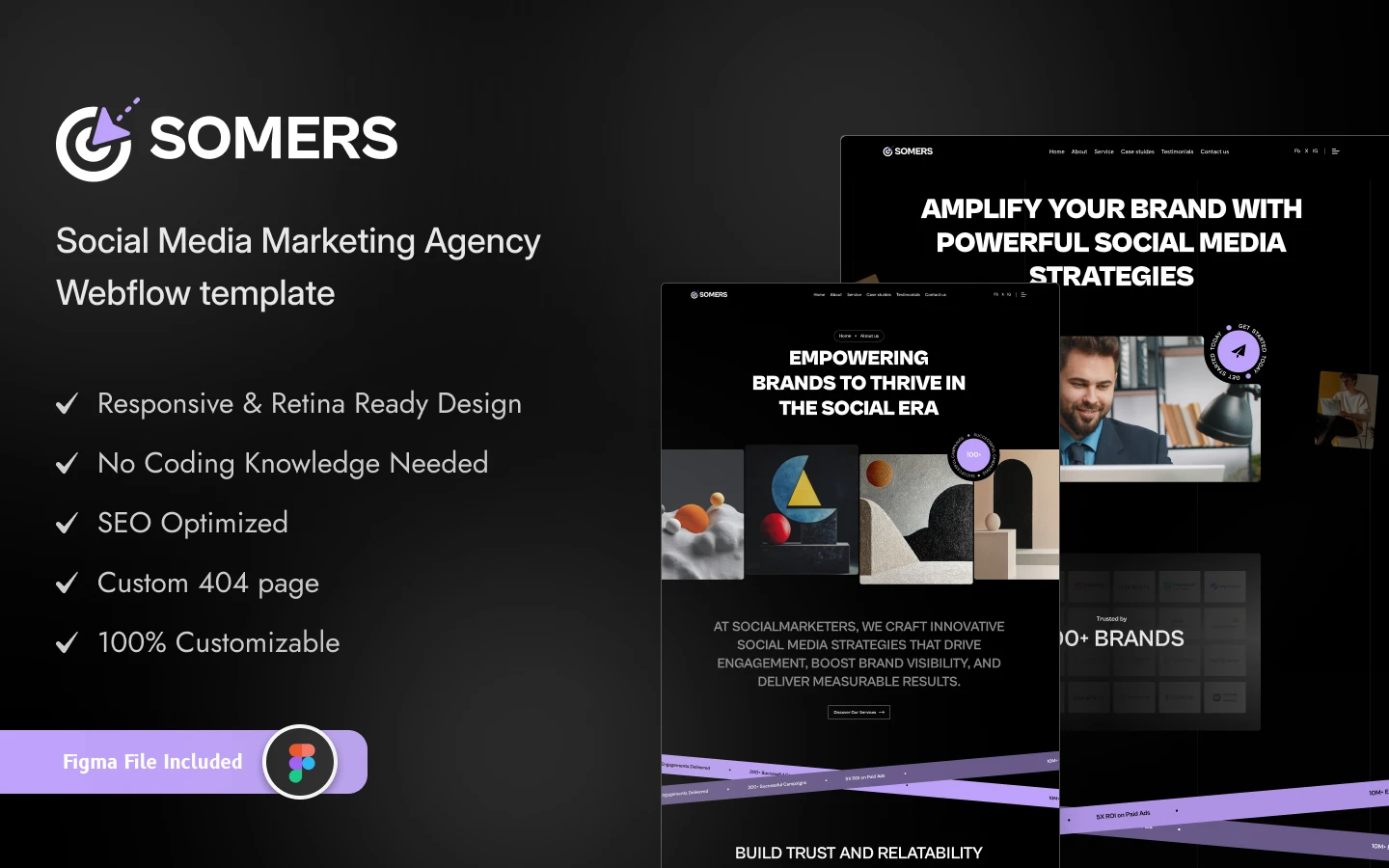
Somers is a sleek, dark-themed template for social media and digital marketing agencies. Elegant animation, developed interactions and a bold minimal design make it straightforward to present agency services alongside the work.
Perfect For: Social media marketing agencies, digital marketing firms, content creators, influencers and technology companies.
Explore Live Preview | Watch on YouTube | Buy Now
Structon
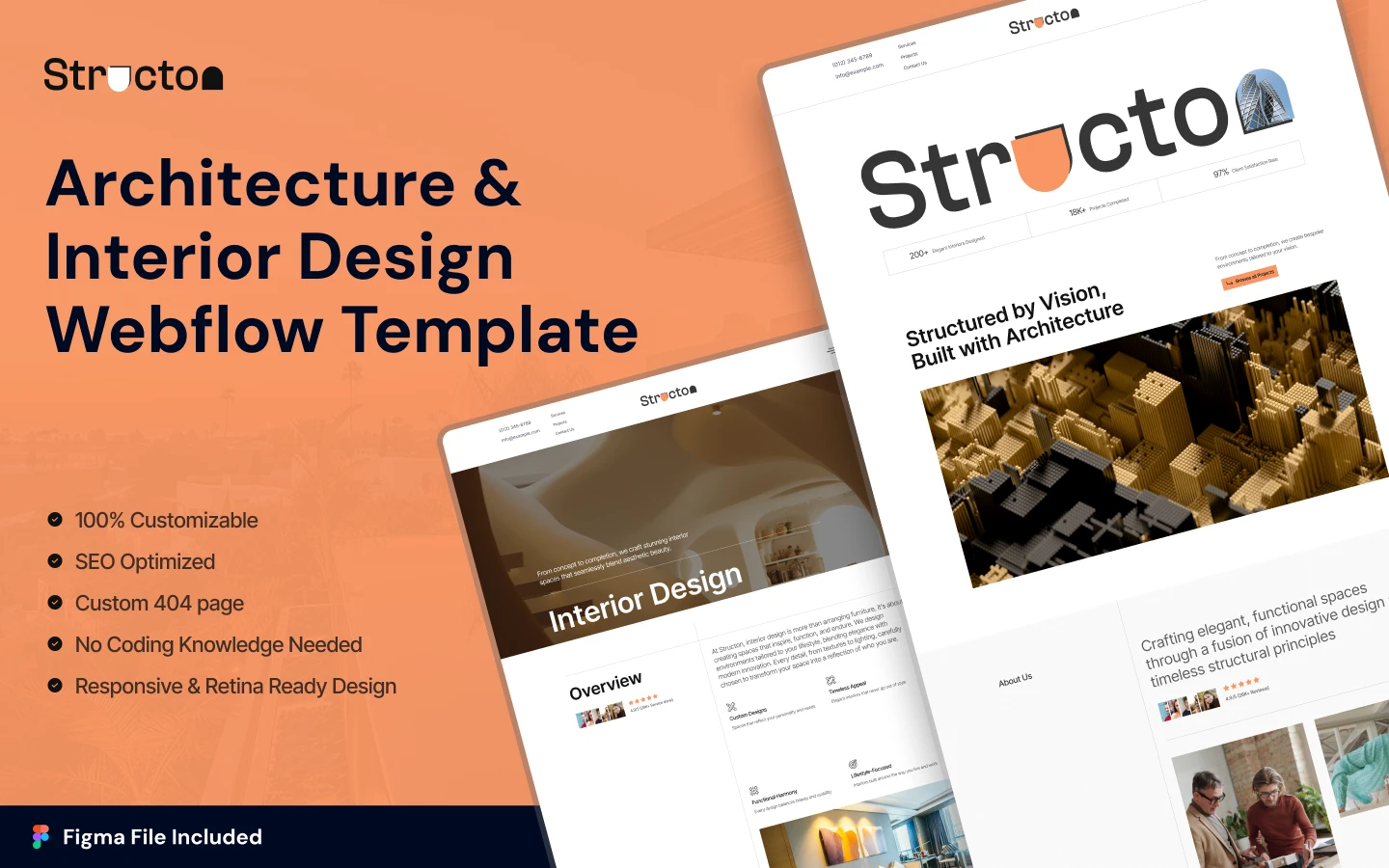
Structon is clean and visually strong, built for architecture firms, design studios and urban planning consultants presenting a body of built work. It is the most project-led structure here, which suits disciplines where each piece needs room and context.
Perfect For: Architecture firms, interior design studios, urban planning consultancies, landscape designers and construction companies.
Explore Live Preview | Watch on YouTube | Buy Now
More Portfolio Templates by Discipline
Portfolios differ more than they first appear. A photographer, a writer and a software agency are all presenting work, but almost nothing about the right structure is shared.
Motion, Creative and Visual Studios
- Animatory motion-led and creative media, for studios whose work is animation or video rather than static.
- Photographer TNC a photography structure built around galleries and full-bleed imagery with minimal interface.
Agency and Marketing Portfolios
- PRCOM PR and communications, with space for coverage and campaign results.
- DigiMark marketing agencies, structured around services and measurable outcomes.
- CollabFlow TNC a one-page agency and portfolio layout, useful when you want a single strong scroll rather than a multi-page site.
Personal Brands and Individual Practitioners
- Brandfluencer influencer and personal-brand led, for people whose name is the product.
- Aiwrite a writing and content portfolio, for copywriters, journalists and content strategists.
- Diary TNC an editorial and blog-led structure for practitioners who build an audience through writing.
Technical and Product Portfolios
- SoftCom TNC software and technology, suited to development studios presenting products and technical projects.
- SecurityForce specialist technical services, where credentials carry as much weight as visual work.
If your practice sells advisory rather than creative output, the consulting templates may fit better. For built work specifically, the construction and trades collection covers project-led contractor sites.
How to Choose the Right Template for Your Needs?
Not every portfolio has the same purpose. The right one depends on your discipline, your goals and who you are trying to attract.
- Freelancers: highlight services, show your strongest projects and make contact obvious. A shorter, direct structure beats a sprawling one.
- Creative designers: bold visuals and considered animation, but keep the work as the focus rather than the interface.
- Agencies: multiple service pages, team sections, case studies and strong calls to action, because agency buying involves more people.
- Photographers and artists: large galleries, full-screen sections and minimal distraction.
- Developers: a clean layout with project detail, technical context, testimonials and somewhere to write.
- Personal brands: an about section, achievements, social links and a narrative thread.
- People planning to grow: choose something scalable, so adding projects, services or a blog later does not mean starting again.
If none of them models what you need, template vs custom build covers when a bespoke site is warranted, and how to choose a Webflow template covers the assessment in more detail.
Tips to Get the Most from Your Webflow Portfolio Template
- Use real project imagery. Stock photography destroys credibility instantly in a portfolio. Clients want your work, not someone else’s.
- Write proper project descriptions. Do not only show what you made. Explain the problem, your approach and the outcome. That turns a gallery into evidence.
- Make contact obvious. A surprising number of portfolios bury it. Put it in the main navigation.
- Update it regularly. An untouched portfolio signals you are not working. Add something every few months.
- Compress your images. Portfolios are the worst offenders for page weight, and speed affects both conversion and search visibility.
- Lead with your best single piece. Most visitors will not reach the bottom of the page, so the strongest work should not be buried there.
Portfolio Templates From Other Creators
These are not ours. They are well-regarded options on the Webflow marketplace, included so you can compare before you decide. Prices are as listed at the time of writing.
Jonas
Jonas by Bryn Taylor costs $29. A light, minimal portfolio that keeps the focus on the work.
Jonas on the Webflow marketplace.
Dubai
Dubai by Azwedo costs $34. A one-page CMS portfolio for freelancers and creatives.
Dubai on the Webflow marketplace.
Related Reading
More guides: Webflow blog templates, Webflow landing page templates, dark mode Webflow templates and small business website templates.
Frequently Asked Questions
How many projects should I include in my portfolio?
Five to ten strong projects that explain your process, the constraints and the result will land better than a large collection of average work. A portfolio is judged on its weakest visible piece as much as its best.
Should I use a dark or light design?
Either works. Choose whichever suits your brand and, more importantly, whichever makes your work easiest to look at. Dark themes flatter some imagery and wash out others, so test with your actual projects before committing.
Can a portfolio actually help me get more clients?
Yes, though indirectly. It rarely wins work on its own; what it does is remove doubt. A clear, credible portfolio means a prospect who was already interested does not talk themselves out of contacting you.
Should I show prices or service packages?
It depends on how you sell. Published starting prices filter out inquiries you do not want, which saves everyone time. Practitioners who scope every project individually usually prefer to discuss it after a conversation. Both are defensible.
How often should I update it?
Add new work every few months, remove anything you would no longer want to be judged on, and keep testimonials and contact details current. With a CMS-backed template this takes minutes.
What is included when I buy a template?
The Webflow template and the matching Figma file. The Figma design can be bought separately at $30, the Webflow template is $59, and an All-Access Pass covering the whole catalog is $299 a year. Details are on the pricing page, and there are free templates if you want to try one first.
Can I use one portfolio template across different professions?
Often, yes. Portfolio templates tend to be flexible, because the underlying job, presenting work and making contact easy, is shared. Check that the CMS collections match your content type before committing, since that is where the mismatch usually shows up.
What if I need something the template does not include?
Small additions you can build yourself in the Designer. For structural work such as a client portal, a bespoke case-study format or a booking flow, development help is the route and you can request a quote with a defined scope.
Final Thoughts
A portfolio is your most persistent piece of business development. It presents your work to people you will never speak to, at hours you are not working, and it decides how seriously they take you before you get a chance to explain anything.
Choose on structure rather than on which design you like most in isolation, put real effort into the project write-ups, and keep it current. Browse the full template catalog to compare, or look at the design and development services if you need something built around your practice rather than adapted to it.