

PRO



CollabFlow TNC is a startup website template for team collaboration apps, task management tools and early stage SaaS companies. It ships for Webflow, Figma and HTML.
The build runs to 11 pages, so you get a long form landing page, a complete CMS blog and the utility pages a launch site actually needs. Because four of those pages are CMS templates, your posts, authors, categories and tags all generate their own pages automatically.
Each section has one job. The hero states the promise, then a benefits block, a four step how it works walkthrough, a why choose us section, pricing, an FAQ and an integrations strip follow. However, nothing shouts, so the tone stays practical rather than pushy.
Explore the live preview now.
CollabFlow TNC at a Glance
| Formats | Webflow, Figma and HTML |
| Best for | Startups, team collaboration apps, task management tools, workspace and productivity software |
| Pages | 11 |
| CMS templates | 4, covering posts, authors, blog categories and tags |
| Layout | One page landing site, plus a multi page blog |
| Responsive | Yes, on desktop, tablet and mobile |
| Support | Included, direct from the TNCFlow team |
Key Features of CollabFlow TNC
Product Led Design: The layout is modern and deliberately calm, so your application screenshots carry the page instead of competing with decoration. Because an unfamiliar startup is judged on its interface first, that restraint reads as quiet confidence.

CMS Collections: The blog runs on Webflow CMS collections for posts, authors, categories and tags. So you fill in a form and the listing, the archive and the related links update together.

Benefits Section: A dedicated block sets out exactly what the product delivers for a working team, so you can lead with the outcome rather than a feature inventory. Then the supporting detail follows once the reader is genuinely interested.

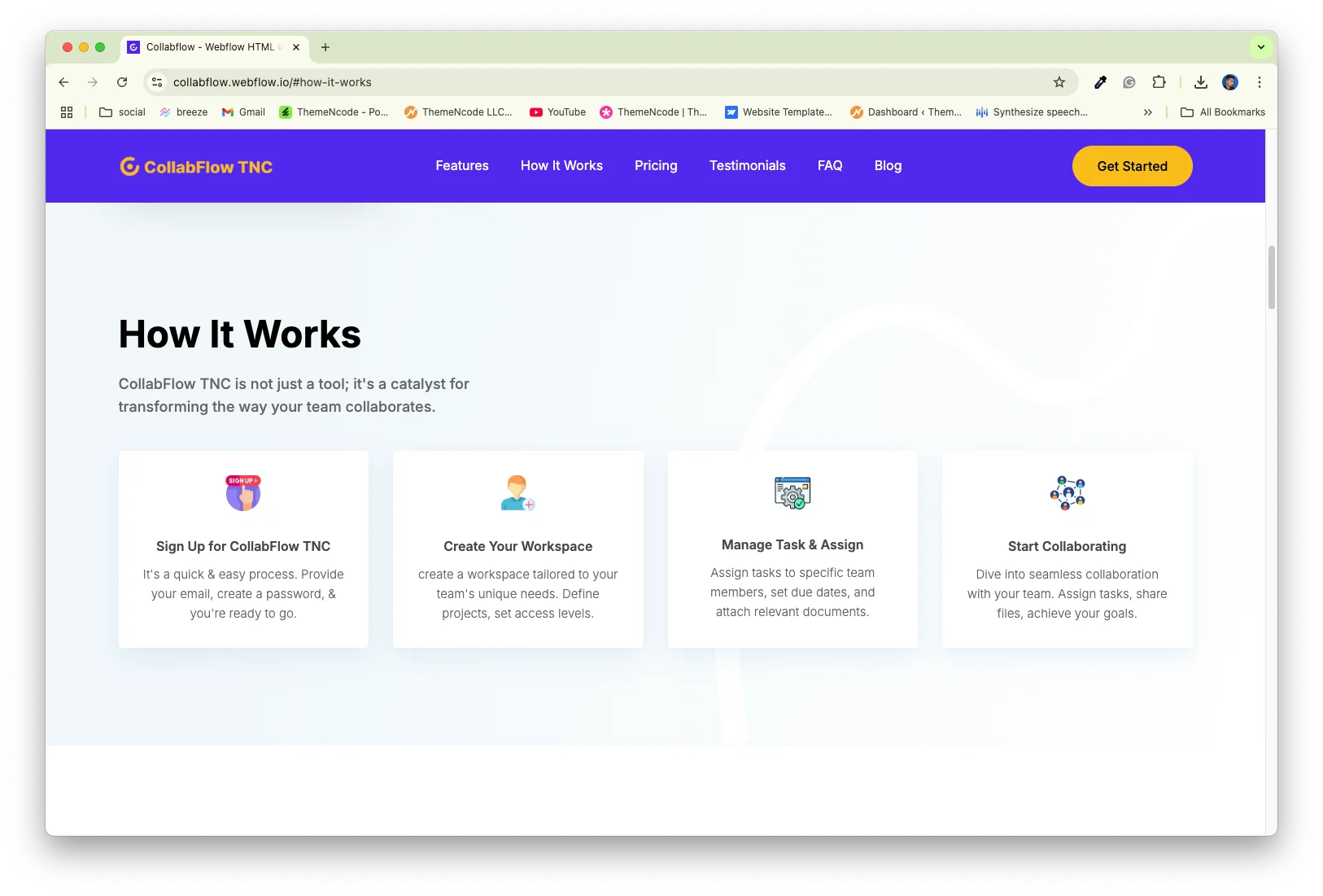
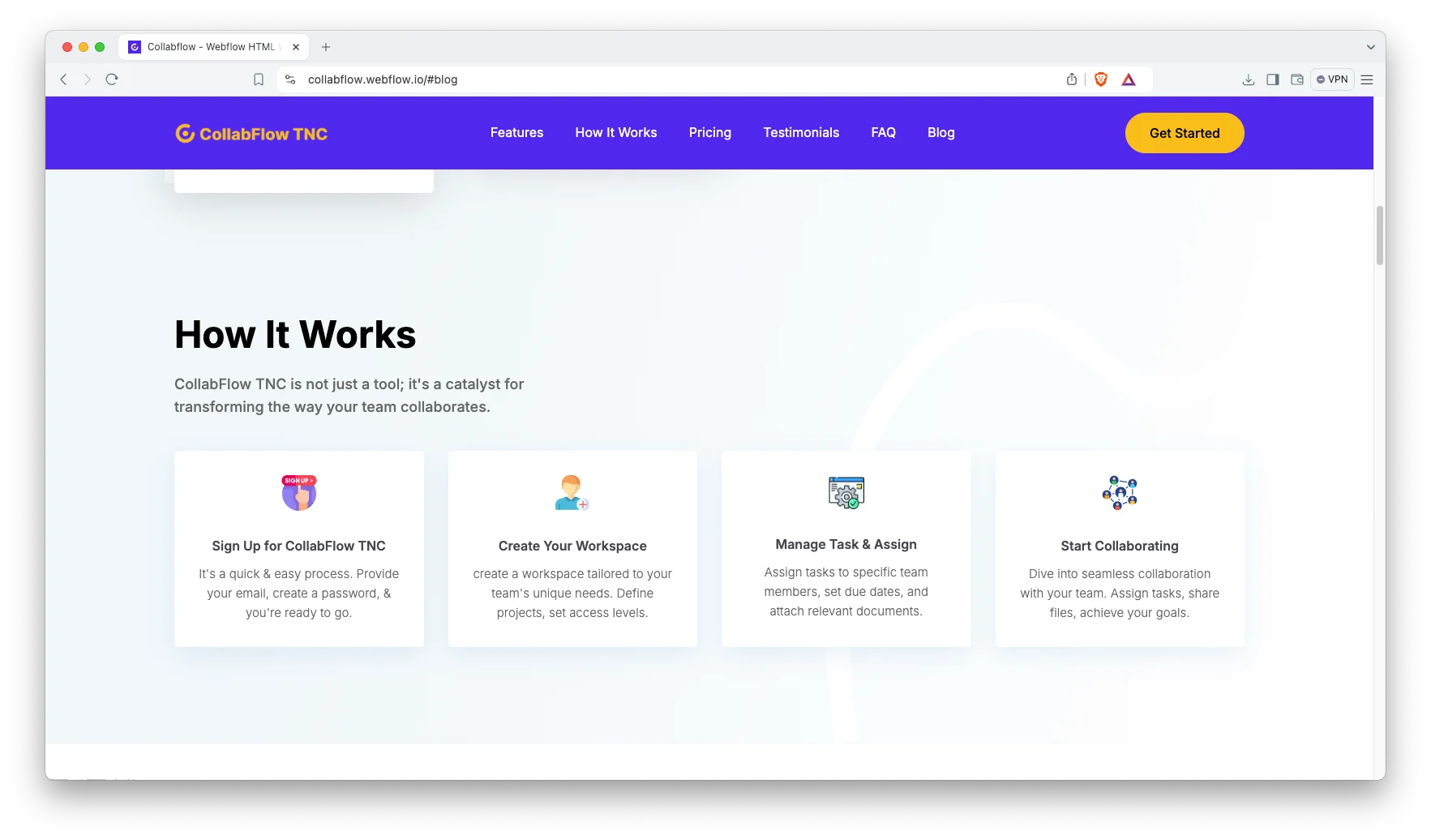
Four Step How It Works: The walkthrough runs from signup to workspace to task assignment to collaboration. Because a new tool has to feel easy before anyone tries it, that sequence removes the main objection.
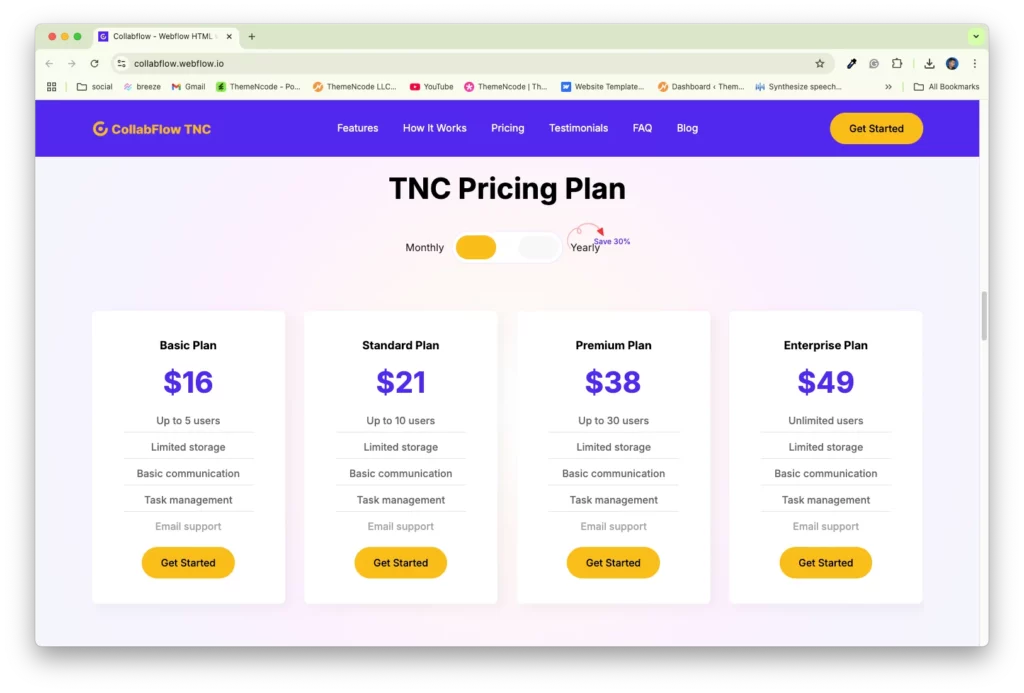
Pricing Plans: A tiered pricing block sits directly on the landing page, so a reader can estimate the cost without booking a discovery call. You can present the tiers as monthly, annual or per seat subscriptions.
Responsive and Easy to Edit: Every section is set up for desktop, tablet and mobile. Webflow handles the styling, so you change colours, fonts and spacing on the canvas. However, the HTML build is there if your developers prefer code.
Testimonials and Partners: A testimonial block and a partner logo strip both sit immediately above the closing call to action, so evidence arrives at precisely the moment doubt does. There is also a newsletter block for collecting early signups.

Watch on YouTube
The walkthrough below tours the template section by section, so you can judge the fit before you buy.
Pages Included in CollabFlow TNC
There are 11 pages. The ones marked Template are CMS layouts, so they build a page for every record you add.
- Home
- Blog
- Blog Post Template
- Blog Categories Template
- Authors Template
- Tags Template
- Style Guide
- Licenses
- Changelog
- Search Results
- 404
How to Use CollabFlow TNC
Setup is short. Here are the steps.
- Use the purchase widget on the right side of this page to buy the CollabFlow TNC template
- Follow the steps to get your site ready
- Replace the demo copy and screenshots with your own product
- Add your posts, authors, categories and tags to the CMS collections
- Point the buttons at your signup or free trial flow
- Preview, then publish
What a Startup Site Has to Get Right
A startup site has one genuinely hard problem, which is that nobody recognises the brand yet. So every claim has to carry its own supporting evidence on the same screen.
First, say what the product actually is in plain words. Because clever hero copy usually reads as vague, a visitor who cannot describe your product within five seconds simply leaves. Then show the interface immediately below it.
Second, borrow credibility wherever you can. Partner logos, press mentions and properly named testimonials all work considerably harder than adjectives. If you have none yet, publish an honest founder note rather than a fabricated quote.
Third, publish your pricing. Early teams often conceal it while they experiment with positioning. However, a missing price reads as expensive, and it costs more signups than an imperfect price ever would.
Next, list your integrations openly. A team tool always joins a software stack that already exists. Because a single missing connector ends the evaluation, a logo strip answers that faster than any paragraph.
Finally, use the blog. A landing page alone rarely earns search traffic. However, posts on teamwork, task management and remote process build up month after month. Because the blog runs on CMS collections, adding one is a form filling job.
Frequently Asked Questions
What is CollabFlow TNC?
CollabFlow TNC is a startup website template for team collaboration apps, task management tools and early stage SaaS companies. It contains 11 pages, built around a one page landing site with benefits, a how it works walkthrough, pricing, testimonials, integrations, an FAQ and a full blog.
Which formats does CollabFlow TNC ship in?
CollabFlow TNC ships for Webflow, Figma and HTML. There is no Framer version and no WordPress version.
How many pages does CollabFlow TNC include?
The template includes 11 pages. Four of them are CMS templates, so they build a new page for every post, author, blog category or tag you add.
Is CollabFlow TNC only for collaboration apps?
No. The layout suits any startup sold through benefits, a how it works walkthrough and a pricing table. Productivity tools, workspace apps and other software startups all fit the same shape.
Does CollabFlow TNC include a blog?
Yes. There is a blog listing page plus CMS templates for posts, authors, categories and tags. So you can credit several writers and still keep the archive tidy.
Is the Figma file included with the template?
No. The Figma file is a separate product, and you buy it from the purchase widget on this page. The Webflow and HTML builds are also sold on their own.
When you choose CollabFlow TNC, you get support direct from the TNCFlow team. So if a section will not behave, just ask us.
Check out other Webflow templates by TNCFlow.
Featured in our guides: Figma landing page templates, Webflow SaaS templates and Webflow portfolio templates.





Select template
Choose one or more options for your build
