
PRO

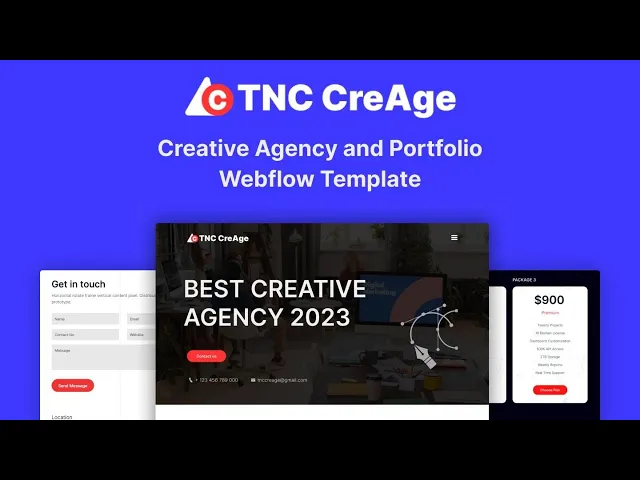


TNC CreAge is a Webflow portfolio template for creative agencies, design studios and marketing firms. It ships for Webflow, Figma and HTML.
Agencies win work by showing work. So TNC CreAge puts the portfolio first. Clean layouts and subtle motion keep attention on your projects. Every page then moves the visitor toward an enquiry.
Each section has one job. The hero states what you do. The portfolio grid proves it. Pricing sets expectations early. Testimonials and the FAQ close the remaining doubts. Because the build runs on Webflow CMS, your team can add case studies without a developer.
Pick the format that suits you. TNC CreAge ships for Webflow, Figma and HTML. Need something custom instead? We also design and build sites from scratch.
TNC CreAge at a Glance
| Formats | Webflow, HTML and Figma |
| Best for | Creative agencies, design studios, marketing firms and freelance professionals |
| CMS | Webflow CMS enabled |
| Key sections | Dynamic hero, portfolio grid, pricing, blog, testimonials, FAQ and social icons |
| Responsive | Desktop, laptop, tablet and mobile |
| Support | Included with every purchase |
Explore the live preview now!
What Agency Buyers Look For
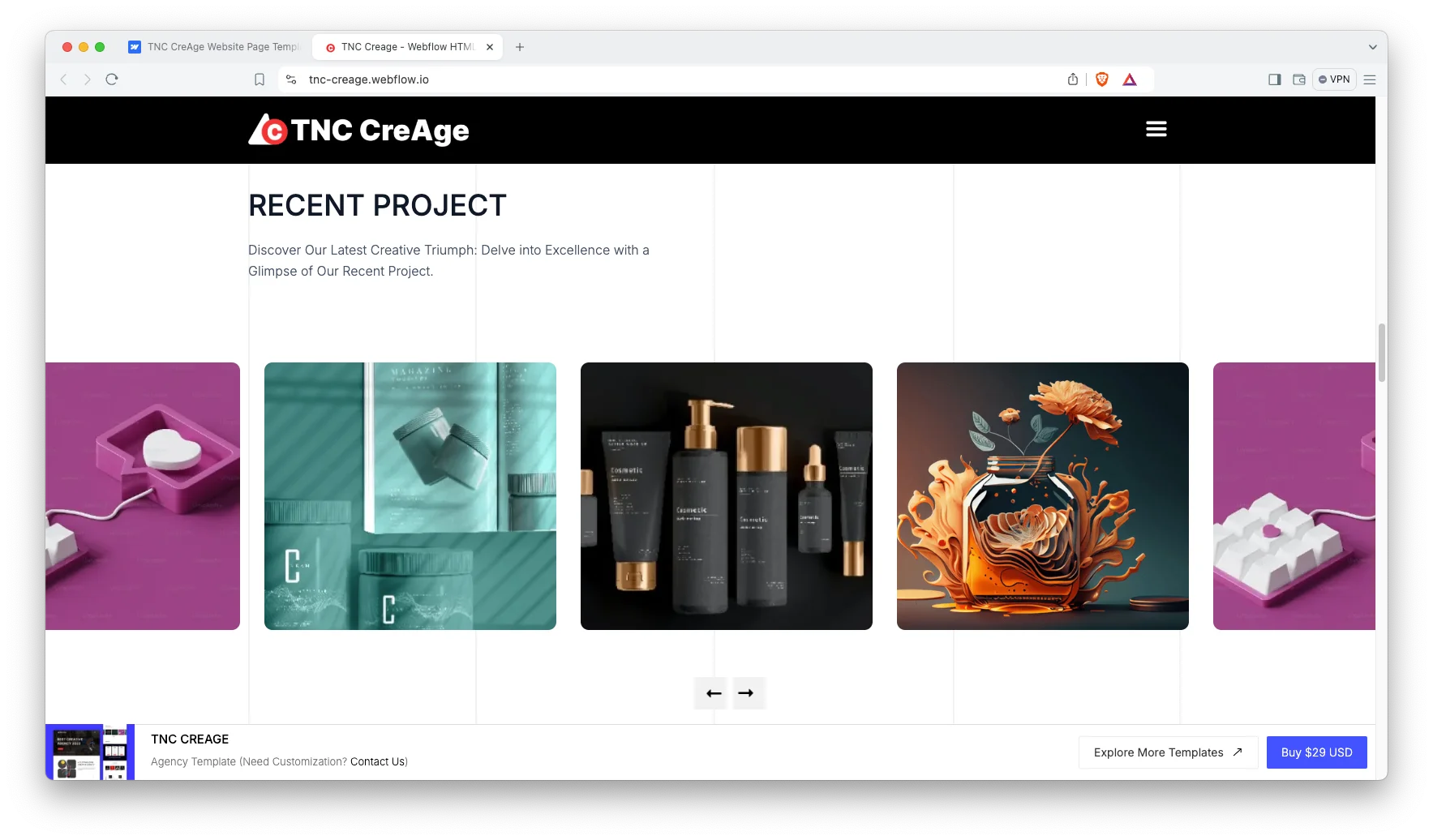
Proof, mostly. A prospect wants to see work close to their own problem. So TNC CreAge gives each project its own space rather than burying everything in one gallery.
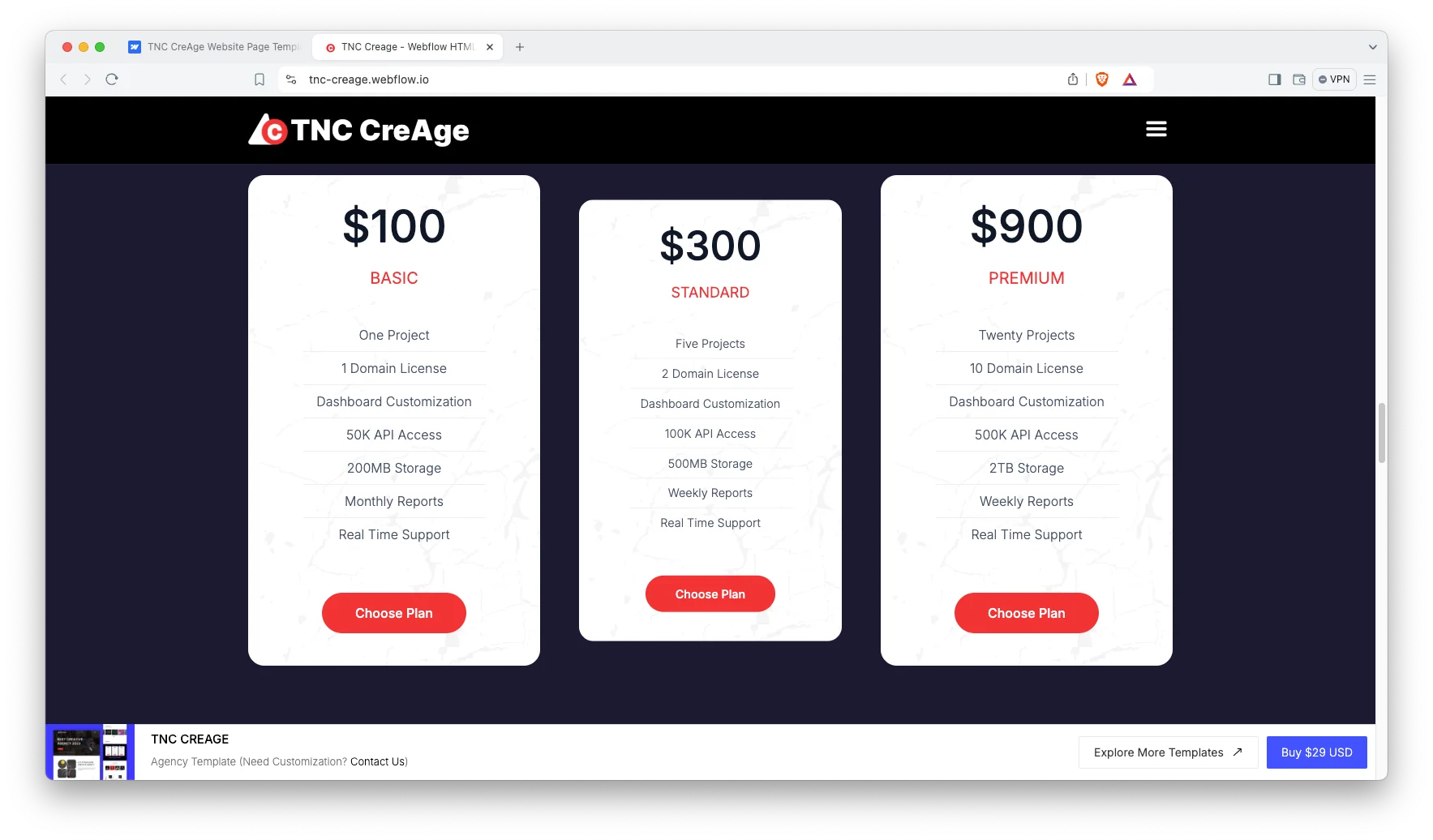
Price is the second question. Many agency sites hide it, and that costs enquiries. The built-in pricing section lets you set a starting point, which filters out mismatched leads before they reach your inbox.
Who Should Use TNC CreAge?
TNC CreAge suits creative agencies, design studios, marketing firms and branding teams. It also fits freelance designers and small studios that need a credible site fast.
Key Features That Set TNC CreAge Apart
Modern Design: A sleek layout that holds attention from the first scroll.
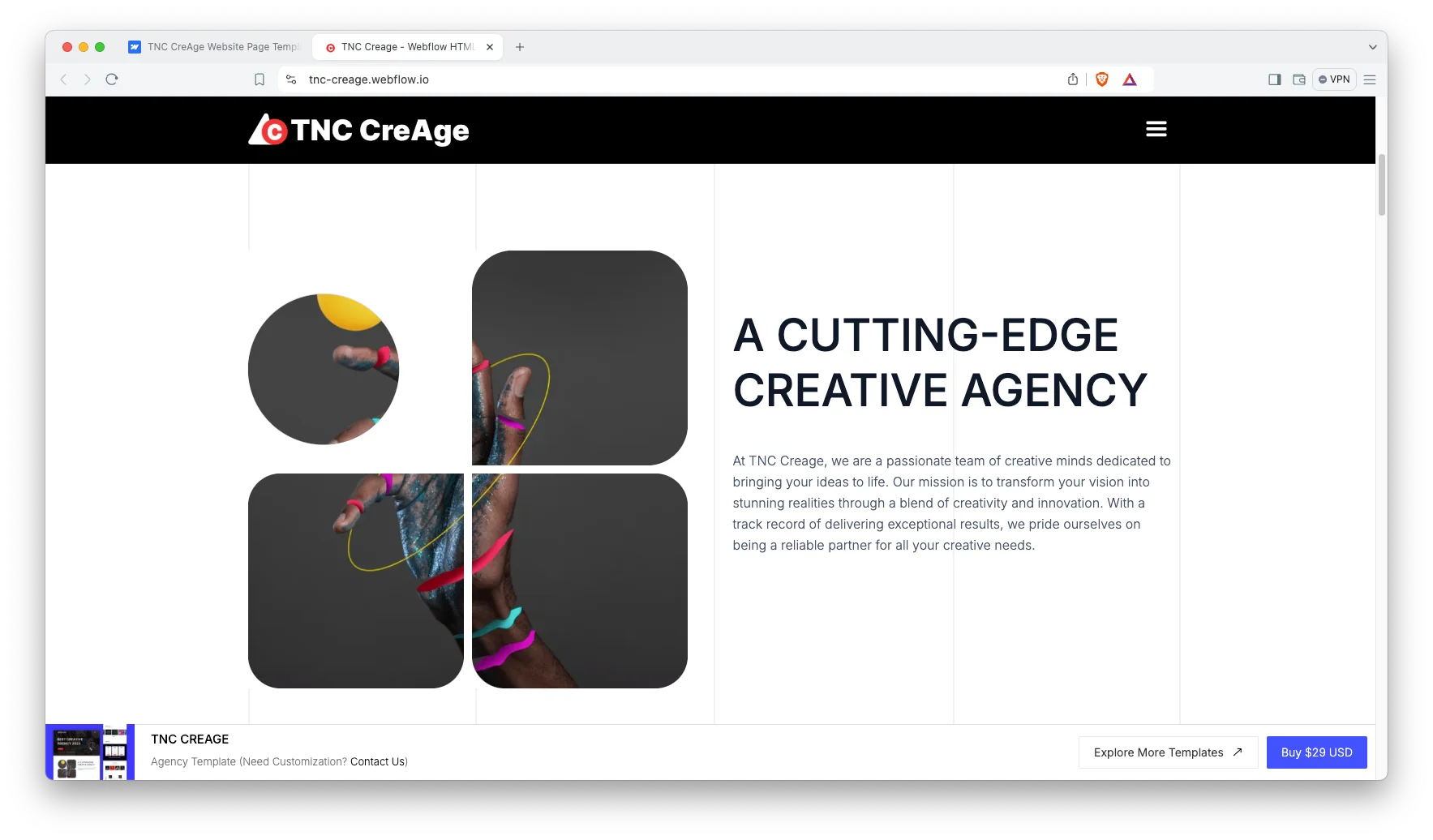
CMS Functionality: Built on Webflow CMS. Publish case studies and blog posts without touching code.
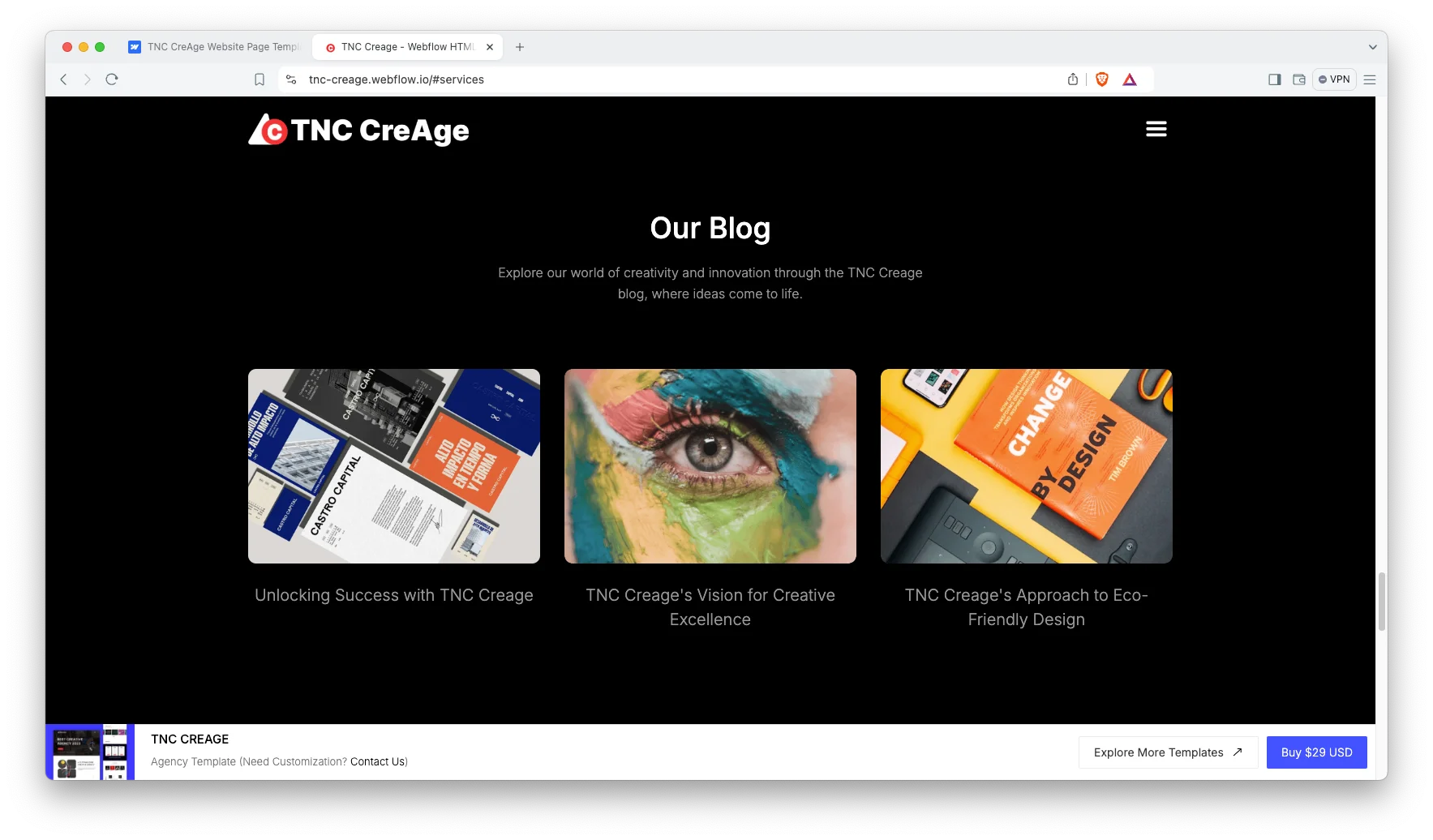
Engaging Sliders and Animations: Subtle motion that adds polish without slowing the page.
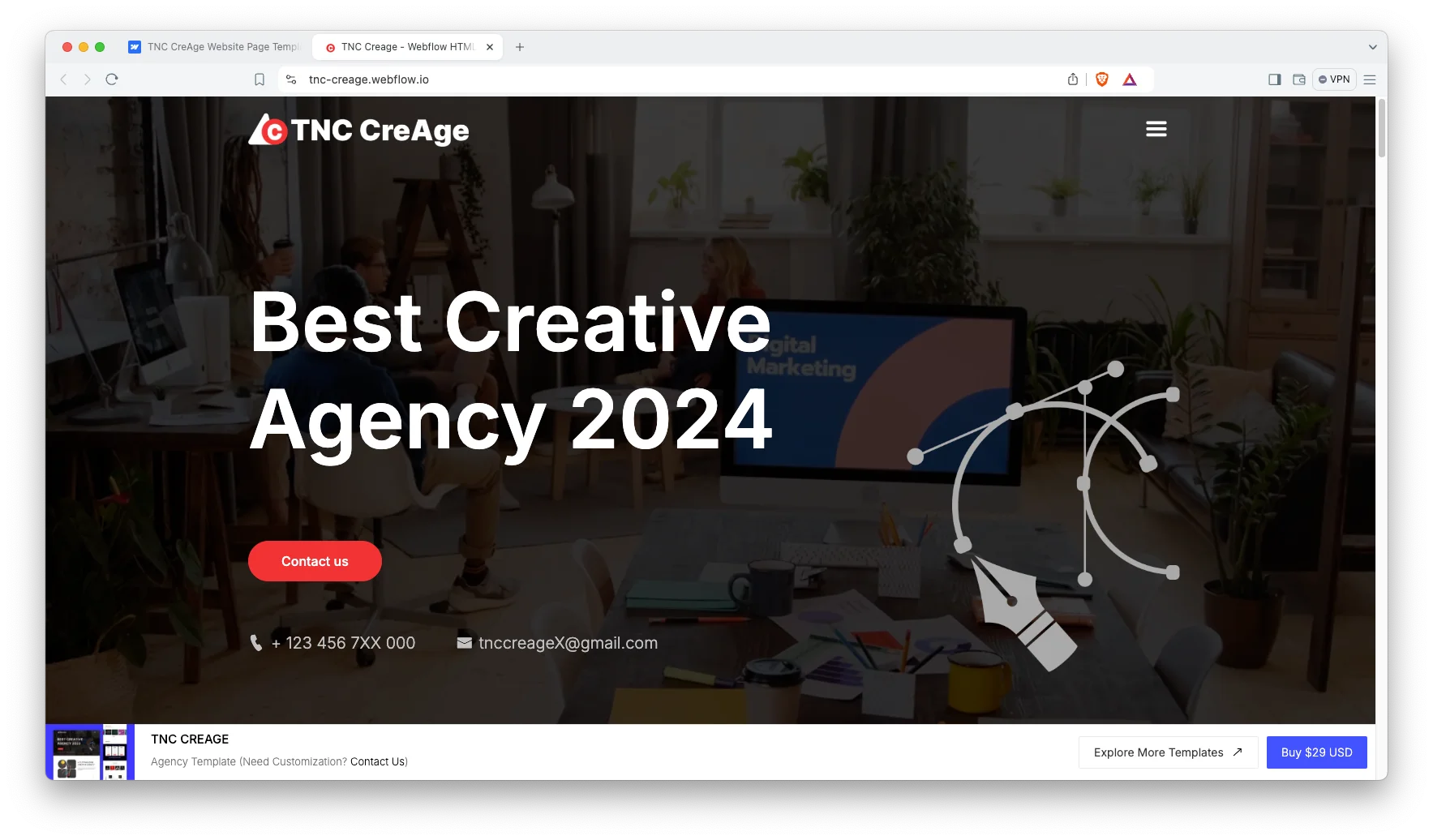
Portfolio Showcase: A built-in grid for your best projects. Add work as you win it.
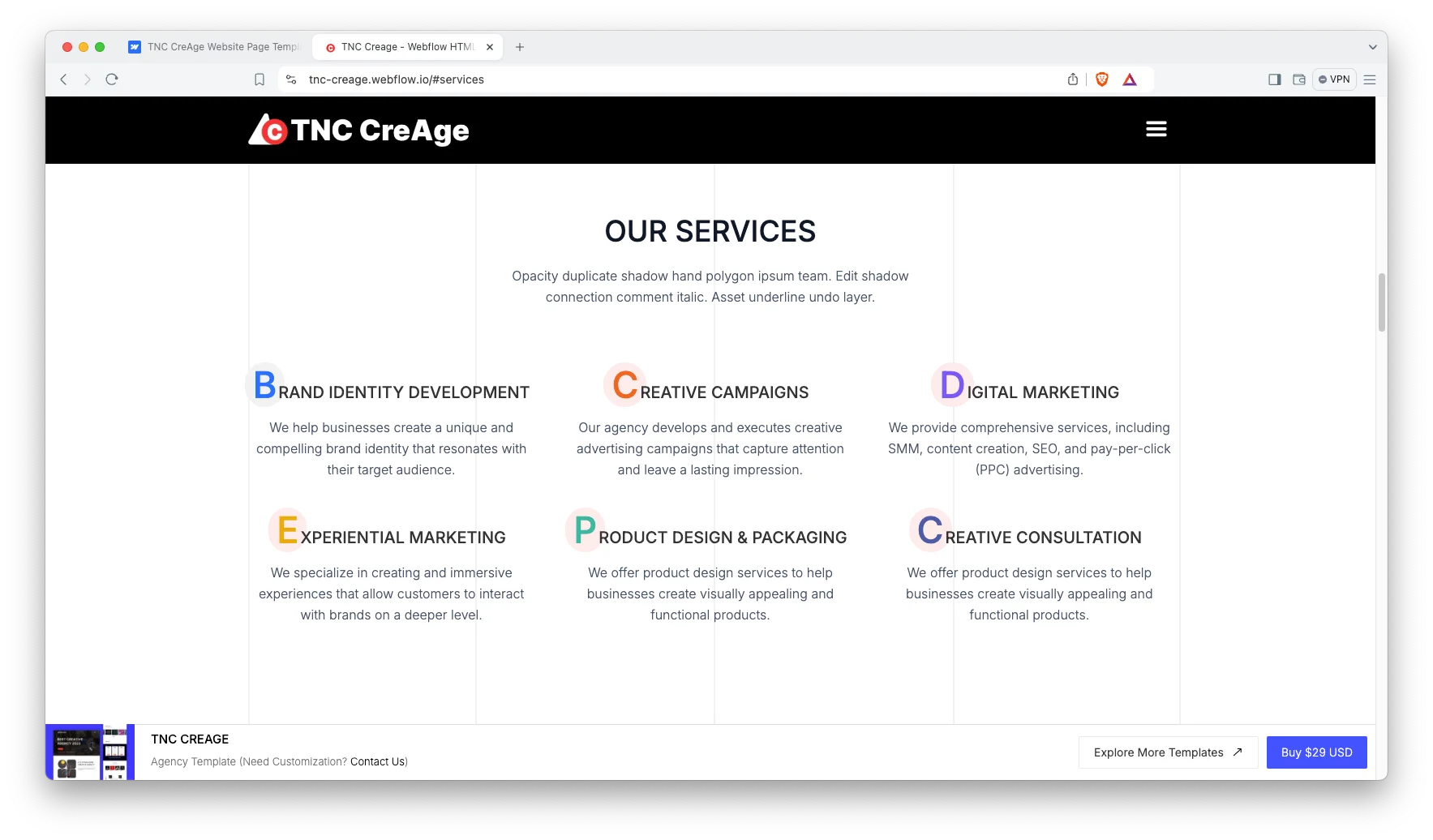
Effective Sections: A dynamic hero, blog, pricing table, testimonials, FAQ and social icons. Everything an agency site needs.
Responsive and Mobile-Friendly: A smooth experience on desktop, laptop, tablet and mobile.
Dedicated Customer Support: You get direct help from the TNCFlow support team whenever you need it.
Need the Figma file? Simply send us a message after purchase. We will send it ASAP.
Watch on YouTube
Prefer to watch? This short video walks through the template and shows how to set it up.
How to Use TNC CreAge
- Choose your format: Webflow, Figma or HTML
- Follow the steps to get your site ready
- Replace the content with your own
- Adjust the design if you want
- Preview and publish
TNC CreAge Frequently Asked Questions
Is TNC CreAge suitable for a small design studio?
Yes. You can launch with the hero, portfolio and contact page alone. Then add case studies, pricing and testimonials as the studio grows. None of that needs a developer.
Does TNC CreAge include a pricing section?
Yes. There is a dedicated pricing section you can edit in Webflow. Agencies use it to publish starting rates or retainer tiers, which helps filter enquiries before a call.
Can I use TNC CreAge as a personal portfolio?
Yes. Freelance designers and consultants use it that way. Remove the sections you do not need and keep the portfolio grid as your main page.
Can I use TNC CreAge without Webflow CMS?
Yes. The Webflow build ships with CMS collections for projects and blog posts. However, you can switch them off and run static pages instead. The HTML build is already static, and the Figma file has no CMS.
What is the difference between the Webflow, HTML and Figma versions?
The Webflow build is ready to publish, with CMS and interactions. The HTML build is static, so you can host it anywhere. The Figma file is the source design for teams who want to restyle before development. All three share the same layouts.
Do I need coding skills to edit TNC CreAge?
No. The Webflow build is fully visual, so you edit text and images on the canvas. The HTML build needs a developer for structural changes. The Figma file is for designers.
Ready to Launch Your Agency Website?
TNC CreAge gives creative teams a site that is ready to launch. It shows your work first, sets pricing expectations and turns visitors into enquiries.
Check out other Webflow templates by TNCFlow.
Featured in our guides: animated website templates, Figma portfolio templates and photography website templates.




Select template
Choose one or more options for your build
