

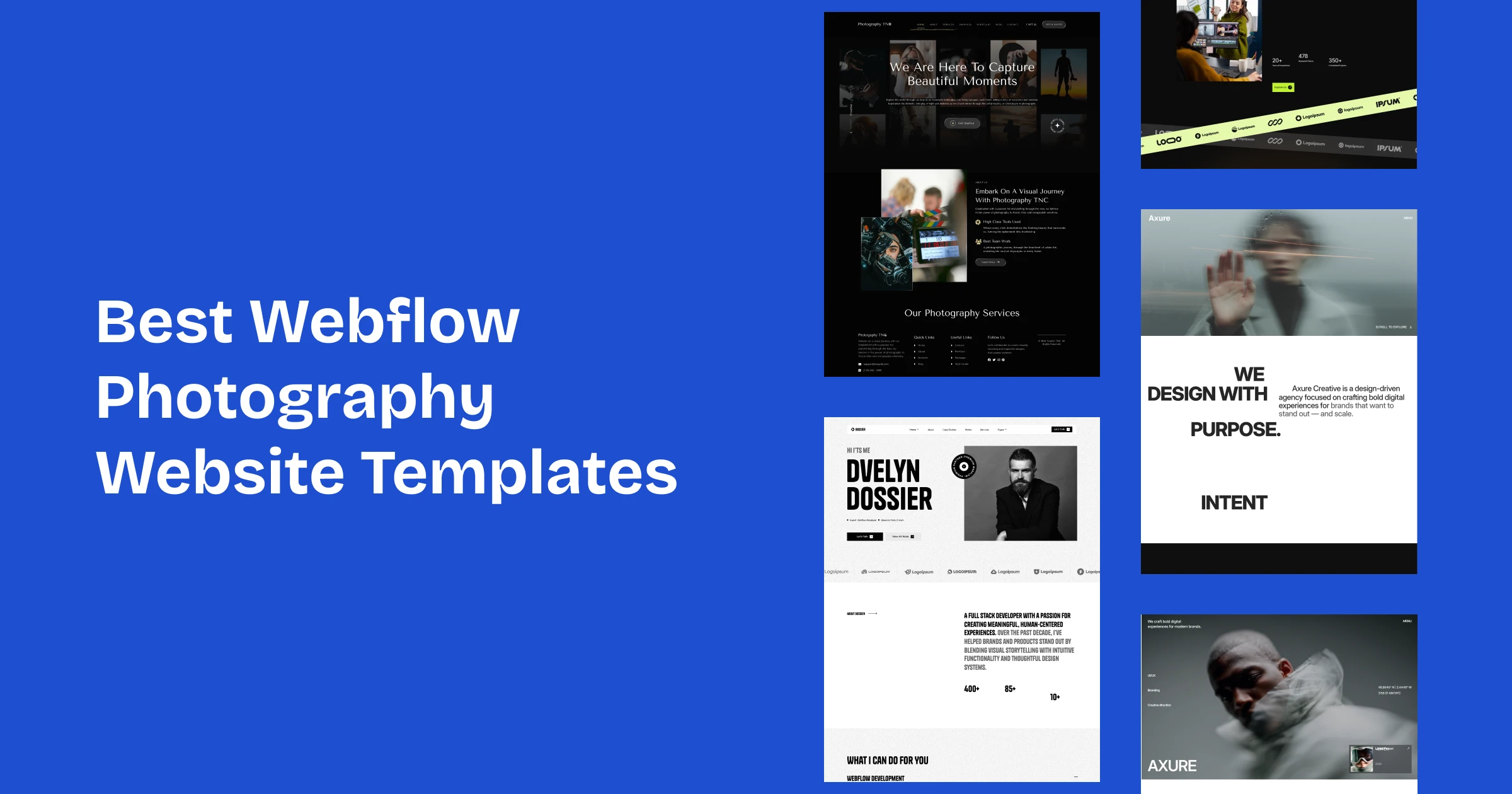
These photography website templates are built in Webflow for portrait, wedding and commercial photographers. Compare them below.
A photography website has an awkward double job. It has to present the work at a size and quality that does it justice, and it has to load quickly enough that nobody leaves first. Those two requirements pull against each other, and most photography sites lose the second one.
These Webflow templates are chosen for how they handle galleries, image scale and the practical information a client needs before inquiring.
If you are a designer or studio rather than a photographer, the portfolio collection is a better fit.
Quick Picks
| Template | Best for | Webflow price | Link |
|---|---|---|---|
| Photographer TNC | Photography websites | From $49 | View template |
| Axure | Portfolio websites | $59 | View template |
| Dossier | Resume websites | $79 | View template |
| Animatory | Film and video studio websites | $49 | View template |
| TNC CreAge | Creative agency websites | $29 | View template |
| Rowan (by Flowit Supply) | Editorial-style portfolios | $49 | Webflow marketplace |
| Framehaus (by AHD Supply) | Filmmakers and studios | $39 | Webflow marketplace |
What Clients Look For Before Booking
Work that resembles their situation. A couple booking a wedding wants to see weddings, not your best editorial frame. Organizing galleries by the kind of job you take is more useful than organizing them by how proud you are of each image.
Then the practical questions: do you cover this location, roughly what does it cost, what do I actually receive, and how do I check availability. Photographers routinely omit all four, and each omission is an inquiry that goes to someone clearer.
What a Photography Template Needs
Judge these on the gallery pages, not the homepage:
- Gallery structures that hold a series together, rather than scattering images into an undifferentiated grid.
- Large-format presentation that does not crop your composition to fit a template’s aspect ratio.
- Somewhere for packages or pricing guidance, even if only a starting figure.
- An availability or inquiry route that captures the date, since that is the first thing you need to know.
- A real About page. Clients hire a person to spend a day with them, and they want a sense of who that is.
The Webflow Photography Templates
Each is a Webflow build. Figma, HTML and in some cases Framer versions exist for several.
Photographer TNC

Photographer TNC is the purpose-built option here: gallery-led, restrained interface, and image presentation that gets out of the way of the work.
It handles commercial, editorial and wedding work equally well, because the structure is driven by galleries rather than by one specialism.
Photographer TNC is available now.
Axure

Axure is a modern creative portfolio design with a stronger editorial character, giving room for words alongside the images.
Useful if you write about your work, or if commissions come from art directors who read as well as look.
Axure is available now.
Dossier

Dossier ships with several homepage variants, which lets you try different first impressions without rebuilding the site.
Helpful when you shoot across genres and are undecided about which to lead with.
Dossier is available now.
Animatory
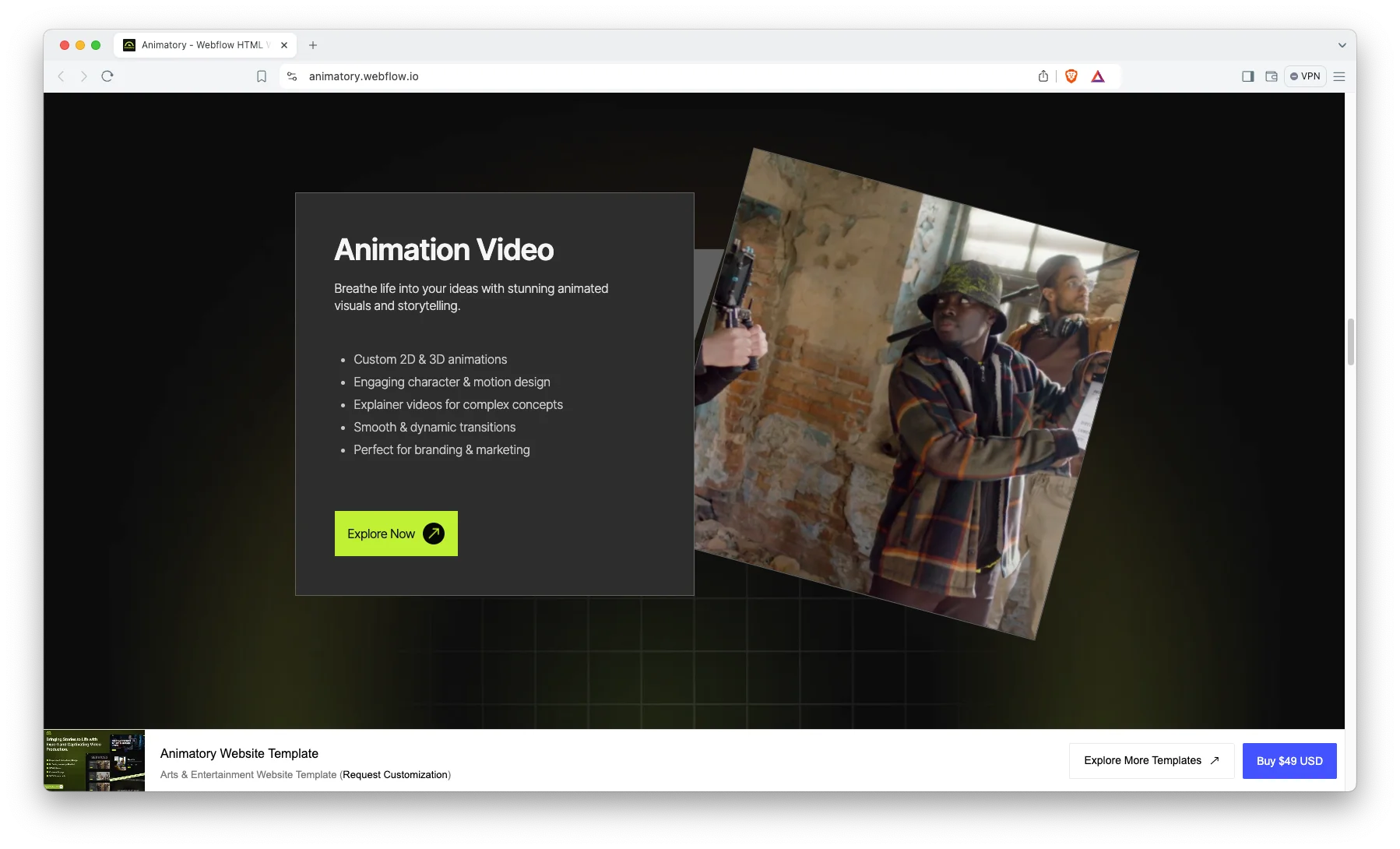
Animatory is built for motion and video work, giving moving pieces room to play at a size where detail survives.
The right choice if you shoot video as well as stills, or work primarily in motion.
Animatory is available now.
TNC CreAge
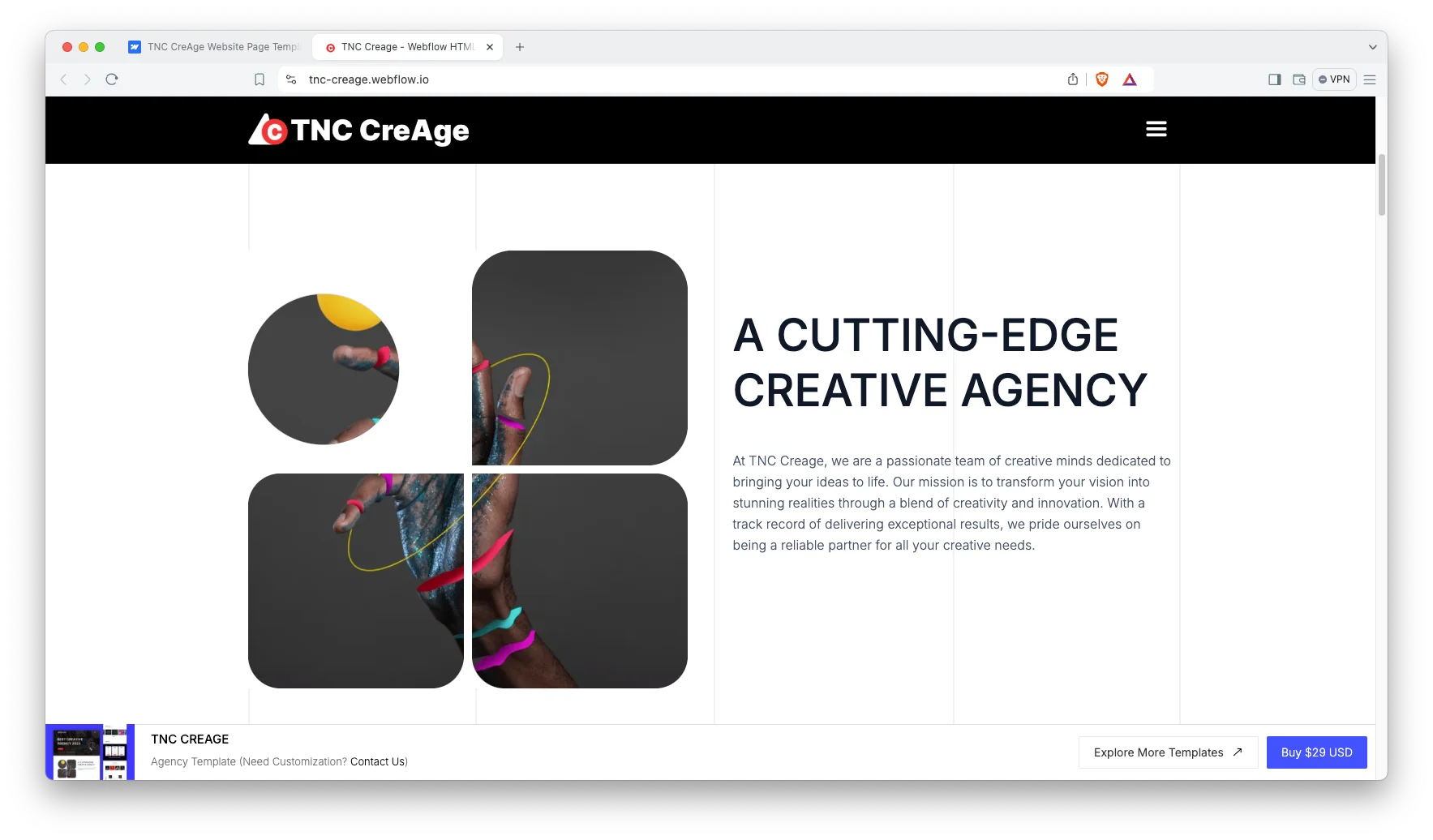
TNC CreAge covers services and work together, which suits a photography business with a studio, a team or a defined service list rather than a single practitioner.
A better fit than a pure portfolio once you are selling packages rather than yourself.
TNC CreAge is available now.
The Two Things That Will Actually Decide Performance
Image weight. Photography sites are the slowest category on the web, almost always self-inflicted. Exporting full-resolution files straight into a gallery will undo any template. Compress properly, use modern formats, and check the result on a phone over mobile data rather than on your studio connection.
Client delivery is a separate product. These templates present your public portfolio. They do not handle client proofing galleries, download permissions, print ordering or password-protected delivery. Photographers generally run a dedicated delivery platform alongside the site, and that is the sensible arrangement rather than a workaround.
If you want the site built and connected to whichever delivery platform you use, tell us which one and we will confirm what fits.
How to Choose the Right One
Choose by the shape of your work. A photographer with a handful of deep projects needs case-study style pages; one with thousands of images needs galleries and filtering. No amount of customization converts one cleanly into the other.
Then be honest about how often you will update it. A portfolio that still shows work from three years ago costs you more than a slightly less elegant one that is current. Pricing by format is on the pricing page.
Photography Templates From Other Creators
These are not ours. They are well-regarded options on the Webflow marketplace, included so you can compare before you decide. Prices are as listed at the time of writing.
Rowan
Rowan by Flowit Supply costs $49. A dark, minimal portfolio with subtle animations.
Rowan on the Webflow marketplace.
Framehaus
Framehaus by AHD Supply costs $39. It is built for filmmakers and creative studios.
Framehaus on the Webflow marketplace.
Related Reading
More guides: directory website templates, Webflow restaurant templates, Webflow gym and fitness templates and Webflow salon and spa templates.
Frequently Asked Questions
Can I create password-protected client galleries?
Webflow supports password protection on pages, which covers simple cases. Full client proofing with selections, download permissions and print ordering needs a dedicated delivery platform, which is what most working photographers use.
Will my images stay sharp?
Webflow serves responsive image sizes, so the presentation is good. Sharpness at the top end depends on your export settings, and there is always a trade-off between quality and file size that you have to make deliberately.
Can I sell prints through the site?
For a small range, Webflow’s ecommerce features can handle it. For a real print business with sizes, framing options and fulfillment, a dedicated print platform or Shopify will serve you far better.
How many images should a gallery hold?
Fewer than you want to include. Editing tightly is the single most effective improvement most photography sites can make, and it also solves half the page-weight problem at the same time.
Can clients book a shoot online?
You can take inquiries with a date field natively. Live availability against your calendar needs a scheduling tool connected to the site.
Can you build it for us?
Yes. Our Webflow development service covers the build and any integrations. Book a free consultation.
Start Building
Browse the full catalog across every format.
For a photography site built, optimized and connected to your delivery platform, see the Webflow development service.